
Aqua-Haired Anime Street Portrait
Generates a vertical anime fashion portrait of a turquoise-haired girl with a backpack on a bright Japanese city street.
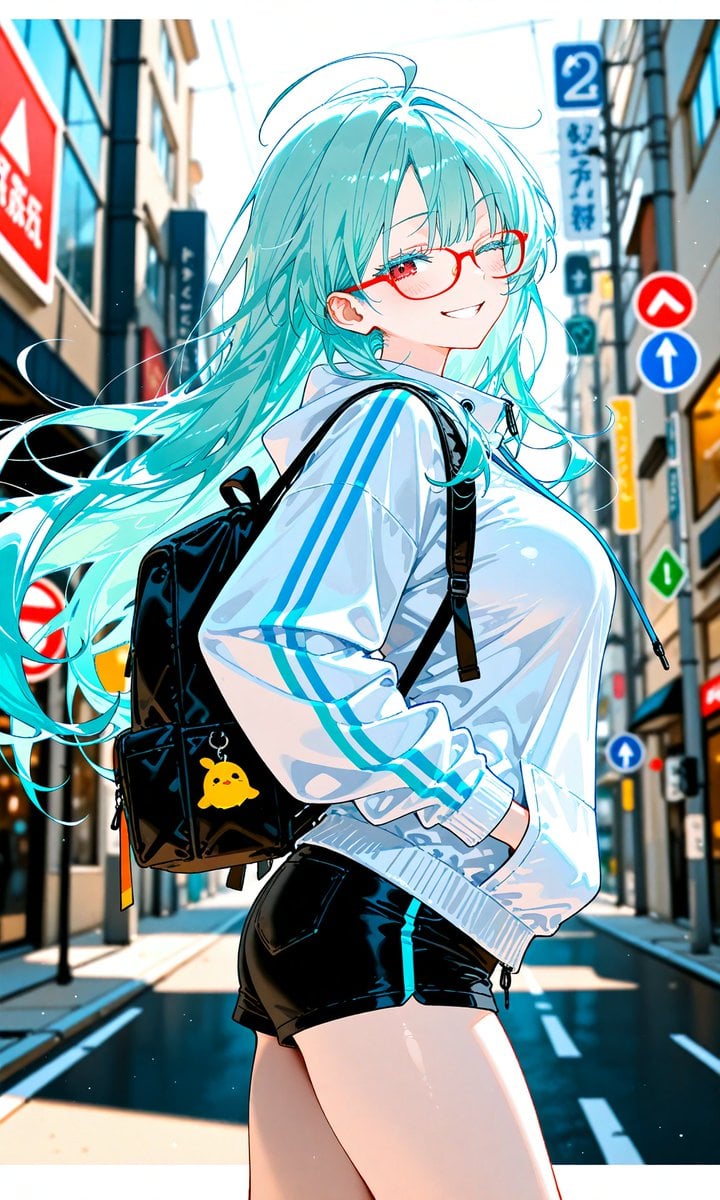
- Prompt included
- Model and format preset
- Premium template
The prompt behind this image
Copy the exact prompt behind Aqua-Haired Anime Street Portrait, or open it in the studio and make it yours.
Create a vibrant vertical anime illustration of {argument name="character name" default="Mahilo"}, a stylish teenage girl standing in profile on a bright Japanese shopping street, viewed from mid-thigh up with a dynamic low-angle fashion-photo composition. She has extremely long flowing {argument name="hair color" default="turquoise aqua"} hair streaming dramatically to the left in the wind, with glossy highlights, loose strands, and a few ahoge flyaways; her face is intentionally hidden by a soft-edged pale beige square censor block centered over the eyes, nose, and mouth. She wears an oversized shiny white track jacket with two bold cyan stripes running down each sleeve, ribbed cuffs and hem, a slightly wrinkled glossy fabric texture, and a high collar; pair it with tight black shiny short shorts. Add a black backpack with thin straps over both shoulders, visible side pockets, zipper pulls, and one yellow chick-shaped charm keychain hanging on the back. Pose her with one hand tucked into the jacket pocket, hips angled, torso turned slightly away from the viewer, conveying casual confidence. The background is a sunlit narrow urban street in Japan with tall buildings on both sides, strong perspective lines, blue sky glow, overhead wires, storefront signs, and shallow depth of field; include exactly six visible street-sign elements: one large red sign on the left, one blue vertical sign with the number 2 on the upper right, one red circular upward-chevron sign, one blue circular upward-arrow sign, one red-and-white no-entry sign on the left, and one small green diamond sign on the right. Use saturated cyan-and-white color grading, crisp anime linework, glossy cel shading, high contrast sunlight, sparkling dust particles, motion in the hair, and a polished gpt-image-2 anime key visual style. Aspect ratio 9:16, clean composition, no extra characters, no text overlays besides blurred environmental signage.
How to use Aqua-Haired Anime Street Portrait in 3 steps
- 1Upload ImagePNG, JPG or paste
Add your photo
Upload the photo the template builds on. The prompt, model and format are already set.
- 2…a portrait of your subject in softgolden-hour light, 85mm…
Personalize
Edit the subject and creative details for your destination.
- 3Generate
Generate
Press Generate — your image is created in PicX Studio, so you can compare it with the original and refine one variable at a time.
More like this
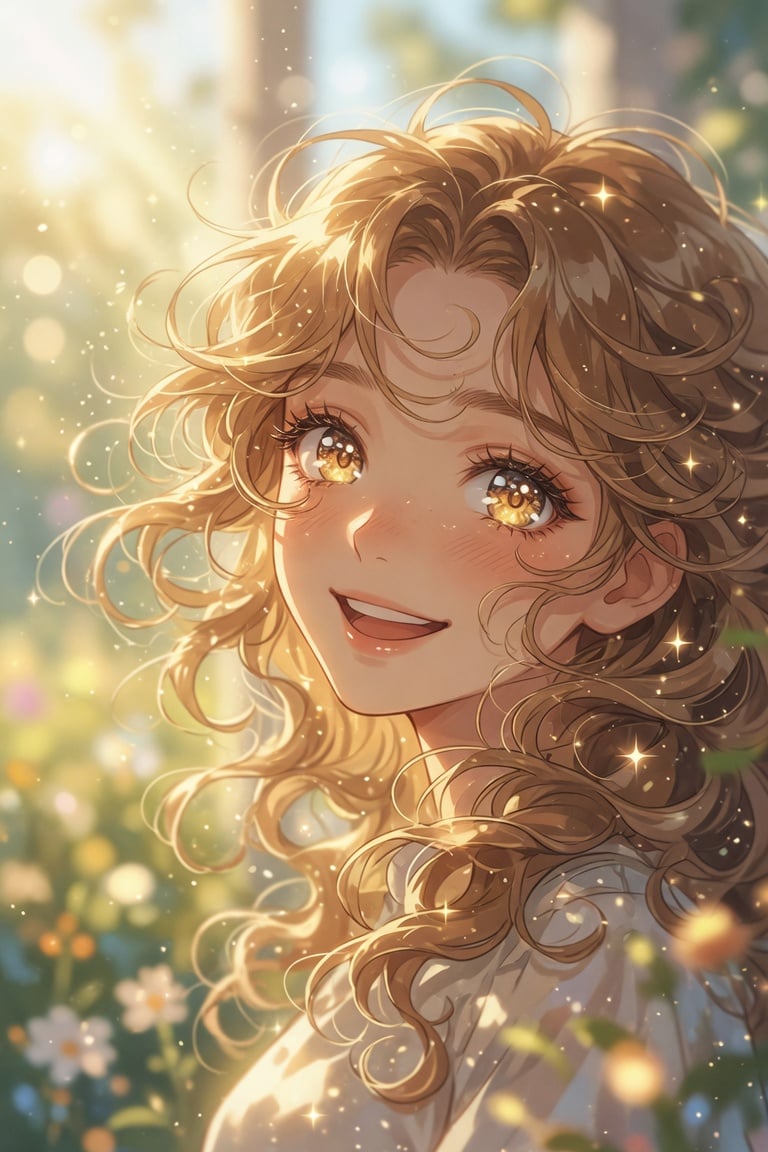
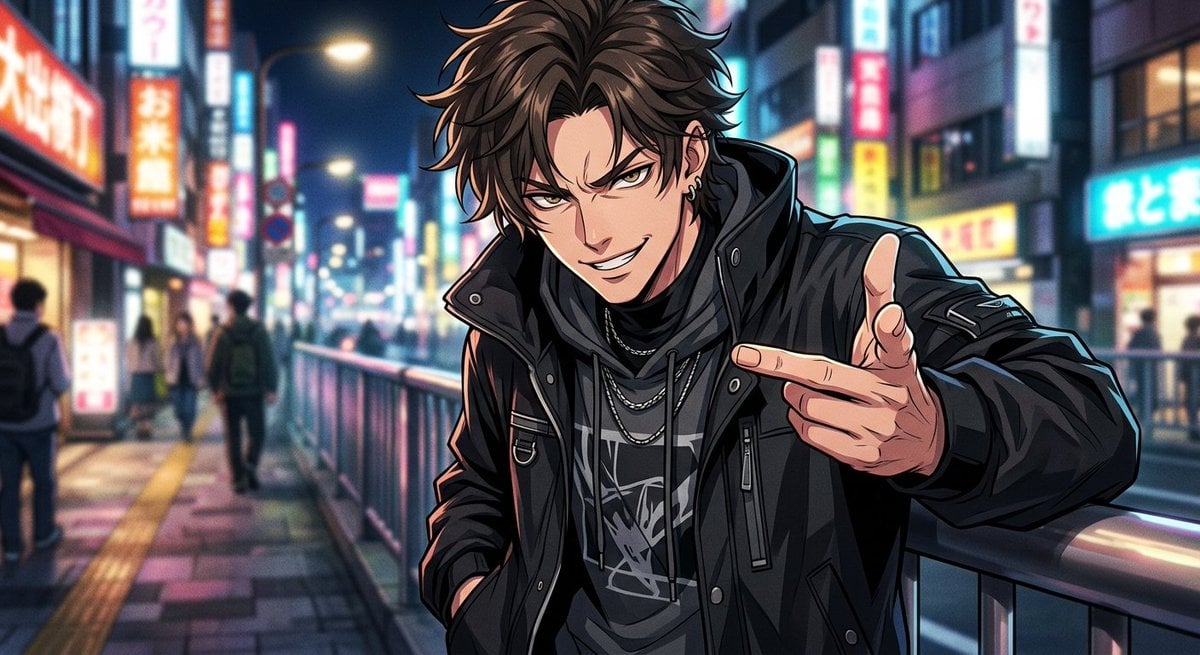
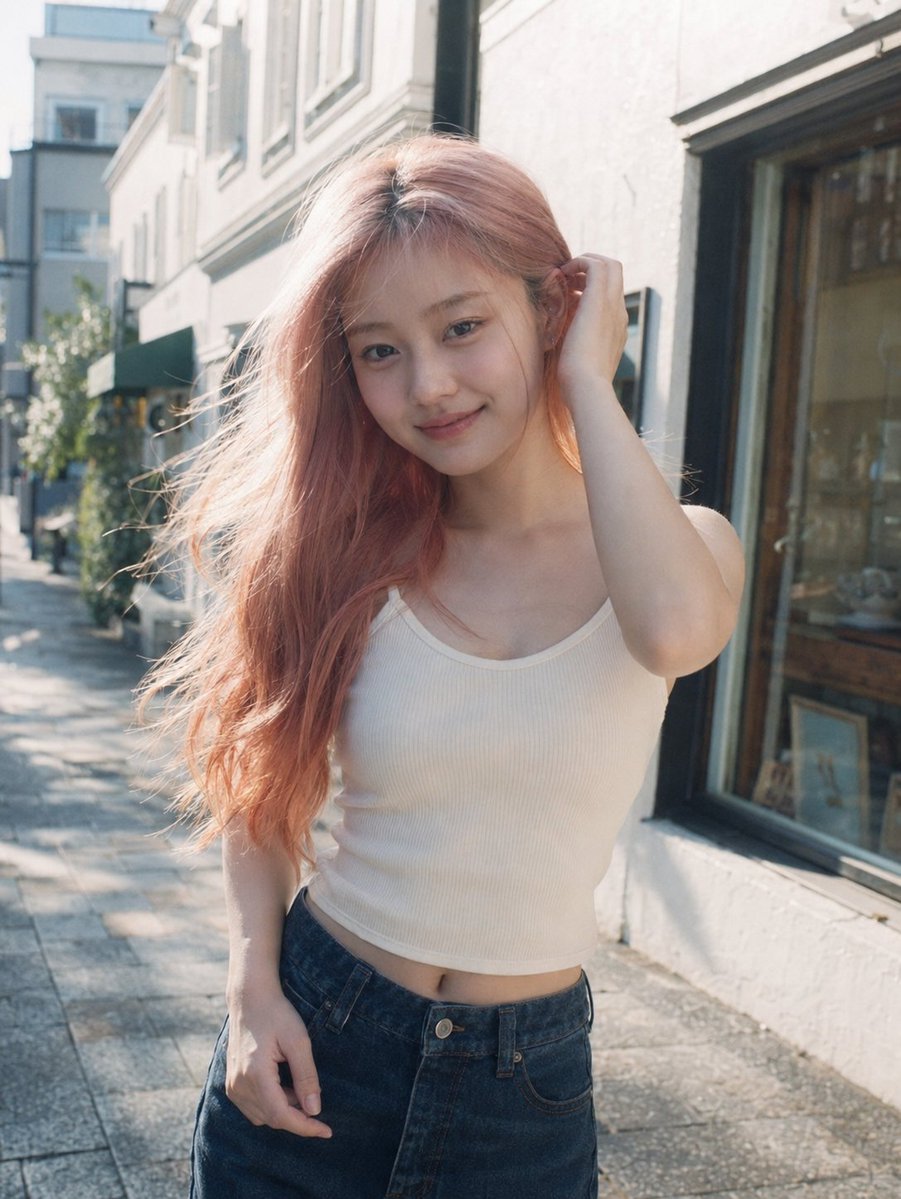
Templates with the same subject, style or setup. Open one to see its prompt.









Make it yours
Aqua-Haired Anime Street Portrait works as-is. These are the safest ways to change it without losing the look.
Change one field
Copy a single group, rewrite it, and generate again so you can see what that field is doing.
Keep the frame, change the subject
Hold the composition and light of Aqua-Haired Anime Street Portrait, then swap wardrobe, props or the person for a new take.
| If the result… | Why | Fix |
|---|---|---|
| The result drifts from the preview | Too many fields changed at once. | Reuse Aqua-Haired Anime Street Portrait as-is first, then change one group — subject, light, or setting. |
| The model over-stylizes the scene | The prose prompt leaves finish and camera underspecified. | Add one camera or lighting sentence and stay on GPT Image 2. |
More GPT Image 2 templates
Other prompts made for GPT Image 2.

Six VTuber Japanese Logo Sheet

Realistic Portrait of Woman and Deer

The Vista Modular Condo Poster

AI Model Routing Comparison Infographic

2.5D Anime Art Board

Isometric Productivity Desk Scene

New York Double Exposure Poster

Four-Panel AI Landscape Comparison

Japanese Tatami Lifestyle Magazine Cover

NESCAFÉ Coffee Map Poster
More image prompts
Fresh picks from across the catalog.
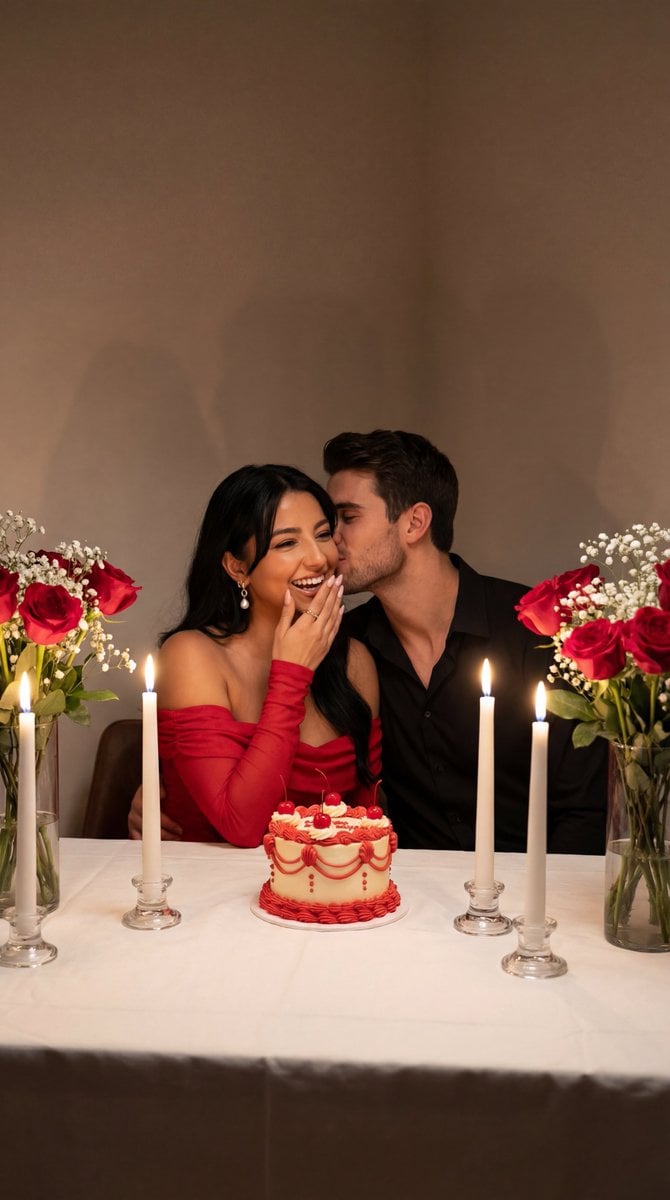
Ultra-Photoreal Candlelight Dinner Scene with Couple
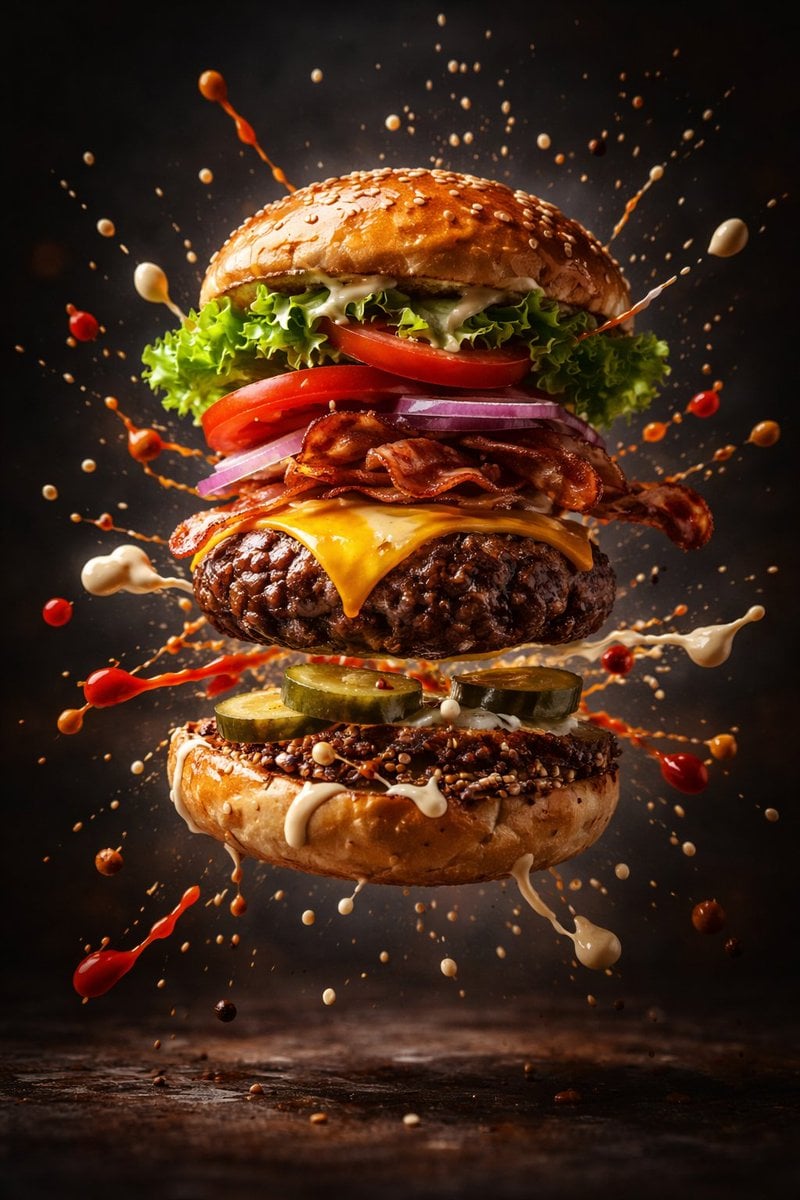
Cinematic Gourmet Burger Explosion Prompt (Code Style)
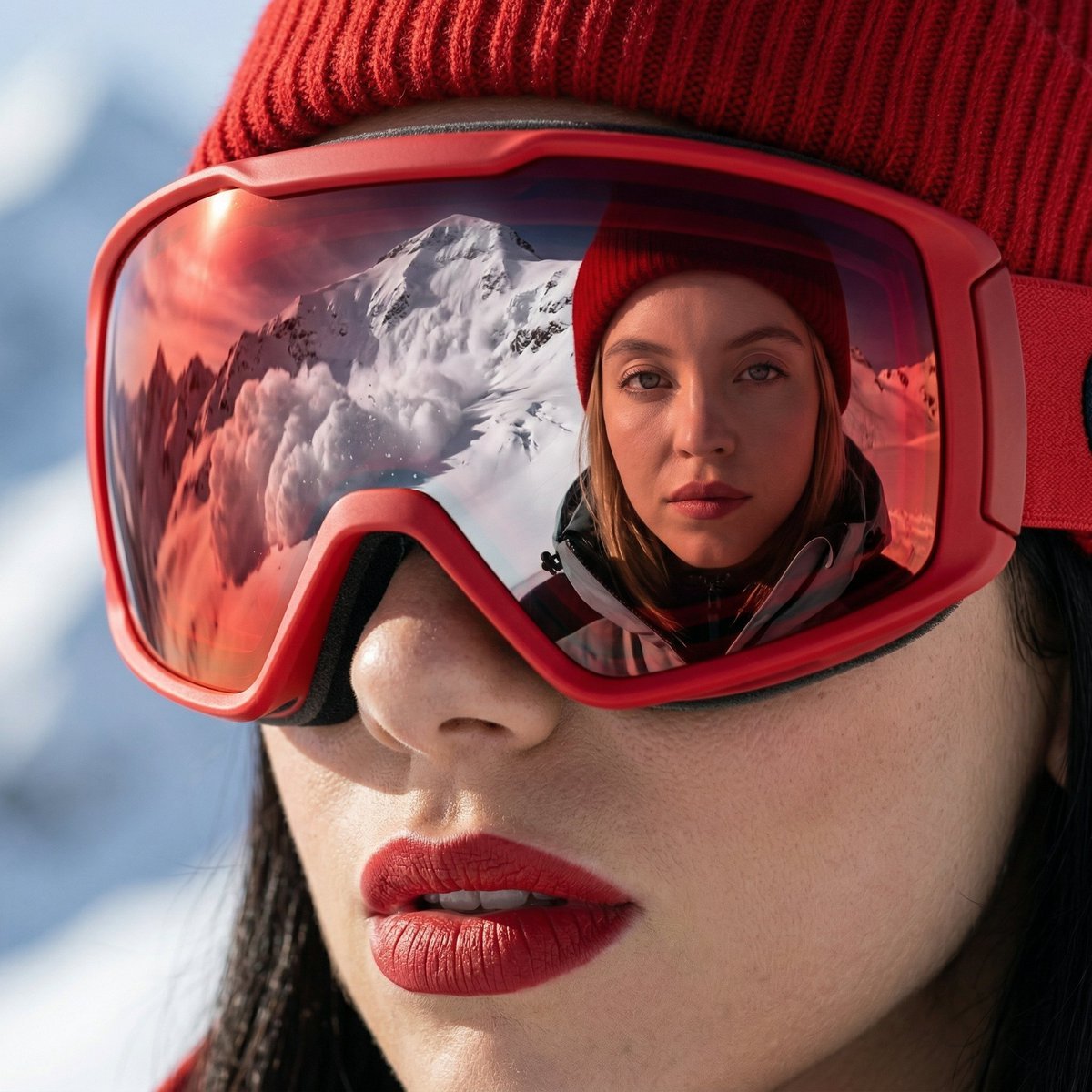
Alpine Thriller Fashion Close-up with Reflection
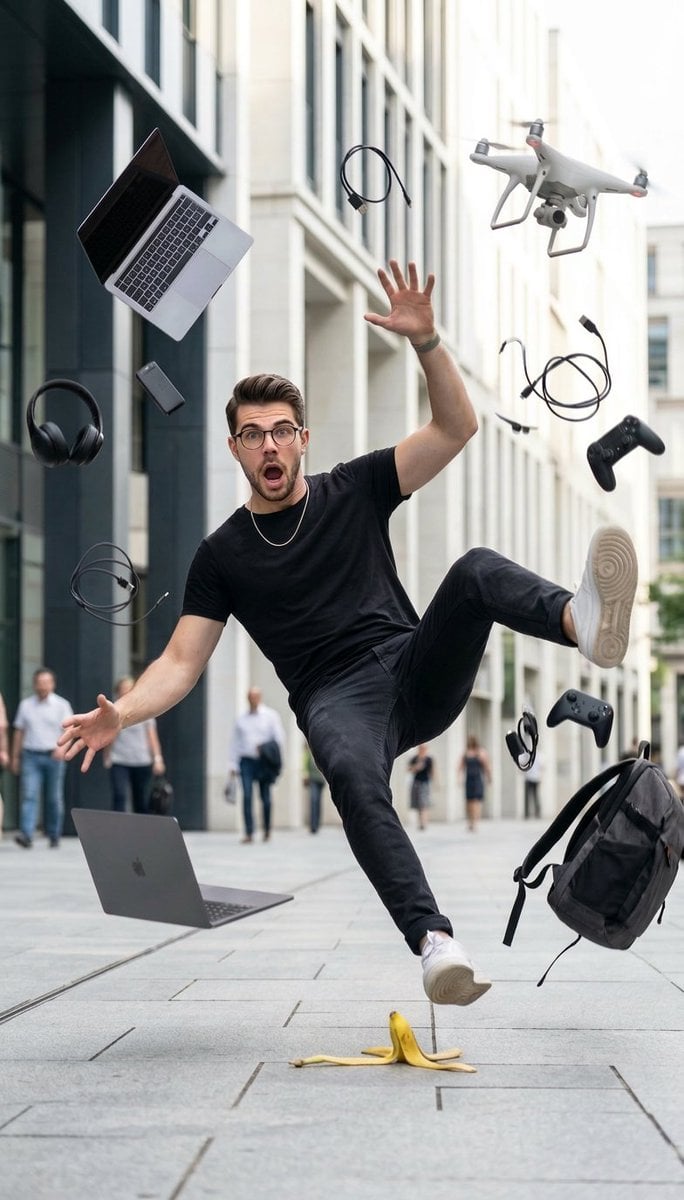
Cinematic Street Photography of Man Slipping on Banana Peel
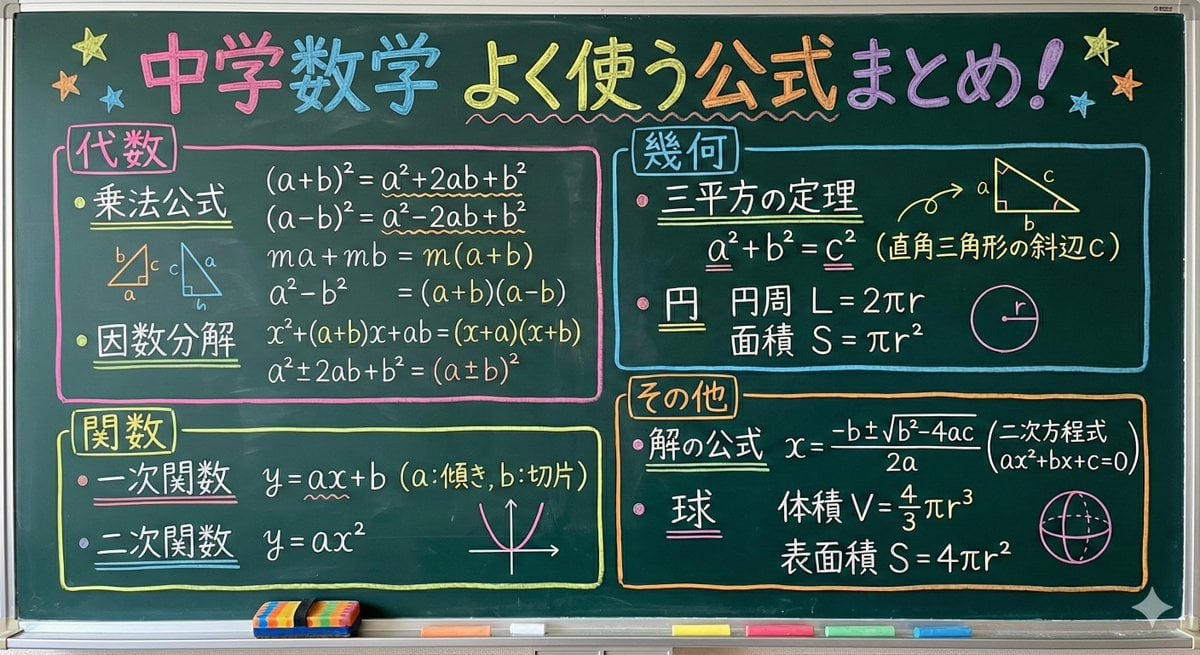
Educational Prompt for High School Math Formulas on a Chalkboard
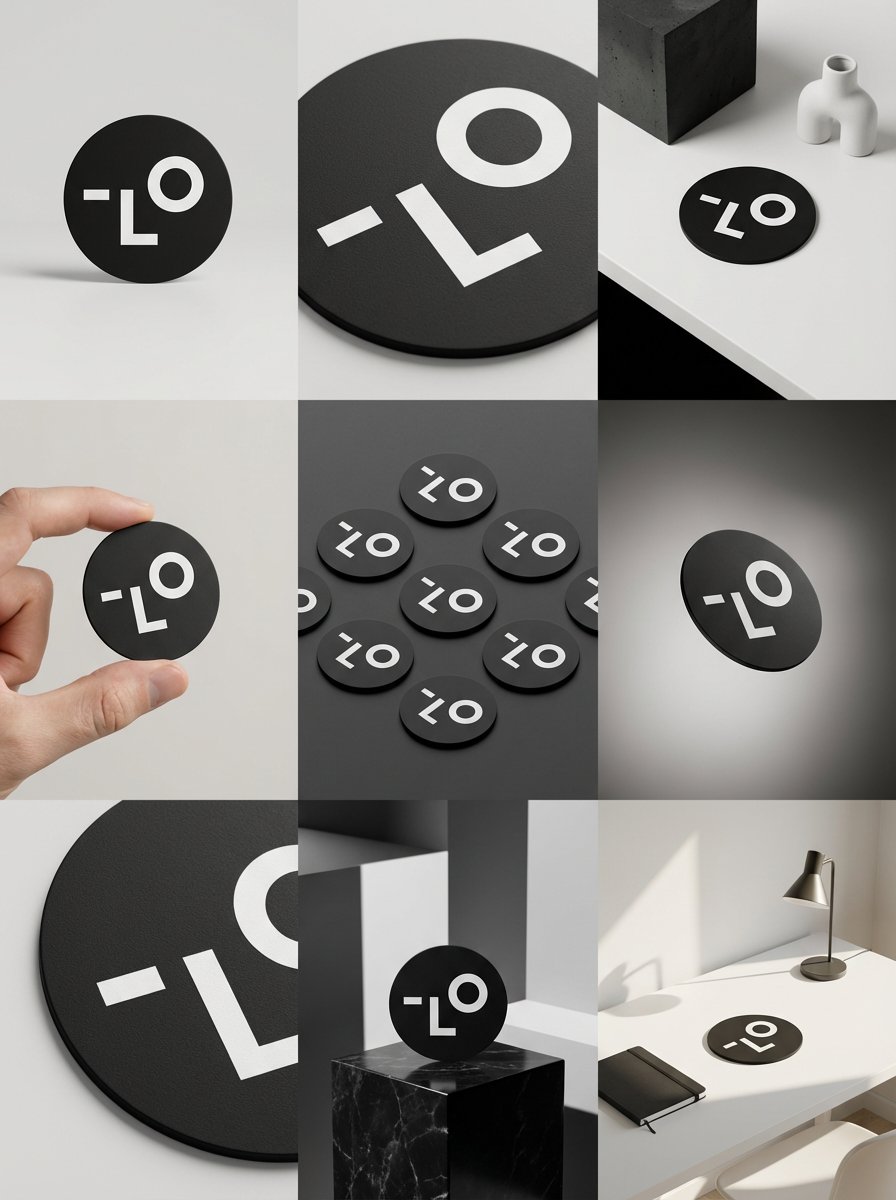
Detailed Storyboard Prompt for Brand Visuals
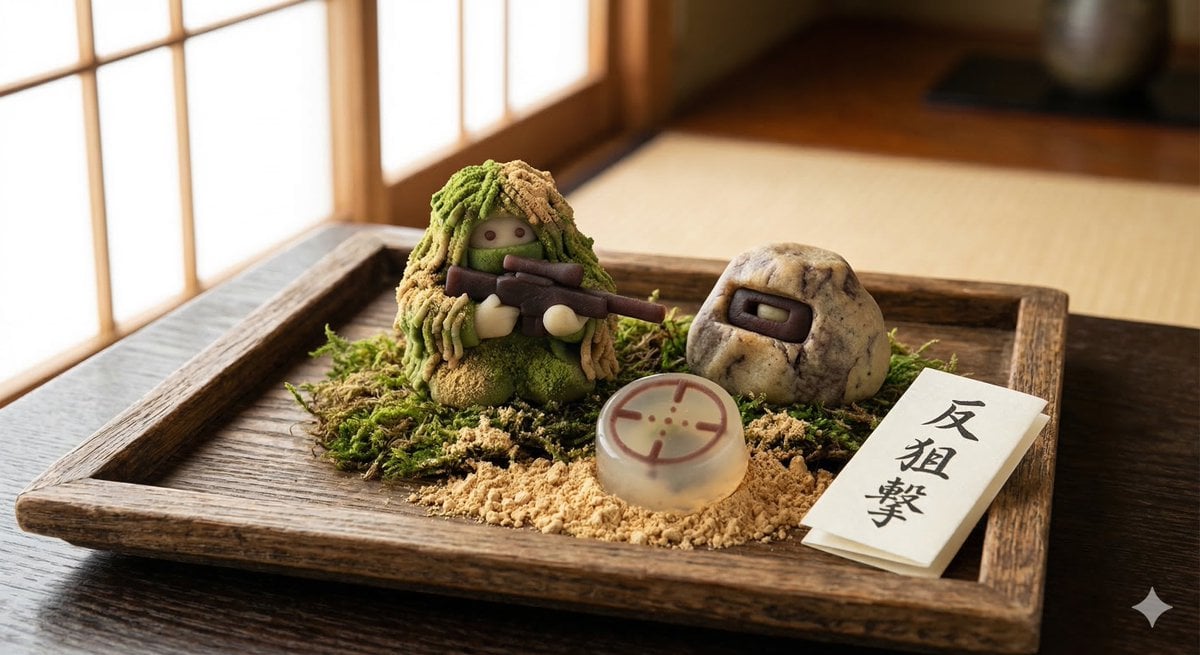
Japanese Wagashi Inspired by Counter Sniping
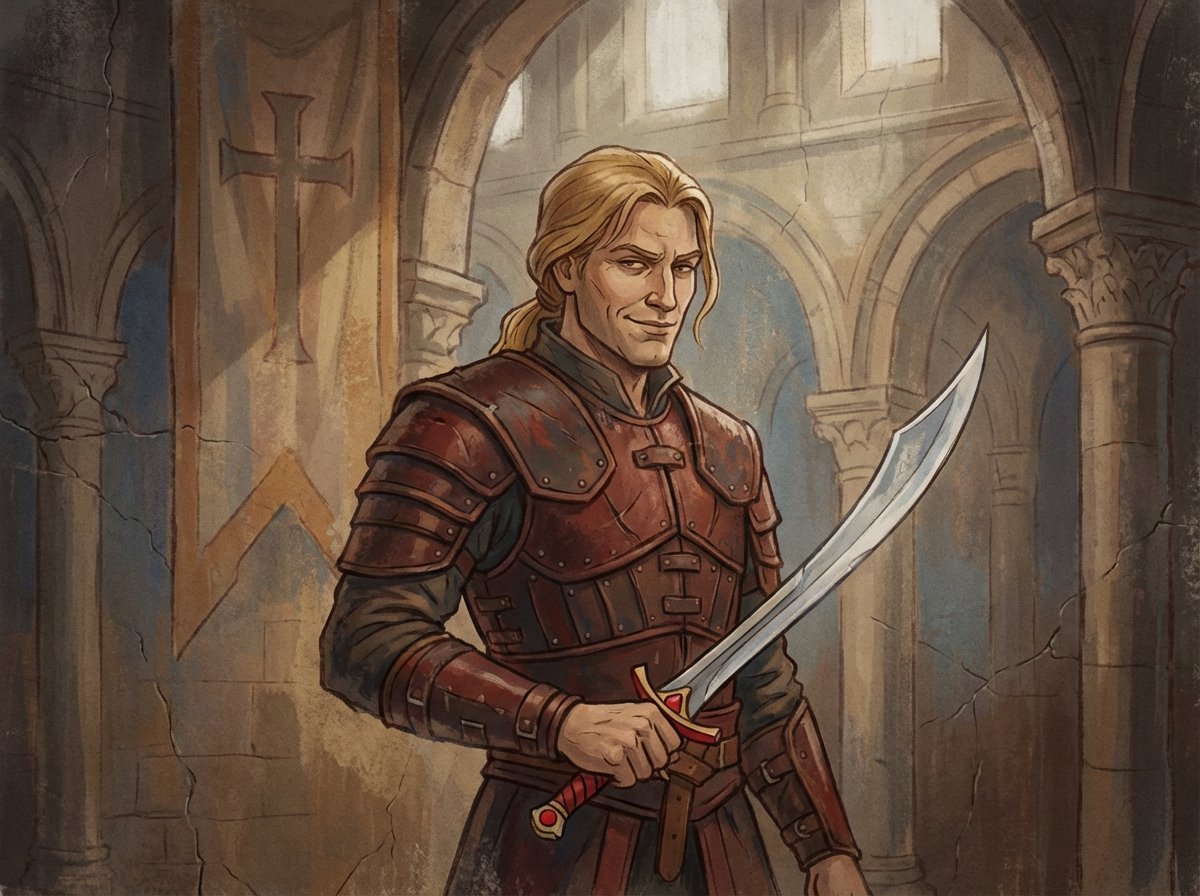
Crusader propaganda fresco (variant)
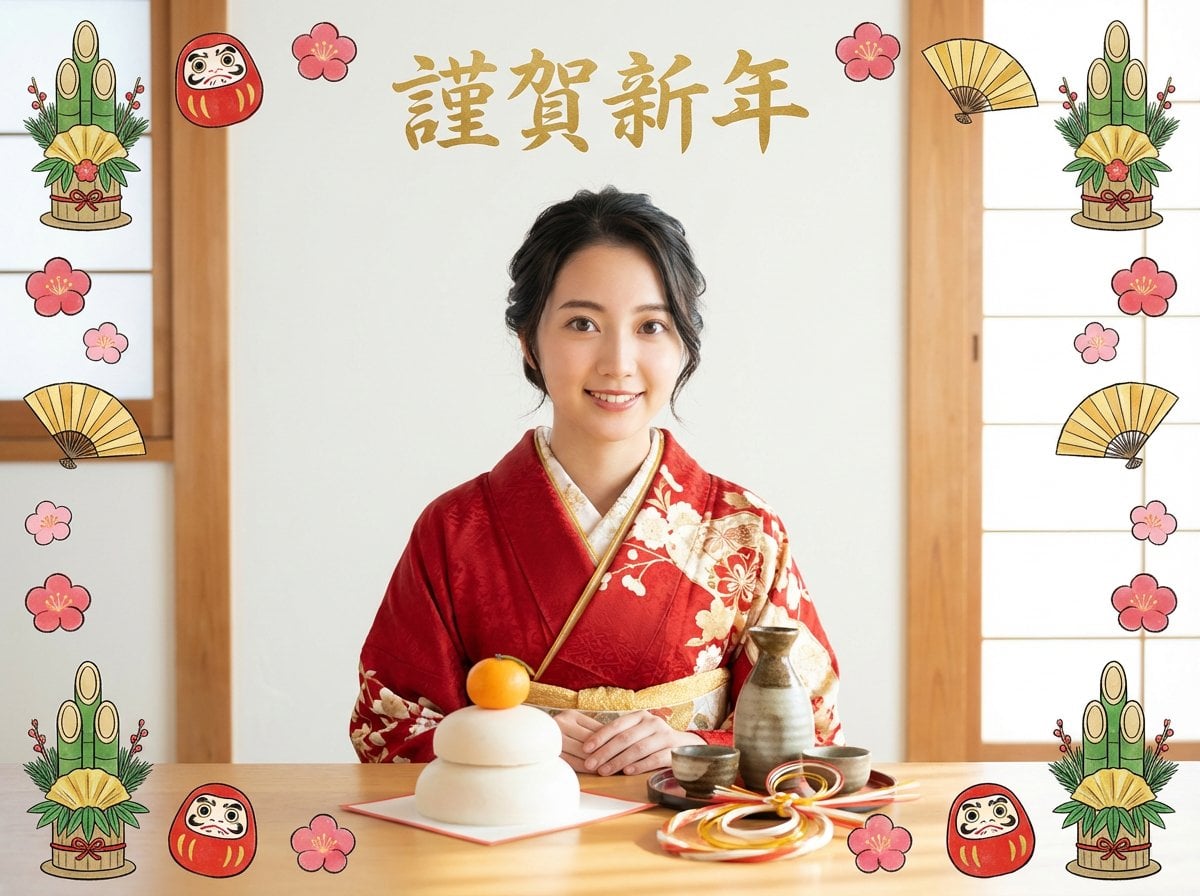
New Year's Portrait Photo Prompt for Nano Banana Pro
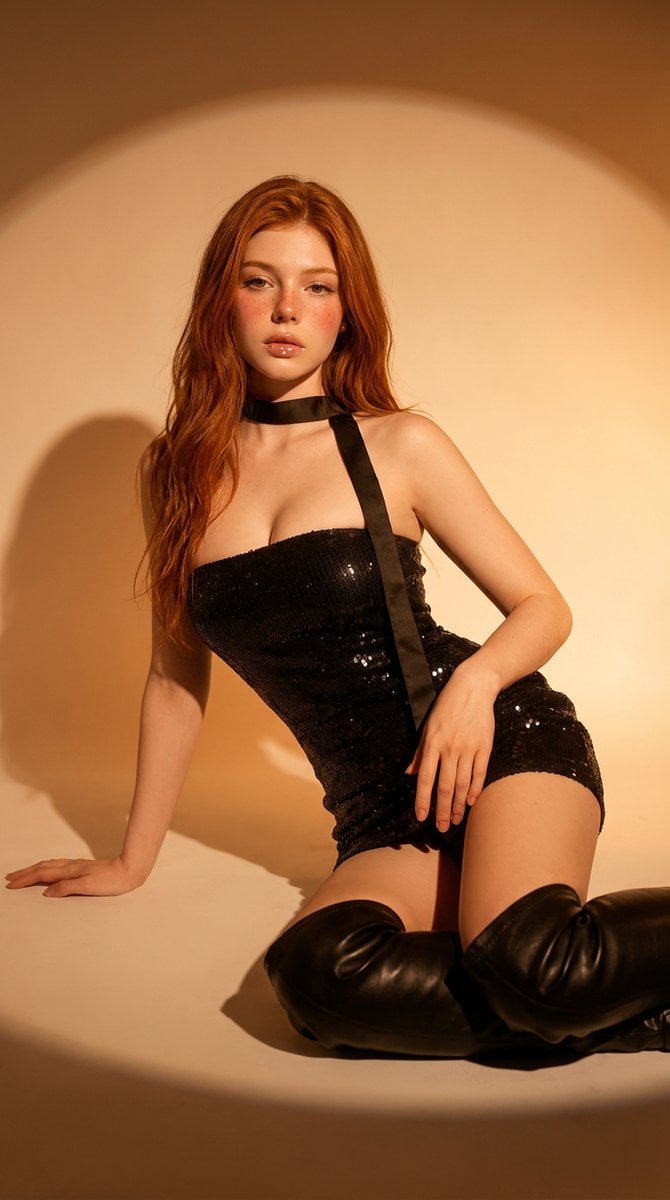
Cinematic Studio Portrait
Browse template categories
Aqua-Haired Anime Street Portrait questions
How do I use the Aqua-Haired Anime Street Portrait template?
Add your photo if the template asks for one, edit the prompt if you like — the template's model and format are already selected — and press Generate. Your version opens in PicX Studio.
Can I customize the Aqua-Haired Anime Street Portrait template?
Yes. You can change the subject, setting, lighting, mood, format, and available model controls before creating your image.
Is the Aqua-Haired Anime Street Portrait template free?
Opening and editing this template is free. Generating uses credits, shown on the Generate button when you are signed in.
Which AI model should I use?
Start with GPT Image 2, which is the model associated with this template. You can compare another compatible model for a different finish.
Looking for something else? Browse all templates.

Your photo, any look
Thousands of ready templates for every top image and video model, from one credit balance.