
New Year's Portrait Photo Prompt for Nano Banana Pro
A highly detailed prompt for generating a portrait photo suitable for a New Year's card, focusing on composition, camera angles, lighting, and incorporating traditional Japanese New Year's decorations as a subtle border.
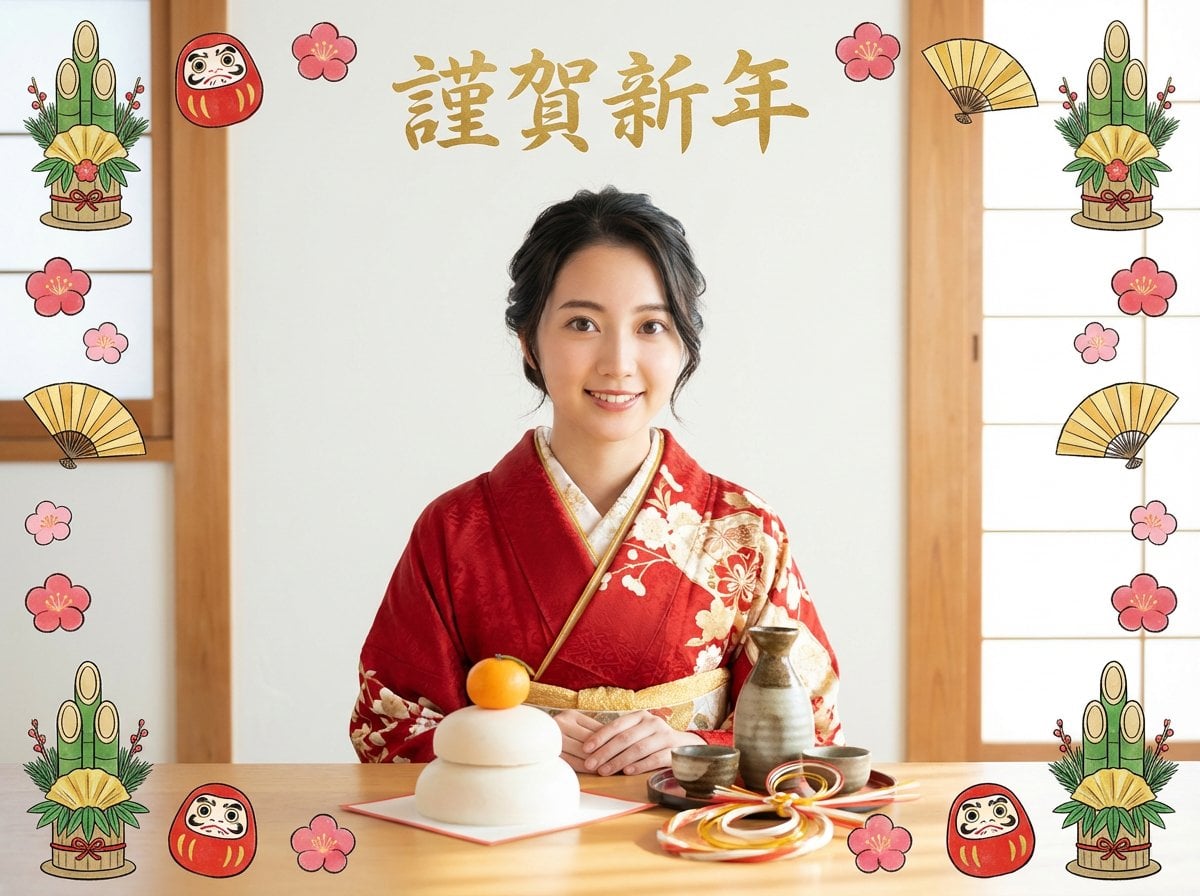
- Prompt included
- Model and format preset
- Free template
The prompt behind this image
Copy the exact prompt behind New Year's Portrait Photo Prompt for Nano Banana Pro, or open it in the studio and make it yours.
A portrait photograph themed around Japanese New Year, with a well-balanced composition. The camera captures a medium-close shot from about the chest to the waist of the person. The person is positioned in the center of the frame, occupying about 65–70% of the overall vertical composition. A young Japanese woman wearing a traditional kimono with a red floral pattern — this person "input image" — is seated naturally behind a wooden table. Her expression is gentle, with a calm smile. The camera angle is slightly low to eye-level, with a slight overhead angle so the tabletop is clearly visible. The lens is standard to medium telephoto (natural perspective with minimal distortion). The table is clearly visible in the lower part of the frame, with the table height occupying about 25–30% from the bottom of the frame. A kagami mochi (mirror rice cake), a sake decanter and cup, mizuhiki cord decorations, and washi-paper New Year ornaments are placed in the foreground at a sufficiently prominent size. The background is a white wall, with gold brush-calligraphy text "{argument name="text" default="Happy New Year"}" positioned at the upper center. The text is not too large, fitting naturally above the person's head. Around the four edges/border of the frame, New Year motifs such as kadomatsu (pine decorations), daruma dolls, folding fans, and plum blossoms are arranged as hand-drawn / papercut-style illustrations. The decorations vary in size, with generous, uncrowded spacing. They do not interfere with the main subjects — the person and the table — and remain modest, existing only as a border. The decorations do not draw the eye away; the composition naturally guides the gaze to the person and table at the center. The lighting is soft, natural light with a warm tone. It conveys a warm, calm atmosphere typical of a Japanese New Year celebrated quietly indoors. A mixed style combining realistic portrait photography with understated, hand-drawn New Year decorations. A high-detail, elegant, well-composed visual suited for New Year greeting cards.
How to use New Year's Portrait Photo Prompt for Nano Banana Pro in 3 steps
- 1Upload ImagePNG, JPG or paste
Add your photo
Upload the photo the template builds on. The prompt, model and format are already set.
- 2…a portrait of your subject in softgolden-hour light, 85mm…
Personalize
Edit the subject and creative details for your destination.
- 3Generate
Generate
Press Generate — your image is created in PicX Studio, so you can compare it with the original and refine one variable at a time.
More like this
Templates with the same subject, style or setup. Open one to see its prompt.

Nano Banana Is So Addictive

Nano Banana 2 Perspective Experiment

Gemini Nano Banana 2 Isometric 3d City D

Nano Banana 2

Gemini Nano Banana 2

Gemini Nano Banana 2 Logo in Wet Sand Be

Nano Banana 2 Gourmet Ice Cream Commerci

Nano Banana Pro Photoreal Playful Couple

Nano Banana 2 High Fashion Sports Campai

Nano Banana 2 Editorial Fashion Portrait

B&W Photobooth Expression Grid 4x4 — Nano Banana

Gen Z TikTok Viral Expression Grid 4x4 — Nano Banana
Make it yours
New Year's Portrait Photo Prompt for Nano Banana Pro works as-is. These are the safest ways to change it without losing the look.
Change one field
Copy a single group, rewrite it, and generate again so you can see what that field is doing.
Keep the frame, change the subject
Hold the composition and light of New Year's Portrait Photo Prompt for Nano Banana Pro, then swap wardrobe, props or the person for a new take.
| If the result… | Why | Fix |
|---|---|---|
| The result drifts from the preview | Too many fields changed at once. | Reuse New Year's Portrait Photo Prompt for Nano Banana Pro as-is first, then change one group — subject, light, or setting. |
| The model over-stylizes the scene | The prose prompt leaves finish and camera underspecified. | Add one camera or lighting sentence and stay on Nano Banana 2. |
More Nano Banana 2 templates
Other prompts made for Nano Banana 2.

Photorealistic Leaf Shaped Like a Dragon

K-Pop Idol Portrait Grid for Rapid Selection

Poetic Rain Forest Portrait During Golden Hour

Urban Street Portrait with Cartoon Inner Self Duo

Candid Nighttime Photo with Cat Prompt

High-Concept 3D Diorama Generation Prompt

Cinematic Futuristic Studio Portrait Template

Skincare Editorial Photography Collage Prompt

Hyper-Realistic Commercial Product Photography (Splash Effect)

Hyper-Realistic Nightclub Portrait Prompt
More image prompts
Fresh picks from across the catalog.
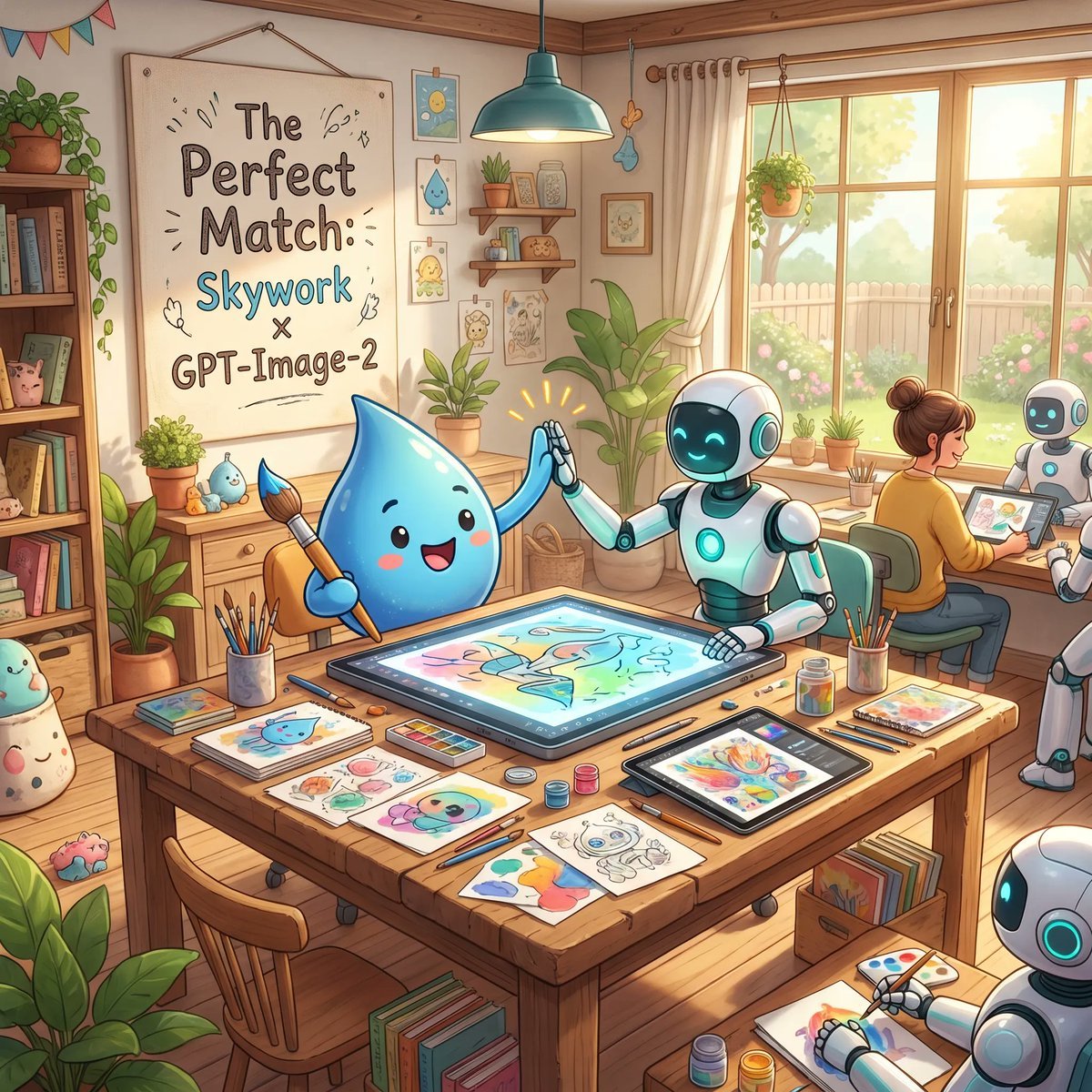
Cozy AI Art Studio Collaboration
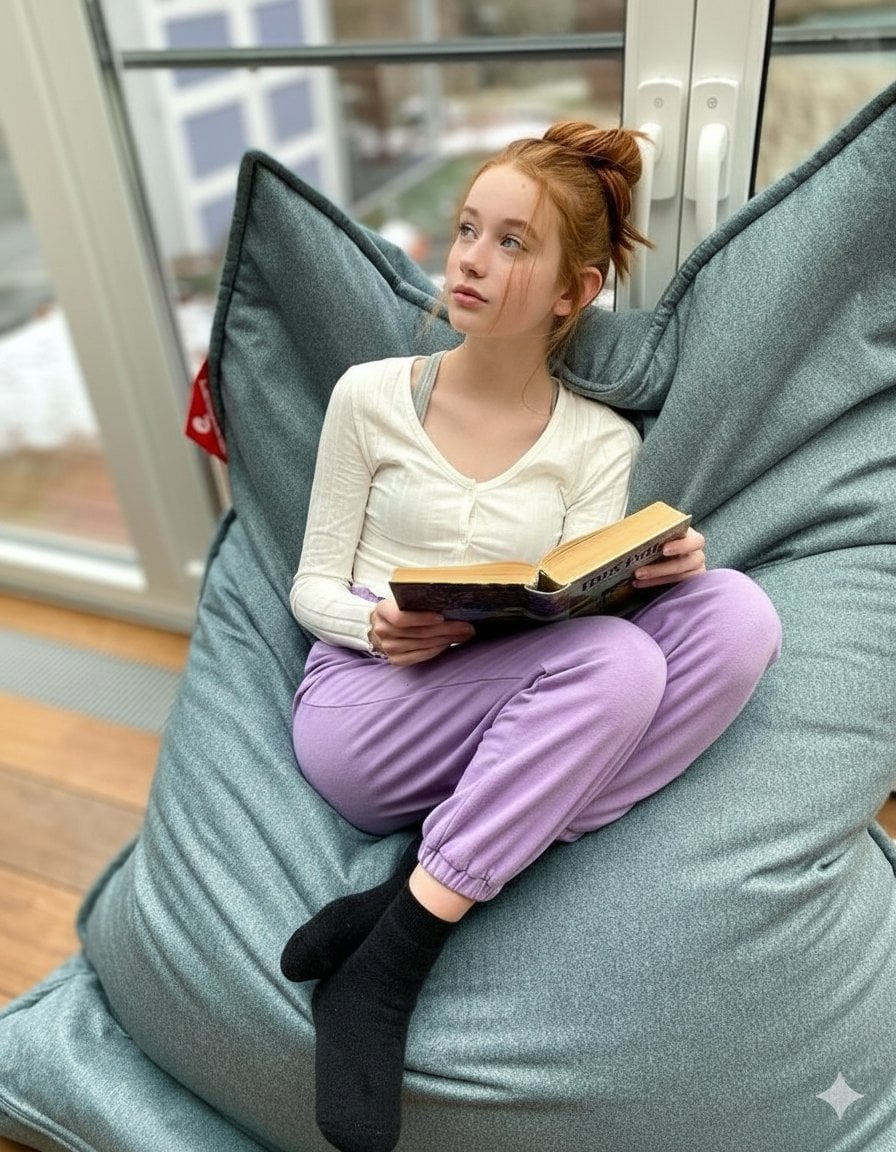
Cozy Teenage Girl Reading Portrait Prompt
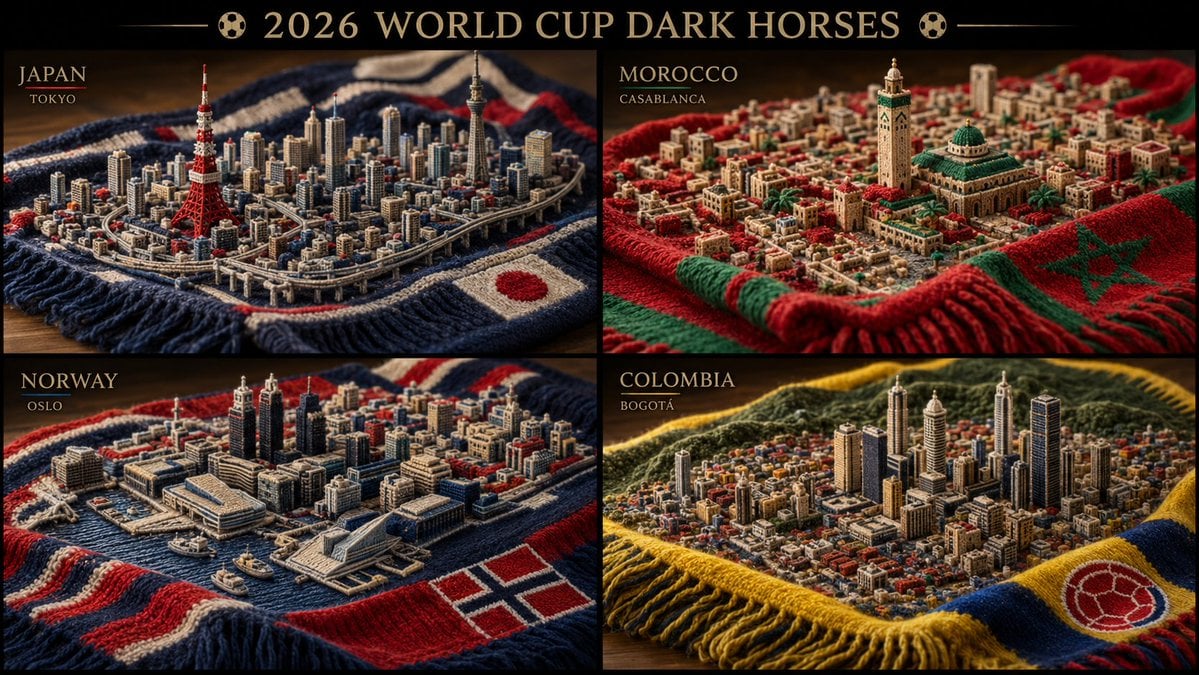
Knitted Skyline Scarf Macro

SRK Alpha Pose Walk Away from Explosion Prompt
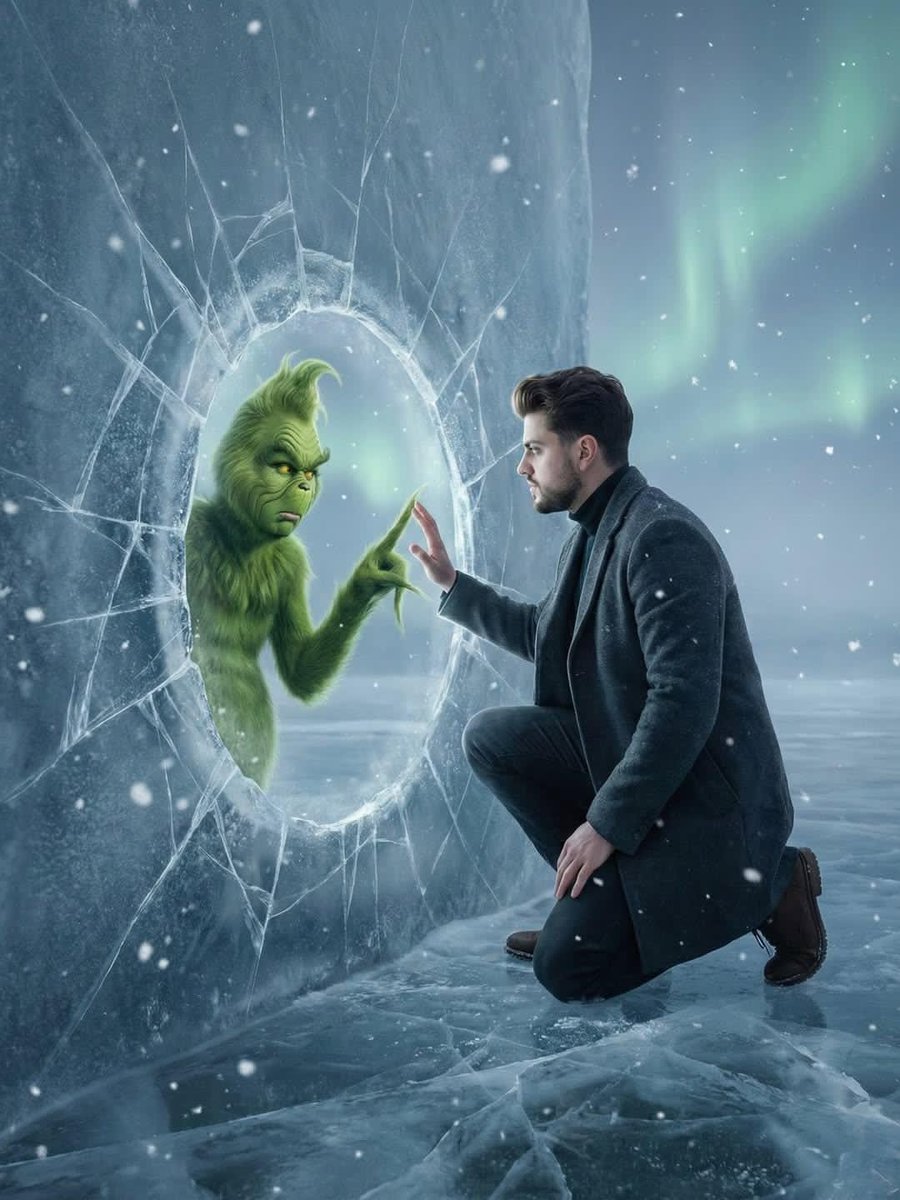
Fantasy Scene: Man and Grinch Reflection
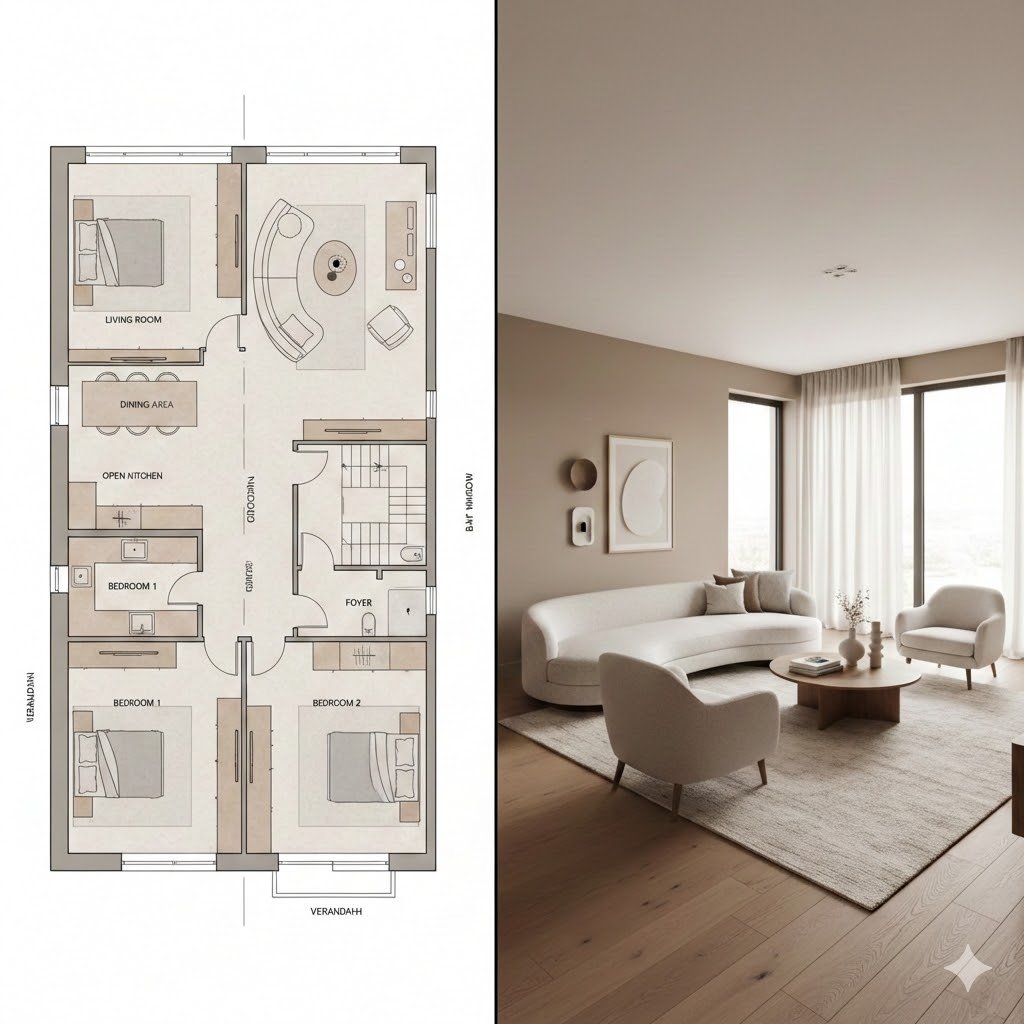
Prompt for Generating Architectural Floor Plan and Photorealistic Interior Comparison
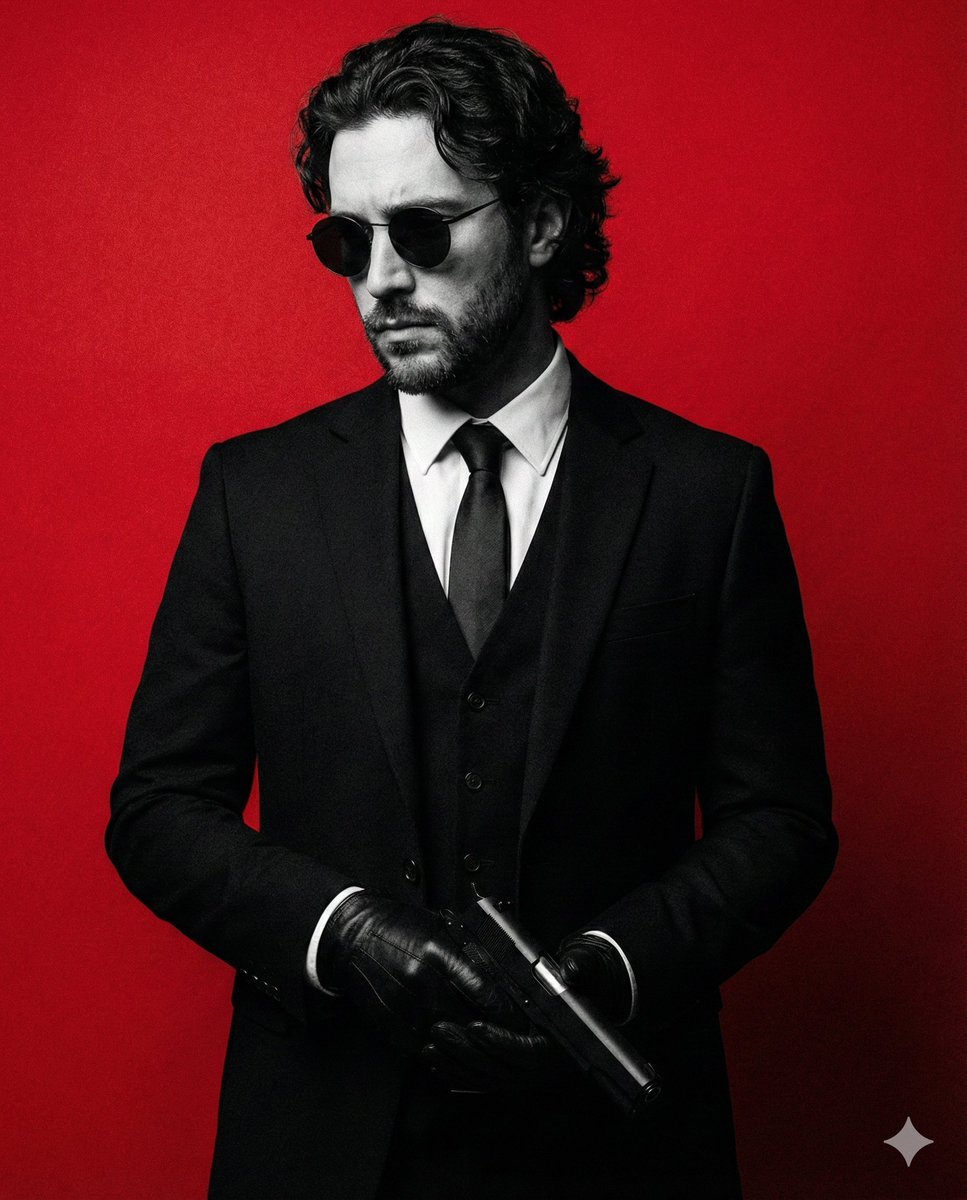
Neo-Noir Fashion Portrait with High Contrast
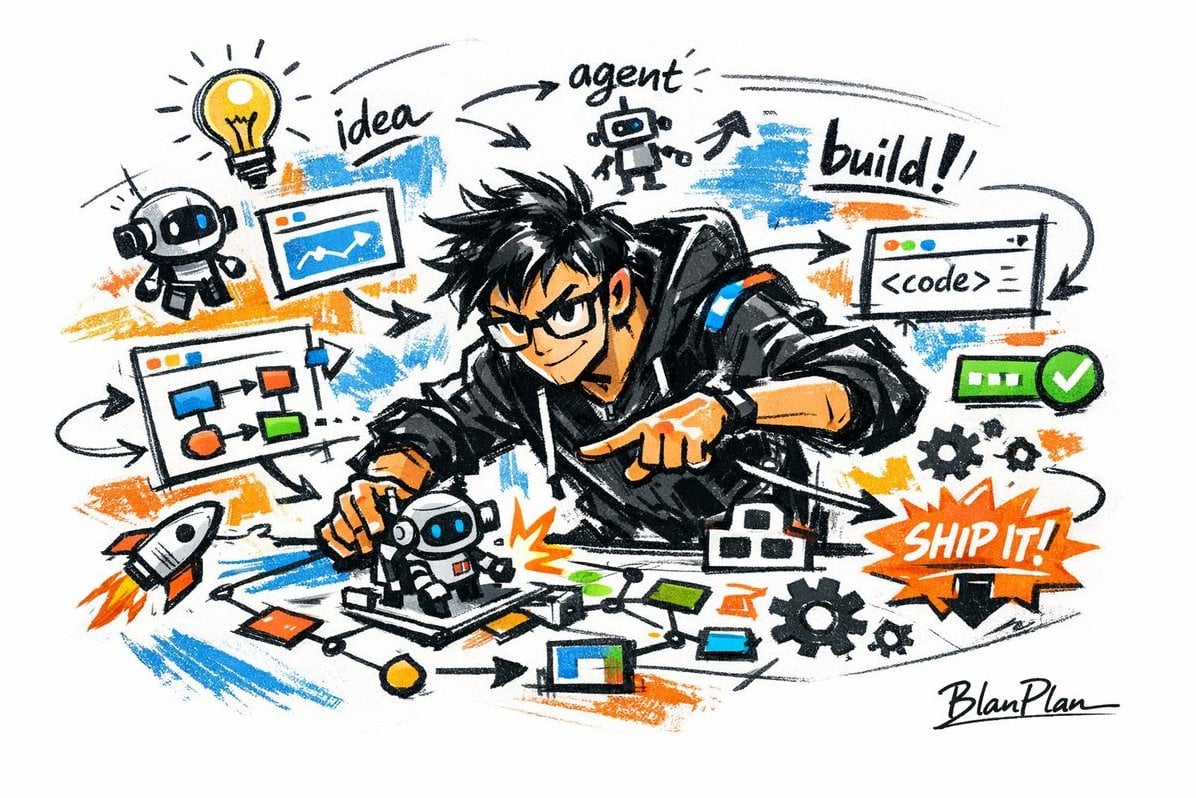
Graffiti Sketch AI Builder Style
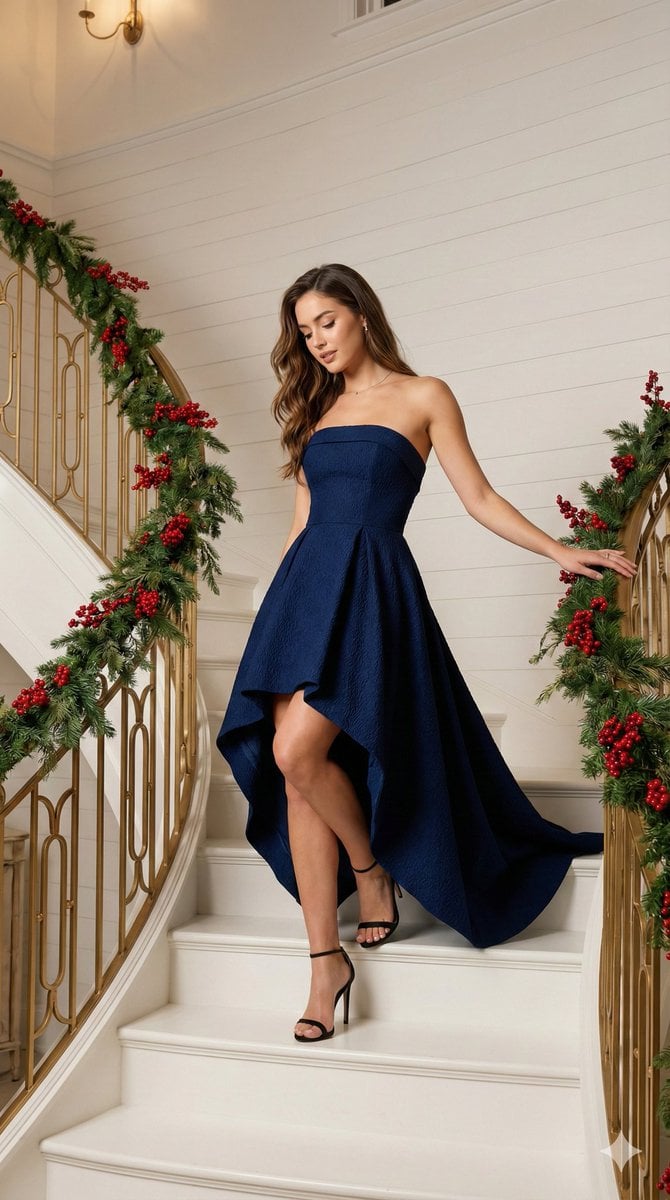
High-Fashion Editorial of Woman on Grand Staircase
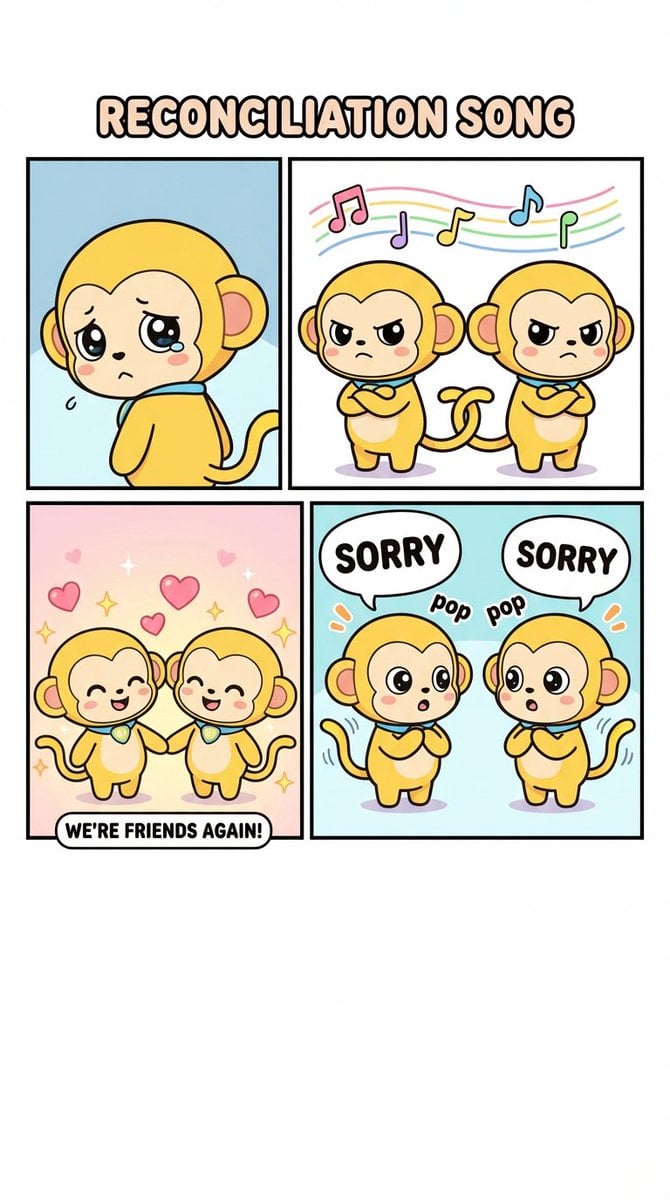
Four-Panel Comic: Reconciliation Song (English Version)
Browse template categories
New Year's Portrait Photo Prompt for Nano Banana Pro questions
How do I use the New Year's Portrait Photo Prompt for Nano Banana Pro template?
Add your photo if the template asks for one, edit the prompt if you like — the template's model and format are already selected — and press Generate. Your version opens in PicX Studio.
Can I customize the New Year's Portrait Photo Prompt for Nano Banana Pro template?
Yes. You can change the subject, setting, lighting, mood, format, and available model controls before creating your image.
Is the New Year's Portrait Photo Prompt for Nano Banana Pro template free?
Opening and editing this template is free. Generating uses credits, shown on the Generate button when you are signed in.
Which AI model should I use?
Start with Nano Banana 2, which is the model associated with this template. You can compare another compatible model for a different finish.
Looking for something else? Browse all templates.

Your photo, any look
Thousands of ready templates for every top image and video model, from one credit balance.