
Neo-Noir Fashion Portrait with High Contrast
A prompt for generating a striking neo-noir fashion portrait of a man in a black three-piece suit, carrying a gun.
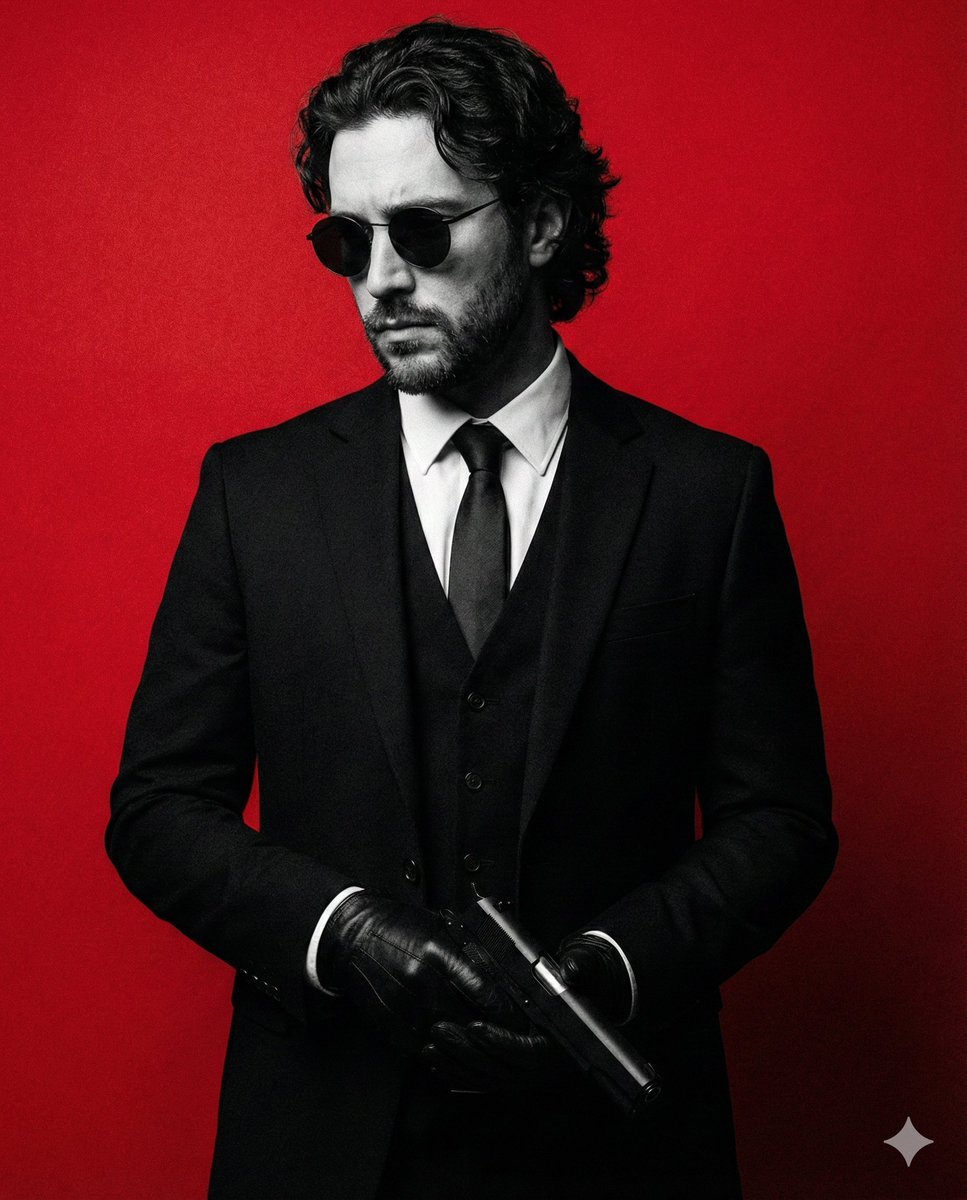
- Prompt included
- Model and format preset
- Premium template
The prompt behind this image
Copy the exact prompt behind Neo-Noir Fashion Portrait with High Contrast, or open it in the studio and make it yours.
Create a striking neo-noir fashion portrait of a man dressed in a sharp black three-piece suit, white dress shirt, and slim black tie, carrying a {argument name="prop item" default="gun"} in the hands. He faces slightly downward and to the side, head tilted with a brooding, introspective expression. His presence feels controlled, distant, and powerful—like a stylish anti-hero caught between worlds. He has medium-length wavy dark hair falling loosely around his temples, a well-groomed beard, and wears round black sunglasses that completely conceal his eyes, amplifying mystery and authority. His posture is relaxed yet deliberate, conveying confidence without effort. The subject is rendered in dramatic black and white, while the background is a rich, textured {argument name="background color" default="crimson red"}, creating intense contrast and visual impact. The red backdrop feels symbolic and emotional, evoking danger, passion, rebellion, and cinematic tension. Lighting is moody and directional, sculpting facial features and suit fabric with subtle highlights and deep shadows. Fine film grain and painterly texture add an editorial, poster-like quality. The image feels like a luxury fashion campaign, noir graphic novel cover, or arthouse film poster. Use aspect ratio 4:5.
How to use Neo-Noir Fashion Portrait with High Contrast in 3 steps
- 1
Open
The prompt is already in the box next to the preview, with the template's model and format selected.
- 2…a portrait of your subject in softgolden-hour light, 85mm…
Personalize
Edit the subject and creative details for your destination.
- 3Generate
Generate
Press Generate — your image is created in PicX Studio, so you can compare it with the original and refine one variable at a time.
More like this
Templates with the same subject, style or setup. Open one to see its prompt.

Nano Banana 2 High Fashion Sports Campai

Couture Fashion Editorial Woman and Drag

Ive Yujin Fashion Portrait in Blue

Nano Banana 2 Editorial Fashion Portrait

Caution Tape Fashion — Industrial Editorial
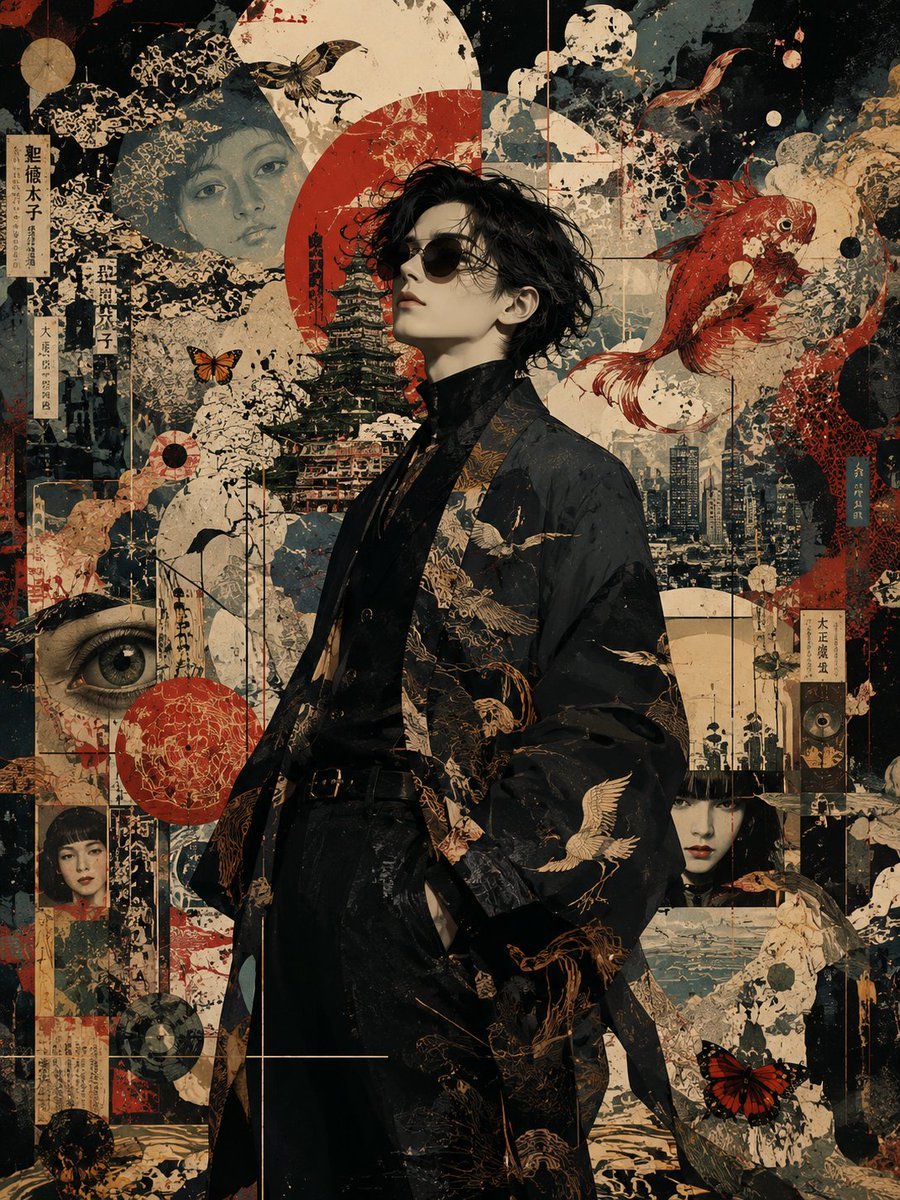
Neo-Noir Japanese Fashion Collage

Low-Angle Cyberpunk Neon Profile Portrait
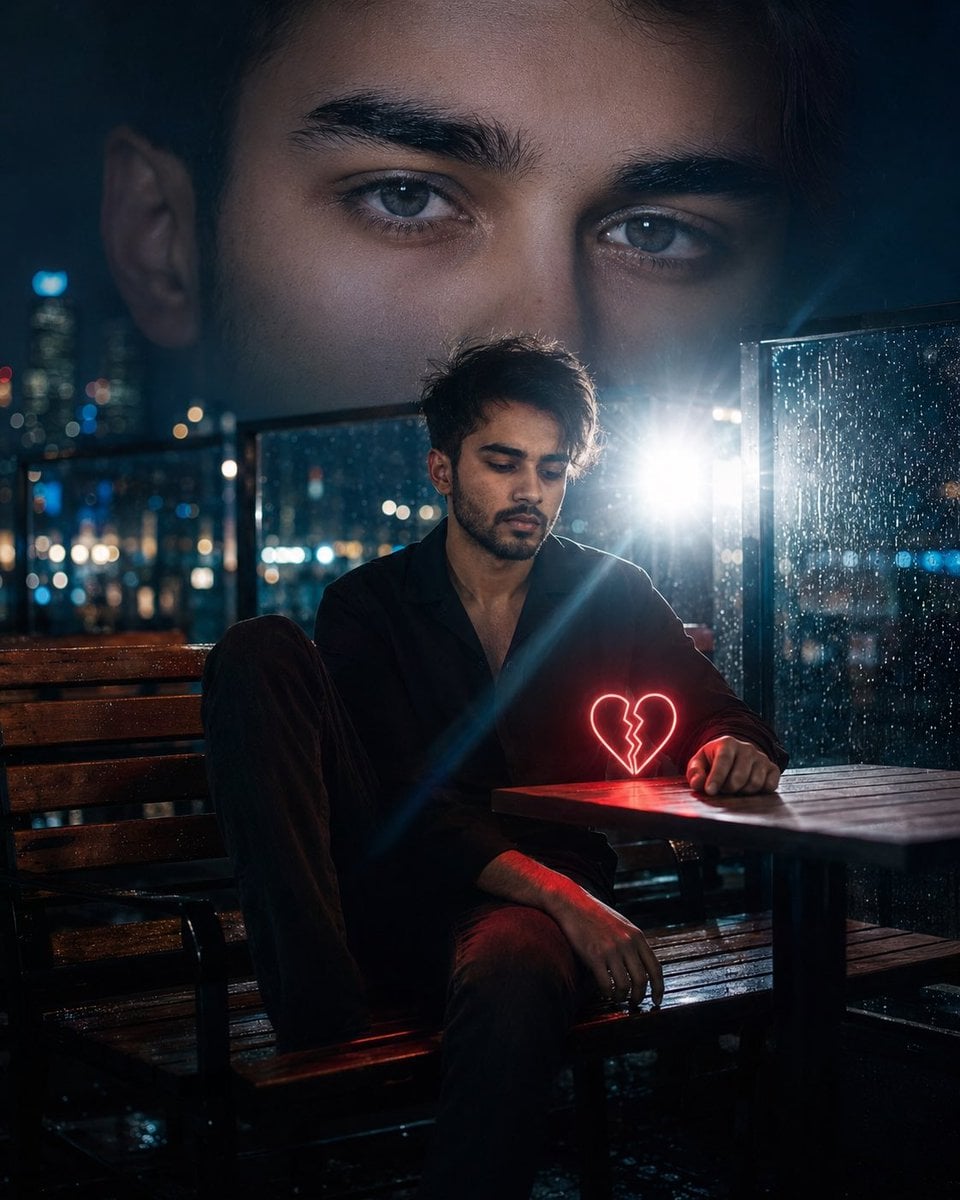
Neo-Noir Heartbreak Cinematic Portrait
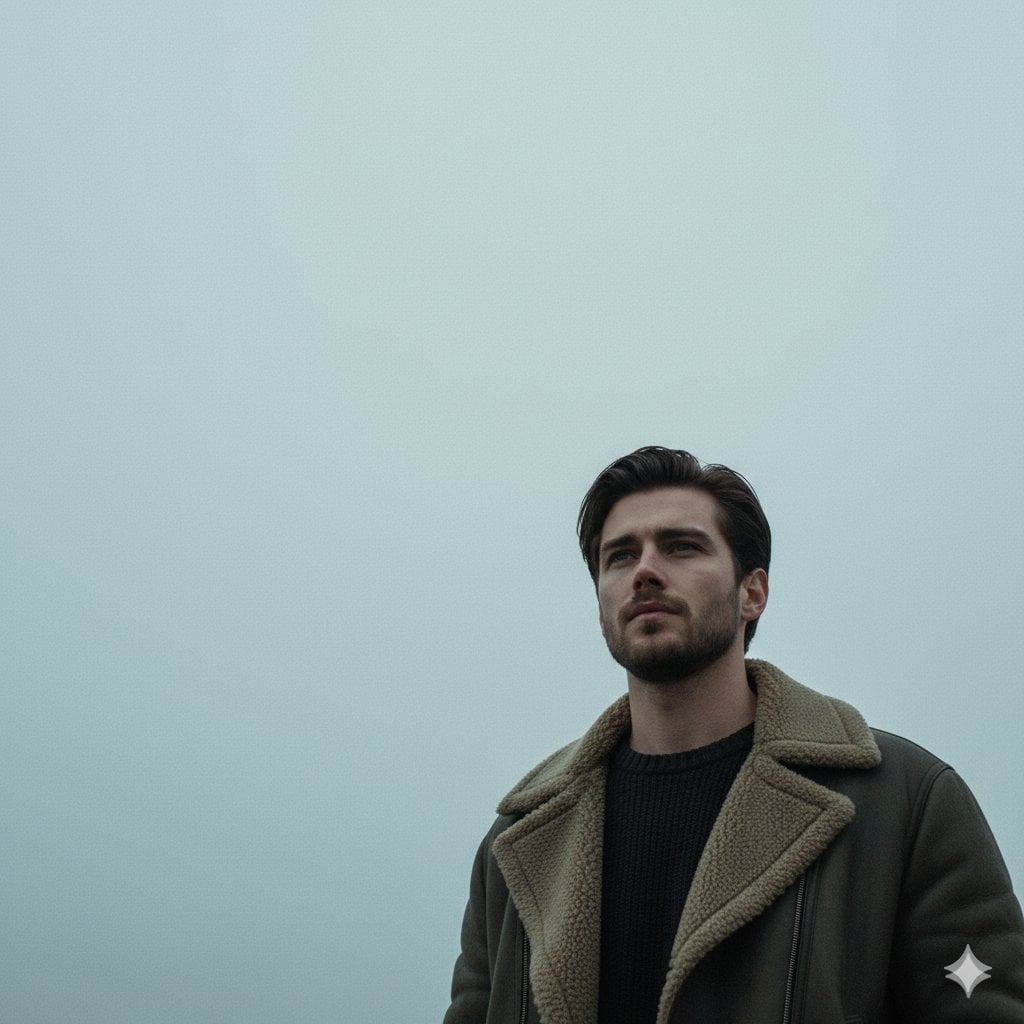
Neo-Noir Sci-Fi Sky Portrait
Cyberpunk Neon Profile Fashion Portrait
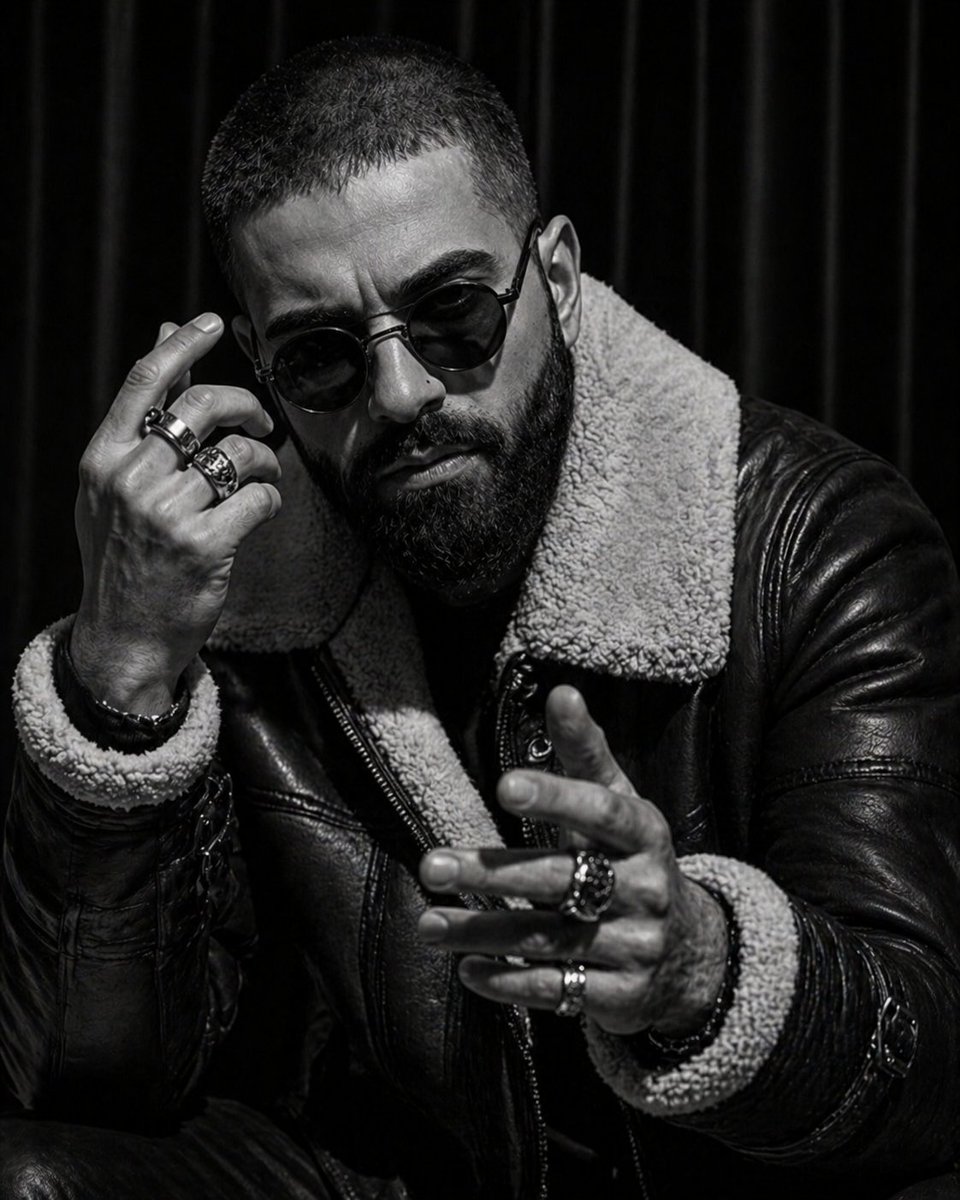
Noir Editorial Fashion Portrait

Gritty Neo-Noir Tactical Portrait
Make it yours
Neo-Noir Fashion Portrait with High Contrast works as-is. These are the safest ways to change it without losing the look.
Change one field
Copy a single group, rewrite it, and generate again so you can see what that field is doing.
Keep the frame, change the subject
Hold the composition and light of Neo-Noir Fashion Portrait with High Contrast, then swap wardrobe, props or the person for a new take.
| If the result… | Why | Fix |
|---|---|---|
| The result drifts from the preview | Too many fields changed at once. | Reuse Neo-Noir Fashion Portrait with High Contrast as-is first, then change one group — subject, light, or setting. |
| The model over-stylizes the scene | The prose prompt leaves finish and camera underspecified. | Add one camera or lighting sentence and stay on Nano Banana 2. |
More Nano Banana 2 templates
Other prompts made for Nano Banana 2.

Photorealistic Leaf Shaped Like a Dragon

K-Pop Idol Portrait Grid for Rapid Selection

Poetic Rain Forest Portrait During Golden Hour

Urban Street Portrait with Cartoon Inner Self Duo

Candid Nighttime Photo with Cat Prompt

High-Concept 3D Diorama Generation Prompt

Cinematic Futuristic Studio Portrait Template

Skincare Editorial Photography Collage Prompt

Hyper-Realistic Commercial Product Photography (Splash Effect)

Hyper-Realistic Nightclub Portrait Prompt
More image prompts
Fresh picks from across the catalog.

Manus GPT Image 2.0 Comparison Slide
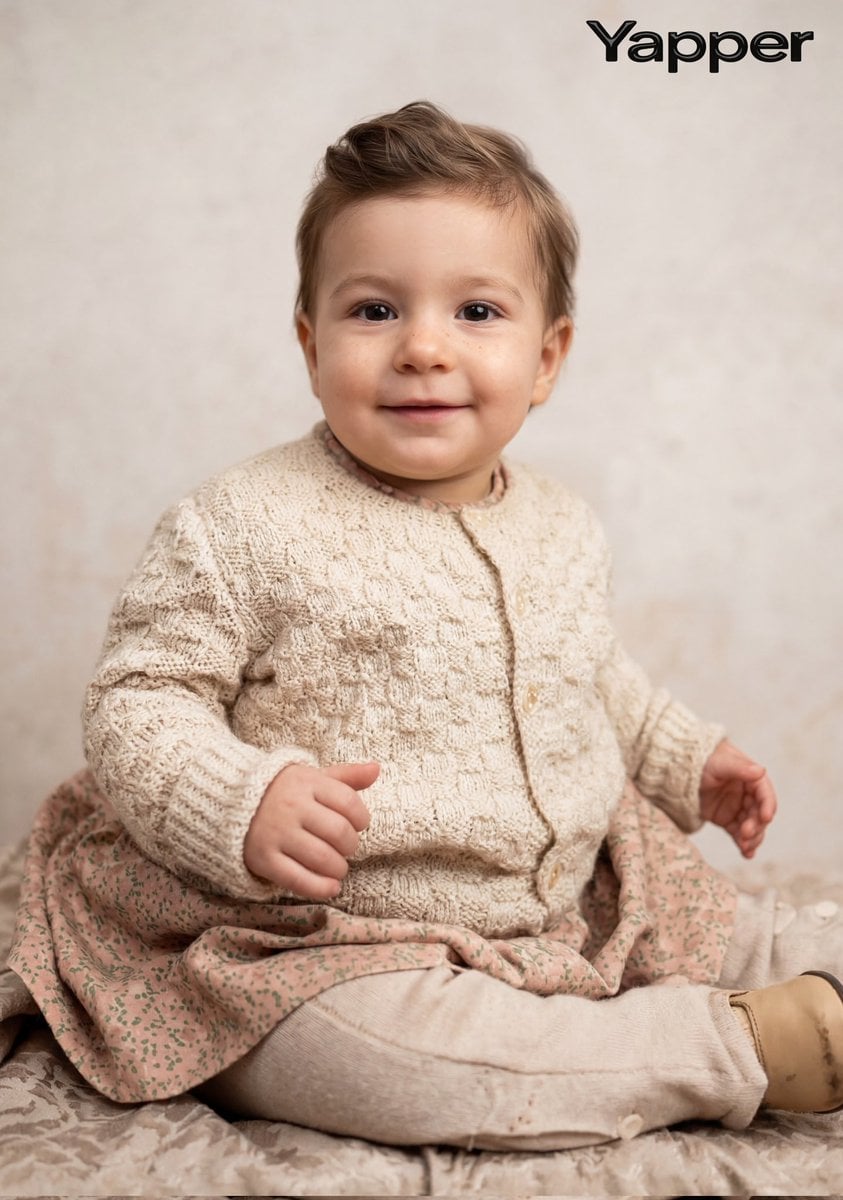
Cinematic Portrait Restoration Prompt
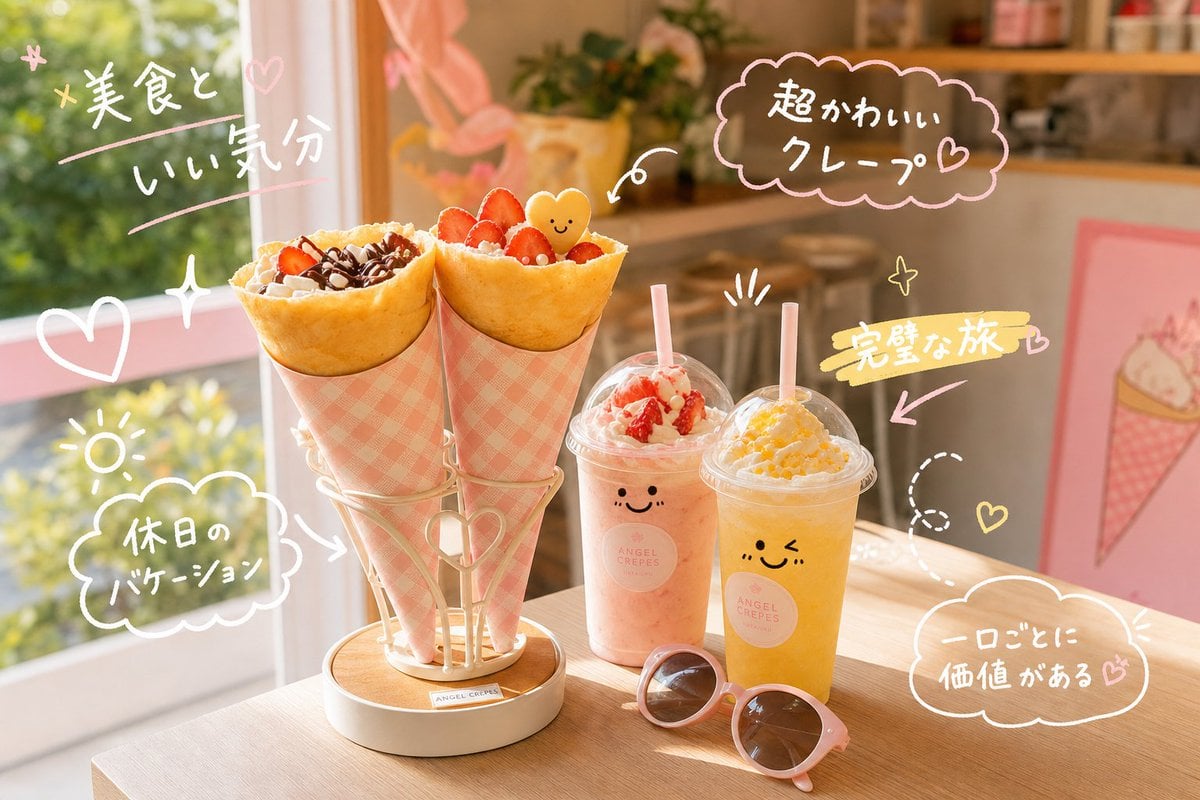
Kawaii Crepe Café Photo
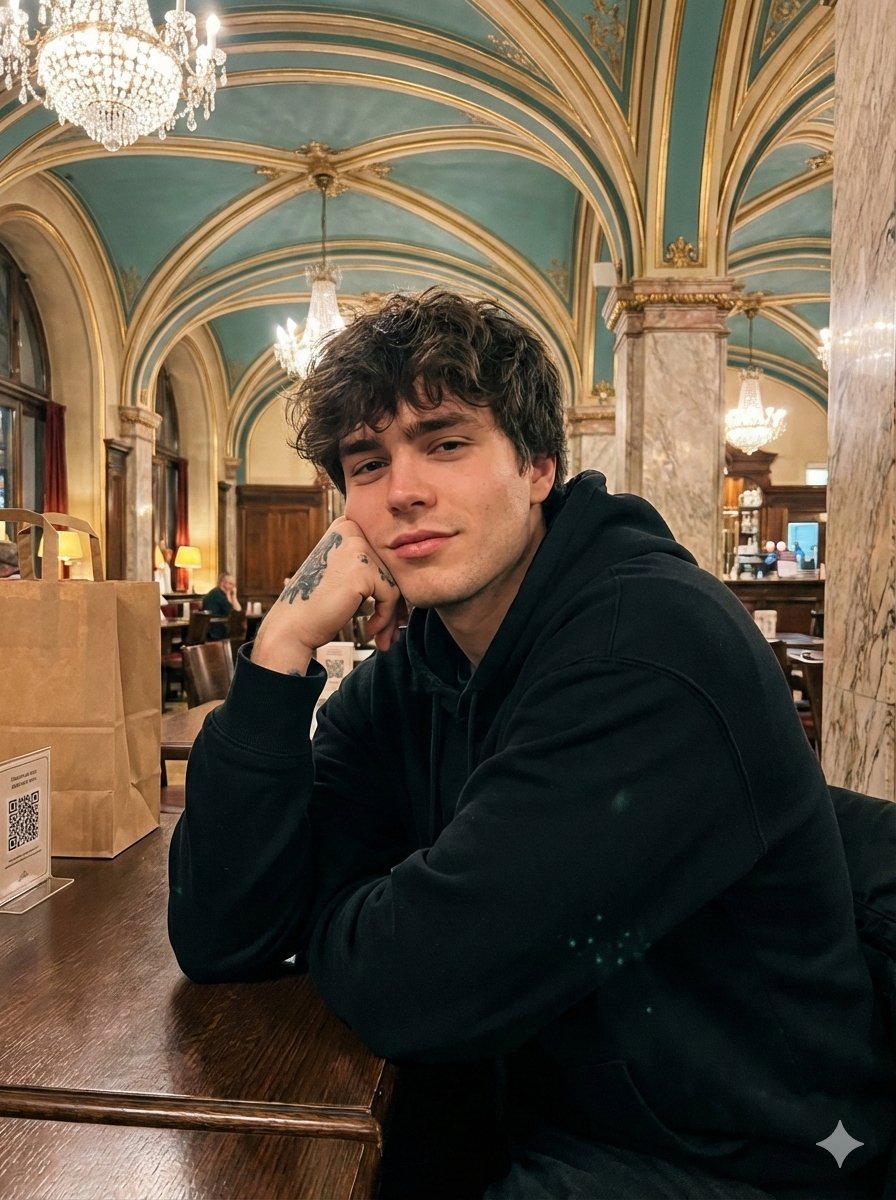
Opulent Café Portrait with Voluminous Hair
MS Paint Charlie Brown Flag Doodle
Group Selfie of Four Women in Barcelona
Manga Generation Prompt: Good Morning Magic
Desert World Cinematic Character Board
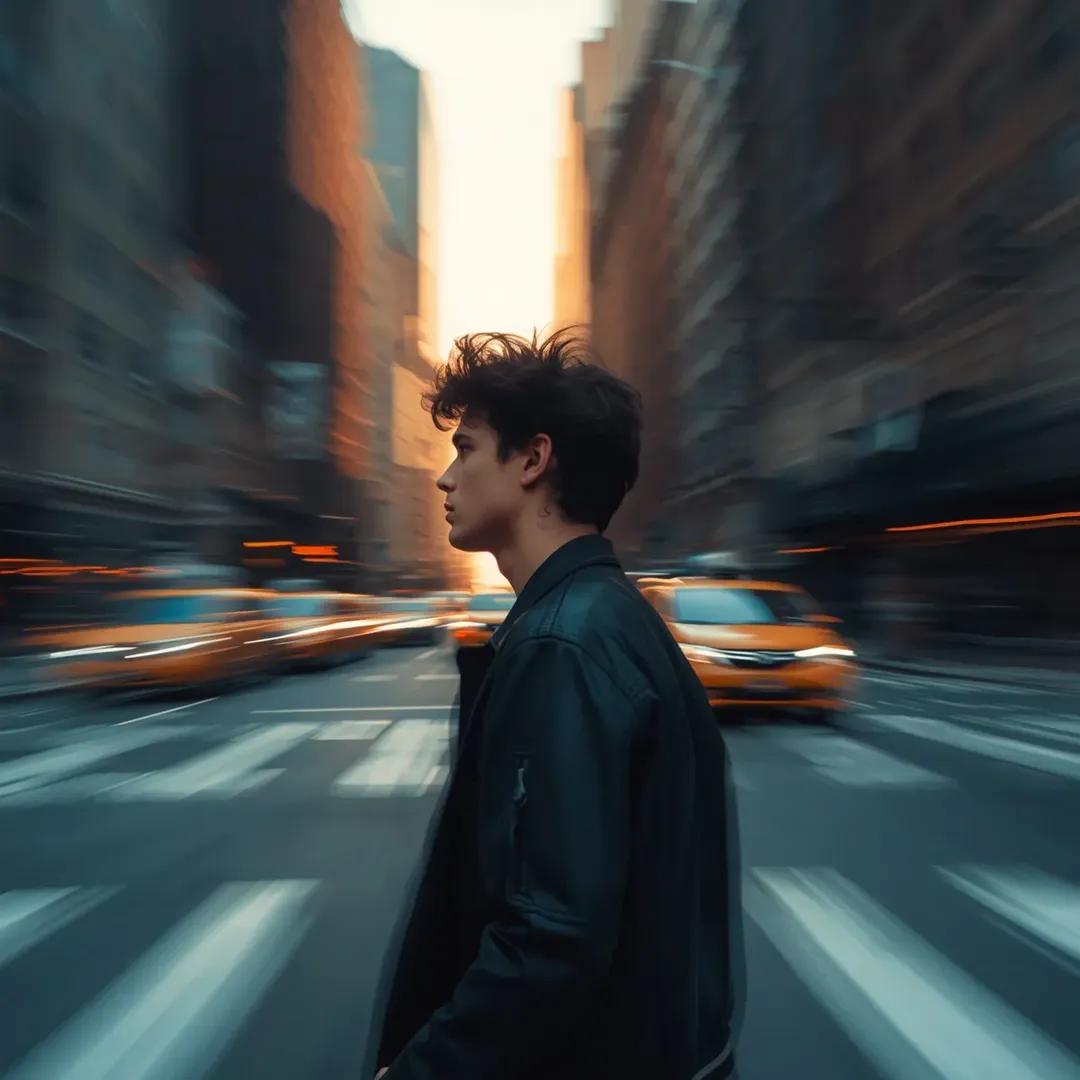
Motion Blur Portrait in NYC at Golden Hour
Cute Student Presentation Illustration
Browse template categories
Neo-Noir Fashion Portrait with High Contrast questions
How do I use the Neo-Noir Fashion Portrait with High Contrast template?
Add your photo if the template asks for one, edit the prompt if you like — the template's model and format are already selected — and press Generate. Your version opens in PicX Studio.
Can I customize the Neo-Noir Fashion Portrait with High Contrast template?
Yes. You can change the subject, setting, lighting, mood, format, and available model controls before creating your image.
Is the Neo-Noir Fashion Portrait with High Contrast template free?
Opening and editing this template is free. Generating uses credits, shown on the Generate button when you are signed in.
Which AI model should I use?
Start with Nano Banana 2, which is the model associated with this template. You can compare another compatible model for a different finish.
Looking for something else? Browse all templates.

Your photo, any look
Thousands of ready templates for every top image and video model, from one credit balance.