
Kawaii Crepe Café Photo
Generates a photorealistic pastel café dessert scene with cute Japanese doodle annotations for social media food advertising.
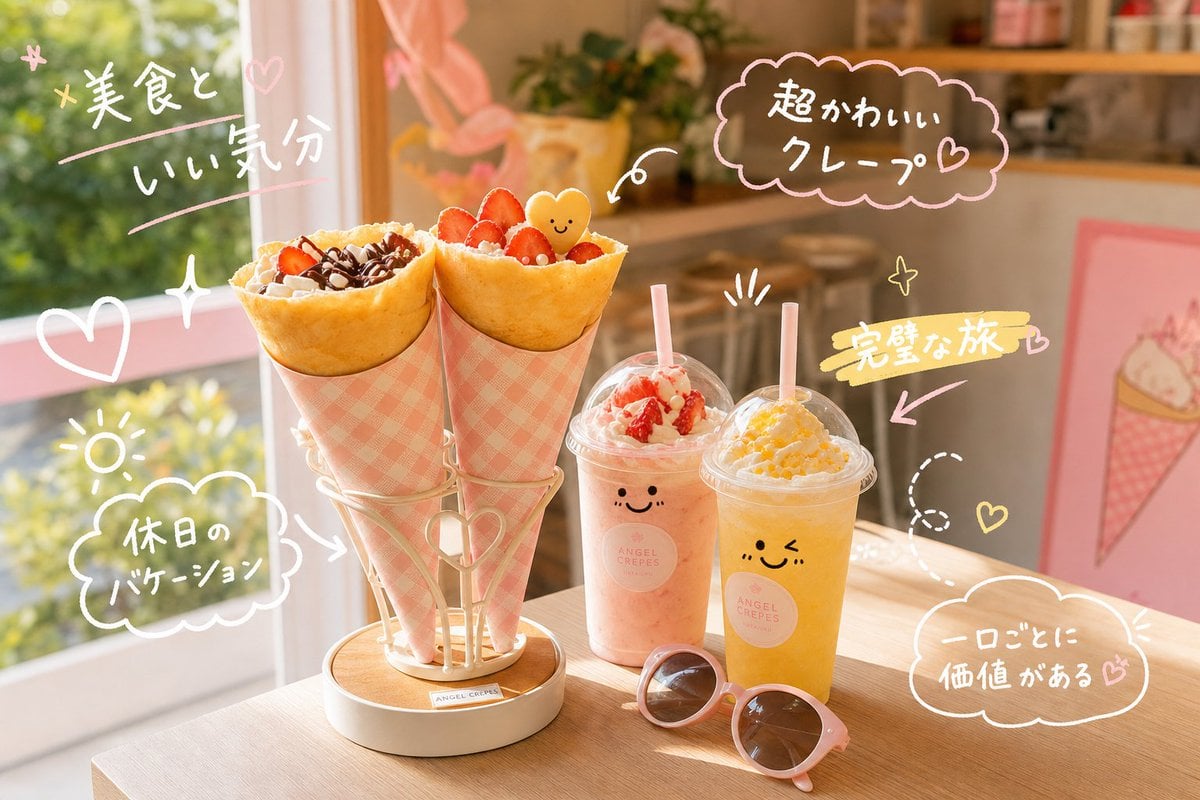
- Prompt included
- Model and format preset
- Free template
The prompt behind this image
Copy the exact prompt behind Kawaii Crepe Café Photo, or open it in the studio and make it yours.
Create a photorealistic yet cute lifestyle food photo inside a warm sunlit dessert café, featuring exactly two large cone crepes in pink gingham paper sleeves standing upright in a cream metal holder with a small heart detail on a light wooden table. The left crepe is filled with whipped cream, chocolate drizzle, and crunchy toppings; the right crepe is filled with whipped cream, strawberry slices, small red berries, and a tiny smiling yellow heart-shaped cookie. Beside them are exactly two clear plastic takeaway drinks with dome lids and pale pink straws: one pastel strawberry-pink drink topped with whipped cream and strawberry pieces, and one bright yellow mango/lemon drink topped with whipped cream and yellow fruit bits; both cups have simple cute smiling faces and a small circular café logo reading “ANGEL CREPES.” Add exactly one pair of round pink sunglasses lying in front of the drinks. The background is softly blurred with a large window on the left showing green foliage, peach-pink curtains, cozy wooden café shelving, stools, plants, and a pink framed crepe illustration on the right. Overlay the photo with hand-drawn pastel doodles and Japanese handwritten notes in white, pink, and yellow, as if drawn with a marker: exactly five main text doodles, reading {argument name="upper left handwritten text" default="美食と いい気分"}, {argument name="upper right bubble text" default="超かわいい クレープ♡"}, {argument name="lower left bubble text" default="休日の バケーション"}, {argument name="middle right highlight text" default="完璧な旅"}, and {argument name="lower right bubble text" default="一口ごとに 価値がある♡"}. Include additional decorative doodles: hearts, sparkles, a sun icon, arrows pointing to the crepes and drinks, motion lines, and a dotted looping line. Use golden-hour lighting, shallow depth of field, soft bokeh, pastel pink and cream color palette, cheerful vacation mood, realistic food texture, and playful kawaii handwritten annotation style.
How to use Kawaii Crepe Café Photo in 3 steps
- 1Upload ImagePNG, JPG or paste
Add your photo
Upload the photo the template builds on. The prompt, model and format are already set.
- 2…a portrait of your subject in softgolden-hour light, 85mm…
Personalize
Edit the subject and creative details for your destination.
- 3Generate
Generate
Press Generate — your image is created in PicX Studio, so you can compare it with the original and refine one variable at a time.
More like this
Templates with the same subject, style or setup. Open one to see its prompt.

Cute Layered Paper Cut Chibi Girl
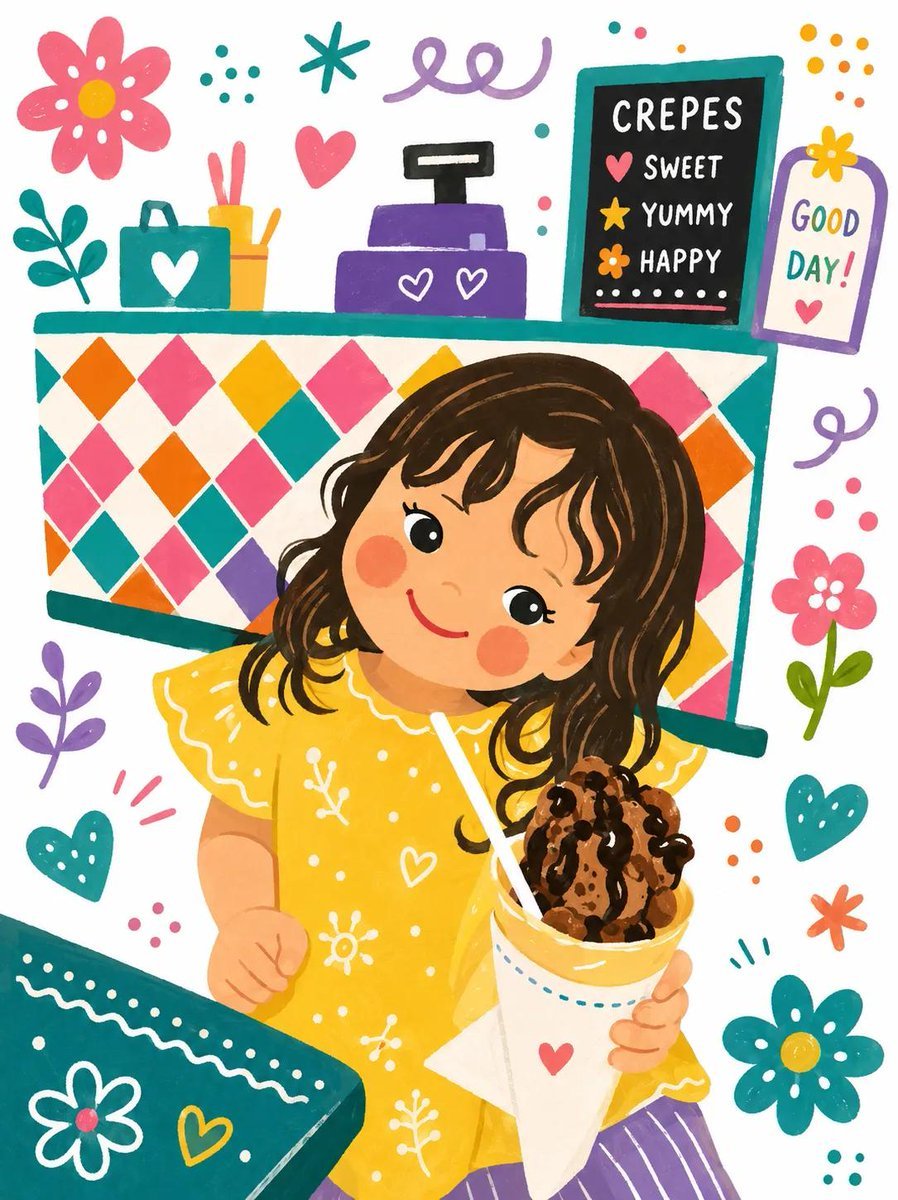
Kawaii Children's Storybook Crepe Illustration
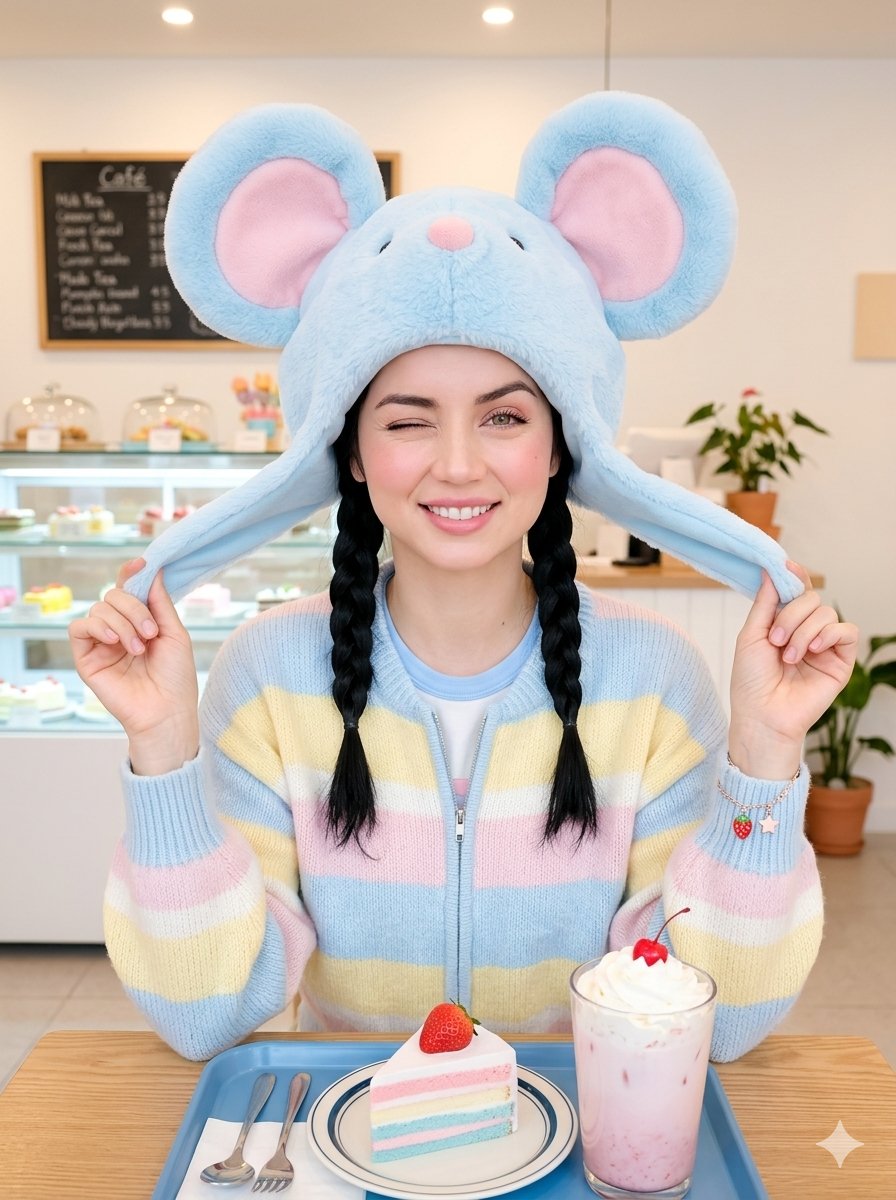
Kawaii Café Pigtails Portrait
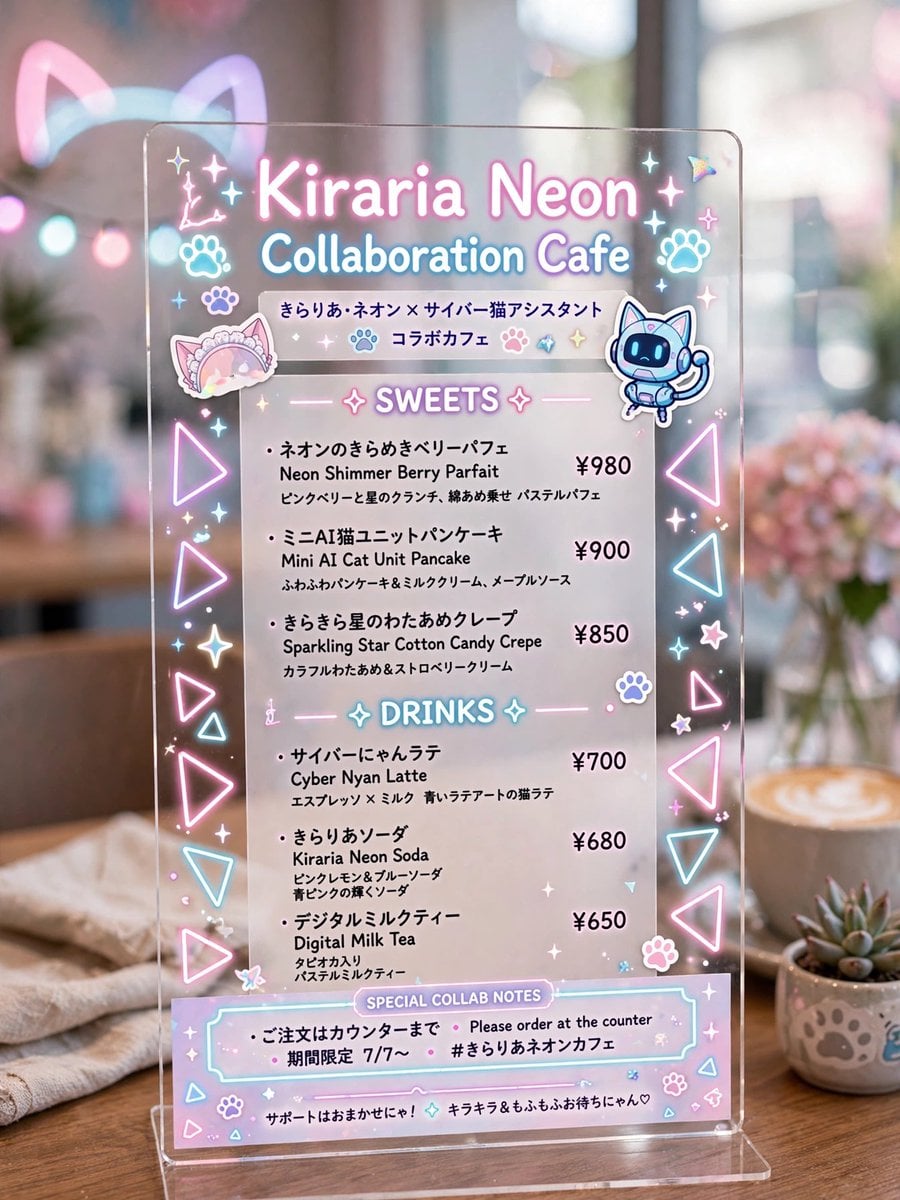
Kiraria Neon Collaboration Cafe Menu
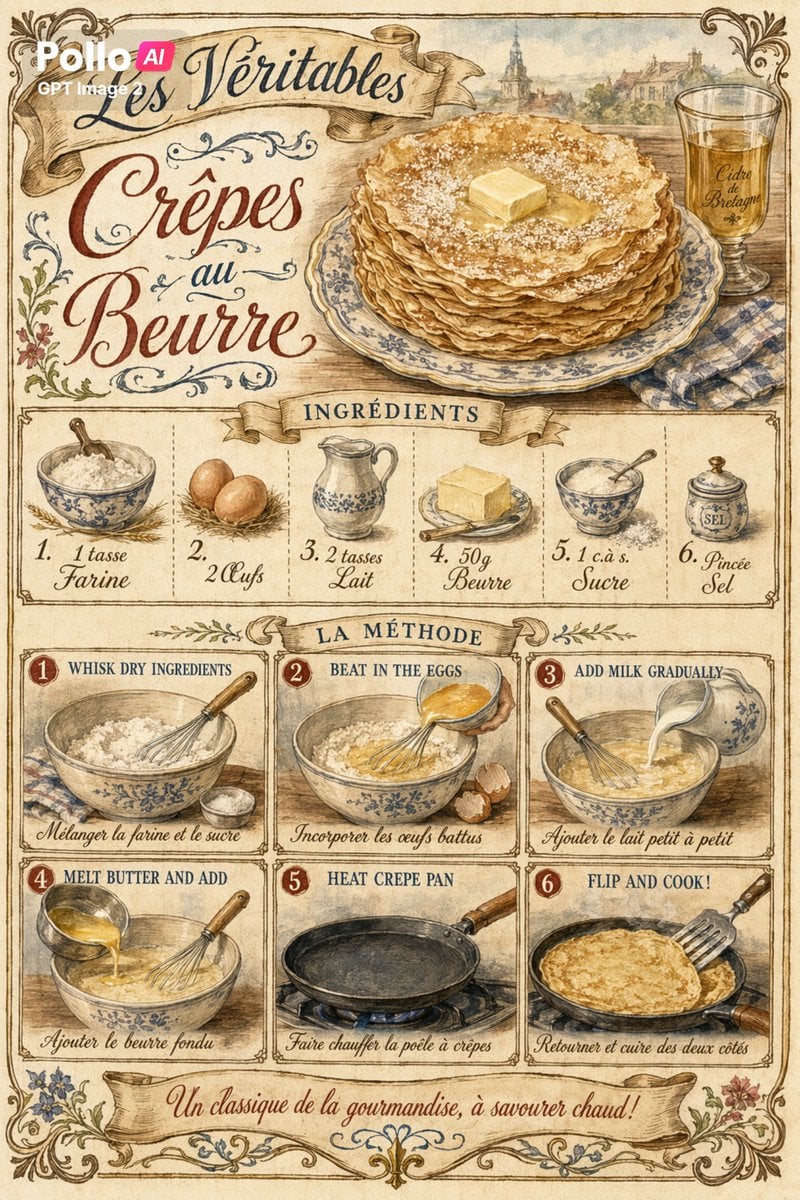
Vintage French Crepe Recipe Poster

Chocolate Crepe Commercial Render Prompt (Python Class Style)
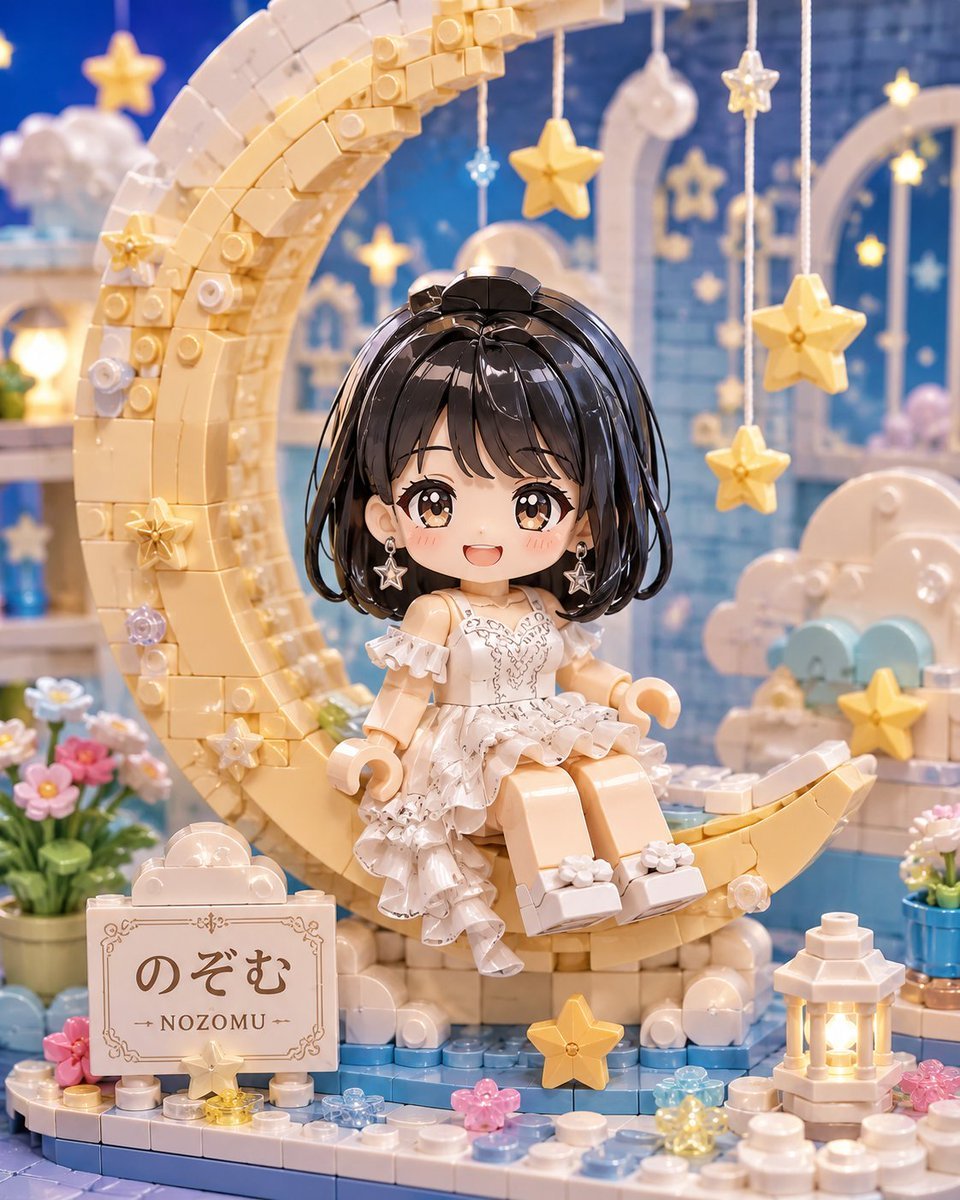
Kawaii Brick Moon Chibi Diorama
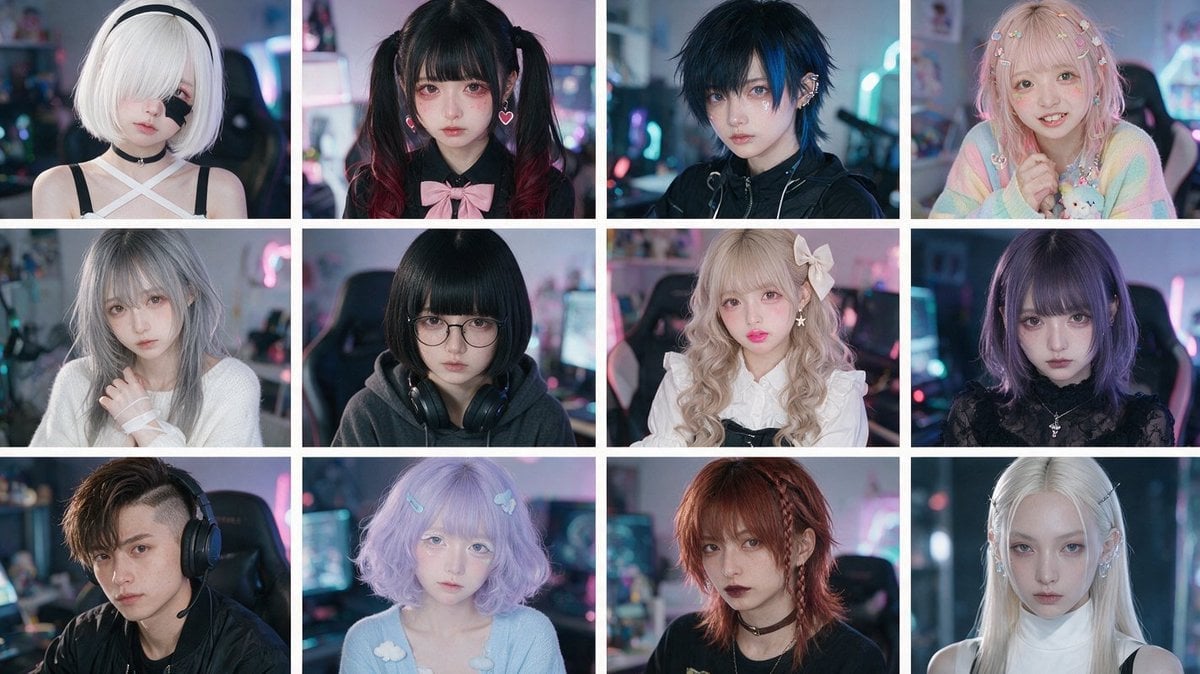
Cyber-Kawaii Influencer Portrait Grid
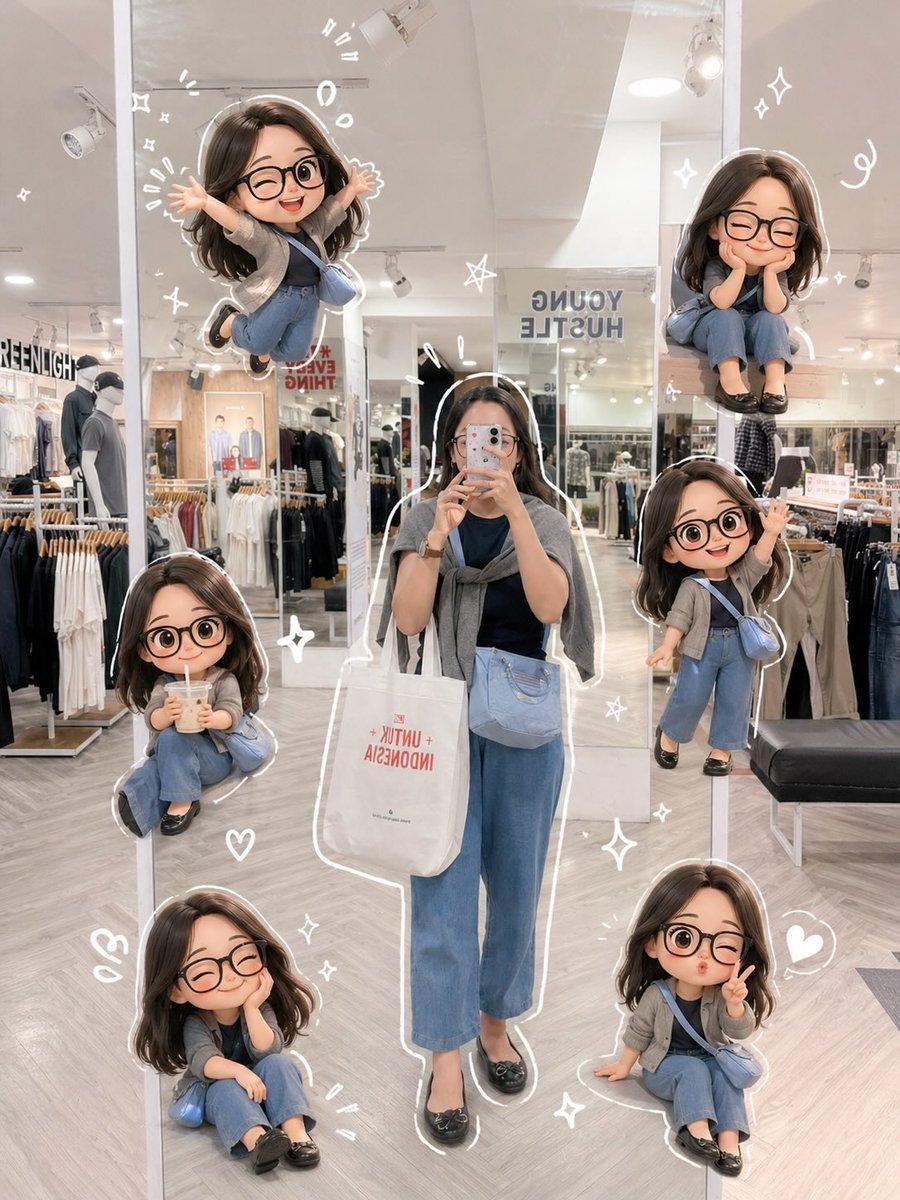
Chibi Mirror Selfie with Kawaii Doodles
Kawaii Chibi Sticker Sheet

Kawaii Anime VTuber Emblem Logo
Kawaii Puppy Emotion Sticker Sheet
Make it yours
Kawaii Crepe Café Photo works as-is. These are the safest ways to change it without losing the look.
Change one field
Copy a single group, rewrite it, and generate again so you can see what that field is doing.
Keep the frame, change the subject
Hold the composition and light of Kawaii Crepe Café Photo, then swap wardrobe, props or the person for a new take.
| If the result… | Why | Fix |
|---|---|---|
| The result drifts from the preview | Too many fields changed at once. | Reuse Kawaii Crepe Café Photo as-is first, then change one group — subject, light, or setting. |
| The model over-stylizes the scene | The prose prompt leaves finish and camera underspecified. | Add one camera or lighting sentence and stay on GPT Image 2. |
More GPT Image 2 templates
Other prompts made for GPT Image 2.

Six VTuber Japanese Logo Sheet

Realistic Portrait of Woman and Deer

The Vista Modular Condo Poster

AI Model Routing Comparison Infographic

2.5D Anime Art Board

Isometric Productivity Desk Scene

New York Double Exposure Poster

Four-Panel AI Landscape Comparison

Japanese Tatami Lifestyle Magazine Cover

NESCAFÉ Coffee Map Poster
More image prompts
Fresh picks from across the catalog.
Hyper-Realistic Streetwear Portrait with Facial Preservation
Cozy Beer Toast with Oden
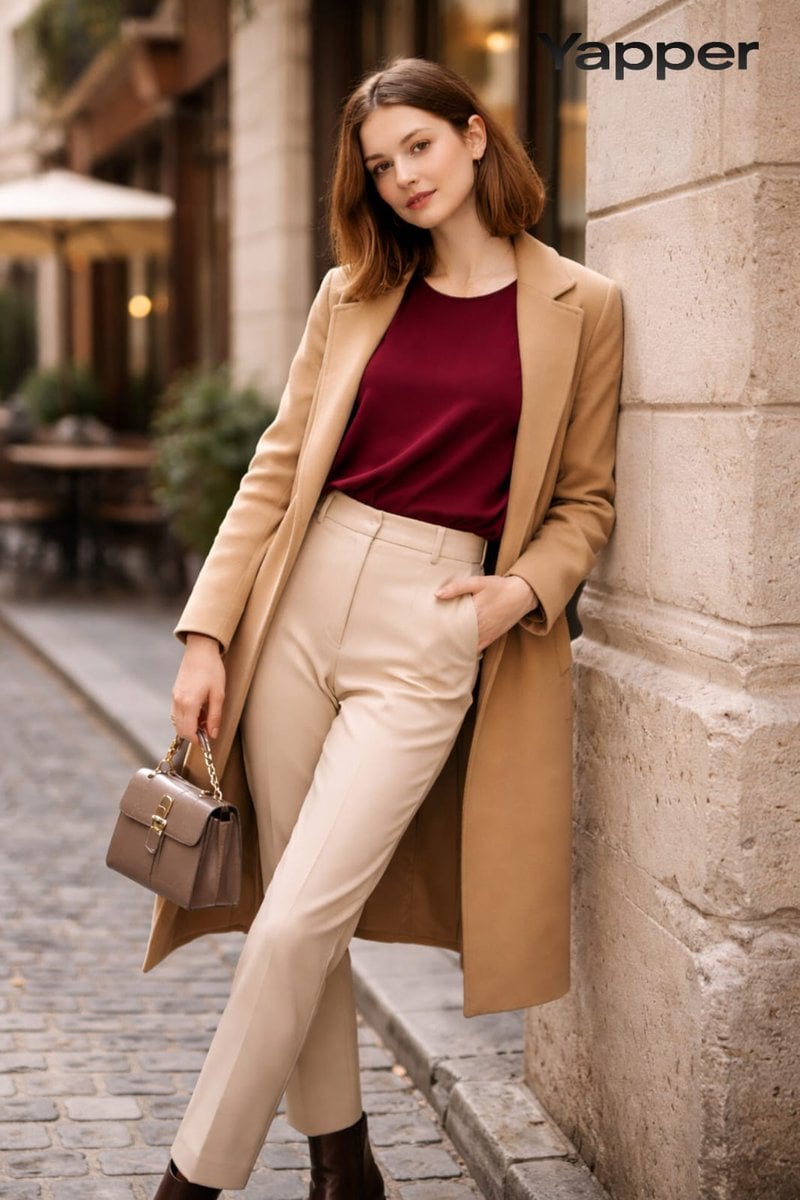
High-Fashion Street Portrait Prompt for Nano Banana Pro
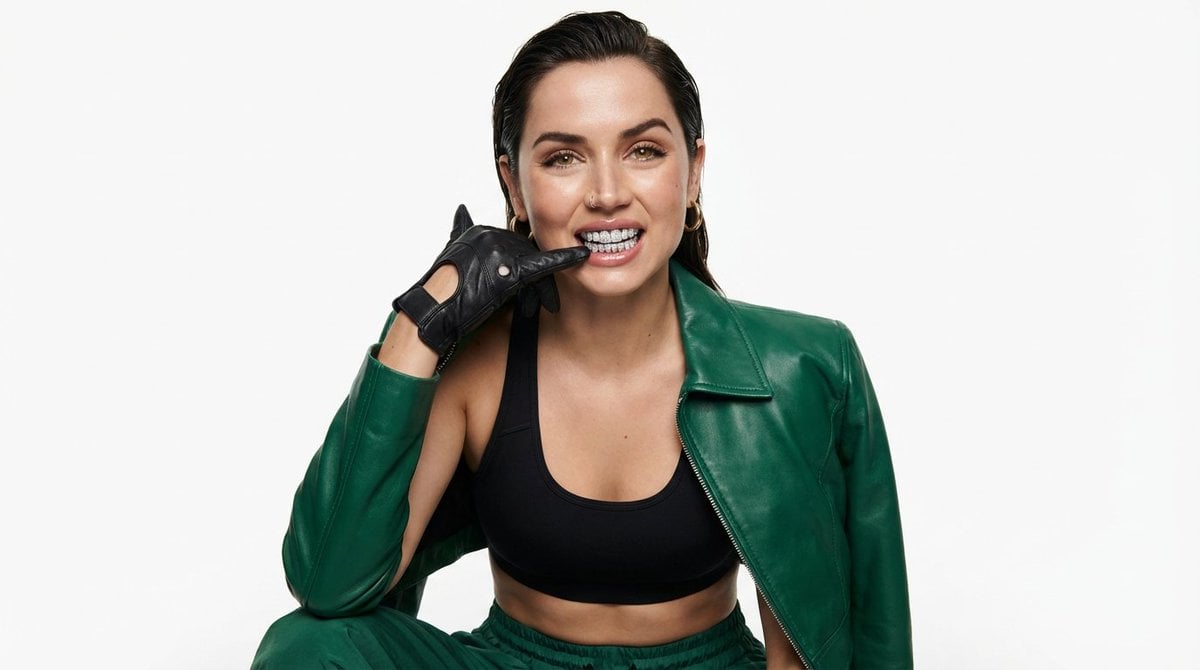
High-Fashion Urban Editorial Portrait with Grillz
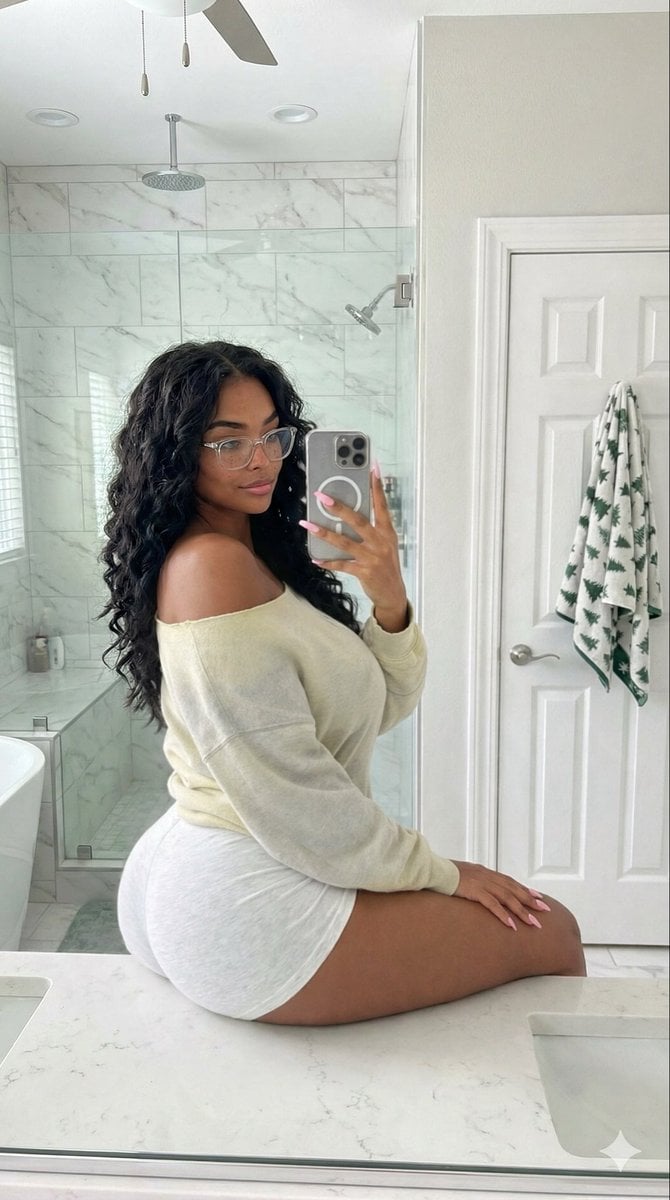
Candid Modern Bathroom Mirror Selfie Prompt

High-Fashion Fantasy Editorial with Floating Petals
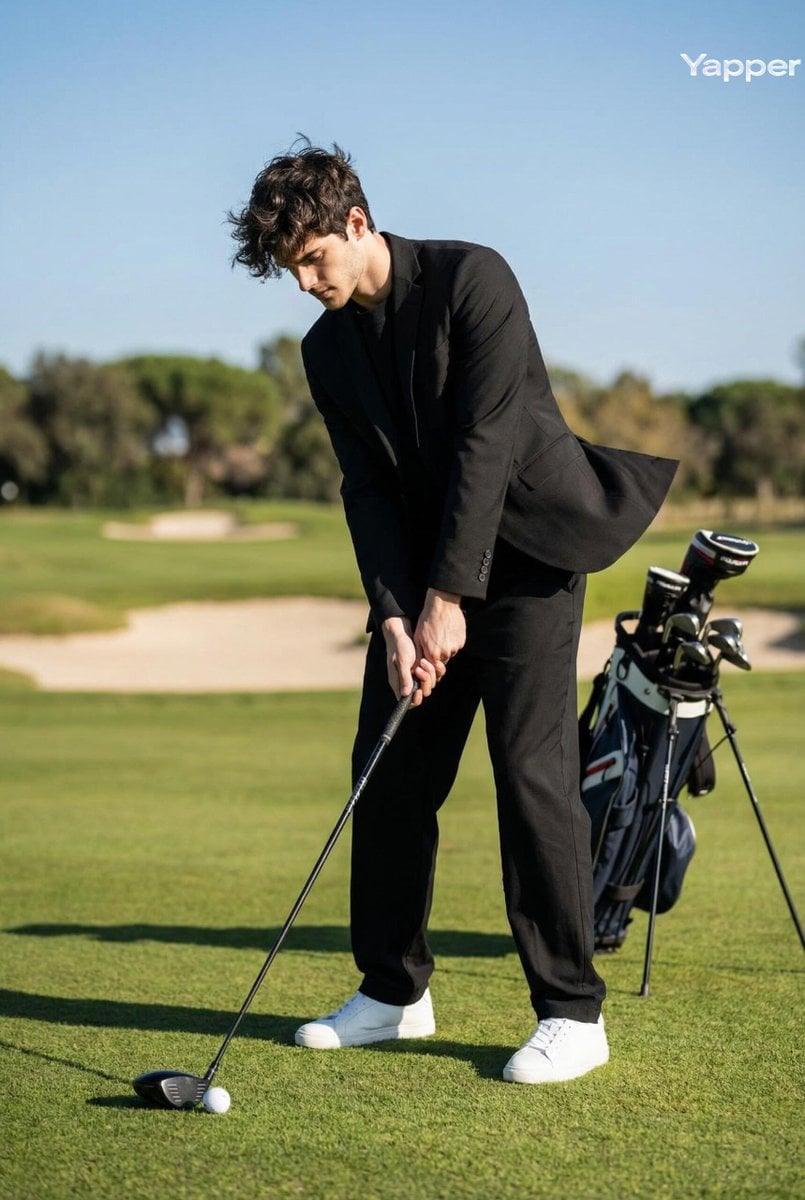
Cinematic Portrait of a Golfer

Chibi Witch Owl Figurine
Nano Banana Pro Fitness Editorial Grid Prompt (Pink Activewear)
TikTok Creator Holding Product Screengrab
Browse template categories
Kawaii Crepe Café Photo questions
How do I use the Kawaii Crepe Café Photo template?
Add your photo if the template asks for one, edit the prompt if you like — the template's model and format are already selected — and press Generate. Your version opens in PicX Studio.
Can I customize the Kawaii Crepe Café Photo template?
Yes. You can change the subject, setting, lighting, mood, format, and available model controls before creating your image.
Is the Kawaii Crepe Café Photo template free?
Opening and editing this template is free. Generating uses credits, shown on the Generate button when you are signed in.
Which AI model should I use?
Start with GPT Image 2, which is the model associated with this template. You can compare another compatible model for a different finish.
Looking for something else? Browse all templates.

Your photo, any look
Thousands of ready templates for every top image and video model, from one credit balance.