How do I use the Kawaii Children's Storybook Crepe Illustration template?
Choose the primary action to open PicX Studio with the available template settings. Review the model and format, personalize the creative direction, and generate when ready.
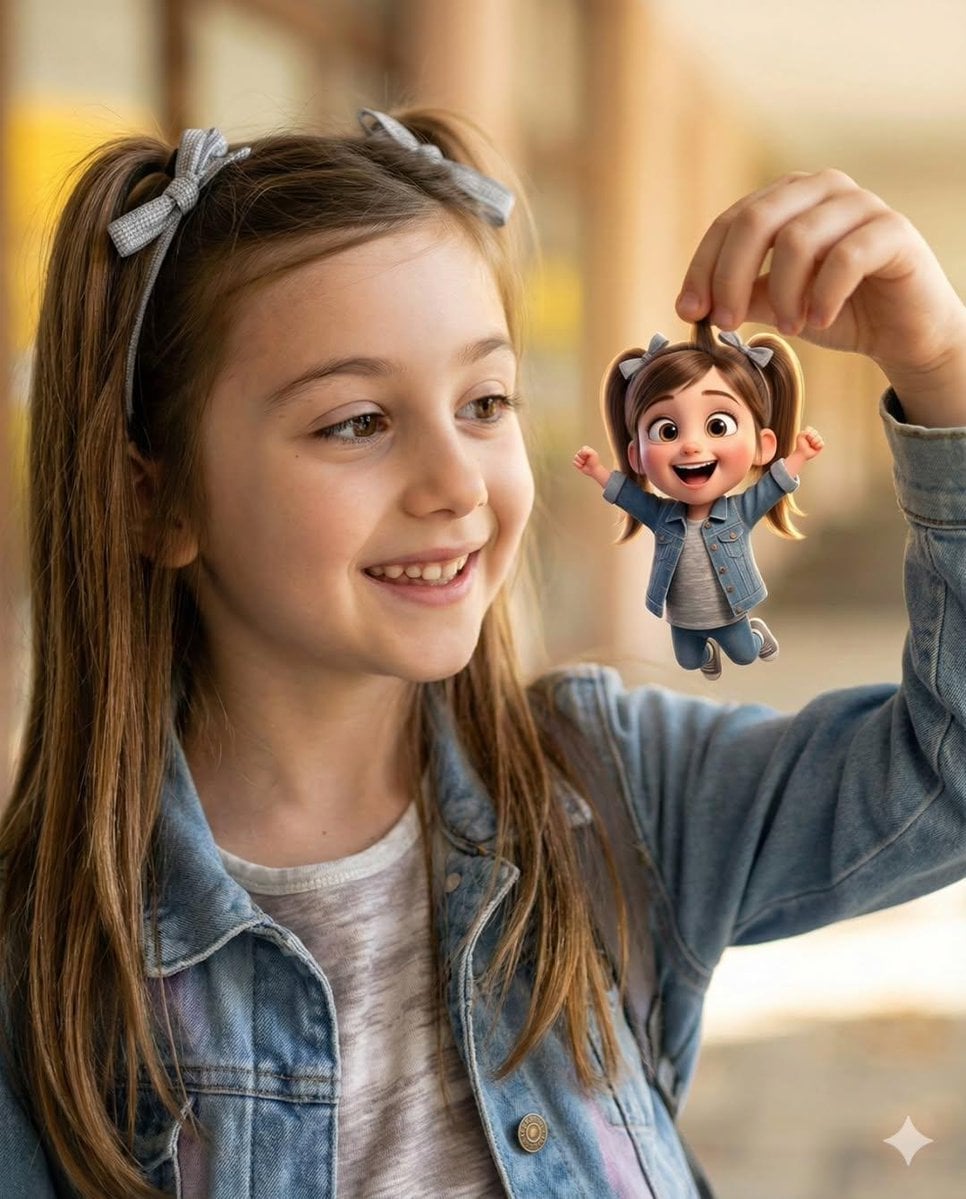
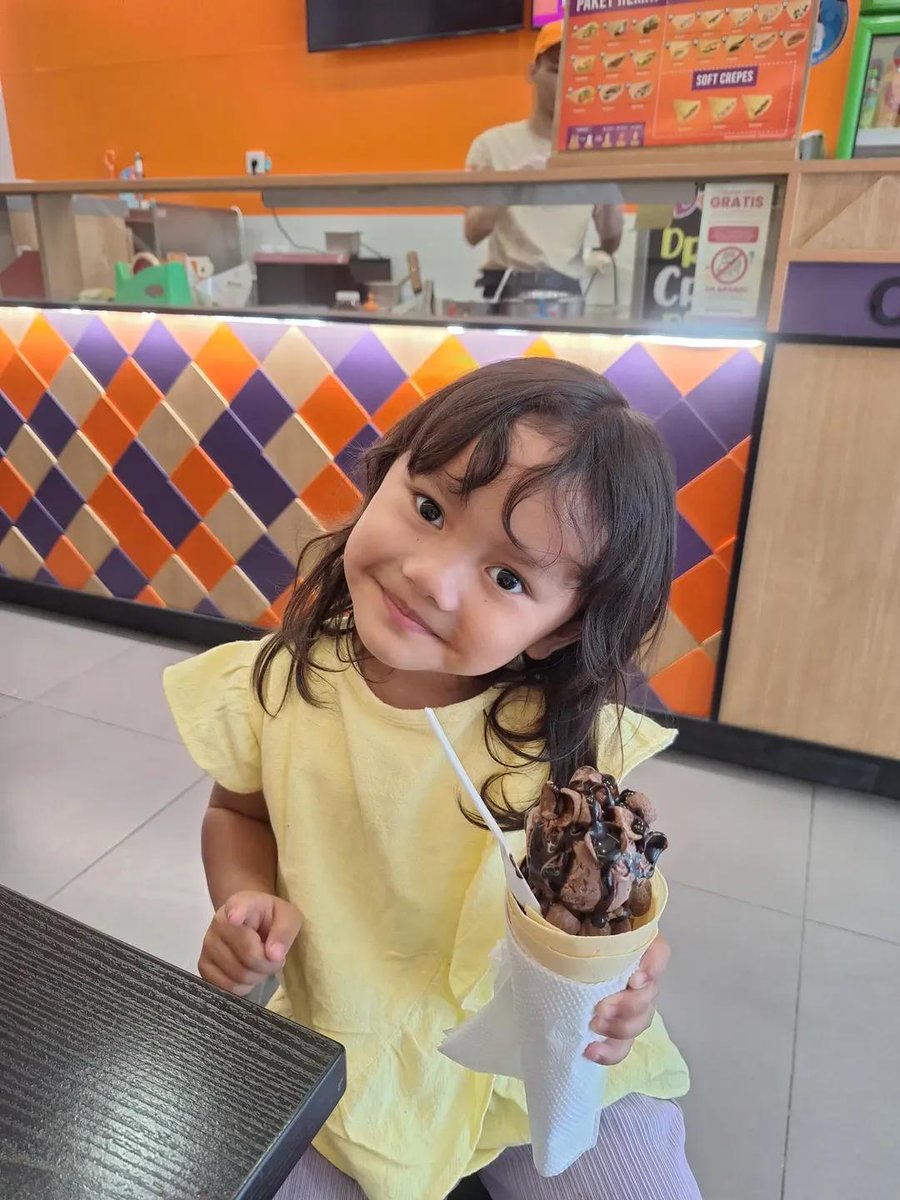
Transforms a real photo into a whimsical and adorable children's storybook illustration featuring a kawaii character at a candy-shop stand.

Transform the uploaded photo into a cute whimsical children's storybook illustration, adorable kawaii {argument name="character" default="little girl"} holding a {argument name="snack" default="chocolate ice cream crepe"}, big sparkling eyes, rosy cheeks, soft rounded facial features, {argument name="background" default="colorful candy-shop background"}. Replace the real café with a charming cartoon crepe stand featuring colorful diamond-pattern tiles, pastel cash register, handwritten menu board reading “CREPES • SWEET • YUMMY • HAPPY”, flowers, hearts, stars, doodles, sparkles, playful decorative elements floating around the scene. Bright cheerful color palette with yellow, pink, teal, orange, purple, and white tones. Flat illustration style mixed with modern children's book art, clean outlines, smooth shading, hand-painted textures, cute floral decorations, cozy happy atmosphere, sticker-like aesthetic. The girl wears a bright yellow dress with tiny floral patterns, holding the crepe proudly, head slightly tilted, joyful expression, surrounded by whimsical doodles and positive vibes. Soft lighting, high detail, charming composition, storybook poster quality, Pinterest aesthetic, wholesome and heartwarming mood. Style inspired by modern kawaii illustration, children's picture books, stationery art, cute café branding, colorful vector-art look, ultra clean, professional illustration, masterpiece, highly detailed, vibrant colors, 4K.
Kawaii Children's Storybook Crepe Illustration needs input media to work. Open it in the studio and these load alongside the prompt — pick whichever ones your chosen model can take.
Choose the primary action to open PicX Studio with the available template settings. Review the model and format, personalize the creative direction, and generate when ready.
Yes. You can change the subject, setting, lighting, mood, format, and available model controls before creating your image.
This template is free to open and customize. Generation usage is shown in PicX Studio before you create.
Start with GPT Image 2, which is the model associated with this template. You can compare another compatible model for a different finish.
Follow a topic to a crawlable collection of related PicX Studio templates.