
Split Photo and Storybook Illustration
A complex transformation prompt that creates a vertical split composition, pairing a real photograph in the top half with a delicate, handmade children's storybook illustration of the same moment in the bottom half.
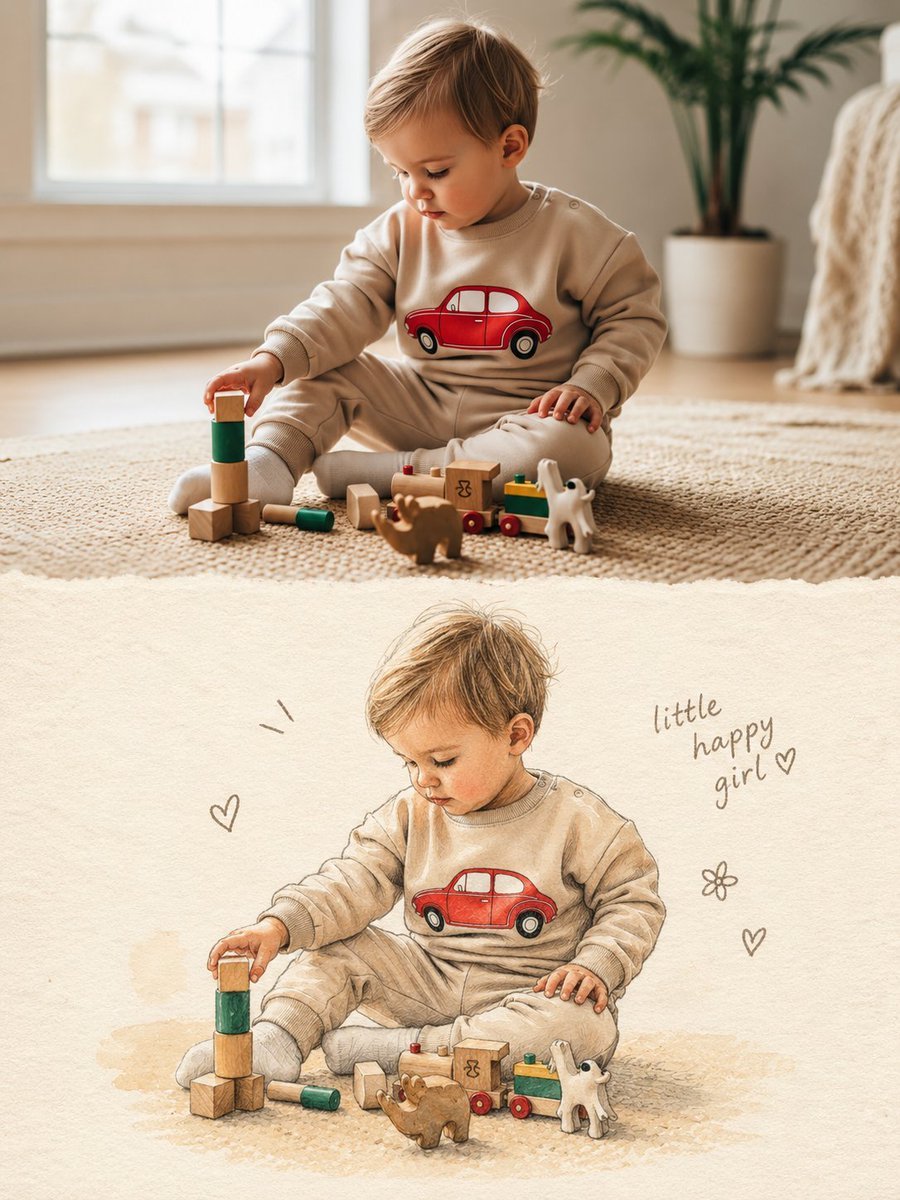
- Prompt included
- Model and format preset
- Free template
The prompt behind this image
Copy the exact prompt behind Split Photo and Storybook Illustration, or open it in the studio and make it yours.
Create one vertical 3:4 composition that combines the uploaded photo with a hand-drawn illustrated version of the same moment. TOP HALF — ORIGINAL PHOTO. Keep the uploaded photograph in the upper portion of the canvas, occupying roughly 50%. Treat the photo as the only source of truth. Keep the person, face, expression, hair, outfit, accessories, pose, proportions, objects, lighting, colors, and surroundings faithful to the original. Do not beautify, retouch, restyle, replace, or reinterpret the photograph. It should remain natural and recognizable, as if the original image has simply been placed into the artwork. BOTTOM HALF — ILLUSTRATED VERSION. Use the lower portion to recreate the exact same moment as a handmade children's picture-book illustration. The illustrated version should retain: the same person and recognizable facial features, identical pose and body positioning, matching hairstyle and clothing, matching accessories and visible details, the same action and overall mood. Use a soft traditional art approach with: delicate watercolor washes, colored-pencil texture, fine pencil or ink contours, warm textured ivory paper, gentle hand-rendered shading, slightly uneven, organic strokes, subtle imperfections that make it feel handmade. Avoid a polished digital look. No photorealism, 3D rendering, anime aesthetics, or exaggerated cartoon styling. Simplify the background instead of copying every environmental detail. Keep only enough of it to suggest the original setting, while giving the illustrated subject plenty of breathing room. Make the illustrated subject slightly smaller than the photographic subject and leave generous negative space around it. SMALL HAND-DRAWN ACCENTS. Add only a handful of understated doodles around the illustration — perhaps tiny hearts, stars, flowers, or simple motion marks. They should feel naturally drawn onto the page rather than digitally decorated. Include a small handwritten note near the illustration: “{argument name="caption" default="little happy girl"} ♡”. Use a casual brown or soft-gray pencil/ink appearance. If the subject is not a girl, replace the wording with something suitable or leave the caption out. FINAL FEEL. The finished piece should resemble a beautiful handmade scrapbook or children's storybook page, where a real photograph has been paired with a lovingly drawn memory of the same scene. Keep the presentation: vertical 3:4, warm and editorial, cleanly divided between photo and illustration, minimal and elegant, sentimental but not overly decorative, rich in tactile paper and traditional drawing texture. IMPORTANT. Use only the uploaded photograph as visual reference. Do not borrow anything from previous prompts, images, references, or generated results. Do not introduce a different person, outfit, pose, object, setting, color scheme, or visual detail. The lower illustration must unmistakably represent the exact scene and moment shown in the uploaded photograph.
How to use Split Photo and Storybook Illustration in 3 steps
- 1Upload ImagePNG, JPG or paste
Add your photo
Upload the photo the template builds on. The prompt, model and format are already set.
- 2…a portrait of your subject in softgolden-hour light, 85mm…
Personalize
Edit the subject and creative details for your destination.
- 3Generate
Generate
Press Generate — your image is created in PicX Studio, so you can compare it with the original and refine one variable at a time.
More like this
Templates with the same subject, style or setup. Open one to see its prompt.
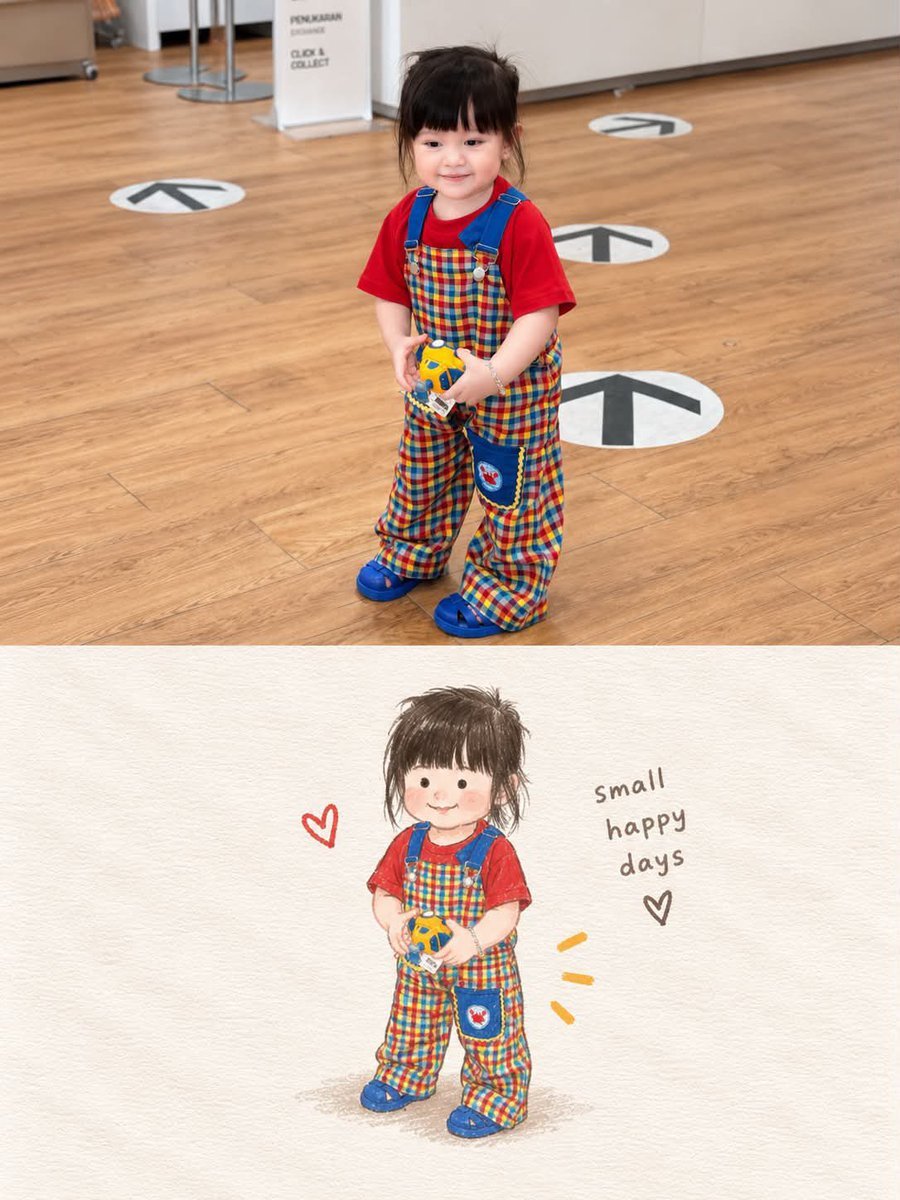
Storybook Style Photo-to-Illustration Split

Decorative Folk Flat Paper Cut Illustration

Real Illustration Split Portrait Transition
Real Illustration Split Portrait Transition
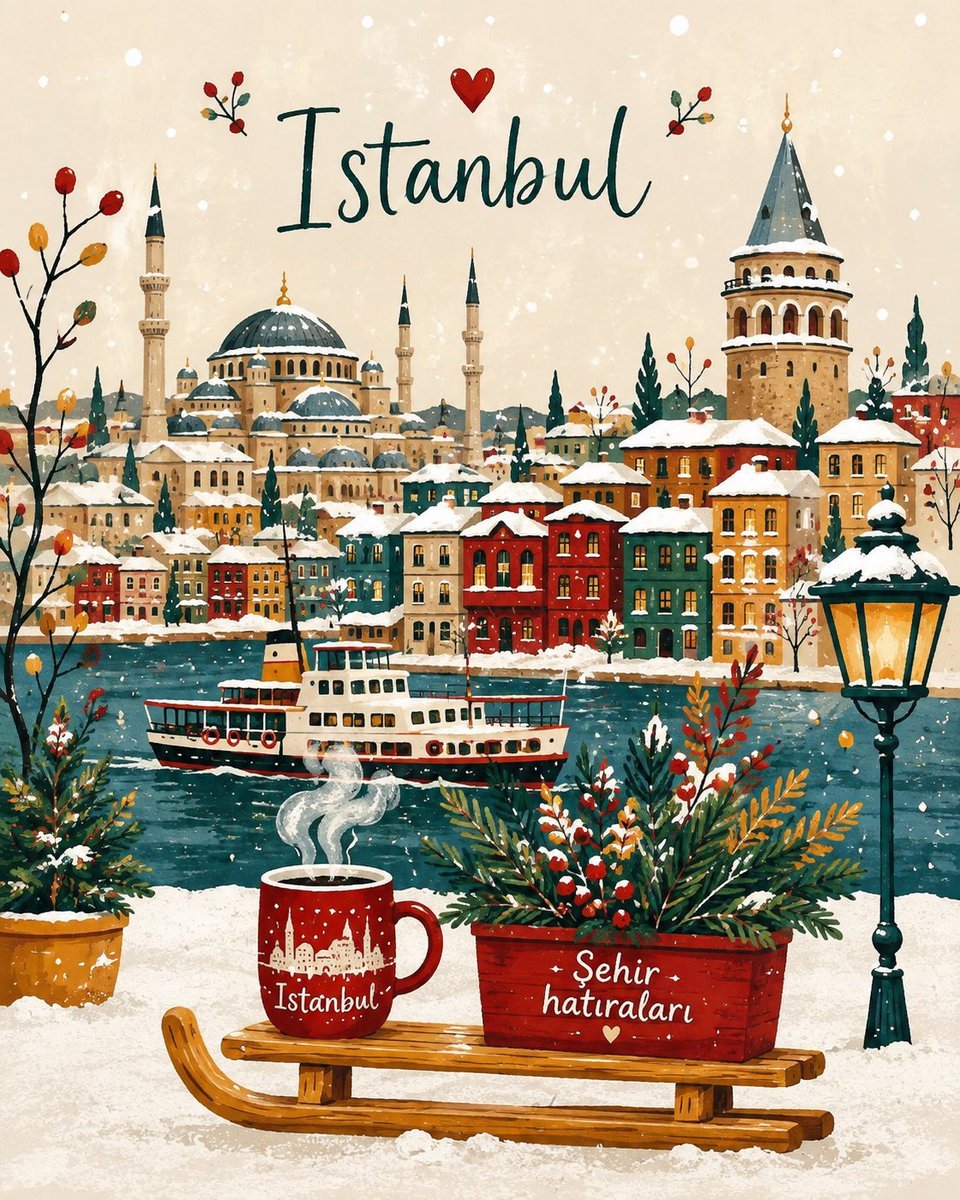
Winter Storybook Folk-Art Illustration
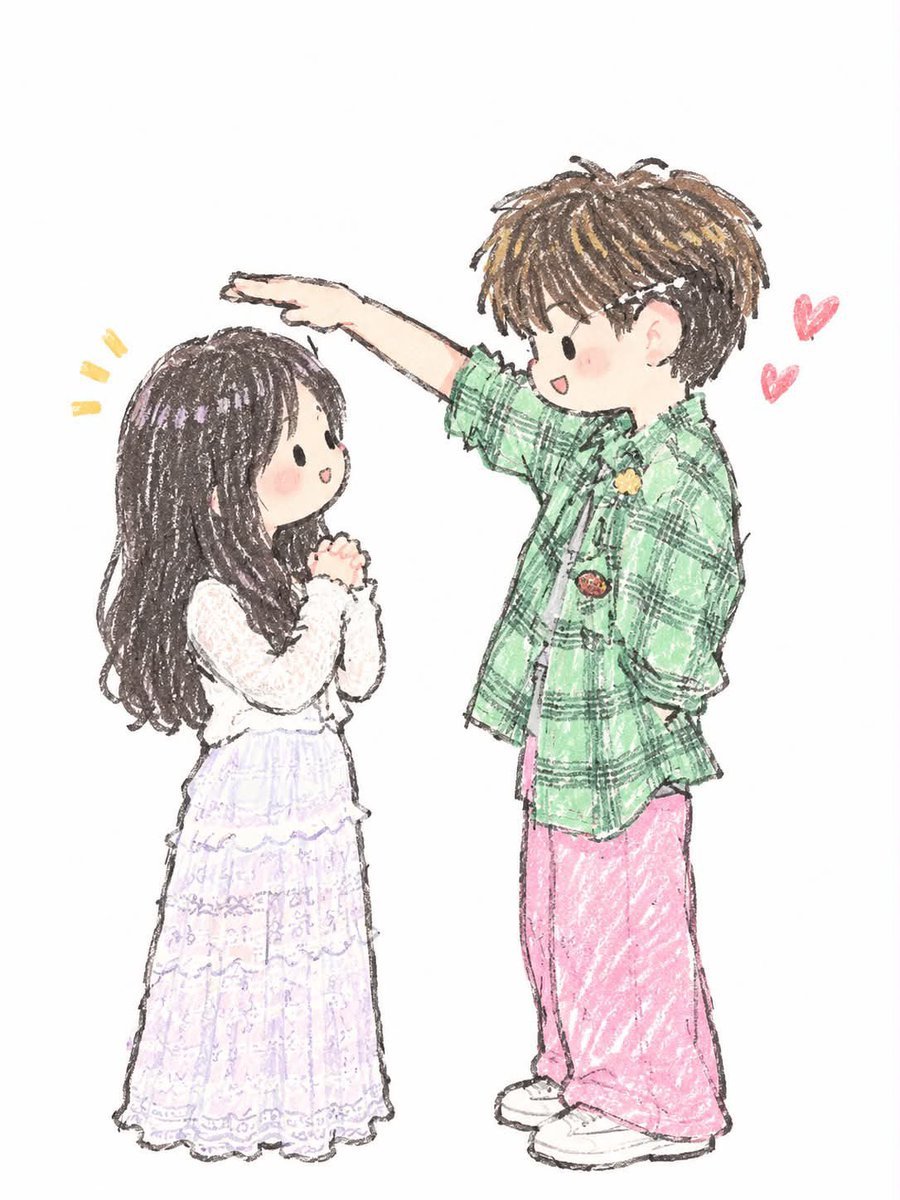
Japanese Chibi Storybook Illustration
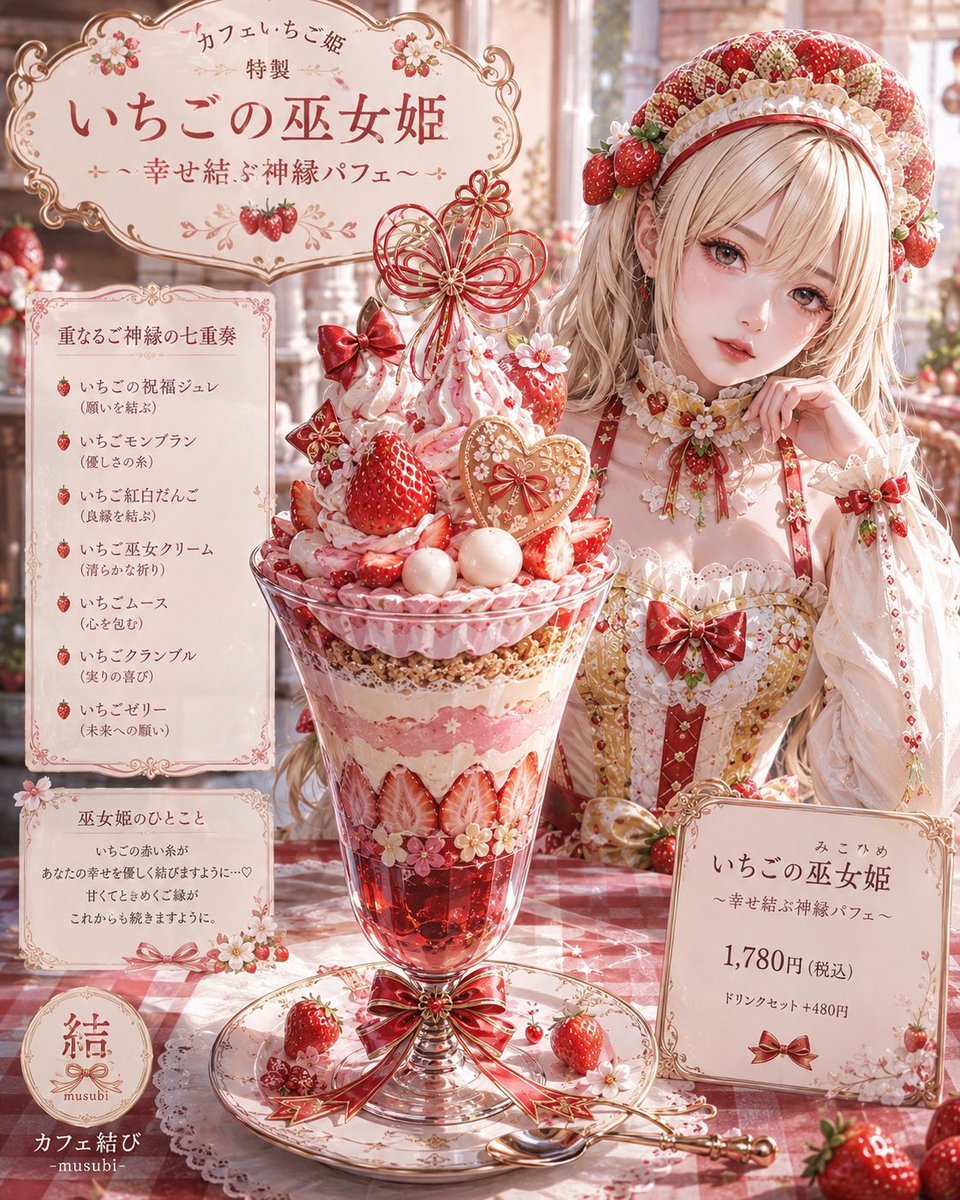
Storybook Fantasy Parfait Illustration
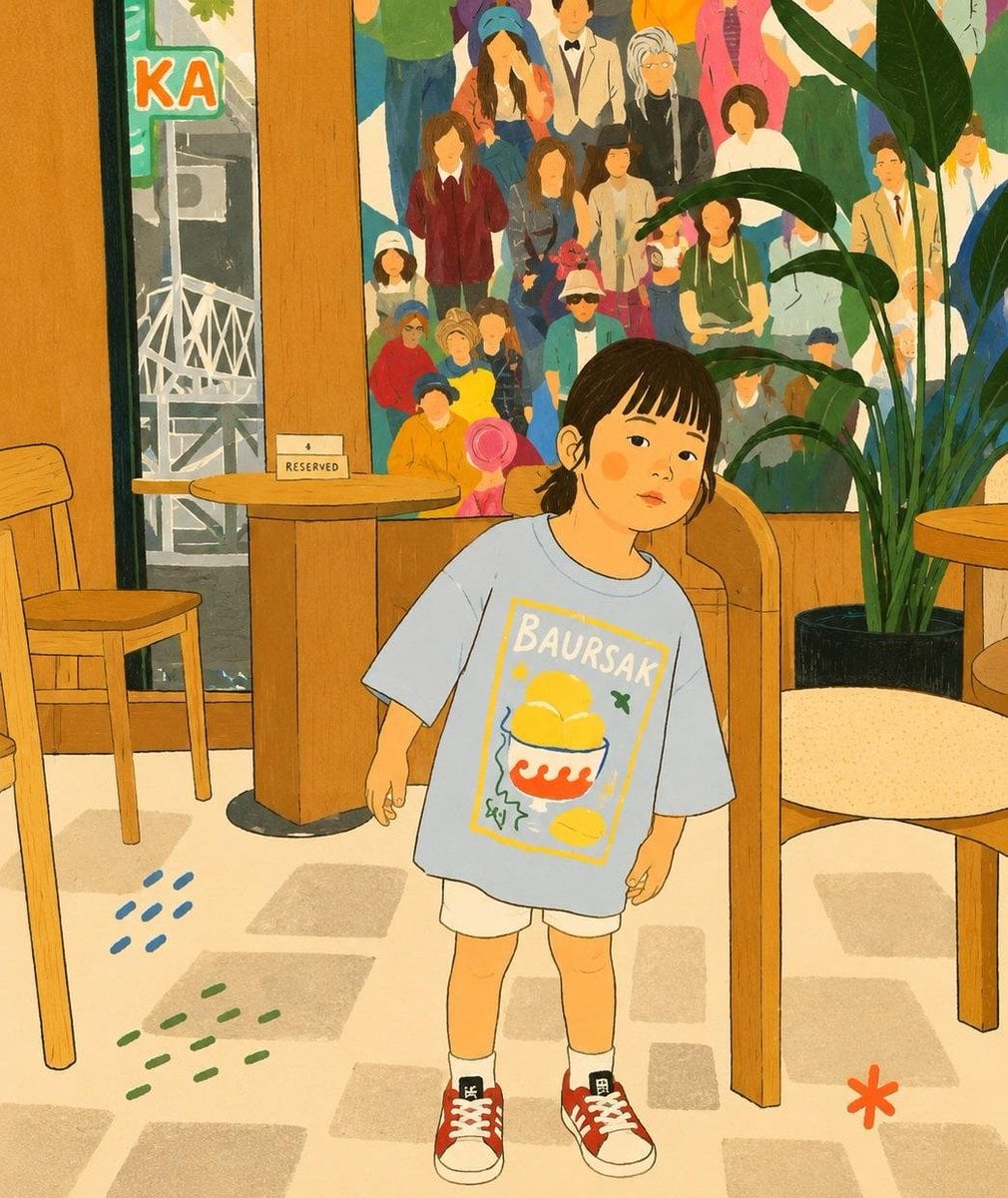
Cozy Storybook Minimalist Illustration
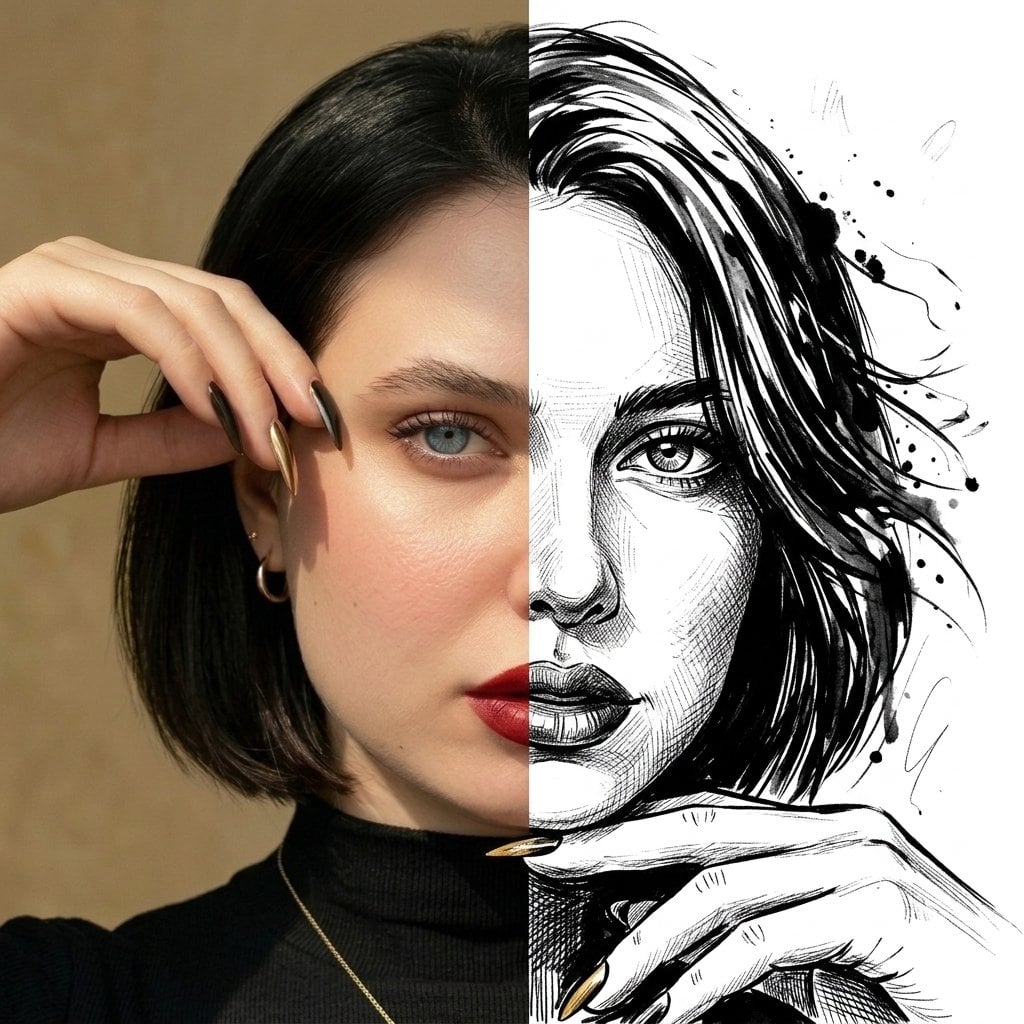
Split Face Photo and Ink Illustration

Watercolor Anim Finale Fireworks

Watercolor Anim Garden Maze

Watercolor Anim Rooftop Concert
Make it yours
Split Photo and Storybook Illustration works as-is. These are the safest ways to change it without losing the look.
Change one field
Copy a single group, rewrite it, and generate again so you can see what that field is doing.
Keep the frame, change the subject
Hold the composition and light of Split Photo and Storybook Illustration, then swap wardrobe, props or the person for a new take.
| If the result… | Why | Fix |
|---|---|---|
| The result drifts from the preview | Too many fields changed at once. | Reuse Split Photo and Storybook Illustration as-is first, then change one group — subject, light, or setting. |
| The model over-stylizes the scene | The prose prompt leaves finish and camera underspecified. | Add one camera or lighting sentence and stay on GPT Image 2. |
More GPT Image 2 templates
Other prompts made for GPT Image 2.

Six VTuber Japanese Logo Sheet

Realistic Portrait of Woman and Deer

The Vista Modular Condo Poster

AI Model Routing Comparison Infographic

2.5D Anime Art Board

Isometric Productivity Desk Scene

New York Double Exposure Poster

Four-Panel AI Landscape Comparison

Japanese Tatami Lifestyle Magazine Cover

NESCAFÉ Coffee Map Poster
More image prompts
Fresh picks from across the catalog.
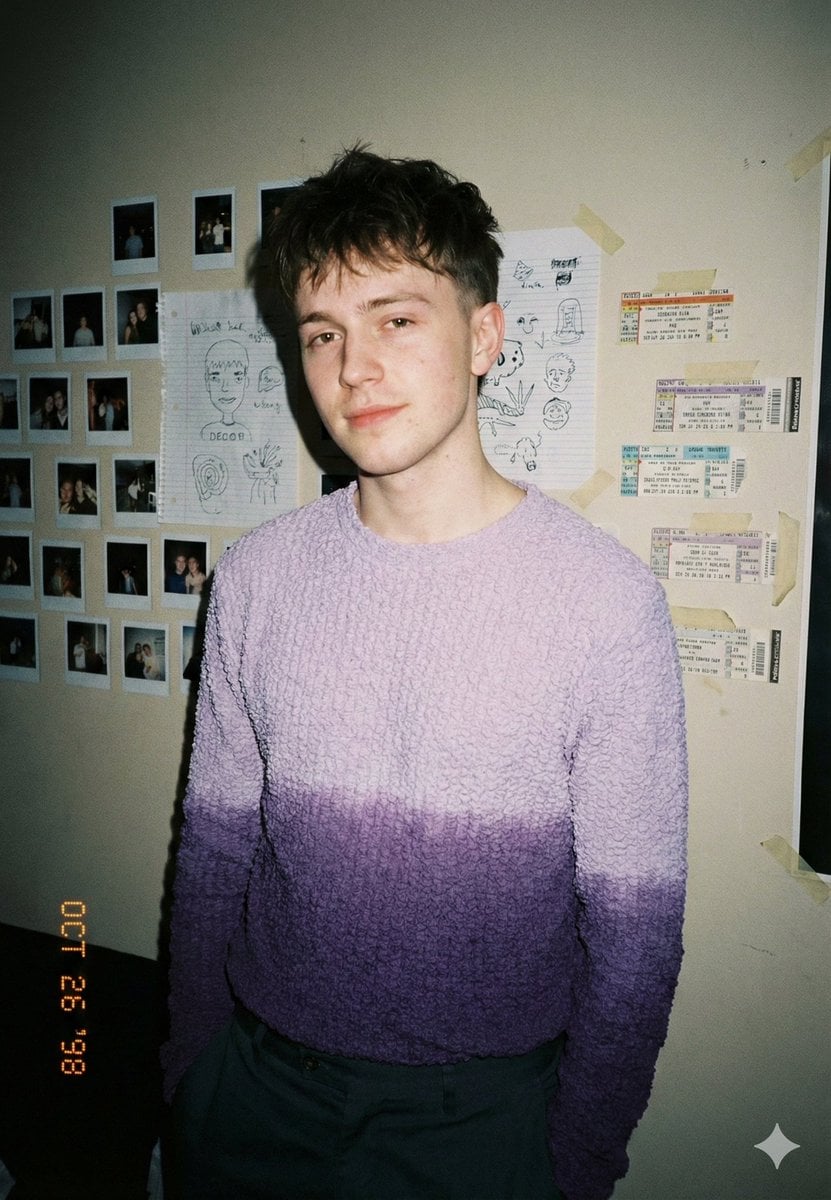
Analog-Inspired Male Portrait with Hard Flash Prompt
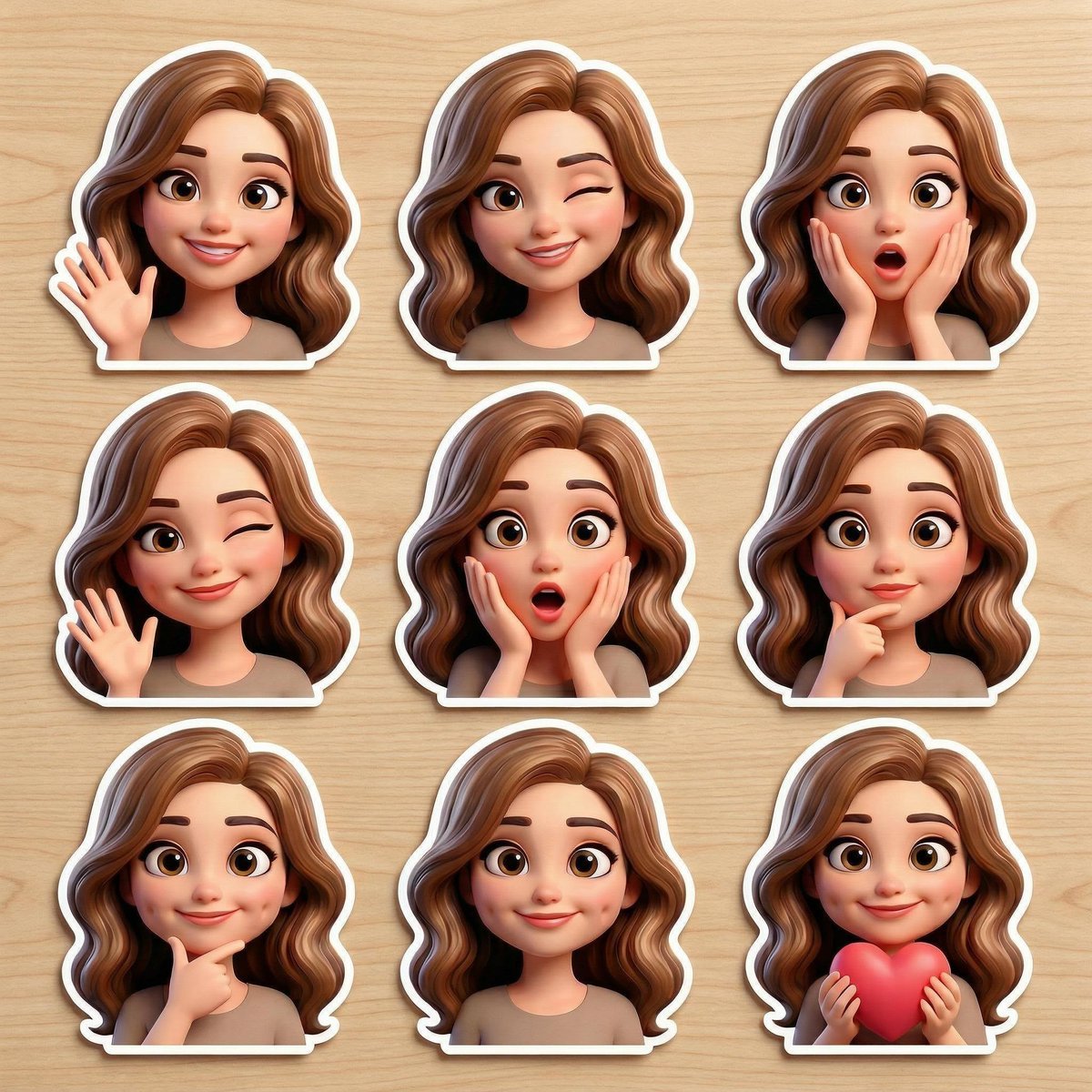
Pixar-Style Avatar Stickers with Identity Lock
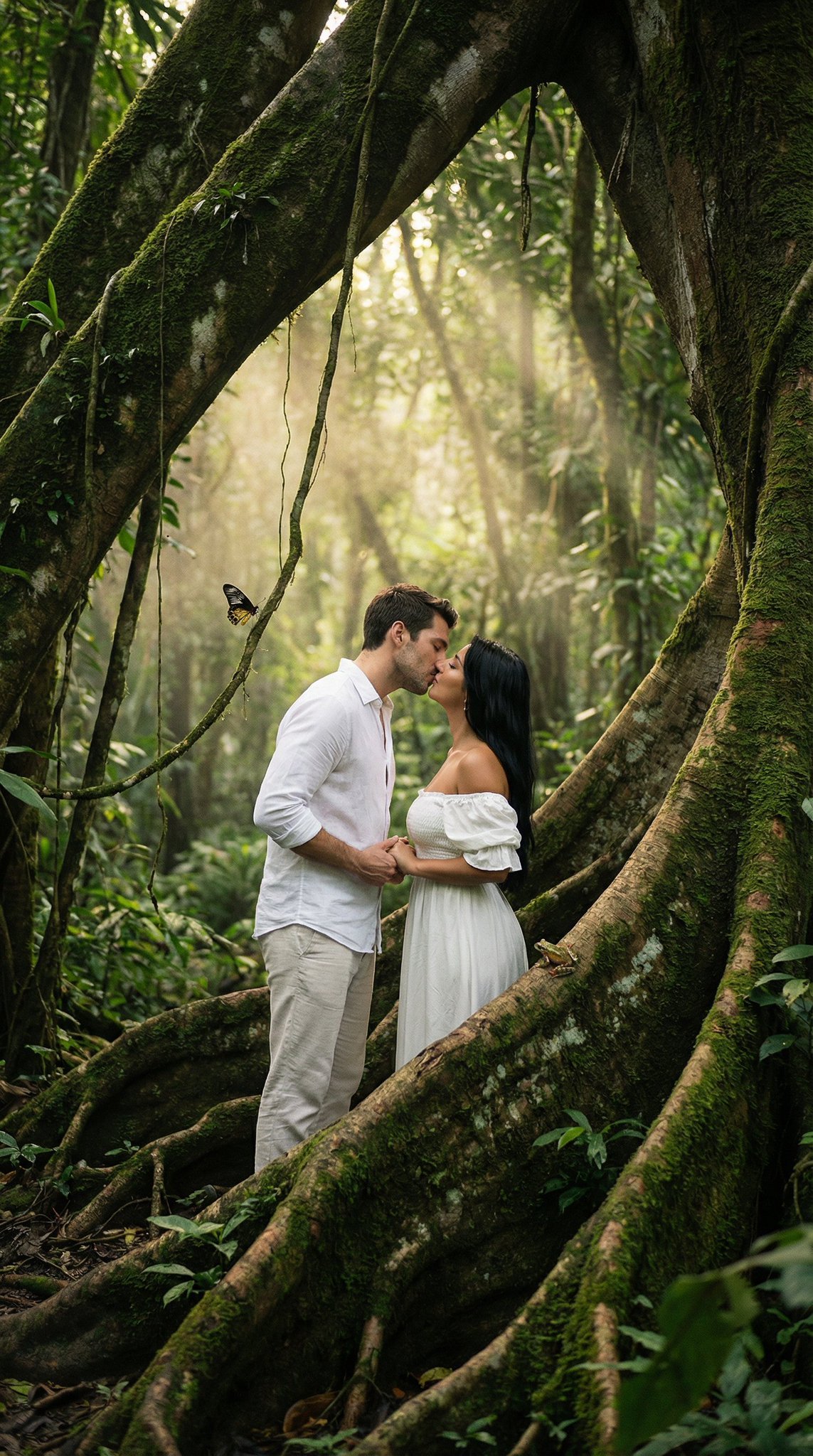
Ultra Realistic Ai Influencer Generator
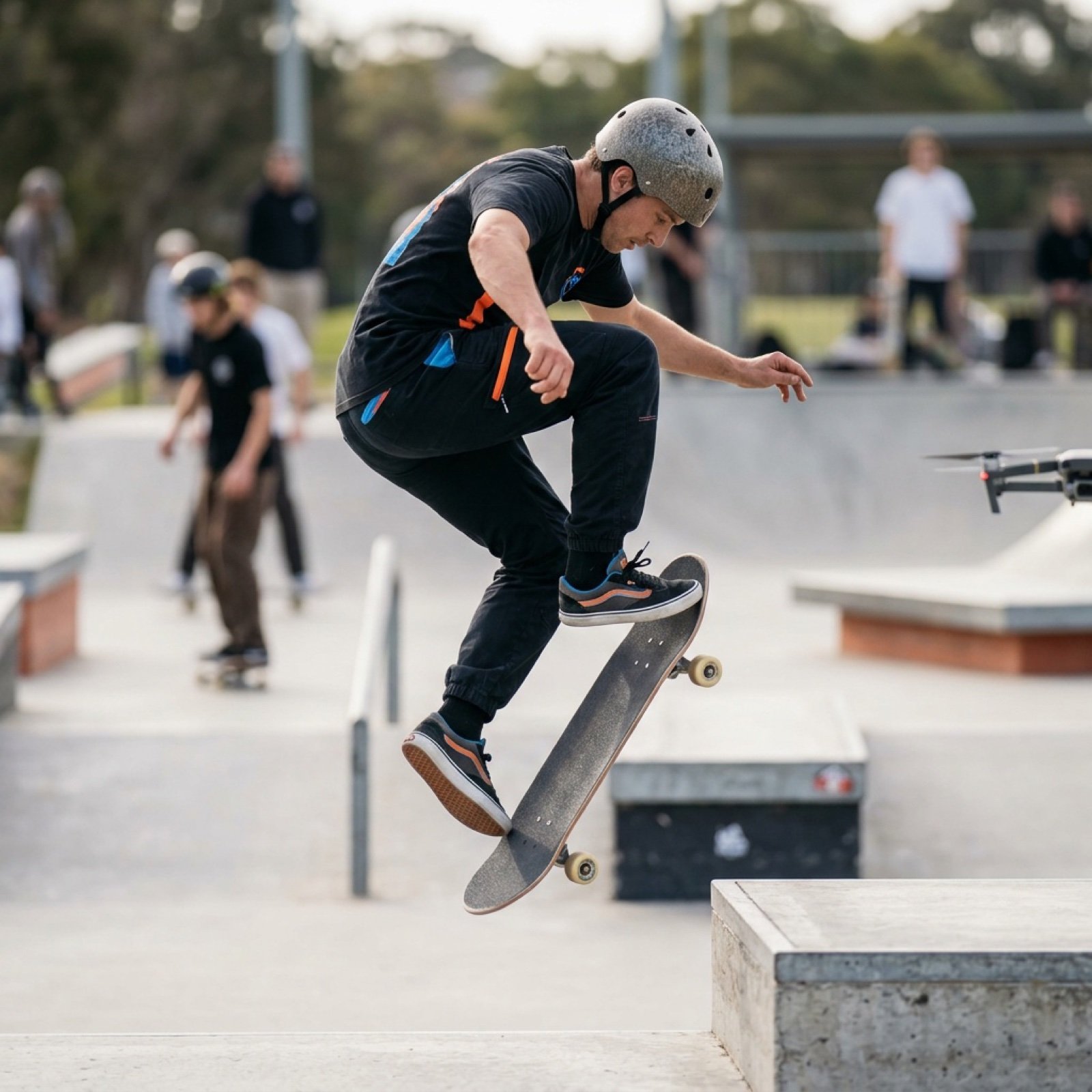
High-Speed Skateboard Tricks Video Prompt
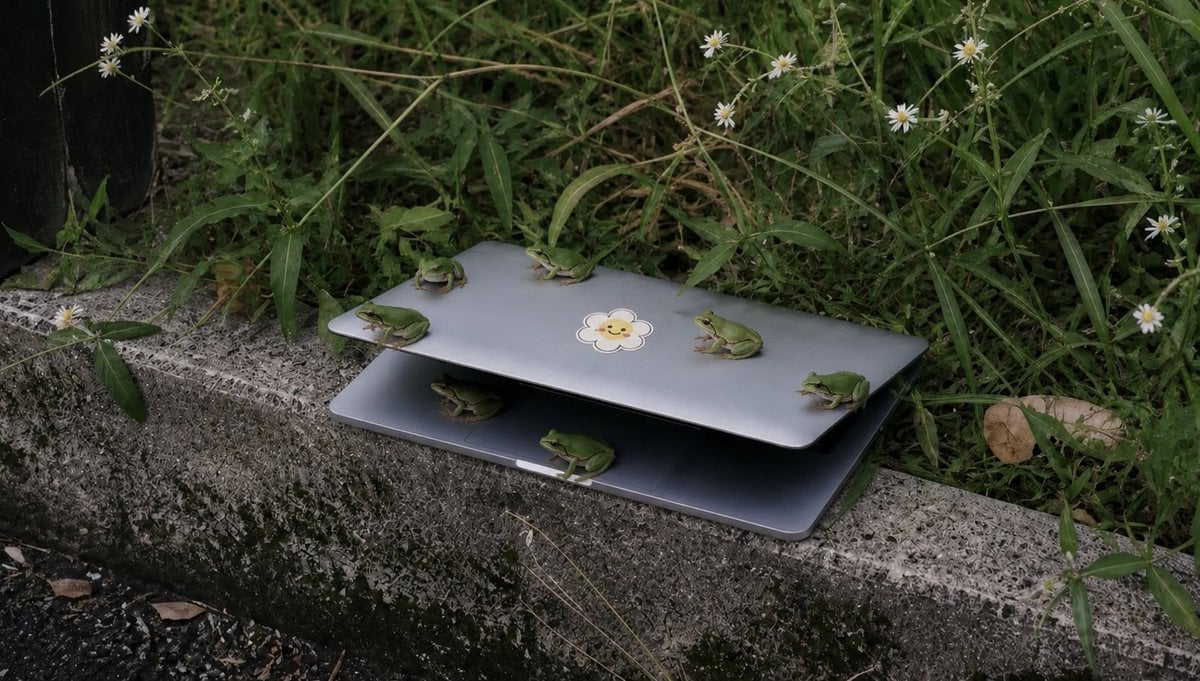
Frogs on a Laptop in Wild Grass
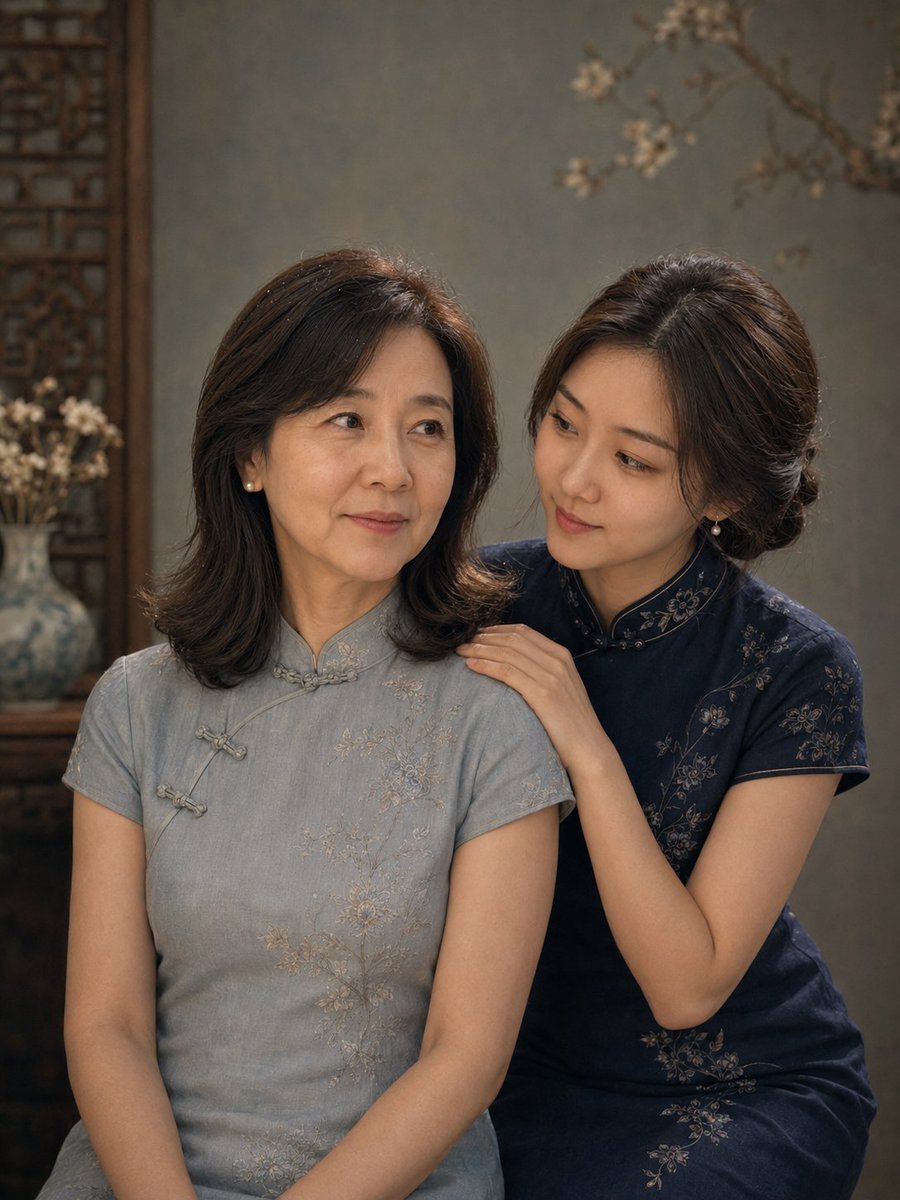
Vintage Qipao Mother and Daughter Portrait

Photorealistic Shenzhen Factory Entrance
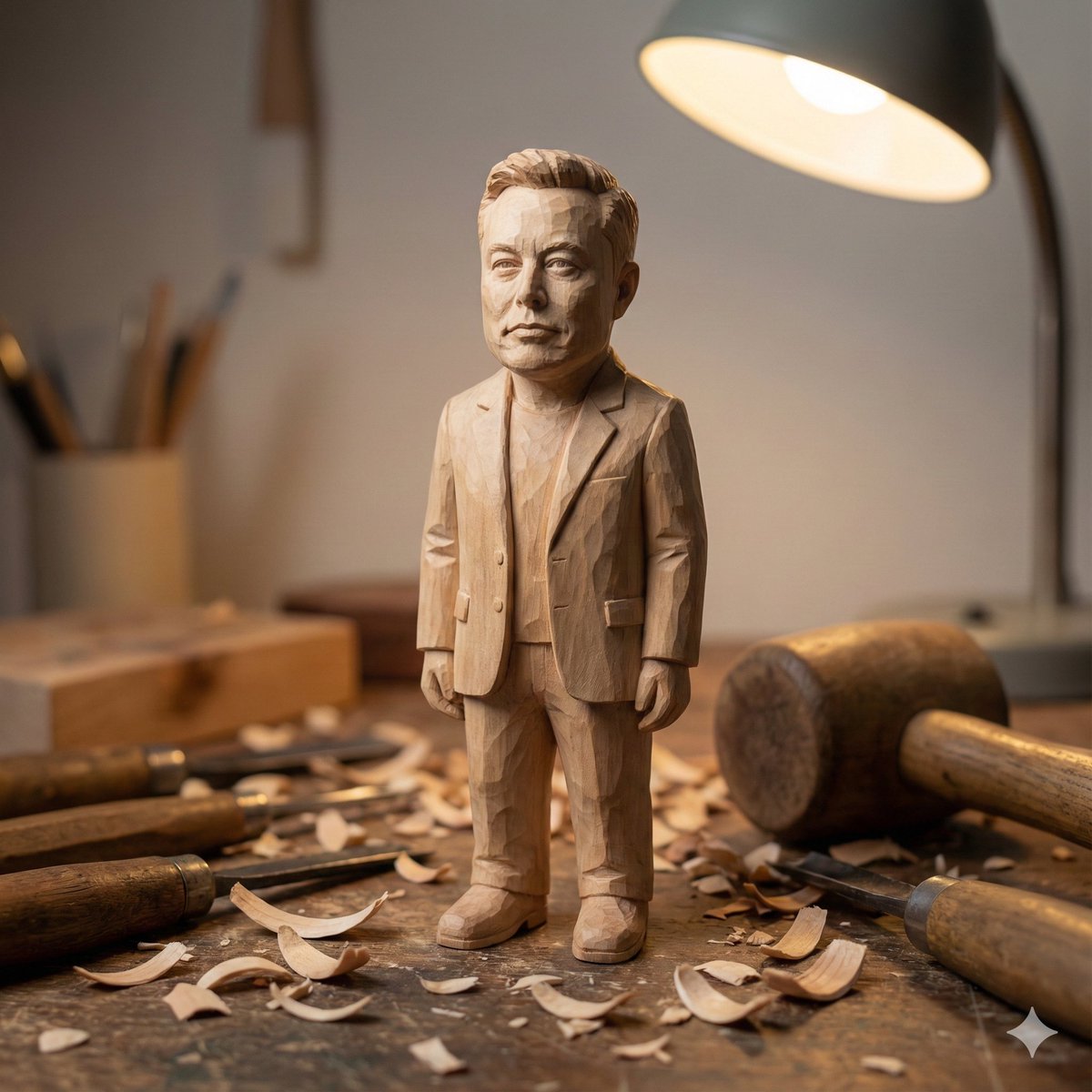
Hand-carved wooden miniature figure prompt
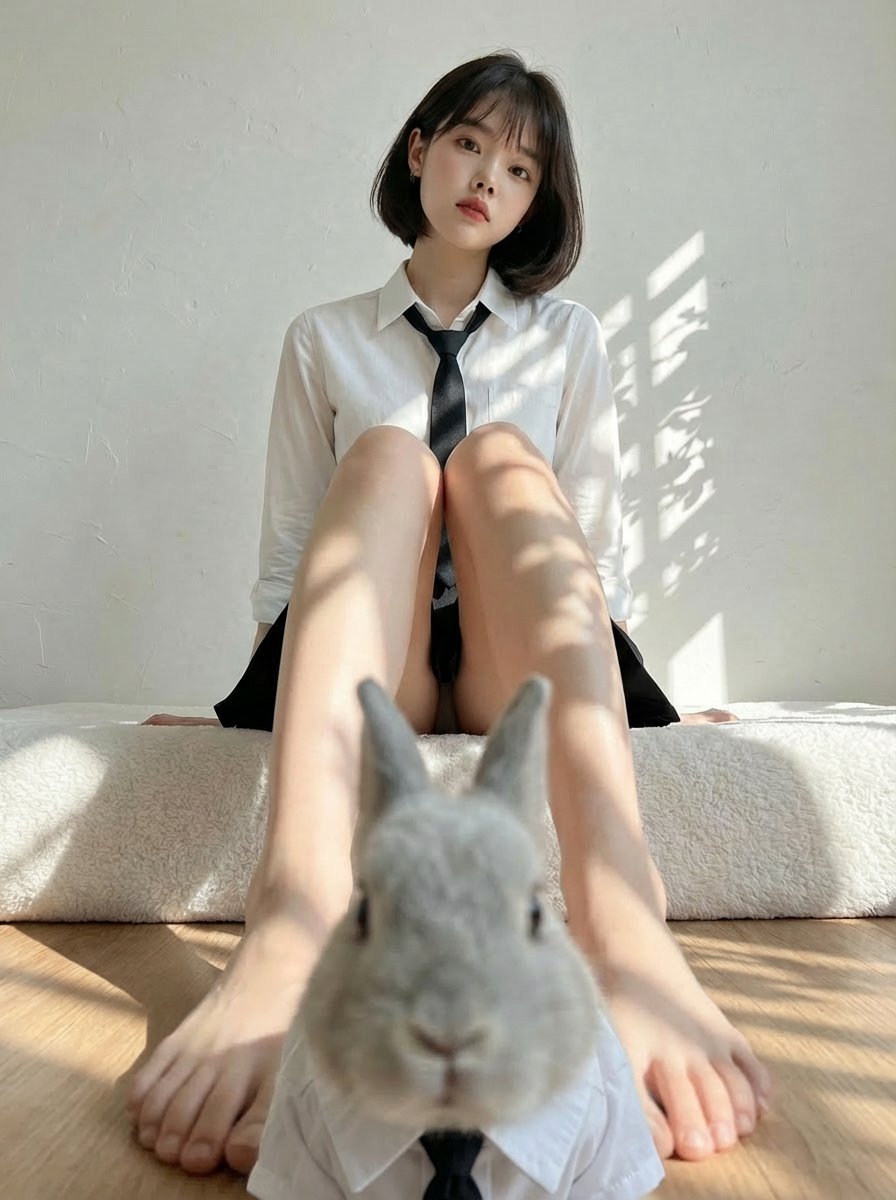
Rabbits wearing identical clothes
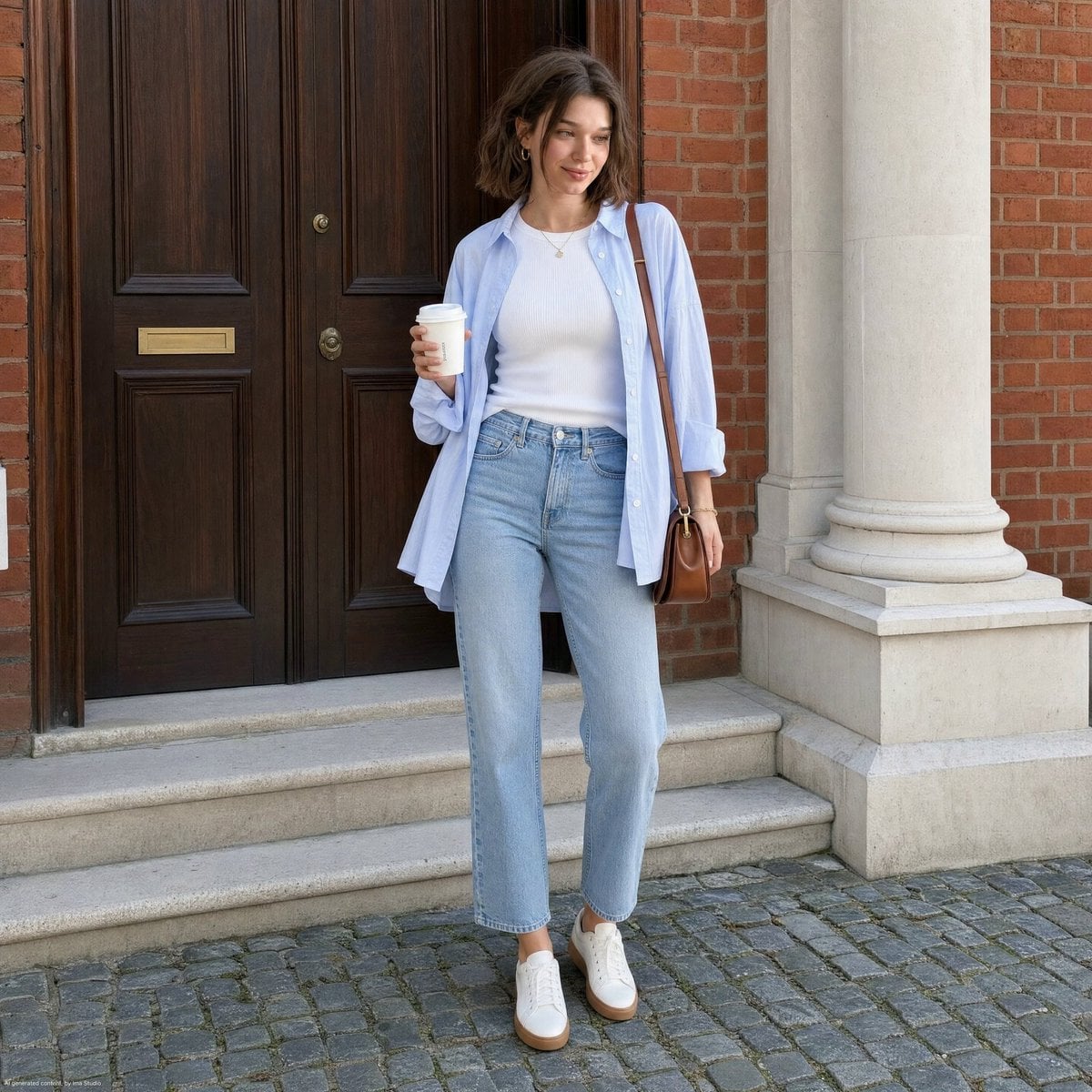
Street Style Lifestyle Portrait
Browse template categories
Split Photo and Storybook Illustration questions
How do I use the Split Photo and Storybook Illustration template?
Add your photo if the template asks for one, edit the prompt if you like — the template's model and format are already selected — and press Generate. Your version opens in PicX Studio.
Can I customize the Split Photo and Storybook Illustration template?
Yes. You can change the subject, setting, lighting, mood, format, and available model controls before creating your image.
Is the Split Photo and Storybook Illustration template free?
Opening and editing this template is free. Generating uses credits, shown on the Generate button when you are signed in.
Which AI model should I use?
Start with GPT Image 2, which is the model associated with this template. You can compare another compatible model for a different finish.
Looking for something else? Browse all templates.

Your photo, any look
Thousands of ready templates for every top image and video model, from one credit balance.