
Neo-Noir Heartbreak Cinematic Portrait
An ultra-realistic prompt for a moody, neo-noir urban scene featuring a heartbroken character with double exposure eye elements and neon accents.
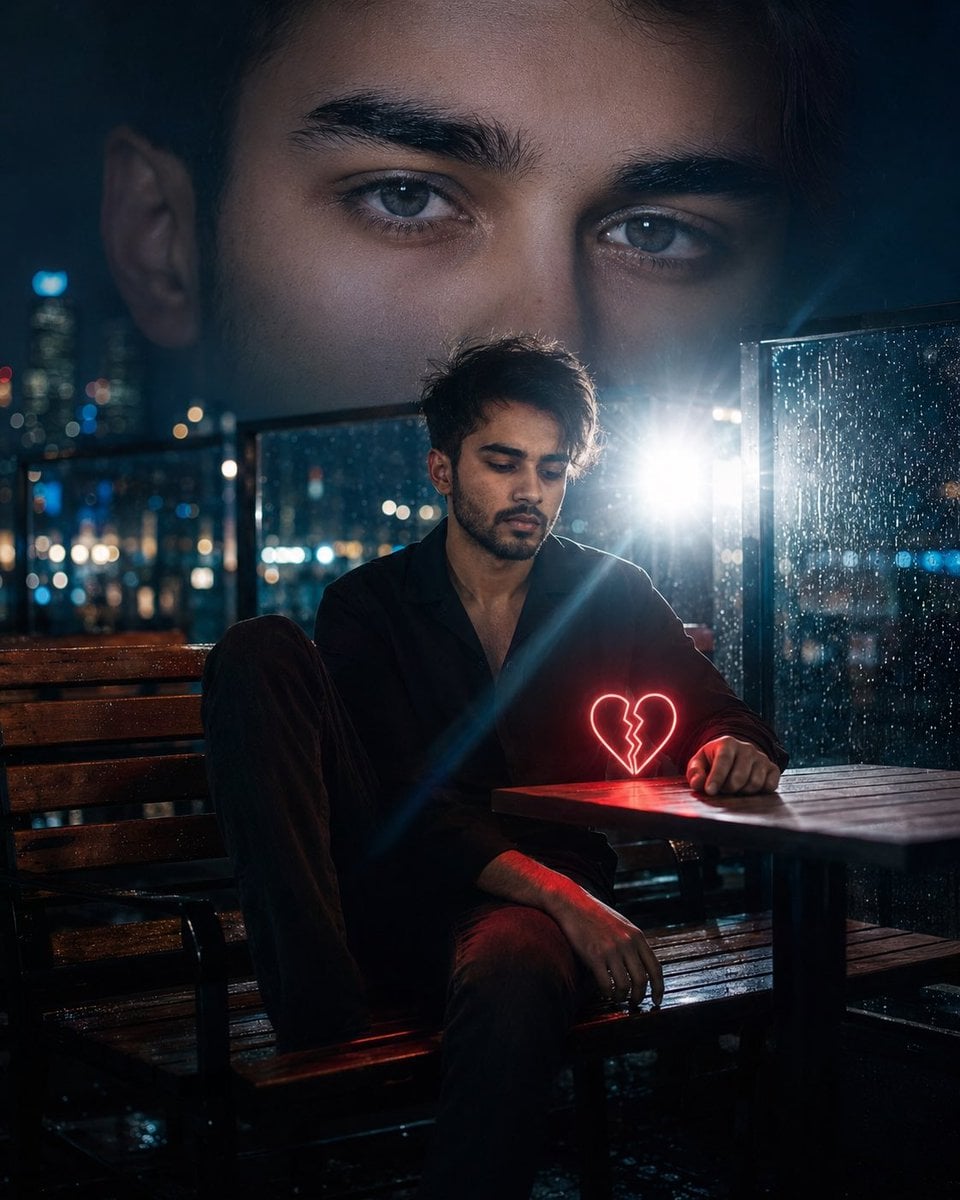
- Prompt included
- Model and format preset
- Free template
The prompt behind this image
Copy the exact prompt behind Neo-Noir Heartbreak Cinematic Portrait, or open it in the studio and make it yours.
Use your {argument name="identity reference" default="uploaded face image"} as the primary identity reference. Preserve the exact facial structure, jawline, cheekbones, eye shape, eyebrow shape, nose structure, lips, beard/stubble pattern, hairstyle, hair texture, skin texture, natural South Asian masculine features, and overall recognizable appearance with extremely high identity fidelity. Maintain realistic proportions, authentic skin details, and natural facial anatomy. Do not alter my facial identity. Create an ultra-realistic cinematic heartbreak portrait inspired by a {argument name="mood" default="moody neo-noir night scene"}. The same man is sitting alone on a wooden outdoor café bench at night after rainfall, captured in a contemplative and emotionally distant pose. One leg is bent on the bench while the other rests naturally, with his body slightly leaning forward and his head tilted down as if lost in thought. His expression is subtle, melancholic, and introspective rather than exaggerated. Behind him, a massive double-exposure composition fills the upper half of the frame: an enormous close-up of his own eyes dominates the night sky, gazing forward with intense emotional depth. The giant eyes should be crystal clear, highly detailed, and seamlessly blended into the dark atmosphere, creating a surreal cinematic storytelling effect. The eyes must match the uploaded face exactly. A glowing {argument name="symbol" default="neon-red broken-heart symbol"} sits on the table beside him, acting as the visual focal point and casting soft red light onto his hands, clothing, and nearby surfaces. The environment is a rainy urban night setting with glass panels covered in raindrops, reflections, and distant city lights. Strong white backlighting from behind creates a dramatic silhouette and lens flare, while blue and cyan ambient lighting balances the warm red glow from the heart. Color palette: deep blues, cyan highlights, black shadows, subtle red neon accents. Atmosphere should feel lonely, romantic, cinematic, and emotionally powerful. Photography style: luxury editorial portrait, cinematic storytelling, neo-noir, double exposure, emotional fine-art photography, shallow depth of field, realistic bokeh, rain reflections, volumetric lighting, rim lighting, HDR, ultra-photorealistic skin texture, high dynamic range, sharp focus on the subject, soft background blur. Camera settings: full-frame DSLR, 85mm lens, f/1.4 aperture, ISO 400, cinematic night exposure, professional color grading, ultra-detailed facial features, 8K resolution, masterpiece quality, realistic shadows, natural skin tones, dramatic composition.
How to use Neo-Noir Heartbreak Cinematic Portrait in 3 steps
- 1Upload ImagePNG, JPG or paste
Add your photo
Upload the photo the template builds on. The prompt, model and format are already set.
- 2…a portrait of your subject in softgolden-hour light, 85mm…
Personalize
Edit the subject and creative details for your destination.
- 3Generate
Generate
Press Generate — your image is created in PicX Studio, so you can compare it with the original and refine one variable at a time.
More like this
Templates with the same subject, style or setup. Open one to see its prompt.
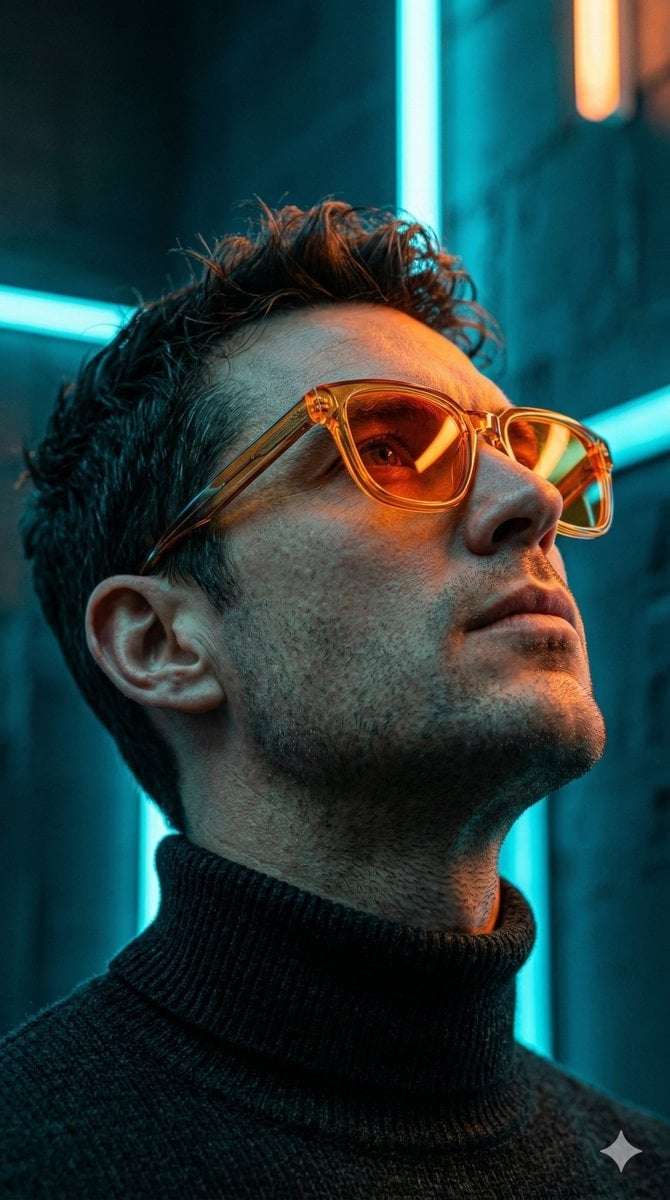
Low-Angle Cyberpunk Neon Profile Portrait
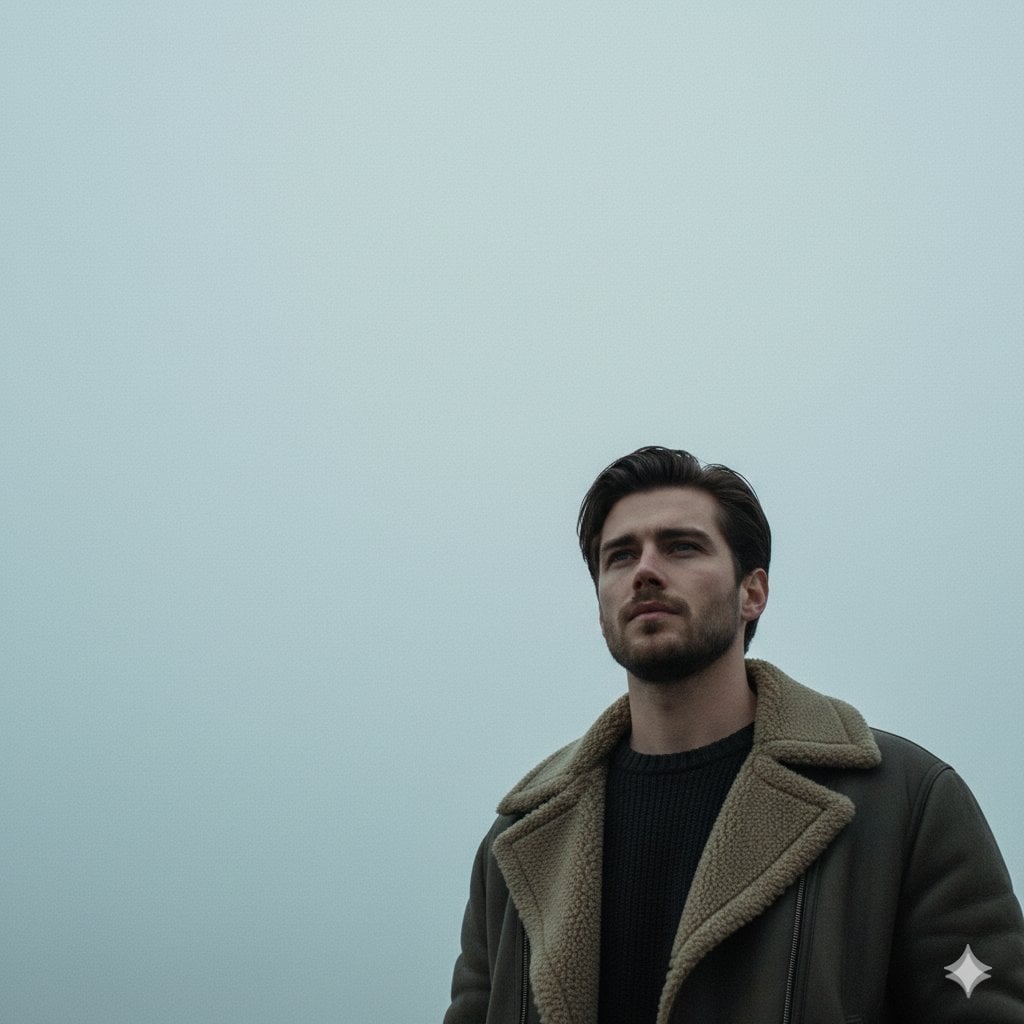
Neo-Noir Sci-Fi Sky Portrait

Gritty Neo-Noir Tactical Portrait
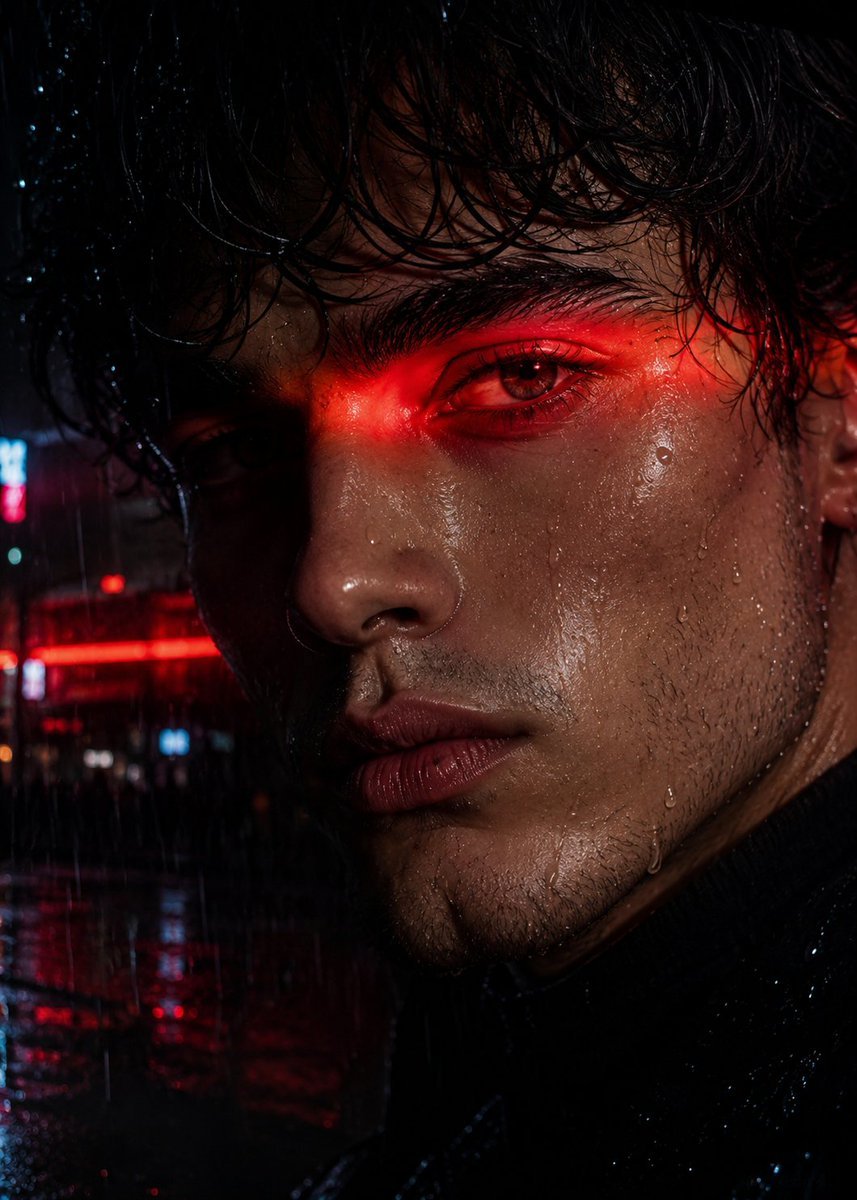
Neo-Noir Close-up Portrait

Found Photograph: Us, 1970

80s Couple Studio Portrait

80s Bollywood Star

80s Golden Hour Cinema

Me in 1985

1985 Studio Portrait
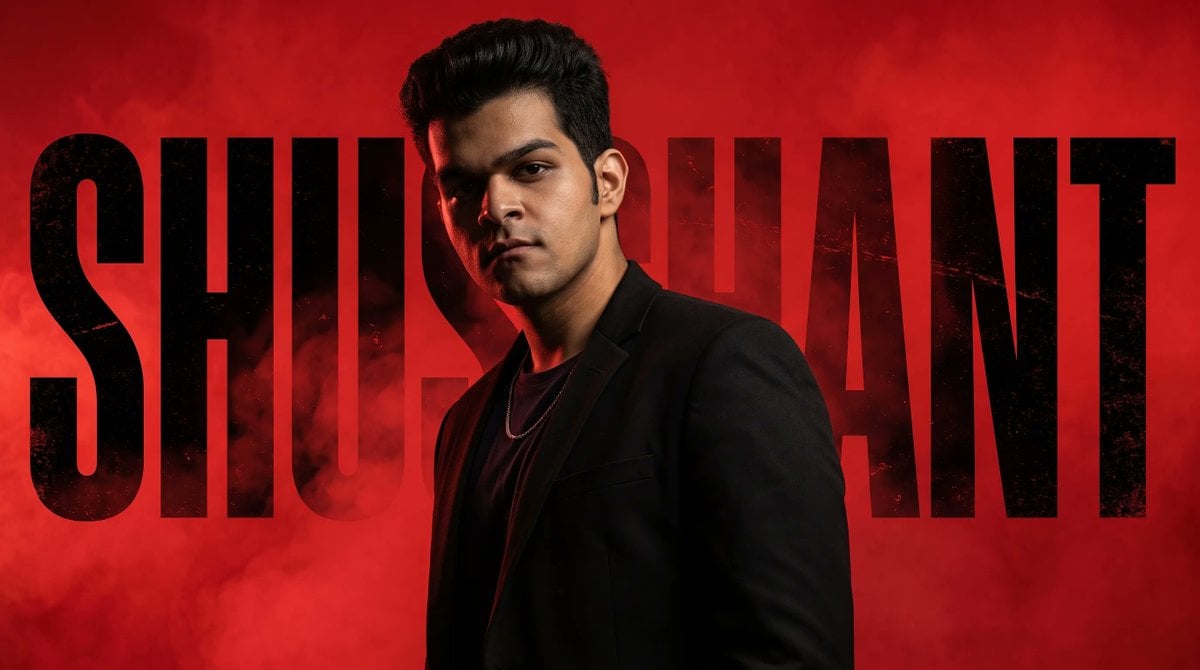
Neo-Noir Typographic Avatar Poster

Hyper-Realistic Minecraft POV Portrait
Make it yours
Neo-Noir Heartbreak Cinematic Portrait works as-is. These are the safest ways to change it without losing the look.
Change one field
Copy a single group, rewrite it, and generate again so you can see what that field is doing.
Keep the frame, change the subject
Hold the composition and light of Neo-Noir Heartbreak Cinematic Portrait, then swap wardrobe, props or the person for a new take.
| If the result… | Why | Fix |
|---|---|---|
| The result drifts from the preview | Too many fields changed at once. | Reuse Neo-Noir Heartbreak Cinematic Portrait as-is first, then change one group — subject, light, or setting. |
| The model over-stylizes the scene | The prose prompt leaves finish and camera underspecified. | Add one camera or lighting sentence and stay on Nano Banana 2. |
More Nano Banana 2 templates
Other prompts made for Nano Banana 2.

Photorealistic Leaf Shaped Like a Dragon

K-Pop Idol Portrait Grid for Rapid Selection

Poetic Rain Forest Portrait During Golden Hour

Urban Street Portrait with Cartoon Inner Self Duo

Candid Nighttime Photo with Cat Prompt

High-Concept 3D Diorama Generation Prompt

Cinematic Futuristic Studio Portrait Template

Skincare Editorial Photography Collage Prompt

Hyper-Realistic Commercial Product Photography (Splash Effect)

Hyper-Realistic Nightclub Portrait Prompt
More image prompts
Fresh picks from across the catalog.
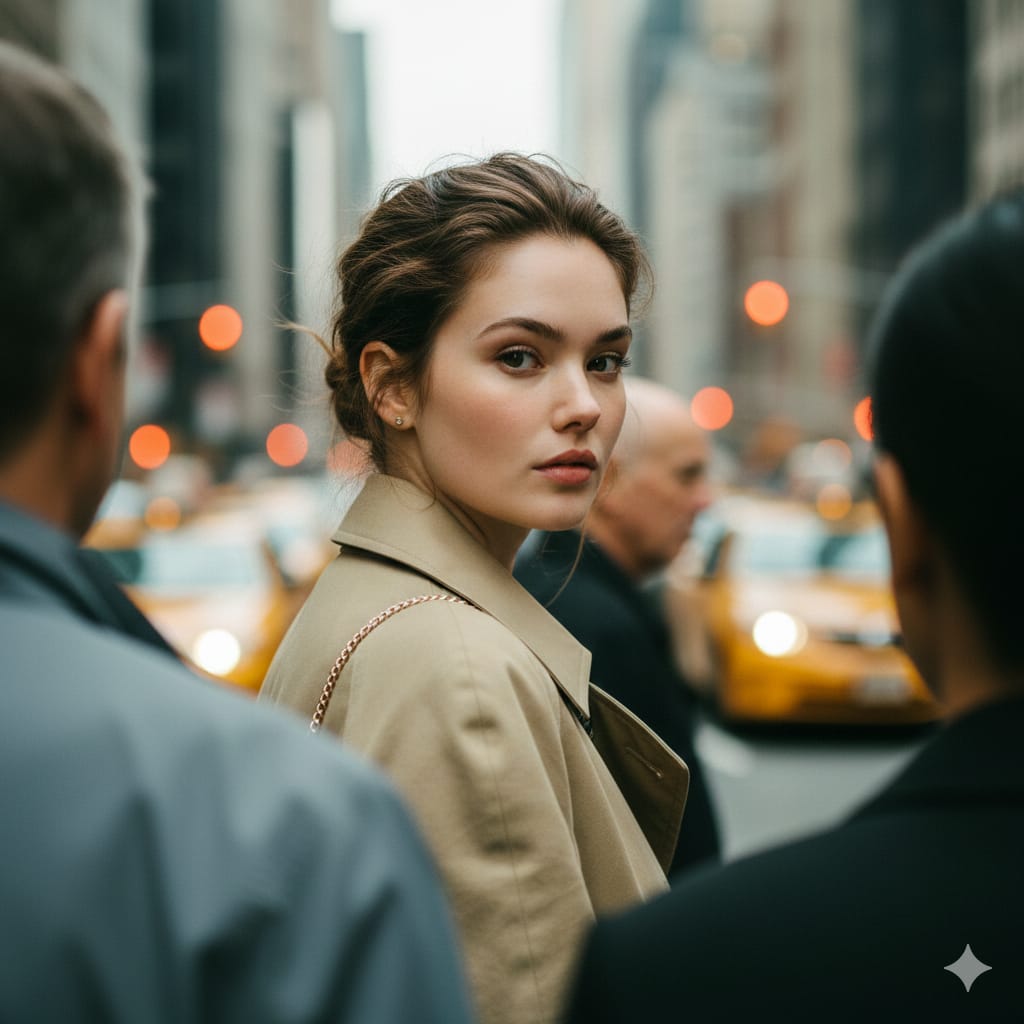
Photorealistic Candid Street Portrait with Extreme Shallow DOF
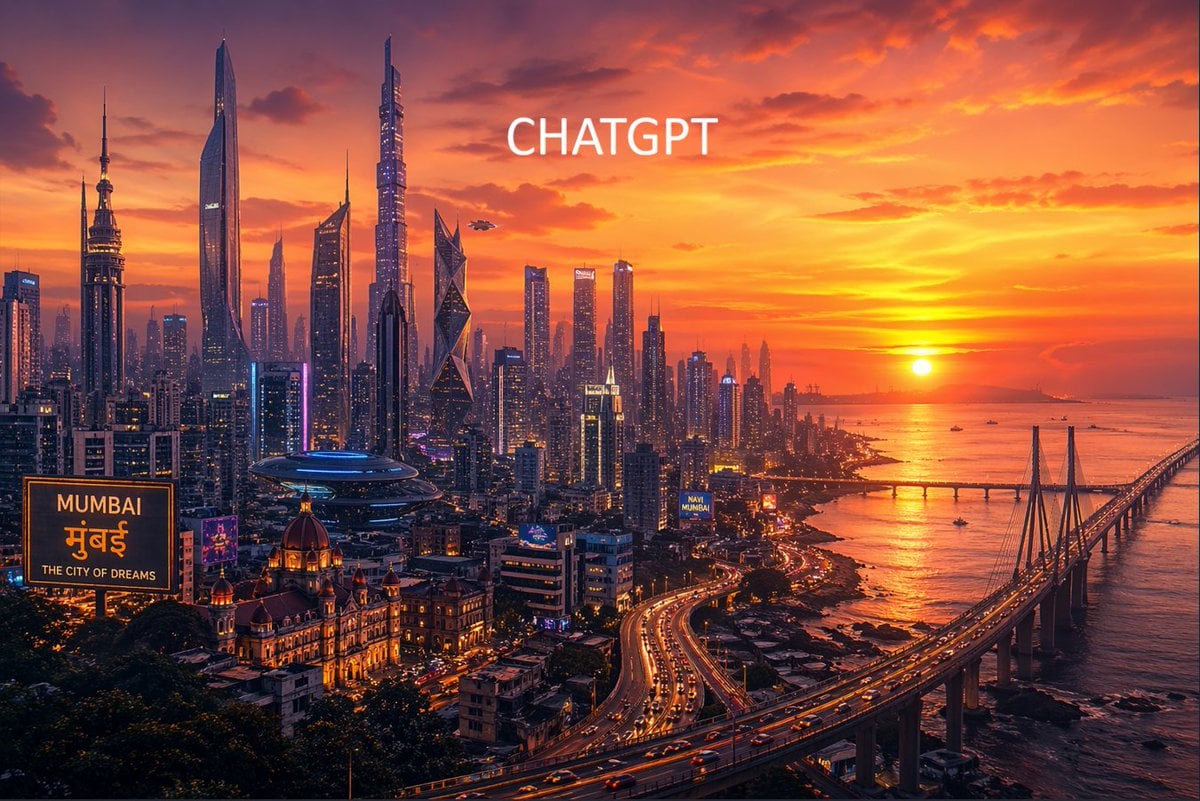
Futuristic Mumbai Sunset Skyline
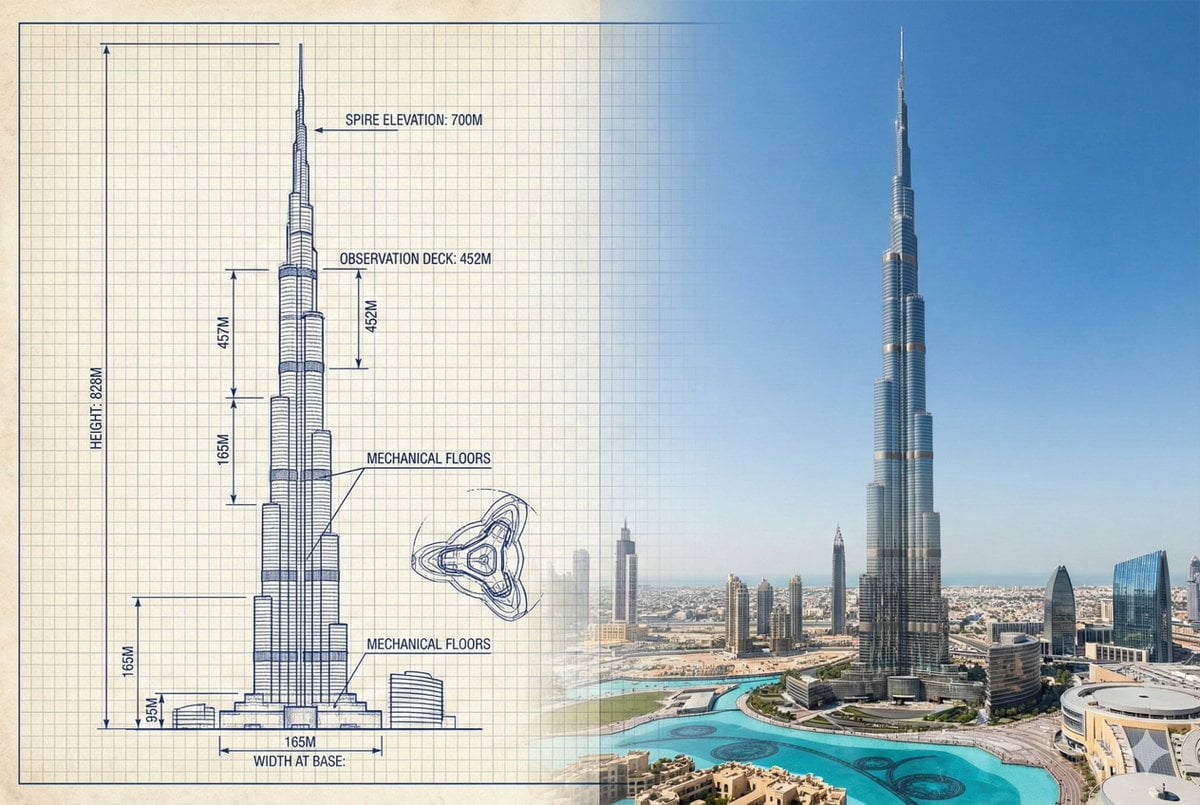
Burj Khalifa Technical Sketch and Real Photo Comparison
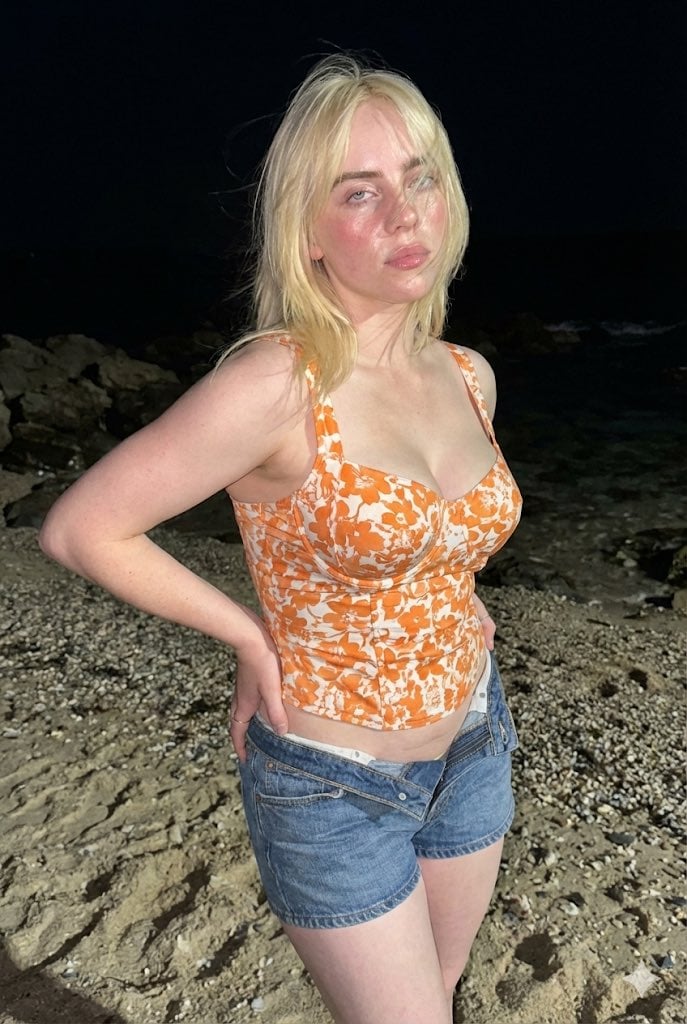
Raw High-Contrast Night Documentation Portrait
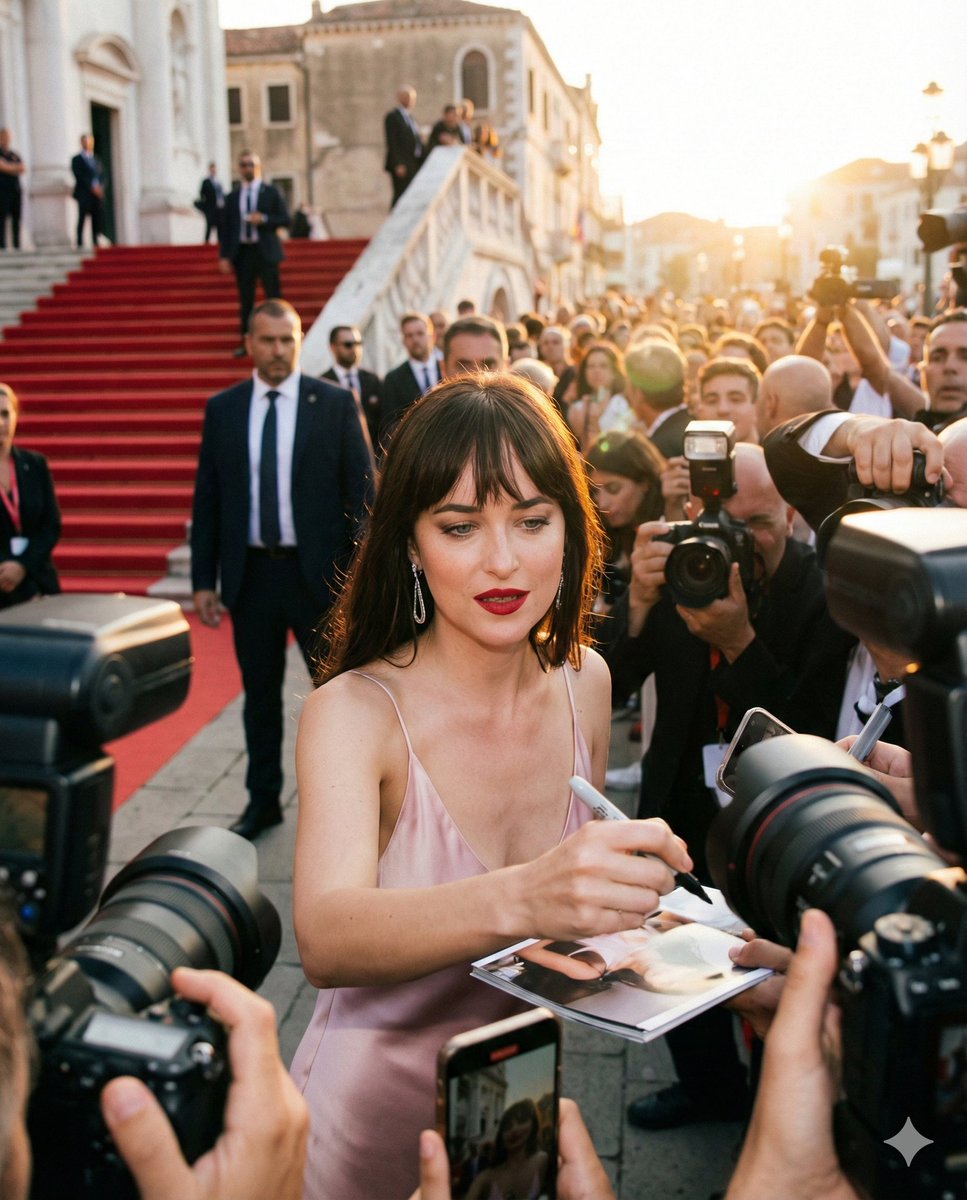
Red Carpet Paparazzi Realism Prompt
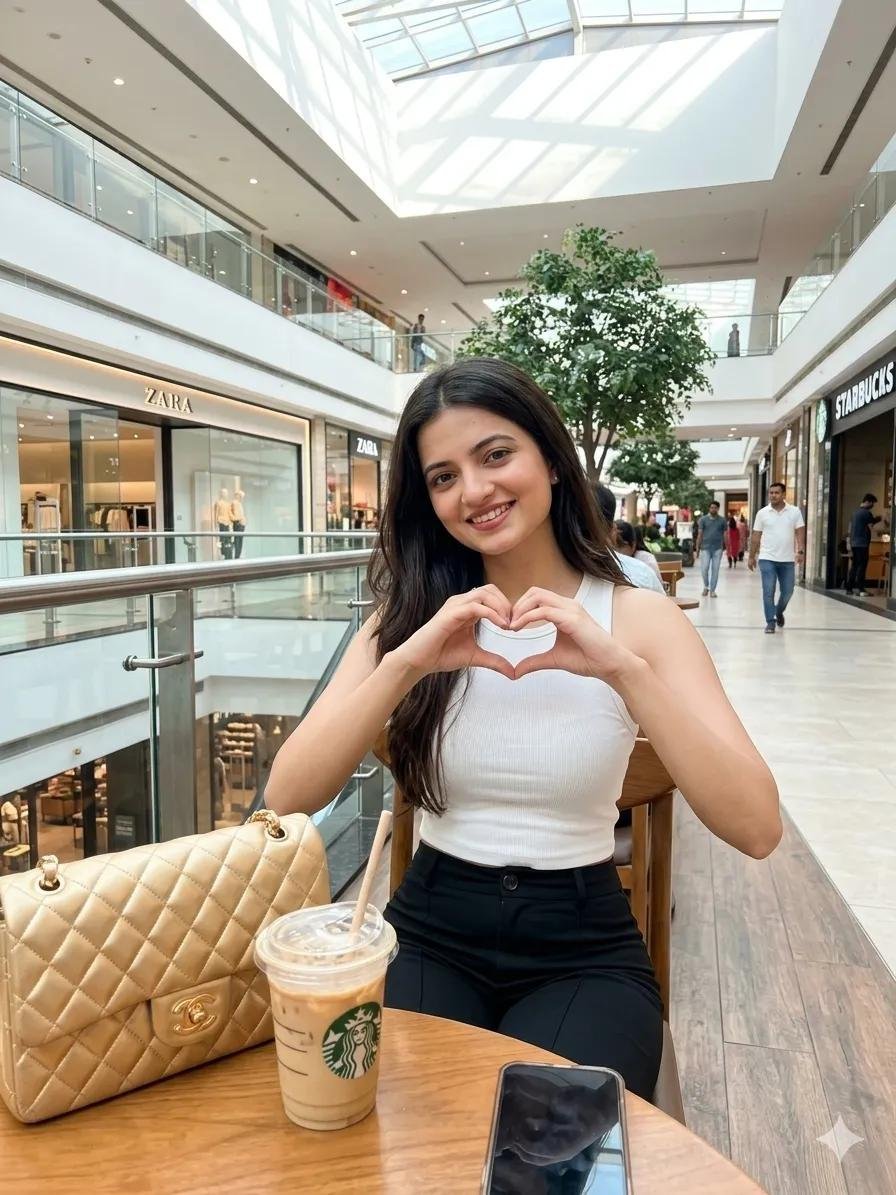
Woman in Mall with Chanel Bag - Heart Gesture
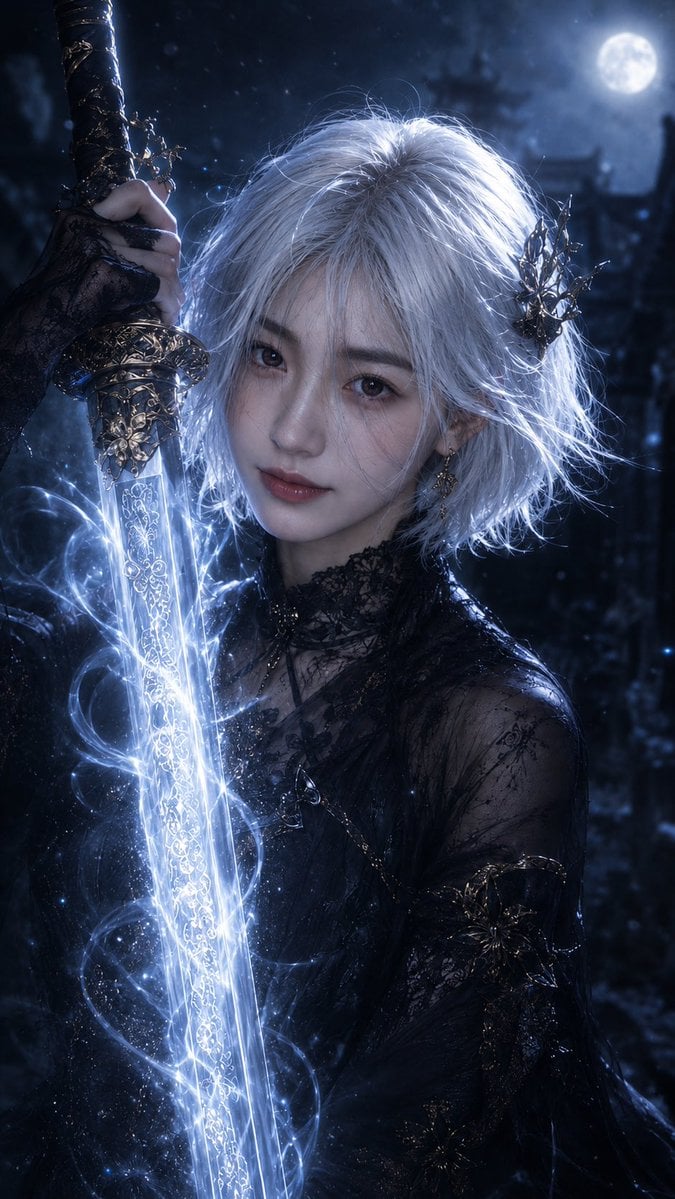
Moonlit Dark Fantasy Sword Maiden
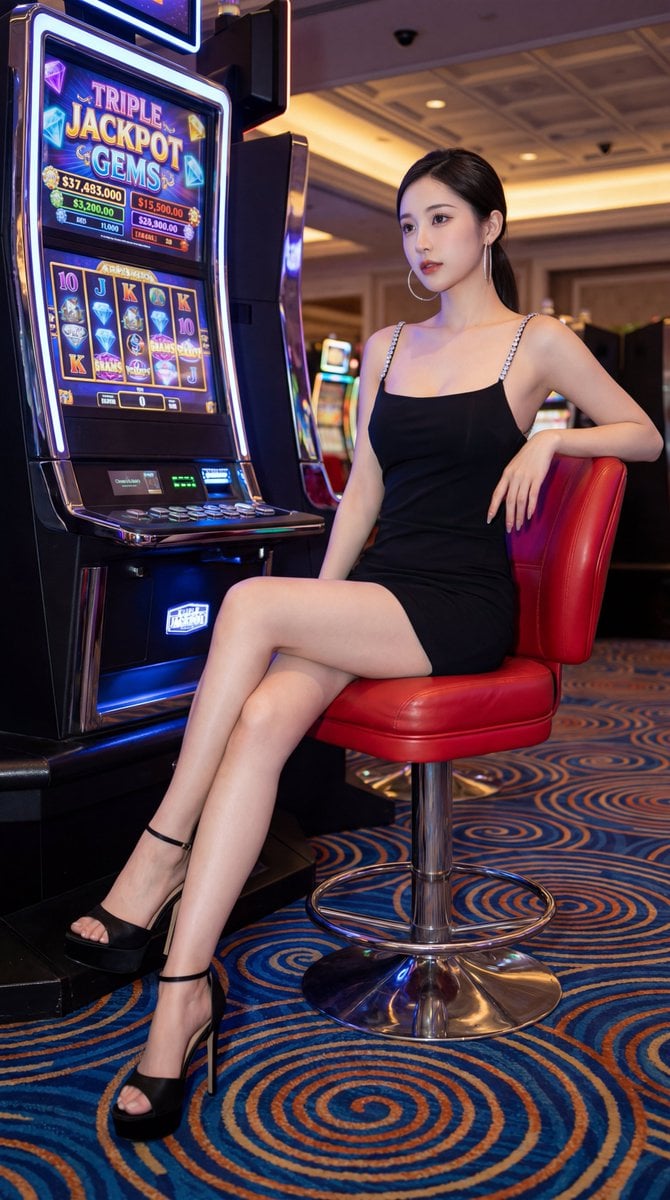
Chinese Casino Glamour Scene Prompt
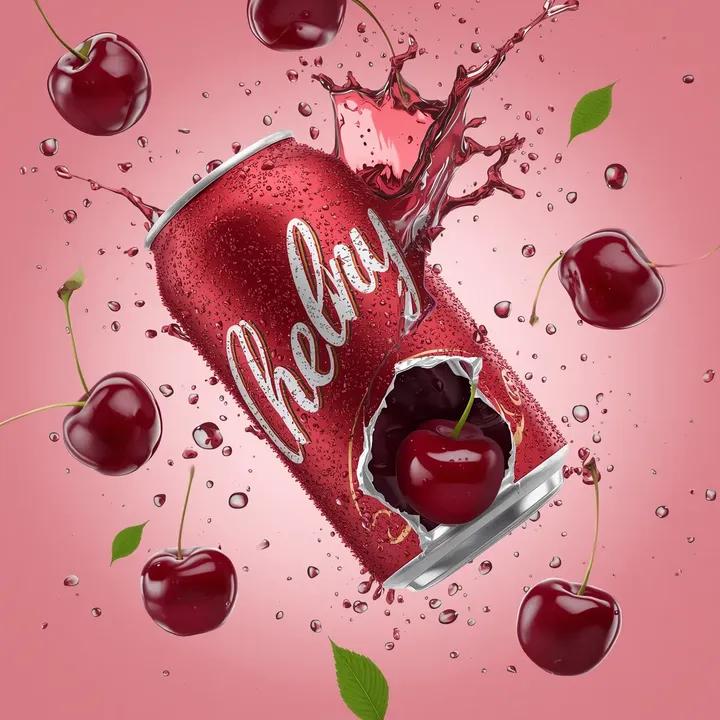
Cherry Soda Commercial Splash Macro Shot
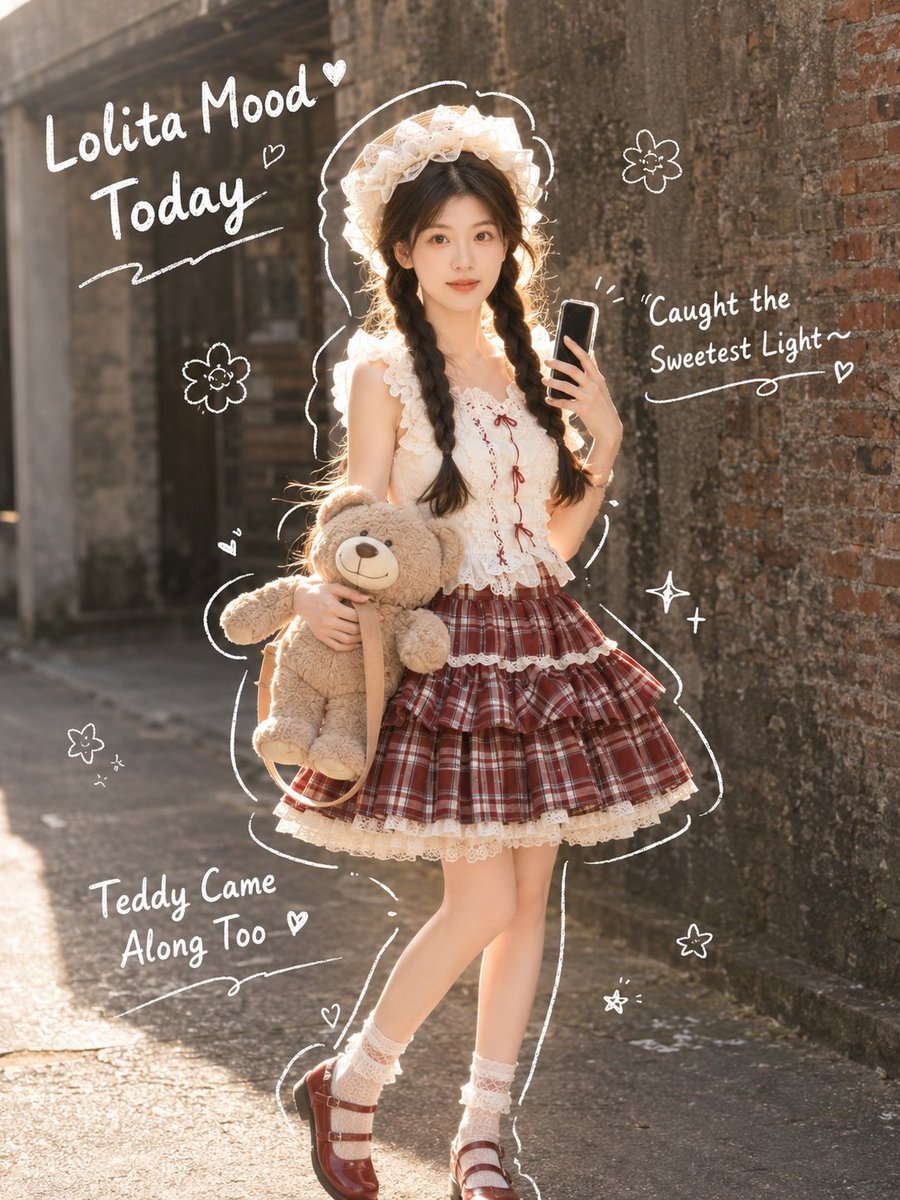
Japanese Lolita Street Style Selfie
Browse template categories
Neo-Noir Heartbreak Cinematic Portrait questions
How do I use the Neo-Noir Heartbreak Cinematic Portrait template?
Add your photo if the template asks for one, edit the prompt if you like — the template's model and format are already selected — and press Generate. Your version opens in PicX Studio.
Can I customize the Neo-Noir Heartbreak Cinematic Portrait template?
Yes. You can change the subject, setting, lighting, mood, format, and available model controls before creating your image.
Is the Neo-Noir Heartbreak Cinematic Portrait template free?
Opening and editing this template is free. Generating uses credits, shown on the Generate button when you are signed in.
Which AI model should I use?
Start with Nano Banana 2, which is the model associated with this template. You can compare another compatible model for a different finish.
Looking for something else? Browse all templates.

Your photo, any look
Thousands of ready templates for every top image and video model, from one credit balance.