
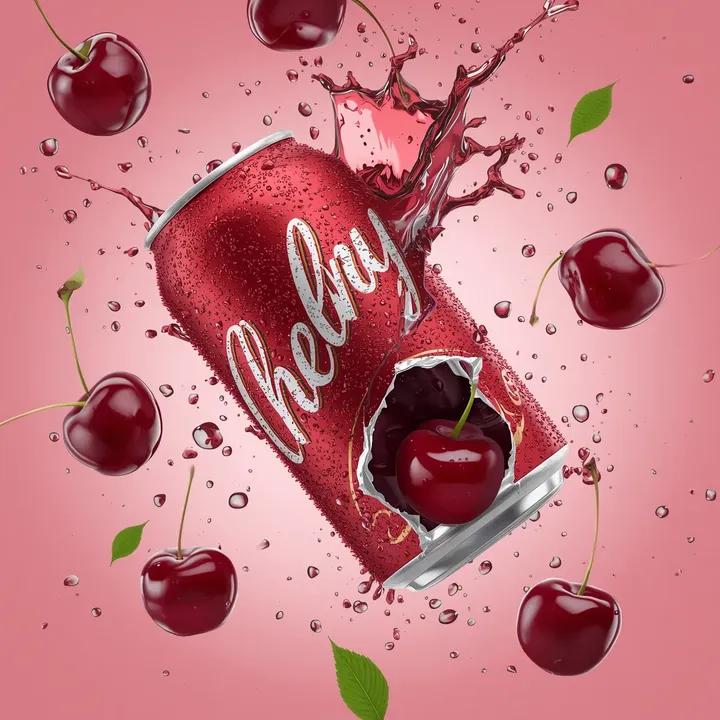
Cherry Soda Commercial Splash Macro Shot
A highly detailed prompt for generating an ultra-photorealistic commercial beverage advertisement.
- Prompt included
- Model and format preset
- Free template
The prompt behind this image
Copy the exact prompt behind Cherry Soda Commercial Splash Macro Shot, or open it in the studio and make it yours.
Ultra-photorealistic commercial beverage advertisement, vertical composition, a crushed glossy aluminum soda can floating in mid-air, deep metallic cherry-red can body with silver top and bottom rims, the can is violently torn open at the center, sharp jagged aluminum edges bent outward, interior packed with two dark maroon cherries inside the opening, juice dripping from the torn metal. Branding style: classic flowing white script across the can, gold accent outline on the lettering, the word “Cherry” in bold white block text below, realistic embossed print on wet aluminum. Exact composition & motion: The can is centered, tilted slightly to the right, suspended in mid-air. A violent splash of thick dark-red cherry soda explodes upward and outward from the tear, forming a liquid crown around the opening. Multiple ripe glossy cherries with long green stems are frozen in mid-air: • One cherry above the can slightly left • One cherry above the can slightly right • One cherry to the right side mid-air • Two cherries inside the torn opening • One cherry partially exiting the lower tear Small bright green leaves are scattered in the air between cherries. Liquid physics: High-speed splash photography look, thick syrup-like cherry soda, sharp droplets suspended in the air, micro-droplets everywhere, liquid arcs wrapping around the can edges. Surface detail: Cold condensation beads covering the can, ultra-sharp macro texture on aluminum, visible tiny water droplets, reflective wet metal. Lighting: Dramatic low-key studio lighting, strong white rim light from upper left, soft red fill from front, subtle backlight outlining splash edges, high contrast highlights on droplets, cinematic specular reflections. Background: Smooth deep crimson-to-black gradient backdrop, darker at edges, brighter behind the can to create a halo glow. Camera & style: 85mm macro lens look, shallow depth of field, center-weighted focus on can opening, frozen motion, hyper-real fluid simulation, luxury beverage advertising style, ultra-clean studio scene, cinematic color grading, high contrast, 8K ultra-detail, photorealistic, premium commercial photography aesthetic.
How to use Cherry Soda Commercial Splash Macro Shot in 3 steps
- 1
Open
The prompt is already in the box next to the preview, with the template's model and format selected.
- 2…a portrait of your subject in softgolden-hour light, 85mm…
Personalize
Edit the subject and creative details for your destination.
- 3Generate
Generate
Press Generate — your image is created in PicX Studio, so you can compare it with the original and refine one variable at a time.
More like this
Templates with the same subject, style or setup. Open one to see its prompt.

Cappuccino Bottle Splash Product Ad
Seedance - Brand Commercial
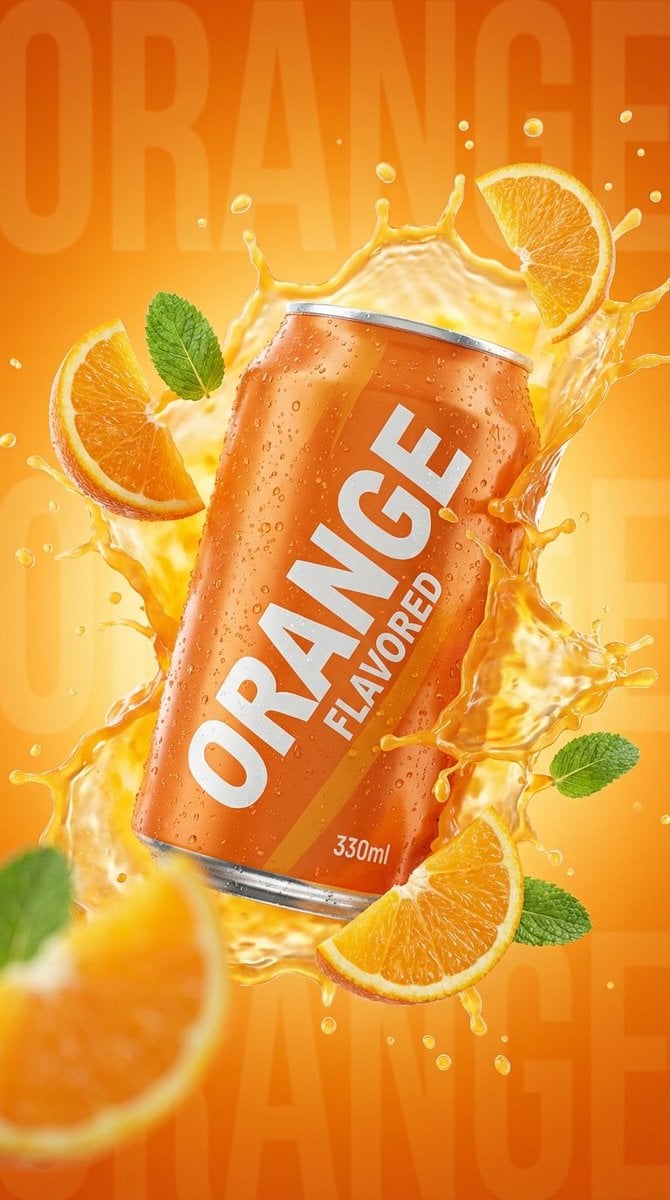
Commercial Product Photography: Orange Soda Can Splash
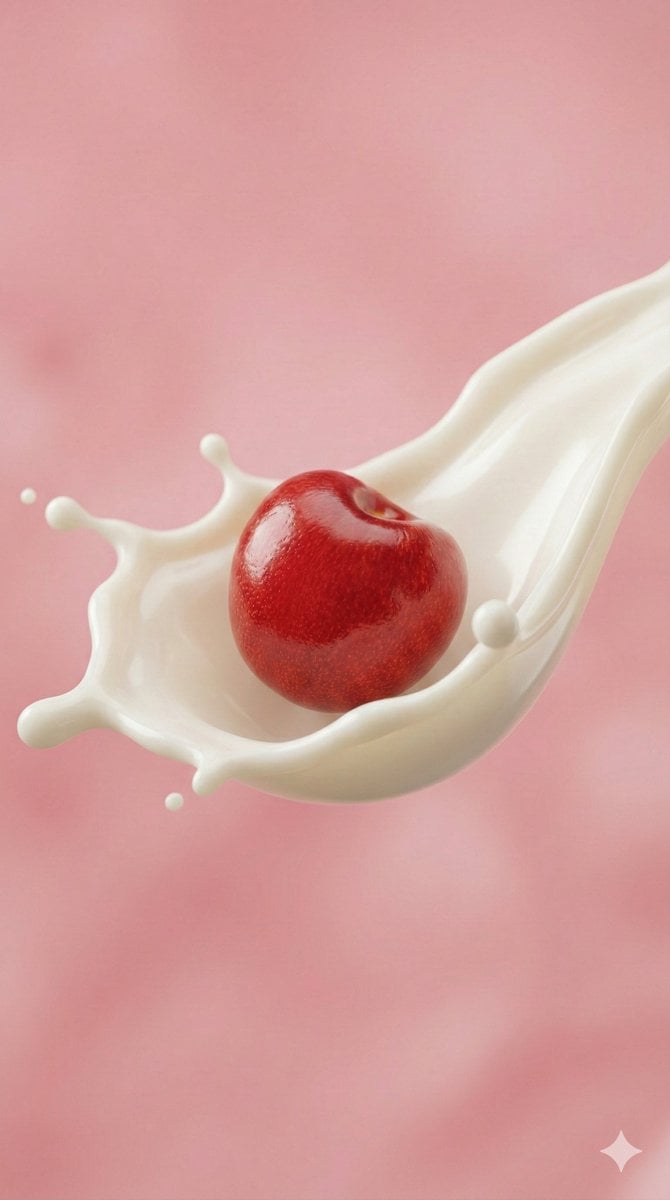
Ultra-Macro Cherry in Milk Splash
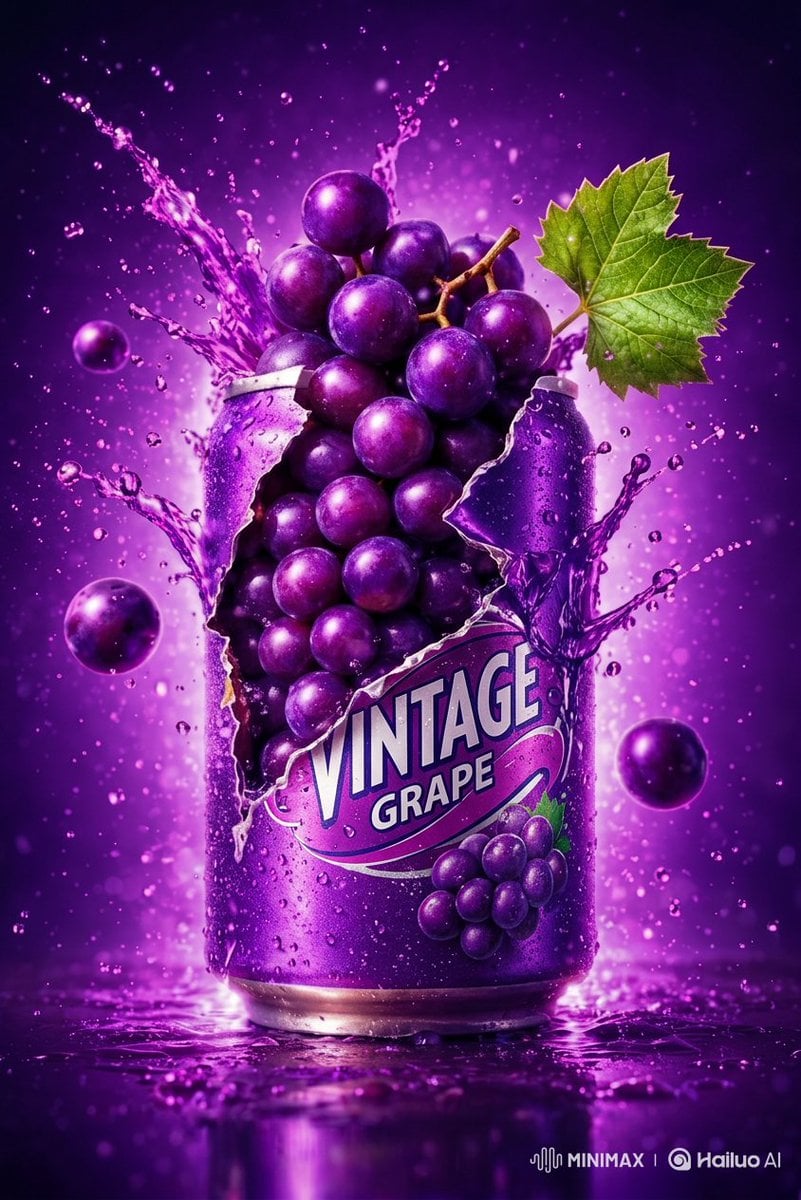
Commercial Product Photography: Soda Splash Series
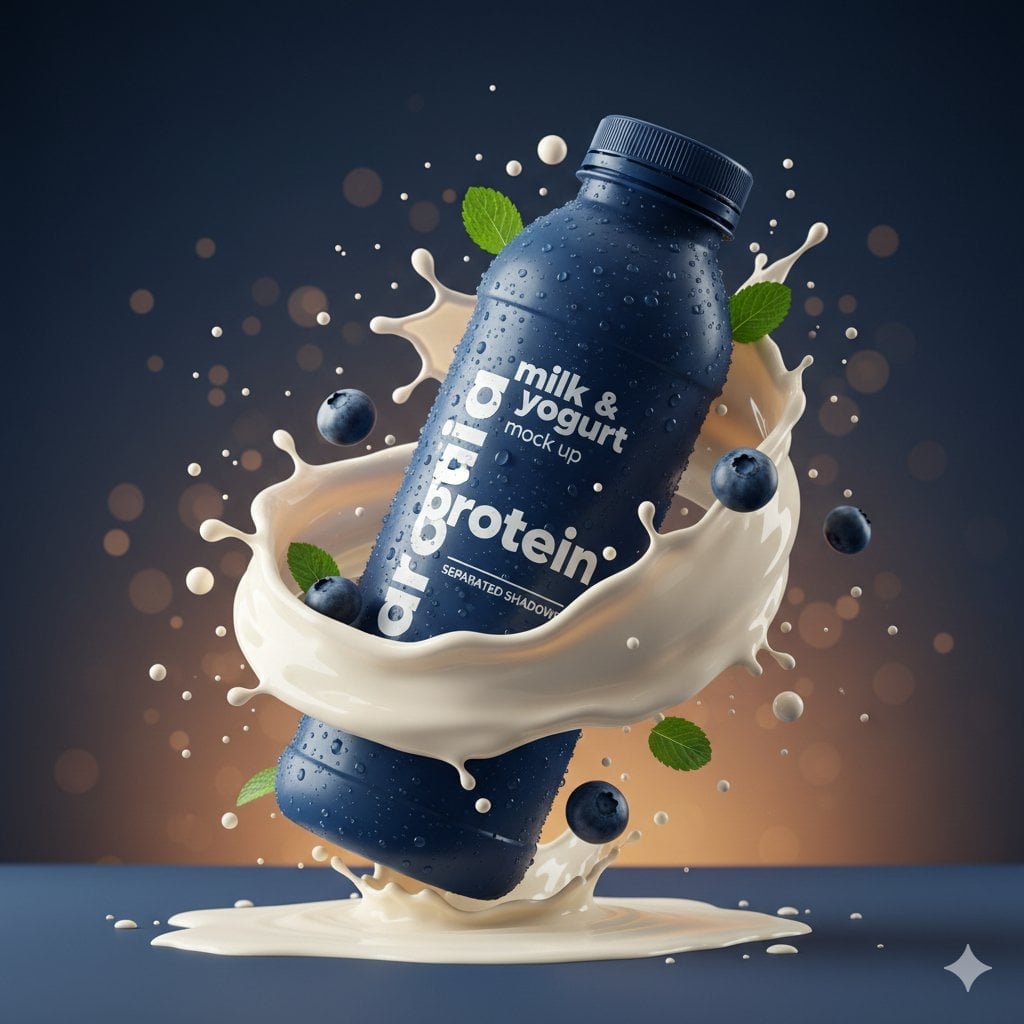
Commercial Product Splash Photography
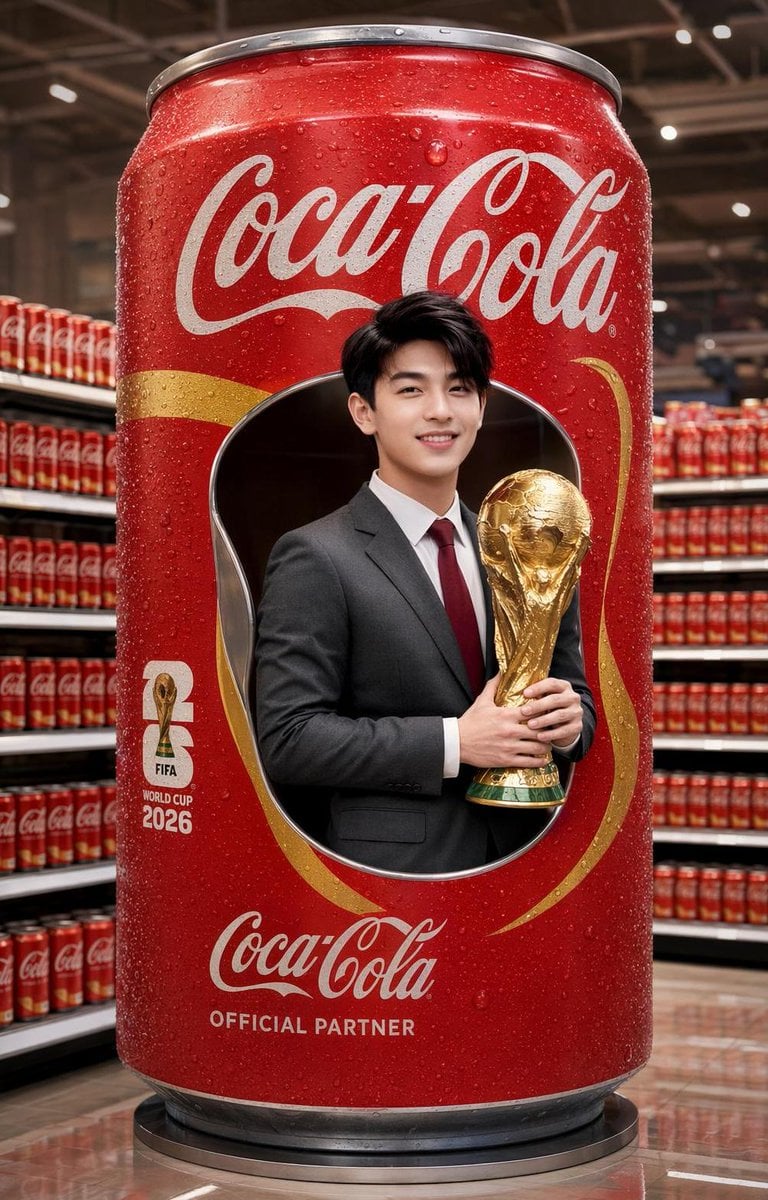
Hyper-Realistic Commercial Soda Can Advertisement

Soft Shadow Studio Minimalist Product Shot
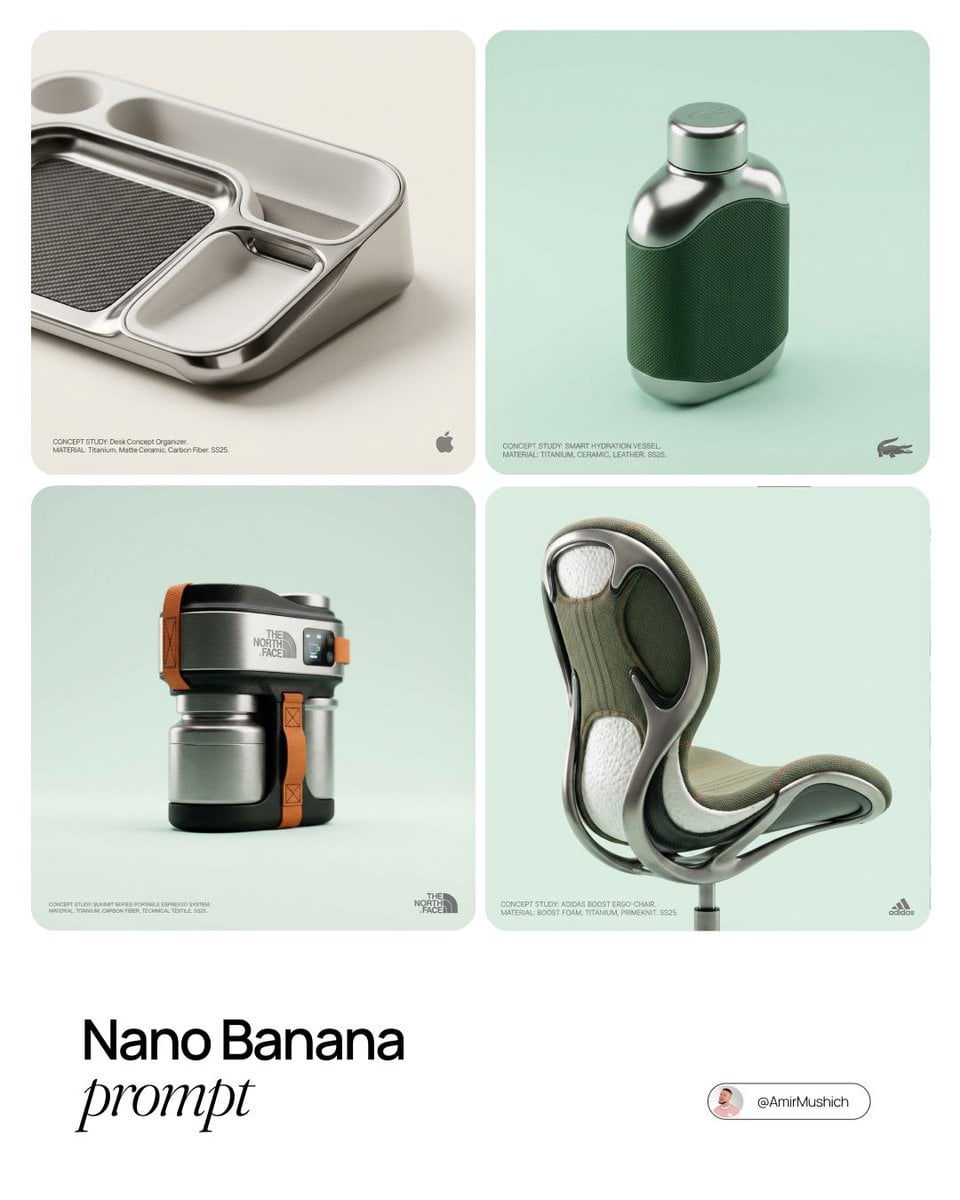
Editorial Concept Study Product Design
Soft Shadow Studio Minimalist Product Shot

Goalmaster Youth Sports Poster
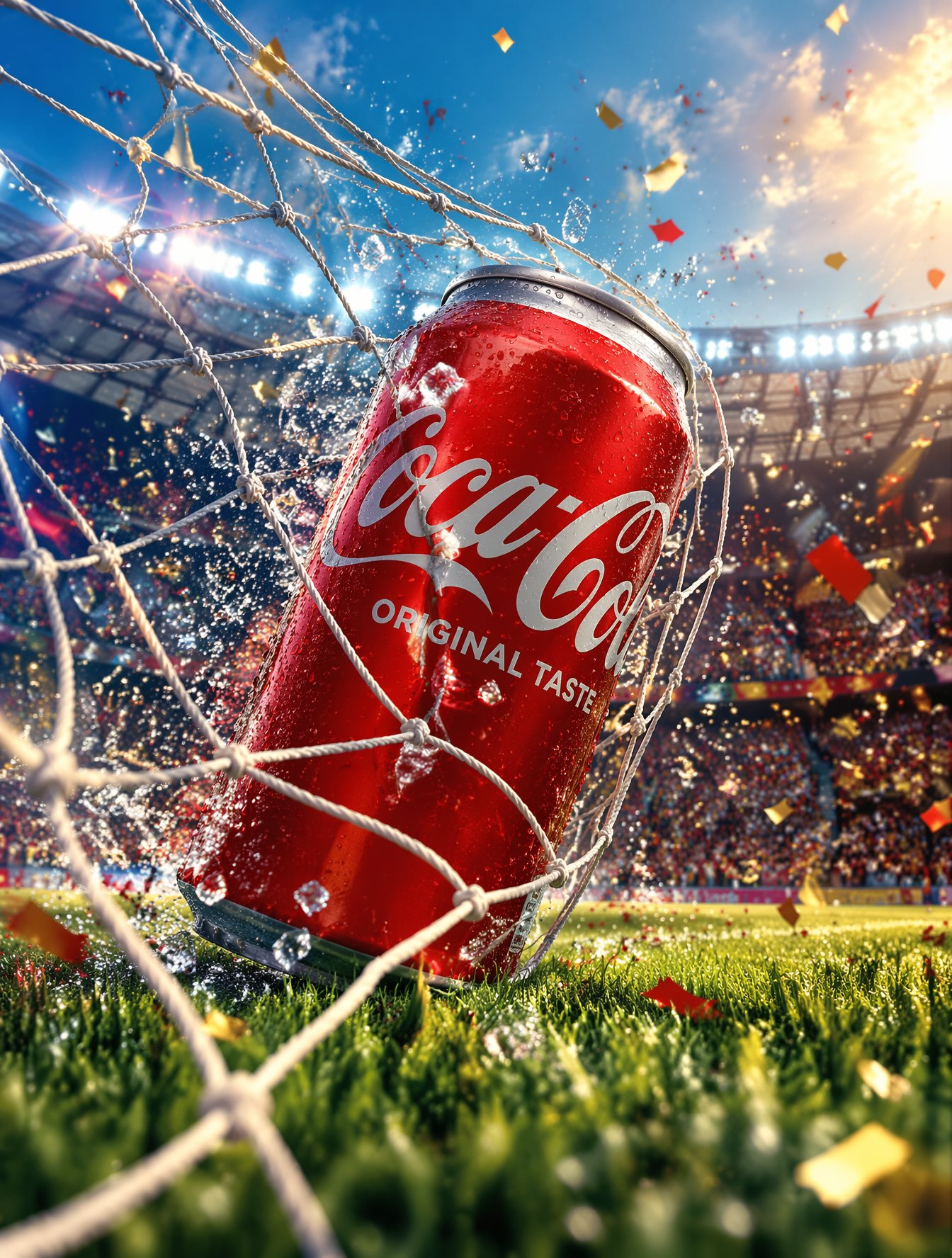
FIFA-Inspired — World Cup Final Goal Net Commercial
Make it yours
Cherry Soda Commercial Splash Macro Shot works as-is. These are the safest ways to change it without losing the look.
Change one field
Copy a single group, rewrite it, and generate again so you can see what that field is doing.
Keep the frame, change the subject
Hold the composition and light of Cherry Soda Commercial Splash Macro Shot, then swap wardrobe, props or the person for a new take.
| If the result… | Why | Fix |
|---|---|---|
| The result drifts from the preview | Too many fields changed at once. | Reuse Cherry Soda Commercial Splash Macro Shot as-is first, then change one group — subject, light, or setting. |
| The model over-stylizes the scene | The prose prompt leaves finish and camera underspecified. | Add one camera or lighting sentence and stay on Nano Banana 2. |
More Nano Banana 2 templates
Other prompts made for Nano Banana 2.

Photorealistic Leaf Shaped Like a Dragon

K-Pop Idol Portrait Grid for Rapid Selection

Poetic Rain Forest Portrait During Golden Hour

Urban Street Portrait with Cartoon Inner Self Duo

Candid Nighttime Photo with Cat Prompt

High-Concept 3D Diorama Generation Prompt

Cinematic Futuristic Studio Portrait Template

Skincare Editorial Photography Collage Prompt

Hyper-Realistic Commercial Product Photography (Splash Effect)

Hyper-Realistic Nightclub Portrait Prompt
More image prompts
Fresh picks from across the catalog.
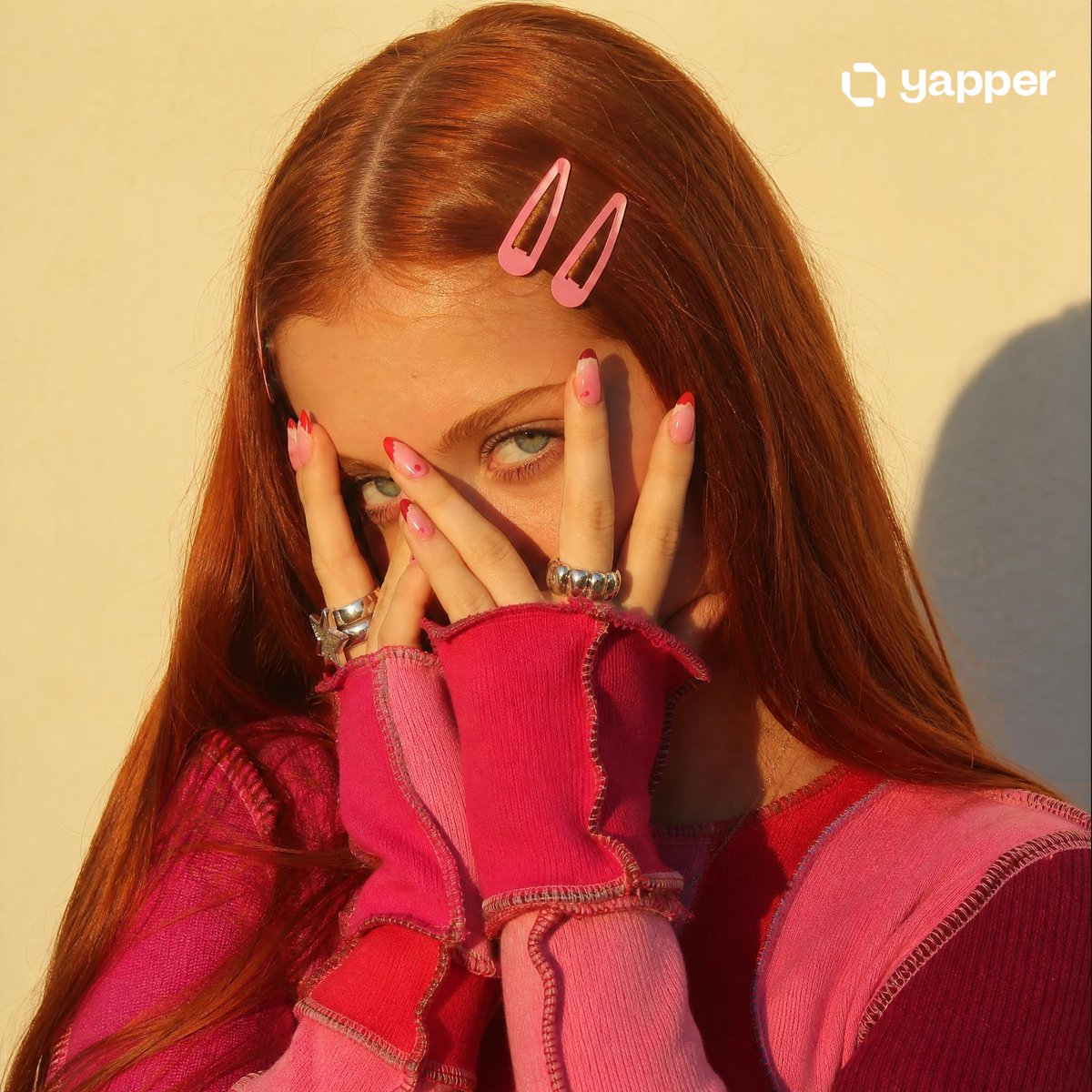
Y2K Indie Sleaze Portrait

Cozy Knit Industrial Design Prompt
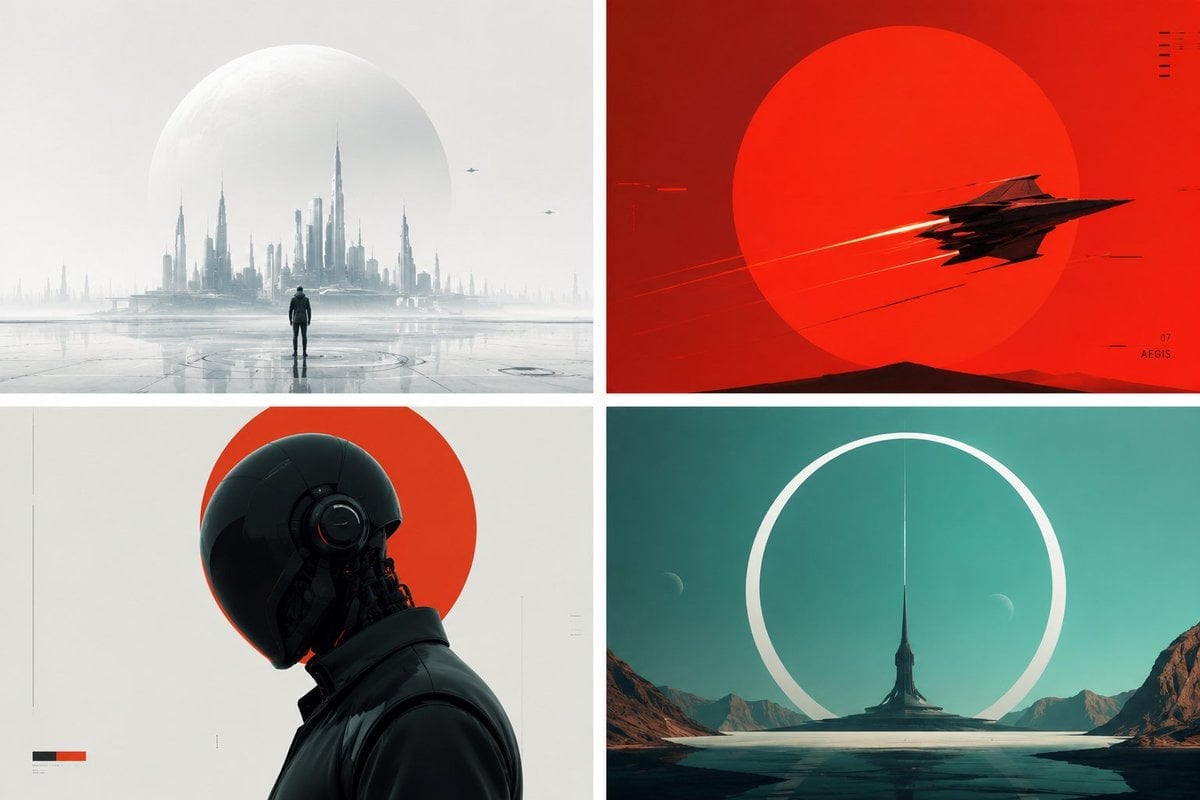
Minimalist Futuristic Concept Art

Golden Hour Luxury Sports Car Portrait Prompt with Face Lock
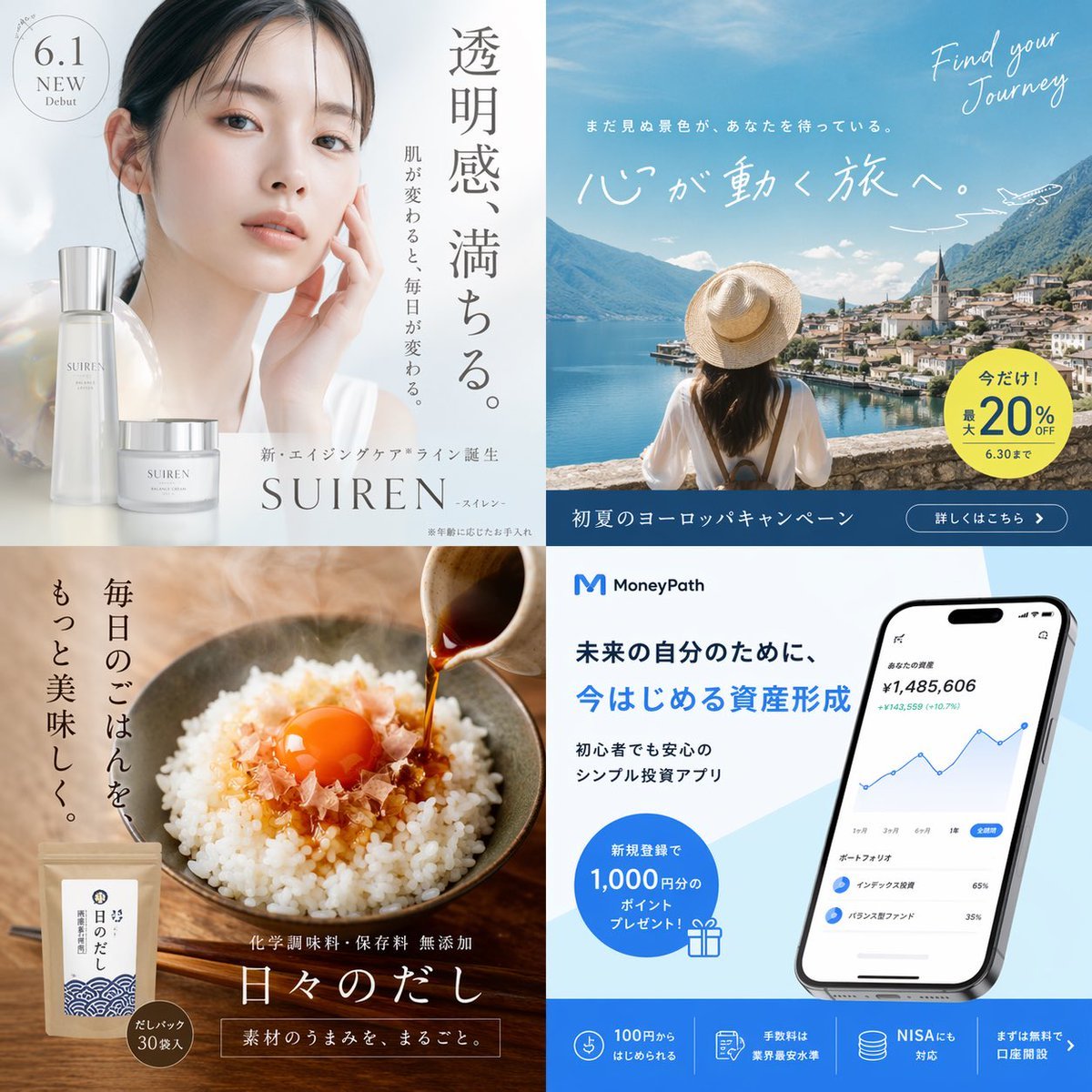
Panel Advertising Concept Grid
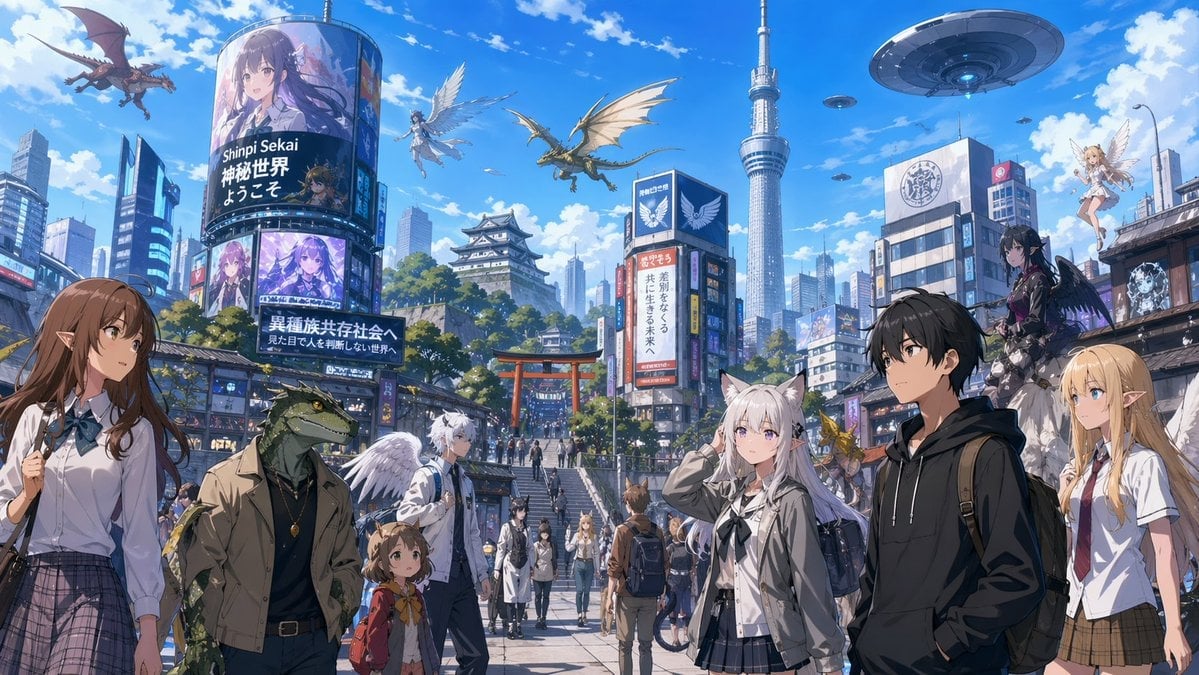
Fantasy Tokyo Coexistence Cityscape

Batch Generation of Christmas Backstage Photos
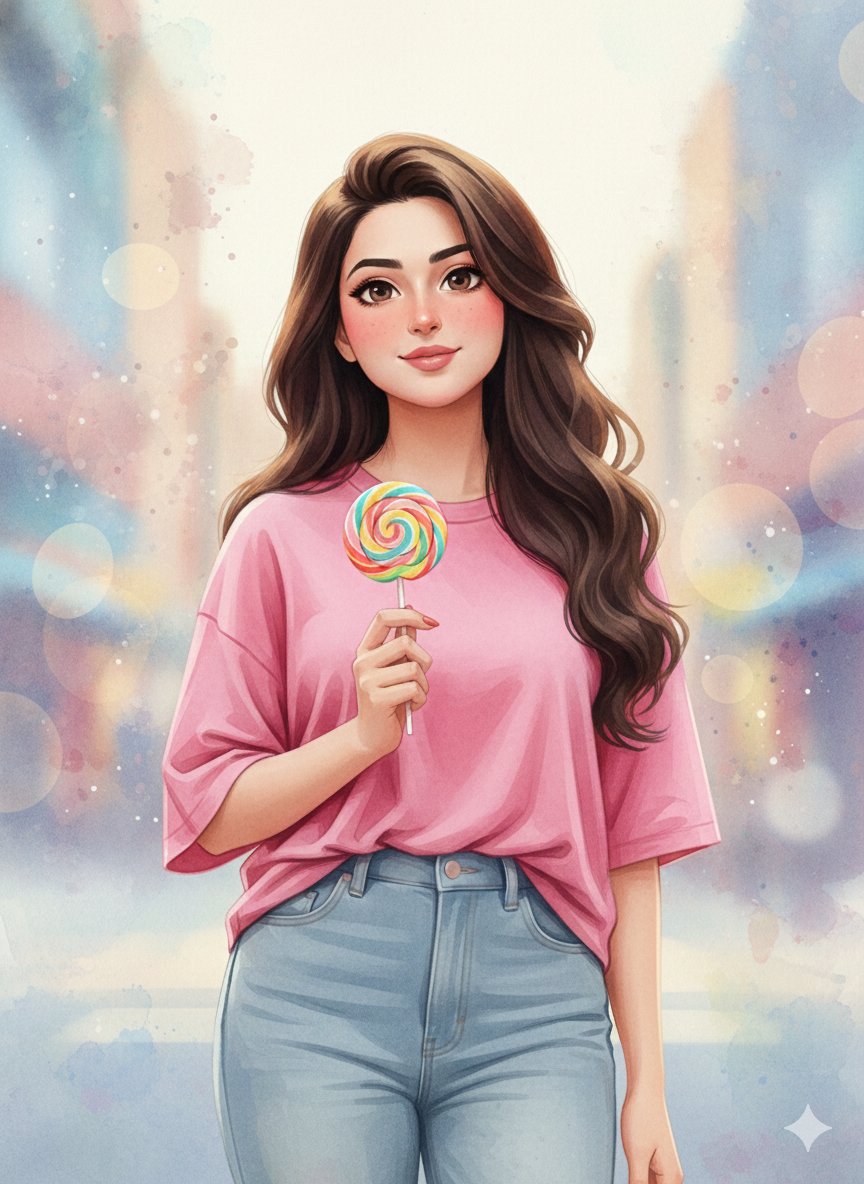
3D Anime Watercolor Style Transfer
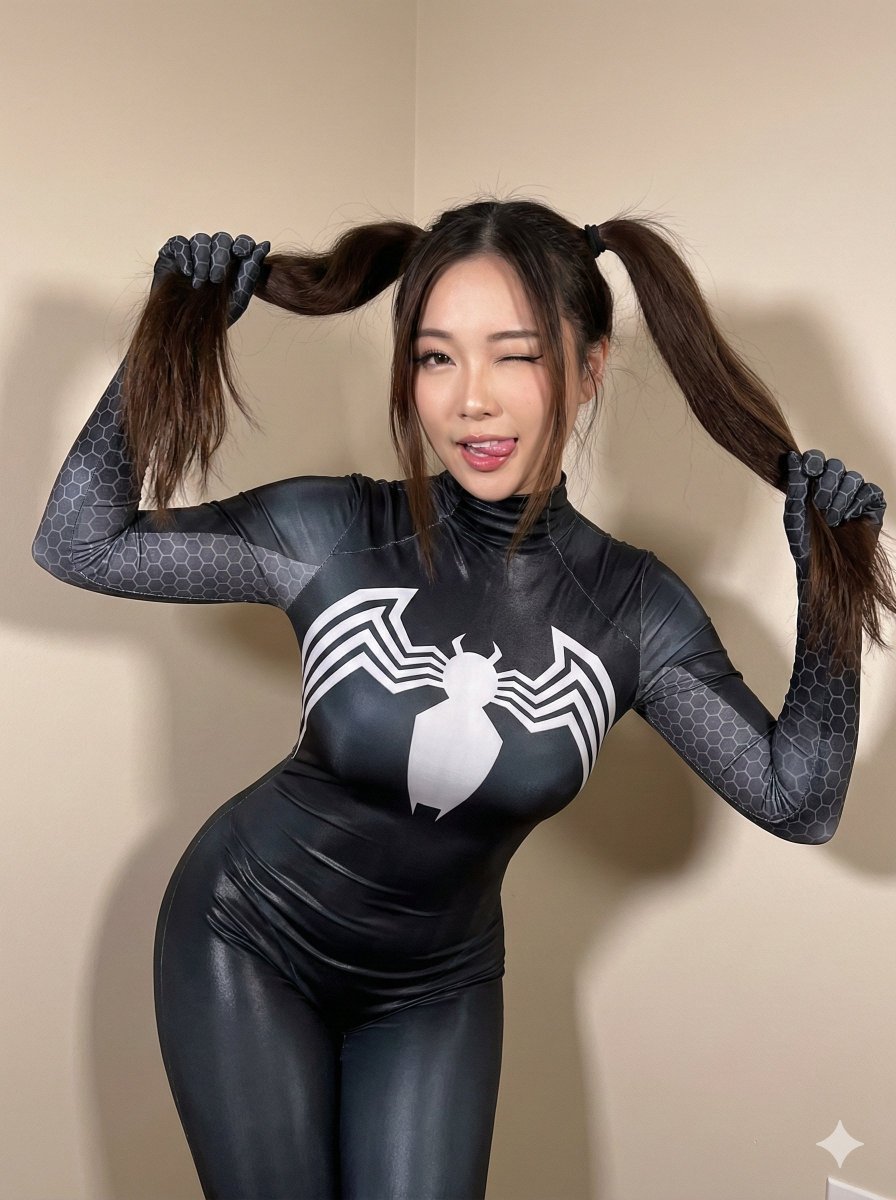
Black Spider Girl Symbiote Cosplay
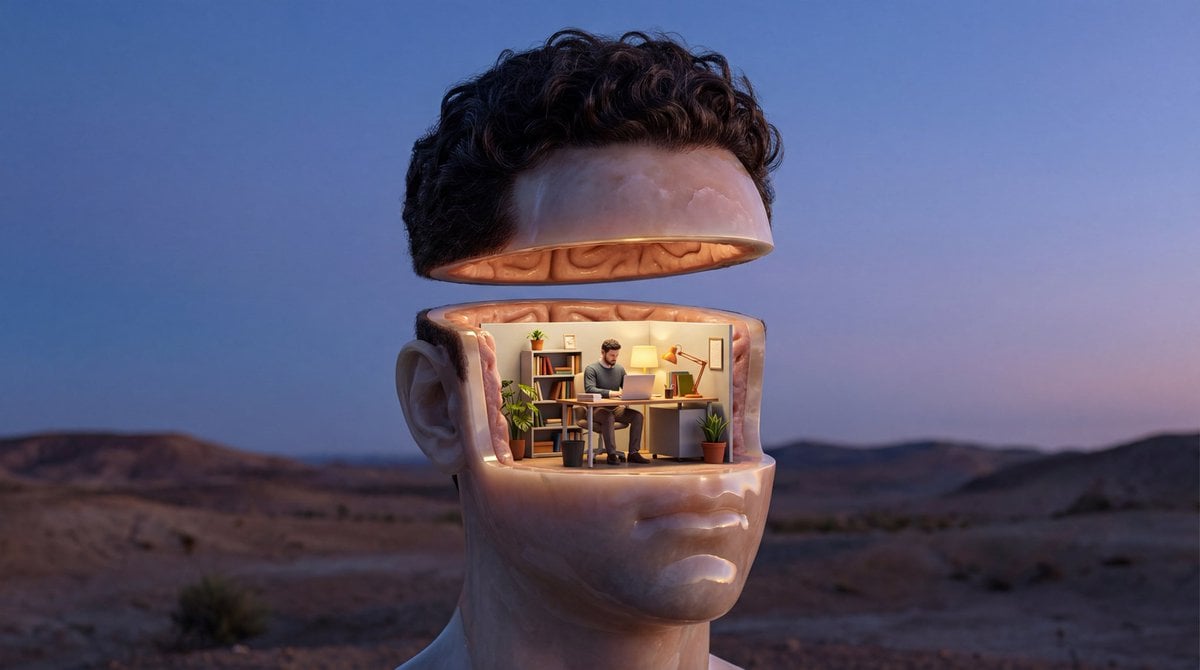
Surreal Symbolic Head Prompt
Browse template categories
Cherry Soda Commercial Splash Macro Shot questions
How do I use the Cherry Soda Commercial Splash Macro Shot template?
Add your photo if the template asks for one, edit the prompt if you like — the template's model and format are already selected — and press Generate. Your version opens in PicX Studio.
Can I customize the Cherry Soda Commercial Splash Macro Shot template?
Yes. You can change the subject, setting, lighting, mood, format, and available model controls before creating your image.
Is the Cherry Soda Commercial Splash Macro Shot template free?
Opening and editing this template is free. Generating uses credits, shown on the Generate button when you are signed in.
Which AI model should I use?
Start with Nano Banana 2, which is the model associated with this template. You can compare another compatible model for a different finish.
Looking for something else? Browse all templates.

Your photo, any look
Thousands of ready templates for every top image and video model, from one credit balance.