
Gritty Neo-Noir Tactical Portrait
A cinematic prompt for a high-contrast tactical portrait in an abandoned garage with neo-noir lighting.

- Prompt included
- Model and format preset
- Premium template
The prompt behind this image
Copy the exact prompt behind Gritty Neo-Noir Tactical Portrait, or open it in the studio and make it yours.
**Shot Type:** Wide Cinematic Medium-Full Shot **Subject & Expression:** {argument name="subject" default="A realistic portrait featuring the exact man from the uploaded reference face"}. He maintains a calm, almost predatory confidence. **Setting & Atmosphere:** {argument name="setting" default="A rain-slicked, abandoned underground parking garage at night"}. The air is heavy with humidity, visible mist, and dust motes catching the light. **Action & Details:** He is leaning casually against the wet, graffiti-covered concrete pillar. He is smoking a thick cigar; orange light glows as he inhales, throwing shadows across his face. In one hand, he holds a highly customized, suppressed AR-15 rifle (tactical viral gun idea: integrated laser/light combo and a unique 'worn bronze' Cerakote finish) pointing safely downwards. **Attire:** A charcoal grey, water-resistant tactical jacket (sleeves slightly rolled) over a black t-shirt, dark ripped jeans, and mud-stained tactical boots. The tactical belt holds several magazines. **Lighting & Color:** High-contrast, gritty neo-noir lighting. The primary light is a single, warm, yellow tungsten lamp buzzing overhead, creating harsh 'butterfly shadows' on his face and sharp highlights on the wet gun metal and asphalt. This is dramatically contrasted by a deep, cool violet neon sign reflecting off puddles on the ground and casting a sharp edge-light on his shoulder and hair. **Technical:** Shot on a Panavision anamorphic lens (70mm) with noticeable horizontal lens flare and heavy cinematic grain. Shallow depth of field (shallow DoF), rendering the sprawling garage background in a beautifully blurred, moody bokeh. Gritty film color grade, 2:3 aspect ratio.
How to use Gritty Neo-Noir Tactical Portrait in 3 steps
- 1Upload ImagePNG, JPG or paste
Add your photo
Upload the photo the template builds on. The prompt, model and format are already set.
- 2…a portrait of your subject in softgolden-hour light, 85mm…
Personalize
Edit the subject and creative details for your destination.
- 3Generate
Generate
Press Generate — your image is created in PicX Studio, so you can compare it with the original and refine one variable at a time.
More like this
Templates with the same subject, style or setup. Open one to see its prompt.

Low-Angle Cyberpunk Neon Profile Portrait
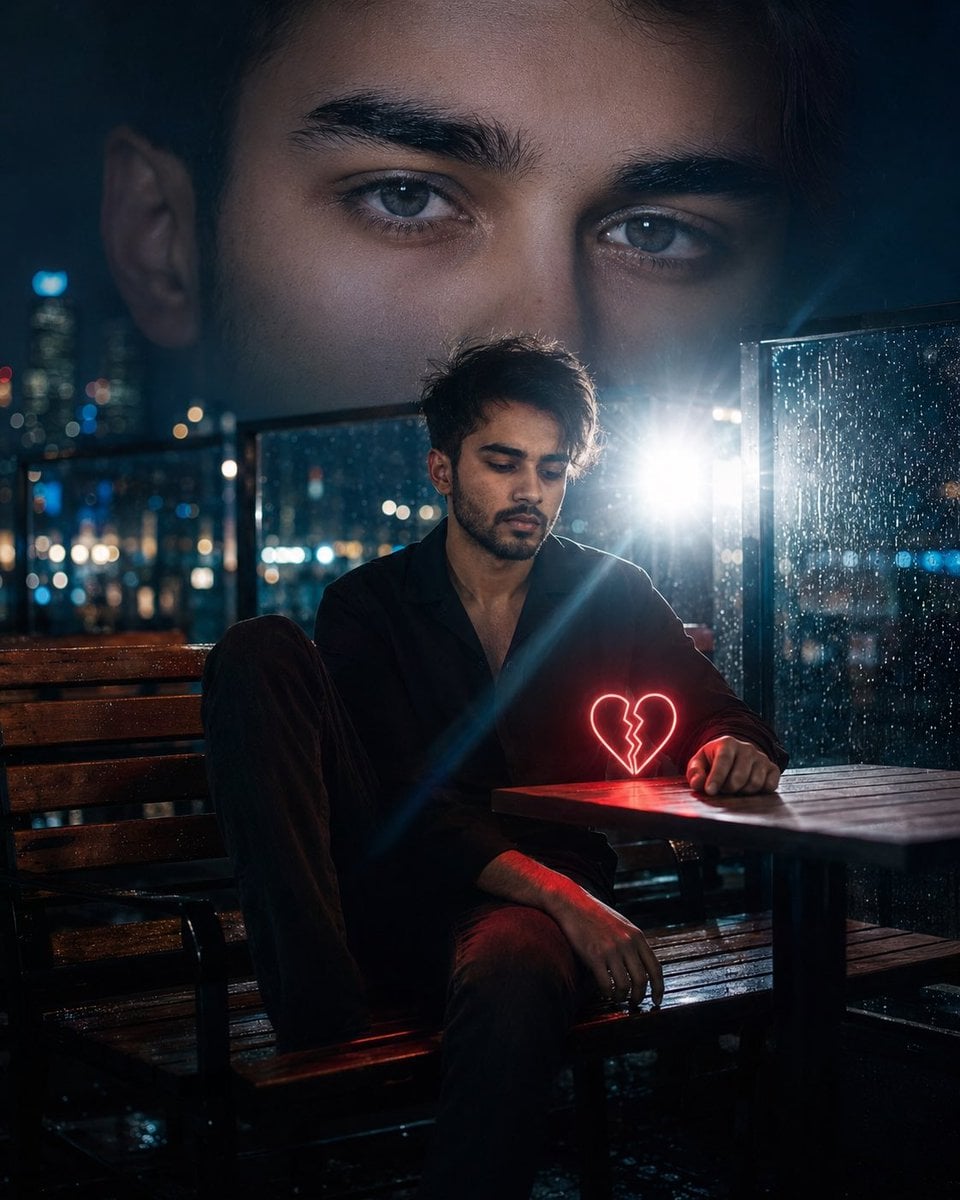
Neo-Noir Heartbreak Cinematic Portrait
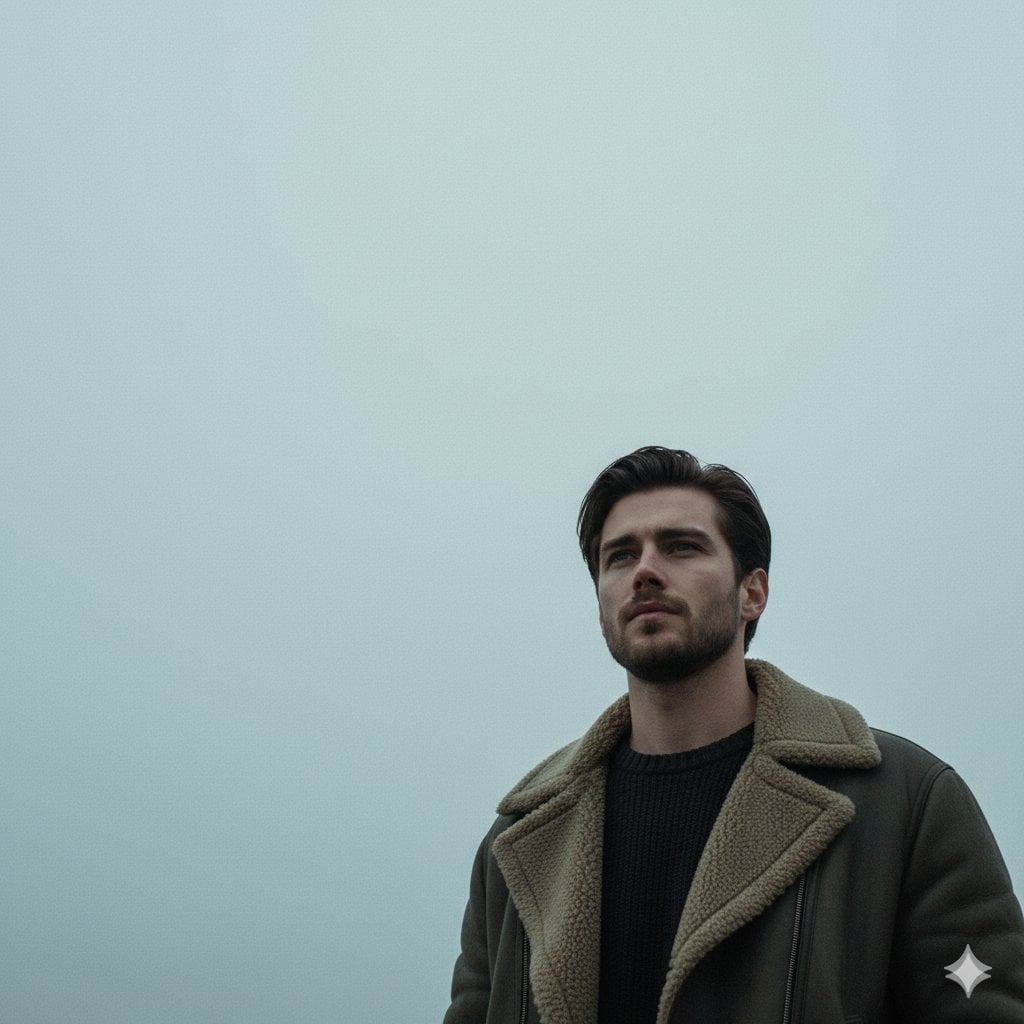
Neo-Noir Sci-Fi Sky Portrait
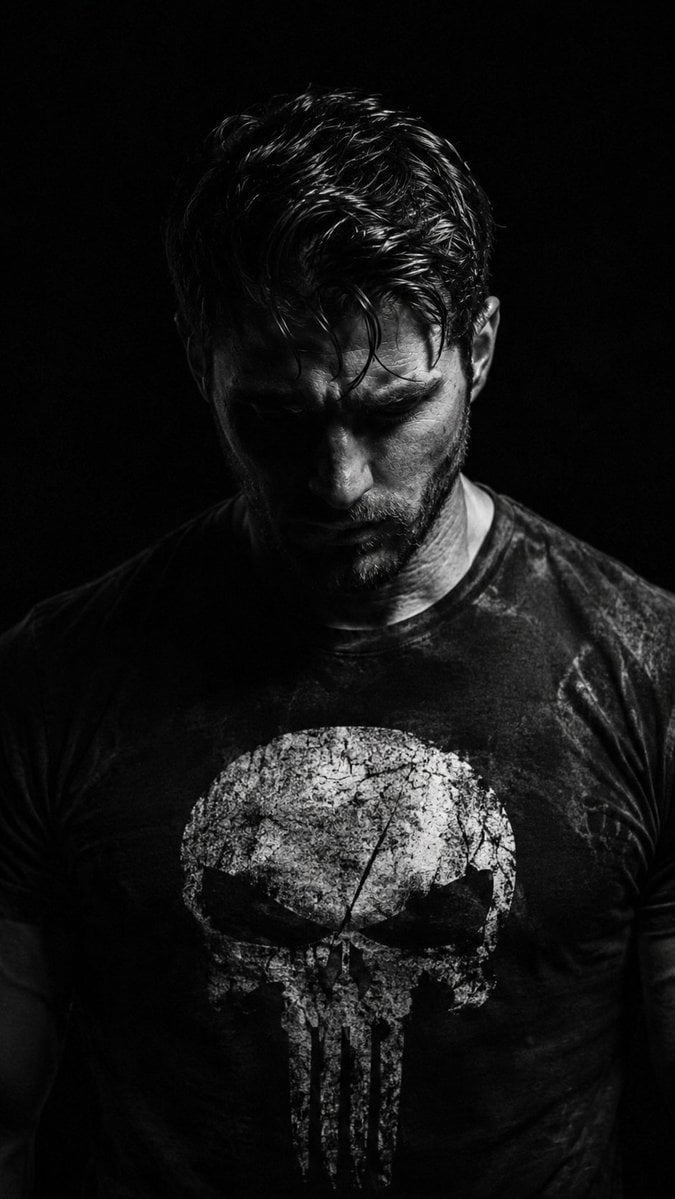
Gritty Chiaroscuro Noir Portrait
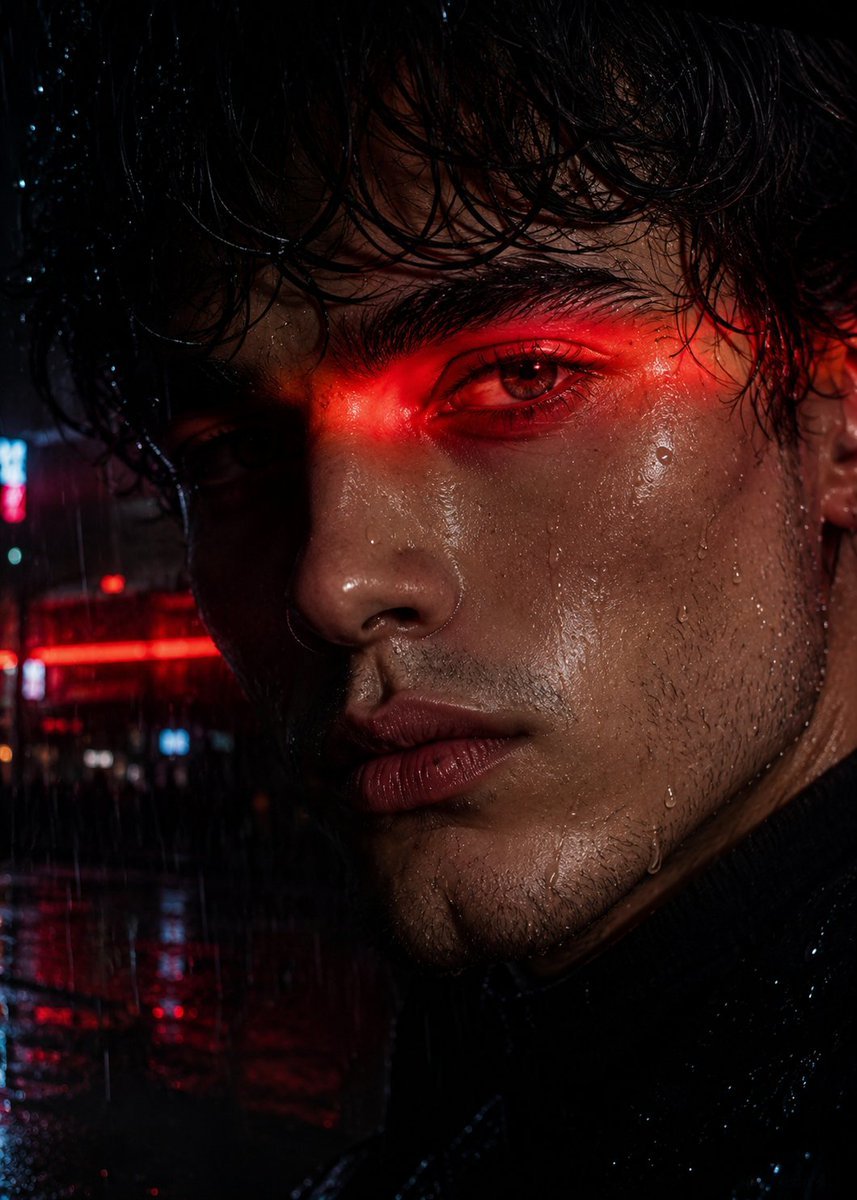
Neo-Noir Close-up Portrait

Found Photograph: Us, 1970

80s Couple Studio Portrait

80s Bollywood Star

80s Golden Hour Cinema

Me in 1985

1985 Studio Portrait
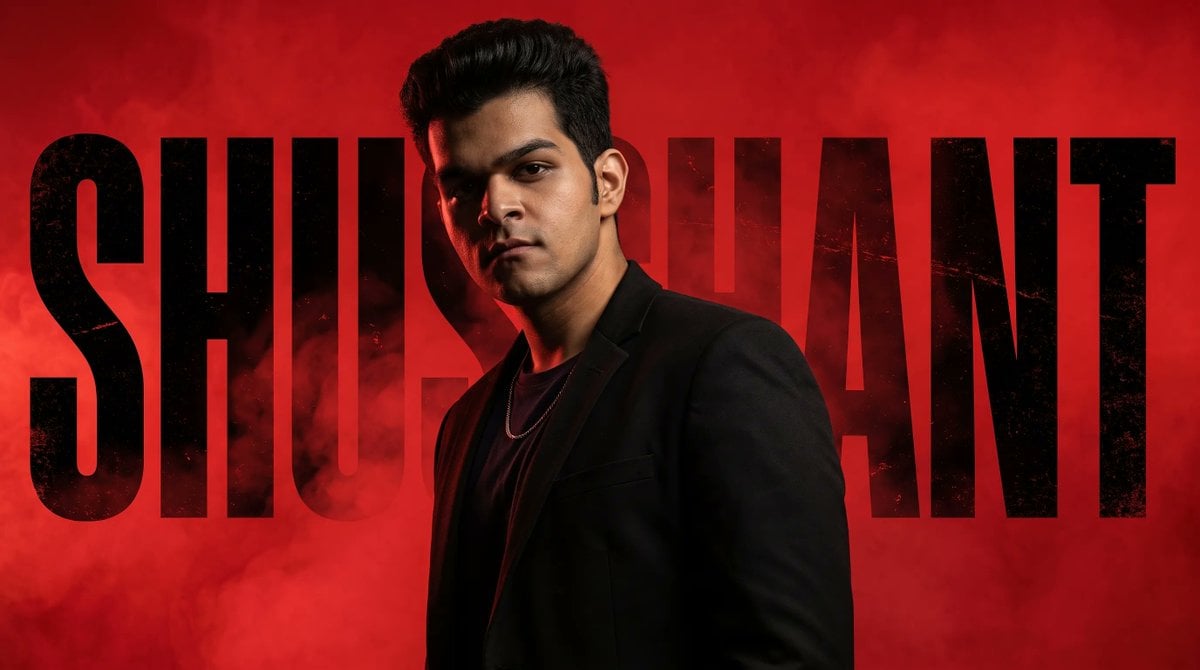
Neo-Noir Typographic Avatar Poster
Make it yours
Gritty Neo-Noir Tactical Portrait works as-is. These are the safest ways to change it without losing the look.
Change one field
Copy a single group, rewrite it, and generate again so you can see what that field is doing.
Keep the frame, change the subject
Hold the composition and light of Gritty Neo-Noir Tactical Portrait, then swap wardrobe, props or the person for a new take.
| If the result… | Why | Fix |
|---|---|---|
| The result drifts from the preview | Too many fields changed at once. | Reuse Gritty Neo-Noir Tactical Portrait as-is first, then change one group — subject, light, or setting. |
| The model over-stylizes the scene | The prose prompt leaves finish and camera underspecified. | Add one camera or lighting sentence and stay on GPT Image 2. |
More GPT Image 2 templates
Other prompts made for GPT Image 2.

Six VTuber Japanese Logo Sheet

Realistic Portrait of Woman and Deer

The Vista Modular Condo Poster

AI Model Routing Comparison Infographic

2.5D Anime Art Board

Isometric Productivity Desk Scene

New York Double Exposure Poster

Four-Panel AI Landscape Comparison

Japanese Tatami Lifestyle Magazine Cover

NESCAFÉ Coffee Map Poster
More image prompts
Fresh picks from across the catalog.
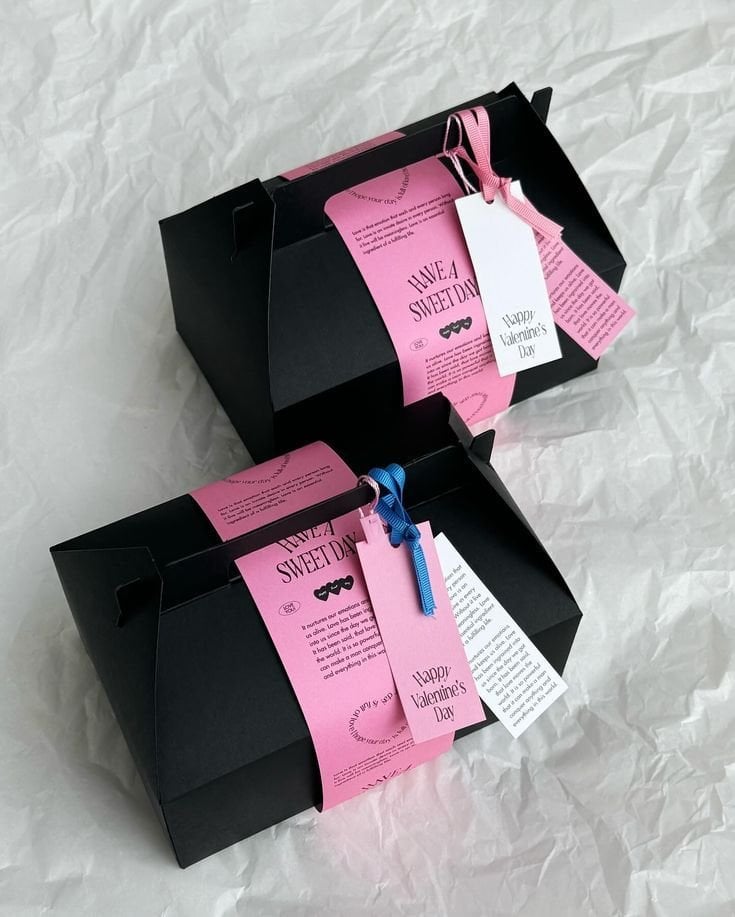
3D Packaging to 2D Net Unfolding
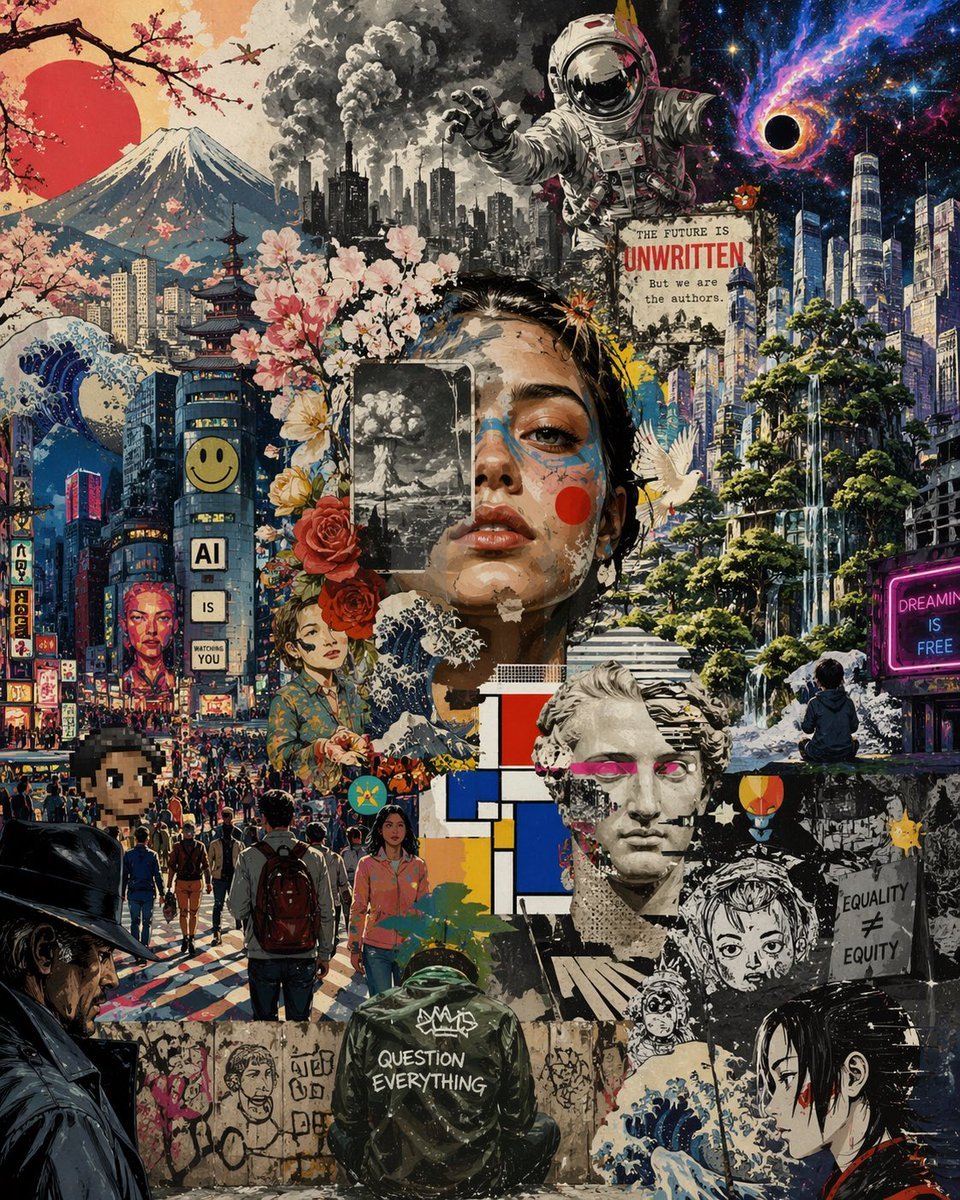
Surreal Futurist Japanese Collage Poster
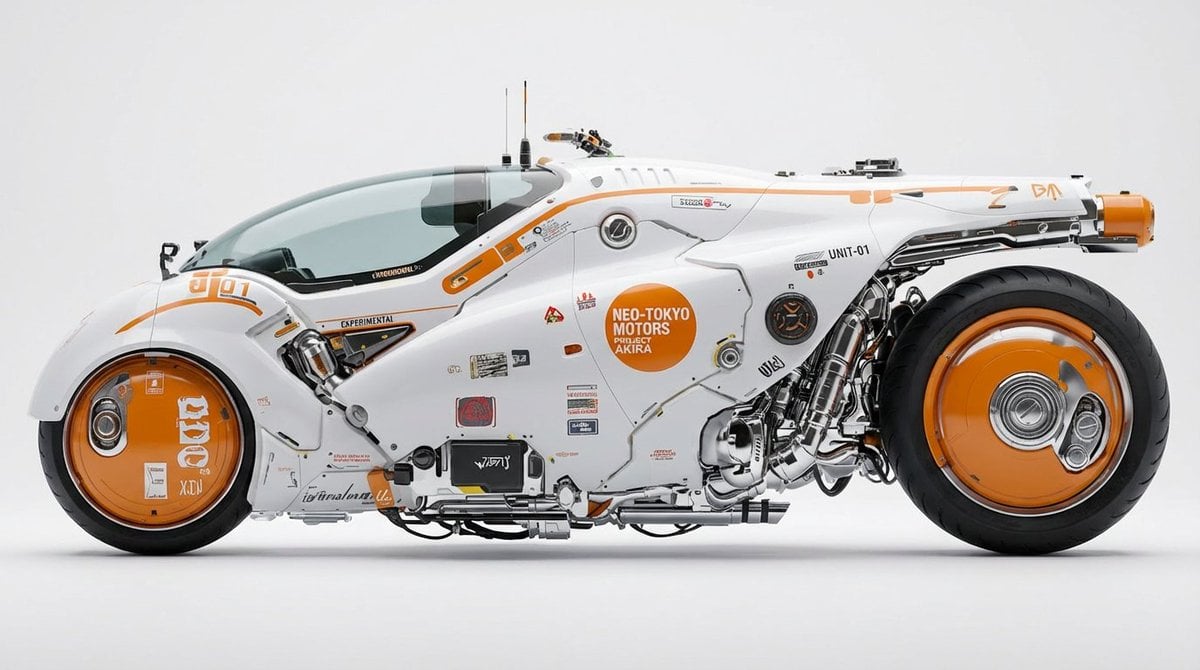
Photorealistic Car Transformation
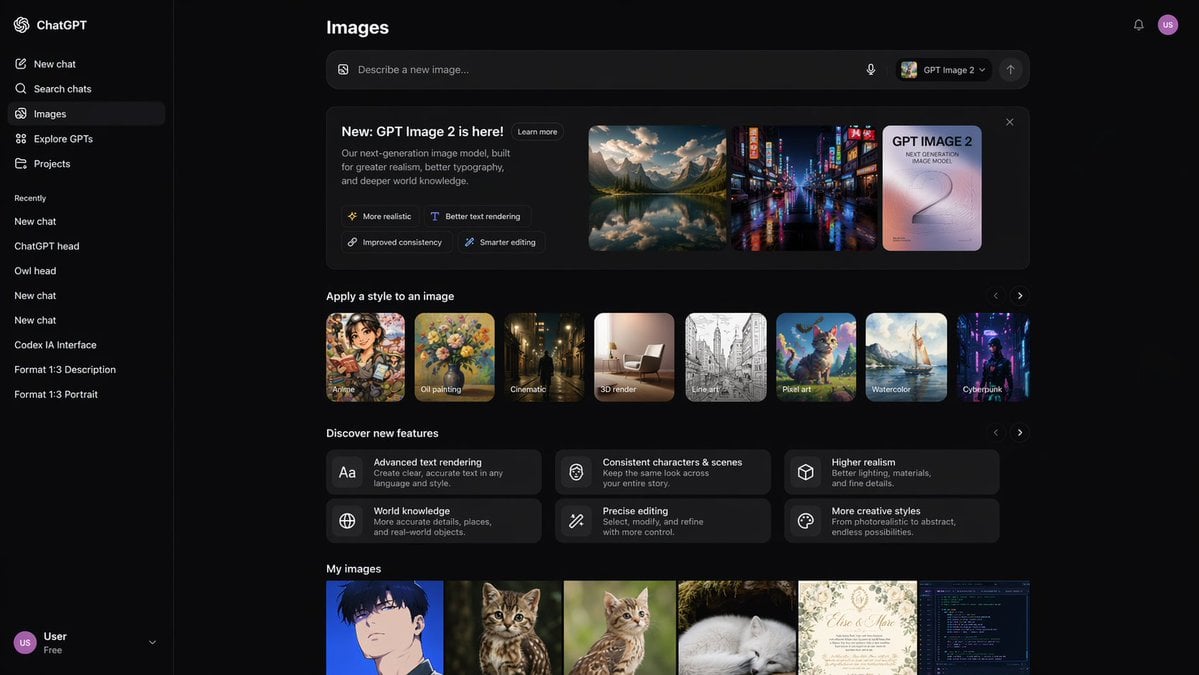
AI Image Generator UI Mockup
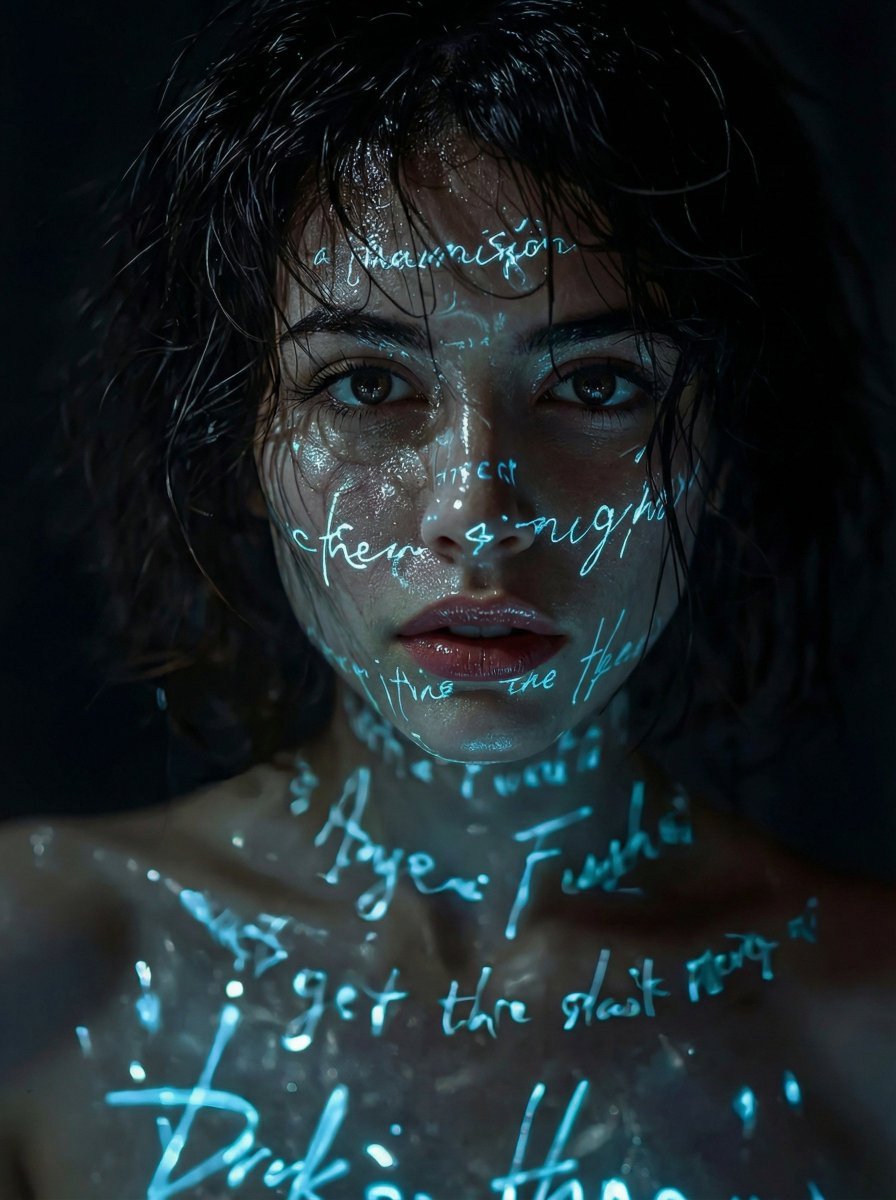
Cyber-Poetic Futuristic Noir Portrait
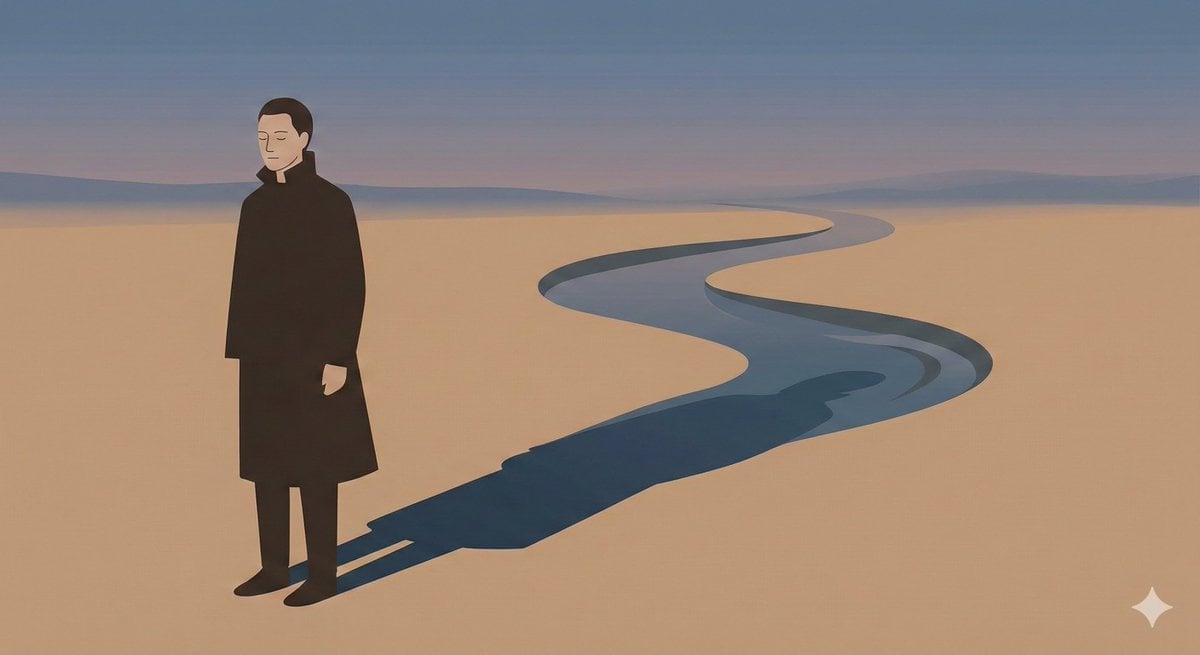
Poetic Minimal Illustration Template
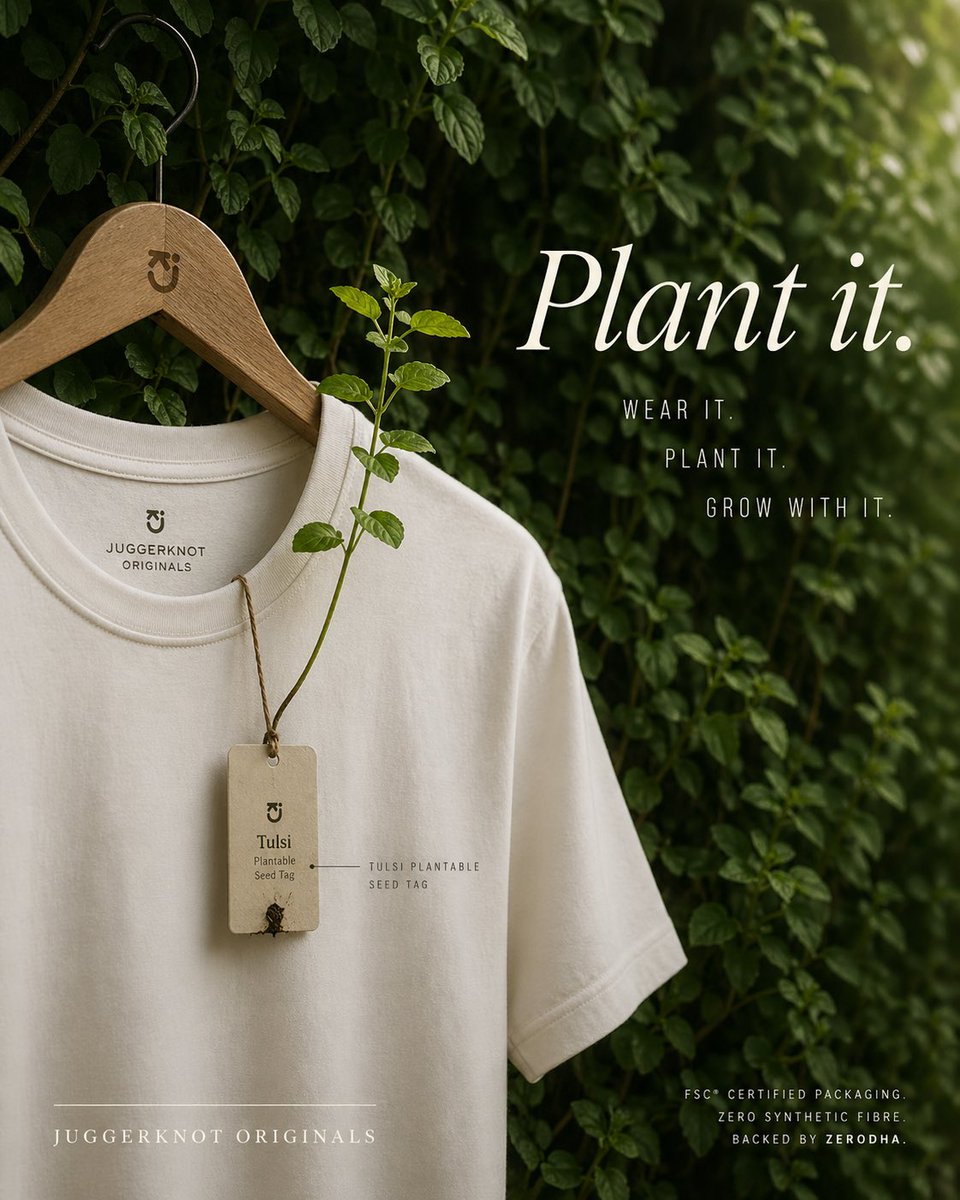
Sustainable T-Shirt Plantable Tag Ad
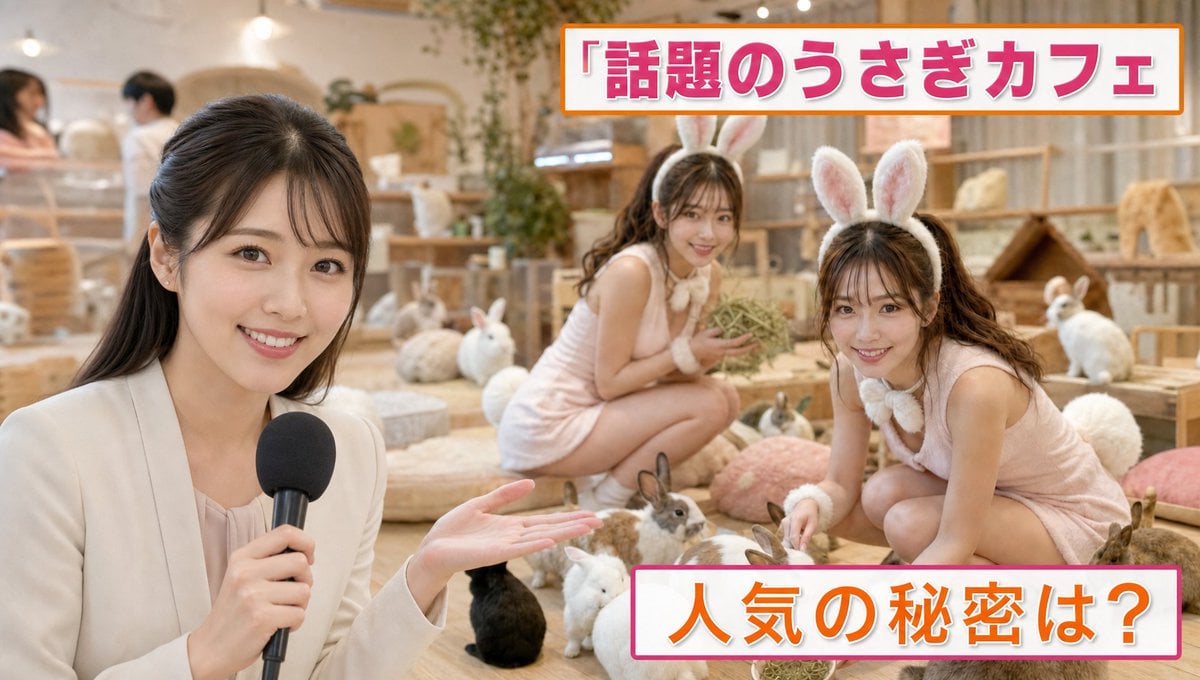
Japanese TV News Rabbit Cafe
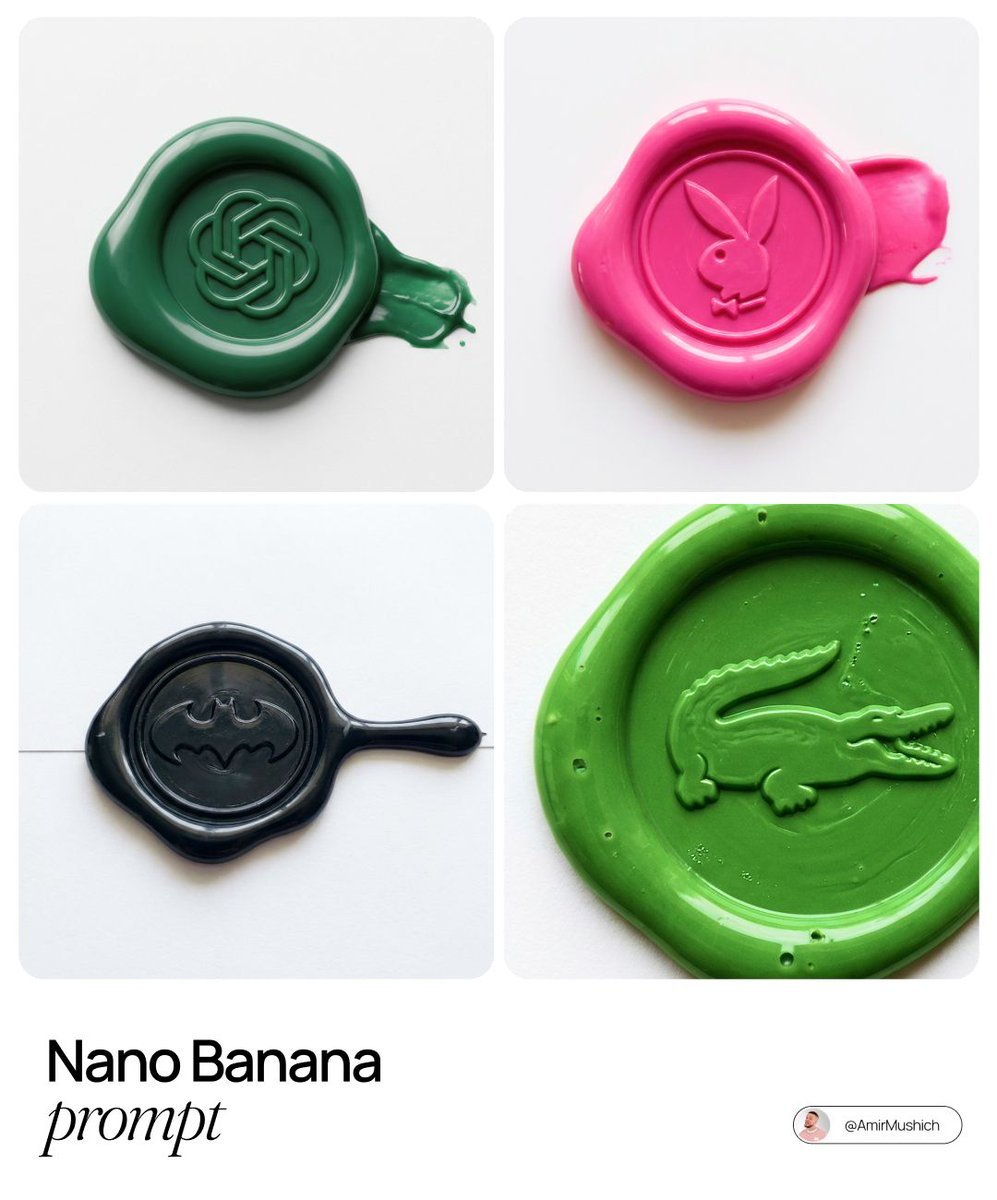
Tactile Wax Seal Logos
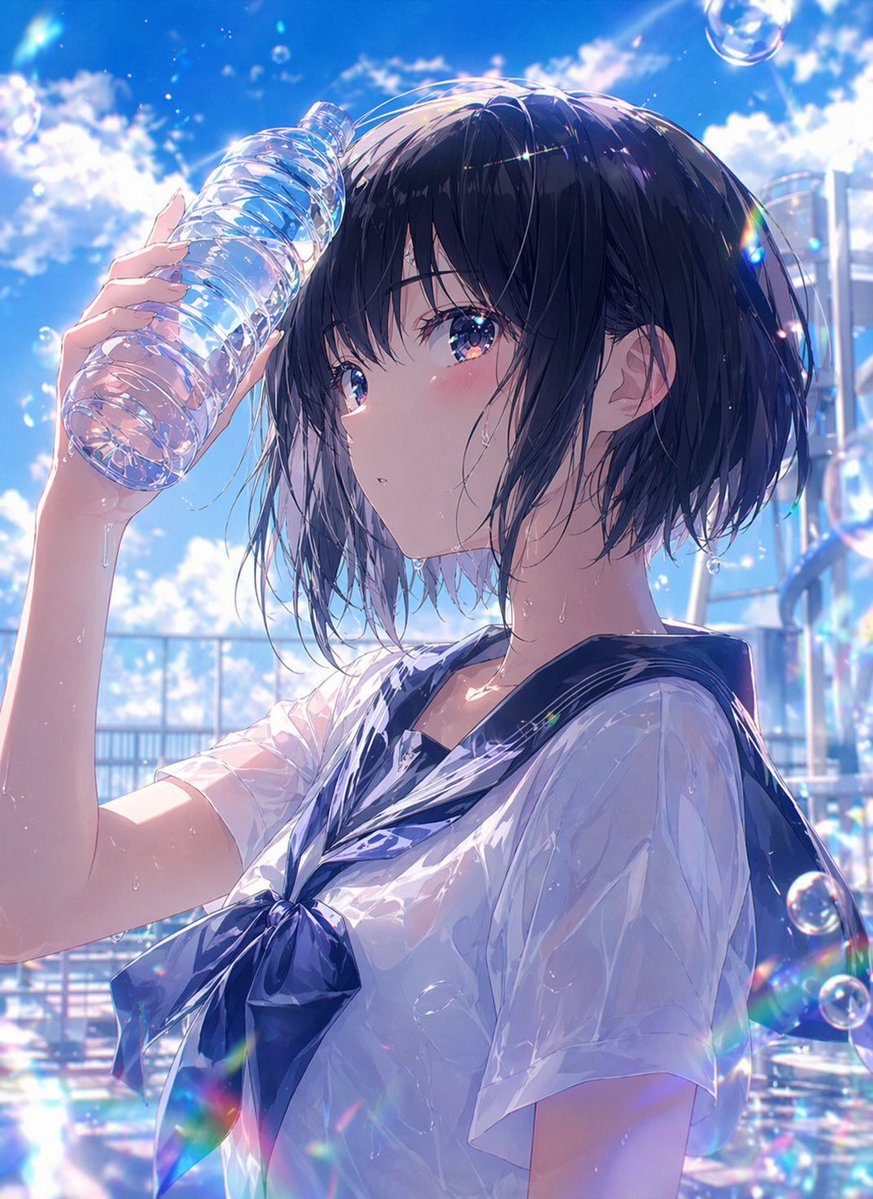
Wet Summer Anime Schoolgirl Portrait
Browse template categories
Gritty Neo-Noir Tactical Portrait questions
How do I use the Gritty Neo-Noir Tactical Portrait template?
Add your photo if the template asks for one, edit the prompt if you like — the template's model and format are already selected — and press Generate. Your version opens in PicX Studio.
Can I customize the Gritty Neo-Noir Tactical Portrait template?
Yes. You can change the subject, setting, lighting, mood, format, and available model controls before creating your image.
Is the Gritty Neo-Noir Tactical Portrait template free?
Opening and editing this template is free. Generating uses credits, shown on the Generate button when you are signed in.
Which AI model should I use?
Start with GPT Image 2, which is the model associated with this template. You can compare another compatible model for a different finish.
Looking for something else? Browse all templates.

Your photo, any look
Thousands of ready templates for every top image and video model, from one credit balance.