
Neo-Noir Japanese Fashion Collage
A vertical surreal Japanese-inspired fashion poster with a sunglassed model, koi, butterflies, portraits, and distressed vintage collage textures.
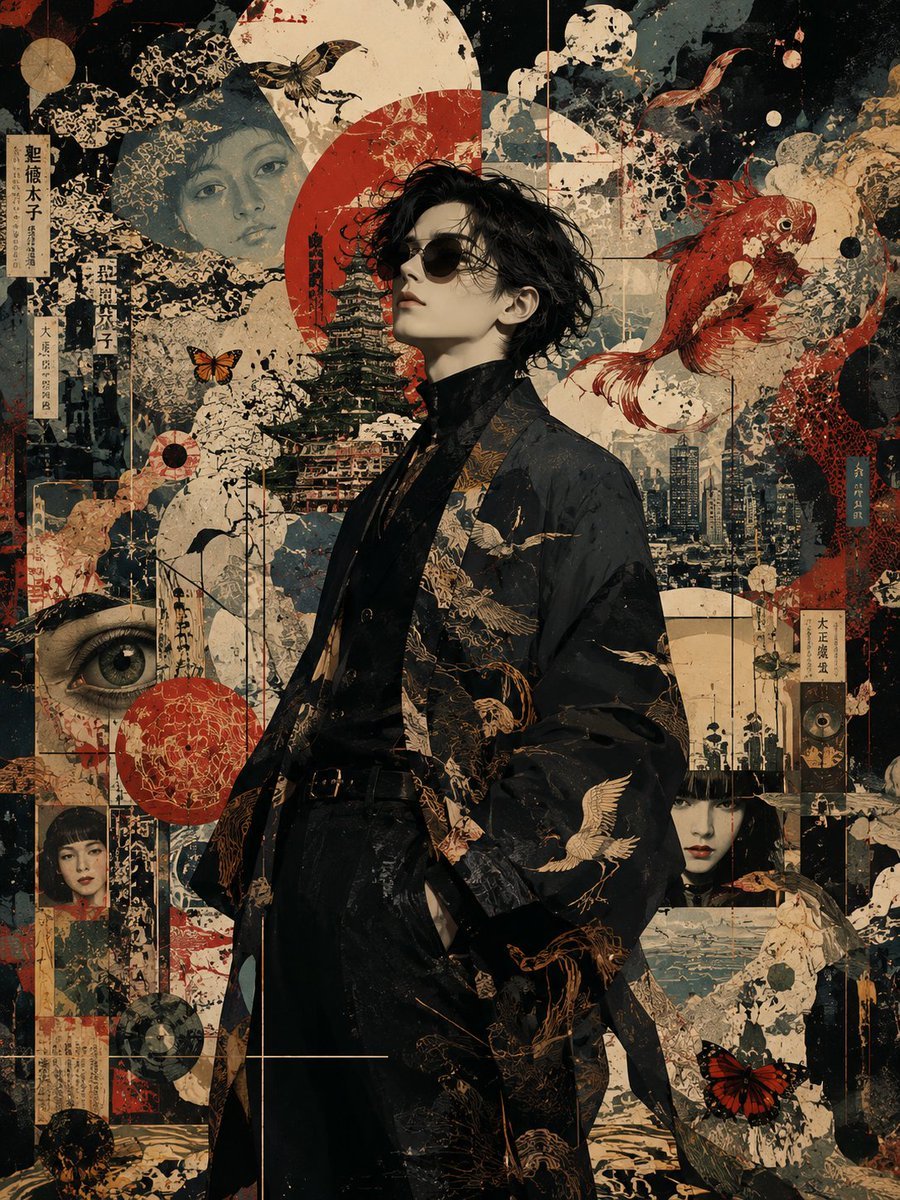
- Prompt included
- Model and format preset
- Premium template
The prompt behind this image
Copy the exact prompt behind Neo-Noir Japanese Fashion Collage, or open it in the studio and make it yours.
Create a highly detailed vertical mixed-media fashion collage poster featuring {argument name="main subject" default="a young Japanese man"} standing slightly right of center in a confident side-profile pose, head tilted upward, wearing small round black sunglasses, a black turtleneck, black trousers, and an oversized dark kimono-style haori embroidered with gold cranes and ornate floral patterns. The mood is cinematic, mysterious, elegant, and avant-garde. Use a distressed Japanese vintage poster aesthetic with layered paper textures, ink splatter, worn print grain, faded edges, torn collage seams, and muted colors of charcoal black, cream parchment, desaturated teal, oxblood red, and antique gold. Behind the figure, build a dense surreal collage: one large red sun disk behind his head, one pale full moon disk near the upper center, a layered Japanese pagoda behind his torso, a modern city skyline in the mid-background, and gridded vertical and horizontal poster lines. Include exactly 3 female face portraits in the background: one large ghostly face in the upper left, one small framed portrait in the lower left, and one pale doll-like face in the lower right. Include exactly 2 large red koi fish: one sweeping across the upper right and one partially visible along the lower right. Include exactly 5 butterflies or moths: one large moth near the top center-left, one orange butterfly near the left of the subject, one small flying moth near the upper right, one pale moth on the subject’s chest area, and one red butterfly near the bottom right. Include exactly 1 large realistic eye collage element in the lower left. Add several narrow vertical Japanese-style paper labels with printed kanji-like characters, but keep them decorative and mostly unreadable. The composition should feel like Japanese neo-noir pop surrealism, combining ukiyo-e, cyberpunk editorial fashion, antique printmaking, and contemporary poster design. Make the subject sharply rendered and photorealistic while the background remains painterly and layered. Use dramatic soft lighting on the face, deep shadows, rich texture, intricate linework, and no clean empty space. Final image should be a vertical {argument name="aspect ratio" default="4:5"} poster with no watermark, no logo, and no readable English text.
How to use Neo-Noir Japanese Fashion Collage in 3 steps
- 1Upload ImagePNG, JPG or paste
Add your photo
Upload the photo the template builds on. The prompt, model and format are already set.
- 2…a portrait of your subject in softgolden-hour light, 85mm…
Personalize
Edit the subject and creative details for your destination.
- 3Generate
Generate
Press Generate — your image is created in PicX Studio, so you can compare it with the original and refine one variable at a time.
More like this
Templates with the same subject, style or setup. Open one to see its prompt.
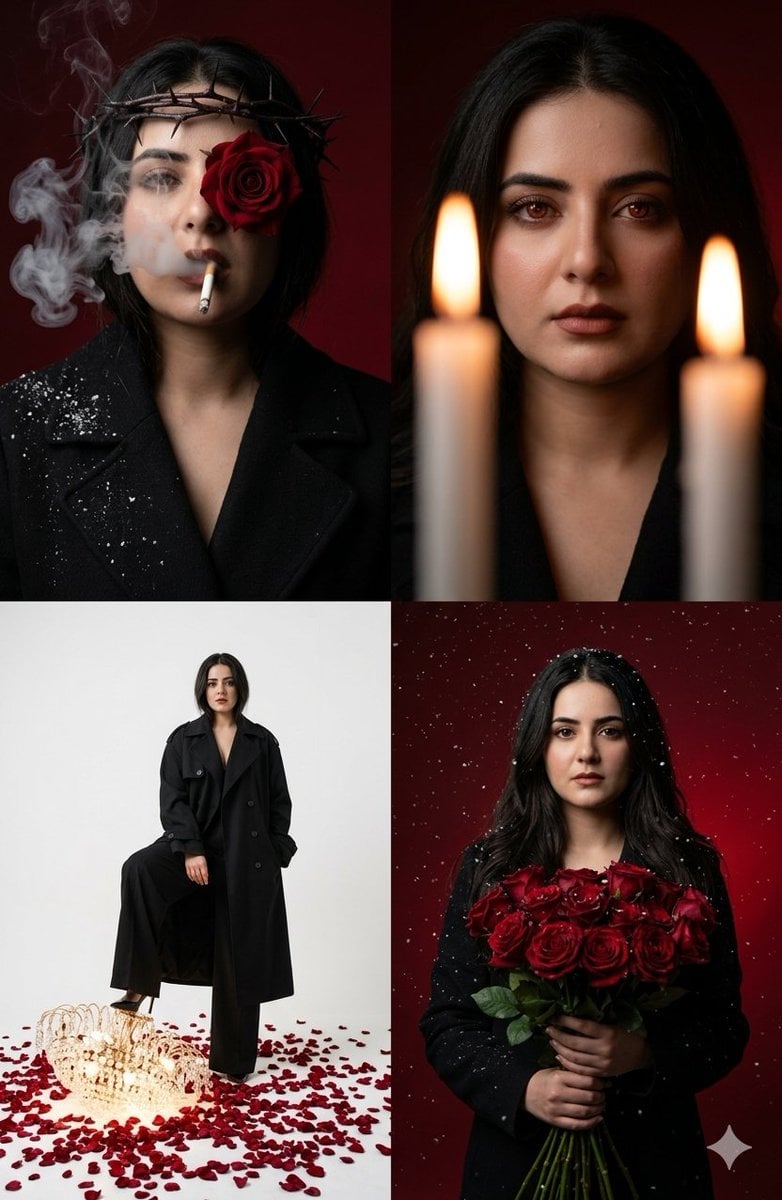
Neo-Noir Editorial Collage
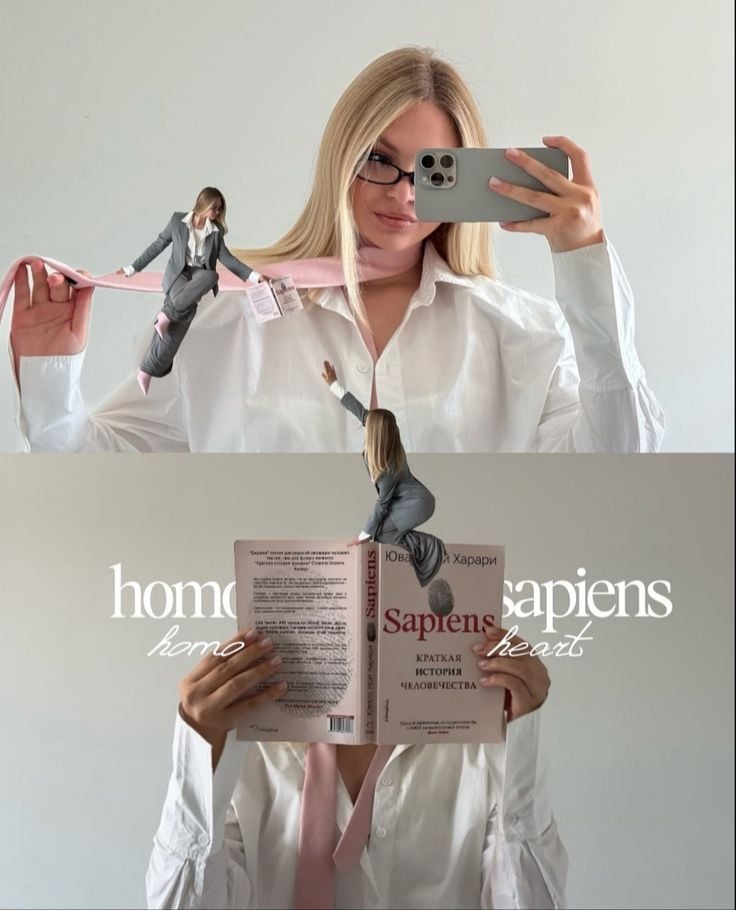
Miniature Self Portrait Collage

80s College Gate

1988 Mall Style

80s Polka Dot Saree
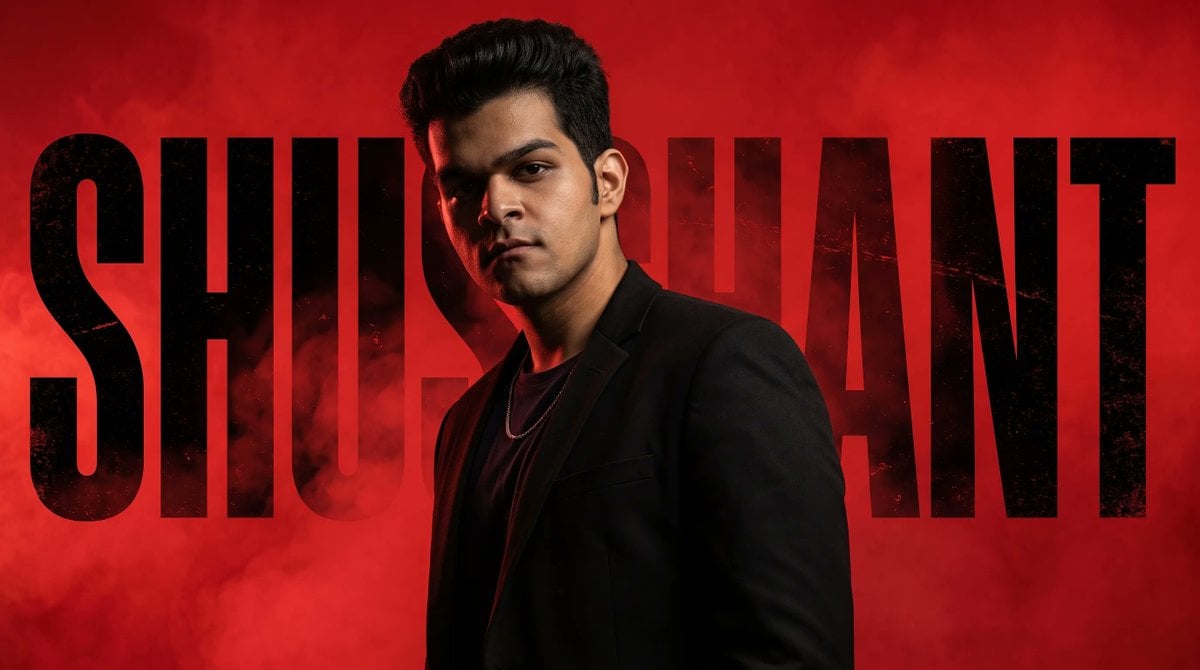
Neo-Noir Typographic Avatar Poster
Minecraft Japanese Research Lab Exploration
Indian Anarkali Fashion Collage
Neo-Noir Futuristic Cityscape

Rainy Monsoon Fashion Collage
Japanese Minimalist Editorial Fashion Poster
Futuristic Ice Palace Fashion Collage
Make it yours
Neo-Noir Japanese Fashion Collage works as-is. These are the safest ways to change it without losing the look.
Change one field
Copy a single group, rewrite it, and generate again so you can see what that field is doing.
Keep the frame, change the subject
Hold the composition and light of Neo-Noir Japanese Fashion Collage, then swap wardrobe, props or the person for a new take.
| If the result… | Why | Fix |
|---|---|---|
| The result drifts from the preview | Too many fields changed at once. | Reuse Neo-Noir Japanese Fashion Collage as-is first, then change one group — subject, light, or setting. |
| The model over-stylizes the scene | The prose prompt leaves finish and camera underspecified. | Add one camera or lighting sentence and stay on GPT Image 2. |
More GPT Image 2 templates
Other prompts made for GPT Image 2.

Six VTuber Japanese Logo Sheet

Realistic Portrait of Woman and Deer

The Vista Modular Condo Poster

AI Model Routing Comparison Infographic

2.5D Anime Art Board

Isometric Productivity Desk Scene

New York Double Exposure Poster

Four-Panel AI Landscape Comparison

Japanese Tatami Lifestyle Magazine Cover

NESCAFÉ Coffee Map Poster
More image prompts
Fresh picks from across the catalog.
untitled
Editorial Couple Torn-Paper Collage
Matte Black Elixir Bottle with Purple Smoke Background
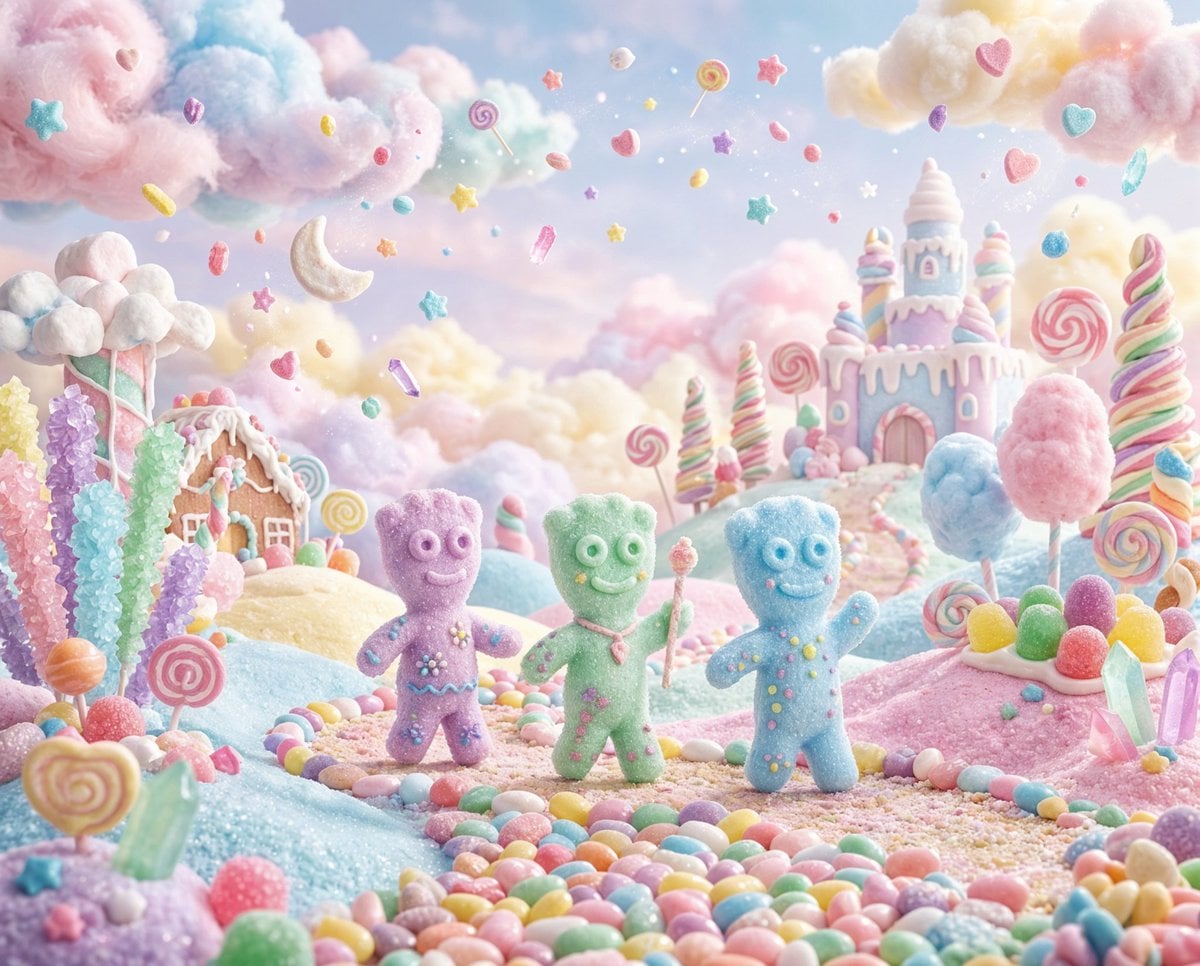
Pastel Painted Sour Patch Kids in Whimsical Candyland
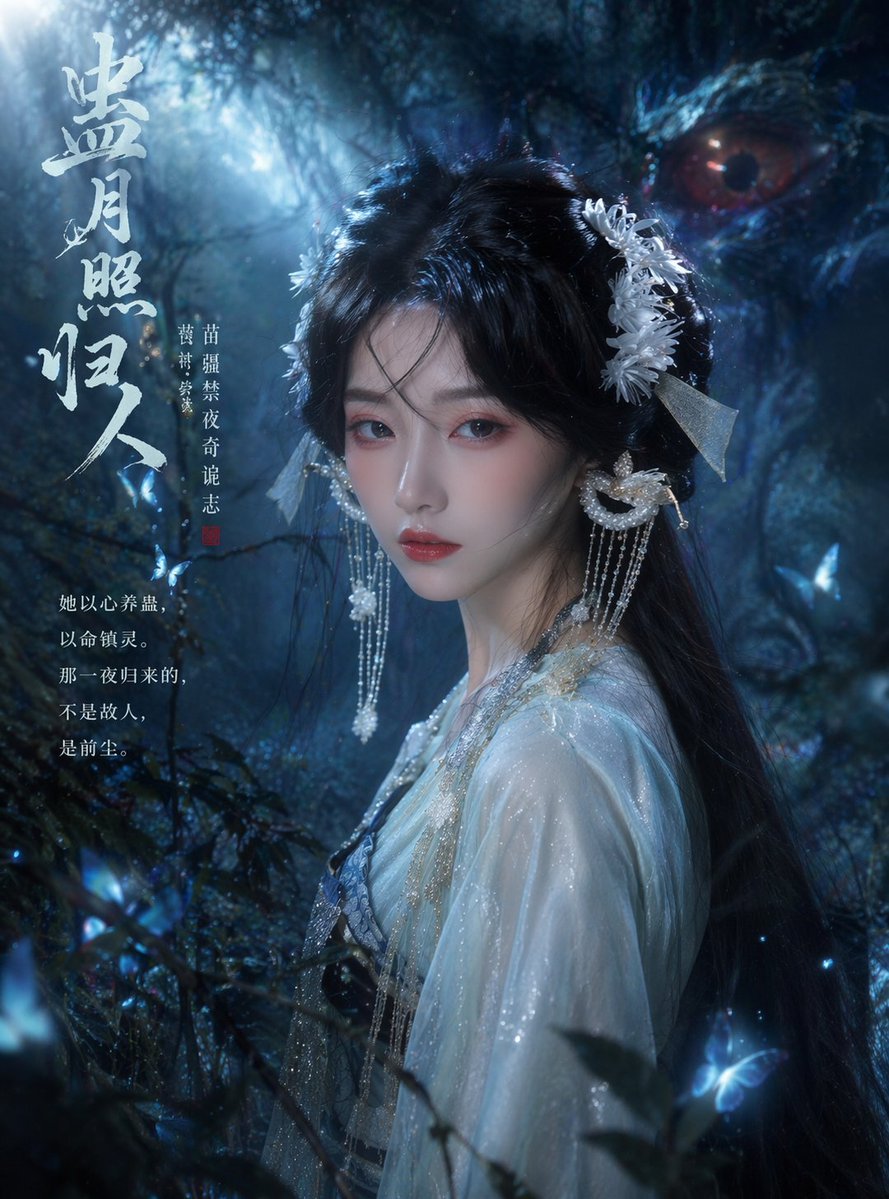
Cinematic TV Still Prompt
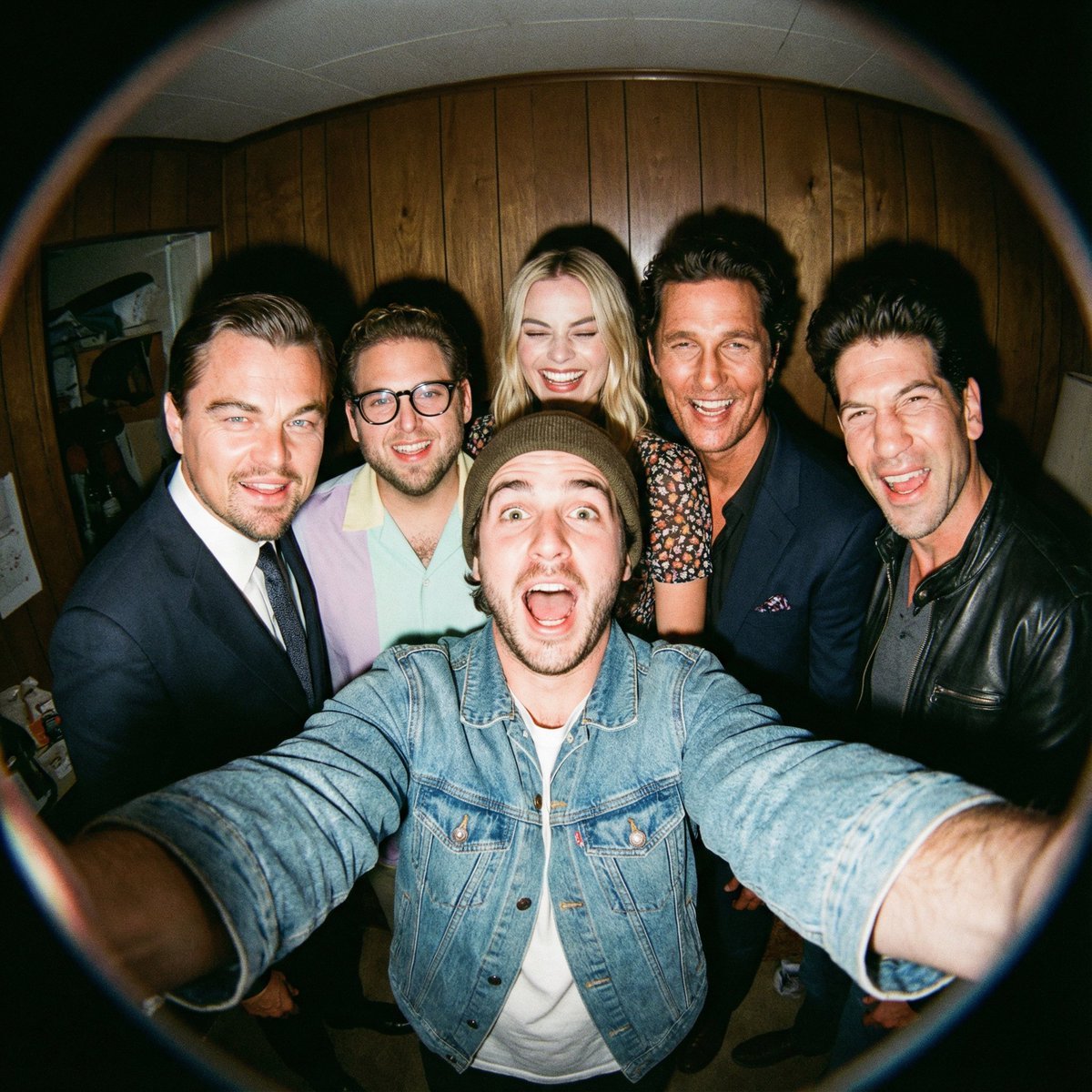
Fisheye selfie with movie characters using Nano Banana Pro
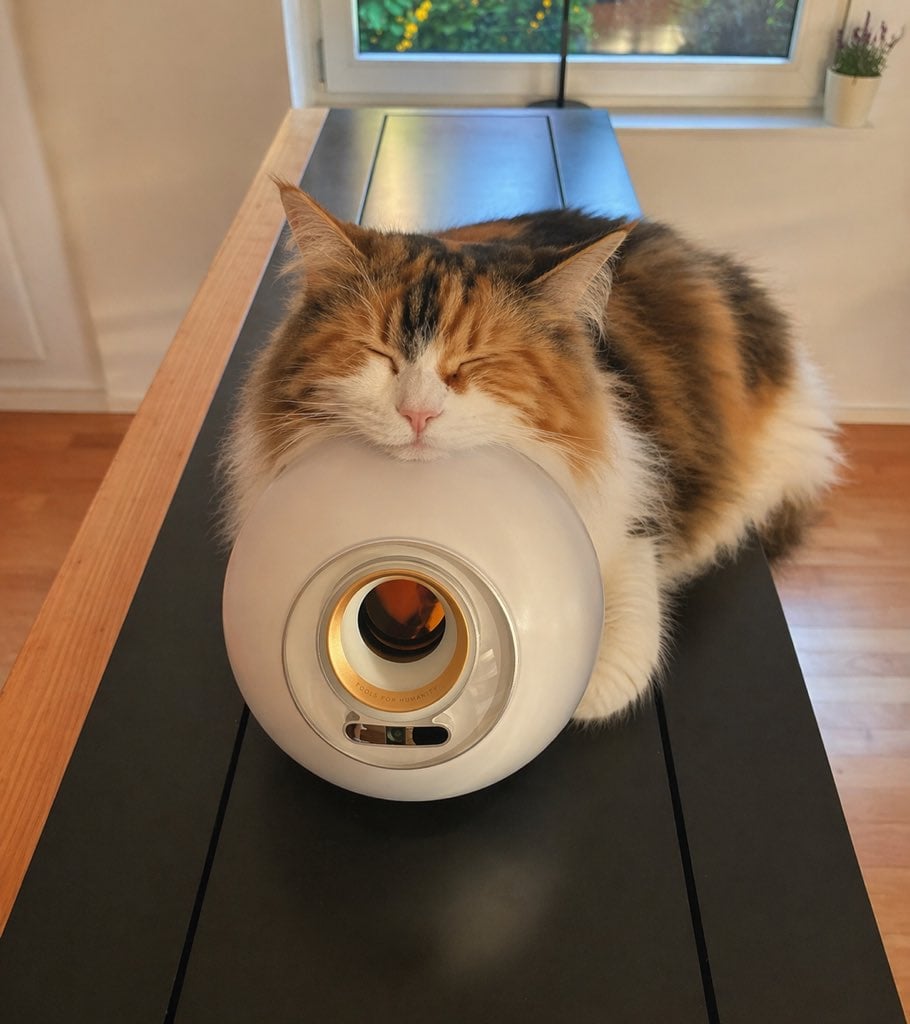
Sleeping Calico on White Appliance
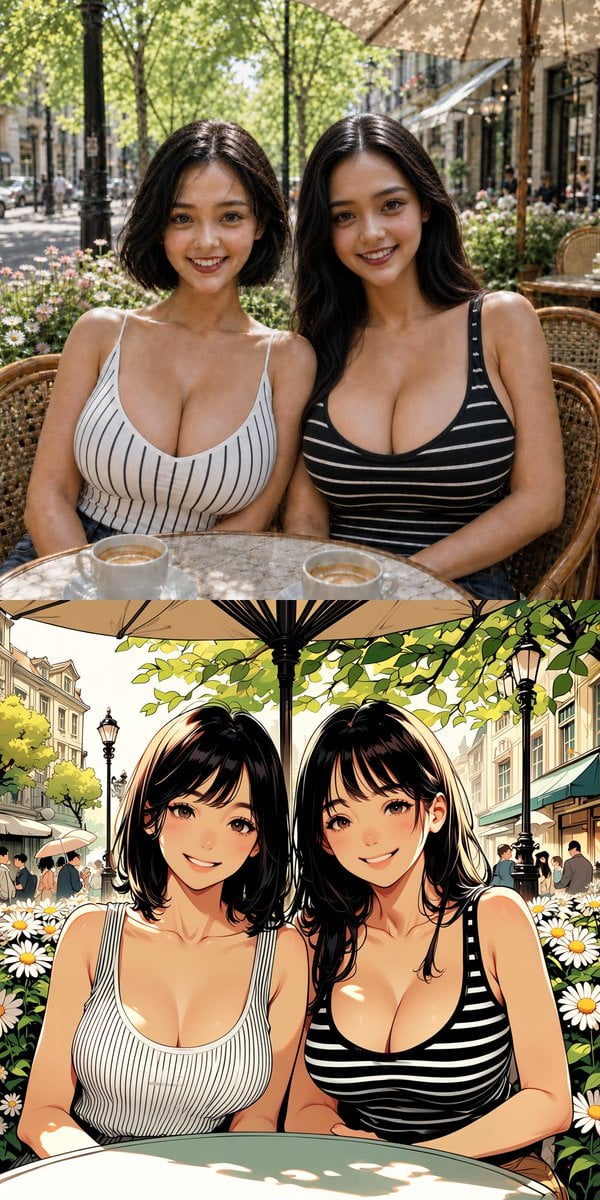
Twin Sisters Café Photo to Anime Comparison
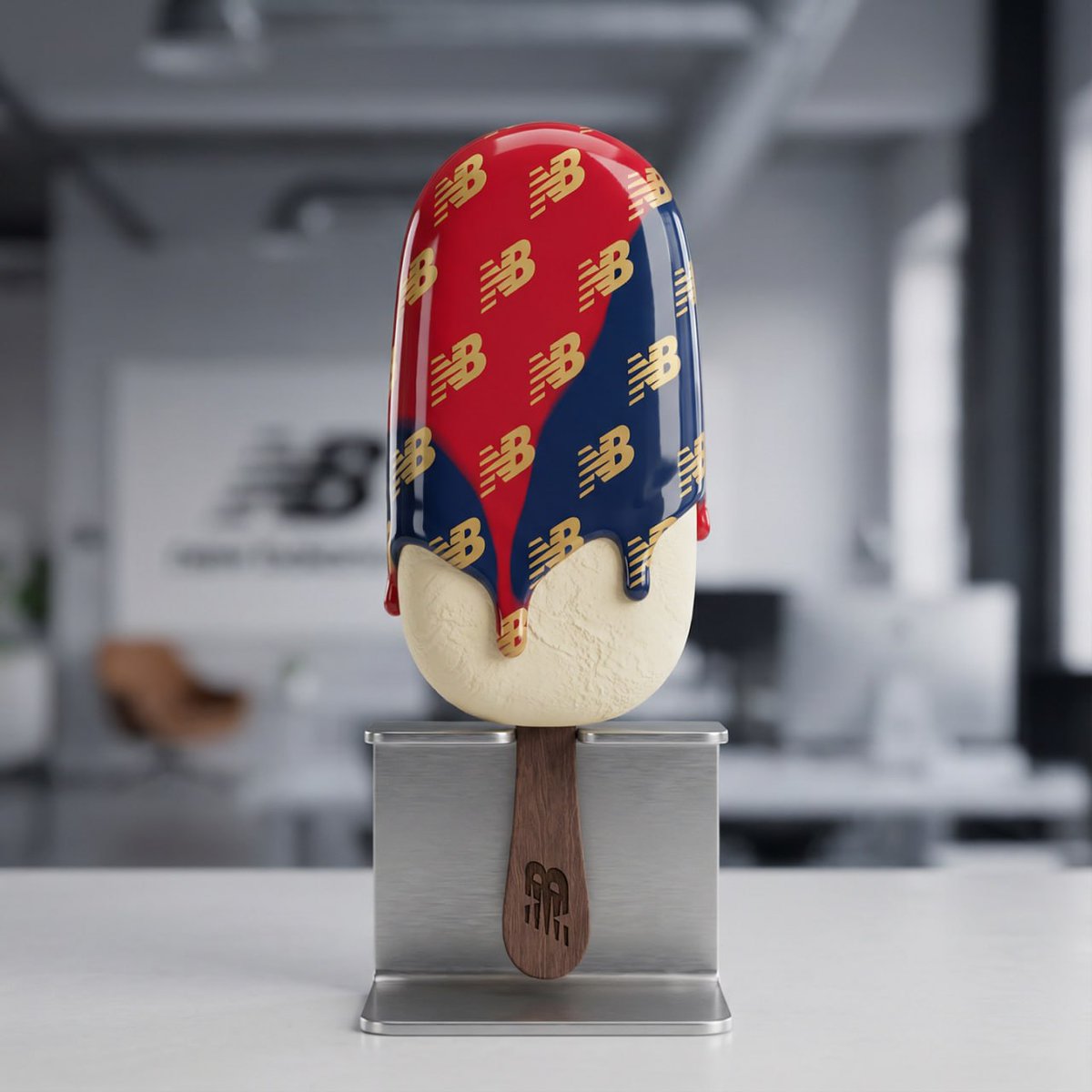
Nano Banana Pro Tutorial for Product Branding
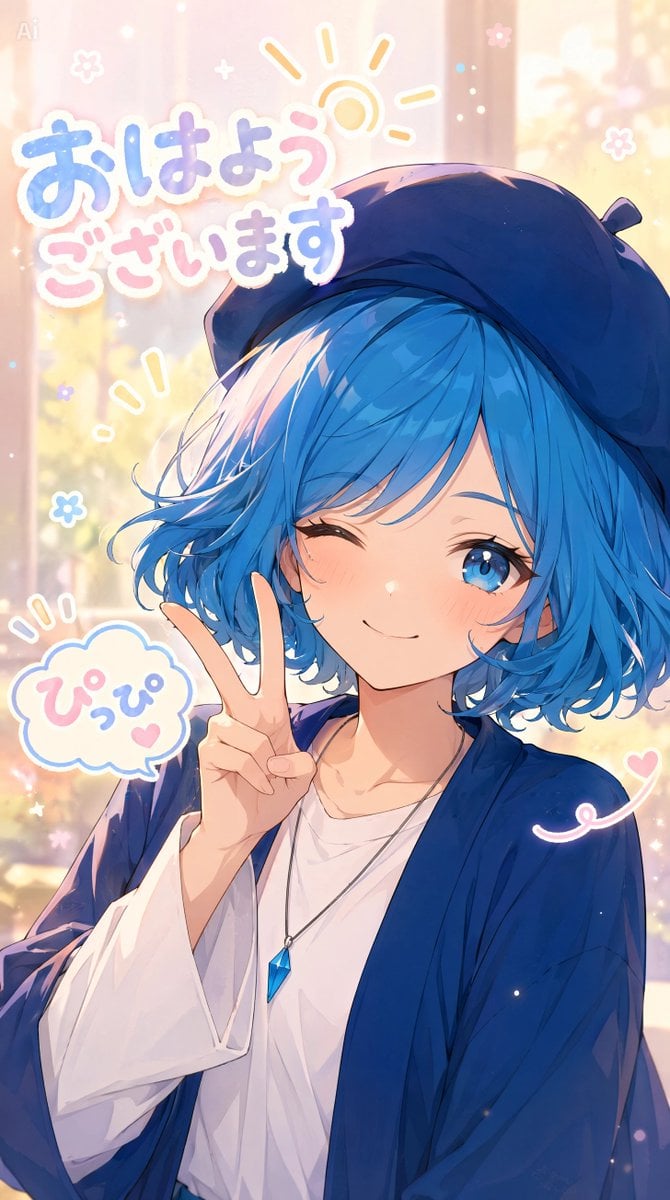
Pastel Anime Morning Greeting Portrait
Browse template categories
Neo-Noir Japanese Fashion Collage questions
How do I use the Neo-Noir Japanese Fashion Collage template?
Add your photo if the template asks for one, edit the prompt if you like — the template's model and format are already selected — and press Generate. Your version opens in PicX Studio.
Can I customize the Neo-Noir Japanese Fashion Collage template?
Yes. You can change the subject, setting, lighting, mood, format, and available model controls before creating your image.
Is the Neo-Noir Japanese Fashion Collage template free?
Opening and editing this template is free. Generating uses credits, shown on the Generate button when you are signed in.
Which AI model should I use?
Start with GPT Image 2, which is the model associated with this template. You can compare another compatible model for a different finish.
Looking for something else? Browse all templates.

Your photo, any look
Thousands of ready templates for every top image and video model, from one credit balance.