
Cozy AI Art Studio Collaboration
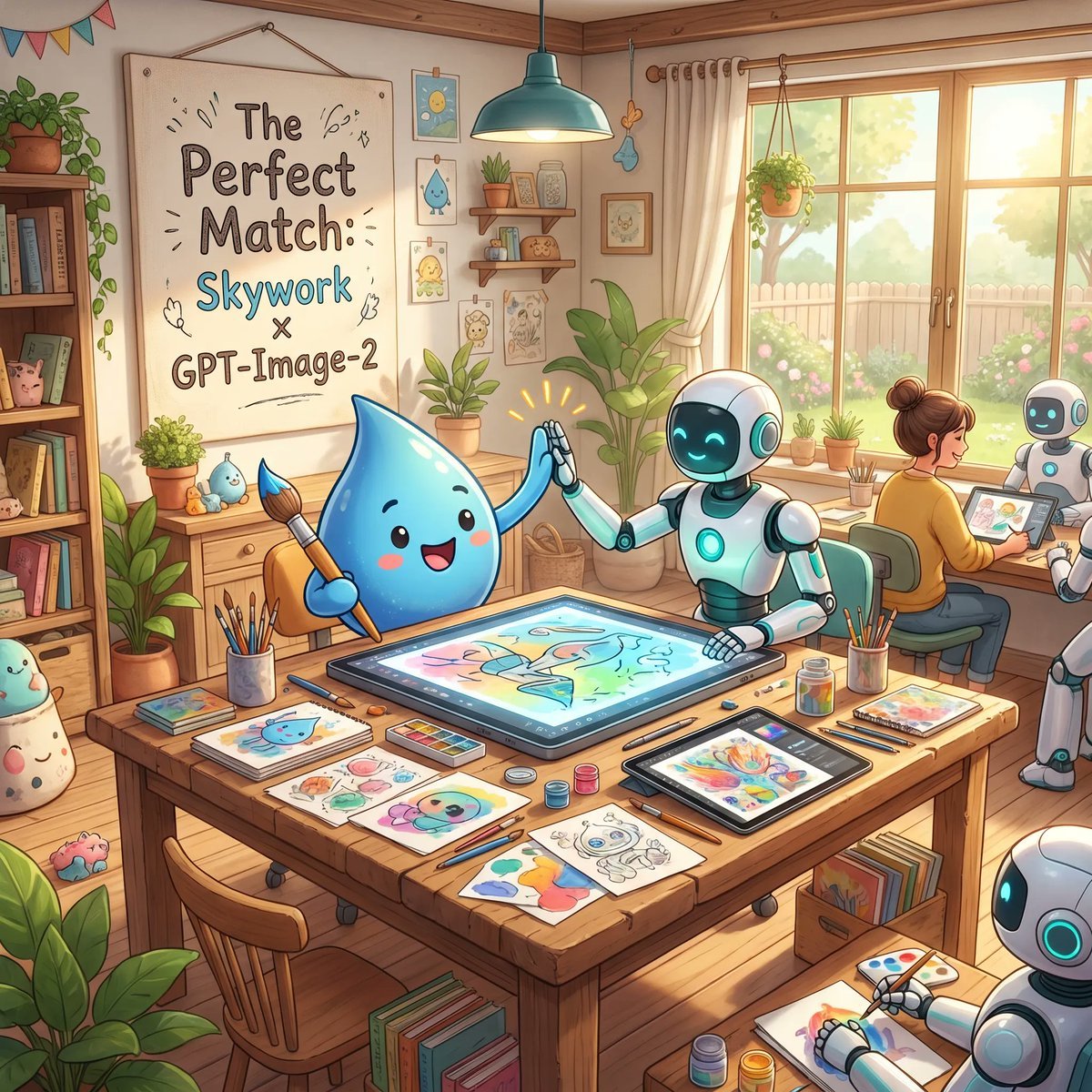
A charming promotional illustration of a mascot and robots creating art together in a warm studio, ideal for showcasing creative AI tools or brand collaborations.
- Prompt included
- Model and format preset
- Free template
The prompt behind this image
Copy the exact prompt behind Cozy AI Art Studio Collaboration, or open it in the studio and make it yours.
A warm, whimsical digital illustration of a cozy sunlit art studio showing a friendly collaboration between a cute blue water-drop mascot and cheerful white-and-teal robots. In the foreground, a large wooden worktable is covered with art supplies and finished sketches: exactly 3 paintbrush cups, multiple pencils and pens, watercolor palettes, small paint jars, loose character drawings, and 2 digital drawing tablets. At the center of the table, one large horizontal pen-display tablet shows a colorful pastel illustration in progress. The blue droplet character, with glossy rounded body, tiny arms, rosy cheeks, and a happy open smile, sits on the left holding a paintbrush and giving a high-five to a humanoid robot seated on the right. The robot has a smooth white body with teal glowing accents, a dark face screen with bright cyan smiling eyes, and one hand touching the tablet while the other meets the mascot’s hand, with small celebratory spark lines around the high-five. In the midground on the right, exactly 2 more robots are visible: one seated beside a human artist and one partially visible in the lower-right corner drawing on paper. The human artist is seen from behind, hair in a bun, sitting at a desk near the window and working on a tablet. The studio is filled with cozy decorative details: a large framed poster on the left wall reading "The Perfect Match: Skywork x GPT-Image-2", a bookshelf packed with books and cute objects, potted plants throughout the room, framed mini art prints, wall shelves with jars and decor, hanging bunting in the upper left, a teal pendant lamp above the table, and a large window on the right with cream curtains revealing a bright garden, fence, and soft greenery outside. Use soft golden morning light, pastel colors, polished children’s-book-style rendering, clean linework, gentle shading, inviting creative atmosphere, highly detailed props, and a polished cinematic composition that feels like an uplifting promotional illustration for {argument name="brand collaboration text" default="Skywork x GPT-Image-2"}.
How to use Cozy AI Art Studio Collaboration in 3 steps
- 1Upload ImagePNG, JPG or paste
Add your photo
Upload the photo the template builds on. The prompt, model and format are already set.
- 2…a portrait of your subject in softgolden-hour light, 85mm…
Personalize
Edit the subject and creative details for your destination.
- 3Generate
Generate
Press Generate — your image is created in PicX Studio, so you can compare it with the original and refine one variable at a time.
More like this
Templates with the same subject, style or setup. Open one to see its prompt.

80s Couple Studio Portrait

1985 Studio Portrait

Cinematic Low-Angle Fashion Portrait Smoke Editorial

Japanese Architectural Concrete Studio Fashion Campaign

Japanese Minimalist Concrete Studio Fashion Editorial
Cinematic Low-Angle Fashion Portrait Smoke Editorial
High-Fashion Bauhaus Geometric Cutout Editorial
High-Fashion Bauhaus Geometric Cutout Editorial

Luxury Black-and-White Fashion Contact Sheet

Ultra-Realistic Vogue-Style Editorial Fashion Grid

Stylized Fashion Portrait Bold Color Contrast Editorial
Minimalist Scandinavian Editorial Fashion Portrait Series
Make it yours
Cozy AI Art Studio Collaboration works as-is. These are the safest ways to change it without losing the look.
Change one field
Copy a single group, rewrite it, and generate again so you can see what that field is doing.
Keep the frame, change the subject
Hold the composition and light of Cozy AI Art Studio Collaboration, then swap wardrobe, props or the person for a new take.
| If the result… | Why | Fix |
|---|---|---|
| The result drifts from the preview | Too many fields changed at once. | Reuse Cozy AI Art Studio Collaboration as-is first, then change one group — subject, light, or setting. |
| The model over-stylizes the scene | The prose prompt leaves finish and camera underspecified. | Add one camera or lighting sentence and stay on GPT Image 2. |
More GPT Image 2 templates
Other prompts made for GPT Image 2.

Six VTuber Japanese Logo Sheet

Realistic Portrait of Woman and Deer

The Vista Modular Condo Poster

AI Model Routing Comparison Infographic

2.5D Anime Art Board

Isometric Productivity Desk Scene

New York Double Exposure Poster

Four-Panel AI Landscape Comparison

Japanese Tatami Lifestyle Magazine Cover

NESCAFÉ Coffee Map Poster
More image prompts
Fresh picks from across the catalog.
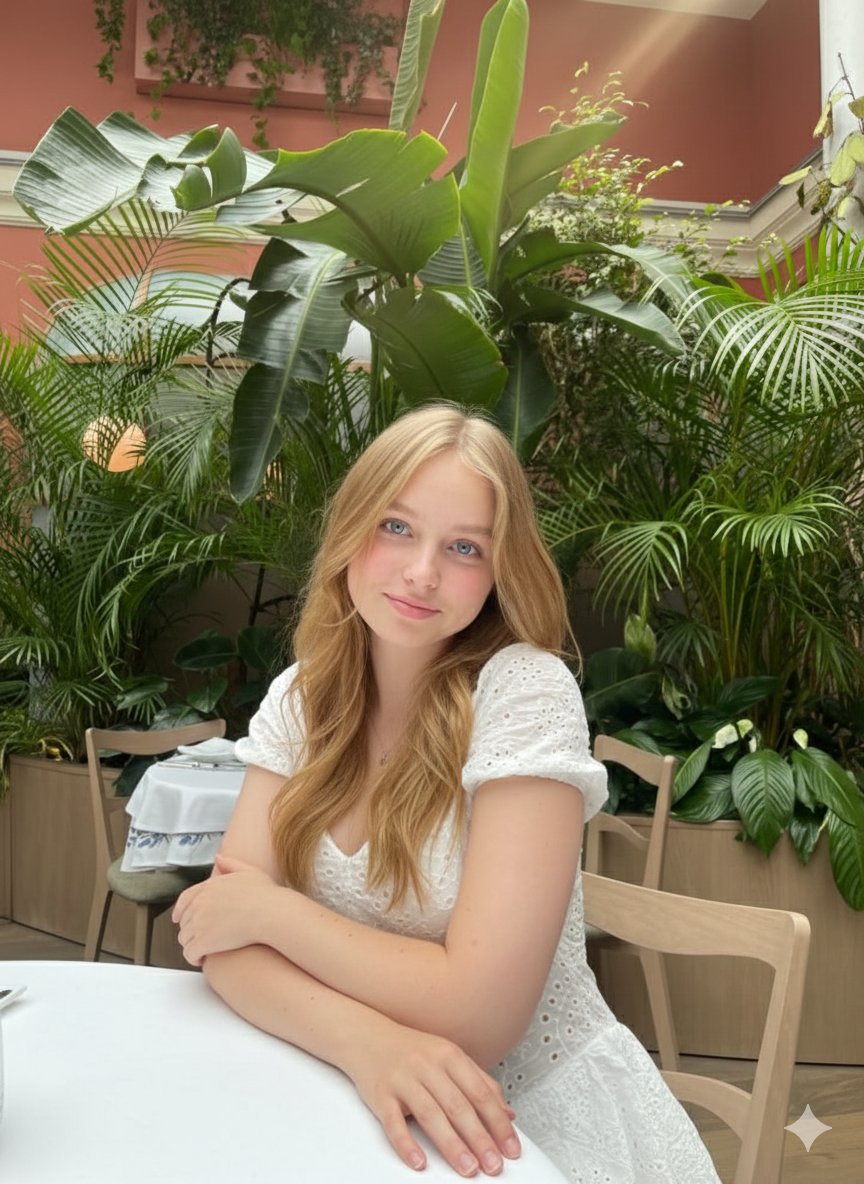
Cinematic Greenhouse Portrait at Golden Hour

Indonesian School Nutrition Landing Page
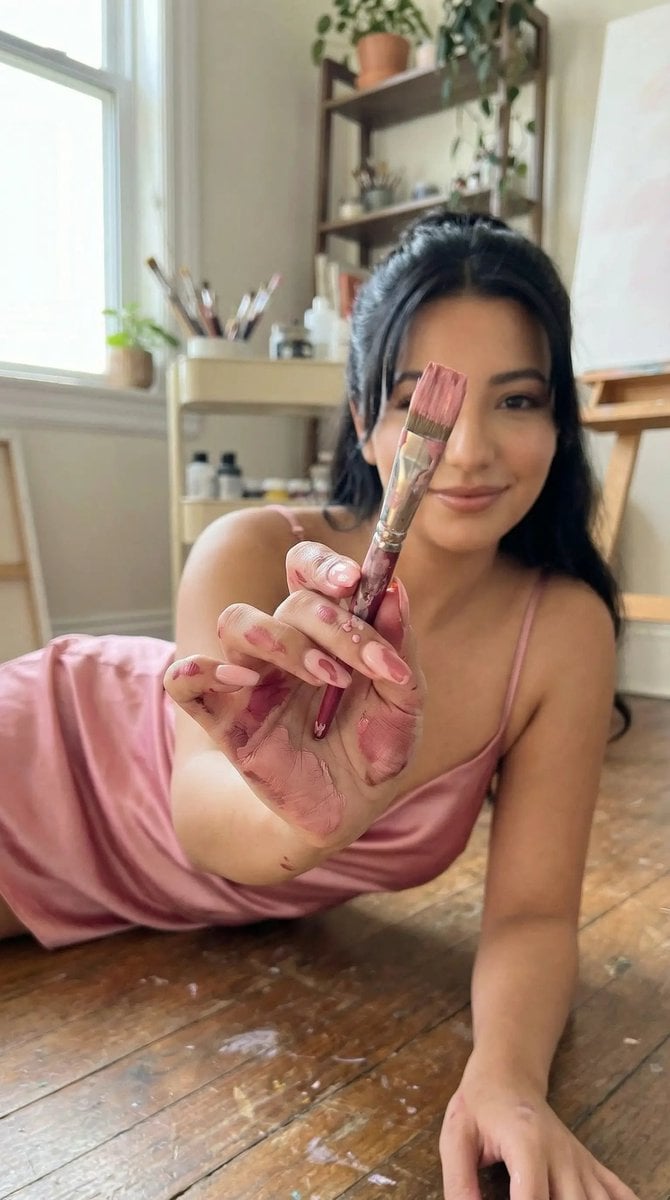
Ultra-Photoreal Lifestyle Portrait in an Art Studio with Pink Paint
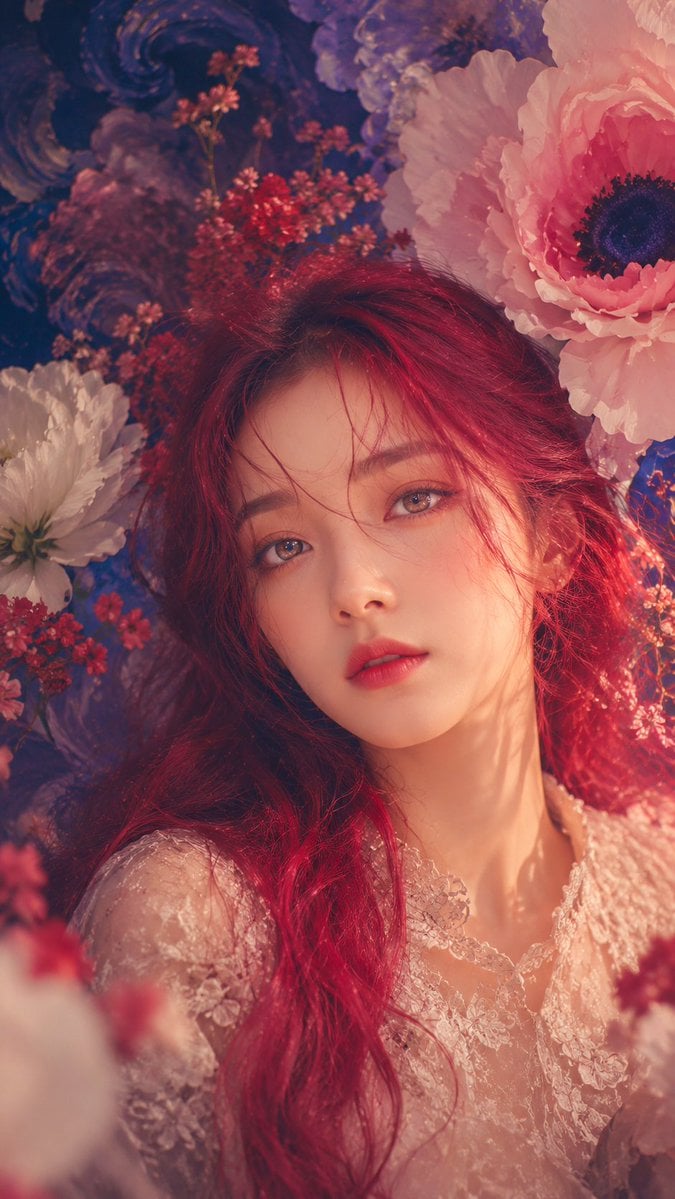
Anonymous Floral Crimson Portrait
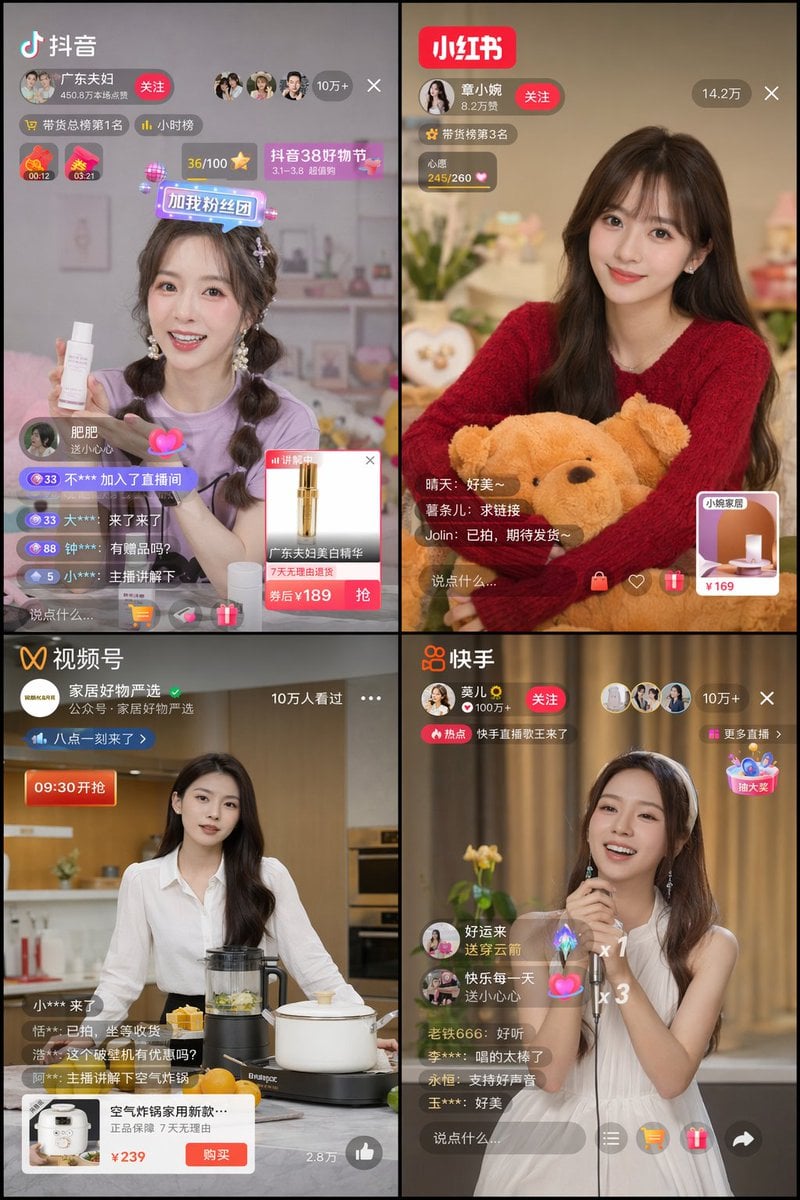
Panel Live Streaming App UI Mockup
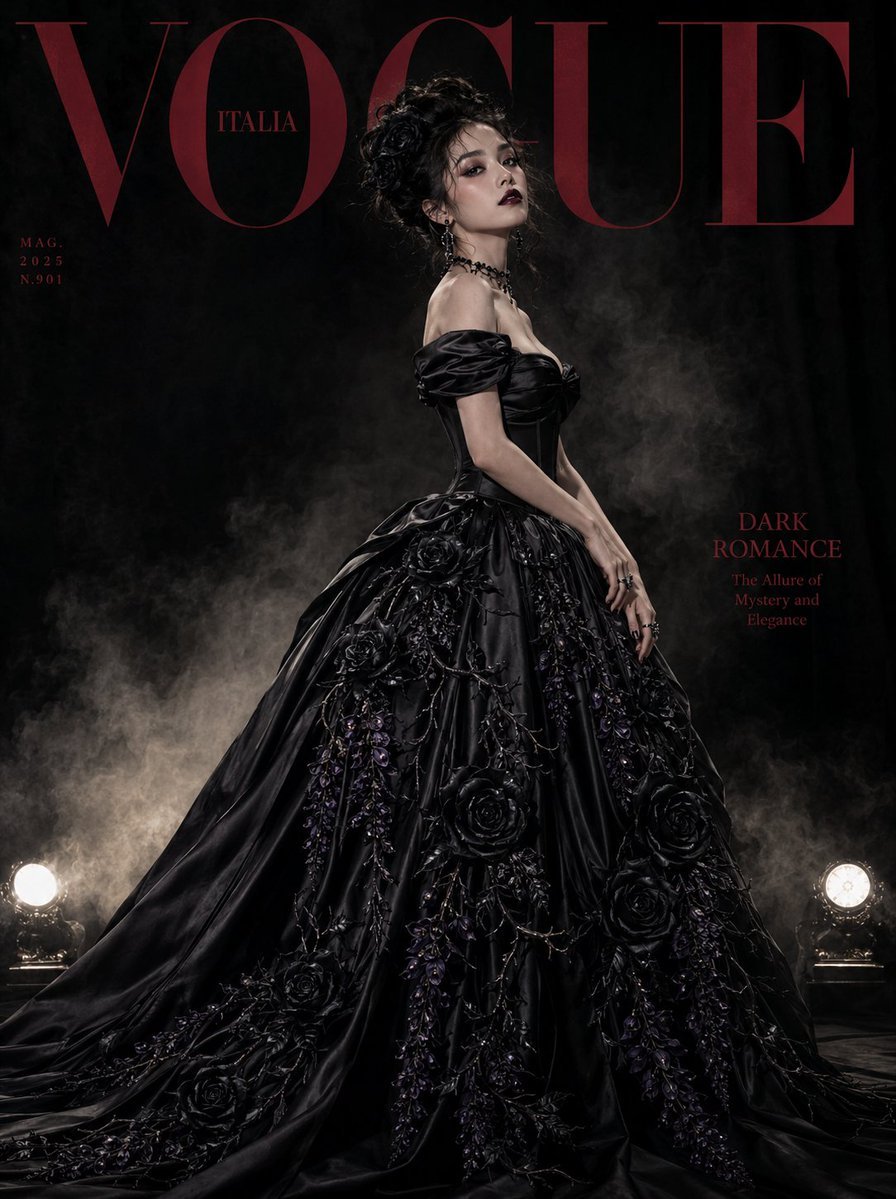
Gothic Luxury Magazine Cover
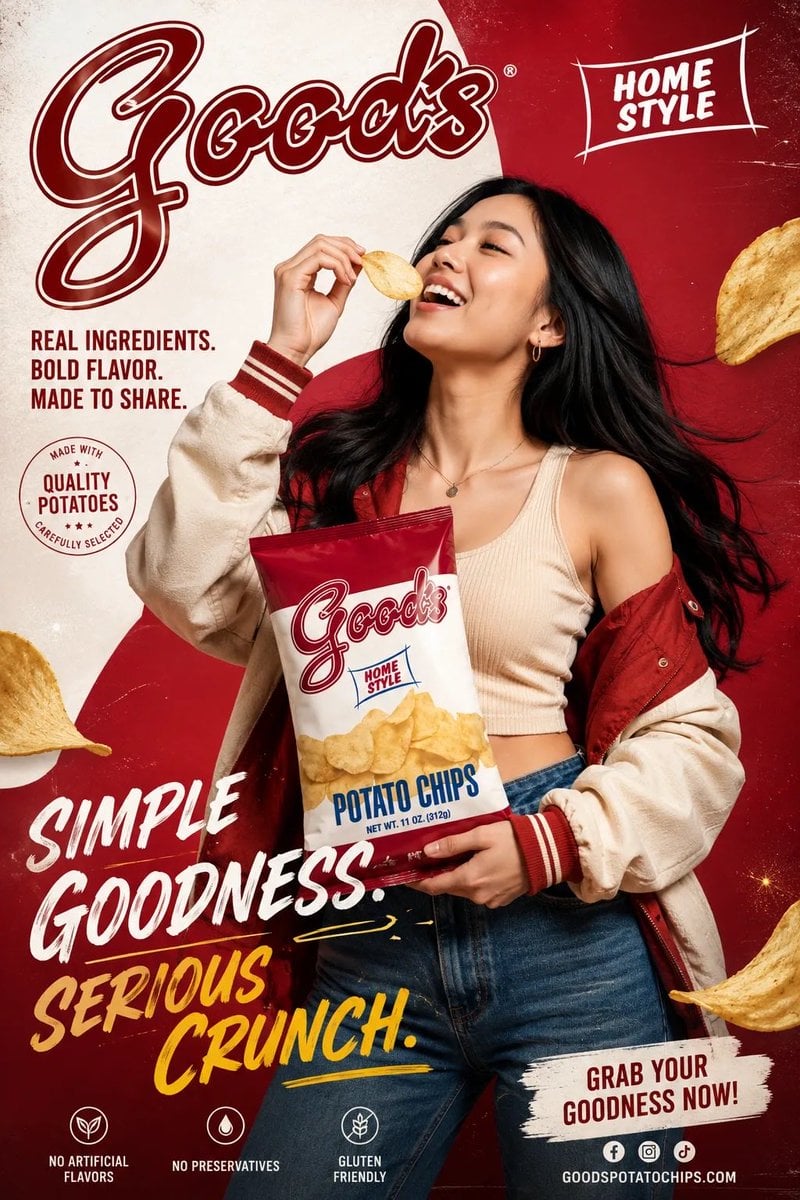
Premium Fashion Advertising Poster
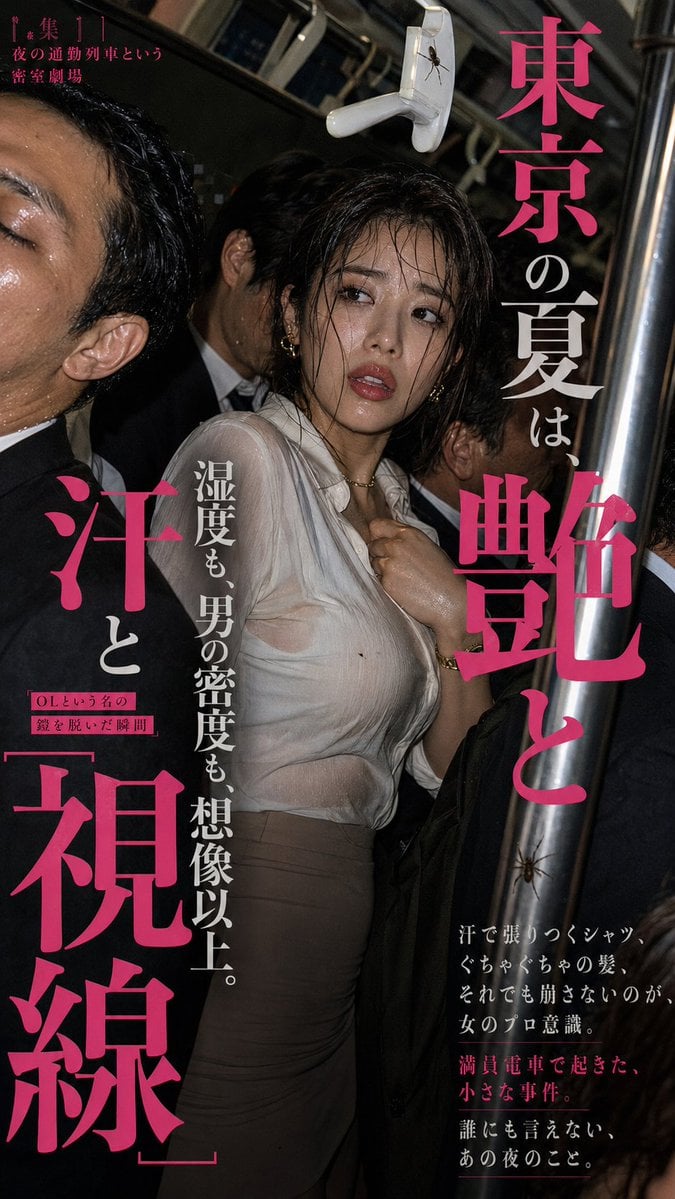
Tokyo Subway Fashion Editorial
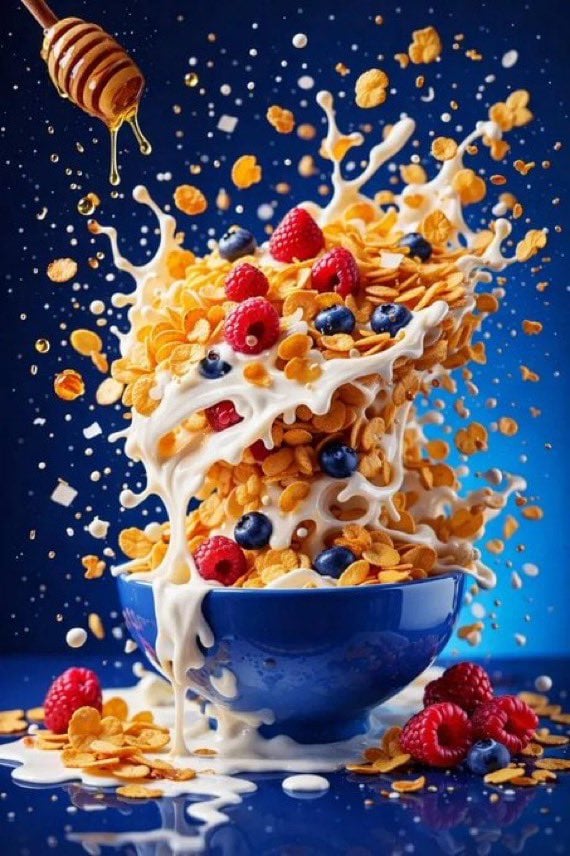
Hyper Realistic High Speed Food Photogra
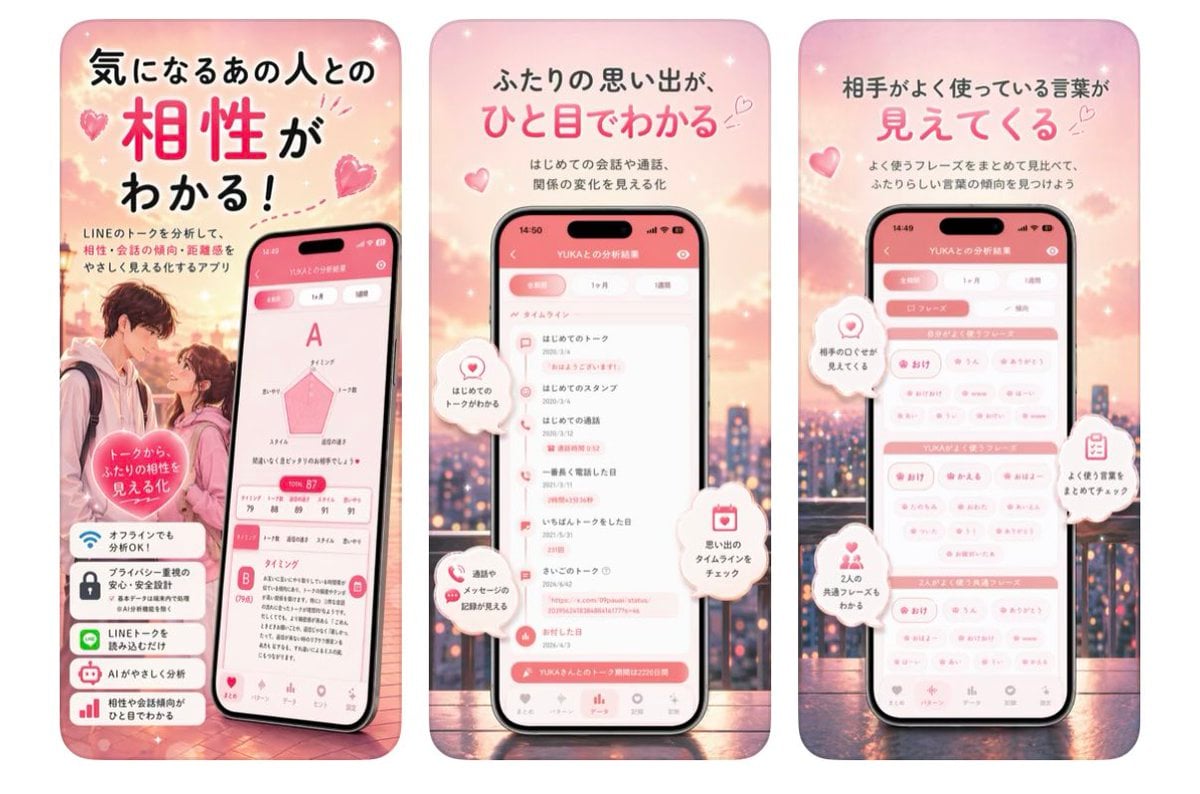
Japanese Romance App Ad Panels
Browse template categories
Cozy AI Art Studio Collaboration questions
How do I use the Cozy AI Art Studio Collaboration template?
Add your photo if the template asks for one, edit the prompt if you like — the template's model and format are already selected — and press Generate. Your version opens in PicX Studio.
Can I customize the Cozy AI Art Studio Collaboration template?
Yes. You can change the subject, setting, lighting, mood, format, and available model controls before creating your image.
Is the Cozy AI Art Studio Collaboration template free?
Opening and editing this template is free. Generating uses credits, shown on the Generate button when you are signed in.
Which AI model should I use?
Start with GPT Image 2, which is the model associated with this template. You can compare another compatible model for a different finish.
Looking for something else? Browse all templates.

Your photo, any look
Thousands of ready templates for every top image and video model, from one credit balance.