
Ruzaina Character Design Sheet
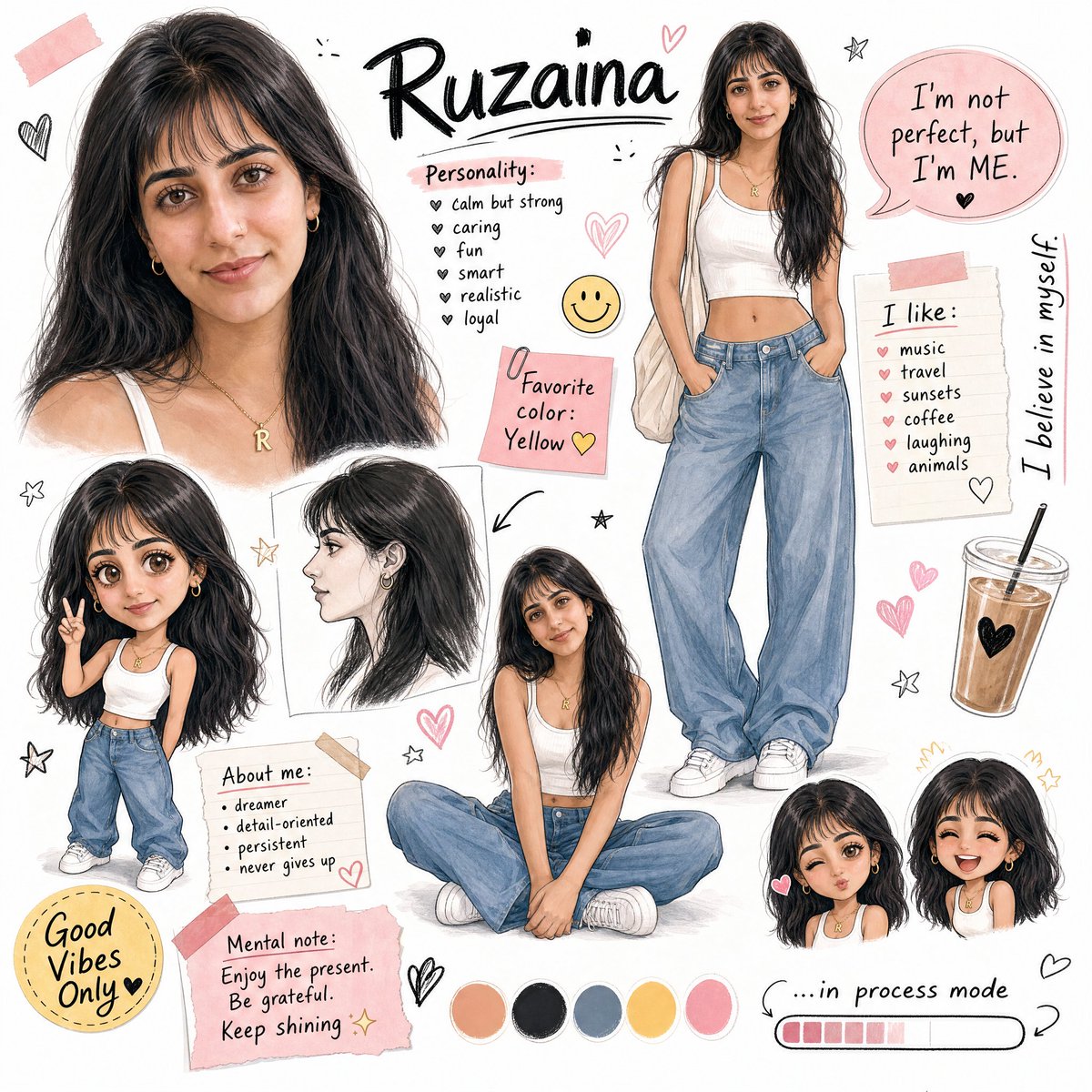
A comprehensive prompt for a character design sheet featuring multiple poses, chibi versions, and scrapbook-style decorative elements.
- Prompt included
- Model and format preset
- Free template
The prompt behind this image
Copy the exact prompt behind Ruzaina Character Design Sheet, or open it in the studio and make it yours.
A stylized character design sheet / storyboard for a {argument name="character name" default="fictional girl character named \"Ruzaina\""}, featuring multiple poses and expressions on a white background. The character has {argument name="features" default="long black hair with bangs, tan/warm skin tone"}, wearing a white crop tank top, loose baggy blue jeans, and white sneakers with a gold initial necklace. Layout includes: Large close-up face portrait (top left) Full body standing pose (top right) Chibi/cute mini version (small, bottom left area) Side profile sketch Dreamy close-up face with hand on cheek Sitting cross-legged pose Two small chibi face expressions (bottom right) Decorative elements: hand-drawn hearts, stars, smiley face sticker, pink speech bubbles, sticky notes, color palette swatches (peach, black, grey, yellow, pink), an iced coffee cup drawing. Text elements (handwritten style fonts): Name "{argument name="display name" default="Ruzaina"}" at top in bold stylish font "Personality:" list: calm but strong, caring, fun, smart, realistic, loyal Pink sticky note: "Favorite color: Yellow 💛" Speech bubble: "I'm not perfect, but I'm ME." Side text: "I believe in myself." "I like:" music, travel, sunsets, coffee, laughing, animals "About me:" dreamer, detail-oriented, persistent, never gives up Bottom note: "Mental note: Enjoy the present. Be grateful. Keep shining ✨" "Good Vibes Only" badge "...in process mode" with loading bar Art style: Semi-realistic + chibi mix, soft sketch lines, warm tones, aesthetic journal/scrapbook feel, similar to Korean webtoon character sheets.
How to use Ruzaina Character Design Sheet in 3 steps
- 1
Open
The prompt is already in the box next to the preview, with the template's model and format selected.
- 2…a portrait of your subject in softgolden-hour light, 85mm…
Personalize
Edit the subject and creative details for your destination.
- 3Generate
Generate
Press Generate — your image is created in PicX Studio, so you can compare it with the original and refine one variable at a time.
More like this
Templates with the same subject, style or setup. Open one to see its prompt.

Dancer Character - Four View Reference Sheet

Movement Sheet - Dance Reference (Seedance 2.0)

Six VTuber Japanese Logo Sheet

Retro Manga StackChan Concept Sheet

Halloween Nun Chibi Character Sheet

Anime Lantern Girl Character Sheet
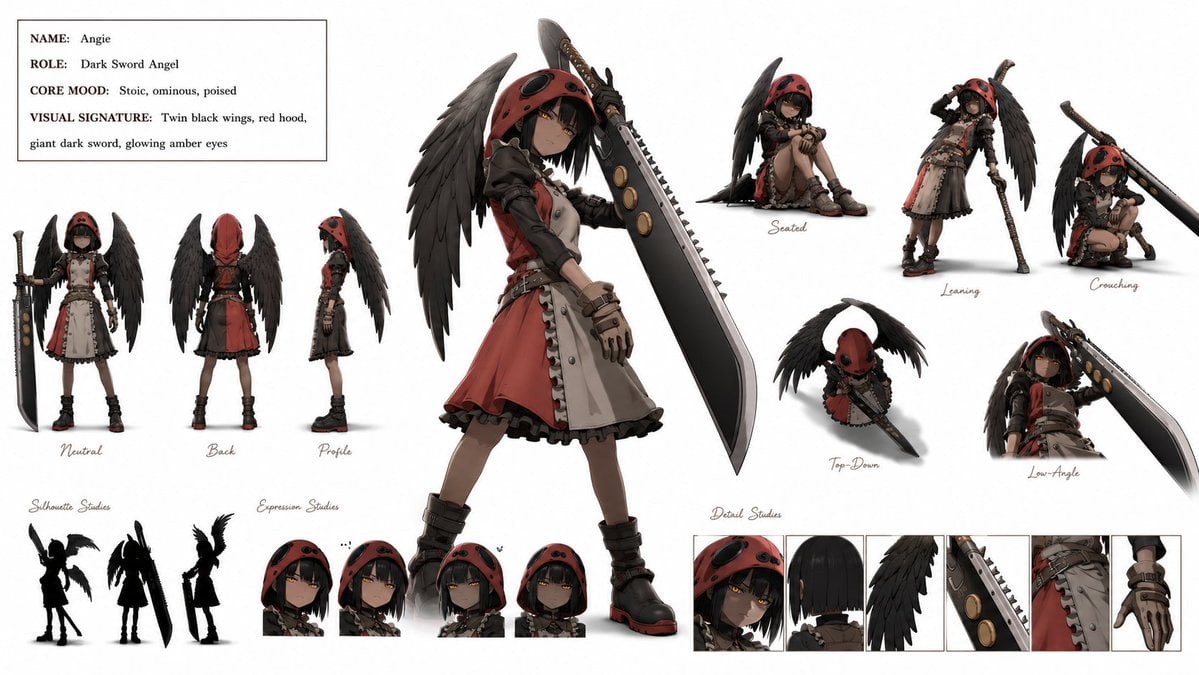
Dark Sword Angel Character Sheet
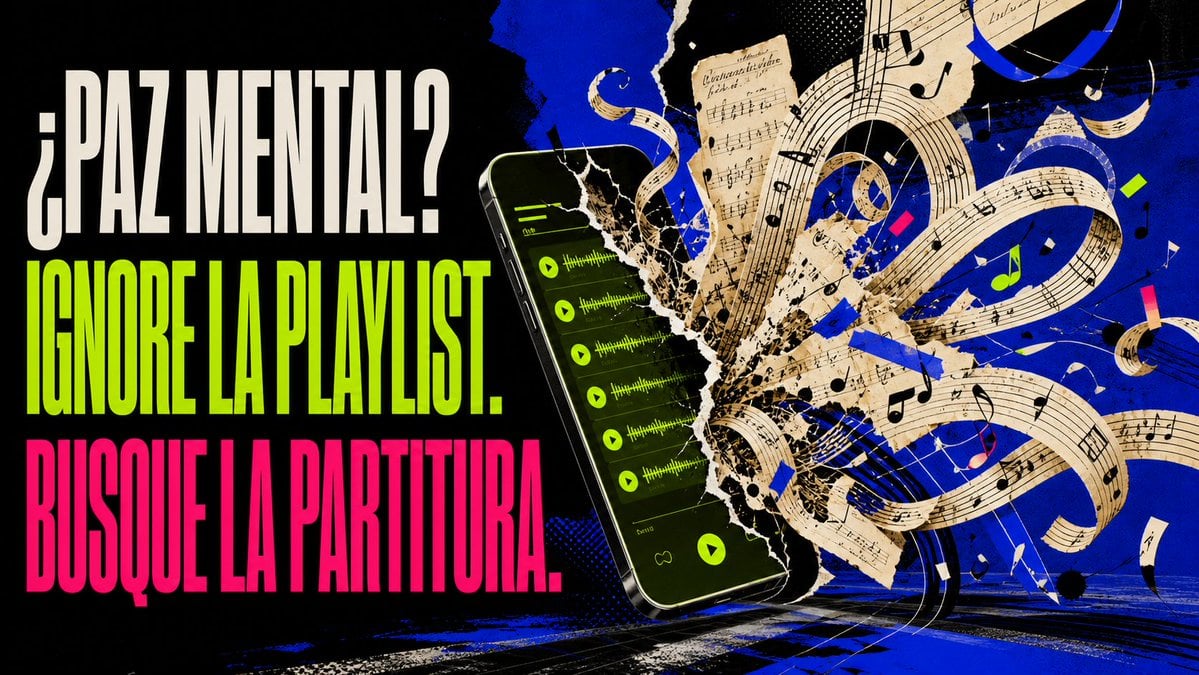
Mental Peace Sheet Music Poster

Anime Character Sheet Reference Prompt
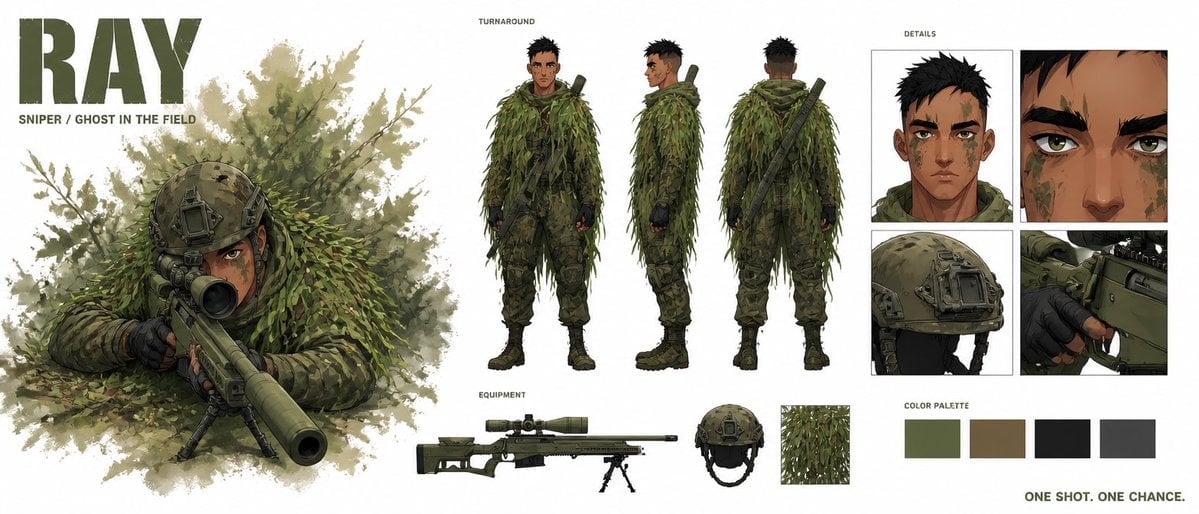
Cinematic Sniper Character Bible Sheet
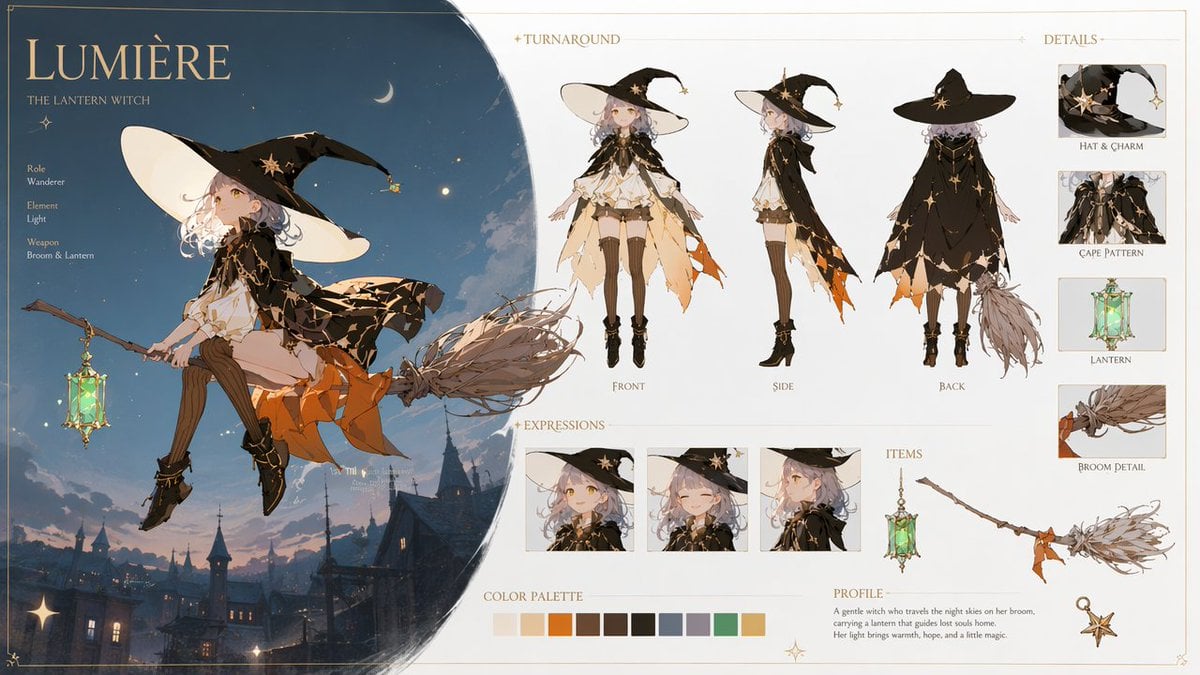
Lumière Lantern Witch Character Sheet
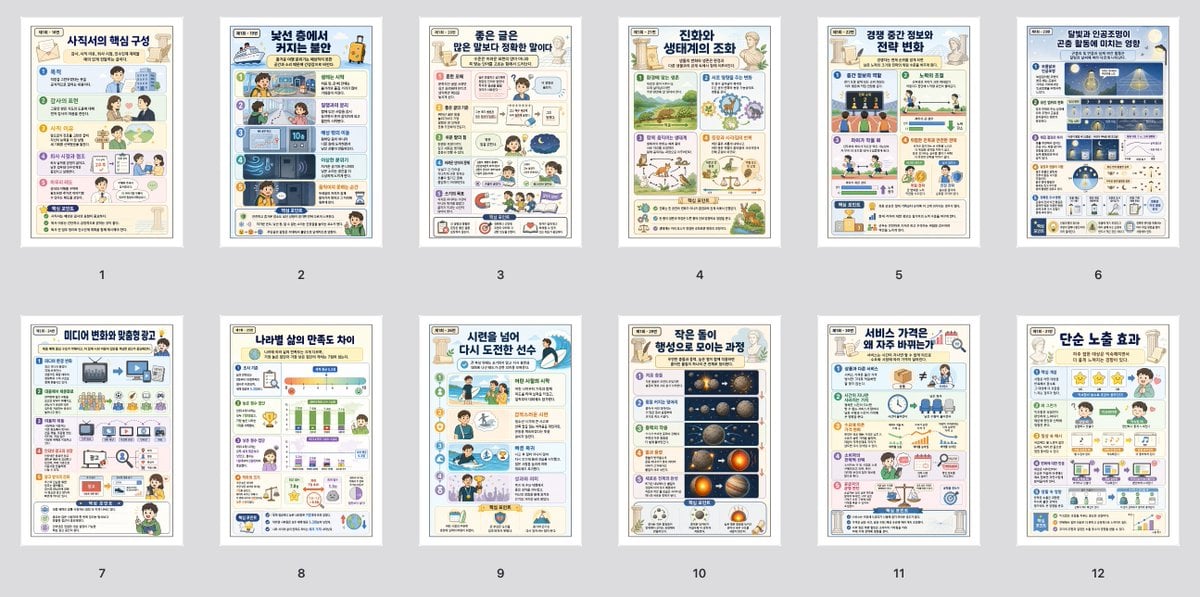
Korean Infographic Worksheet Batch
Make it yours
Ruzaina Character Design Sheet works as-is. These are the safest ways to change it without losing the look.
Change one field
Copy a single group, rewrite it, and generate again so you can see what that field is doing.
Keep the frame, change the subject
Hold the composition and light of Ruzaina Character Design Sheet, then swap wardrobe, props or the person for a new take.
| If the result… | Why | Fix |
|---|---|---|
| The result drifts from the preview | Too many fields changed at once. | Reuse Ruzaina Character Design Sheet as-is first, then change one group — subject, light, or setting. |
| The model over-stylizes the scene | The prose prompt leaves finish and camera underspecified. | Add one camera or lighting sentence and stay on GPT Image 2. |
More GPT Image 2 templates
Other prompts made for GPT Image 2.

Realistic Portrait of Woman and Deer

The Vista Modular Condo Poster

AI Model Routing Comparison Infographic

2.5D Anime Art Board

Isometric Productivity Desk Scene

New York Double Exposure Poster

Four-Panel AI Landscape Comparison

Japanese Tatami Lifestyle Magazine Cover

NESCAFÉ Coffee Map Poster

Brutalist Cogito Chinese Typography Poster
More image prompts
Fresh picks from across the catalog.
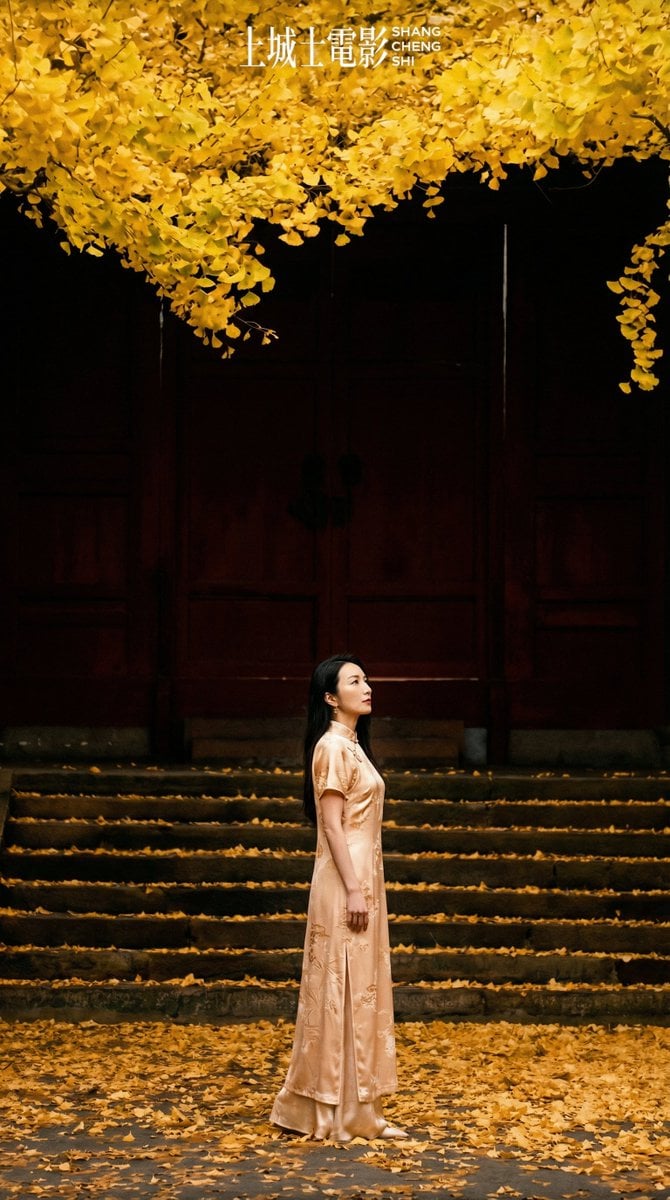
New Chinese Style Autumn Zen Cinematic Portrait Prompt
Censored Family Snapshot
Trompe-l'œil Keyhole Illusion with Living Eye
Moody Censored Elderly Man Portrait
Bold Winter Fashion Portrait (Ester Expósito)
Transforming Photo into Dramatic 4-Style Character Set

Hyper-Realistic Flash Selfie Crime Scene Prompt (JSON format)
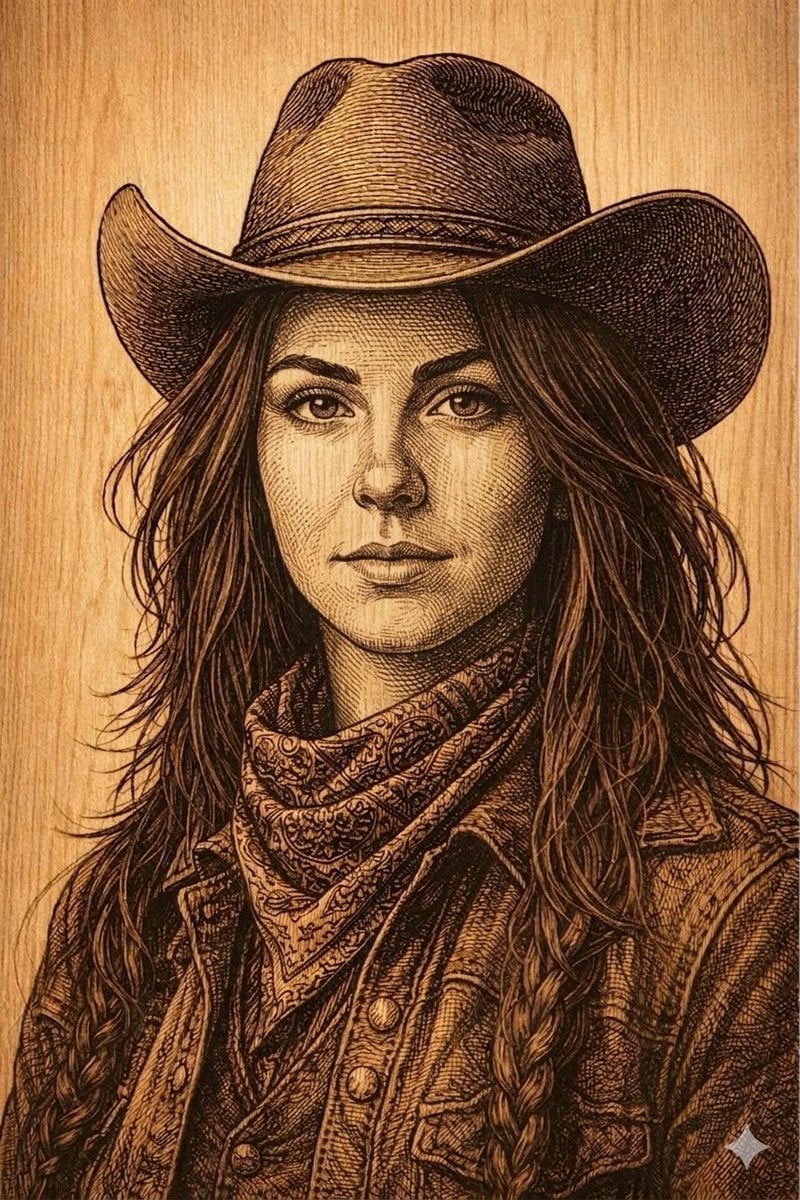
Western Outlaw Woodburning Pyrography Prompt
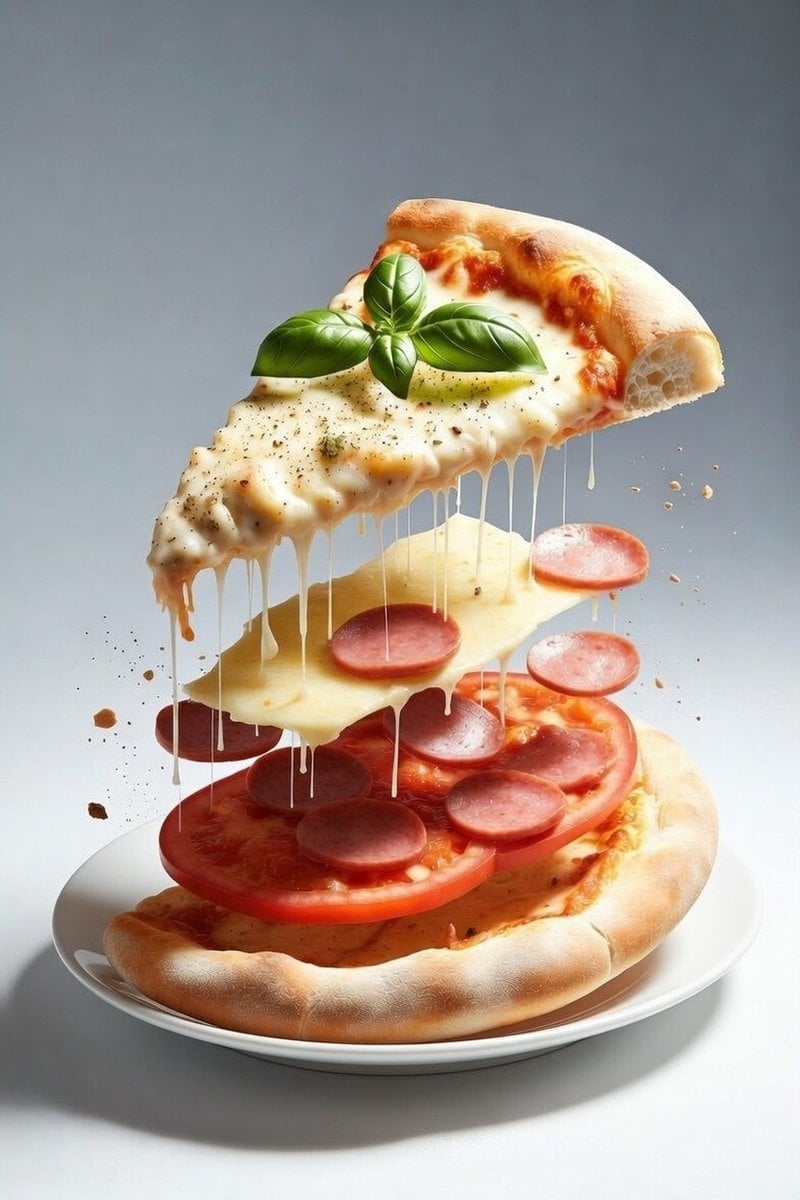
Deconstructed Floating Pizza Still Life Prompt
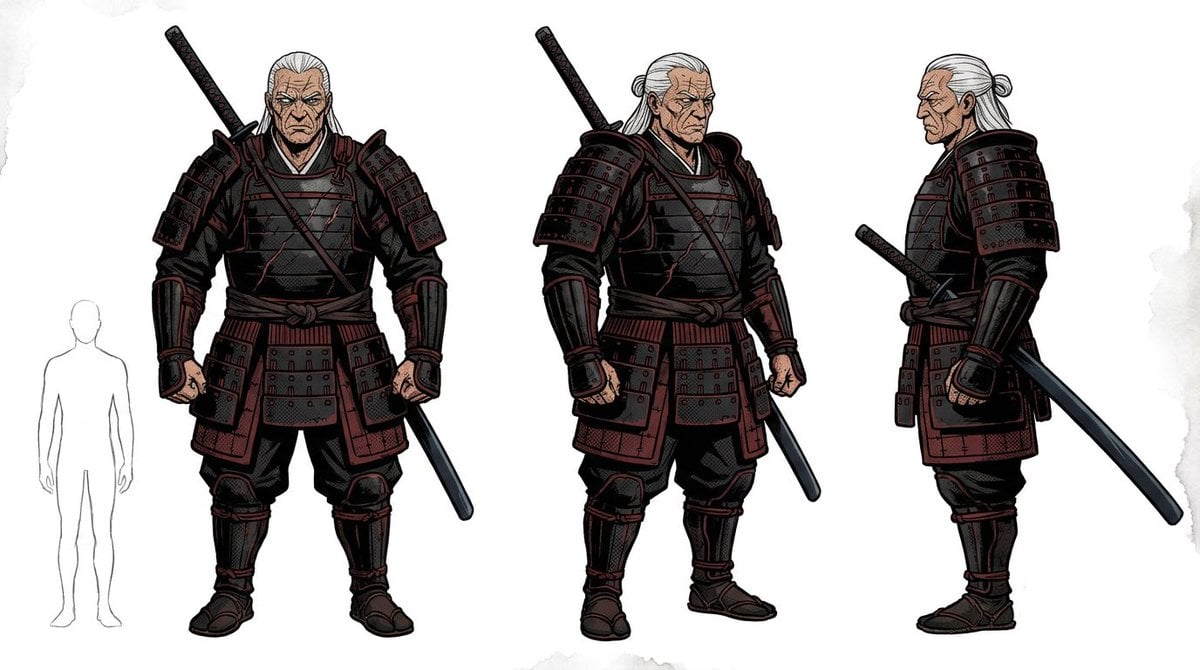
Samurai Armor Turnaround Sheet
Browse template categories
Ruzaina Character Design Sheet questions
How do I use the Ruzaina Character Design Sheet template?
Add your photo if the template asks for one, edit the prompt if you like — the template's model and format are already selected — and press Generate. Your version opens in PicX Studio.
Can I customize the Ruzaina Character Design Sheet template?
Yes. You can change the subject, setting, lighting, mood, format, and available model controls before creating your image.
Is the Ruzaina Character Design Sheet template free?
Opening and editing this template is free. Generating uses credits, shown on the Generate button when you are signed in.
Which AI model should I use?
Start with GPT Image 2, which is the model associated with this template. You can compare another compatible model for a different finish.
Looking for something else? Browse all templates.

Your photo, any look
Thousands of ready templates for every top image and video model, from one credit balance.