
Lumière Lantern Witch Character Sheet
Creates a polished fantasy anime character design sheet for a lantern-carrying witch, ideal for game character bibles and concept art presentations.
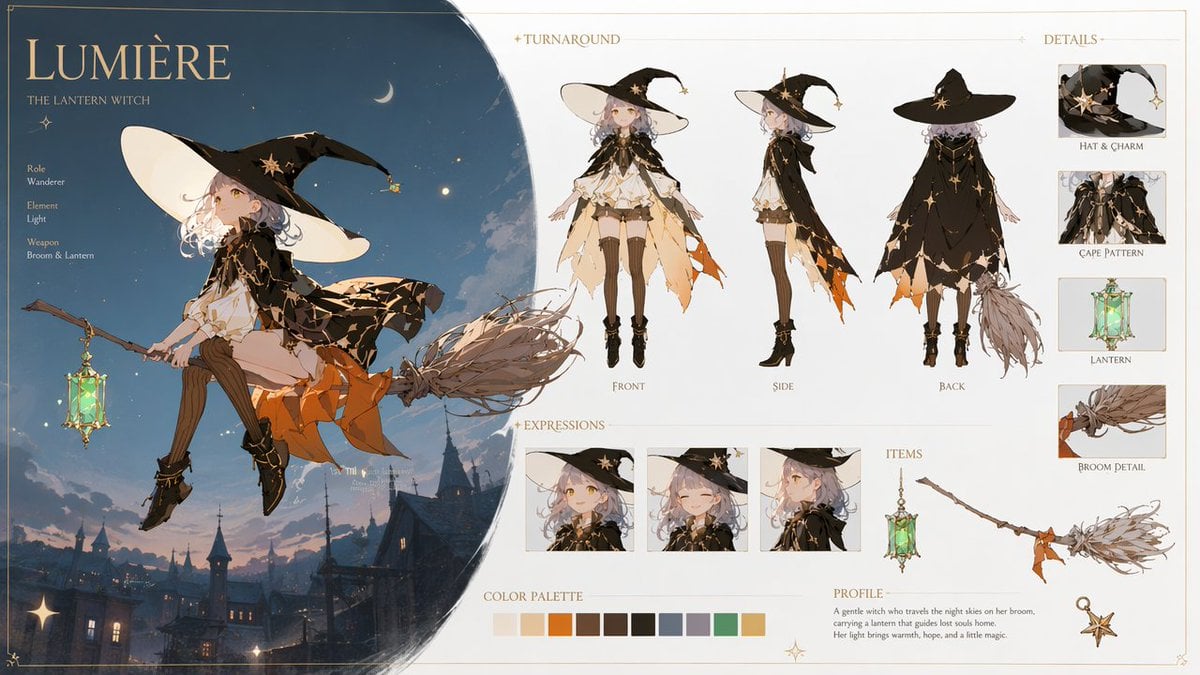
- Prompt included
- Model and format preset
- Premium template
The prompt behind this image
Copy the exact prompt behind Lumière Lantern Witch Character Sheet, or open it in the studio and make it yours.
Goal: Create an ultra-detailed 16:9 fantasy anime character design sheet for a magical witch girl named {argument name="character name" default="Lumière"}, subtitled "The Lantern Witch," with a cinematic magical atmosphere and a polished professional game character bible layout. Canvas: Wide landscape character sheet, clean cream parchment background with thin gold ornamental border and delicate star accents. Left third is a large dark-blue circular night-sky vignette containing the main illustration; right two-thirds are an organized editorial reference sheet on an off-white background. Main illustration: Show the witch girl riding sidesaddle on a twig broom above a dusky European fantasy town with rooftops, towers, warm window lights, clouds, stars, and a crescent moon. She has pale skin, golden eyes, short wavy silver-lavender hair, and a calm magical expression. Outfit: oversized black witch hat with huge cream underside, star charm and small dangling lantern charm; black cropped cape with gold constellation lines and star motifs; layered cream blouse and skirt; orange jagged underskirt; brown thigh-high stockings; black ankle boots with gold details. She holds or carries a glowing green glass lantern hanging from the broom. Lighting is soft moonlight plus warm lantern glow, painterly anime rendering, elegant high-end fantasy concept art. Text content: Large title "{argument name="character name" default="Lumière"}" at top left, subtitle "THE LANTERN WITCH." Add a small profile list on the left: Role: Wanderer; Element: {argument name="element" default="Light"}; Weapon: {argument name="weapon" default="Broom & Lantern"}. Add section headers: "TURNAROUND," "DETAILS," "EXPRESSIONS," "ITEMS," "COLOR PALETTE," and "PROFILE." Profile paragraph: "A gentle witch who travels the night skies on her broom, carrying a lantern that guides lost souls home. Her light brings warmth, hope, and a little magic." Layout details: Include exactly 3 turnaround full-body views labeled Front, Side, Back across the upper middle/right. Include exactly 4 detail cards in a right vertical column labeled Hat & Charm, Cape Pattern, Lantern, Broom Detail. Include exactly 3 expression portrait boxes along the lower middle: neutral gentle smile, eyes-closed happy smile, and side-facing thoughtful profile. Include exactly 3 item drawings in the lower-right item area: the glowing lantern, the broom, and a small star charm. Include exactly 11 rectangular color palette swatches: ivory, peach, orange, dark brown, warm brown, near-black, slate blue, lavender gray, mint green, gold, and pale cream. Visual style: High-end fantasy anime illustration, soft painterly rendering, delicate linework, warm gold accents, cinematic magical lighting, refined UI spacing, artbook-quality character sheet. Use {argument name="accent color" default="gold"} decorative typography and fine rules. Keep the design clean, readable, and elegant, with no watermark and no extra characters.
How to use Lumière Lantern Witch Character Sheet in 3 steps
- 1Upload ImagePNG, JPG or paste
Add your photo
Upload the photo the template builds on. The prompt, model and format are already set.
- 2…a portrait of your subject in softgolden-hour light, 85mm…
Personalize
Edit the subject and creative details for your destination.
- 3Generate
Generate
Press Generate — your image is created in PicX Studio, so you can compare it with the original and refine one variable at a time.
More like this
Templates with the same subject, style or setup. Open one to see its prompt.
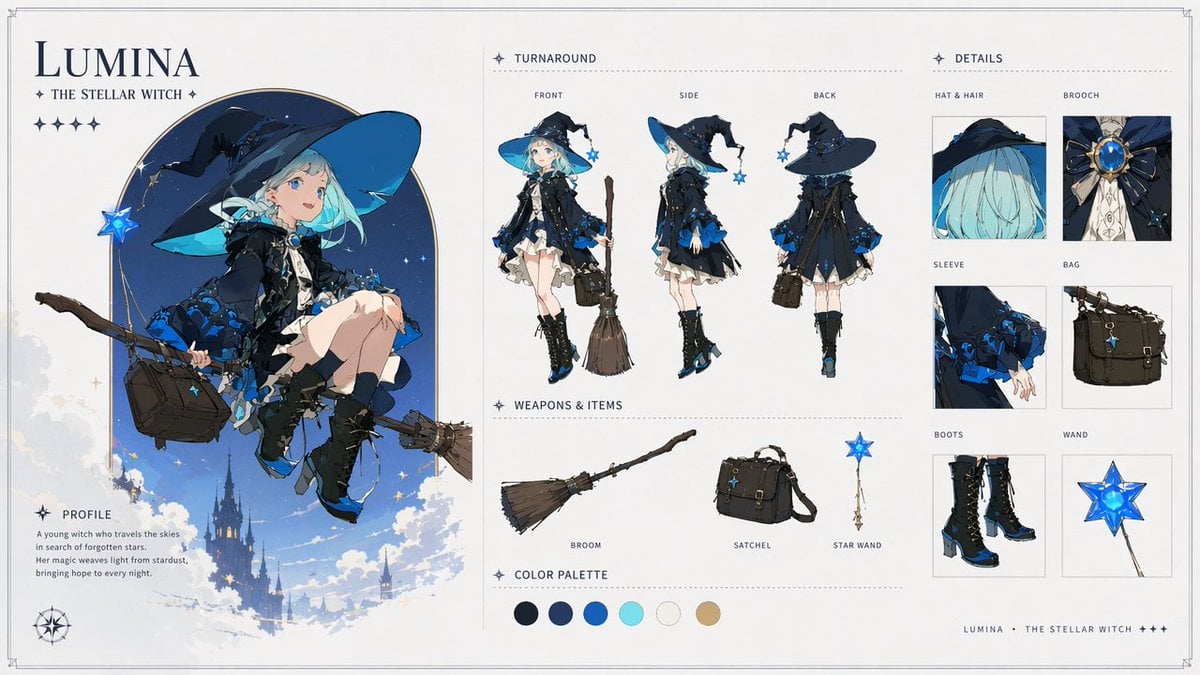
Lumina Stellar Witch Character Sheet

Anime Lantern Girl Character Sheet
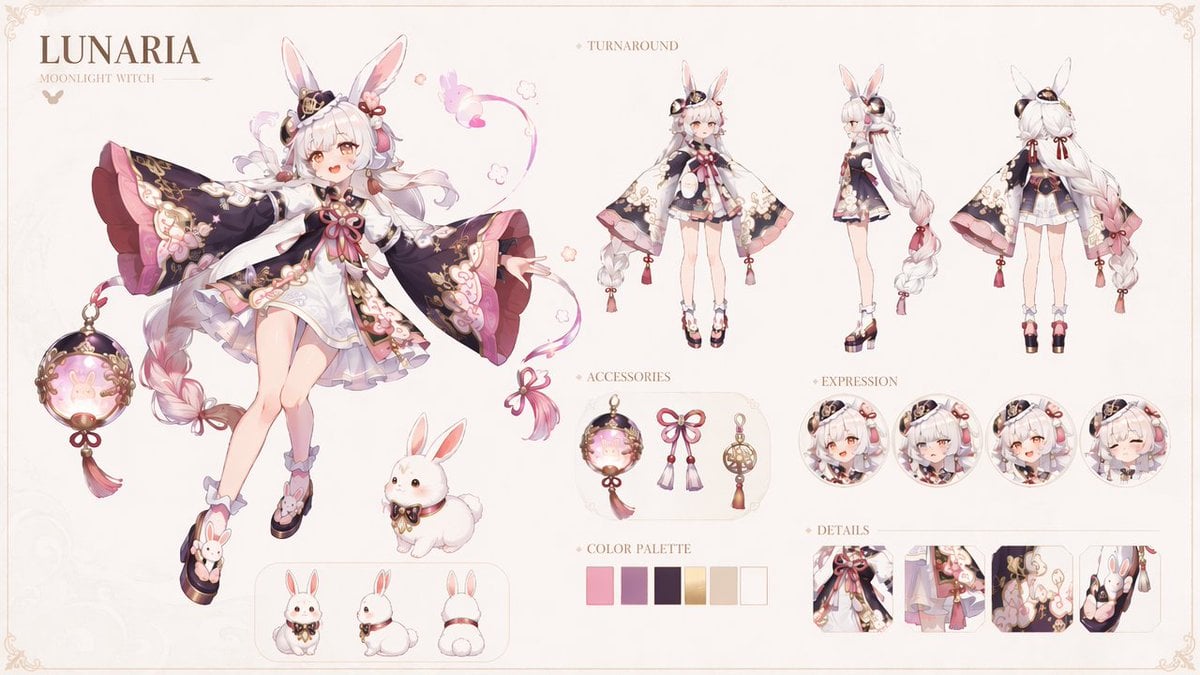
Lunaria Moonlight Witch Character Sheet

Dancer Character - Four View Reference Sheet

Movement Sheet - Dance Reference (Seedance 2.0)
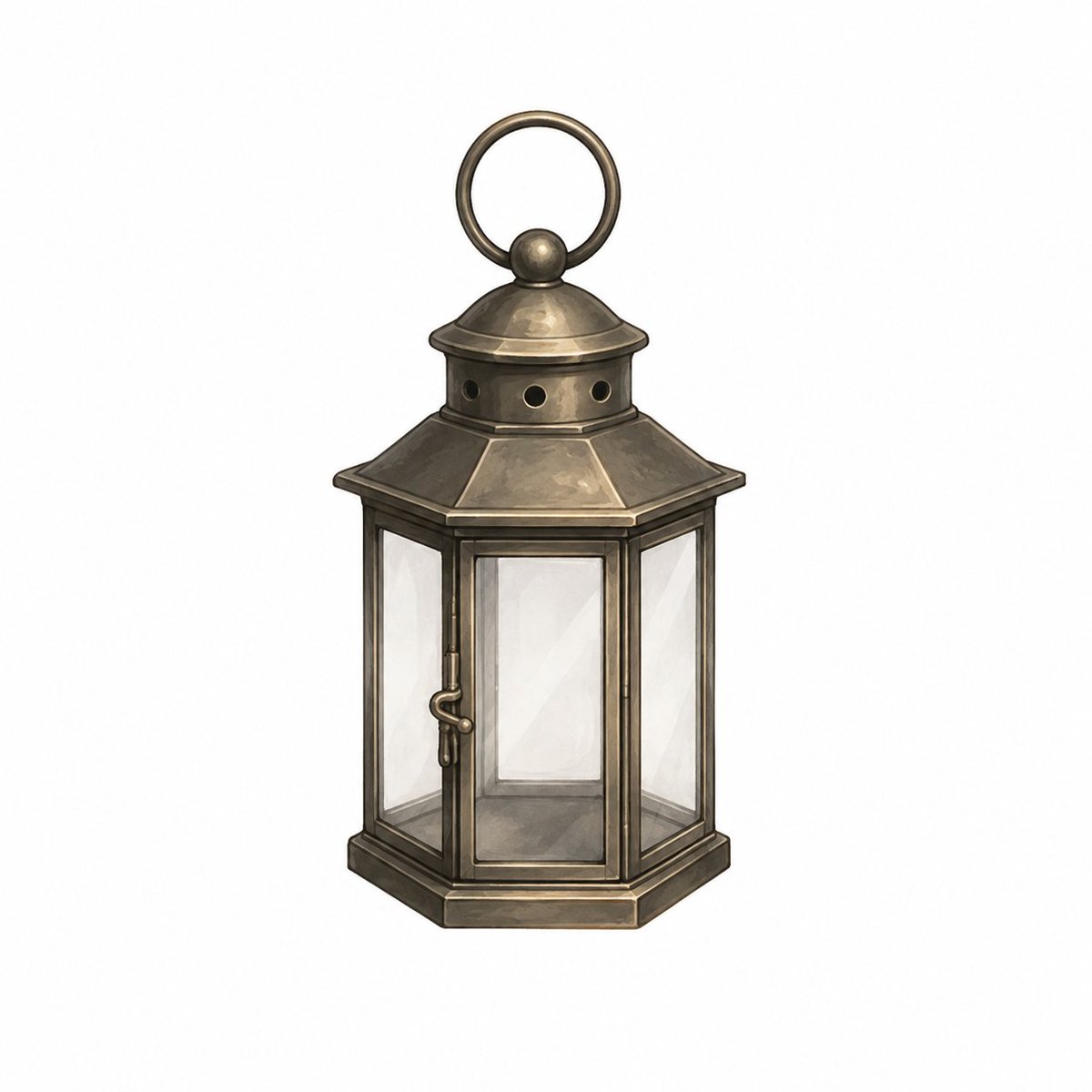
Vintage Brass Hanging Lantern
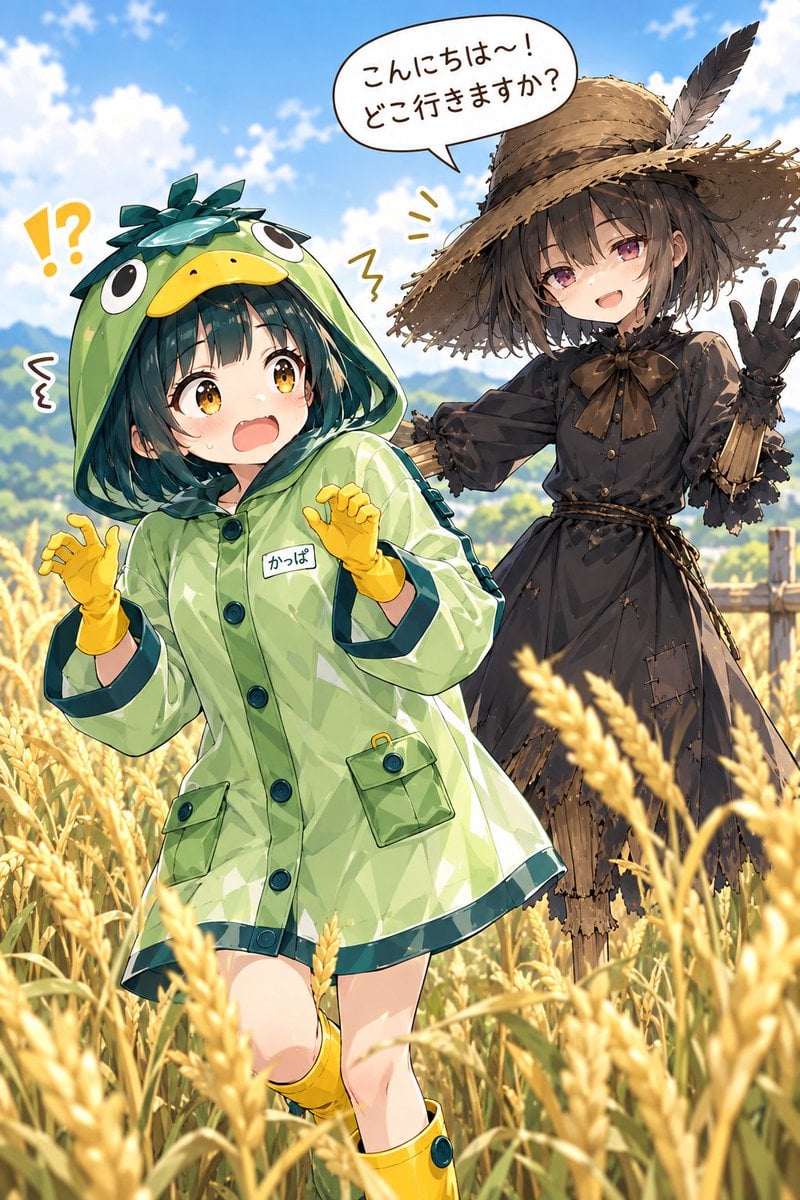
Kappa Girl and Scarecrow Witch
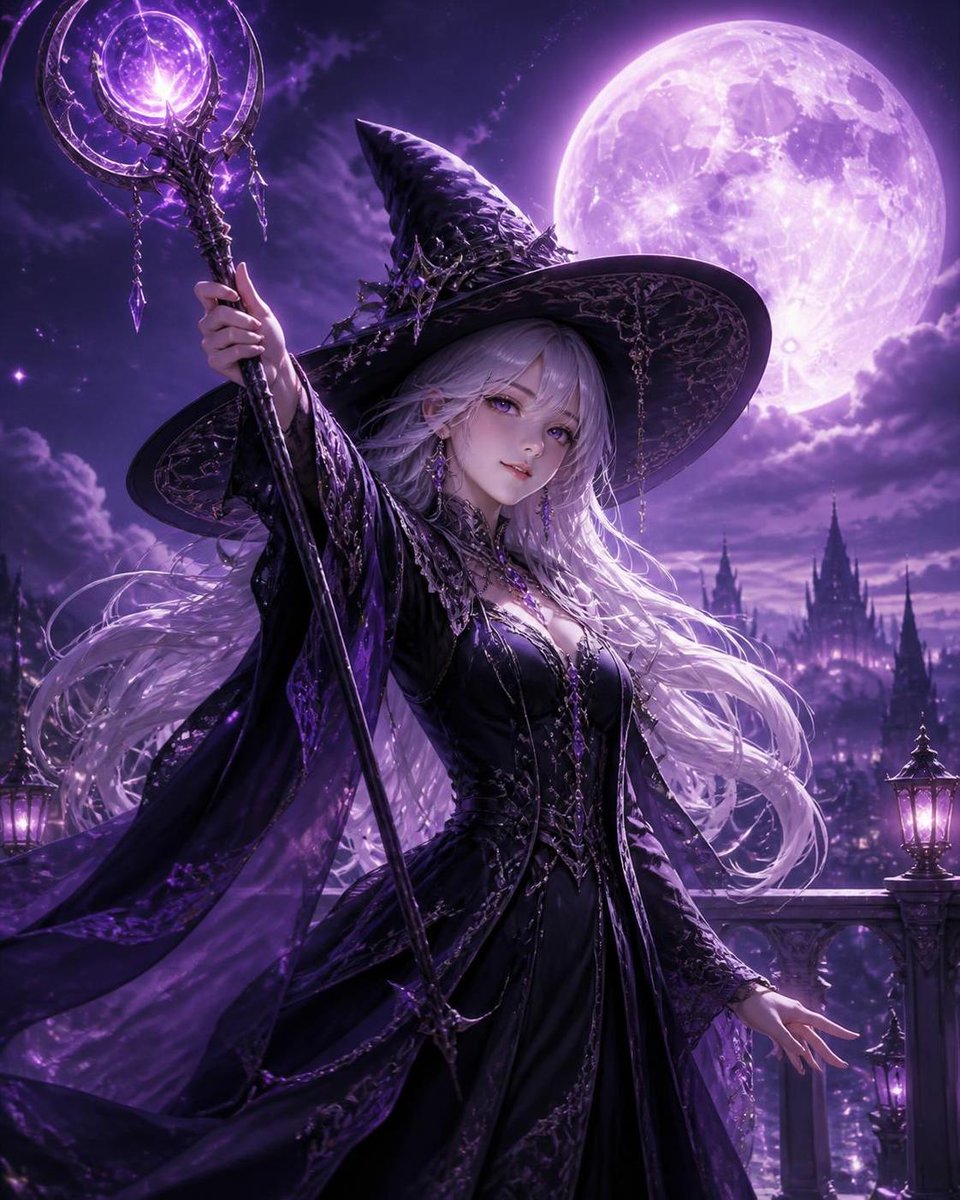
Silver Haired Witch Moonlight
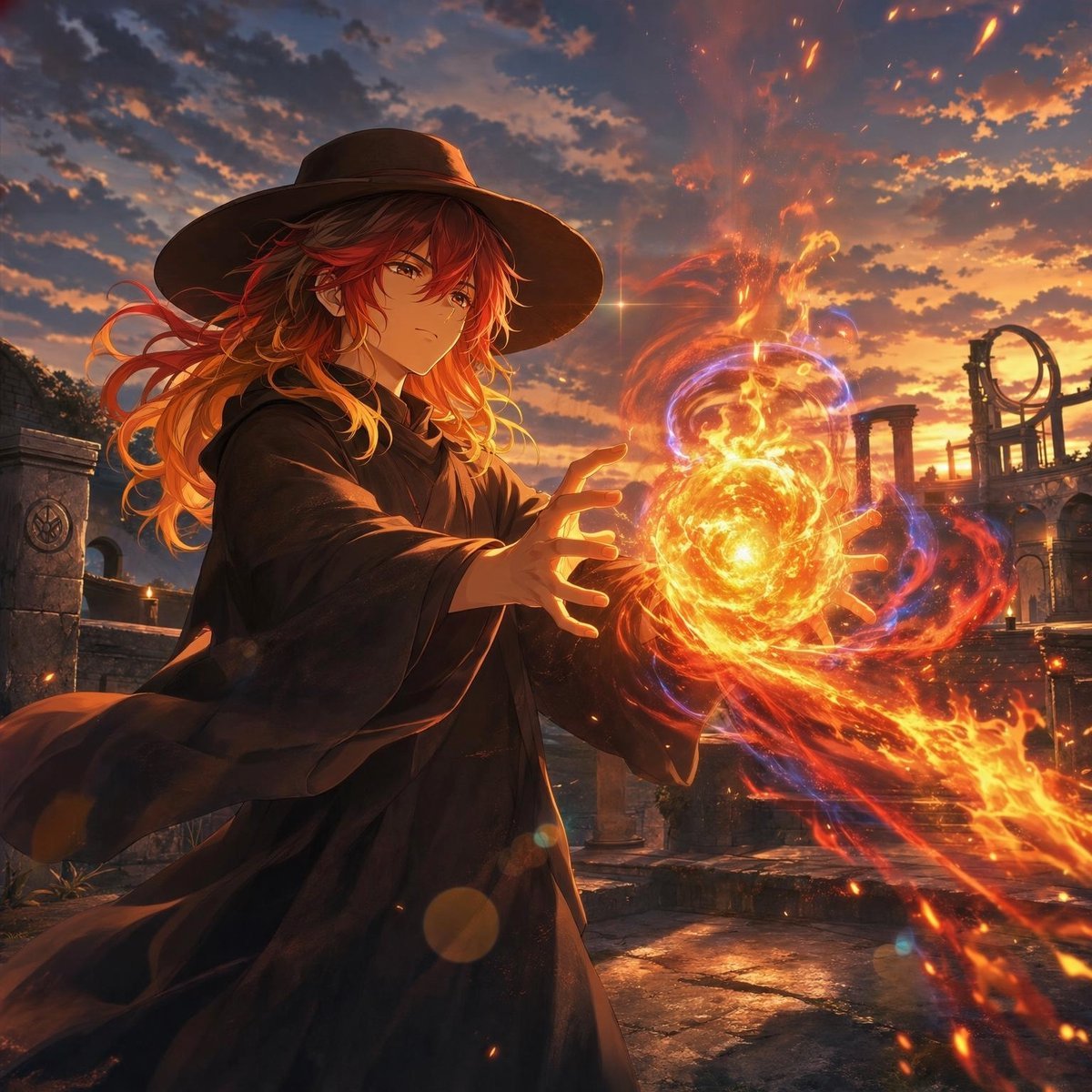
Anime Witch Casting Fire Spell
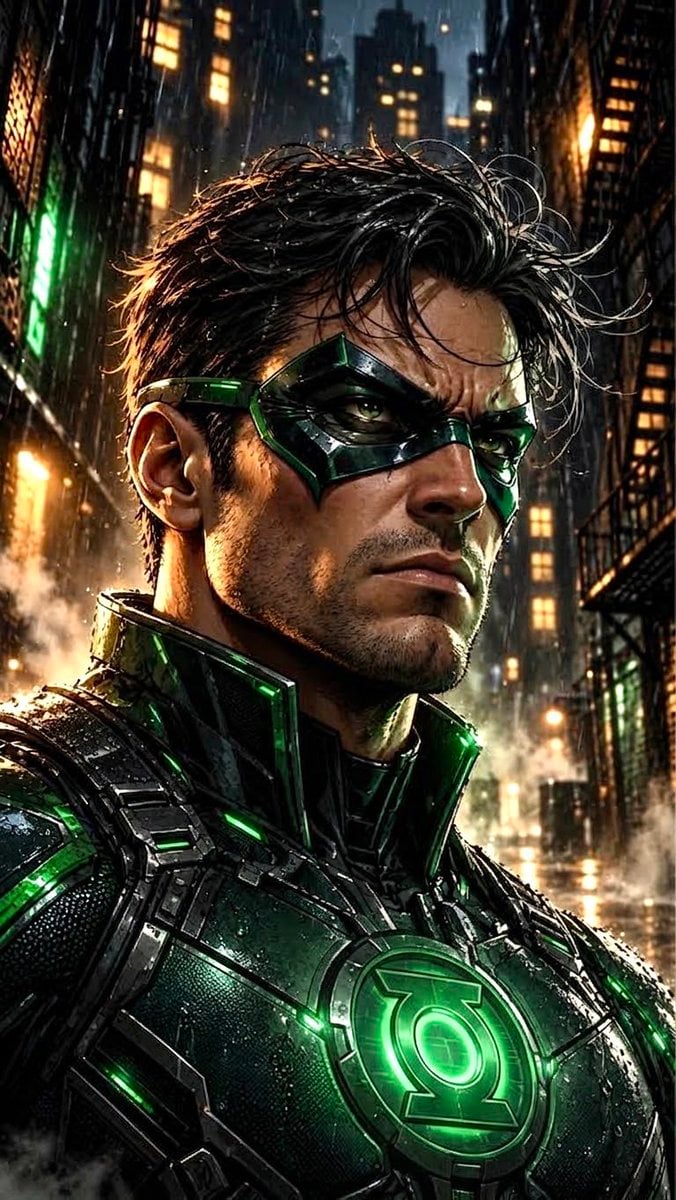
Dramatic Green Lantern Comic Portrait
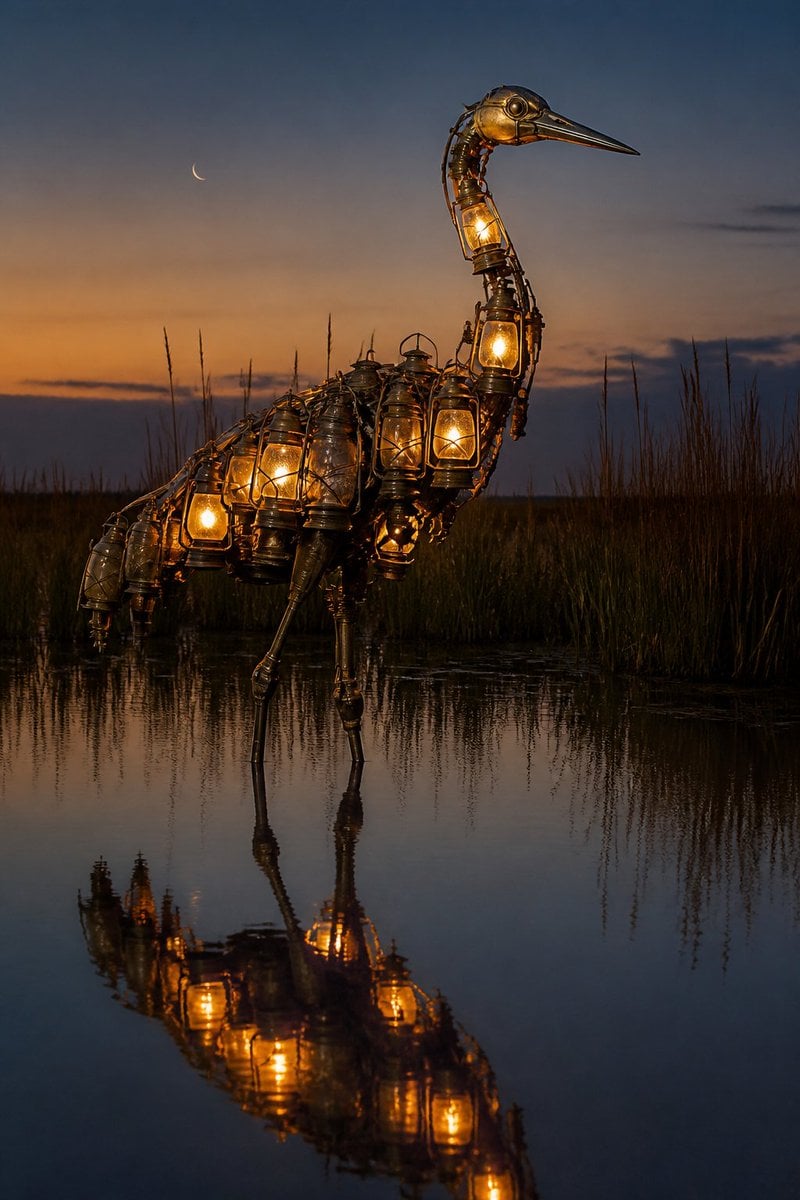
Photorealistic Lantern Crane at Dusk
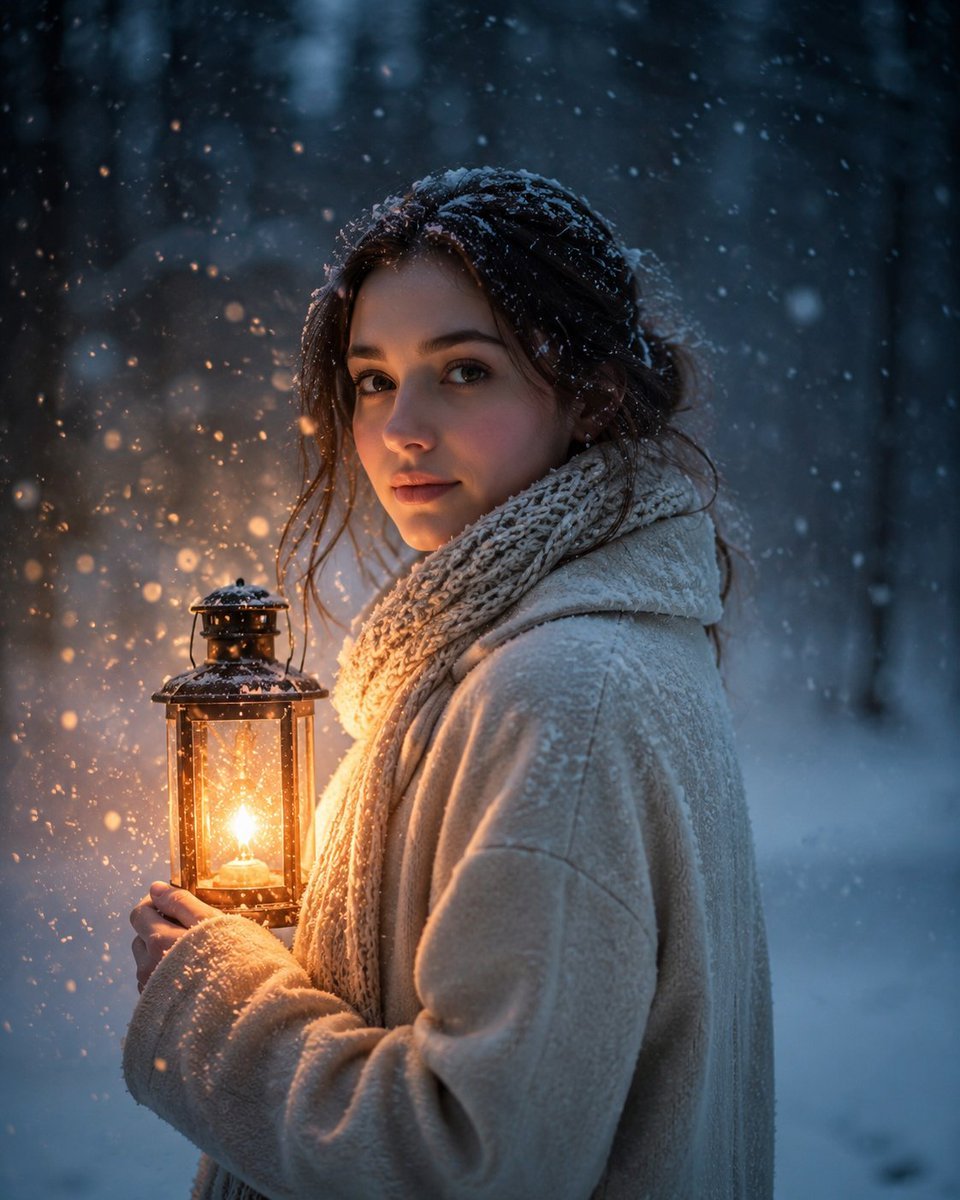
Lantern in the Winter Twilight Photography
Make it yours
Lumière Lantern Witch Character Sheet works as-is. These are the safest ways to change it without losing the look.
Change one field
Copy a single group, rewrite it, and generate again so you can see what that field is doing.
Keep the frame, change the subject
Hold the composition and light of Lumière Lantern Witch Character Sheet, then swap wardrobe, props or the person for a new take.
| If the result… | Why | Fix |
|---|---|---|
| The result drifts from the preview | Too many fields changed at once. | Reuse Lumière Lantern Witch Character Sheet as-is first, then change one group — subject, light, or setting. |
| The model over-stylizes the scene | The prose prompt leaves finish and camera underspecified. | Add one camera or lighting sentence and stay on GPT Image 2. |
More GPT Image 2 templates
Other prompts made for GPT Image 2.

Realistic Portrait of Woman and Deer

The Vista Modular Condo Poster

AI Model Routing Comparison Infographic

2.5D Anime Art Board

Isometric Productivity Desk Scene

New York Double Exposure Poster

Four-Panel AI Landscape Comparison

Japanese Tatami Lifestyle Magazine Cover

NESCAFÉ Coffee Map Poster

Brutalist Cogito Chinese Typography Poster
More image prompts
Fresh picks from across the catalog.

Chibi Godzilla Snowboarding
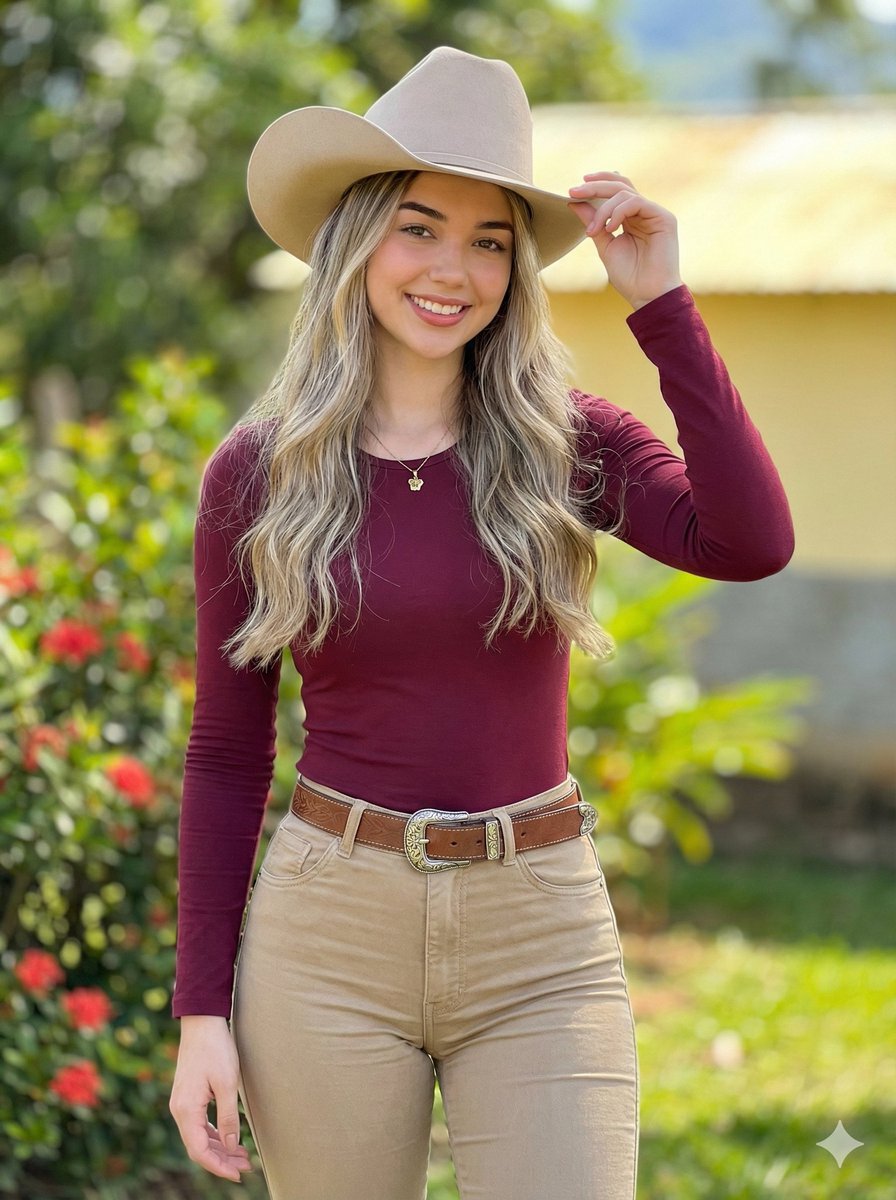
Photorealistic Modern Country Cowgirl Portrait
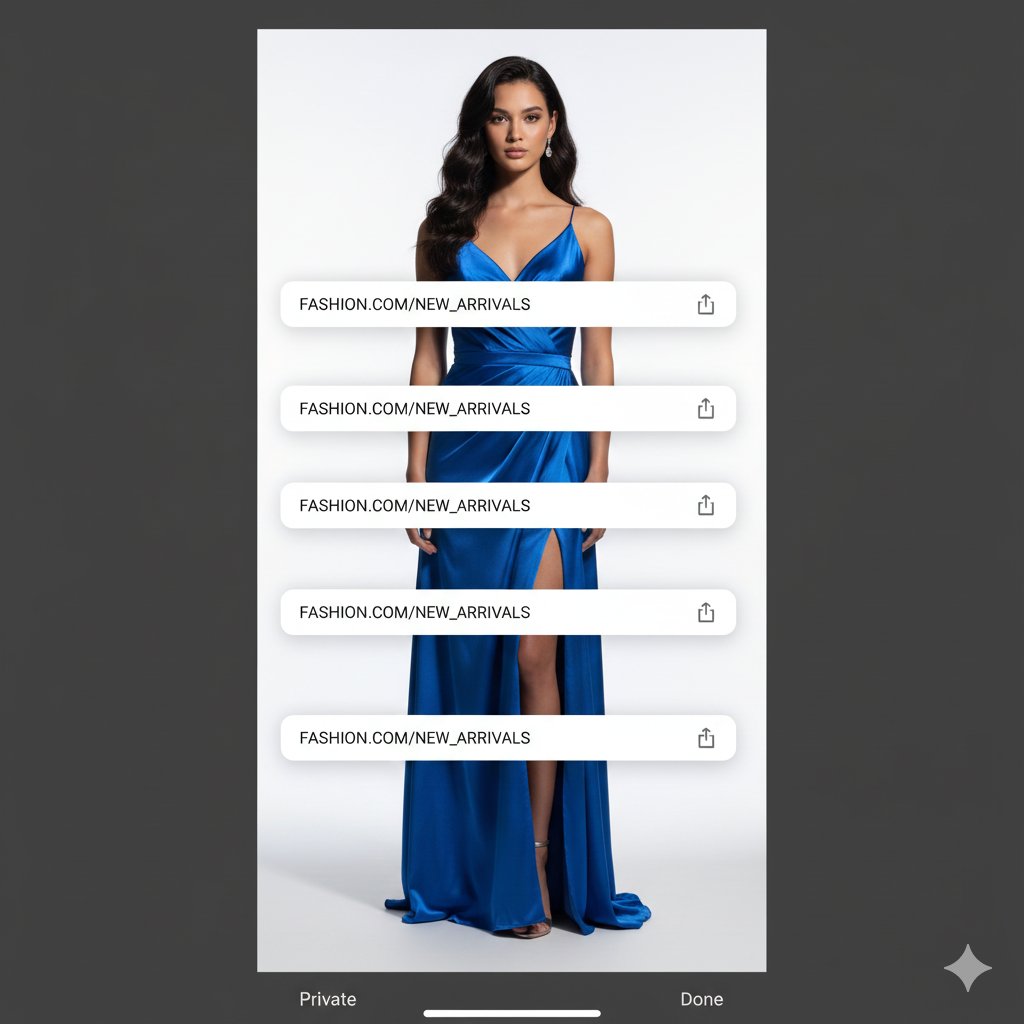
Studio Portrait with Digital UI Overlay
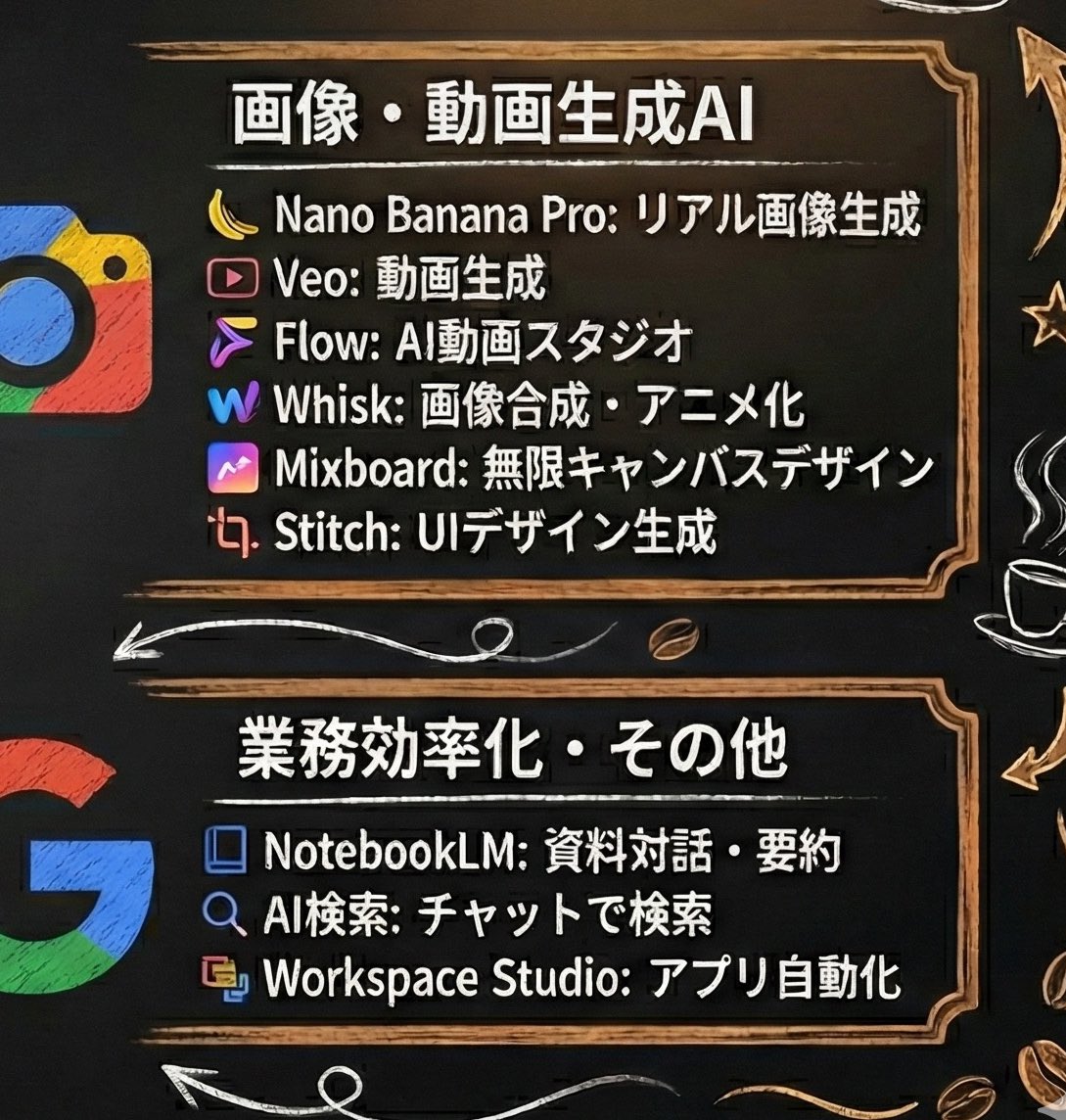
Generating Starbucks Pop-up Style Image
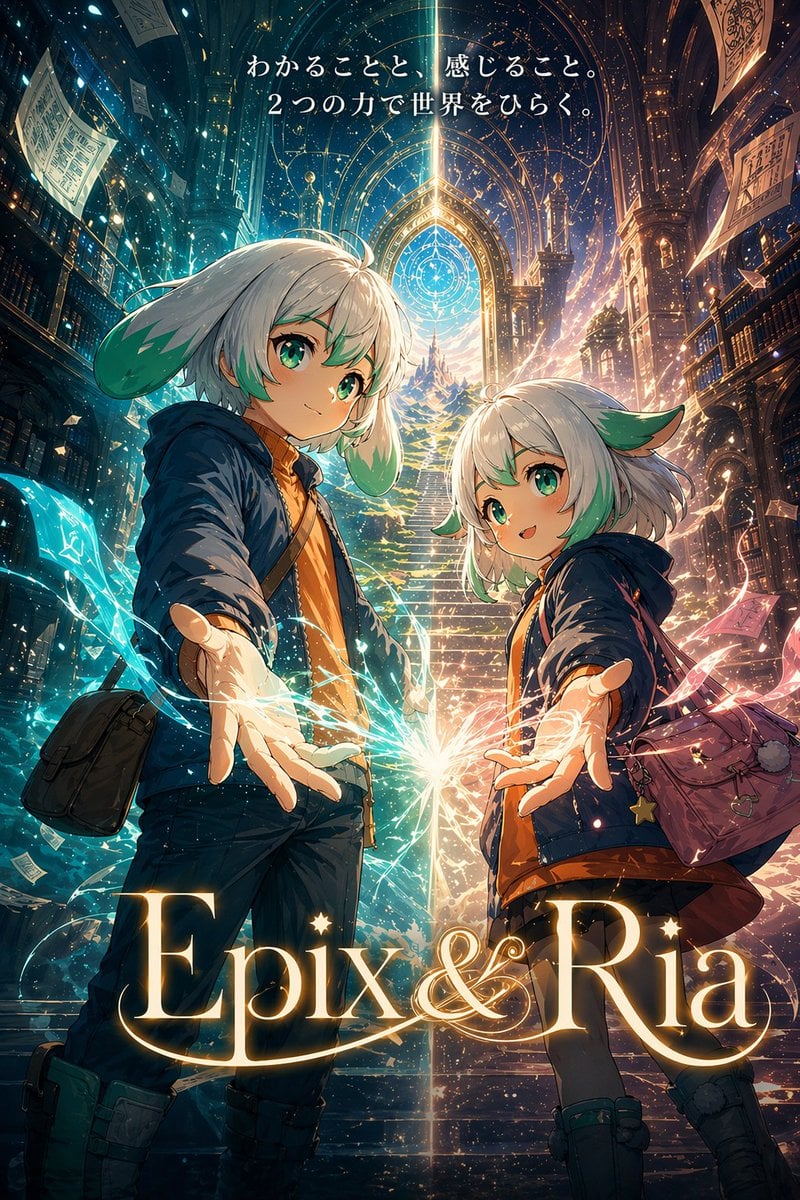
Fantasy Library Poster for Epix & Ria
3D Dance Game Screen Prompt for Nano Banana Pro

Cinematic Private Jet Hangar Portrait
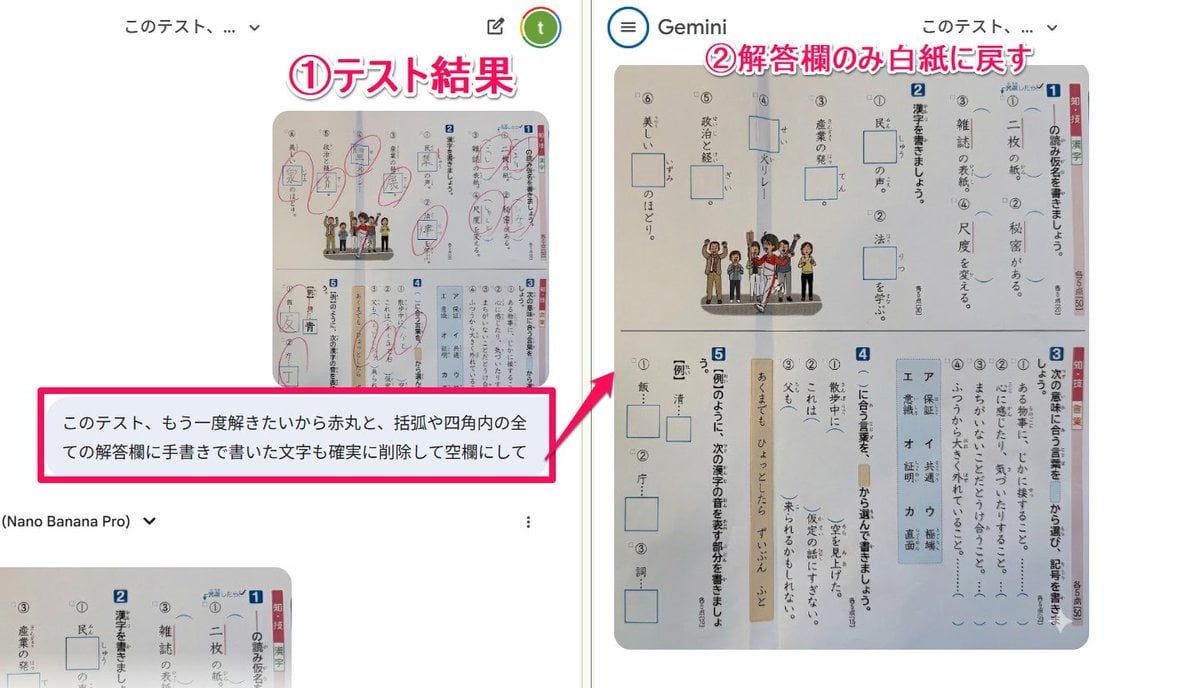
Prompt for clearing handwritten answers from a test image for reuse
2x2 Collage of Woman with Golden Retriever Puppy
Surreal Vinyl Record Mid-Play Visualization
Browse template categories
Lumière Lantern Witch Character Sheet questions
How do I use the Lumière Lantern Witch Character Sheet template?
Add your photo if the template asks for one, edit the prompt if you like — the template's model and format are already selected — and press Generate. Your version opens in PicX Studio.
Can I customize the Lumière Lantern Witch Character Sheet template?
Yes. You can change the subject, setting, lighting, mood, format, and available model controls before creating your image.
Is the Lumière Lantern Witch Character Sheet template free?
Opening and editing this template is free. Generating uses credits, shown on the Generate button when you are signed in.
Which AI model should I use?
Start with GPT Image 2, which is the model associated with this template. You can compare another compatible model for a different finish.
Looking for something else? Browse all templates.

Your photo, any look
Thousands of ready templates for every top image and video model, from one credit balance.