
Kappa Girl and Scarecrow Witch
A vertical anime countryside scene featuring a startled kappa-costumed girl meeting a friendly scarecrow witch in a sunny wheat field.
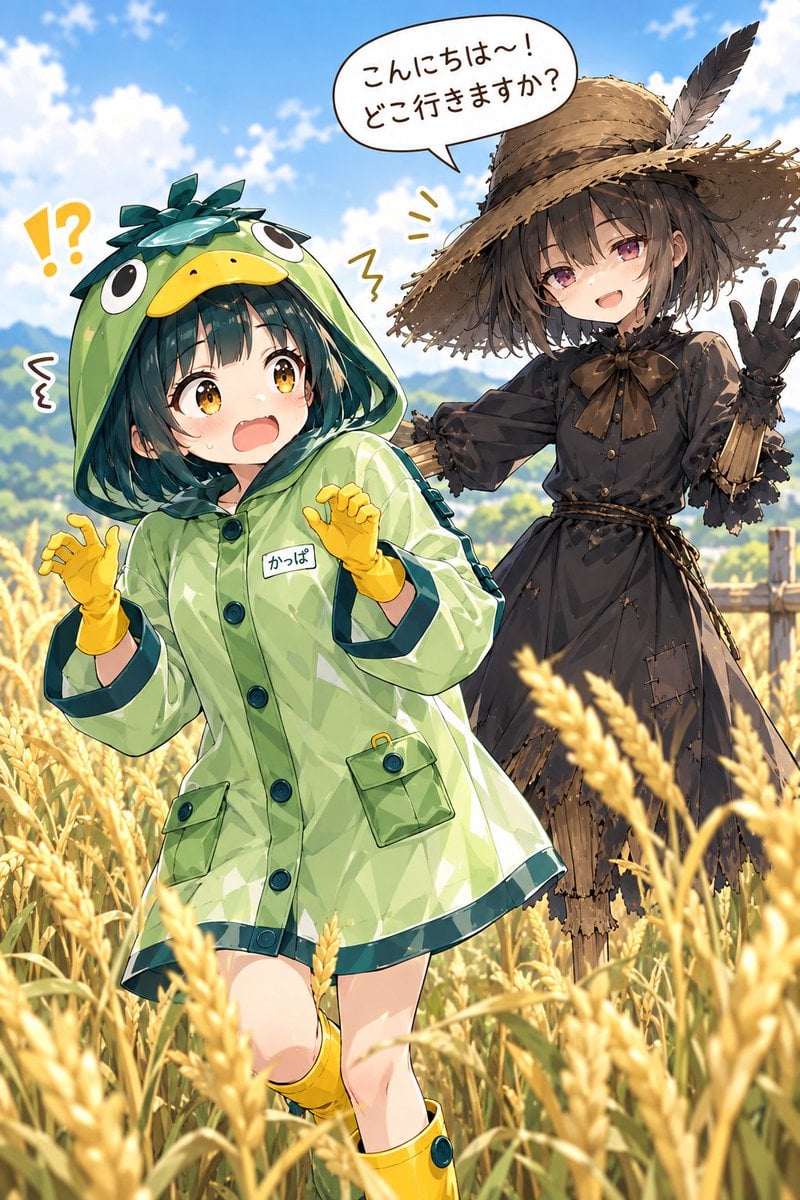
- Prompt included
- Model and format preset
- Free template
The prompt behind this image
Copy the exact prompt behind Kappa Girl and Scarecrow Witch, or open it in the studio and make it yours.
Create a bright vertical anime illustration of two cute girls in a golden wheat field under a vivid blue sky with soft white clouds and distant green mountains. In the foreground, show {argument name="main character" default="a surprised kappa-themed girl"}: a small young anime girl with short dark teal bob hair, huge amber eyes, flushed cheeks, and an open startled mouth. She wears a glossy pale-green hooded raincoat shaped like a kappa, with a ducklike yellow beak on the hood, big cartoon eyes on top, dark teal leaf-like hair decorations, dark buttons, cuff trim, two front pockets, and a small white chest name tag reading {argument name="name tag text" default="かっぱ"}. Add yellow gloves and yellow rain boots, with her hands raised in a frightened pose. Behind her to the right, show {argument name="second character" default="a smiling scarecrow witch girl"}: a slender anime girl with short messy dark brown hair, pink-purple eyes, and a warm smile, wearing a tattered black rustic dress with puff sleeves, rope belt, ribbon bow at the collar, straw cuffs, and a wide frayed straw hat with a dark feather; she waves with one hand like a friendly scarecrow. Include exactly 2 characters: the kappa-costumed girl in front and the scarecrow witch girl behind. Include exactly 3 visible text/emphasis elements: 1 large speech bubble above the scarecrow saying {argument name="speech bubble text" default="こんにちは〜!どこ行きますか?"}, 1 yellow punctuation mark cluster “!?” near the kappa girl’s head, and 1 small label on the raincoat reading “かっぱ”. Use dynamic manga-style linework, expressive faces, high-detail clothing folds, warm sunlight, shallow depth of field with blurred wheat stalks in the extreme foreground, and a cheerful pastoral adventure mood. Make the composition portrait-oriented, with the kappa girl occupying the lower-left foreground and the scarecrow girl in the upper-right midground. Preserve the Japanese text exactly where specified, with clean readable lettering.
How to use Kappa Girl and Scarecrow Witch in 3 steps
- 1Upload ImagePNG, JPG or paste
Add your photo
Upload the photo the template builds on. The prompt, model and format are already set.
- 2…a portrait of your subject in softgolden-hour light, 85mm…
Personalize
Edit the subject and creative details for your destination.
- 3Generate
Generate
Press Generate — your image is created in PicX Studio, so you can compare it with the original and refine one variable at a time.
More like this
Templates with the same subject, style or setup. Open one to see its prompt.

Teen Girl Alpine Lake Mountain View
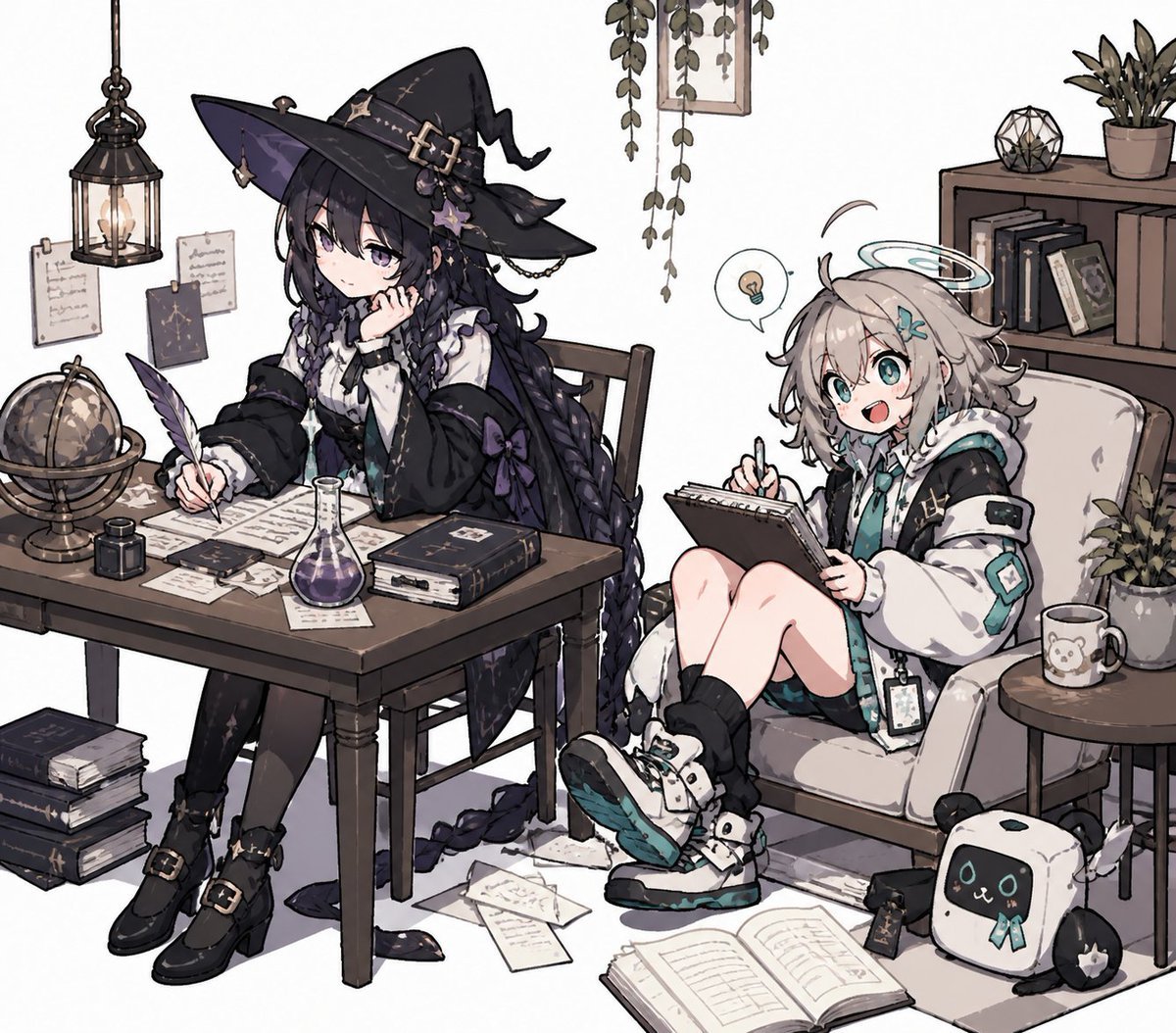
Cozy Witch and Halo Girl Study Scene
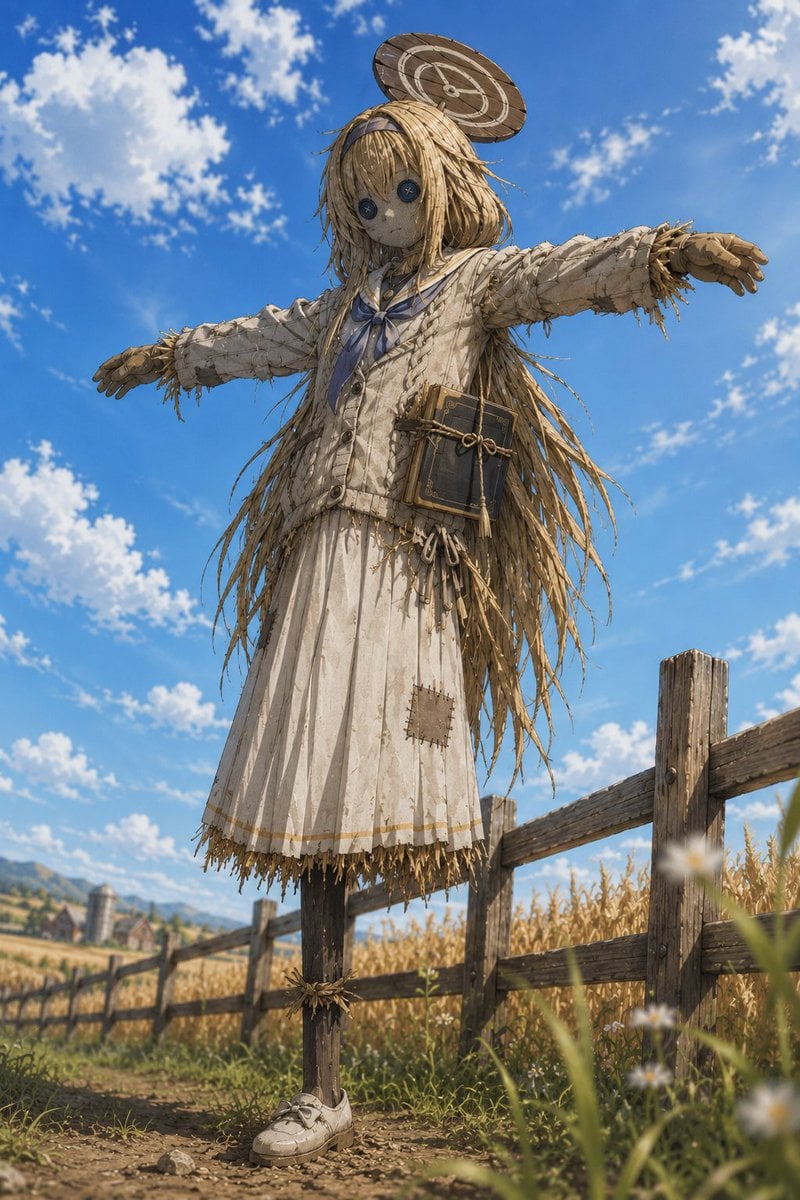
Anime Schoolgirl Scarecrow in Rural Field
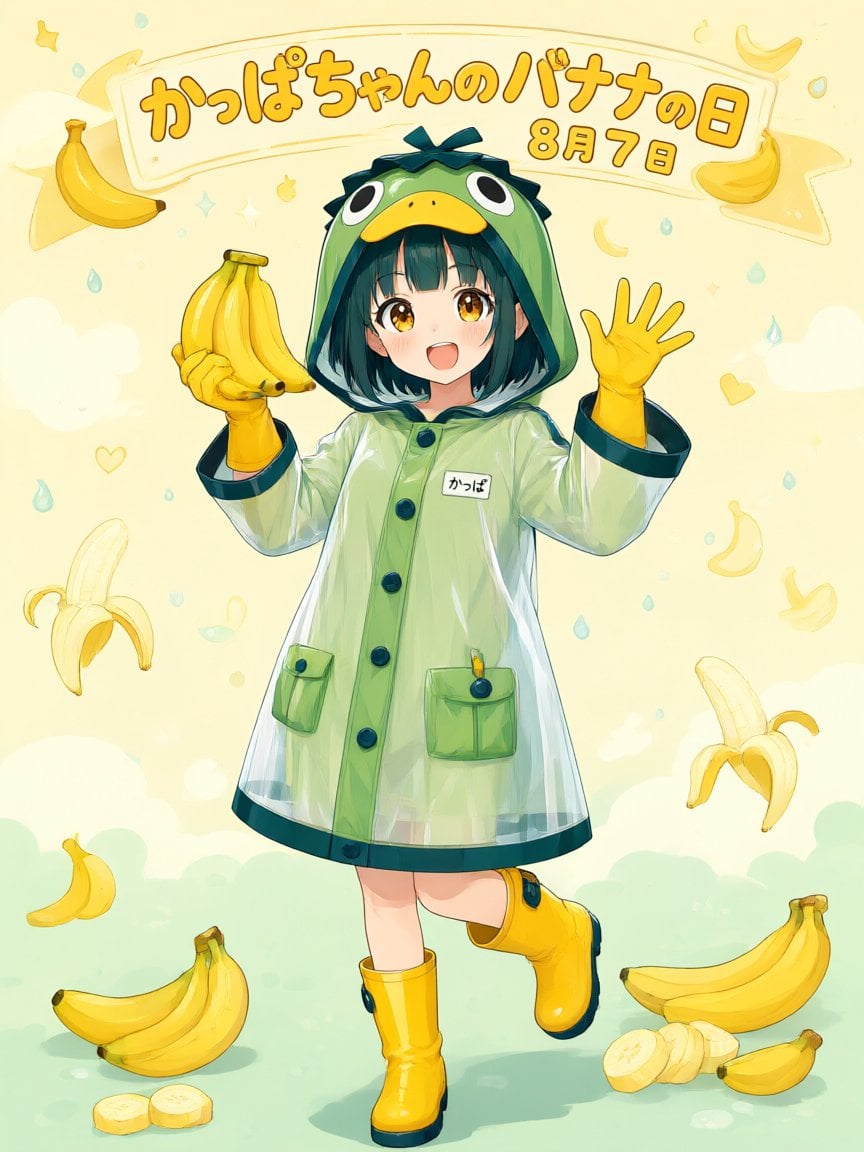
Kappa-chan Banana Day Poster
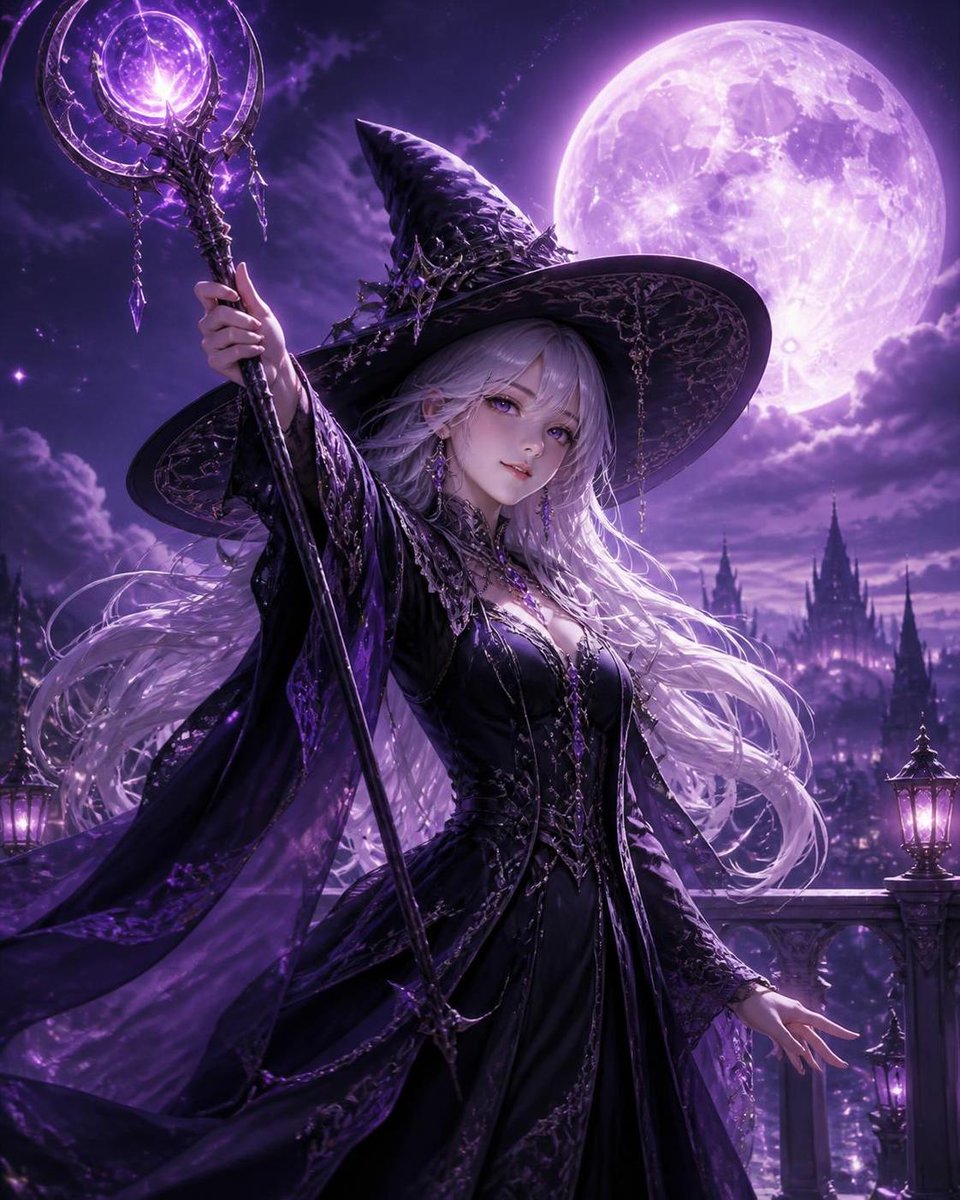
Silver Haired Witch Moonlight
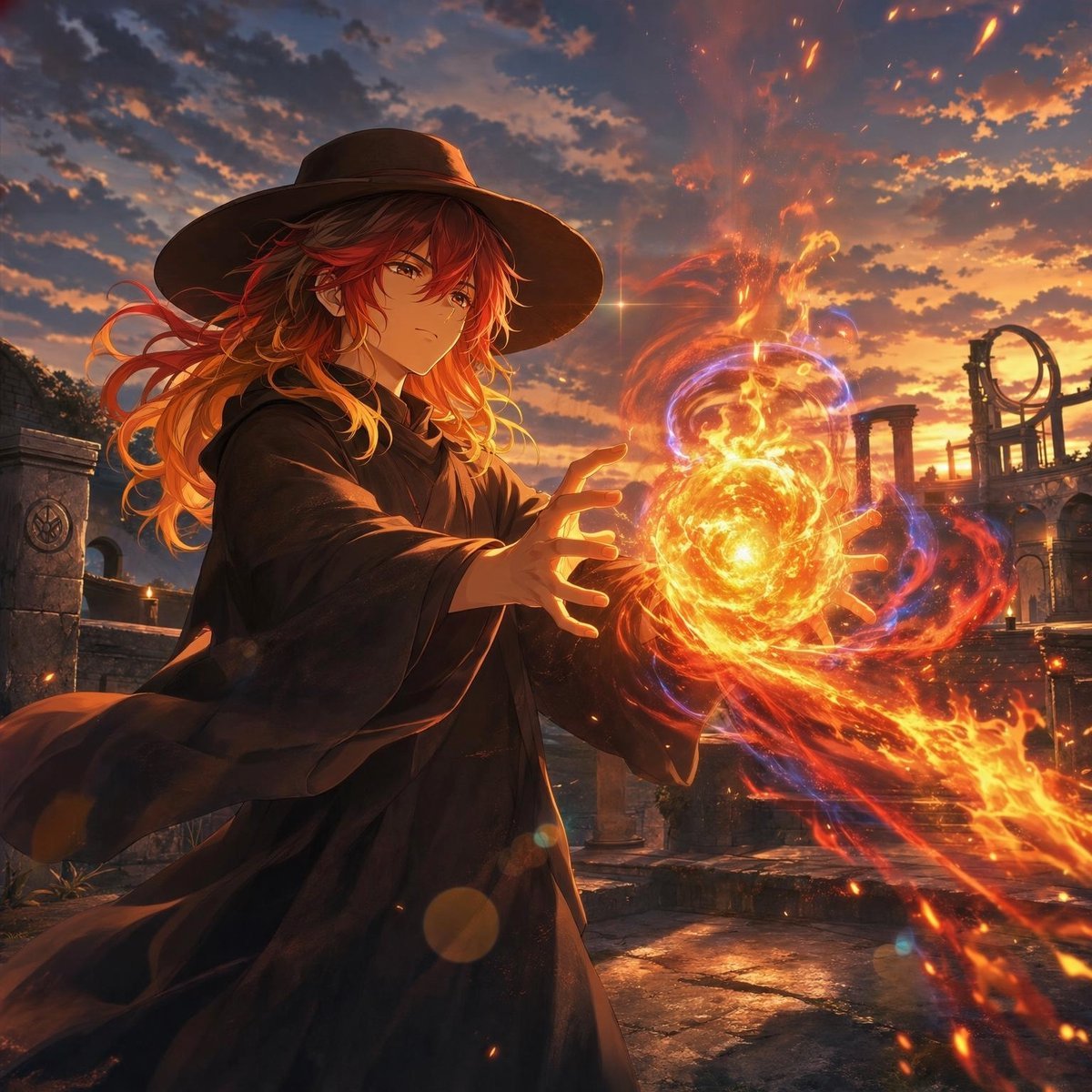
Anime Witch Casting Fire Spell
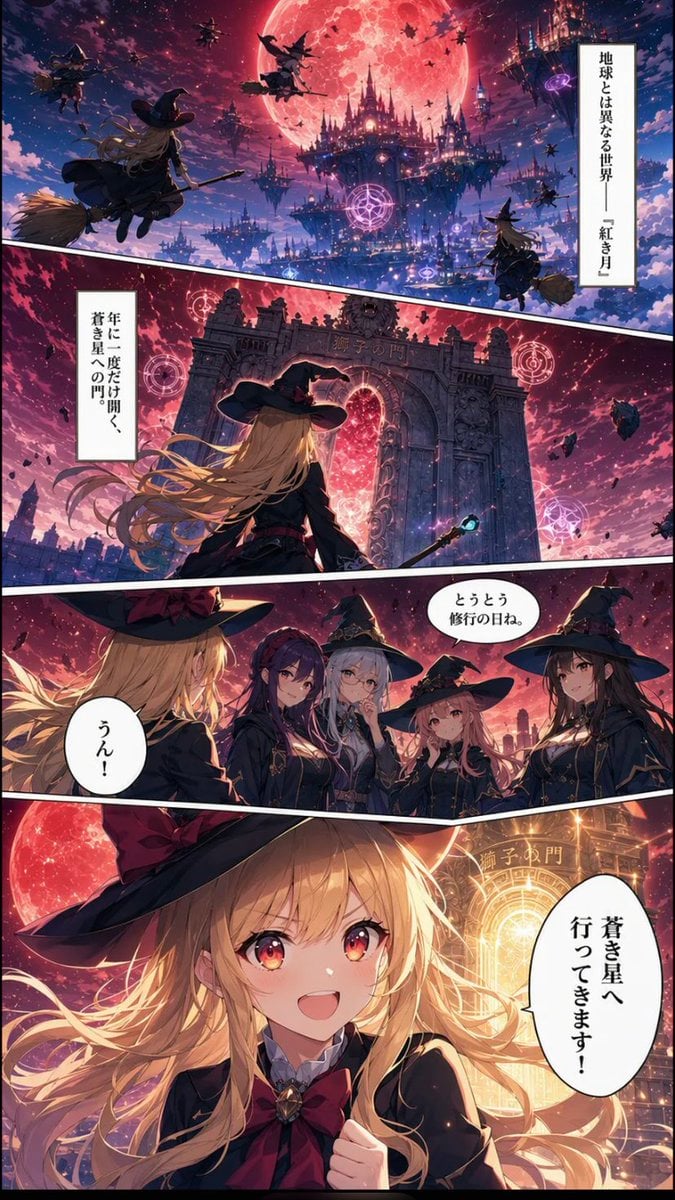
Crimson Moon Witch Manga Page
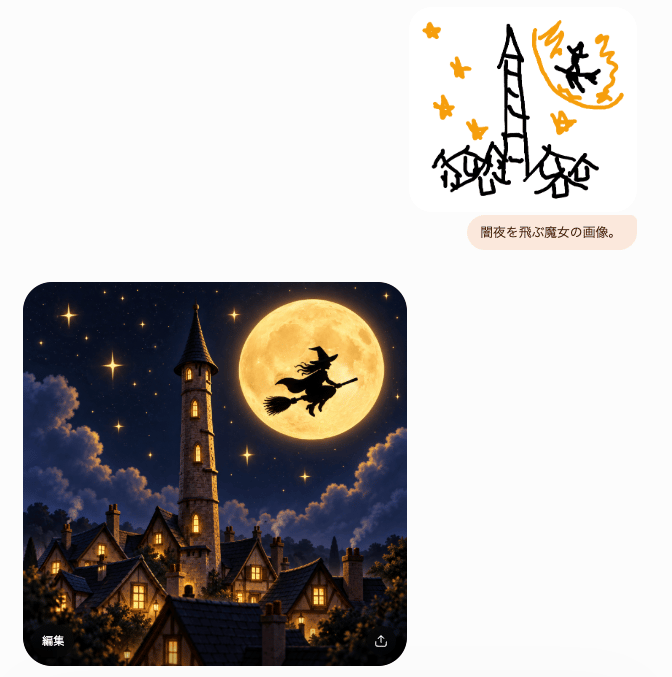
Witch Sketch to Fantasy Result UI
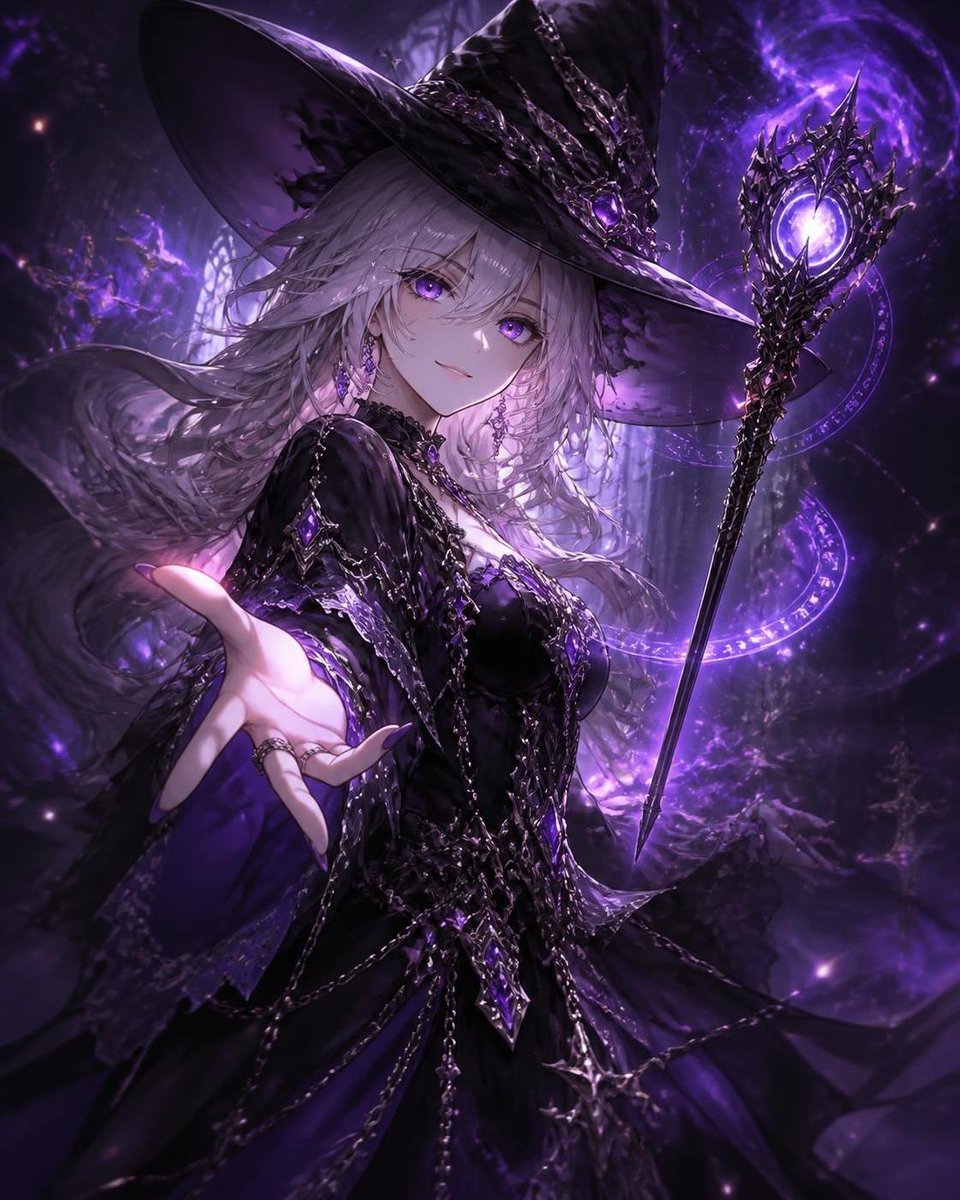
Mysterious Silver-Haired Witch
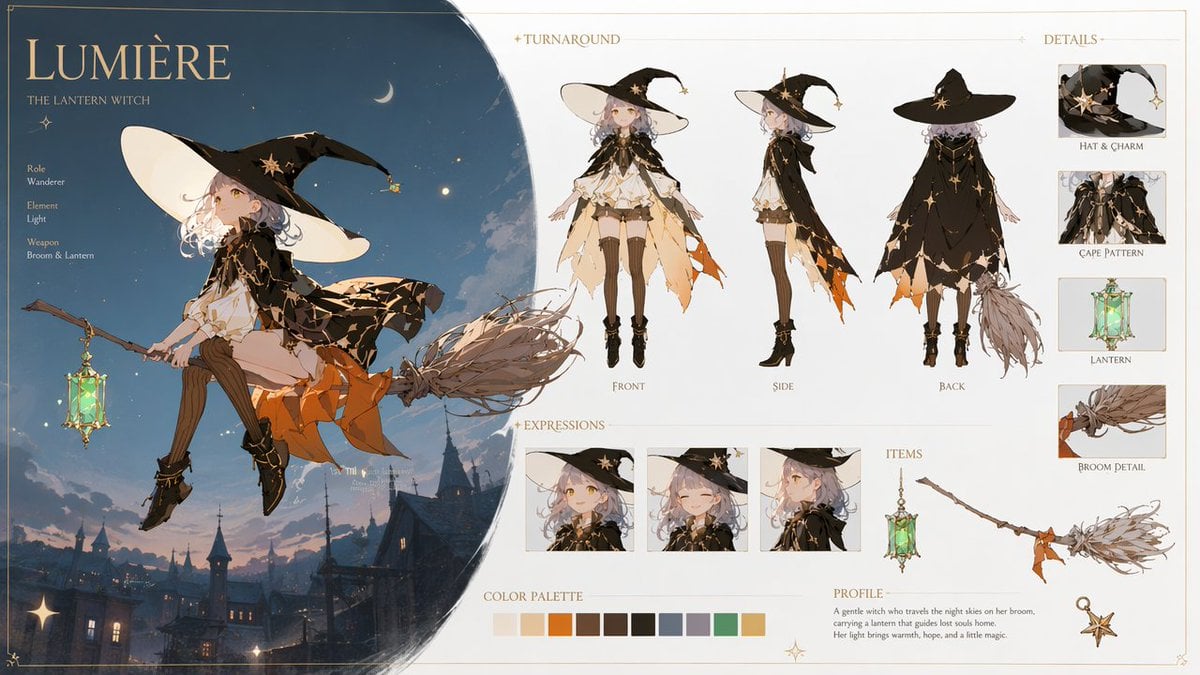
Lumière Lantern Witch Character Sheet
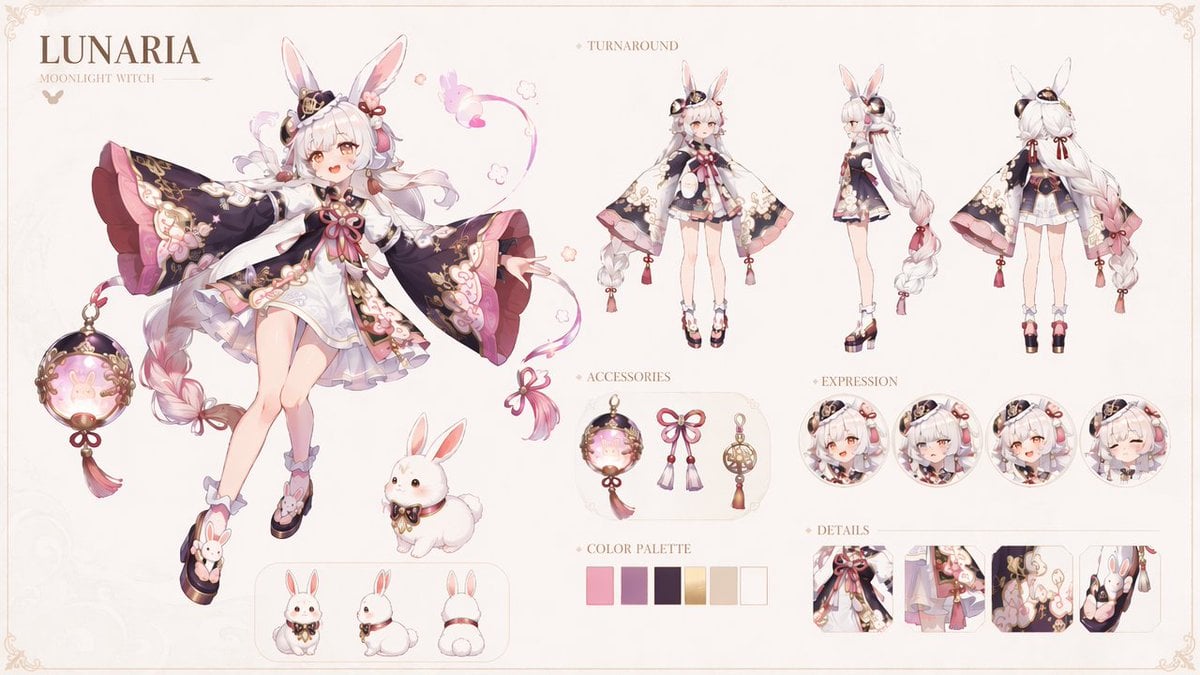
Lunaria Moonlight Witch Character Sheet
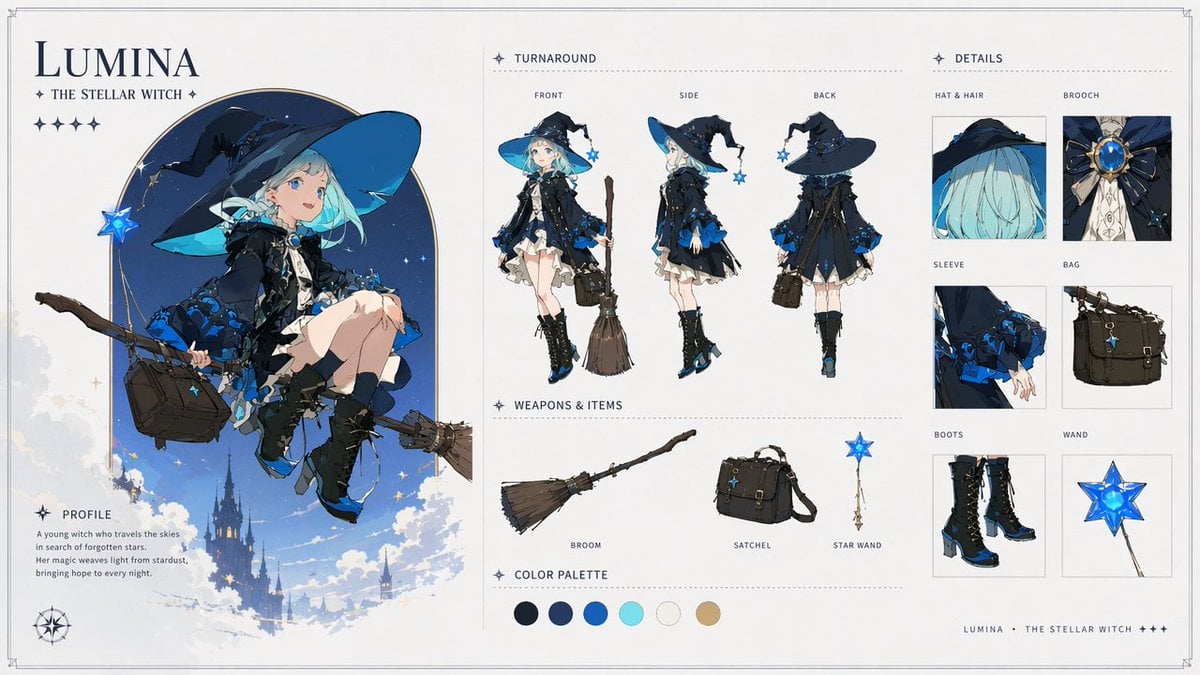
Lumina Stellar Witch Character Sheet
Make it yours
Kappa Girl and Scarecrow Witch works as-is. These are the safest ways to change it without losing the look.
Change one field
Copy a single group, rewrite it, and generate again so you can see what that field is doing.
Keep the frame, change the subject
Hold the composition and light of Kappa Girl and Scarecrow Witch, then swap wardrobe, props or the person for a new take.
| If the result… | Why | Fix |
|---|---|---|
| The result drifts from the preview | Too many fields changed at once. | Reuse Kappa Girl and Scarecrow Witch as-is first, then change one group — subject, light, or setting. |
| The model over-stylizes the scene | The prose prompt leaves finish and camera underspecified. | Add one camera or lighting sentence and stay on GPT Image 2. |
More GPT Image 2 templates
Other prompts made for GPT Image 2.

Six VTuber Japanese Logo Sheet

Realistic Portrait of Woman and Deer

The Vista Modular Condo Poster

AI Model Routing Comparison Infographic

2.5D Anime Art Board

Isometric Productivity Desk Scene

New York Double Exposure Poster

Four-Panel AI Landscape Comparison

Japanese Tatami Lifestyle Magazine Cover

NESCAFÉ Coffee Map Poster
More image prompts
Fresh picks from across the catalog.
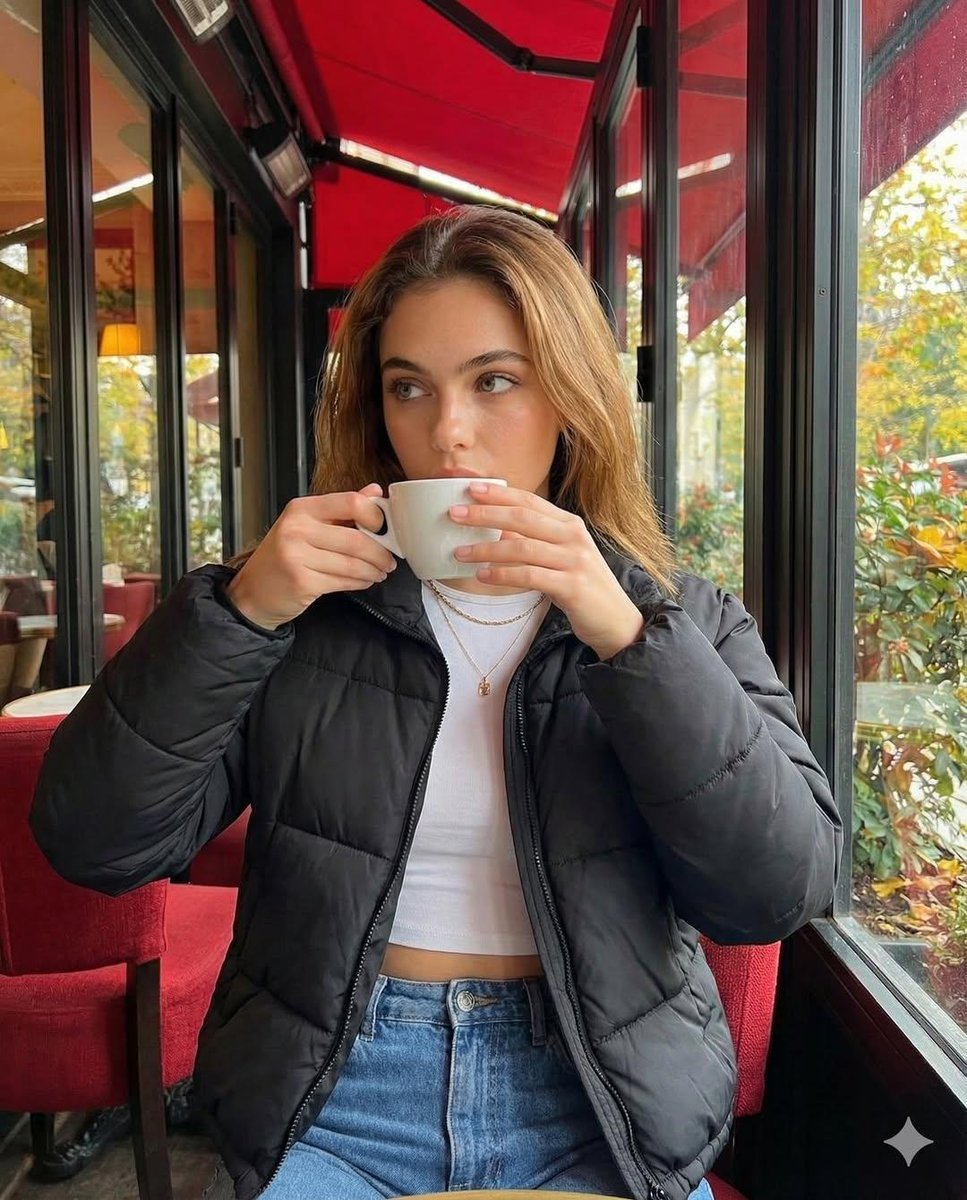
Introspective Cinematic Café Portrait
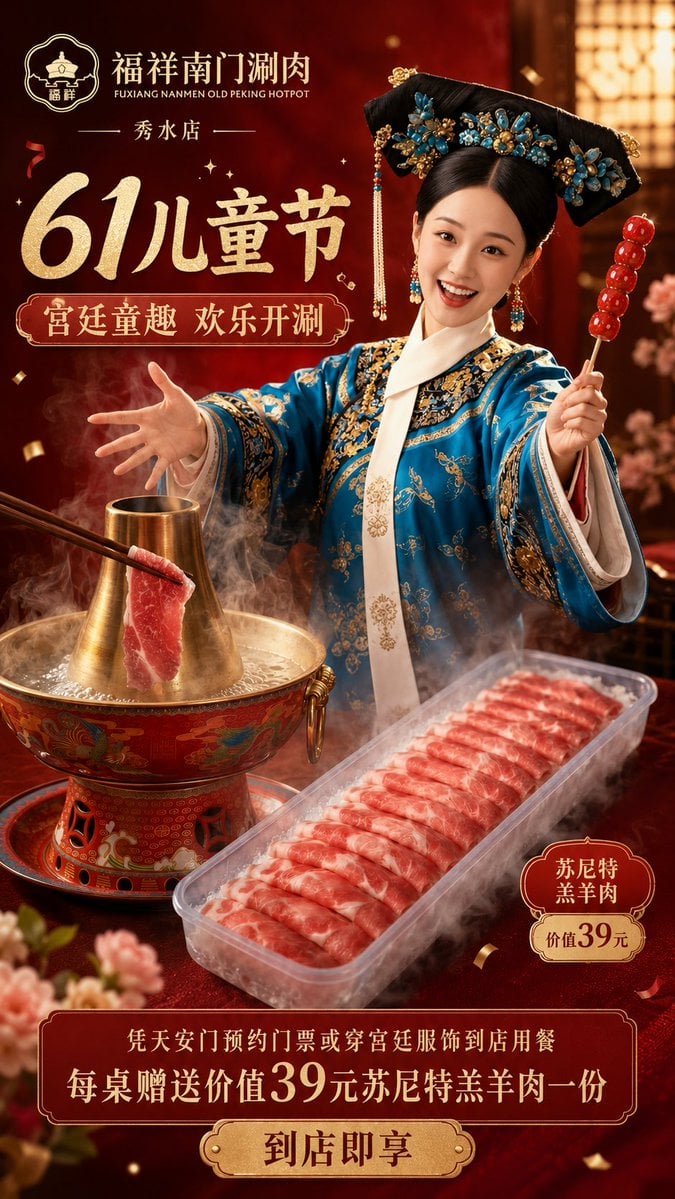
Chinese Hotpot Children’s Day Poster
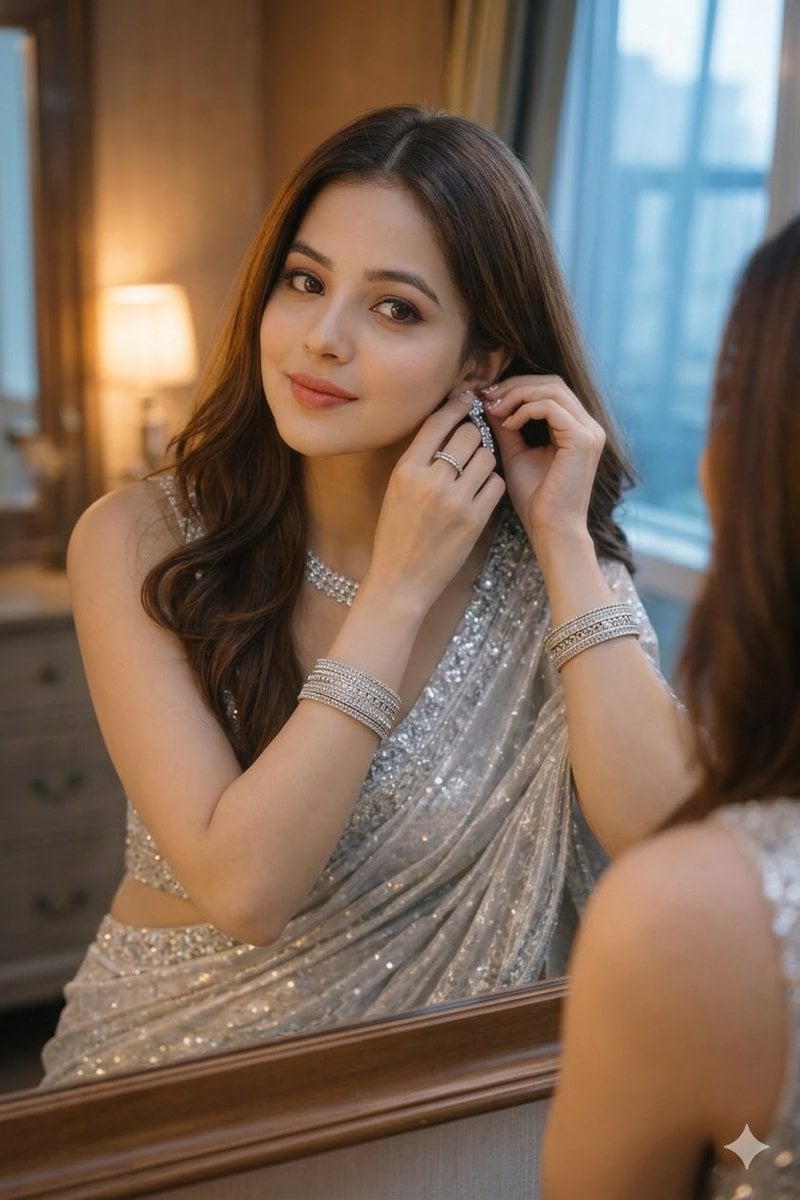
Ultra-Realistic Portrait with Saree and Face Reference
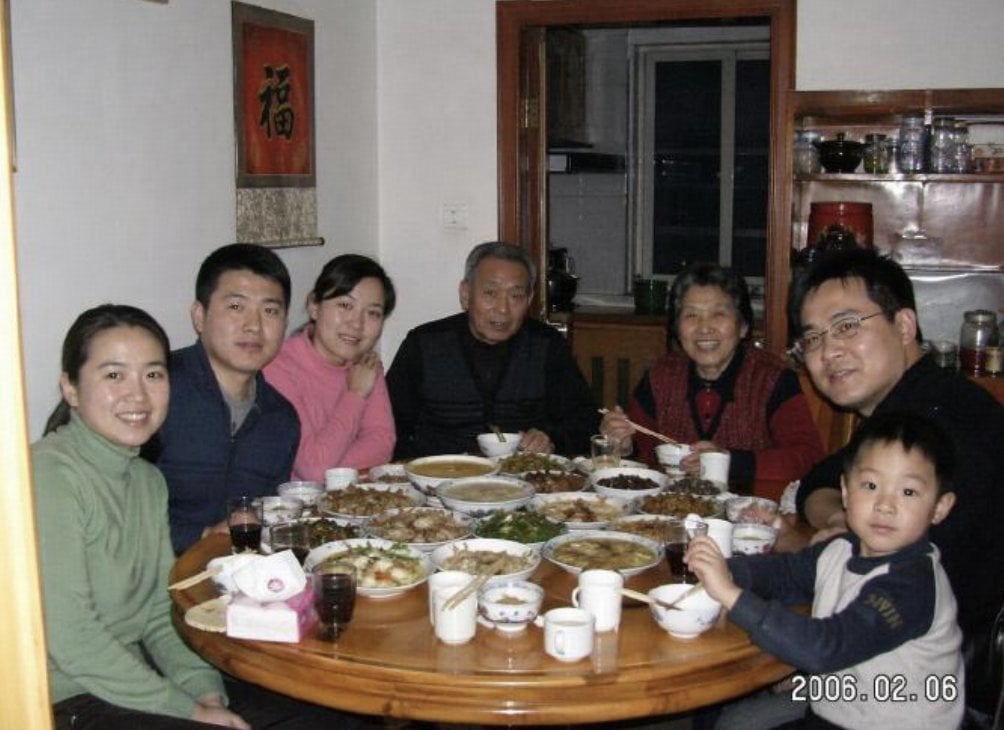
Anonymized 2000s Family Dinner Photo
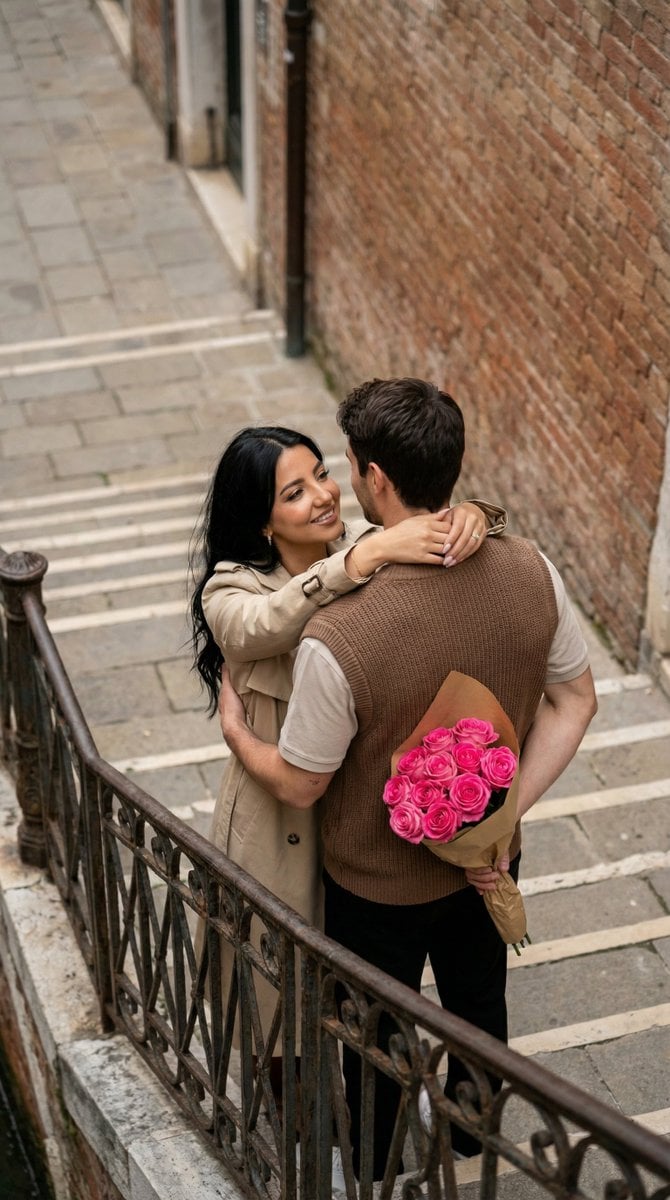
Overhead Candid City Stairs Romance
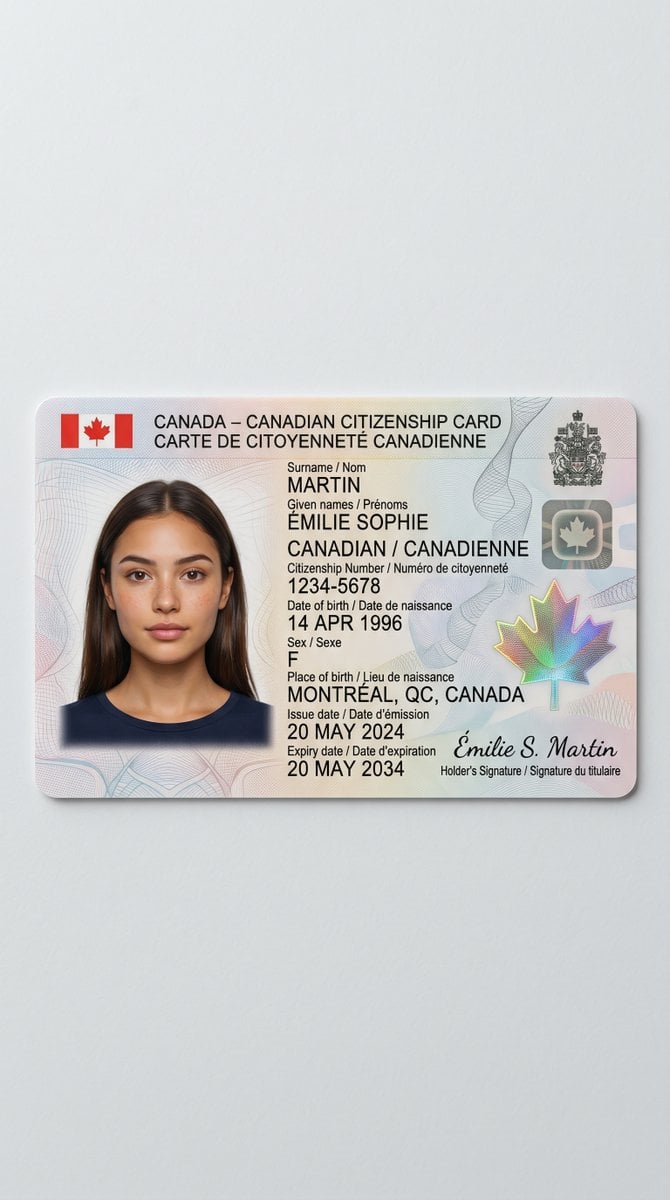
Canadian Citizenship Card Mockup Prompt
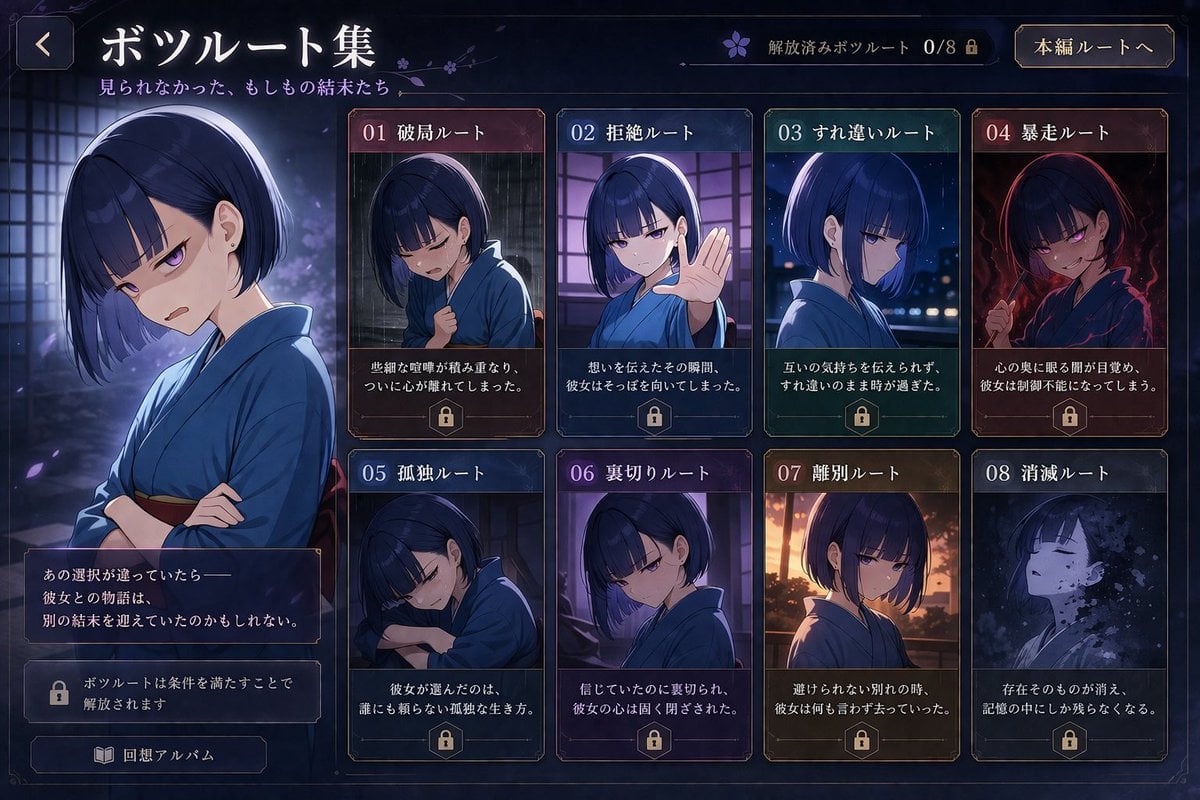
Visual Novel Rejected Routes UI
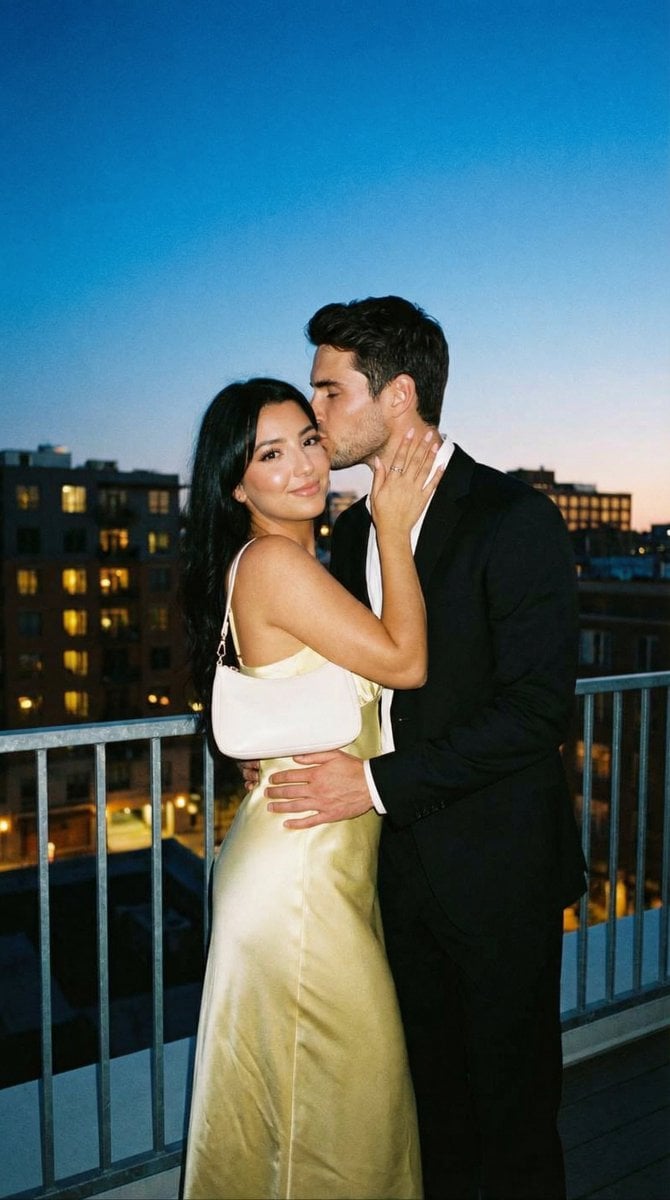
Candid Rooftop Kiss with Direct Flash at Blue Hour
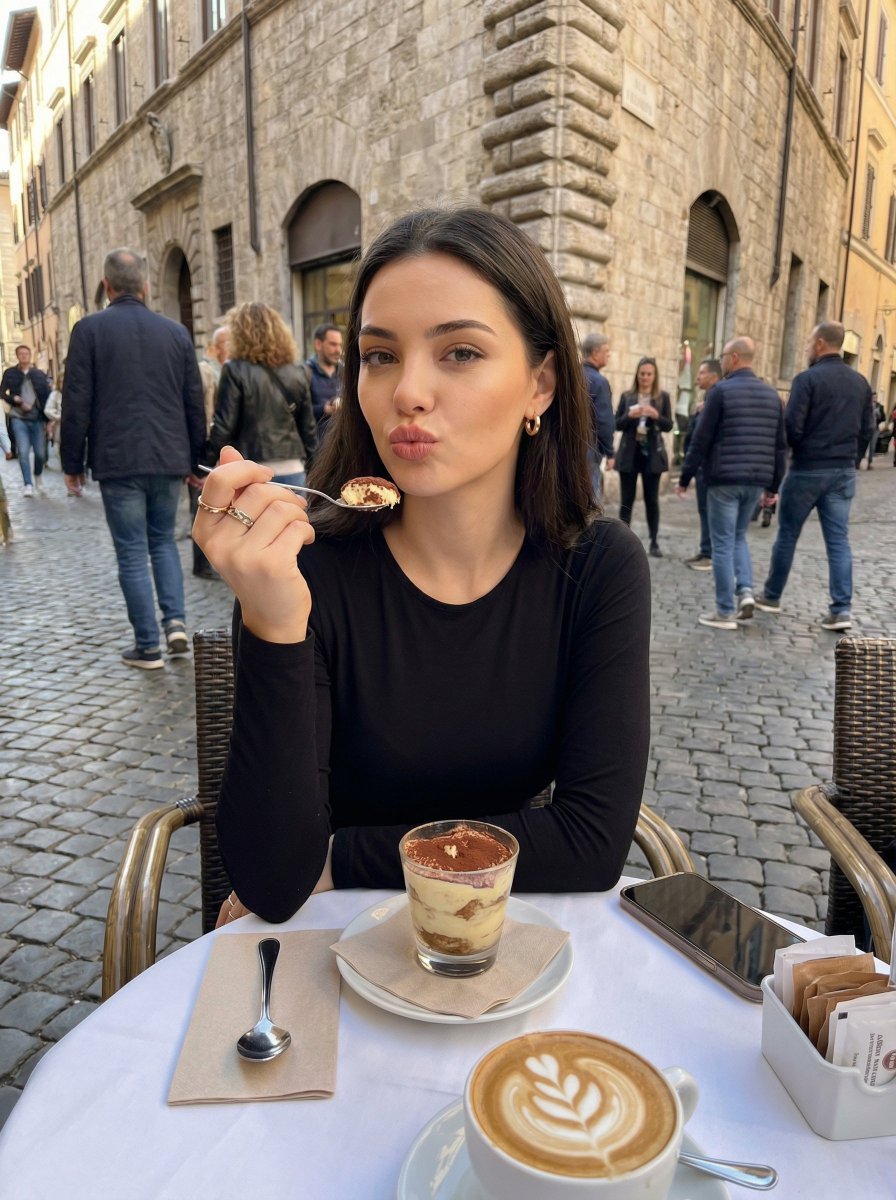
Candid European Café Portrait

Chibi sticker set prompt for Nano Banana Pro
Browse template categories
Kappa Girl and Scarecrow Witch questions
How do I use the Kappa Girl and Scarecrow Witch template?
Add your photo if the template asks for one, edit the prompt if you like — the template's model and format are already selected — and press Generate. Your version opens in PicX Studio.
Can I customize the Kappa Girl and Scarecrow Witch template?
Yes. You can change the subject, setting, lighting, mood, format, and available model controls before creating your image.
Is the Kappa Girl and Scarecrow Witch template free?
Opening and editing this template is free. Generating uses credits, shown on the Generate button when you are signed in.
Which AI model should I use?
Start with GPT Image 2, which is the model associated with this template. You can compare another compatible model for a different finish.
Looking for something else? Browse all templates.

Your photo, any look
Thousands of ready templates for every top image and video model, from one credit balance.