
Kappa-chan Banana Day Poster
A kawaii anime holiday poster featuring a kappa-themed girl celebrating Banana Day with Japanese lettering and playful banana decorations.
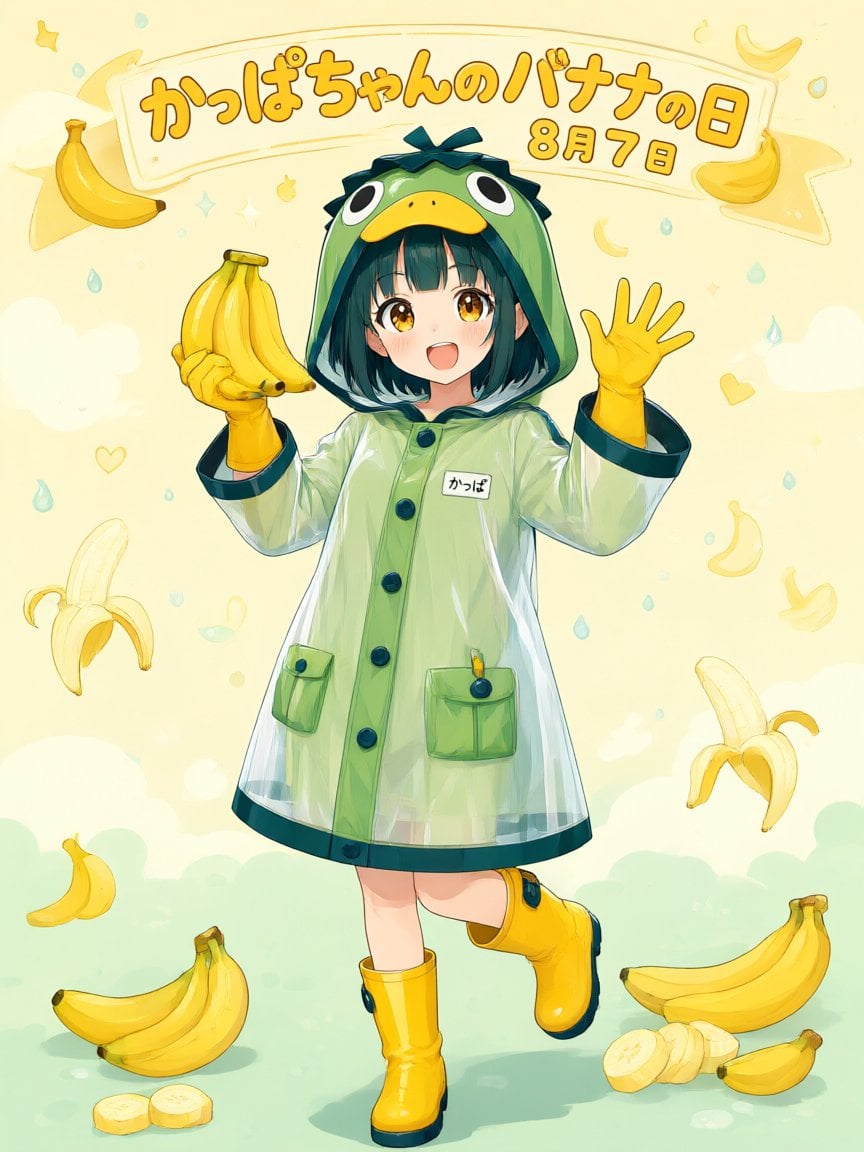
- Prompt included
- Model and format preset
- Free template
The prompt behind this image
Copy the exact prompt behind Kappa-chan Banana Day Poster, or open it in the studio and make it yours.
Create a cheerful vertical anime poster for {argument name="holiday headline" default="かっぱちゃんのバナナの日"} with the date text {argument name="date text" default="8月7日"} in large rounded orange Japanese lettering on a curved cream banner across the top. Center a full-body cute anime girl, {argument name="character name" default="Kappa-chan"}, smiling with an open mouth and golden eyes, short dark teal bob hair with bangs, wearing a translucent glossy pale-green raincoat shaped like a kappa costume: frog-like green hood with big cartoon eyes and a yellow beak, dark teal trim, large buttons, two front pockets, and a small white name tag reading {argument name="name tag text" default="かっぱ"}. She wears bright yellow rubber gloves and yellow rain boots with dark teal soles and accents; her left hand holds one bunch of exactly 5 bananas, and her right hand is raised in a friendly wave with 5 visible fingers. Use a soft pastel cream-yellow background with mint-green ground, floating raindrops, tiny stars, hearts, crescent shapes, and banana motifs. Include exactly 12 visible banana-related illustrations around her: 1 curved banana at upper left, 1 banana bunch in her hand, 1 small banana at top right near the banner, 1 peeled banana at lower left side, 1 pale banana outline at upper right, 1 small curved banana icon at mid-right, 1 peeled banana at lower right side, 1 small banana at lower left, 1 large banana bunch on the ground at bottom left, 2 banana slices in front of it, and 1 large banana bunch on the ground at bottom right with sliced pieces beside it. Style: polished Japanese kawaii illustration, clean line art, watercolor-like pastel shading, glossy highlights on the raincoat and boots, warm sunlight, playful festival-poster composition, no photo realism. Keep the main character centered and fully visible, preserve the Japanese text legibly, and avoid adding extra characters or extra large text.
How to use Kappa-chan Banana Day Poster in 3 steps
- 1Upload ImagePNG, JPG or paste
Add your photo
Upload the photo the template builds on. The prompt, model and format are already set.
- 2…a portrait of your subject in softgolden-hour light, 85mm…
Personalize
Edit the subject and creative details for your destination.
- 3Generate
Generate
Press Generate — your image is created in PicX Studio, so you can compare it with the original and refine one variable at a time.
More like this
Templates with the same subject, style or setup. Open one to see its prompt.

Japan Travel Brochure Poster
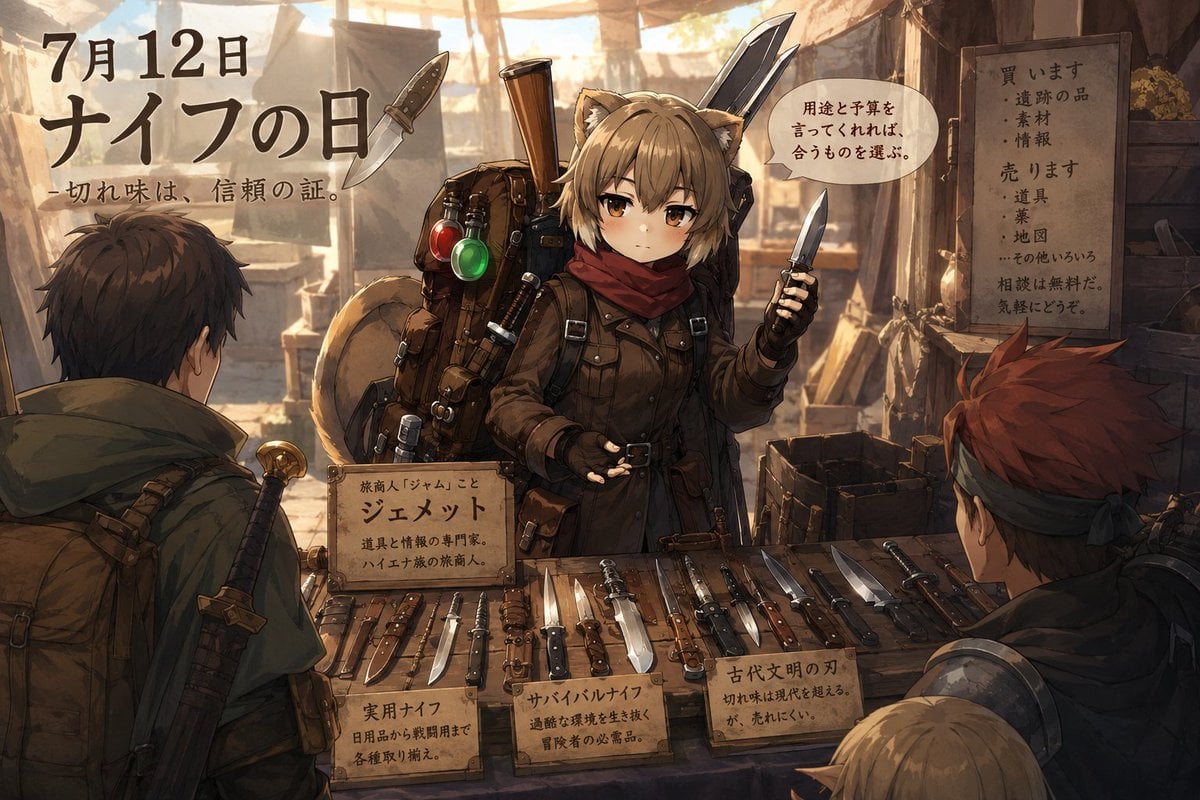
Anime Knife Day Merchant Stall

Cartoon TV Show Poster Pack

Trendy Cafe Drink Promo Poster

Urban Fashion Editorial Collage Streetwear Poster

Premium Fashion Editorial Cover Layout System

Polo Ralph Lauren Luxury American Heritage Fashion Campaign

Monochrome Halftone Editorial Fashion Poster

Retro Mirror Luxury Fashion Campaign Poster

Luxury Fashion Campaign Typography Poster System

Premium Fashion Editorial Campaign Poster System

Ultra-Stylized High-Fashion Streetwear Poster
Make it yours
Kappa-chan Banana Day Poster works as-is. These are the safest ways to change it without losing the look.
Change one field
Copy a single group, rewrite it, and generate again so you can see what that field is doing.
Keep the frame, change the subject
Hold the composition and light of Kappa-chan Banana Day Poster, then swap wardrobe, props or the person for a new take.
| If the result… | Why | Fix |
|---|---|---|
| The result drifts from the preview | Too many fields changed at once. | Reuse Kappa-chan Banana Day Poster as-is first, then change one group — subject, light, or setting. |
| The model over-stylizes the scene | The prose prompt leaves finish and camera underspecified. | Add one camera or lighting sentence and stay on GPT Image 2. |
More GPT Image 2 templates
Other prompts made for GPT Image 2.

Six VTuber Japanese Logo Sheet

Realistic Portrait of Woman and Deer

The Vista Modular Condo Poster

AI Model Routing Comparison Infographic

2.5D Anime Art Board

Isometric Productivity Desk Scene

New York Double Exposure Poster

Four-Panel AI Landscape Comparison

Japanese Tatami Lifestyle Magazine Cover

NESCAFÉ Coffee Map Poster
More image prompts
Fresh picks from across the catalog.
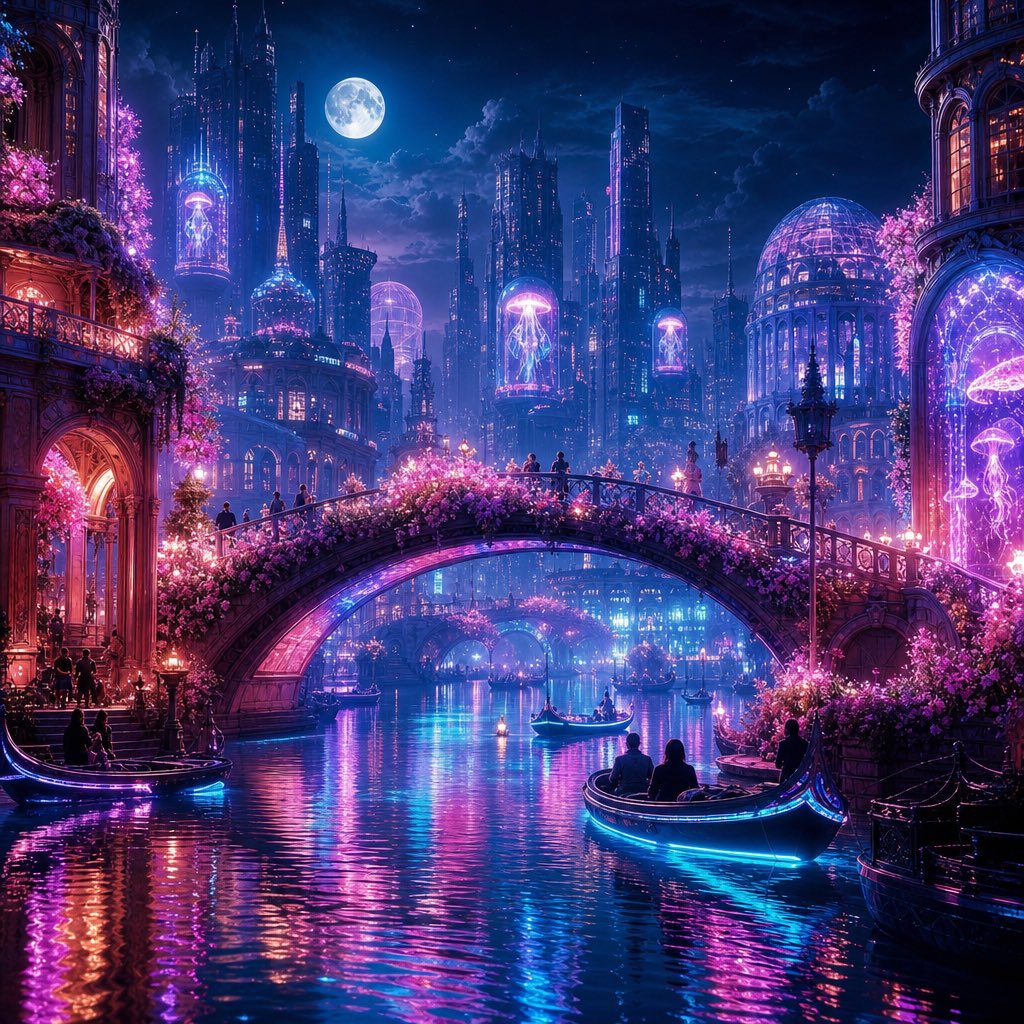
Neon Dream City
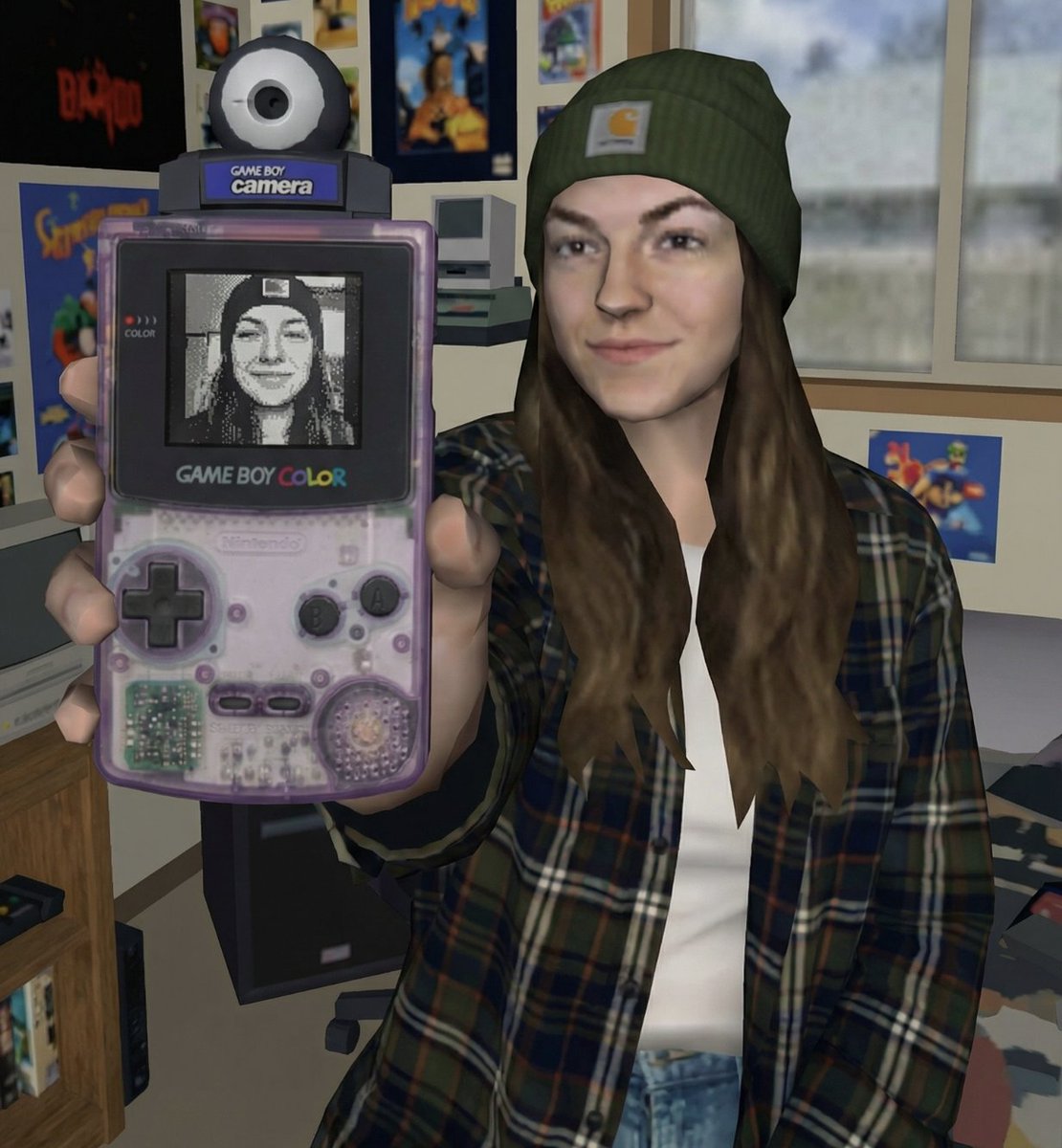
Early 2000s Video Game Render Style Transfer
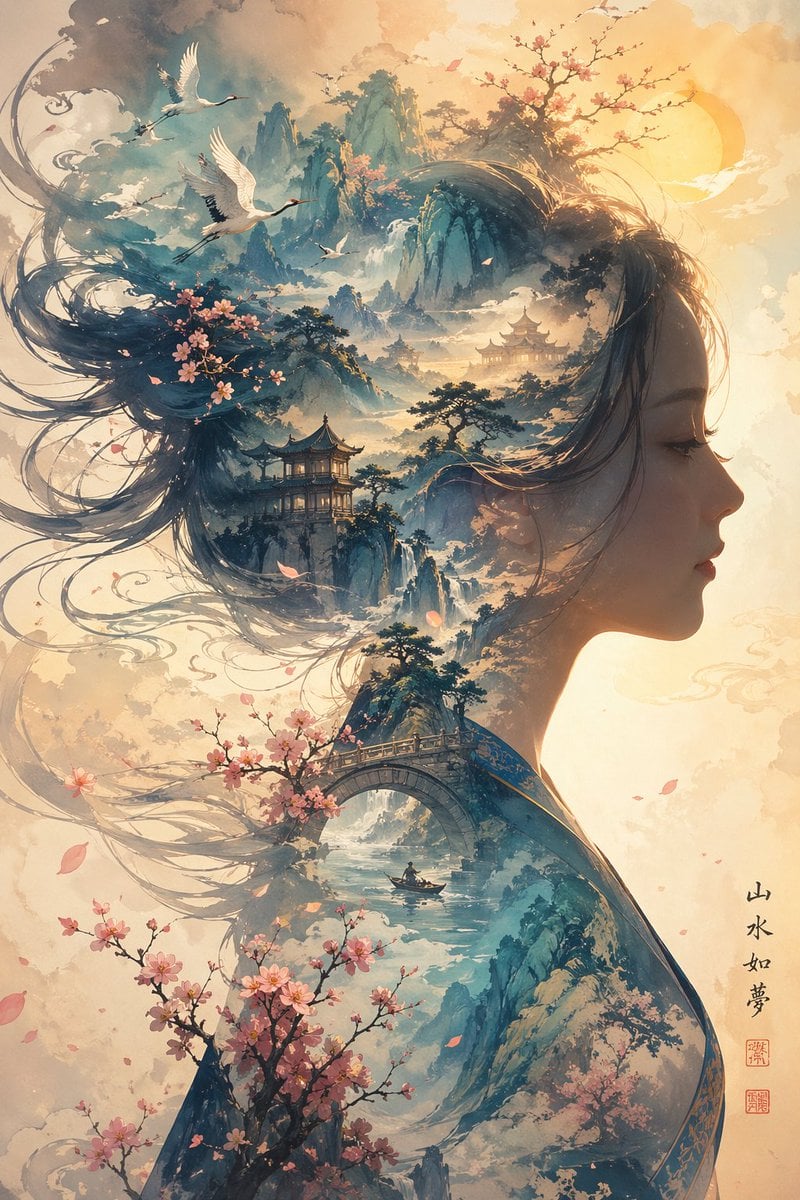
Dreamlike Shanshui Woman Silhouette
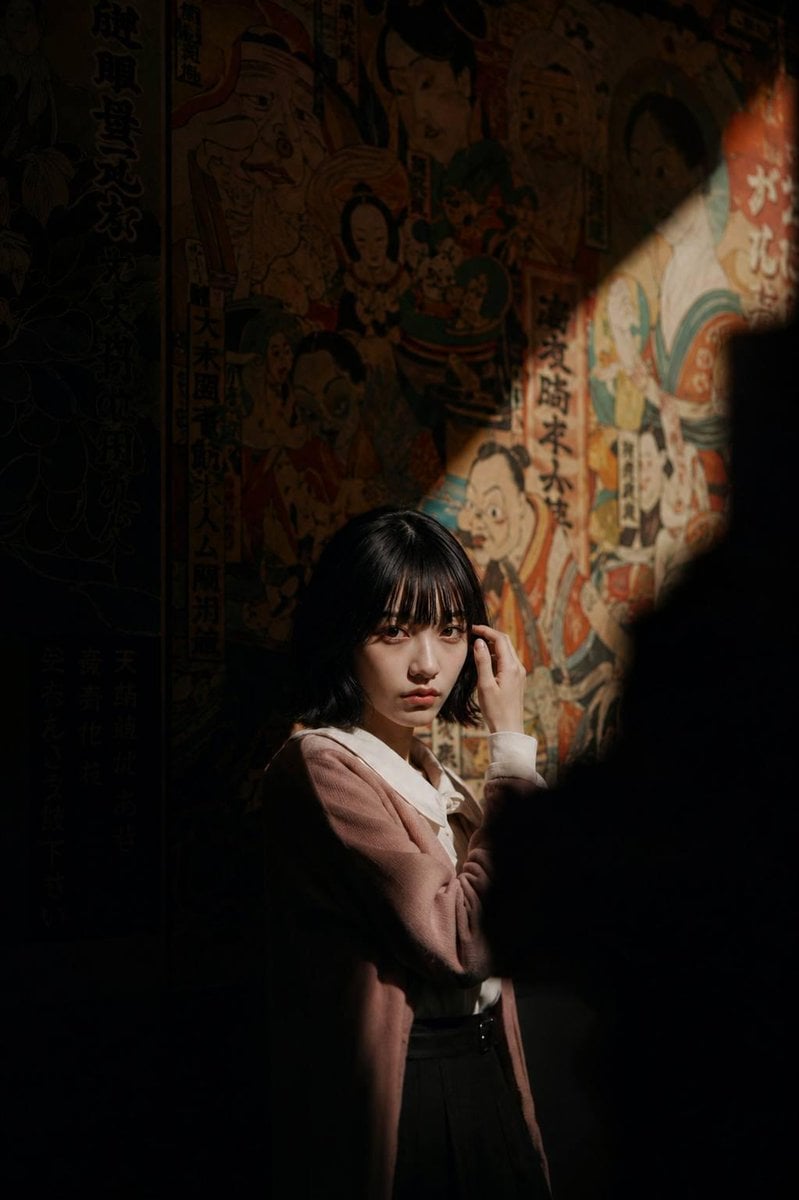
Cinematic Exhibition Room Portrait
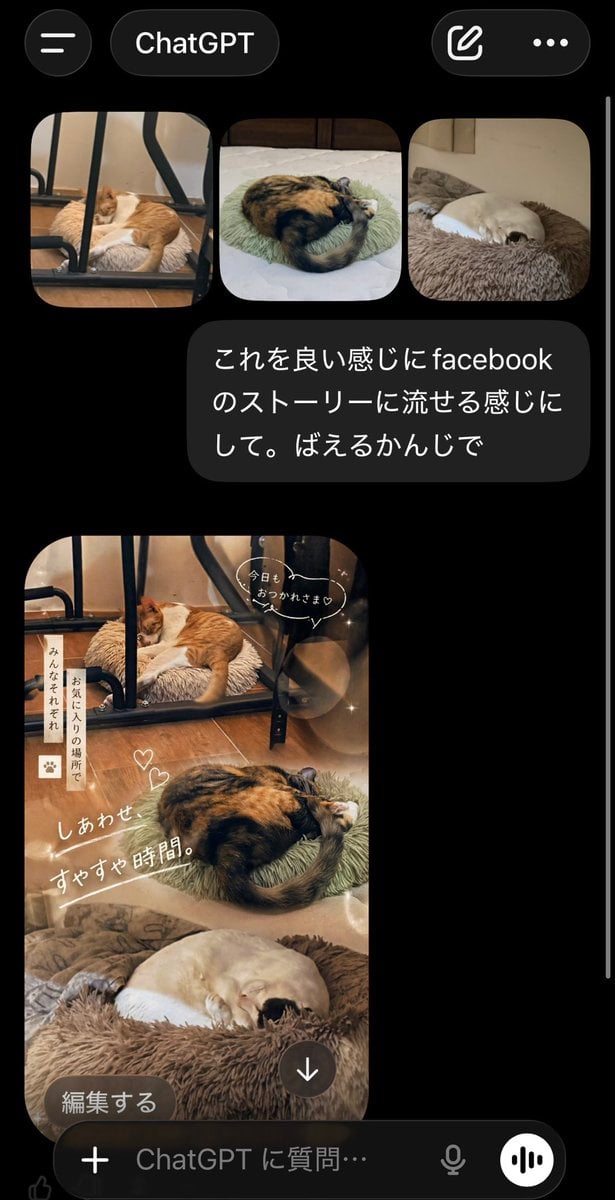
ChatGPT App Cat Story Screenshot
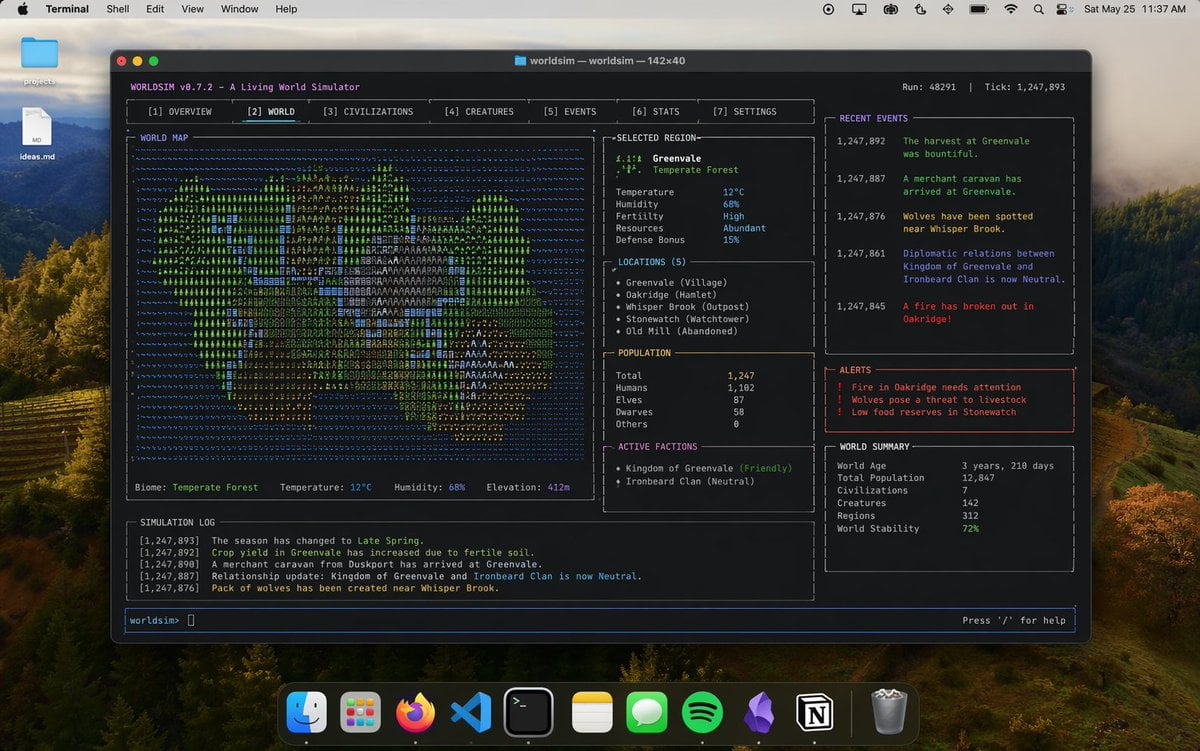
Mac Terminal World Sim UI
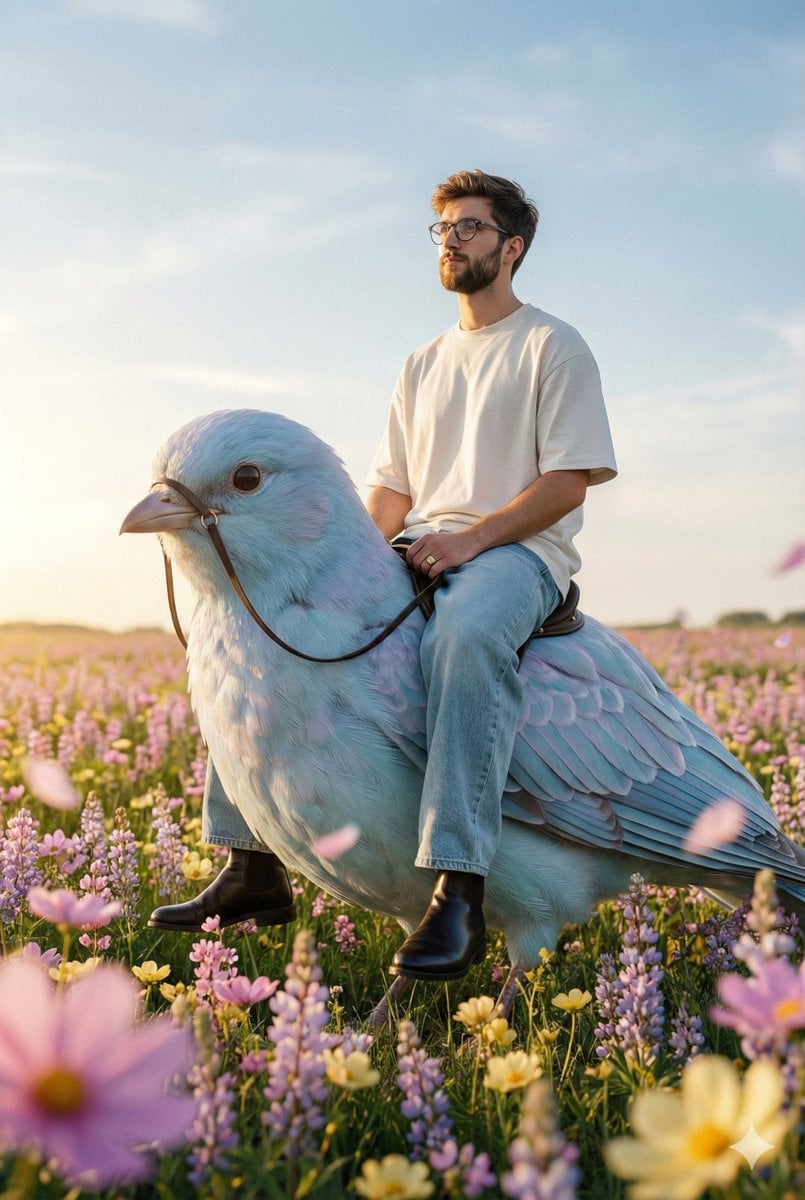
Cinematic Editorial Fantasy Portrait Prompt
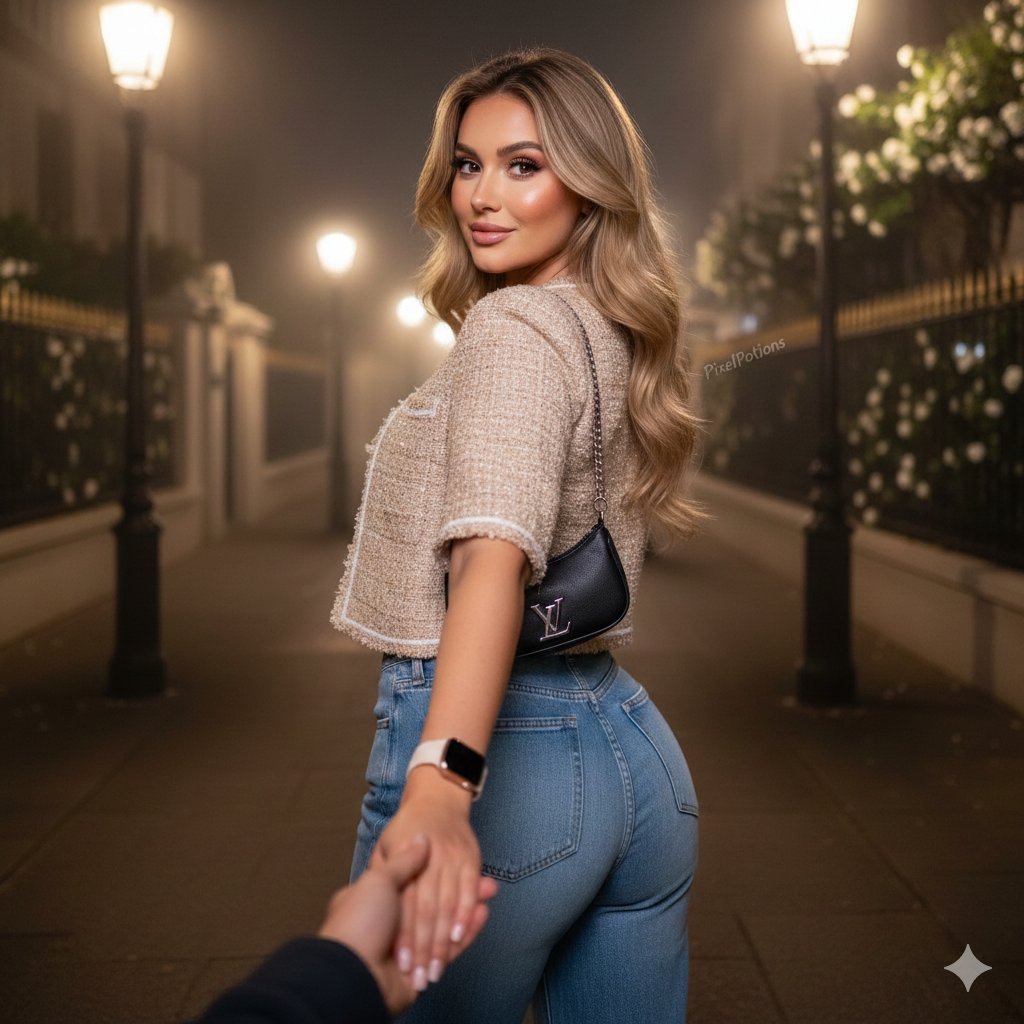
Hyper-realistic Fashion Editorial Portrait: Night Walk

Intimate Bathroom Mirror Selfie
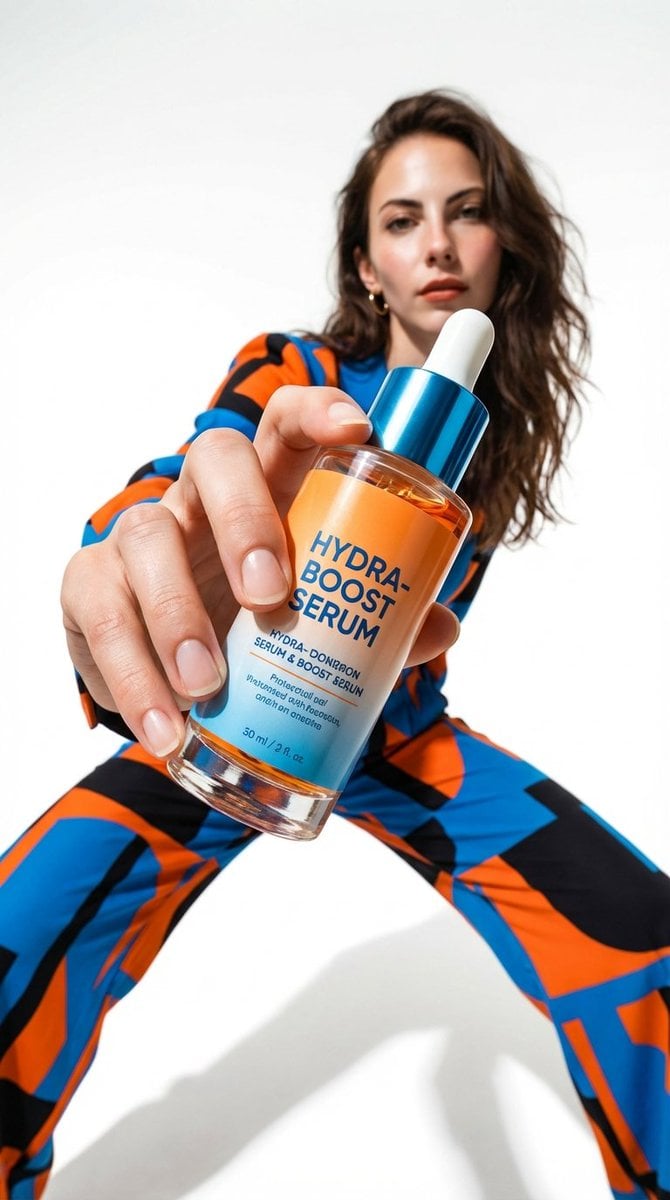
Low-Angle Fashion Campaign Photograph
Browse template categories
Kappa-chan Banana Day Poster questions
How do I use the Kappa-chan Banana Day Poster template?
Add your photo if the template asks for one, edit the prompt if you like — the template's model and format are already selected — and press Generate. Your version opens in PicX Studio.
Can I customize the Kappa-chan Banana Day Poster template?
Yes. You can change the subject, setting, lighting, mood, format, and available model controls before creating your image.
Is the Kappa-chan Banana Day Poster template free?
Opening and editing this template is free. Generating uses credits, shown on the Generate button when you are signed in.
Which AI model should I use?
Start with GPT Image 2, which is the model associated with this template. You can compare another compatible model for a different finish.
Looking for something else? Browse all templates.

Your photo, any look
Thousands of ready templates for every top image and video model, from one credit balance.