
Cinematic Editorial Fantasy Portrait Prompt
A highly detailed prompt for the Nano Banana Pro model to generate an ultra-real, cinematic editorial fashion photograph featuring a young man riding a giant pastel-blue bird in a vast wildflower field during golden…
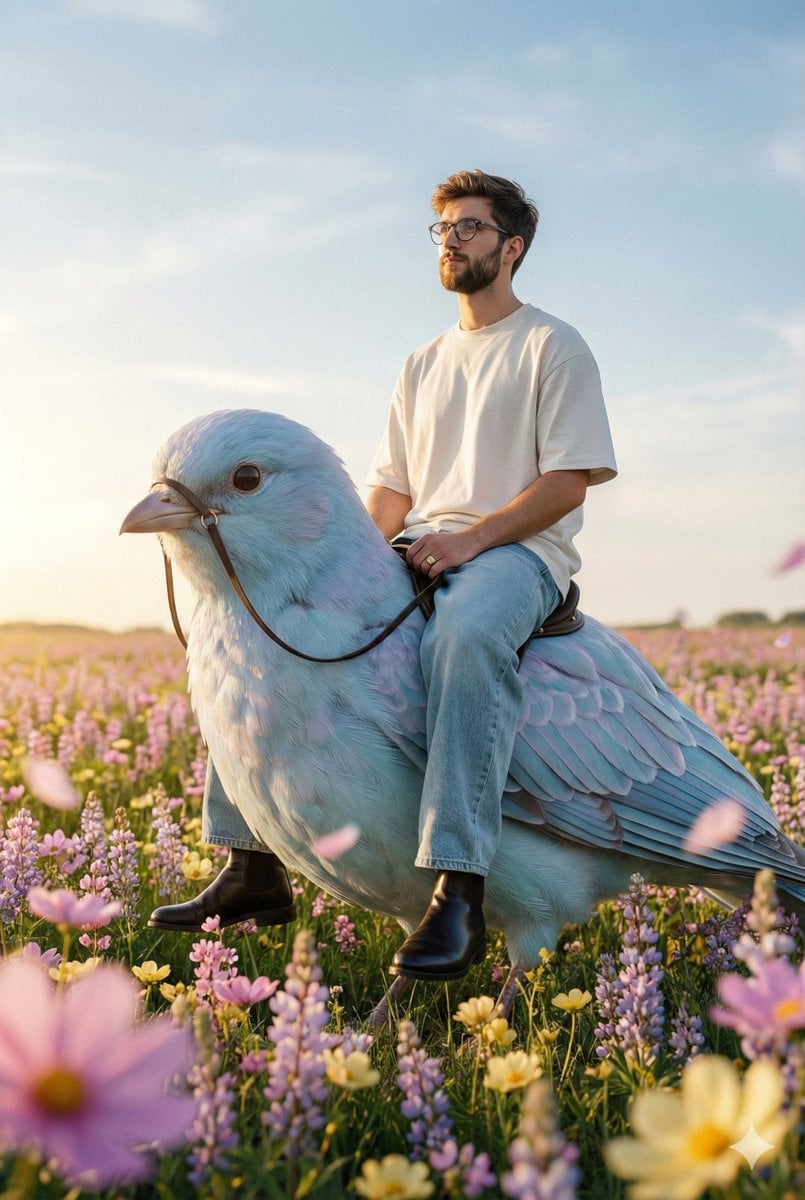
- Prompt included
- Model and format preset
- Premium template
The prompt behind this image
Copy the exact prompt behind Cinematic Editorial Fantasy Portrait Prompt, or open it in the studio and make it yours.
Create a cinematic ultra-real editorial fashion photograph using my uploaded reference image. DO NOT CHANGE THE FACE. The young man’s face must remain 100% identical to the reference — same facial structure, proportions, expression, and identity. SKIN & REALISM Ultra-real human skin with even tone and natural micro-variation. Visible pores, fine lines, tiny imperfections, and a subtle daylight sheen only. Absolutely NO blush, no beauty filter, no plastic smoothing, no CGI look, no oversharpening. SCENE & PROPS A vast wildflower field filled with pink, lilac, and butter-yellow blooms, stretching toward low rolling hills beneath a big, clean open sky. A giant pastel-blue bird with layered, slightly iridescent feathers. The bird wears slender reins and a simple dark saddle — minimal, realistic, no logos, no text, no branding. Foreground flowers create soft natural bokeh, with a few drifting petals near the lens for depth and atmosphere. WARDROBE (MODERN, MINIMAL, STREETWEAR) A clean, premium oversized modern T-shirt in soft off-white or muted neutral tone, structured yet relaxed, matte fabric with natural folds. Baggy straight-leg jeans, high-quality denim in washed light blue or soft grey, sitting naturally on the waist with realistic creasing and weight. Polished dark leather boots or minimalist sneakers (no logos), understated and contemporary. One slim signet ring only — no additional accessories. POSE & MOOD He is seated upright on the giant bird’s back, shoulders relaxed, posture confident yet calm. Chin gently elevated. Expression is serene and self-assured, eyes gazing toward the horizon. The T-shirt and denim move subtly with the breeze, natural fabric motion. LIGHTING (GOLDEN HOUR) Warm late-afternoon sunlight (~6000K) coming from camera-left/back, creating gentle rim highlights along his face, clothing edges, and the bird’s feathers. Soft fill light from the opposite side keeps skin fully natural and realistic. Colors are rich but never oversaturated. CAMERA / OPTICS / DOF Shot on a real full-frame camera. 50mm lens at f/2.8, ISO 100–200, shutter speed 1/500–1/1000s to freeze subtle feather motion. Medium depth of field: subject and nearby feathers sharp, distant hills and far flowers softly blurred. Vertical composition with a low horizon to emphasize the sky. An elegant S-curve formed by the bird’s tail guides the viewer’s eye through the frame. STYLE & OUTPUT Pinterest-style cinematic editorial grading. Ultra-photorealistic, grounded fantasy realism. 8K resolution.
How to use Cinematic Editorial Fantasy Portrait Prompt in 3 steps
- 1Upload ImagePNG, JPG or paste
Add your photo
Upload the photo the template builds on. The prompt, model and format are already set.
- 2…a portrait of your subject in softgolden-hour light, 85mm…
Personalize
Edit the subject and creative details for your destination.
- 3Generate
Generate
Press Generate — your image is created in PicX Studio, so you can compare it with the original and refine one variable at a time.
More like this
Templates with the same subject, style or setup. Open one to see its prompt.

untitled

Caution Tape Fashion — Industrial Editorial

Couture Fashion Editorial Woman and Drag

Nano Banana 2 Editorial Fashion Portrait

Found Photograph: Us, 1970

80s Couple Studio Portrait

80s Bollywood Star

80s Golden Hour Cinema

Me in 1985

1985 Studio Portrait

Hyper-Realistic Minecraft POV Portrait

Luxury Fashion Editorial Portrait
Make it yours
Cinematic Editorial Fantasy Portrait Prompt works as-is. These are the safest ways to change it without losing the look.
Change one field
Copy a single group, rewrite it, and generate again so you can see what that field is doing.
Keep the frame, change the subject
Hold the composition and light of Cinematic Editorial Fantasy Portrait Prompt, then swap wardrobe, props or the person for a new take.
| If the result… | Why | Fix |
|---|---|---|
| The result drifts from the preview | Too many fields changed at once. | Reuse Cinematic Editorial Fantasy Portrait Prompt as-is first, then change one group — subject, light, or setting. |
| The model over-stylizes the scene | The prose prompt leaves finish and camera underspecified. | Add one camera or lighting sentence and stay on Nano Banana 2. |
More Nano Banana 2 templates
Other prompts made for Nano Banana 2.

Photorealistic Leaf Shaped Like a Dragon

K-Pop Idol Portrait Grid for Rapid Selection

Poetic Rain Forest Portrait During Golden Hour

Urban Street Portrait with Cartoon Inner Self Duo

Candid Nighttime Photo with Cat Prompt

High-Concept 3D Diorama Generation Prompt

Cinematic Futuristic Studio Portrait Template

Skincare Editorial Photography Collage Prompt

Hyper-Realistic Commercial Product Photography (Splash Effect)

Hyper-Realistic Nightclub Portrait Prompt
More image prompts
Fresh picks from across the catalog.
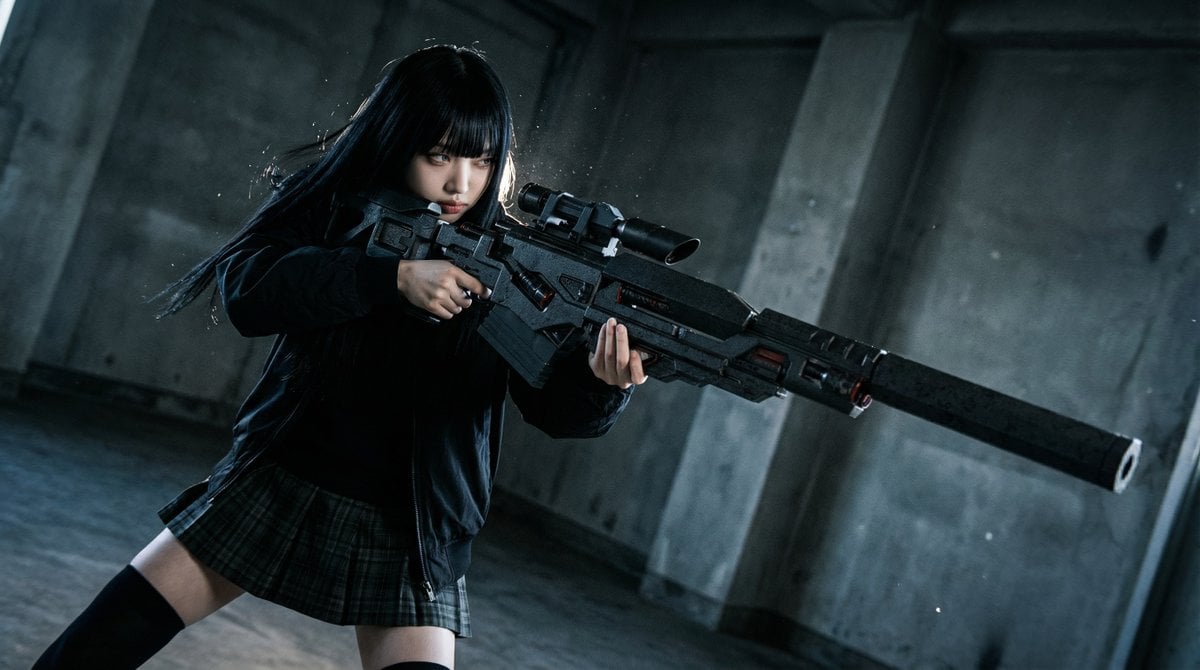
Ultimate Weapon Mastery Cinematic Pose Prompt
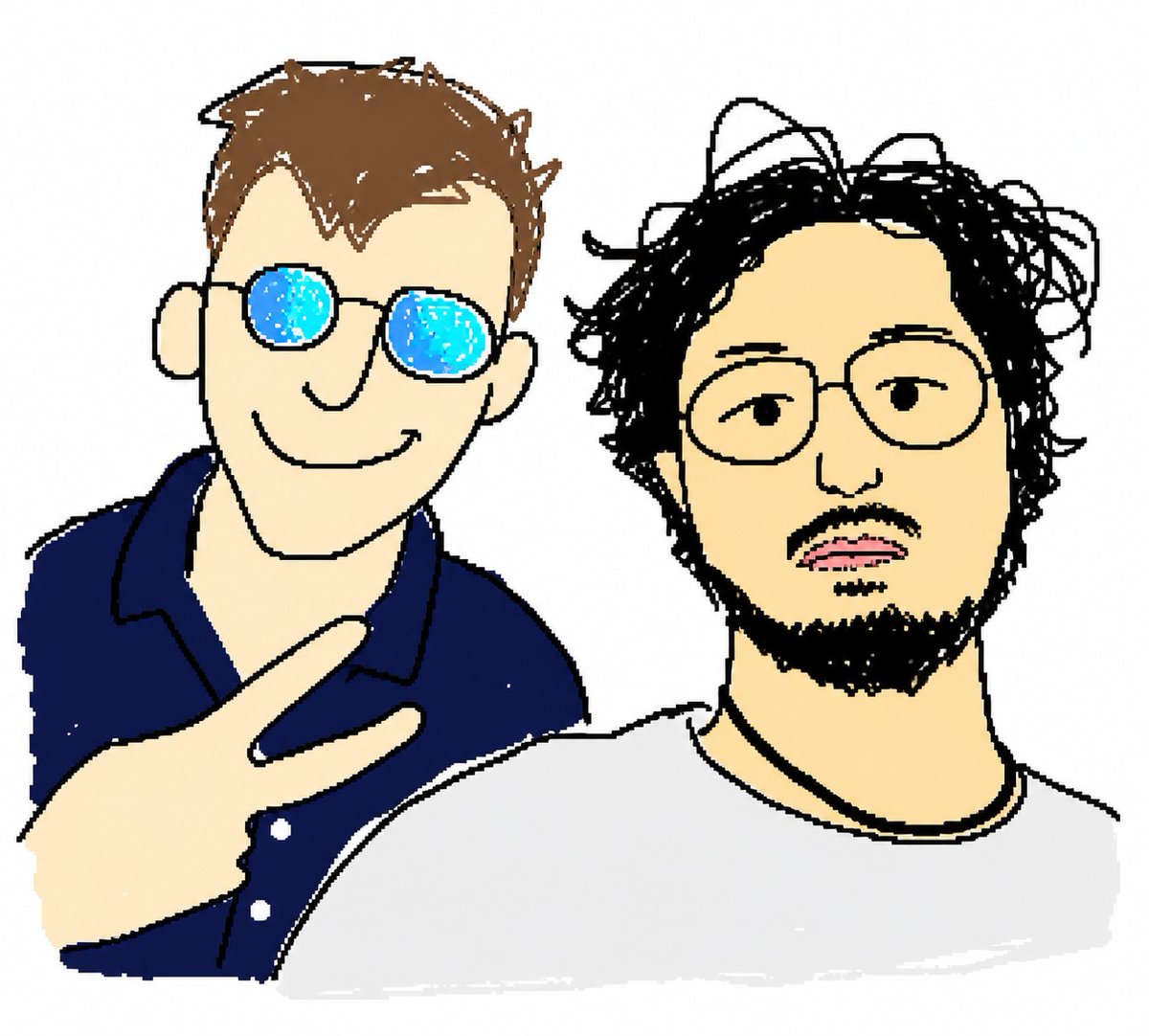
MS Paint Selfie Doodle
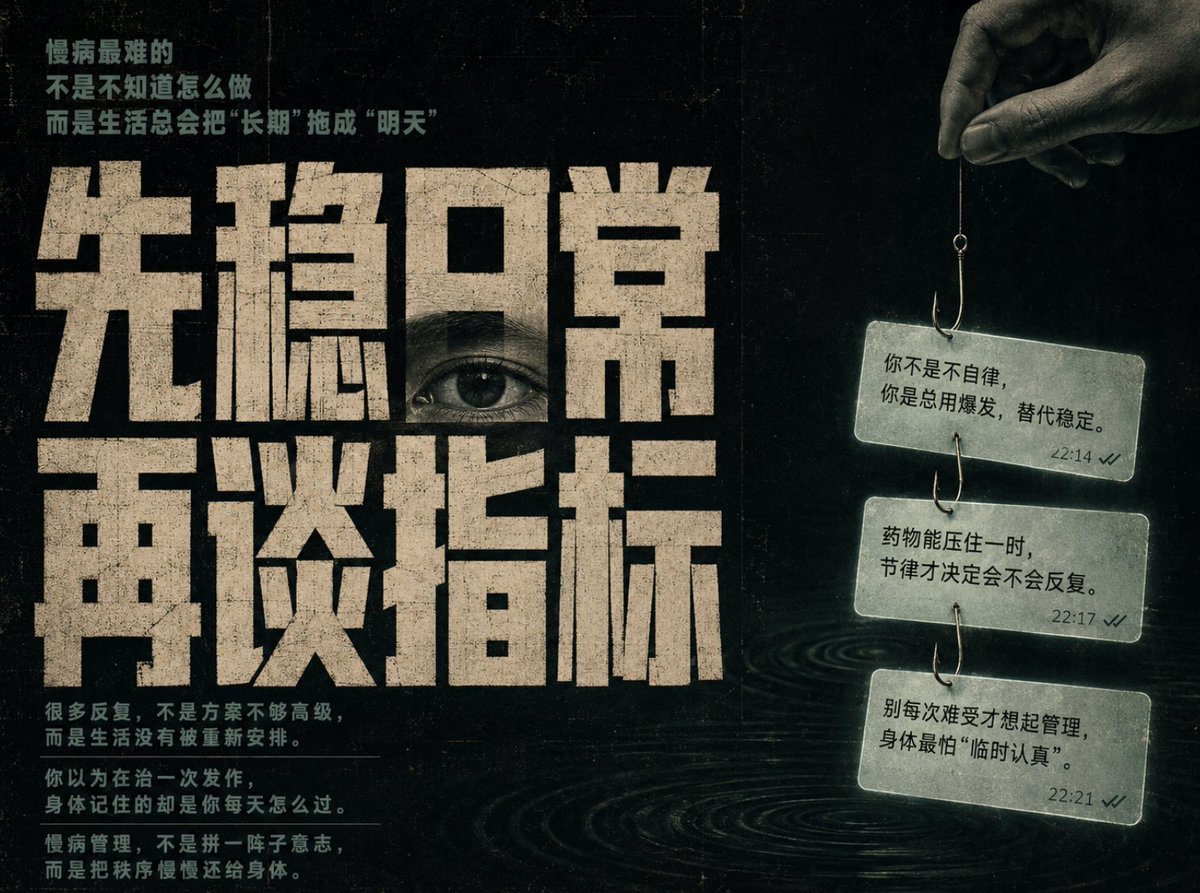
Conceptual Chinese Editorial Poster
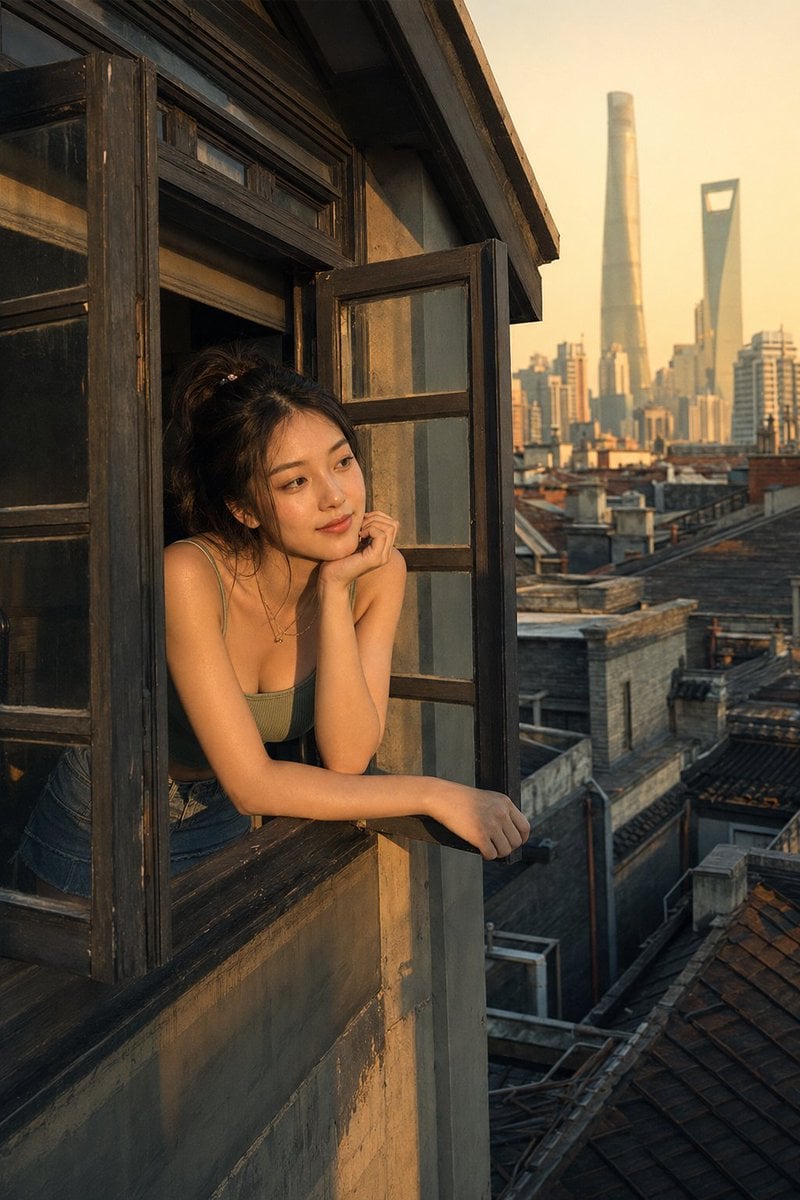
Shanghai Shikumen Window Portrait
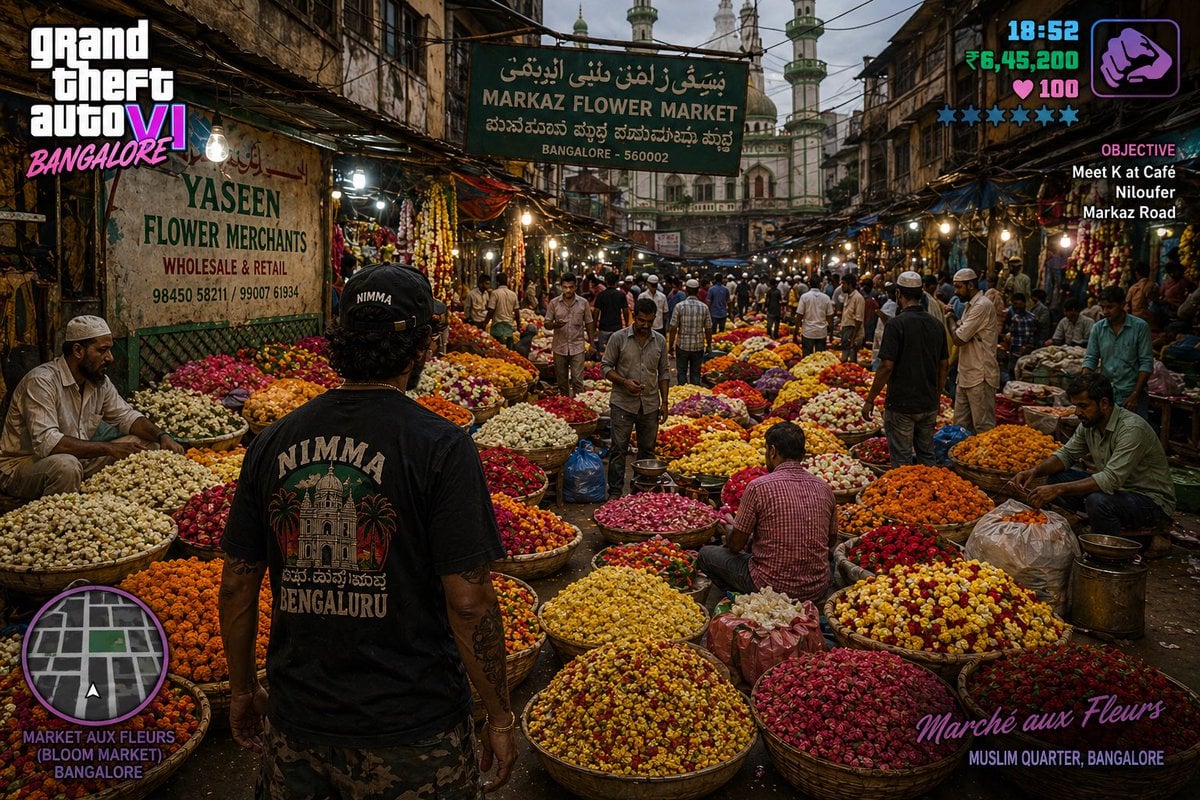
Gpt2 Game Asset Gta 6 in Bangalore Flower Market
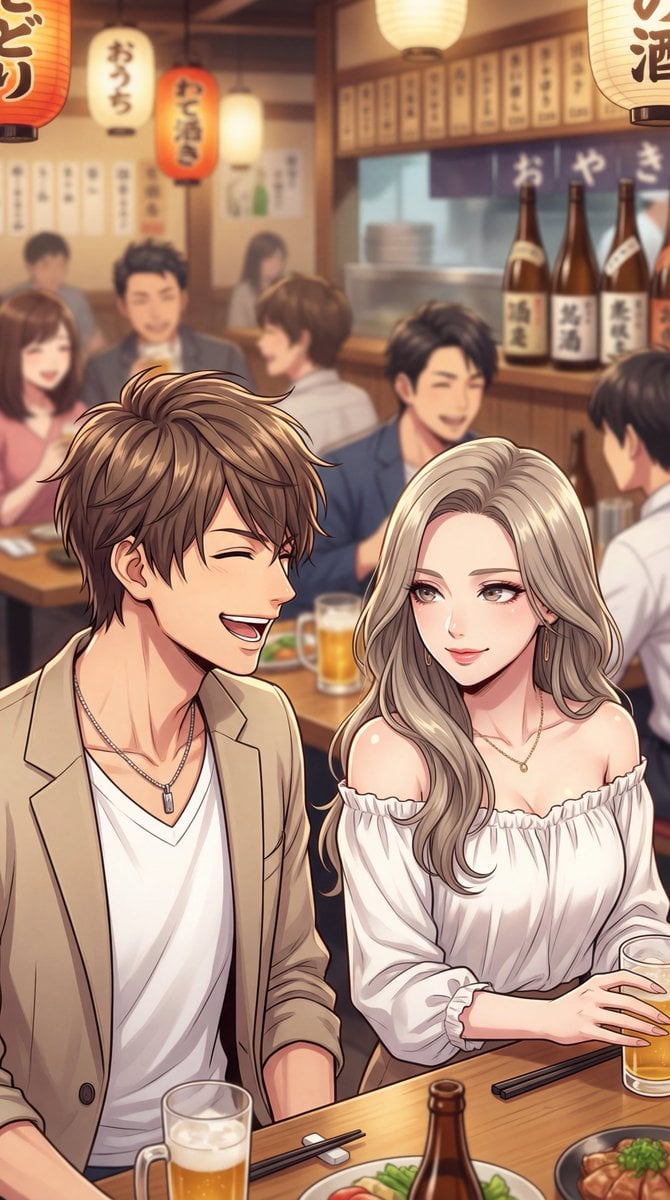
Minato-ku Woman (Bijin) Generation Prompt
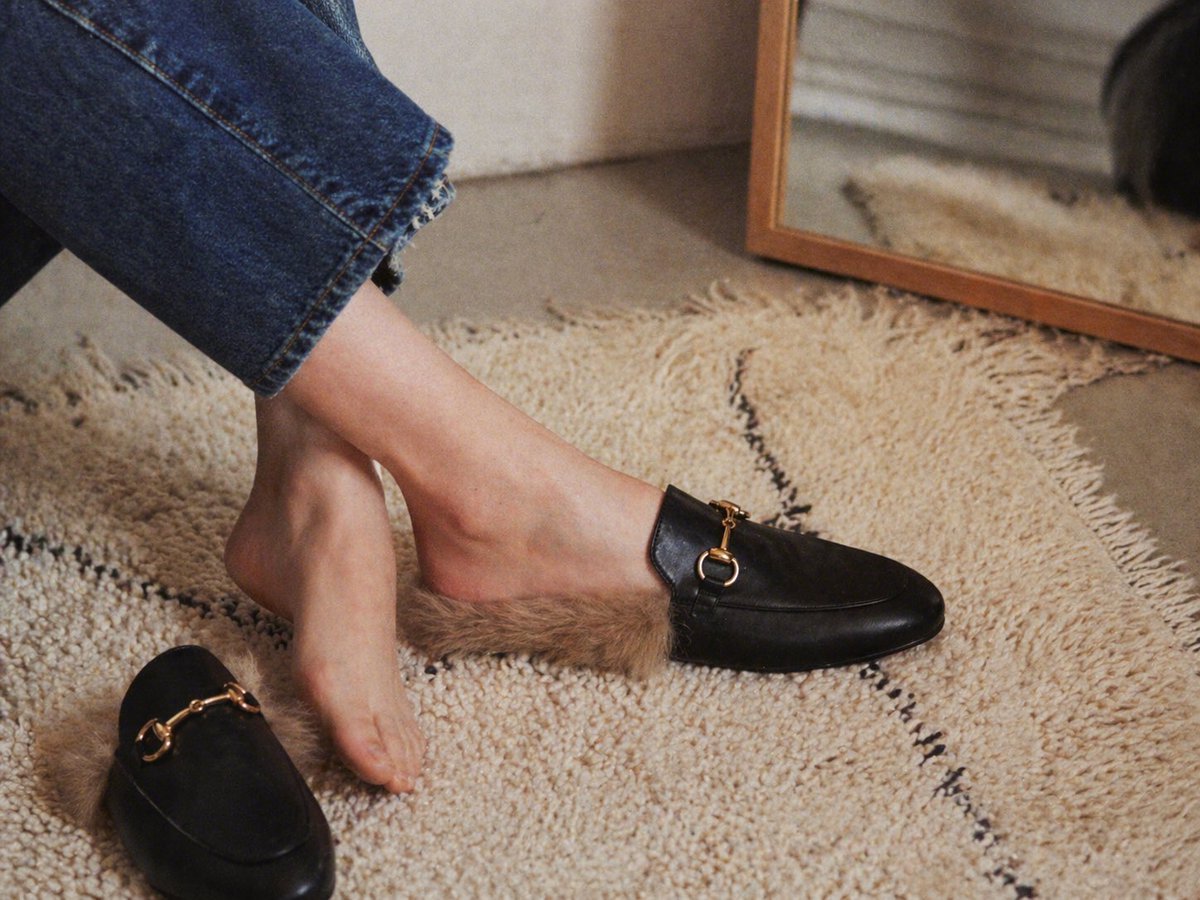
Gpt2 E Commerce Main Image Luxury Fur Lined Loafer Lifestyle Photo

Handmade Claymation Style i2i
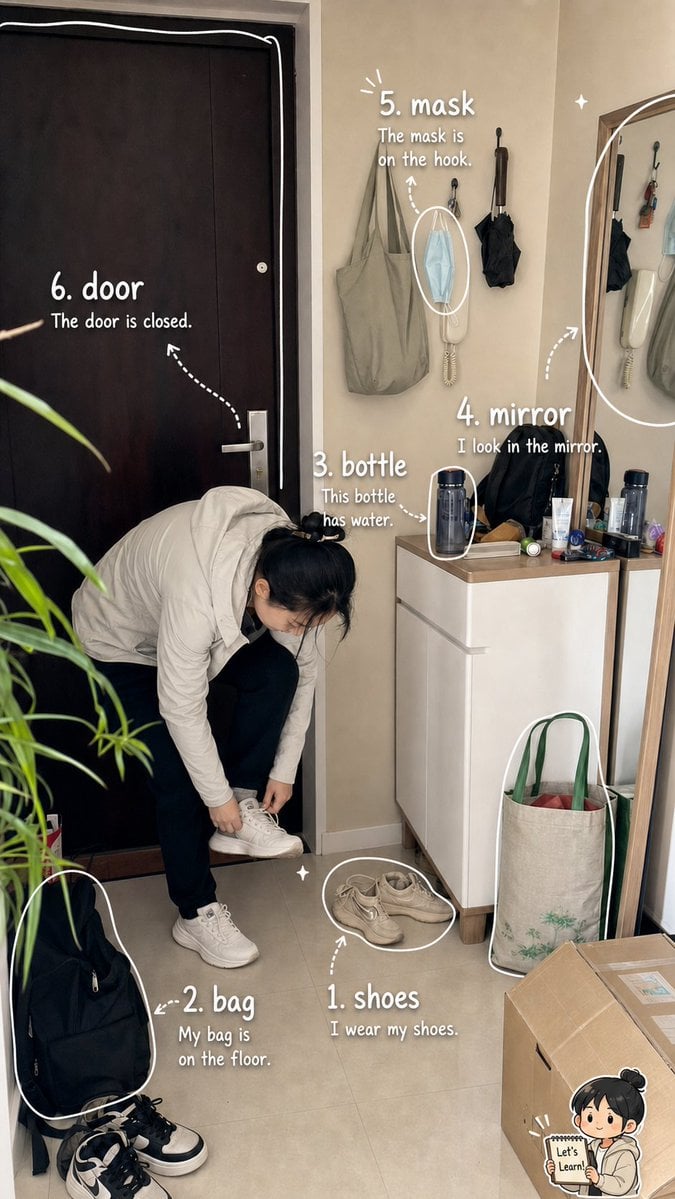
Photo Vocabulary Journal Overlay
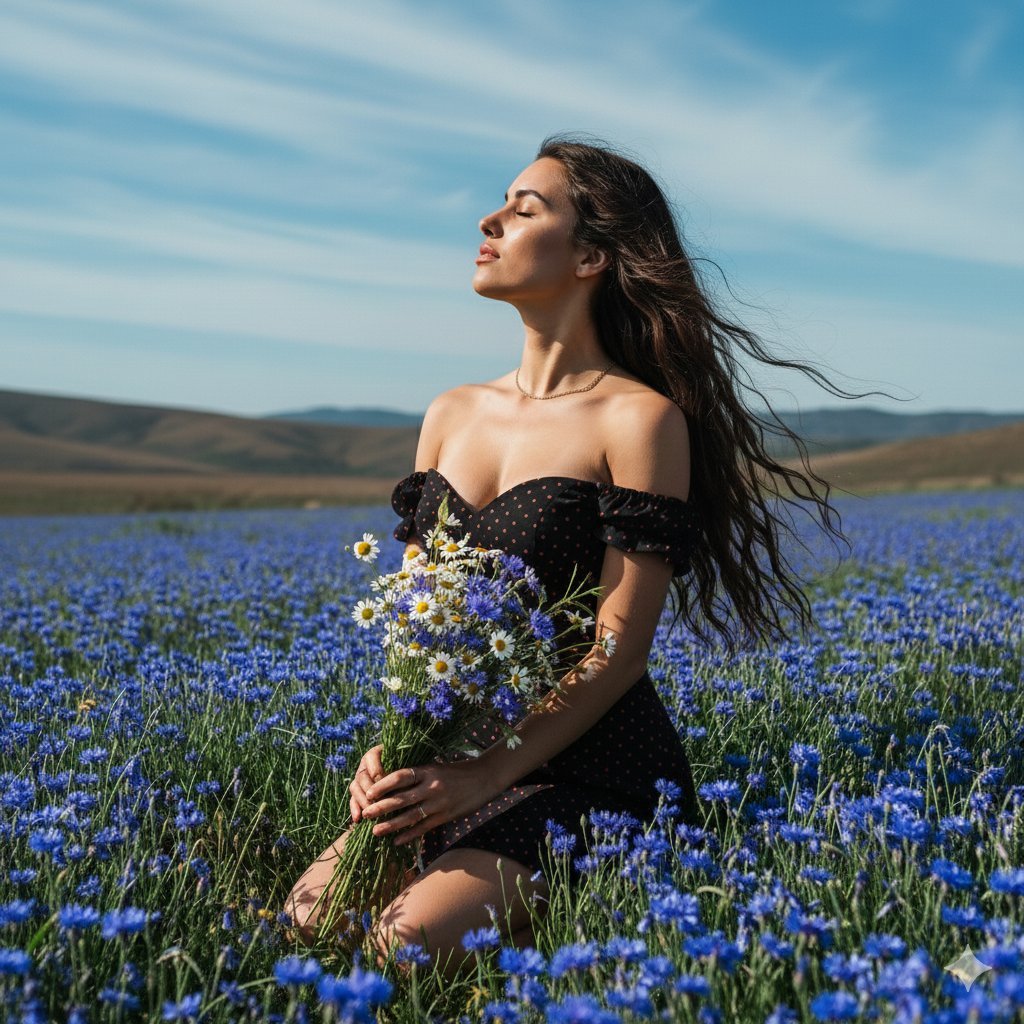
Serene Portrait of a Woman Kneeling in a Wildflower Field
Browse template categories
Cinematic Editorial Fantasy Portrait Prompt questions
How do I use the Cinematic Editorial Fantasy Portrait Prompt template?
Add your photo if the template asks for one, edit the prompt if you like — the template's model and format are already selected — and press Generate. Your version opens in PicX Studio.
Can I customize the Cinematic Editorial Fantasy Portrait Prompt template?
Yes. You can change the subject, setting, lighting, mood, format, and available model controls before creating your image.
Is the Cinematic Editorial Fantasy Portrait Prompt template free?
Opening and editing this template is free. Generating uses credits, shown on the Generate button when you are signed in.
Which AI model should I use?
Start with Nano Banana 2, which is the model associated with this template. You can compare another compatible model for a different finish.
Looking for something else? Browse all templates.

Your photo, any look
Thousands of ready templates for every top image and video model, from one credit balance.