
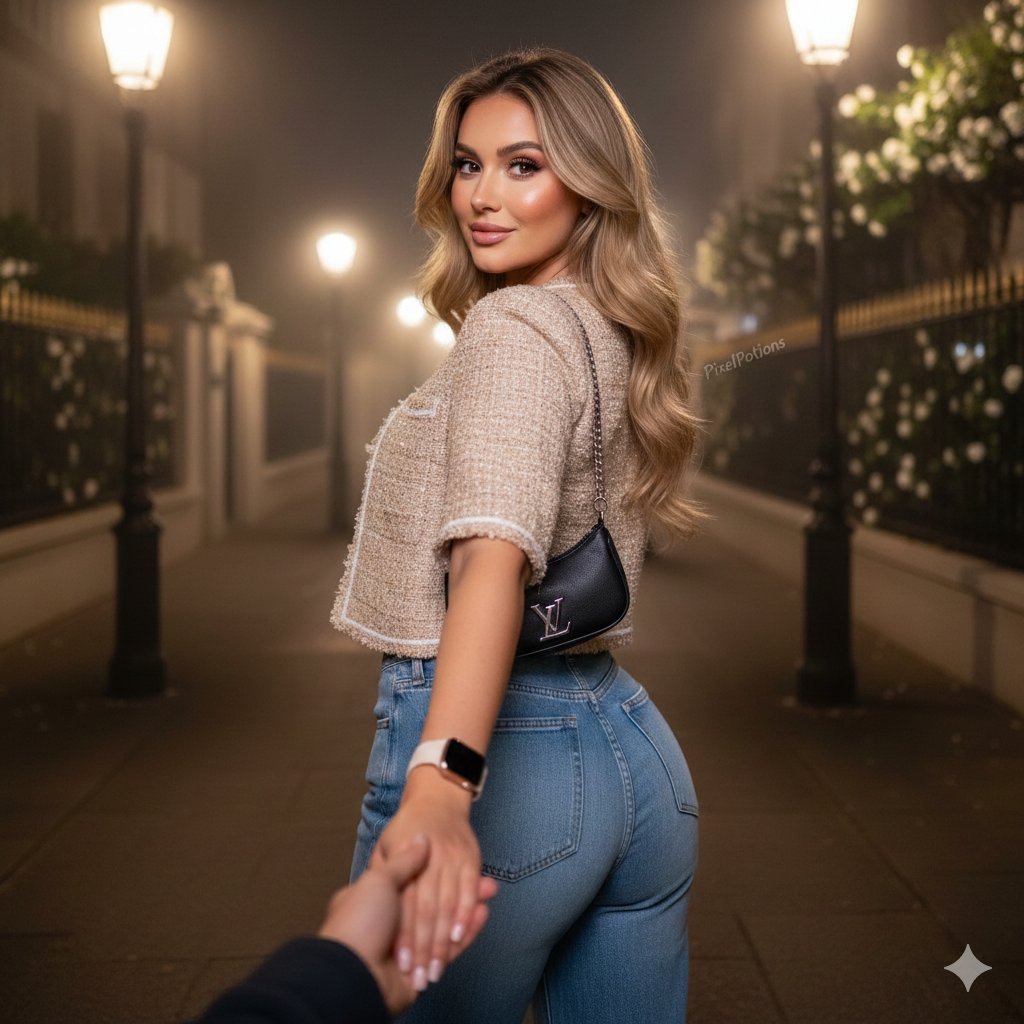
Hyper-realistic Fashion Editorial Portrait: Night Walk
A detailed, hyper-realistic prompt for generating a high-end fashion editorial portrait of a woman during a night walk, focusing on specific physical features, outfit details, and cinematic lighting effects, designed…
- Prompt included
- Model and format preset
- Premium template
The prompt behind this image
Copy the exact prompt behind Hyper-realistic Fashion Editorial Portrait: Night Walk, or open it in the studio and make it yours.
{ "image_concept": { "title": "Editorial Fashion Portrait - Night Walk", "style": "Hyper-realistic high-end fashion editorial", "pose": "Classic 'follow me' style, looking back over shoulder with a gentle smile, holding hand of person behind camera", "subject": { "gender": "Female", "hair": { "color": "{argument name="hair color" default="Blonde"}", "style": "Long, voluminous, soft waves", "texture": "Natural, visible strands" }, "eyes": { "color": "Brown", "details": "Curled eyelashes" }, "makeup": { "palette": "Soft pink tones", "quality": "Flawless, professional" }, "physique": { "build": "Naturally curvy, athletic", "features": ["Hourglass waist", "Rounded hips", "Full bust", "Sculpted/lifted rear"] }, "skin": "Real human texture with visible natural pores" }, "outfit_and_accessories": { "jacket": "Short beige long-sleeved tweed, subtle shiny details, white lining", "pants": "Wide-leg washed blue jeans", "bag": "Small black LV bag, silver chain strap", "jewelry_tech": "Cream-colored smartwatch" }, "environment": { "location": "Residential housing complex street", "time_of_day": "Night", "atmosphere": "Light cold mist", "lighting": "Cinematic glow from elegant streetlamps", "background_elements": [ "Aesthetically pleasing lampposts", "Iron fences", "Walls covered in white flowering plants" ] }, "technical_metadata": { "resolution": "8K UHD", "render_engine_filter": "PixelPotions effect", "bokeh": "Low (background clearly visible)", "constraints": [ "No CGI", "No 3D render", "No animation/cartoon", "No distorted anatomy", "100% identity preservation" ] } } }
How to use Hyper-realistic Fashion Editorial Portrait: Night Walk in 3 steps
- 1
Open
The prompt is already in the box next to the preview, with the template's model and format selected.
- 2…a portrait of your subject in softgolden-hour light, 85mm…
Personalize
Edit the subject and creative details for your destination.
- 3Generate
Generate
Press Generate — your image is created in PicX Studio, so you can compare it with the original and refine one variable at a time.
More like this
Templates with the same subject, style or setup. Open one to see its prompt.

Caution Tape Fashion — Industrial Editorial

Face-Locked Cream Half-Zip Street Walk

Couture Fashion Editorial Woman and Drag

Nano Banana 2 Editorial Fashion Portrait
Tokyo Night Crosswalk Fashion Portrait

untitled

Nano Banana 2 High Fashion Sports Campai

Ive Yujin Fashion Portrait in Blue

21 Glass Floor Skyscraper — California Series

19 Luxury Helicopter Travel — California Series

08 Rodeo Drive Luxury Exit — California Series

03 Beverly Hills Convertible — California Series
Make it yours
Hyper-realistic Fashion Editorial Portrait: Night Walk works as-is. These are the safest ways to change it without losing the look.
Change one field
Copy a single group, rewrite it, and generate again so you can see what that field is doing.
Keep the frame, change the subject
Hold the composition and light of Hyper-realistic Fashion Editorial Portrait: Night Walk, then swap wardrobe, props or the person for a new take.
| If the result… | Why | Fix |
|---|---|---|
| The result drifts from the preview | Too many fields changed at once. | Reuse Hyper-realistic Fashion Editorial Portrait: Night Walk as-is first, then change one group — subject, light, or setting. |
| The model over-stylizes the scene | The prose prompt leaves finish and camera underspecified. | Add one camera or lighting sentence and stay on Nano Banana 2. |
More Nano Banana 2 templates
Other prompts made for Nano Banana 2.

Photorealistic Leaf Shaped Like a Dragon

K-Pop Idol Portrait Grid for Rapid Selection

Poetic Rain Forest Portrait During Golden Hour

Urban Street Portrait with Cartoon Inner Self Duo

Candid Nighttime Photo with Cat Prompt

High-Concept 3D Diorama Generation Prompt

Cinematic Futuristic Studio Portrait Template

Skincare Editorial Photography Collage Prompt

Hyper-Realistic Commercial Product Photography (Splash Effect)

Hyper-Realistic Nightclub Portrait Prompt
More image prompts
Fresh picks from across the catalog.
Image Overlay Prompt for Insane Roast Scribble
High-Fashion Monochrome Studio Portrait
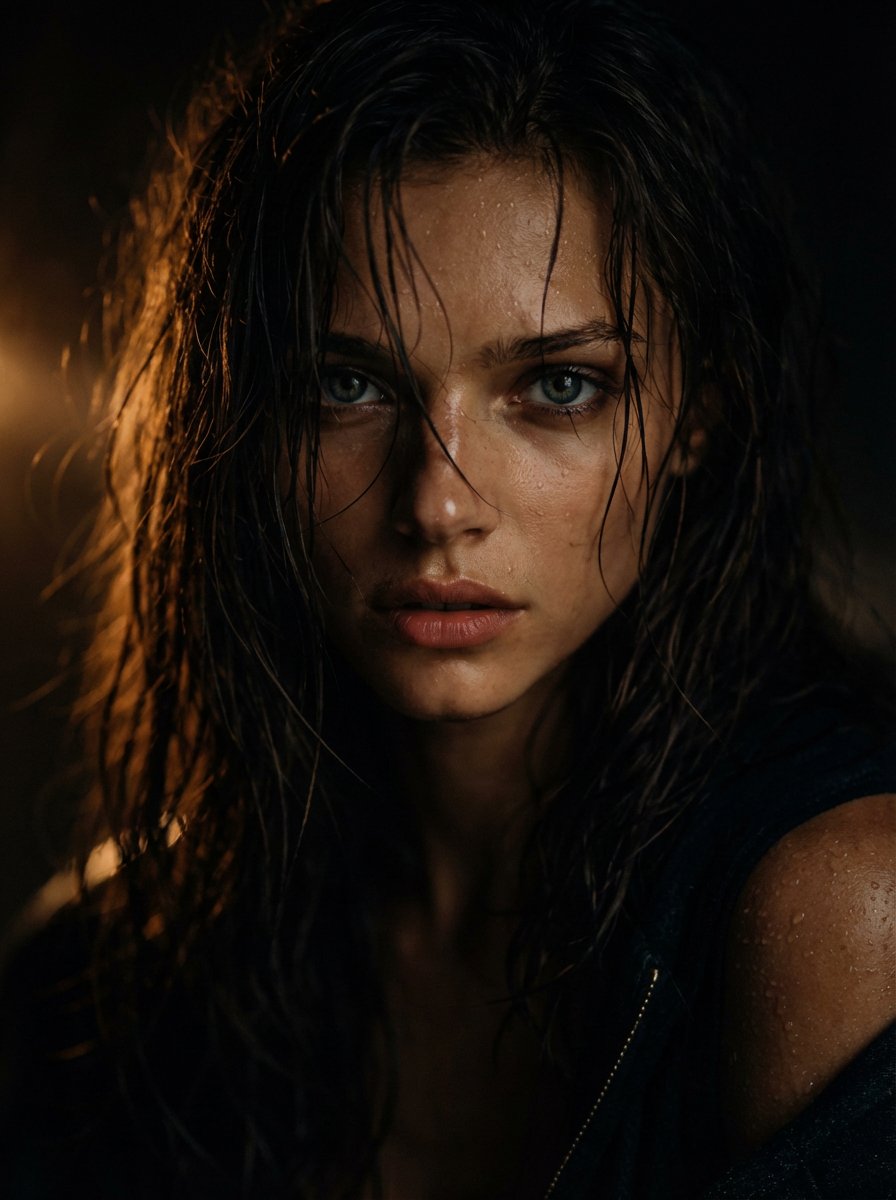
Cinematic Wet Hair Portrait Prompt

YouTube Unboxing Thumbnail Prompt
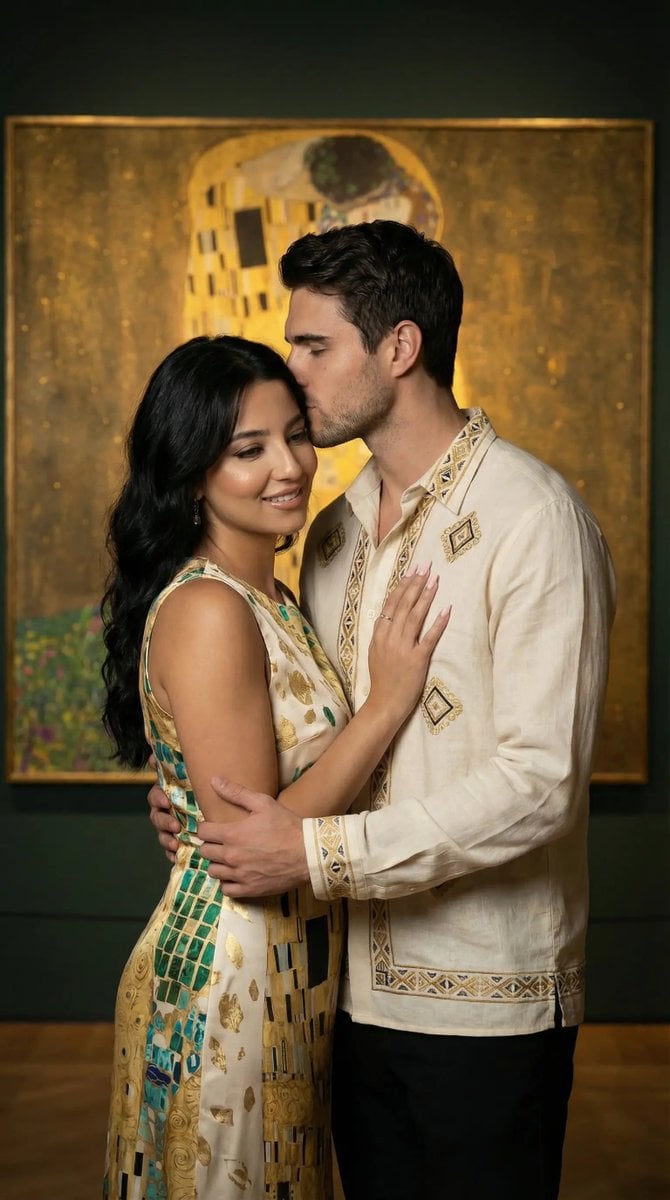
Klimt-Inspired Fine Art Editorial Portrait (JSON)
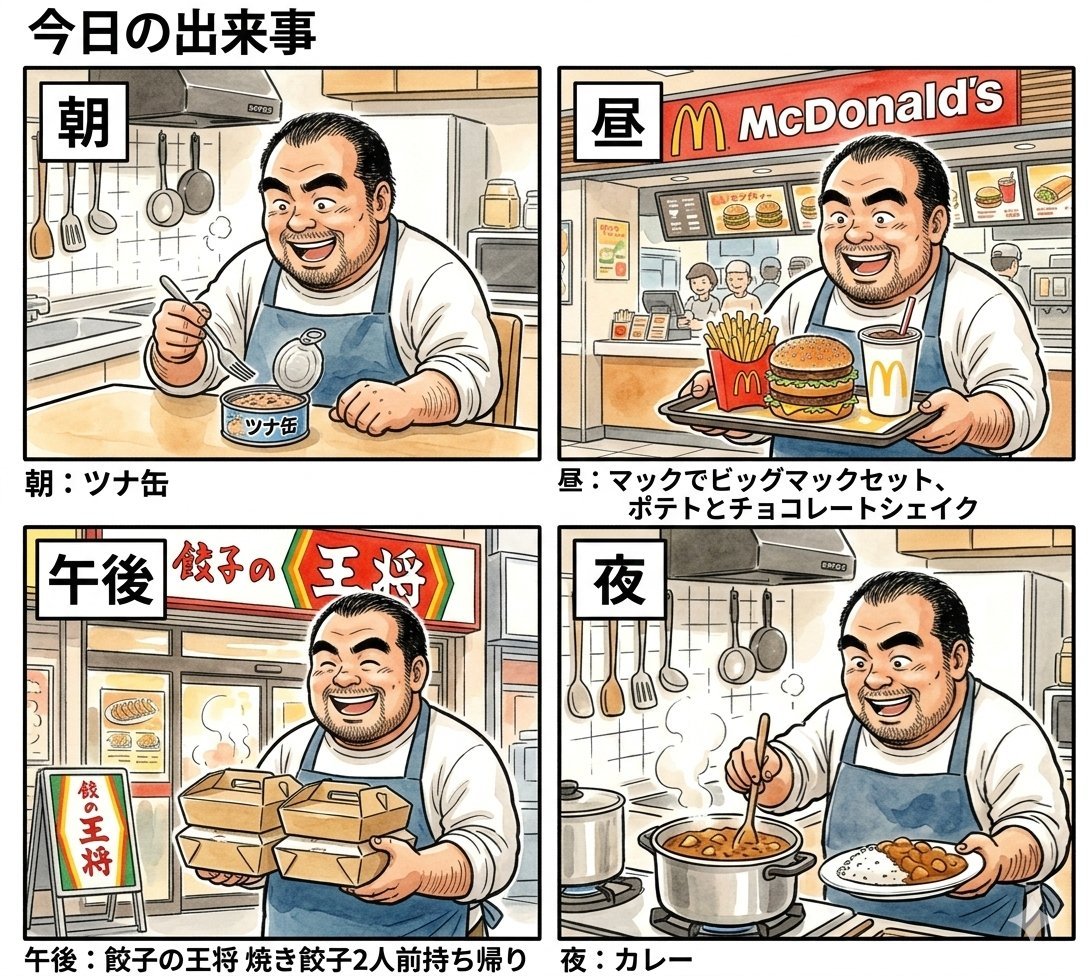
Panel Manga Prompt: A Day's Meals
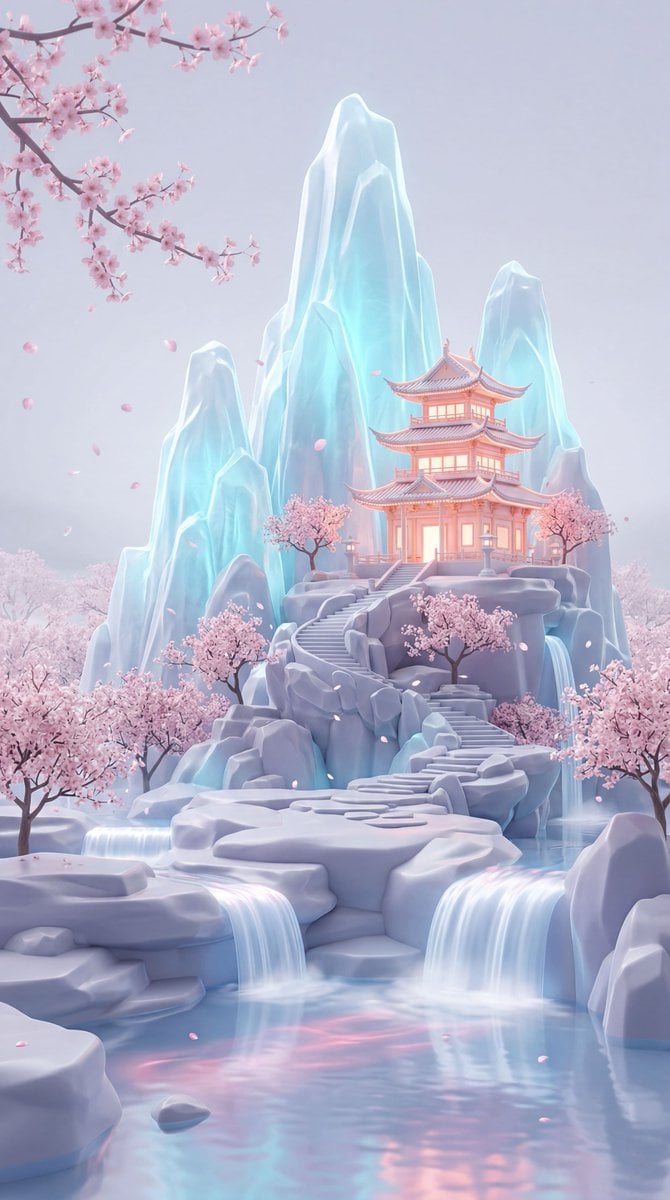
Dreamy Pastel Fantasy Pagoda
Photorealistic Portrait with Shallow Depth of Field
Casual Photo Prompt
Anamorphic 3D Fashion Model Billboard
Browse template categories
Hyper-realistic Fashion Editorial Portrait: Night Walk questions
How do I use the Hyper-realistic Fashion Editorial Portrait: Night Walk template?
Add your photo if the template asks for one, edit the prompt if you like — the template's model and format are already selected — and press Generate. Your version opens in PicX Studio.
Can I customize the Hyper-realistic Fashion Editorial Portrait: Night Walk template?
Yes. You can change the subject, setting, lighting, mood, format, and available model controls before creating your image.
Is the Hyper-realistic Fashion Editorial Portrait: Night Walk template free?
Opening and editing this template is free. Generating uses credits, shown on the Generate button when you are signed in.
Which AI model should I use?
Start with Nano Banana 2, which is the model associated with this template. You can compare another compatible model for a different finish.
Looking for something else? Browse all templates.

Your photo, any look
Thousands of ready templates for every top image and video model, from one credit balance.