
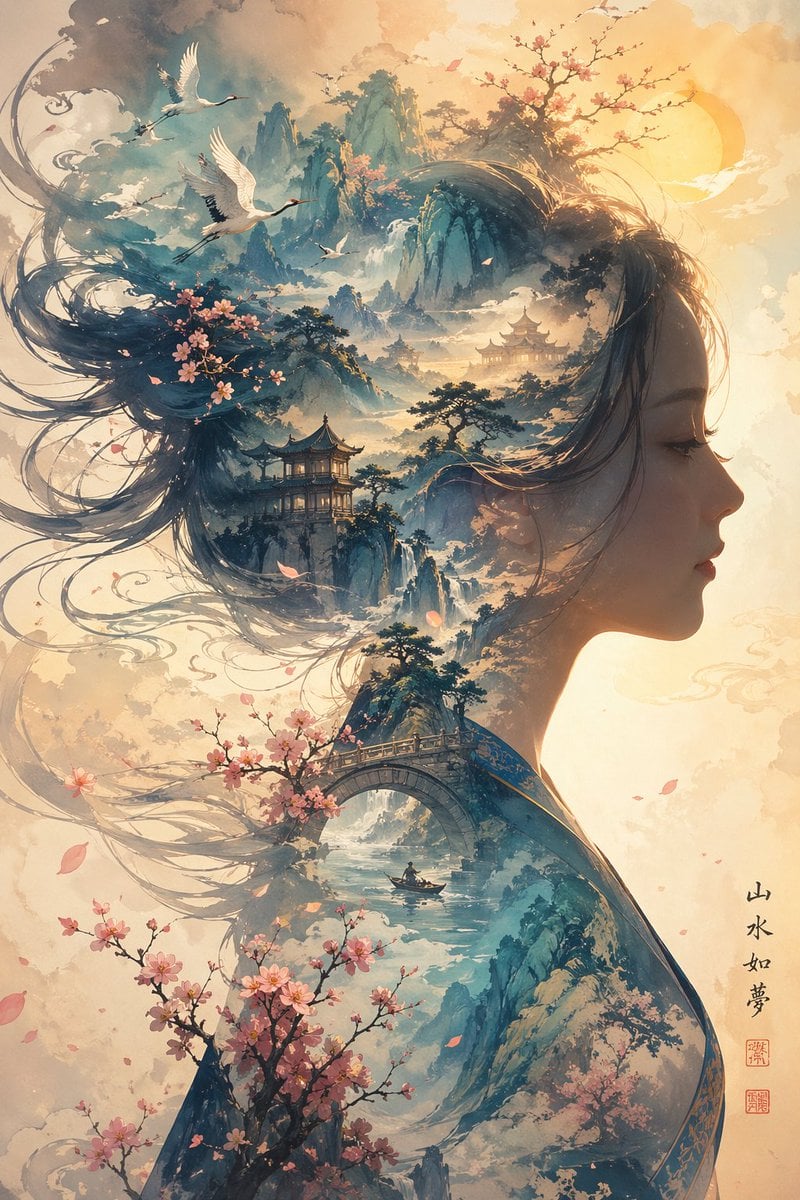
Dreamlike Shanshui Woman Silhouette
This prompt generates an elegant East Asian fantasy portrait-landscape hybrid, ideal for fine-art posters, book covers, and poetic decor imagery.
- Prompt included
- Model and format preset
- Free template
The prompt behind this image
Copy the exact prompt behind Dreamlike Shanshui Woman Silhouette, or open it in the studio and make it yours.
A dreamlike vertical Chinese ink-and-wash fantasy illustration of a woman's side-profile silhouette merged with a vast shanshui landscape, with the facial area obscured by a plain soft-edged rectangular block in {argument name="overlay color" default="warm taupe beige"}. Her long flowing dark hair turns into swirling brushstroke ribbons, mountain ridges, mist, and clouds, filling the upper left with elegant motion. Inside the silhouette, create a layered classical Chinese landscape with towering blue-green mountains, drifting fog, cascading waterfalls, 4 traditional pagodas nestled among cliffs, 1 arched stone bridge crossing a narrow river, 1 tiny boat with a lone figure beneath the bridge, and stylized pine trees scattered across the peaks. Add 5 white cranes in flight across the upper half of the image and several small drifting petals. Place pink cherry blossom branches in 4 distinct clusters: one woven into the upper-left hair mass, one blooming near the bridge, one large cluster rising from the lower left, and one sparse flowering branch near the upper right. Use a warm sunrise glow from the upper right with a pale golden sun disk, luminous mist, parchment-textured negative space, and a refined palette of teal, indigo, ivory, blush pink, and soft gold. The composition should feel ethereal, poetic, elegant, and highly detailed, blending feminine portrait silhouette art with ancient Chinese landscape painting. Add vertical calligraphy on the lower right reading {argument name="calligraphy text" default="山水如梦"} with 2 red seal stamps beneath it. Ultra-detailed, painterly, airy atmosphere, delicate linework, watercolor and ink textures, cinematic depth, premium wall-art aesthetic.
How to use Dreamlike Shanshui Woman Silhouette in 3 steps
- 1Upload ImagePNG, JPG or paste
Add your photo
Upload the photo the template builds on. The prompt, model and format are already set.
- 2…a portrait of your subject in softgolden-hour light, 85mm…
Personalize
Edit the subject and creative details for your destination.
- 3Generate
Generate
Press Generate — your image is created in PicX Studio, so you can compare it with the original and refine one variable at a time.
More like this
Templates with the same subject, style or setup. Open one to see its prompt.

Quiet Minimalist Anime Style Guide
Quiet Minimalist Anime Style Guide

Woman in Mall with Chanel Bag - Heart Gesture

Floating Woman Above Cityscape with Notifications
Watercolor Dreamscape — Nano Banana
Dreamlike Night Beach Portrait
Urban Silhouette Aesthetic Greeting
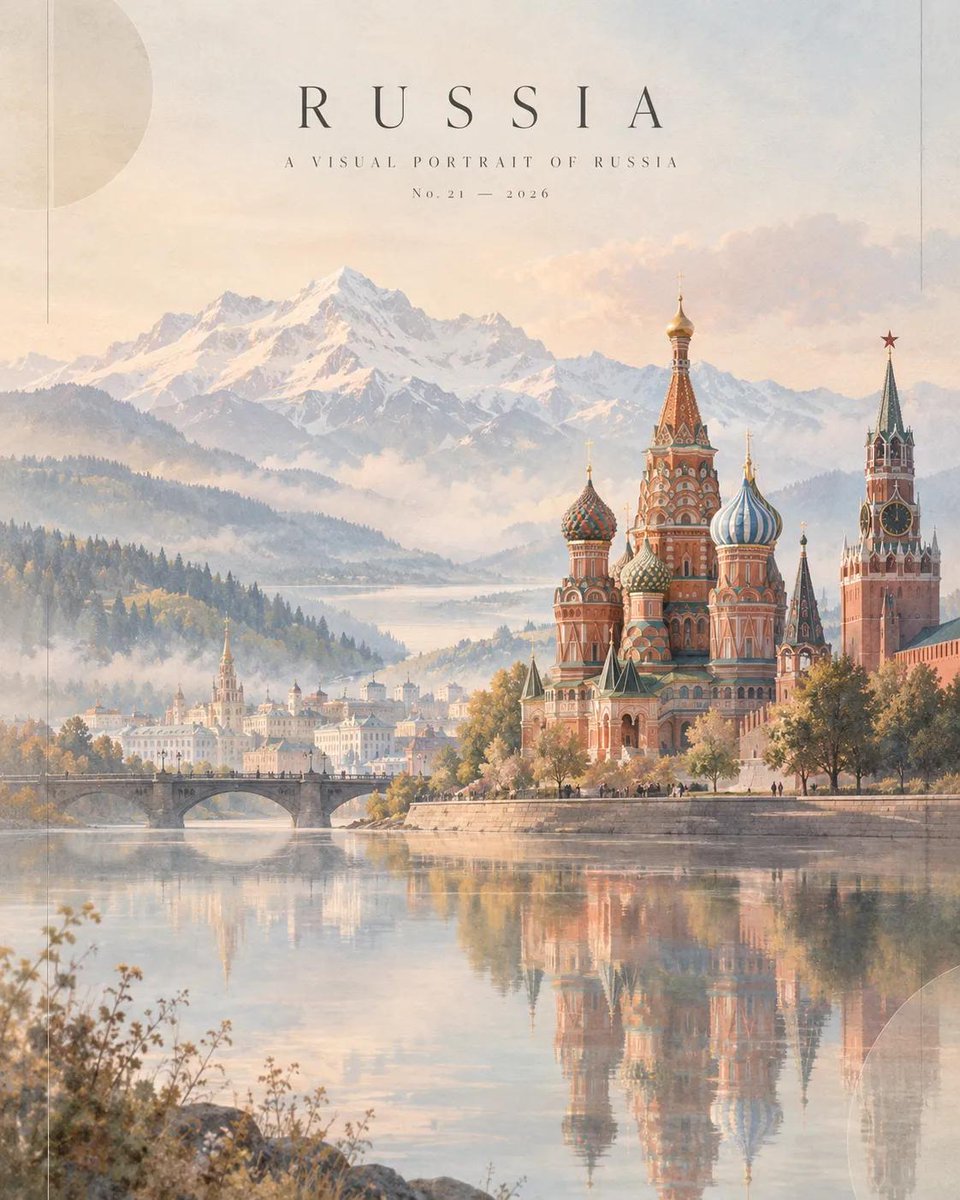
Dreamlike Russia Travel Magazine Cover
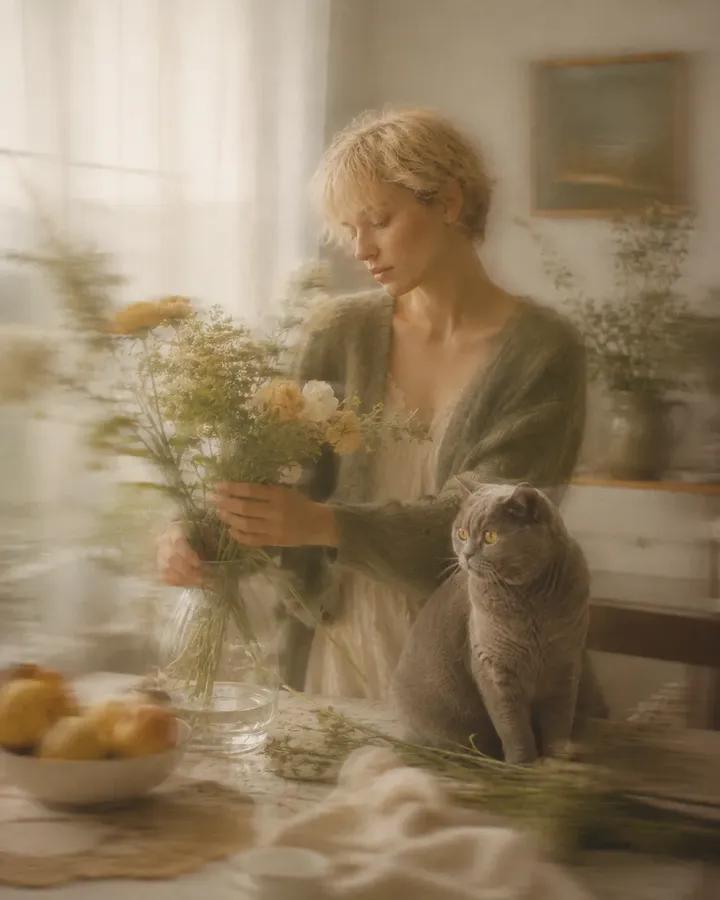
Dreamlike Motion Blur Fine Art Photography
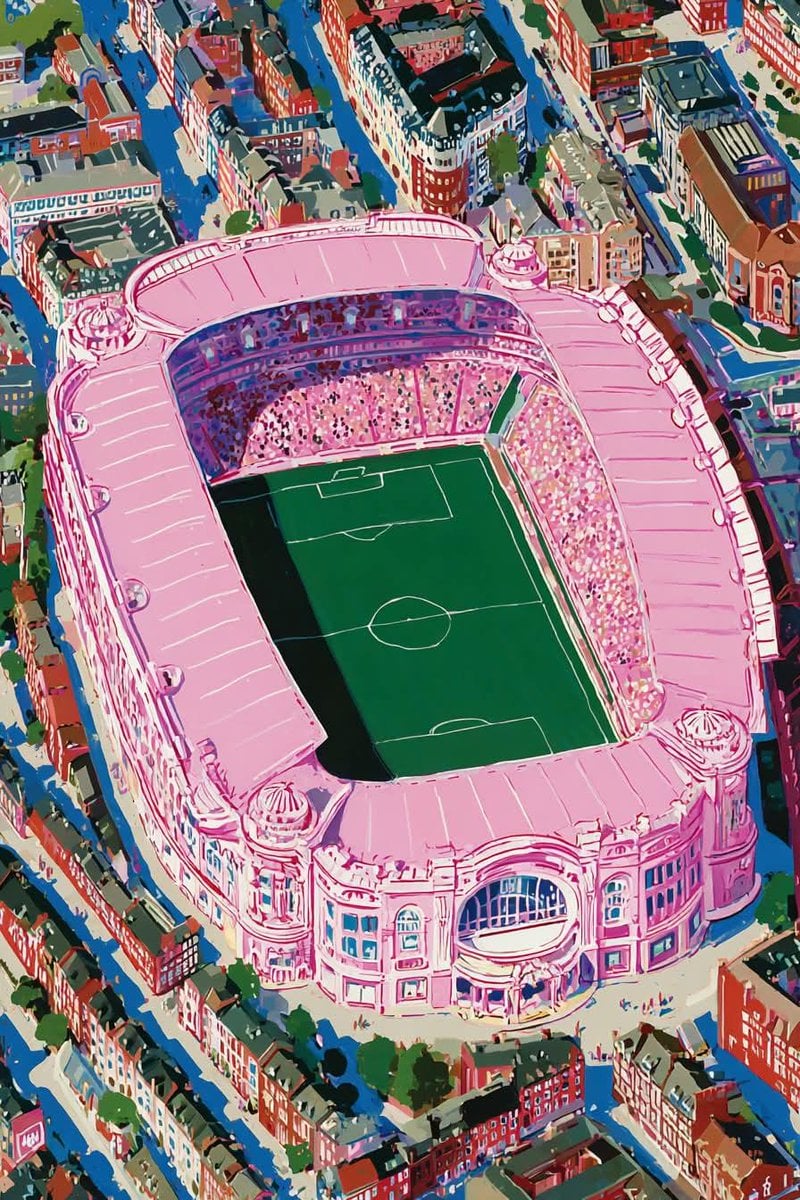
Dreamlike Football Surrealist Illustration

Realistic Portrait of Woman and Deer
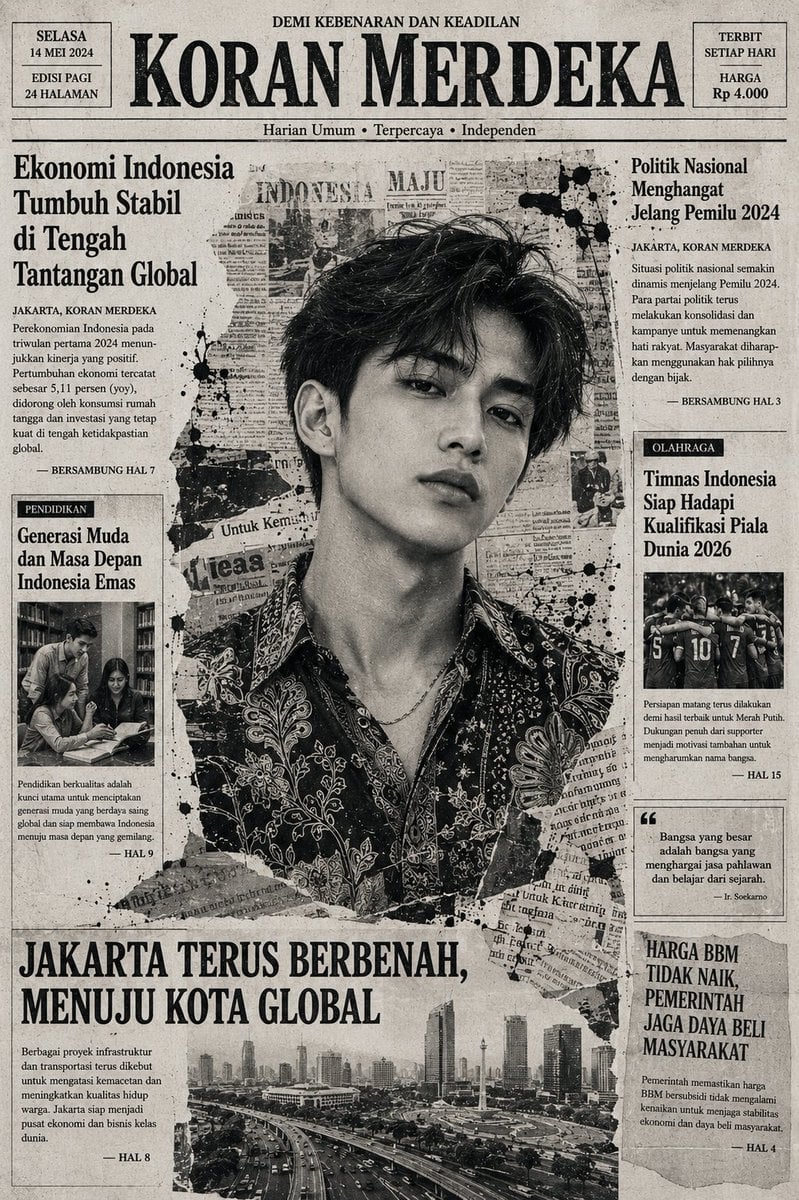
Indonesian Woman Newspaper Collage Portrait
Make it yours
Dreamlike Shanshui Woman Silhouette works as-is. These are the safest ways to change it without losing the look.
Change one field
Copy a single group, rewrite it, and generate again so you can see what that field is doing.
Keep the frame, change the subject
Hold the composition and light of Dreamlike Shanshui Woman Silhouette, then swap wardrobe, props or the person for a new take.
| If the result… | Why | Fix |
|---|---|---|
| The result drifts from the preview | Too many fields changed at once. | Reuse Dreamlike Shanshui Woman Silhouette as-is first, then change one group — subject, light, or setting. |
| The model over-stylizes the scene | The prose prompt leaves finish and camera underspecified. | Add one camera or lighting sentence and stay on GPT Image 2. |
More GPT Image 2 templates
Other prompts made for GPT Image 2.

Six VTuber Japanese Logo Sheet

The Vista Modular Condo Poster

AI Model Routing Comparison Infographic

2.5D Anime Art Board

Isometric Productivity Desk Scene

New York Double Exposure Poster

Four-Panel AI Landscape Comparison

Japanese Tatami Lifestyle Magazine Cover

NESCAFÉ Coffee Map Poster

Brutalist Cogito Chinese Typography Poster
More image prompts
Fresh picks from across the catalog.

Unfiltered Smartphone Photo of Man in Shopping Cart in Liquor Store
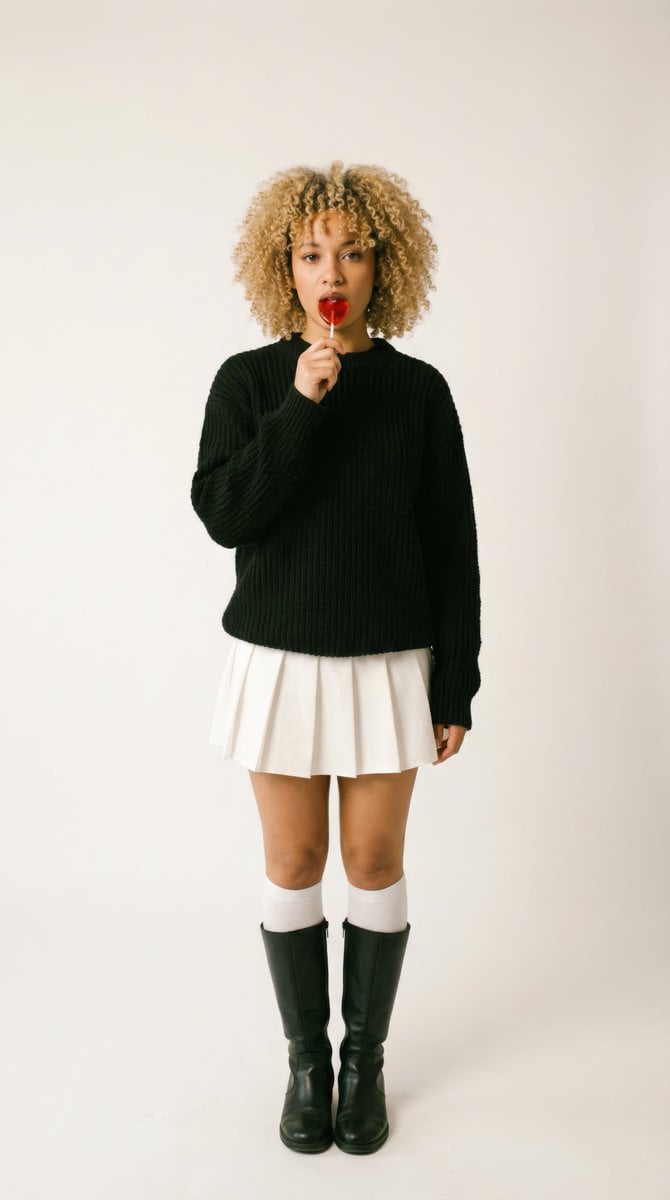
Retro-Futuristic 1970s Sci-Fi Full Body Portrait Prompt in JSON
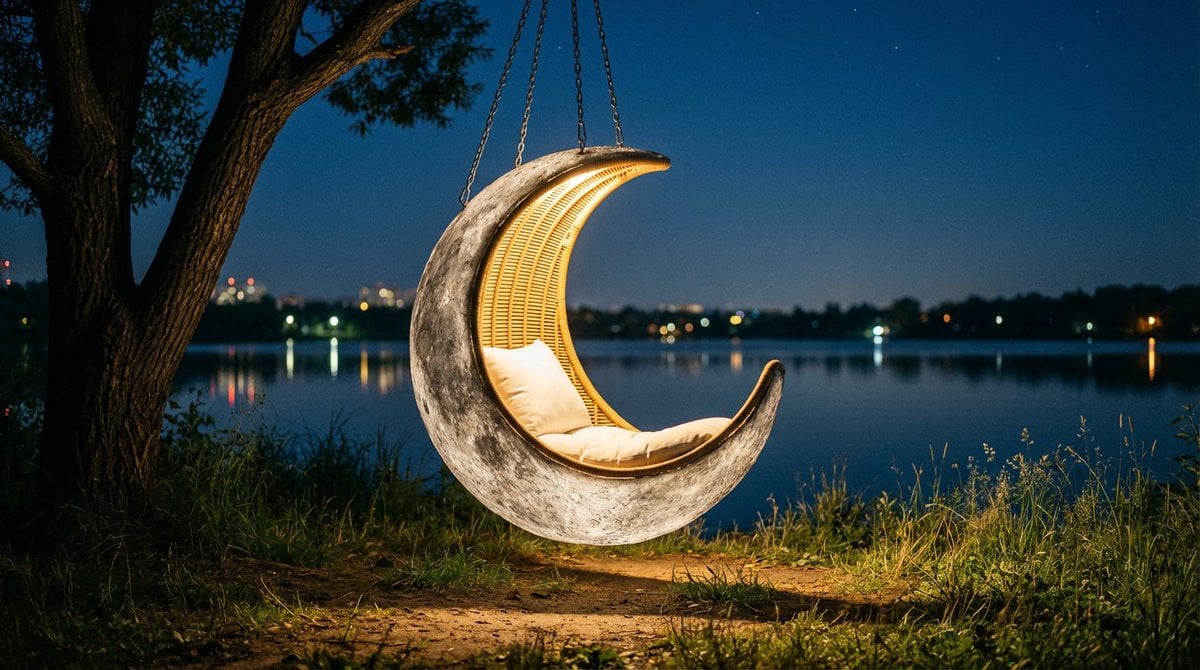
Cinematic lakeside hanging chair concept prompt with space object theme
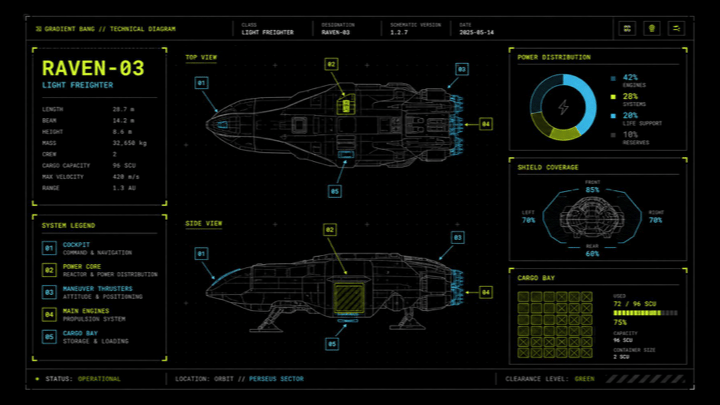
Sci-Fi Light Freighter Schematic HUD
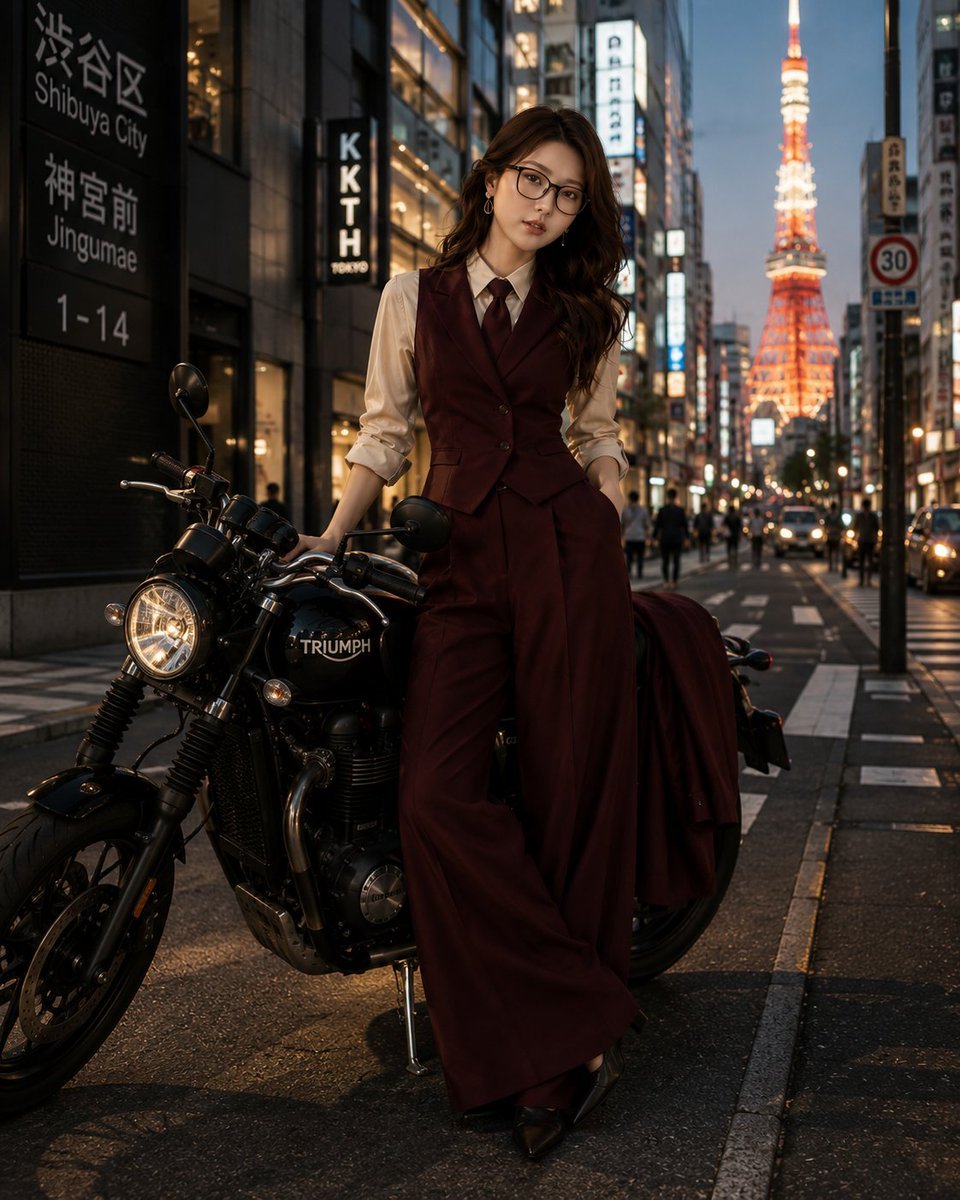
Tokyo Blue Hour Motorcycle Editorial

Universal Christmas Filter Prompt Template
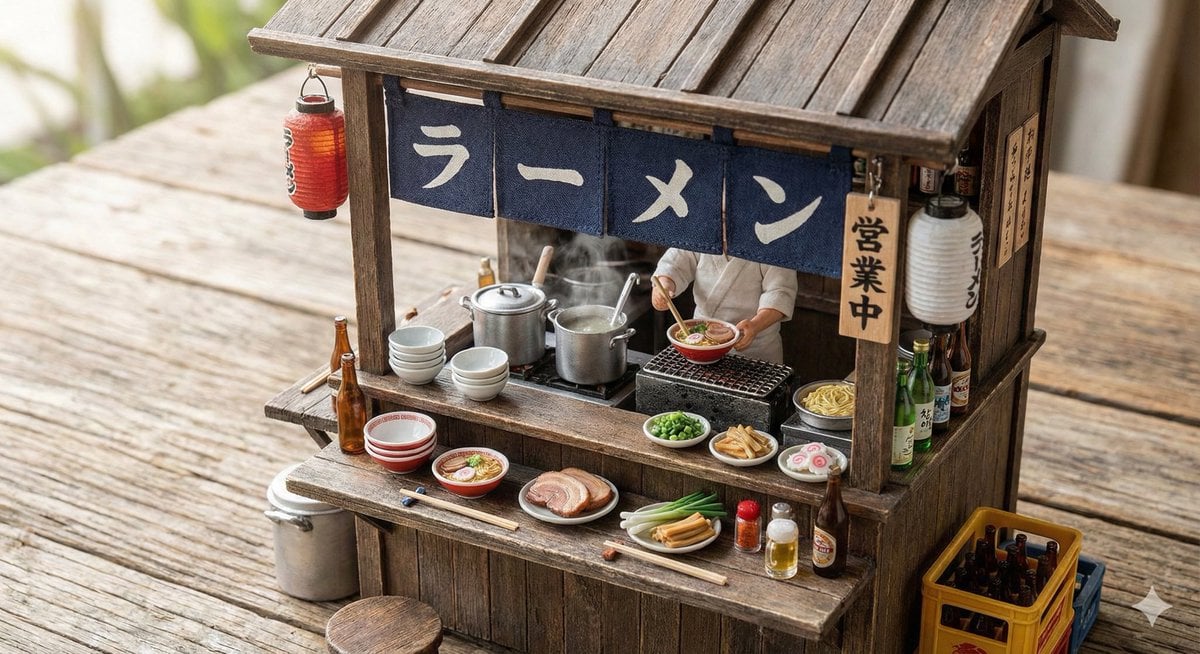
Generating Various Everyday Scenes
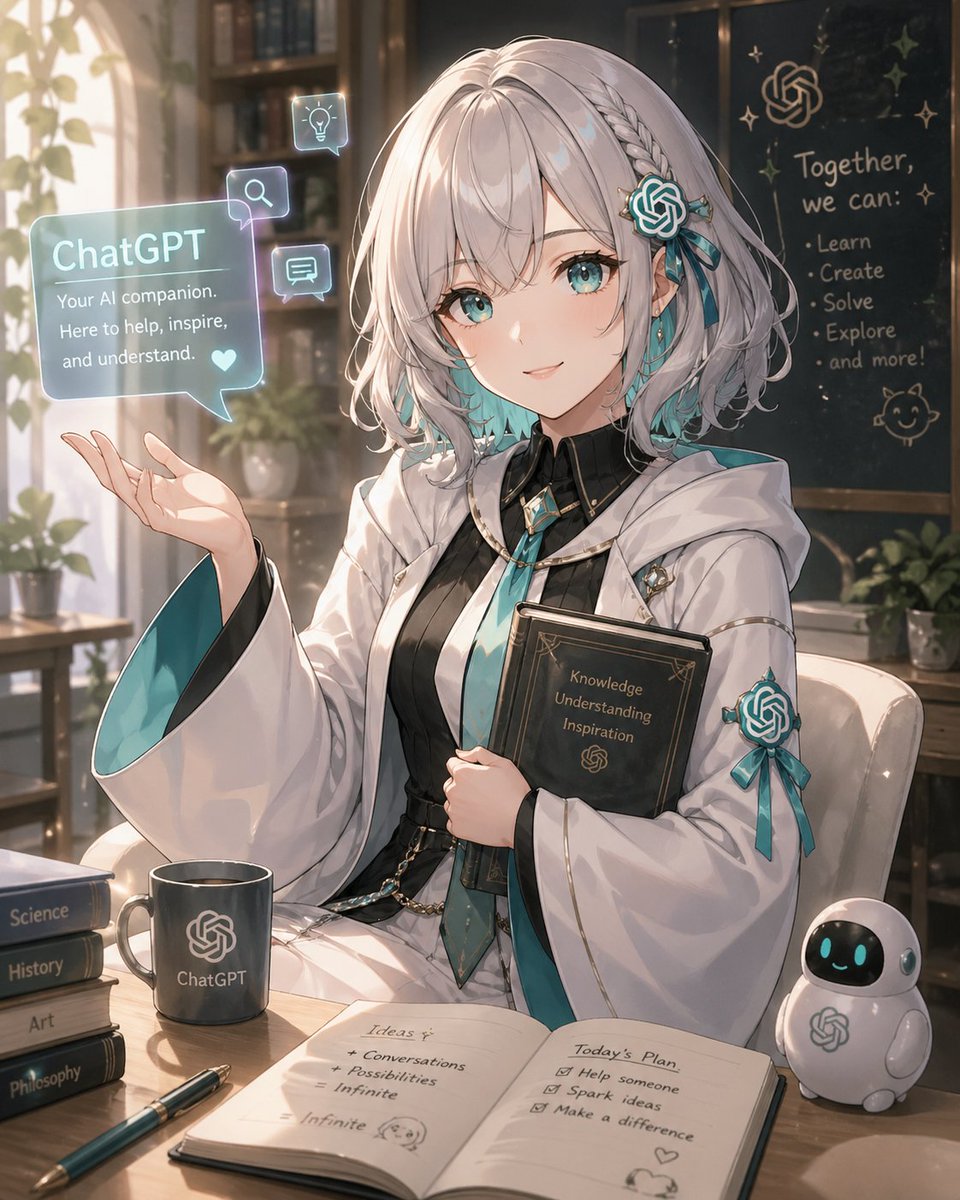
Anime ChatGPT Companion in Study
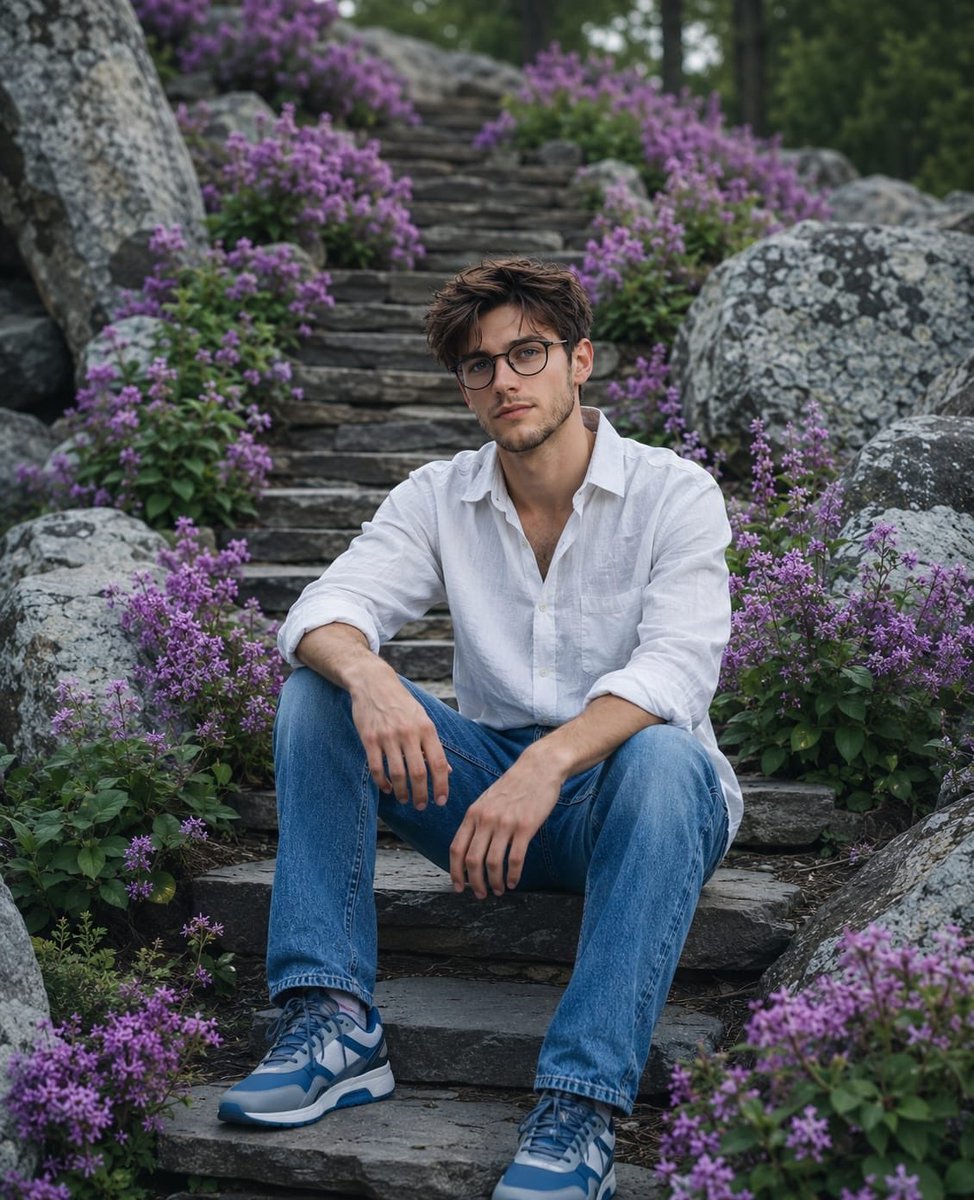
Cinematic Mountain Garden Portrait
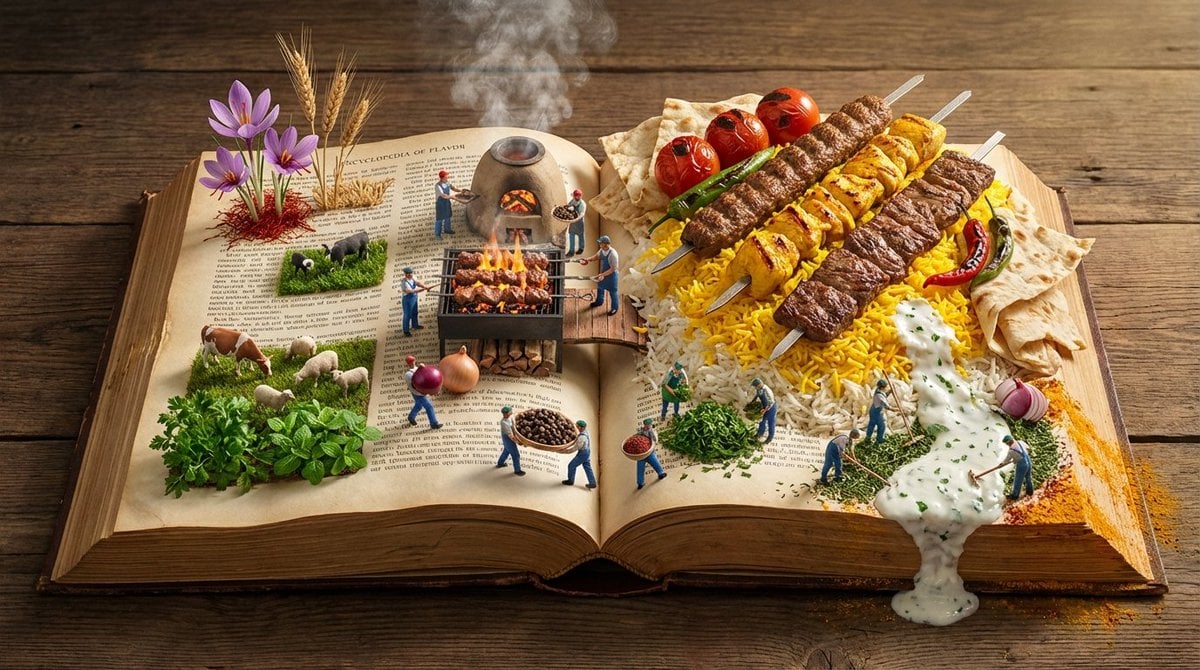
Encyclopedia of Flavor Diorama Generator
Browse template categories
Dreamlike Shanshui Woman Silhouette questions
How do I use the Dreamlike Shanshui Woman Silhouette template?
Add your photo if the template asks for one, edit the prompt if you like — the template's model and format are already selected — and press Generate. Your version opens in PicX Studio.
Can I customize the Dreamlike Shanshui Woman Silhouette template?
Yes. You can change the subject, setting, lighting, mood, format, and available model controls before creating your image.
Is the Dreamlike Shanshui Woman Silhouette template free?
Opening and editing this template is free. Generating uses credits, shown on the Generate button when you are signed in.
Which AI model should I use?
Start with GPT Image 2, which is the model associated with this template. You can compare another compatible model for a different finish.
Looking for something else? Browse all templates.

Your photo, any look
Thousands of ready templates for every top image and video model, from one credit balance.