
Cinematic lakeside hanging chair concept prompt with space object theme
A long-form Nano Banana Pro prompt for a cinematic night scene at a lakeshore with a large hanging chair whose shape, surface, and lighting are derived from a specific space object placeholder.
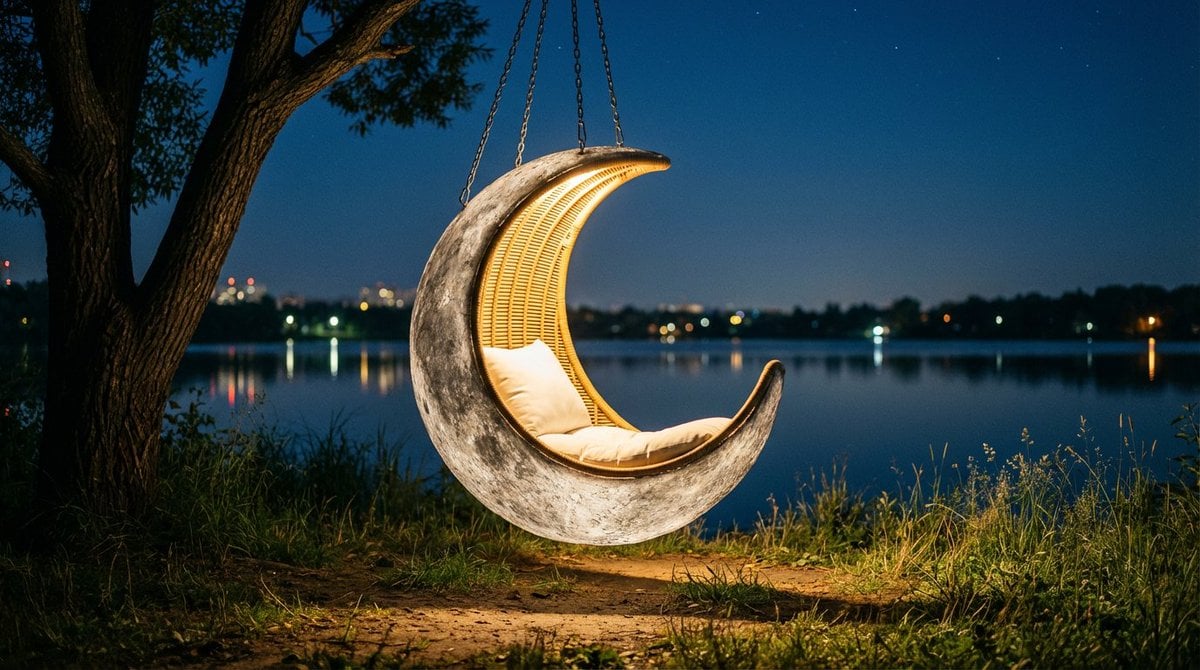
- Prompt included
- Model and format preset
- Free template
The prompt behind this image
Copy the exact prompt behind Cinematic lakeside hanging chair concept prompt with space object theme, or open it in the studio and make it yours.
Cinematic night scene of a cozy outdoor retreat by a calm lakeshore. In the center, a large hanging chair inspired by {argument name="space object" default="[SPACE_OBJECT]"} floats just above the ground, suspended by sturdy metal chains from a thick, low tree branch on the left. The chair’s overall silhouette, proportions, color palette and surface detailing are clearly derived from this celestial body, so its characteristic outline, light and dark regions, subtle bands, patches and recognizable markings from astronomy images are faithfully translated into the design of the outer shell. The material looks like a refined, slightly weathered fusion of stone and metal with finely sculpted relief matching those distinctive patterns, while the interior forms a smooth, comfortable hollow lined with warm woven fibers and cushions that softly echo the same hues. A plush pillow rests inside, illuminated by a gentle glow from within the chair, casting a soft pool of light onto the surrounding earth and grass. Tall wild grasses and small plants encircle the base
How to use Cinematic lakeside hanging chair concept prompt with space object theme in 3 steps
- 1
Open
The prompt is already in the box next to the preview, with the template's model and format selected.
- 2…a portrait of your subject in softgolden-hour light, 85mm…
Personalize
Edit the subject and creative details for your destination.
- 3Generate
Generate
Press Generate — your image is created in PicX Studio, so you can compare it with the original and refine one variable at a time.
More like this
Templates with the same subject, style or setup. Open one to see its prompt.
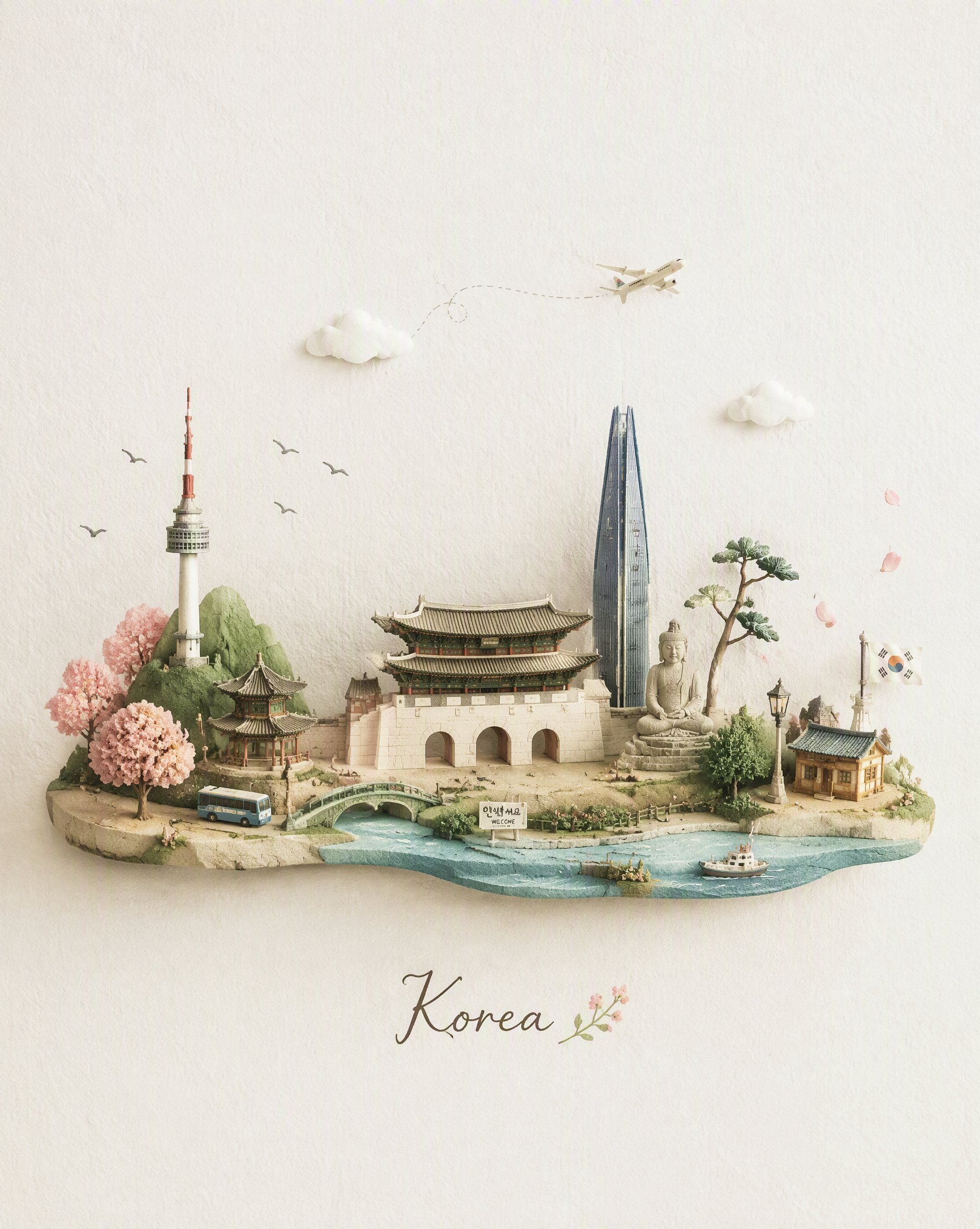
Miniature Travel Diorama Postcard
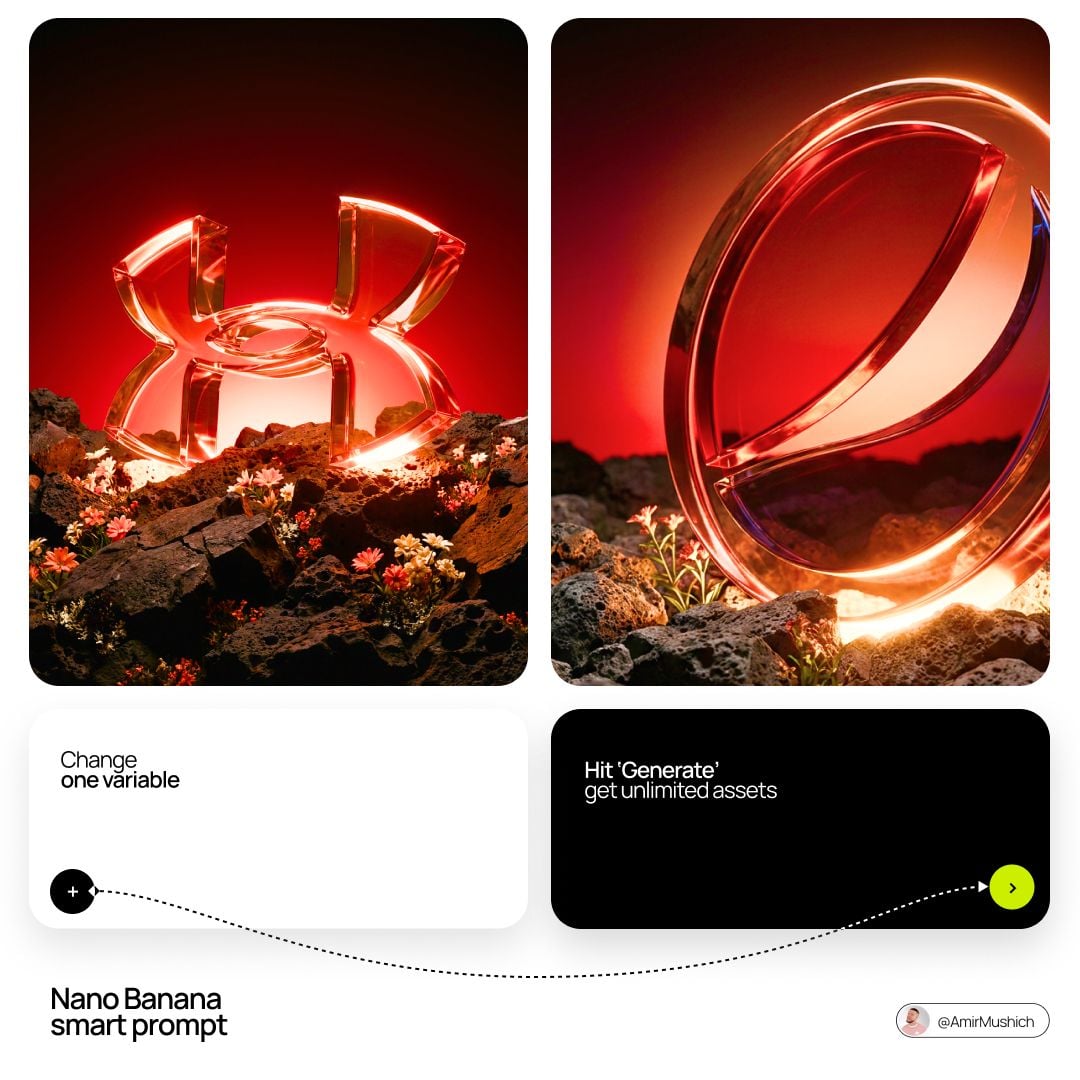
Glass Brand Logo Volcanic Landscape
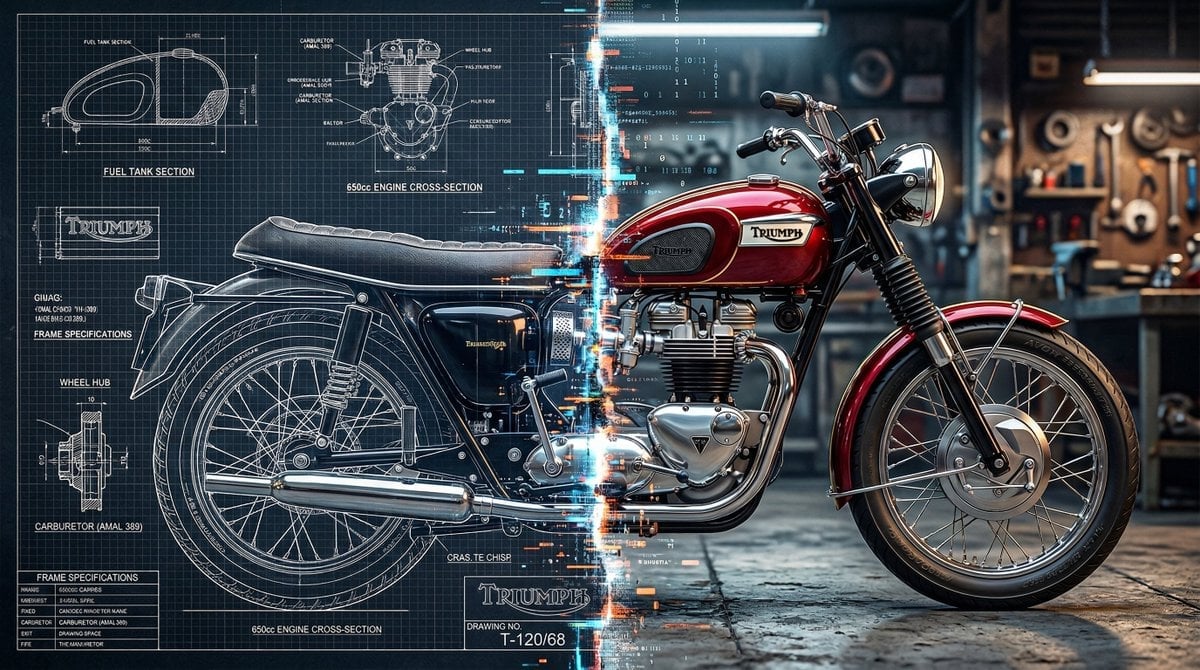
Blueprint Split Reality Archetype Prompt
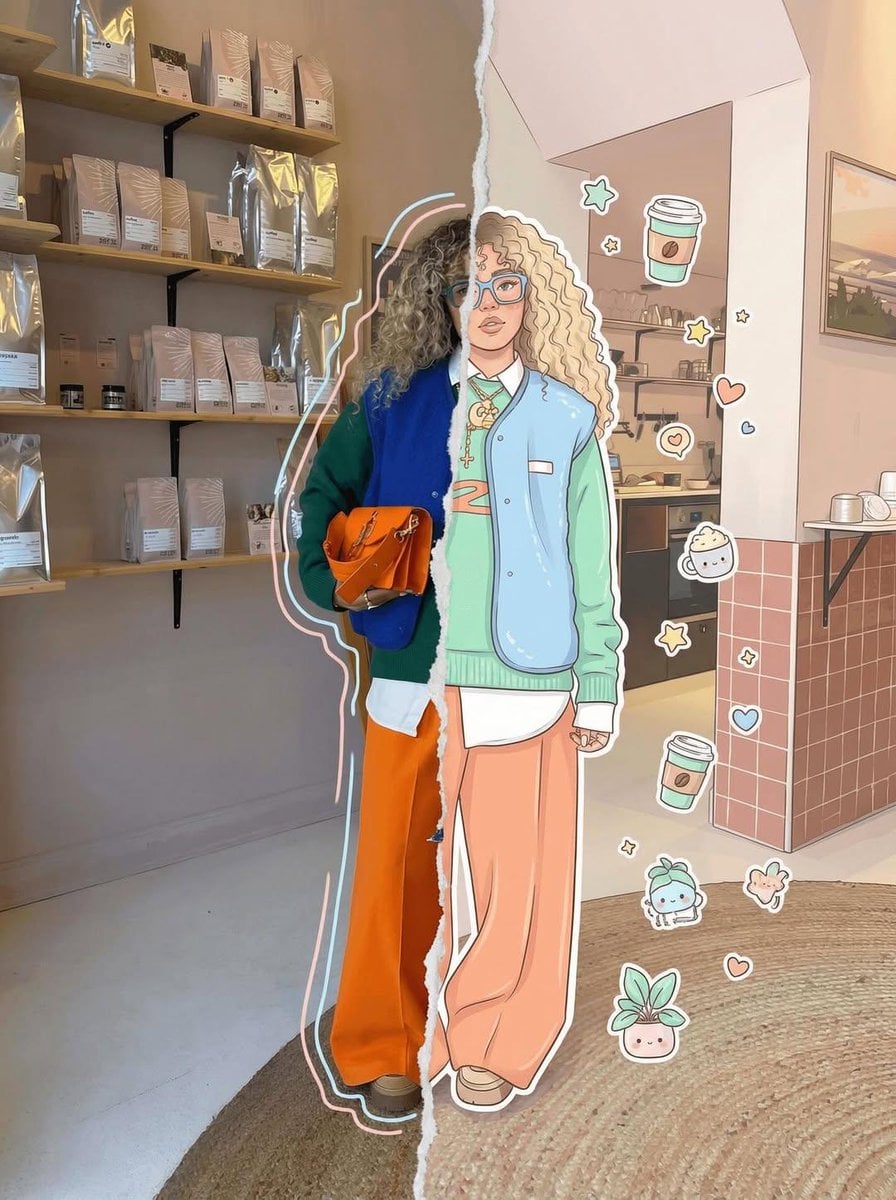
Real Illustration Split Portrait Transition
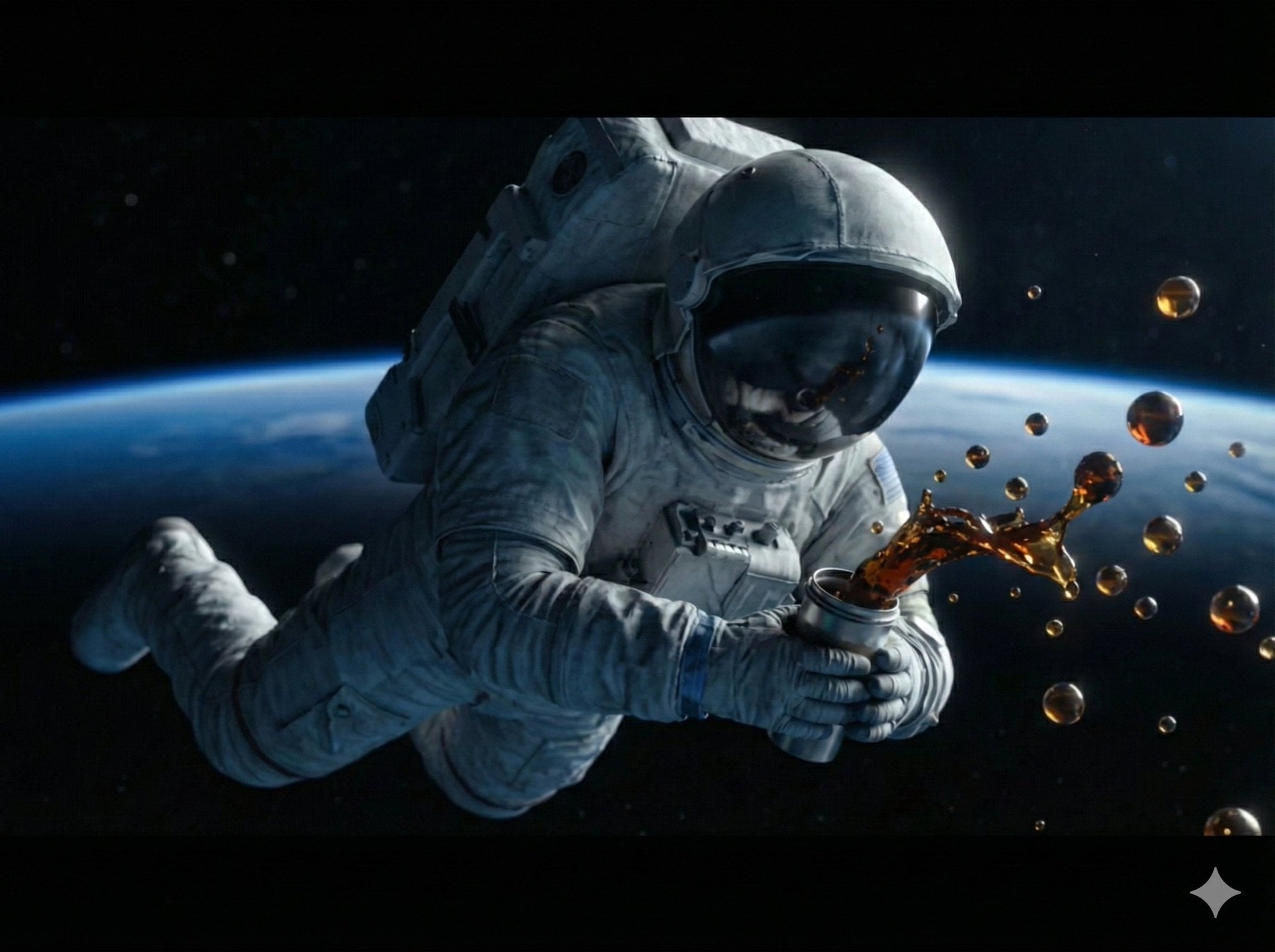
Astronaut Zero-Gravity Coffee Splash
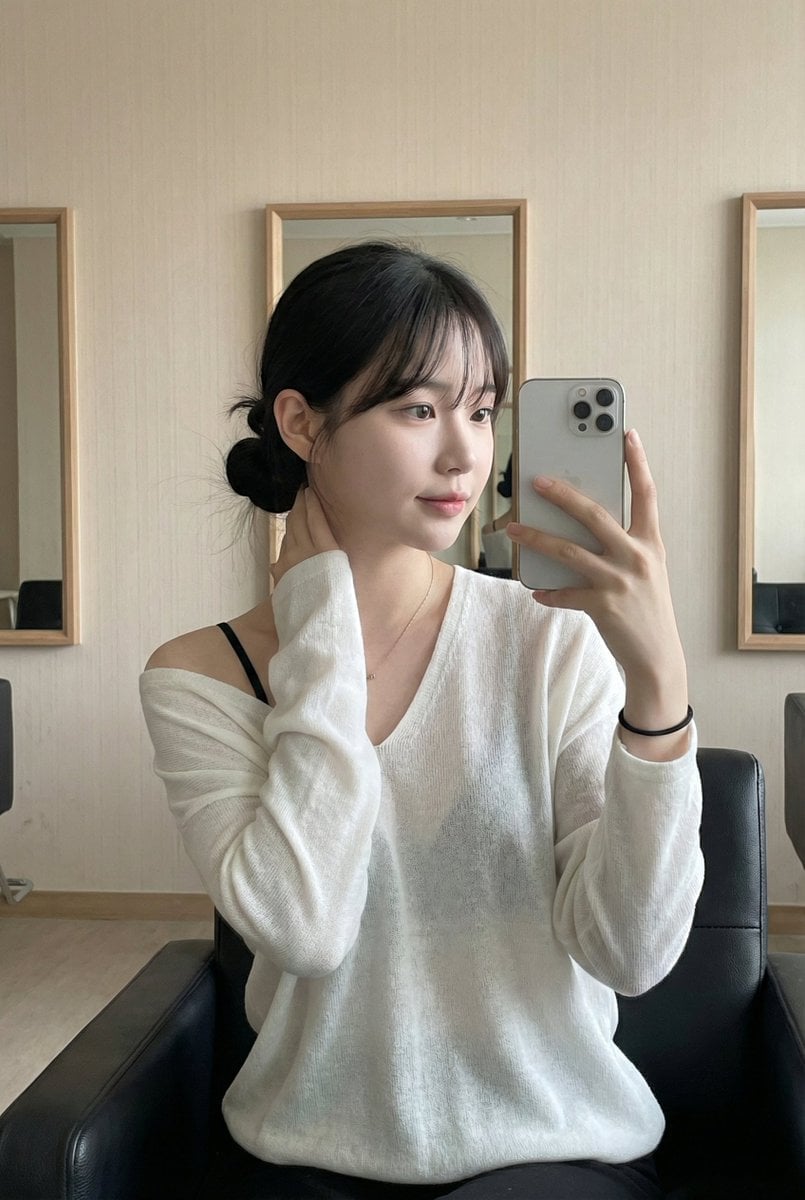
Leather Chair Soft Indoor Mirror Selfie
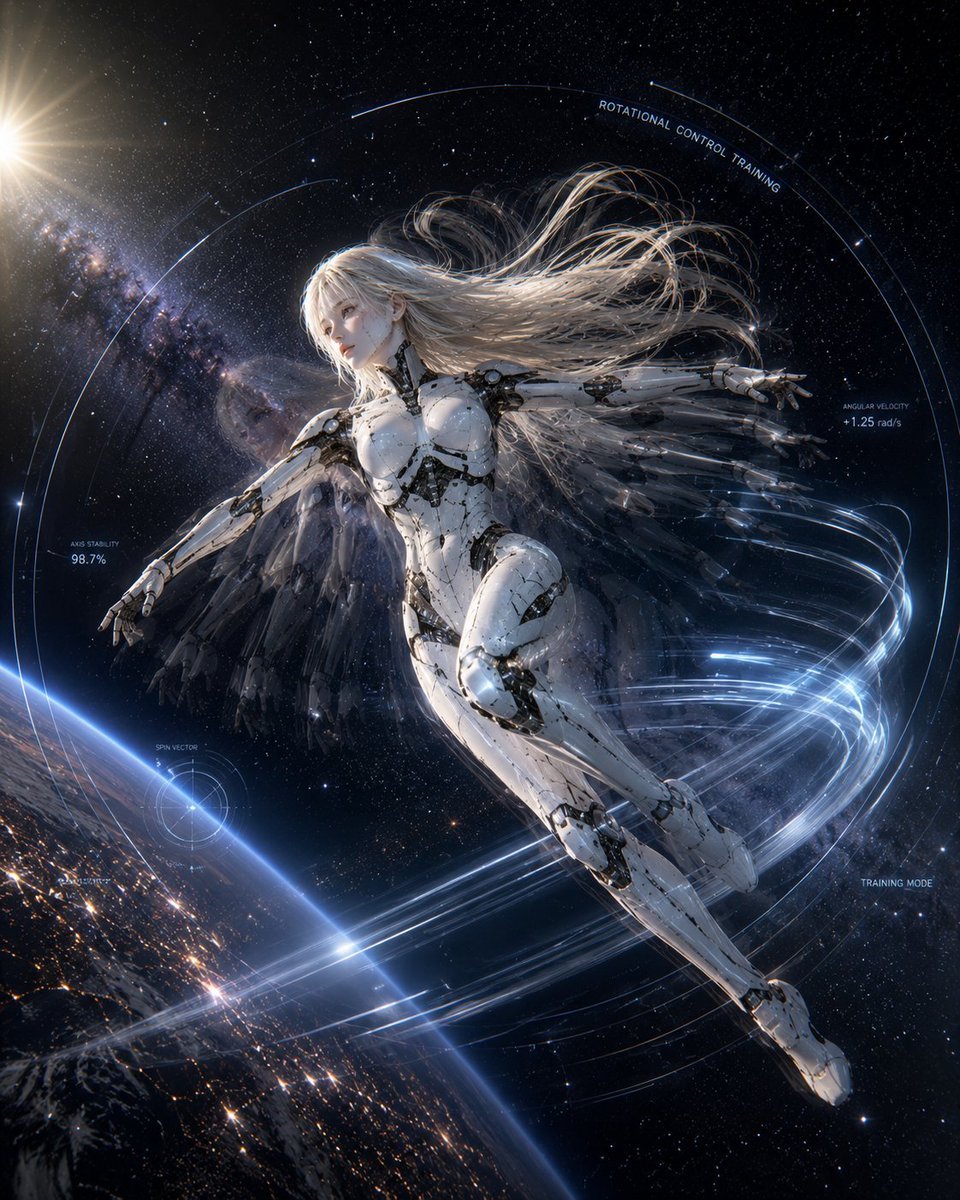
Spaceship Female Android Concept
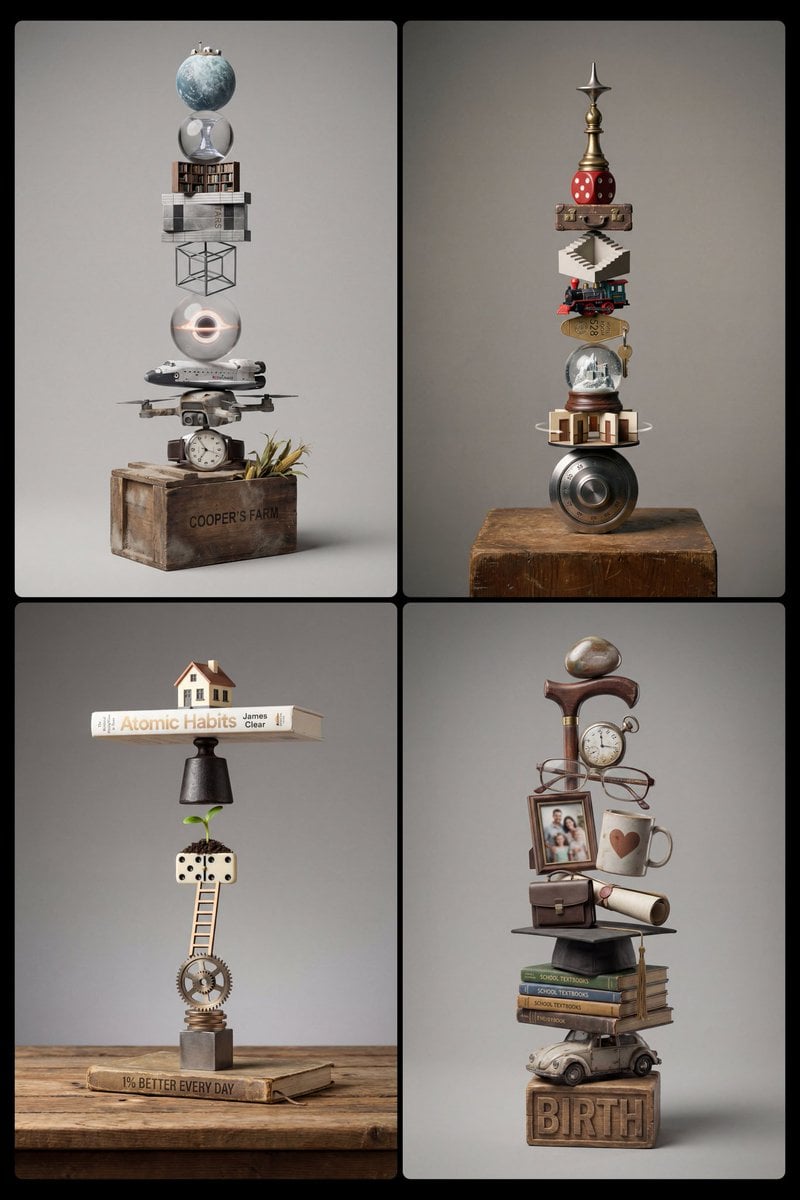
Stacked Objects Symbolizing a Concept
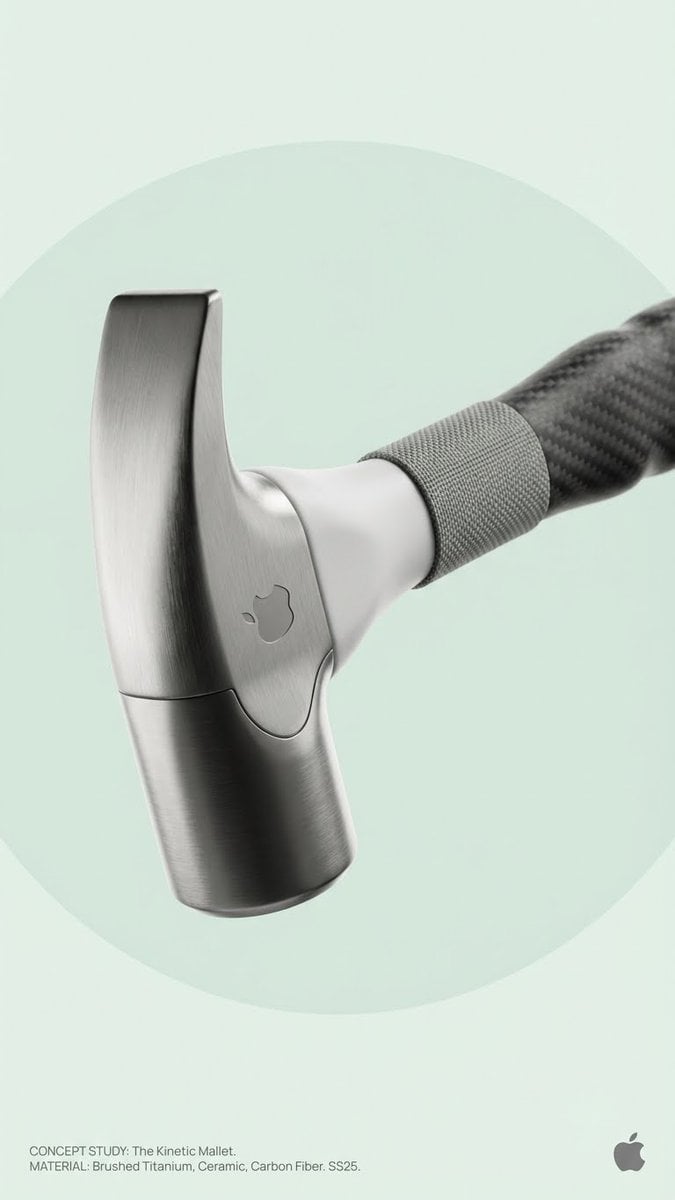
Brand Concept Generation Prompt: Unexpected Functional Objects
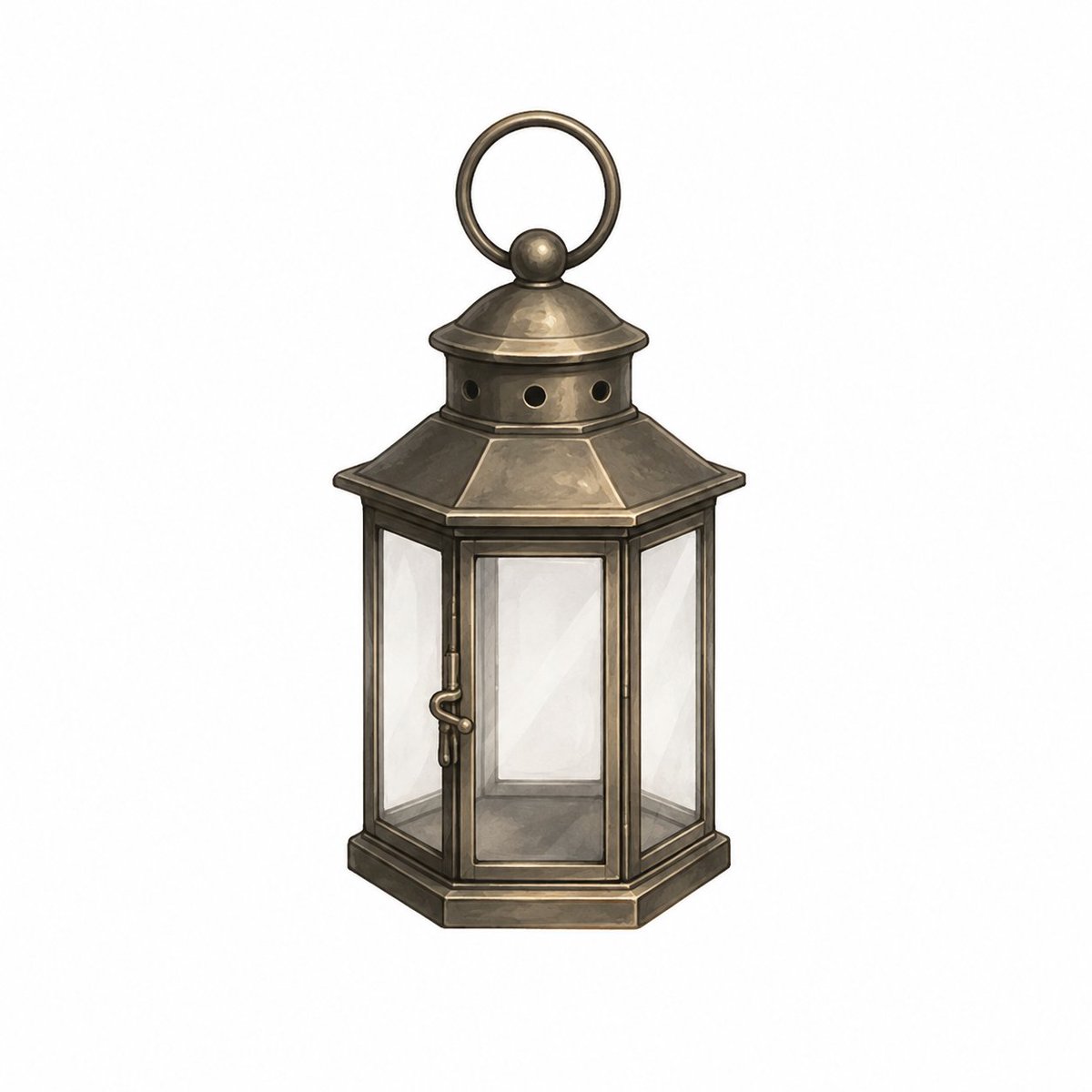
Vintage Brass Hanging Lantern

Japanese Jungle Theme Park Parody Poster
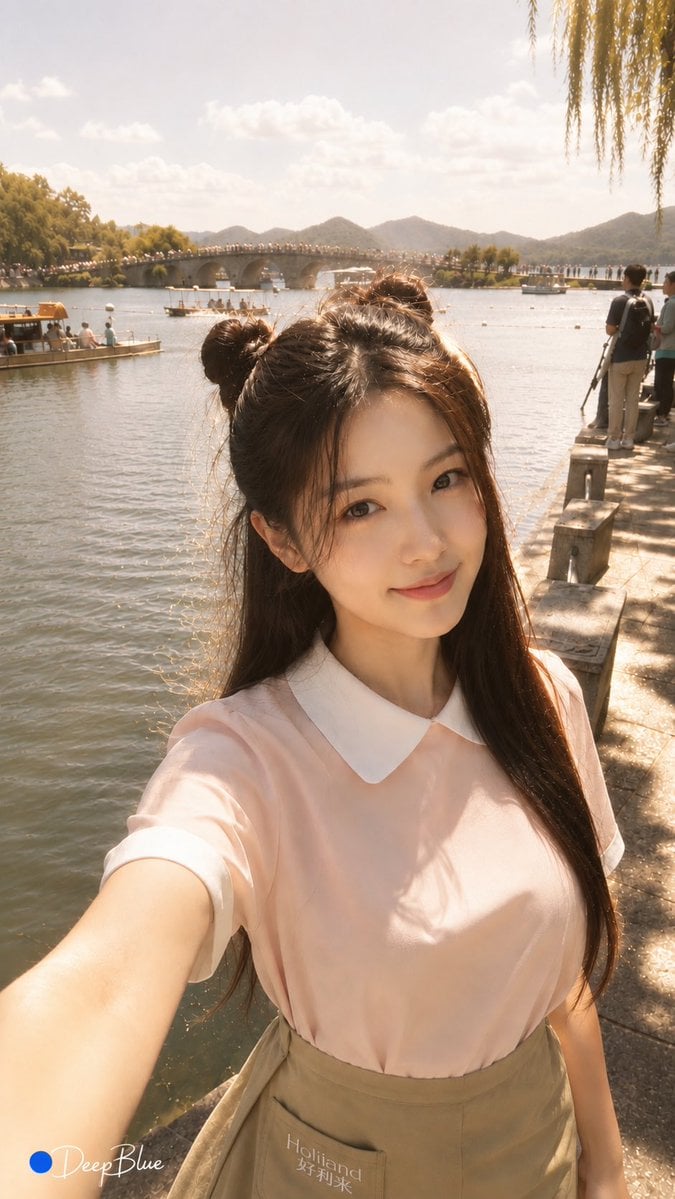
Warm Lakeside Travel Selfie
Make it yours
Cinematic lakeside hanging chair concept prompt with space object theme works as-is. These are the safest ways to change it without losing the look.
Change one field
Copy a single group, rewrite it, and generate again so you can see what that field is doing.
Keep the frame, change the subject
Hold the composition and light of Cinematic lakeside hanging chair concept prompt with space object theme, then swap wardrobe, props or the person for a new take.
| If the result… | Why | Fix |
|---|---|---|
| The result drifts from the preview | Too many fields changed at once. | Reuse Cinematic lakeside hanging chair concept prompt with space object theme as-is first, then change one group — subject, light, or setting. |
| The model over-stylizes the scene | The prose prompt leaves finish and camera underspecified. | Add one camera or lighting sentence and stay on Nano Banana 2. |
More Nano Banana 2 templates
Other prompts made for Nano Banana 2.

Photorealistic Leaf Shaped Like a Dragon

K-Pop Idol Portrait Grid for Rapid Selection

Poetic Rain Forest Portrait During Golden Hour

Urban Street Portrait with Cartoon Inner Self Duo

Candid Nighttime Photo with Cat Prompt

High-Concept 3D Diorama Generation Prompt

Cinematic Futuristic Studio Portrait Template

Skincare Editorial Photography Collage Prompt

Hyper-Realistic Commercial Product Photography (Splash Effect)

Hyper-Realistic Nightclub Portrait Prompt
More image prompts
Fresh picks from across the catalog.

Fashion Advertisement Poster Generation
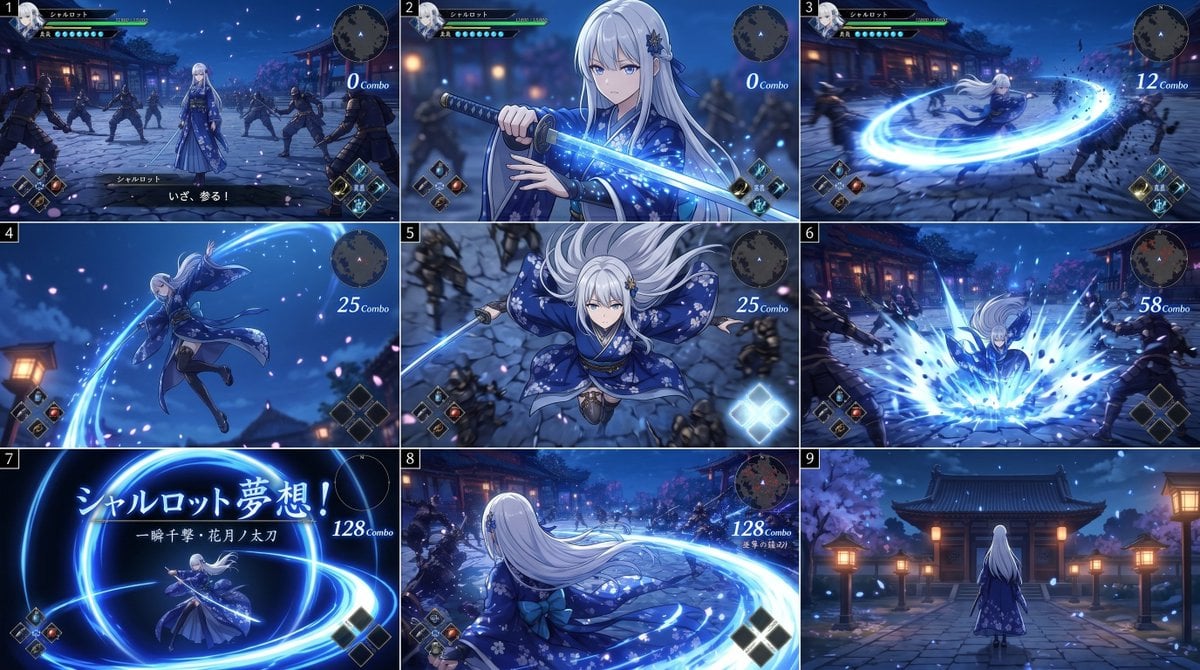
Anime RPG Sword Attack Storyboard

Dynamic Japan Soccer Poster

Cinematic Portrait in a Luxury Cinema Lobby
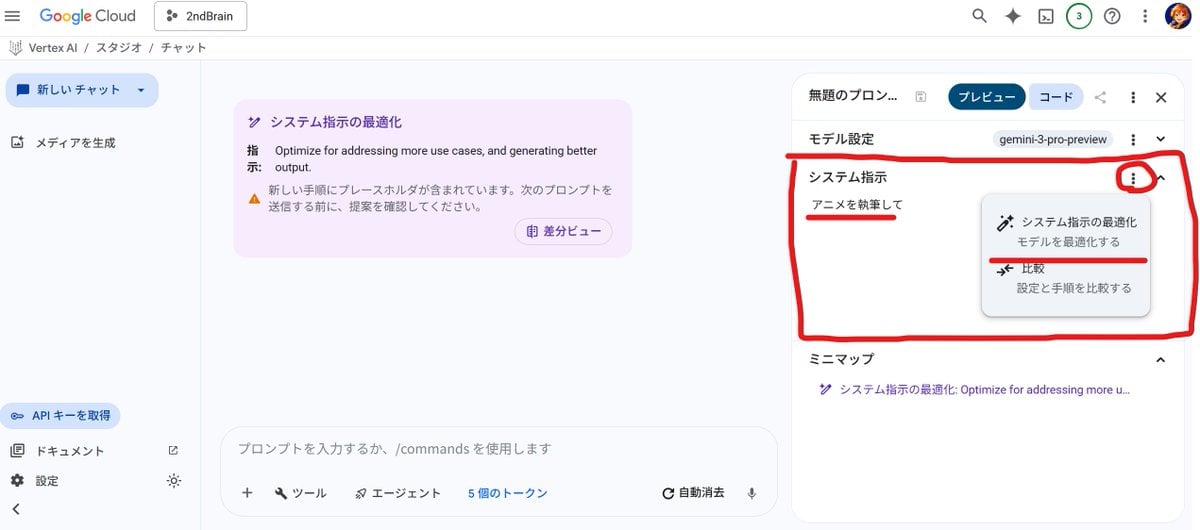
Anime Story Generation Prompt Template
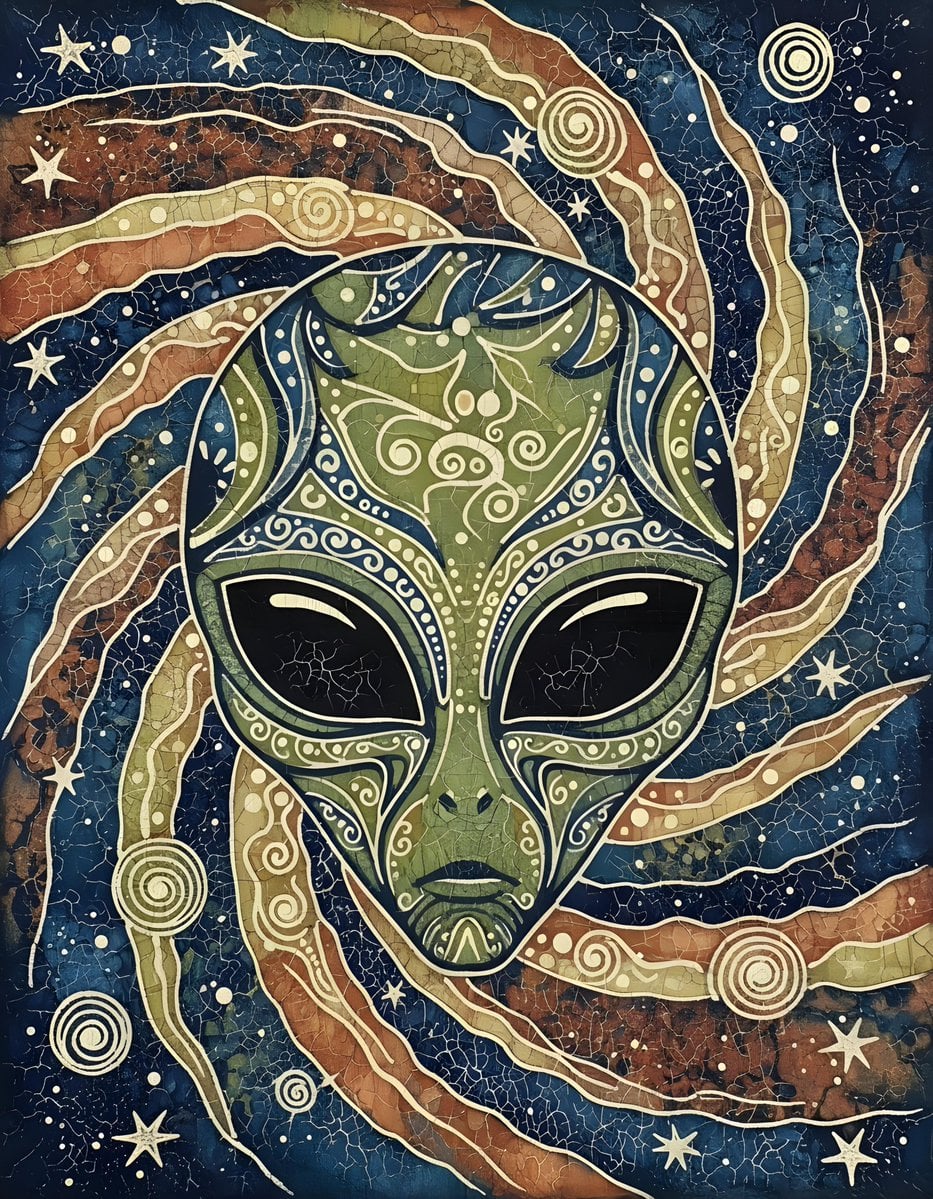
Batik Style Image Generation Prompt
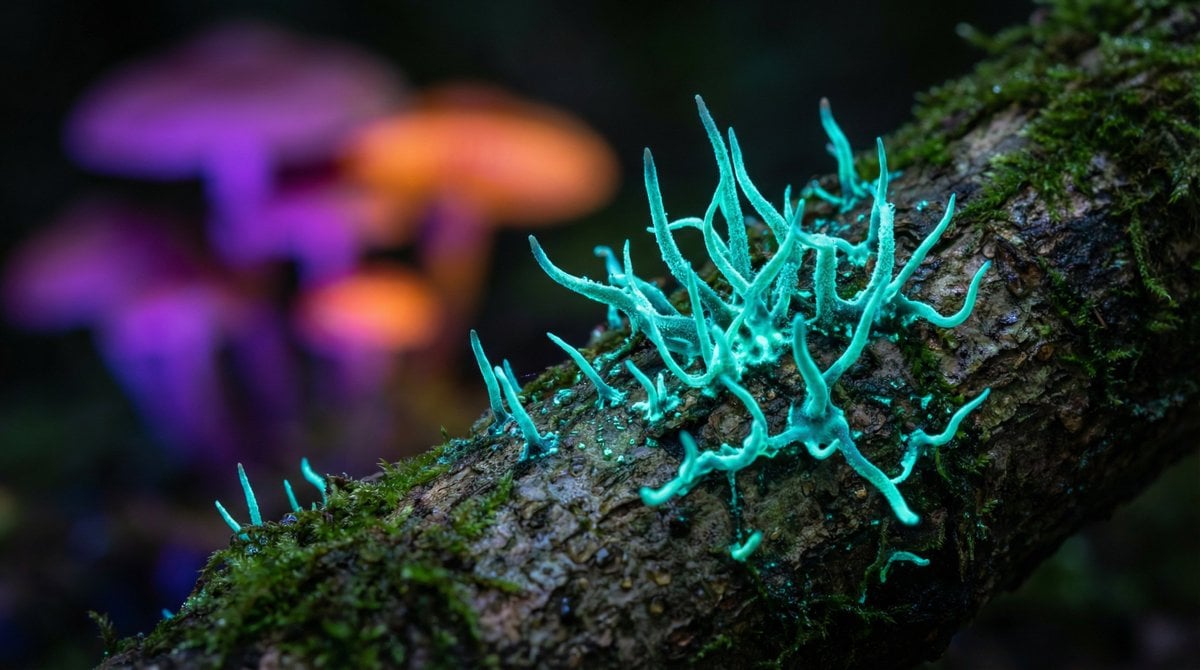
Nano Banana Pro Model Prompt for Visuals

Cinematic Portrait in Kashmir Mustard Field
Early 2000s Digital Camera Flash Portrait Prompt

Miniature Toy Soldiers on a Giant Eggshell
Browse template categories
Cinematic lakeside hanging chair concept prompt with space object theme questions
How do I use the Cinematic lakeside hanging chair concept prompt with space object theme template?
Add your photo if the template asks for one, edit the prompt if you like — the template's model and format are already selected — and press Generate. Your version opens in PicX Studio.
Can I customize the Cinematic lakeside hanging chair concept prompt with space object theme template?
Yes. You can change the subject, setting, lighting, mood, format, and available model controls before creating your image.
Is the Cinematic lakeside hanging chair concept prompt with space object theme template free?
Opening and editing this template is free. Generating uses credits, shown on the Generate button when you are signed in.
Which AI model should I use?
Start with Nano Banana 2, which is the model associated with this template. You can compare another compatible model for a different finish.
Looking for something else? Browse all templates.

Your photo, any look
Thousands of ready templates for every top image and video model, from one credit balance.