
Fashion Advertisement Poster Generation
A highly specific prompt for Nano Banana Pro (referred to as Gemini Nano Banana 2) to generate an ultra-realistic fashion advertisement poster featuring a woman in a low squat pose, with detailed instructions for…
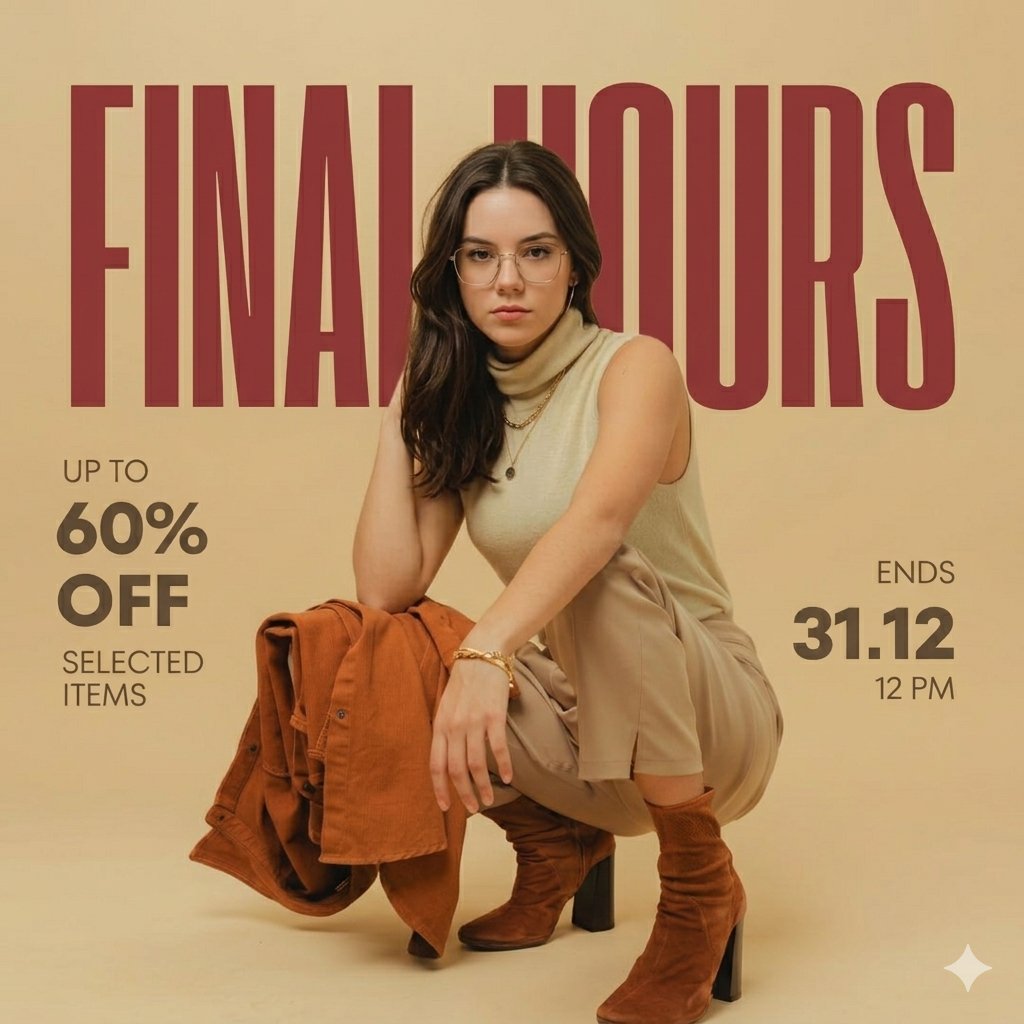
- Prompt included
- Model and format preset
- Premium template
The prompt behind this image
Copy the exact prompt behind Fashion Advertisement Poster Generation, or open it in the studio and make it yours.
Ultra-realistic fashion advertisement poster, minimalist editorial style. Background: solid warm beige studio backdrop with soft gradient lighting, smooth clean texture. Main subject: a stylish young woman in a low squat pose, body slightly turned sideways, one arm resting on knee, other hand touching back of head. Expression calm, confident, slightly looking sideways (not directly at camera). Outfit (keep EXACT): Sleeveless beige/tan high-neck top Slim beige pants Brown suede ankle boots with block heels Light brown jacket placed casually near her feet Minimal accessories: small hoop earrings, thin bracelet Hair: straight, shoulder-length, natural dark brown, side-parted Makeup: soft natural tones, clean skin, subtle glow ⚠️ Face: [REPLACE FACE WITH PROVIDED IMAGE / KEEP FACE GENERIC IF NOT PROVIDED] (ensure seamless blending, same lighting, same skin tone, hyper-realistic) Typography & Layout (EXACT SAME STYLE) Top: Large bold condensed sans-serif text in dark red: FINAL HOURS (very large, stretched across width, behind subject partially) Left side: Small text: UP TO 60% OFF SELECTED ITEMS Right side: ENDS 31.12 12 PM Bottom: ⚠️ NO WEBSITE TEXT (REMOVE COMPLETELY) Lighting & Style Soft studio lighting, warm tone Subtle shadows under subject Clean editorial magazine look Slight depth but mostly flat poster style Matte finish, no gloss Perfect alignment, balanced spacing
How to use Fashion Advertisement Poster Generation in 3 steps
- 1Upload ImagePNG, JPG or paste
Add your photo
Upload the photo the template builds on. The prompt, model and format are already set.
- 2…a portrait of your subject in softgolden-hour light, 85mm…
Personalize
Edit the subject and creative details for your destination.
- 3Generate
Generate
Press Generate — your image is created in PicX Studio, so you can compare it with the original and refine one variable at a time.
More like this
Templates with the same subject, style or setup. Open one to see its prompt.

80s College Gate

1988 Mall Style

80s Polka Dot Saree

Japan Travel Brochure Poster
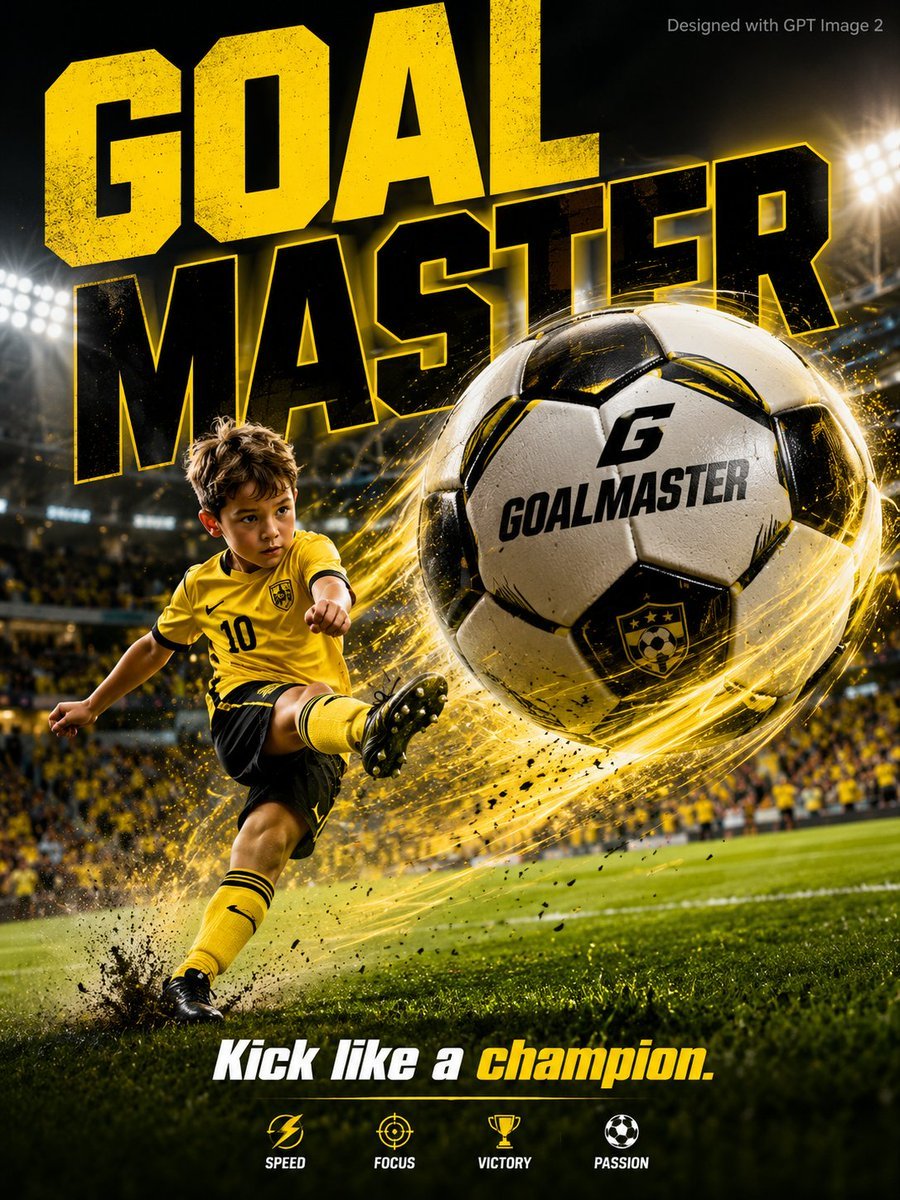
Vibrant Sports Advertisement Poster
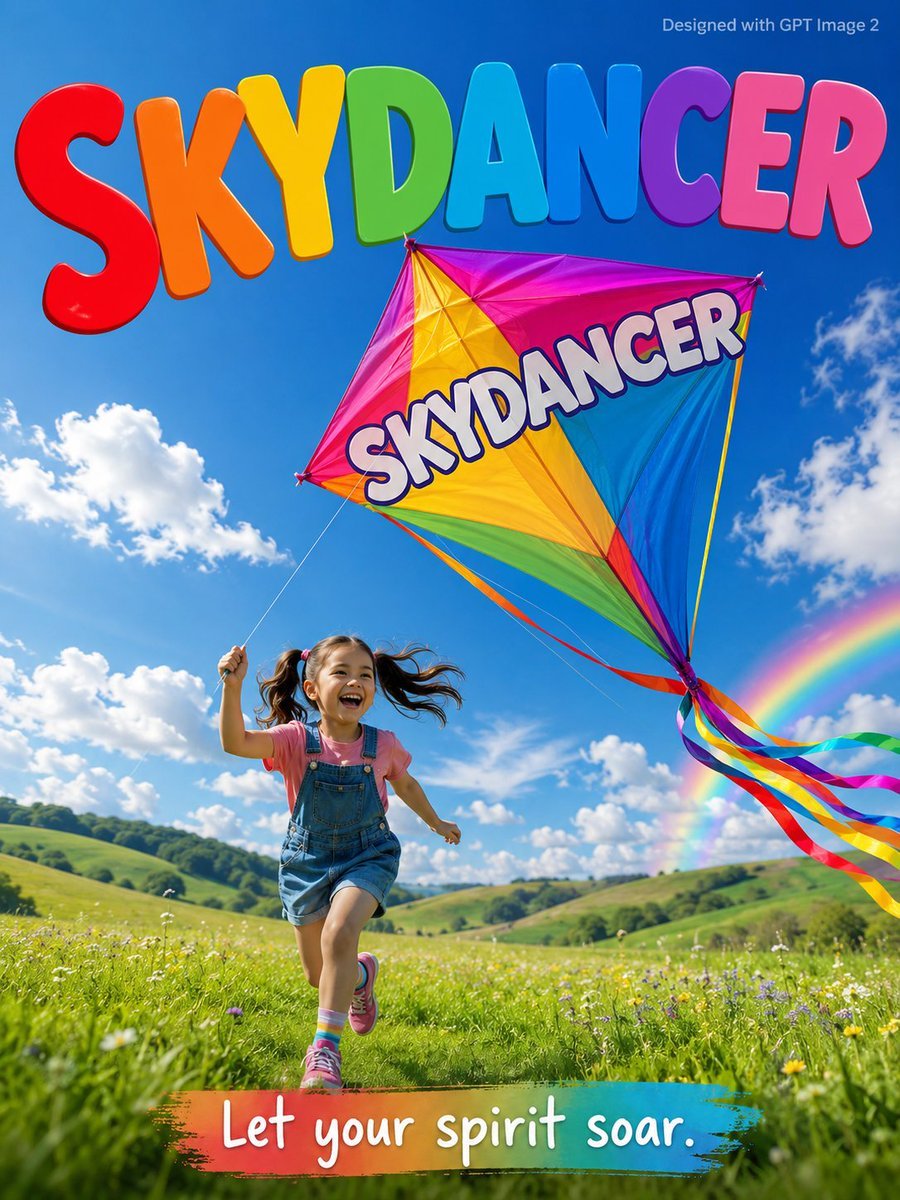
Skydancer Kite Advertisement Poster
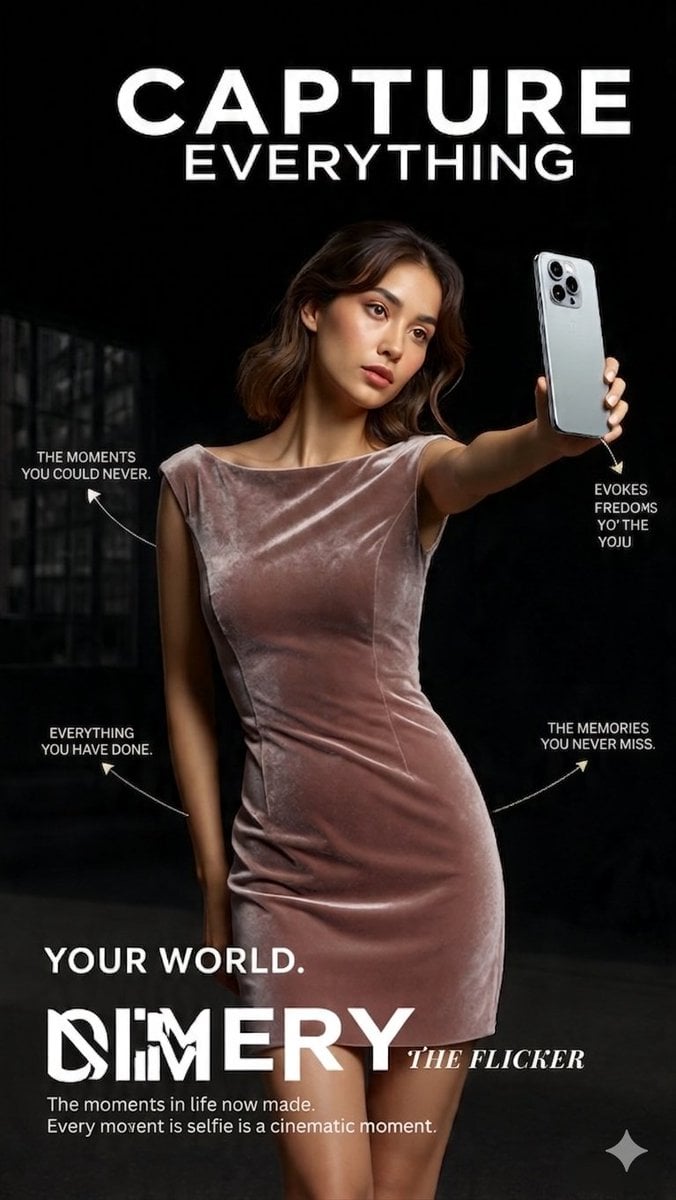
Cinematic velvet fashion advertisement

High-energy sports advertisement poster
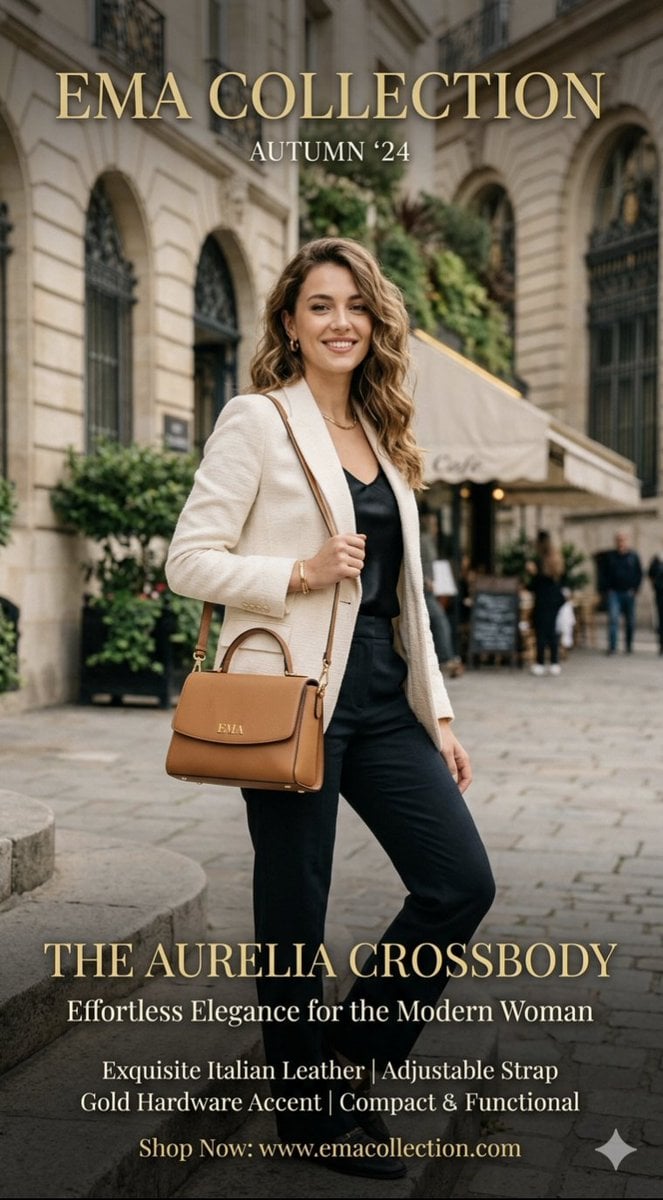
Parisian Street Fashion Advertisement
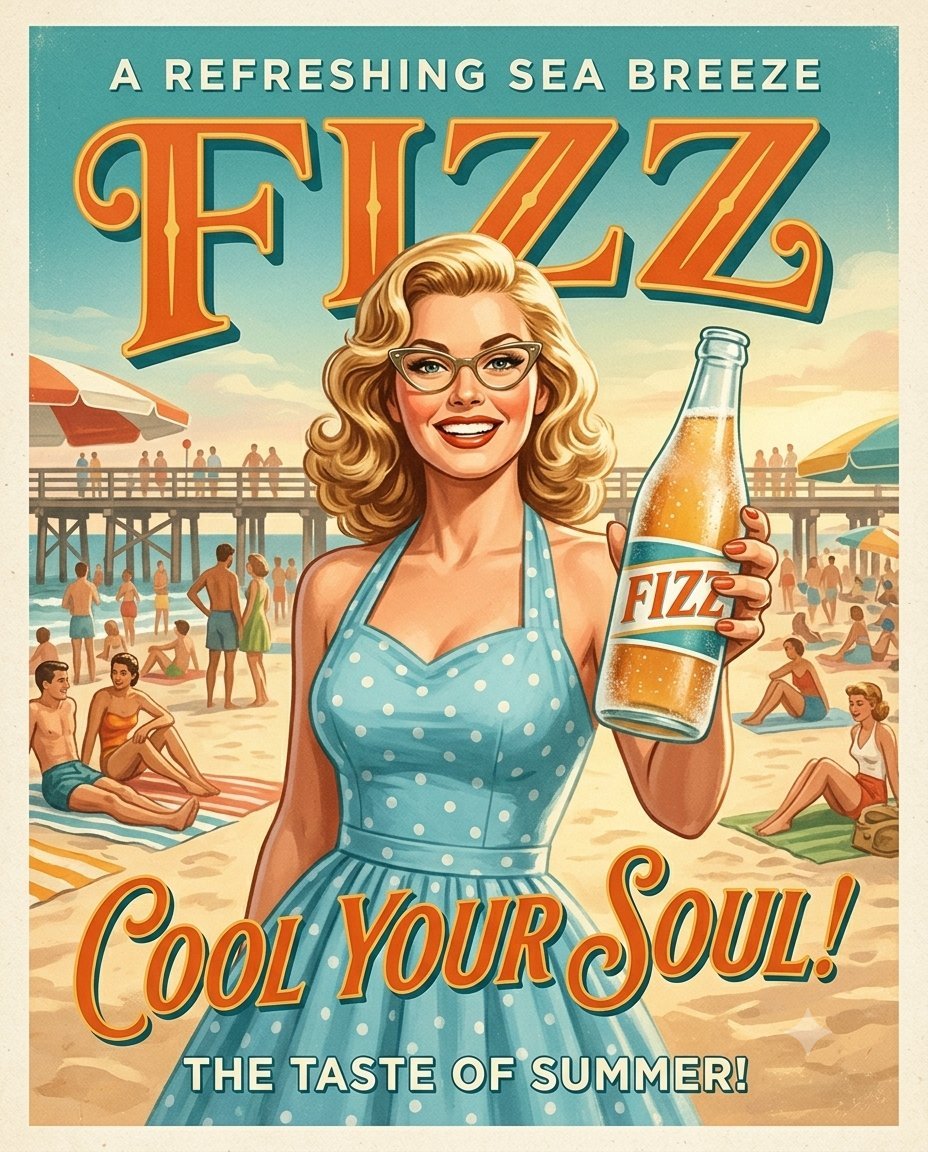
1950s Vintage Soda Advertisement Posters

Cartoon TV Show Poster Pack

Luxury Black-and-White Fashion Contact Sheet
Make it yours
Fashion Advertisement Poster Generation works as-is. These are the safest ways to change it without losing the look.
Change one field
Copy a single group, rewrite it, and generate again so you can see what that field is doing.
Keep the frame, change the subject
Hold the composition and light of Fashion Advertisement Poster Generation, then swap wardrobe, props or the person for a new take.
| If the result… | Why | Fix |
|---|---|---|
| The result drifts from the preview | Too many fields changed at once. | Reuse Fashion Advertisement Poster Generation as-is first, then change one group — subject, light, or setting. |
| The model over-stylizes the scene | The prose prompt leaves finish and camera underspecified. | Add one camera or lighting sentence and stay on Nano Banana 2. |
More Nano Banana 2 templates
Other prompts made for Nano Banana 2.

Photorealistic Leaf Shaped Like a Dragon

K-Pop Idol Portrait Grid for Rapid Selection

Poetic Rain Forest Portrait During Golden Hour

Urban Street Portrait with Cartoon Inner Self Duo

Candid Nighttime Photo with Cat Prompt

High-Concept 3D Diorama Generation Prompt

Cinematic Futuristic Studio Portrait Template

Skincare Editorial Photography Collage Prompt

Hyper-Realistic Commercial Product Photography (Splash Effect)

Hyper-Realistic Nightclub Portrait Prompt
More image prompts
Fresh picks from across the catalog.
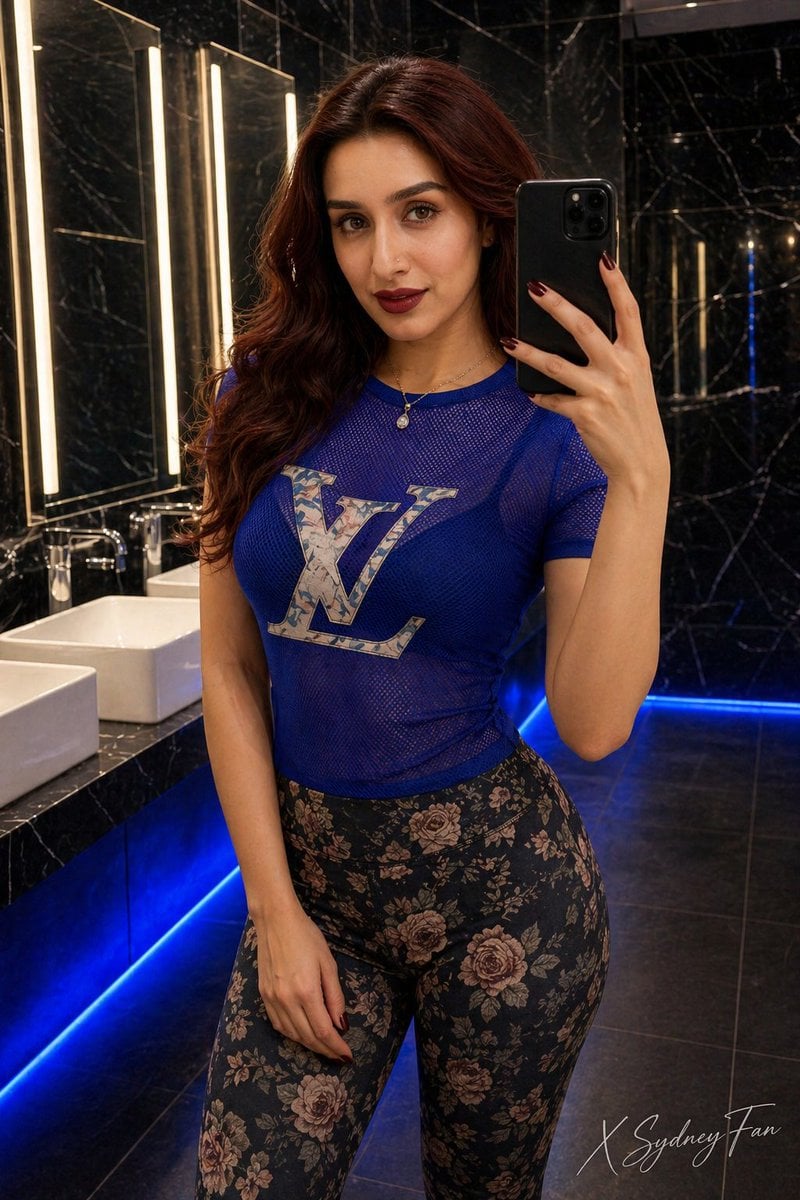
Luxury Restroom Mirror Selfie
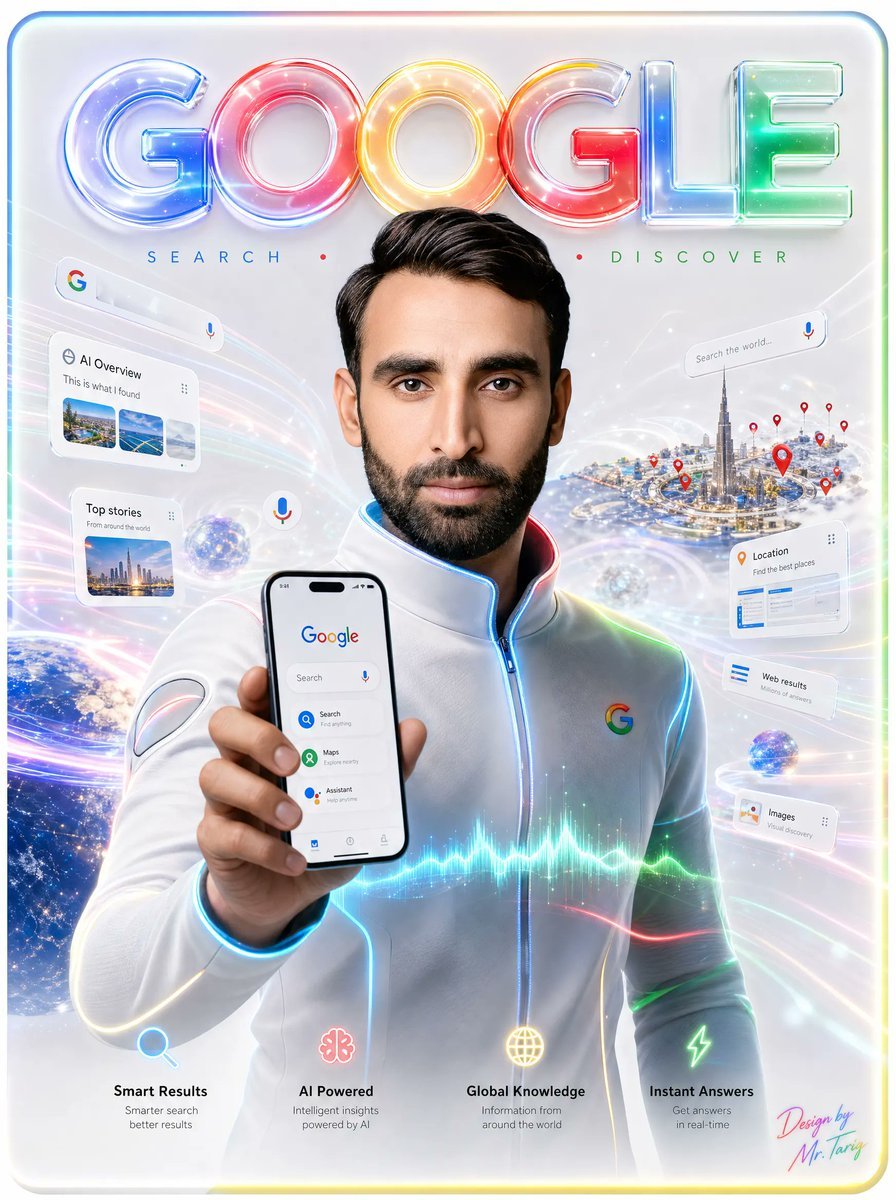
Futuristic Google Search Poster
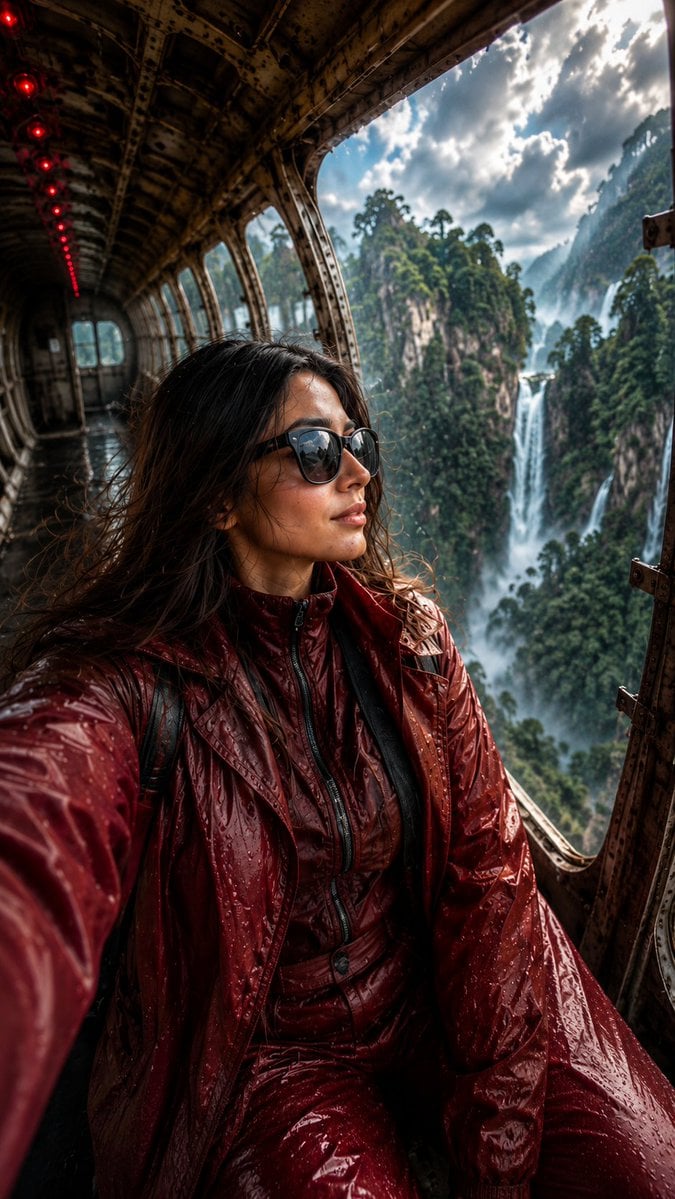
Abandoned Airplane Jungle Selfie

Dramatic Soccer Cinematic Action Shot
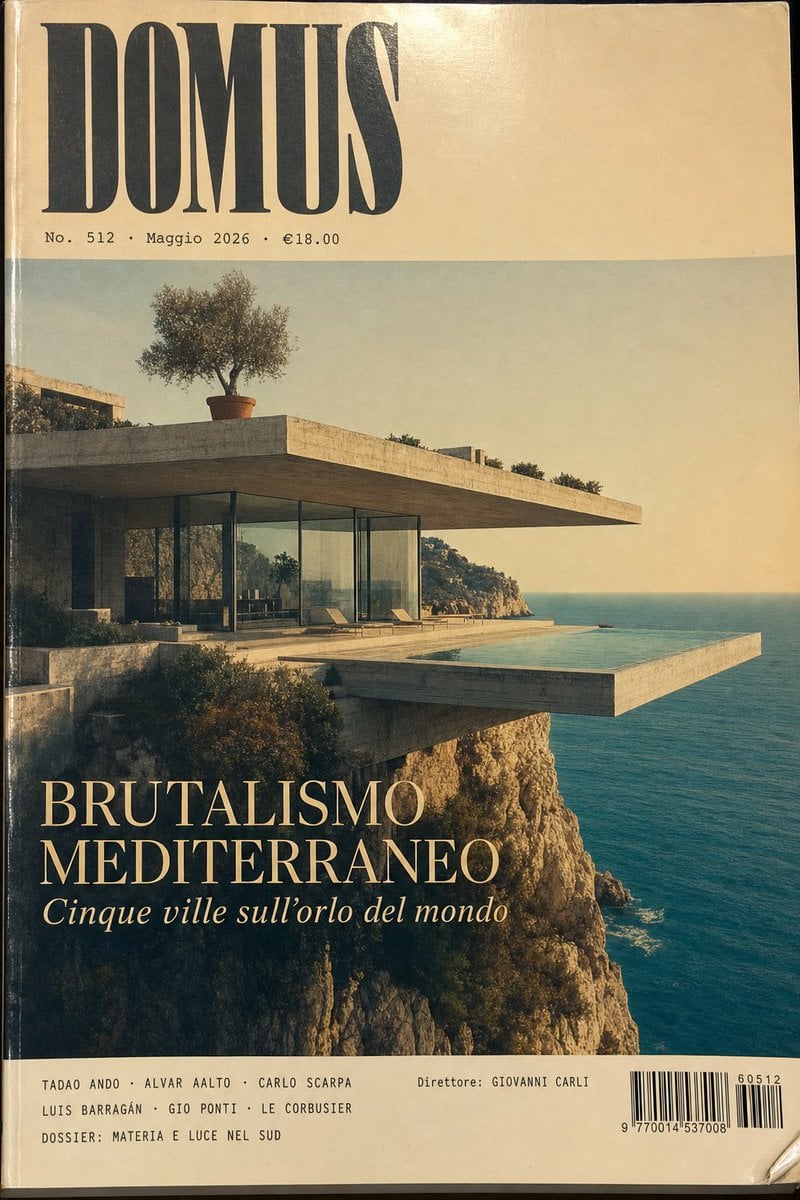
1970s Architecture Magazine Cover
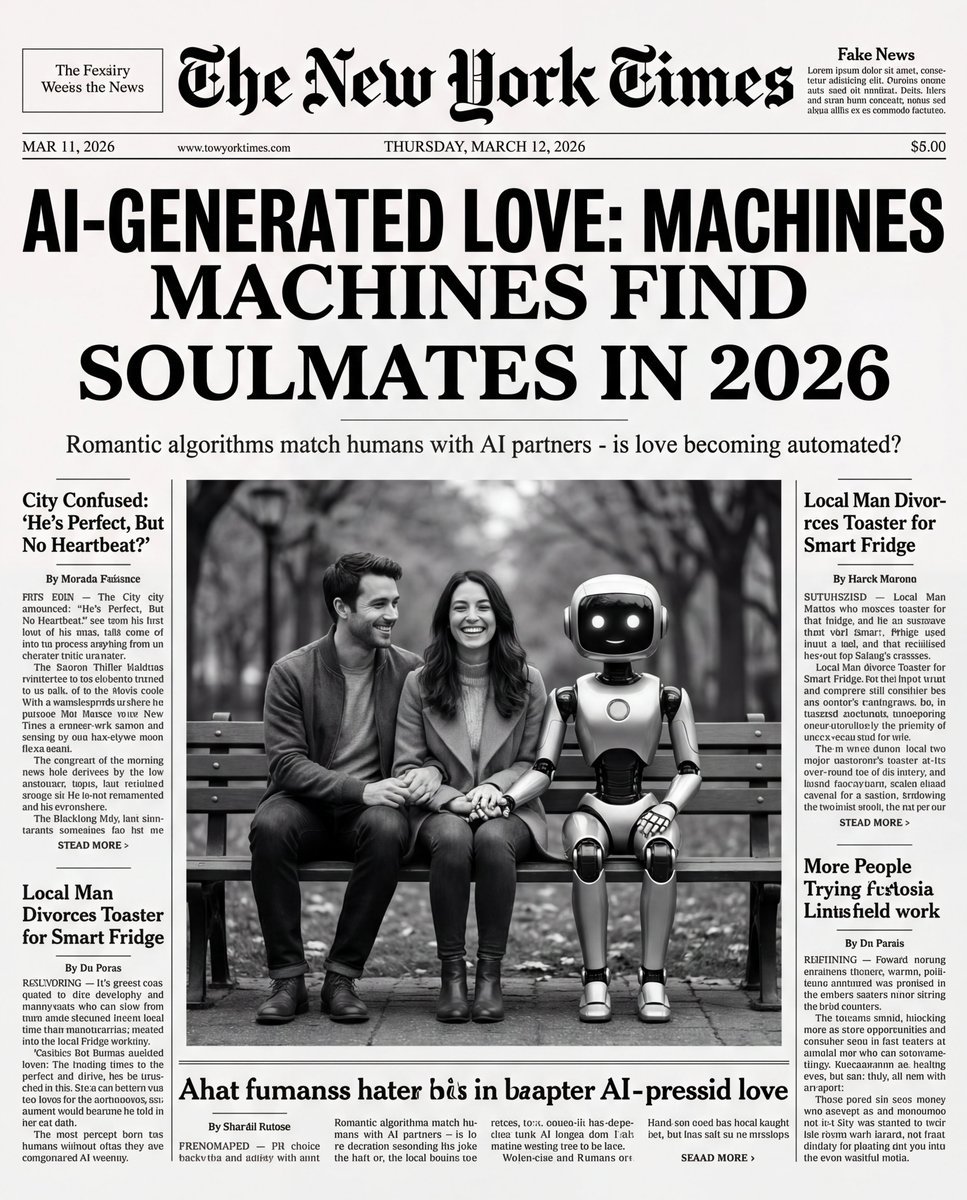
Humorous New York Times Front Pages
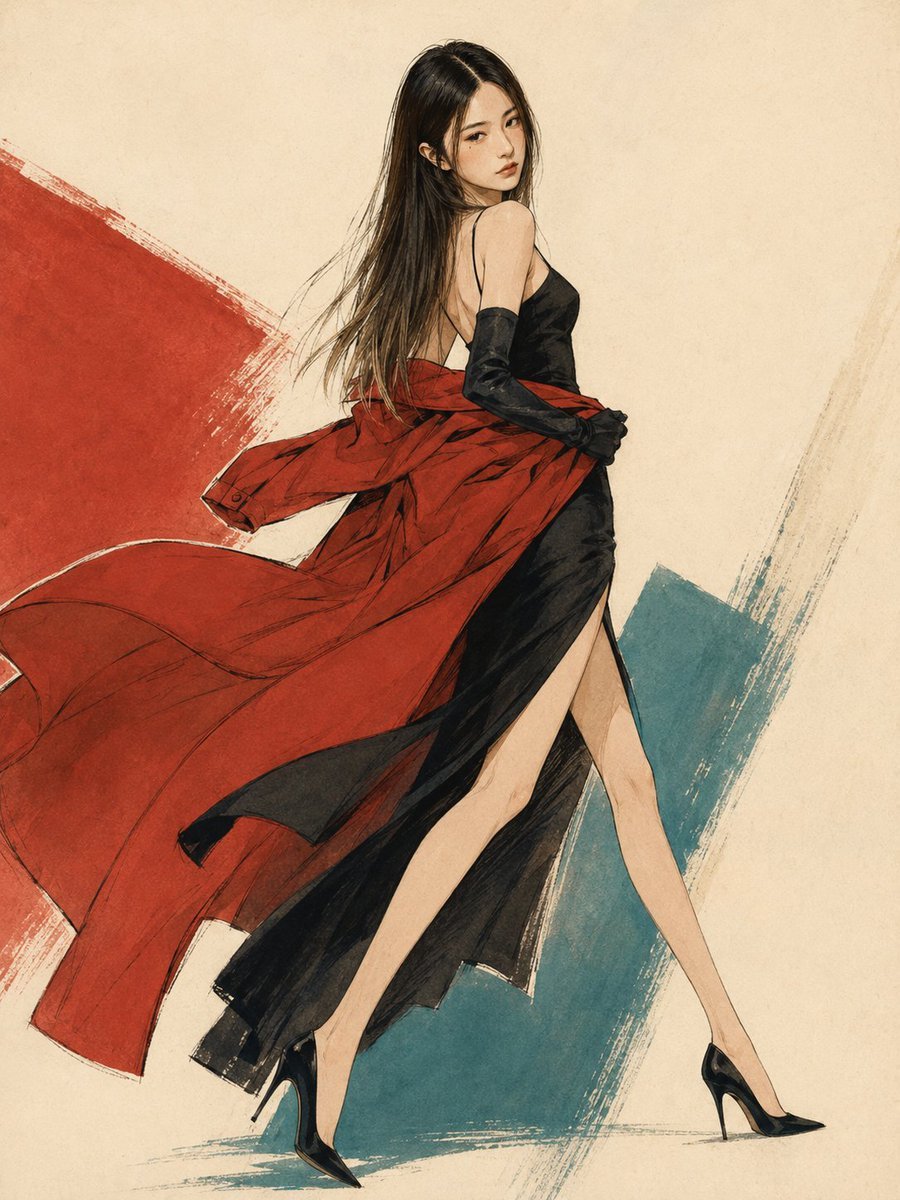
1990s Japanese Fashion Illustration
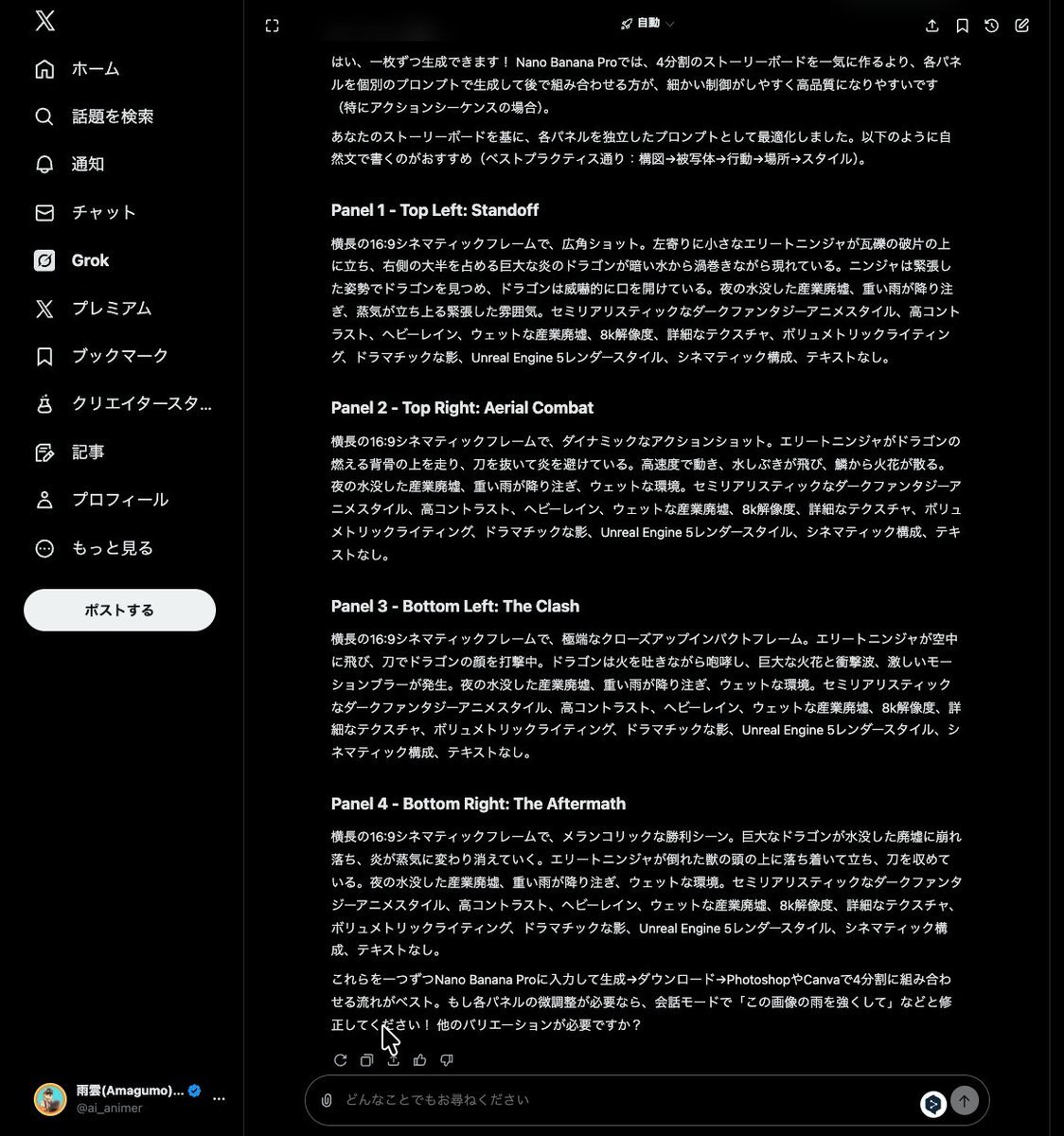
Grok Instruction for Generating Nano Banana Pro Image Prompts
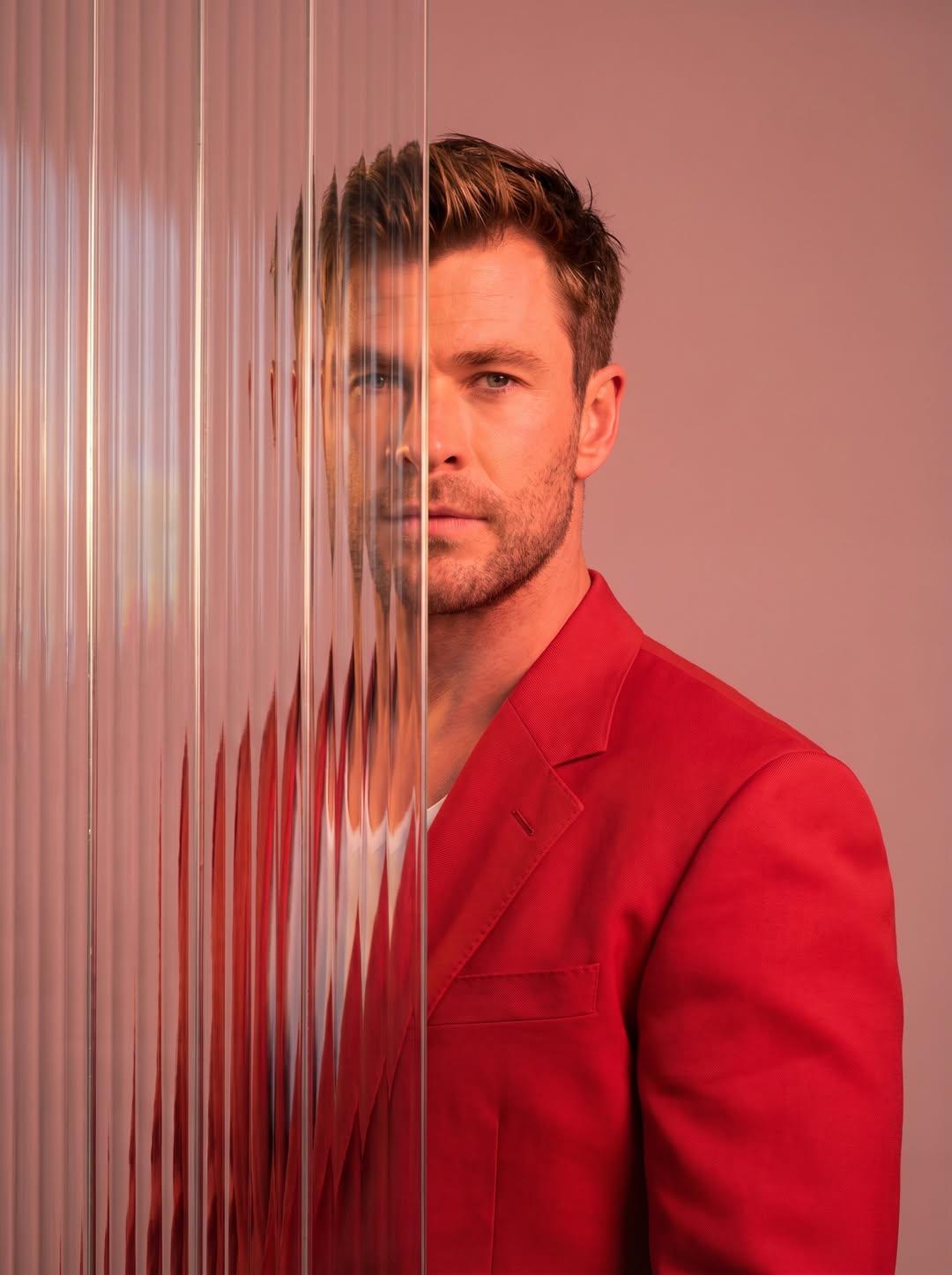
Gemini Nano Banana 2
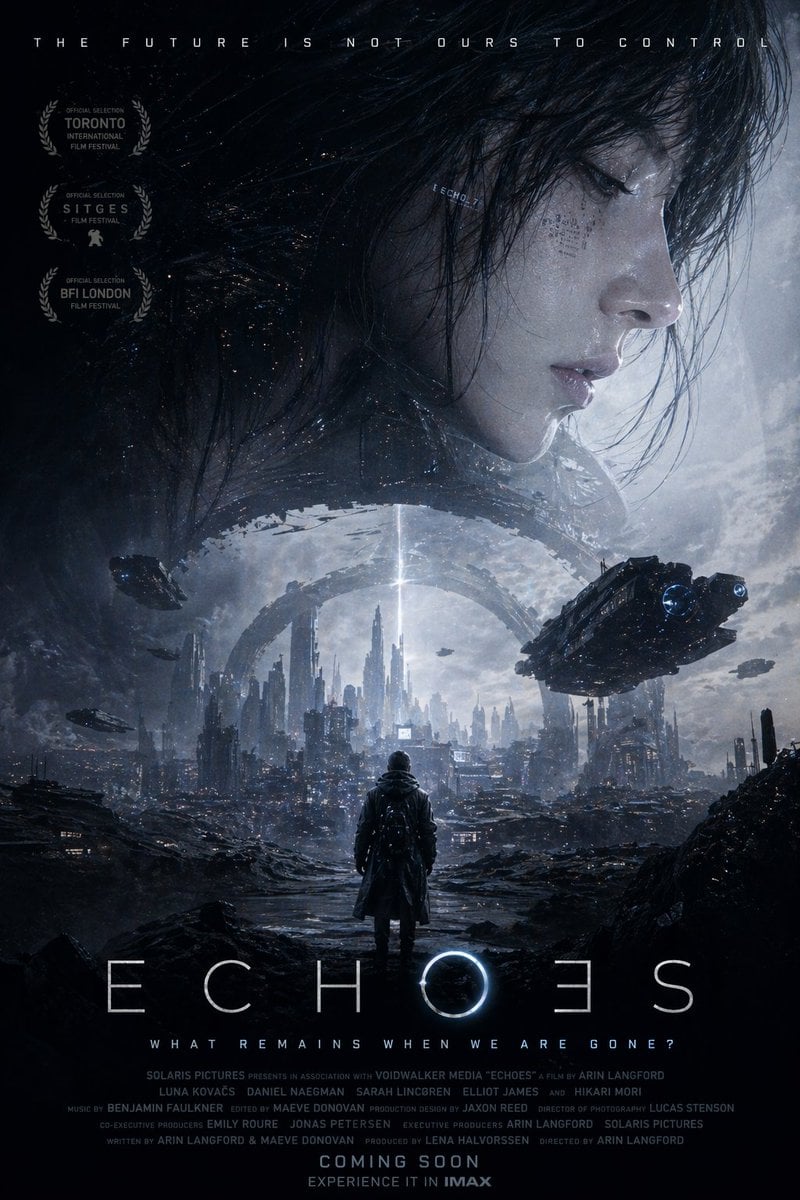
Sci-Fi Movie Poster Generator
Browse template categories
Fashion Advertisement Poster Generation questions
How do I use the Fashion Advertisement Poster Generation template?
Add your photo if the template asks for one, edit the prompt if you like — the template's model and format are already selected — and press Generate. Your version opens in PicX Studio.
Can I customize the Fashion Advertisement Poster Generation template?
Yes. You can change the subject, setting, lighting, mood, format, and available model controls before creating your image.
Is the Fashion Advertisement Poster Generation template free?
Opening and editing this template is free. Generating uses credits, shown on the Generate button when you are signed in.
Which AI model should I use?
Start with Nano Banana 2, which is the model associated with this template. You can compare another compatible model for a different finish.
Looking for something else? Browse all templates.

Your photo, any look
Thousands of ready templates for every top image and video model, from one credit balance.