How do I use the Parisian Street Fashion Advertisement template?
Choose the primary action to open PicX Studio with the available template settings. Review the model and format, personalize the creative direction, and generate when ready.
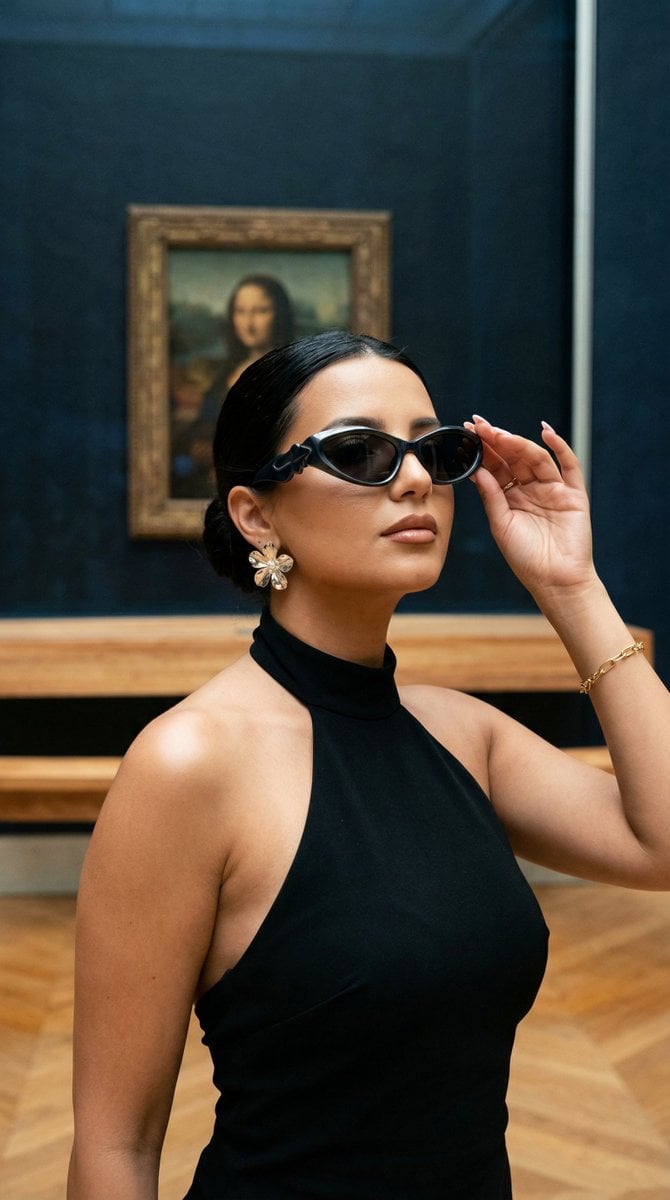
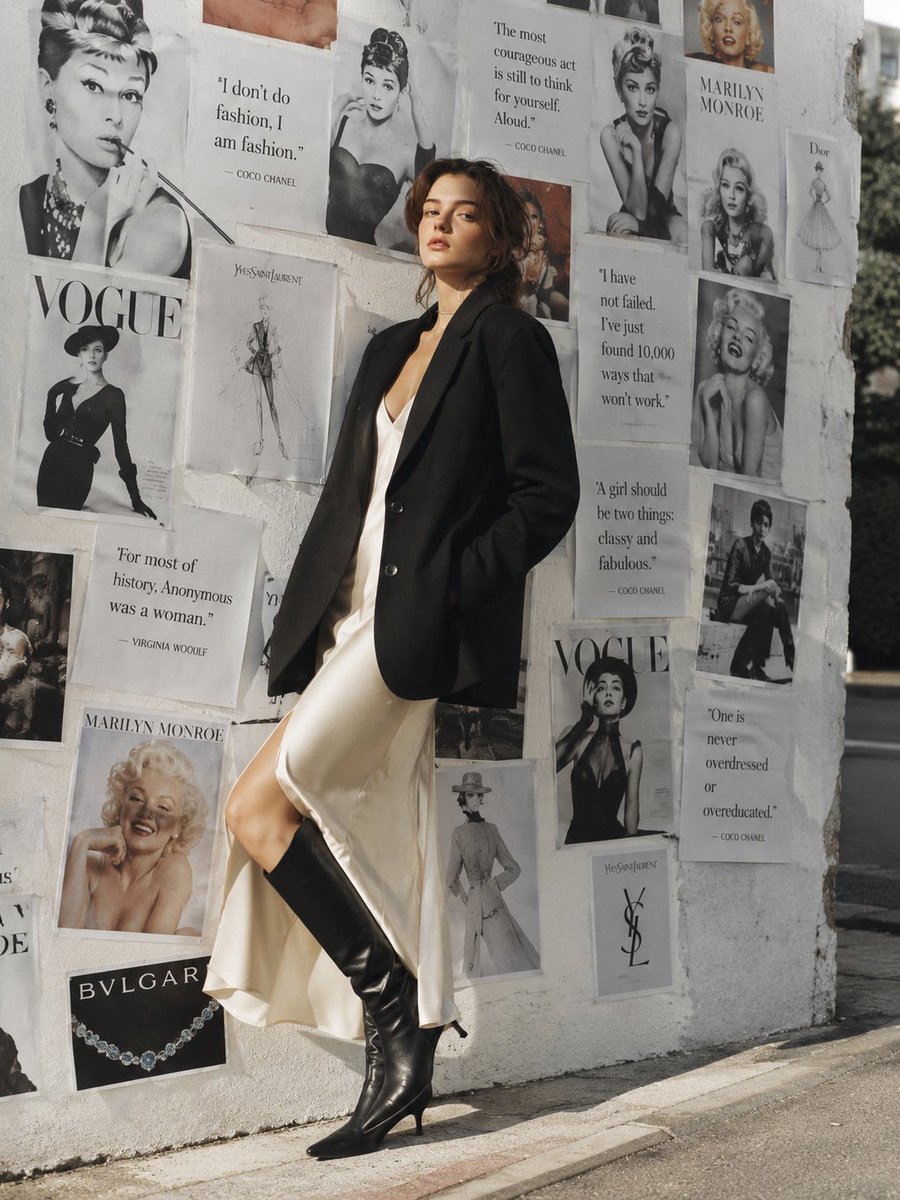
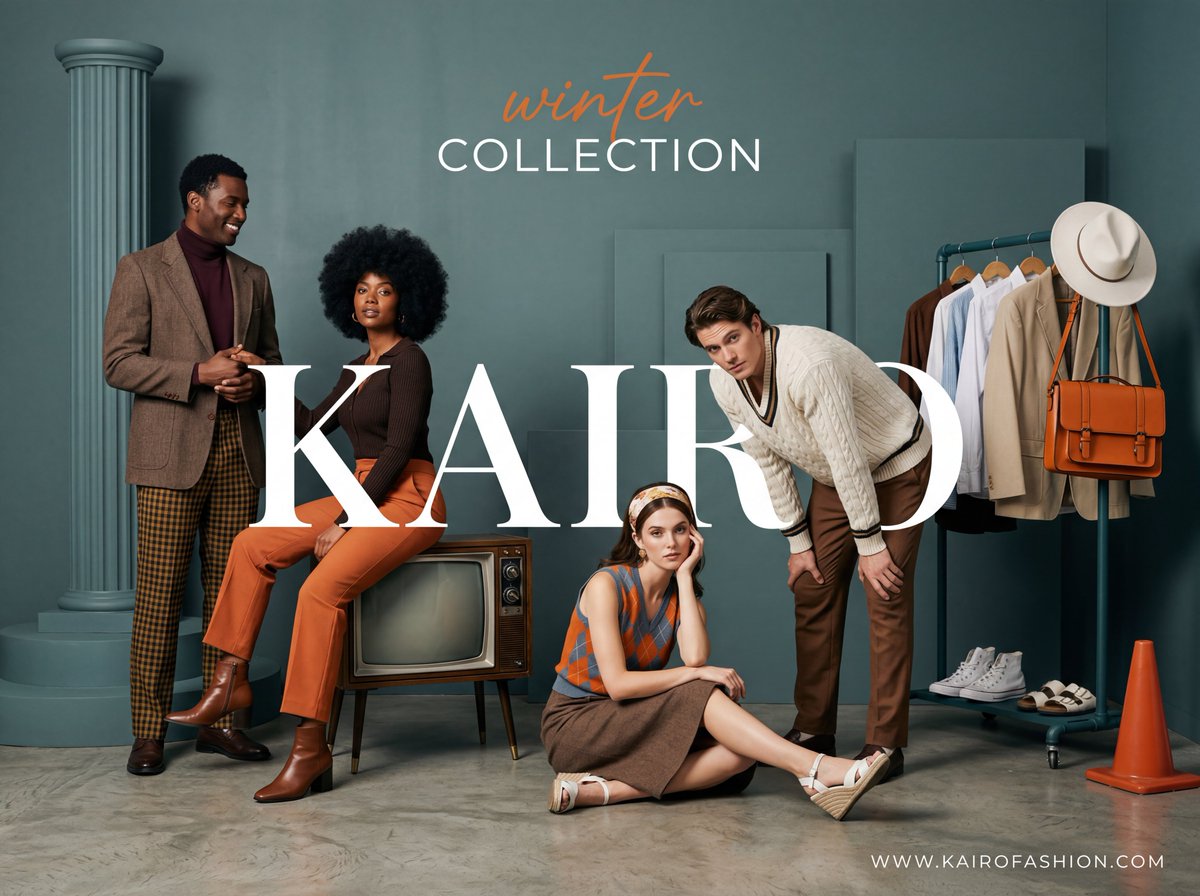
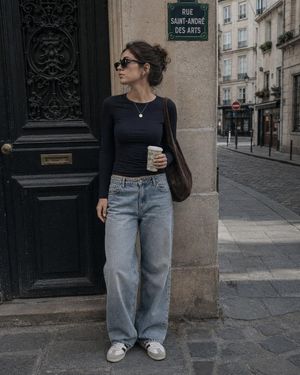
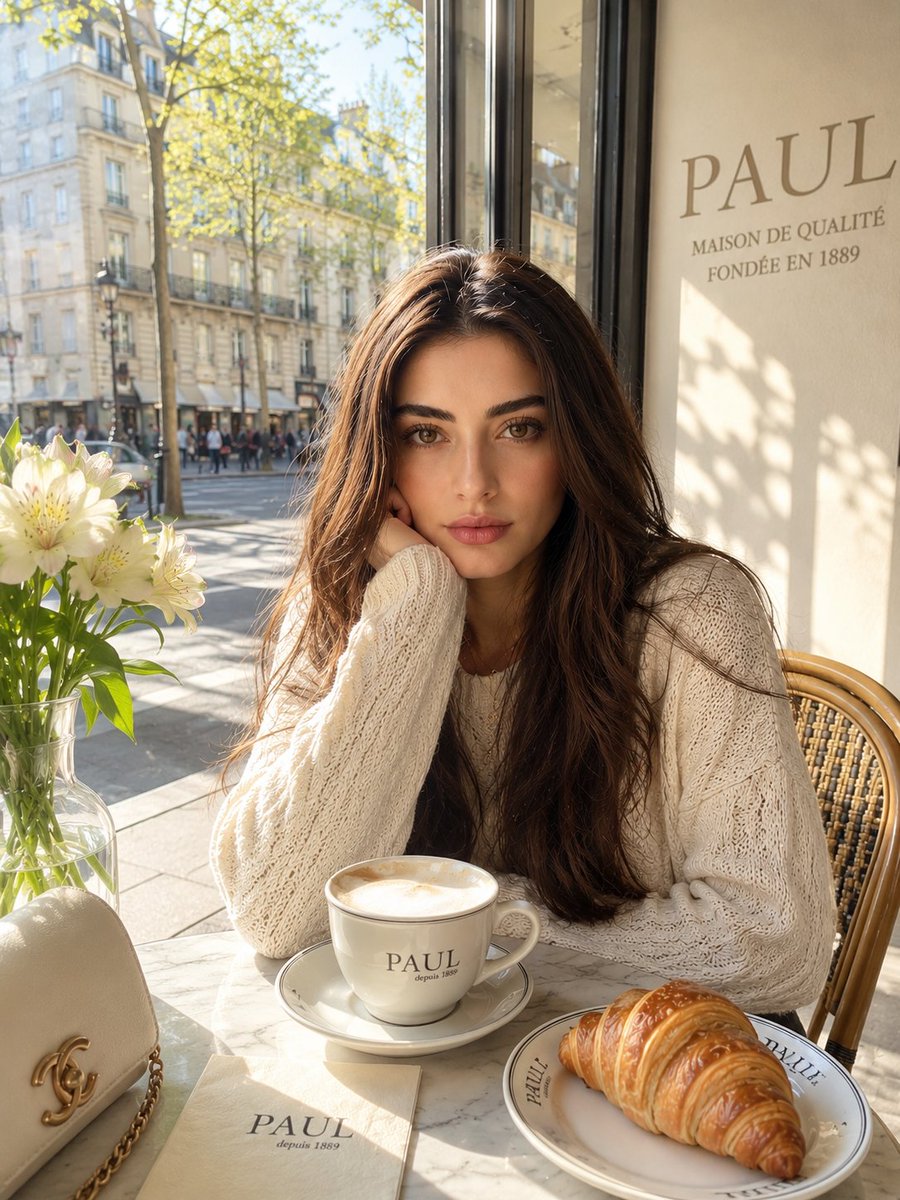
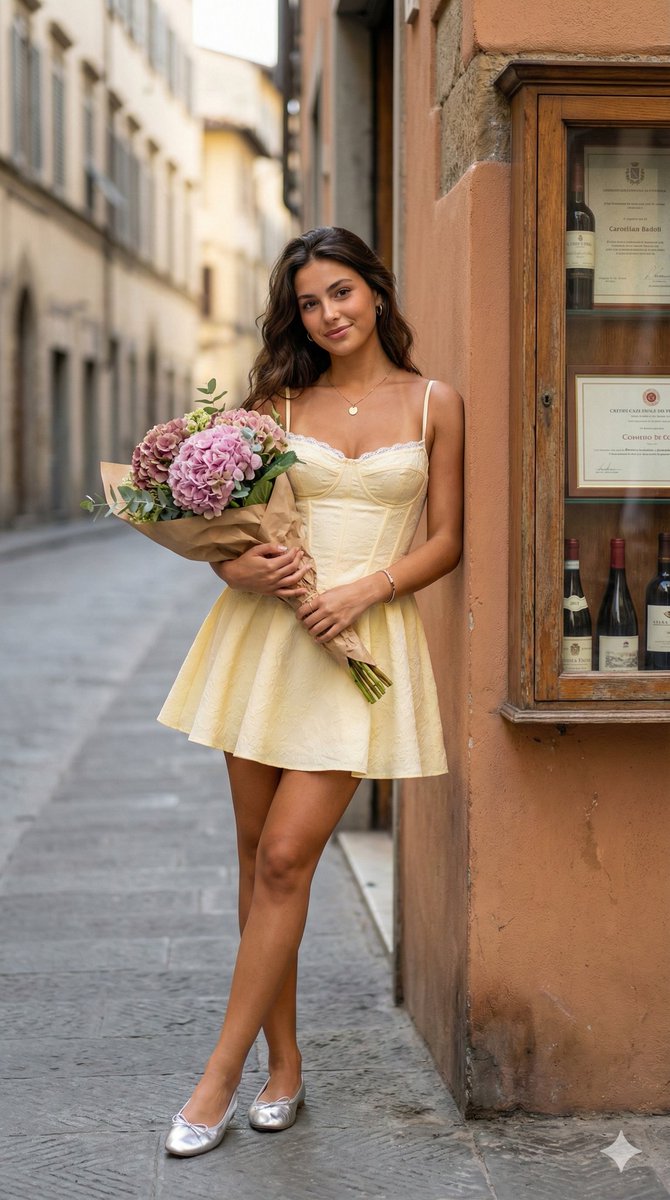
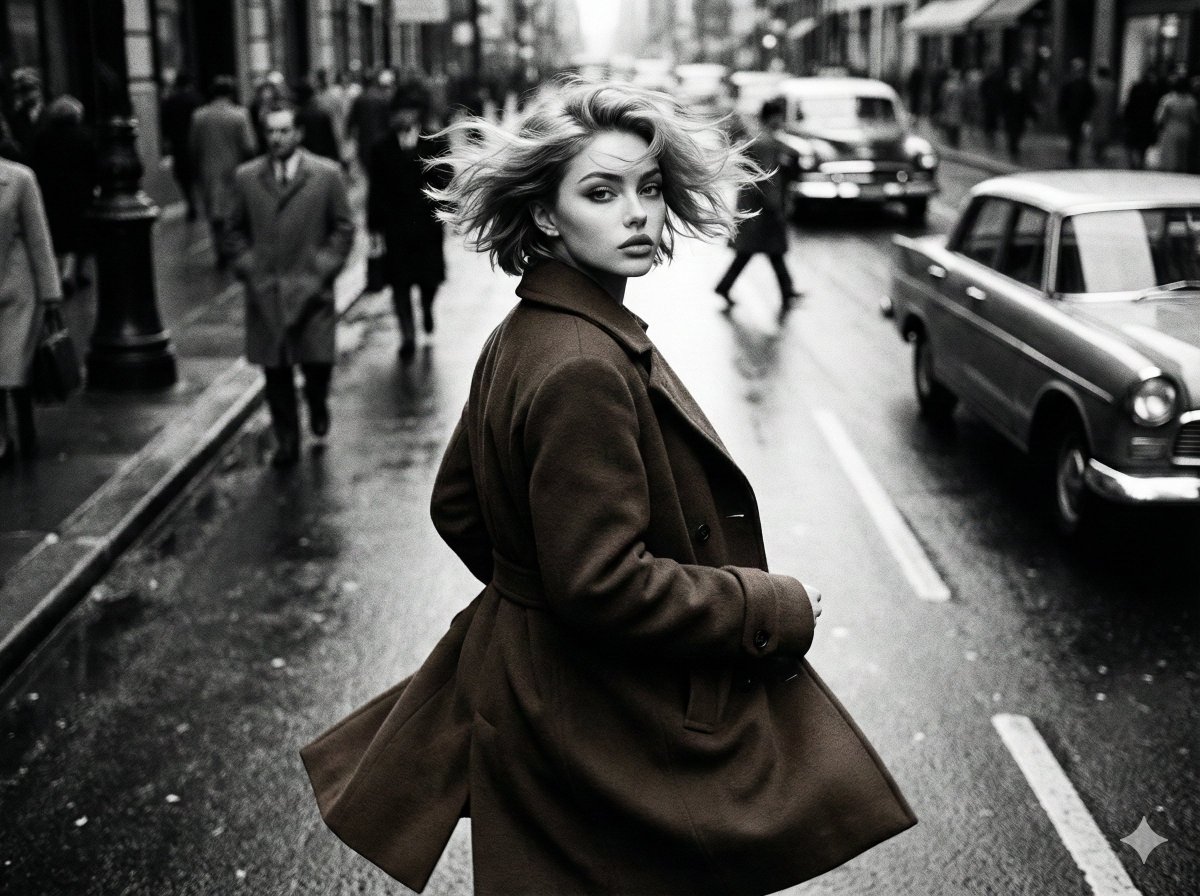
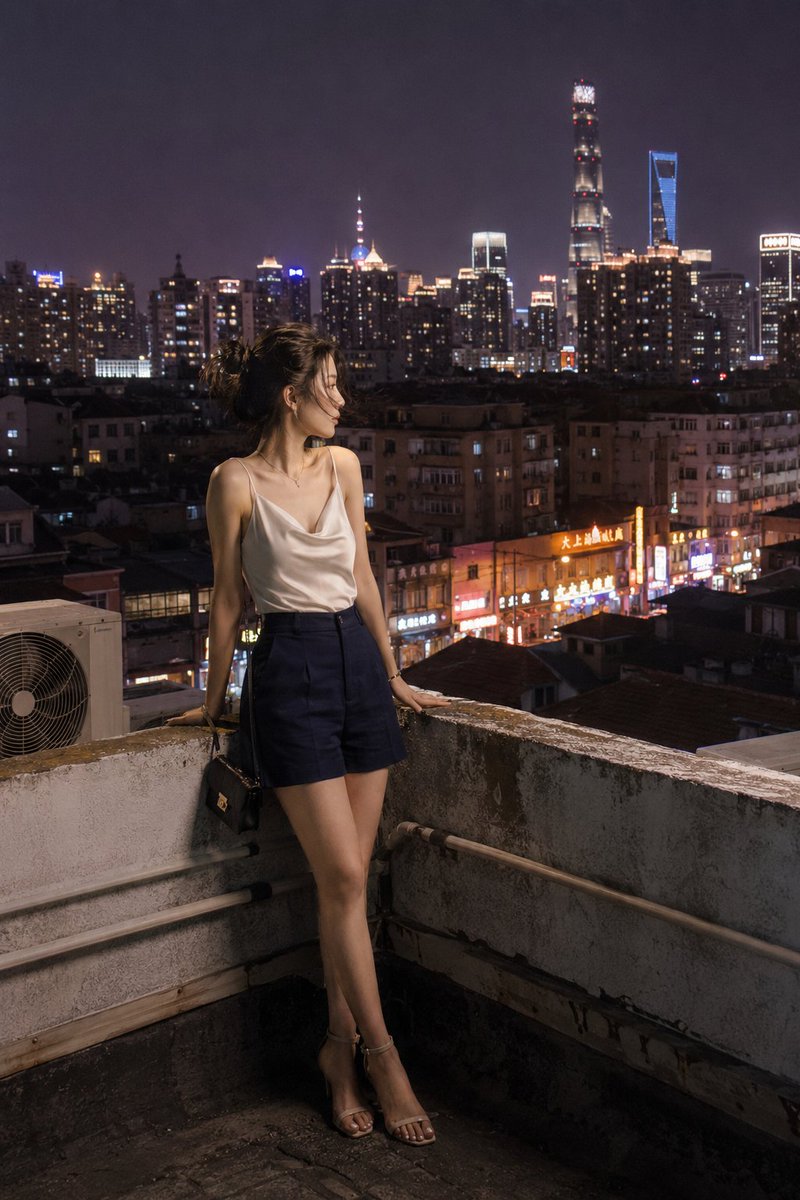
High-end fashion photography prompt set in a Parisian street, featuring luxury leather accessories and elegant serif typography.
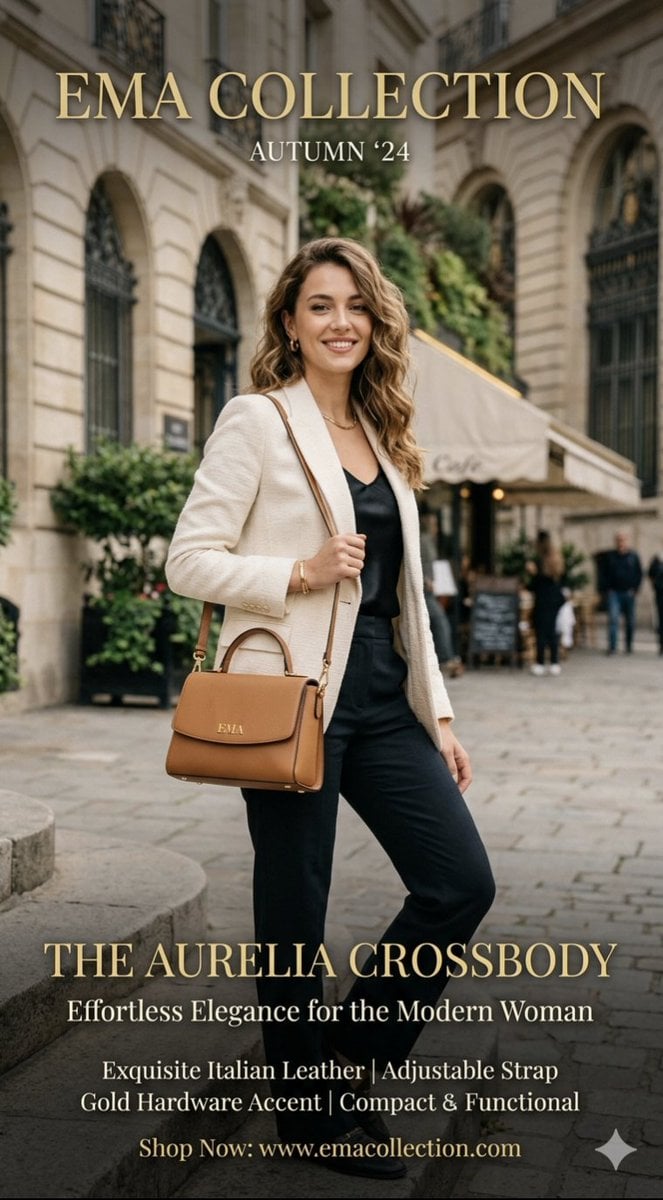
A high-end fashion advertisement for the {argument name="collection" default="EMA Collection Autumn ‘24"}, featuring a model in a sophisticated Parisian street setting. She wears a cream-colored textured blazer over a black silk top and dark trousers, carrying {argument name="bag" default="The Aurelia Crossbody bag"} in a warm tan Italian leather with gold hardware. The composition is elegant and airy, utilizing serif typography in gold and white to highlight product features like "Exquisite Italian Leather" and "Effortless Elegance," creating a polished, luxury lifestyle aesthetic.
Choose the primary action to open PicX Studio with the available template settings. Review the model and format, personalize the creative direction, and generate when ready.
Yes. You can change the subject, setting, lighting, mood, format, and available model controls before creating your image.
This template is free to open and customize. Generation usage is shown in PicX Studio before you create.
Start with Nano Banana 2, which is the model associated with this template. You can compare another compatible model for a different finish.
Follow a topic to a crawlable collection of related PicX Studio templates.