
Summer Selfie Sticker Collage
A detailed prompt for creating a 2x2 summer-themed selfie collage with consistent character features, watercolor doodles, and customizable handwritten stickers.
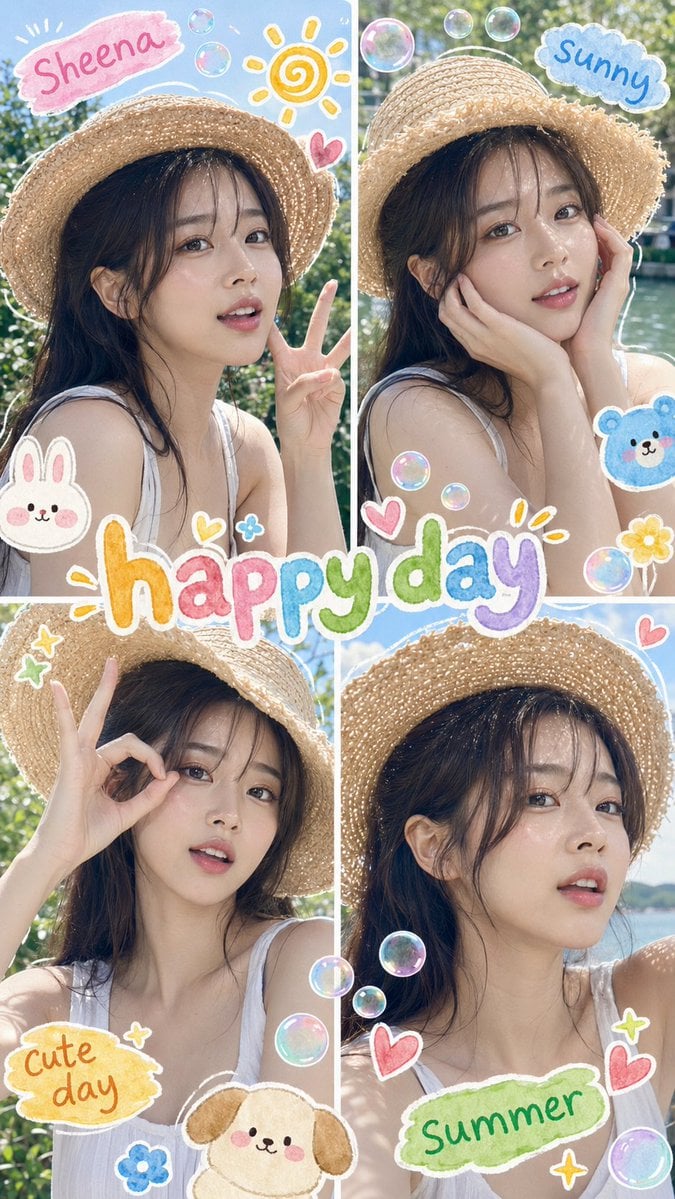
- Prompt included
- Model and format preset
- Free template
The prompt behind this image
Copy the exact prompt behind Summer Selfie Sticker Collage, or open it in the studio and make it yours.
Please use the uploaded portrait as a reference. Create a 2x2 summer selfie collage with a {argument name="aspect ratio" default="9:16"} vertical aspect ratio, comprising four panels. Ensure that the facial features remain consistent, with soft, youthful features, a warm smile and natural skin texture. In each panel, depict the character outdoors in bright summer sunshine, wearing a straw hat. Have her strike a variety of poses across the four panels: a peace sign selfie, a pose cupping her face with her hands, an OK gesture, and a relaxed close-up selfie. Keep the composition cute, lively and casual. Add colourful, watercolour-style hand-drawn doodles around her: soft outlines around her body and hat, floating soap bubbles, small hearts, simple sun drawings, sparkles, and cute little animal stickers. Ensure the doodles have a playful, hand-drawn feel, like mobile phone photo stickers. Remove all watermarks, logos, AI labels, app labels and signature marks. Keep the decorative handwritten text, but replace it with neat, legible words such as {argument name="sticker labels" default="‘Sheena’, ‘sunny’, ‘cute day’ and ‘summer’"}. Make ‘{argument name="main text" default="happy day"}’ the most prominent text. Ensure the text looks like colourful, hand-drawn sticker lettering. Style: Soft Korean/Japanese-style summer selfie aesthetic, bright yet subtle sunlight, fresh colours, a slight film-like softness, a refreshing outdoor atmosphere, cute social media collages, clean ultra-high-resolution images. Elements to remove: Watermarks, logos, brand marks, AI labels, signatures, QR codes, random text, illegible characters, misspelled ‘happy day’, long captions, cluttered typography, unnecessary people, duplicate faces within a single panel, distorted faces, asymmetrical eyes, plastic-looking skin, excessively smooth skin, blurry faces, lack of detail, unnatural body proportions, distorted hands, extra fingers, missing fingers, fused fingers, twisted arms, severe overexposure, dull colours, severe compression artefacts, dark and underexposed panels.
How to use Summer Selfie Sticker Collage in 3 steps
- 1Upload ImagePNG, JPG or paste
Add your photo
Upload the photo the template builds on. The prompt, model and format are already set.
- 2…a portrait of your subject in softgolden-hour light, 85mm…
Personalize
Edit the subject and creative details for your destination.
- 3Generate
Generate
Press Generate — your image is created in PicX Studio, so you can compare it with the original and refine one variable at a time.
More like this
Templates with the same subject, style or setup. Open one to see its prompt.
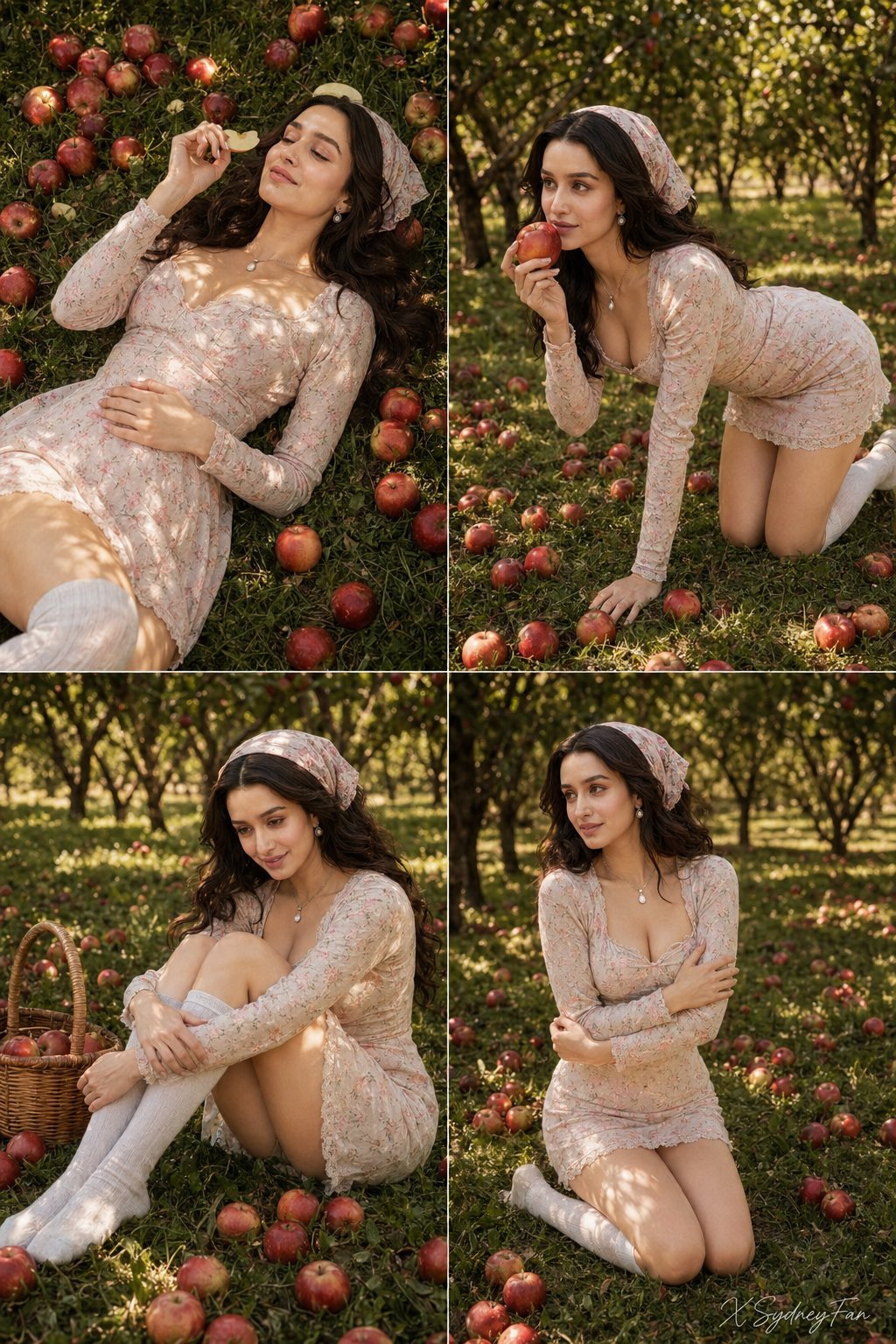
Nano Banana Apple Orchard Collage

Tropical Vacation Selfie — Nano Banana (Chryzleen)
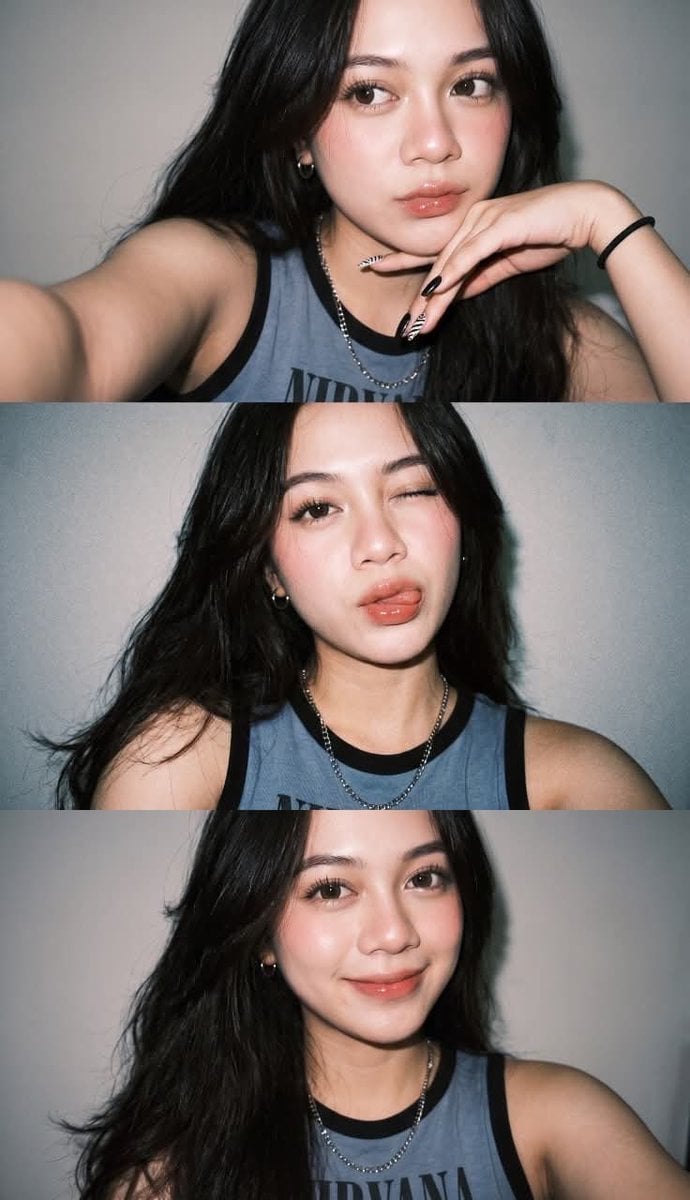
Gen Z Flash Selfie Triple Collage

Pastel Anime Summer Beach Collage

Rooftop Fisheye — Cat-Ear Balaclava at Golden Hour

Felt & Knit 3D Character — Photo-Exact Face, Pixar-Quality Plush Figurine

Surreal Cat Astronaut — Humanoid Face Freefall
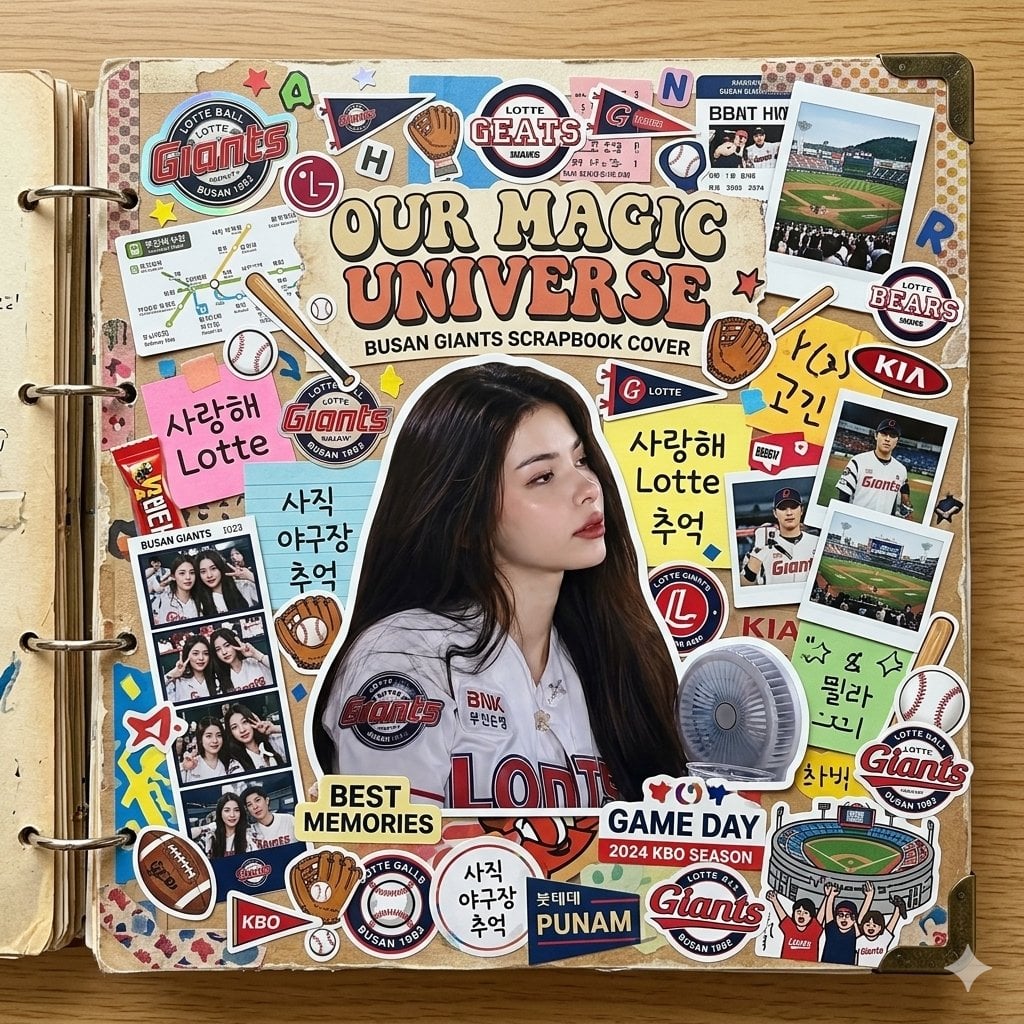
Scrapbook Cover Sticker Collage Effect

Paper Cut Finale Fireworks

Paper Cut Garden Maze

Paper Cut Rooftop Concert

Paper Cut Bicycle Coast
Make it yours
Summer Selfie Sticker Collage works as-is. These are the safest ways to change it without losing the look.
Change one field
Copy a single group, rewrite it, and generate again so you can see what that field is doing.
Keep the frame, change the subject
Hold the composition and light of Summer Selfie Sticker Collage, then swap wardrobe, props or the person for a new take.
| If the result… | Why | Fix |
|---|---|---|
| The result drifts from the preview | Too many fields changed at once. | Reuse Summer Selfie Sticker Collage as-is first, then change one group — subject, light, or setting. |
| The model over-stylizes the scene | The prose prompt leaves finish and camera underspecified. | Add one camera or lighting sentence and stay on GPT Image 2. |
More GPT Image 2 templates
Other prompts made for GPT Image 2.

Six VTuber Japanese Logo Sheet

Realistic Portrait of Woman and Deer

The Vista Modular Condo Poster

AI Model Routing Comparison Infographic

2.5D Anime Art Board

Isometric Productivity Desk Scene

New York Double Exposure Poster

Four-Panel AI Landscape Comparison

Japanese Tatami Lifestyle Magazine Cover

NESCAFÉ Coffee Map Poster
More image prompts
Fresh picks from across the catalog.

Cute Ball Shaped Animal Characters

Rusted Decadent Clockwork Ruin
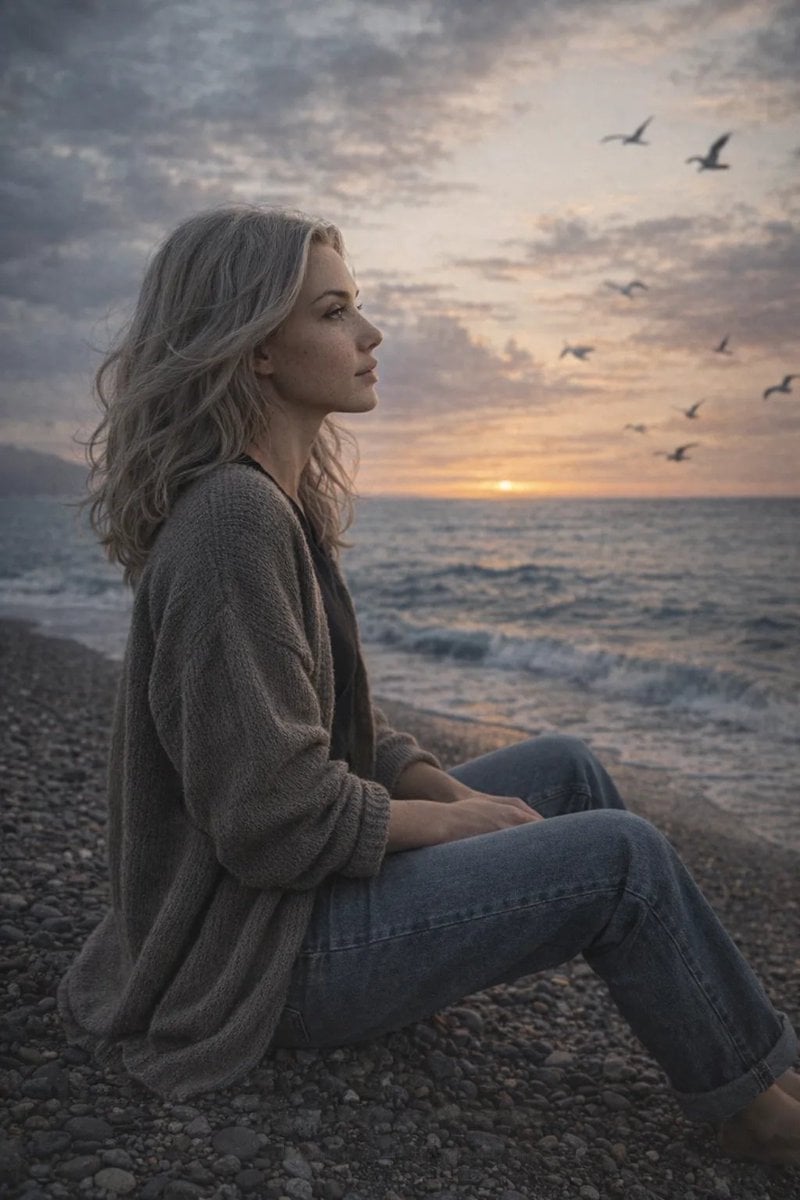
Cinematic Seaside Scene Prompt with Detailed Texture Requirements

Freepik Prompt Share with Nano Banana Pro
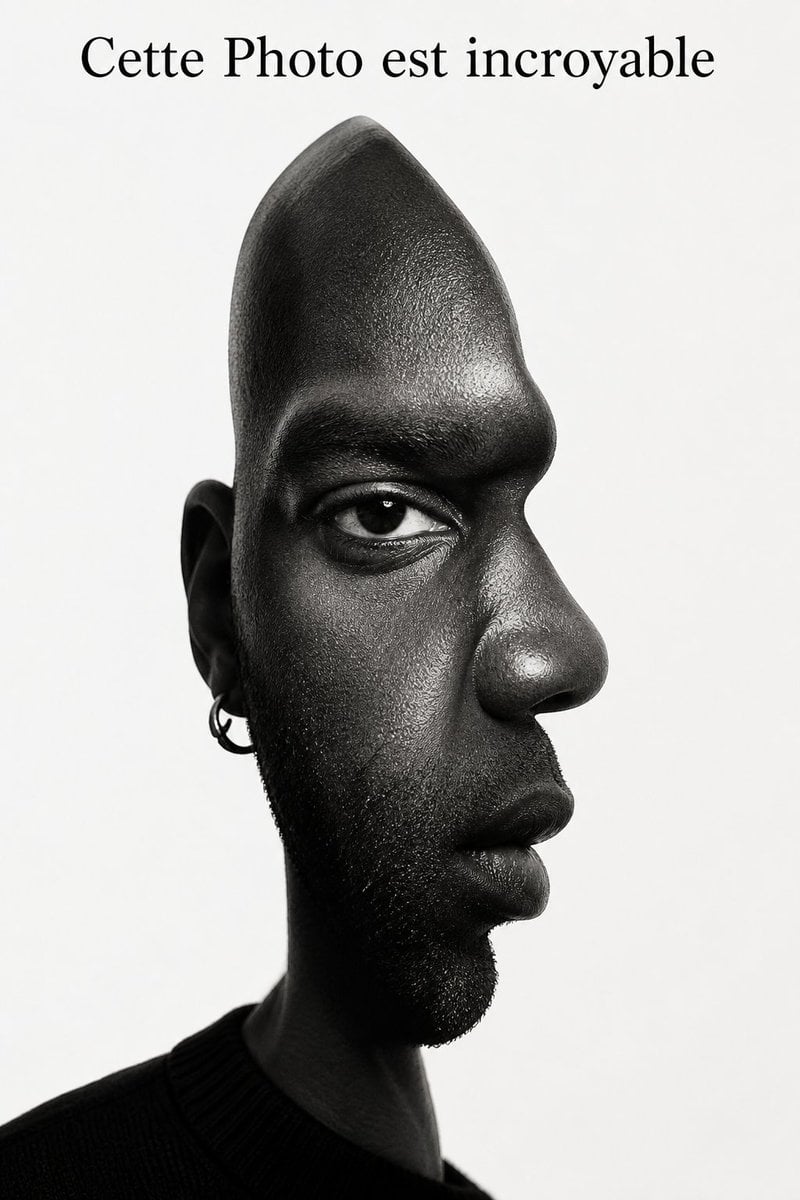
Surreal Optical Illusion Portrait
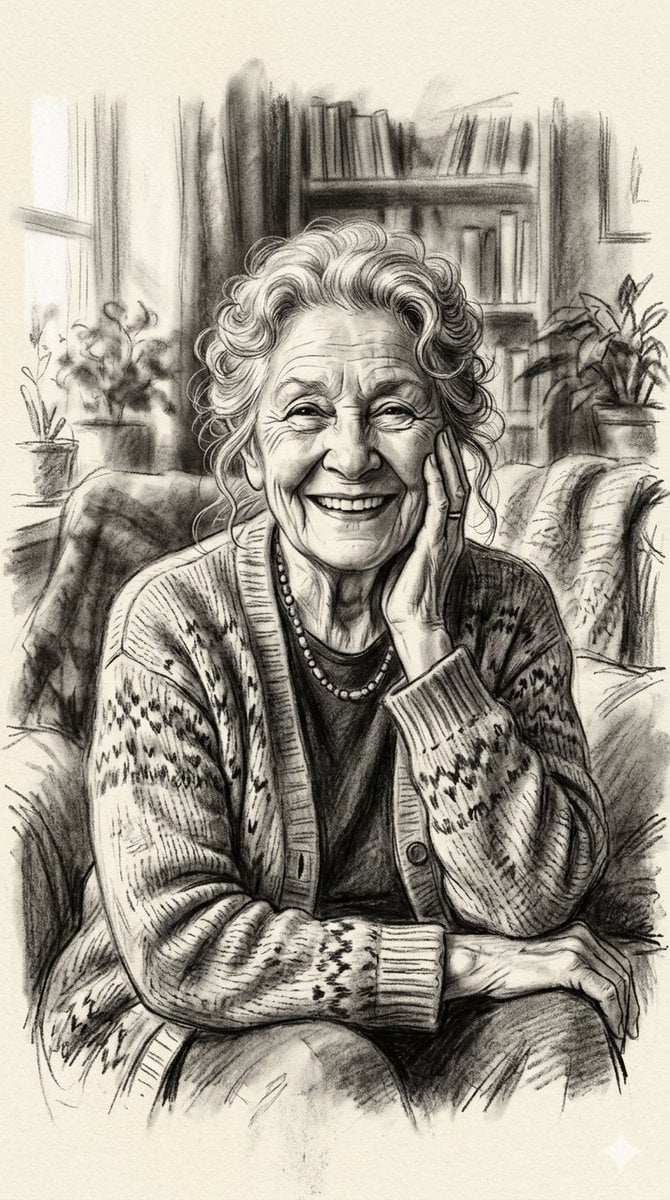
X Minahil42298354 Subject a Heartwarming Portrait
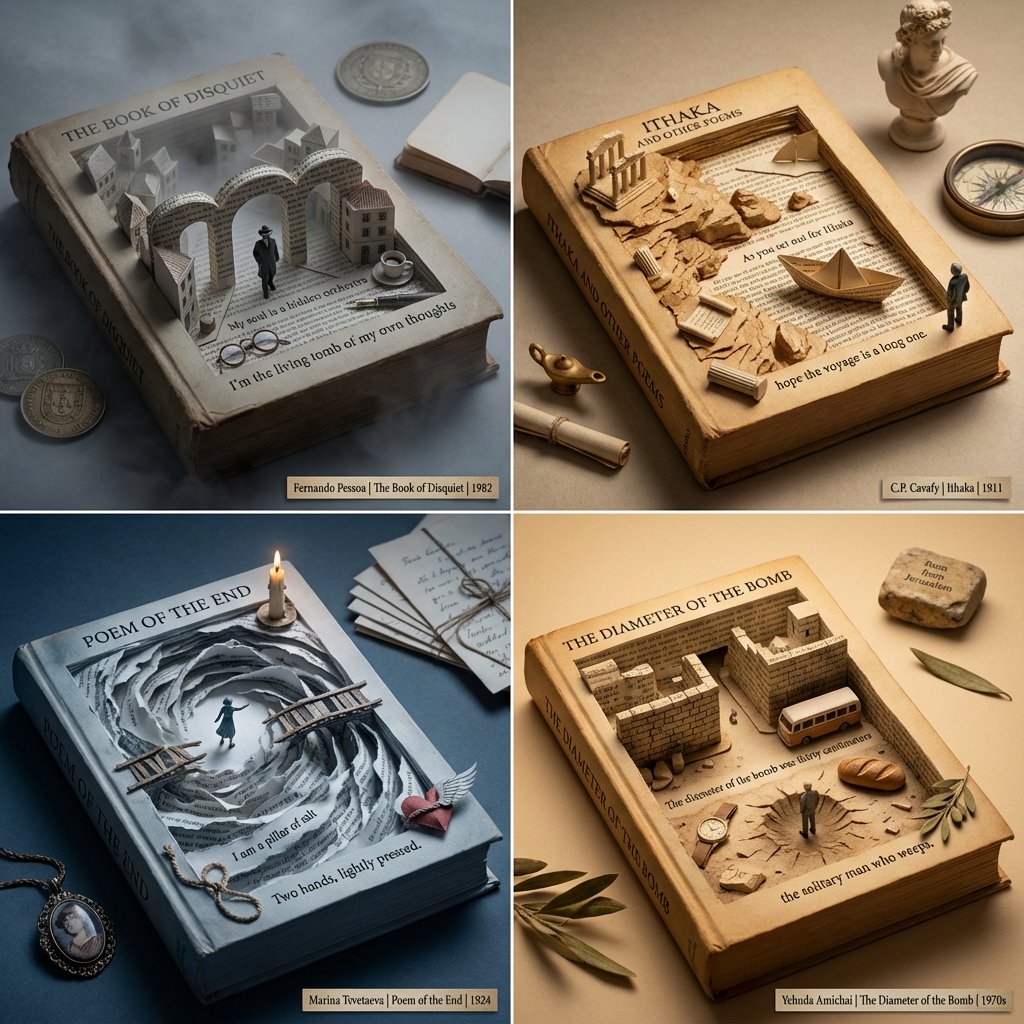
Poetry Recommendation System Prompt (Carved Book Sculpture Aesthetic)
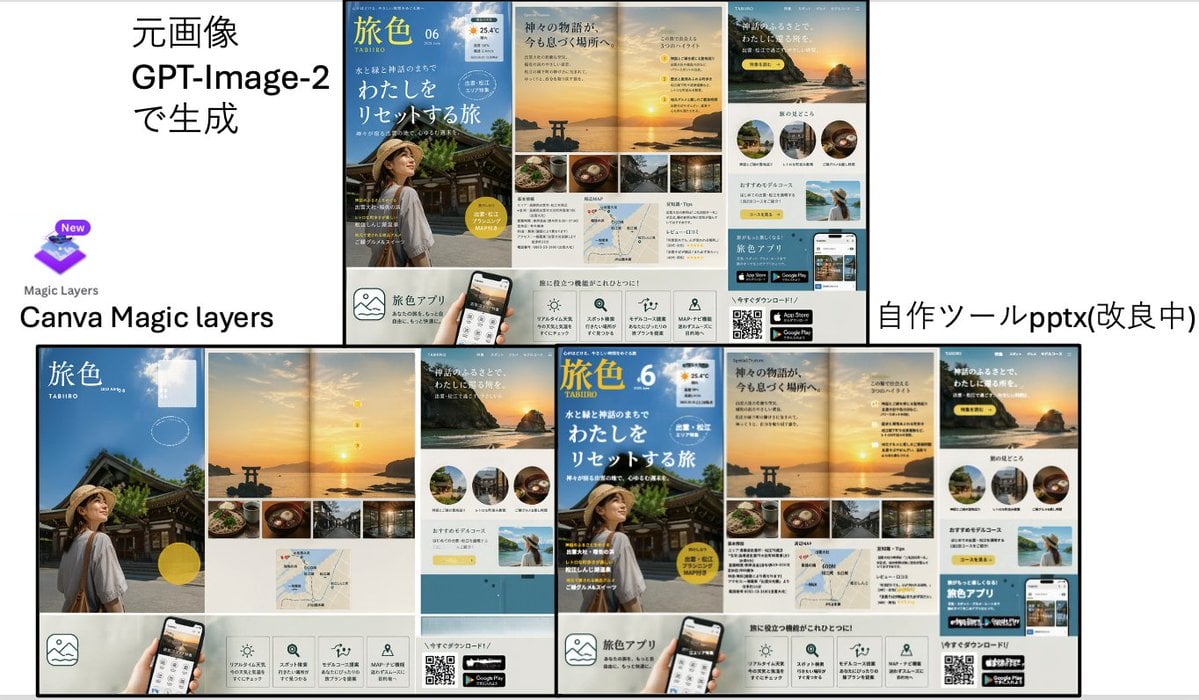
Travel Ad Conversion Comparison Slide

Black and White Industrial Fashion Portrait
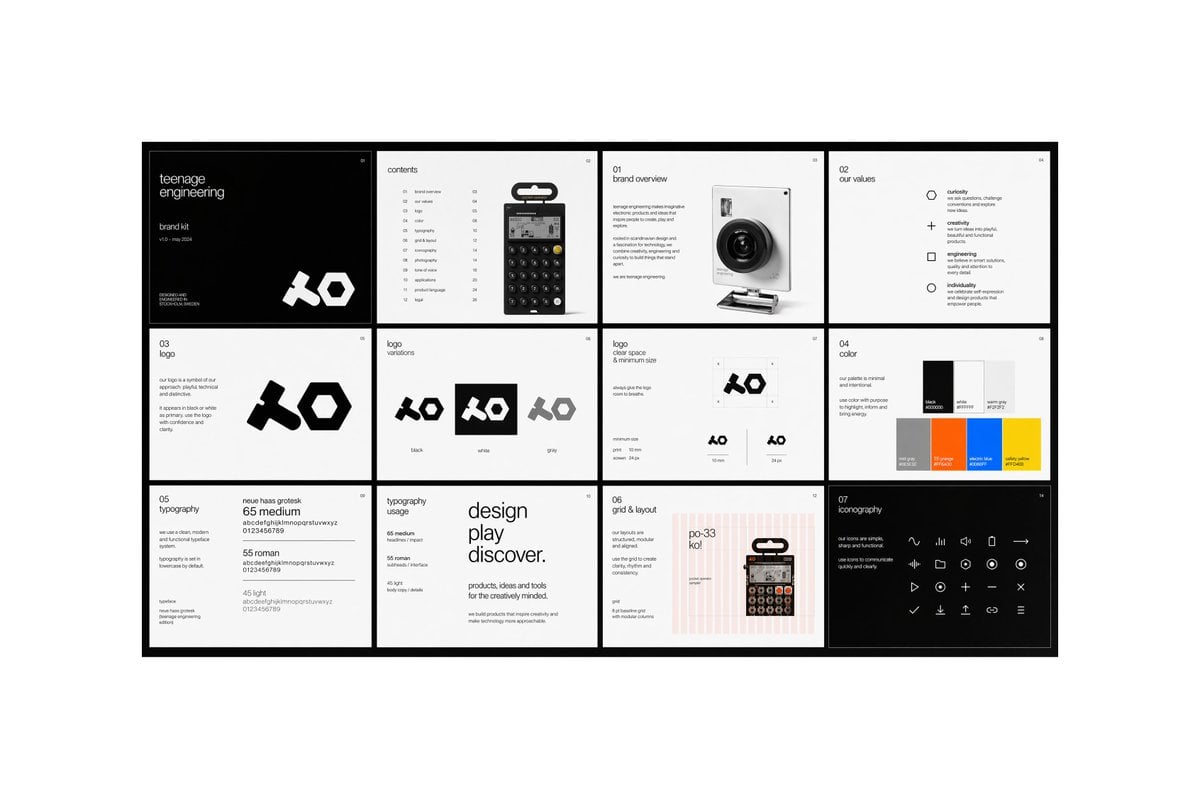
Multi-page Brand Kit Generator
Browse template categories
Summer Selfie Sticker Collage questions
How do I use the Summer Selfie Sticker Collage template?
Add your photo if the template asks for one, edit the prompt if you like — the template's model and format are already selected — and press Generate. Your version opens in PicX Studio.
Can I customize the Summer Selfie Sticker Collage template?
Yes. You can change the subject, setting, lighting, mood, format, and available model controls before creating your image.
Is the Summer Selfie Sticker Collage template free?
Opening and editing this template is free. Generating uses credits, shown on the Generate button when you are signed in.
Which AI model should I use?
Start with GPT Image 2, which is the model associated with this template. You can compare another compatible model for a different finish.
Looking for something else? Browse all templates.

Your photo, any look
Thousands of ready templates for every top image and video model, from one credit balance.