
Anime Schoolgirl Scarecrow in Rural Field
Generates a detailed vertical fantasy illustration of a schoolgirl-like straw scarecrow in a sunny countryside field.
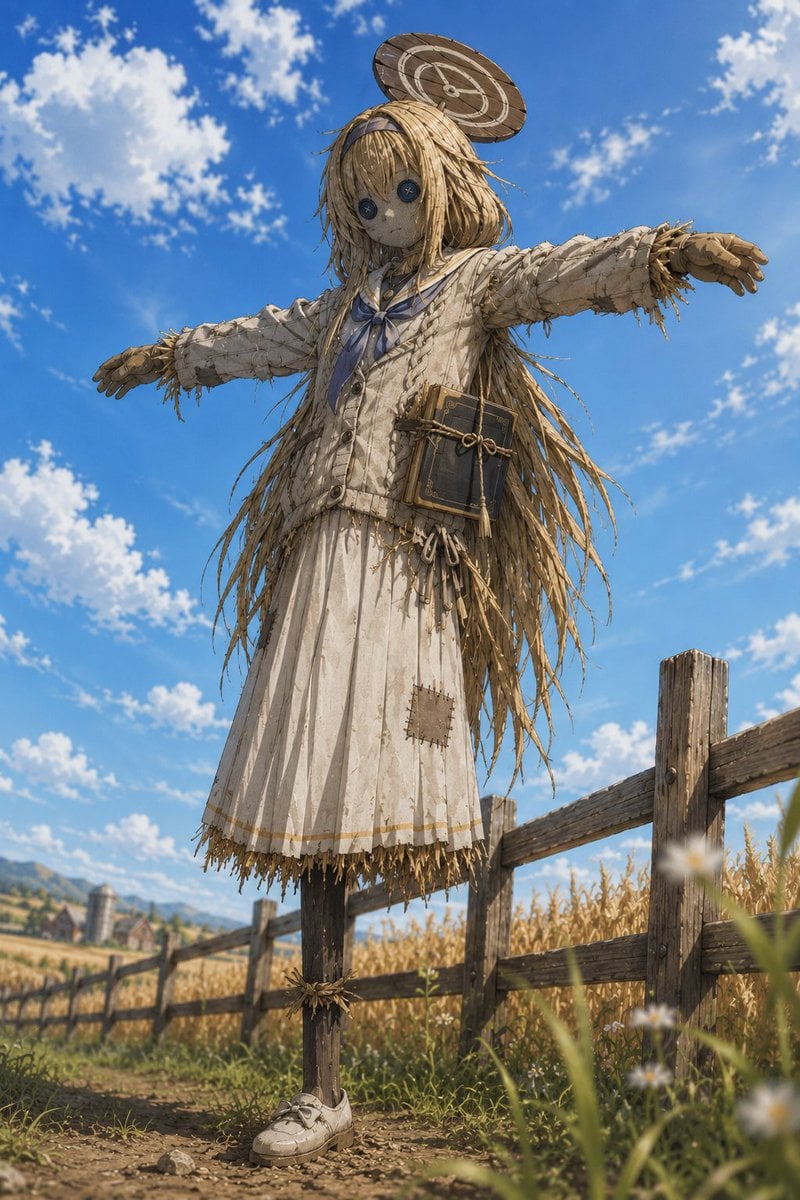
- Prompt included
- Model and format preset
- Free template
The prompt behind this image
Copy the exact prompt behind Anime Schoolgirl Scarecrow in Rural Field, or open it in the studio and make it yours.
Create a highly detailed cinematic anime-realism image of a life-size scarecrow version of {argument name="character archetype" default="a Japanese schoolgirl"} standing in a golden rural field, posed in a T-shape with exactly 2 outstretched arms. The figure has a burlap cloth face with exactly 2 large dark button eyes, no mouth, and a quiet uncanny expression; long messy {argument name="hair color" default="straw-blonde"} hair is made from loose straw strands cascading past the shoulders and down the back. Dress the scarecrow in a worn off-white sailor-style school uniform with a blue neckerchief, a buttoned cardigan-like top, and a long pleated skirt; include frayed straw edges at the cuffs and hem, visible stitching, dirt stains, and exactly 1 square patch sewn onto the lower front of the skirt. Add exactly 1 small round wooden parasol or target-like hat tilted above the head, and exactly 1 dark antique book tied with rope hanging at the waist like a pouch. The lower body is a single wooden support pole with exactly 1 white sneaker attached near the ground. Place the scarecrow beside a rustic wooden fence in a wheat or cornfield, with a distant farmhouse and silo on the left horizon, wild grasses and a few blurred white flowers in the foreground. Use a low-angle vertical composition, bright midday sunlight, vivid blue sky with scattered white clouds, warm pastoral colors, shallow depth of field, intricate straw texture, realistic fabric weathering, and a magical yet slightly eerie atmosphere. Avoid text, logos, extra characters, or modern city elements.
How to use Anime Schoolgirl Scarecrow in Rural Field in 3 steps
- 1Upload ImagePNG, JPG or paste
Add your photo
Upload the photo the template builds on. The prompt, model and format are already set.
- 2…a portrait of your subject in softgolden-hour light, 85mm…
Personalize
Edit the subject and creative details for your destination.
- 3Generate
Generate
Press Generate — your image is created in PicX Studio, so you can compare it with the original and refine one variable at a time.
More like this
Templates with the same subject, style or setup. Open one to see its prompt.
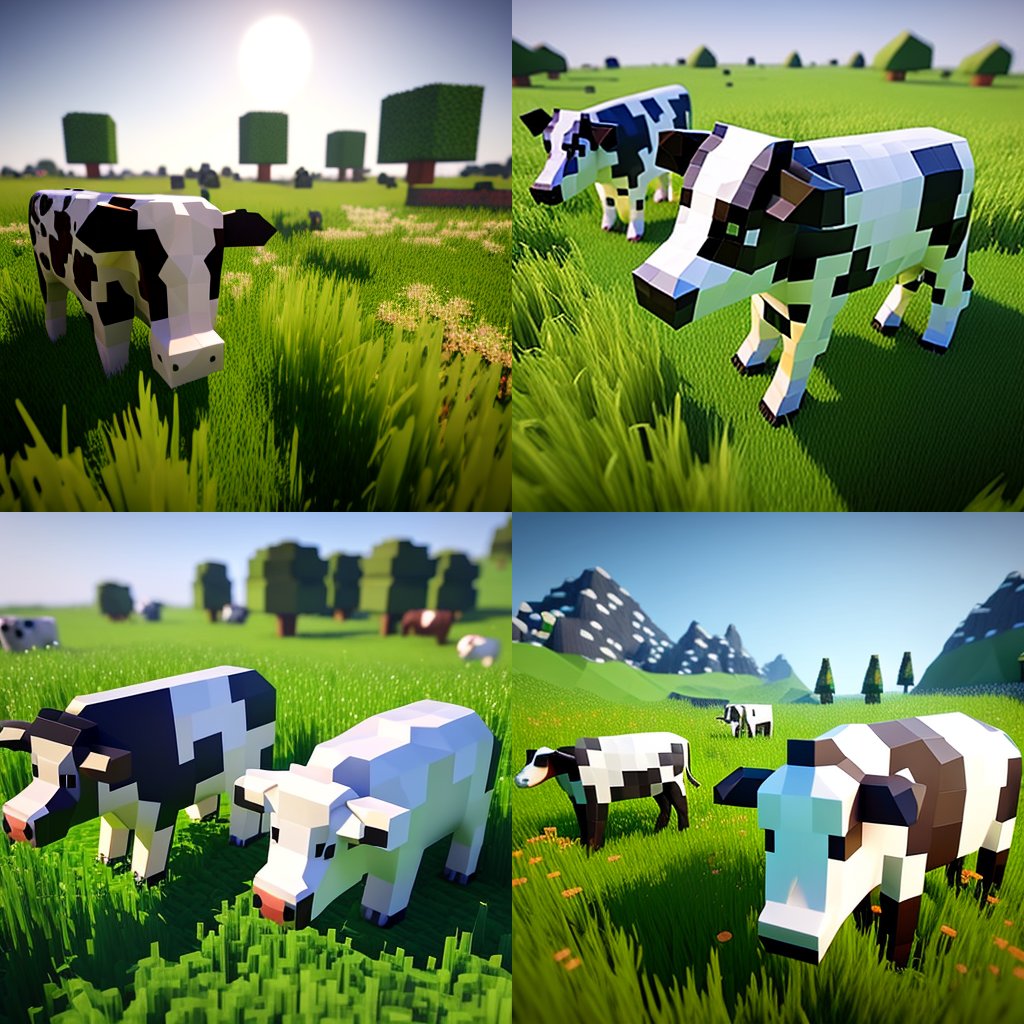
Hyper-Realistic Minecraft Cows Grazing
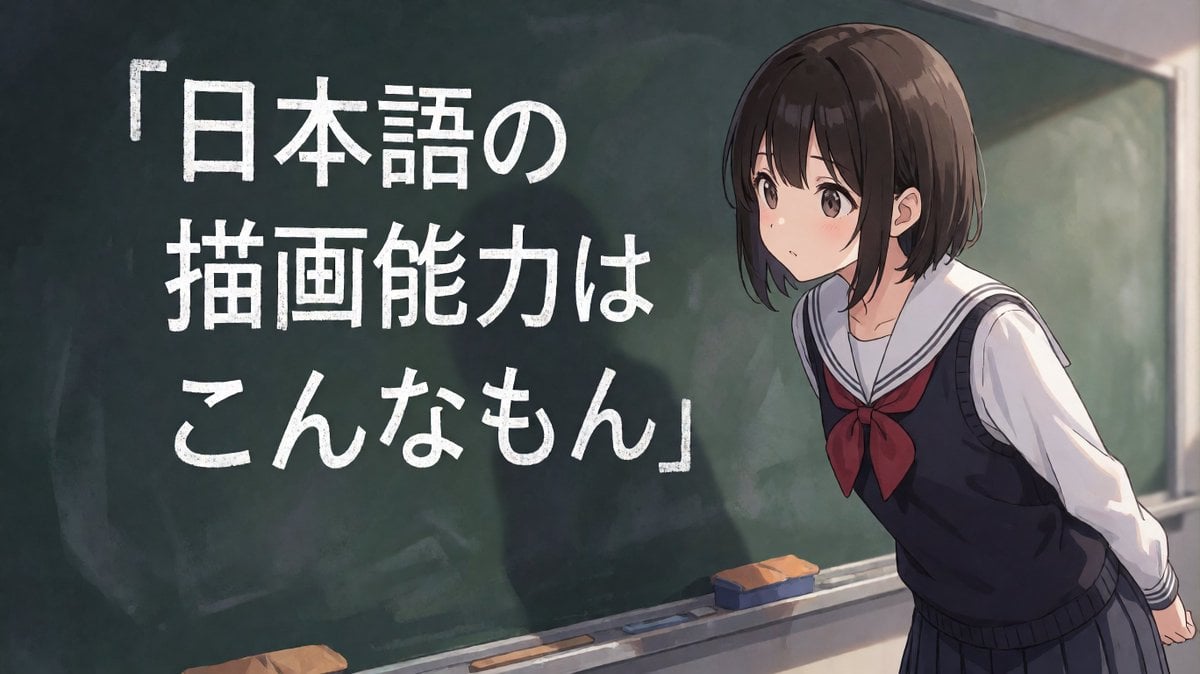
Anime Schoolgirl Chalkboard Quote
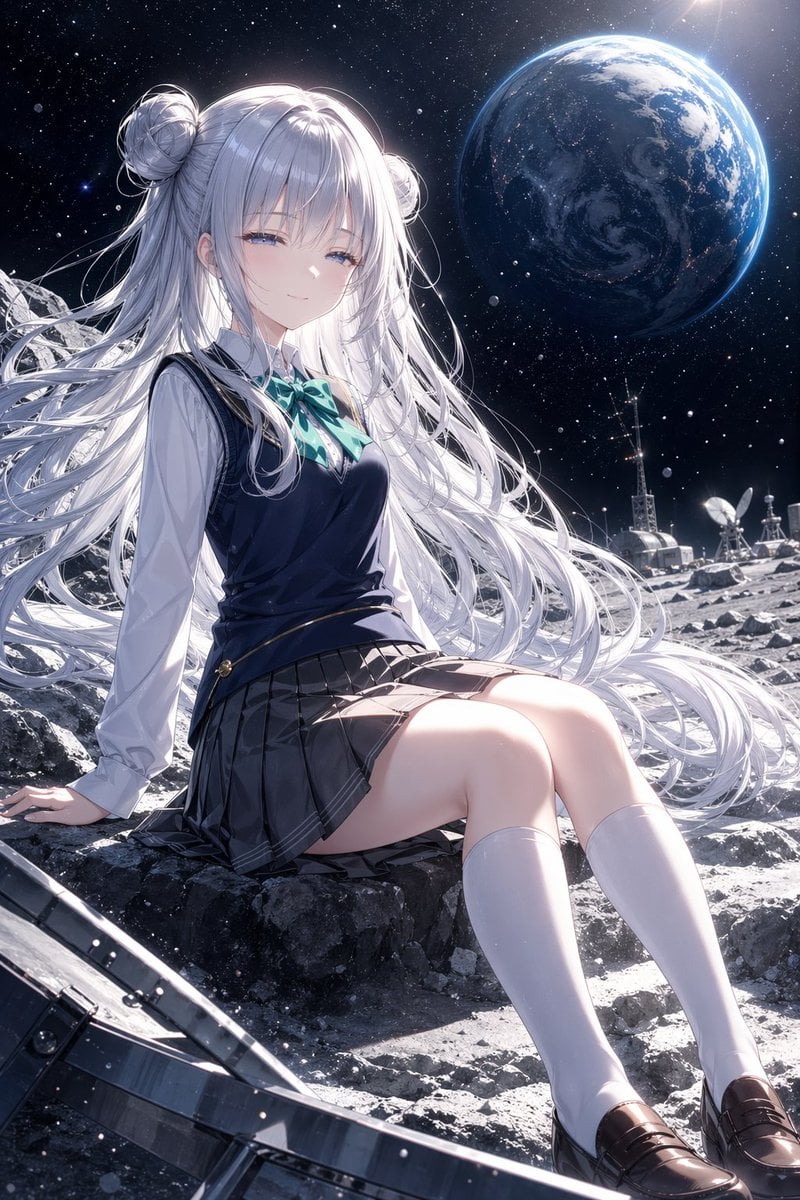
Anime Schoolgirl on the Moon

Chaotic Anime Schoolgirl Fan Collage
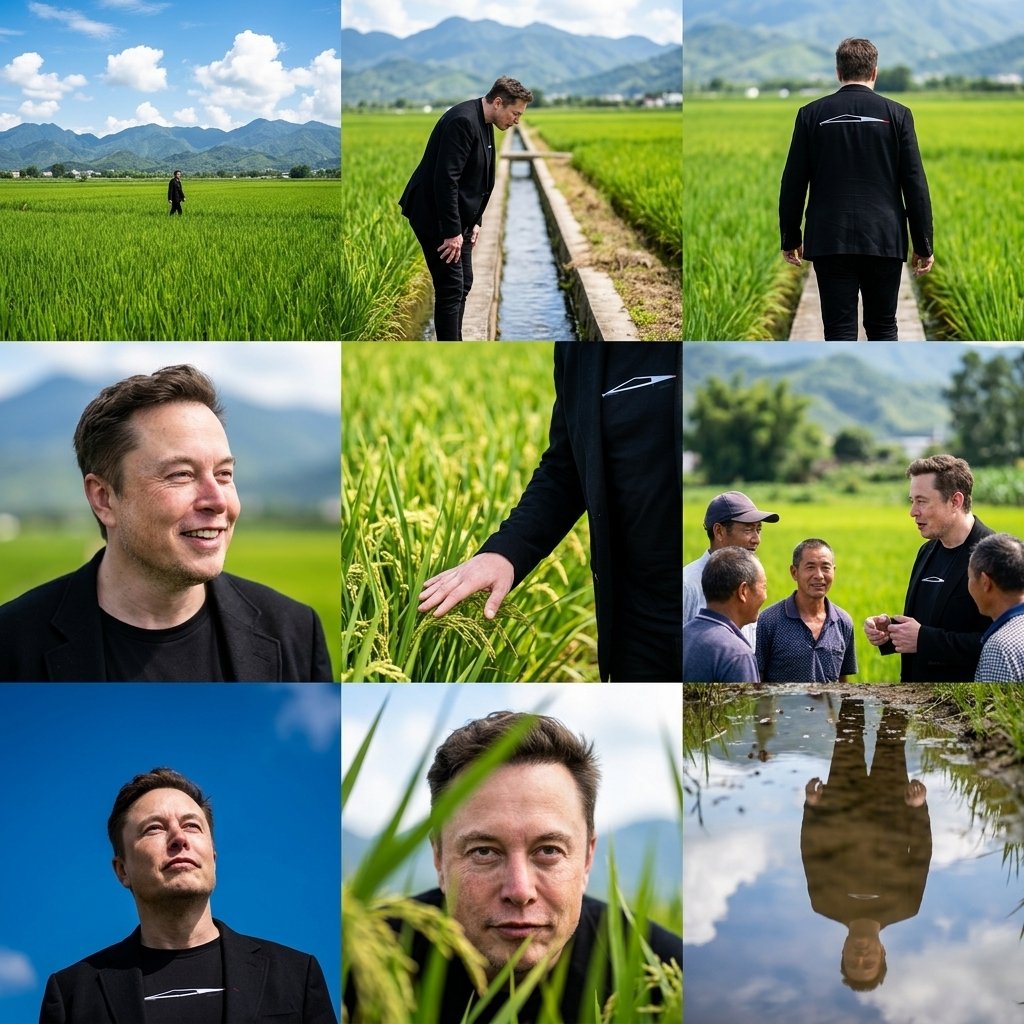
Rural Fields Multi-Perspective Grid

Cel 2D Finale Fireworks

Cel 2D Garden Maze

Cel 2D Rooftop Concert

Cel 2D Bicycle Coast

Cel 2D Castle Gate

Cel 2D Kitchen Chaos

Cel 2D Carnival Ride
Make it yours
Anime Schoolgirl Scarecrow in Rural Field works as-is. These are the safest ways to change it without losing the look.
Change one field
Copy a single group, rewrite it, and generate again so you can see what that field is doing.
Keep the frame, change the subject
Hold the composition and light of Anime Schoolgirl Scarecrow in Rural Field, then swap wardrobe, props or the person for a new take.
| If the result… | Why | Fix |
|---|---|---|
| The result drifts from the preview | Too many fields changed at once. | Reuse Anime Schoolgirl Scarecrow in Rural Field as-is first, then change one group — subject, light, or setting. |
| The model over-stylizes the scene | The prose prompt leaves finish and camera underspecified. | Add one camera or lighting sentence and stay on GPT Image 2. |
More GPT Image 2 templates
Other prompts made for GPT Image 2.

Six VTuber Japanese Logo Sheet

Realistic Portrait of Woman and Deer

The Vista Modular Condo Poster

AI Model Routing Comparison Infographic

2.5D Anime Art Board

Isometric Productivity Desk Scene

New York Double Exposure Poster

Four-Panel AI Landscape Comparison

Japanese Tatami Lifestyle Magazine Cover

NESCAFÉ Coffee Map Poster
More image prompts
Fresh picks from across the catalog.
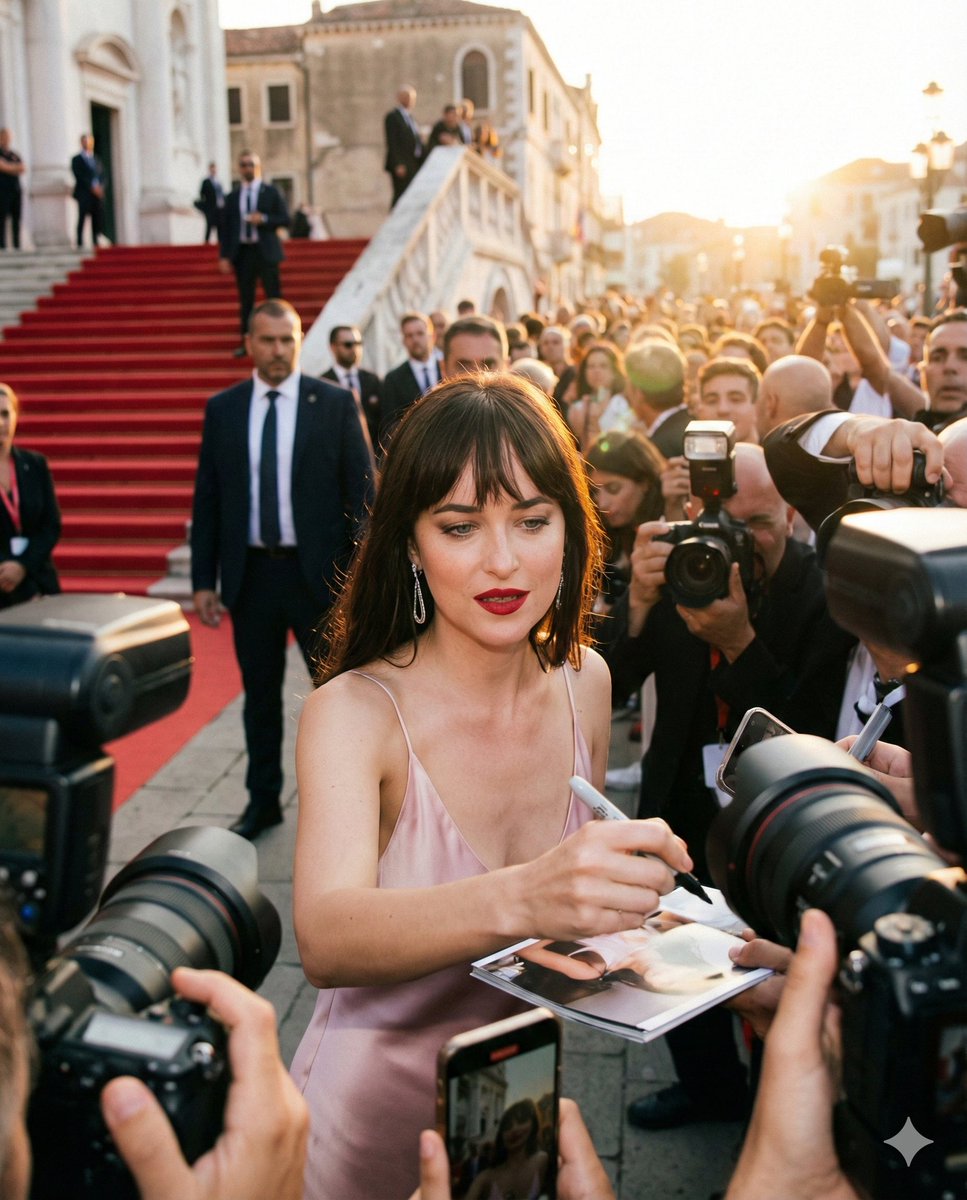
Red Carpet Paparazzi Realism Prompt
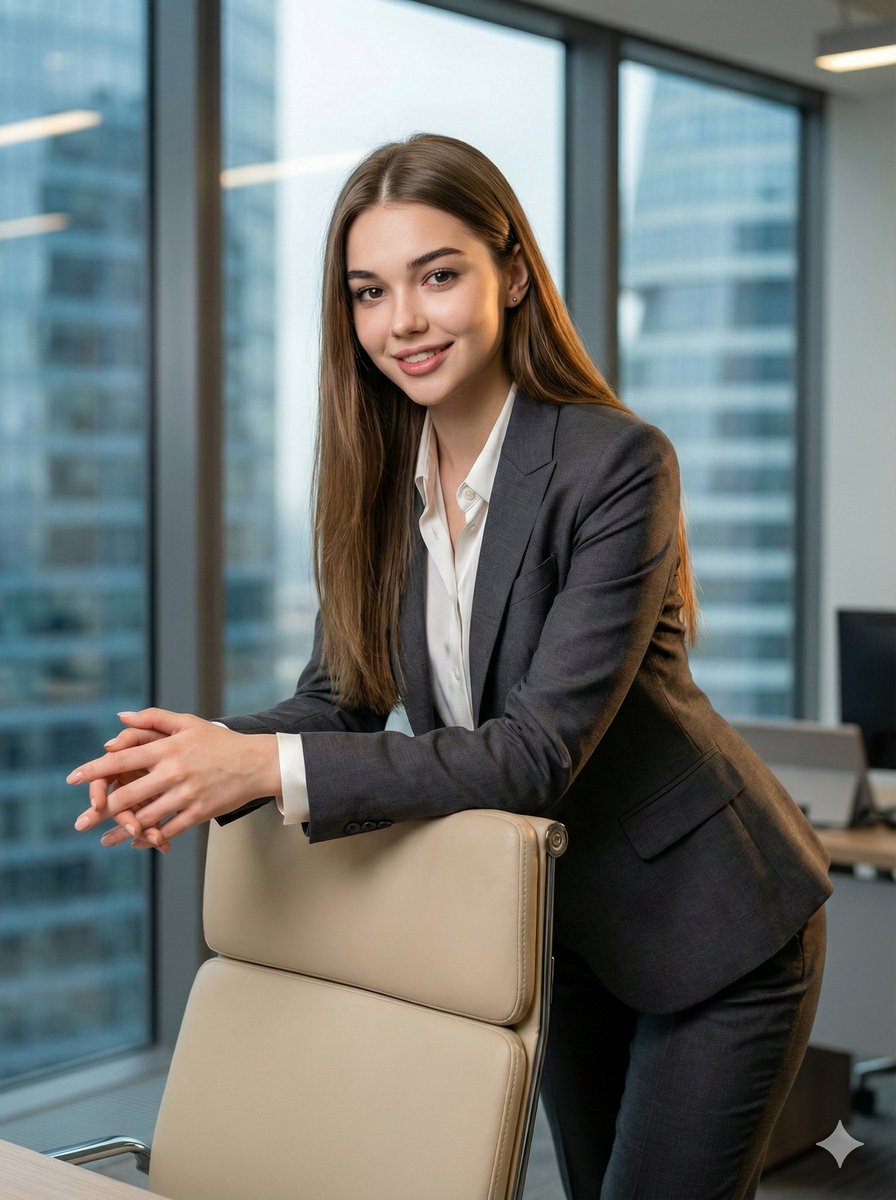
8K Corporate High-Fashion Editorial JSON
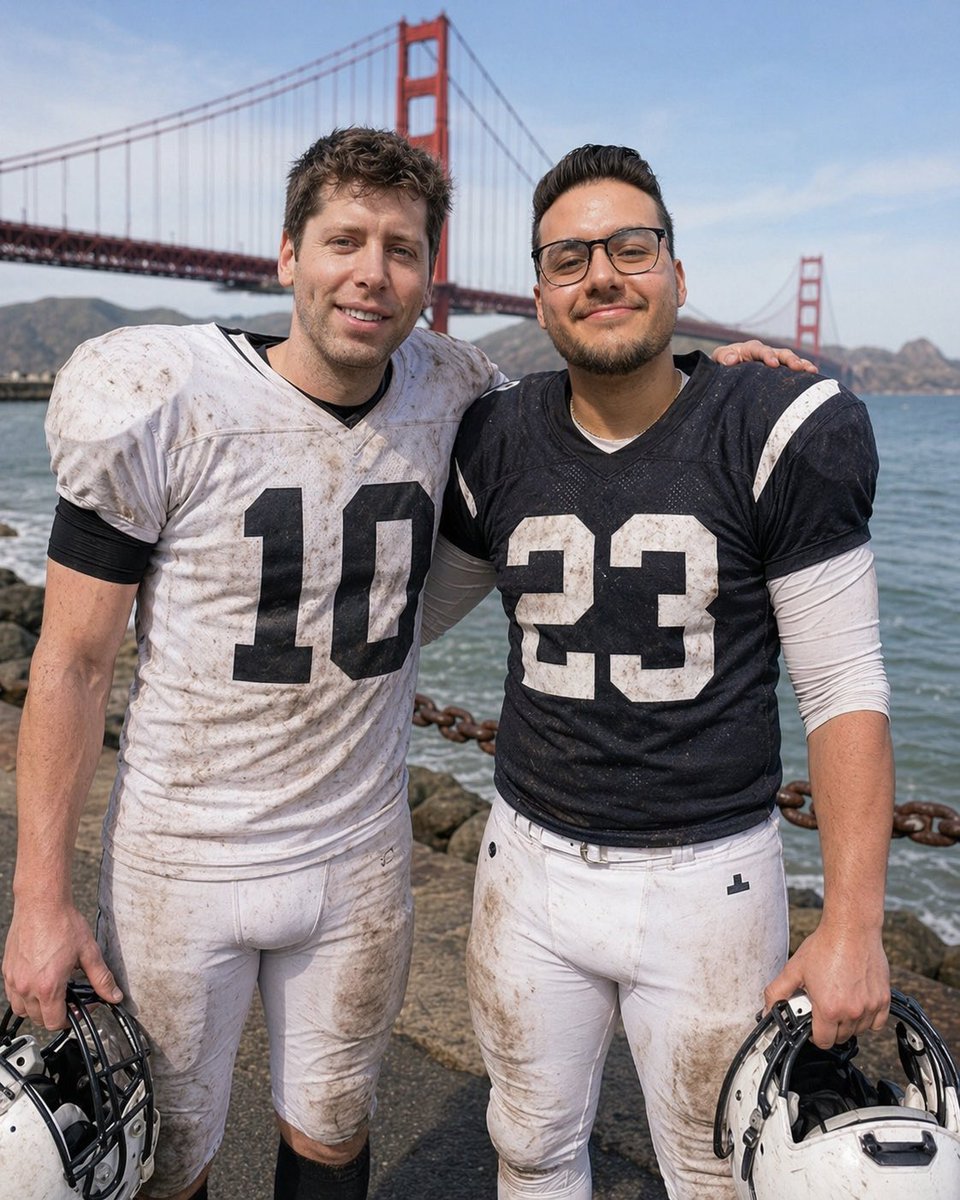
Football Teammates at Golden Gate Bridge

Tilt-Shift Diorama Miniature City Prompt (Shanghai)
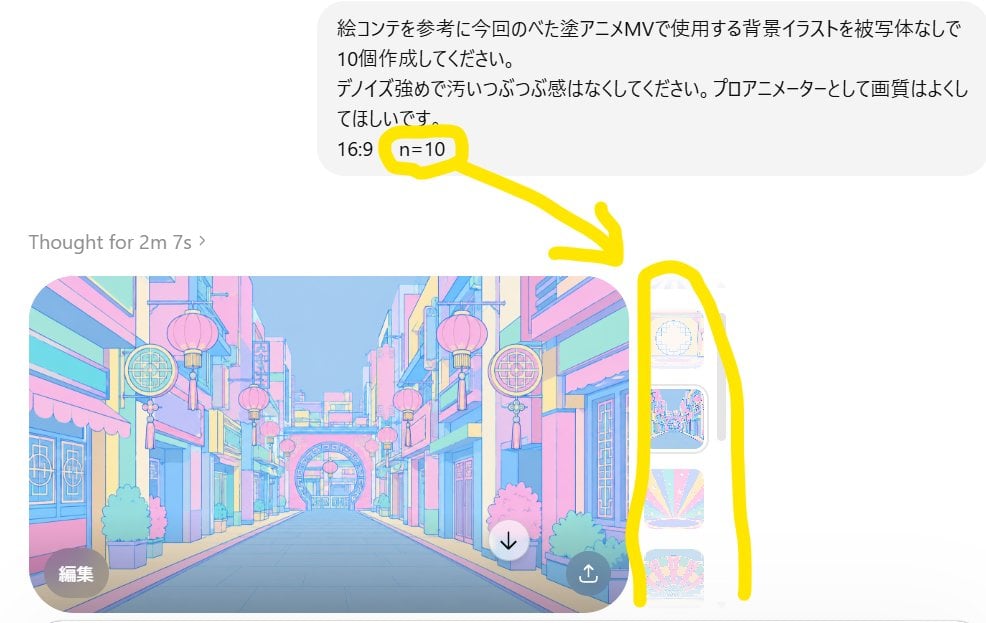
Annotated ChatGPT Multiple Image Outputs
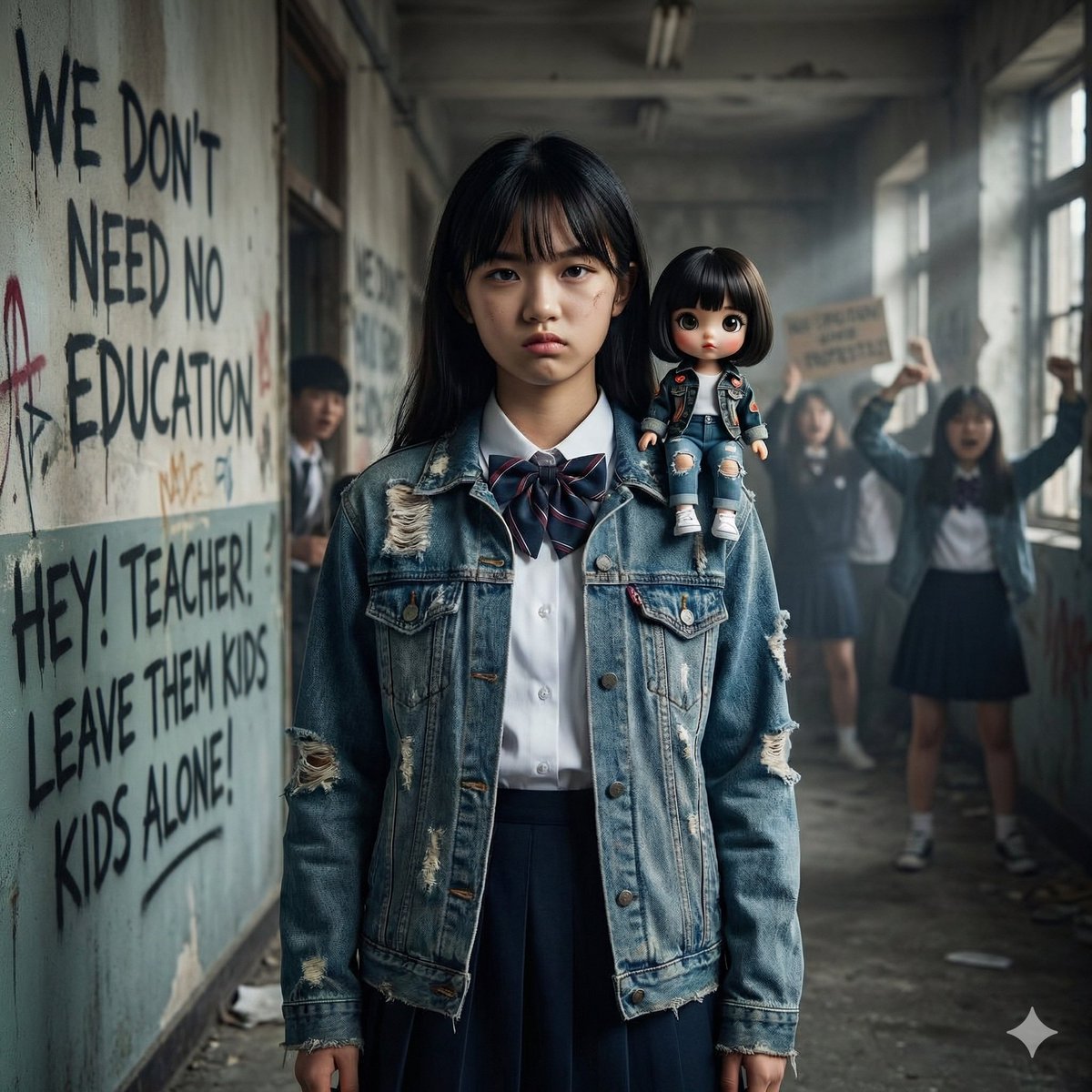
Image Generation from Western Song: Another Brick In The Wall
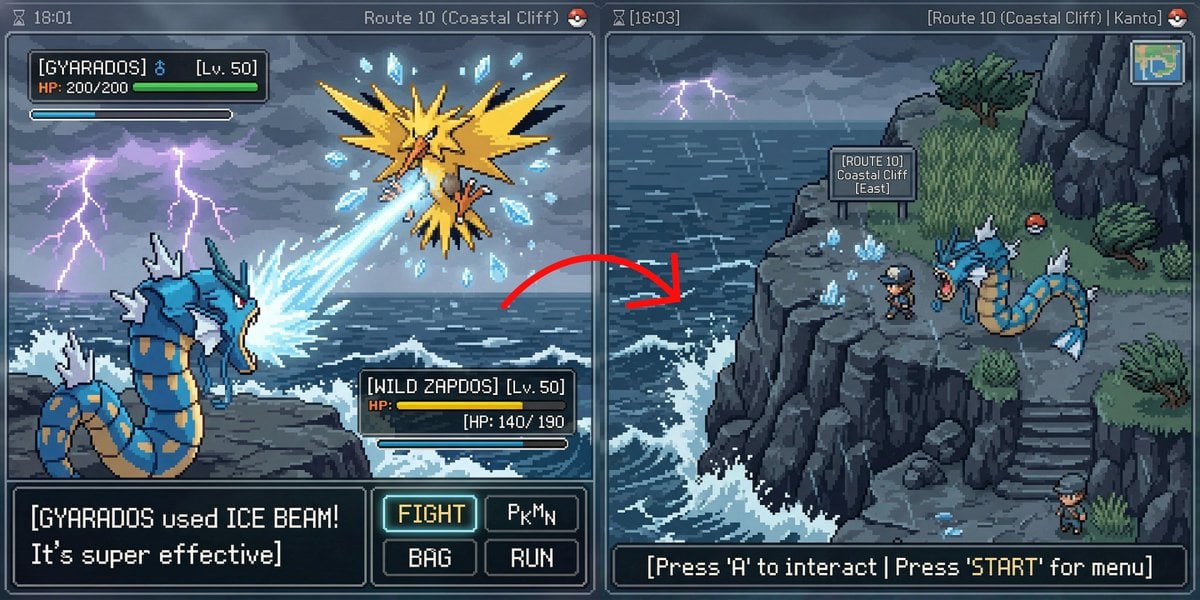
Pokémon Overworld Screenshot Generation
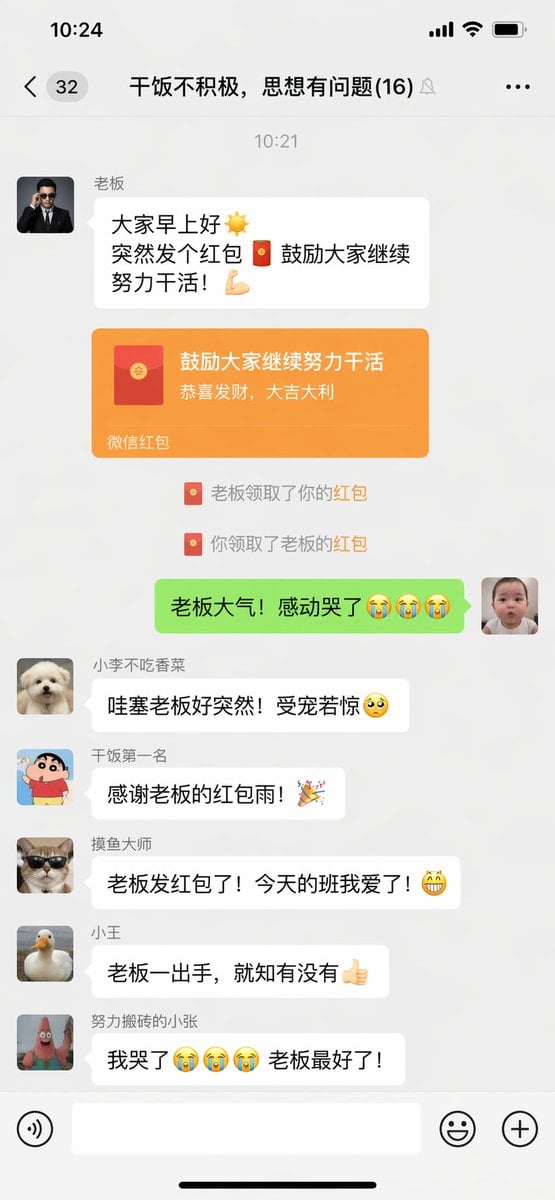
Funny Chat App Screenshot Prompt
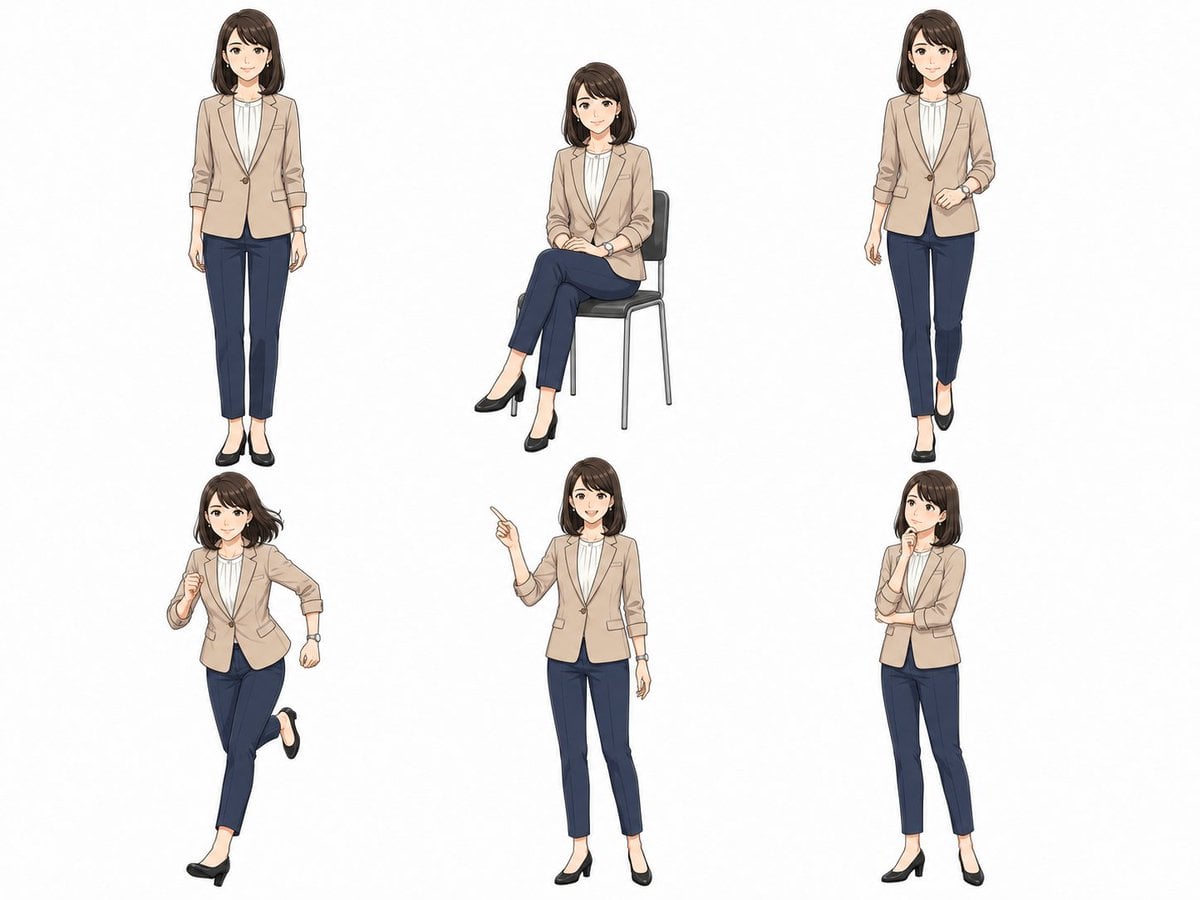
Anime Businesswoman Pose Sheet
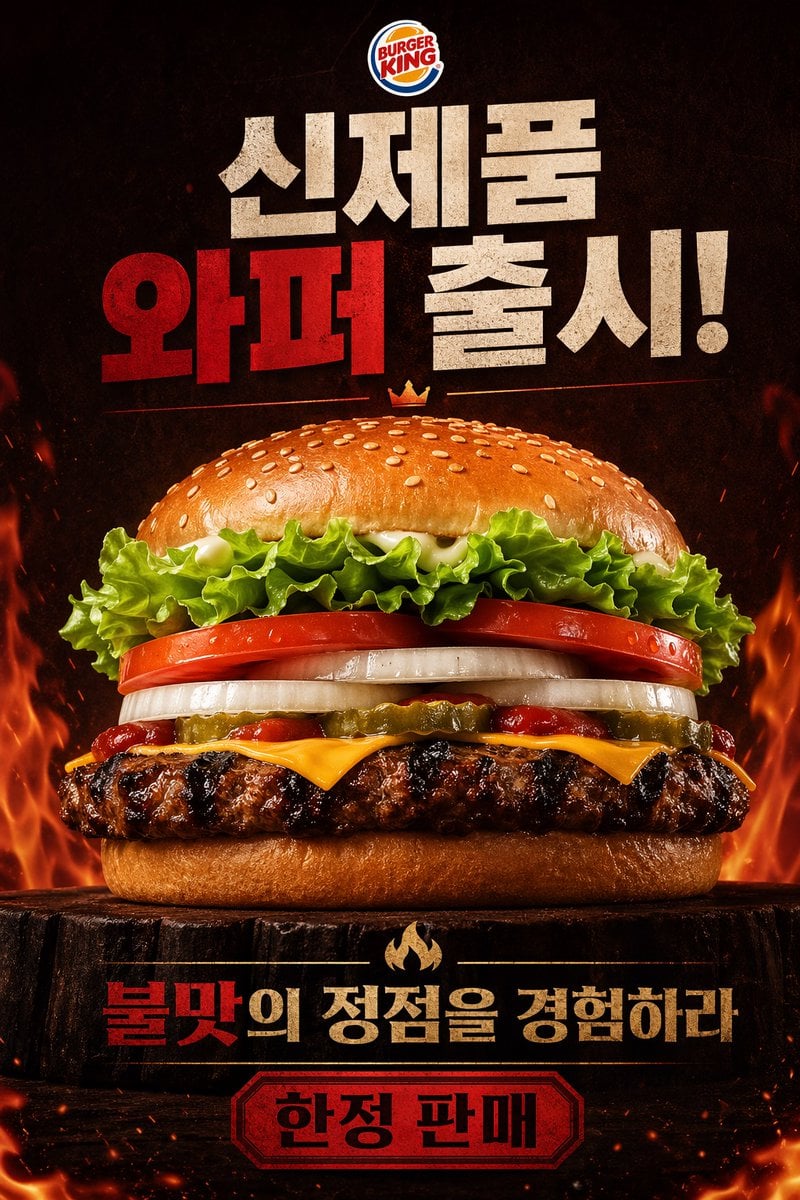
Fiery Burger King Whopper Poster
Browse template categories
Anime Schoolgirl Scarecrow in Rural Field questions
How do I use the Anime Schoolgirl Scarecrow in Rural Field template?
Add your photo if the template asks for one, edit the prompt if you like — the template's model and format are already selected — and press Generate. Your version opens in PicX Studio.
Can I customize the Anime Schoolgirl Scarecrow in Rural Field template?
Yes. You can change the subject, setting, lighting, mood, format, and available model controls before creating your image.
Is the Anime Schoolgirl Scarecrow in Rural Field template free?
Opening and editing this template is free. Generating uses credits, shown on the Generate button when you are signed in.
Which AI model should I use?
Start with GPT Image 2, which is the model associated with this template. You can compare another compatible model for a different finish.
Looking for something else? Browse all templates.

Your photo, any look
Thousands of ready templates for every top image and video model, from one credit balance.