
Crimson Moon Witch Manga Page
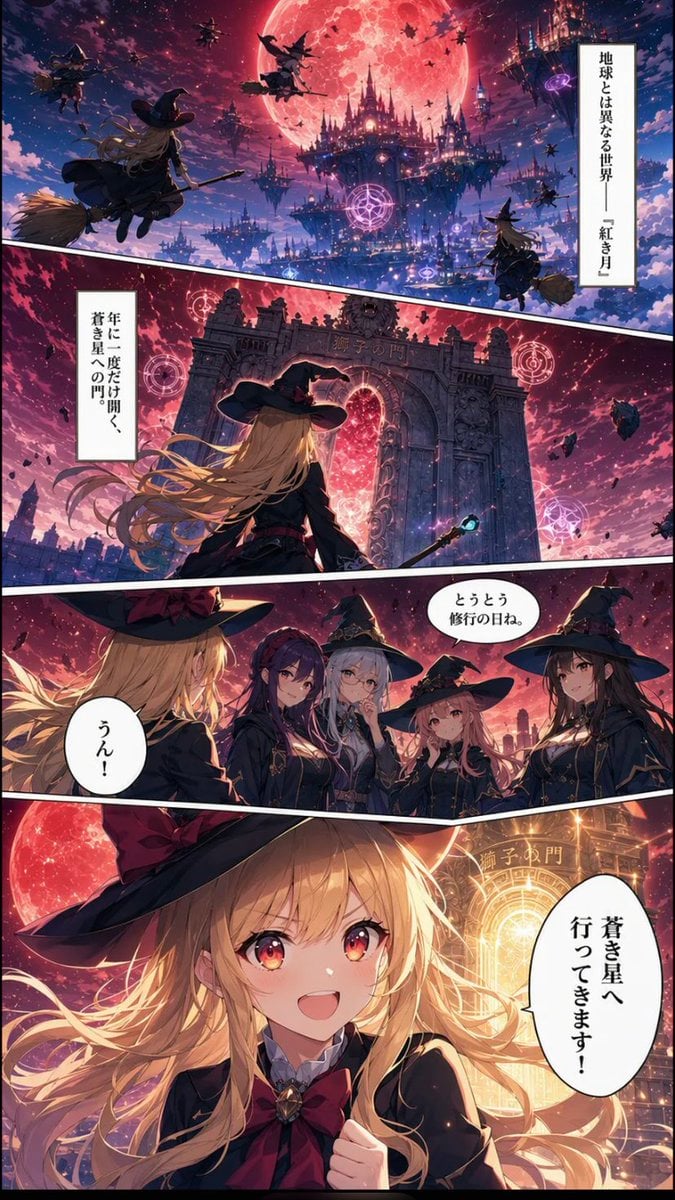
A four-panel vertical fantasy manga page showing a blonde witch departing through a magical gate beneath a crimson moon.
- Prompt included
- Model and format preset
- Free template
The prompt behind this image
Copy the exact prompt behind Crimson Moon Witch Manga Page, or open it in the studio and make it yours.
Goal: Create a vertical fantasy manga page about a young witch traveling to the Lion's Gate under a giant crimson moon, in a richly detailed anime style with dramatic lighting and Japanese speech bubbles. Canvas: Tall vertical comic page, smartphone ratio about 9:16, full bleed art with thin black outer border. Use four diagonal manga panels separated by thick white gutters slanting downward from left to right. Color palette: deep violet night sky, magenta clouds, glowing red moon, blue-black castle silhouettes, warm gold magical light. Layout and panels: Use exactly 4 panels. 1. Top wide establishing panel: a vast alternate-world sky city beneath an enormous red full moon. Floating gothic castles, spires, magical purple circles, bats, debris, and multiple witches flying on broomsticks. Show about 7 visible flying witch silhouettes at different depths, with one larger blonde witch on a broom in the left foreground seen from behind. Add a vertical narration box on the right with {argument name="opening narration" default="地球とは異なる世界――『紅き月』"}. 2. Second wide panel: rear view of the same blonde witch standing before a gigantic ancient stone gate with ornate pillars and a glowing red portal inside. Her long blonde hair streams in the wind, she wears a large black witch hat and dark academy robe, and holds a staff with a small blue gem. Around the gate are 3 glowing pink magic circles and floating rocks. Add a vertical narration box on the left with {argument name="gate narration" default="年に一度だけ開く、蒼き星への門"}. The gate itself has faint Japanese-style lettering carved above the arch. 3. Third medium panel: conversation scene with exactly 5 young witches visible. Left foreground: back/side of the blonde protagonist with her black hat and golden hair. Facing her are 4 witch classmates: a purple-haired serious girl, a silver-haired girl in a pointed hat, a small pink-haired girl, and a long dark-haired girl in a pointed hat. All wear dark magical school uniforms with capes and gold trim. Include two speech bubbles: one near the group with {argument name="classmate line" default="とうとう修行の日ね。"}, and one near the protagonist with {argument name="protagonist reply" default="うん!"}. 4. Bottom large hero panel: close-up of the blonde protagonist smiling brightly with sparkling red-gold eyes, long flowing blonde hair, black witch hat with red lining, black robe, white collar, and large crimson bow. She raises one fist excitedly. Behind her, the red moon and the blazing golden Lion's Gate form a radiant circular halo. Add one large vertical speech bubble on the right with {argument name="final speech" default="蒼き星へ行ってきます!"}. Subject details: The protagonist is a cheerful teenage witch with fair skin, very long wavy blonde hair, amber-red eyes, a black pointed witch hat, black magical academy uniform, red bow tie, and adventurous expression. The atmosphere should feel like a polished serialized Japanese fantasy manga, cinematic, highly detailed, luminous, emotional, and magical. Constraints: Keep exactly 4 panels, exactly 5 witches in the third panel, and exactly 5 text boxes/bubbles total. Use Japanese text only inside the specified narration and speech areas. Do not add extra captions, logos, watermarks, or page numbers.
How to use Crimson Moon Witch Manga Page in 3 steps
- 1Upload ImagePNG, JPG or paste
Add your photo
Upload the photo the template builds on. The prompt, model and format are already set.
- 2…a portrait of your subject in softgolden-hour light, 85mm…
Personalize
Edit the subject and creative details for your destination.
- 3Generate
Generate
Press Generate — your image is created in PicX Studio, so you can compare it with the original and refine one variable at a time.
More like this
Templates with the same subject, style or setup. Open one to see its prompt.
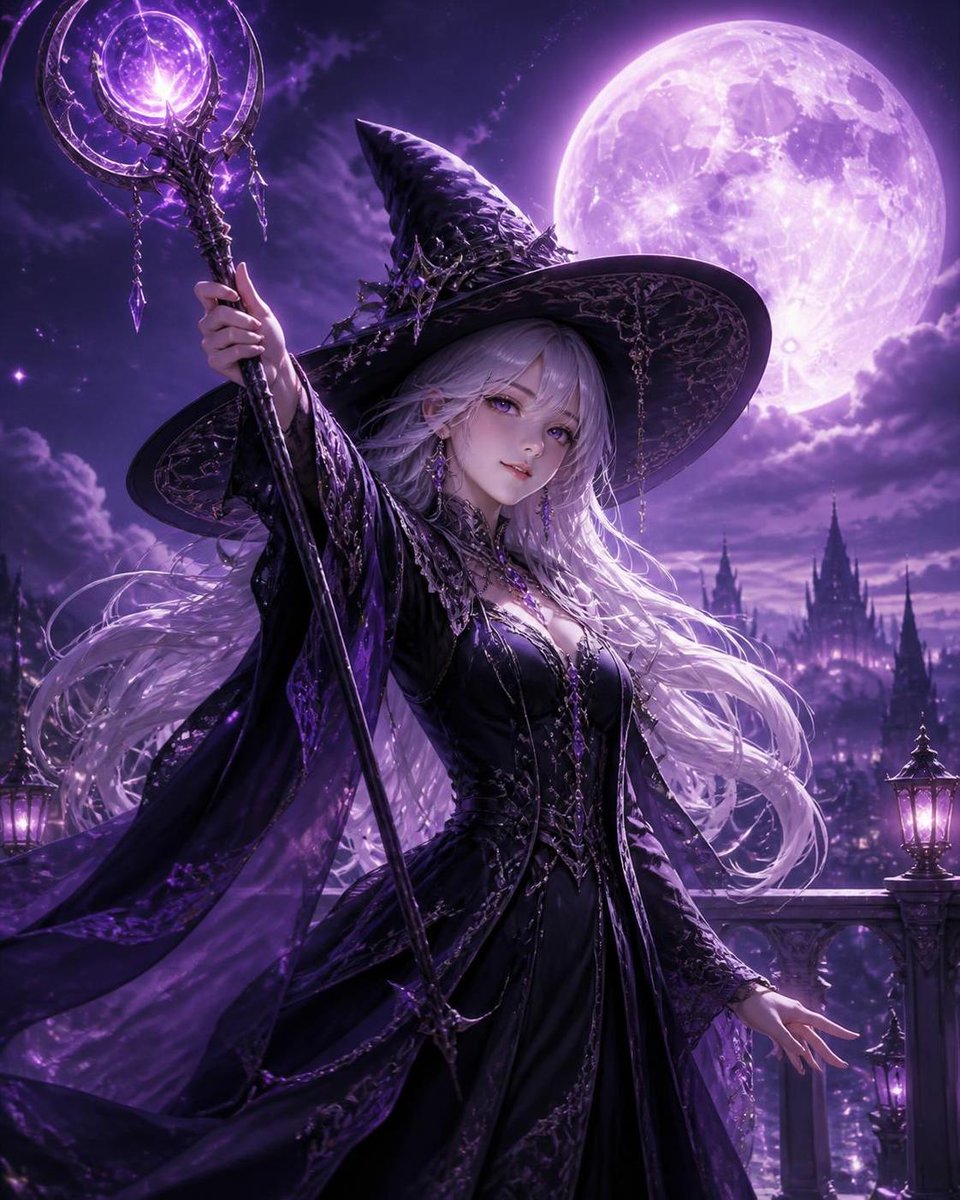
Silver Haired Witch Moonlight

Quiet Hamster Manga Page
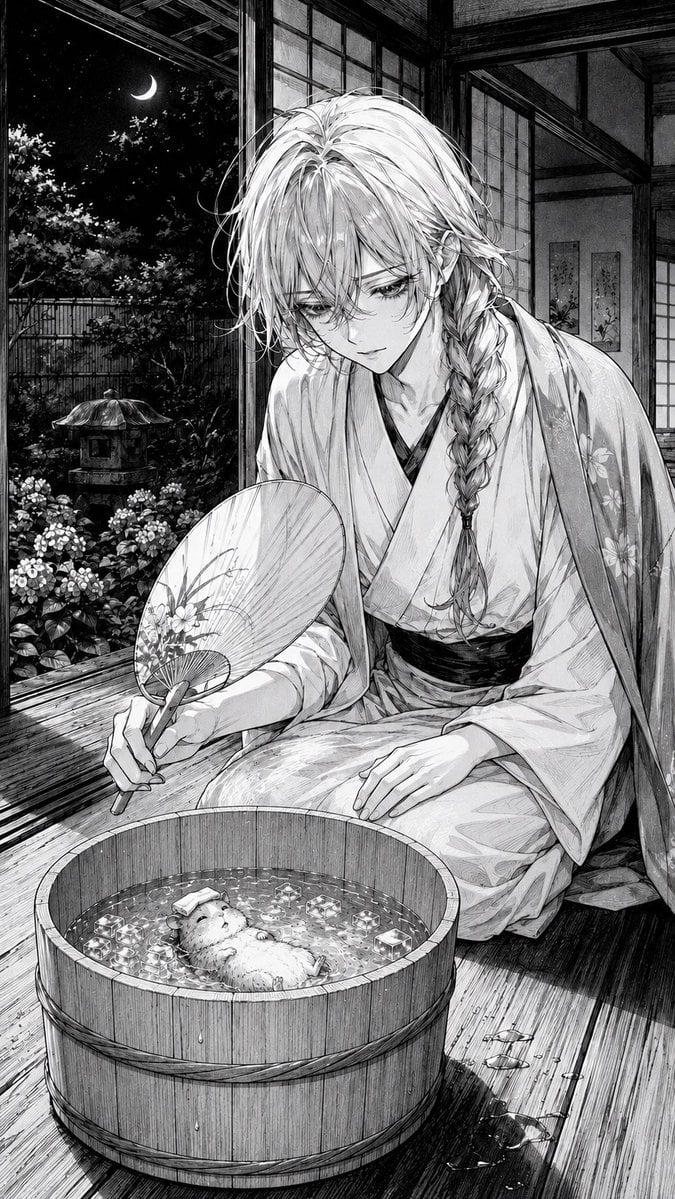
Moonlit Hamster Ice Bath Manga

Late-Night Hamster Manga Page

Surreal Noir Hamster Manga Page
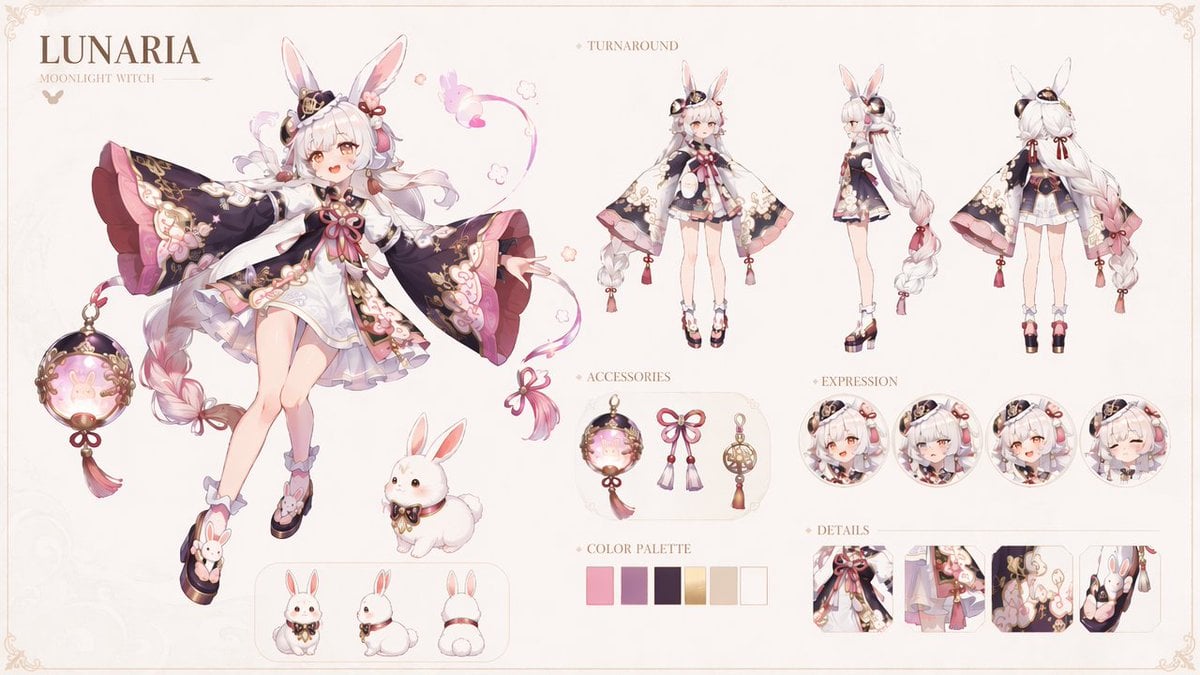
Lunaria Moonlight Witch Character Sheet

Shojo Horror Manga Corridor Page

Cute AI Manga Lesson Comic Page

Hamster Summons Sol Manga Page

Lazy Day Chibi Manga Page

Overwhelmed Coding Manga Page

Fantasy Wagashi Manga Cooking Page
Make it yours
Crimson Moon Witch Manga Page works as-is. These are the safest ways to change it without losing the look.
Change one field
Copy a single group, rewrite it, and generate again so you can see what that field is doing.
Keep the frame, change the subject
Hold the composition and light of Crimson Moon Witch Manga Page, then swap wardrobe, props or the person for a new take.
| If the result… | Why | Fix |
|---|---|---|
| The result drifts from the preview | Too many fields changed at once. | Reuse Crimson Moon Witch Manga Page as-is first, then change one group — subject, light, or setting. |
| The model over-stylizes the scene | The prose prompt leaves finish and camera underspecified. | Add one camera or lighting sentence and stay on GPT Image 2. |
More GPT Image 2 templates
Other prompts made for GPT Image 2.

Six VTuber Japanese Logo Sheet

Realistic Portrait of Woman and Deer

The Vista Modular Condo Poster

AI Model Routing Comparison Infographic

2.5D Anime Art Board

Isometric Productivity Desk Scene

New York Double Exposure Poster

Four-Panel AI Landscape Comparison

Japanese Tatami Lifestyle Magazine Cover

NESCAFÉ Coffee Map Poster
More image prompts
Fresh picks from across the catalog.
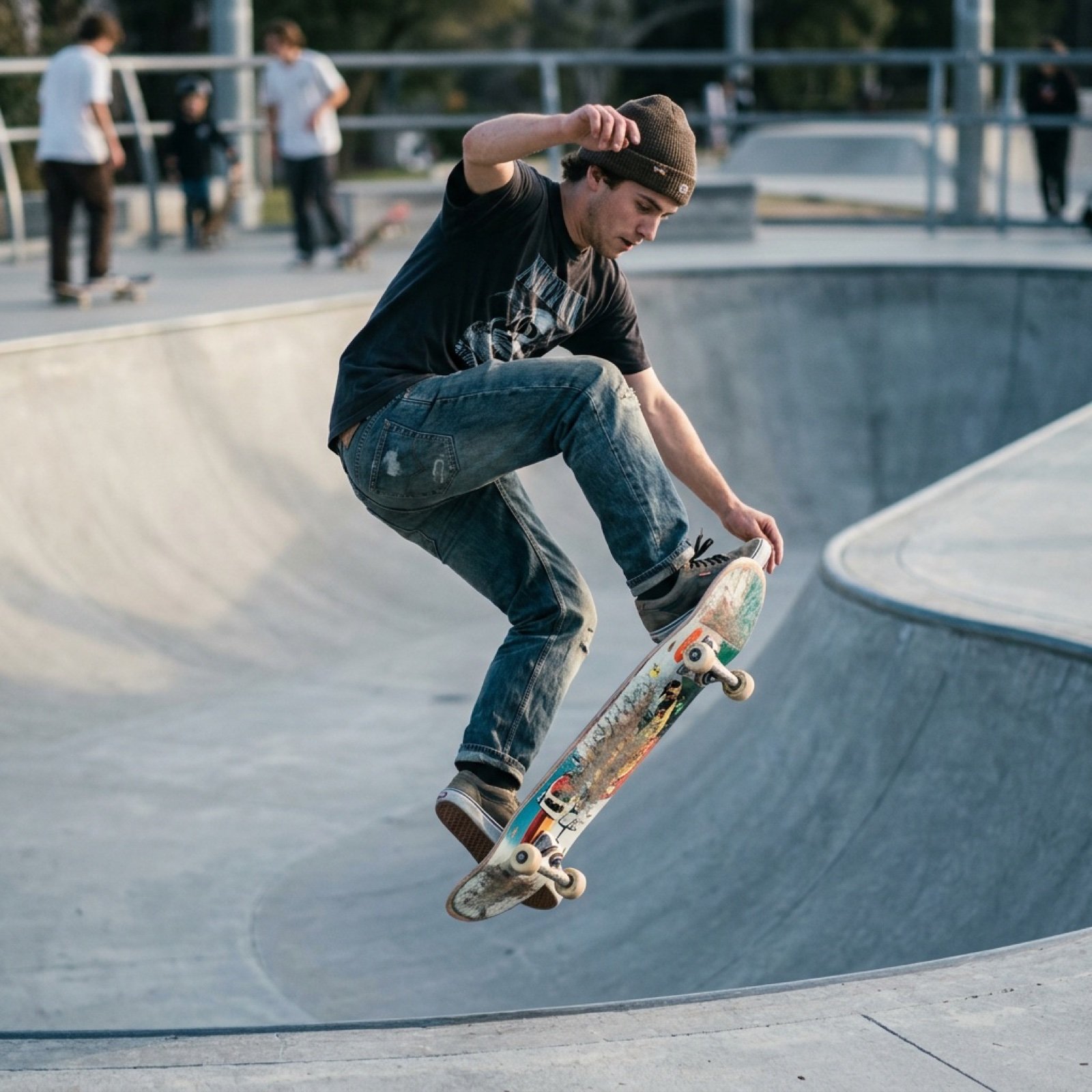
Grok Video Prompt: Skateboarding in a Sushi Restaurant
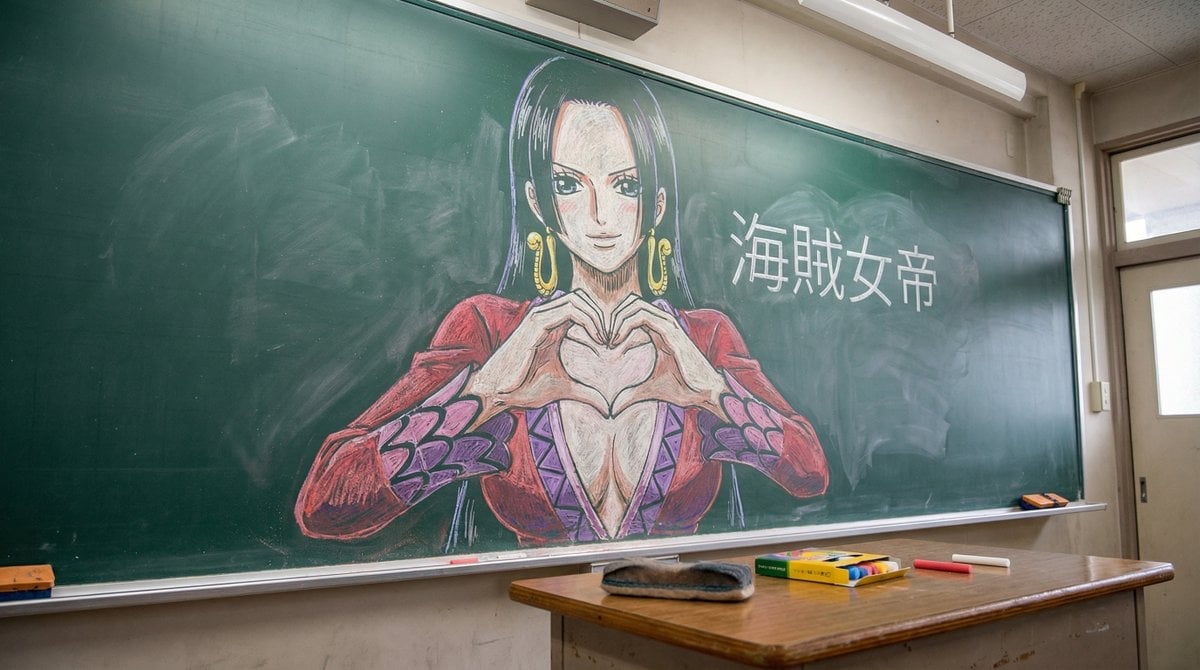
Nano Banana Pro Chalk Art Generation

Golden Hour Riverside Portrait with Identity Lock
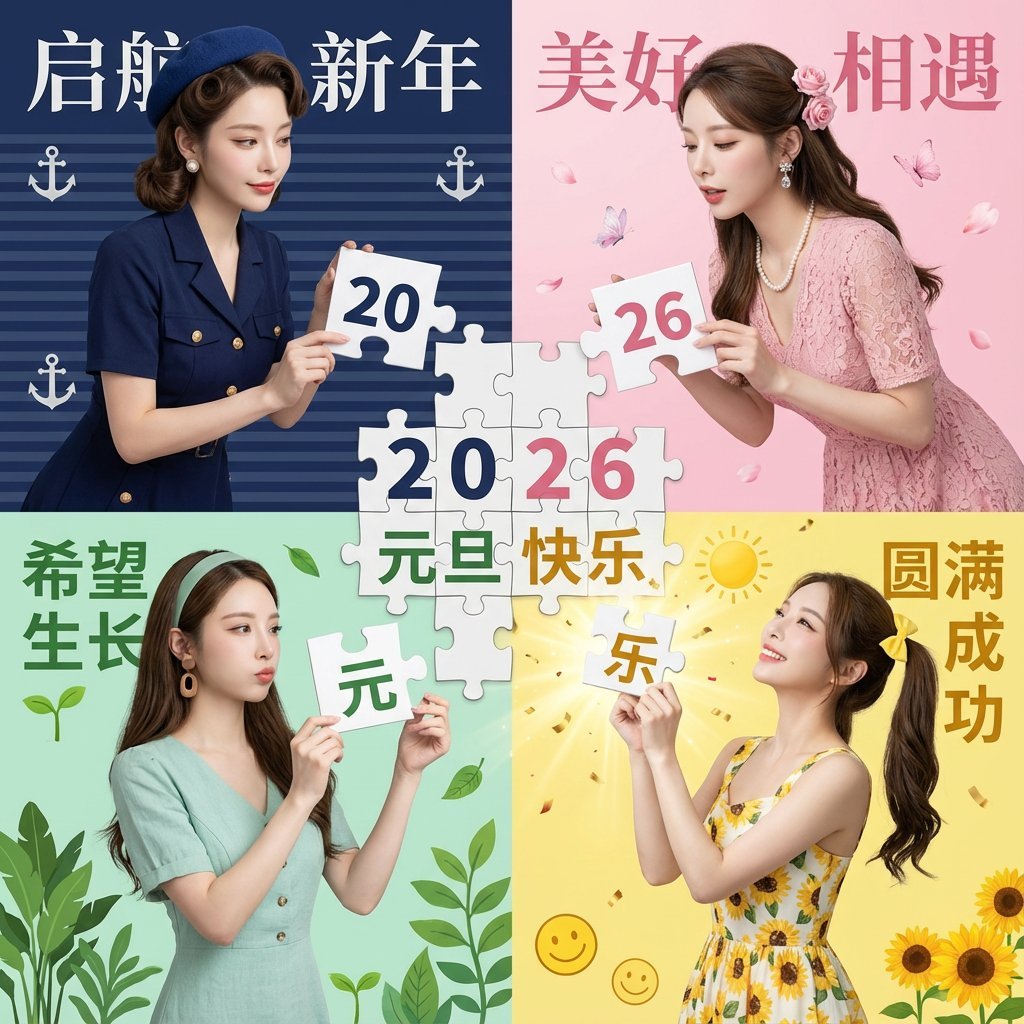
New Year's Day Special: Four-Panel Puzzle for 2026 Blessing
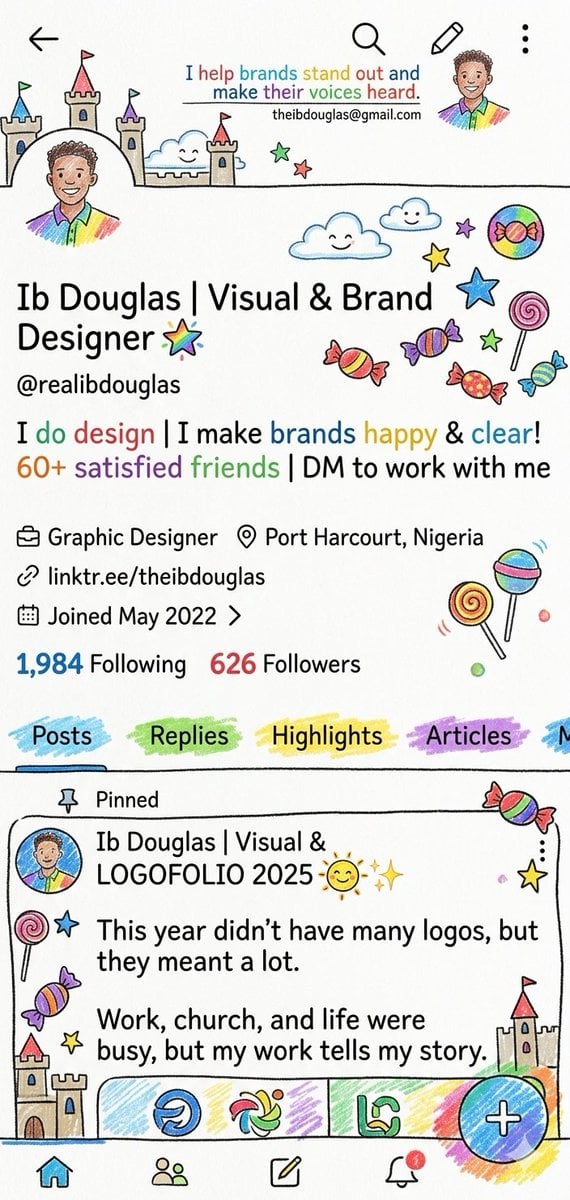
Whimsical Designer Profile UI

Flat UI/Startup Style Illustration Prompt
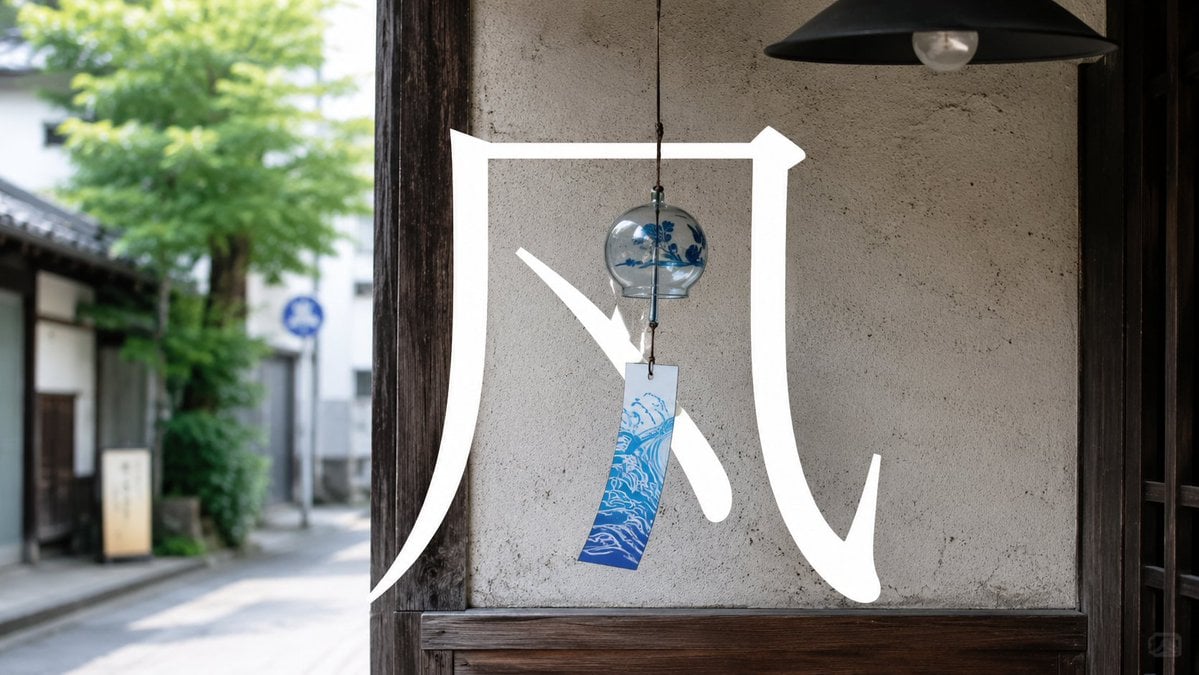
Japanese Wind Chime Calligraphy Photo
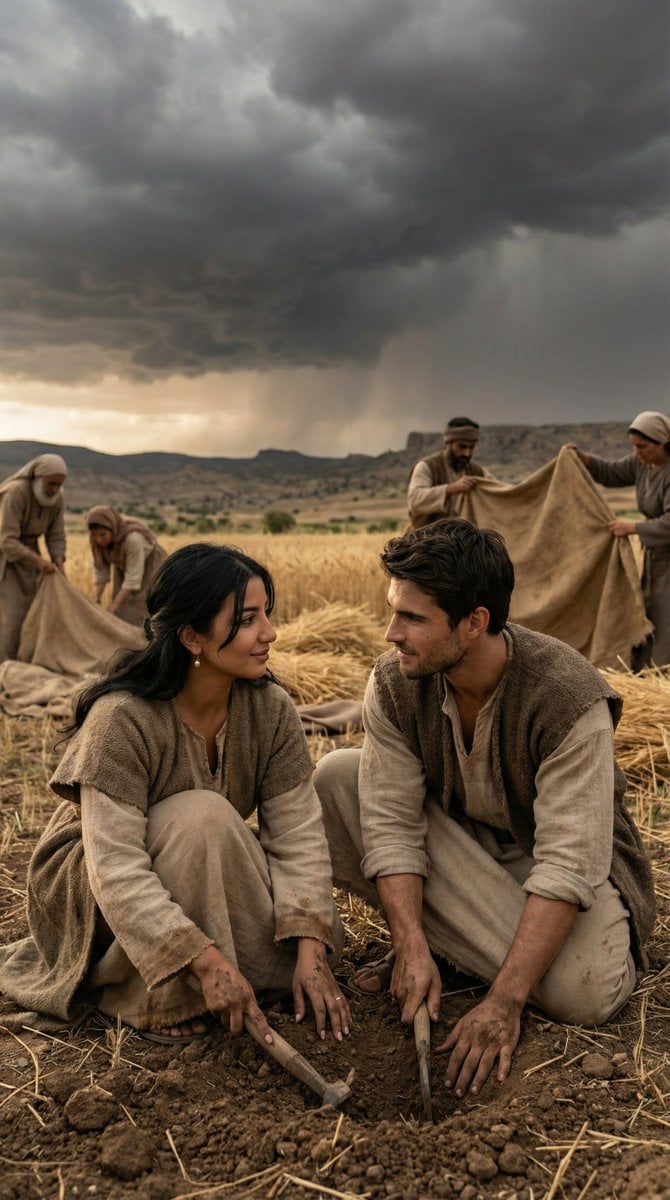
Historical Anatolian Field Editorial
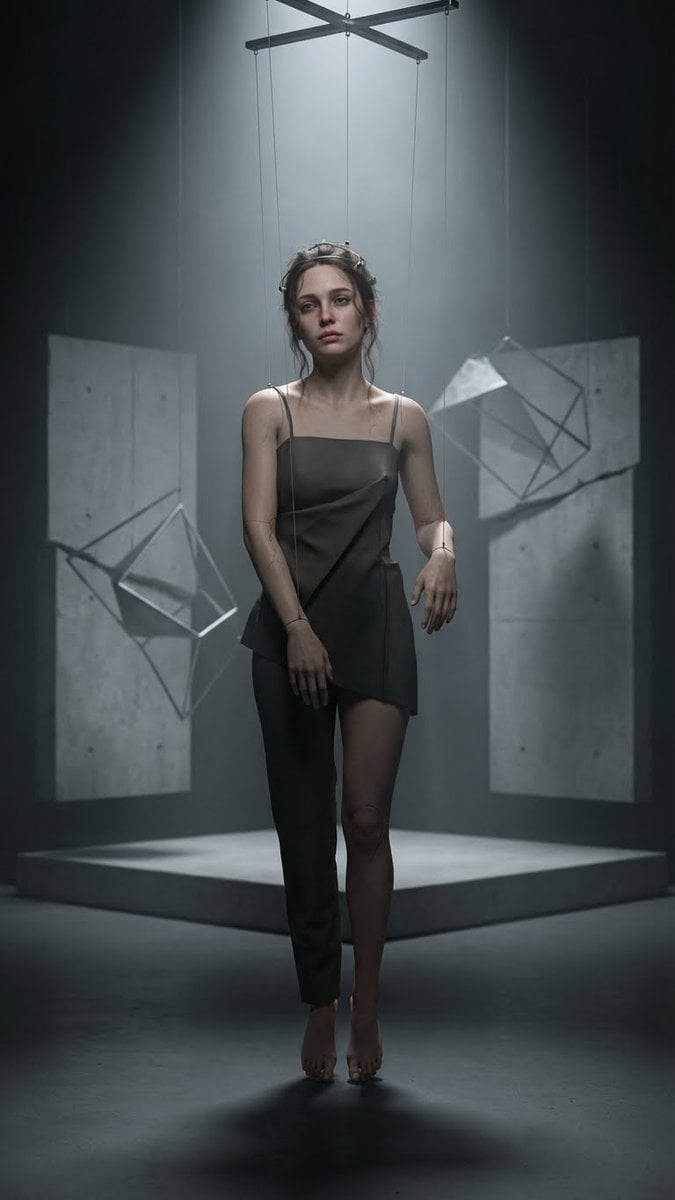
Hyper-Realistic Marionette in Post-Modern Gallery
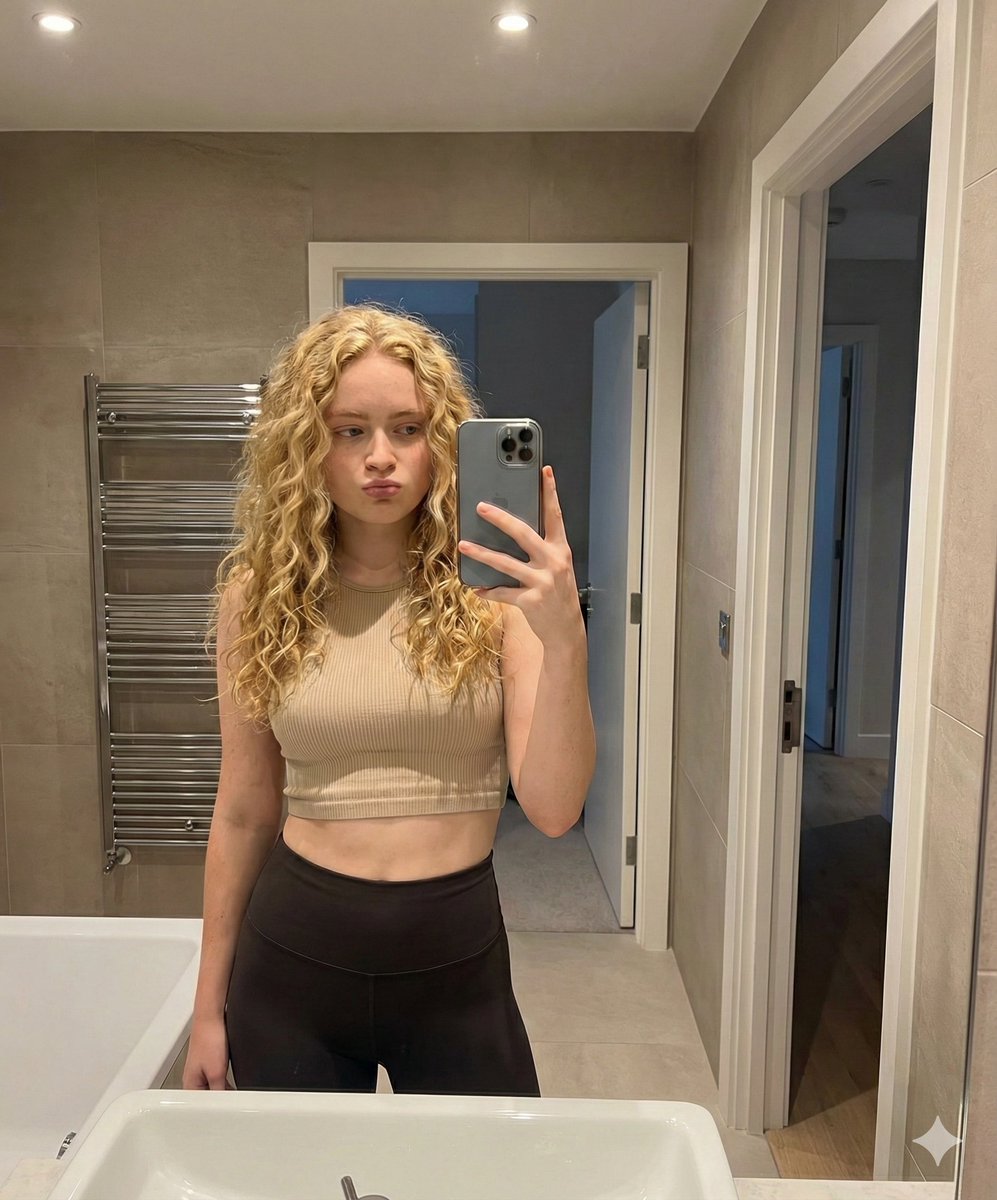
Mirror Selfie in Modern Bathroom Prompt
Browse template categories
Crimson Moon Witch Manga Page questions
How do I use the Crimson Moon Witch Manga Page template?
Add your photo if the template asks for one, edit the prompt if you like — the template's model and format are already selected — and press Generate. Your version opens in PicX Studio.
Can I customize the Crimson Moon Witch Manga Page template?
Yes. You can change the subject, setting, lighting, mood, format, and available model controls before creating your image.
Is the Crimson Moon Witch Manga Page template free?
Opening and editing this template is free. Generating uses credits, shown on the Generate button when you are signed in.
Which AI model should I use?
Start with GPT Image 2, which is the model associated with this template. You can compare another compatible model for a different finish.
Looking for something else? Browse all templates.

Your photo, any look
Thousands of ready templates for every top image and video model, from one credit balance.