
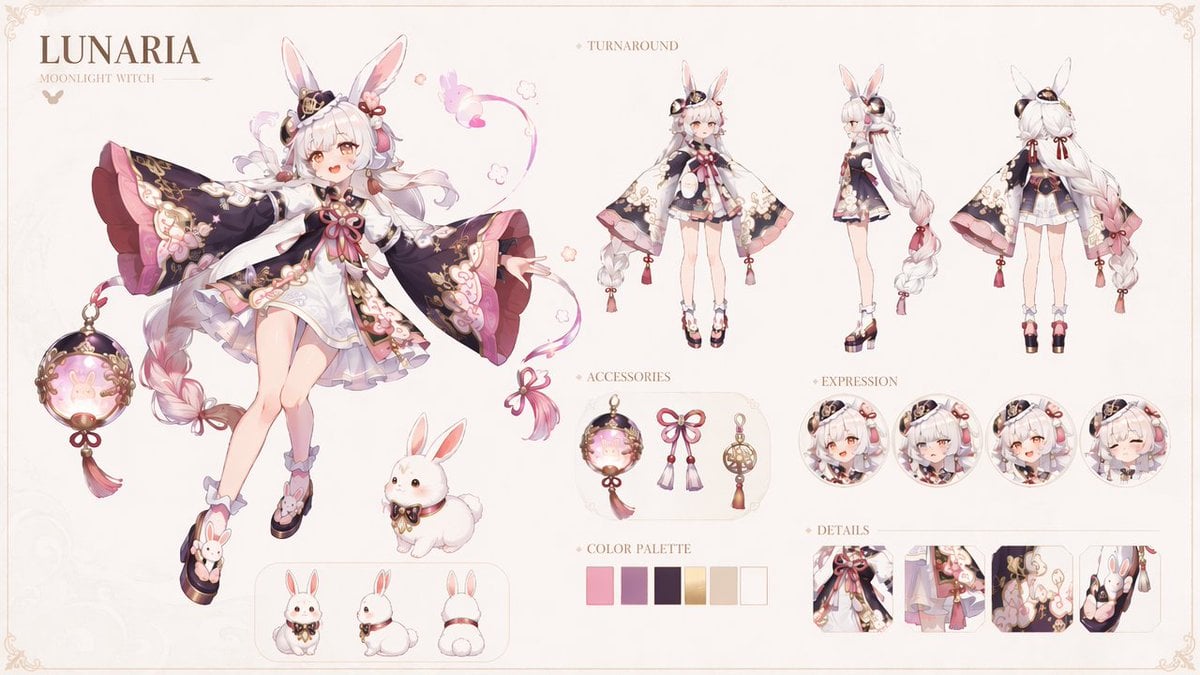
Lunaria Moonlight Witch Character Sheet
Creates a polished fantasy RPG anime character design sheet with turnaround views, accessories, expressions, detail panels, palette swatches, and rabbit companion views.
- Prompt included
- Model and format preset
- Premium template
The prompt behind this image
Copy the exact prompt behind Lunaria Moonlight Witch Character Sheet, or open it in the studio and make it yours.
Goal: Create an ultra-detailed 16:9 fantasy character design sheet for {argument name="character name" default="LUNARIA"}, titled {argument name="character title" default="MOONLIGHT WITCH"}, in the style of an official AAA fantasy RPG character bible. Canvas: Wide horizontal character sheet on an elegant ivory parchment background with a thin delicate gold decorative border, ornamental corner flourishes, soft pastel lighting, refined editorial spacing, and a luxury magical-girl fantasy aesthetic. Main character: A petite anime moon witch girl with a gentle cheerful expression, pale skin, large rabbit ears, very long {argument name="hair color" default="white-to-blush pink"} hair in thick braided twin tails, warm pink eyes, and small ornate hair accessories including dark crescent-moon decorations, ribbons, and gold accents. Her outfit is a short white layered dress with translucent lavender underskirt, a large red bow at the chest, gold filigree trim, floral embroidery, pink tassels, and an oversized dark navy-black cape with huge kimono-like sleeves lined in rose pink. Include moon, rabbit, blossom, ribbon, bell, tassel, and soft magical sparkle motifs. She wears high platform sandals with rabbit decorations, ankle frills, and pink-lavender socks. Pose the main full-body illustration on the left, floating lightly with arms open and one leg lifted, as if presenting herself. Layout: Top-left typography reads exactly “LUNARIA” in large elegant serif letters, with “MOONLIGHT WITCH” below in smaller serif text and a tiny decorative butterfly icon. Arrange the sheet into clearly labeled sections on the right and bottom while keeping the design airy and symmetrical. Sections and exact counts: Include 1 large main full-body character illustration on the left. Include 3 smaller turnaround full-body views across the upper right labeled “TURNAROUND”: front view, side view, and back view. Include 3 accessory items in a rounded display panel labeled “ACCESSORIES”: one glowing rabbit moon lantern with tassel, one pink ribbon bow with twin tassels, and one gold spherical charm with tassel. Include 4 circular portrait expressions labeled “EXPRESSION”: happy open-mouth smile, neutral or shy pout, excited smile, and closed-eye content smile. Include 4 rectangular close-up panels labeled “DETAILS”: chest bow and bodice, layered skirt and waist ornament, embroidered cape sleeve with rabbit/floral motifs, and rabbit-ear hair accessory close-up. Include 6 square color swatches labeled “COLOR PALETTE”: coral pink, mauve purple, deep plum/navy, warm gold, cream ivory, and pale blush white. Include 4 rabbit companion drawings: one larger fluffy white rabbit sitting near the main character, plus a bottom rounded panel showing the rabbit in exactly 3 views: front, side, and back. Style: Highly polished anime concept art, delicate linework, soft cel shading blended with painterly highlights, pastel pink and lavender accents, ornate gold detailing, crisp character-design-sheet presentation, clean readable labels, no clutter. Constraints: Keep all text in English, preserve the visible labels “TURNAROUND,” “ACCESSORIES,” “EXPRESSION,” “DETAILS,” and “COLOR PALETTE,” use exactly the counted elements above, avoid watermark or logos, and keep the background mostly empty ivory so the character sheet remains readable.
How to use Lunaria Moonlight Witch Character Sheet in 3 steps
- 1Upload ImagePNG, JPG or paste
Add your photo
Upload the photo the template builds on. The prompt, model and format are already set.
- 2…a portrait of your subject in softgolden-hour light, 85mm…
Personalize
Edit the subject and creative details for your destination.
- 3Generate
Generate
Press Generate — your image is created in PicX Studio, so you can compare it with the original and refine one variable at a time.
More like this
Templates with the same subject, style or setup. Open one to see its prompt.
Silver Haired Witch Moonlight

Dancer Character - Four View Reference Sheet

Movement Sheet - Dance Reference (Seedance 2.0)
Lumière Lantern Witch Character Sheet
Lumina Stellar Witch Character Sheet
Kappa Girl and Scarecrow Witch
Moonlight Blue Fairy
Anime Witch Casting Fire Spell
Silver-haired Warrior in Moonlight Forest
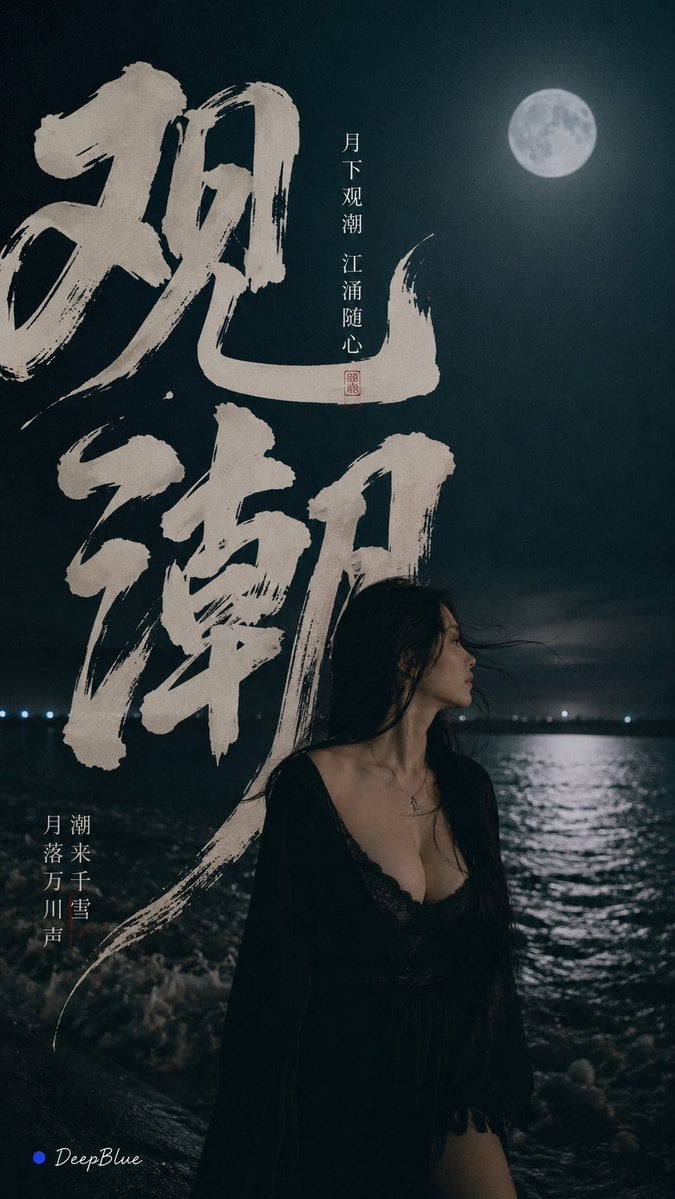
Tidal Bore Under Moonlight Poster
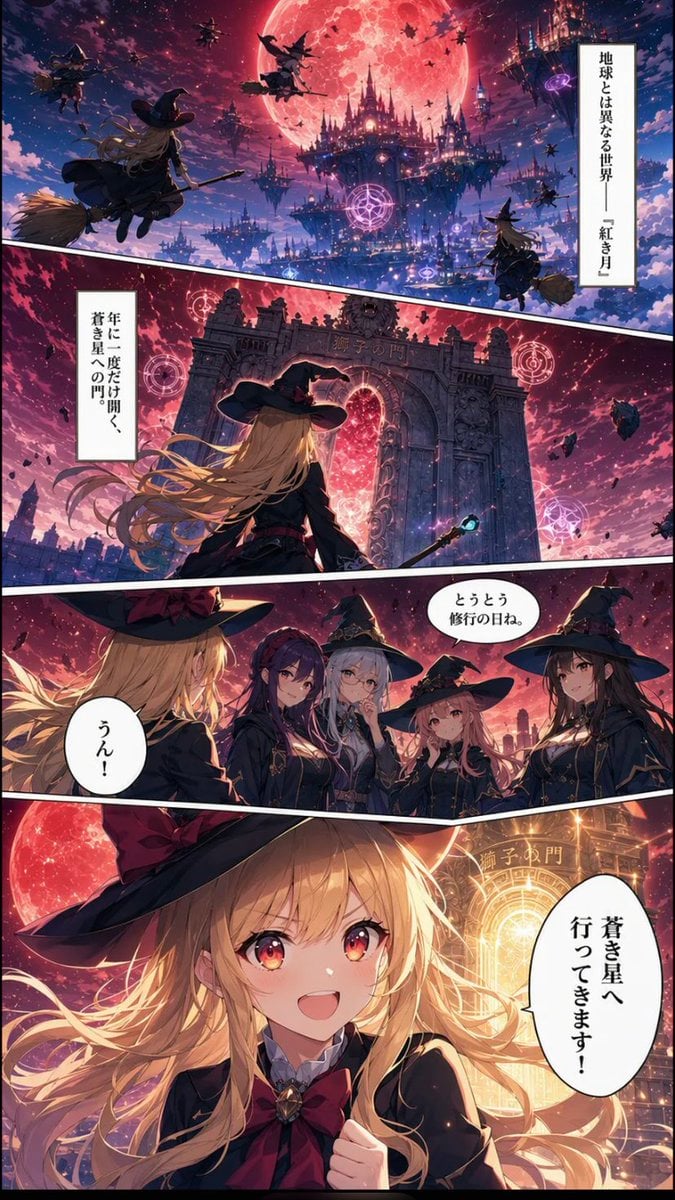
Crimson Moon Witch Manga Page
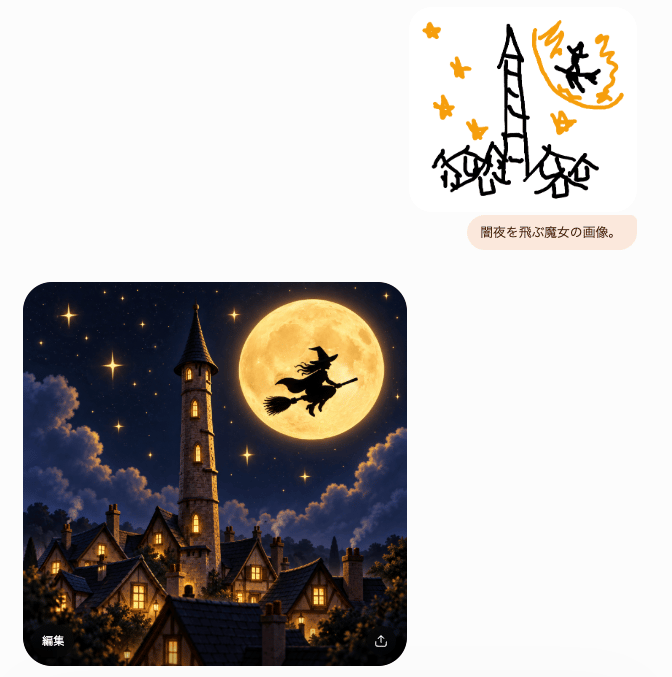
Witch Sketch to Fantasy Result UI
Make it yours
Lunaria Moonlight Witch Character Sheet works as-is. These are the safest ways to change it without losing the look.
Change one field
Copy a single group, rewrite it, and generate again so you can see what that field is doing.
Keep the frame, change the subject
Hold the composition and light of Lunaria Moonlight Witch Character Sheet, then swap wardrobe, props or the person for a new take.
| If the result… | Why | Fix |
|---|---|---|
| The result drifts from the preview | Too many fields changed at once. | Reuse Lunaria Moonlight Witch Character Sheet as-is first, then change one group — subject, light, or setting. |
| The model over-stylizes the scene | The prose prompt leaves finish and camera underspecified. | Add one camera or lighting sentence and stay on GPT Image 2. |
More GPT Image 2 templates
Other prompts made for GPT Image 2.

Six VTuber Japanese Logo Sheet

Realistic Portrait of Woman and Deer

The Vista Modular Condo Poster

AI Model Routing Comparison Infographic

2.5D Anime Art Board

Isometric Productivity Desk Scene

New York Double Exposure Poster

Four-Panel AI Landscape Comparison

Japanese Tatami Lifestyle Magazine Cover

NESCAFÉ Coffee Map Poster
More image prompts
Fresh picks from across the catalog.
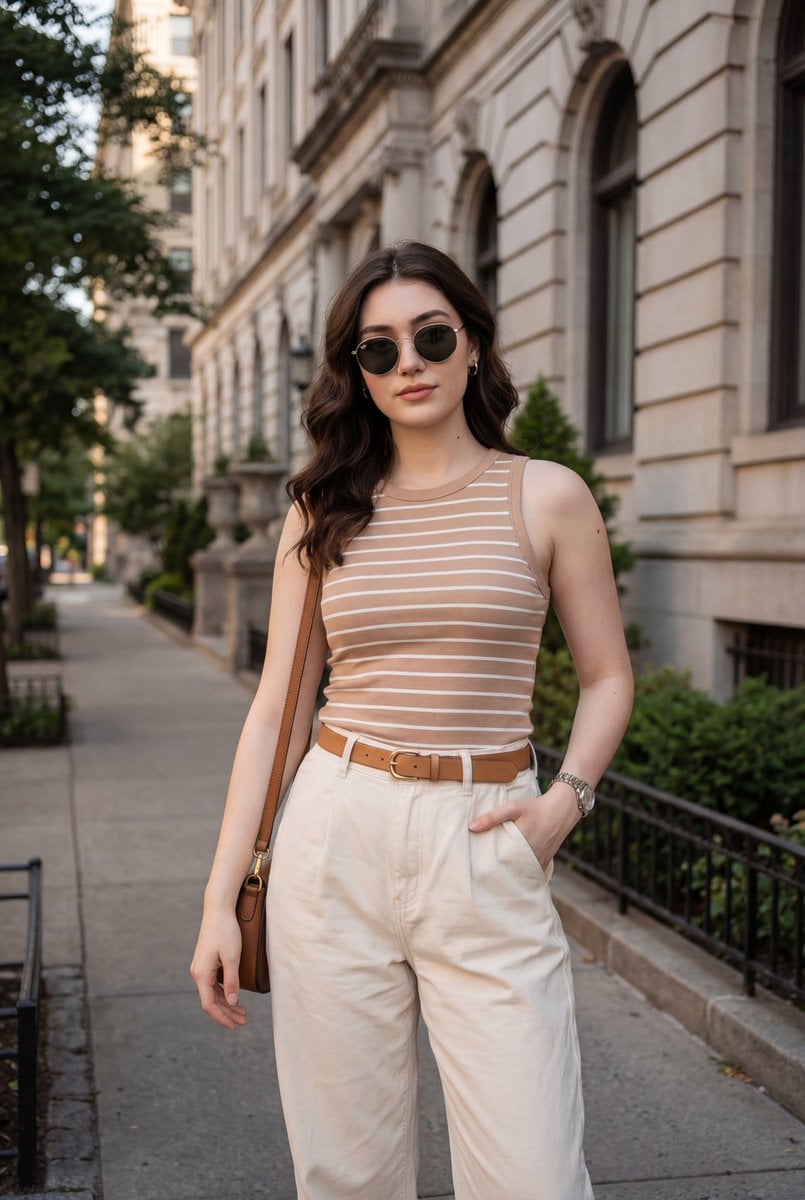
Fashion Lifestyle Street Portrait Prompt
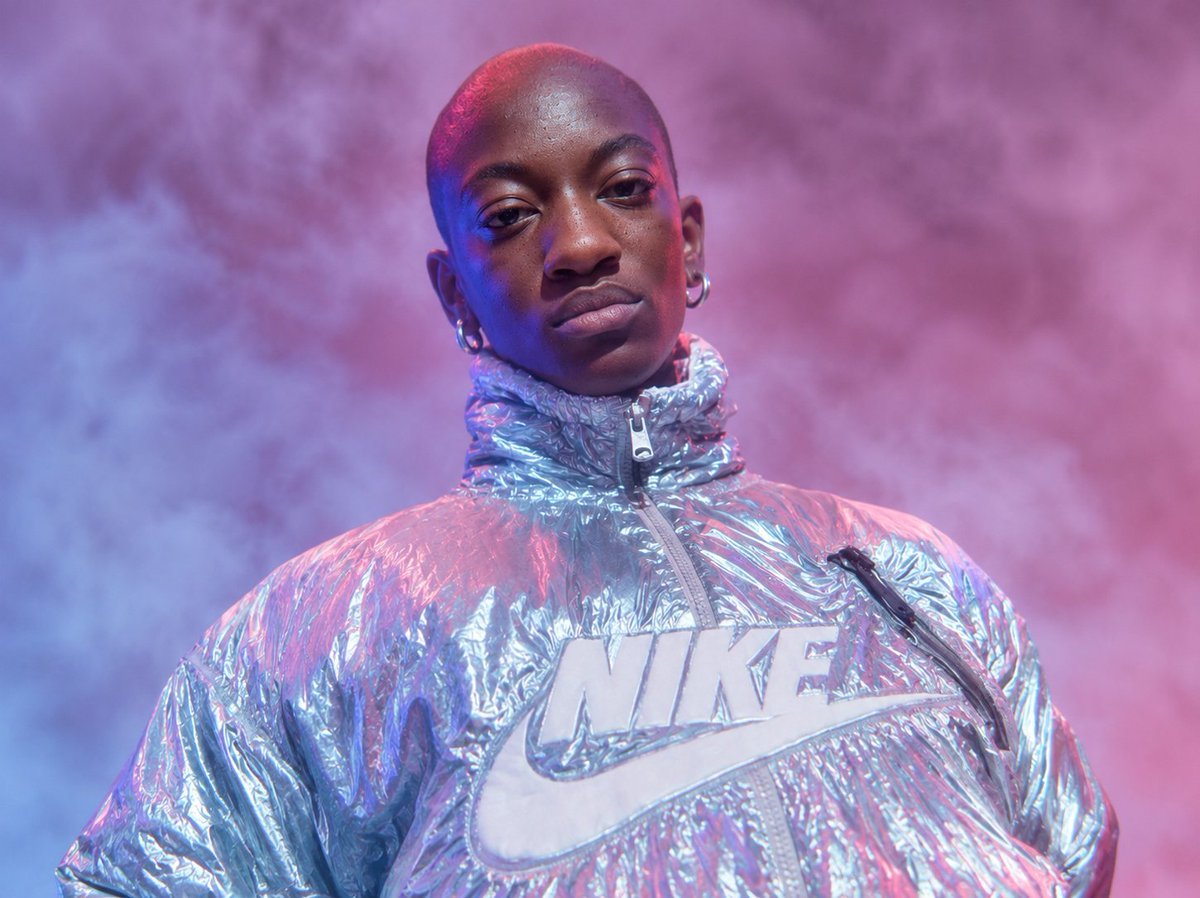
Neon Holographic Streetwear Portrait
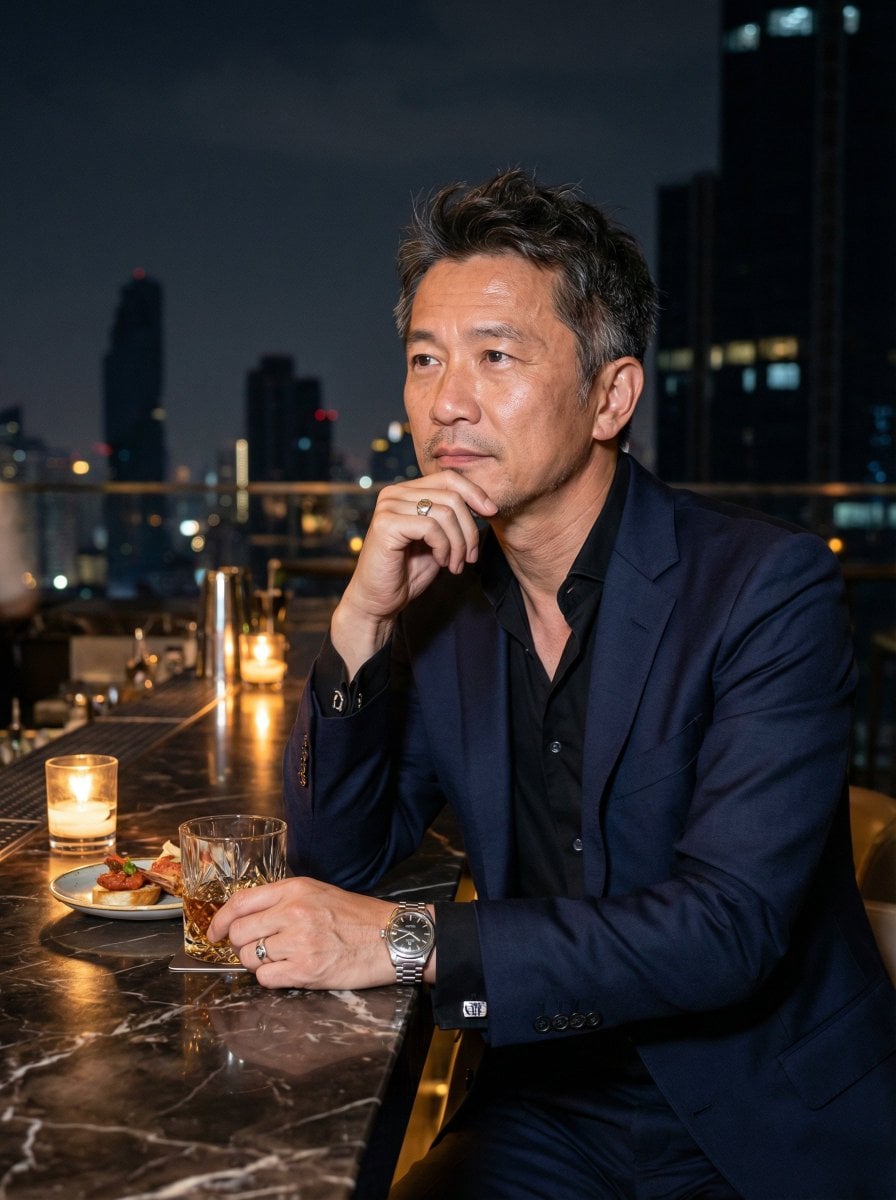
Ultra-Realistic Asian Male Editorial Portrait
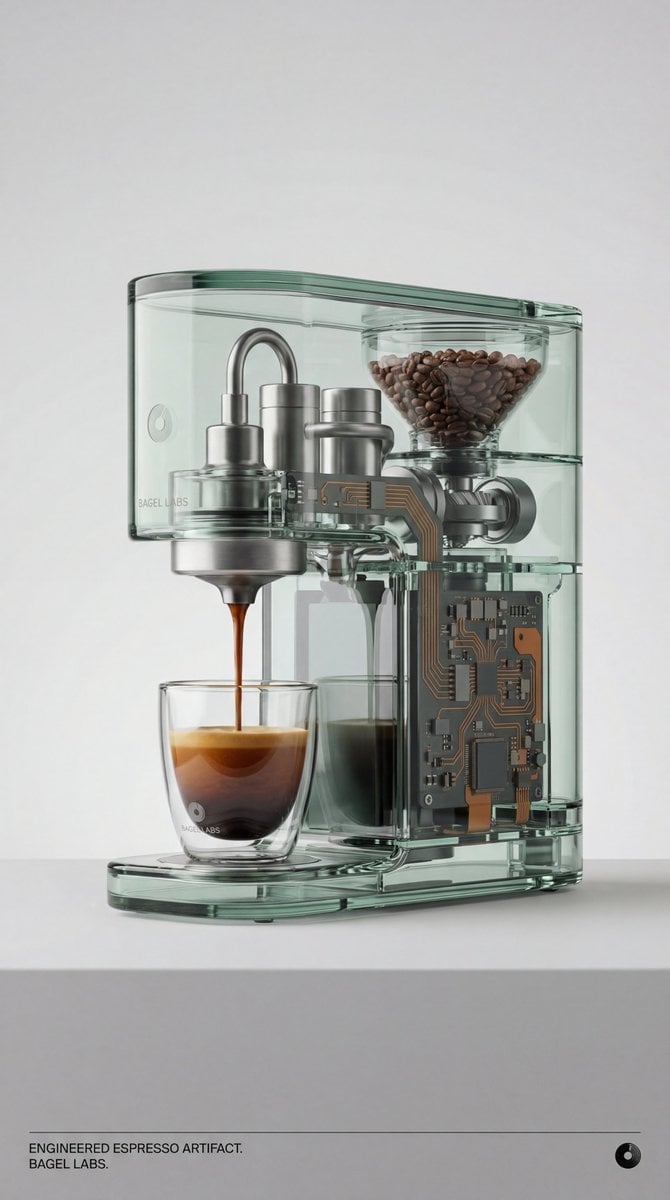
Recontextualized Glass Espresso Machine Product Shot
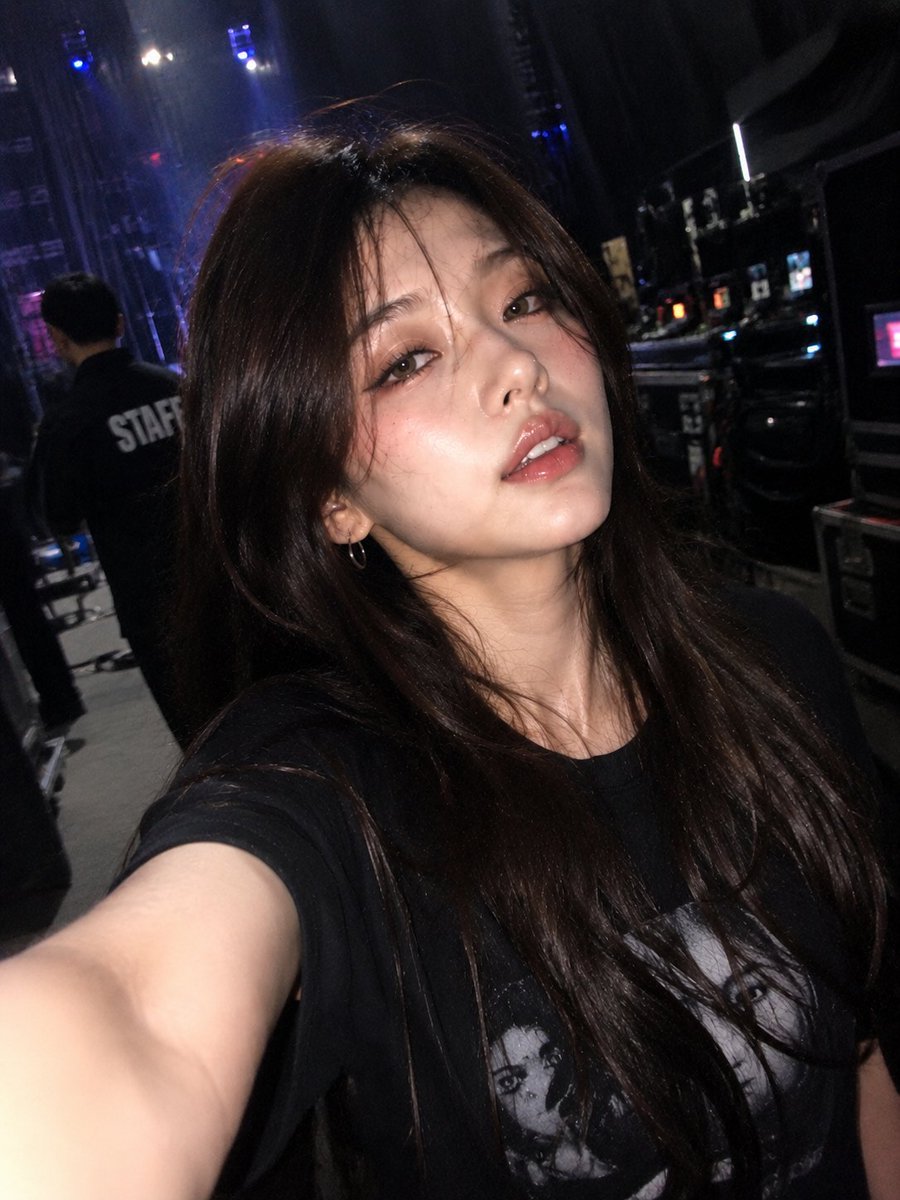
Accidental iPhone Front Camera Selfie
Abstract Iridescent Swirling Color Mixture
Hyper-realistic Travel Food Postcard
Blonde Beach Anime Girl with Ice Cream
Urban Chic Fashion Editorial in an Alleyway

Editorial Street Photography Candid Capture
Browse template categories
Lunaria Moonlight Witch Character Sheet questions
How do I use the Lunaria Moonlight Witch Character Sheet template?
Add your photo if the template asks for one, edit the prompt if you like — the template's model and format are already selected — and press Generate. Your version opens in PicX Studio.
Can I customize the Lunaria Moonlight Witch Character Sheet template?
Yes. You can change the subject, setting, lighting, mood, format, and available model controls before creating your image.
Is the Lunaria Moonlight Witch Character Sheet template free?
Opening and editing this template is free. Generating uses credits, shown on the Generate button when you are signed in.
Which AI model should I use?
Start with GPT Image 2, which is the model associated with this template. You can compare another compatible model for a different finish.
Looking for something else? Browse all templates.

Your photo, any look
Thousands of ready templates for every top image and video model, from one credit balance.