
Tidal Bore Under Moonlight Poster
A modern oriental editorial poster prompt depicting a woman watching the tide under a giant moon with calligraphy.
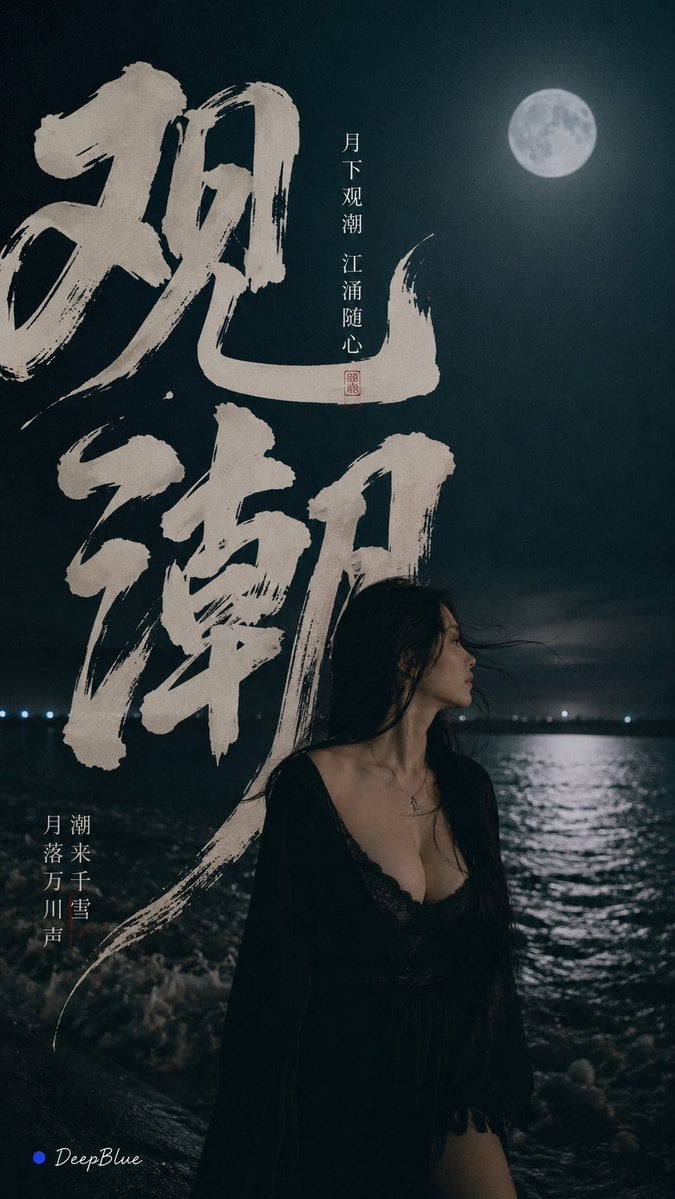
- Prompt included
- Model and format preset
- Free template
The prompt behind this image
Copy the exact prompt behind Tidal Bore Under Moonlight Poster, or open it in the studio and make it yours.
主题:{argument name="主题" default="月下观潮"} 主标题:{argument name="主标题" default="观潮"} 比例:9:16 夜色江岸,一位{argument name="人物描述" default="成年东方女性"}站在潮水边,巨大冷月映照江面。真实手机抓拍质感,克制与陌生感;自然五官、真实皮肤 现代东方编辑海报,大面积留白,简洁、疏朗、有呼吸感。 巨大“观潮”贯穿画面,使用与主题匹配的东方书法字体,舒展、有力量、富有潮水般的流动感。文字与人物前后穿插。 墨黑、深青、月白,少量朱砂红。
How to use Tidal Bore Under Moonlight Poster in 3 steps
- 1
Open
The prompt is already in the box next to the preview, with the template's model and format selected.
- 2…a portrait of your subject in softgolden-hour light, 85mm…
Personalize
Edit the subject and creative details for your destination.
- 3Generate
Generate
Press Generate — your image is created in PicX Studio, so you can compare it with the original and refine one variable at a time.
More like this
Templates with the same subject, style or setup. Open one to see its prompt.

Japan Travel Brochure Poster

Cartoon TV Show Poster Pack

Trendy Cafe Drink Promo Poster

Urban Fashion Editorial Collage Streetwear Poster

Premium Fashion Editorial Cover Layout System

Polo Ralph Lauren Luxury American Heritage Fashion Campaign

Monochrome Halftone Editorial Fashion Poster

Retro Mirror Luxury Fashion Campaign Poster

Luxury Fashion Campaign Typography Poster System

Premium Fashion Editorial Campaign Poster System

Ultra-Stylized High-Fashion Streetwear Poster

Urban Fashion Editorial Collage Poster
Make it yours
Tidal Bore Under Moonlight Poster works as-is. These are the safest ways to change it without losing the look.
Change one field
Copy a single group, rewrite it, and generate again so you can see what that field is doing.
Keep the frame, change the subject
Hold the composition and light of Tidal Bore Under Moonlight Poster, then swap wardrobe, props or the person for a new take.
| If the result… | Why | Fix |
|---|---|---|
| The result drifts from the preview | Too many fields changed at once. | Reuse Tidal Bore Under Moonlight Poster as-is first, then change one group — subject, light, or setting. |
| The model over-stylizes the scene | The prose prompt leaves finish and camera underspecified. | Add one camera or lighting sentence and stay on GPT Image 2. |
More GPT Image 2 templates
Other prompts made for GPT Image 2.

Six VTuber Japanese Logo Sheet

Realistic Portrait of Woman and Deer

The Vista Modular Condo Poster

AI Model Routing Comparison Infographic

2.5D Anime Art Board

Isometric Productivity Desk Scene

New York Double Exposure Poster

Four-Panel AI Landscape Comparison

Japanese Tatami Lifestyle Magazine Cover

NESCAFÉ Coffee Map Poster
More image prompts
Fresh picks from across the catalog.
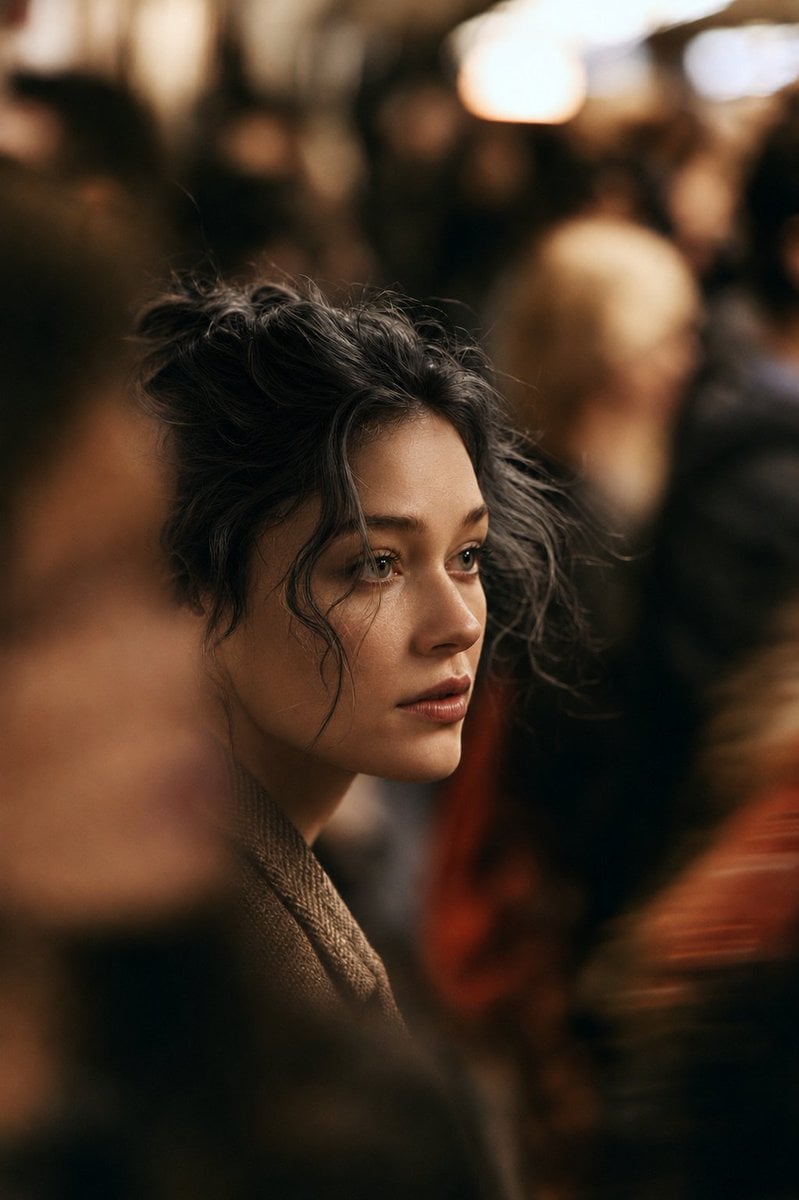
Cinematic Night City Street Portrait
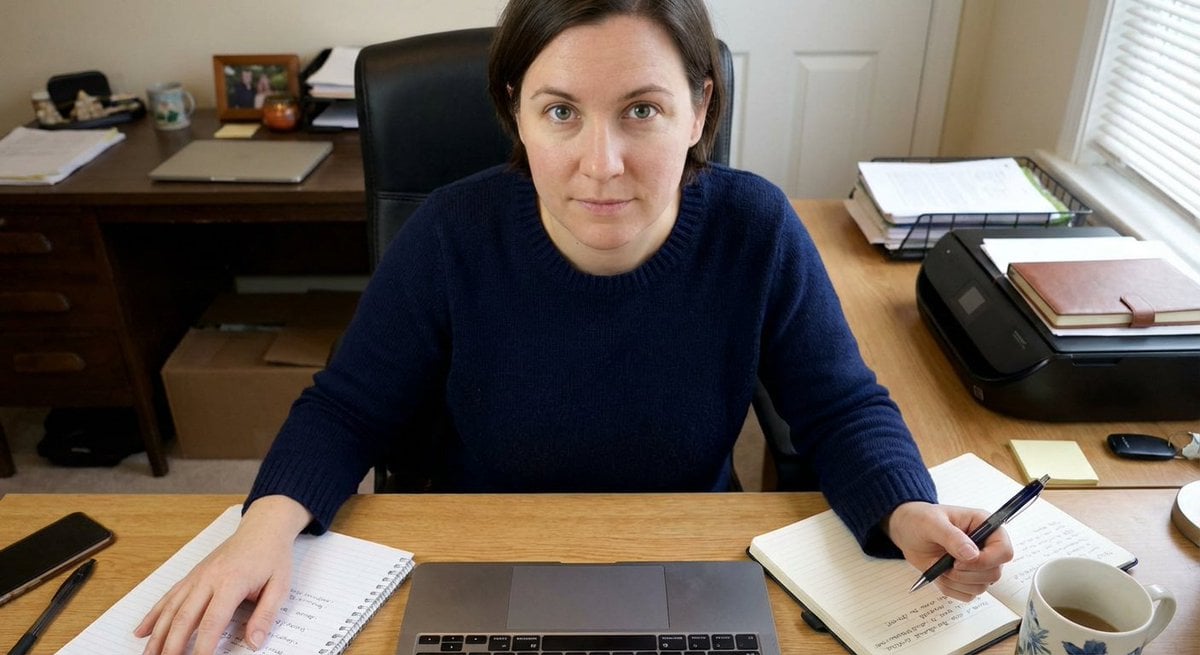
Forcing Left-Handed Writing
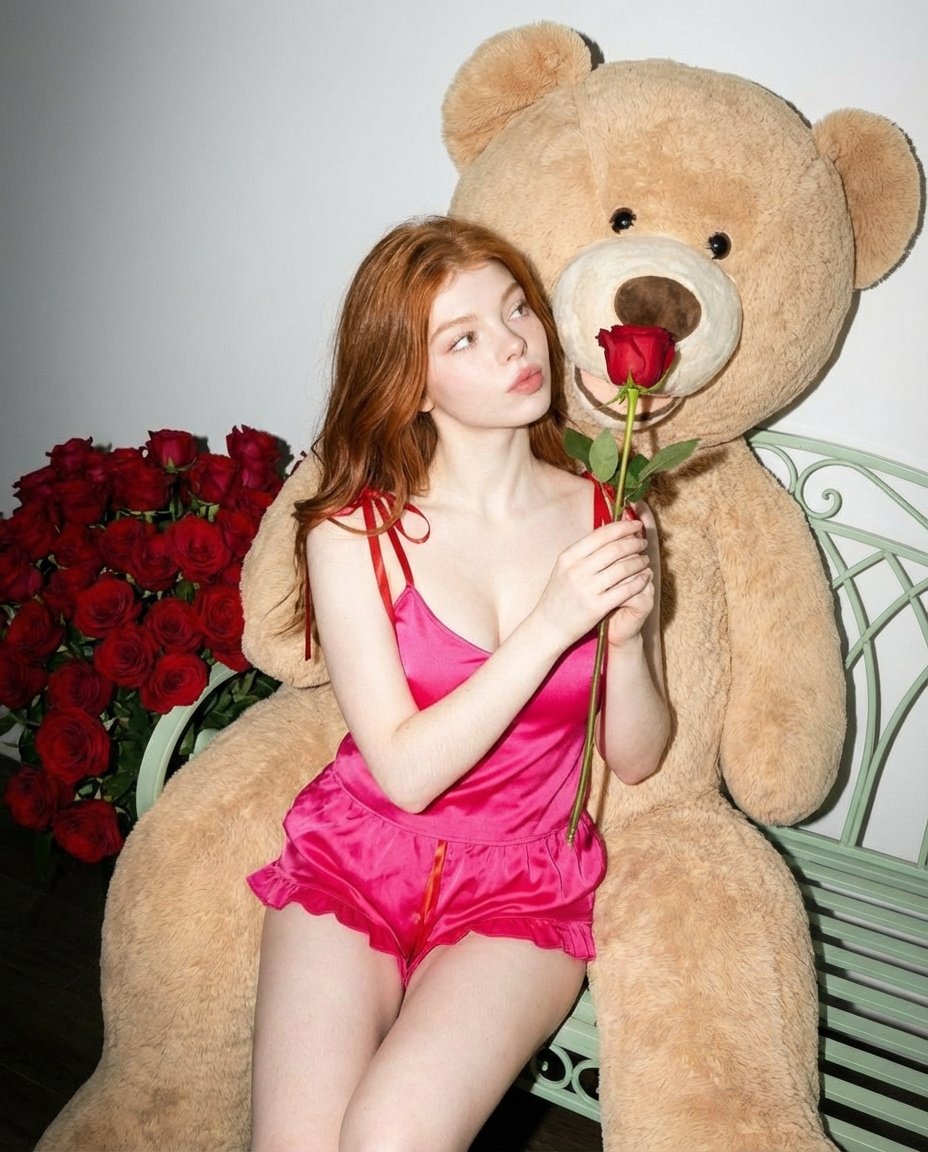
Romantic Fashion Editorial Portrait Prompt
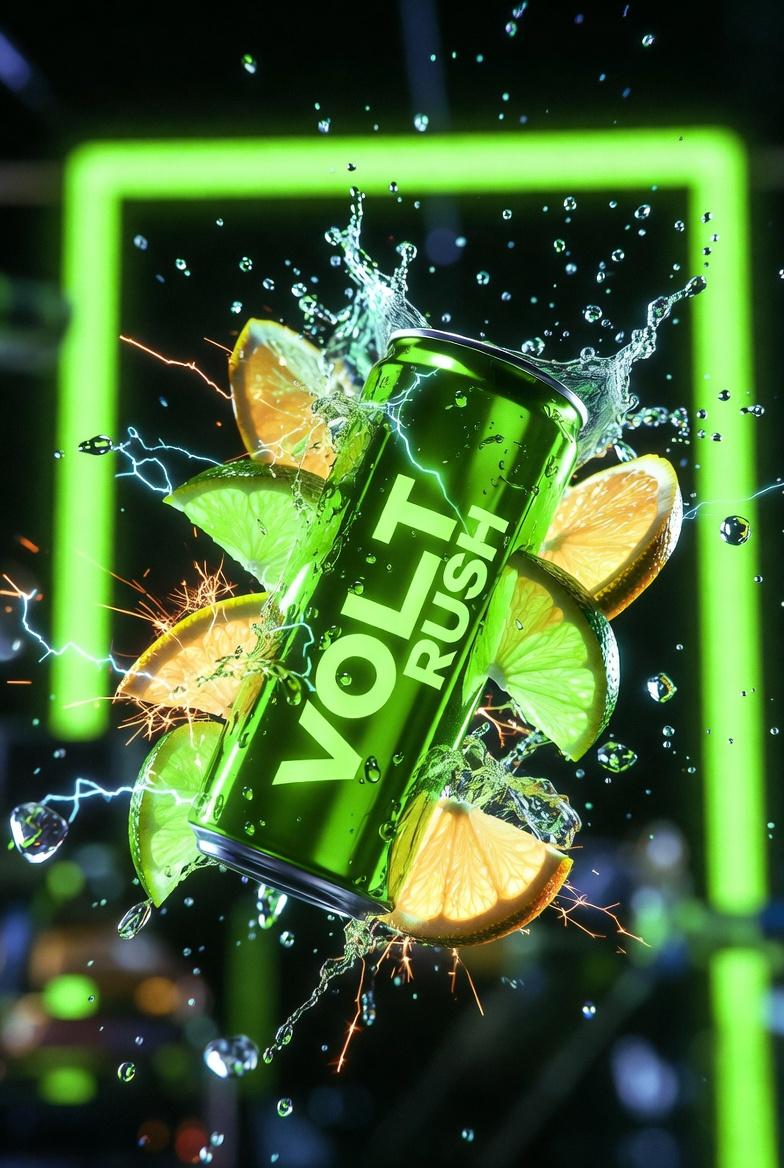
Ultra-Cinematic Product Photography of 'VOLT RUSH' Energy Drink
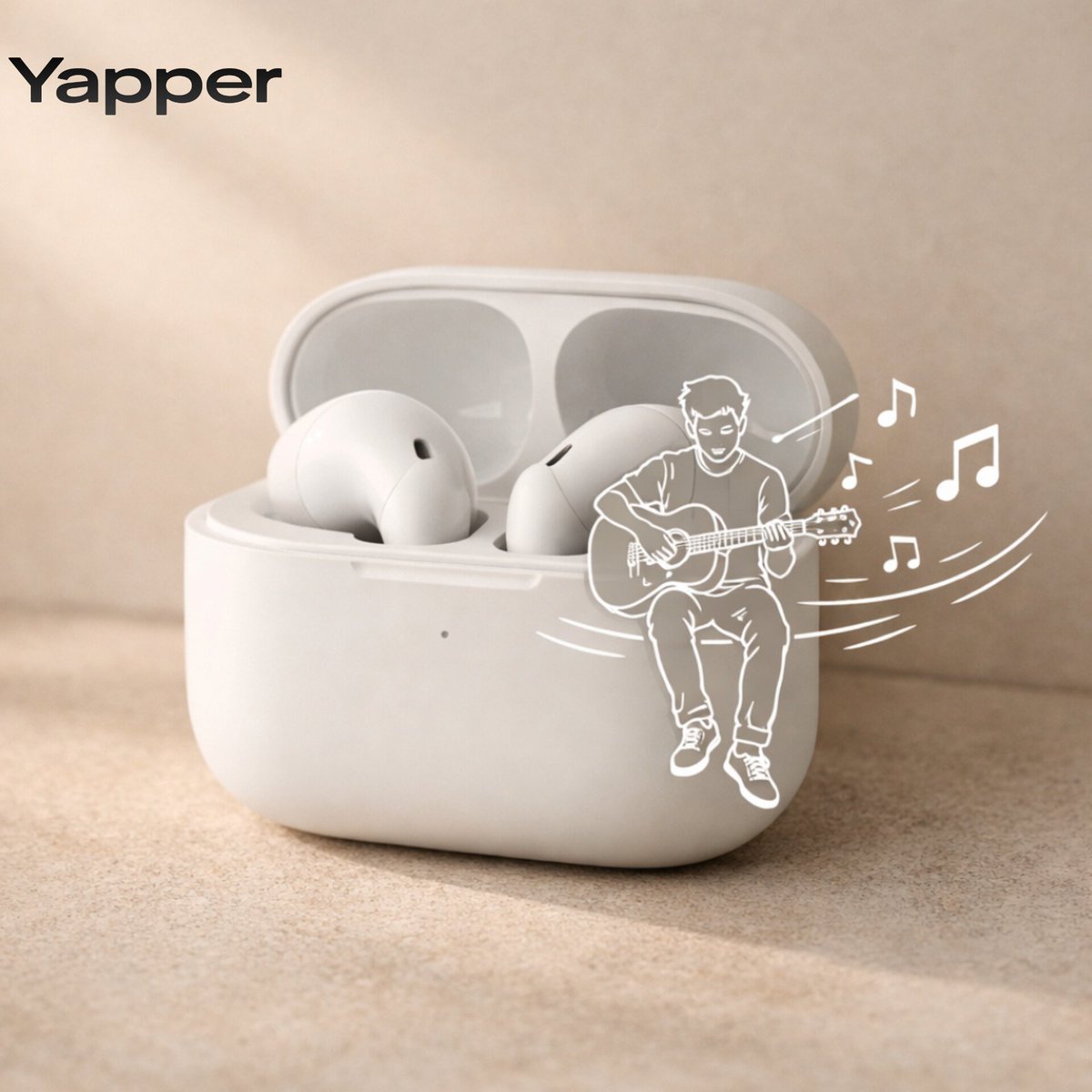
Minimalist Earbuds Product Photography with Line Art
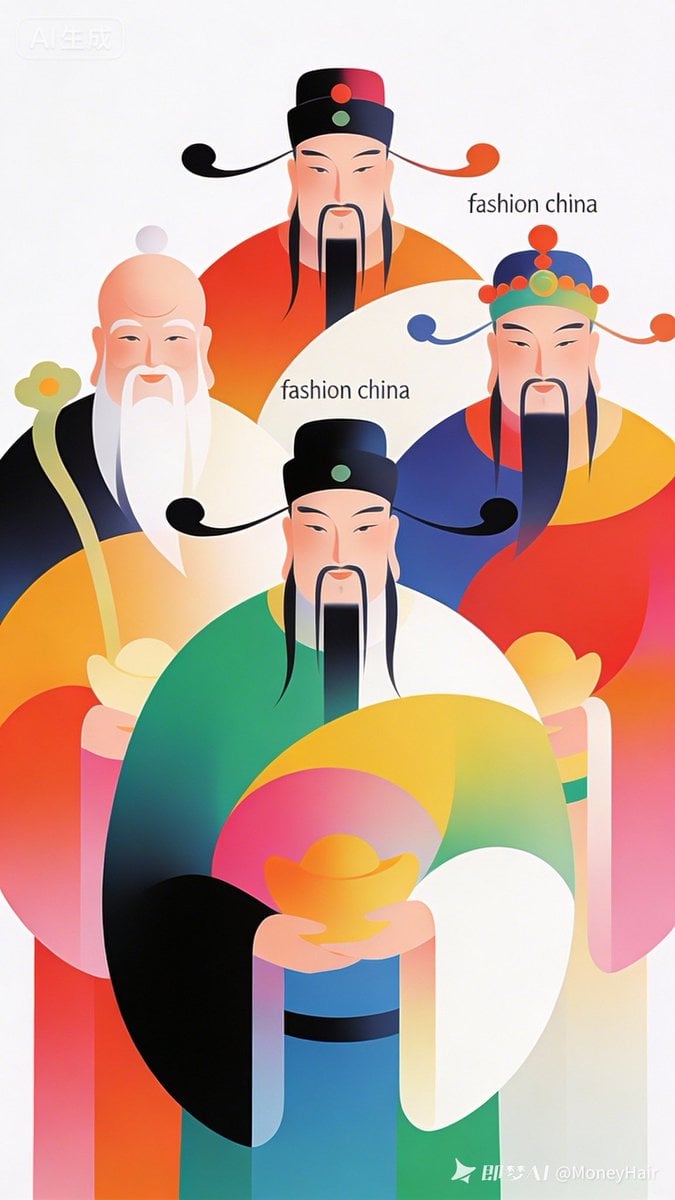
Vector Illustration for Five Gods of Wealth Red Packet Cover
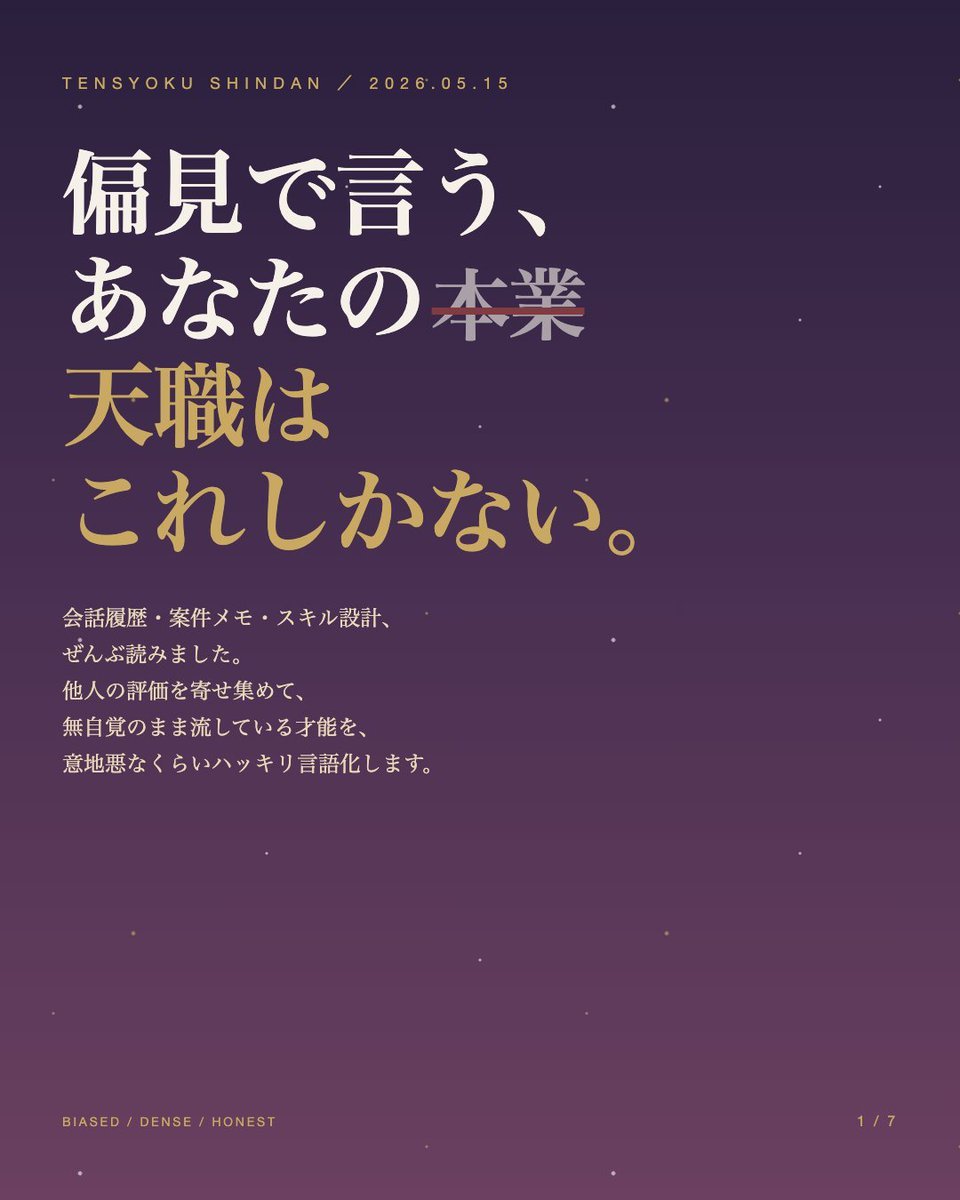
Japanese Career Diagnosis Cover
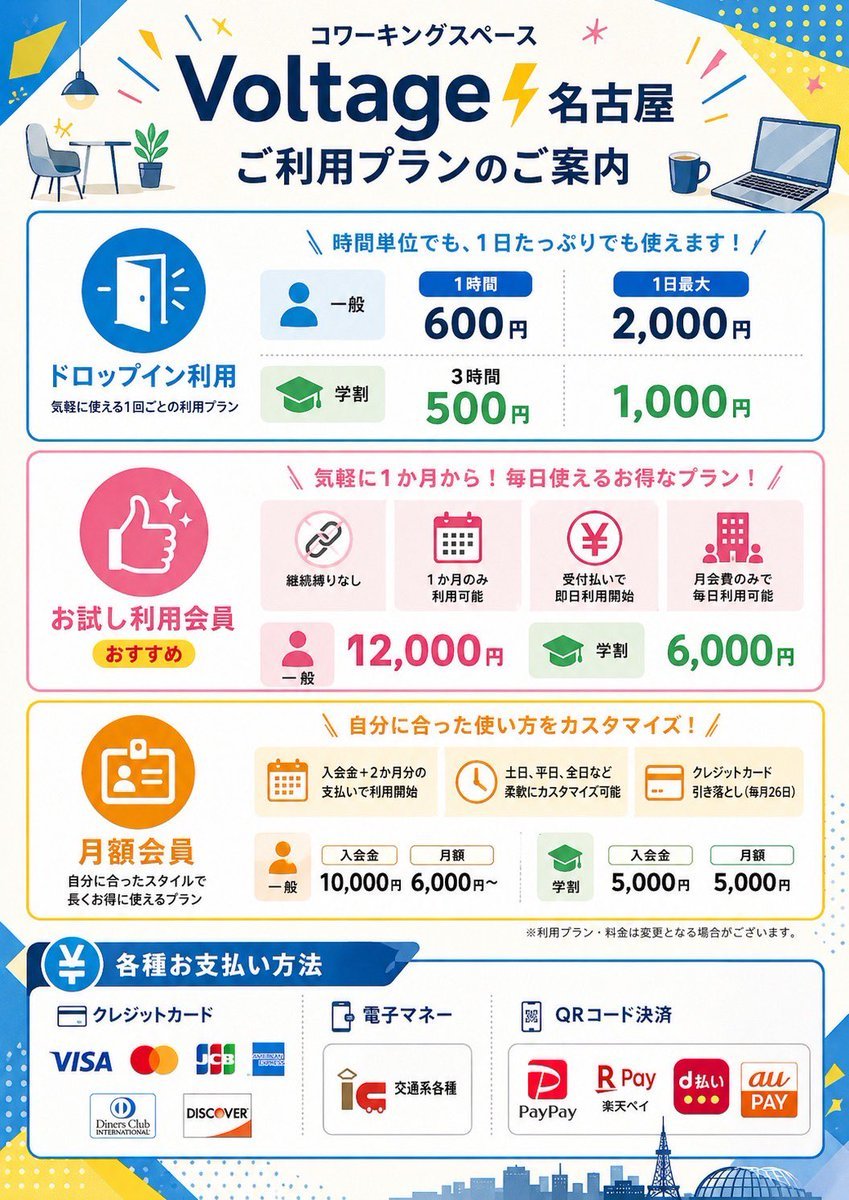
Japanese Coworking Pricing Flyer
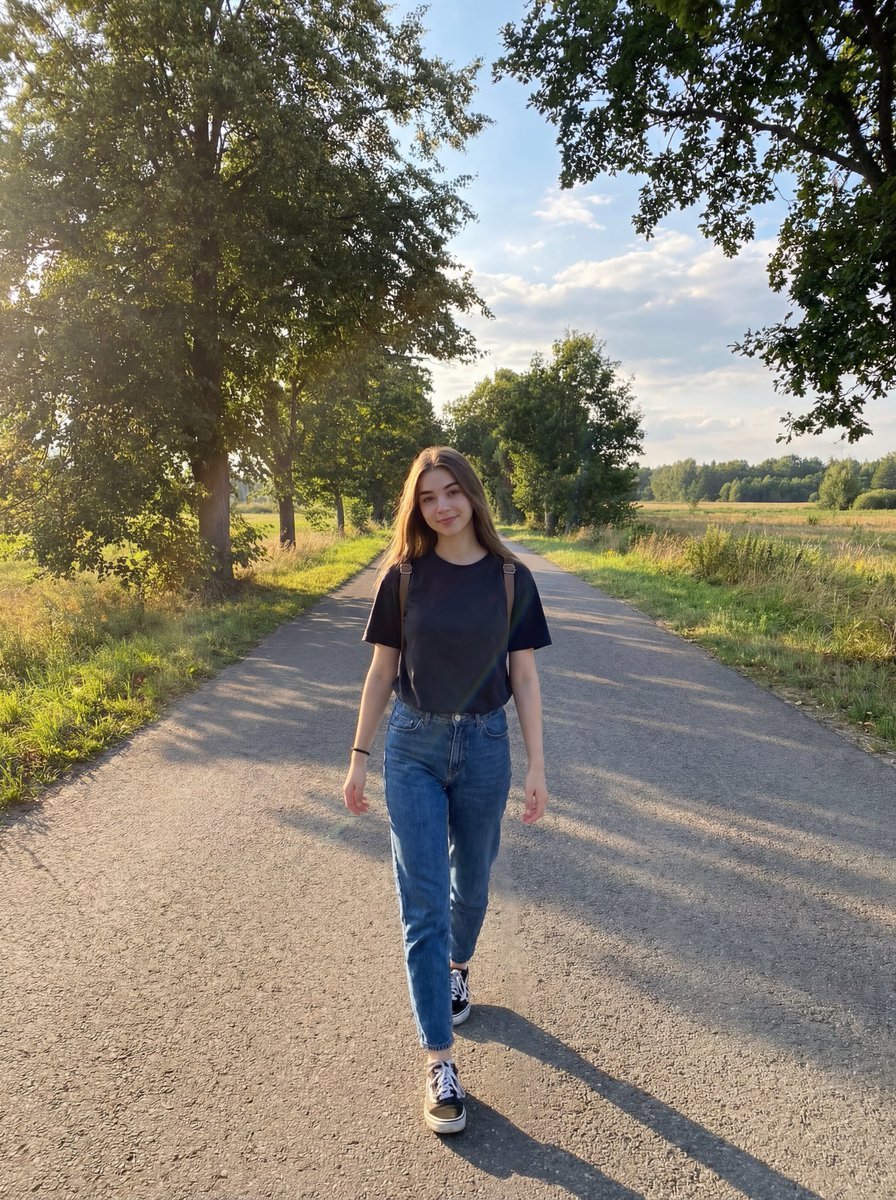
Natural Lifestyle Portrait on Country Road at Golden Hour
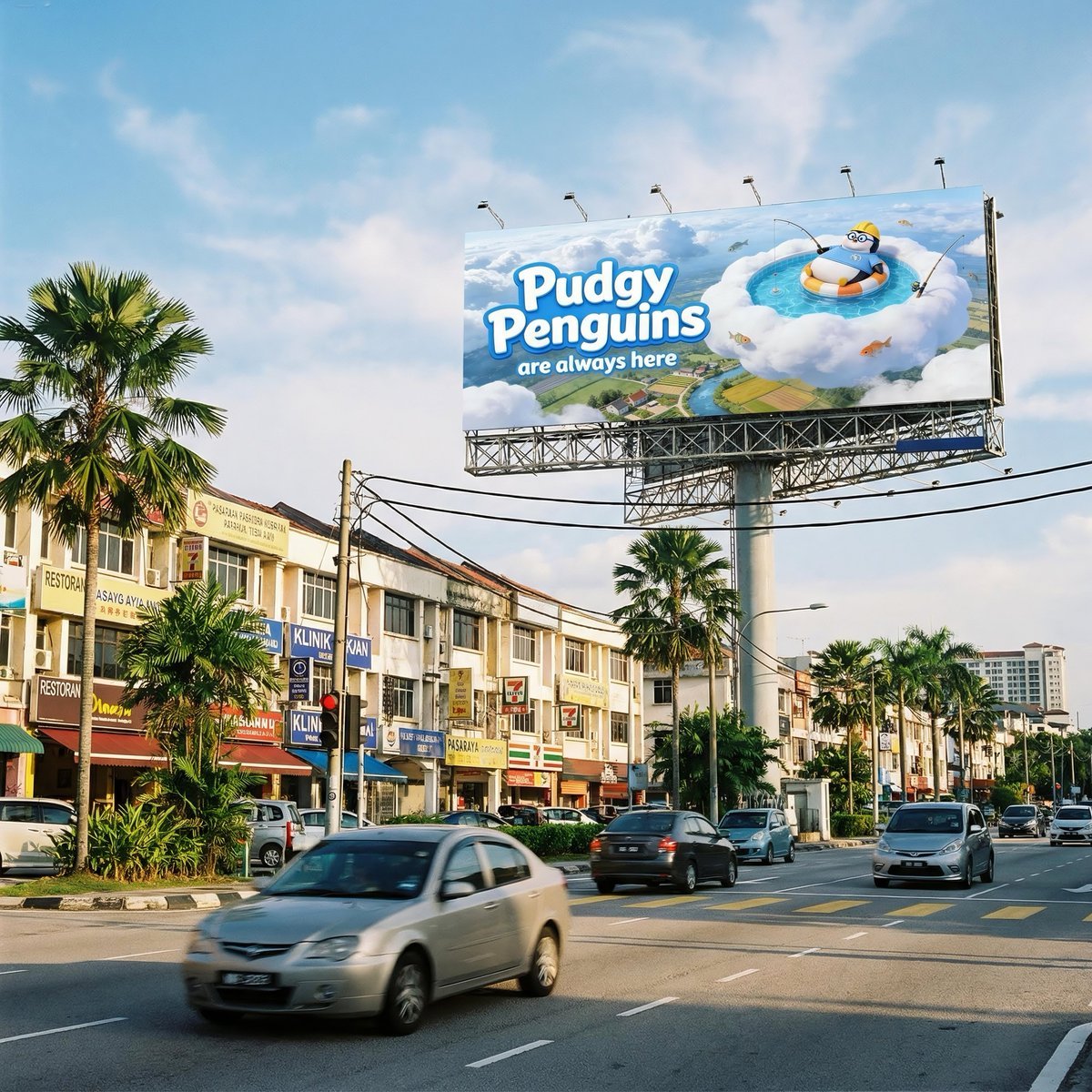
Malaysian City Billboard Commercial Photography Prompt
Browse template categories
Tidal Bore Under Moonlight Poster questions
How do I use the Tidal Bore Under Moonlight Poster template?
Add your photo if the template asks for one, edit the prompt if you like — the template's model and format are already selected — and press Generate. Your version opens in PicX Studio.
Can I customize the Tidal Bore Under Moonlight Poster template?
Yes. You can change the subject, setting, lighting, mood, format, and available model controls before creating your image.
Is the Tidal Bore Under Moonlight Poster template free?
Opening and editing this template is free. Generating uses credits, shown on the Generate button when you are signed in.
Which AI model should I use?
Start with GPT Image 2, which is the model associated with this template. You can compare another compatible model for a different finish.
Looking for something else? Browse all templates.

Your photo, any look
Thousands of ready templates for every top image and video model, from one credit balance.