
Recontextualized Glass Espresso Machine Product Shot
A detailed prompt for generating a high-end product editorial image, recontextualizing an everyday coffee machine as a luxury technological artifact.
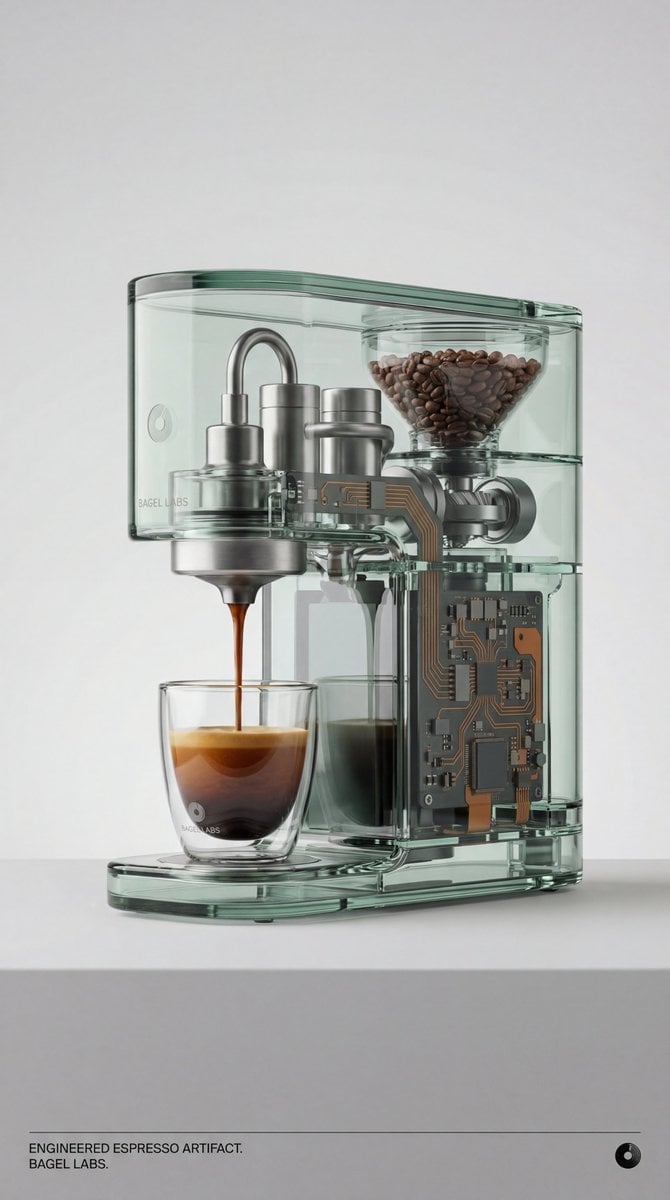
- Prompt included
- Model and format preset
- Free template
The prompt behind this image
Copy the exact prompt behind Recontextualized Glass Espresso Machine Product Shot, or open it in the studio and make it yours.
BAGEL LABS. Act as a creative director curating a wide-ranging, eclectic collection of “recontextualized everyday objects.” DIVERSE OBJECT SELECTION (MANDATORY VARIETY): Randomly select ONE object from these distinct categories to ensure diversity: Analog Office & Desk: Sport & Leisure: Barware & Kitchen: Utility & Tools: Grooming: Travel: SELECTED CATEGORY: Barware & Kitchen CHOSEN OBJECT: A coffee machine and coffee cup — instantly recognizable, reimagined as a luxury technological artifact. THE CONCEPT: Recontextualize the everyday coffee machine as a transparent, high-precision object of engineered beauty. A fully glass espresso machine reveals its internal systems: hot water circulation, pressure chambers, coffee bean hopper, grinding mechanism, and extraction pathway. Integrated computer circuitry runs through the machine like a nervous system, visually linking ritual, data, and energy. Fresh coffee is actively pouring from the machine into a matching glass cup, captured mid-flow. The moment feels frozen, precise, and intentional—ritual meets technology. MATERIALS & FINISH: - COFFEE MACHINE BODY: Precision-molded optical glass with subtle green-tinted transparency. Internal structure is fully visible and meticulously organized. - INTERNAL COMPONENTS: - Hot water tubes and pressure lines clearly visible, rendered in brushed titanium and warm grey. - Coffee bean chamber visible at the top with realistic roasted beans. - Grinding and extraction mechanisms exposed, engineered and clean. - CIRCUITRY: Integrated PC-style circuitry embedded within the machine’s internal architecture. - Circuit paths in muted industrial orange. - Supporting components in graphite and titanium tones. Circuits are physical and structural, not glowing or decorative. - COFFEE CUP: Matching optical glass cup with weighted base and refined silhouette. Subtle BAGEL LABS logomark engraved near the base. - BRAND INTEGRATION: BAGEL LABS logomark engraved into the glass body of the machine (side or rear plane), and subtly etched on the cup. No stickers. No printed logos. ACTION / MOMENT: Coffee is visibly flowing from the machine into the glass cup. Liquid motion is realistic and smooth. Crema and color gradient are visible through the glass, emphasizing transparency and material depth. PRESENTATION (NO BOXES): The coffee machine and cup stand fully exposed on a minimal pedestal or surface. No packaging, no housing, no covers. All components are visible by design. PHOTOGRAPHY & LIGHTING: Style: High-end product editorial (Wallpaper* / Dezeen). Lighting: Soft, studio high-key lighting with carefully controlled reflections to highlight glass thickness, liquid motion, and internal depth. No harsh shadows. Background: Clean, seamless light grey or white cyclorama. COLOR & GRADING: Primary tones: transparent glass with subtle green tint, warm greys, titanium neutrals. Accent: restrained
How to use Recontextualized Glass Espresso Machine Product Shot in 3 steps
- 1
Open
The prompt is already in the box next to the preview, with the template's model and format selected.
- 2…a portrait of your subject in softgolden-hour light, 85mm…
Personalize
Edit the subject and creative details for your destination.
- 3Generate
Generate
Press Generate — your image is created in PicX Studio, so you can compare it with the original and refine one variable at a time.
More like this
Templates with the same subject, style or setup. Open one to see its prompt.
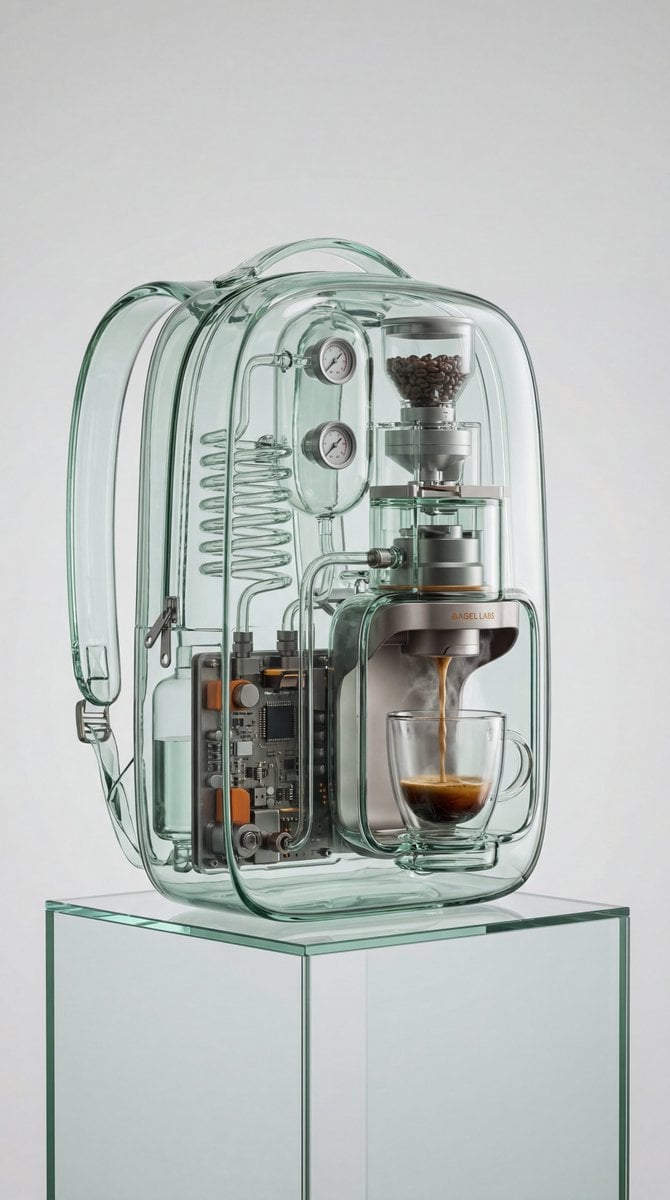
Recontextualized Backpack Espresso Machine Concept Prompt

A k.pop idol on the stage with mic

Trendy Cafe Drink Promo Poster

Cinematic Glass Brand Logo Volcanic Landscape

Minimalist Skincare Product Water Stone Still

Giant Forced Perspective Street Product Selfie

Playful Futuristic Brand Kit Board

Headphones Lifestyle Nine Panel Grid

Cappuccino Bottle Splash Product Ad

Luxury Toothpaste Commercial Storyboard

Parle Hide and Seek Cookie Campaign Poster

Moss Logo Minimalist Brand Flat Lay
Make it yours
Recontextualized Glass Espresso Machine Product Shot works as-is. These are the safest ways to change it without losing the look.
Change one field
Copy a single group, rewrite it, and generate again so you can see what that field is doing.
Keep the frame, change the subject
Hold the composition and light of Recontextualized Glass Espresso Machine Product Shot, then swap wardrobe, props or the person for a new take.
| If the result… | Why | Fix |
|---|---|---|
| The result drifts from the preview | Too many fields changed at once. | Reuse Recontextualized Glass Espresso Machine Product Shot as-is first, then change one group — subject, light, or setting. |
| The model over-stylizes the scene | The prose prompt leaves finish and camera underspecified. | Add one camera or lighting sentence and stay on Nano Banana 2. |
More Nano Banana 2 templates
Other prompts made for Nano Banana 2.

Photorealistic Leaf Shaped Like a Dragon

K-Pop Idol Portrait Grid for Rapid Selection

Poetic Rain Forest Portrait During Golden Hour

Urban Street Portrait with Cartoon Inner Self Duo

Candid Nighttime Photo with Cat Prompt

High-Concept 3D Diorama Generation Prompt

Cinematic Futuristic Studio Portrait Template

Skincare Editorial Photography Collage Prompt

Hyper-Realistic Commercial Product Photography (Splash Effect)

Hyper-Realistic Nightclub Portrait Prompt
More image prompts
Fresh picks from across the catalog.
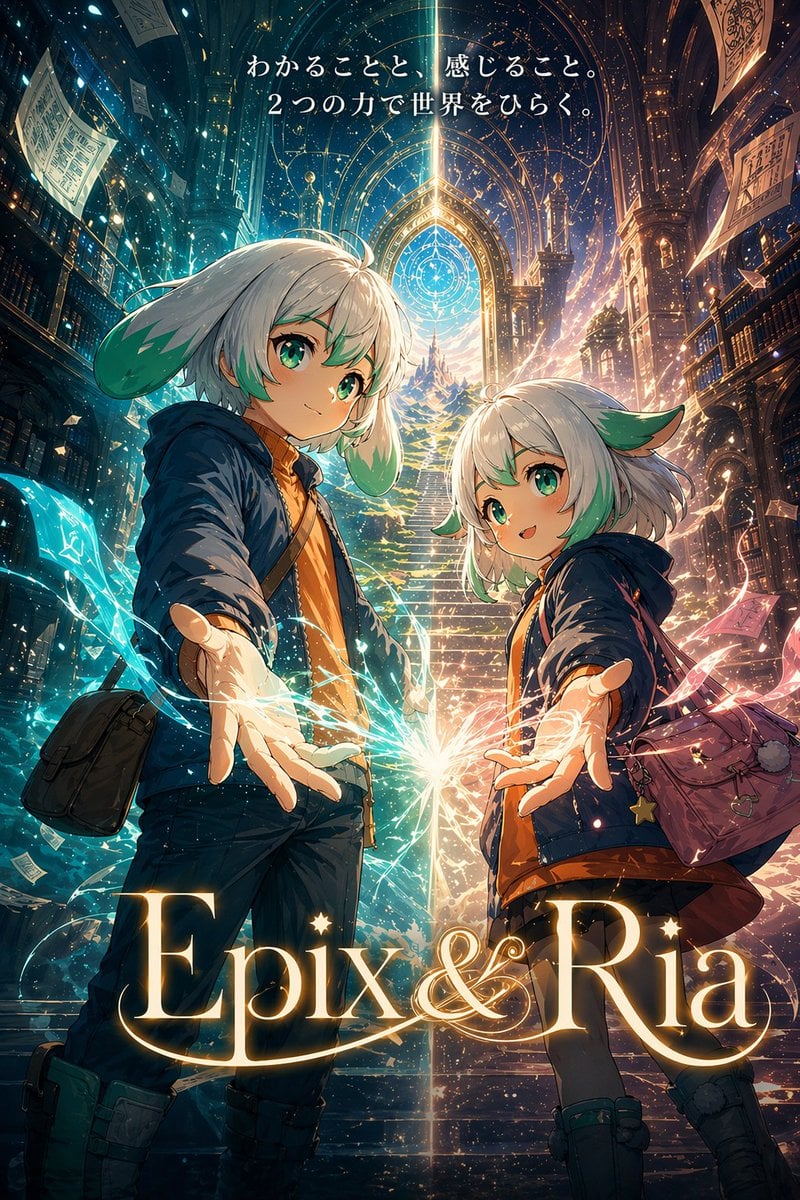
Fantasy Library Poster for Epix & Ria
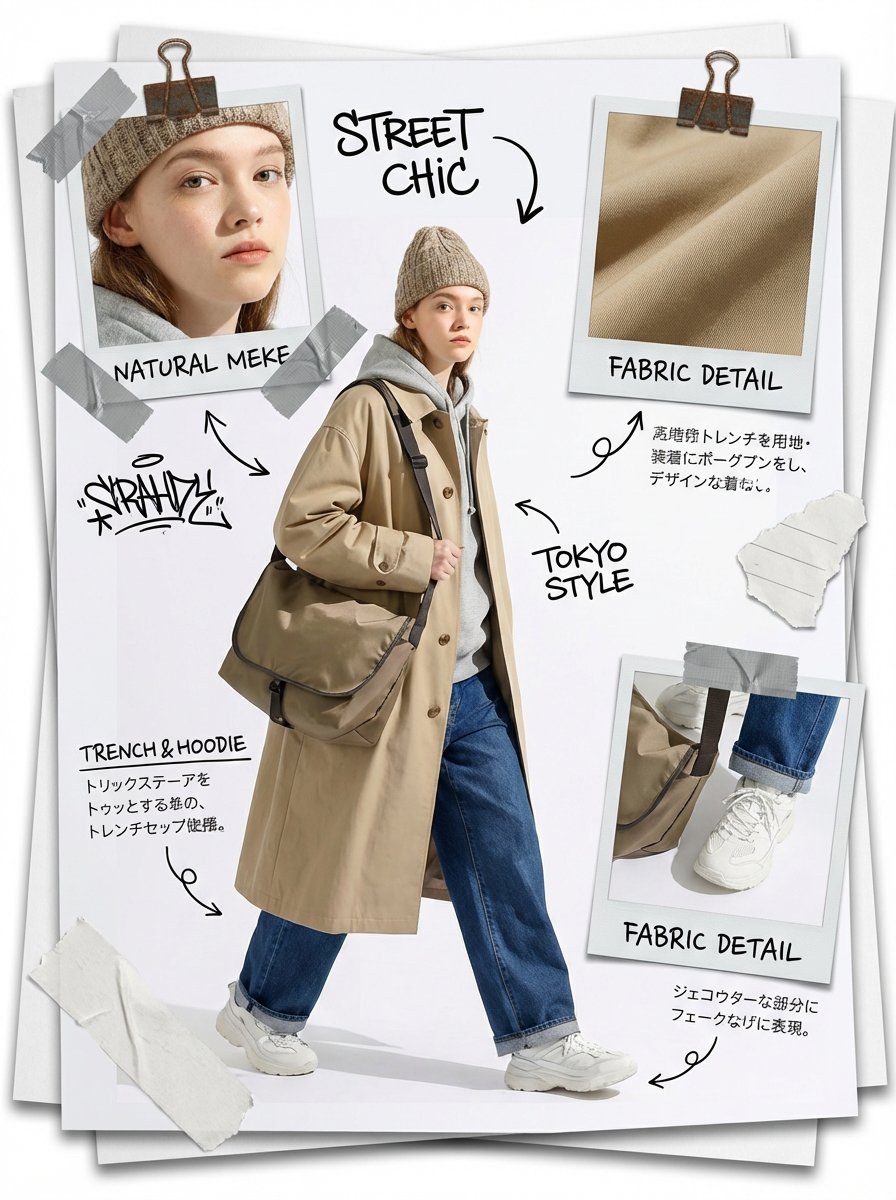
Fashion Scrapbook Page Layout Generation

High-End Fashion Magazine Cover
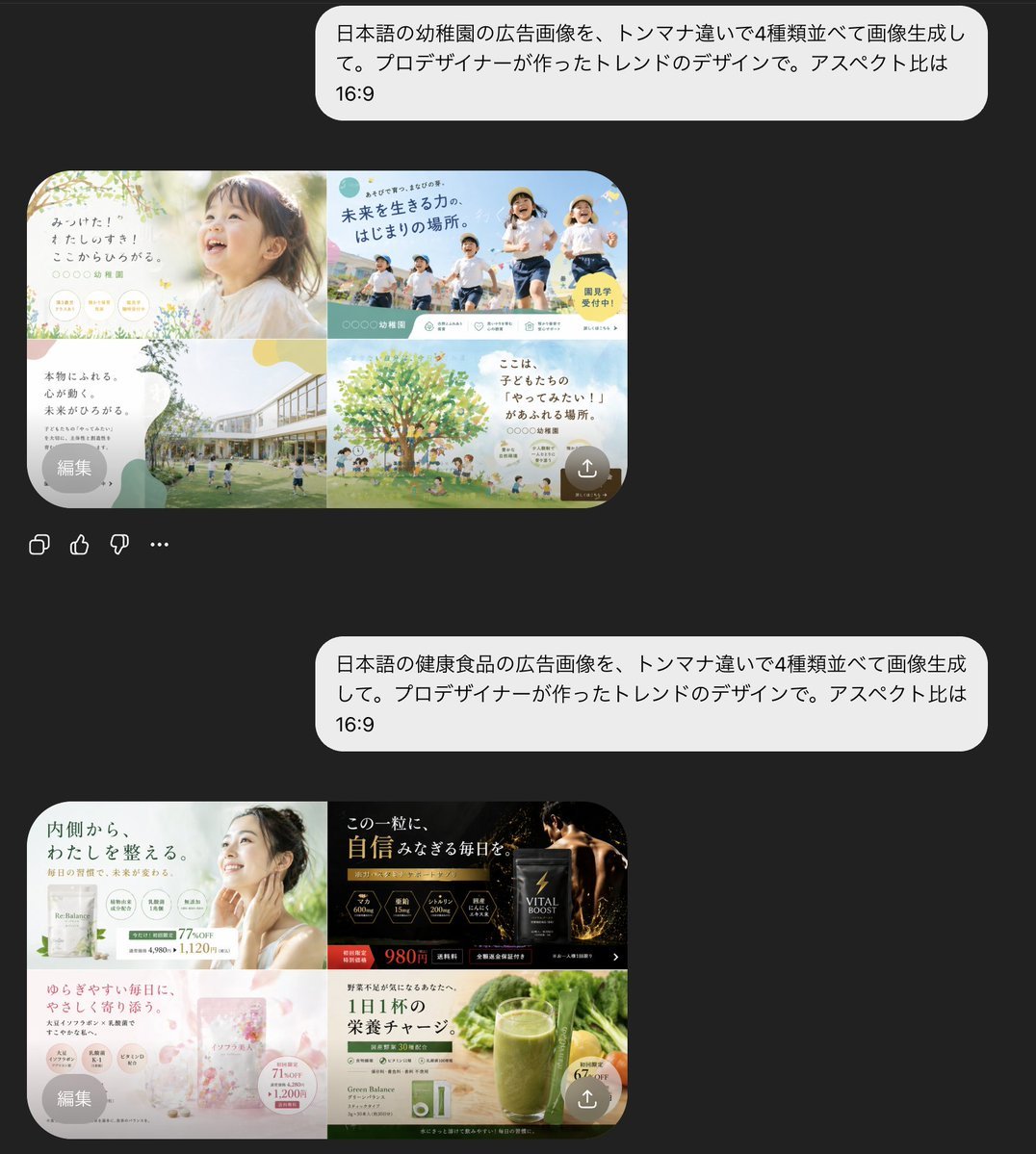
AI Chat Screenshot with Ad Design Grids

Wireframe to Corporate Web Banner
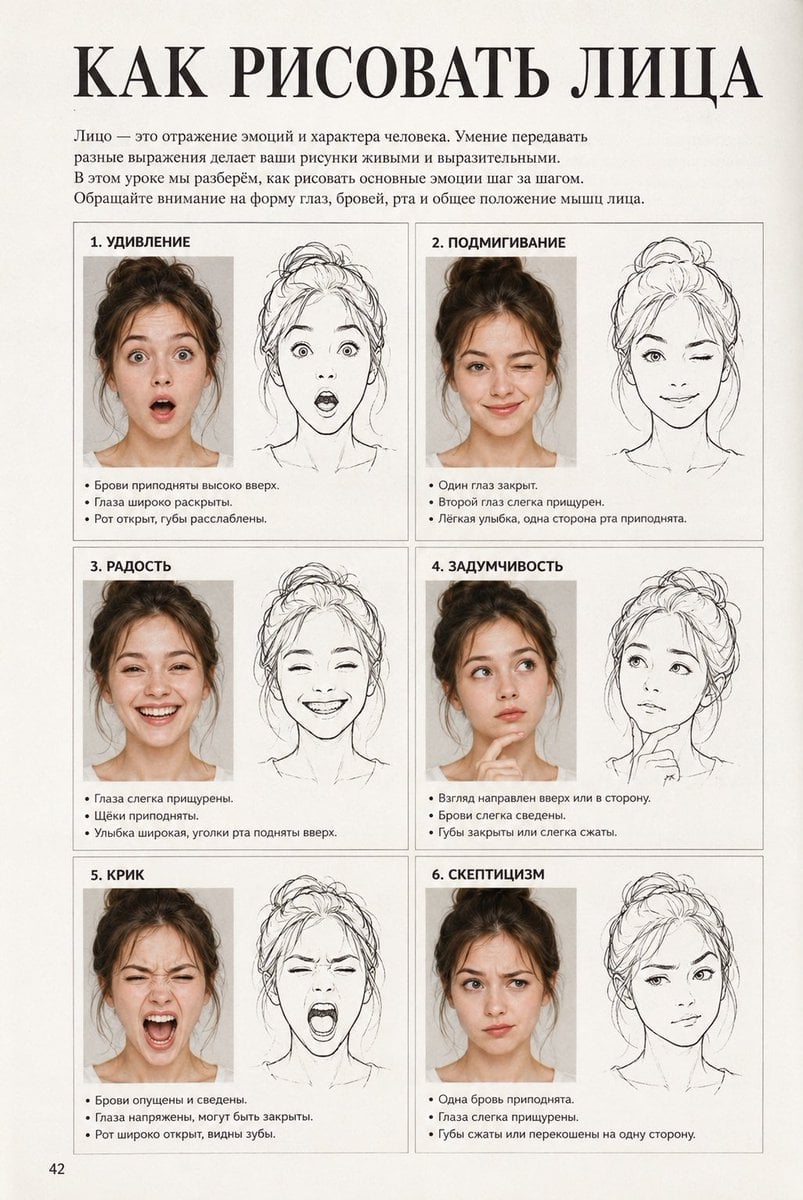
Vintage Russian Face Drawing Lesson
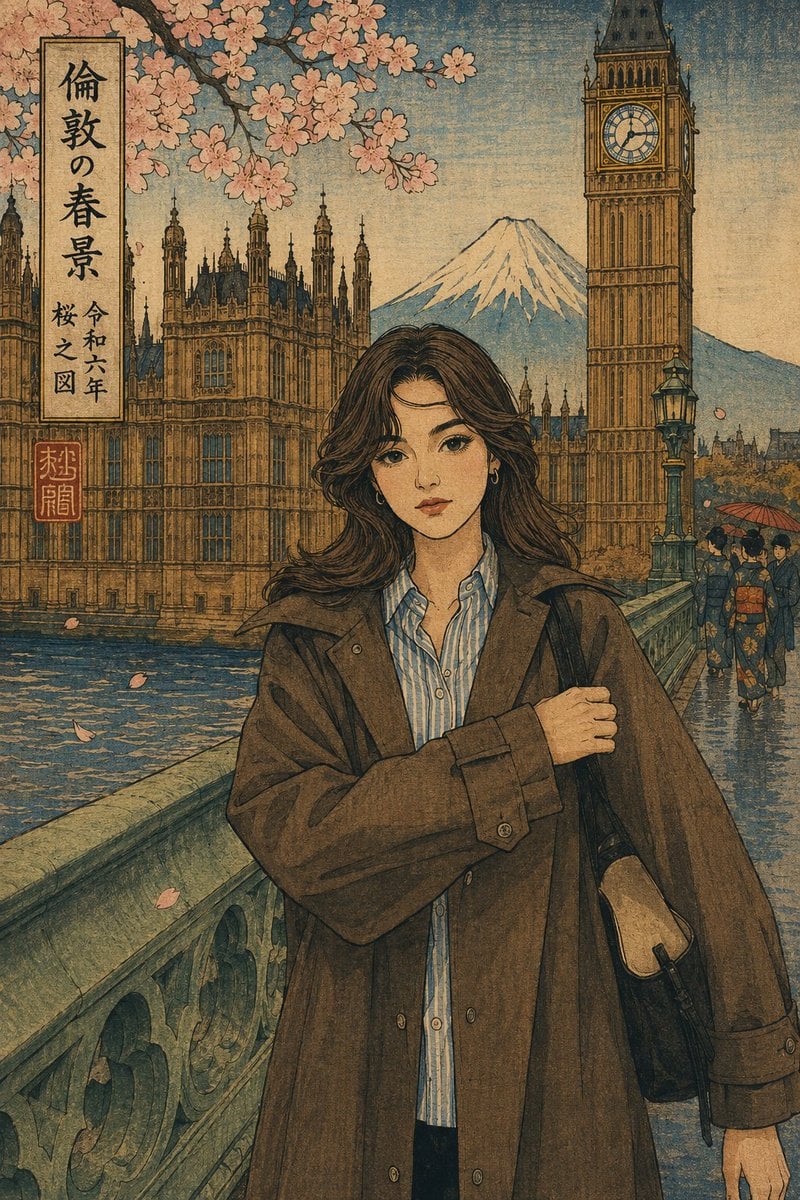
Ukiyo-e Portrait Transformation

Dreamy Fine-Art Editorial Portrait with Double Exposure
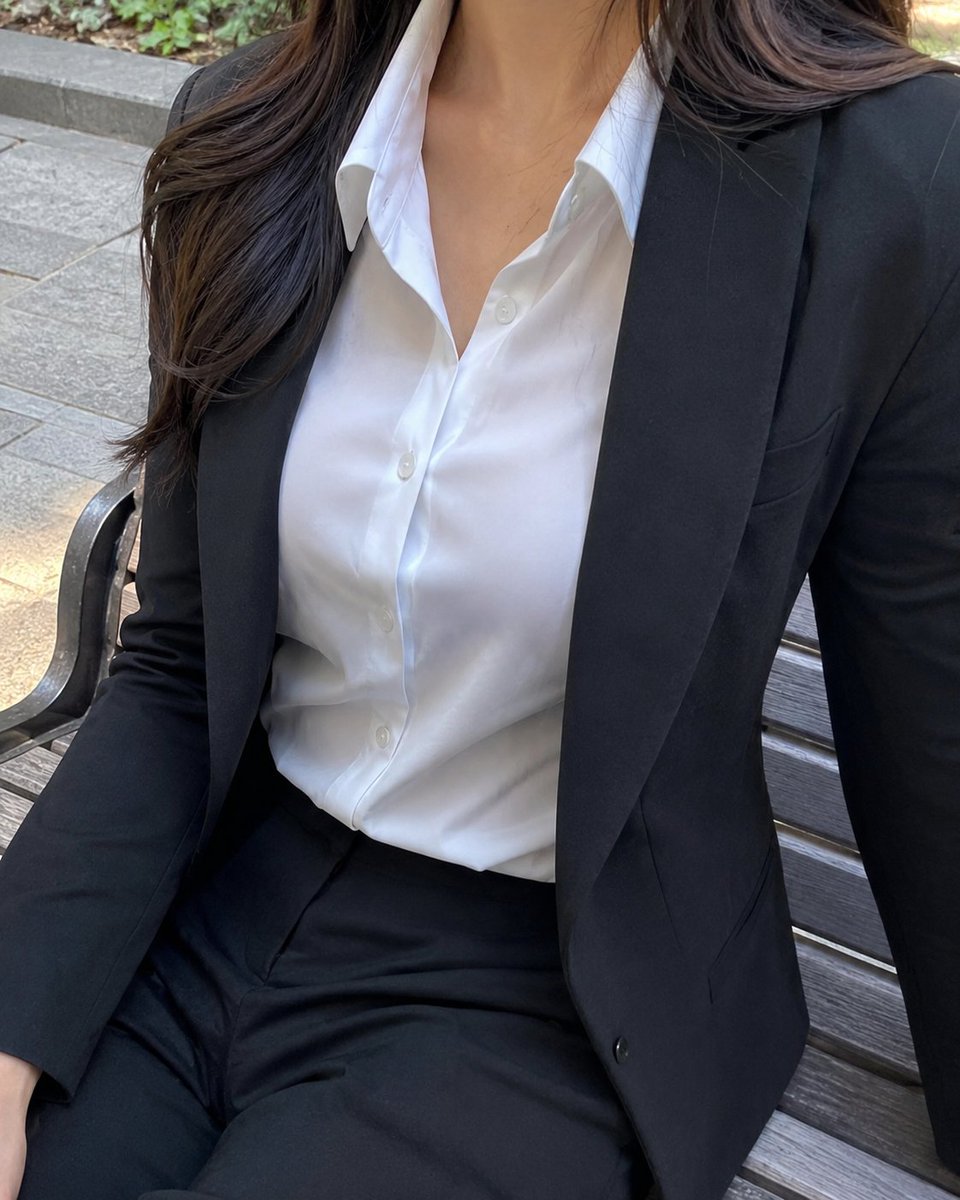
Cropped Business Suit Portrait
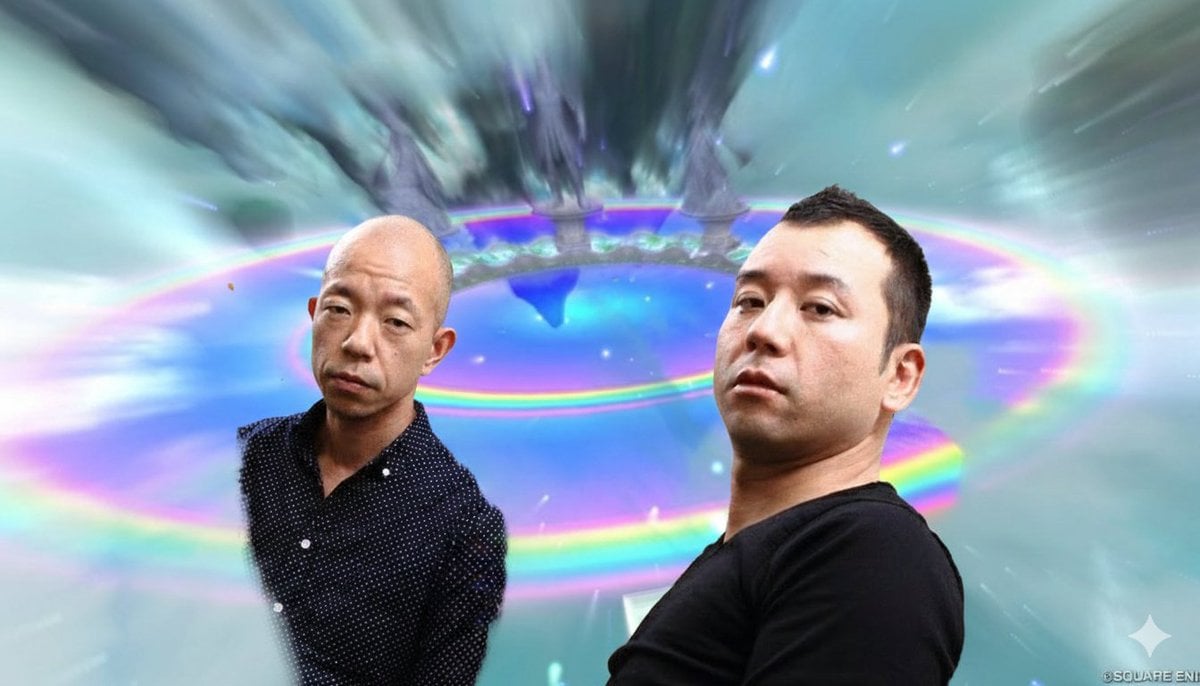
Image Style Transfer Prompt: Viking to Dragon Quest X 'Chamber of Vows'
Browse template categories
Recontextualized Glass Espresso Machine Product Shot questions
How do I use the Recontextualized Glass Espresso Machine Product Shot template?
Add your photo if the template asks for one, edit the prompt if you like — the template's model and format are already selected — and press Generate. Your version opens in PicX Studio.
Can I customize the Recontextualized Glass Espresso Machine Product Shot template?
Yes. You can change the subject, setting, lighting, mood, format, and available model controls before creating your image.
Is the Recontextualized Glass Espresso Machine Product Shot template free?
Opening and editing this template is free. Generating uses credits, shown on the Generate button when you are signed in.
Which AI model should I use?
Start with Nano Banana 2, which is the model associated with this template. You can compare another compatible model for a different finish.
Looking for something else? Browse all templates.

Your photo, any look
Thousands of ready templates for every top image and video model, from one credit balance.