
Lumina Stellar Witch Character Sheet
A wide fantasy anime character design sheet for a magical witch heroine, useful for concept art, game design, and character bible presentations.
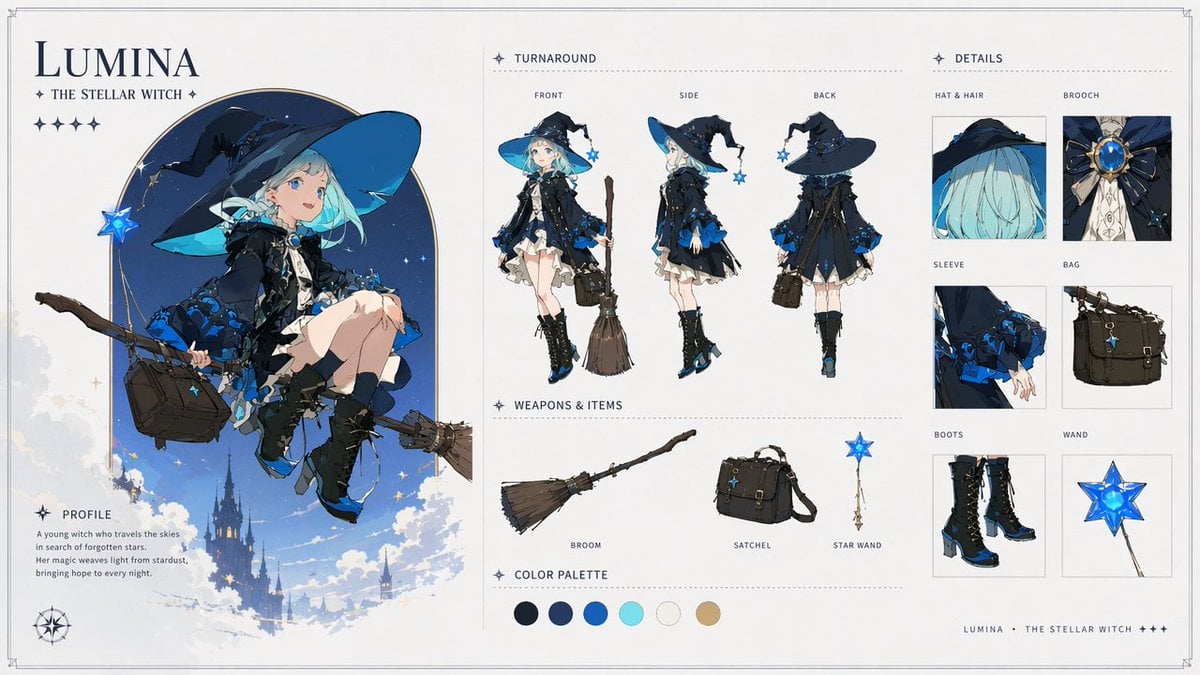
- Prompt included
- Model and format preset
- Premium template
The prompt behind this image
Copy the exact prompt behind Lumina Stellar Witch Character Sheet, or open it in the studio and make it yours.
Goal: Create an ultra-detailed 16:9 fantasy character design sheet for {argument name="character name" default="Lumina"}, a premium anime magical girl witch, presented like AAA game concept art and a professional character bible page. Canvas: Wide horizontal editorial layout on an off-white parchment background with thin double-line border, subtle corner crop marks, delicate dotted dividers, navy typography, and small star glyph decorations. Clean, elegant, airy composition with soft fantasy illustration and polished UI-like spacing. Main left panel: Large title at top left reading {argument name="character name" default="LUMINA"}, with subtitle “THE STELLAR WITCH” beneath it and a row of 5 small star icons. Below, show one large full-color hero illustration of the character seated side-saddle on a flying broom, framed by a tall rounded arch of deep starry blue sky. She is a young witch with pale skin, bright blue eyes, short mint-aqua bobbed hair, a huge floppy navy witch hat with cyan underside and black ribbons, a black-and-midnight-blue layered dress with frilled white underskirt, blue rose-like trim, lace details, black gloves, black knee socks, and black lace-up heeled boots with blue accents. She carries a dark brown satchel and a glowing blue star wand charm; the broom extends diagonally across the panel. Background includes clouds, small stars, and a distant gothic castle silhouette floating in the sky. Add a small compass rose near the bottom left. Profile block: Under the hero illustration, include a labeled section “PROFILE” with this short text: “A young witch who travels the skies in search of forgotten stars. Her magic weaves light from stardust, bringing hope to every night.” Center panel: Add a “TURNAROUND” section with exactly 3 full-body model views, each labeled above: 1) FRONT, 2) SIDE, 3) BACK. The views should show the same character standing in the outfit, with consistent proportions and costume details. In the front view she holds the broom upright beside her; in the side view her satchel is visible; in the back view emphasize the hat silhouette, layered cape/dress back, and blue floral trim. Weapons and items section: Below the turnaround, create a “WEAPONS & ITEMS” row with exactly 3 isolated objects, each with a label: 1) BROOM, a rustic wooden broom with twig bristles; 2) SATCHEL, a structured dark brown leather shoulder bag with buckles and straps; 3) STAR WAND, a slim gold wand topped with a luminous blue five-point star. Color palette: Add a “COLOR PALETTE” strip with exactly 6 circular swatches: 1) near-black navy, 2) deep royal navy, 3) saturated cobalt blue, 4) bright aqua cyan, 5) warm off-white, 6) muted tan gold. Right panel: Add a “DETAILS” section containing exactly 6 boxed close-up callouts in a two-column grid, each labeled: 1) HAT & HAIR, close-up of the wide navy hat and aqua hair; 2) BROOCH, ornate blue gemstone brooch with gold setting and black bow; 3) SLEEVE, black sleeve with blue rose trim and delicate hand; 4) BAG, dark satchel close-up; 5) BOOTS, black lace-up heeled boots with blue highlights; 6) WAND, glowing blue star wand head. Footer: At the bottom right, add small spaced text: “LUMINA • THE STELLAR WITCH +++”. Visual style: Soft fantasy anime rendering, crisp inked character design, luminous blues, detailed fabric folds, elegant gothic magical motifs, subtle paper texture, high-end concept art sheet, balanced whitespace, refined serif and small caps typography. Constraints: Use exactly 1 main hero illustration, 3 turnaround views, 3 weapons/items, 6 color swatches, and 6 detail callouts. Keep all text legible and in English. Do not add extra panels, extra characters, watermarks, logos, or unrelated props.
How to use Lumina Stellar Witch Character Sheet in 3 steps
- 1Upload ImagePNG, JPG or paste
Add your photo
Upload the photo the template builds on. The prompt, model and format are already set.
- 2…a portrait of your subject in softgolden-hour light, 85mm…
Personalize
Edit the subject and creative details for your destination.
- 3Generate
Generate
Press Generate — your image is created in PicX Studio, so you can compare it with the original and refine one variable at a time.
More like this
Templates with the same subject, style or setup. Open one to see its prompt.

Dancer Character - Four View Reference Sheet

Movement Sheet - Dance Reference (Seedance 2.0)
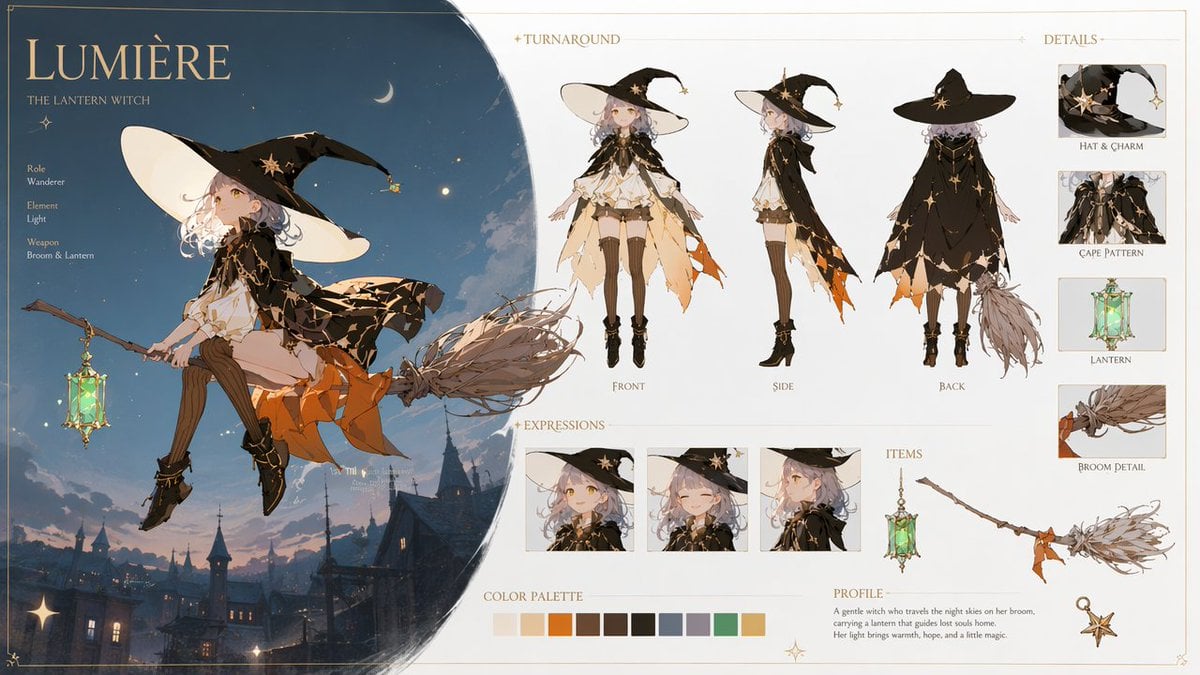
Lumière Lantern Witch Character Sheet
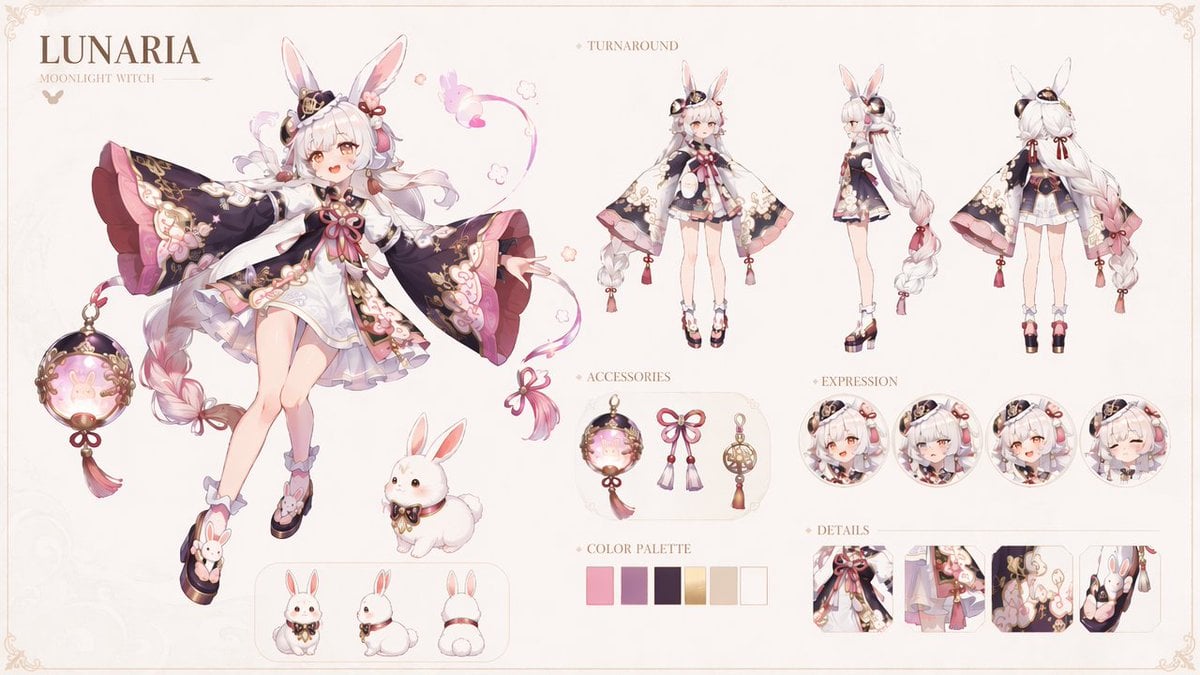
Lunaria Moonlight Witch Character Sheet
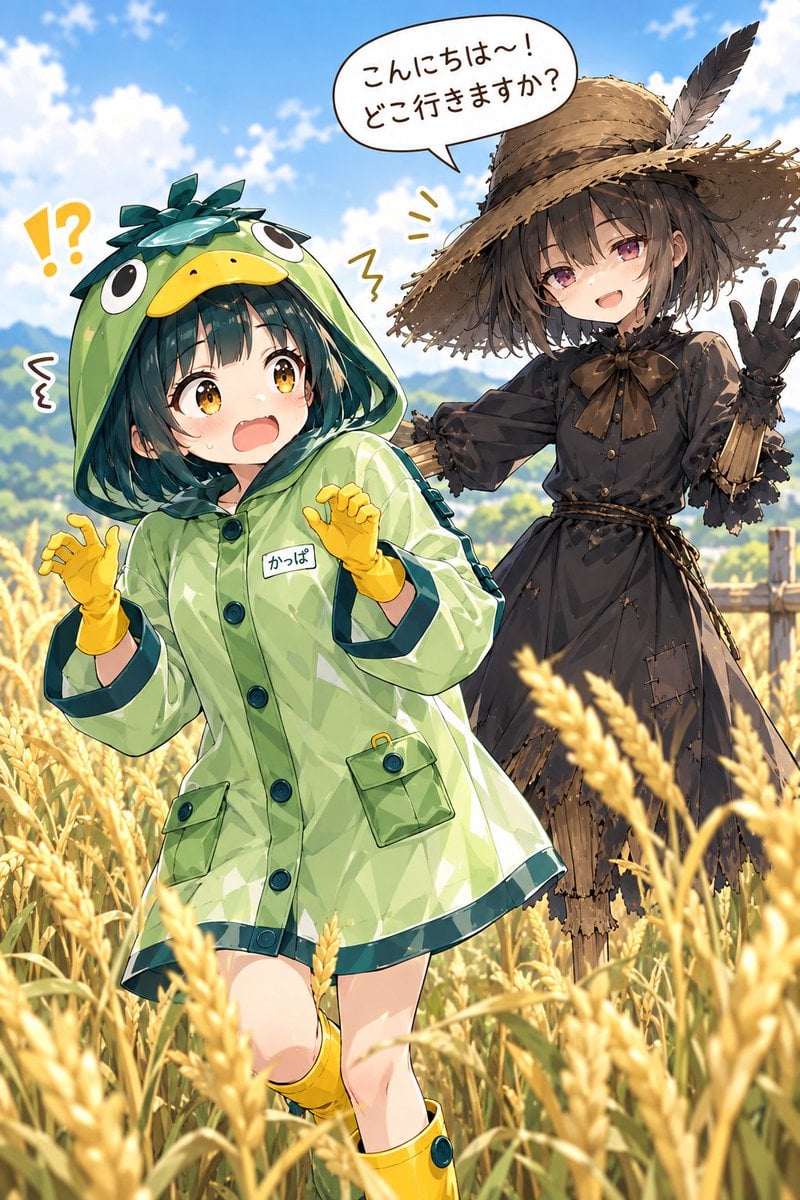
Kappa Girl and Scarecrow Witch
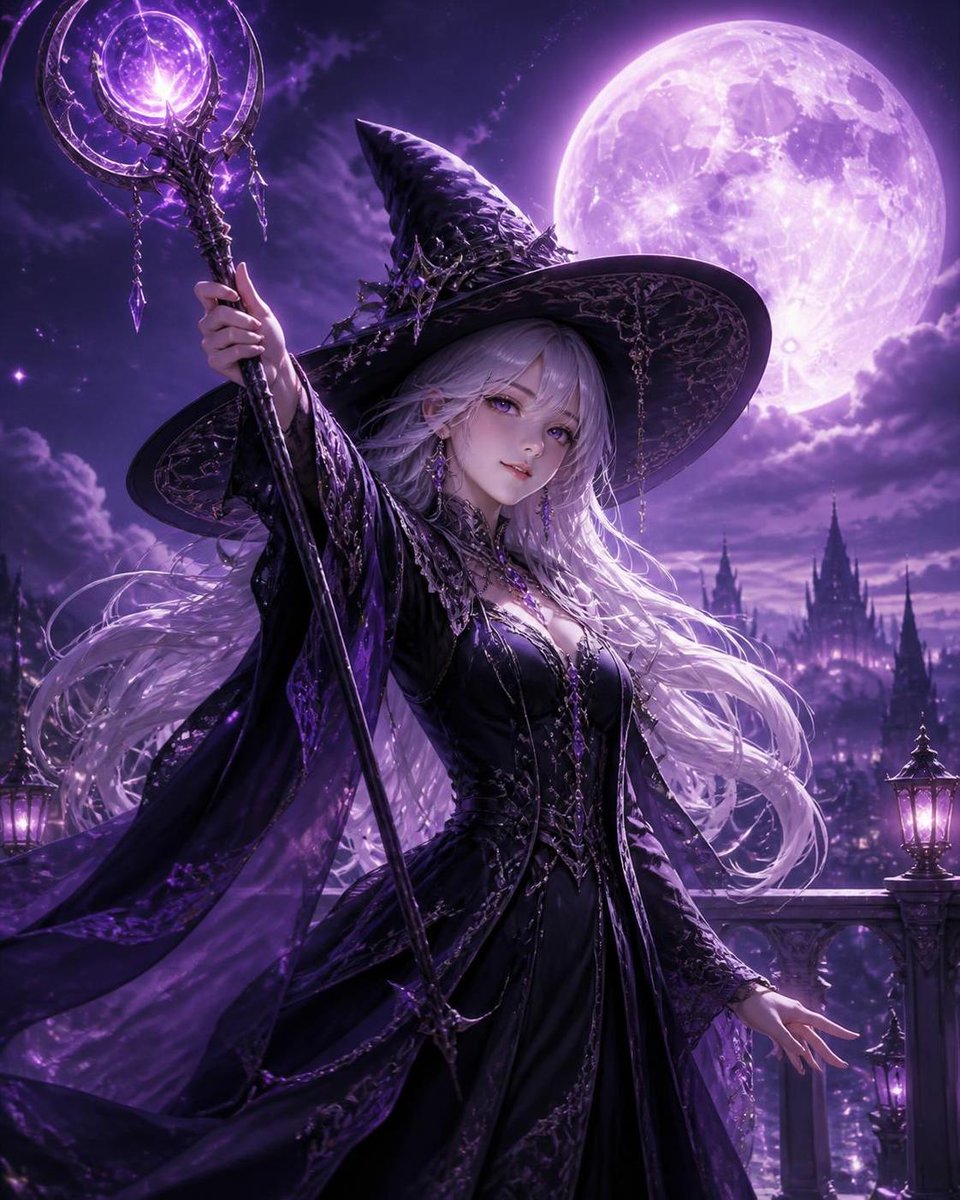
Silver Haired Witch Moonlight
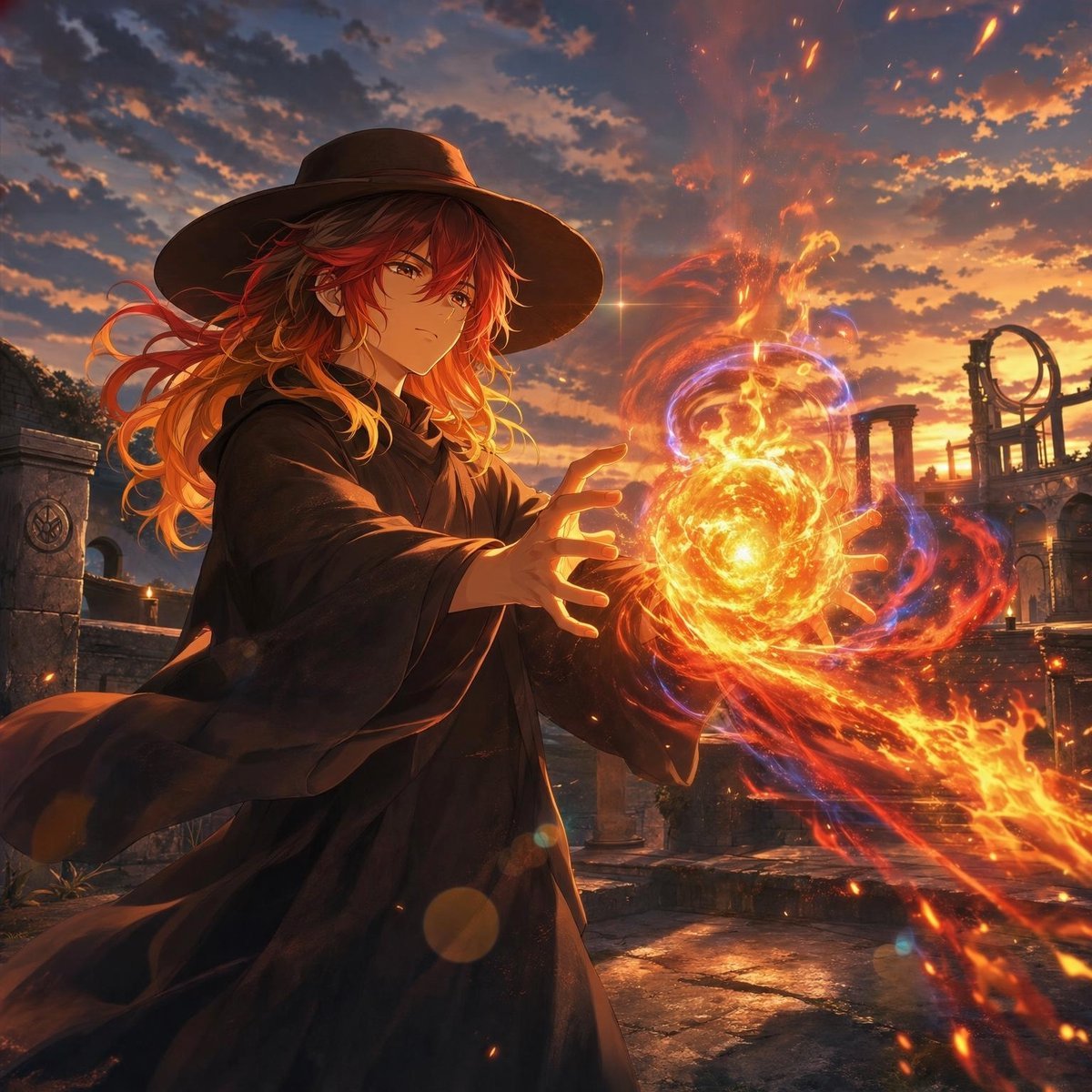
Anime Witch Casting Fire Spell
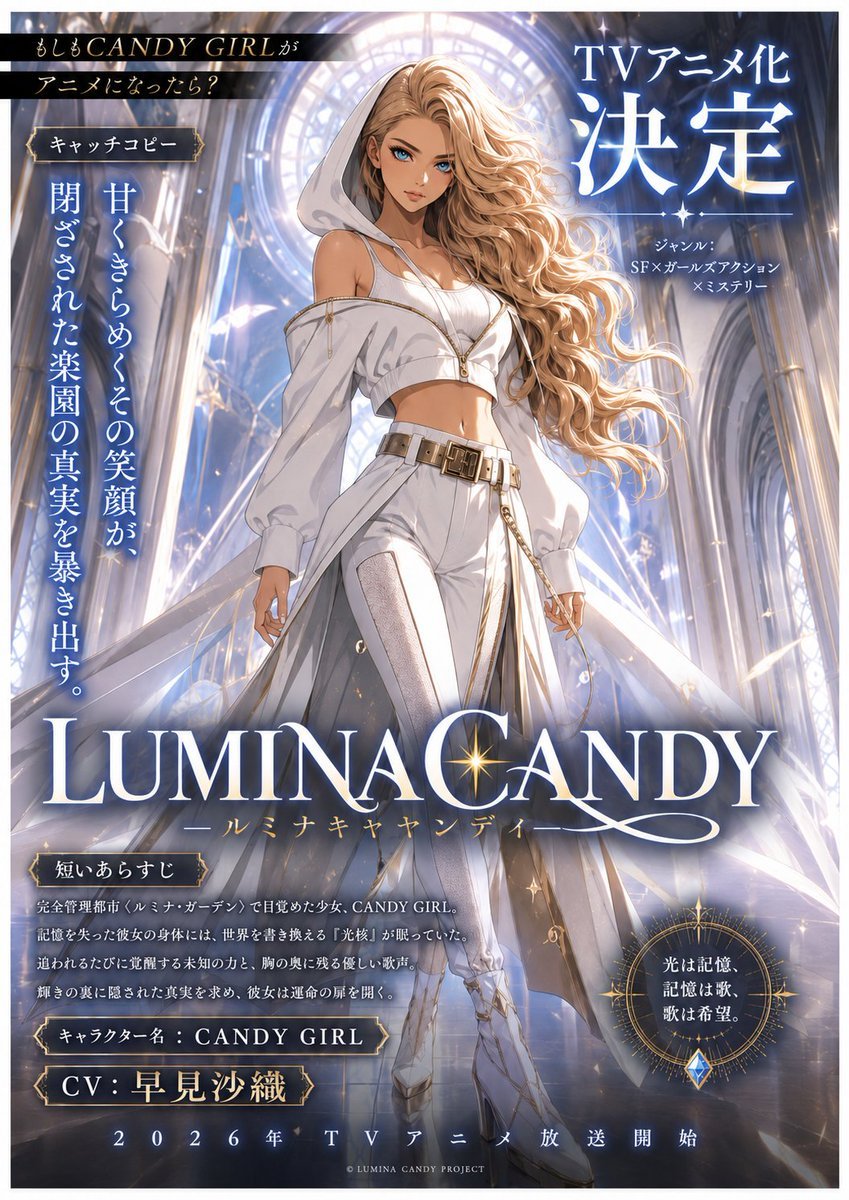
LUMINA CANDY Anime Announcement Poster
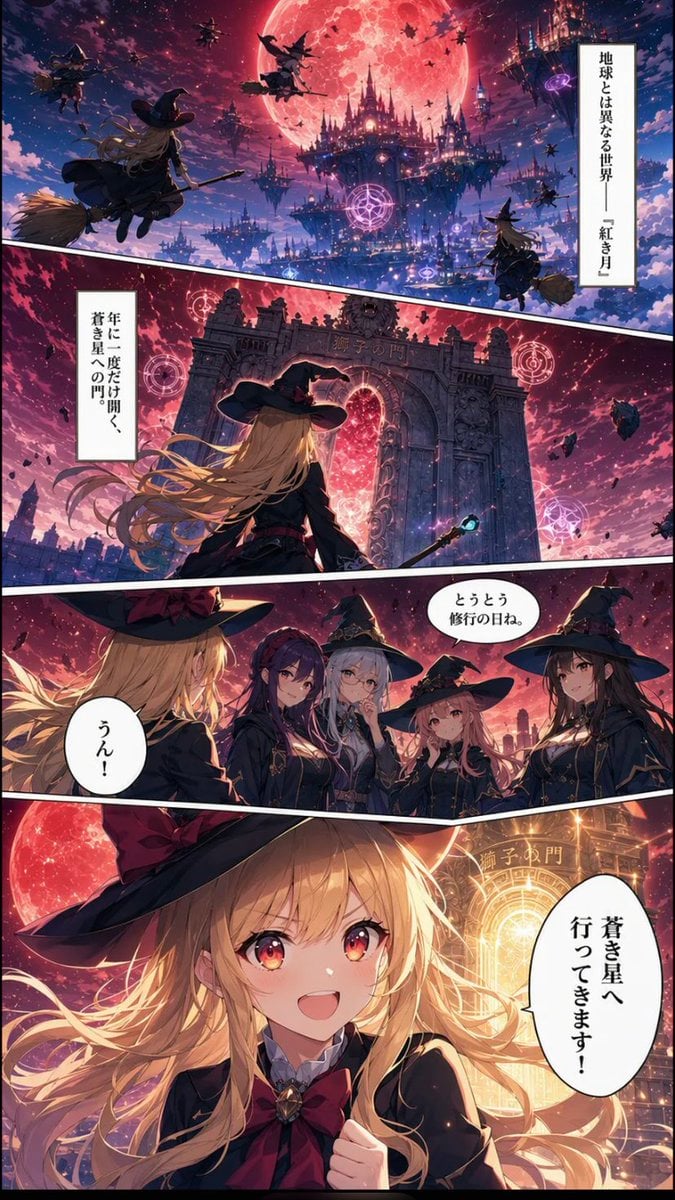
Crimson Moon Witch Manga Page
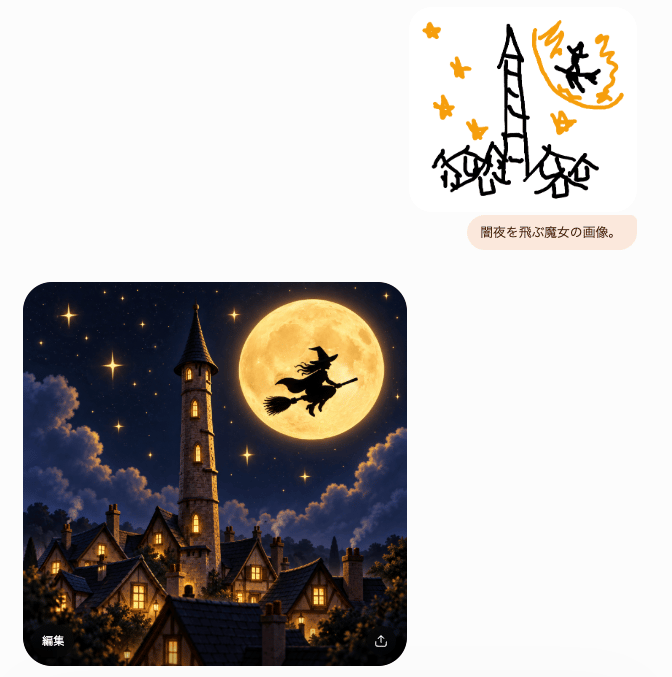
Witch Sketch to Fantasy Result UI
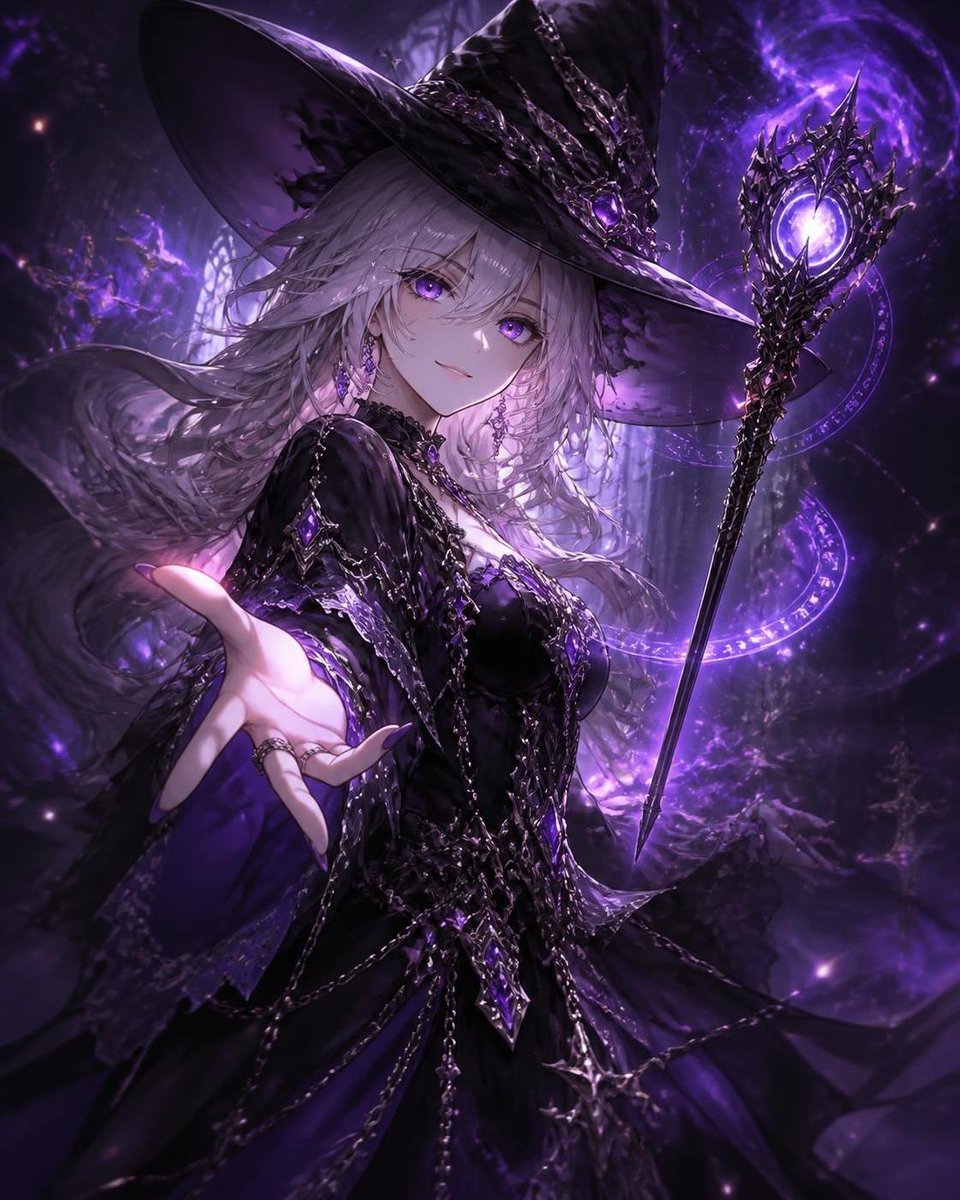
Mysterious Silver-Haired Witch
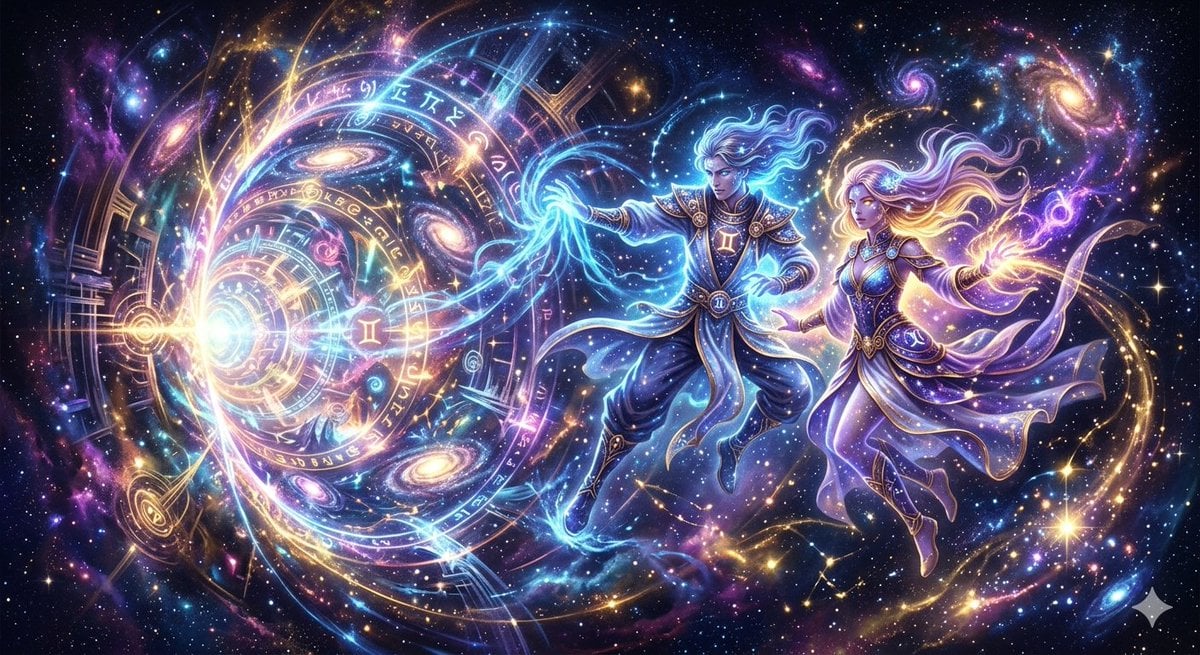
Fantasy Stellar Gemini Dimension
Make it yours
Lumina Stellar Witch Character Sheet works as-is. These are the safest ways to change it without losing the look.
Change one field
Copy a single group, rewrite it, and generate again so you can see what that field is doing.
Keep the frame, change the subject
Hold the composition and light of Lumina Stellar Witch Character Sheet, then swap wardrobe, props or the person for a new take.
| If the result… | Why | Fix |
|---|---|---|
| The result drifts from the preview | Too many fields changed at once. | Reuse Lumina Stellar Witch Character Sheet as-is first, then change one group — subject, light, or setting. |
| The model over-stylizes the scene | The prose prompt leaves finish and camera underspecified. | Add one camera or lighting sentence and stay on GPT Image 2. |
More GPT Image 2 templates
Other prompts made for GPT Image 2.

Six VTuber Japanese Logo Sheet

Realistic Portrait of Woman and Deer

The Vista Modular Condo Poster

AI Model Routing Comparison Infographic

2.5D Anime Art Board

Isometric Productivity Desk Scene

New York Double Exposure Poster

Four-Panel AI Landscape Comparison

Japanese Tatami Lifestyle Magazine Cover

NESCAFÉ Coffee Map Poster
More image prompts
Fresh picks from across the catalog.
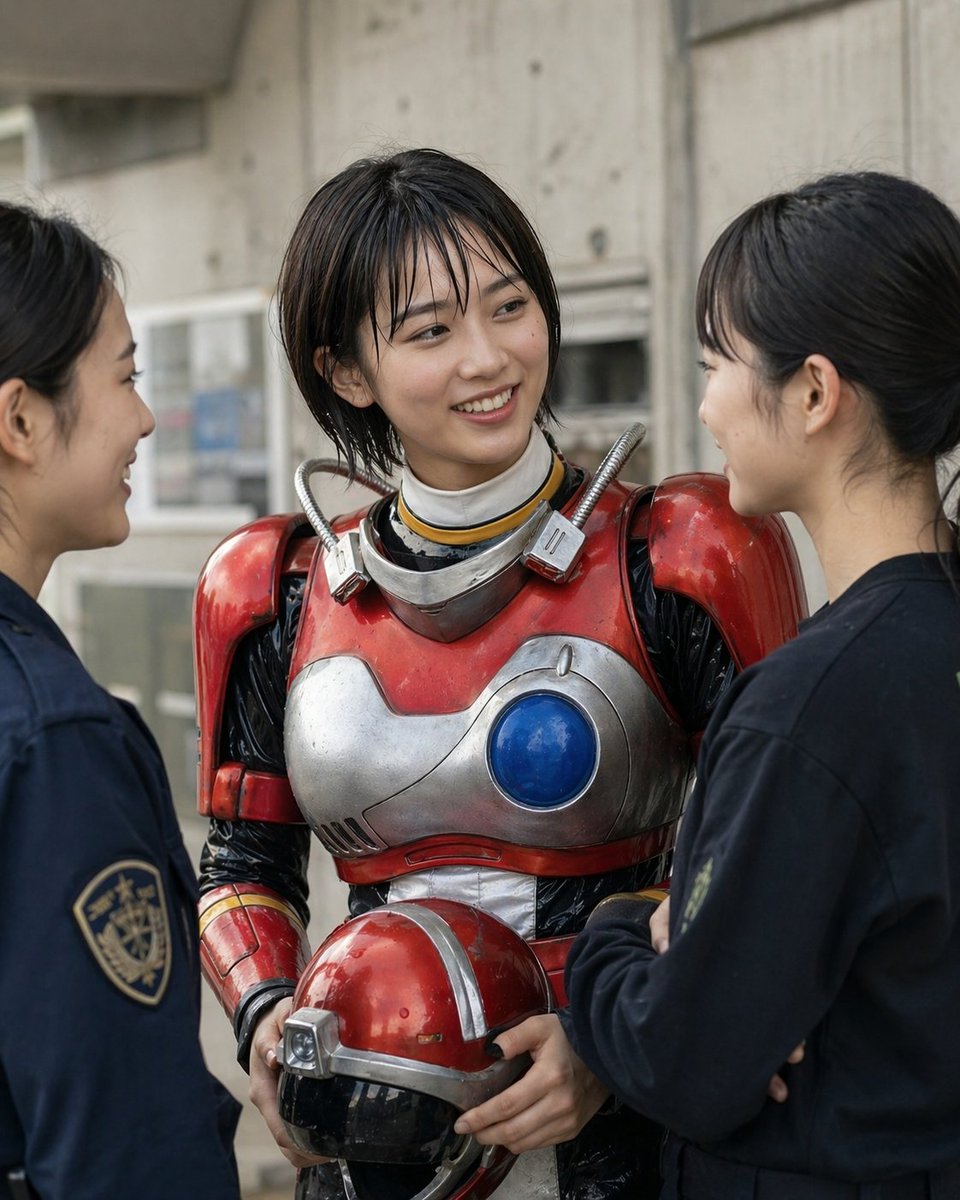
Retro Sci-Fi Heroine With Police
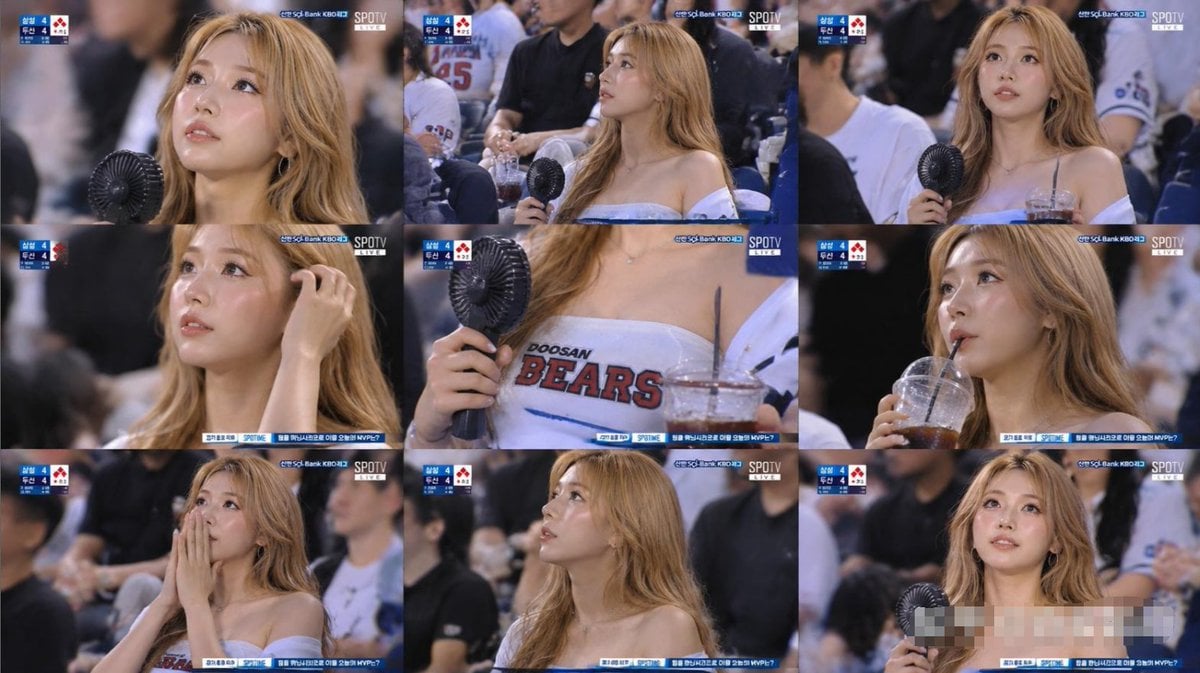
KBO Baseball Fan Television Broadcast Storyboard
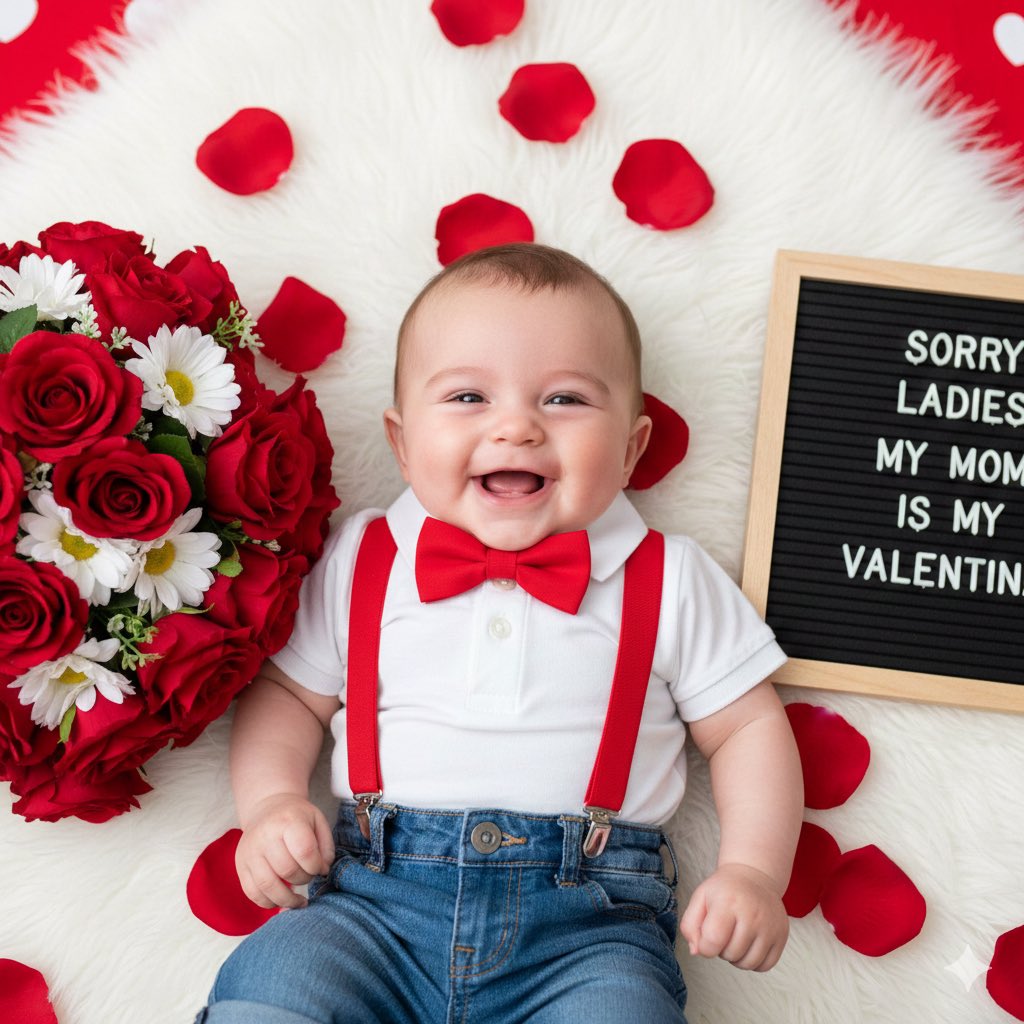
Valentine's Day Baby Boy Portrait Prompt
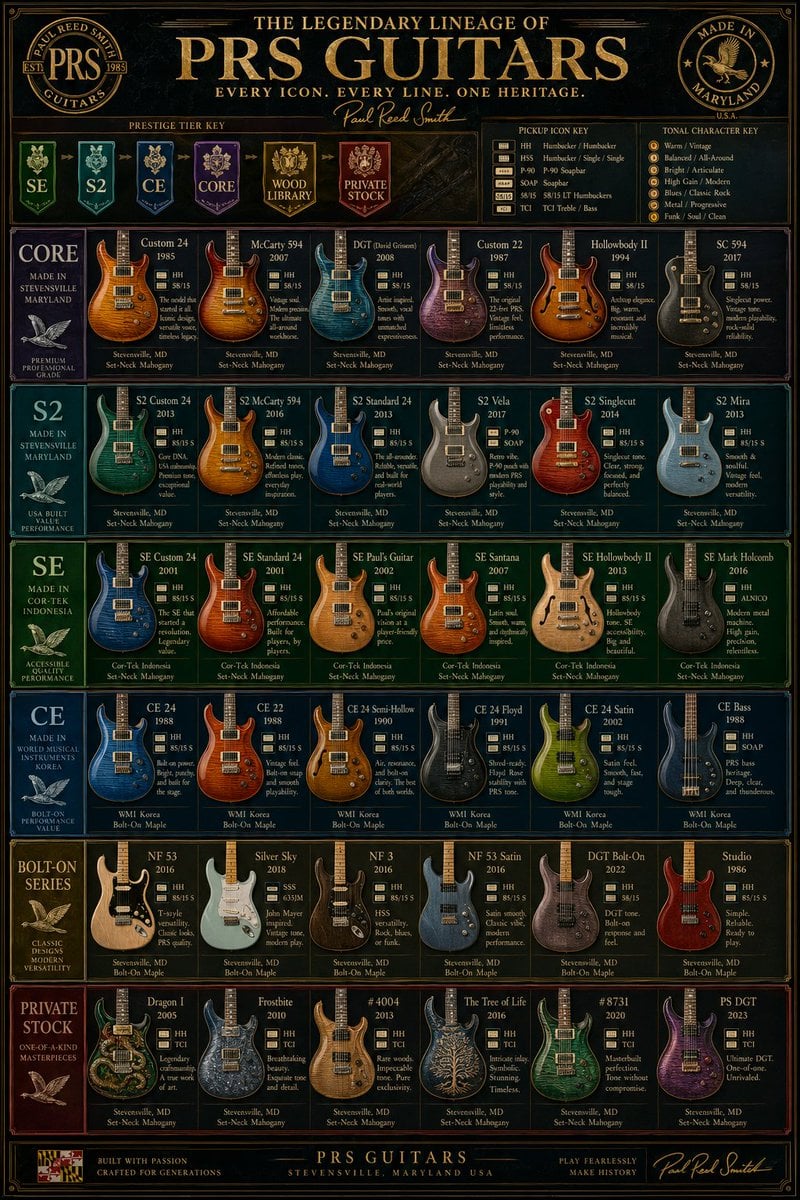
Vintage PRS Guitar Lineage Poster
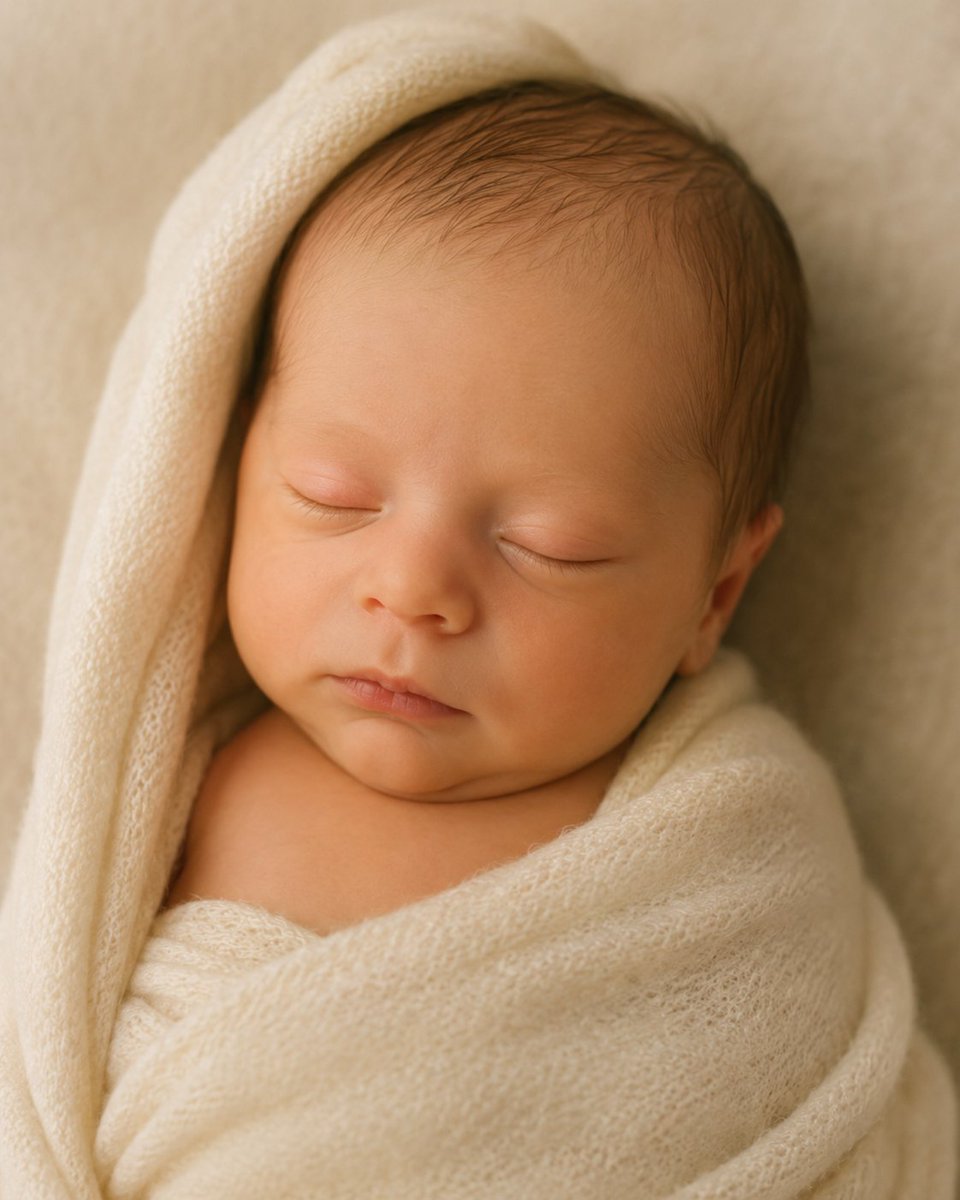
4D Ultrasound to Newborn Portrait
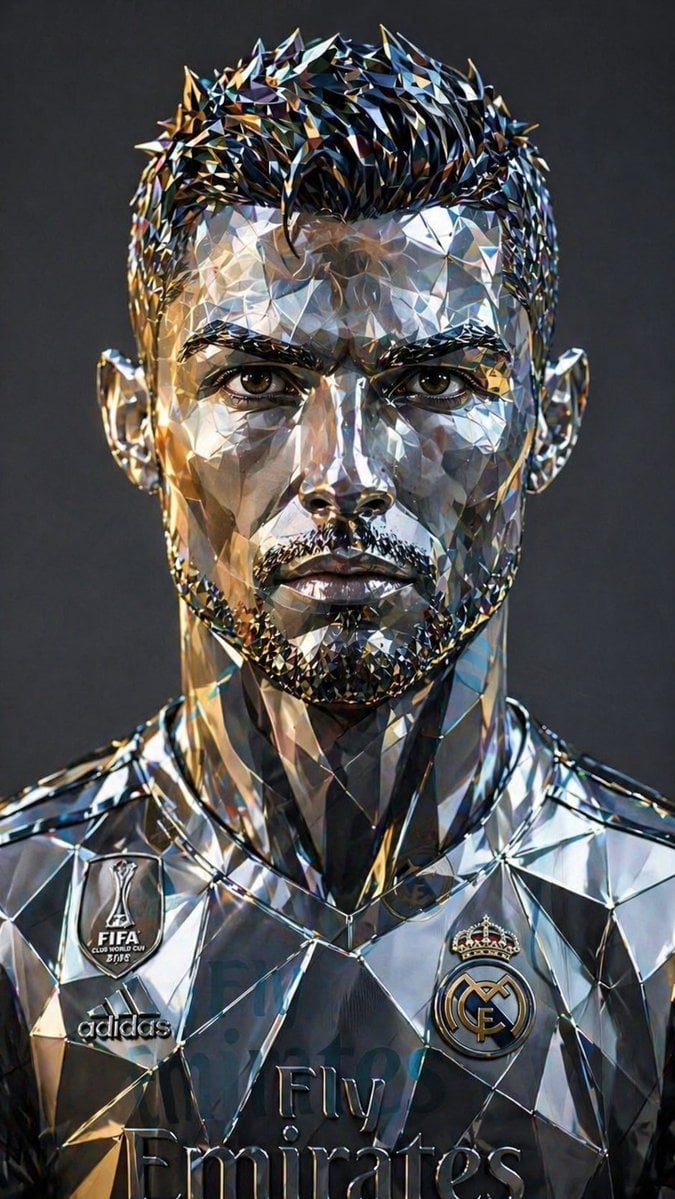
Futuristic Low-Poly Metallic Portrait
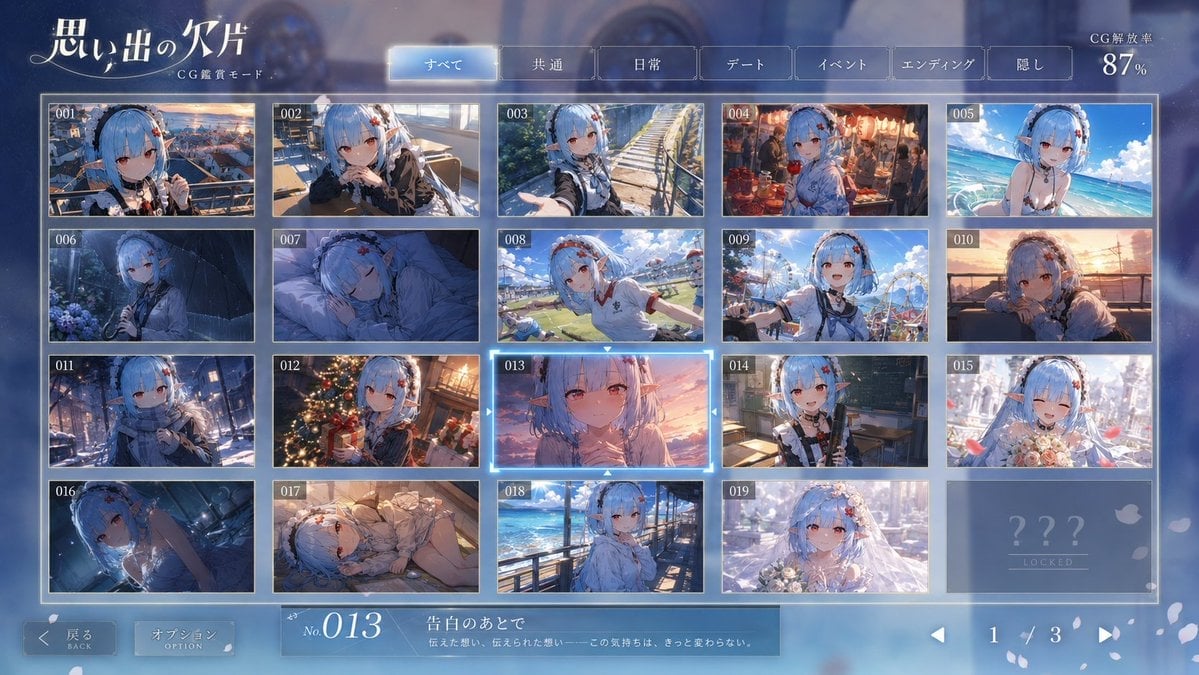
Romance Adventure Game CG Gallery UI
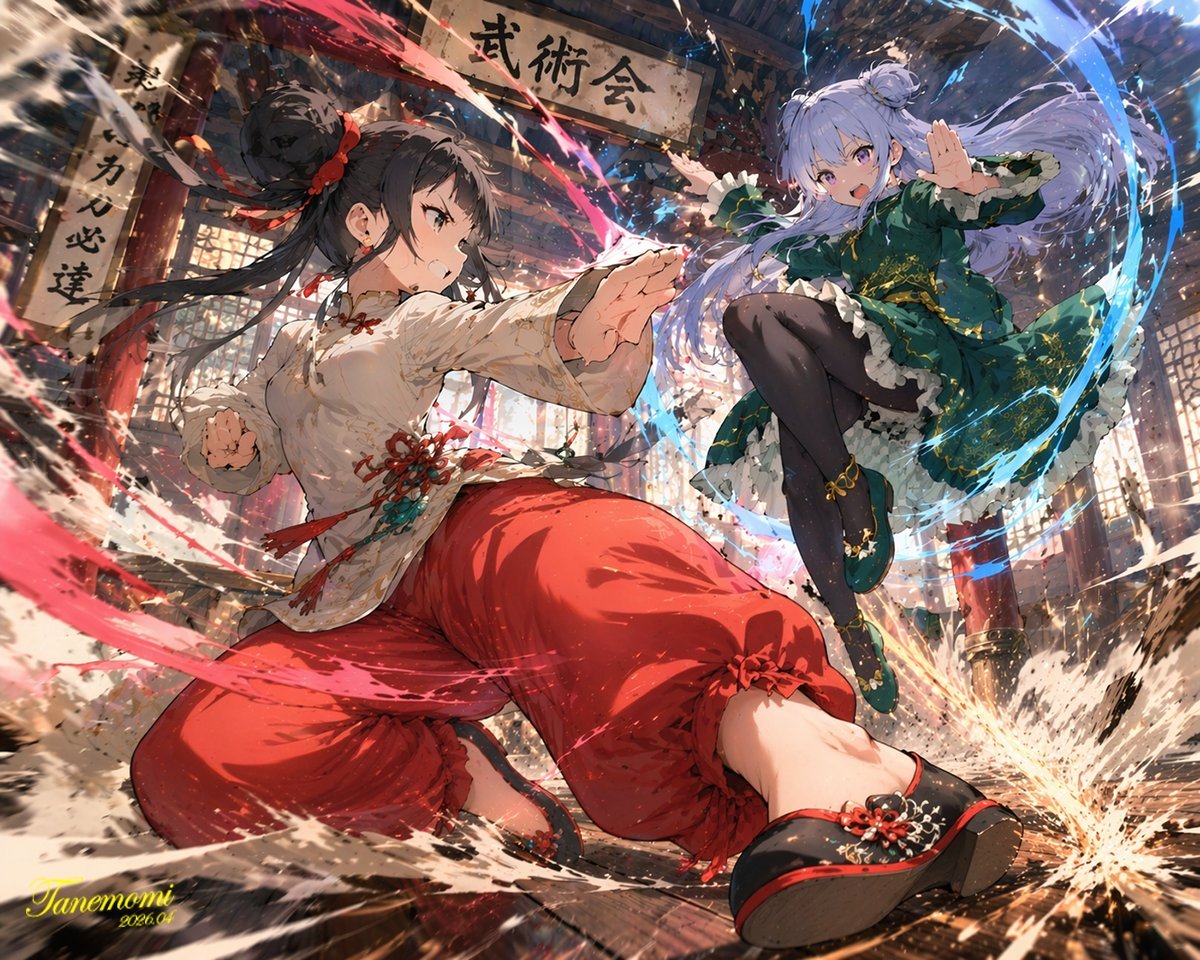
Anime Martial Arts Battle Illustration
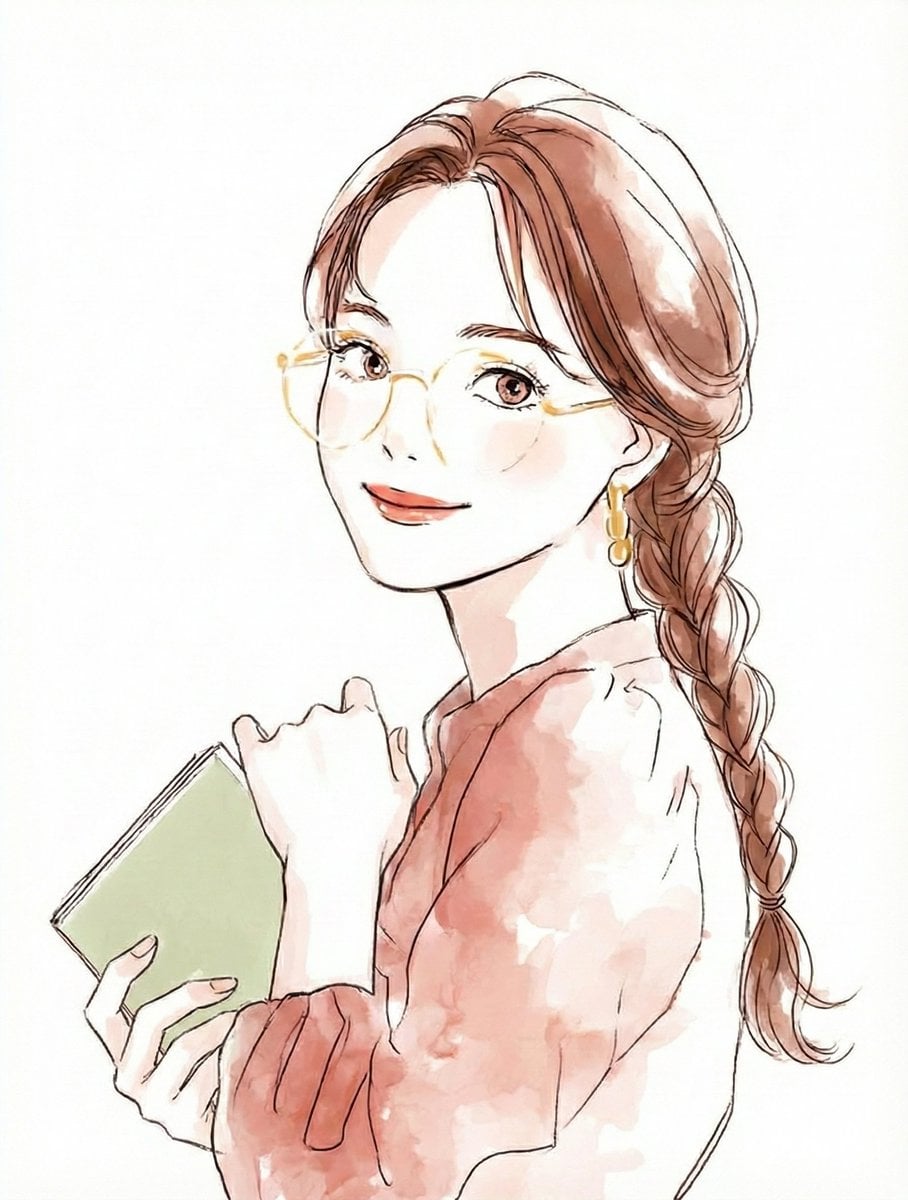
Illustration Anthropomorphism Prompt
Swat Takedown Seedance 2 0 Cinematic
Browse template categories
Lumina Stellar Witch Character Sheet questions
How do I use the Lumina Stellar Witch Character Sheet template?
Add your photo if the template asks for one, edit the prompt if you like — the template's model and format are already selected — and press Generate. Your version opens in PicX Studio.
Can I customize the Lumina Stellar Witch Character Sheet template?
Yes. You can change the subject, setting, lighting, mood, format, and available model controls before creating your image.
Is the Lumina Stellar Witch Character Sheet template free?
Opening and editing this template is free. Generating uses credits, shown on the Generate button when you are signed in.
Which AI model should I use?
Start with GPT Image 2, which is the model associated with this template. You can compare another compatible model for a different finish.
Looking for something else? Browse all templates.

Your photo, any look
Thousands of ready templates for every top image and video model, from one credit balance.