
Whimsical Designer Profile UI
Generates a playful hand-drawn social media profile mockup for a visual brand designer, useful for portfolio or personal-brand showcase concepts.
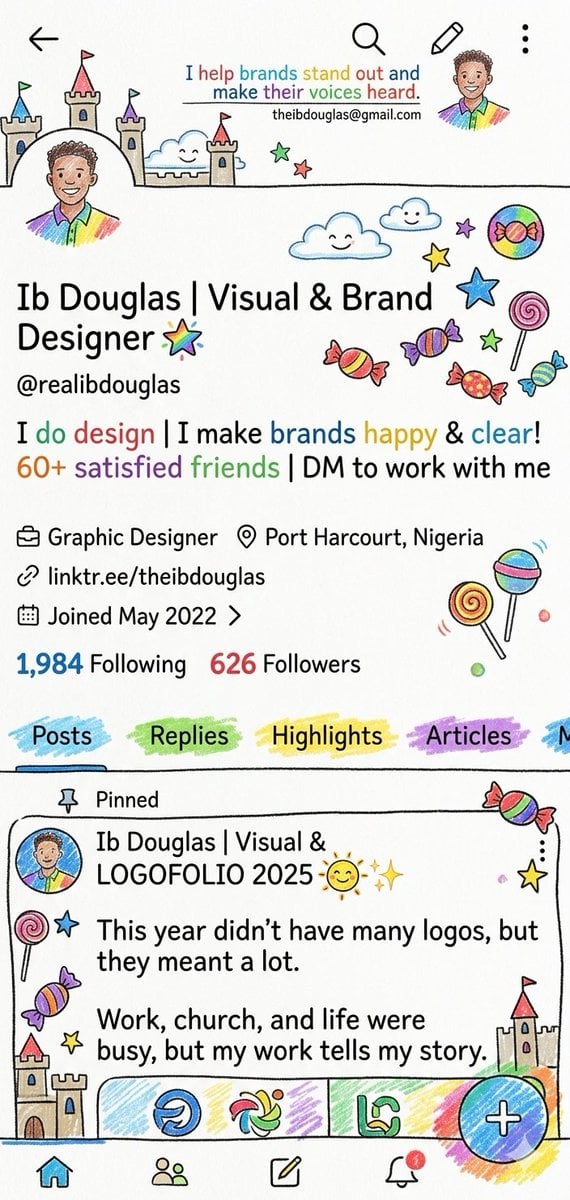
- Prompt included
- Model and format preset
- Free template
The prompt behind this image
Copy the exact prompt behind Whimsical Designer Profile UI, or open it in the studio and make it yours.
- Type
- whimsical hand-drawn social media profile screen mockup
- Style
- bright marker-and-crayon doodle illustration on off-white paper texture, black ink outlines, playful childlike icons, rainbow highlights, slightly imperfect hand lettering mixed with clean mobile UI typography
- Canvas
- vertical smartphone screenshot, 9:16 aspect ratio
- Profile › Name
- {argument name="profile name" default="Ib Douglas | Visual & Brand Designer"}
- Profile › Handle
- {argument name="profile handle" default="@realibdouglas"}
- Profile › Bio Line 1
- {argument name="bio line" default="I do design | I make brands happy & clear!"}
- Profile › Bio Line 2
- 60+ satisfied friends | DM to work with me
- Profile › Role
- Graphic Designer
- Profile › Location
- {argument name="location" default="Port Harcourt, Nigeria"}
- Profile › Link
- linktr.ee/theibdouglas
- Profile › Joined
- Joined May 2022
- Profile › Following
- 1,984 Following
- Profile › Followers
- 626 Followers
- Profile › Avatar
- small circular illustrated portrait of a person in a rainbow shirt, face softly blurred/featureless
- Top Navigation › Count
- 4
- Top Navigation › Items
- back arrow at top left, search icon near top center, pencil/edit icon near top right, vertical three-dot menu at far top right
- Header Banner › Text
- I help brands stand out and make their voices heard.
- Header Banner › Email
- [email protected]
- Header Banner › Decorations Count
- 11
- Header Banner › Decorations
- large castle on left with three colored flags, small castle tower in center, smiling cloud near left-center, green star, red star, small portrait avatar at right, rainbow brush swatch under avatar, blue smiling cloud, small smiling cloud, purple star, large candy circle
- Profile Decorations › Count
- 14
- Profile Decorations › Items
- rainbow star beside profile title, blue outlined star, yellow star, green star, purple star, pink spiral lollipop, three wrapped candies in red/yellow/purple, one small blue candy, two lollipops near lower right, small colored dots
- Profile Metadata › Count
- 4
- Profile Metadata › Rows
- briefcase icon with Graphic Designer, map pin icon with Port Harcourt, Nigeria, link icon with linktr.ee/theibdouglas, calendar icon with Joined May 2022 and chevron
Raw JSON
{"type":"whimsical hand-drawn social media profile screen mockup","style":"bright marker-and-crayon doodle illustration on off-white paper texture, black ink outlines, playful childlike icons, rainbow highlights, slightly imperfect hand lettering mixed with clean mobile UI typography","canvas":"vertical smartphone screenshot, 9:16 aspect ratio","profile":{"name":"{argument name=\"profile name\" default=\"Ib Douglas | Visual & Brand Designer\"}","handle":"{argument name=\"profile handle\" default=\"@realibdouglas\"}","bio_line_1":"{argument name=\"bio line\" default=\"I do design | I make brands happy & clear!\"}","bio_line_2":"60+ satisfied friends | DM to work with me","role":"Graphic Designer","location":"{argument name=\"location\" default=\"Port Harcourt, Nigeria\"}","link":"linktr.ee/theibdouglas","joined":"Joined May 2022","following":"1,984 Following","followers":"626 Followers","avatar":"small circular illustrated portrait of a person in a rainbow shirt, face softly blurred/featureless"},"top_navigation":{"count":4,"items":["back arrow at top left","search icon near top center","pencil/edit icon near top right","vertical three-dot menu at far top right"]},"header_banner":{"text":"I help brands stand out and make their voices heard.","email":"[email protected]","decorations_count":11,"decorations":["large castle on left with three colored flags","small castle tower in center","smiling cloud near left-center","green star","red star","small portrait avatar at right","rainbow brush swatch under avatar","blue smiling cloud","small smiling cloud","purple star","large candy circle"]},"profile_decorations":{"count":14,"items":["rainbow star beside profile title","blue outlined star","yellow star","green star","purple star","pink spiral lollipop","three wrapped candies in red/yellow/purple","one small blue candy","two lollipops near lower right","small colored dots"]},"profile_metadata":{"count":4,"rows":["briefcase icon with Graphic Designer","map pin icon with Port Harcourt, Nigeria","link icon with linktr.ee/theibdouglas","calendar icon with Joined May 2022 and chevron"]},"tabs":{"count":5,"labels":["Posts","Replies","Highlights","Articles","partially visible fifth tab"],"appearance":"each tab label sits on a separate pastel brush-stroke highlight; Posts is selected with a blue underline"},"pinned_post":{"label":"Pinned","author":"Ib Douglas | Visual & LOGOFOLIO 2025 ☀️✨","body_lines_count":4,"body_lines":["This year didn’t have many logos, but they meant a lot.","Work, church, and life were busy, but my work tells my story."],"thumbnail_strip_count":3,"thumbnail_strip":["blue circular logo sketch","multicolor swirl logo sketch","green monogram logo sketch"],"decorations_count":9,"decorations":["small avatar at left","lollipop on left","blue star","purple candy","yellow star","castle at lower left","small castle at lower right","wrapped candy at top right","yellow star at right"]},"bottom_navigation":{"count":5,"items":["home icon highlighted blue","people/community icon","compose pencil icon","notification bell with red dot","large floating circular blue plus button over rainbow scribble at bottom right"]},"composition":"Create a faithful vertical mobile profile page screenshot where the clean profile UI is surrounded by playful doodles of castles, clouds, stars, candies, lollipops, rainbows, and marker strokes. Keep all text crisp and readable, with colorful emphasis on selected words and follower numbers."}How to use Whimsical Designer Profile UI in 3 steps
- 1Upload ImagePNG, JPG or paste
Add your photo
Upload the photo the template builds on. The prompt, model and format are already set.
- 2…a portrait of your subject in softgolden-hour light, 85mm…
Personalize
Edit the subject and creative details for your destination.
- 3Generate
Generate
Press Generate — your image is created in PicX Studio, so you can compare it with the original and refine one variable at a time.
More like this
Templates with the same subject, style or setup. Open one to see its prompt.

Cute Layered Paper Cut Chibi Girl

Decorative Folk Flat Paper Cut Illustration

Ghibli Final Takeoff Field

Ghibli Rainy Tram Interior

Ghibli Star Observatory

Ghibli Tiny House On Back

Ghibli Lantern River Festival

Ghibli Whale Bone Beach

Ghibli Abandoned Amusement

Ghibli Shadow Puppet Theater

Ghibli Bakery Morning Rush

Ghibli Paper Crane Flock
Make it yours
Whimsical Designer Profile UI works as-is. These are the safest ways to change it without losing the look.
Swap the setting
Keep the rest of the prompt and replace the location block. The current setting is “{argument name="location" default="Port Harcourt, Nigeria"}”.
Change one field
Copy a single group, rewrite it, and generate again so you can see what that field is doing.
Keep the frame, change the subject
Hold the composition and light of Whimsical Designer Profile UI, then swap wardrobe, props or the person for a new take.
| If the result… | Why | Fix |
|---|---|---|
| The result drifts from the preview | Too many fields changed at once. | Reuse Whimsical Designer Profile UI as-is first, then change one group — subject, light, or setting. |
| GPT Image 2 ignores part of the JSON | Some models flatten or skip nested keys. | Keep the same values and paste them as a short paragraph instead. |
More GPT Image 2 templates
Other prompts made for GPT Image 2.

Six VTuber Japanese Logo Sheet

Realistic Portrait of Woman and Deer

The Vista Modular Condo Poster

AI Model Routing Comparison Infographic

2.5D Anime Art Board

Isometric Productivity Desk Scene

New York Double Exposure Poster

Four-Panel AI Landscape Comparison

Japanese Tatami Lifestyle Magazine Cover

NESCAFÉ Coffee Map Poster
More image prompts
Fresh picks from across the catalog.
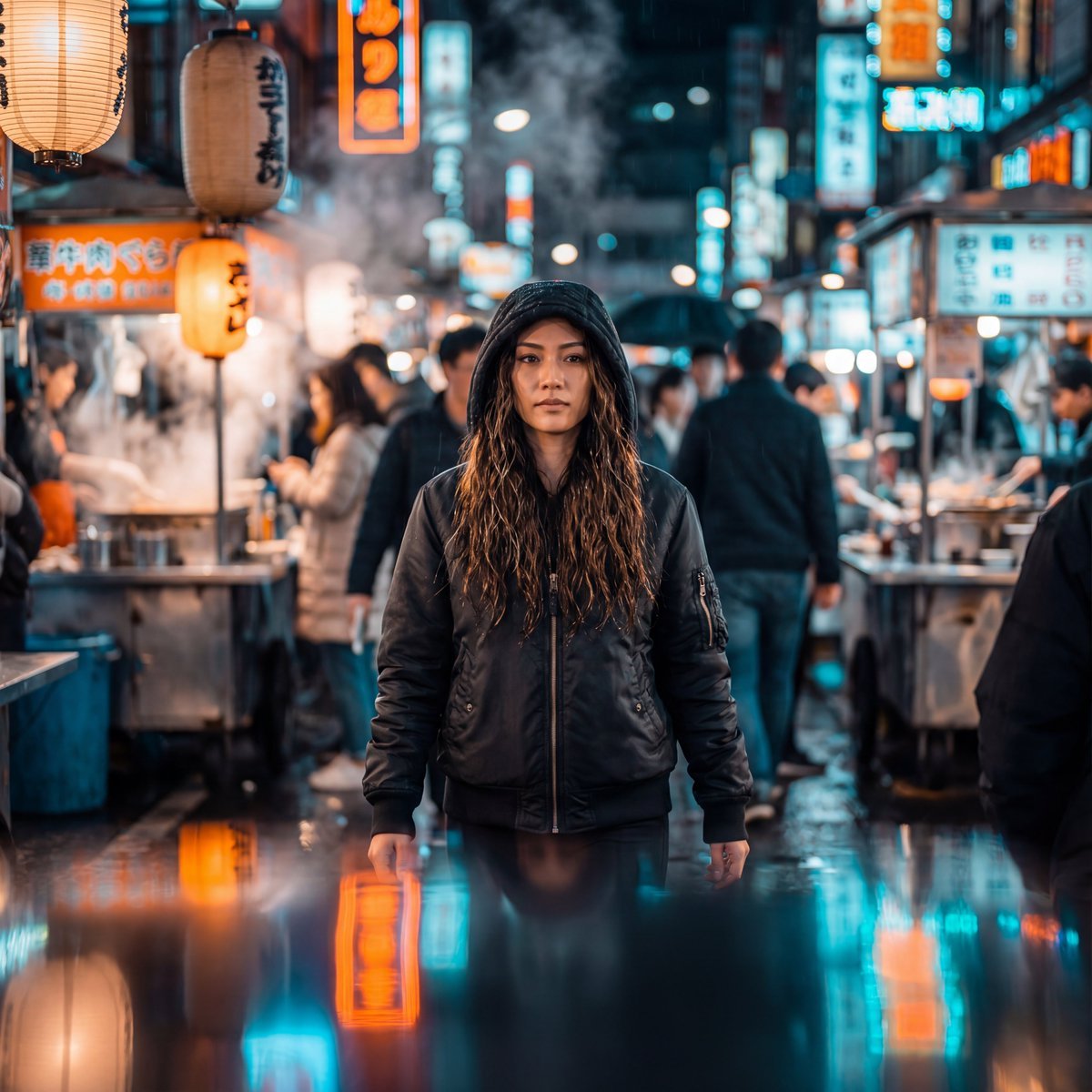
Neon-Lit Night Market Cinematic Portrait
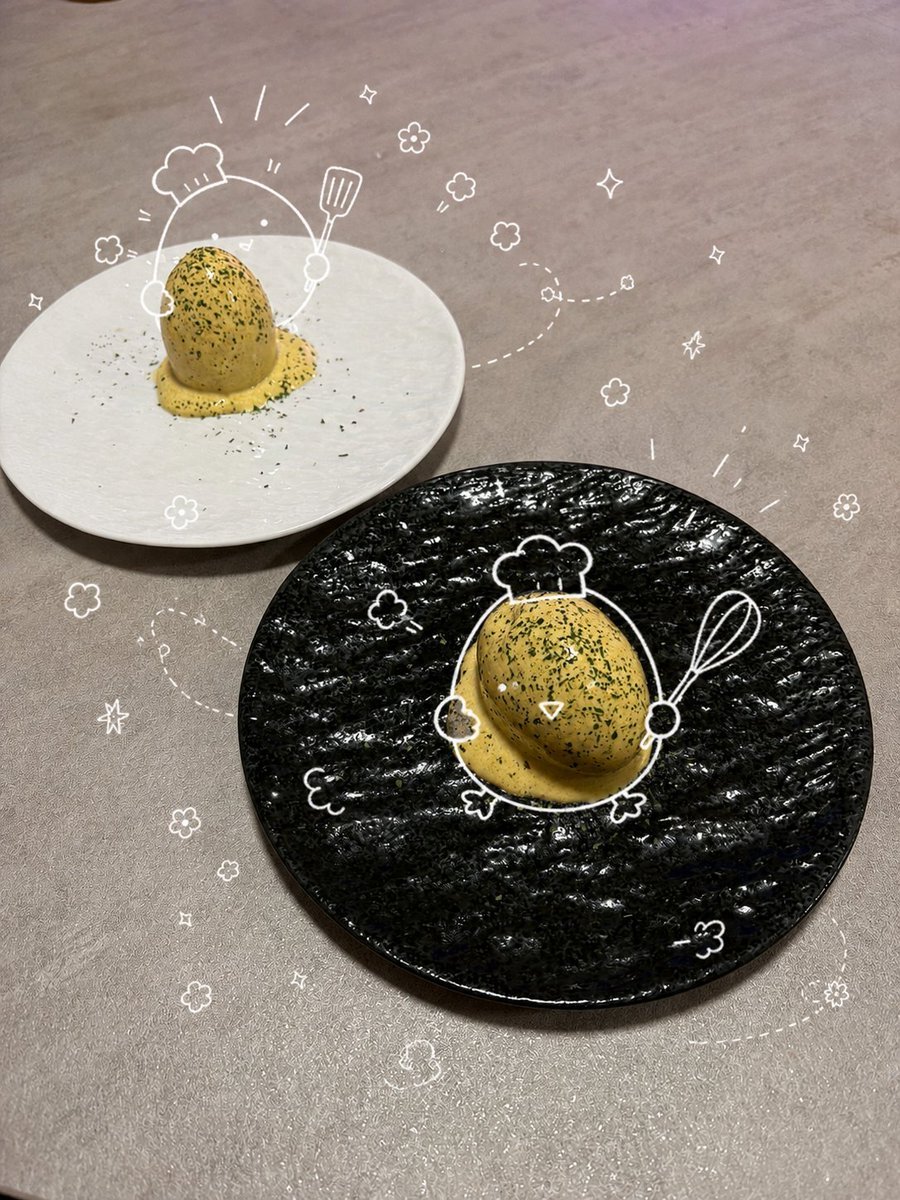
Playful Oeuf Mayo Food Photo
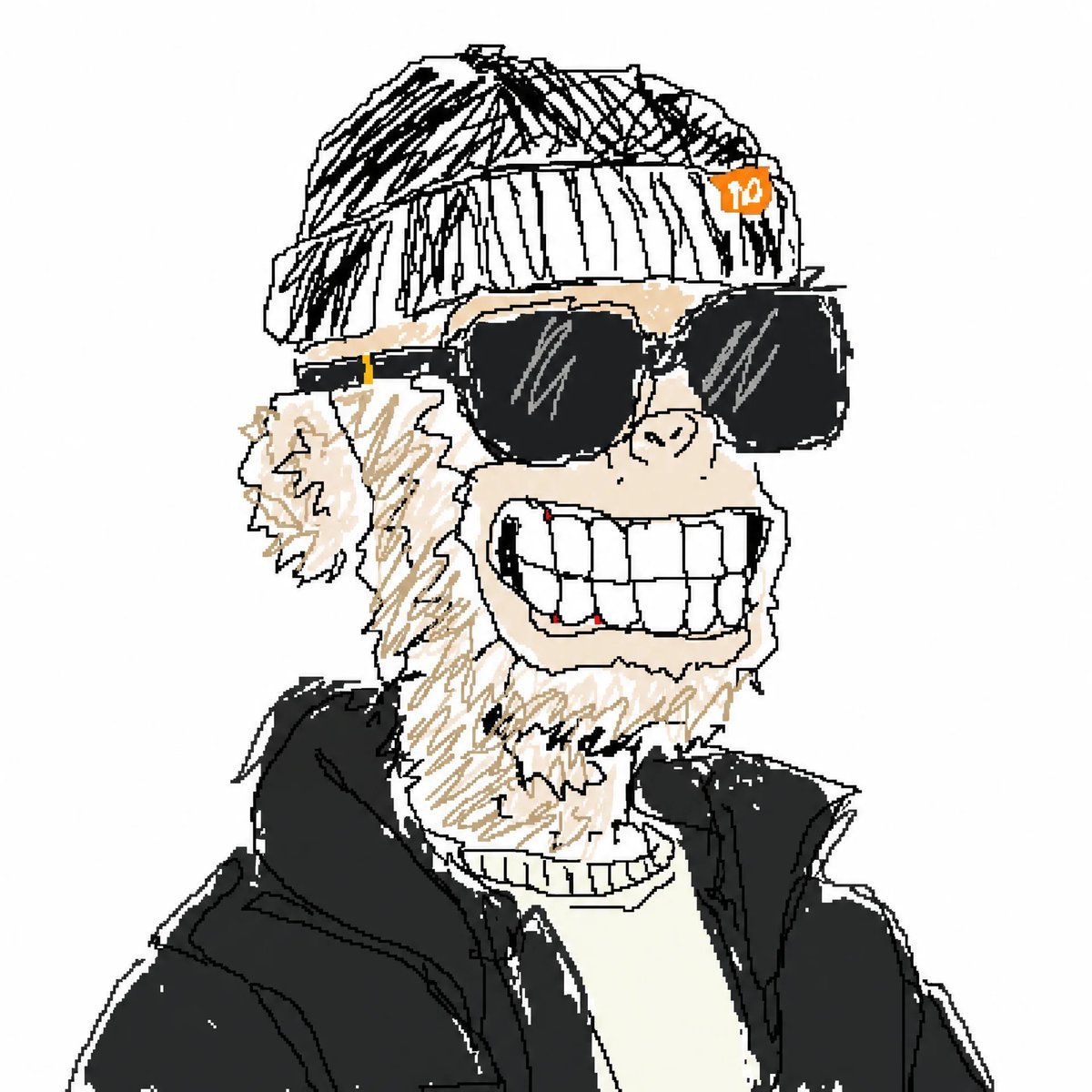
Bad MS Paint Meme Portrait
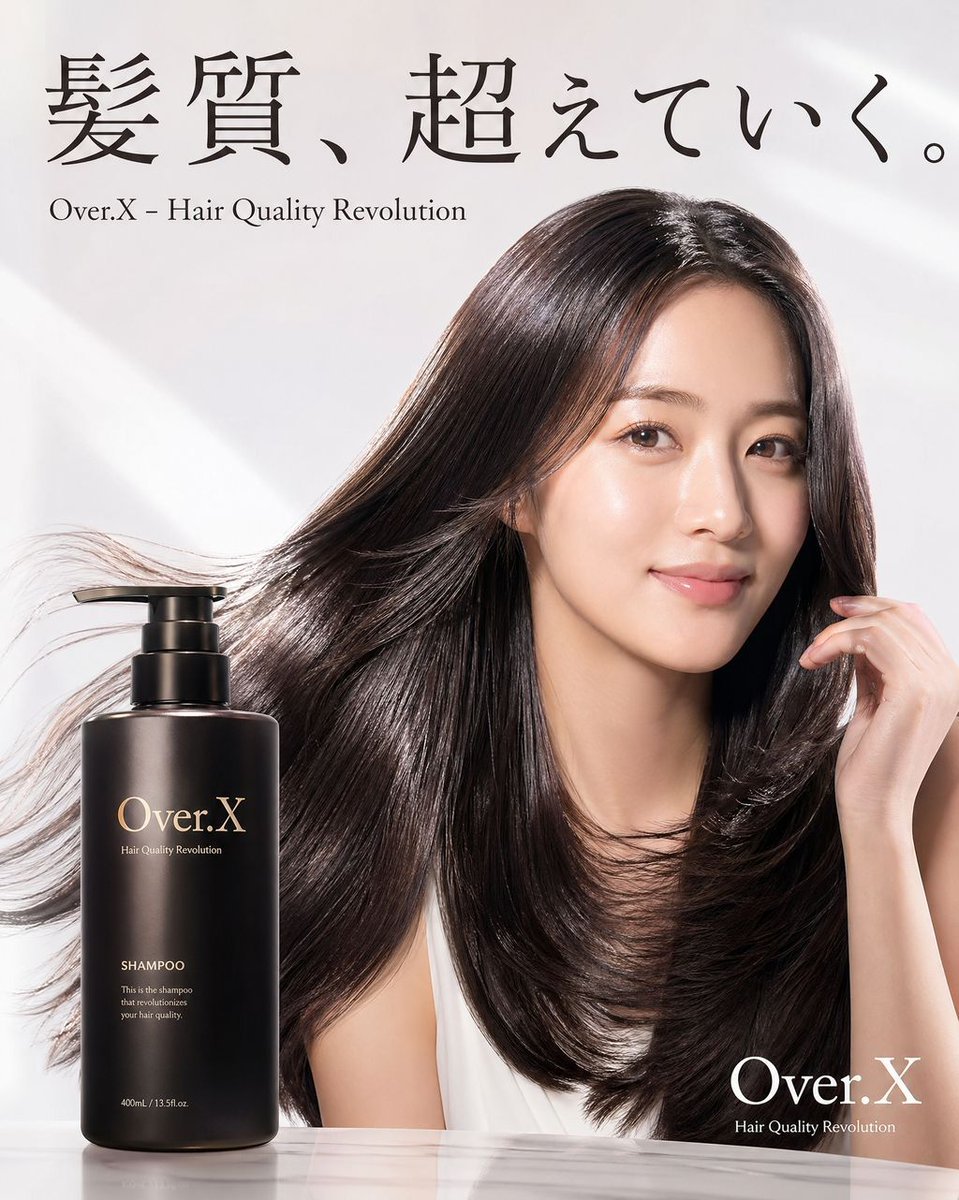
Shampoo Product Creative Prompt
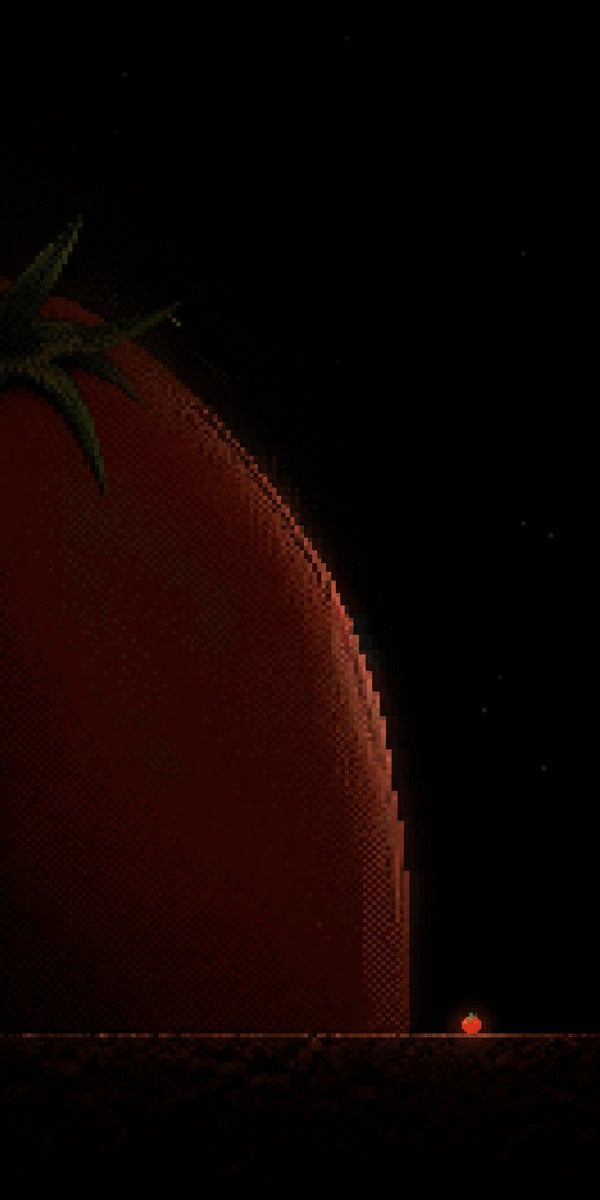
Tiny Tomato in Dark Pixel Void

Cyberpunk Glitch Profile Portrait
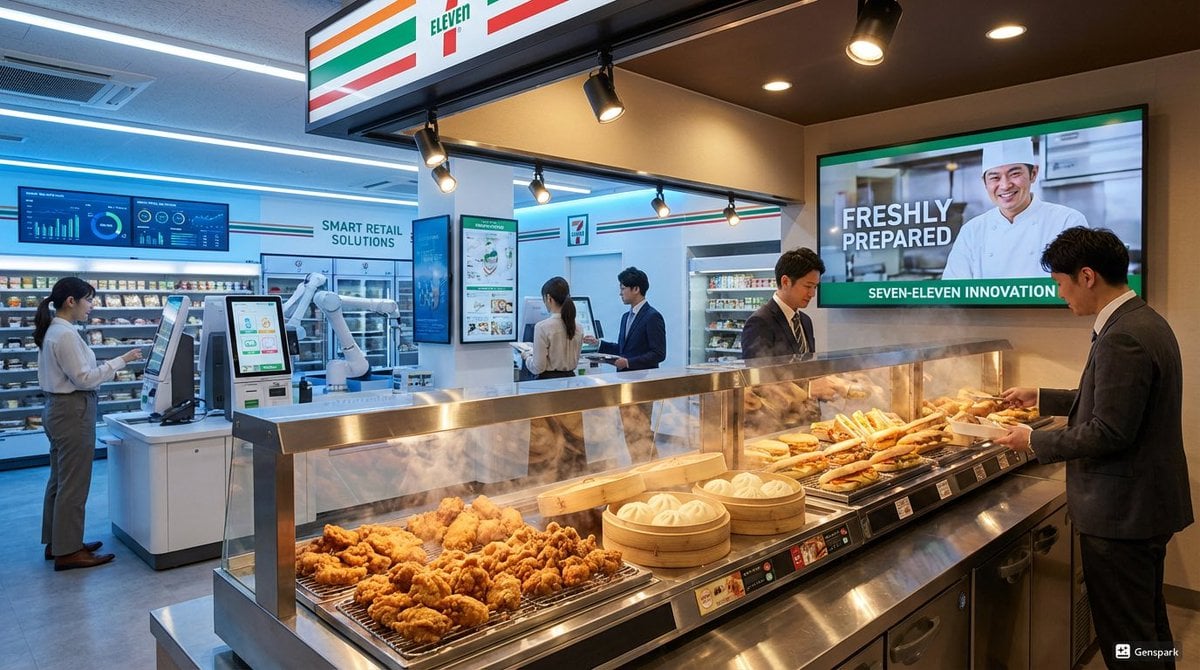
Futuristic store visualization
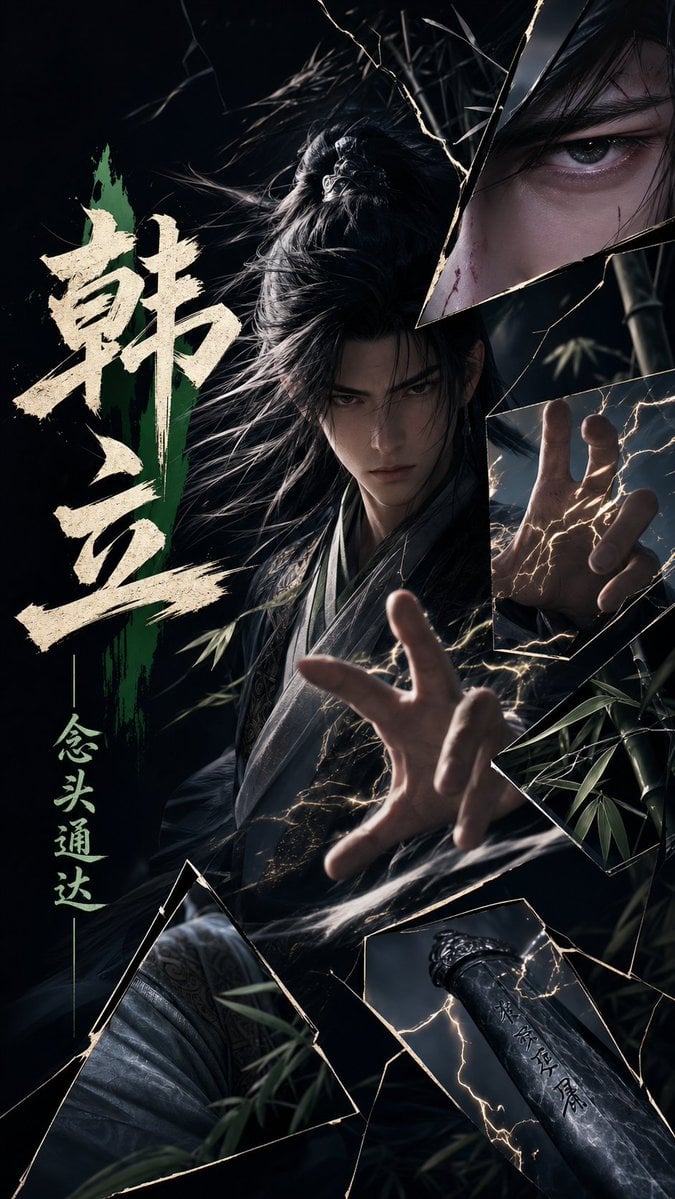
Dark Xianxia Shattered Glass Poster

Matrix Digital Void Product Shot
Mysterious Butterfly Portrait Prompt
Browse template categories
Whimsical Designer Profile UI questions
How do I use the Whimsical Designer Profile UI template?
Add your photo if the template asks for one, edit the prompt if you like — the template's model and format are already selected — and press Generate. Your version opens in PicX Studio.
Can I customize the Whimsical Designer Profile UI template?
Yes. You can change the subject, setting, lighting, mood, format, and available model controls before creating your image.
Is the Whimsical Designer Profile UI template free?
Opening and editing this template is free. Generating uses credits, shown on the Generate button when you are signed in.
Which AI model should I use?
Start with GPT Image 2, which is the model associated with this template. You can compare another compatible model for a different finish.
Looking for something else? Browse all templates.

Your photo, any look
Thousands of ready templates for every top image and video model, from one credit balance.