
Playful Oeuf Mayo Food Photo
Generates a chic food photograph of two plated soft-boiled eggs enhanced with whimsical chef-themed doodles for social media food styling.
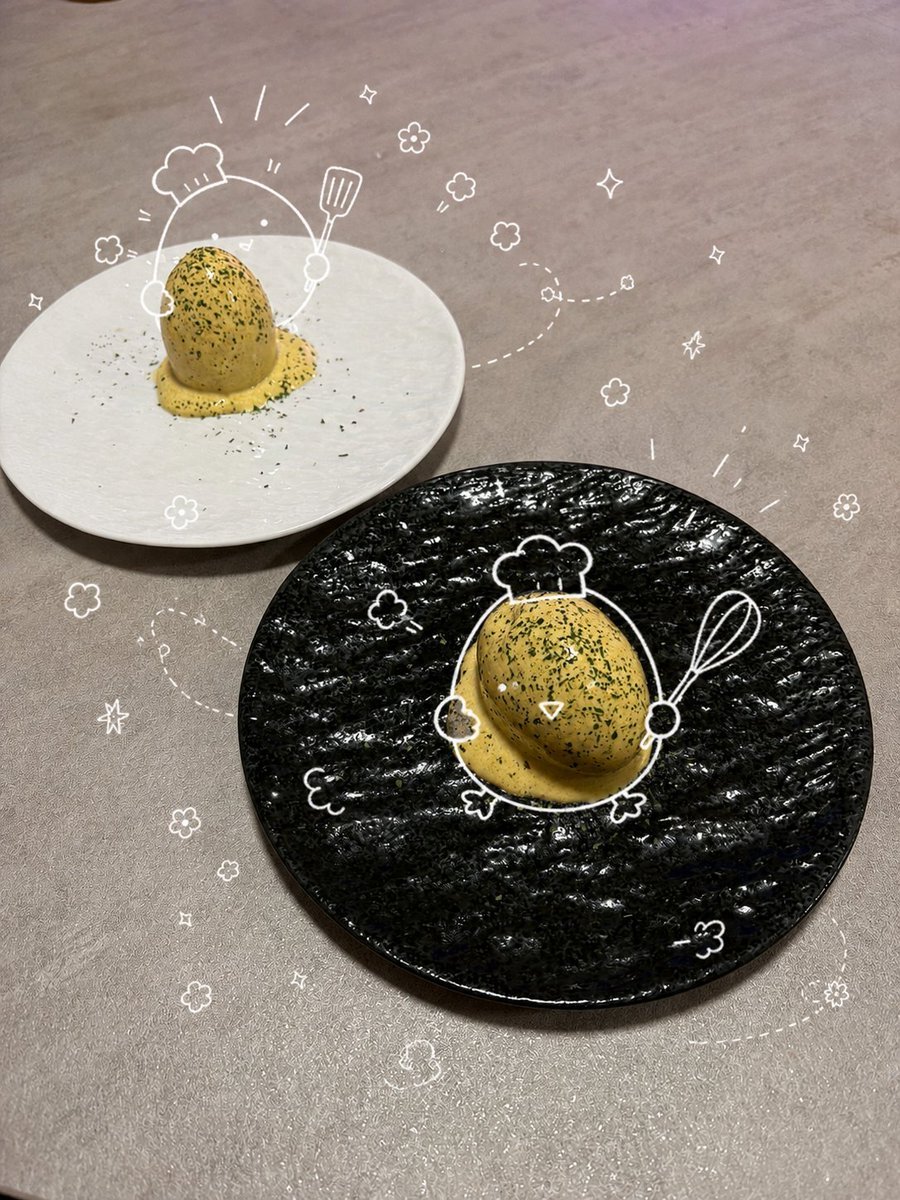
- Prompt included
- Model and format preset
- Free template
The prompt behind this image
Copy the exact prompt behind Playful Oeuf Mayo Food Photo, or open it in the studio and make it yours.
Create a stylish overhead three-quarter food photography scene on a matte beige stone tabletop, showing exactly 2 plated soft-boiled eggs with homemade mayonnaise-style yellow sauce and parsley garnish: one serving on a large glossy black textured round plate in the foreground right, and one serving on a plain off-white round plate in the background left. Each egg is upright, coated with rich golden yellow sauce pooling at the base, sprinkled with fine green parsley and black seasoning flecks. Add playful thin white hand-drawn doodle overlays as if sketched on top of the photo: exactly 2 chef-character outlines around the eggs, with the foreground egg drawn as a cute chef holding a whisk and wearing a chef hat, and the background egg drawn with a chef hat and raised spatula; include exactly 1 whisk, exactly 1 spatula, exactly 2 chef hats, exactly 12 small flower doodles, exactly 8 sparkle/star doodles, and several dotted whimsical flight trails curling across the tabletop. Use natural indoor restaurant lighting, realistic smartphone food-photo texture, shallow shadows, warm neutral color grading, a designer-kitchen social media aesthetic, and no visible text. Customize the dish as {argument name="dish name" default="soft-boiled egg with homemade oeuf mayo sauce"}, garnish as {argument name="garnish" default="parsley"}, foreground plate color as {argument name="foreground plate color" default="glossy black"}, background plate color as {argument name="background plate color" default="off-white"}, and doodle color as {argument name="doodle color" default="white"}.
How to use Playful Oeuf Mayo Food Photo in 3 steps
- 1Upload ImagePNG, JPG or paste
Add your photo
Upload the photo the template builds on. The prompt, model and format are already set.
- 2…a portrait of your subject in softgolden-hour light, 85mm…
Personalize
Edit the subject and creative details for your destination.
- 3Generate
Generate
Press Generate — your image is created in PicX Studio, so you can compare it with the original and refine one variable at a time.
More like this
Templates with the same subject, style or setup. Open one to see its prompt.

Cozy Food Flat Lay Doodle Labels
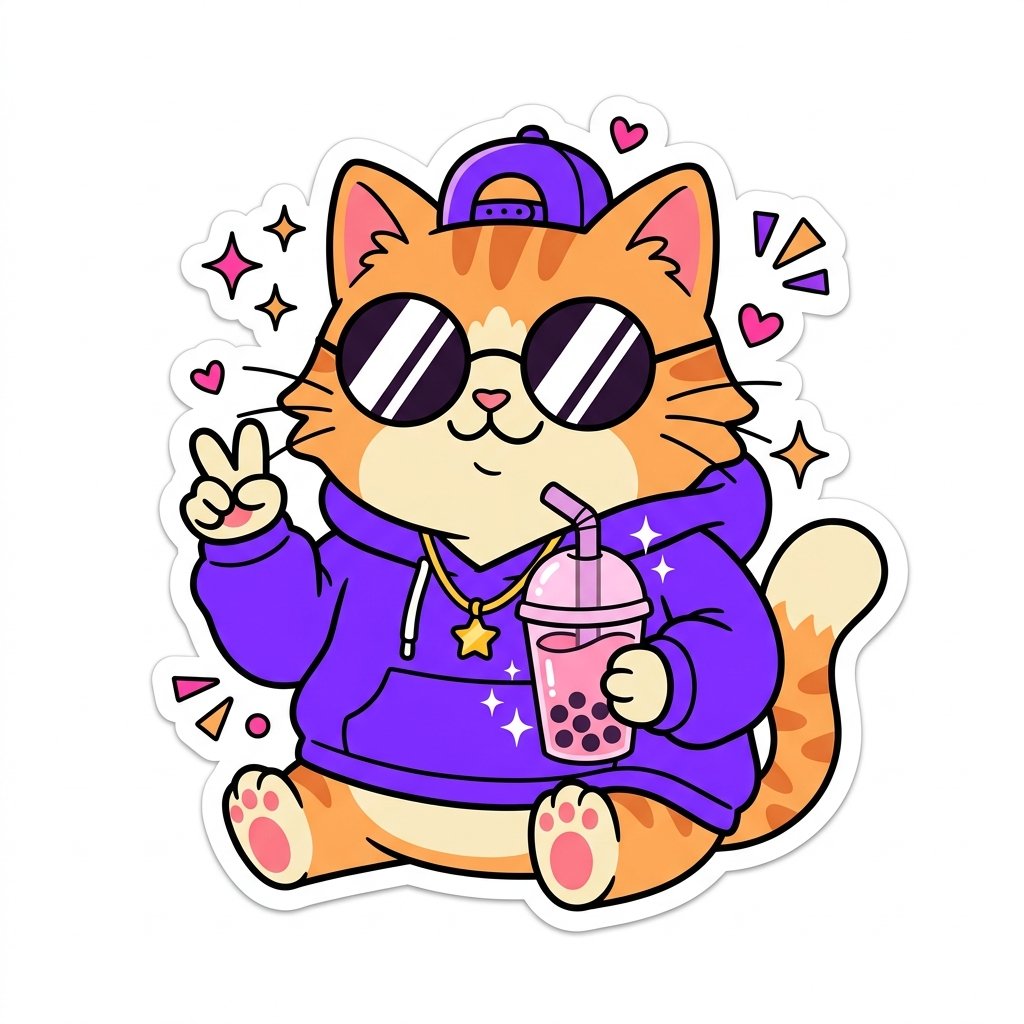
Sticker Art Style
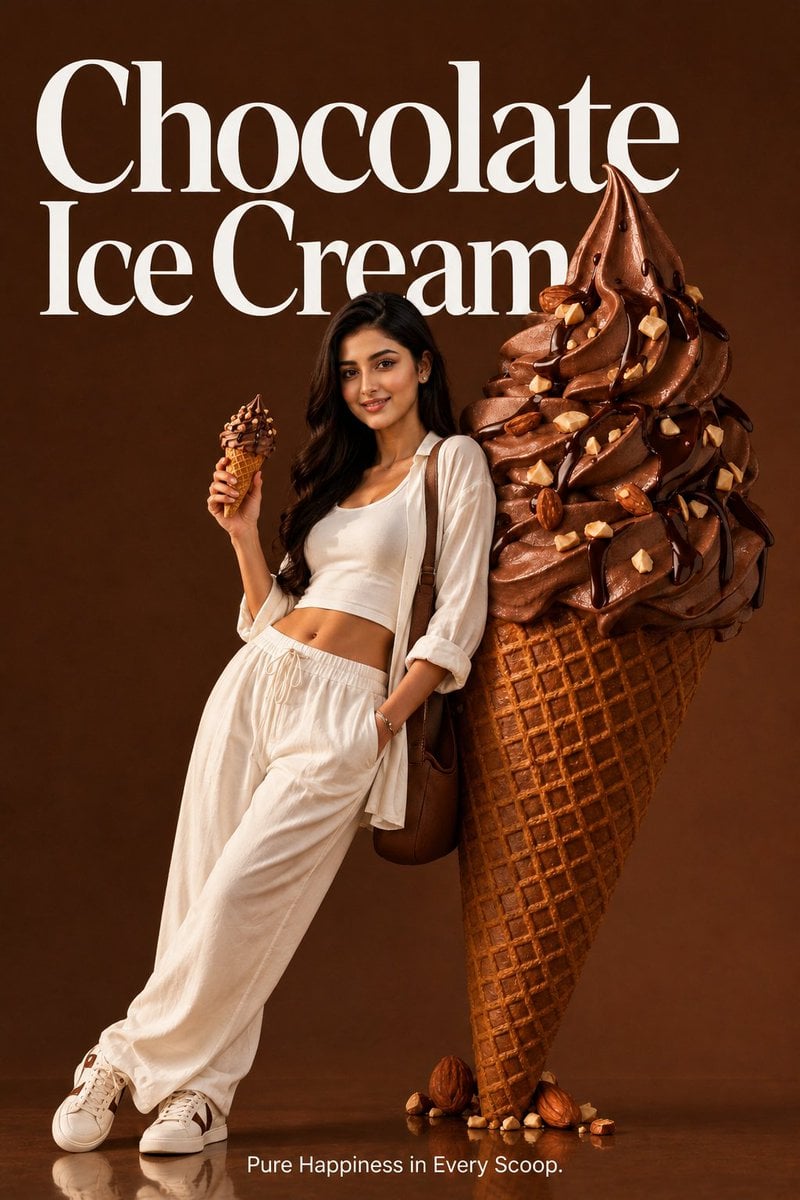
Premium Food Advertising Campaign Scenes
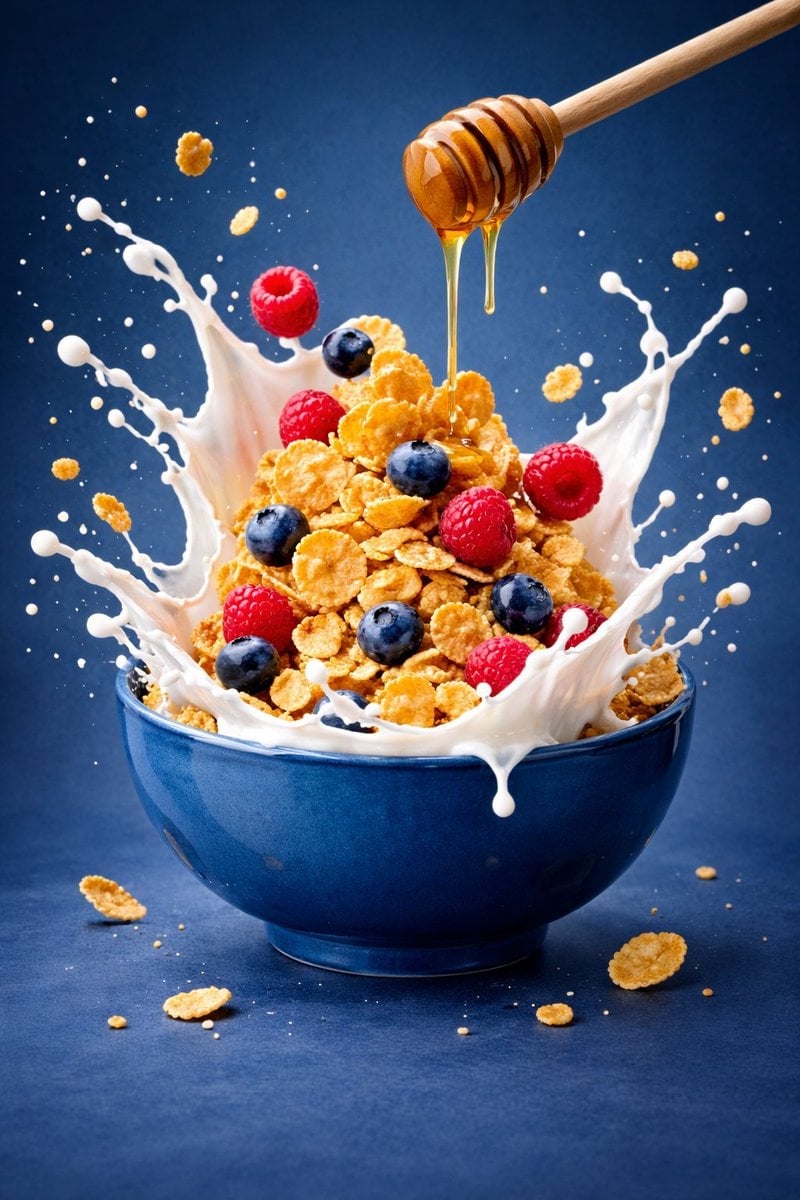
Ultra-premium cinematic food photography, 8K UHD, 3 4 aspect ratio
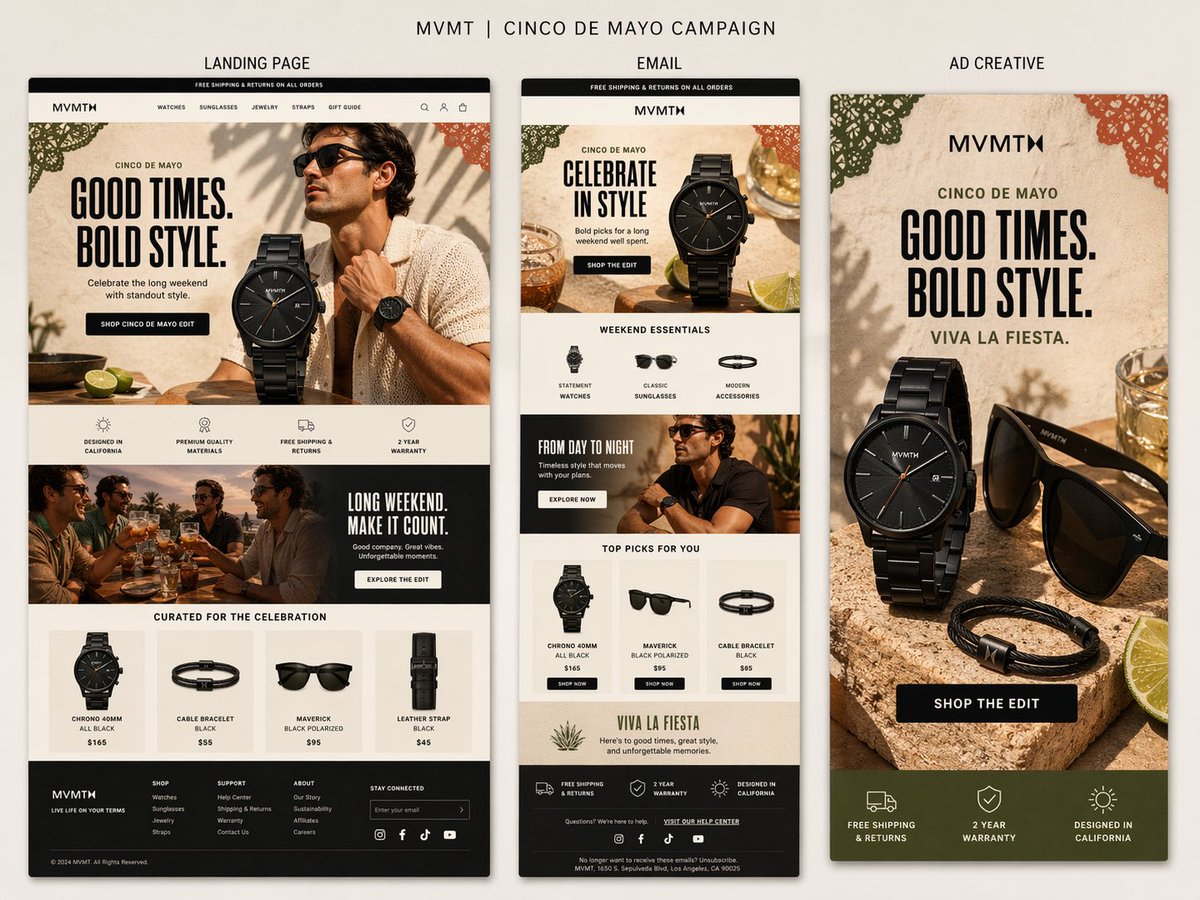
Premium presentation-style campaign board for MVMT s Cinco de Mayo

Bold, intense, premium, cinematic, high-impact food commercial aesthetic
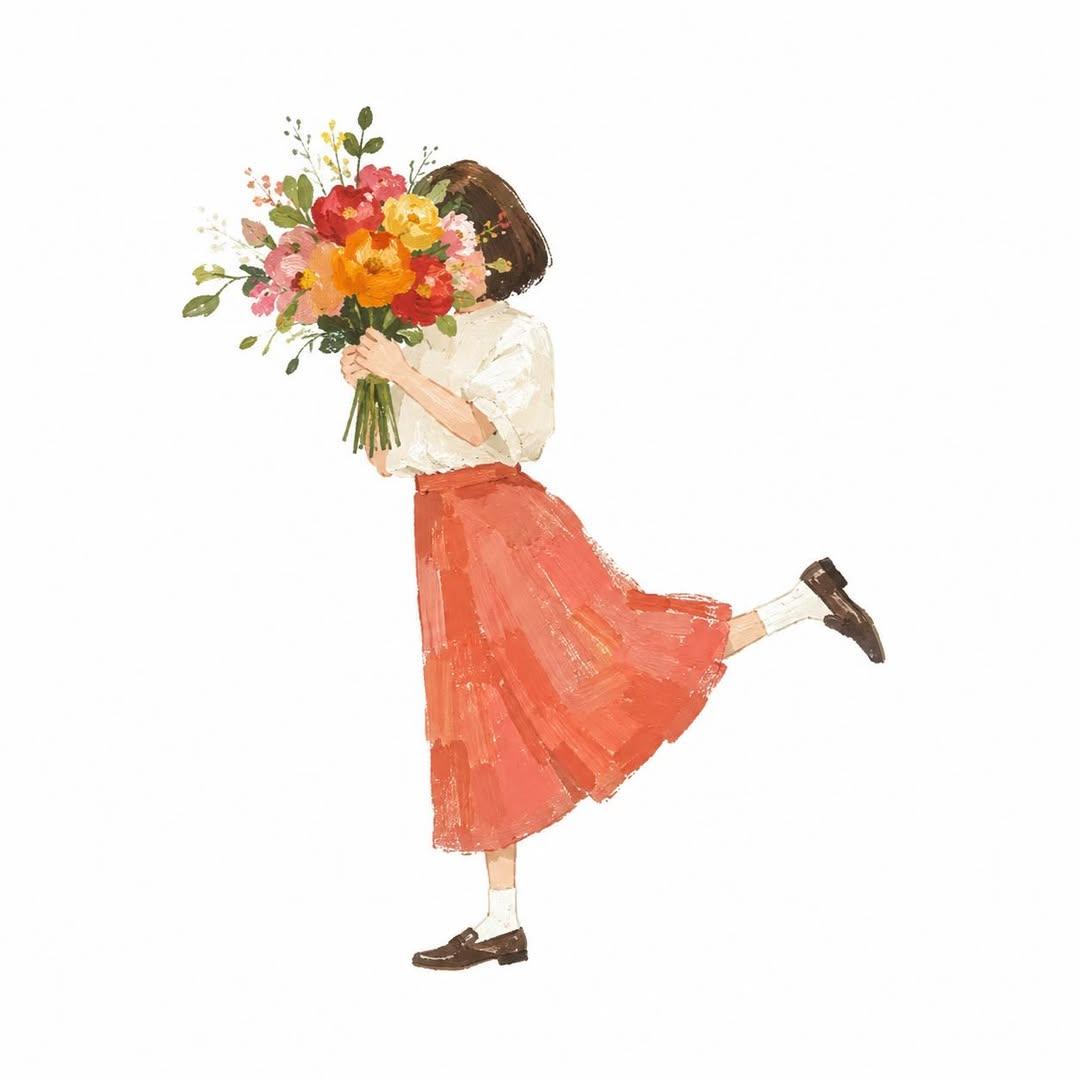
Gouache Style Playful Illustration

Cinematic Cafe Portrait with Food
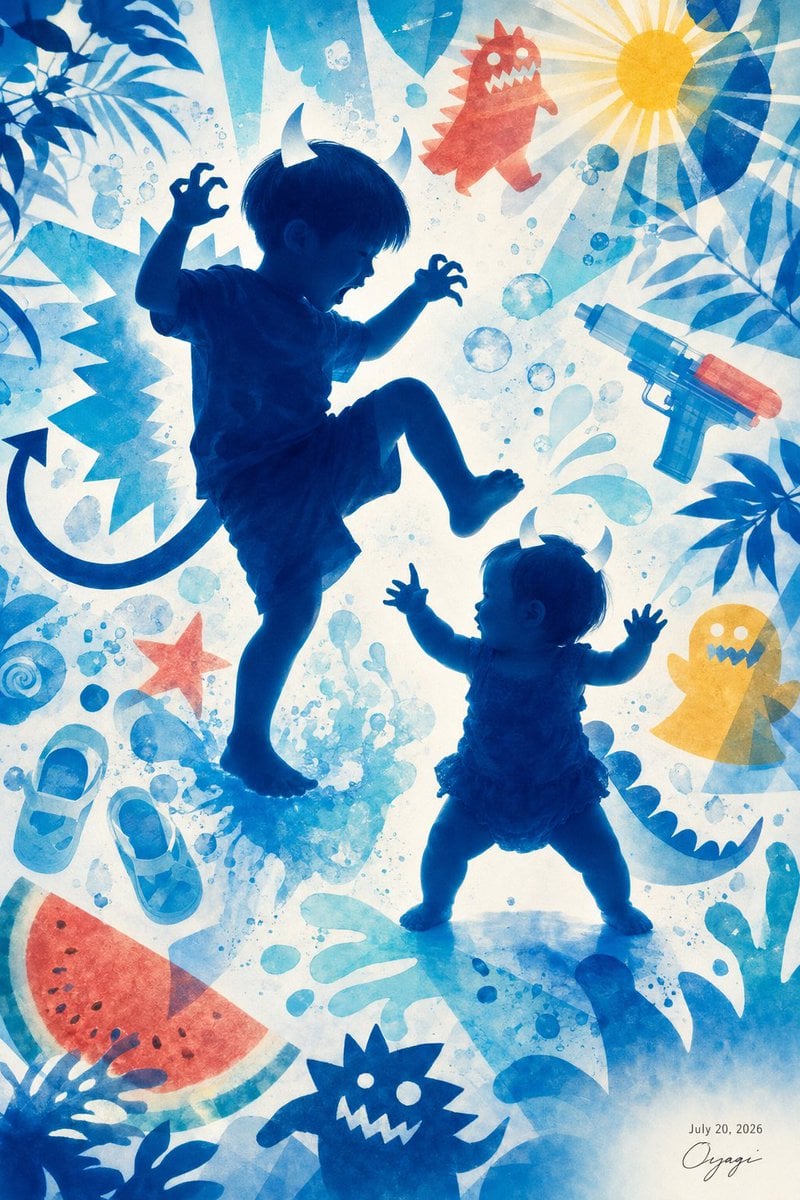
Playful Little Monster Siblings
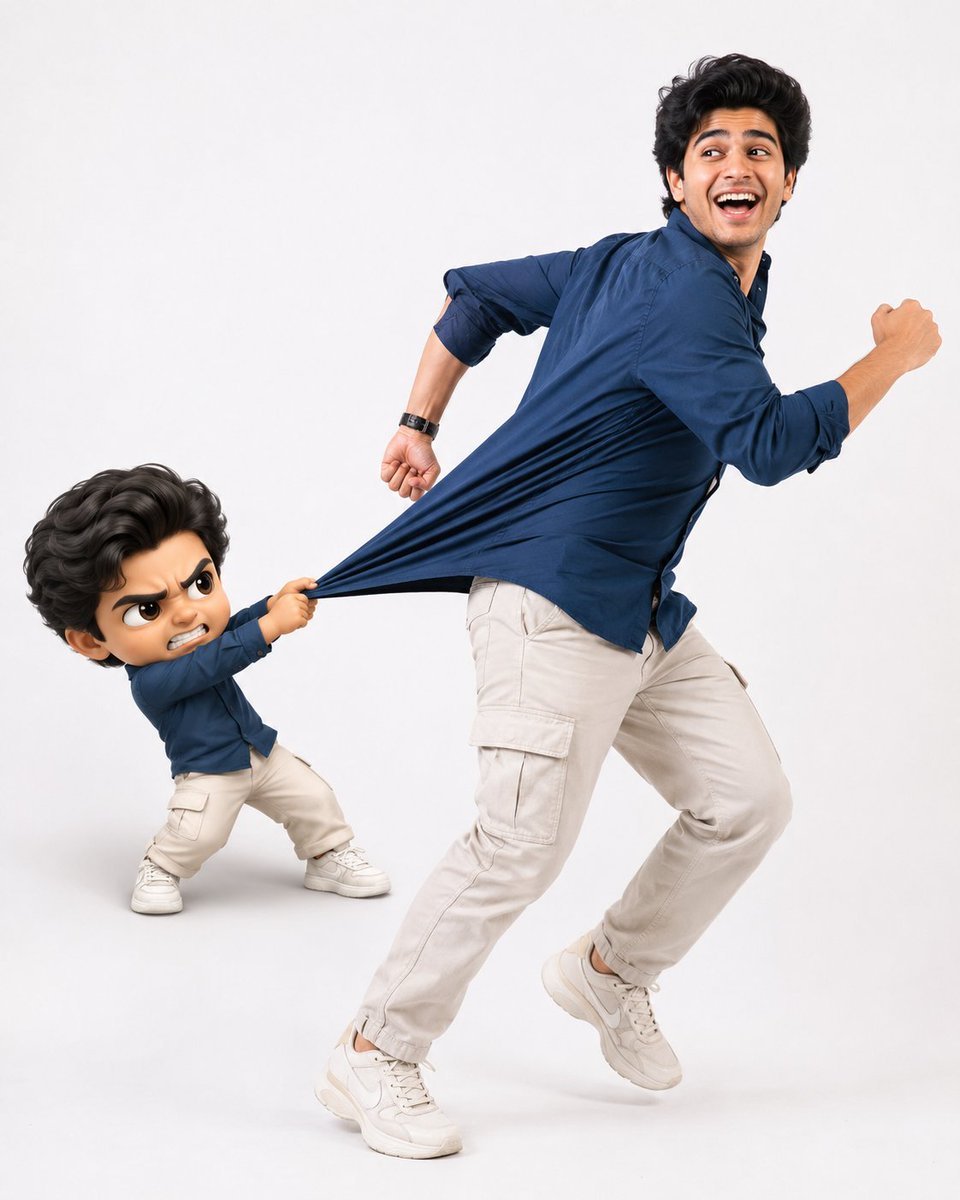
Playful Semi-Chibi Lifestyle Editorial
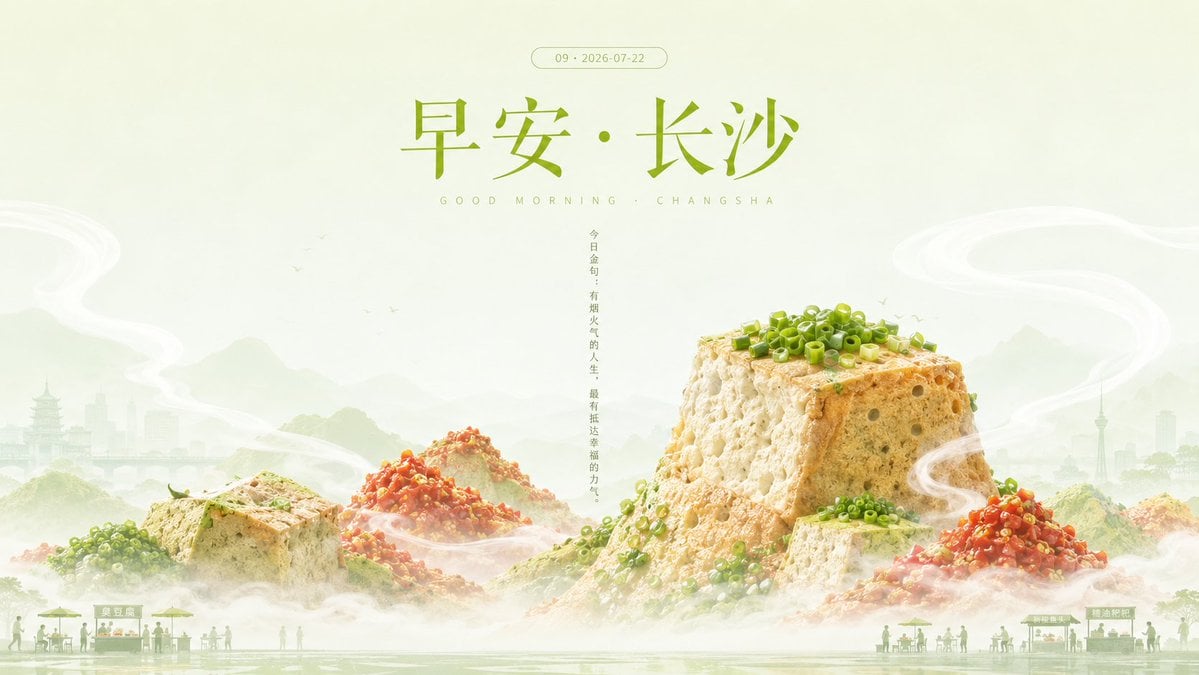
Good Morning Changsha Food Poster
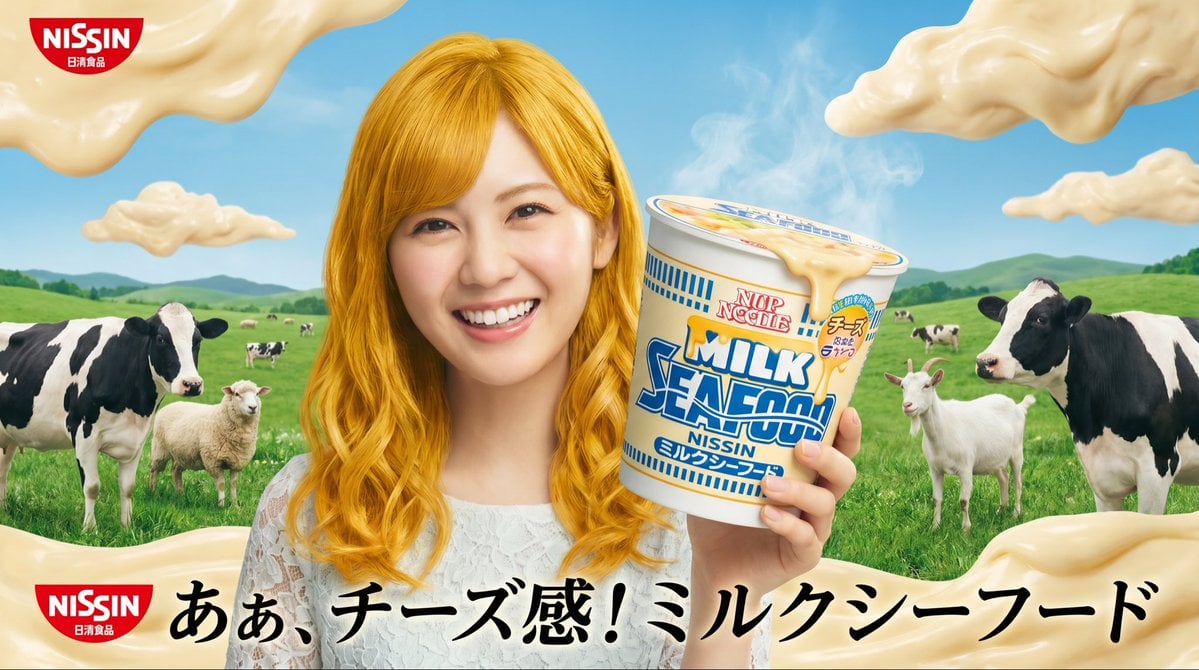
Surreal NISSIN Milk Seafood Ad
Make it yours
Playful Oeuf Mayo Food Photo works as-is. These are the safest ways to change it without losing the look.
Change one field
Copy a single group, rewrite it, and generate again so you can see what that field is doing.
Keep the frame, change the subject
Hold the composition and light of Playful Oeuf Mayo Food Photo, then swap wardrobe, props or the person for a new take.
| If the result… | Why | Fix |
|---|---|---|
| The result drifts from the preview | Too many fields changed at once. | Reuse Playful Oeuf Mayo Food Photo as-is first, then change one group — subject, light, or setting. |
| The model over-stylizes the scene | The prose prompt leaves finish and camera underspecified. | Add one camera or lighting sentence and stay on GPT Image 2. |
More GPT Image 2 templates
Other prompts made for GPT Image 2.

Six VTuber Japanese Logo Sheet

Realistic Portrait of Woman and Deer

The Vista Modular Condo Poster

AI Model Routing Comparison Infographic

2.5D Anime Art Board

Isometric Productivity Desk Scene

New York Double Exposure Poster

Four-Panel AI Landscape Comparison

Japanese Tatami Lifestyle Magazine Cover

NESCAFÉ Coffee Map Poster
More image prompts
Fresh picks from across the catalog.
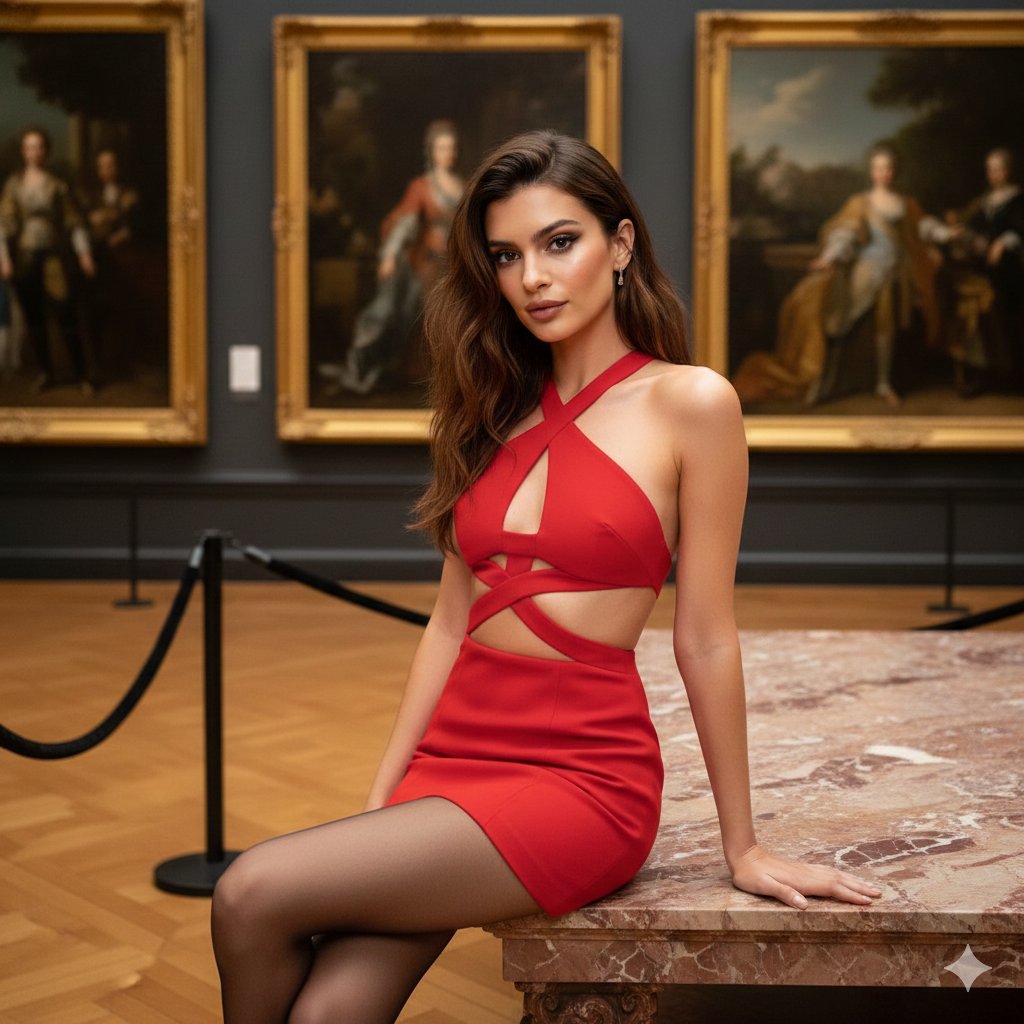
Fashion Portrait in Museum with Red Dress
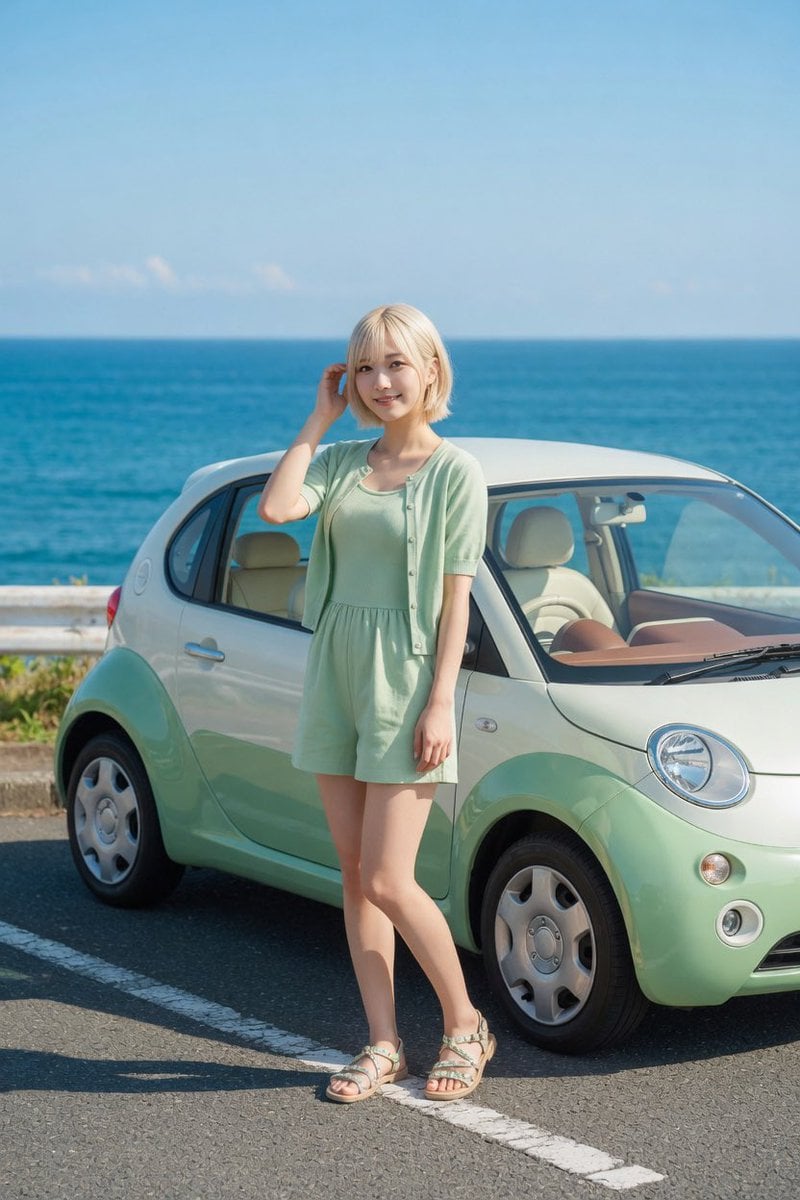
Mint Compact Car by the Sea
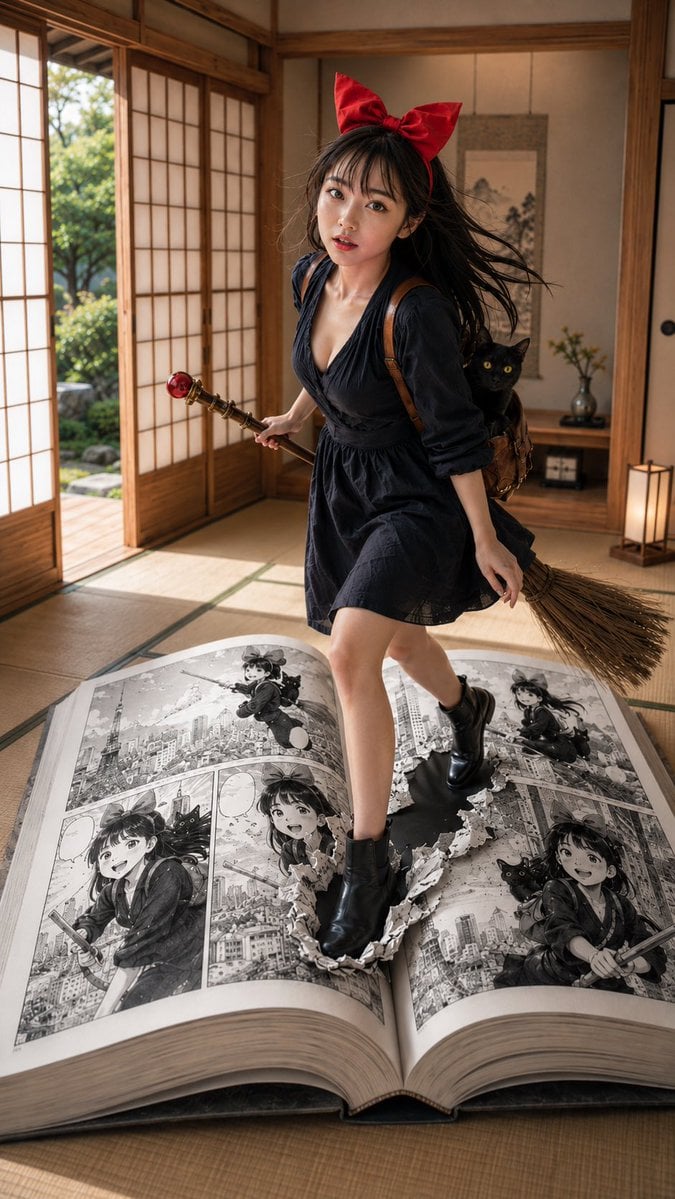
Witch in Japanese Washitsu Portal
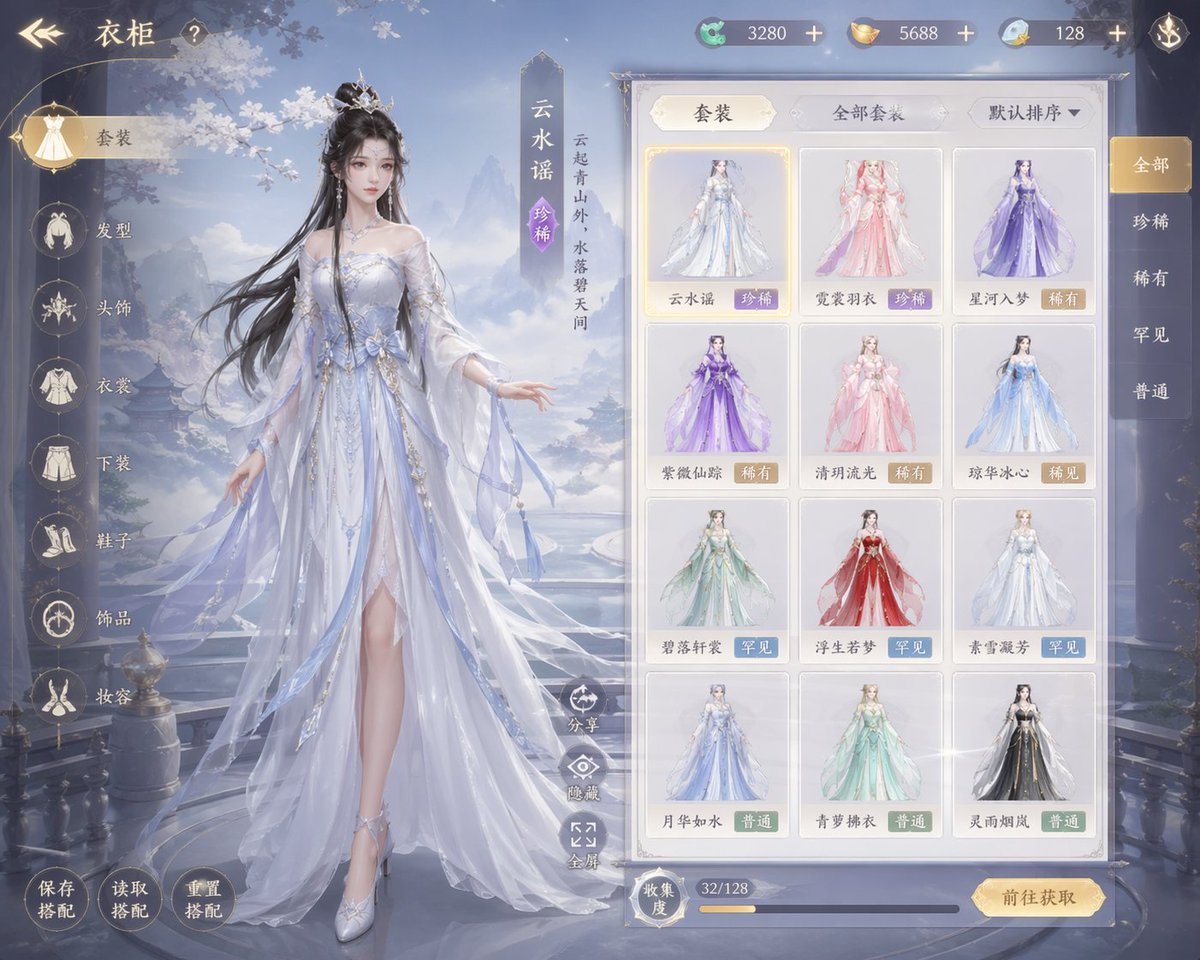
Xianxia Game Character Wardrobe Interface
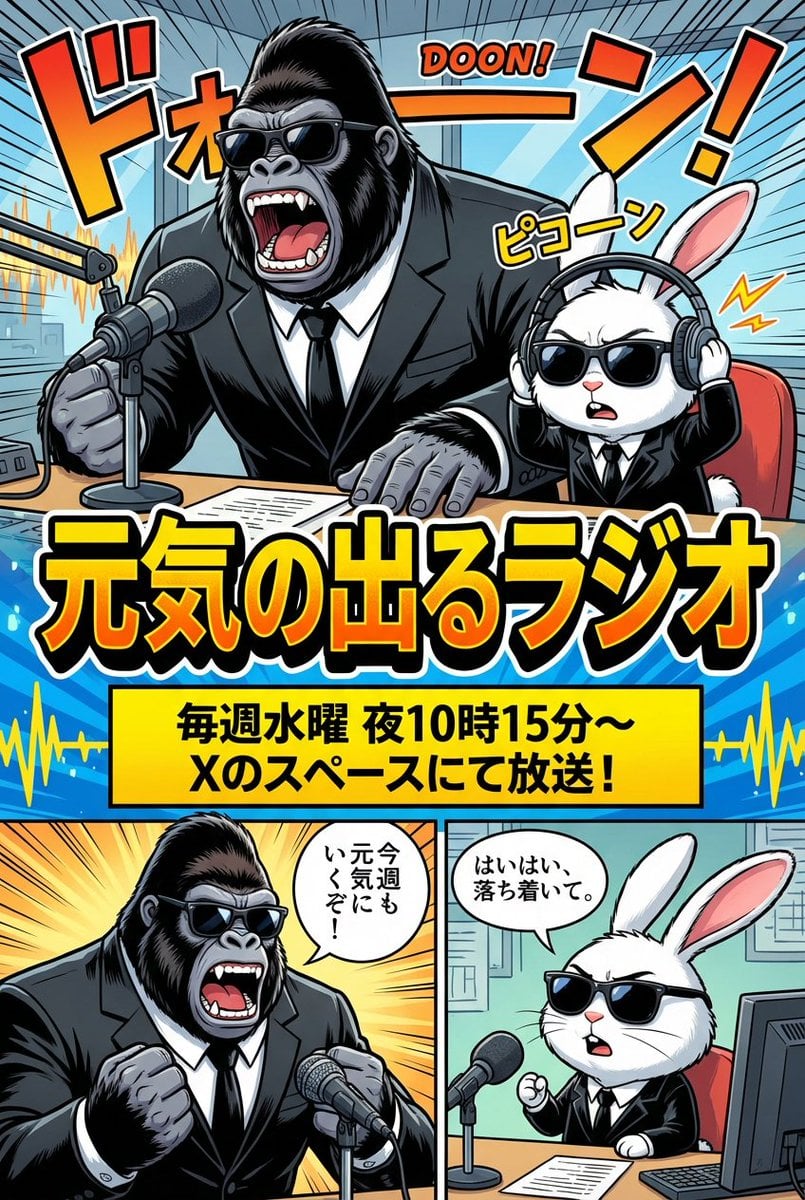
Ad manga for a radio show with a gorilla and rabbit
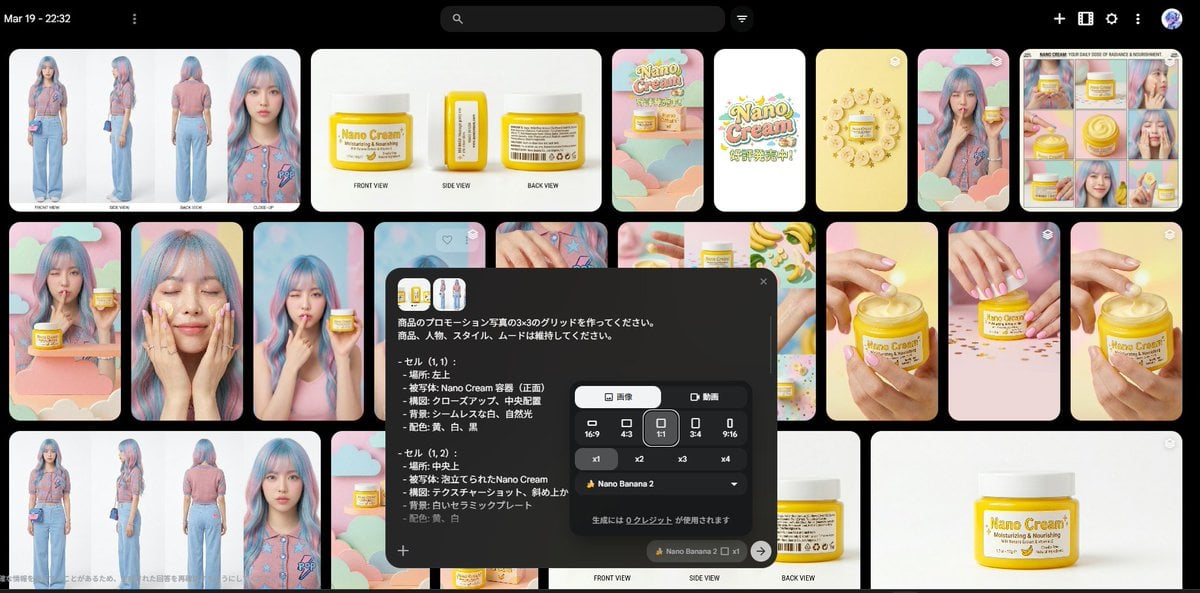
Nano Banana 2 Grid Photo Generation Prompt
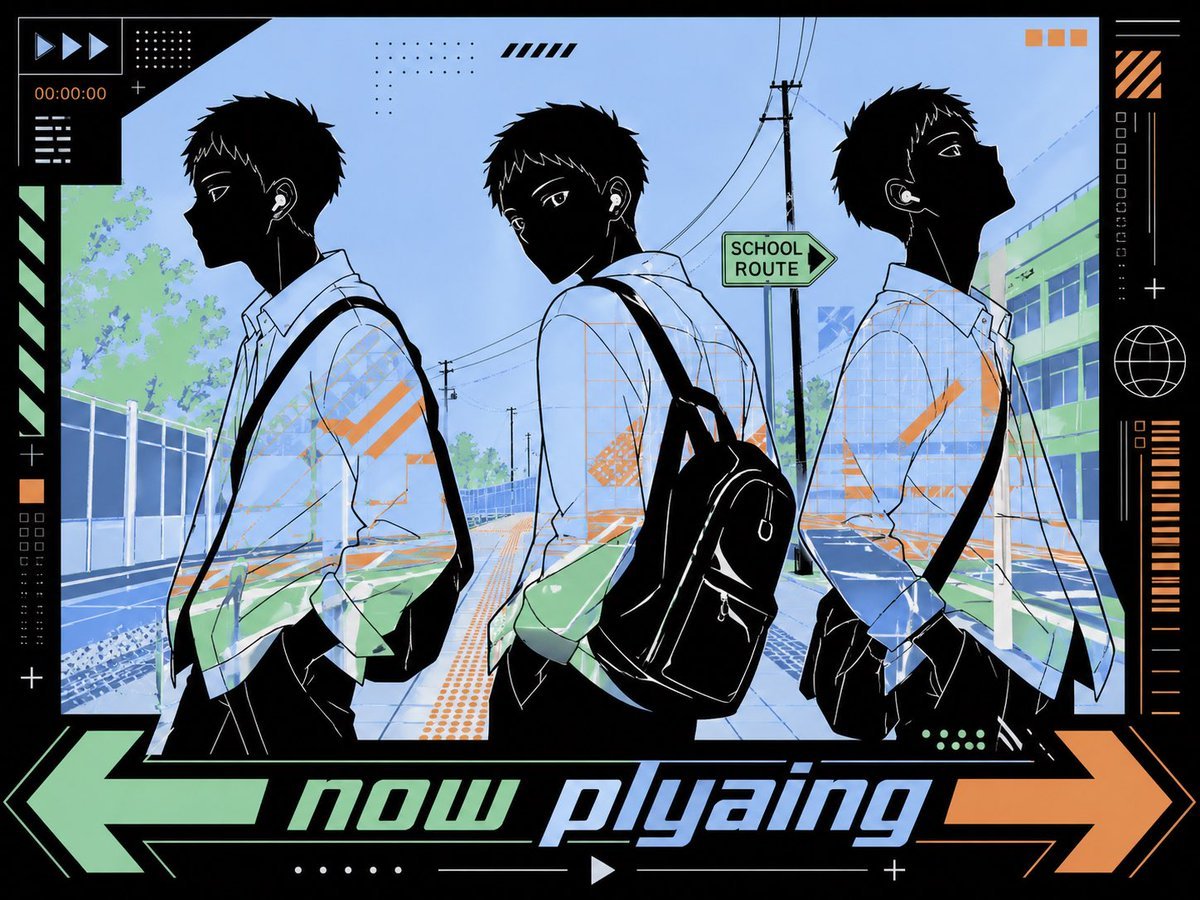
Anime Now Playing School Street Poster
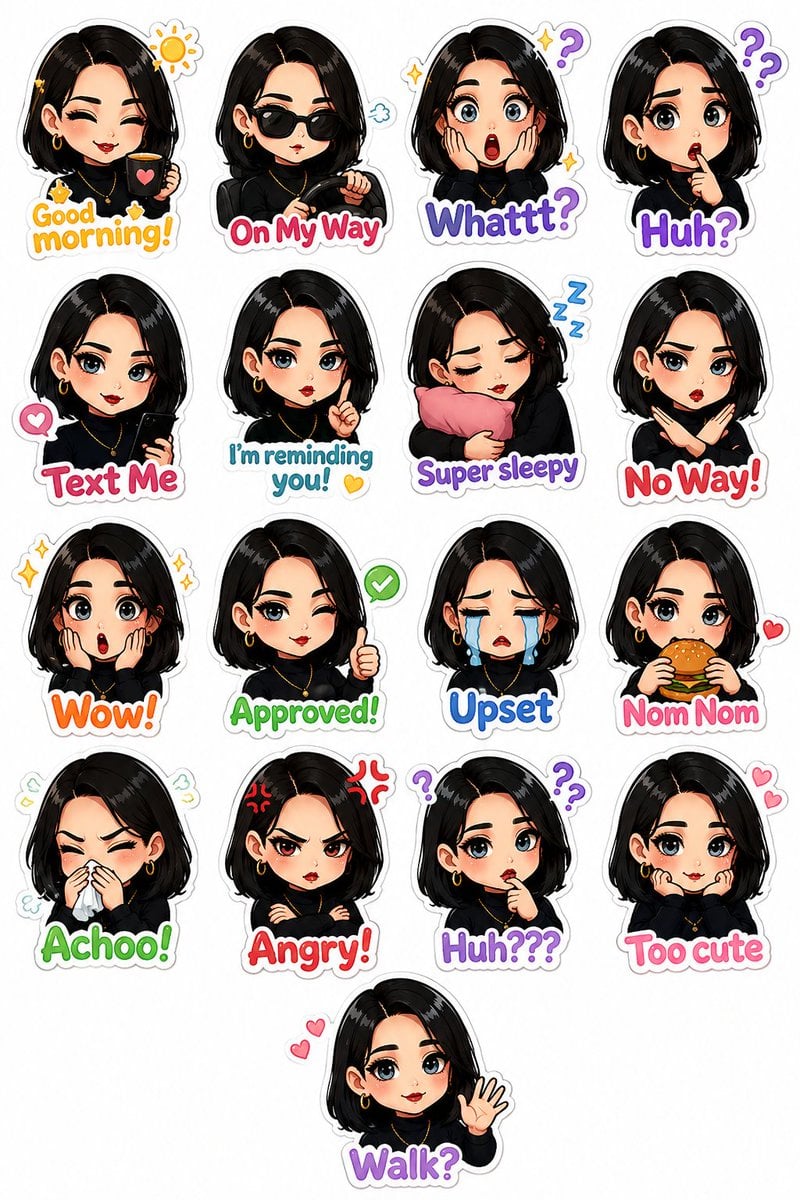
Personalized Chibi Sticker Pack
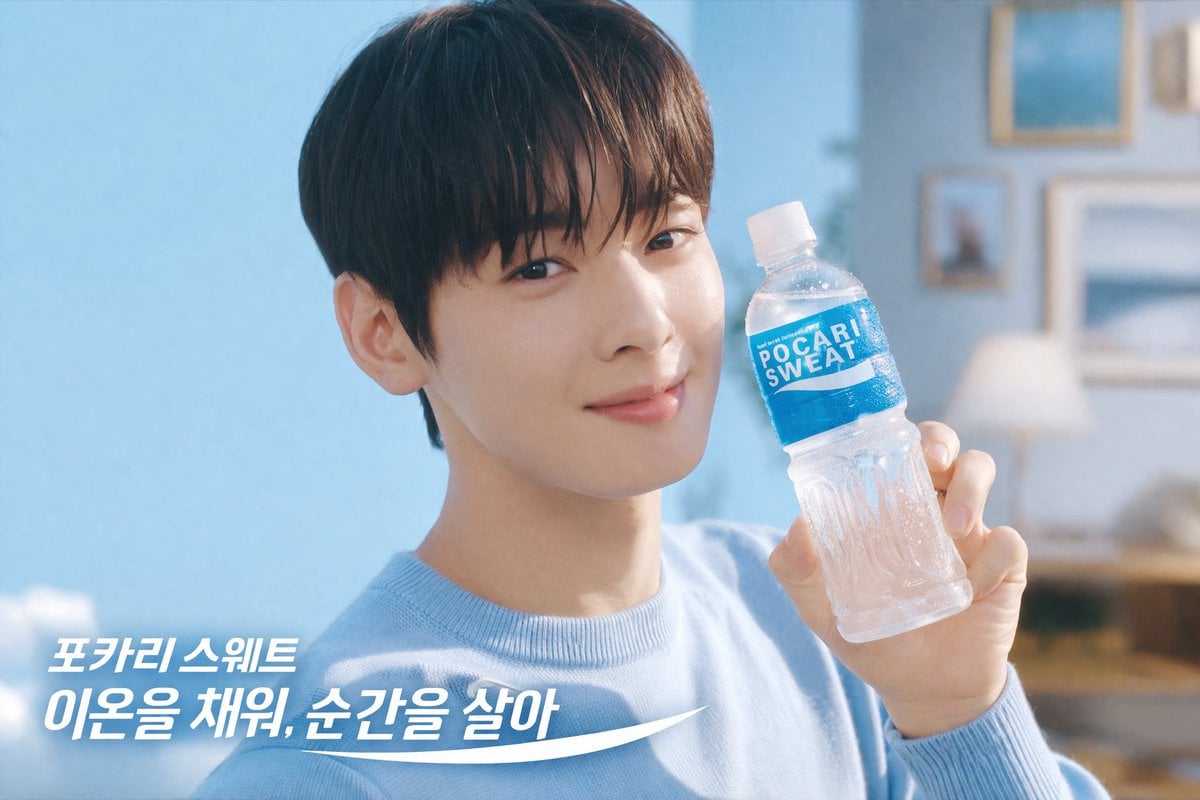
Refreshing Beverage Commercial Portrait
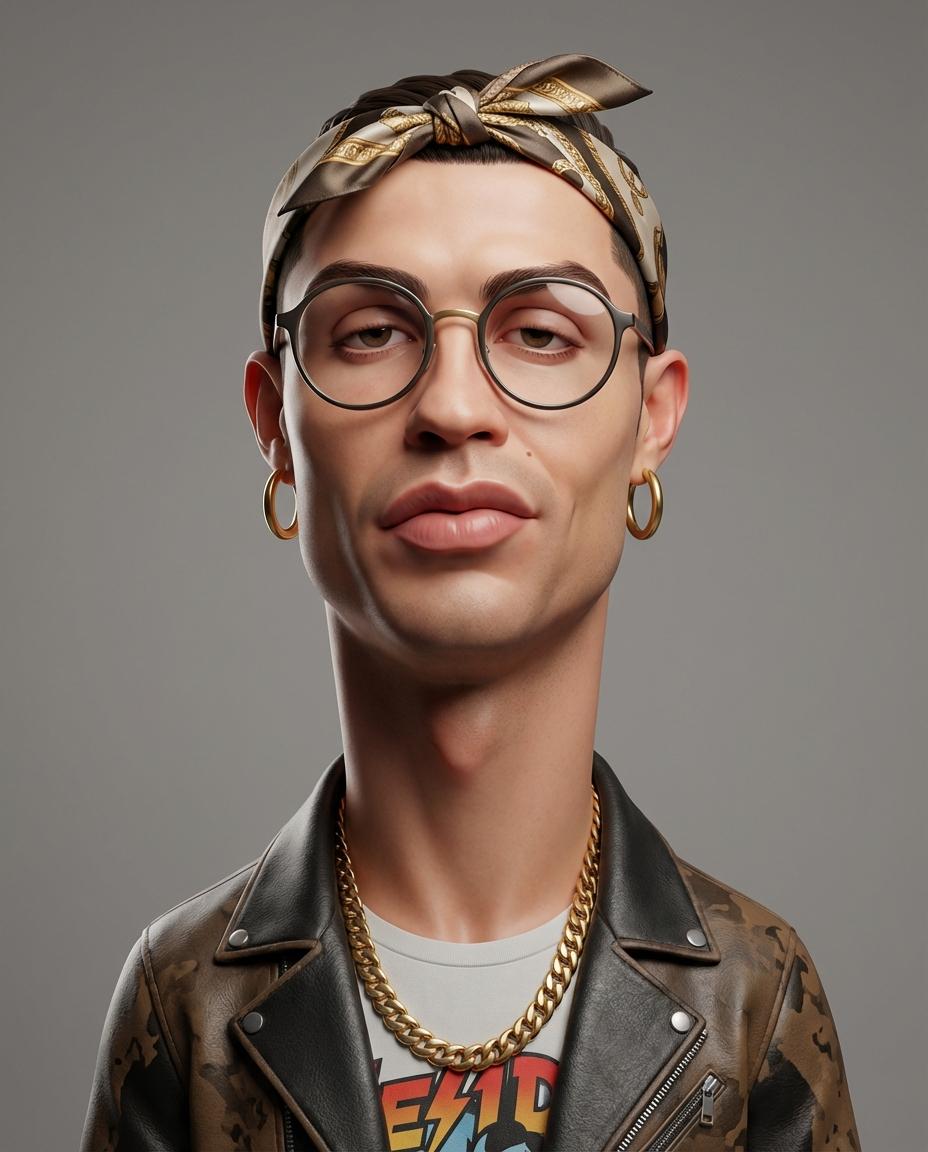
Stylized 3D Caricature Portrait Prompt
Browse template categories
Playful Oeuf Mayo Food Photo questions
How do I use the Playful Oeuf Mayo Food Photo template?
Add your photo if the template asks for one, edit the prompt if you like — the template's model and format are already selected — and press Generate. Your version opens in PicX Studio.
Can I customize the Playful Oeuf Mayo Food Photo template?
Yes. You can change the subject, setting, lighting, mood, format, and available model controls before creating your image.
Is the Playful Oeuf Mayo Food Photo template free?
Opening and editing this template is free. Generating uses credits, shown on the Generate button when you are signed in.
Which AI model should I use?
Start with GPT Image 2, which is the model associated with this template. You can compare another compatible model for a different finish.
Looking for something else? Browse all templates.

Your photo, any look
Thousands of ready templates for every top image and video model, from one credit balance.