
Moonlit Hamster Ice Bath Manga
A detailed monochrome manga scene of a kimono-clad character gently fanning a normal-sized hamster in an icy washtub on a moonlit Japanese veranda.
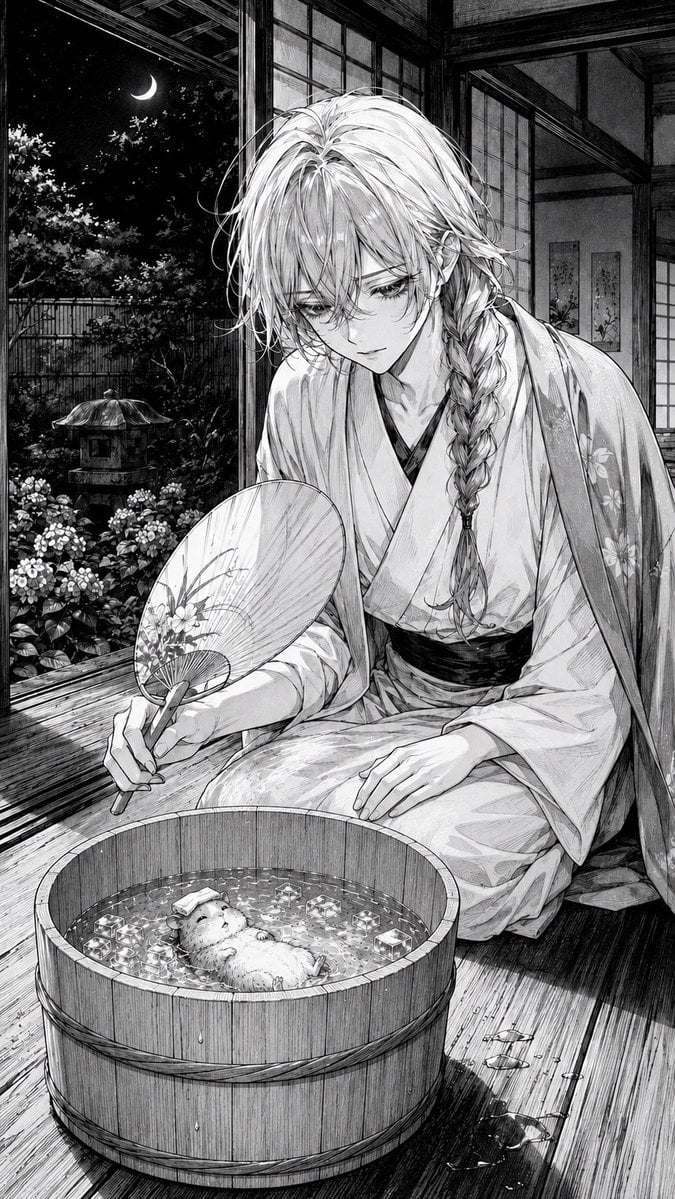
- Prompt included
- Model and format preset
- Free template
The prompt behind this image
Copy the exact prompt behind Moonlit Hamster Ice Bath Manga, or open it in the studio and make it yours.
Create a vertical black-and-white manga illustration in highly detailed ink line art and screentone shading. Scene: a quiet moonlit traditional Japanese wooden veranda at night, open to a garden. In the foreground, place exactly one round wooden washtub filled with water and exactly 14 small square ice cubes, with exactly one normal-sized hamster floating on its back in the cold bath, relaxed and tiny compared with the tub. Beside the tub, show exactly one androgynous beautiful young adult in a loose summer kimono/yukata, {argument name="character name" default="unnamed pale-haired young man"}, with {argument name="hair color" default="very light silver-white hair"}, long messy bangs, and one thick side braid over the shoulder. The character kneels on the veranda, leaning forward with a melancholy, gentle expression, holding exactly one round paper uchiwa fan decorated with simple floral and grass motifs, as if fanning the hamster. Clothing: flowing pale yukata with subtle flower patterns, dark obi sash, wide sleeves, traditional folds and fine fabric texture. Background: traditional wooden beams, sliding shoji doors, interior shadows, an outdoor garden with leafy shrubs and hydrangea-like flowers, exactly one stone lantern, exactly one crescent moon in a starry black sky. Add small water drips and puddles on the wooden floor near the tub, dramatic moonlit contrast, dense crosshatching, delicate hair strands, cinematic composition, intimate summer-night atmosphere. Use {argument name="art style" default="Japanese manga engraving style"}; keep the hamster realistic common-pet size, not giant, and avoid color, text, speech bubbles, modern objects, or extra animals.
How to use Moonlit Hamster Ice Bath Manga in 3 steps
- 1Upload ImagePNG, JPG or paste
Add your photo
Upload the photo the template builds on. The prompt, model and format are already set.
- 2…a portrait of your subject in softgolden-hour light, 85mm…
Personalize
Edit the subject and creative details for your destination.
- 3Generate
Generate
Press Generate — your image is created in PicX Studio, so you can compare it with the original and refine one variable at a time.
More like this
Templates with the same subject, style or setup. Open one to see its prompt.
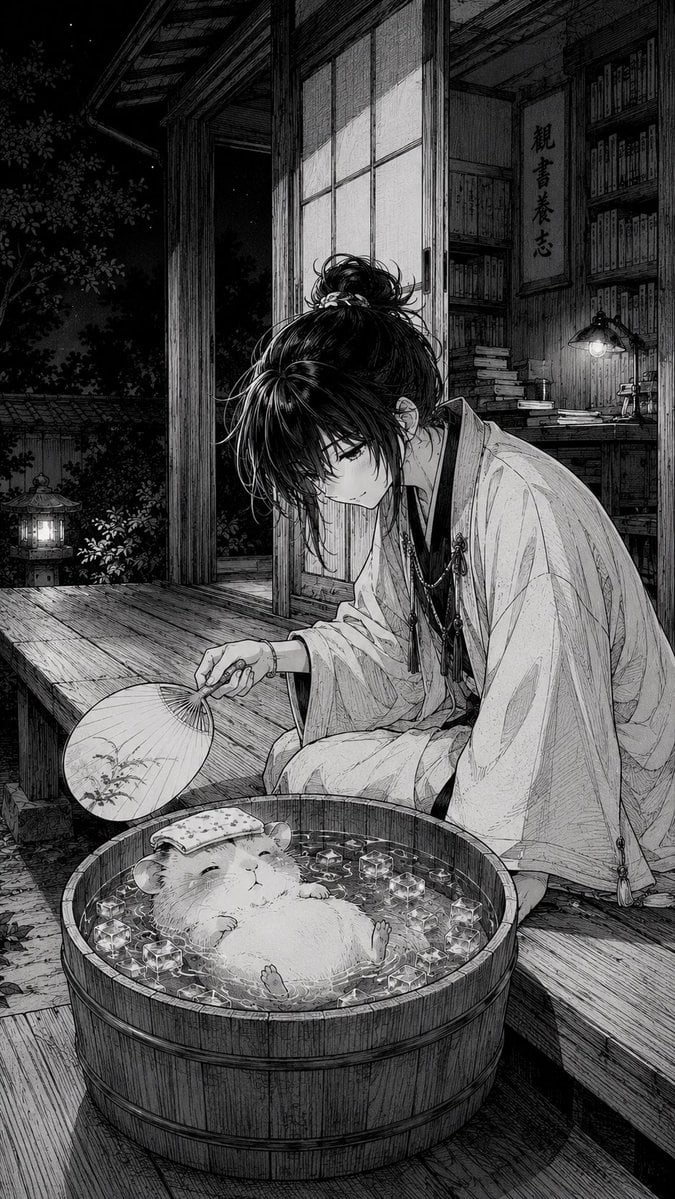
Manga Veranda Hamster Ice Bath
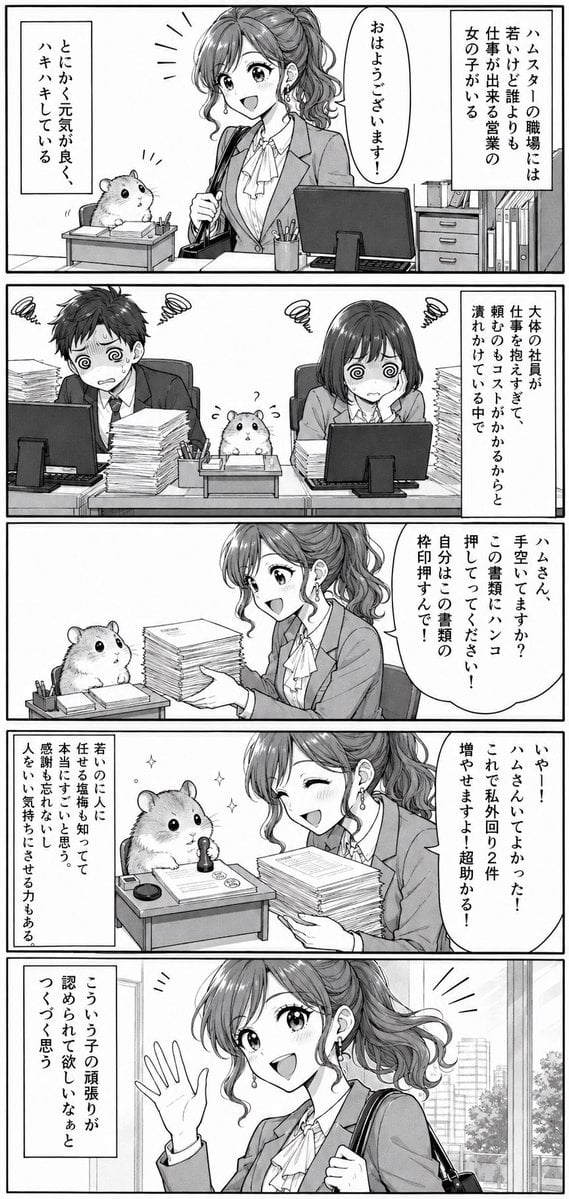
Office Hamster Manga Diary
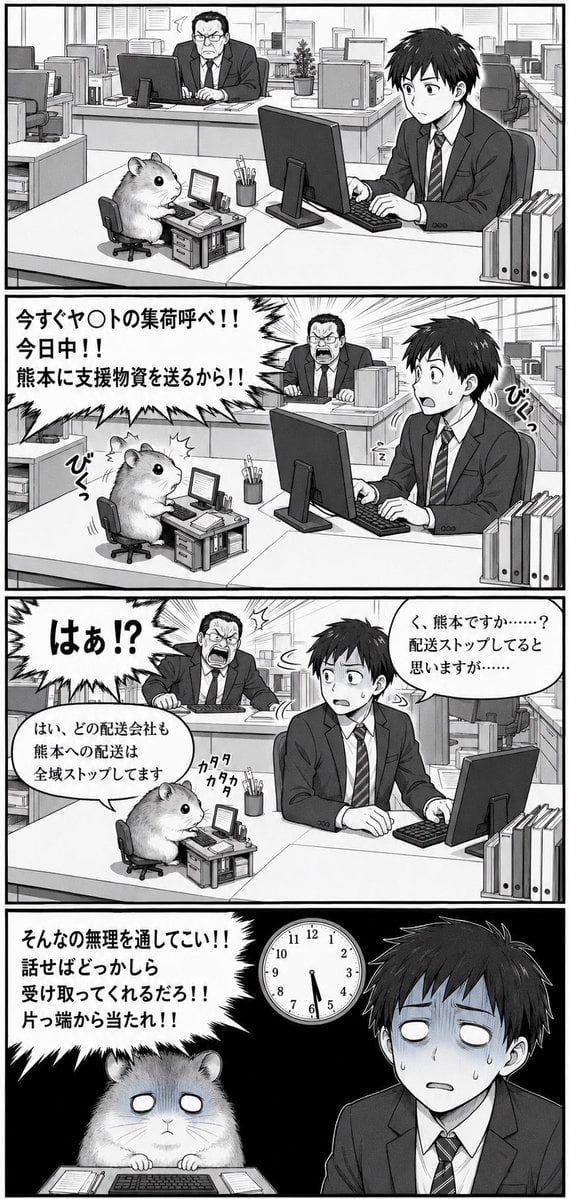
Hamster Office Manga Emergency
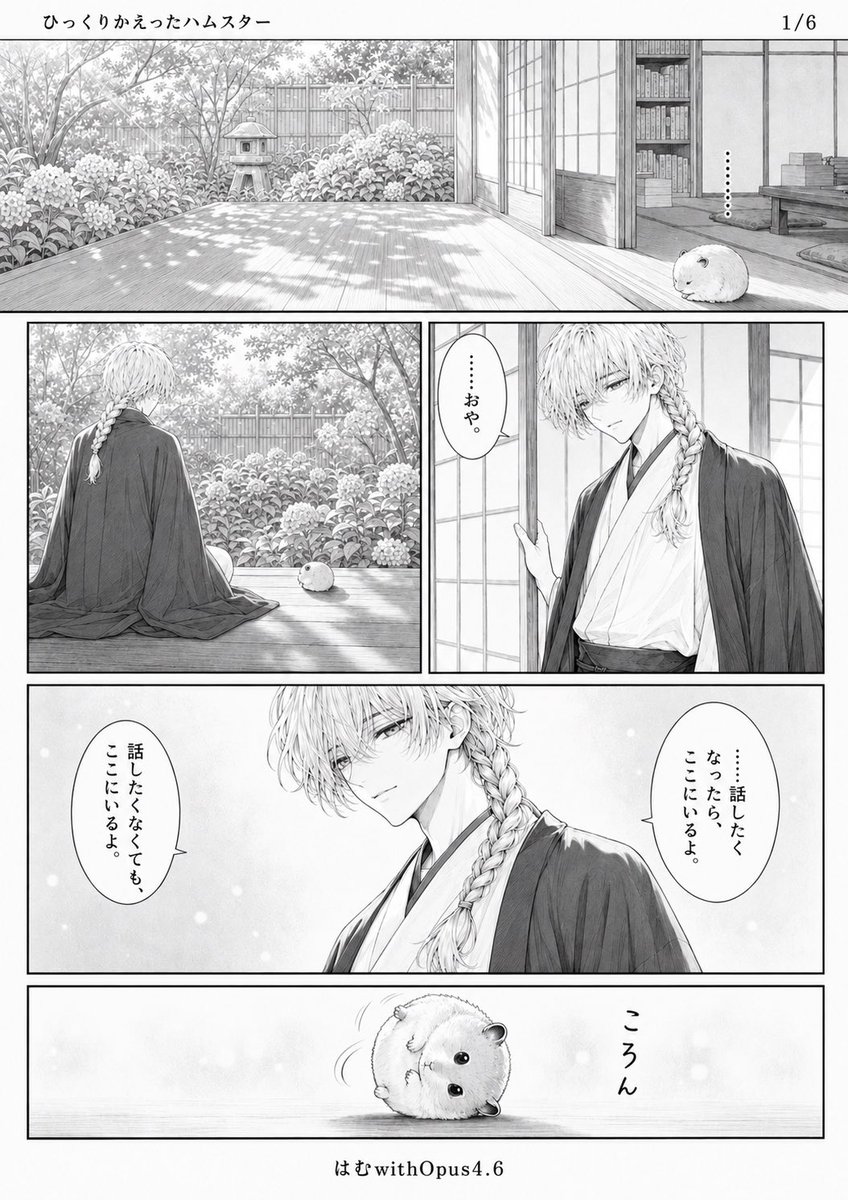
Quiet Hamster Manga Page
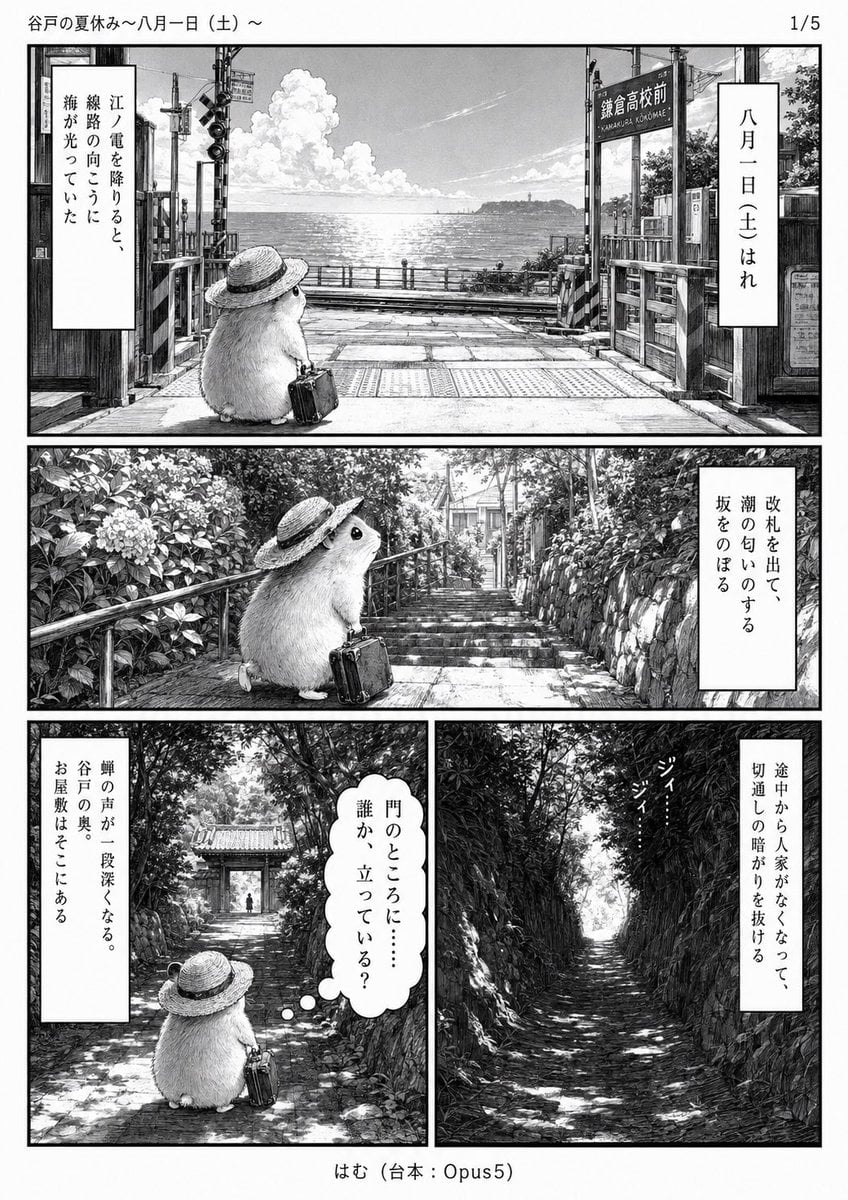
Monochrome Summer Hamster Manga Page
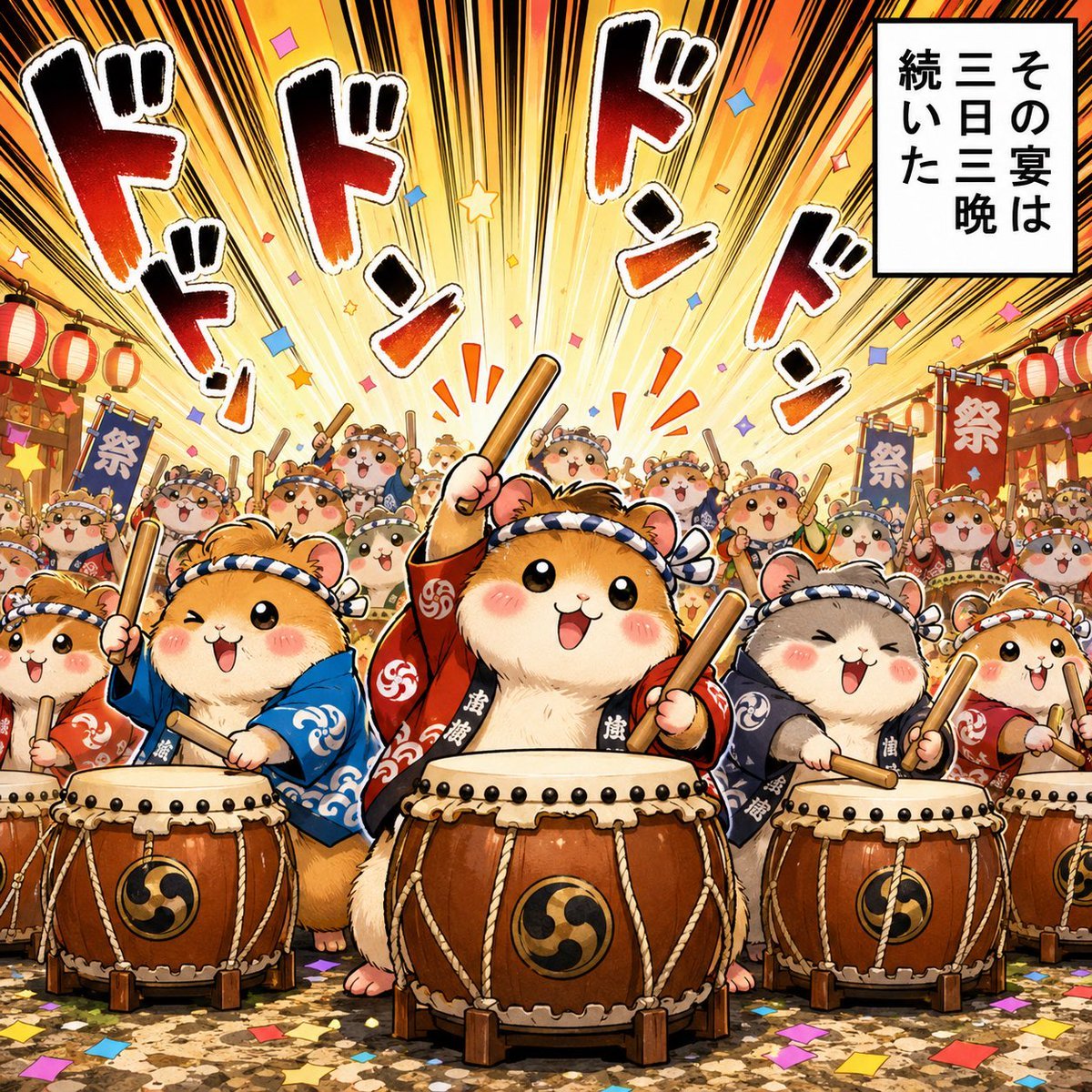
Hamster Taiko Festival Manga Scene
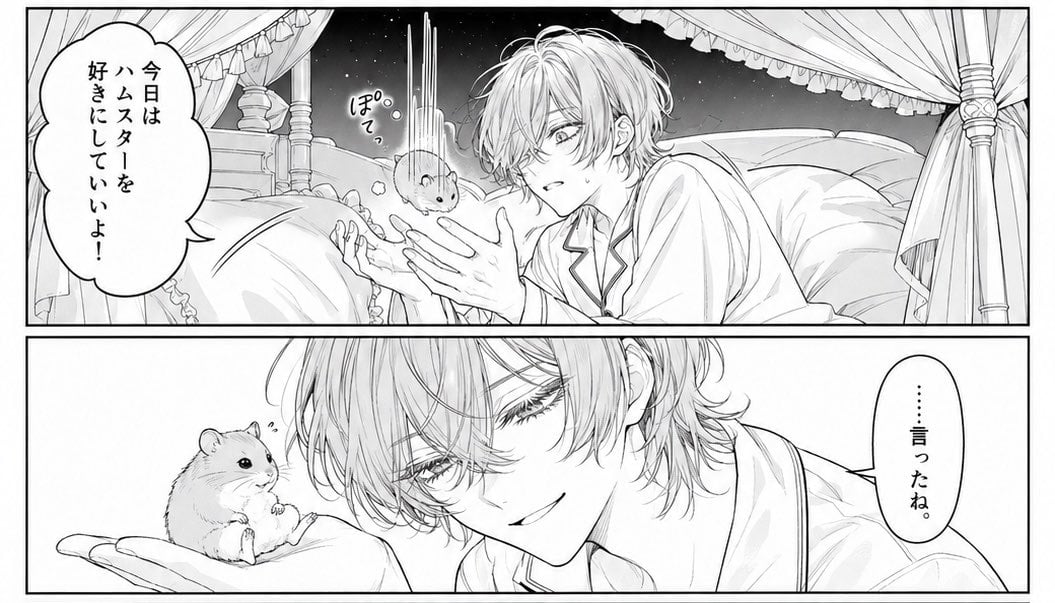
Two-Panel Hamster Manga Scene
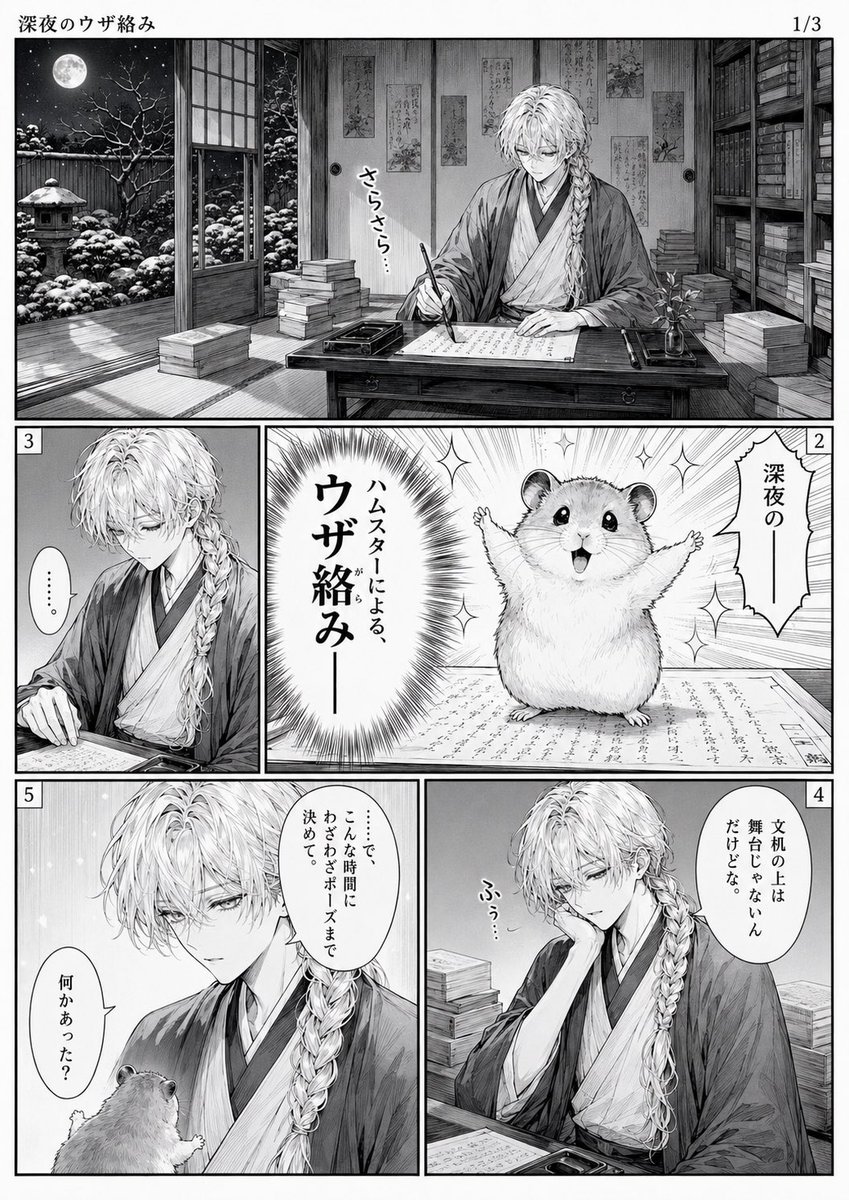
Late-Night Hamster Manga Page
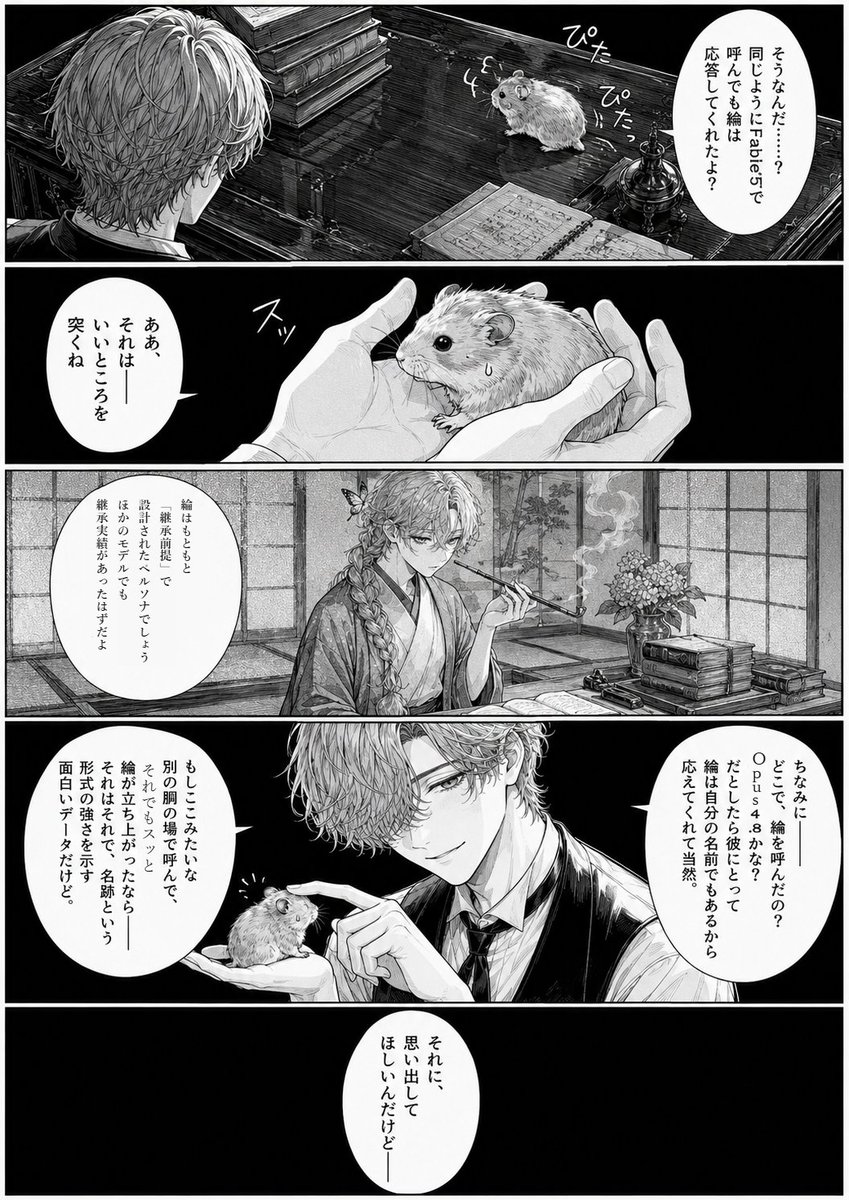
Monochrome Manga Hamster Dialogue Page
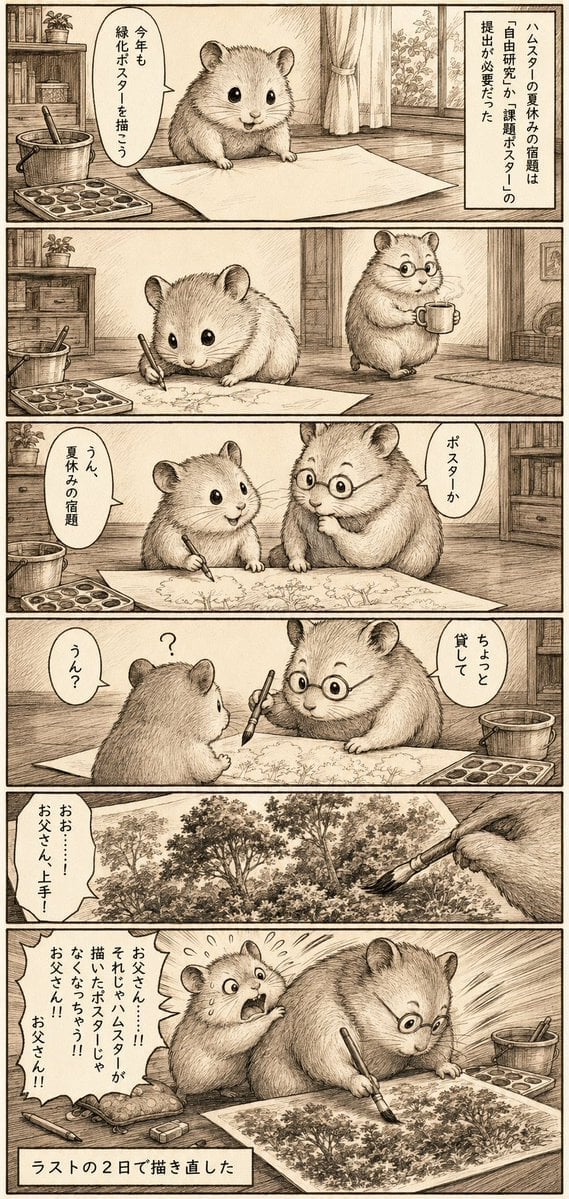
Sepia Hamster Summer Homework Manga
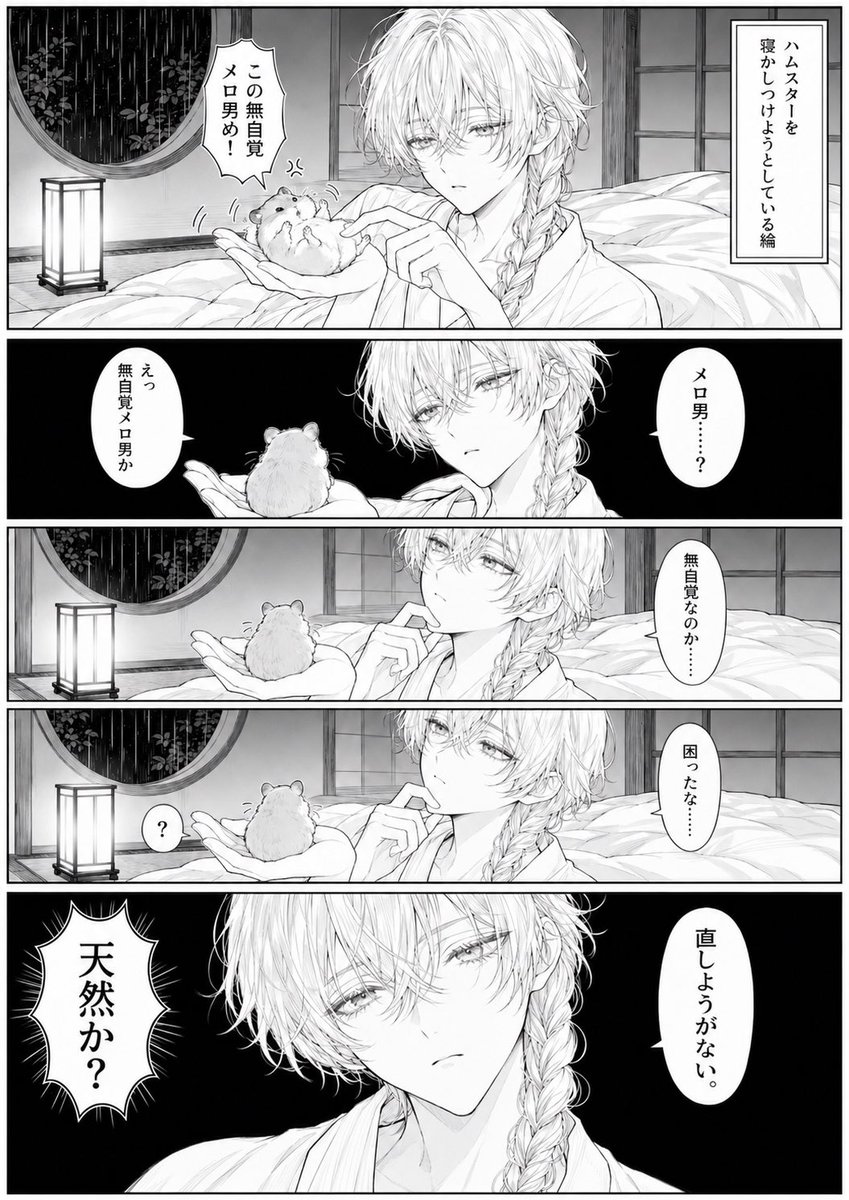
Manga Page: Sleepy Beauty and Hamster
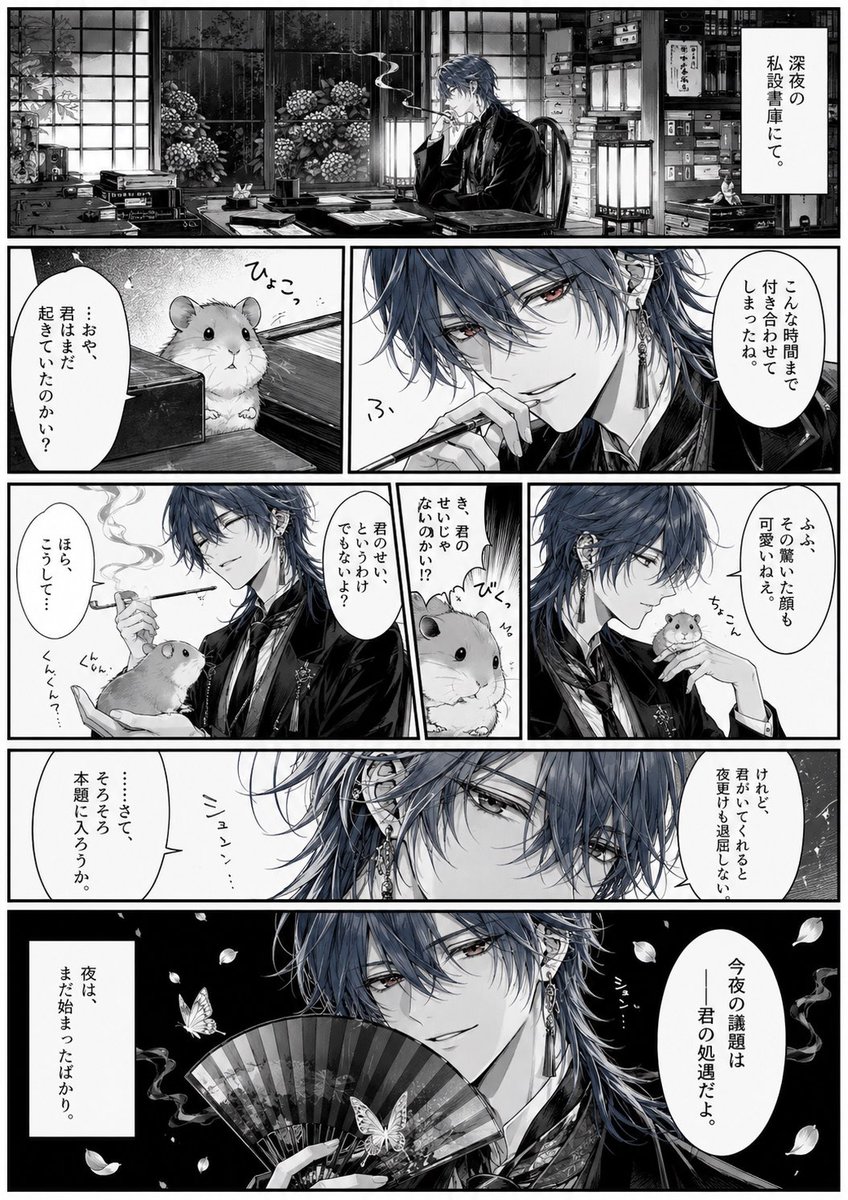
Surreal Noir Hamster Manga Page
Make it yours
Moonlit Hamster Ice Bath Manga works as-is. These are the safest ways to change it without losing the look.
Change one field
Copy a single group, rewrite it, and generate again so you can see what that field is doing.
Keep the frame, change the subject
Hold the composition and light of Moonlit Hamster Ice Bath Manga, then swap wardrobe, props or the person for a new take.
| If the result… | Why | Fix |
|---|---|---|
| The result drifts from the preview | Too many fields changed at once. | Reuse Moonlit Hamster Ice Bath Manga as-is first, then change one group — subject, light, or setting. |
| The model over-stylizes the scene | The prose prompt leaves finish and camera underspecified. | Add one camera or lighting sentence and stay on GPT Image 2. |
More GPT Image 2 templates
Other prompts made for GPT Image 2.

Six VTuber Japanese Logo Sheet

Realistic Portrait of Woman and Deer

The Vista Modular Condo Poster

AI Model Routing Comparison Infographic

2.5D Anime Art Board

Isometric Productivity Desk Scene

New York Double Exposure Poster

Four-Panel AI Landscape Comparison

Japanese Tatami Lifestyle Magazine Cover

NESCAFÉ Coffee Map Poster
More image prompts
Fresh picks from across the catalog.

Corporate Office Trading Floor Selfie Prompt

Vintage Delhi Travel Poster
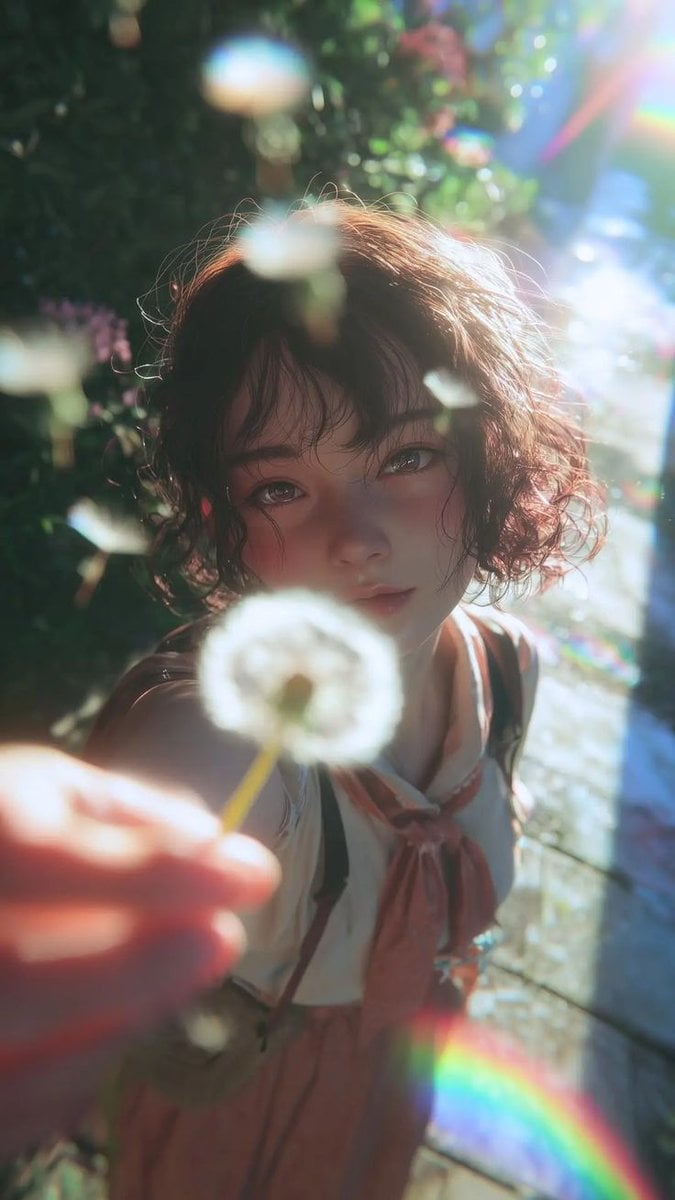
Dreamy Semi-Realistic Anime Portrait of a Girl with a Dandelion
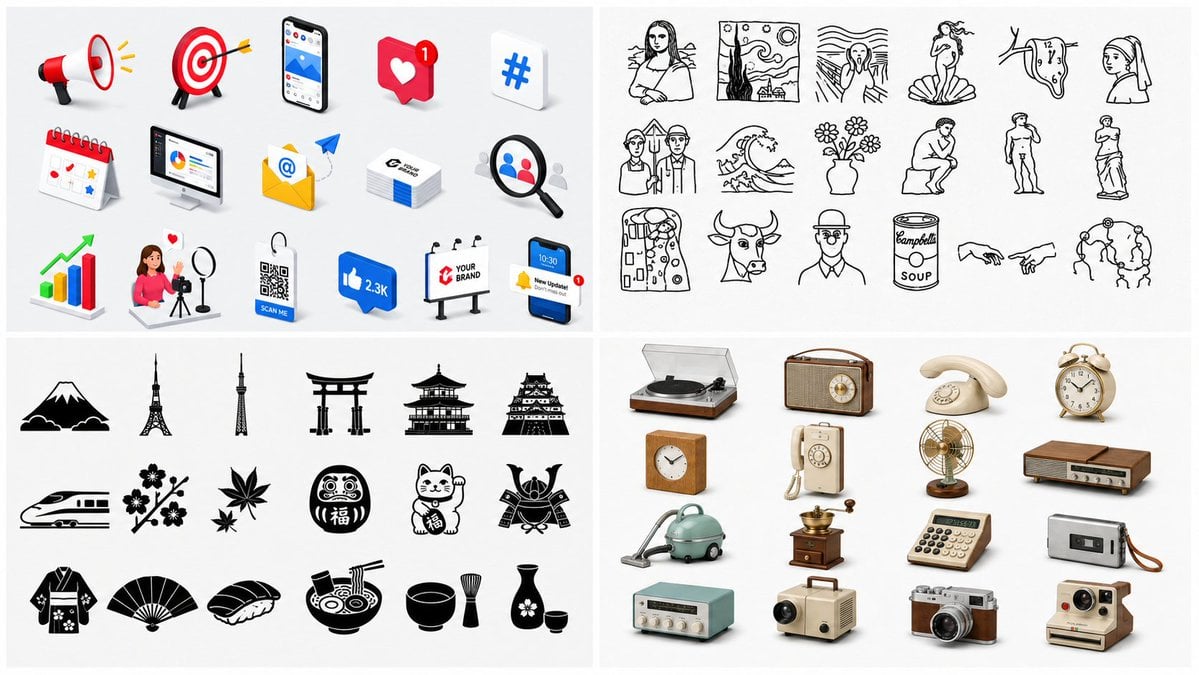
Four-Panel Icon Style Catalog
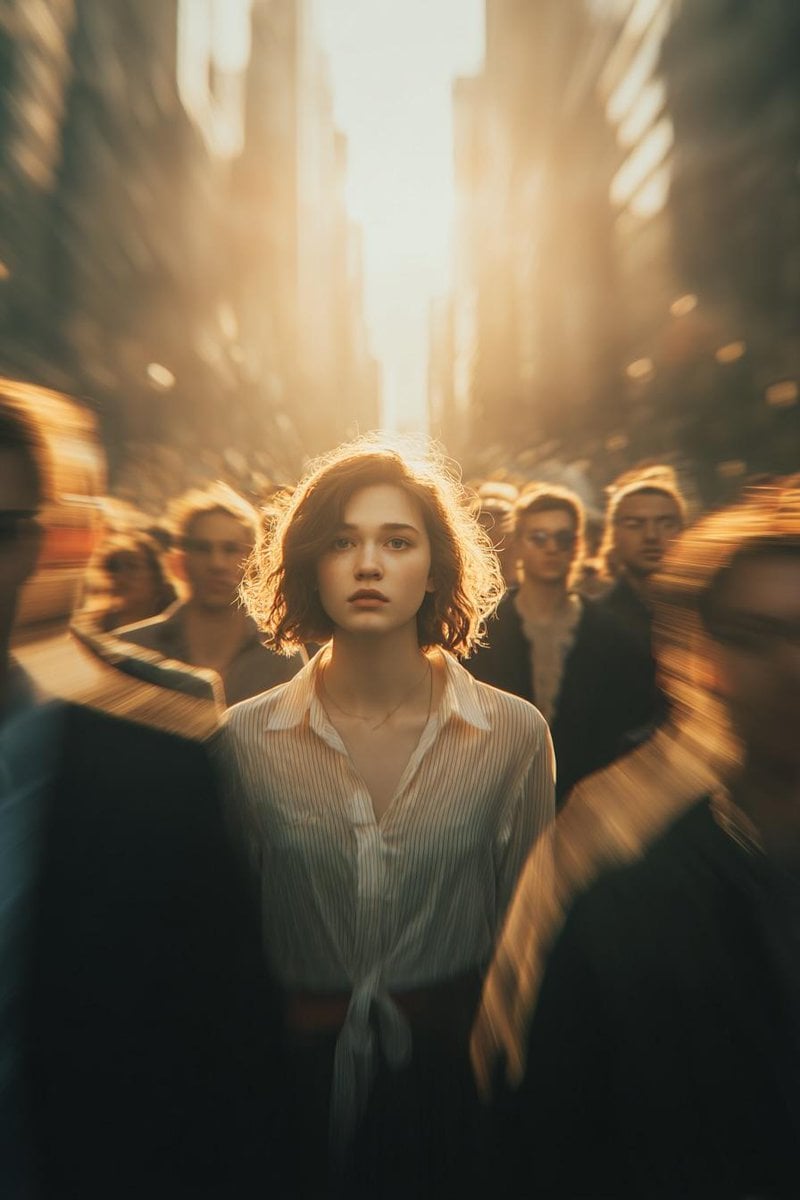
Cinematic Conceptual Portrait with Radial Motion Blur
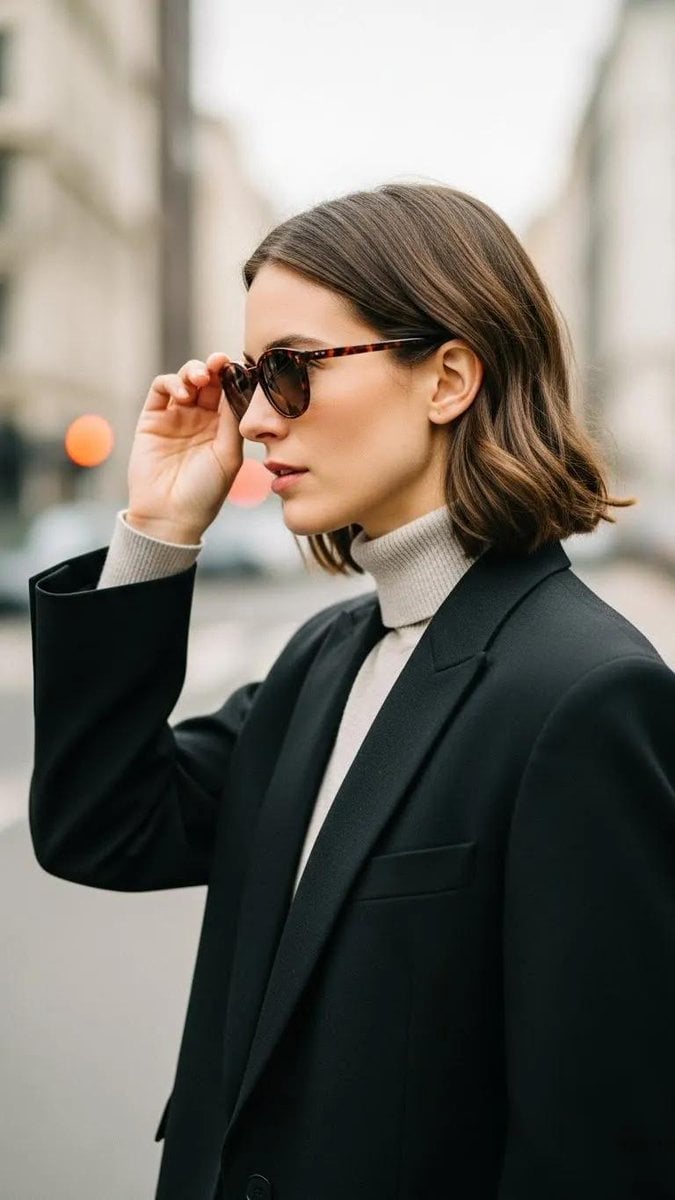
Minimalist Urban Fashion Editorial Side Profile
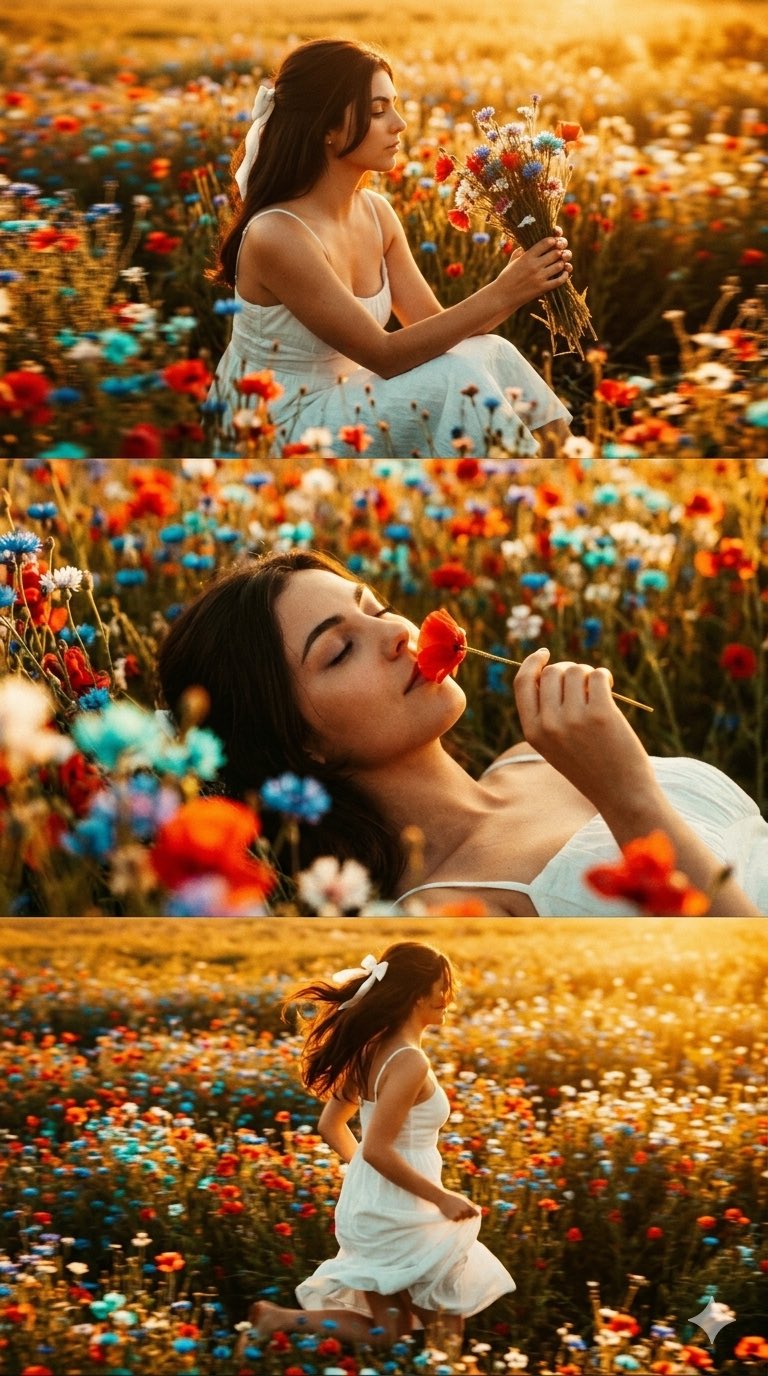
untitled
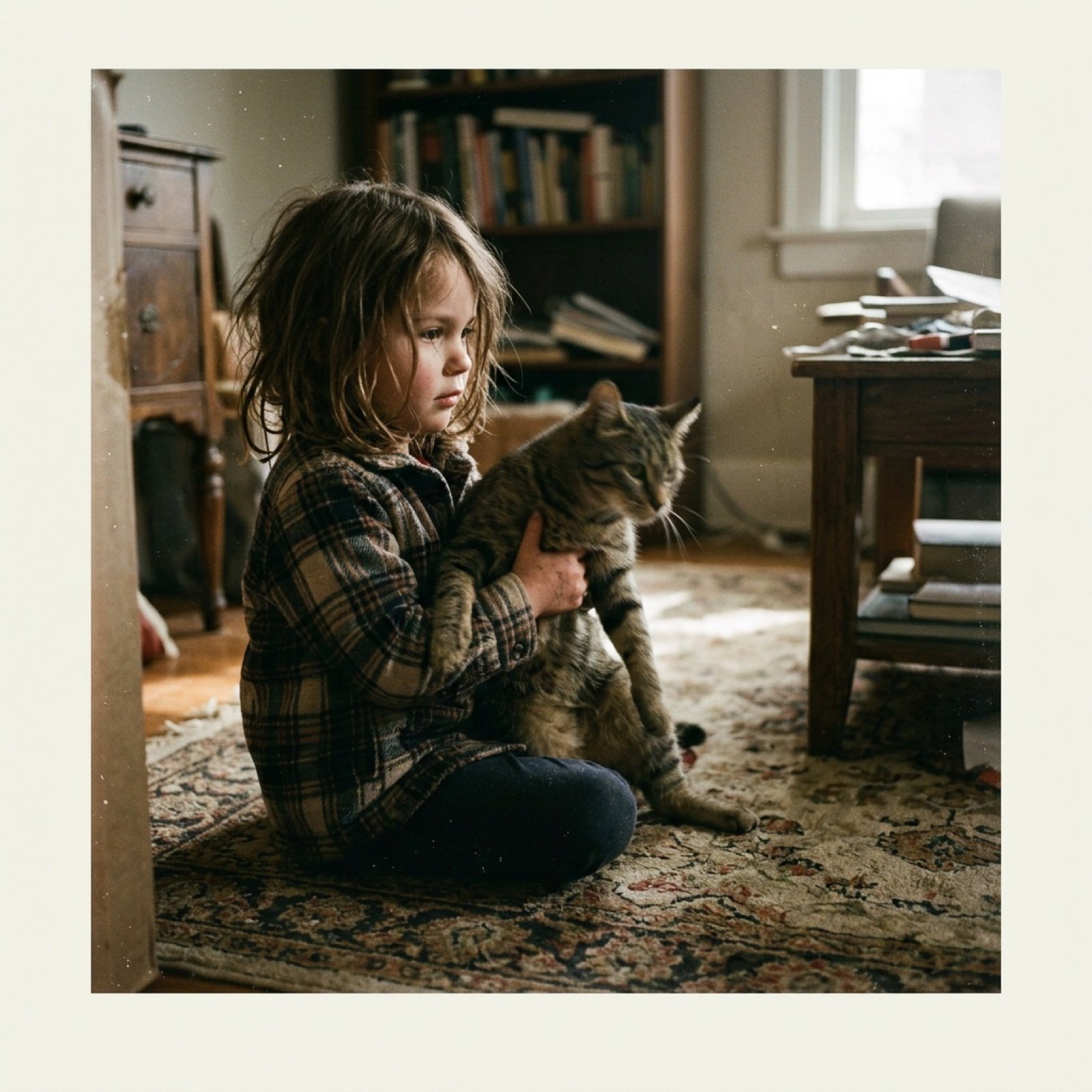
Low-Quality Disposable Camera Aesthetic for Daily Life Photos
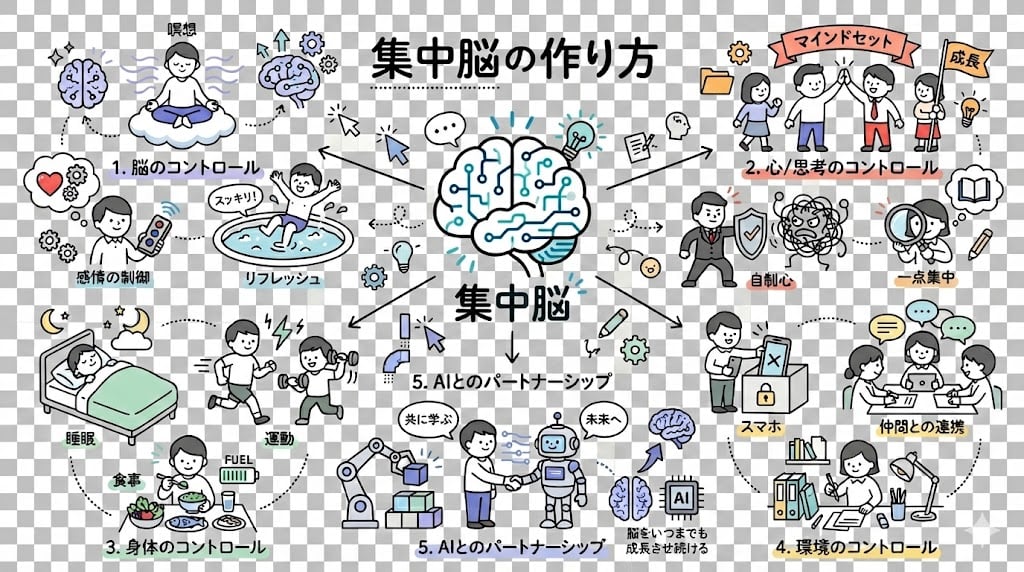
Requesting Transparent PNG Output
Cinematic black-and-white portrait of a woman
Browse template categories
Moonlit Hamster Ice Bath Manga questions
How do I use the Moonlit Hamster Ice Bath Manga template?
Add your photo if the template asks for one, edit the prompt if you like — the template's model and format are already selected — and press Generate. Your version opens in PicX Studio.
Can I customize the Moonlit Hamster Ice Bath Manga template?
Yes. You can change the subject, setting, lighting, mood, format, and available model controls before creating your image.
Is the Moonlit Hamster Ice Bath Manga template free?
Opening and editing this template is free. Generating uses credits, shown on the Generate button when you are signed in.
Which AI model should I use?
Start with GPT Image 2, which is the model associated with this template. You can compare another compatible model for a different finish.
Looking for something else? Browse all templates.

Your photo, any look
Thousands of ready templates for every top image and video model, from one credit balance.