
Vintage Delhi Travel Poster
Generates a nostalgic Art Deco tourism poster featuring Delhi landmarks, warm sunset colors, and customizable destination text.
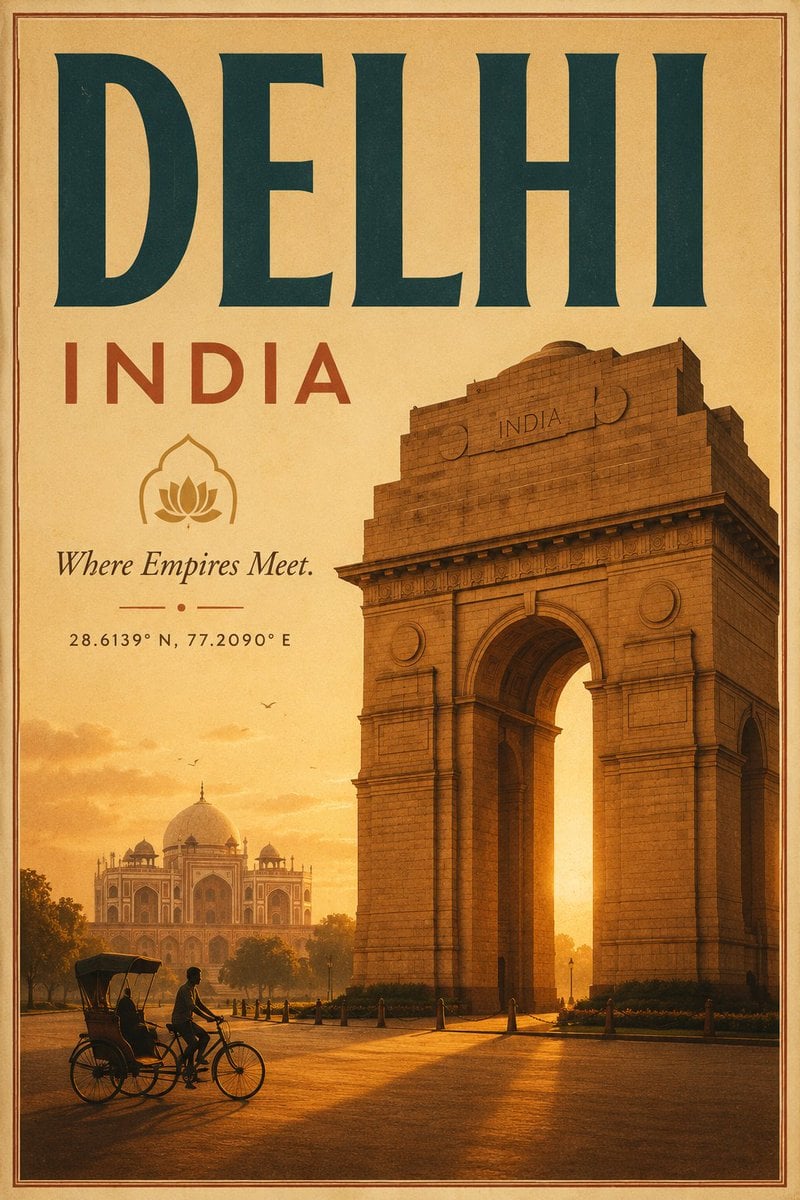
- Prompt included
- Model and format preset
- Premium template
The prompt behind this image
Copy the exact prompt behind Vintage Delhi Travel Poster, or open it in the studio and make it yours.
Create a vintage Art Deco travel poster for {argument name="destination" default="Delhi"}, India, in a vertical 2:3 format. Use a warm aged-paper palette of saffron, ochre, sepia, burnt orange, and deep teal, with subtle film grain, distressed print texture, and a thin double-line border around the edges. The composition should have a huge bold serif headline at the top reading “{argument name="headline text" default="DELHI"}” in dark teal, with widely spaced red-orange text beneath reading “INDIA”. Below the title on the left, place a simple lotus icon inside an arched outline, then the italic tagline “{argument name="tagline" default="Where Empires Meet."}”, a small decorative divider with a centered dot, and the coordinates “{argument name="coordinates" default="28.6139° N, 77.2090° E"}”. The right half and lower center should feature a monumental, photorealistic but posterized India Gate at golden hour, towering in perspective with detailed stone blocks, arch shadows, and an “INDIA” inscription near the top. In the hazy left background, show Humayun’s Tomb or a Mughal-style domed monument among trees, softened by sunset atmosphere. In the foreground, include exactly one cycle rickshaw with exactly two visible people: one cyclist pedaling and one seated passenger, rendered as dark silhouettes on a glowing road. Add small birds in the sky, long warm shadows, and sunlit haze behind the arch. Keep the design elegant, nostalgic, and tourism-focused, with no modern cars, no extra landmarks, and no additional text beyond the specified poster lettering.
How to use Vintage Delhi Travel Poster in 3 steps
- 1Upload ImagePNG, JPG or paste
Add your photo
Upload the photo the template builds on. The prompt, model and format are already set.
- 2…a portrait of your subject in softgolden-hour light, 85mm…
Personalize
Edit the subject and creative details for your destination.
- 3Generate
Generate
Press Generate — your image is created in PicX Studio, so you can compare it with the original and refine one variable at a time.
More like this
Templates with the same subject, style or setup. Open one to see its prompt.

Japan Travel Brochure Poster

Premium Vintage Travel Poster Landscape
Vintage Patagonia Travel Poster

Paper Cut Vintage Travel Poster
Vintage Delhi India Gate Poster
Vintage Alexandria Travel Poster
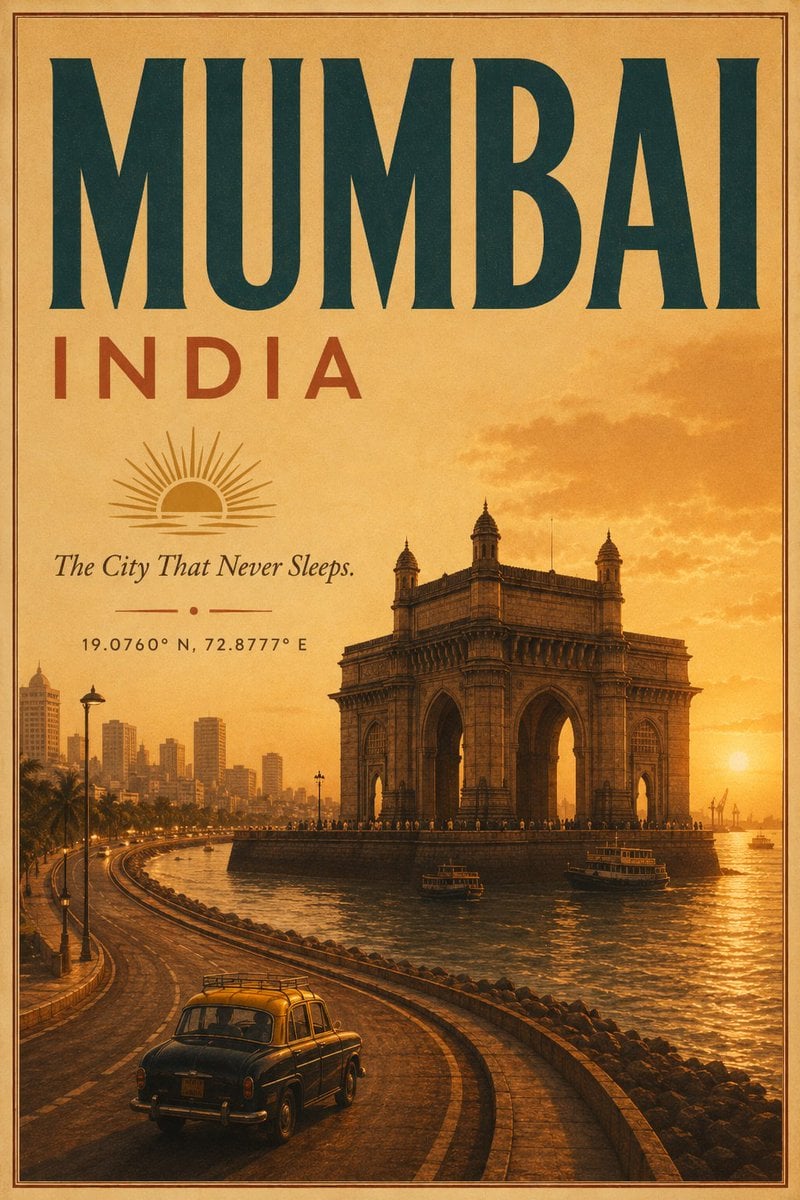
Vintage Mumbai Travel Poster
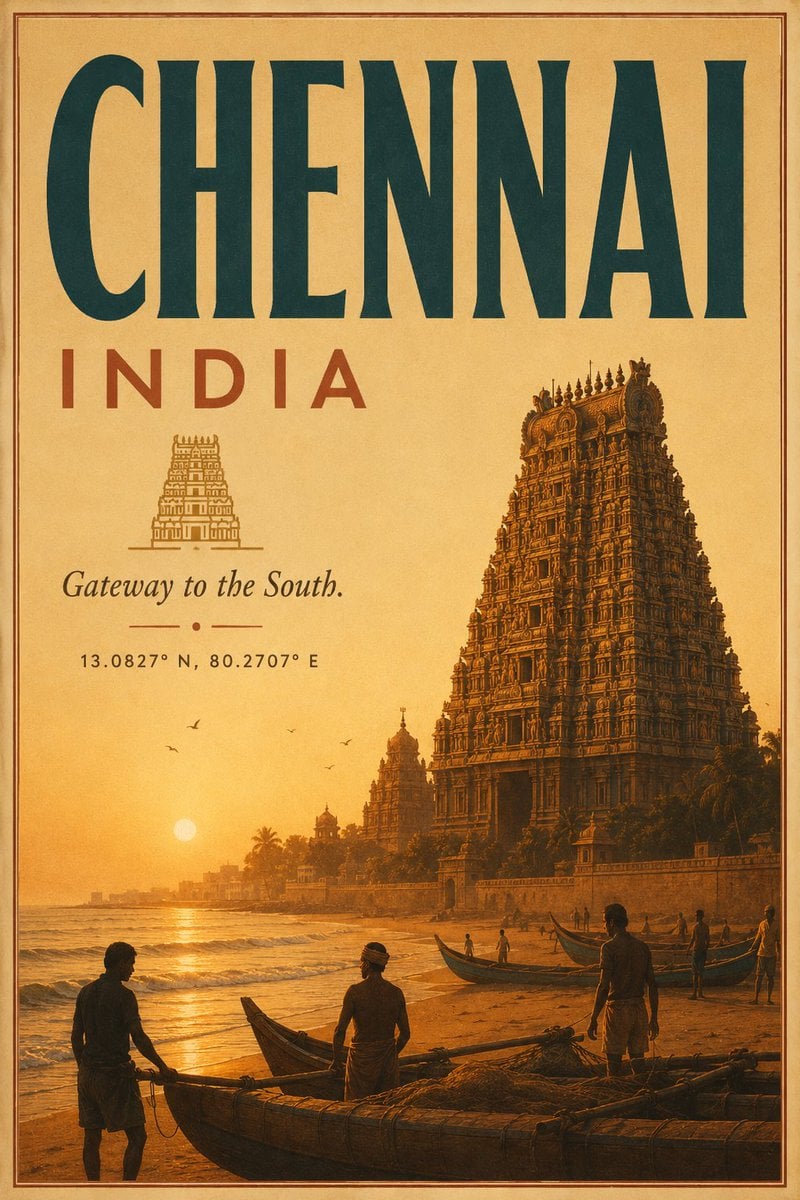
Vintage Chennai Travel Poster
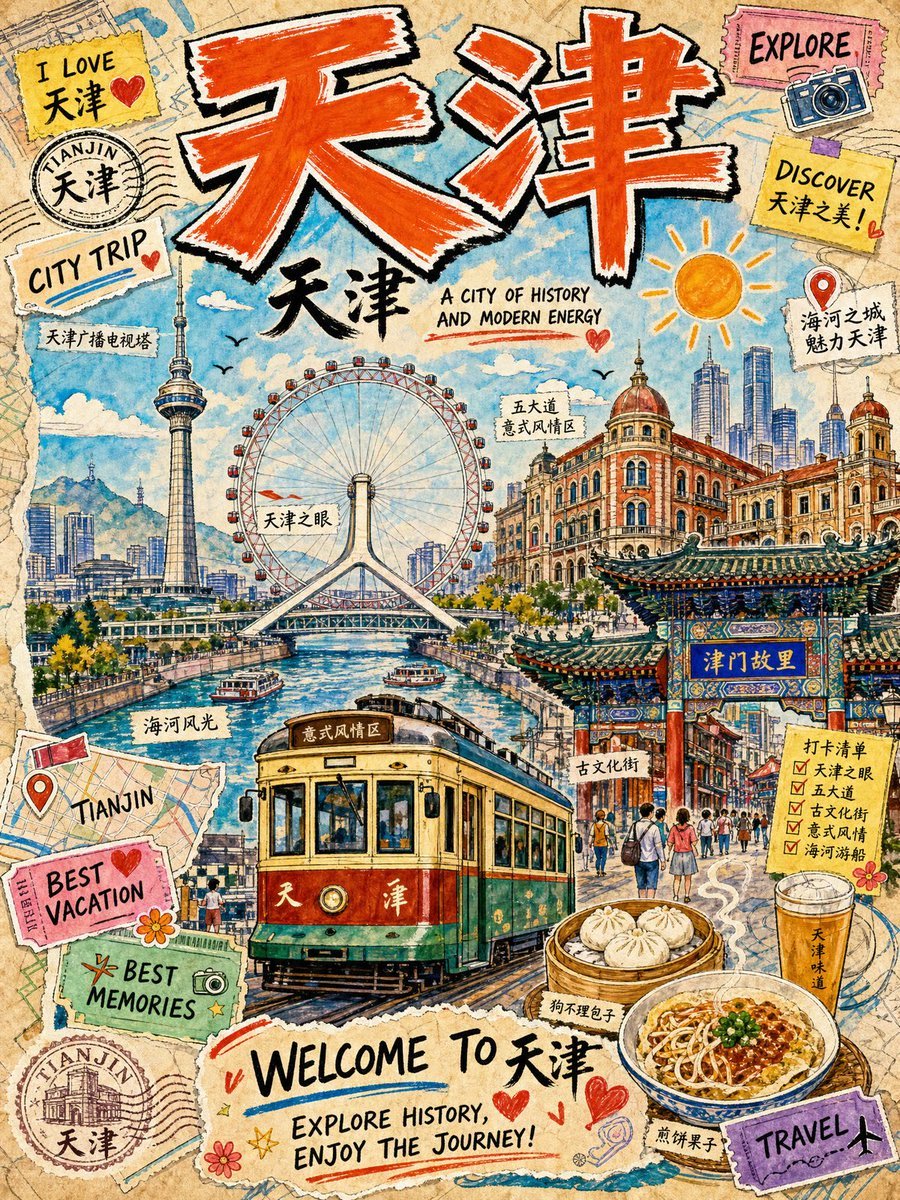
Vintage Tianjin Travel Poster

City Posters by Nano Banana Pro

Sunday Afternoon, 1988

Two Tickets, One Night
Make it yours
Vintage Delhi Travel Poster works as-is. These are the safest ways to change it without losing the look.
Change one field
Copy a single group, rewrite it, and generate again so you can see what that field is doing.
Keep the frame, change the subject
Hold the composition and light of Vintage Delhi Travel Poster, then swap wardrobe, props or the person for a new take.
| If the result… | Why | Fix |
|---|---|---|
| The result drifts from the preview | Too many fields changed at once. | Reuse Vintage Delhi Travel Poster as-is first, then change one group — subject, light, or setting. |
| The model over-stylizes the scene | The prose prompt leaves finish and camera underspecified. | Add one camera or lighting sentence and stay on GPT Image 2. |
More GPT Image 2 templates
Other prompts made for GPT Image 2.

Six VTuber Japanese Logo Sheet

Realistic Portrait of Woman and Deer

The Vista Modular Condo Poster

AI Model Routing Comparison Infographic

2.5D Anime Art Board

Isometric Productivity Desk Scene

New York Double Exposure Poster

Four-Panel AI Landscape Comparison

Japanese Tatami Lifestyle Magazine Cover

NESCAFÉ Coffee Map Poster
More image prompts
Fresh picks from across the catalog.
Traditional Kurta Portrait Collage
Realistic Smartphone Selfie with Flowers
Panel Collage Portrait with Flash
Luxury Fitness Advertising Poster
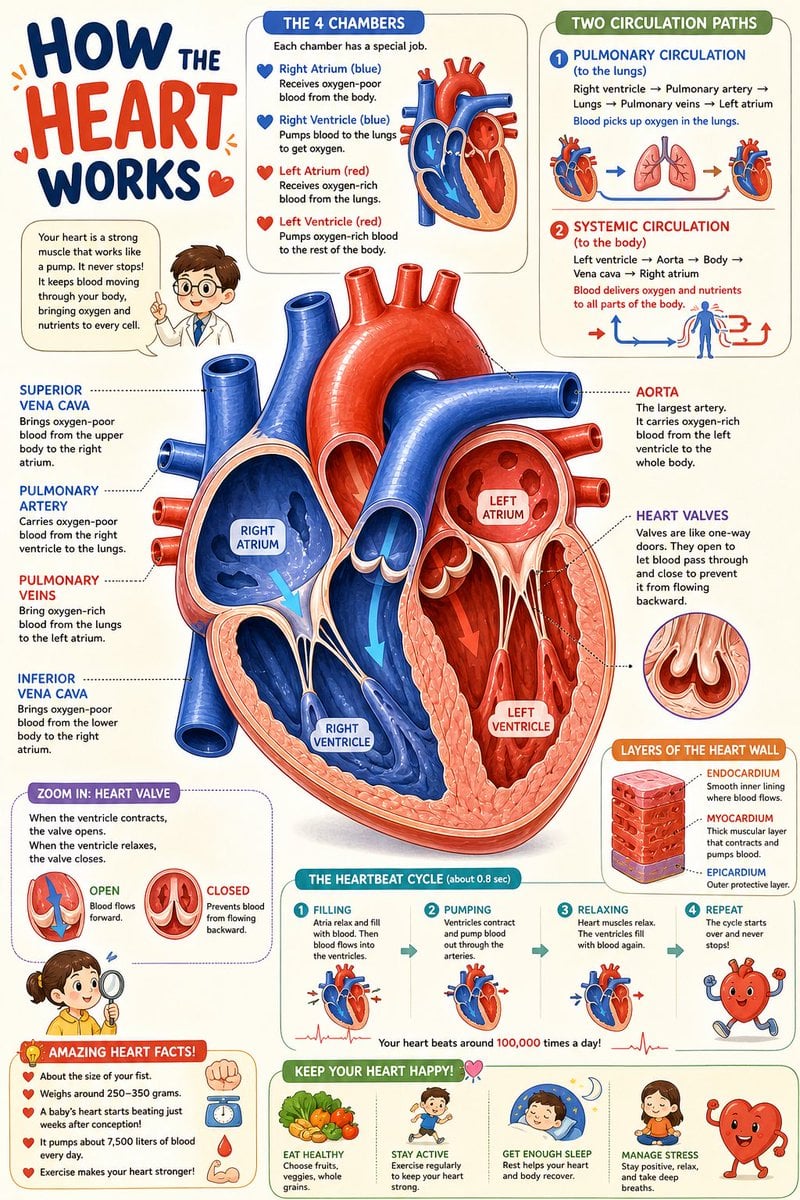
Science Book Illustration with Cutaway Diagram
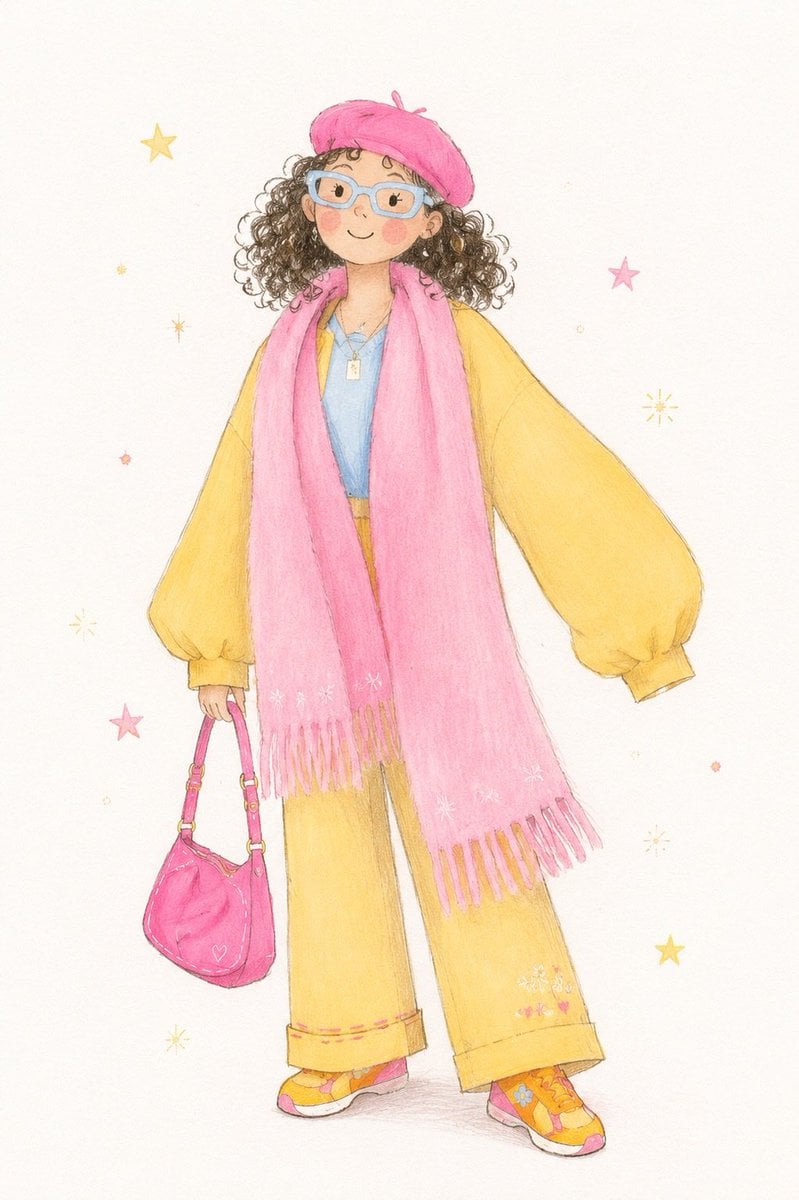
Minimalist Children's Illustration Style
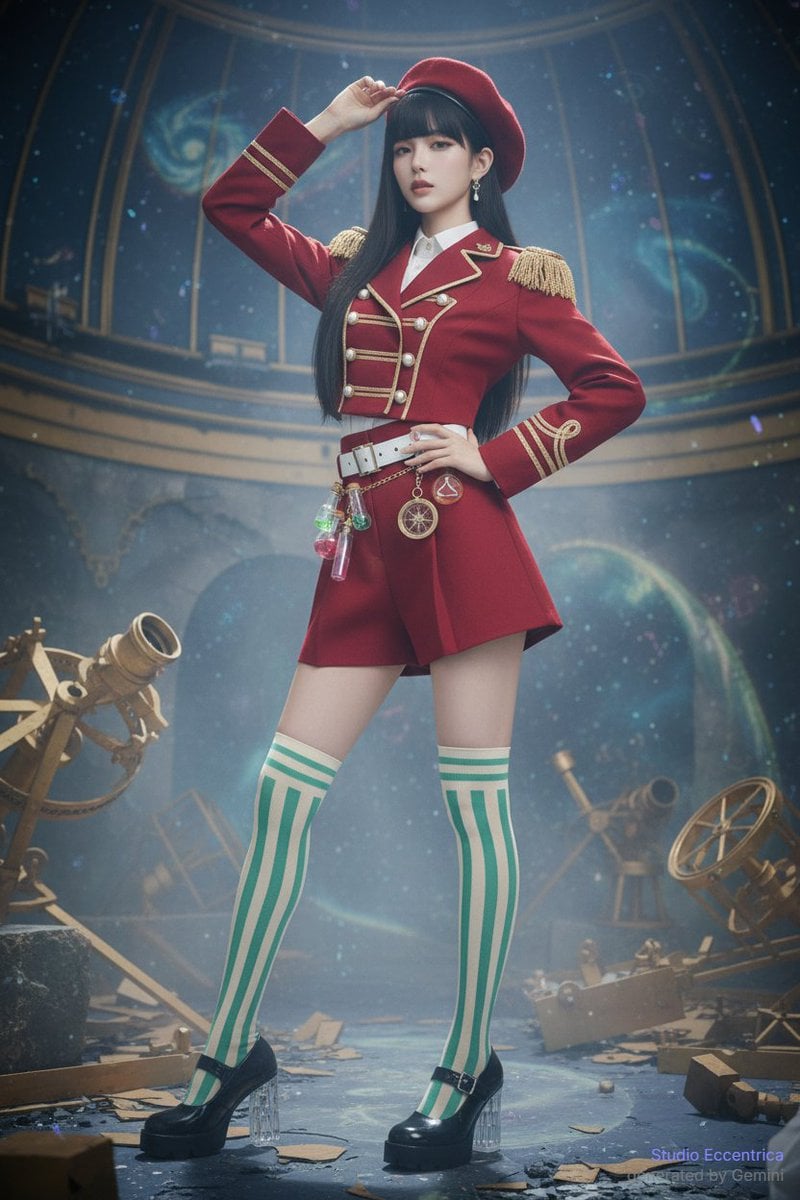
Sharing Reference Models and Outfit Prompts
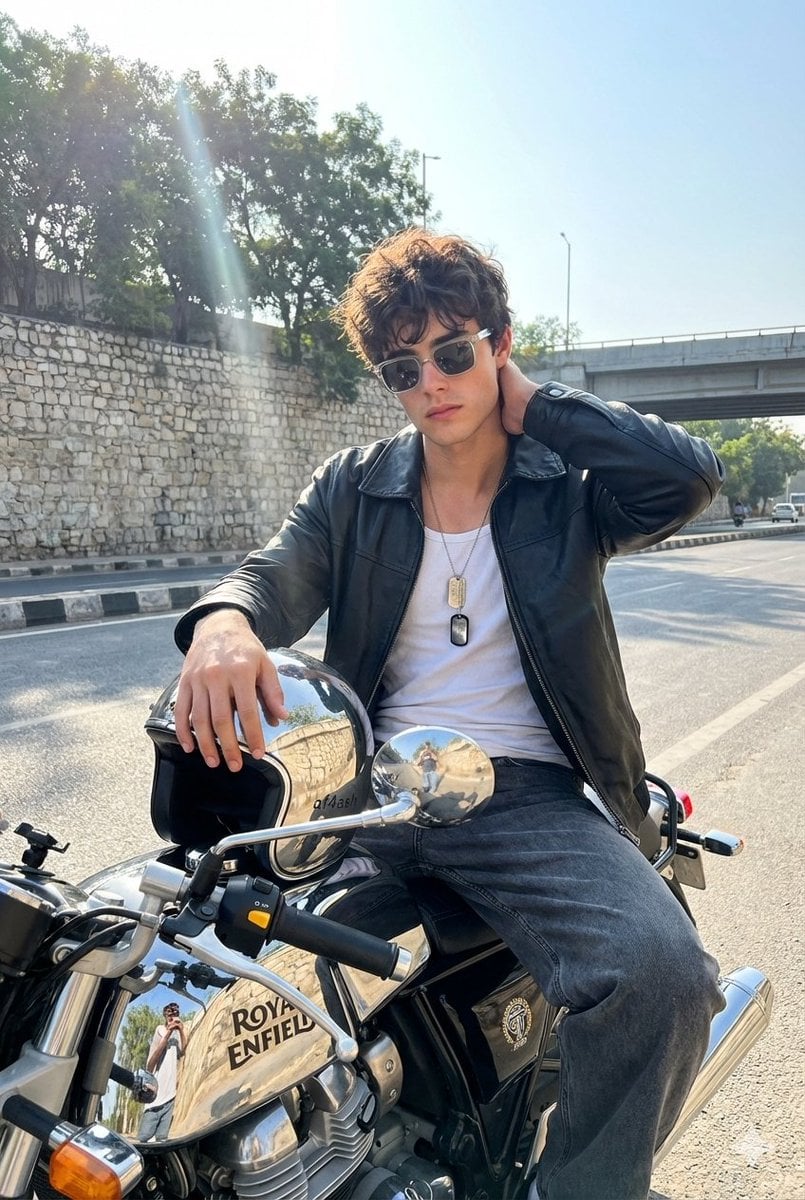
Candid Motorcycle Portrait with Face Swap Prompt
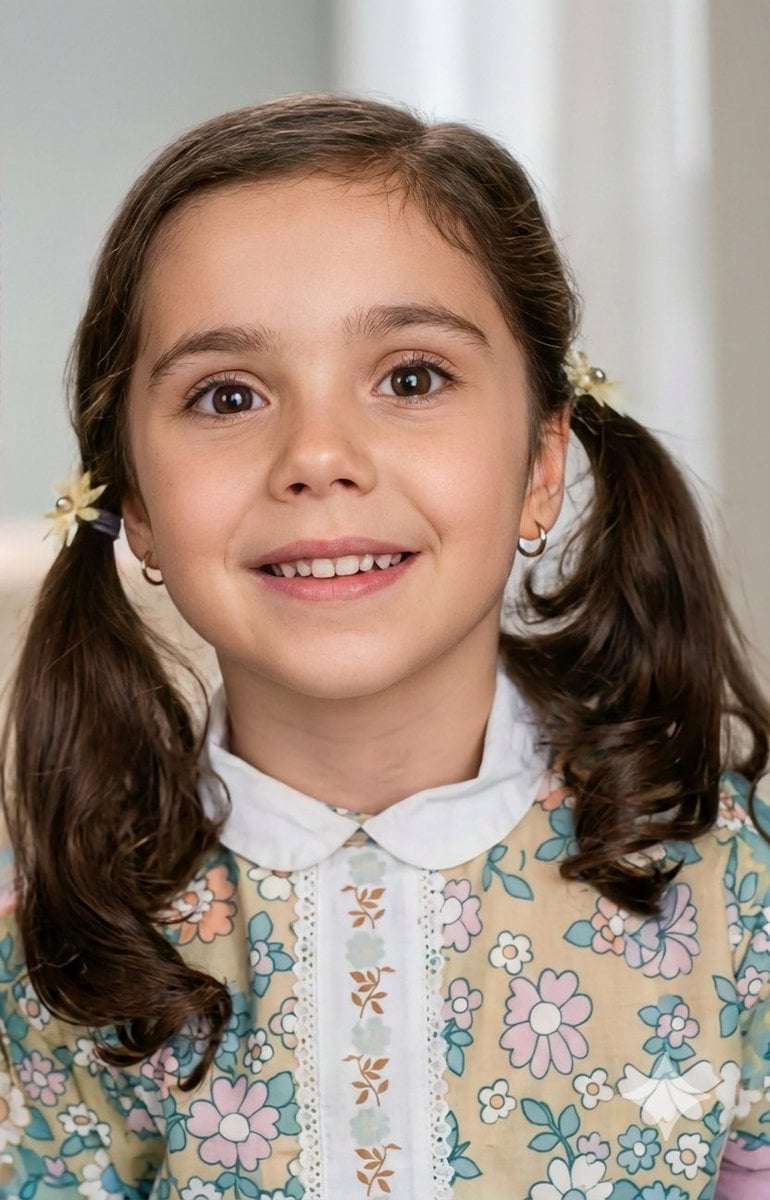
Vintage Photo Restoration to Modern Portrait Prompt
Eiffel Tower Low-Angle Selfie
Browse template categories
Vintage Delhi Travel Poster questions
How do I use the Vintage Delhi Travel Poster template?
Add your photo if the template asks for one, edit the prompt if you like — the template's model and format are already selected — and press Generate. Your version opens in PicX Studio.
Can I customize the Vintage Delhi Travel Poster template?
Yes. You can change the subject, setting, lighting, mood, format, and available model controls before creating your image.
Is the Vintage Delhi Travel Poster template free?
Opening and editing this template is free. Generating uses credits, shown on the Generate button when you are signed in.
Which AI model should I use?
Start with GPT Image 2, which is the model associated with this template. You can compare another compatible model for a different finish.
Looking for something else? Browse all templates.

Your photo, any look
Thousands of ready templates for every top image and video model, from one credit balance.