
Vintage Delhi India Gate Poster
Generates a retro editorial travel poster featuring Delhi’s India Gate with bilingual-style labeling and informative monument text.
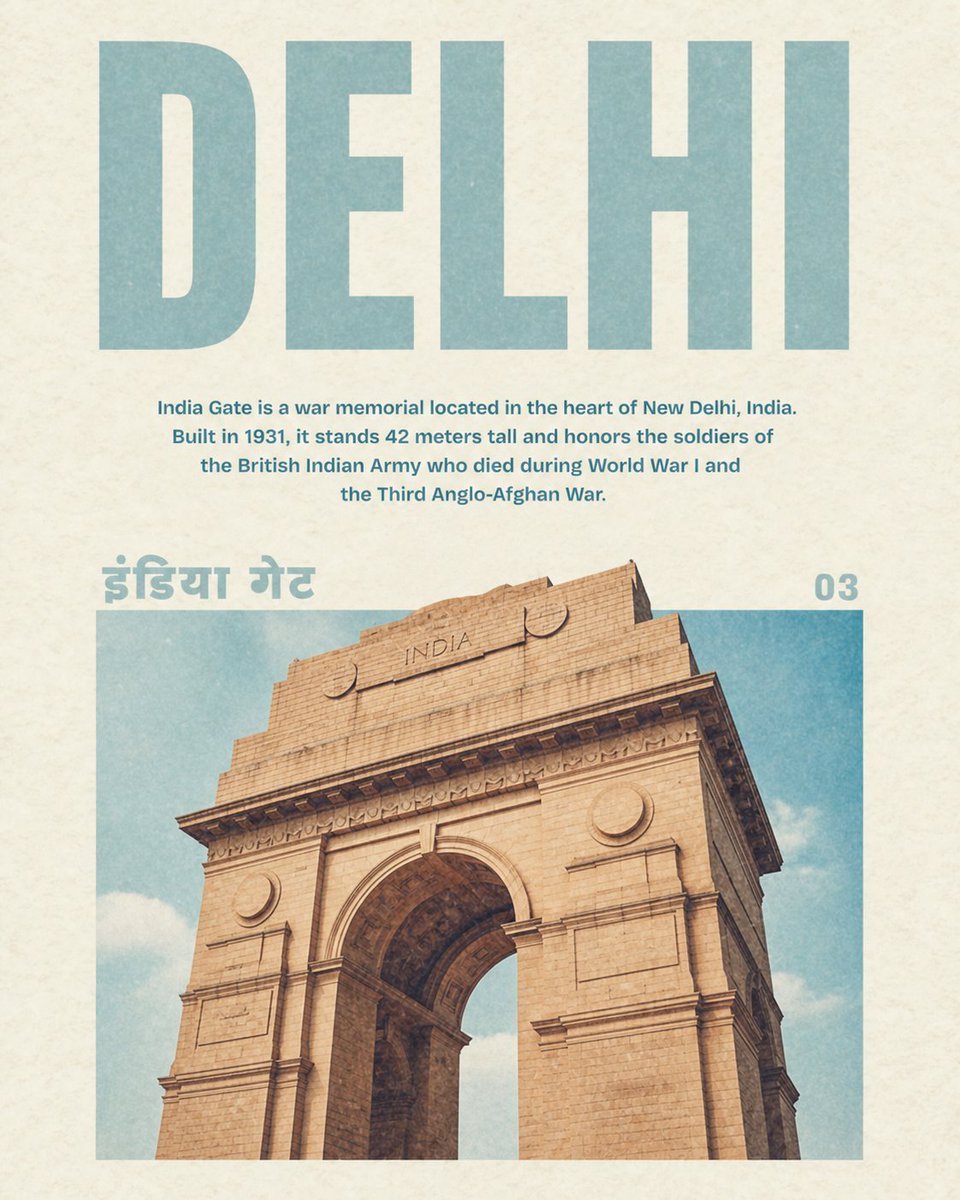
- Prompt included
- Model and format preset
- Free template
The prompt behind this image
Copy the exact prompt behind Vintage Delhi India Gate Poster, or open it in the studio and make it yours.
Create a vintage travel poster for {argument name="city name" default="DELHI"} on warm off-white textured paper with subtle grain and faded ink. Use a clean centered editorial layout with 4 visible text elements: a huge uppercase block sans-serif headline at the top reading “{argument name="city name" default="DELHI"}” in pale dusty teal; a centered explanatory paragraph beneath it reading “{argument name="description text" default="India Gate is a war memorial located in the heart of New Delhi, India. Built in 1931, it stands 42 meters tall and honors the soldiers of the British Indian Army who died during World War I and the Third Anglo-Afghan War."}” in smaller bold teal type; a large Hindi label at the upper left of the image area reading “{argument name="local script label" default="इंडिया गेट"}” in the same pale teal; and a page number at the upper right reading “{argument name="page number" default="03"}”. The lower half contains one large rectangular photo-style image of {argument name="landmark" default="India Gate"}, cropped from a low-angle viewpoint so the sandstone arch dominates the frame, showing beige stone blocks, carved cornices, circular medallions, the word “INDIA” near the top of the monument, and a soft blue sky with light clouds behind it. Keep the color palette muted and retro: dusty teal, cream paper, warm tan sandstone, and slightly desaturated sky blue. Add mild print wear, paper speckles, and a softly faded 1970s magazine-travel-guide aesthetic, with generous margins and precise alignment.
How to use Vintage Delhi India Gate Poster in 3 steps
- 1Upload ImagePNG, JPG or paste
Add your photo
Upload the photo the template builds on. The prompt, model and format are already set.
- 2…a portrait of your subject in softgolden-hour light, 85mm…
Personalize
Edit the subject and creative details for your destination.
- 3Generate
Generate
Press Generate — your image is created in PicX Studio, so you can compare it with the original and refine one variable at a time.
More like this
Templates with the same subject, style or setup. Open one to see its prompt.












Make it yours
Vintage Delhi India Gate Poster works as-is. These are the safest ways to change it without losing the look.
Change one field
Copy a single group, rewrite it, and generate again so you can see what that field is doing.
Keep the frame, change the subject
Hold the composition and light of Vintage Delhi India Gate Poster, then swap wardrobe, props or the person for a new take.
| If the result… | Why | Fix |
|---|---|---|
| The result drifts from the preview | Too many fields changed at once. | Reuse Vintage Delhi India Gate Poster as-is first, then change one group — subject, light, or setting. |
| The model over-stylizes the scene | The prose prompt leaves finish and camera underspecified. | Add one camera or lighting sentence and stay on GPT Image 2. |
More GPT Image 2 templates
Other prompts made for GPT Image 2.

Six VTuber Japanese Logo Sheet

Realistic Portrait of Woman and Deer

The Vista Modular Condo Poster

AI Model Routing Comparison Infographic

2.5D Anime Art Board

Isometric Productivity Desk Scene

New York Double Exposure Poster

Four-Panel AI Landscape Comparison

Japanese Tatami Lifestyle Magazine Cover

NESCAFÉ Coffee Map Poster
More image prompts
Fresh picks from across the catalog.
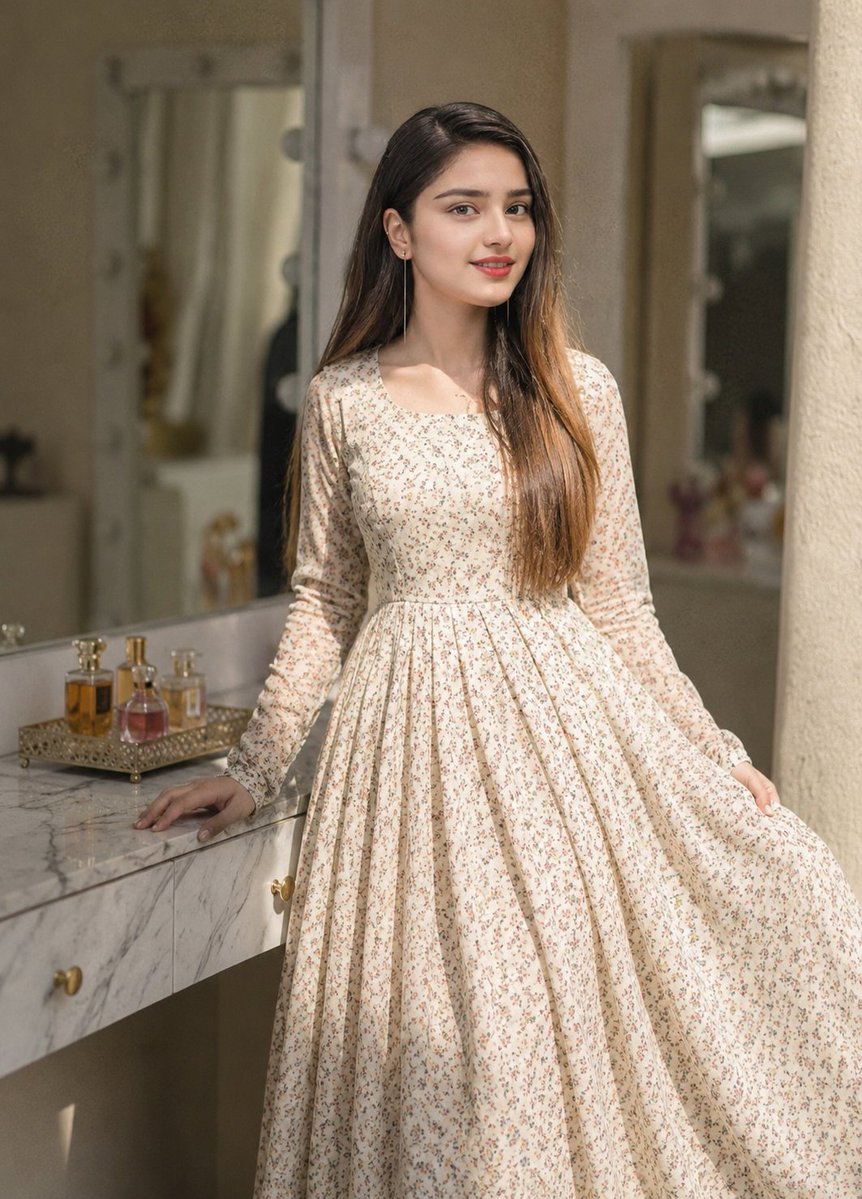
Floral Dress Vanity Portrait
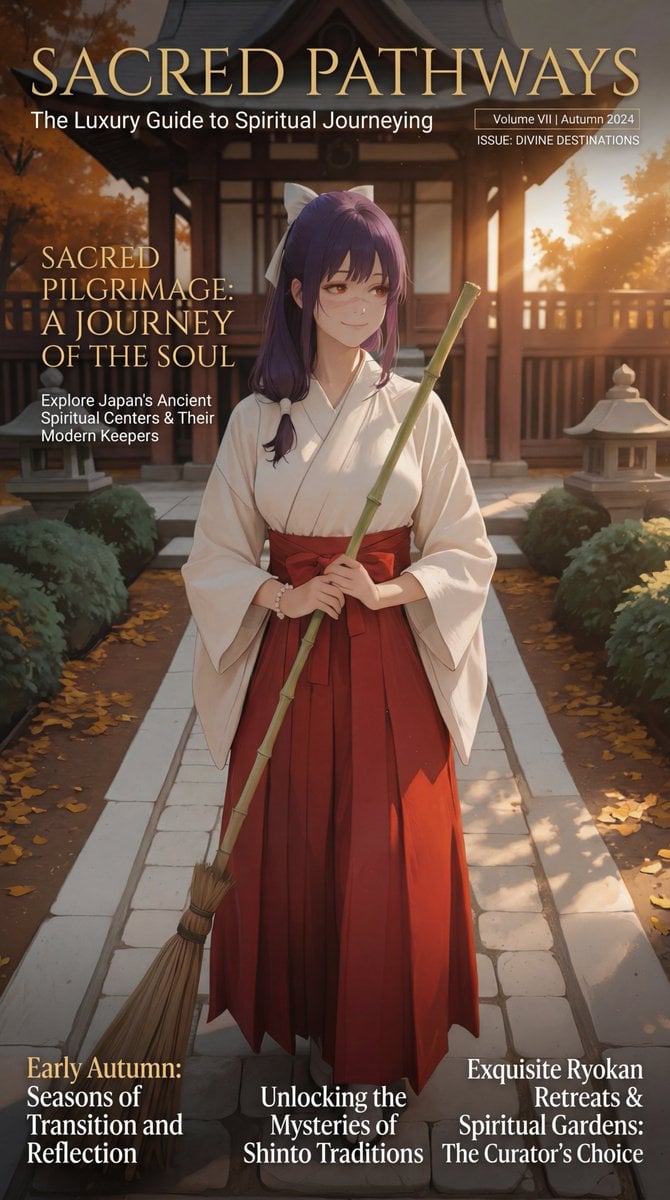
Luxury Travel Magazine Layout Prompt

Minimalist Traveler Airport Scene
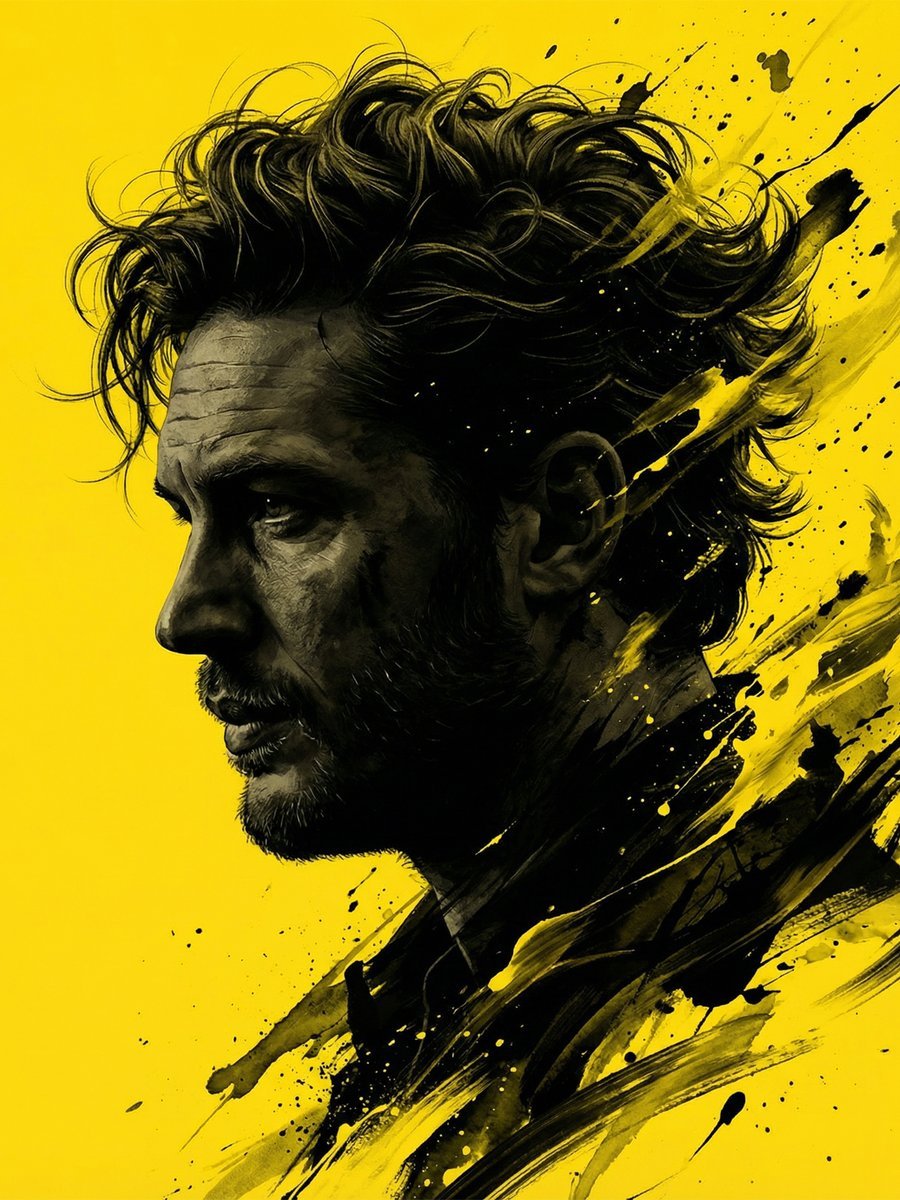
Dramatic Stylized Portrait Conversion Prompt for Nano Banana
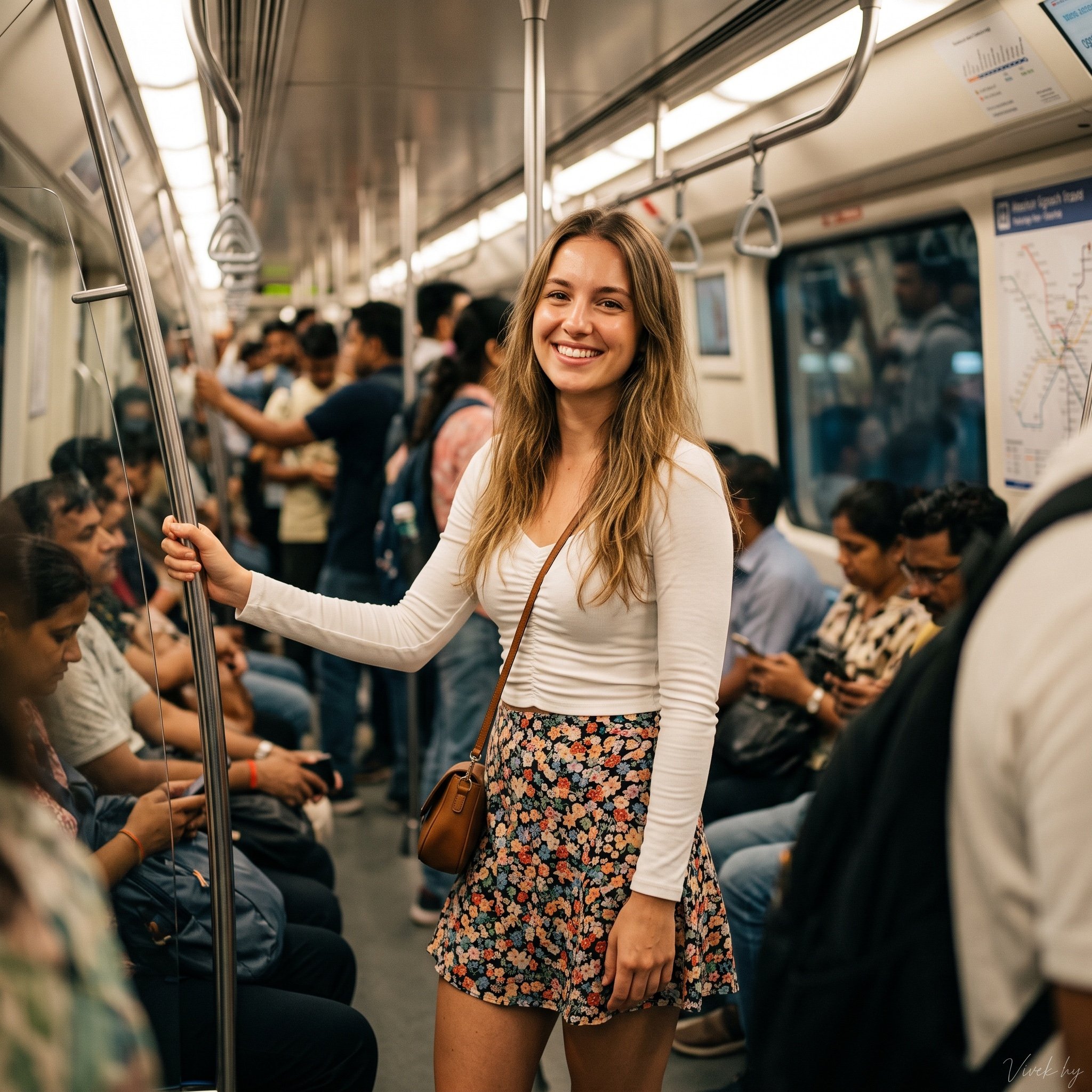
Metro Candid Portrait (Smiling Girl)
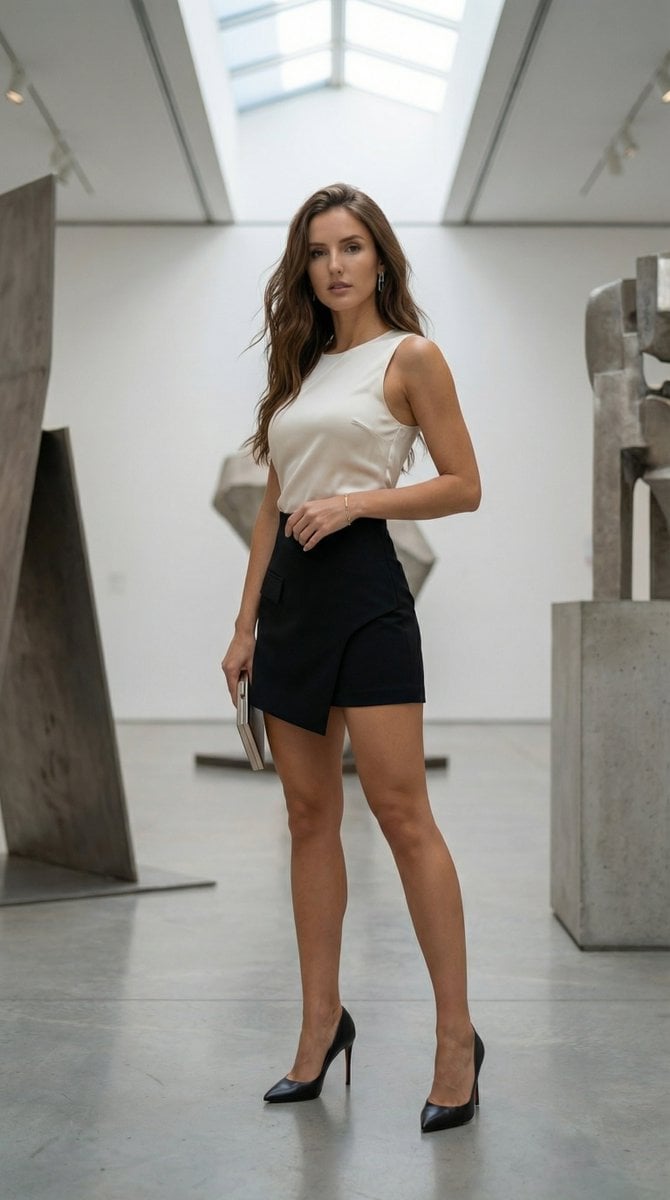
Sienna Brooks at the Museum Fashion Editorial
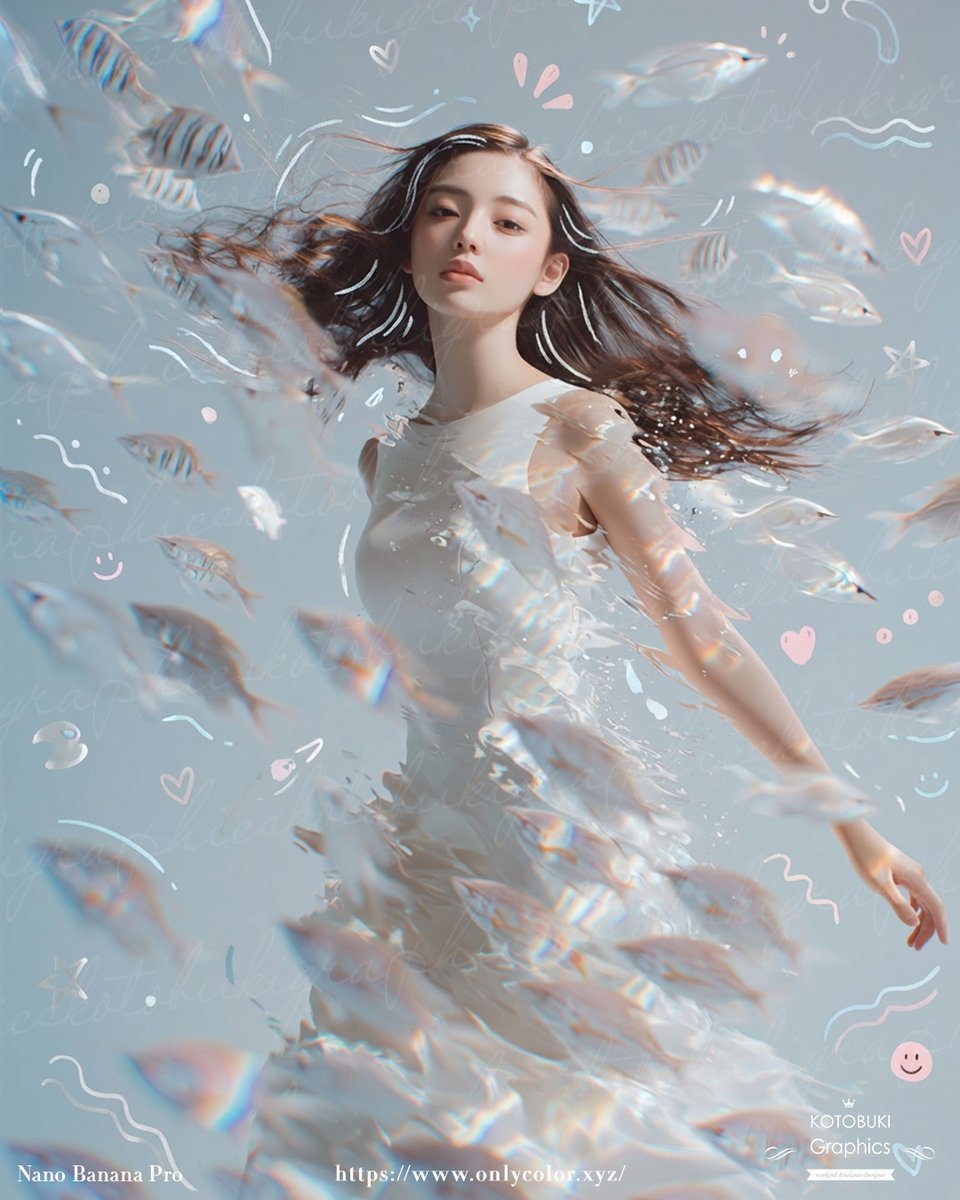
Gpt2 Profile Avatar Dreamy Underwater Woman with Translucent Fish
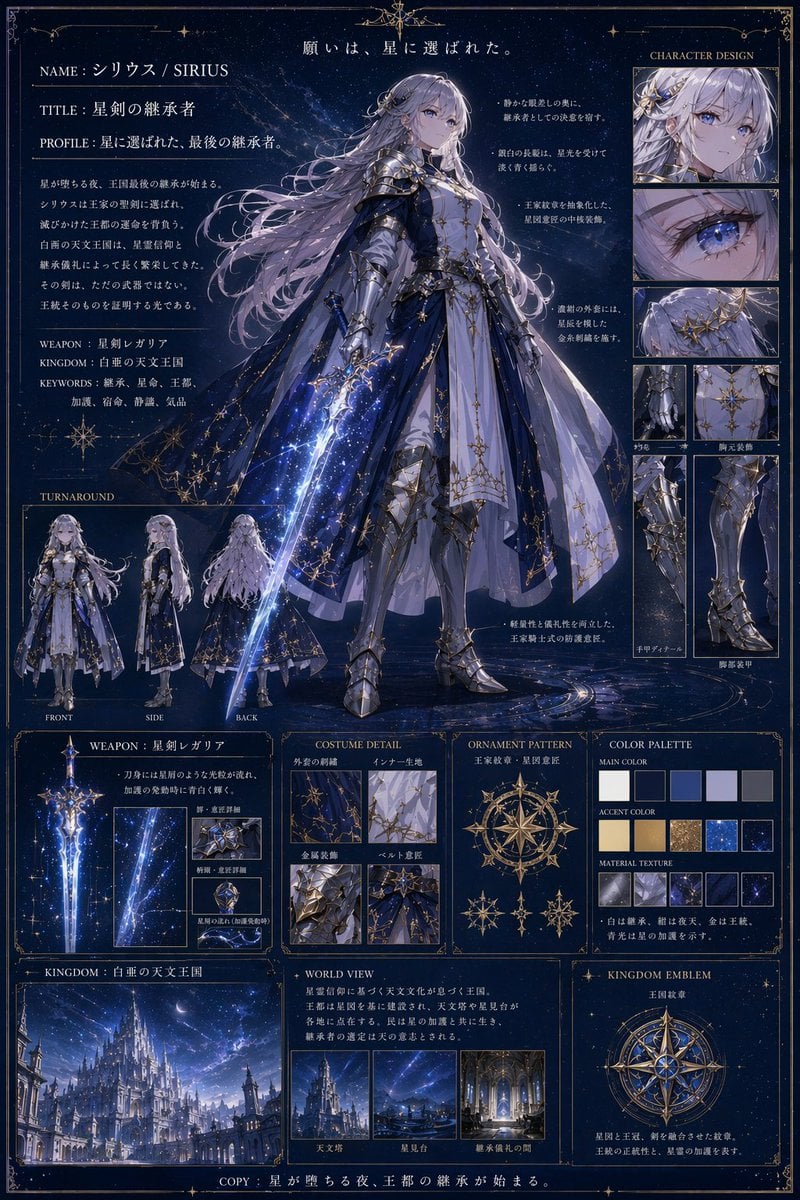
Fantasy Knight Concept Art Sheet
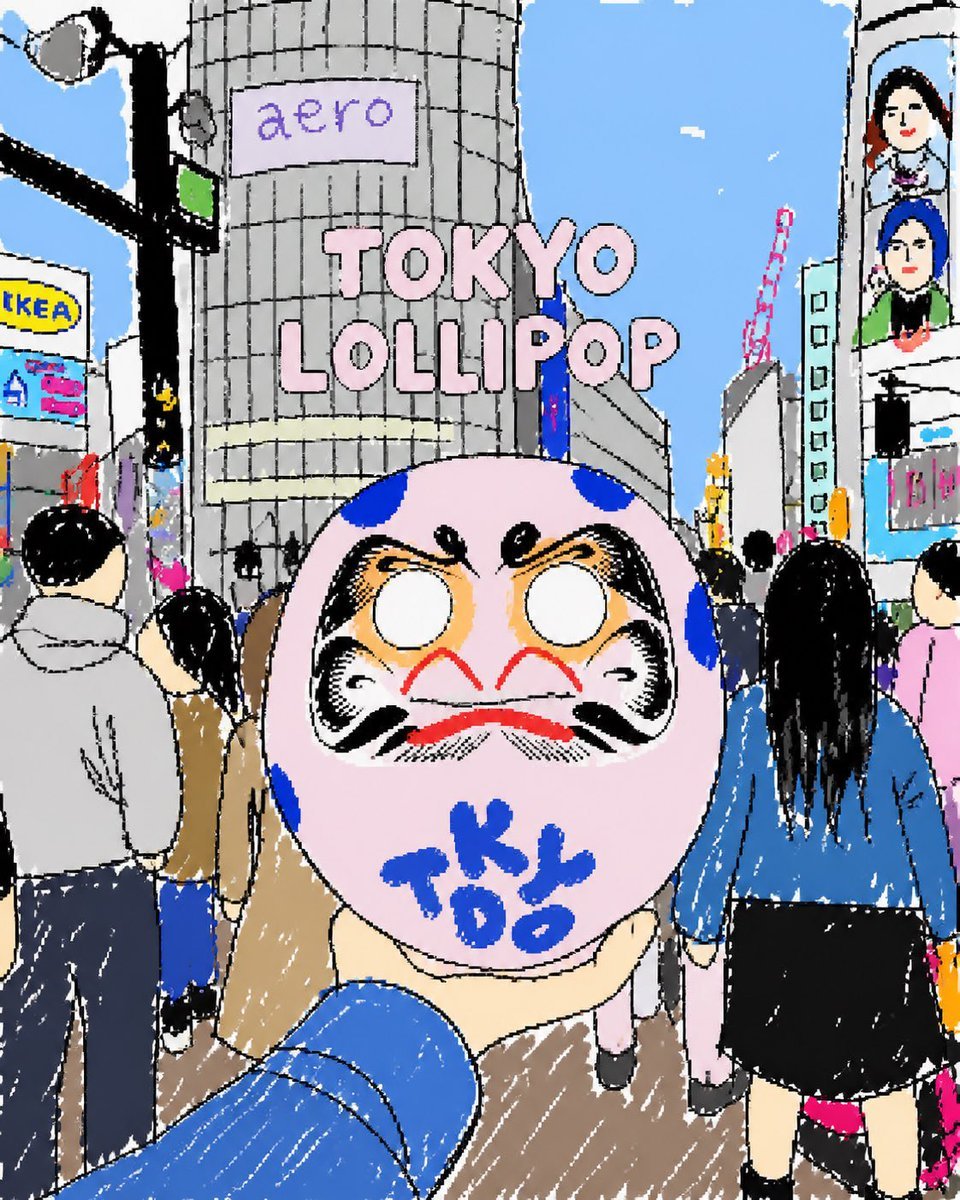
Tokyo Lollipop Street Sketch
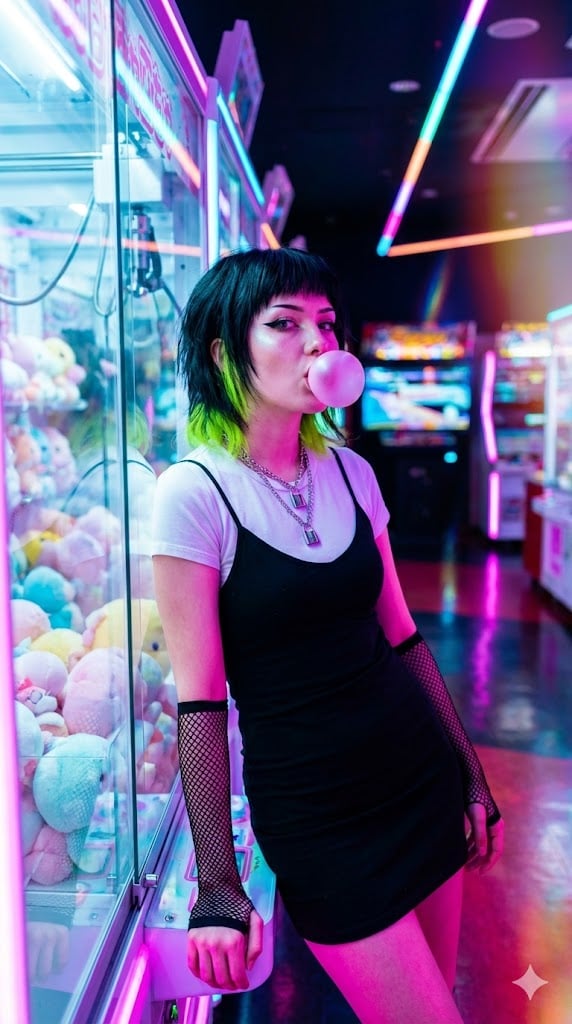
Cyber-Pop E-Girl in Neon Arcade
Browse template categories
Vintage Delhi India Gate Poster questions
How do I use the Vintage Delhi India Gate Poster template?
Add your photo if the template asks for one, edit the prompt if you like — the template's model and format are already selected — and press Generate. Your version opens in PicX Studio.
Can I customize the Vintage Delhi India Gate Poster template?
Yes. You can change the subject, setting, lighting, mood, format, and available model controls before creating your image.
Is the Vintage Delhi India Gate Poster template free?
Opening and editing this template is free. Generating uses credits, shown on the Generate button when you are signed in.
Which AI model should I use?
Start with GPT Image 2, which is the model associated with this template. You can compare another compatible model for a different finish.
Looking for something else? Browse all templates.

Your photo, any look
Thousands of ready templates for every top image and video model, from one credit balance.