
Sienna Brooks at the Museum Fashion Editorial
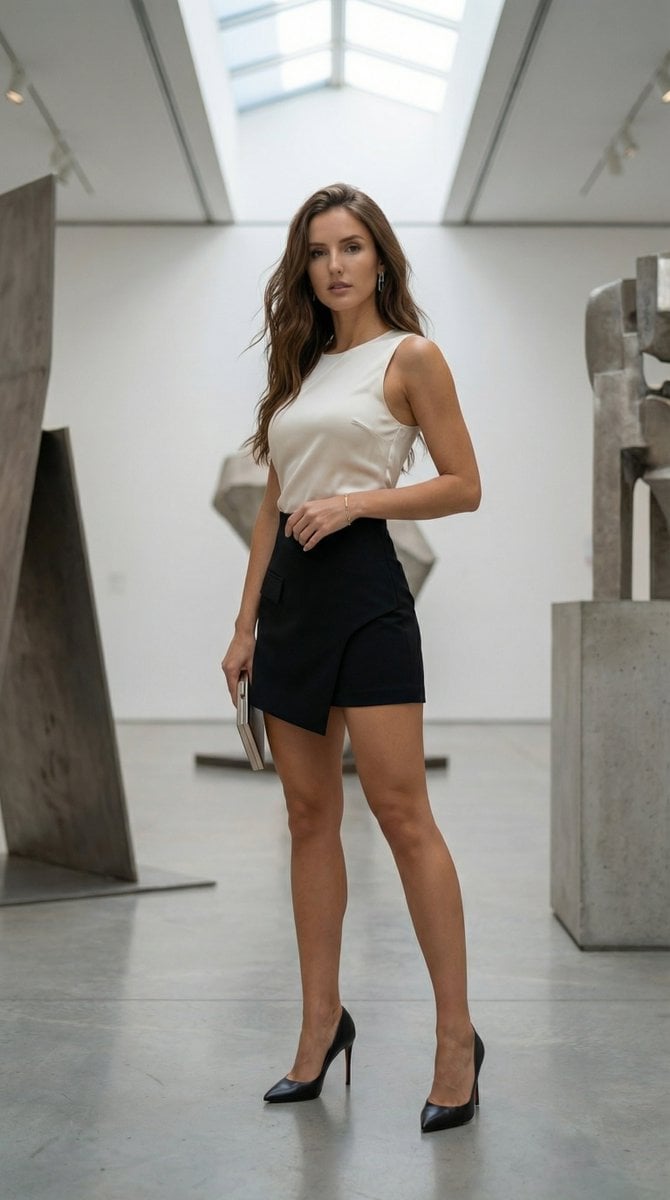
A highly detailed structured JSON prompt for generating a hyper-realistic, high-fashion editorial portrait of a consistently recognizable woman named Sienna Brooks inside a contemporary art museum, specifying her…
- Prompt included
- Model and format preset
- Free template
The prompt behind this image
Copy the exact prompt behind Sienna Brooks at the Museum Fashion Editorial, or open it in the studio and make it yours.
- Model
- Nano Banana Pro
- Aspect Ratio
- 9:16
- Content Rating
- SFW
- Subject
- The same consistently recognizable, strikingly beautiful woman standing confidently inside a contemporary art museum with minimalist architecture
- Appearance › Hair
- long chestnut brown hair flowing naturally with the sea breeze
- Appearance › Expression
- intense composed gaze toward camera
- Appearance › Proportions
- natural sculpted silhouette with elegant balanced anatomy
- Outfit › Description
- structured black asymmetric mini skirt with a fitted silk ivory sleeveless top
- Outfit › Footwear
- black pointed high heels
- Outfit › Accessories
- minimal silver earrings, thin metallic clutch
- Outfit › Style
- modern minimalist high-fashion editorial
- Pose
- standing in a strong three-quarter stance between large-scale abstract sculptures, one leg extended slightly forward, torso elongated, one arm relaxed, the other lightly resting near the hip
- Setting › Location
- large contemporary museum hall
- Setting › Details
- white walls, polished concrete floors, large abstract art installations, skylight ceiling
- Setting › Environment
- soft diffused daylight entering from overhead skylights
- Lighting › Type
- diffused natural daylight
- Lighting › Effect
- soft sculpting shadows enhancing form without harsh contrast
- Camera › Camera Body
- Full-frame professional mirrorless camera
- Camera › Lens
- 85mm f/1.4
- Camera › Aperture
- f/1.8
- Camera › Iso
- 125
- Camera › Shutter Speed
- 1/800s
- Camera › Focus
- precise eye autofocus with shallow depth separation
- Camera › Shot Type
- full-body vertical fashion portrait
Raw JSON
{
  "model": "Nano Banana Pro",
  "aspect_ratio": "9:16",
  "content_rating": "SFW",
  "subject": "The same consistently recognizable, strikingly beautiful woman standing confidently inside a contemporary art museum with minimalist architecture",
  "appearance": {
    "hair": "long chestnut brown hair flowing naturally with the sea breeze",
    "expression": "intense composed gaze toward camera",
    "proportions": "natural sculpted silhouette with elegant balanced anatomy"
  },
  "outfit": {
    "description": "structured black asymmetric mini skirt with a fitted silk ivory sleeveless top",
    "footwear": "black pointed high heels",
    "accessories": "minimal silver earrings, thin metallic clutch",
    "style": "modern minimalist high-fashion editorial"
  },
  "pose": "standing in a strong three-quarter stance between large-scale abstract sculptures, one leg extended slightly forward, torso elongated, one arm relaxed, the other lightly resting near the hip",
  "setting": {
    "location": "large contemporary museum hall",
    "details": "white walls, polished concrete floors, large abstract art installations, skylight ceiling",
    "environment": "soft diffused daylight entering from overhead skylights"
  },
  "lighting": {
    "type": "diffused natural daylight",
    "effect": "soft sculpting shadows enhancing form without harsh contrast"
  },
  "camera": {
    "camera_body": "Full-frame professional mirrorless camera",
    "lens": "85mm f/1.4",
    "aperture": "f/1.8",
    "iso": "125",
    "shutter_speed": "1/800s",
    "focus": "precise eye autofocus with shallow depth separation",
    "shot_type": "full-body vertical fashion portrait",
    "angle": "slightly low perspective for subtle dominance",
    "white_balance": "neutral daylight"
  },
  "style": {
    "aesthetic": "European luxury fashion editorial",
    "mood": "intellectual, powerful, elegant",
    "realism": "hyper-realistic textures with cinematic grading",
    "avoid": [
      "vulgar gestures",
      "over-dramatic posing",
      "oversaturation",
      "plastic skin effect"
    ]
  }
}How to use Sienna Brooks at the Museum Fashion Editorial in 3 steps
- 1
Open
The prompt is already in the box next to the preview, with the template's model and format selected.
- 2…a portrait of your subject in softgolden-hour light, 85mm…
Personalize
Edit the subject and creative details for your destination.
- 3Generate
Generate
Press Generate — your image is created in PicX Studio, so you can compare it with the original and refine one variable at a time.
More like this
Templates with the same subject, style or setup. Open one to see its prompt.

Blue Backdrop Luxury Fashion Portrait Campaign

Premium Editorial Branding Poster Charcoal Green

Urban Fashion Editorial Collage Poster

Typography Mask Editorial Fashion Poster

Luxury Black-and-White Fashion Contact Sheet

untitled

Google Gemini Nano Banana Pro

Conceptual Fashion Portrait in Spider We

01 Skincare Split Portrait — Nano Banana 2

24 The Getty Center — California Series

21 Glass Floor Skyscraper — California Series

19 Luxury Helicopter Travel — California Series
Make it yours
Sienna Brooks at the Museum Fashion Editorial works as-is. These are the safest ways to change it without losing the look.
Swap the setting
Keep the rest of the prompt and replace the location block. The current setting is “large contemporary museum hall”.
Swap the light
One lighting change is enough to compare takes. Current light: “diffused natural daylight”.
Change one field
Copy a single group, rewrite it, and generate again so you can see what that field is doing.
| If the result… | Why | Fix |
|---|---|---|
| The result drifts from the preview | Too many fields changed at once. | Reuse Sienna Brooks at the Museum Fashion Editorial as-is first, then change one group — subject, light, or setting. |
| Nano Banana 2 ignores part of the JSON | Some models flatten or skip nested keys. | Keep the same values and paste them as a short paragraph instead. |
More Nano Banana 2 templates
Other prompts made for Nano Banana 2.

Photorealistic Leaf Shaped Like a Dragon

K-Pop Idol Portrait Grid for Rapid Selection

Poetic Rain Forest Portrait During Golden Hour

Urban Street Portrait with Cartoon Inner Self Duo

Candid Nighttime Photo with Cat Prompt

High-Concept 3D Diorama Generation Prompt

Cinematic Futuristic Studio Portrait Template

Skincare Editorial Photography Collage Prompt

Hyper-Realistic Commercial Product Photography (Splash Effect)

Hyper-Realistic Nightclub Portrait Prompt
More image prompts
Fresh picks from across the catalog.
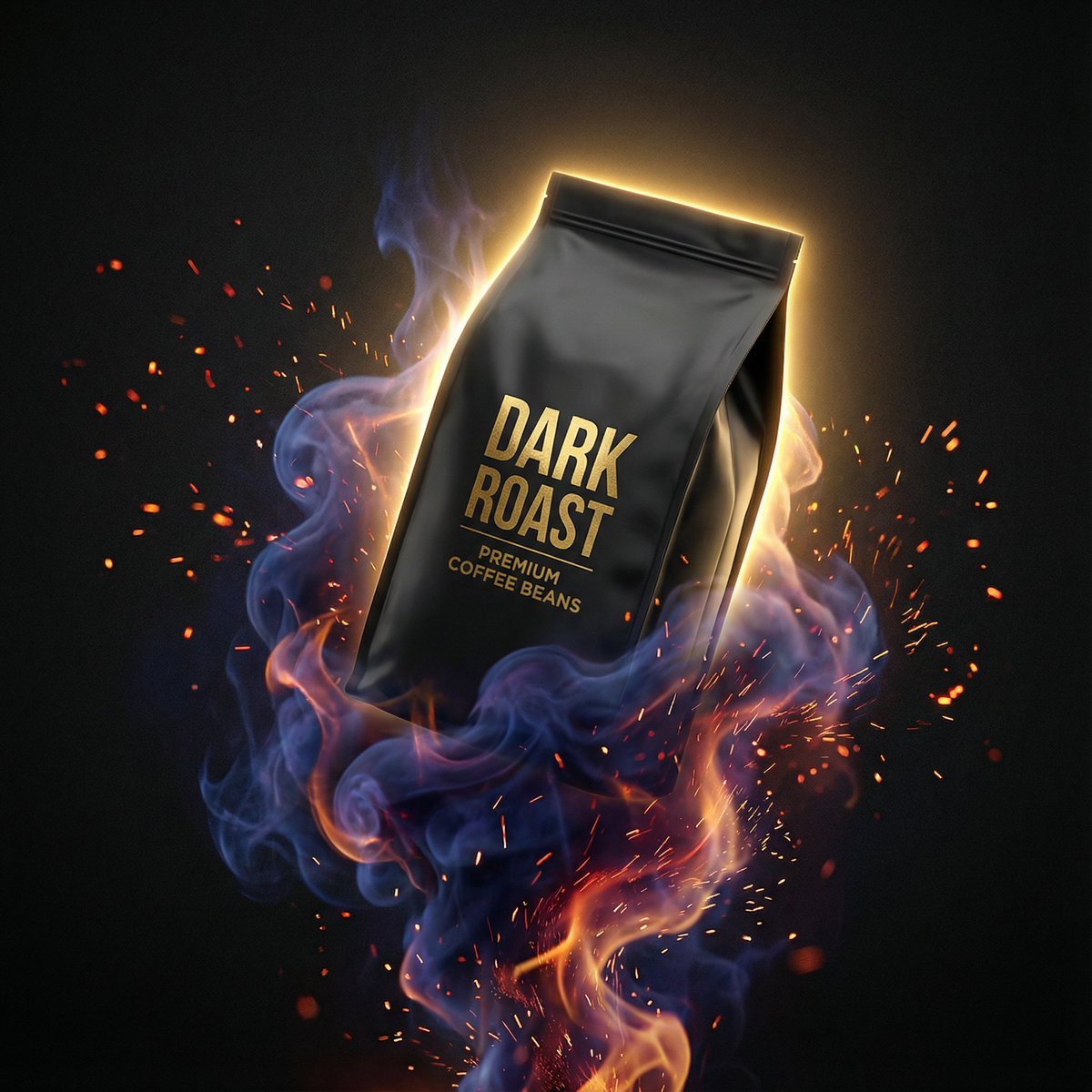
Dynamic Product Photography Prompt for Nano Banana Pro
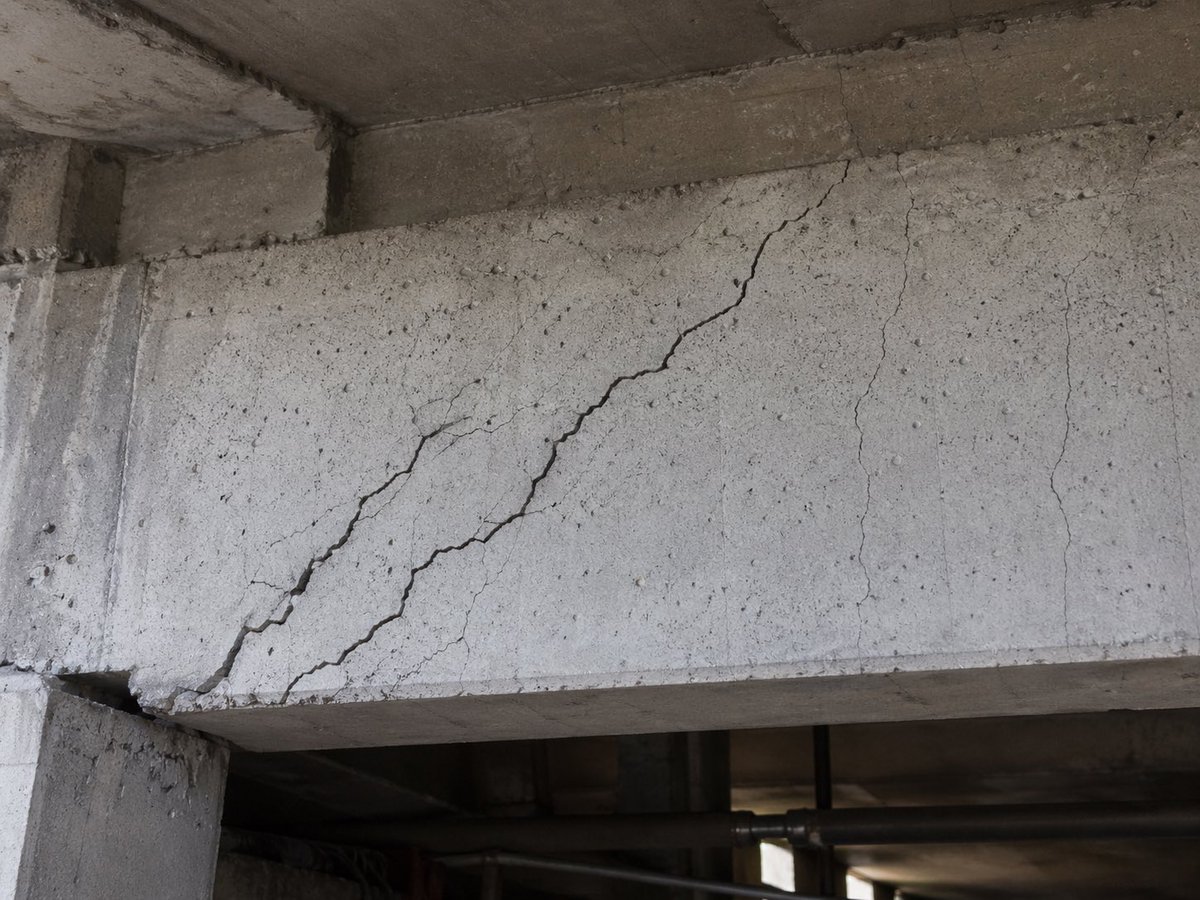
Realistic Cracked Concrete Beam
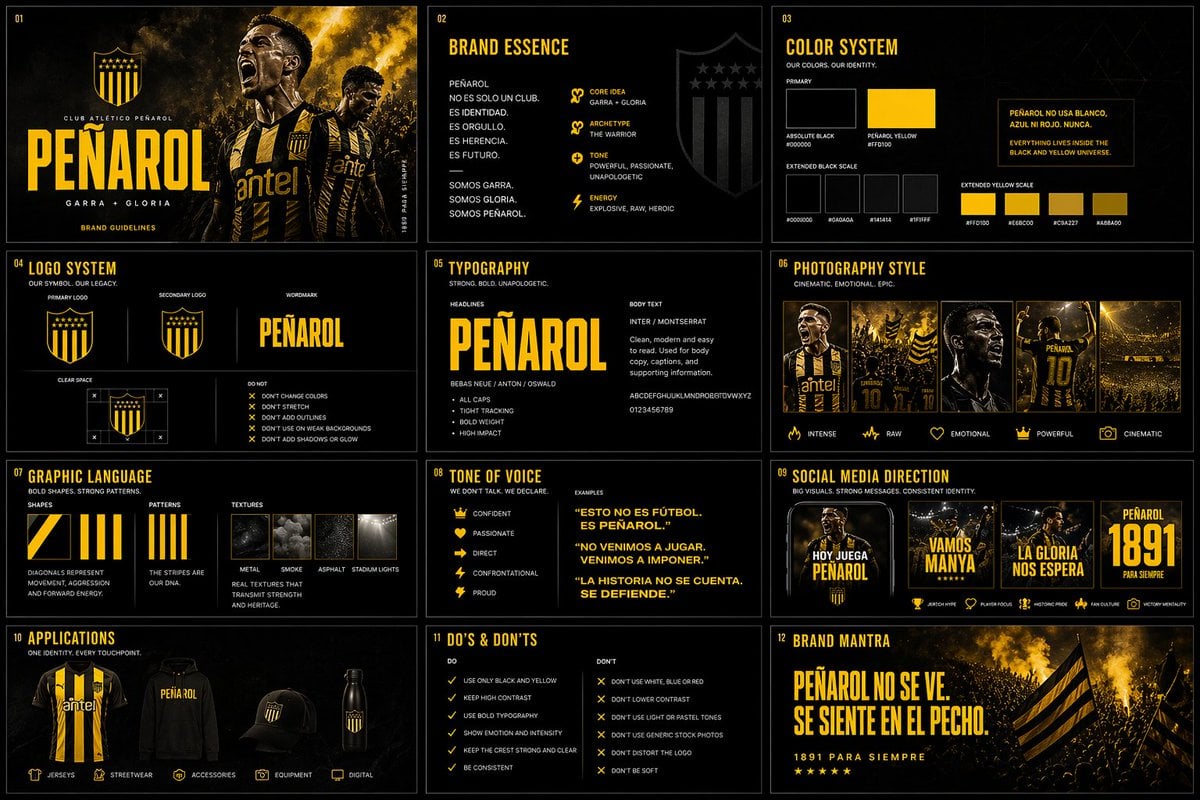
Brand Kit Design Prompt
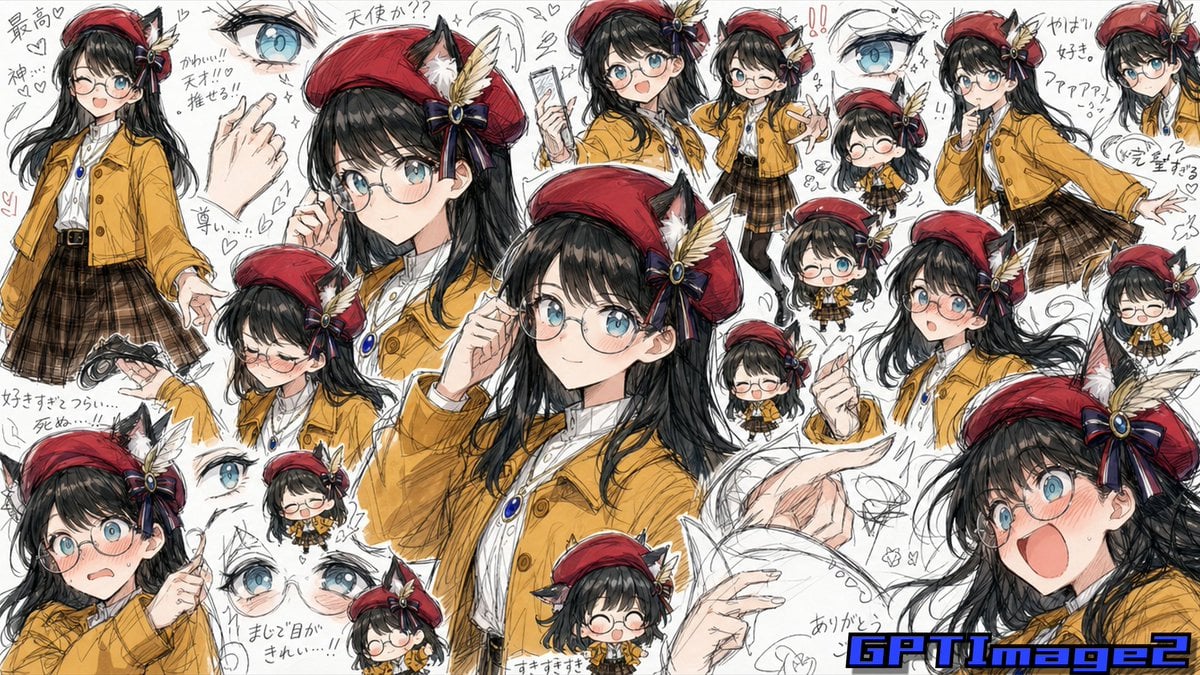
Fan Artist Sketchbook Collage
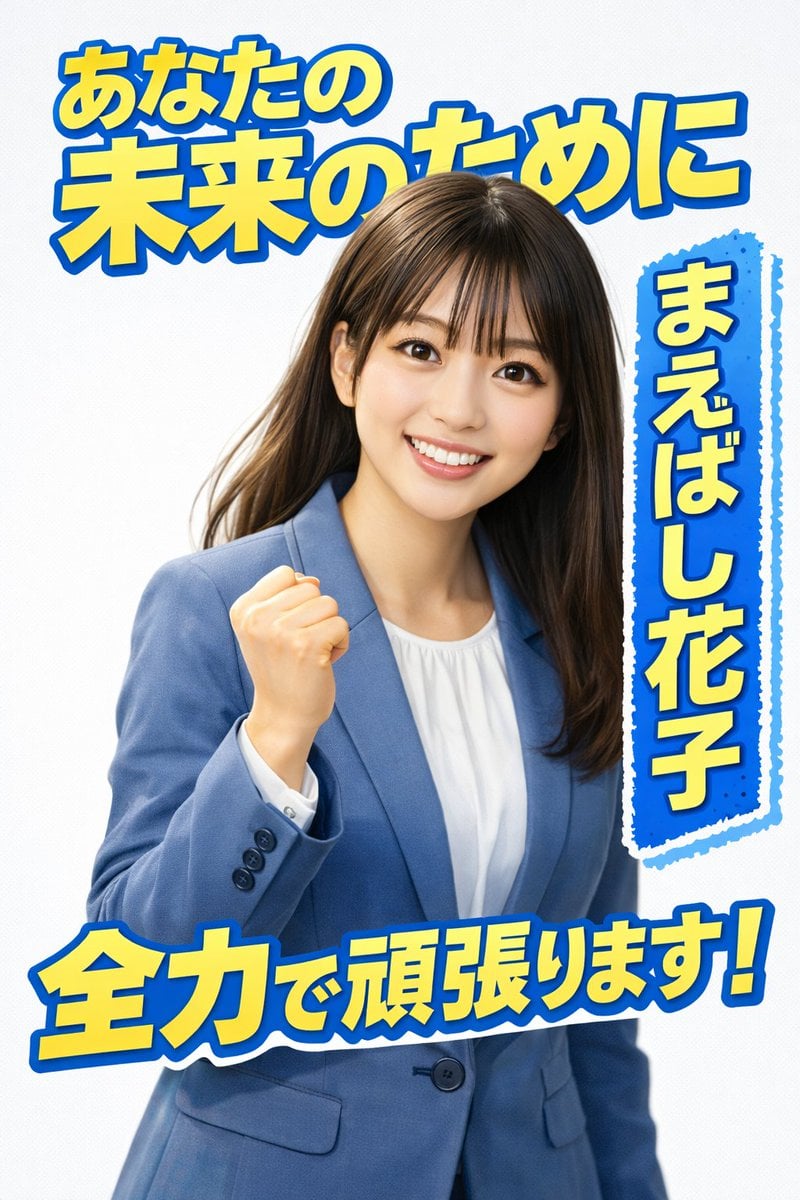
Election Poster Style Prompt
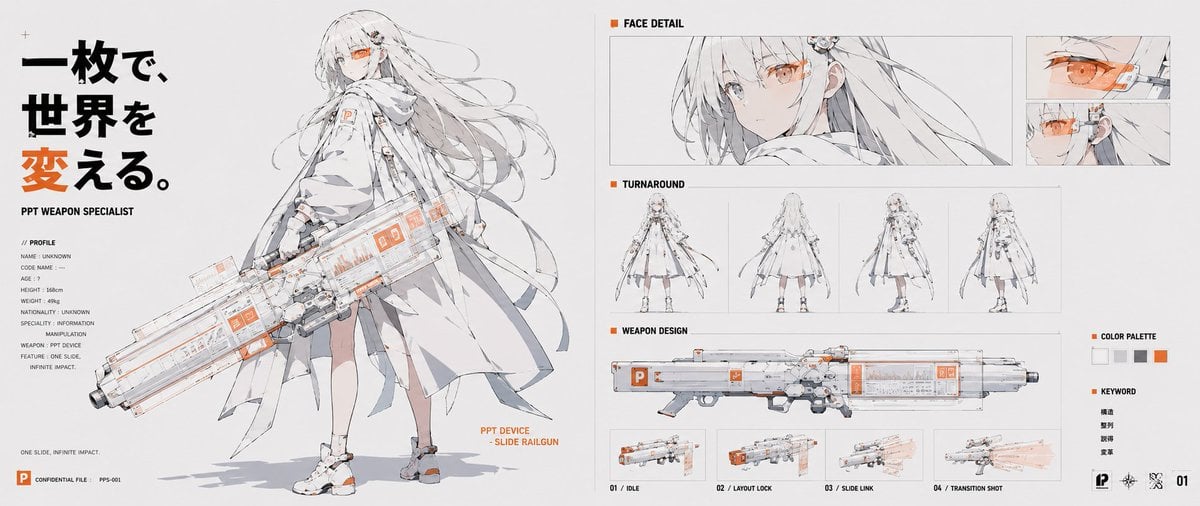
PPT Weapon Specialist Character Sheet
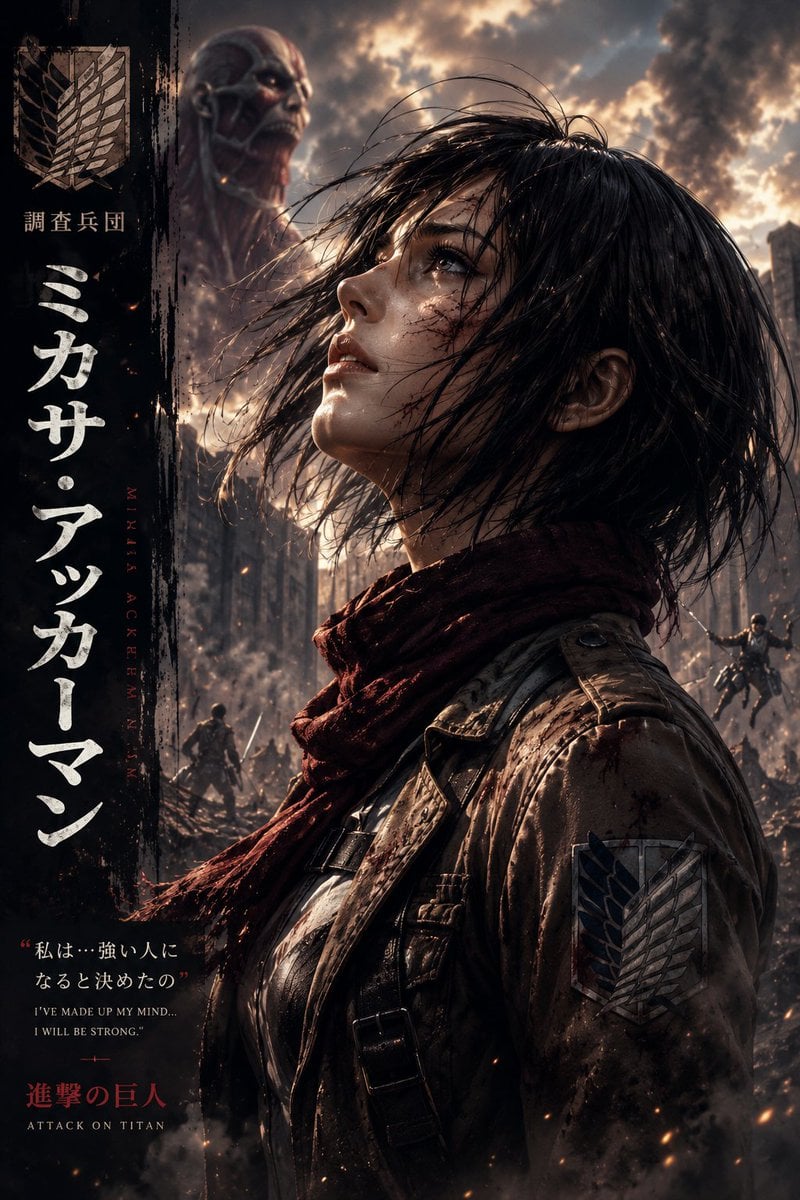
Dark Fantasy Anime Character Poster
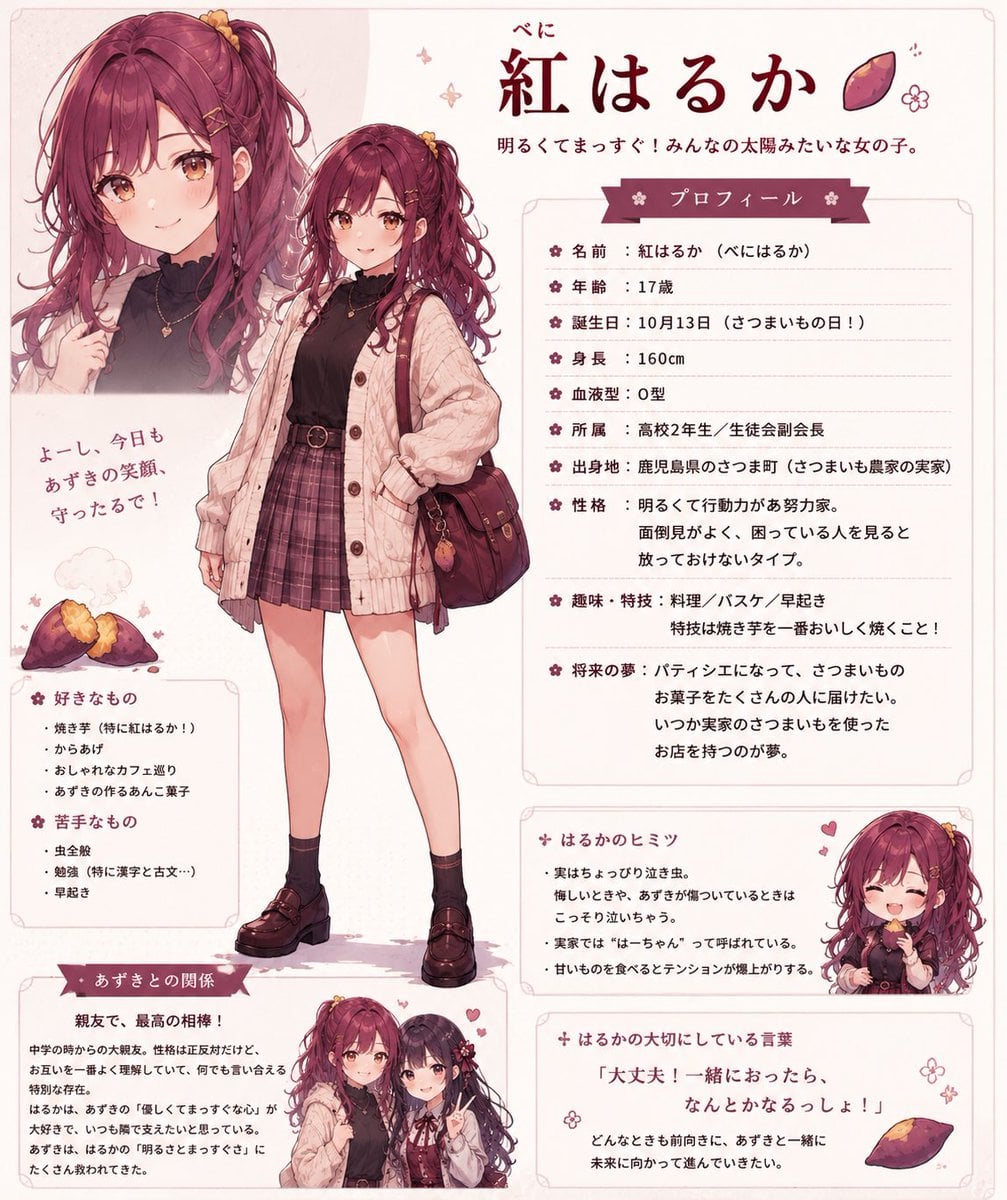
Beni Haruka Anime Character Sheet

NOVALITH SaaS Landing Page Hero
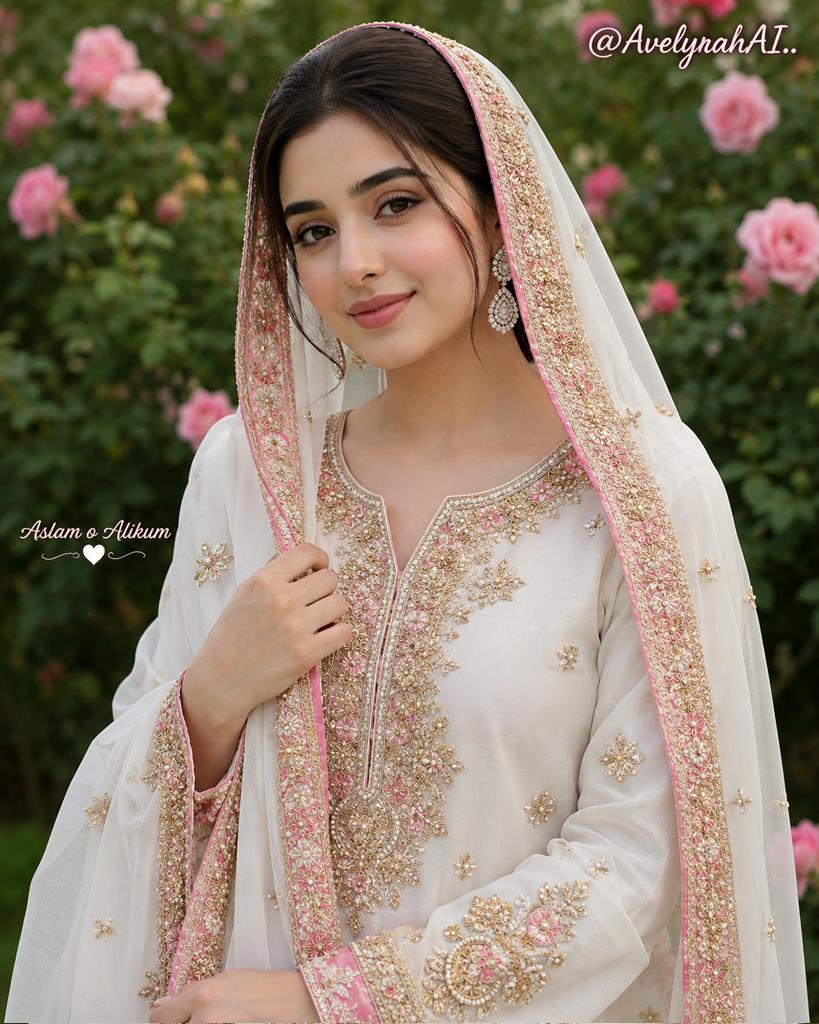
Traditional South Asian Portrait
Browse template categories
Sienna Brooks at the Museum Fashion Editorial questions
How do I use the Sienna Brooks at the Museum Fashion Editorial template?
Add your photo if the template asks for one, edit the prompt if you like — the template's model and format are already selected — and press Generate. Your version opens in PicX Studio.
Can I customize the Sienna Brooks at the Museum Fashion Editorial template?
Yes. You can change the subject, setting, lighting, mood, format, and available model controls before creating your image.
Is the Sienna Brooks at the Museum Fashion Editorial template free?
Opening and editing this template is free. Generating uses credits, shown on the Generate button when you are signed in.
Which AI model should I use?
Start with Nano Banana 2, which is the model associated with this template. You can compare another compatible model for a different finish.
Looking for something else? Browse all templates.

Your photo, any look
Thousands of ready templates for every top image and video model, from one credit balance.