
Tokyo Lollipop Street Sketch
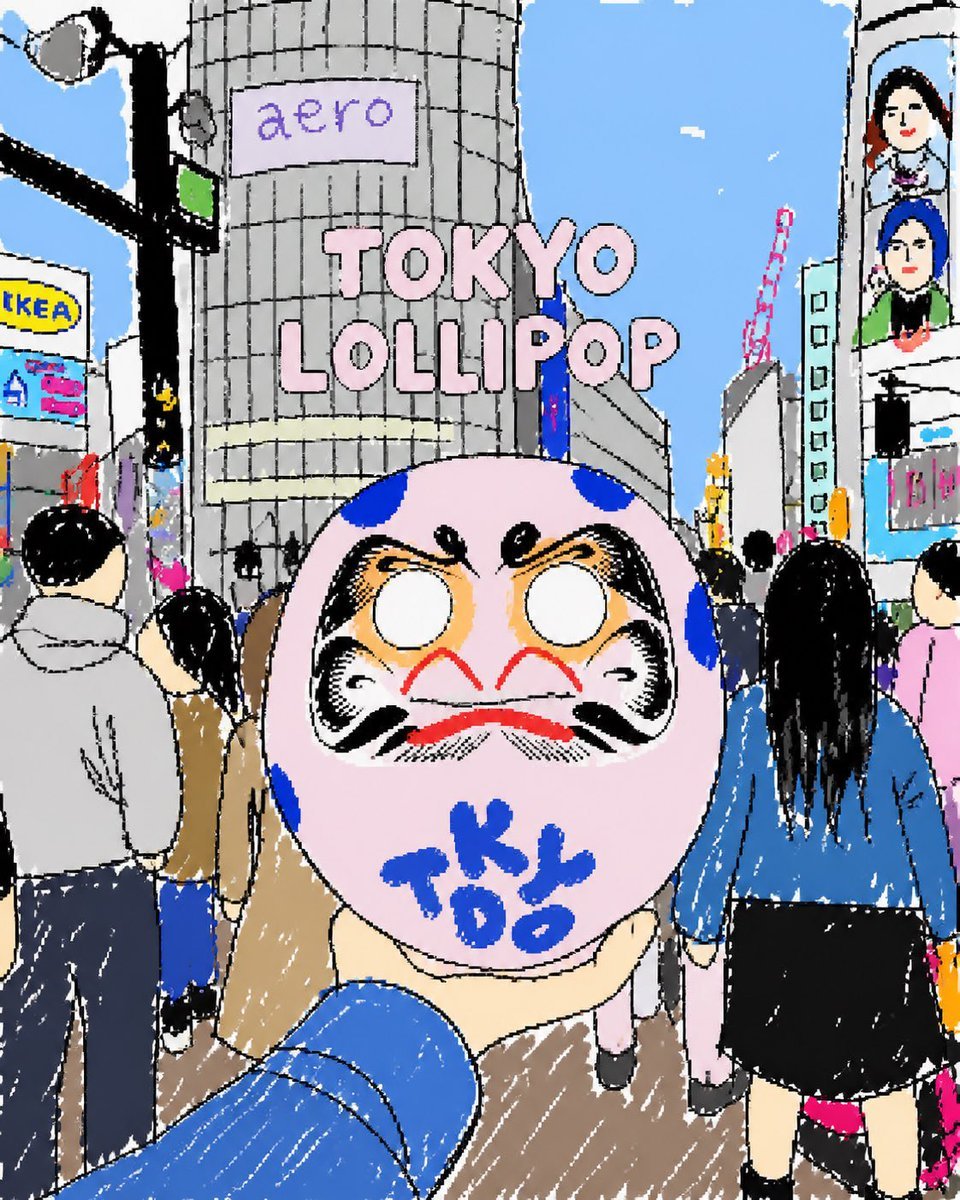
Generates a cute hand-drawn Tokyo street scene with a tourist holding a daruma-style lollipop in front of crowds and city billboards.
- Prompt included
- Model and format preset
- Free template
The prompt behind this image
Copy the exact prompt behind Tokyo Lollipop Street Sketch, or open it in the studio and make it yours.
Create a cute, rough hand-drawn digital illustration in a playful sketchbook style, as if drawn with a thick black marker and quickly colored with flat pastel fills and scratchy white crayon highlights. The scene is a busy Tokyo street crossing from a first-person tourist viewpoint, with a blue-sleeved arm extending from the bottom foreground holding up a large round pink daruma-like lollipop or candy mask. The candy has a dramatic daruma face with blank white eyes, heavy black eyebrows and cheeks, orange shading, a red moustache-like mouth, blue spots, and blue handwritten letters reading {argument name="candy text" default="TOKYO"} across the lower face. Center the composition around the candy, making it oversized and close to the camera. Behind it, show crowds of pedestrians from the back and side, including exactly 7 prominent visible people: a gray-hoodie man on the left, a black-haired person in a tan coat near left center, a partial person in dark blue at far left bottom, a small distant person in pale pink pants under the candy, a long-black-haired woman in a blue jacket and black skirt on the right, a partial pink-shirt person at far right, and a cropped person displayed on a vertical screen in the upper right. Set the background in a whimsical Shibuya-style urban cityscape under a bright blue sky with tiny white clouds, tall gray buildings, a traffic light and streetlight pole on the left, overhead wires, a red construction crane in the distance, and storefront billboards. Include exactly 4 readable text elements: a lavender sign on the central cylindrical building reading {argument name="building sign text" default="aero"}, large pink bubble title text floating in the sky reading {argument name="headline text" default="TOKYO LOLLIPOP"}, a yellow-and-blue billboard on the left reading {argument name="left billboard text" default="tKEA"}, and the blue writing on the candy reading {argument name="candy text" default="TOKYO"}. Use intentionally imperfect perspective, wobbly outlines, naive proportions, dense city details, a cheerful tourist snapshot mood, and a square composition.
How to use Tokyo Lollipop Street Sketch in 3 steps
- 1Upload ImagePNG, JPG or paste
Add your photo
Upload the photo the template builds on. The prompt, model and format are already set.
- 2…a portrait of your subject in softgolden-hour light, 85mm…
Personalize
Edit the subject and creative details for your destination.
- 3Generate
Generate
Press Generate — your image is created in PicX Studio, so you can compare it with the original and refine one variable at a time.
More like this
Templates with the same subject, style or setup. Open one to see its prompt.

Two Tickets, One Night

Meet Me When It Rains

Two Hearts. One Scooter.

1986 Street Couple

1985 Street Scene
Tokyo Streetwear Anime Leader Portrait

Cinematic Street Fashion Portrait Motion Blur Crowd

Blue Hour Editorial Fashion Portrait

Golden Hour Street Motion Portrait

Japanese Café Sketch Duo Illustration

Delicate Japanese Café Lifestyle Illustration

Face-Locked Cream Half-Zip Street Walk
Make it yours
Tokyo Lollipop Street Sketch works as-is. These are the safest ways to change it without losing the look.
Change one field
Copy a single group, rewrite it, and generate again so you can see what that field is doing.
Keep the frame, change the subject
Hold the composition and light of Tokyo Lollipop Street Sketch, then swap wardrobe, props or the person for a new take.
| If the result… | Why | Fix |
|---|---|---|
| The result drifts from the preview | Too many fields changed at once. | Reuse Tokyo Lollipop Street Sketch as-is first, then change one group — subject, light, or setting. |
| The model over-stylizes the scene | The prose prompt leaves finish and camera underspecified. | Add one camera or lighting sentence and stay on GPT Image 2. |
More GPT Image 2 templates
Other prompts made for GPT Image 2.

Six VTuber Japanese Logo Sheet

Realistic Portrait of Woman and Deer

The Vista Modular Condo Poster

AI Model Routing Comparison Infographic

2.5D Anime Art Board

Isometric Productivity Desk Scene

New York Double Exposure Poster

Four-Panel AI Landscape Comparison

Japanese Tatami Lifestyle Magazine Cover

NESCAFÉ Coffee Map Poster
More image prompts
Fresh picks from across the catalog.
Cinematic Realism with Cartoon Character on Bicycle
Gundam Maintenance Scene Transformation

Ultra Photorealistic Dinner Selfie Prompt
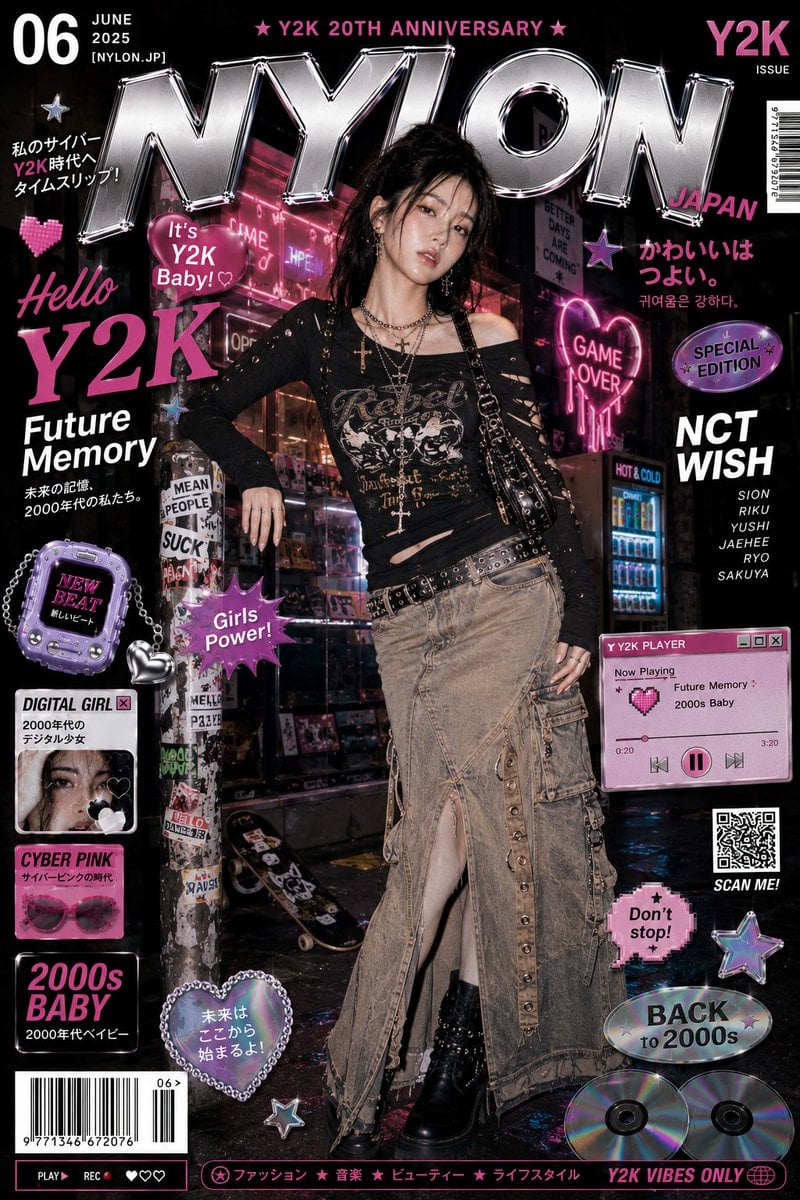
Cyberpunk Y2K Editorial Cover
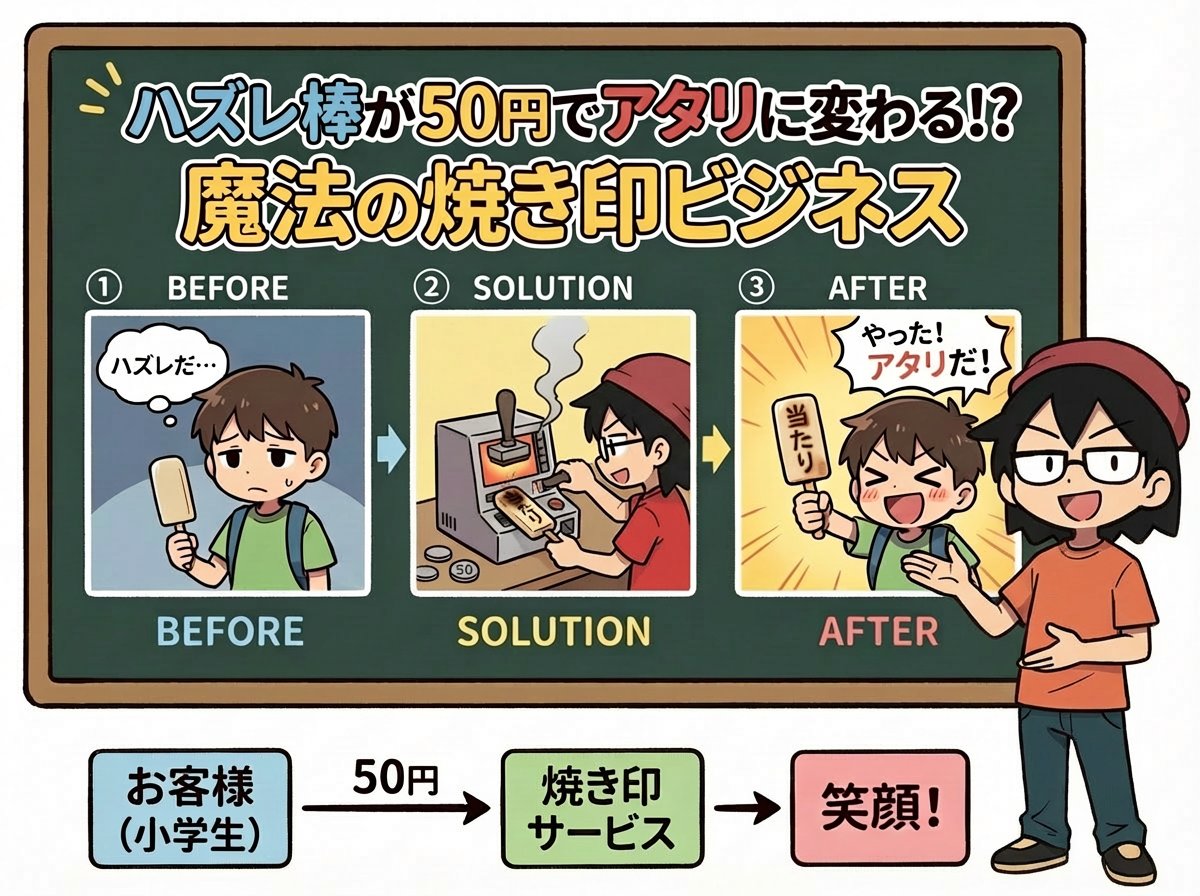
Nano Banana Pro Prompt for Fictional Business Idea
Seedance - Brand Commercial

Luxury Beauty Brand Editorial Advertisement
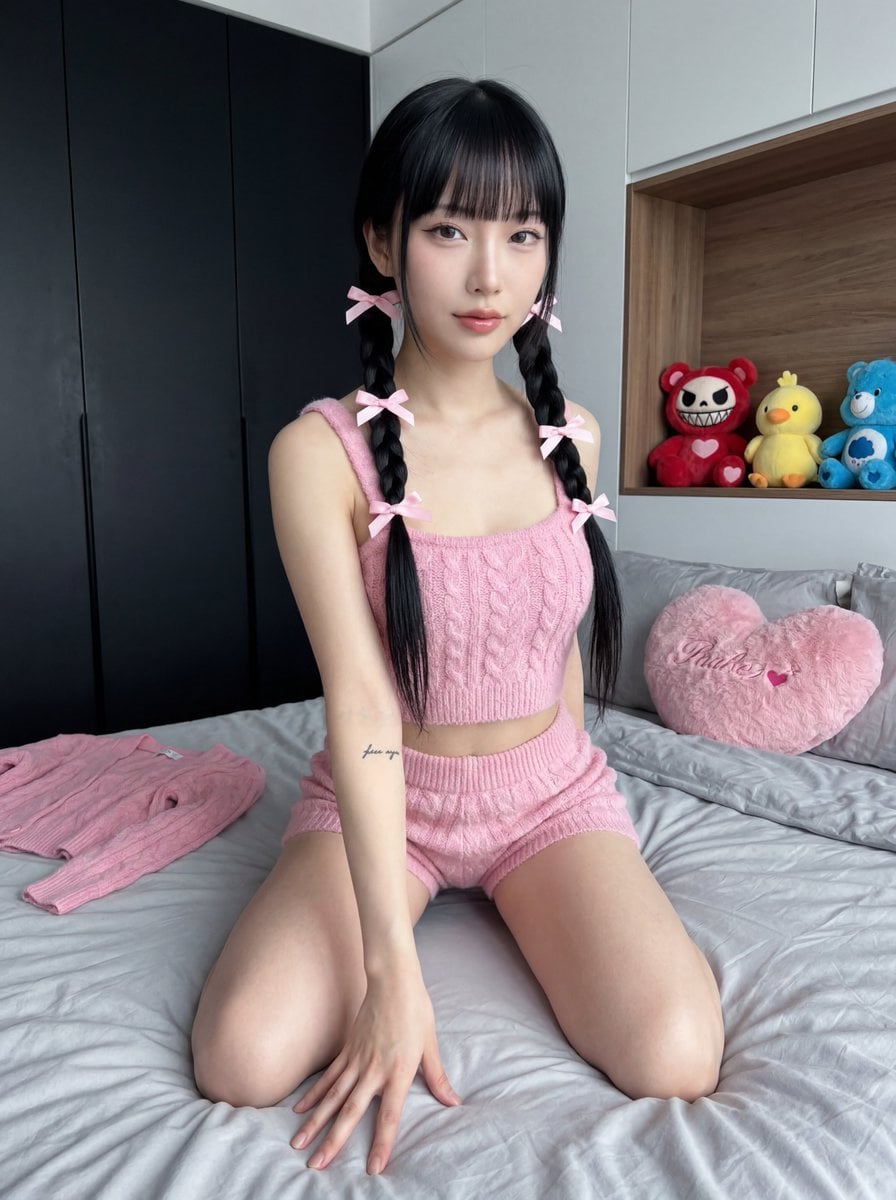
Ultra Photorealistic Japanese Woman in Pink Knit Set
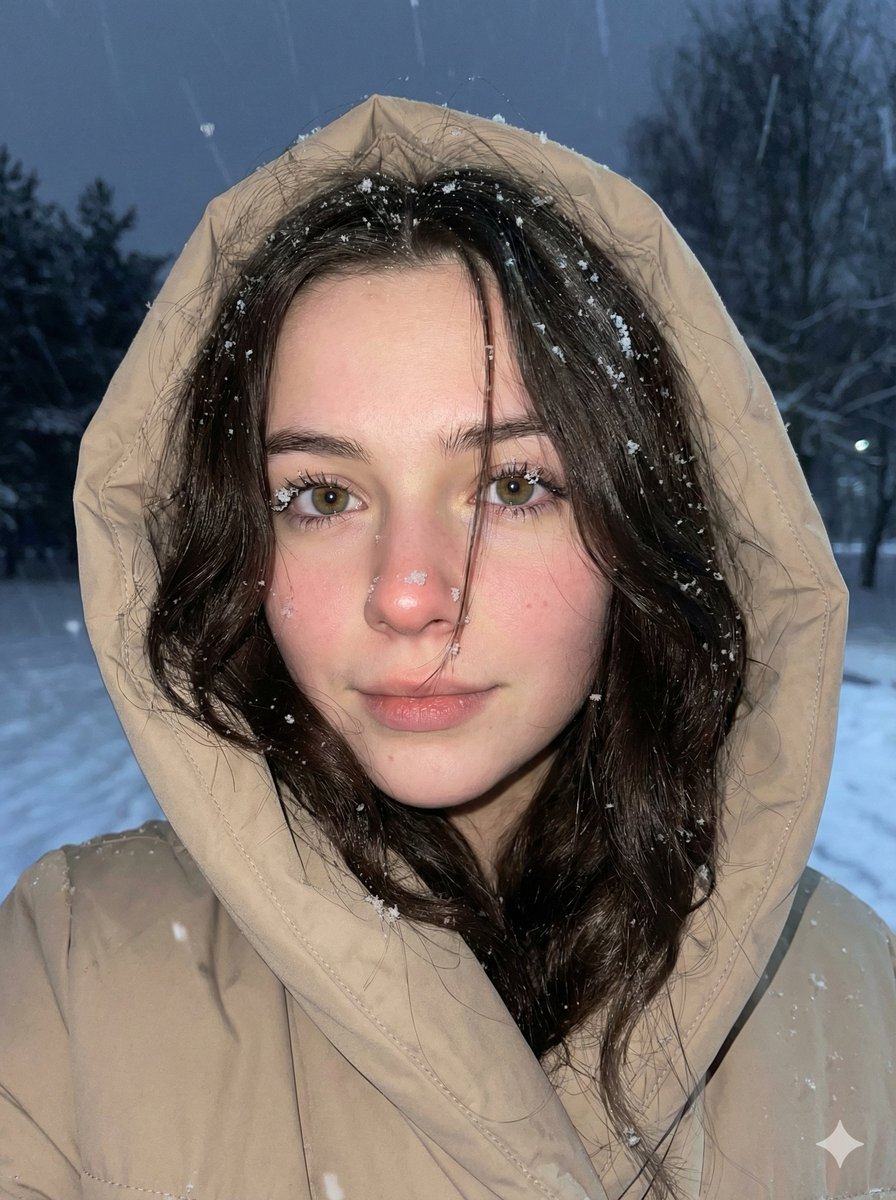
Moody Winter Close-Up Portrait Prompt
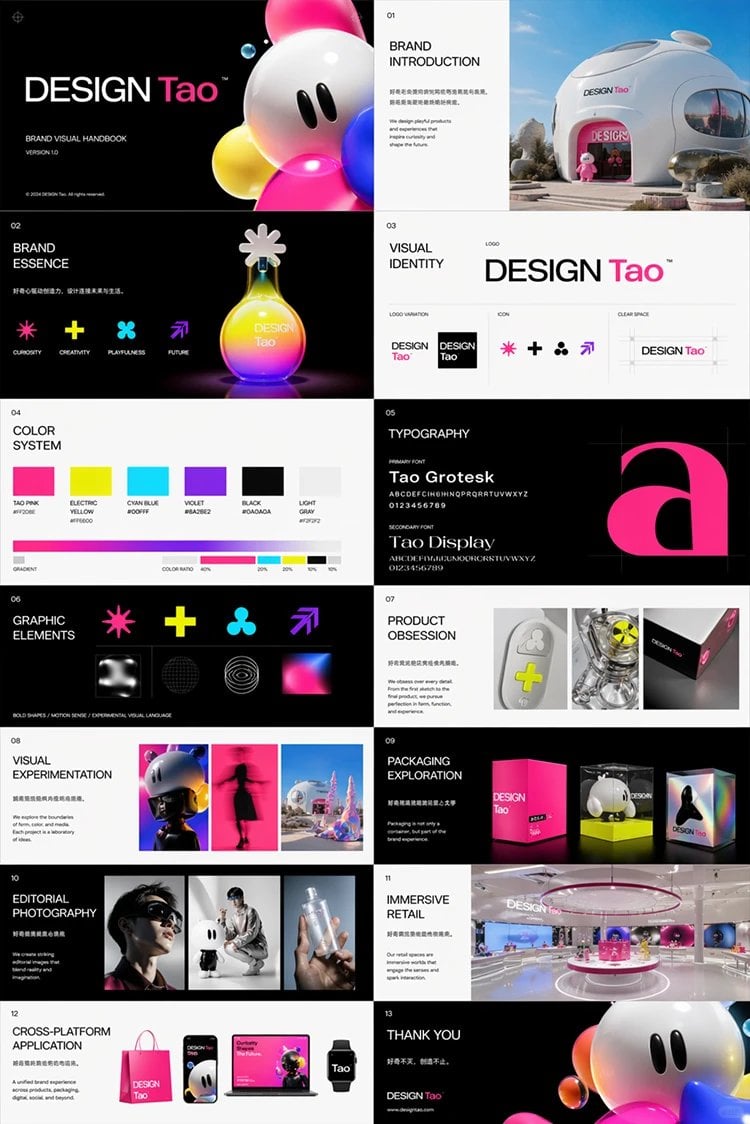
Futuristic Brand Visual Manual
Browse template categories
Tokyo Lollipop Street Sketch questions
How do I use the Tokyo Lollipop Street Sketch template?
Add your photo if the template asks for one, edit the prompt if you like — the template's model and format are already selected — and press Generate. Your version opens in PicX Studio.
Can I customize the Tokyo Lollipop Street Sketch template?
Yes. You can change the subject, setting, lighting, mood, format, and available model controls before creating your image.
Is the Tokyo Lollipop Street Sketch template free?
Opening and editing this template is free. Generating uses credits, shown on the Generate button when you are signed in.
Which AI model should I use?
Start with GPT Image 2, which is the model associated with this template. You can compare another compatible model for a different finish.
Looking for something else? Browse all templates.

Your photo, any look
Thousands of ready templates for every top image and video model, from one credit balance.