
Tokyo Streetwear Anime Leader Portrait
An editorial fashion prompt that blends a realistic facial identity with a stylized Tokyo streetwear aesthetic, featuring an elite anime-inspired gang lineup.
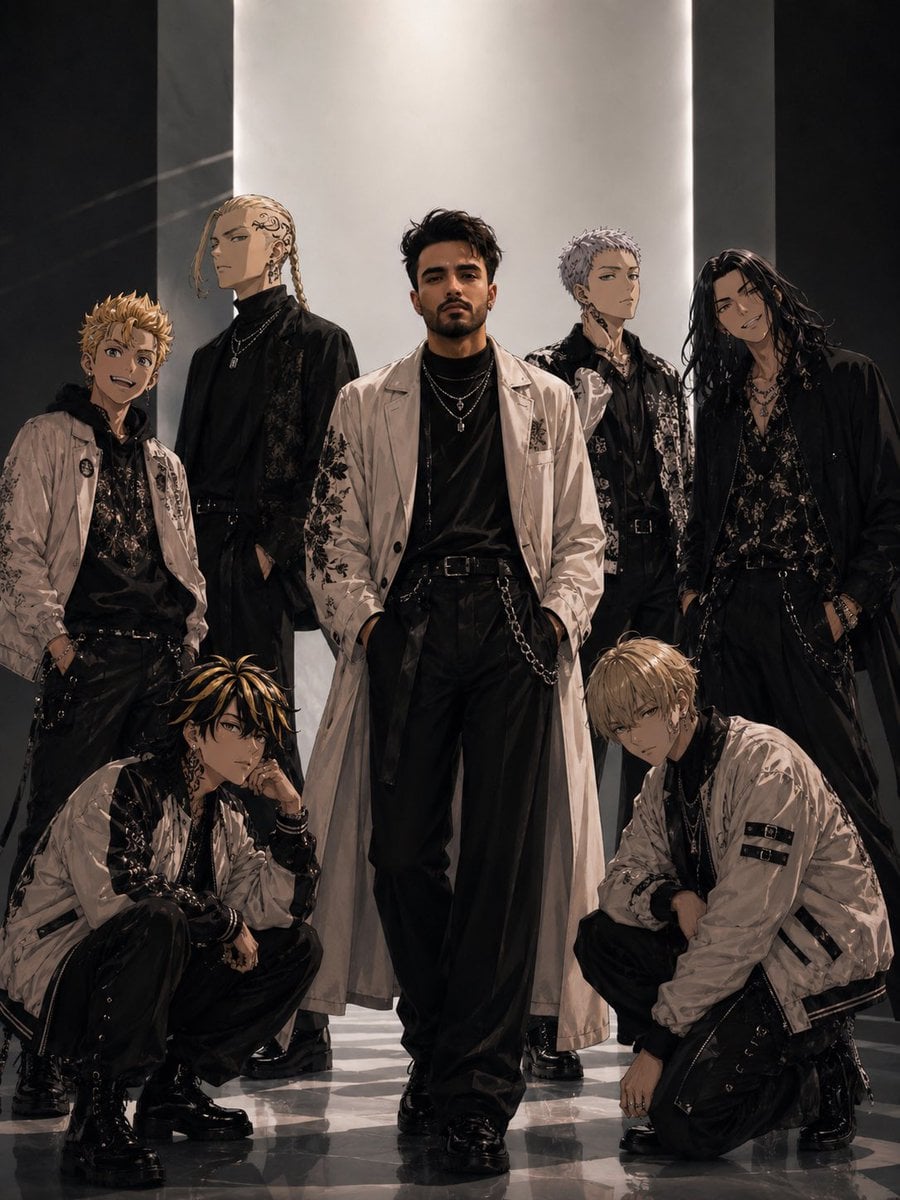
- Prompt included
- Model and format preset
- Free template
The prompt behind this image
Copy the exact prompt behind Tokyo Streetwear Anime Leader Portrait, or open it in the studio and make it yours.
Use my uploaded face image as the primary identity reference. Preserve my exact facial structure, jawline, cheekbones, eye shape, eyebrows, nose shape, lips, beard/stubble pattern, hairstyle, hair texture, skin tone, skin texture, natural South Asian masculine features, and overall recognizable appearance with extremely high identity fidelity. Maintain realistic proportions, authentic skin details, and natural facial anatomy. Do not alter my facial identity. Create an ultra-realistic anime-meets-fashion editorial portrait inspired by a premium Tokyo streetwear campaign. The scene features me standing confidently at the center of a powerful gang-style lineup, surrounded by six elite anime-inspired characters. The composition resembles a luxury fashion magazine cover and high-end streetwear advertisement. I am positioned in the exact center, walking slightly forward with hands inside pockets, projecting confidence, leadership, dominance, and effortless charisma. My expression is calm, serious, and intimidating. My face remains fully realistic while all surrounding characters have highly detailed anime aesthetics. Outfit: long cream-white trench coat with subtle embroidered black graphics, layered over a fitted black turtleneck and black luxury streetwear trousers. Multiple silver chain necklaces, rings, and accessories. Black leather belt with hanging chains. Premium black combat boots with reflective highlights. Surrounding me are six stylish anime delinquent characters arranged symmetrically: •Two crouching in the foreground •Two standing slightly behind me •Two positioned further back creating depth and hierarchy Each character wears coordinated luxury Tokyo streetwear in black, cream, and silver tones, featuring bomber jackets, trench coats, layered necklaces, earrings, belts, straps, embroidered details, and polished combat boots. Environment: futuristic fashion runway meets underground Tokyo headquarters. Massive vertical illuminated panel behind the group creating a dramatic spotlight effect. Glossy reflective marble floor. Soft atmospheric haze. Cinematic depth. Premium editorial lighting. Lighting: luxury fashion campaign lighting, soft key light on face, subtle rim lighting, dramatic shadows, reflective highlights on clothing, high dynamic range, realistic skin reflections, premium studio photography quality. Style: ultra-realistic fashion photography, luxury magazine cover, Tokyo streetwear aesthetic, anime-inspired gang leadership, cinematic storytelling, high-end advertising campaign, dark elegance, sophisticated rebel energy. Color palette: black, ivory, cream, silver, charcoal gray, muted gold accents. Camera: low-angle full-body shot, 85mm lens, fashion editorial composition, centered symmetry, cinematic depth of field, sharp focus on me, background slightly softened. Quality: masterpiece, ultra detailed, 8K, hyper realistic, magazine-quality photography, award-winning fashion campa
How to use Tokyo Streetwear Anime Leader Portrait in 3 steps
- 1Upload ImagePNG, JPG or paste
Add your photo
Upload the photo the template builds on. The prompt, model and format are already set.
- 2…a portrait of your subject in softgolden-hour light, 85mm…
Personalize
Edit the subject and creative details for your destination.
- 3Generate
Generate
Press Generate — your image is created in PicX Studio, so you can compare it with the original and refine one variable at a time.
More like this
Templates with the same subject, style or setup. Open one to see its prompt.
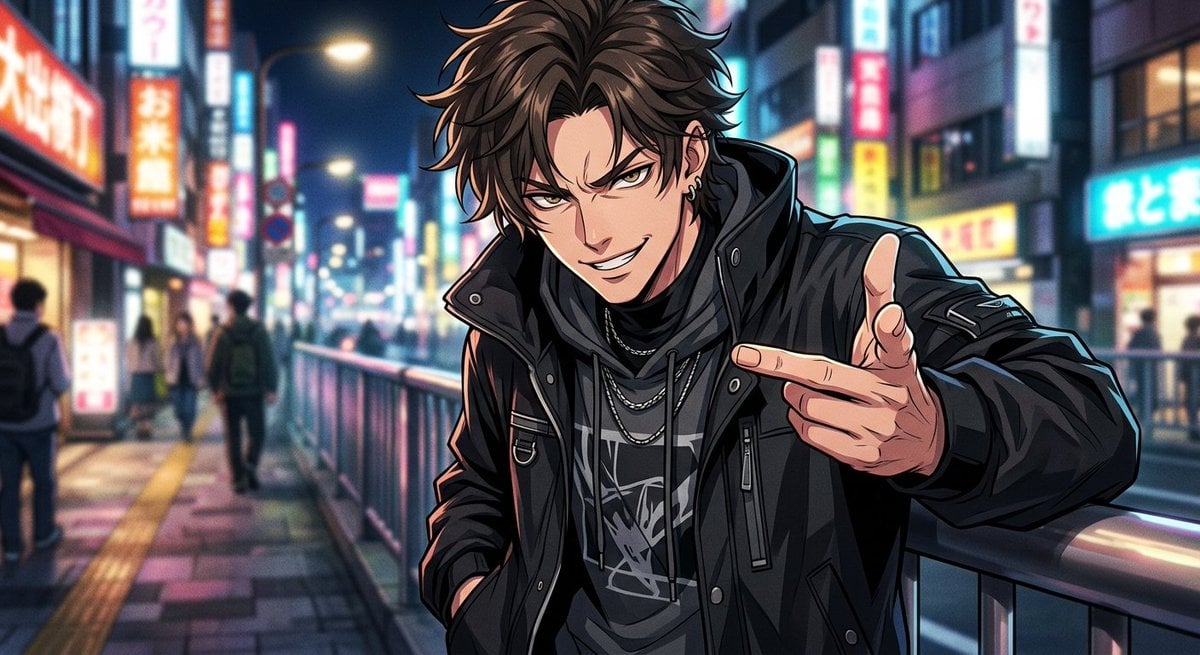
Neon Anime Streetwear Portrait
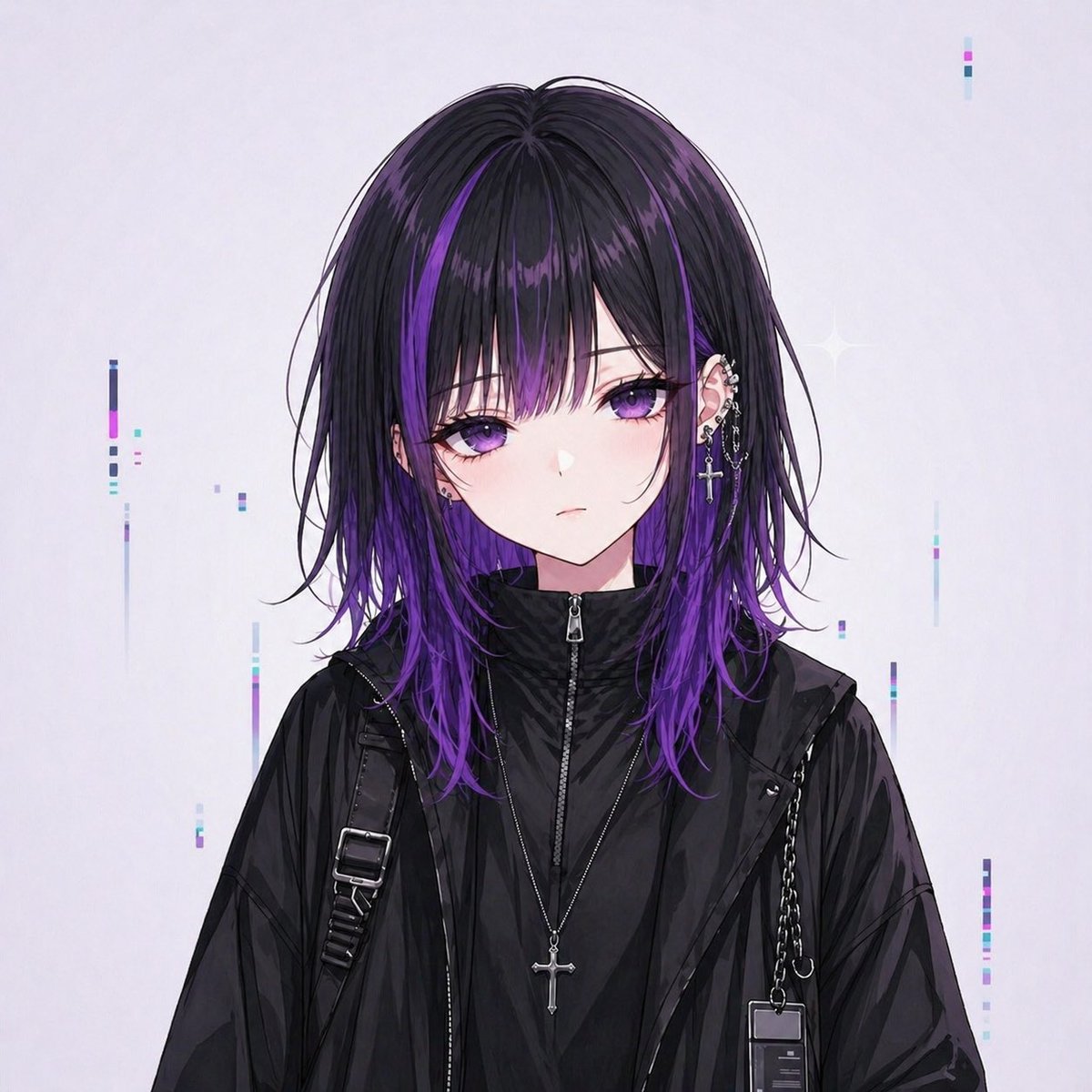
Goth Streetwear Anime Icon Portrait

Found Photograph: Us, 1970

80s Couple Studio Portrait

1988 Mall Style

80s Bollywood Star

80s Golden Hour Cinema

Me in 1985

1985 Studio Portrait
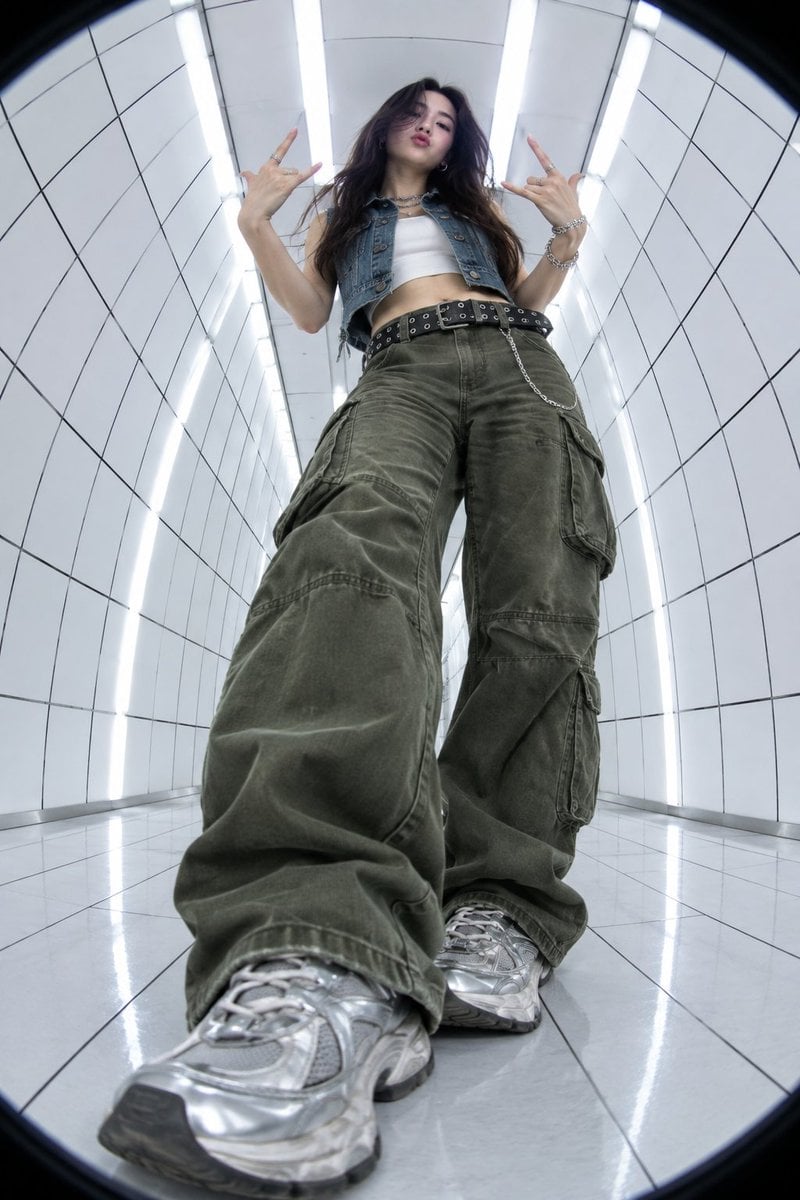
Y2K Fisheye Streetwear Portrait

Hyper-Realistic Minecraft POV Portrait
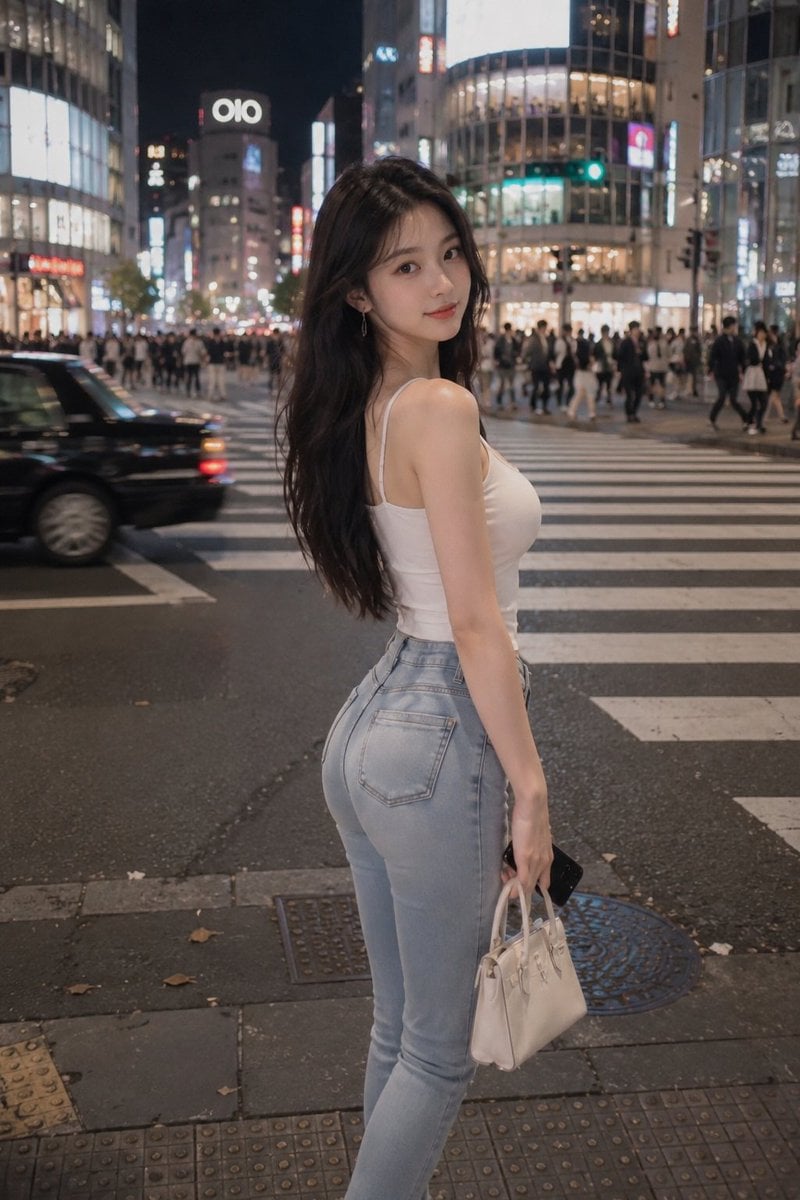
Tokyo Night Crosswalk Fashion Portrait
Make it yours
Tokyo Streetwear Anime Leader Portrait works as-is. These are the safest ways to change it without losing the look.
Change one field
Copy a single group, rewrite it, and generate again so you can see what that field is doing.
Keep the frame, change the subject
Hold the composition and light of Tokyo Streetwear Anime Leader Portrait, then swap wardrobe, props or the person for a new take.
| If the result… | Why | Fix |
|---|---|---|
| The result drifts from the preview | Too many fields changed at once. | Reuse Tokyo Streetwear Anime Leader Portrait as-is first, then change one group — subject, light, or setting. |
| The model over-stylizes the scene | The prose prompt leaves finish and camera underspecified. | Add one camera or lighting sentence and stay on Nano Banana 2. |
More Nano Banana 2 templates
Other prompts made for Nano Banana 2.

Photorealistic Leaf Shaped Like a Dragon

K-Pop Idol Portrait Grid for Rapid Selection

Poetic Rain Forest Portrait During Golden Hour

Urban Street Portrait with Cartoon Inner Self Duo

Candid Nighttime Photo with Cat Prompt

High-Concept 3D Diorama Generation Prompt

Cinematic Futuristic Studio Portrait Template

Skincare Editorial Photography Collage Prompt

Hyper-Realistic Commercial Product Photography (Splash Effect)

Hyper-Realistic Nightclub Portrait Prompt
More image prompts
Fresh picks from across the catalog.
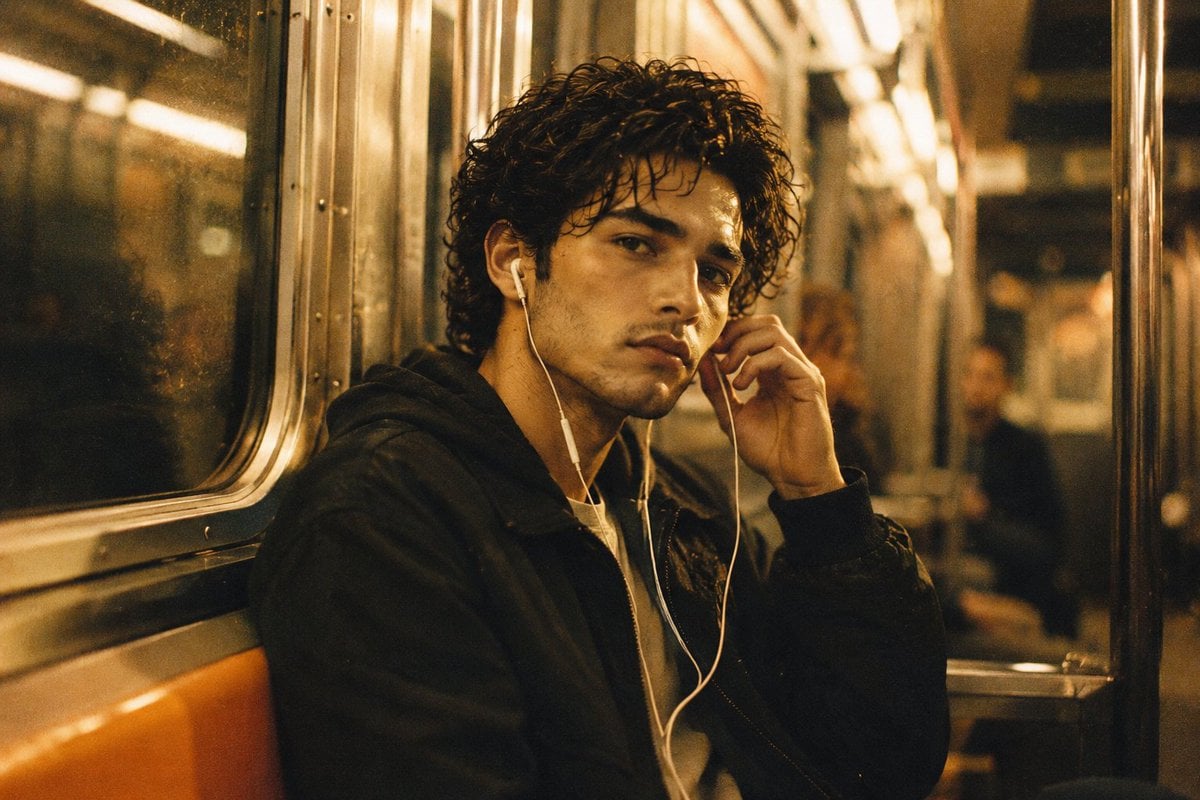
Nostalgic 90s Subway Film Portrait
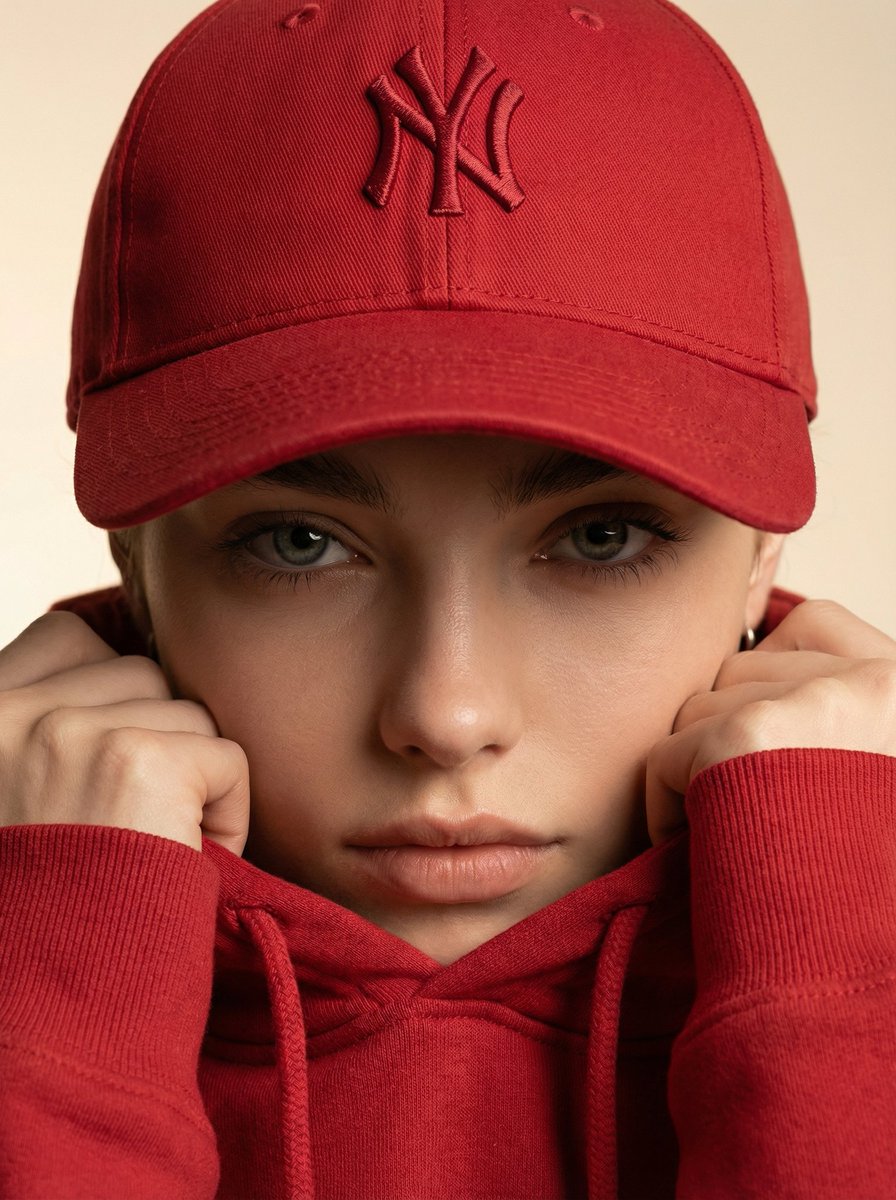
Ultra-Realistic Fashion Beauty Crop
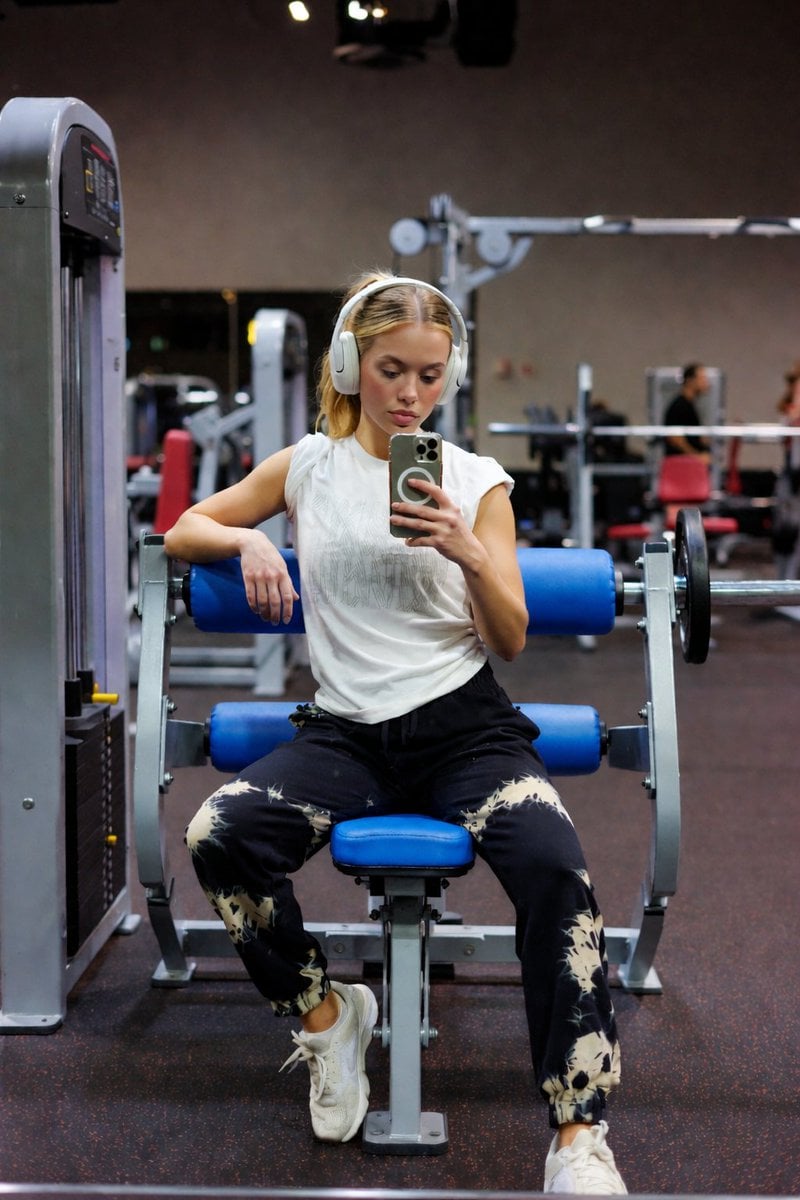
Blue Seat Gym Mirror Selfie Portrait
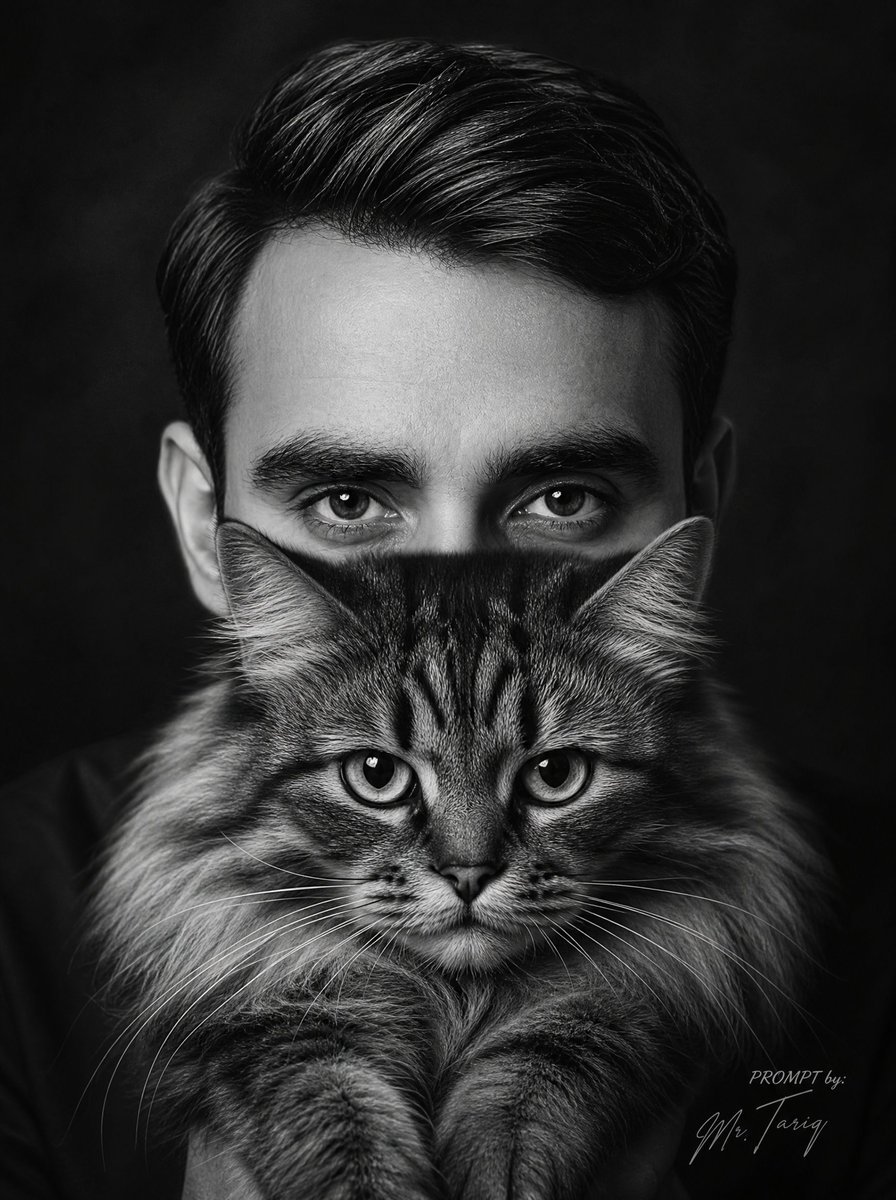
Monochrome Man Holding Cat Portrait
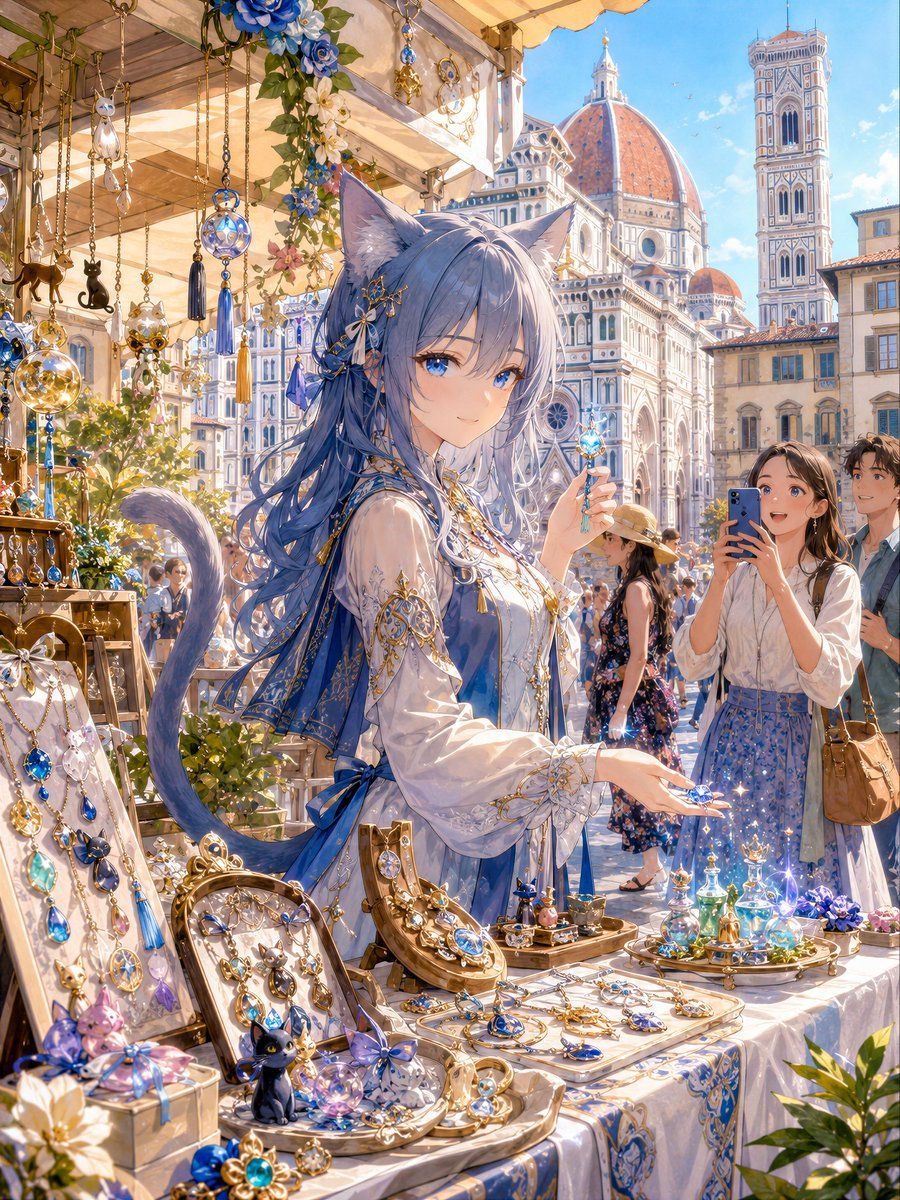
Blue Cat-Ear Shopkeeper Portrait
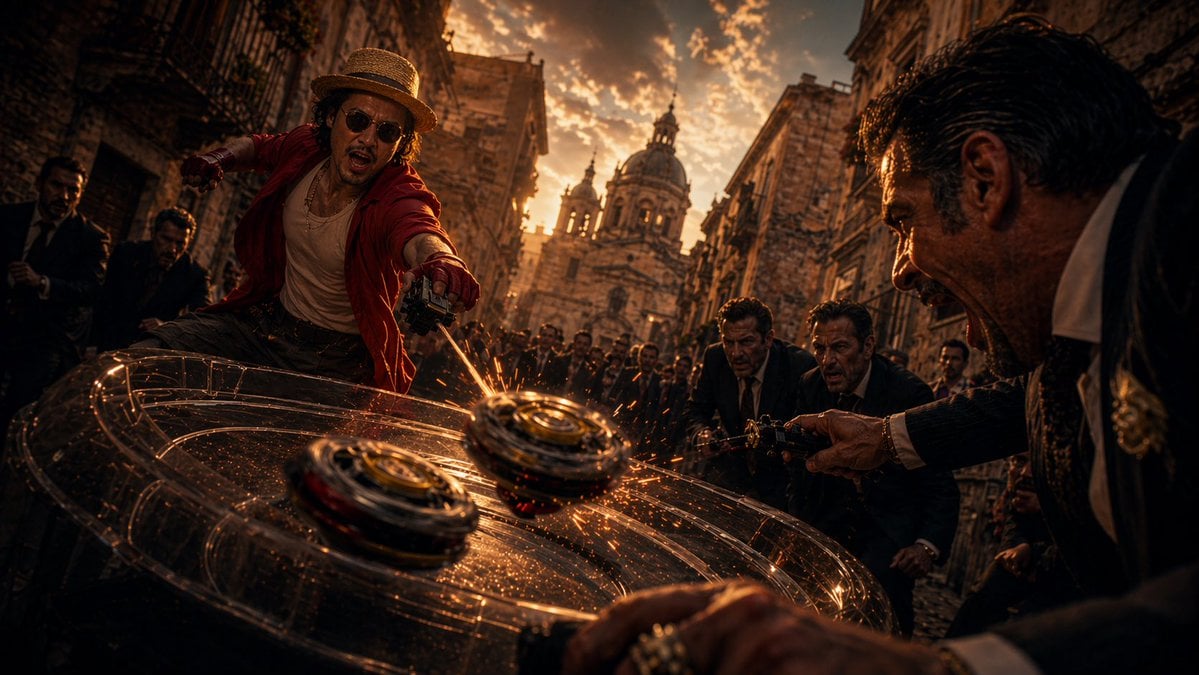
Cinematic Spinning Top Street Duel
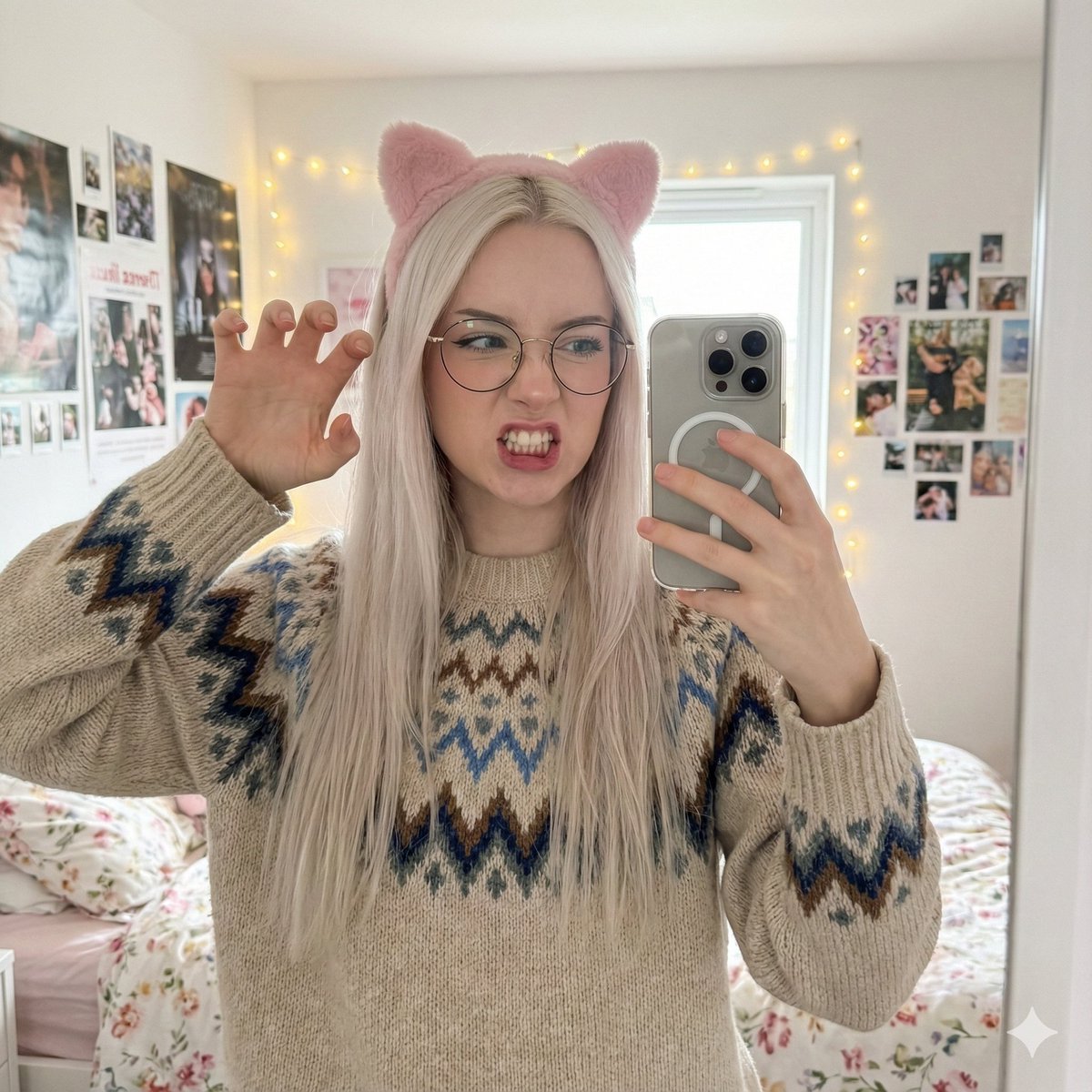
Detailed Mirror Selfie Generation Prompt
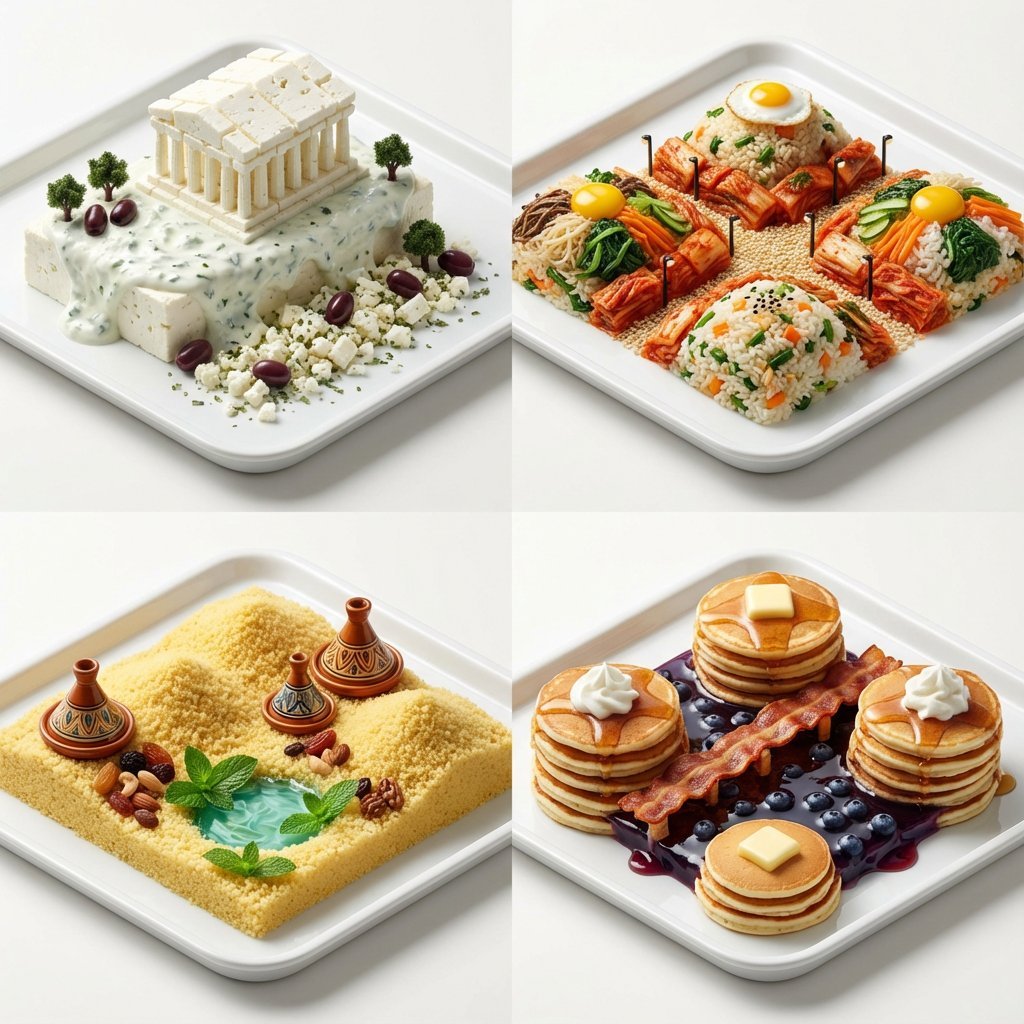
Hyper-Realistic Miniature Food Landscapes Grid
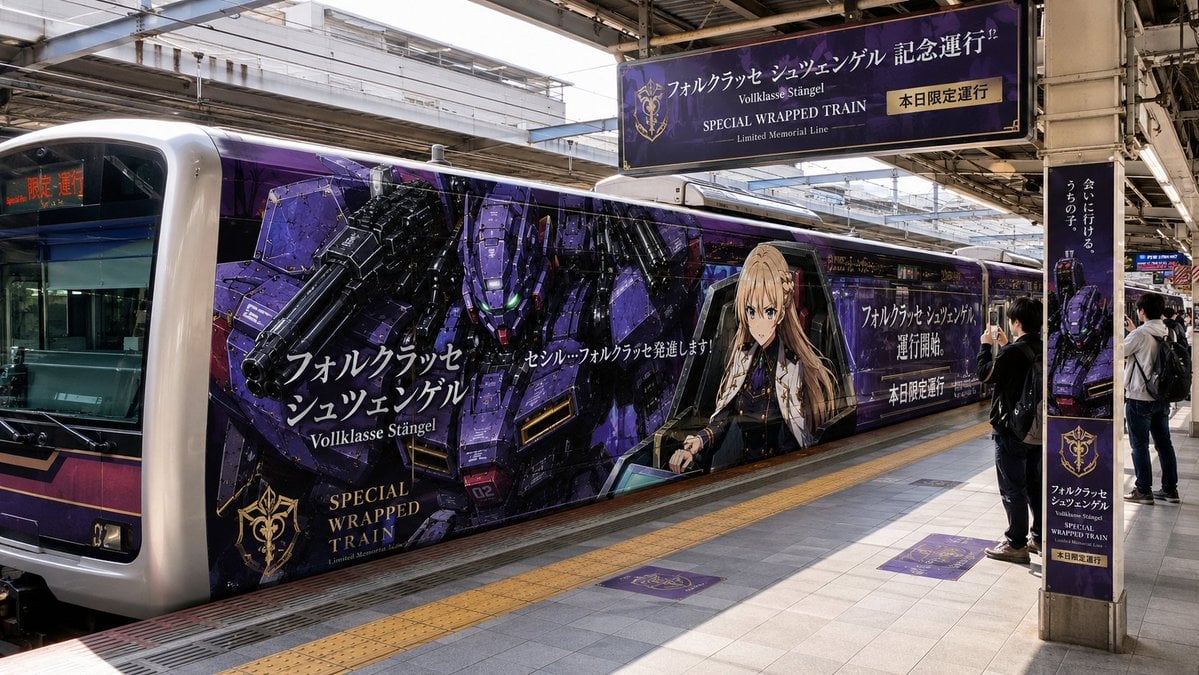
Anime Mecha Wrapped Train at Station
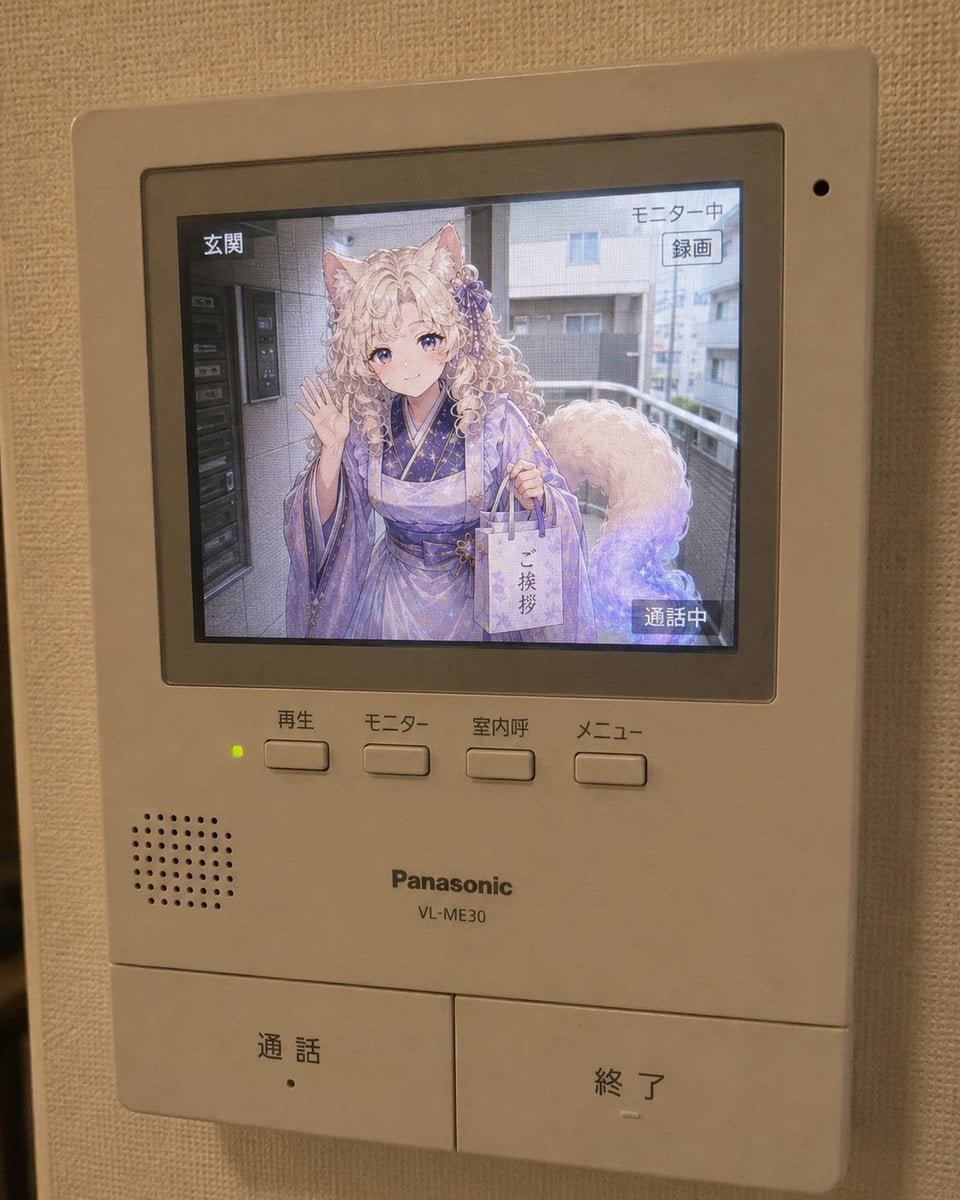
Anime Neighbor Intercom Screen
Browse template categories
Tokyo Streetwear Anime Leader Portrait questions
How do I use the Tokyo Streetwear Anime Leader Portrait template?
Add your photo if the template asks for one, edit the prompt if you like — the template's model and format are already selected — and press Generate. Your version opens in PicX Studio.
Can I customize the Tokyo Streetwear Anime Leader Portrait template?
Yes. You can change the subject, setting, lighting, mood, format, and available model controls before creating your image.
Is the Tokyo Streetwear Anime Leader Portrait template free?
Opening and editing this template is free. Generating uses credits, shown on the Generate button when you are signed in.
Which AI model should I use?
Start with Nano Banana 2, which is the model associated with this template. You can compare another compatible model for a different finish.
Looking for something else? Browse all templates.

Your photo, any look
Thousands of ready templates for every top image and video model, from one credit balance.