
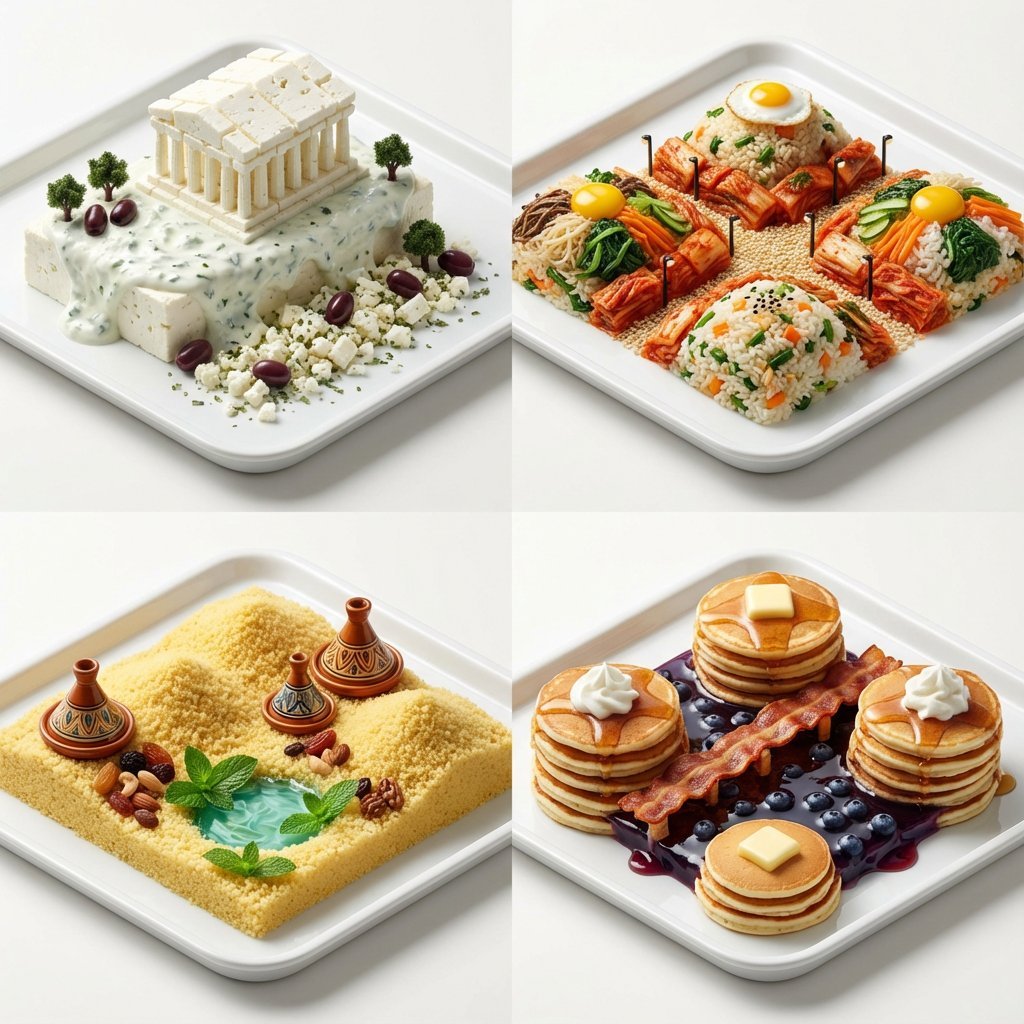
Hyper-Realistic Miniature Food Landscapes Grid
A prompt for generating a 2x2 grid of hyper-realistic macro food landscapes, where each quadrant represents a different country (Greece, Korea, Morocco, USA) using specific national dishes and ingredients to construct…
- Prompt included
- Model and format preset
- Free template
The prompt behind this image
Copy the exact prompt behind Hyper-Realistic Miniature Food Landscapes Grid, or open it in the studio and make it yours.
A 2x2 grid of hyper-realistic miniature food landscapes on clean trays. [Top Left: {argument name="country 1" default="Greece"}; A Parthenon made of blocks of white feta cheese, standing on a creamy tzatziki sauce cliff, with kalamata olive trees] [Top Right: {argument name="country 2" default="Korea"}; A rolling landscape of bibimbap rice and vegetables, with kimchi forming red alleyways and sesame seeds acting as tiny streetlights] [Bottom Left: {argument name="country 3" default="Morocco"}; Golden dunes made of fluffy couscous, miniature ceramic tagine towers, and a mint tea oasis pool] [Bottom Right: {argument name="country 4" default="USA"}; A Grand Canyon carved from stacks of fluffy pancakes, a crispy bacon boardwalk, and a blueberry syrup lake]. Macro food photography, incredible detail, shallow depth of field, studio lighting, appetizing textures, 8k, isometric view.
How to use Hyper-Realistic Miniature Food Landscapes Grid in 3 steps
- 1
Open
The prompt is already in the box next to the preview, with the template's model and format selected.
- 2…a portrait of your subject in softgolden-hour light, 85mm…
Personalize
Edit the subject and creative details for your destination.
- 3Generate
Generate
Press Generate — your image is created in PicX Studio, so you can compare it with the original and refine one variable at a time.
More like this
Templates with the same subject, style or setup. Open one to see its prompt.

Paper Tunnel Book Architecture

Korean Luxury Fashion Editorial 2x2 Grid Series

Minimalist Fashion Editorial Split Layout

Ultra-Realistic Vogue-Style Editorial Fashion Grid

Headphones Lifestyle Nine Panel Grid

Cozy Food Flat Lay Doodle Labels

Isometric Brand Store Diorama

4x4 Grid - Candid Nostalgic Vacation Selfies

Movement Sheet - Dance Reference (Seedance 2.0)

Paris Travel Collage Grid - Face Reference
Instagram Feed Grid
Miniature Suitcase Travel Poster
Make it yours
Hyper-Realistic Miniature Food Landscapes Grid works as-is. These are the safest ways to change it without losing the look.
Change one field
Copy a single group, rewrite it, and generate again so you can see what that field is doing.
Keep the frame, change the subject
Hold the composition and light of Hyper-Realistic Miniature Food Landscapes Grid, then swap wardrobe, props or the person for a new take.
| If the result… | Why | Fix |
|---|---|---|
| The result drifts from the preview | Too many fields changed at once. | Reuse Hyper-Realistic Miniature Food Landscapes Grid as-is first, then change one group — subject, light, or setting. |
| The model over-stylizes the scene | The prose prompt leaves finish and camera underspecified. | Add one camera or lighting sentence and stay on Nano Banana 2. |
More Nano Banana 2 templates
Other prompts made for Nano Banana 2.

Photorealistic Leaf Shaped Like a Dragon

K-Pop Idol Portrait Grid for Rapid Selection

Poetic Rain Forest Portrait During Golden Hour

Urban Street Portrait with Cartoon Inner Self Duo

Candid Nighttime Photo with Cat Prompt

High-Concept 3D Diorama Generation Prompt

Cinematic Futuristic Studio Portrait Template

Skincare Editorial Photography Collage Prompt

Hyper-Realistic Commercial Product Photography (Splash Effect)

Hyper-Realistic Nightclub Portrait Prompt
More image prompts
Fresh picks from across the catalog.
Mecha-Girl Character Design Sheet
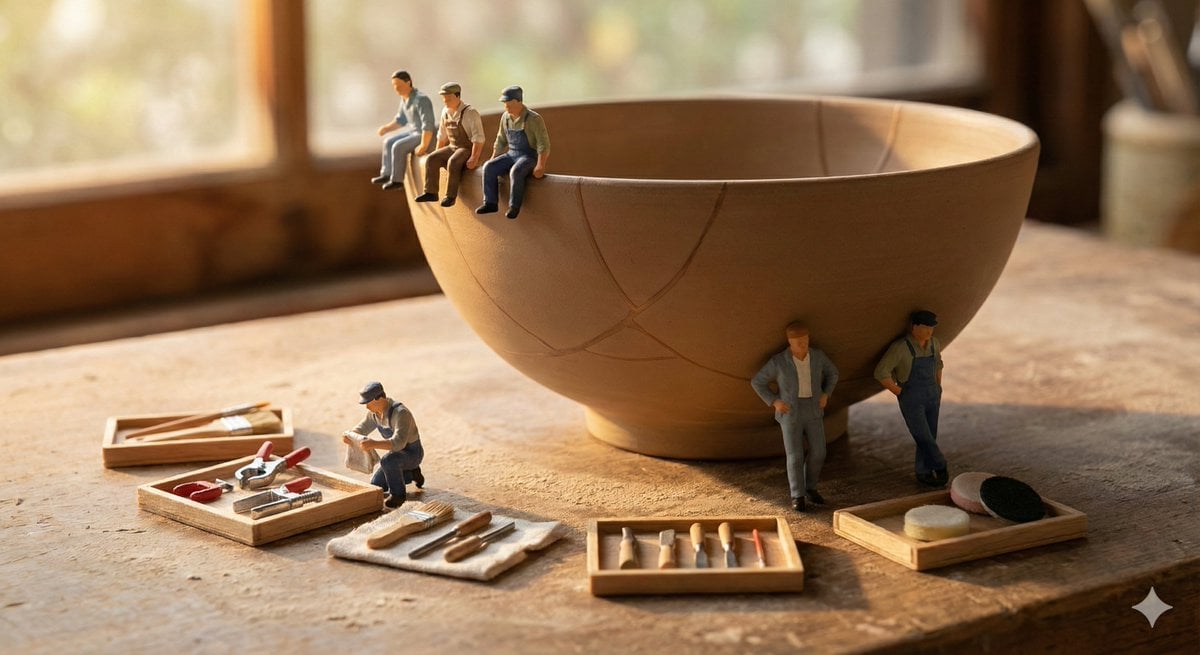
Miniature Realism Prompt for Restoration Scene
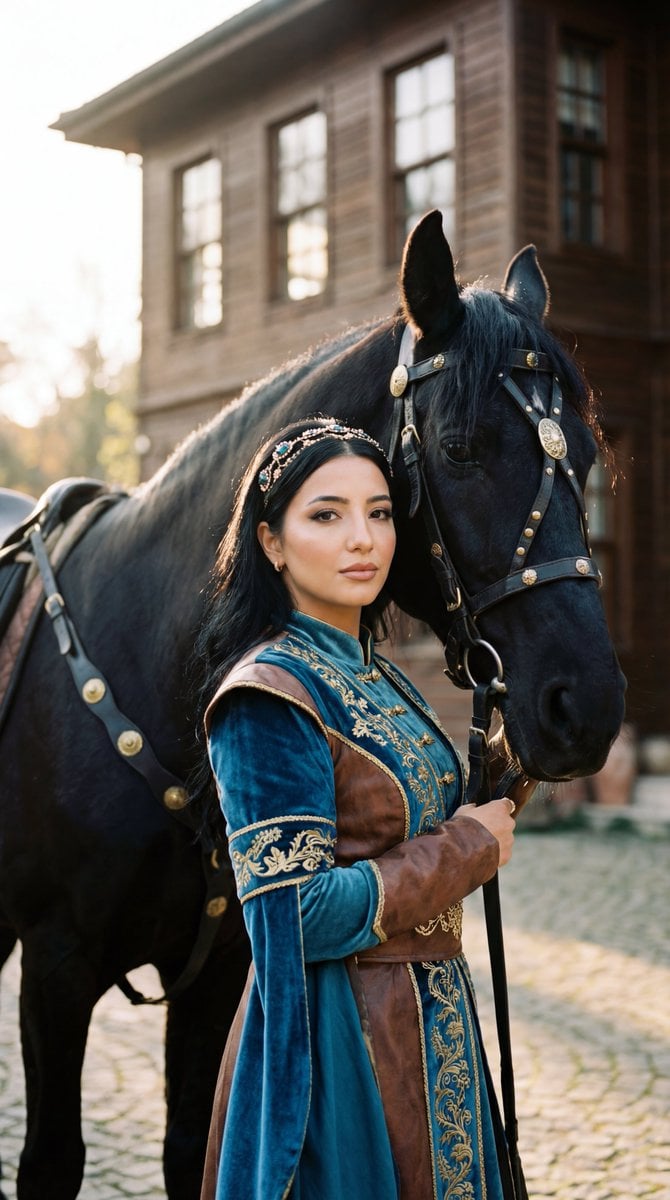
Photorealistic Historical Turkish Woman with Black Horse
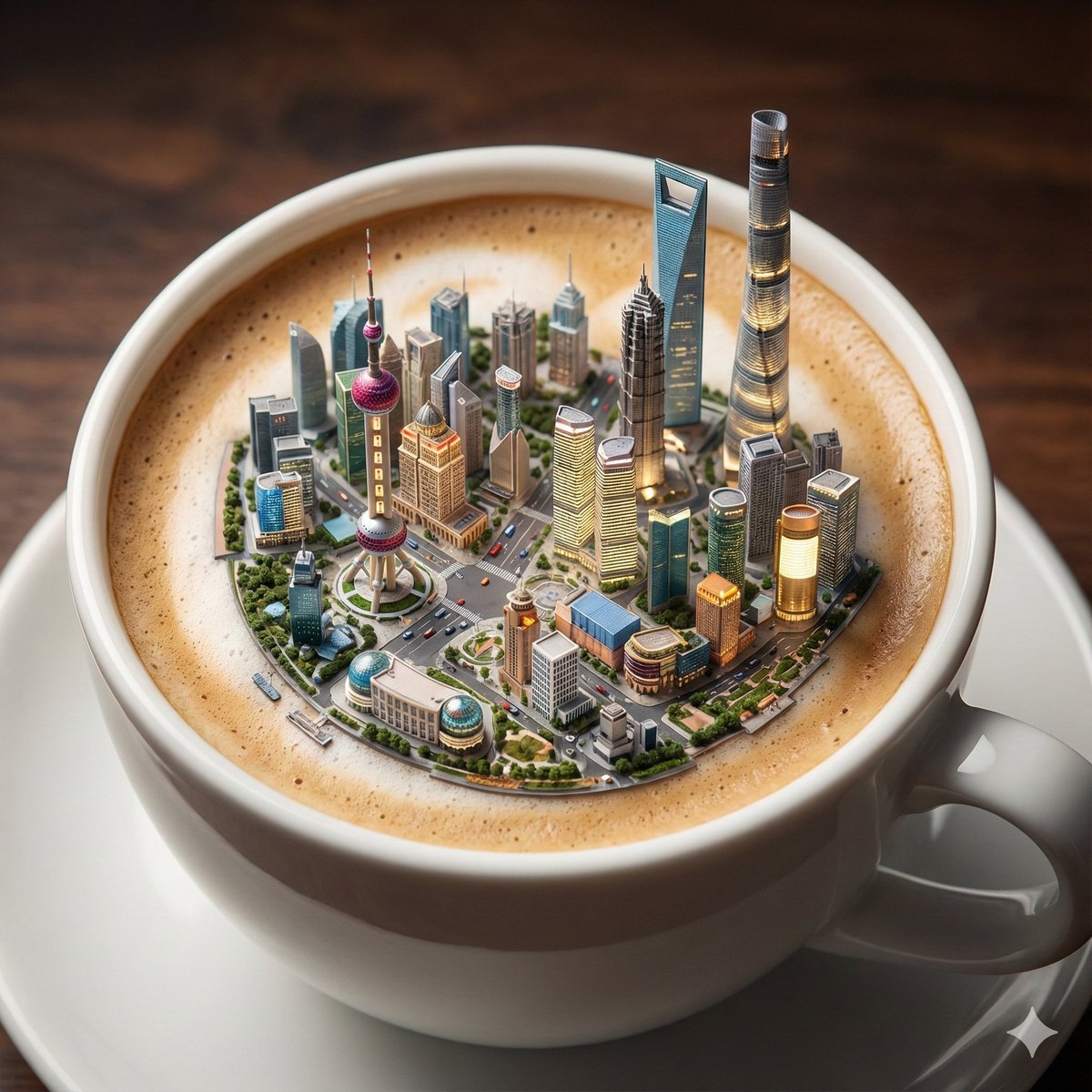
Micro City Floating on Coffee Foam
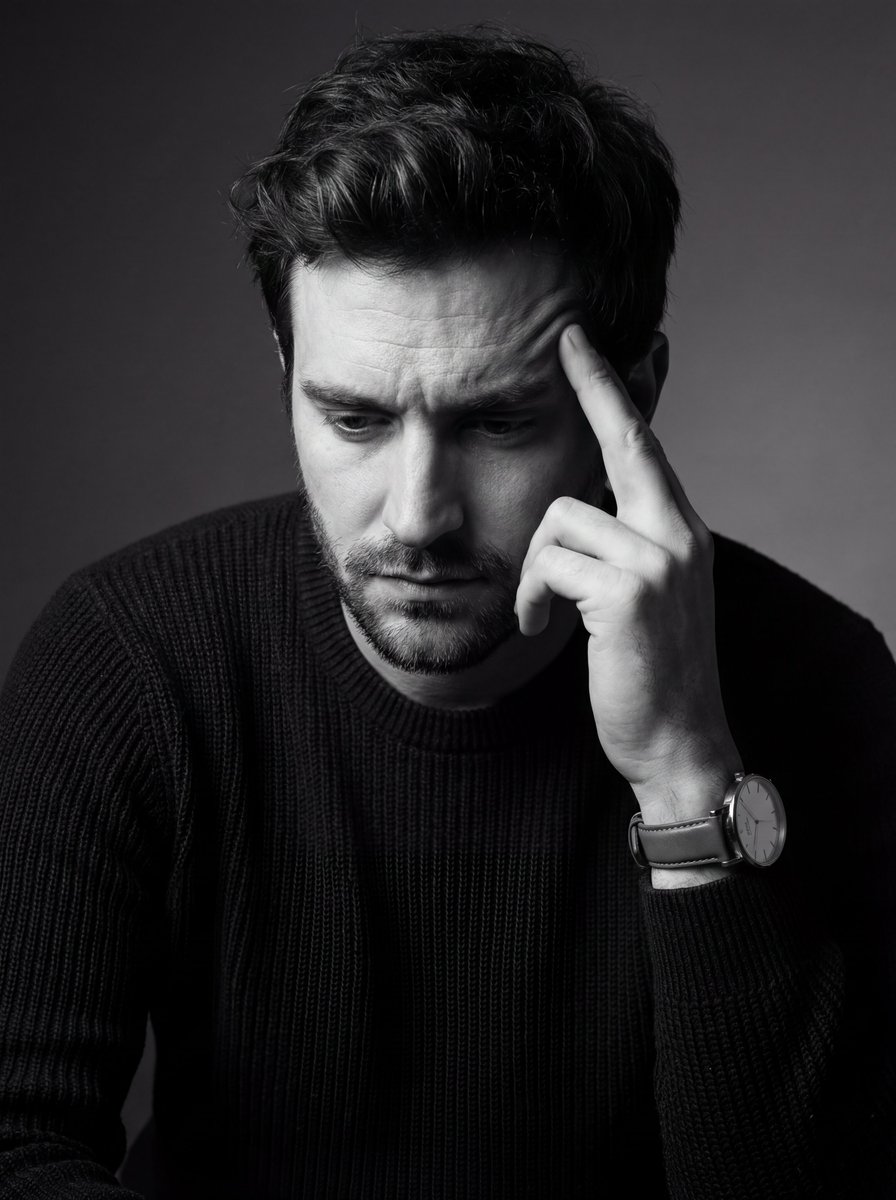
Monochrome Fine Art Portrait with Low-Key Lighting

Spring Flower Field Portrait Prompt for Google Gemini Nano Banana Pro
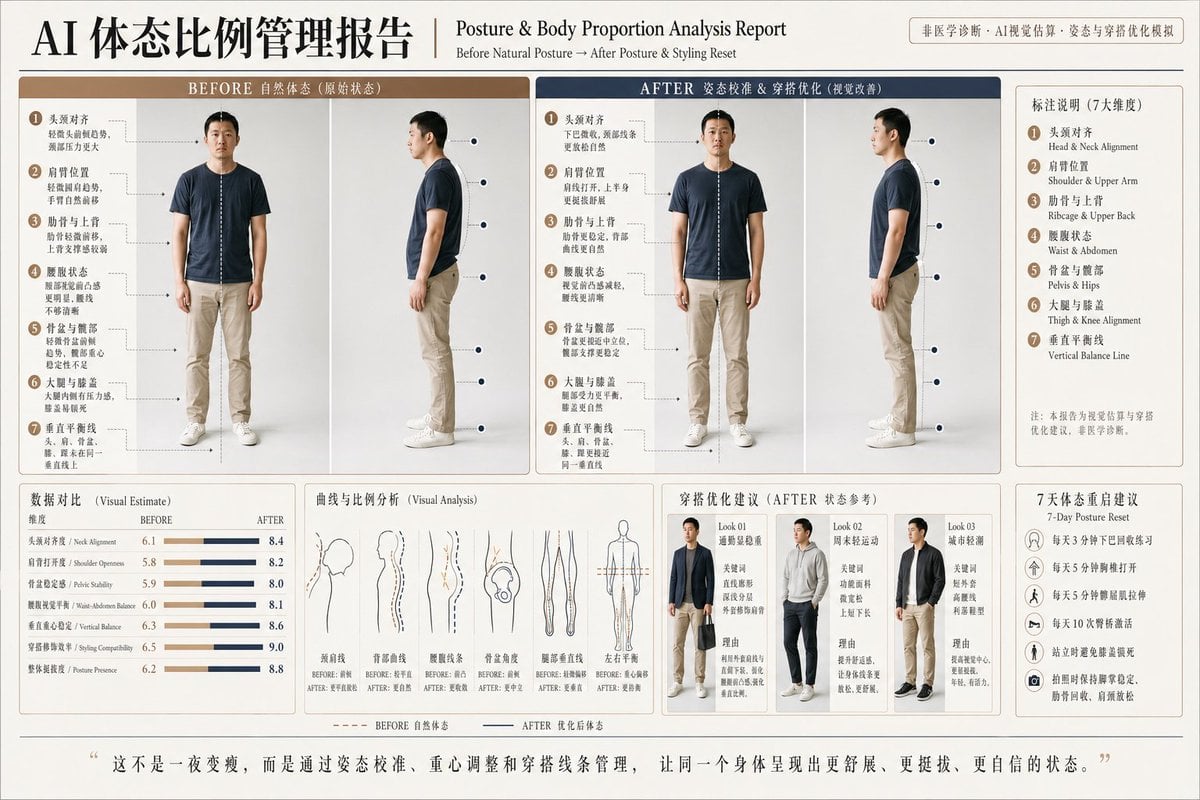
Posture Analysis Report Infographic
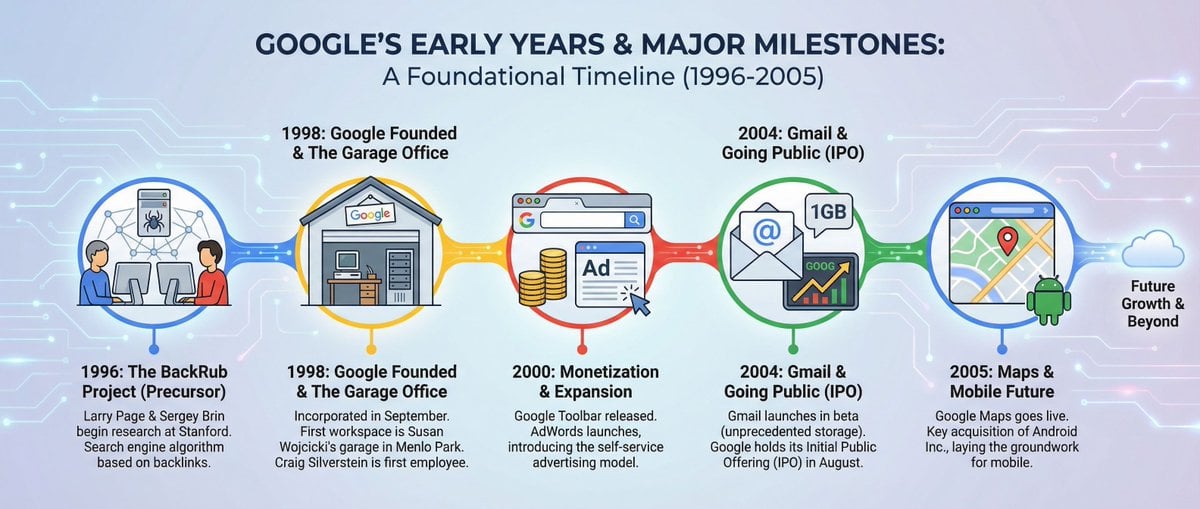
Infographic about Google’s early years

Neon AI Influencer Studio Ad
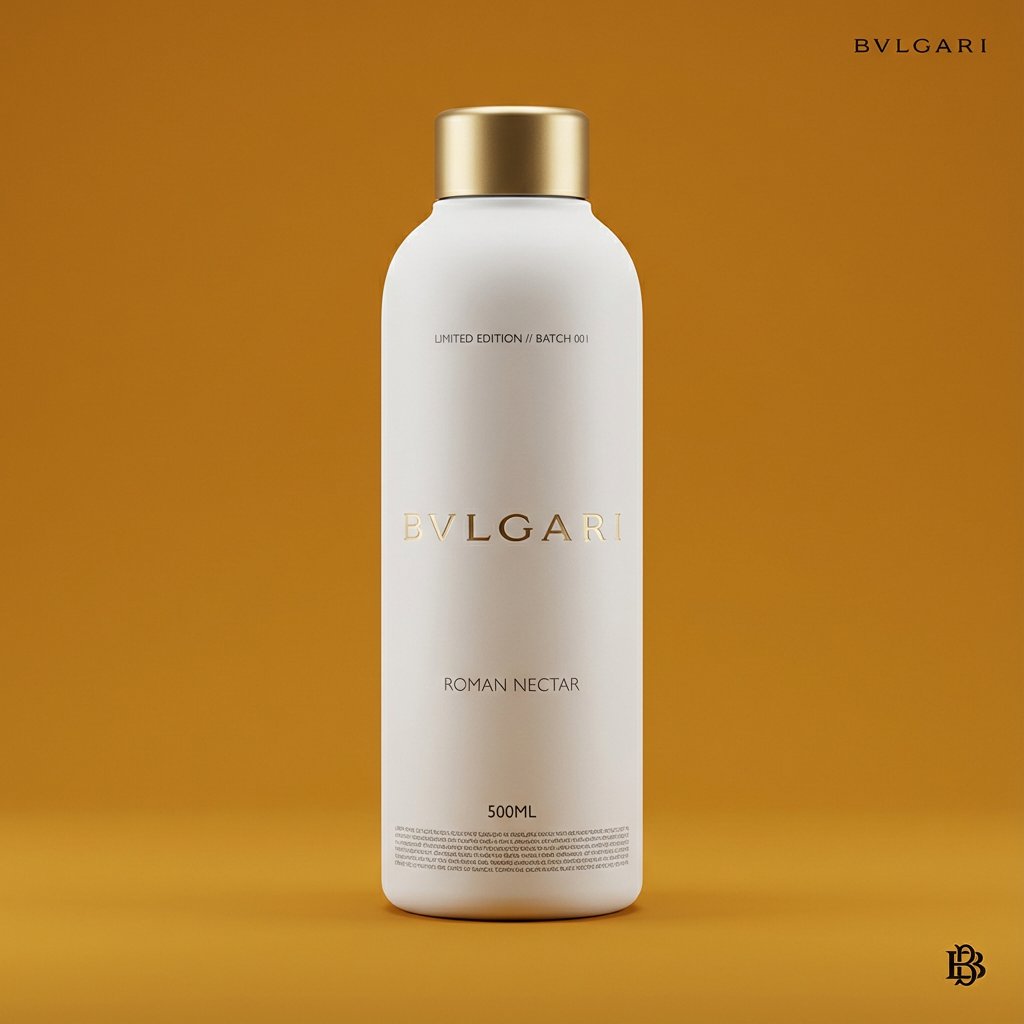
Premium Beverage Package Design Prompt
Browse template categories
Hyper-Realistic Miniature Food Landscapes Grid questions
How do I use the Hyper-Realistic Miniature Food Landscapes Grid template?
Add your photo if the template asks for one, edit the prompt if you like — the template's model and format are already selected — and press Generate. Your version opens in PicX Studio.
Can I customize the Hyper-Realistic Miniature Food Landscapes Grid template?
Yes. You can change the subject, setting, lighting, mood, format, and available model controls before creating your image.
Is the Hyper-Realistic Miniature Food Landscapes Grid template free?
Opening and editing this template is free. Generating uses credits, shown on the Generate button when you are signed in.
Which AI model should I use?
Start with Nano Banana 2, which is the model associated with this template. You can compare another compatible model for a different finish.
Looking for something else? Browse all templates.

Your photo, any look
Thousands of ready templates for every top image and video model, from one credit balance.