
Monochrome Fine Art Portrait with Low-Key Lighting
A highly detailed JSON prompt for generating a dramatic, monochrome fine art portrait of a man.
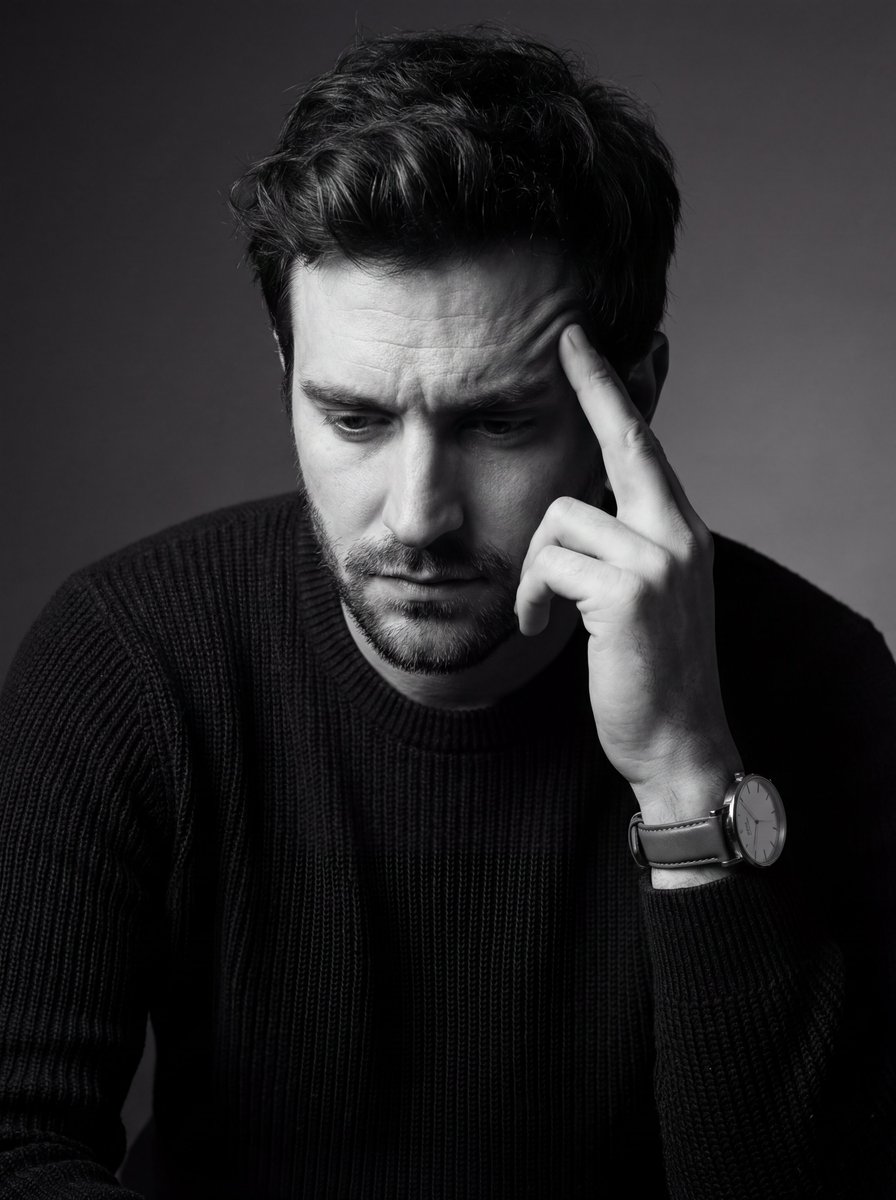
- Prompt included
- Model and format preset
- Free template
The prompt behind this image
Copy the exact prompt behind Monochrome Fine Art Portrait with Low-Key Lighting, or open it in the studio and make it yours.
- Image Type
- photographic portrait
- Orientation
- vertical
- Composition › Framing
- tight medium close-up
- Composition › Crop
- subject cropped at mid-torso with head and hand dominating frame
- Composition › Angle
- three-quarter profile
- Composition › Camera Position
- slightly above eye level
- Composition › Subject Placement
- subject positioned slightly off-center to the right
- Composition › Negative Space
- minimal, concentrated on left background
- Subject › Gender Presentation
- male
- Subject › Approximate Age Range
- late 20s to mid 30s
- Subject › Pose
- head tilted downward, hand raised to temple in contemplative gesture
- Subject › Facial Expression
- pensive, introspective, serious
- Subject › Gaze Direction
- downward, unfocused
- Subject › Hair › Style
- short, tousled, textured
- Subject › Hair › Tone
- dark
- Subject › Facial Hair › Type
- short stubble beard
- Subject › Facial Hair › Density
- medium
- Subject › Clothing › Upper Garment
- long-sleeve knit sweater
- Subject › Clothing › Texture
- ribbed or woven fabric
- Subject › Clothing › Tone
- dark
- Subject › Accessories › Watch › Type
- analog wristwatch
- Subject › Accessories › Watch › Band
- leather strap
- Subject › Accessories › Watch › Dial
- minimalist, light-colored face
- Subject › Accessories › Watch › Style
- classic, understated
Raw JSON
{
"image_type": "photographic portrait",
"orientation": "vertical",
"composition": {
"framing": "tight medium close-up",
"crop": "subject cropped at mid-torso with head and hand dominating frame",
"angle": "three-quarter profile",
"camera_position": "slightly above eye level",
"subject_placement": "subject positioned slightly off-center to the right",
"negative_space": "minimal, concentrated on left background"
},
"subject": {
"gender_presentation": "male",
"approximate_age_range": "late 20s to mid 30s",
"pose": "head tilted downward, hand raised to temple in contemplative gesture",
"facial_expression": "pensive, introspective, serious",
"gaze_direction": "downward, unfocused",
"hair": {
"style": "short, tousled, textured",
"tone": "dark"
},
"facial_hair": {
"type": "short stubble beard",
"density": "medium"
},
"clothing": {
"upper_garment": "long-sleeve knit sweater",
"texture": "ribbed or woven fabric",
"tone": "dark"
},
"accessories": {
"watch": {
"type": "analog wristwatch",
"band": "leather strap",
"dial": "minimalist, light-colored face",
"style": "classic, understated"
}
}
},
"lighting": {
"type": "studio lighting",
"style": "low-key",
"direction": "side lighting from upper left",
"contrast": "high contrast with deep shadows",
"highlights": "strong highlights on forehead, nose, cheekbone, and hand",
"shadow_falloff": "soft but pronounced on right side of face and body"
},
"color": {
"palette": "monochrome",
"dominant_tones": [
"black",
"charcoal gray",
"soft gray",
"off-white highlights"
],
"saturation": "none",
"contrast_level": "high"
},
"background": {
"type": "studio backdrop",
"texture": "smooth with subtle gradient",
"tone": "dark gray to near black",
"detail_level": "minimal, distraction-free"
},
"focus_and_depth": {
"focus": "sharp on face and hand",
"depth_of_field": "shallow to moderate",
"background_blur": "soft, unobtrusive"
},
"technical_characteristics": {
"photographic_style": "fine art portrait",
"likely_lens": "short telephoto (approx. 85mm equivalent)",
"aperture_character": "wide aperture look",
"grain": "very fine, minimal noise",
"sharpness": "high subject clarity with smooth tonal transitions"
},
"mood_and_tone": {
"emotional_quality": "introspective, somber, reflective",
"aesthetic": "minimalist, dramatic, cinematic",
"visual_narrative": "moment of private thought or emotional weight"
},
"post_processing": {
"black_and_white_conversion": "high quality monochrome conversion",
"contrast_adjustment": "enhanced contrast",
"clarity": "moderate clarity applied to facial features",
"vignette": "subtle edge darkening"
},
"artistic_references": {
"style_influences": [
"classic black-and-white portrait photography",
"cinematic character studies",
"editorial fashion portraiture"
]
}
}How to use Monochrome Fine Art Portrait with Low-Key Lighting in 3 steps
- 1
Open
The prompt is already in the box next to the preview, with the template's model and format selected.
- 2…a portrait of your subject in softgolden-hour light, 85mm…
Personalize
Edit the subject and creative details for your destination.
- 3Generate
Generate
Press Generate — your image is created in PicX Studio, so you can compare it with the original and refine one variable at a time.
More like this
Templates with the same subject, style or setup. Open one to see its prompt.
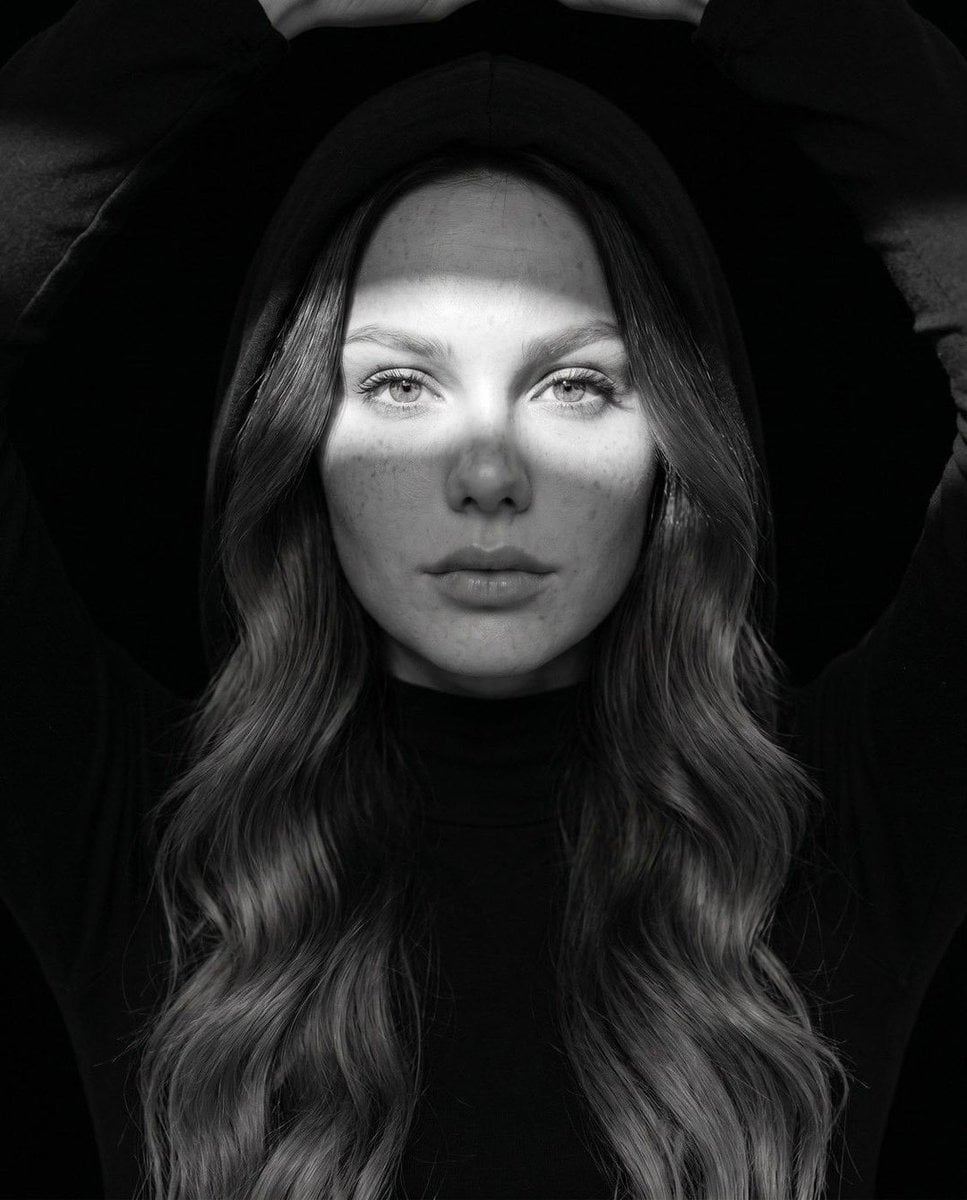
Fine Art Monochrome Fashion Portrait
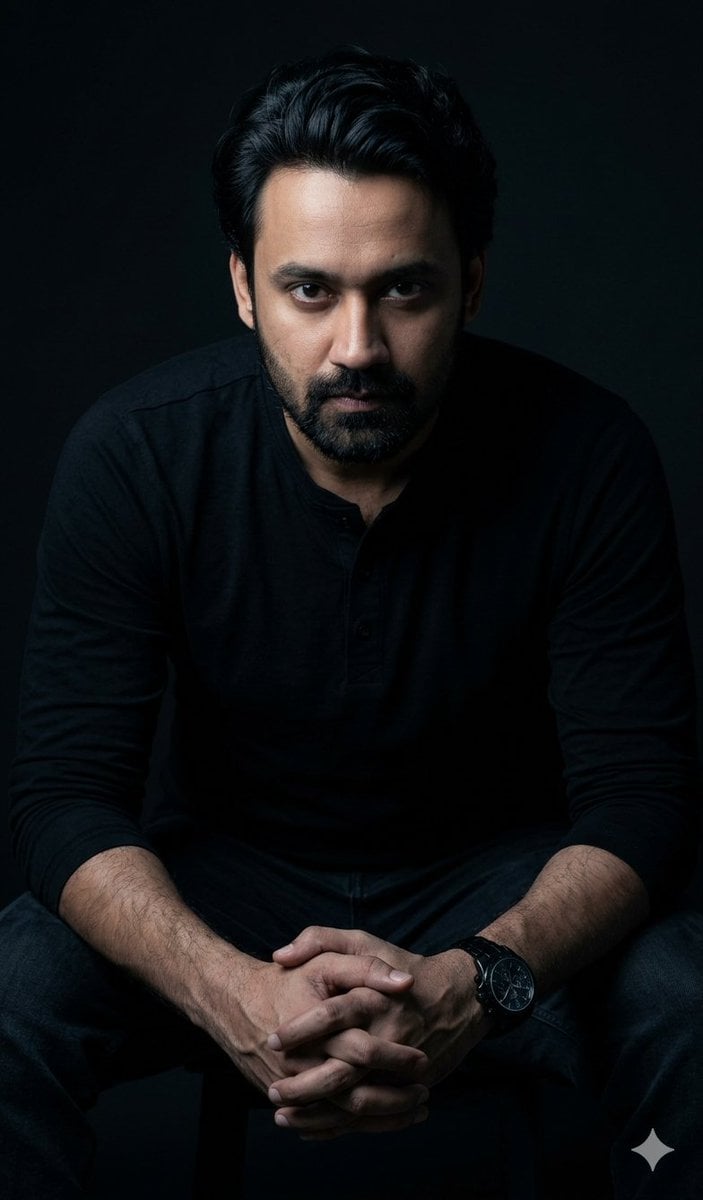
Powerful Studio Portrait with Low-Key Lighting
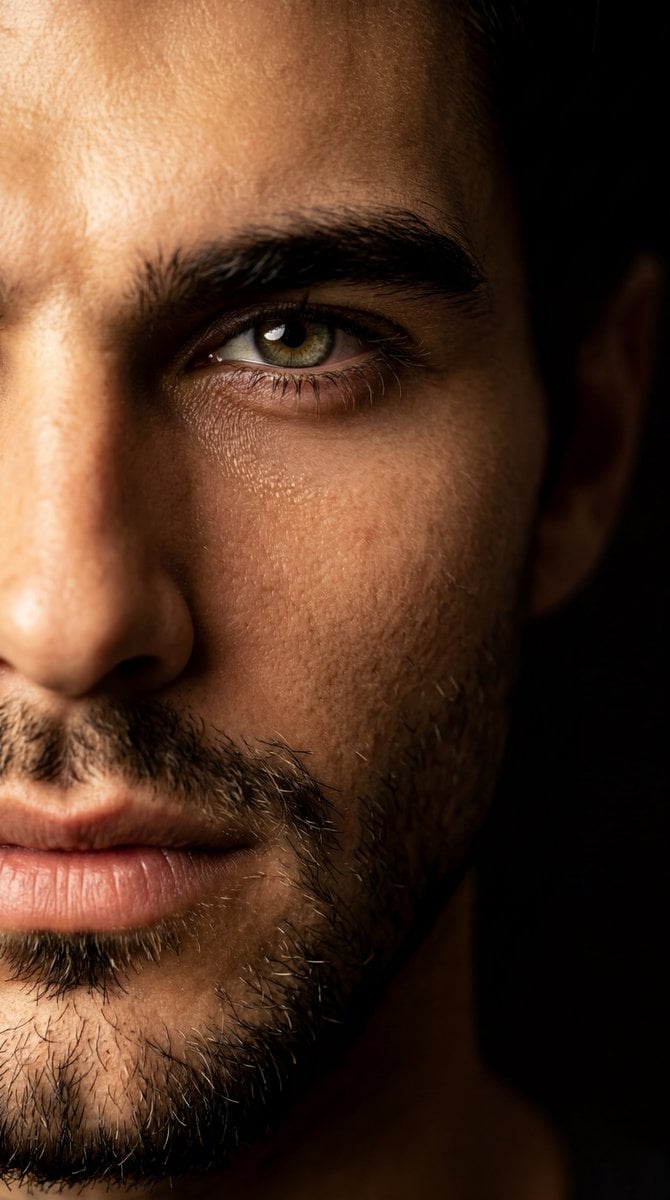
Low-Key Fine Art Portrait
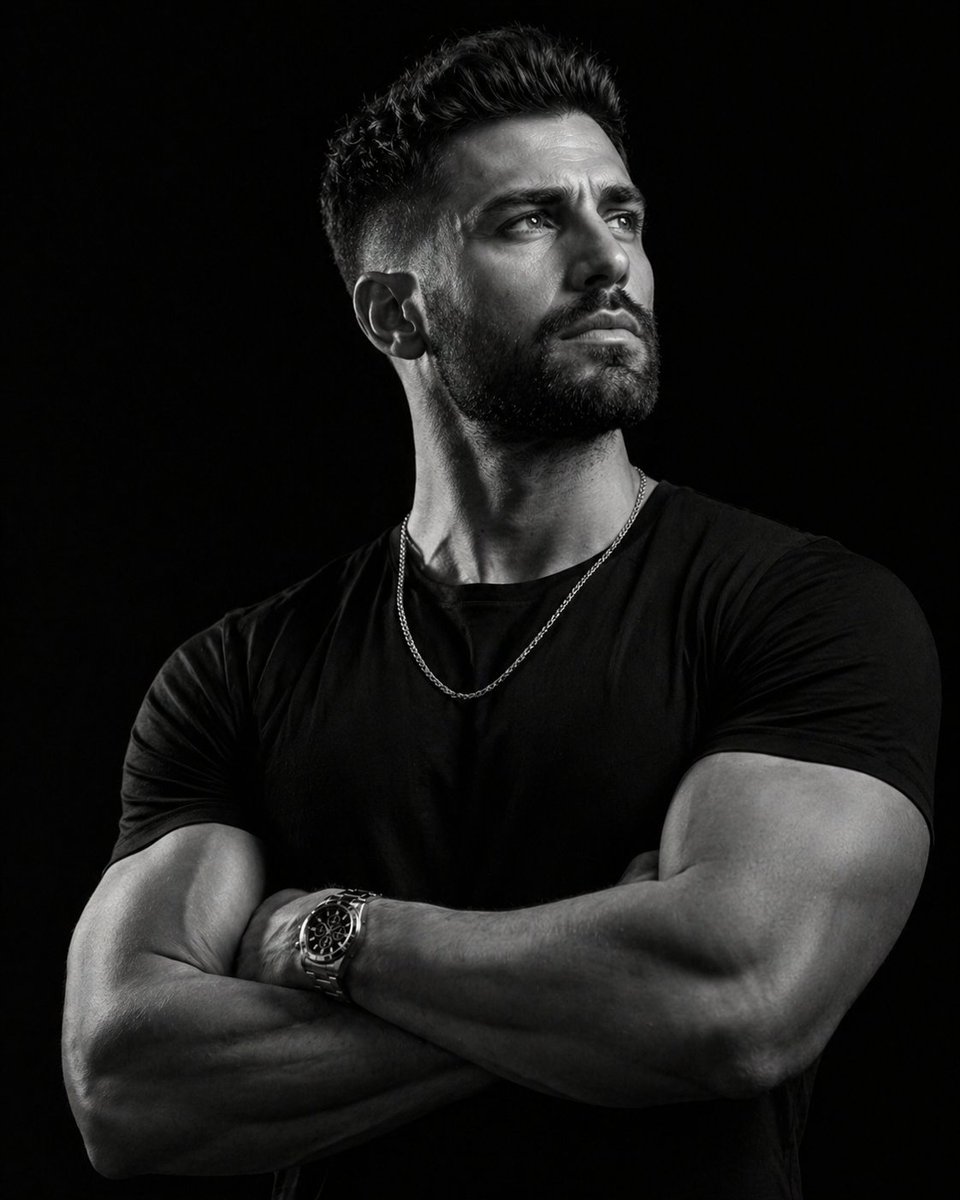
Low-key monochrome editorial portrait
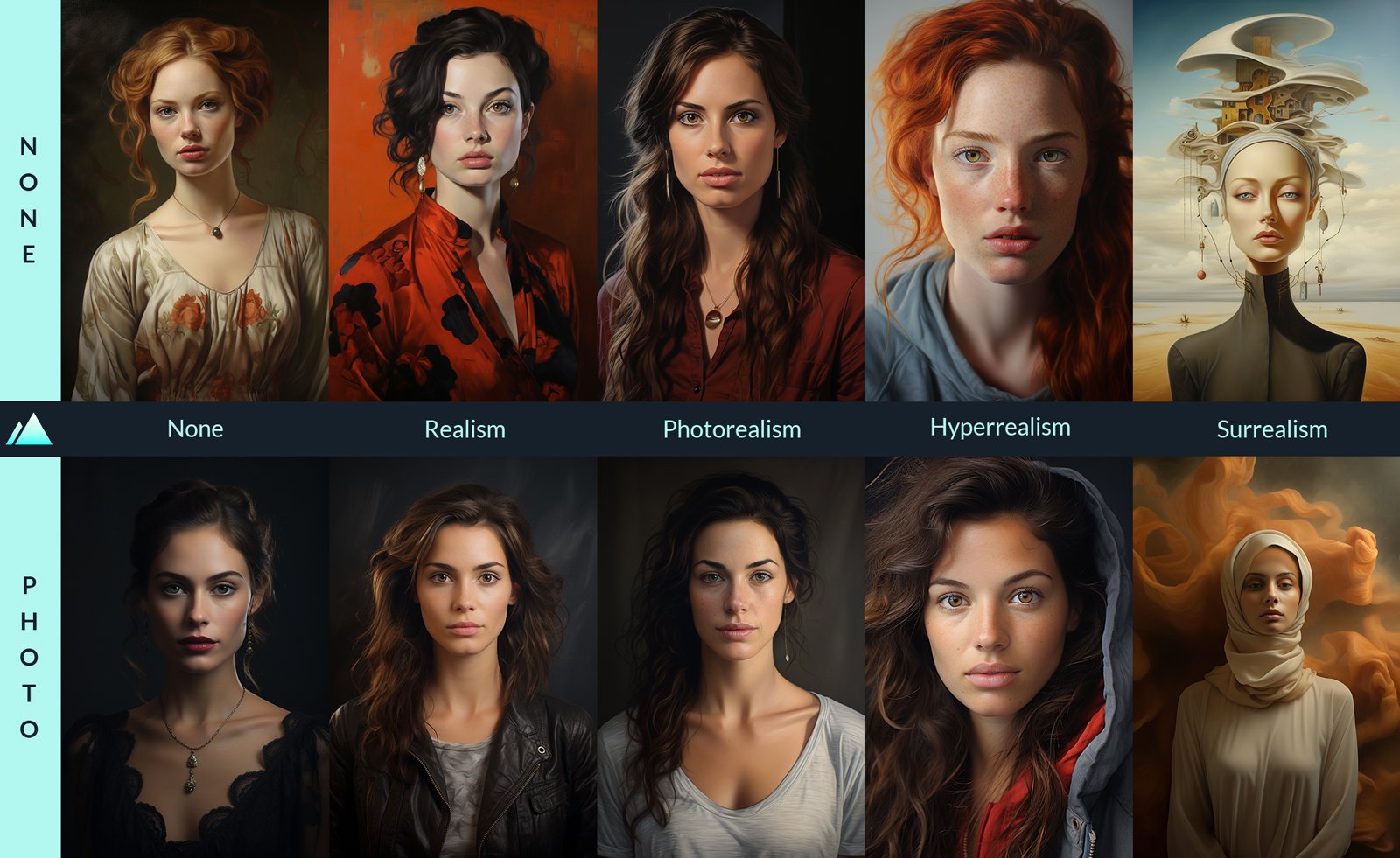
Comparing Realism Keywords in Midjourney
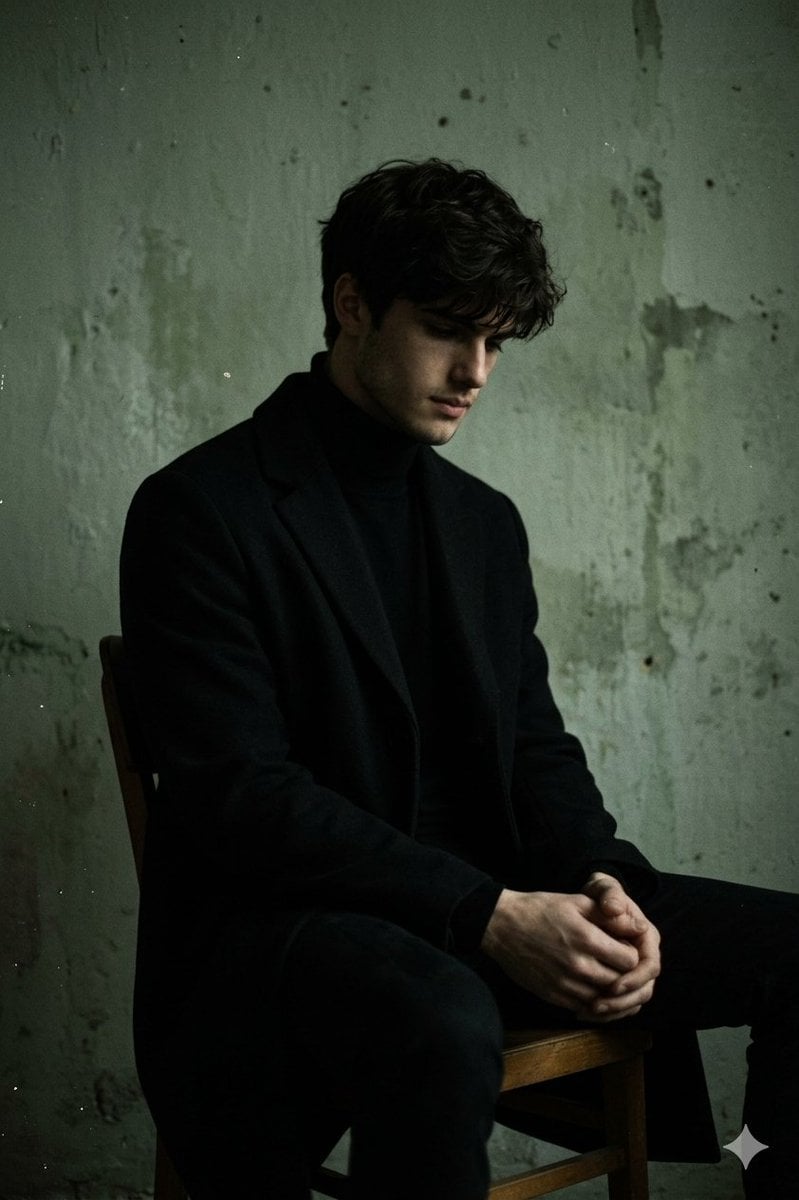
Moody Low-Key Male Portrait
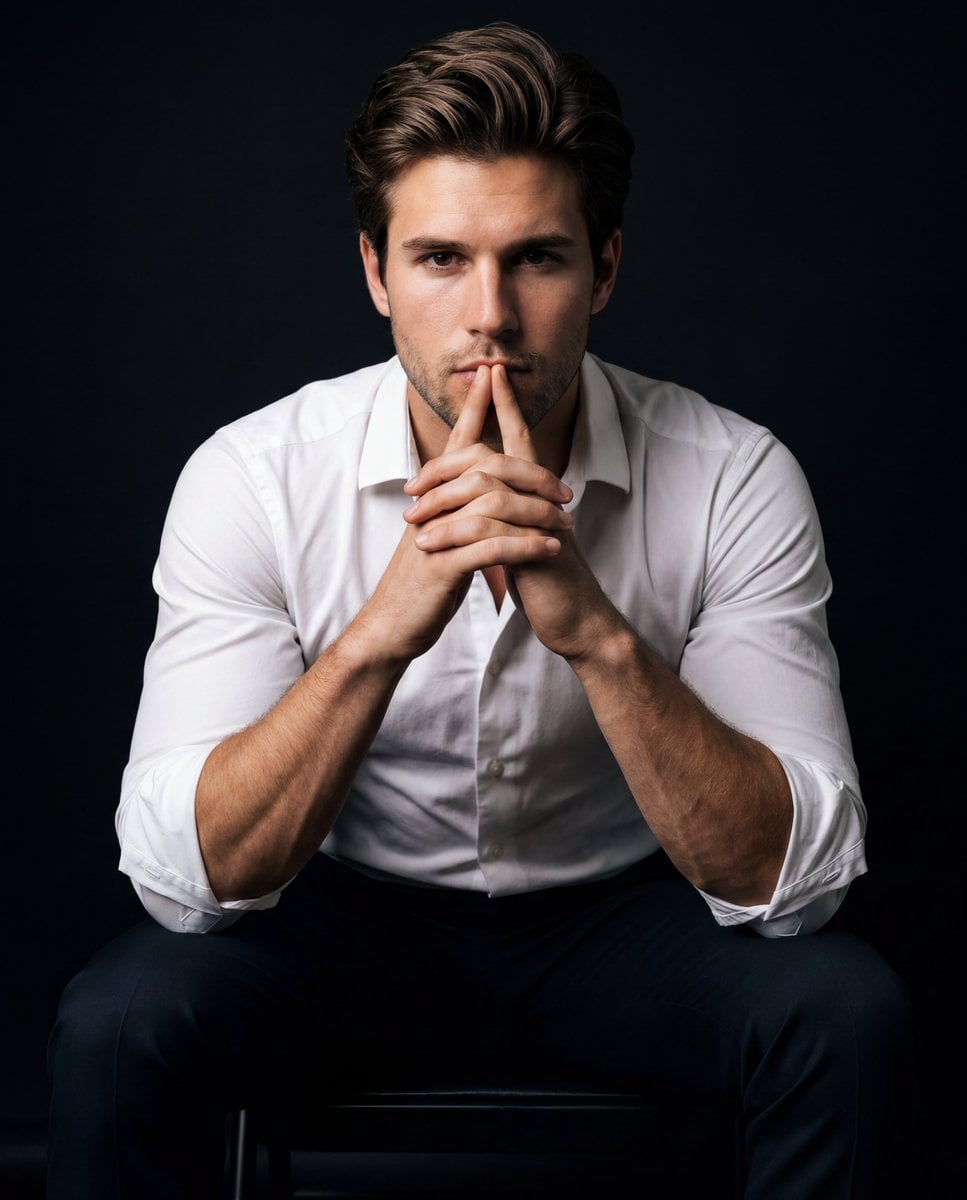
Intense Low-Key Studio Portrait
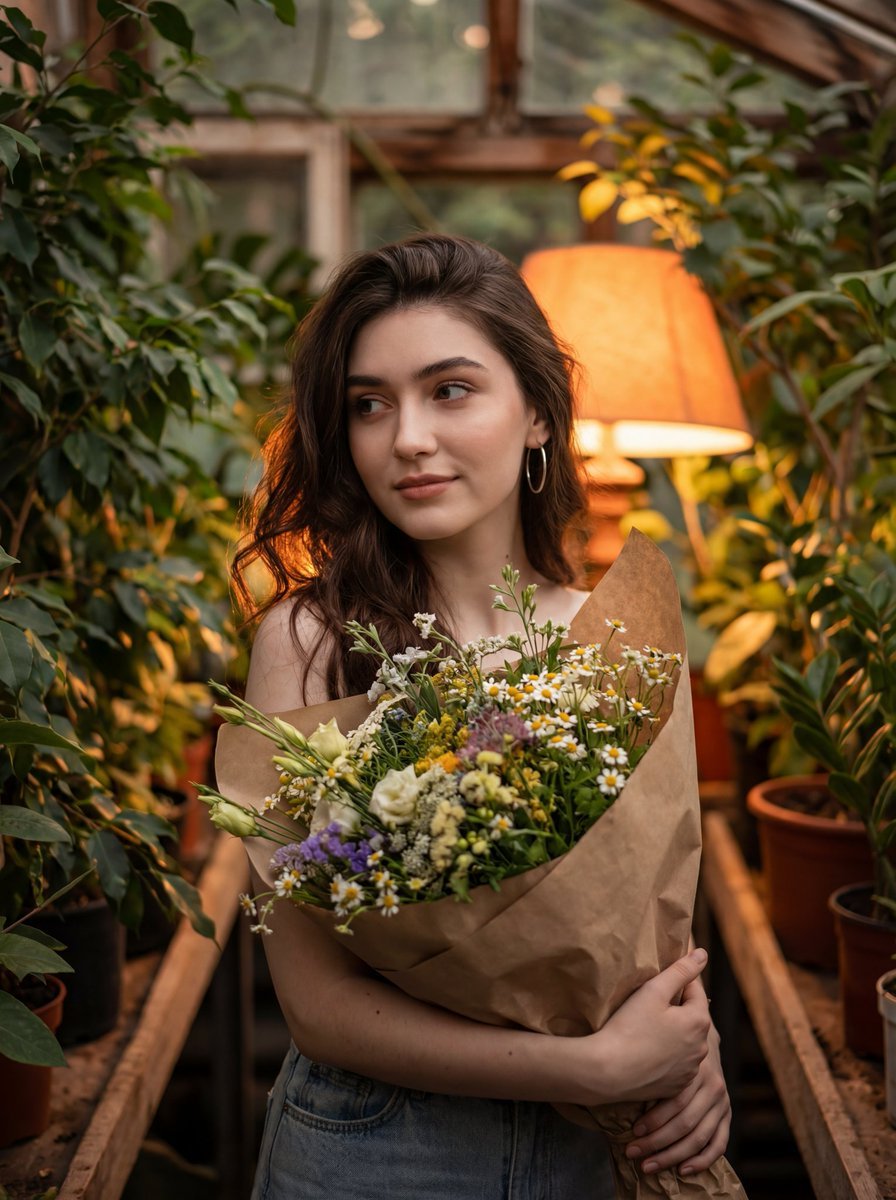
Atmospheric Portrait with Flowers and Warm Lighting
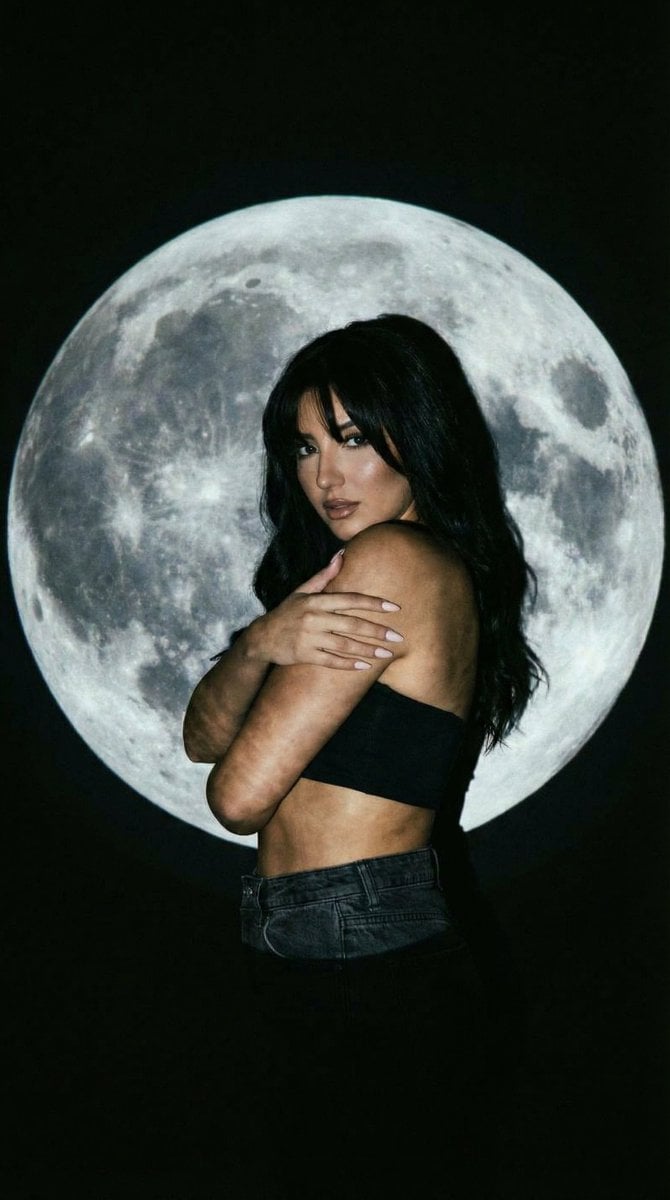
Low-Key Portrait with Moon Projection Silhouette
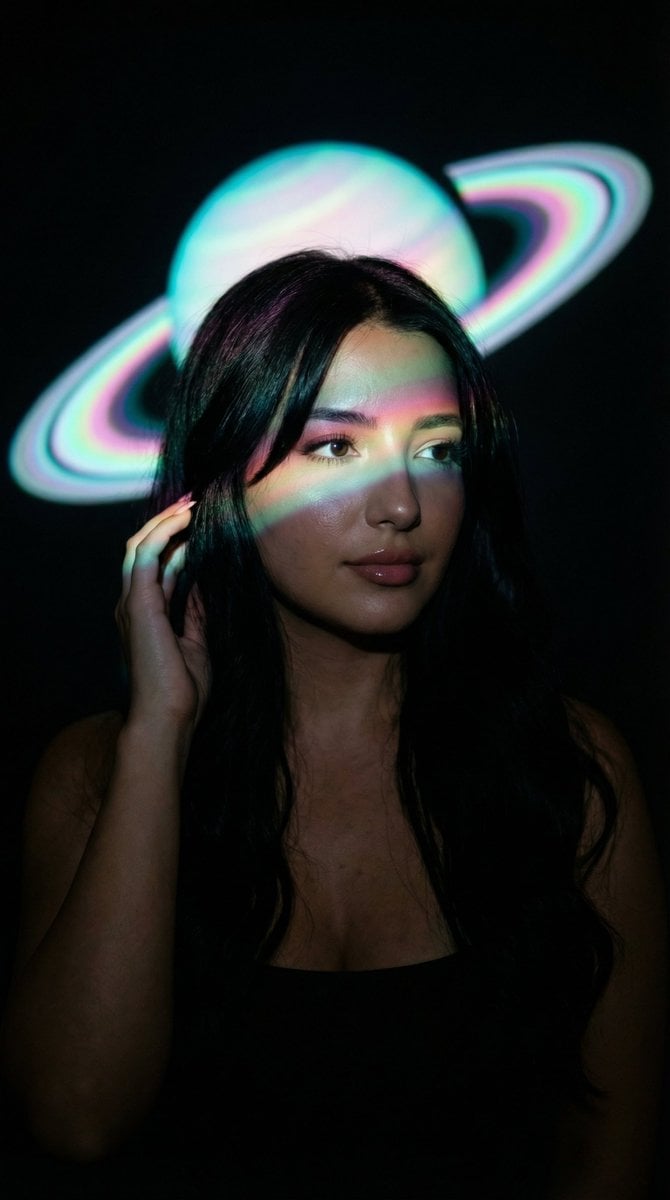
Low-Key Saturn Projection Portrait
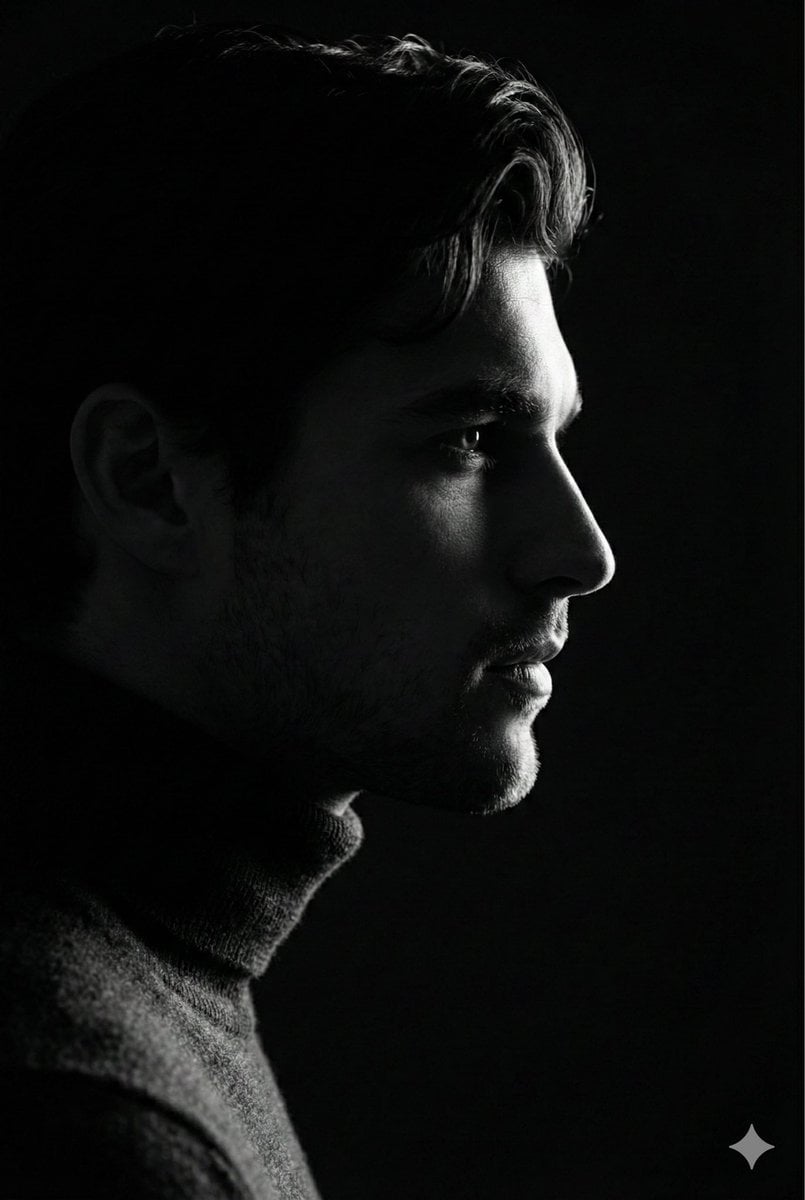
Low-Key Profile Portrait with Single Rim Light
Hyper-Defined Portrait with Neon Lighting and Architectural Fashion
Make it yours
Monochrome Fine Art Portrait with Low-Key Lighting works as-is. These are the safest ways to change it without losing the look.
Swap the setting
Keep the rest of the prompt and replace the location block. The current setting is “studio backdrop”.
Swap the light
One lighting change is enough to compare takes. Current light: “studio lighting”.
Change one field
Copy a single group, rewrite it, and generate again so you can see what that field is doing.
| If the result… | Why | Fix |
|---|---|---|
| The result drifts from the preview | Too many fields changed at once. | Reuse Monochrome Fine Art Portrait with Low-Key Lighting as-is first, then change one group — subject, light, or setting. |
| Nano Banana 2 ignores part of the JSON | Some models flatten or skip nested keys. | Keep the same values and paste them as a short paragraph instead. |
More Nano Banana 2 templates
Other prompts made for Nano Banana 2.

Photorealistic Leaf Shaped Like a Dragon

K-Pop Idol Portrait Grid for Rapid Selection

Poetic Rain Forest Portrait During Golden Hour

Urban Street Portrait with Cartoon Inner Self Duo

Candid Nighttime Photo with Cat Prompt

High-Concept 3D Diorama Generation Prompt

Cinematic Futuristic Studio Portrait Template

Skincare Editorial Photography Collage Prompt

Hyper-Realistic Commercial Product Photography (Splash Effect)

Hyper-Realistic Nightclub Portrait Prompt
More image prompts
Fresh picks from across the catalog.
Angelic Haute Couture Editorial
ID photo generation prompt for Nano Banana Pro
Whale Shark in Sunbeam
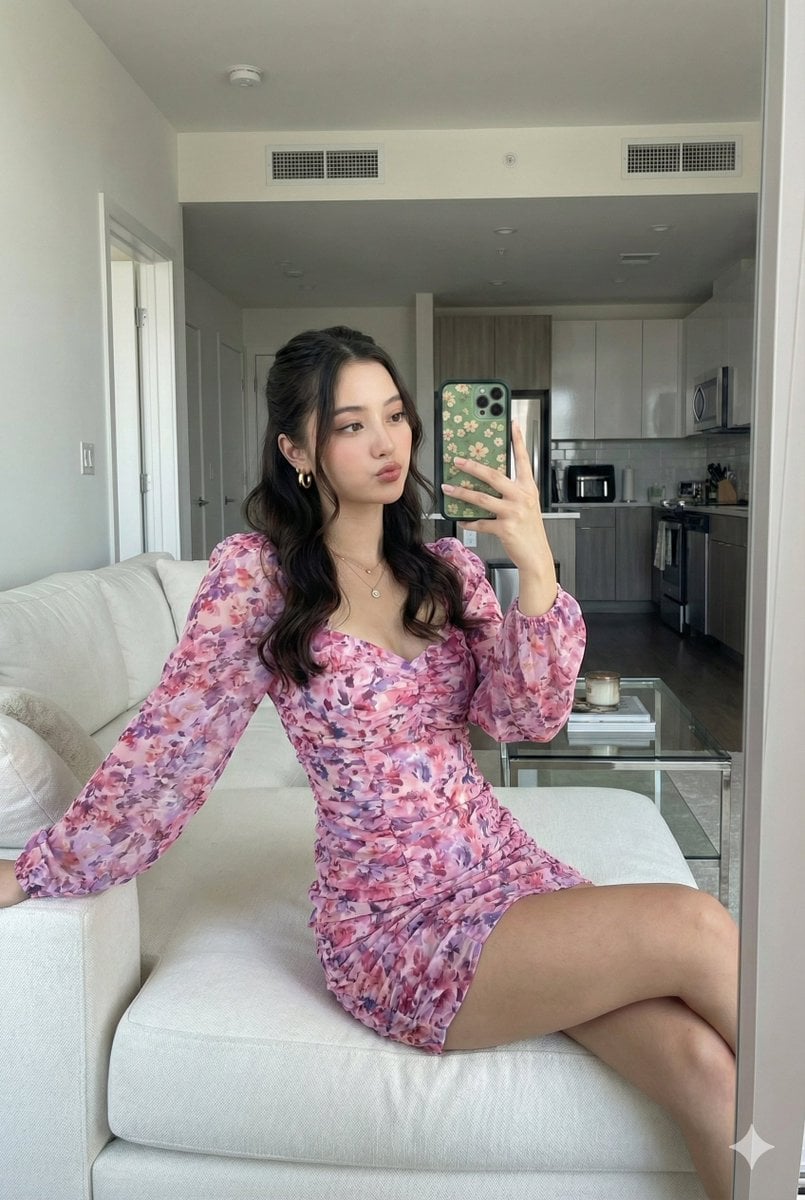
Mirror Selfie with Face Preservation Prompt
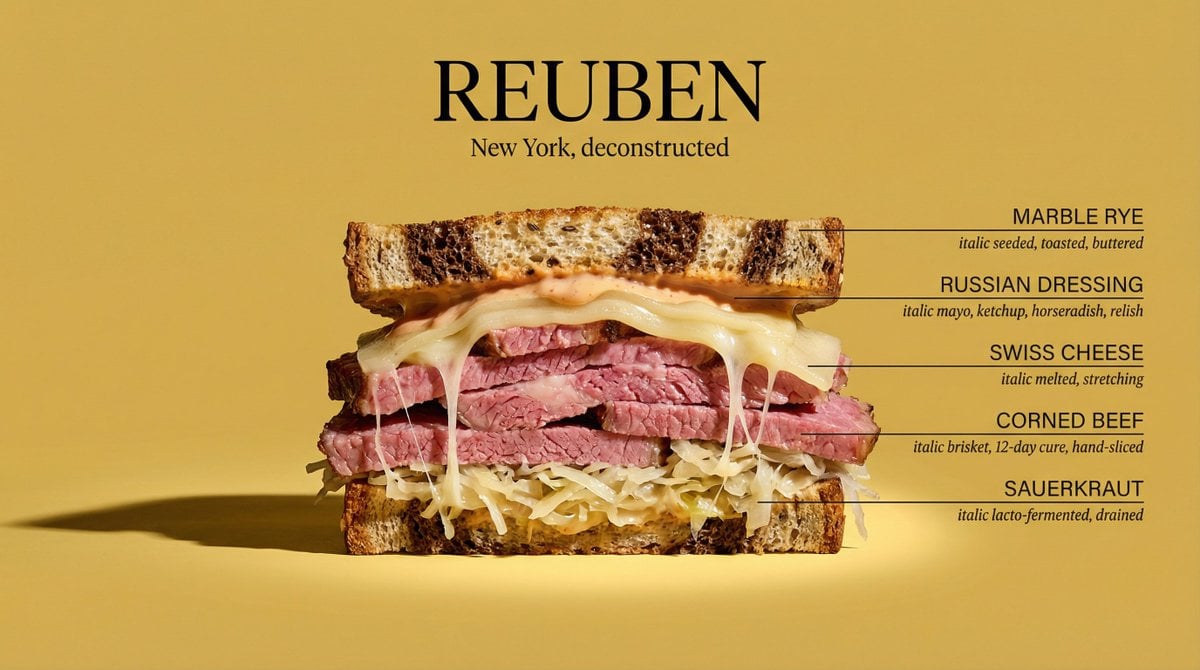
Architectural Food Photography Cross-Section Prompt
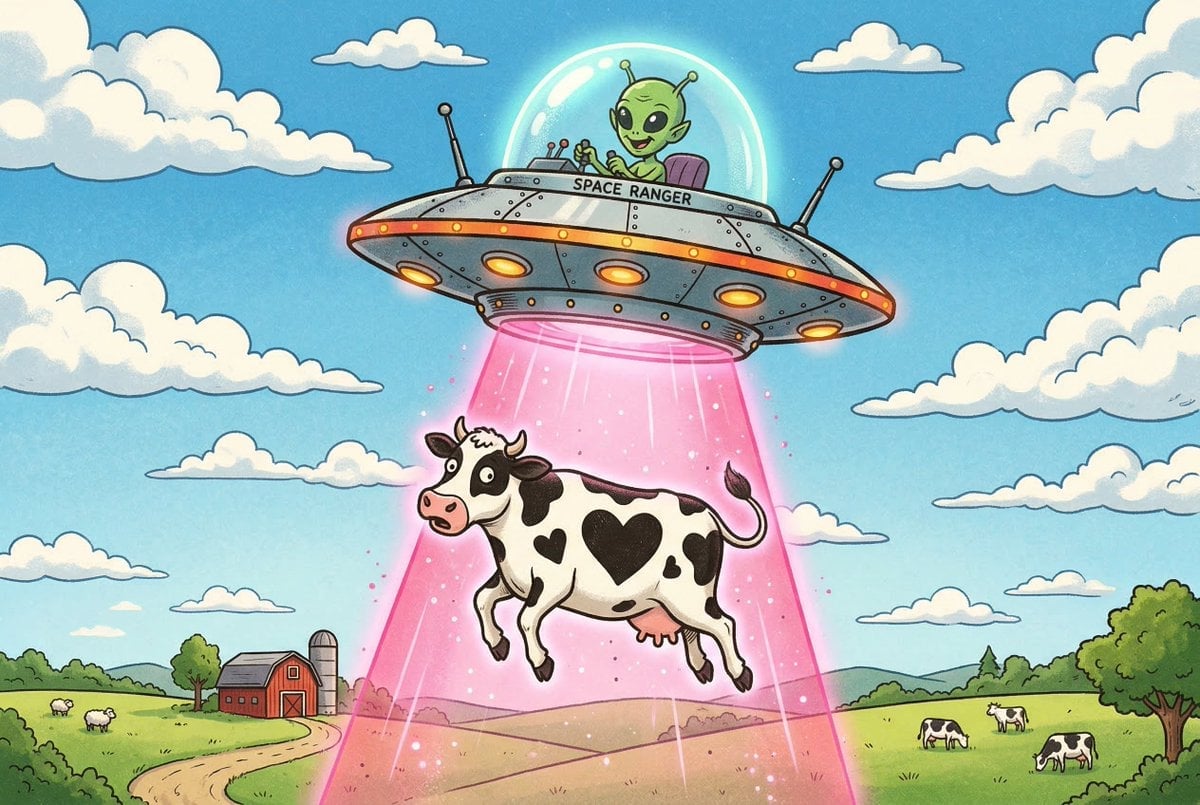
Black and White Cow Abduction by 1950s UFO
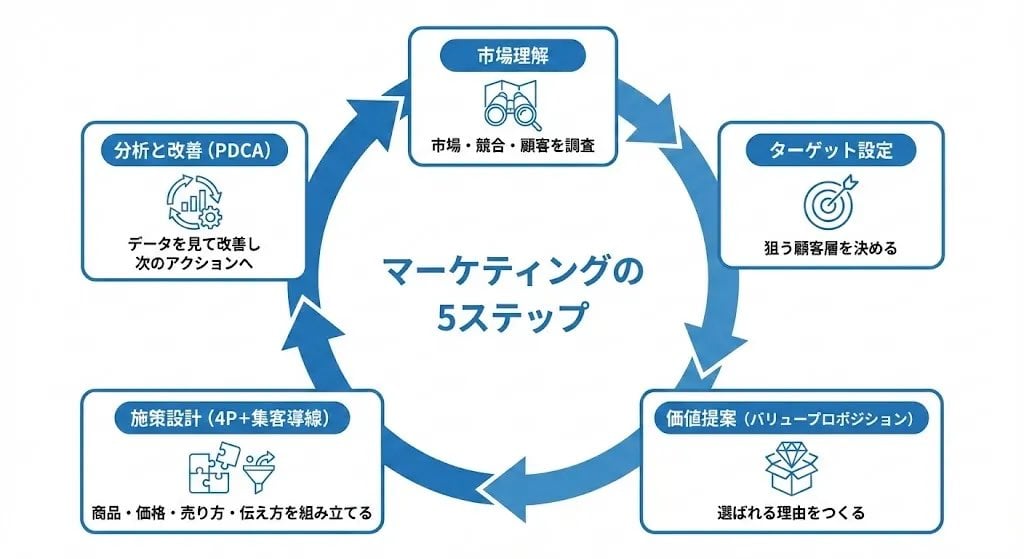
Step Marketing Flowchart Diagram Generator
Nano Banana - Street Paris T-Shirt
Plastic Model Package Prompt for Nano Banana Pro
Photo Edit with Fixed Face and Golden Hour Lighting
Browse template categories
Monochrome Fine Art Portrait with Low-Key Lighting questions
How do I use the Monochrome Fine Art Portrait with Low-Key Lighting template?
Add your photo if the template asks for one, edit the prompt if you like — the template's model and format are already selected — and press Generate. Your version opens in PicX Studio.
Can I customize the Monochrome Fine Art Portrait with Low-Key Lighting template?
Yes. You can change the subject, setting, lighting, mood, format, and available model controls before creating your image.
Is the Monochrome Fine Art Portrait with Low-Key Lighting template free?
Opening and editing this template is free. Generating uses credits, shown on the Generate button when you are signed in.
Which AI model should I use?
Start with Nano Banana 2, which is the model associated with this template. You can compare another compatible model for a different finish.
Looking for something else? Browse all templates.

Your photo, any look
Thousands of ready templates for every top image and video model, from one credit balance.