
Step Marketing Flowchart Diagram Generator
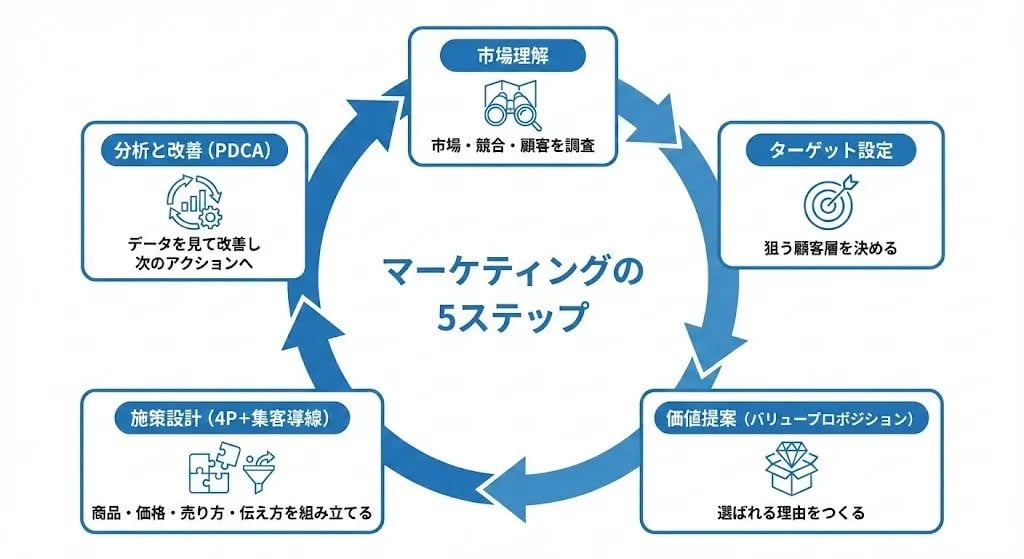
A detailed prompt for generating a clean, business-oriented circular flowchart diagram illustrating the 5 steps of the marketing process.
- Prompt included
- Model and format preset
- Free template
The prompt behind this image
Copy the exact prompt behind Step Marketing Flowchart Diagram Generator, or open it in the studio and make it yours.
「マーケティングの流れ」を、5ステップの円環状(サークル図)で 時計回りに表現した図解を作成してください。 【全体スタイル】 ・白背景のシンプルでビジネス向けの図解 ・円形のフローチャートを時計回りに5分割 ・ブルー系のアクセントカラーで統一 ・日本語テキストを正確・見やすく描画 ・スライド資料にそのまま貼れる整ったデザイン 【円環の5ステップ(時計回り)】 円の外周に以下5項目を配置し、太めの矢印でつないでください。 1. 市場理解 - 市場・競合・顧客を調査 2. ターゲット設定 - 狙う顧客層を決める 3. 価値提案(バリュープロポジション) - 選ばれる理由をつくる 4. 施策設計(4P+集客導線) - 商品・価格・売り方・伝え方を組み立てる 5. 分析と改善(PDCA) - データを見て改善し次のアクションへ 【レイアウト条件】 ・円の外側に角丸ボックスで「タイトル+短い説明」を配置 ・各ステップには線画アイコンを1つ付ける ・中心に「マーケティングの5ステップ」と記載 ・矢印は時計回りの流れが明確にわかるように配置 ・余白多めで洗練された構図 【禁止事項】 ・人物写真は使用しない ・実在企業名やロゴを入れない 【完成イメージ】 マーケティングの基本プロセスが5つの要素で ひと目で理解できる円環状のビジネス図解。 スライドや提案資料にそのまま使える品質。
How to use Step Marketing Flowchart Diagram Generator in 3 steps
- 1
Open
The prompt is already in the box next to the preview, with the template's model and format selected.
- 2…a portrait of your subject in softgolden-hour light, 85mm…
Personalize
Edit the subject and creative details for your destination.
- 3Generate
Generate
Press Generate — your image is created in PicX Studio, so you can compare it with the original and refine one variable at a time.
More like this
Templates with the same subject, style or setup. Open one to see its prompt.
Minimalist Flowchart/Diagram Generation Style Guide
Retro Mobile Sale Alert Template

Newspaper Advertisement Campaign Template

Newspaper Advertisement Template

Professional Tie Commercial Template
Watercolor Hamster Climbing Step
Resort Fashion Stone Steps Portrait
Step-by-Step Pancake Process Collage
Japanese Egg Cooking Flowchart UI
Three Steps to a Happy Life Infographic
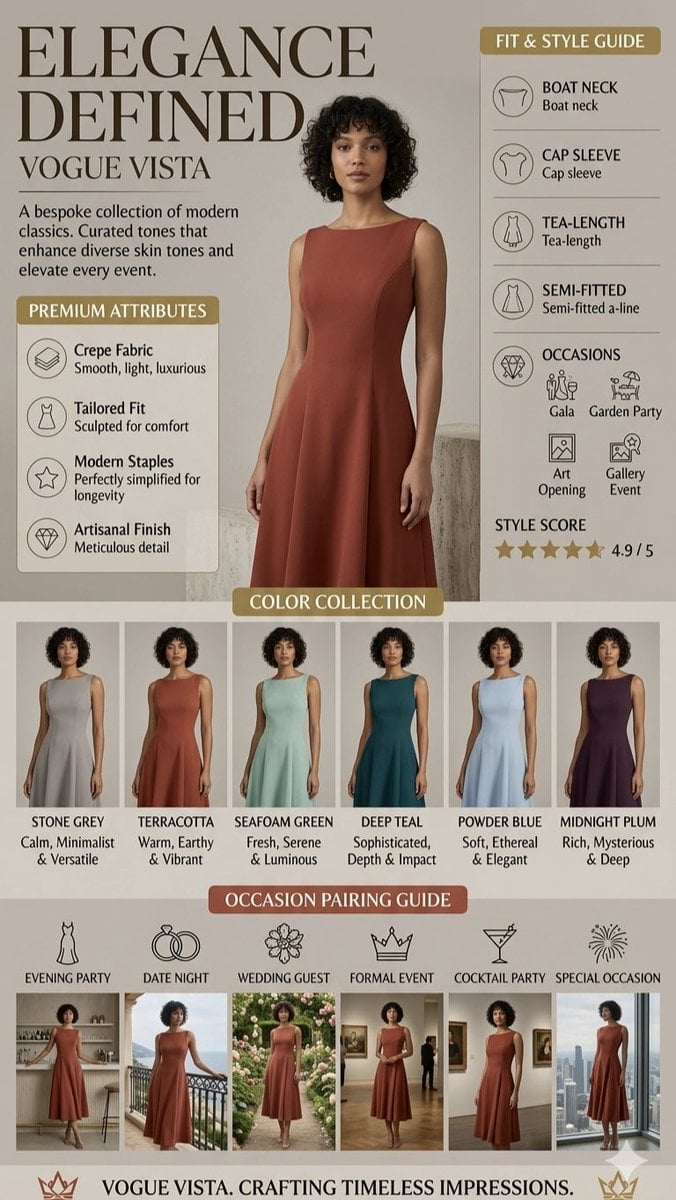
High-Fashion Marketing Infographic
Marble Courthouse Steps
Make it yours
Step Marketing Flowchart Diagram Generator works as-is. These are the safest ways to change it without losing the look.
Change one field
Copy a single group, rewrite it, and generate again so you can see what that field is doing.
Keep the frame, change the subject
Hold the composition and light of 5-Step Marketing Flowchart Diagram Generator, then swap wardrobe, props or the person for a new take.
| If the result… | Why | Fix |
|---|---|---|
| The result drifts from the preview | Too many fields changed at once. | Reuse 5-Step Marketing Flowchart Diagram Generator as-is first, then change one group — subject, light, or setting. |
| The model over-stylizes the scene | The prose prompt leaves finish and camera underspecified. | Add one camera or lighting sentence and stay on Nano Banana 2. |
More Nano Banana 2 templates
Other prompts made for Nano Banana 2.

Photorealistic Leaf Shaped Like a Dragon

K-Pop Idol Portrait Grid for Rapid Selection

Poetic Rain Forest Portrait During Golden Hour

Urban Street Portrait with Cartoon Inner Self Duo

Candid Nighttime Photo with Cat Prompt

High-Concept 3D Diorama Generation Prompt

Cinematic Futuristic Studio Portrait Template

Skincare Editorial Photography Collage Prompt

Hyper-Realistic Commercial Product Photography (Splash Effect)

Hyper-Realistic Nightclub Portrait Prompt
More image prompts
Fresh picks from across the catalog.
Warm Indoor Group Mirror Selfie Prompt for Nano Banana Pro
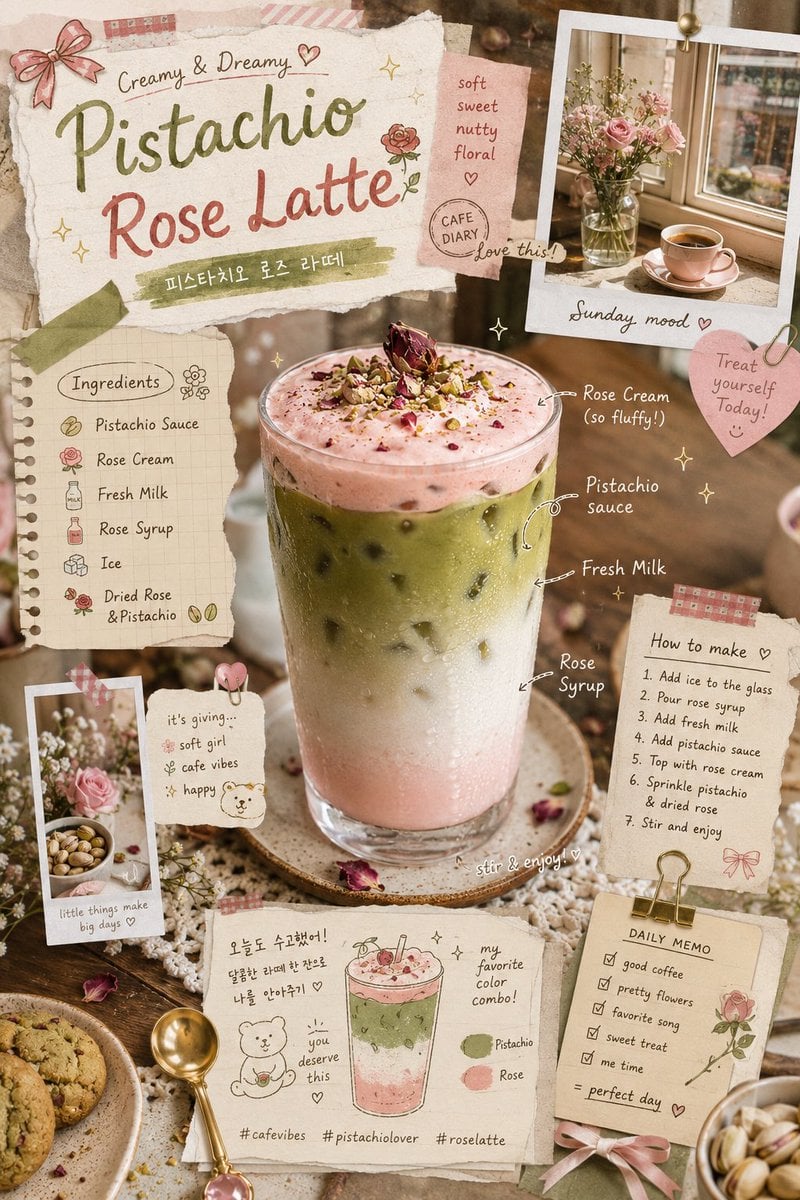
Pistachio Rose Latte Scrapbook Poster
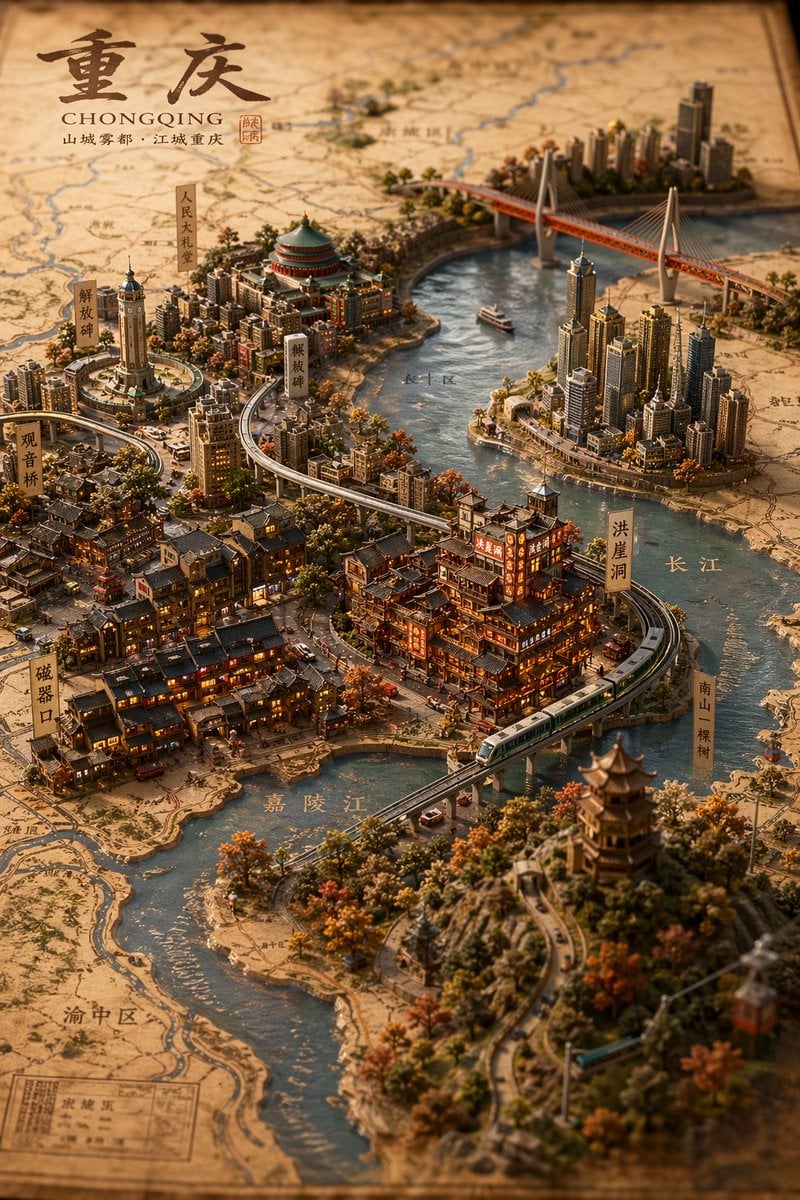
Miniature 3D City Diorama Map
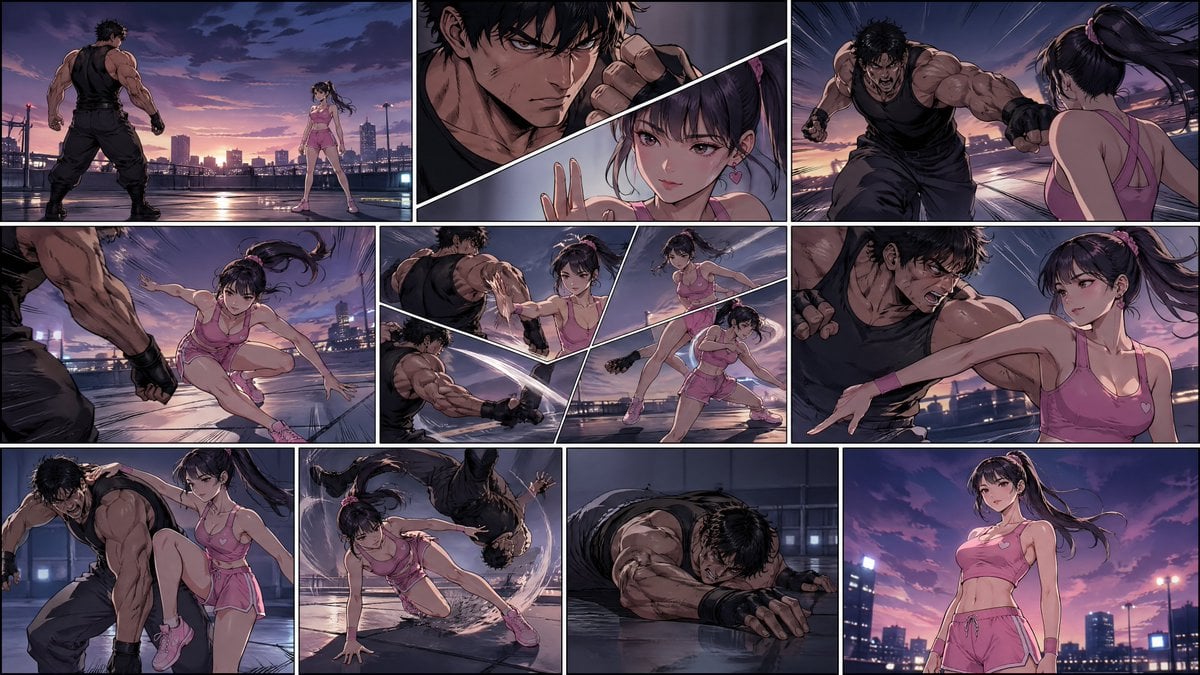
Manhwa Style Fighting Storyboard
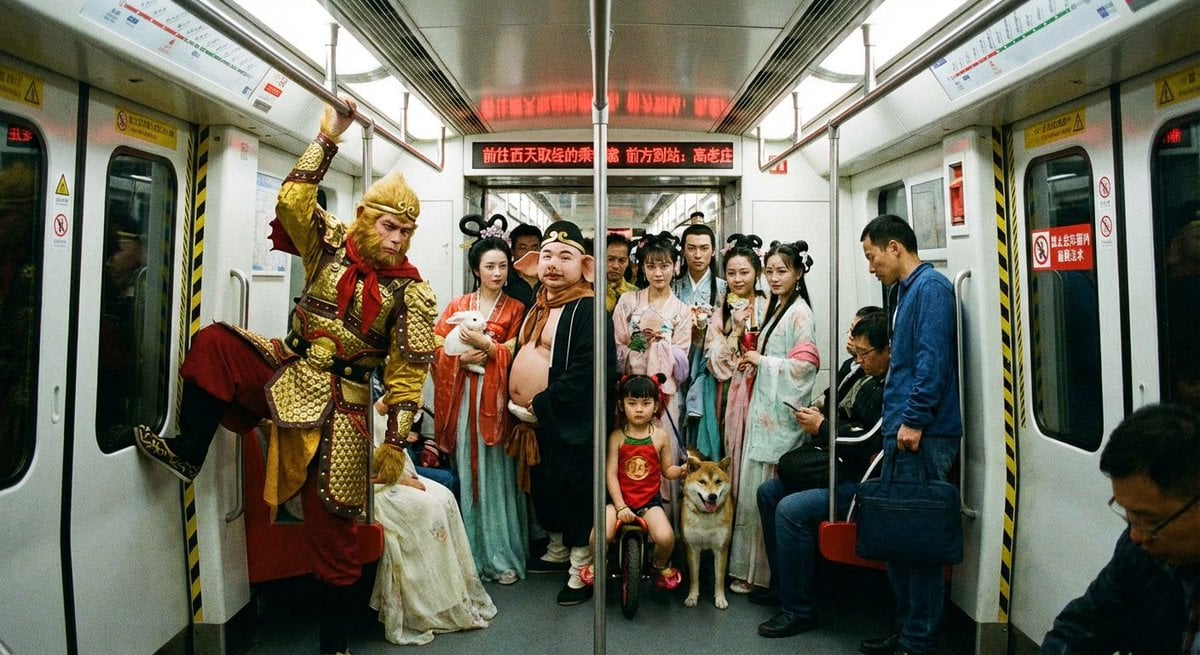
Mythical characters on a crowded Beijing subway
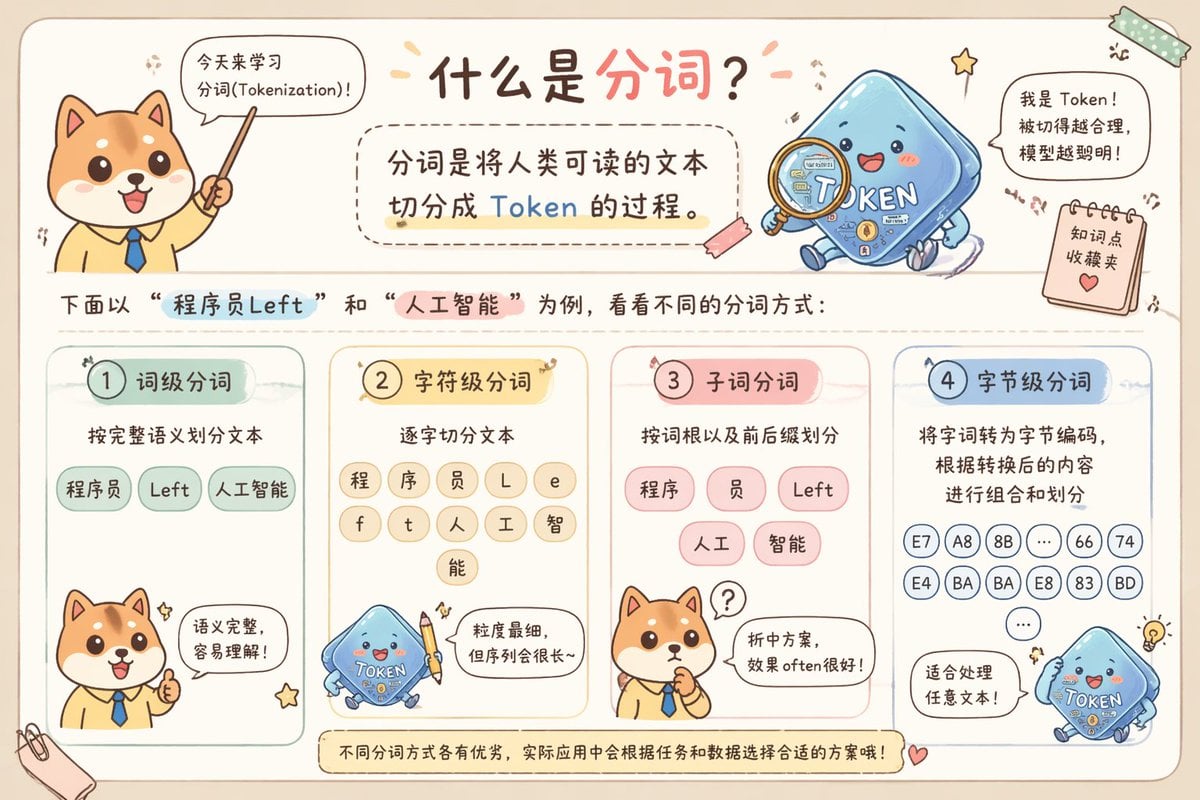
Cute Chinese Tokenization Infographic

Sketchbook Drawing Coming to Life

Cinematic Portrait with Fire in Hand

Desert Night Airplane Cafe Story
Minimalist Fashion Ad Studio Photograph Prompt
Browse template categories
Step Marketing Flowchart Diagram Generator questions
How do I use the 5-Step Marketing Flowchart Diagram Generator template?
Add your photo if the template asks for one, edit the prompt if you like — the template's model and format are already selected — and press Generate. Your version opens in PicX Studio.
Can I customize the 5-Step Marketing Flowchart Diagram Generator template?
Yes. You can change the subject, setting, lighting, mood, format, and available model controls before creating your image.
Is the 5-Step Marketing Flowchart Diagram Generator template free?
Opening and editing this template is free. Generating uses credits, shown on the Generate button when you are signed in.
Which AI model should I use?
Start with Nano Banana 2, which is the model associated with this template. You can compare another compatible model for a different finish.
Looking for something else? Browse all templates.

Your photo, any look
Thousands of ready templates for every top image and video model, from one credit balance.