
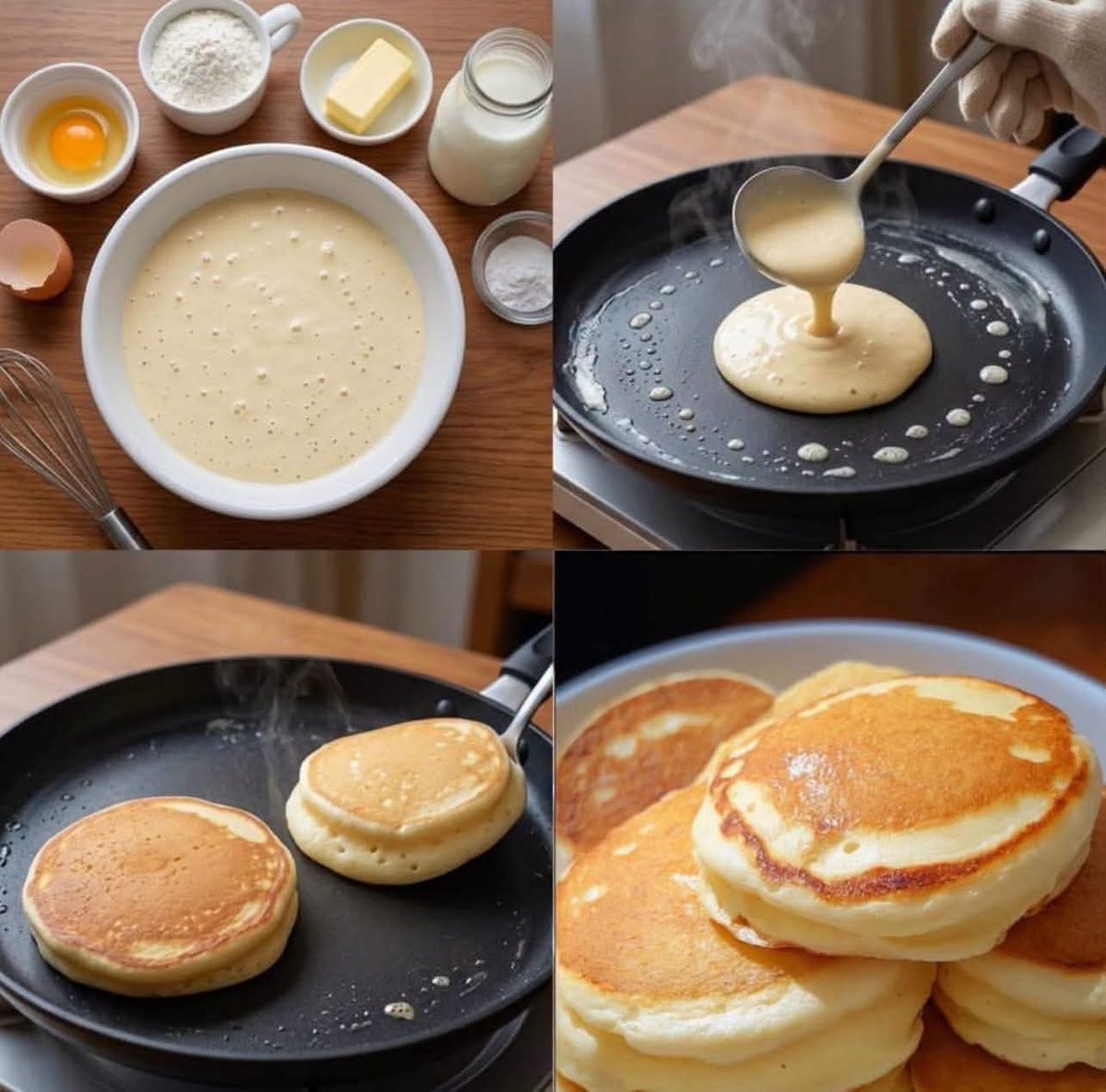
Step-by-Step Pancake Process Collage
A multi-panel food photography prompt that visualizes the complete process of making pancakes from scratch in a professional collage format.
- Prompt included
- Model and format preset
- Free template
The prompt behind this image
Copy the exact prompt behind Step-by-Step Pancake Process Collage, or open it in the studio and make it yours.
Create an ultra-realistic food photography collage in a {argument name="layout" default="2×2 grid"}, showing the complete process of making {argument name="food item" default="fluffy American pancakes"}, matching the reference composition.\n\nTop-left: A {argument name="setting" default="wooden kitchen table"} with a large white ceramic bowl filled with smooth pancake batter, surrounded by neatly arranged ingredients: a small bowl containing one raw egg, a cup of white flour, a small dish with butter, a glass jar of milk, a small bowl of baking powder, a cracked eggshell, and a metal whisk. Warm natural kitchen lighting, realistic textures, clean overhead composition.\n\nTop-right: Close-up of a black non-stick frying pan on a stovetop. A hand wearing a beige oven glove holds a ladle and pours thick pale pancake batter into the center of the hot pan. Visible steam and tiny butter droplets around the pan. Warm wooden kitchen background, realistic cooking action.\n\nBottom-left: Two thick fluffy pancakes cooking in the same black skillet. One pancake is golden brown and partially cooked, while the other is being flipped with a spatula. Subtle steam rising from the pan, realistic bubbles and crispy edges, warm natural lighting.\n\nBottom-right: Final serving of several thick, fluffy, golden-brown American pancakes stacked beautifully on a plate, showing soft airy layers and perfectly browned surfaces. Appetizing close-up food photography, warm tones, realistic texture and subtle highlights.\n\nStyle: photorealistic, premium food photography, natural warm kitchen lighting, realistic ingredients, shallow depth of field where appropriate, detailed textures, authentic cooking atmosphere, clean 2×2 split composition, consistent cookware and ingredients across all panels, high detail, 8K, no text, no labels, no watermark.
How to use Step-by-Step Pancake Process Collage in 3 steps
- 1Upload ImagePNG, JPG or paste
Add your photo
Upload the photo the template builds on. The prompt, model and format are already set.
- 2…a portrait of your subject in softgolden-hour light, 85mm…
Personalize
Edit the subject and creative details for your destination.
- 3Generate
Generate
Press Generate — your image is created in PicX Studio, so you can compare it with the original and refine one variable at a time.
More like this
Templates with the same subject, style or setup. Open one to see its prompt.












Make it yours
Step-by-Step Pancake Process Collage works as-is. These are the safest ways to change it without losing the look.
Change one field
Copy a single group, rewrite it, and generate again so you can see what that field is doing.
Keep the frame, change the subject
Hold the composition and light of Step-by-Step Pancake Process Collage, then swap wardrobe, props or the person for a new take.
| If the result… | Why | Fix |
|---|---|---|
| The result drifts from the preview | Too many fields changed at once. | Reuse Step-by-Step Pancake Process Collage as-is first, then change one group — subject, light, or setting. |
| The model over-stylizes the scene | The prose prompt leaves finish and camera underspecified. | Add one camera or lighting sentence and stay on GPT Image 2. |
More GPT Image 2 templates
Other prompts made for GPT Image 2.

Six VTuber Japanese Logo Sheet

Realistic Portrait of Woman and Deer

The Vista Modular Condo Poster

AI Model Routing Comparison Infographic

2.5D Anime Art Board

Isometric Productivity Desk Scene

New York Double Exposure Poster

Four-Panel AI Landscape Comparison

Japanese Tatami Lifestyle Magazine Cover

NESCAFÉ Coffee Map Poster
More image prompts
Fresh picks from across the catalog.
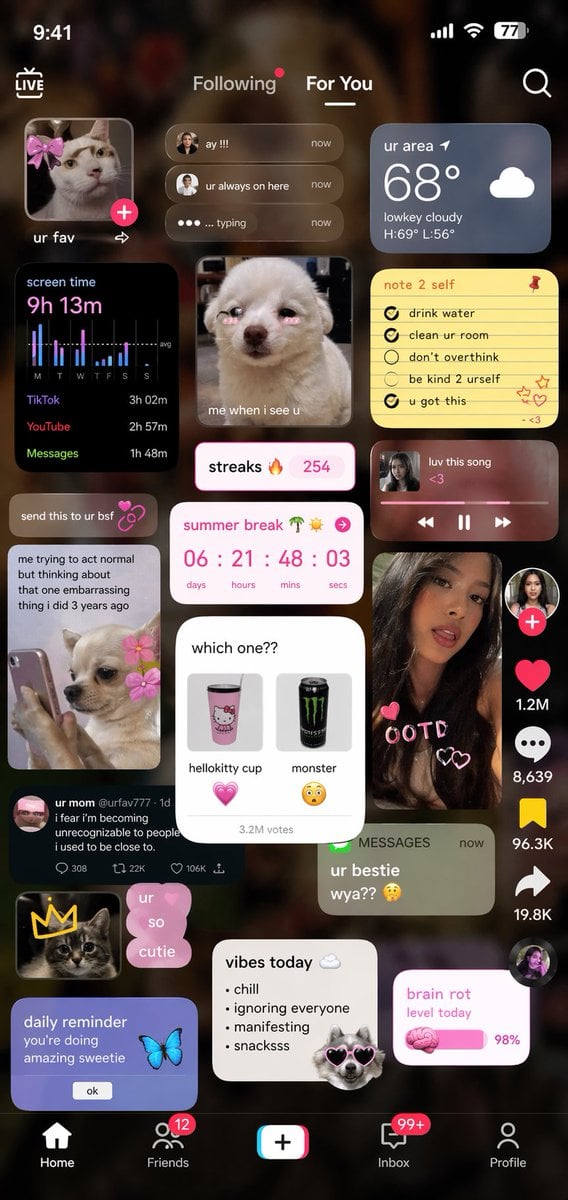
Zoomer UI Design Concept

Surreal Cinematic Scene: Man Emerging from Phone with Tiny Cartoon Boy
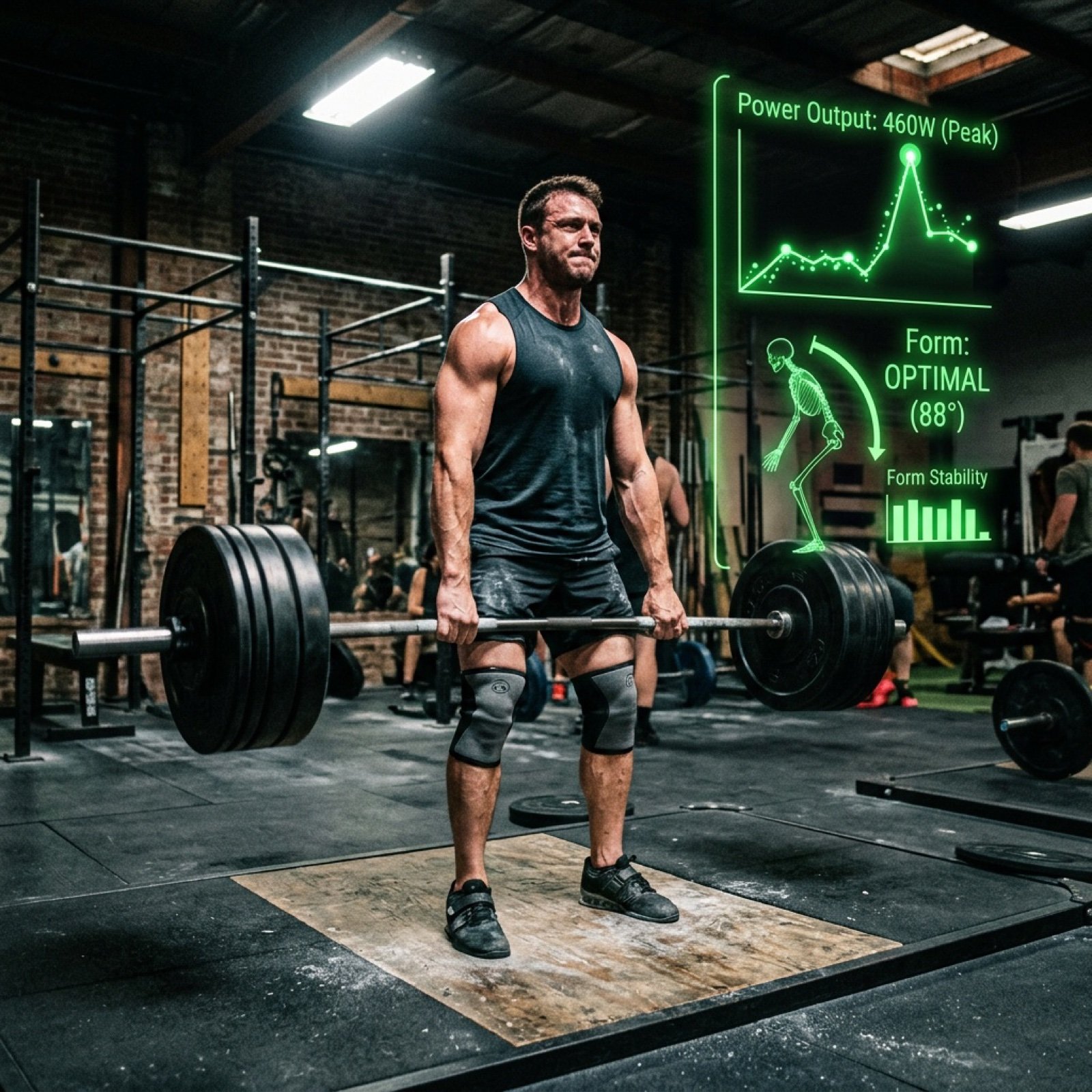
Text-to-Video Prompt: Deadlift with Animated HUD Overlays
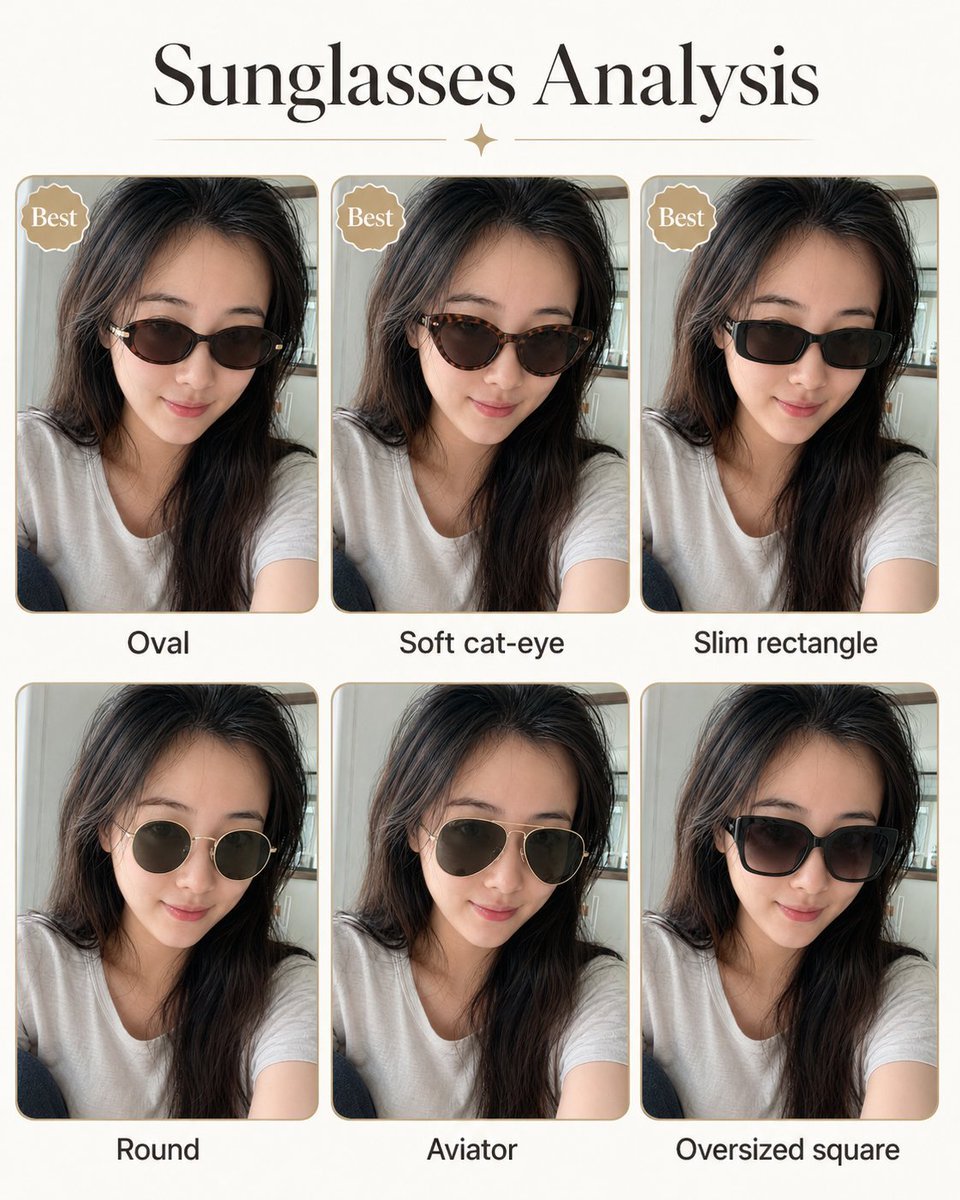
Personal image analysis graphic prompt
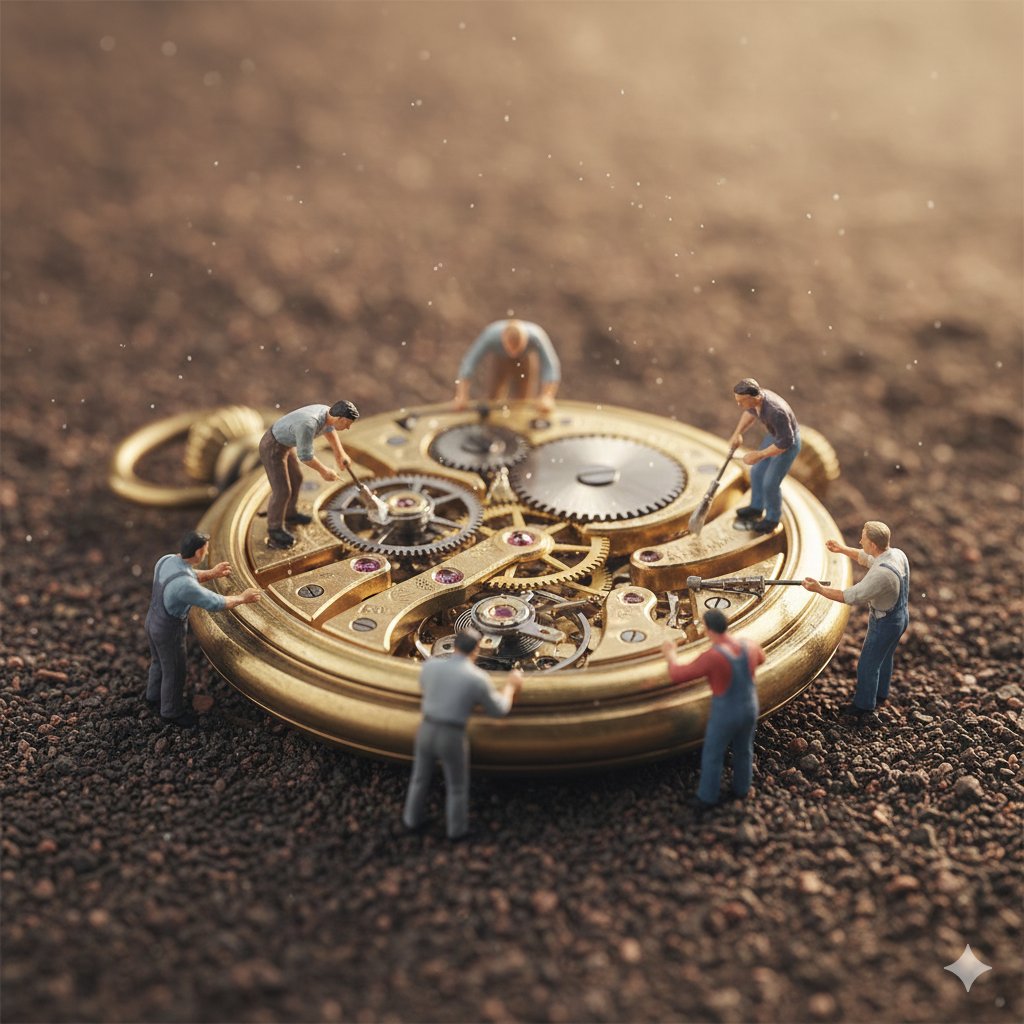
Macro Photography of Tiny Restoration Workers
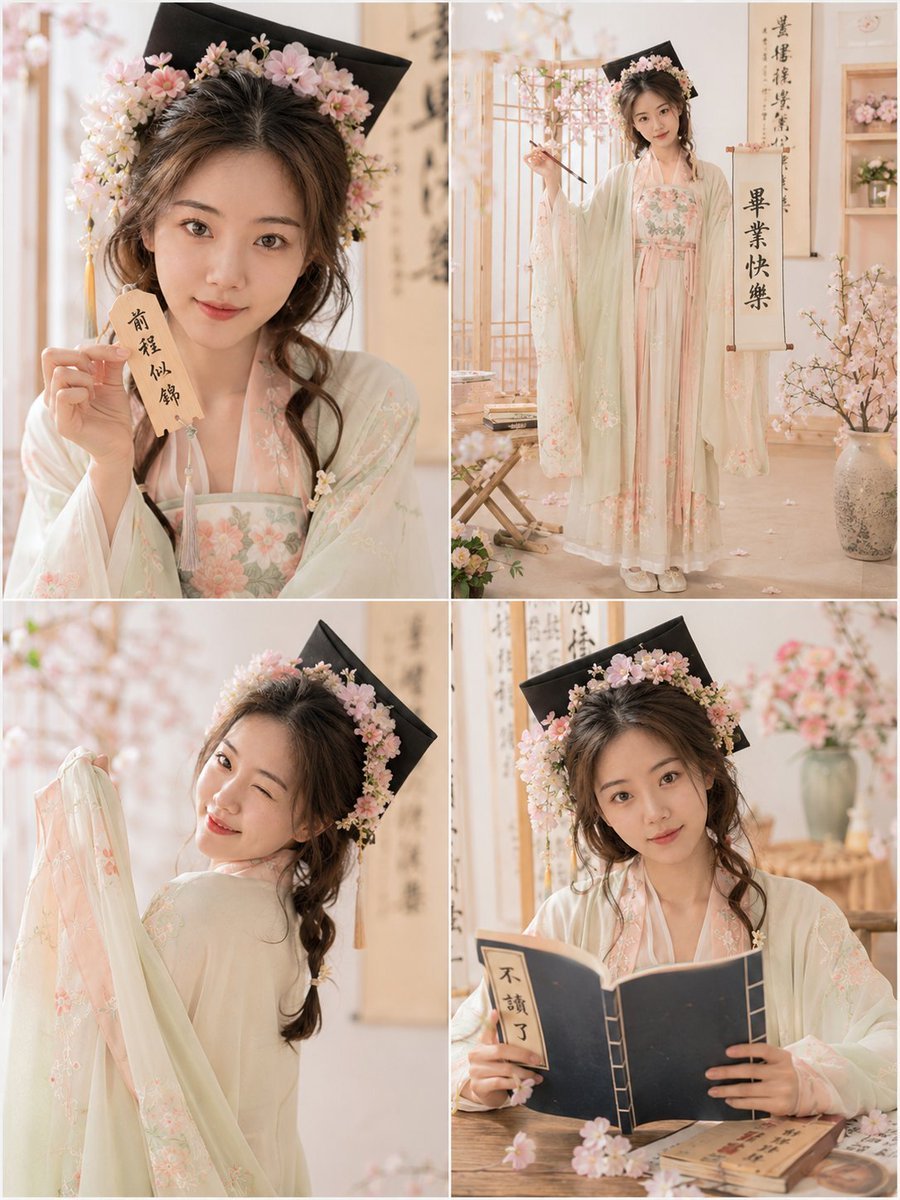
Playful Hanfu Graduation Photo Grid
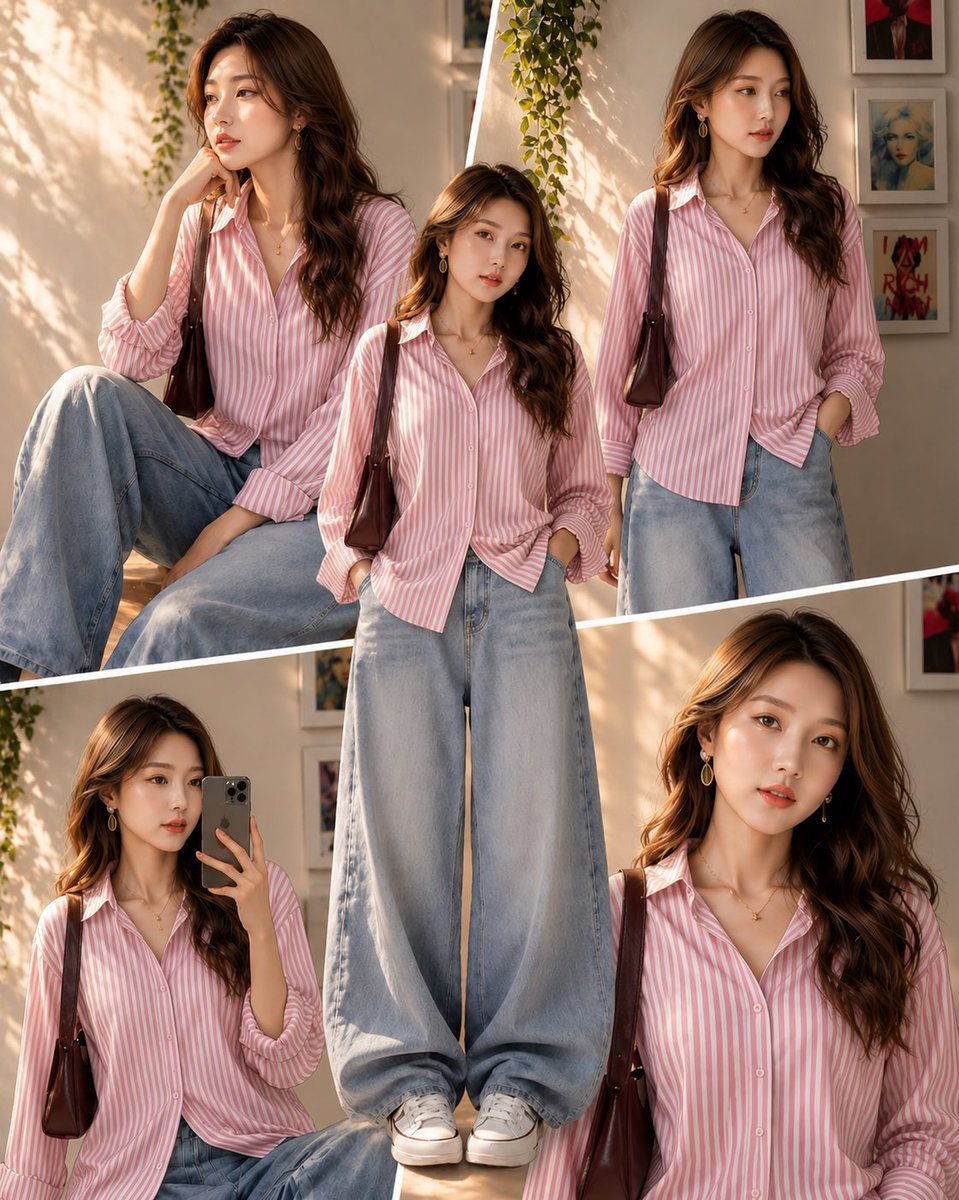
Sunlit Fashion Editorial Collage

Korean Style Desktop Calendar 2027
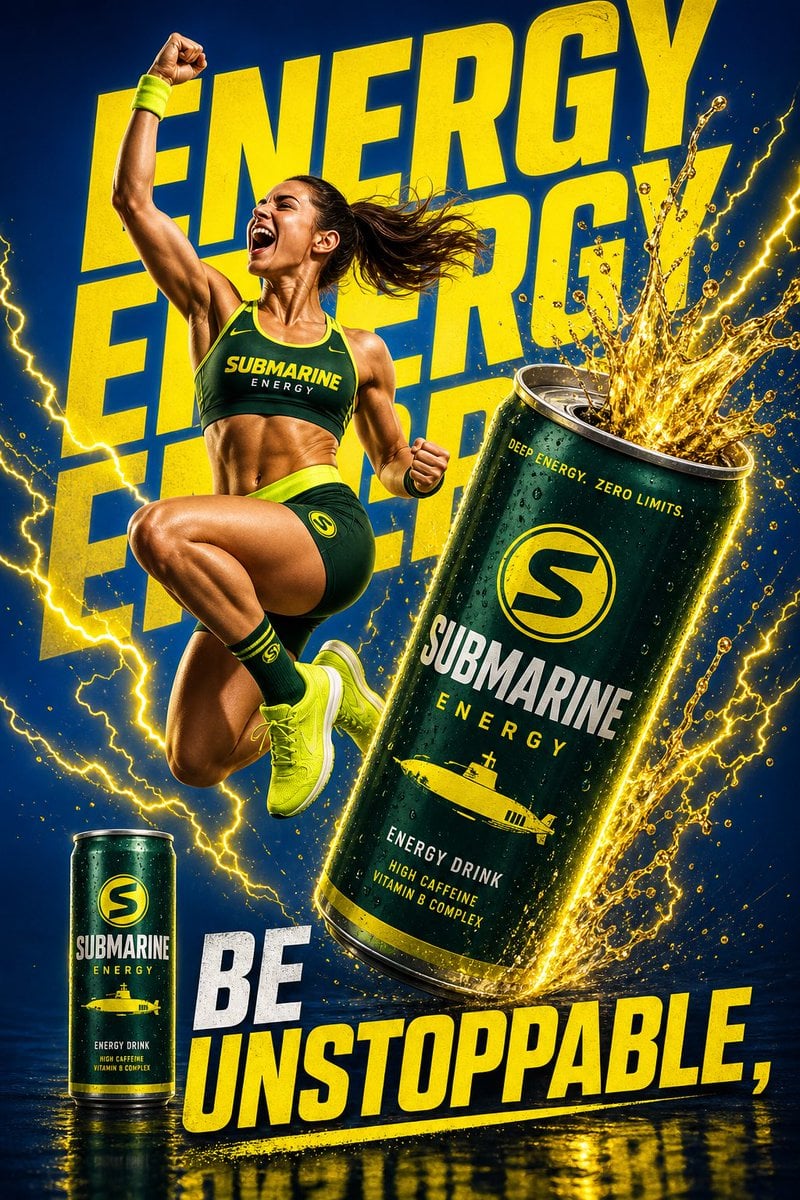
Dynamic Energy Drink Ad
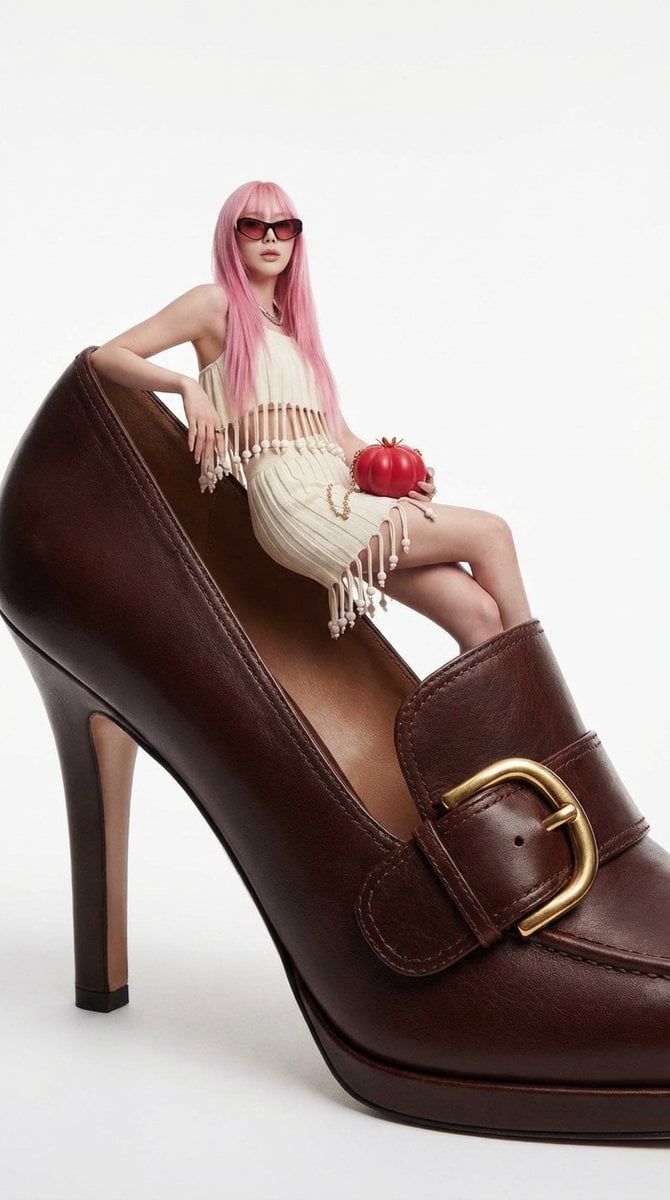
Fashion Editorial: Woman on Giant High-Heel Shoe
Browse template categories
Step-by-Step Pancake Process Collage questions
How do I use the Step-by-Step Pancake Process Collage template?
Add your photo if the template asks for one, edit the prompt if you like — the template's model and format are already selected — and press Generate. Your version opens in PicX Studio.
Can I customize the Step-by-Step Pancake Process Collage template?
Yes. You can change the subject, setting, lighting, mood, format, and available model controls before creating your image.
Is the Step-by-Step Pancake Process Collage template free?
Opening and editing this template is free. Generating uses credits, shown on the Generate button when you are signed in.
Which AI model should I use?
Start with GPT Image 2, which is the model associated with this template. You can compare another compatible model for a different finish.
Looking for something else? Browse all templates.

Your photo, any look
Thousands of ready templates for every top image and video model, from one credit balance.