
Professional Tie Commercial Template
Professional Tie Commercial Template is a ready photo look.
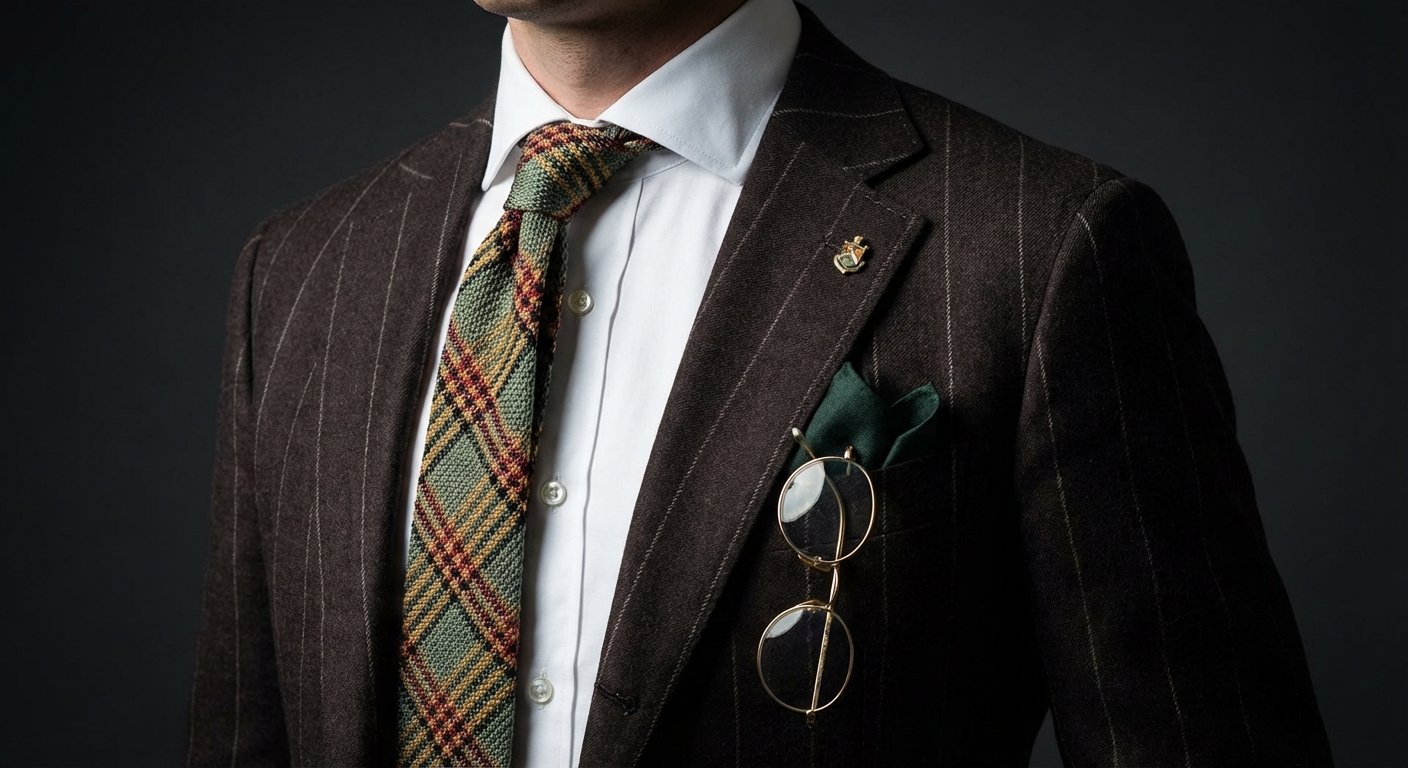
- Prompt included
- Model and format preset
- Premium template
The prompt behind this image
Copy the exact prompt behind Professional Tie Commercial Template, or open it in the studio and make it yours.
create a hyper-realistic fashion detail photograph focused on the torso of a man wearing a brown pinstripe suit. The frame crops just below the neck to mid-chest. The suit fabric is rich chocolate brown with thin cream pinstripes, perfectly aligned across lapels. Underneath is a crisp white dress shirt with a structured collar. A patterned wool tie dominates the center — multicolored with green, mustard, rust, and black woven texture, visibly thick and tactile. In the breast pocket sits a dark green pocket square, folded sharply. A pair of gold-rimmed round eyeglasses hangs from the jacket pocket, catching soft highlights. A small vintage lapel pin is attached near the left lapel. Lighting is soft daylight, slightly diffused, revealing fabric weave, stitching, and depth. Background is neutral and blurred. Shot like a luxury menswear editorial: DSLR, 85mm lens, shallow depth of field, no stylization, pure realism. Negative prompt: cgi, fashion illustration, fake fabric, plastic texture, over sharpened
How to use Professional Tie Commercial Template in 3 steps
- 1Upload ImagePNG, JPG or paste
Add your photo
Upload the photo the template builds on. The prompt, model and format are already set.
- 2…a portrait of your subject in softgolden-hour light, 85mm…
Personalize
Edit the subject and creative details for your destination.
- 3Generate
Generate
Press Generate — your image is created in PicX Studio, so you can compare it with the original and refine one variable at a time.
More like this
Templates with the same subject, style or setup. Open one to see its prompt.

Soft Shadow Studio Minimalist Product Shot
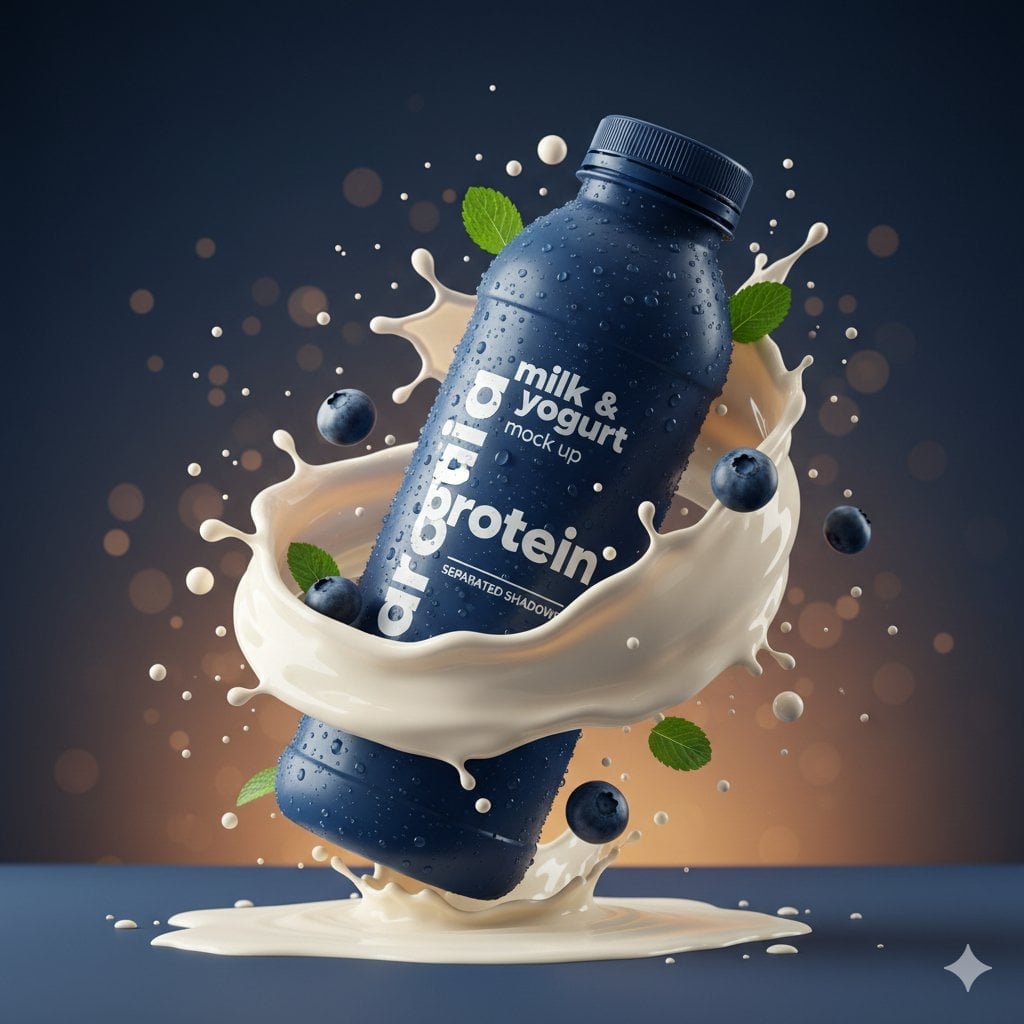
Commercial Product Splash Photography

Glass Brand Logo Volcanic Landscape

Minimalist Skincare Product Water Stone Still
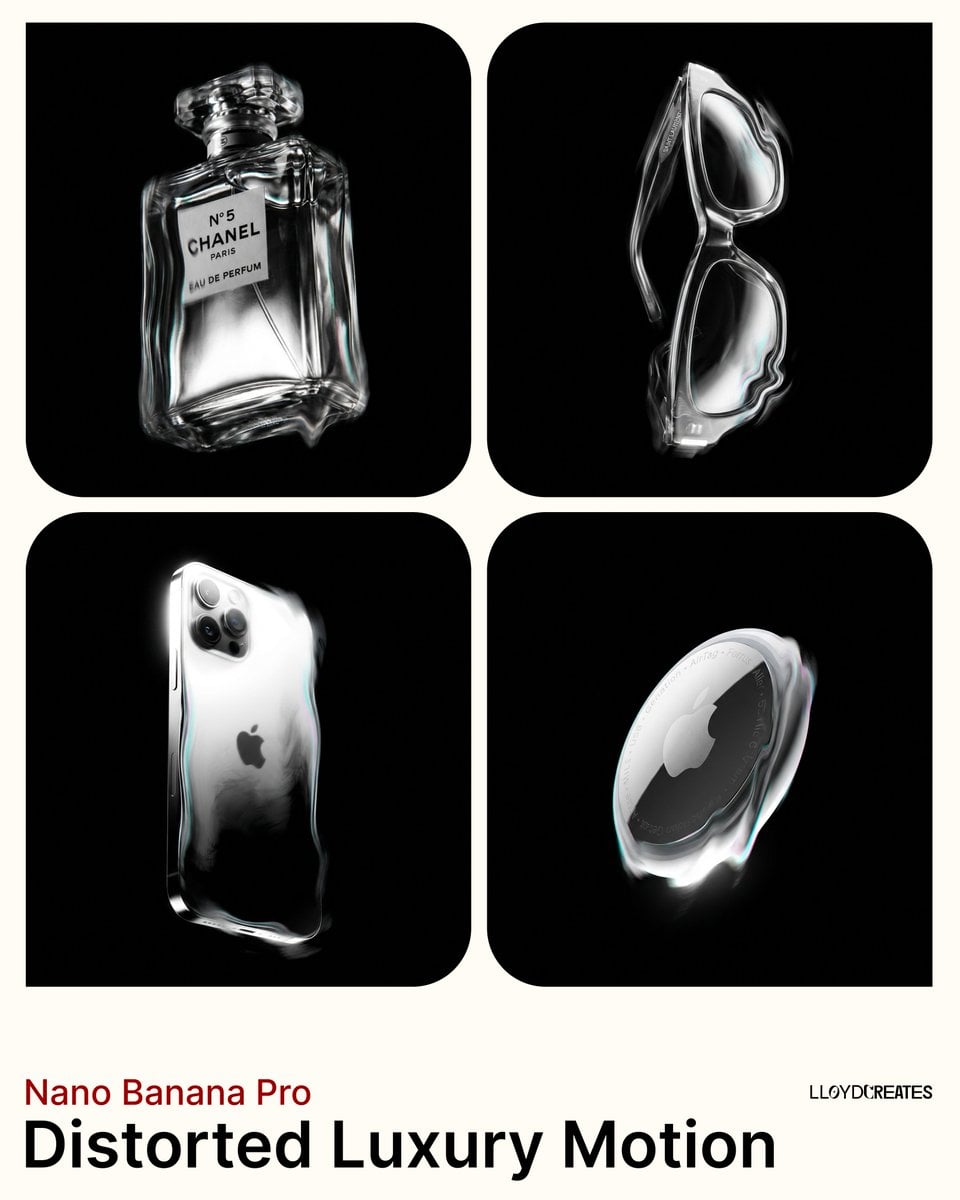
Avant-Garde Distortion Luxury Product Portrait

Botanical Skincare Minimal Product Advertising
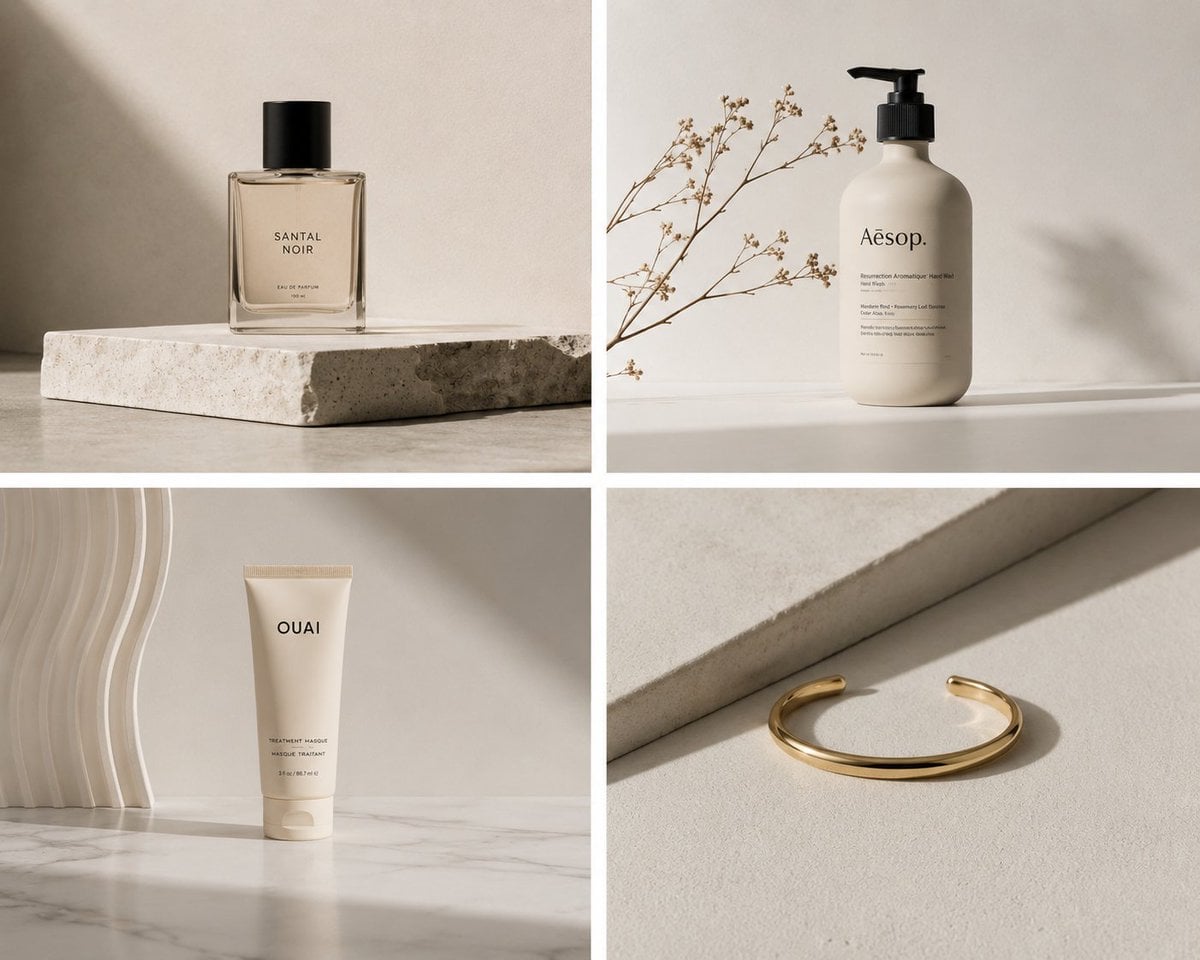
Elegant Minimalist Product Photography
Soft Shadow Studio Minimalist Product Shot

Goalmaster Youth Sports Poster

Cappuccino Bottle Splash Product Ad

FIFA-Inspired — World Cup Final Goal Net Commercial

Hyper-Realistic Commercial Product Photography (Splash Effect)
Make it yours
Professional Tie Commercial Template works as-is. These are the safest ways to change it without losing the look.
Change one field
Copy a single group, rewrite it, and generate again so you can see what that field is doing.
Keep the frame, change the subject
Hold the composition and light of Professional Tie Commercial Template, then swap wardrobe, props or the person for a new take.
| If the result… | Why | Fix |
|---|---|---|
| The result drifts from the preview | Too many fields changed at once. | Reuse Professional Tie Commercial Template as-is first, then change one group — subject, light, or setting. |
| The model over-stylizes the scene | The prose prompt leaves finish and camera underspecified. | Add one camera or lighting sentence and stay on PicX Studio. |
More image prompts
Fresh picks from across the catalog.

Kesar Badam Beverage Photography
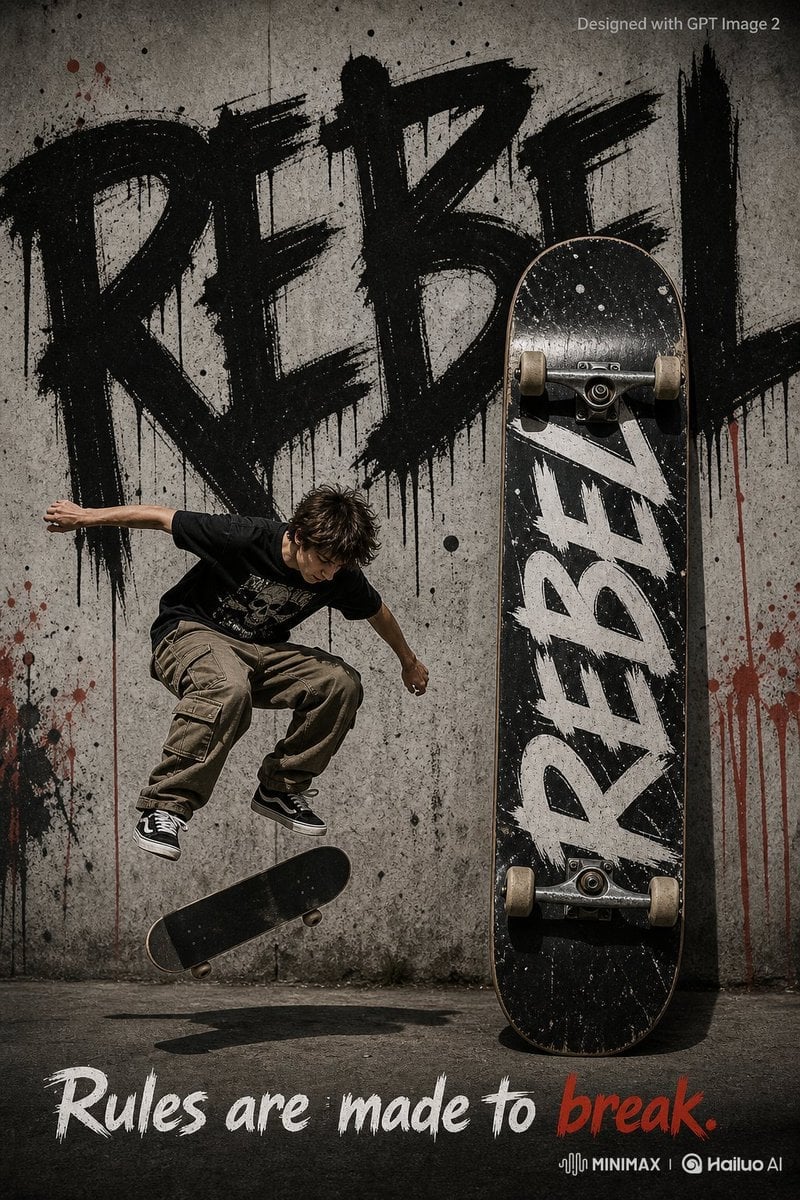
Rebel Urban Skateboard Advertisement Poster
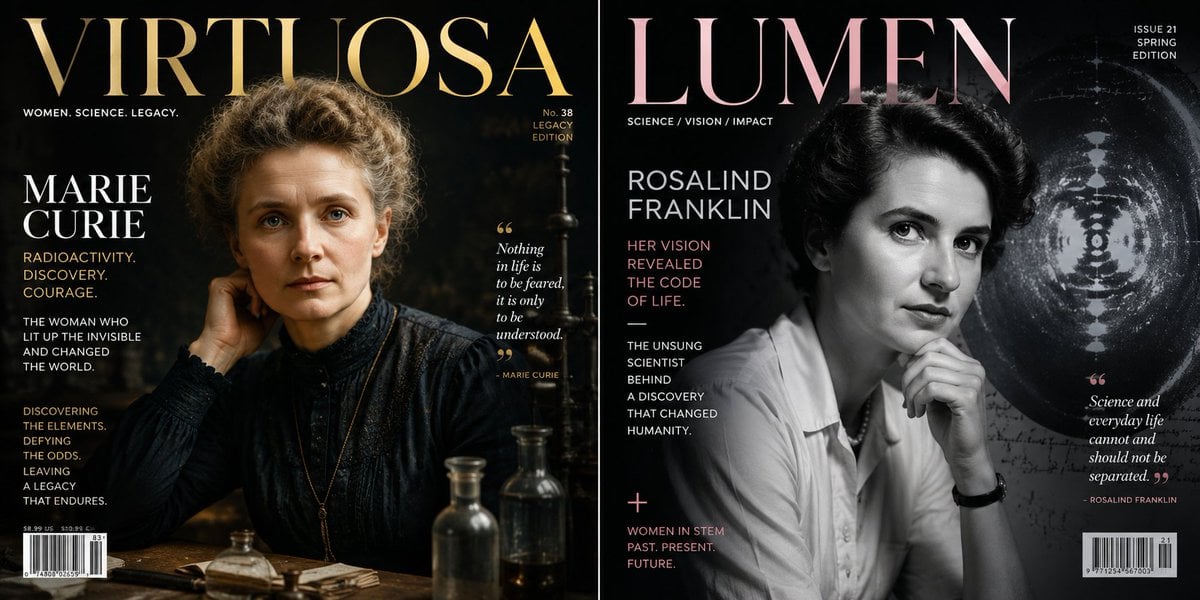
Historical Figure Magazine Cover Generator
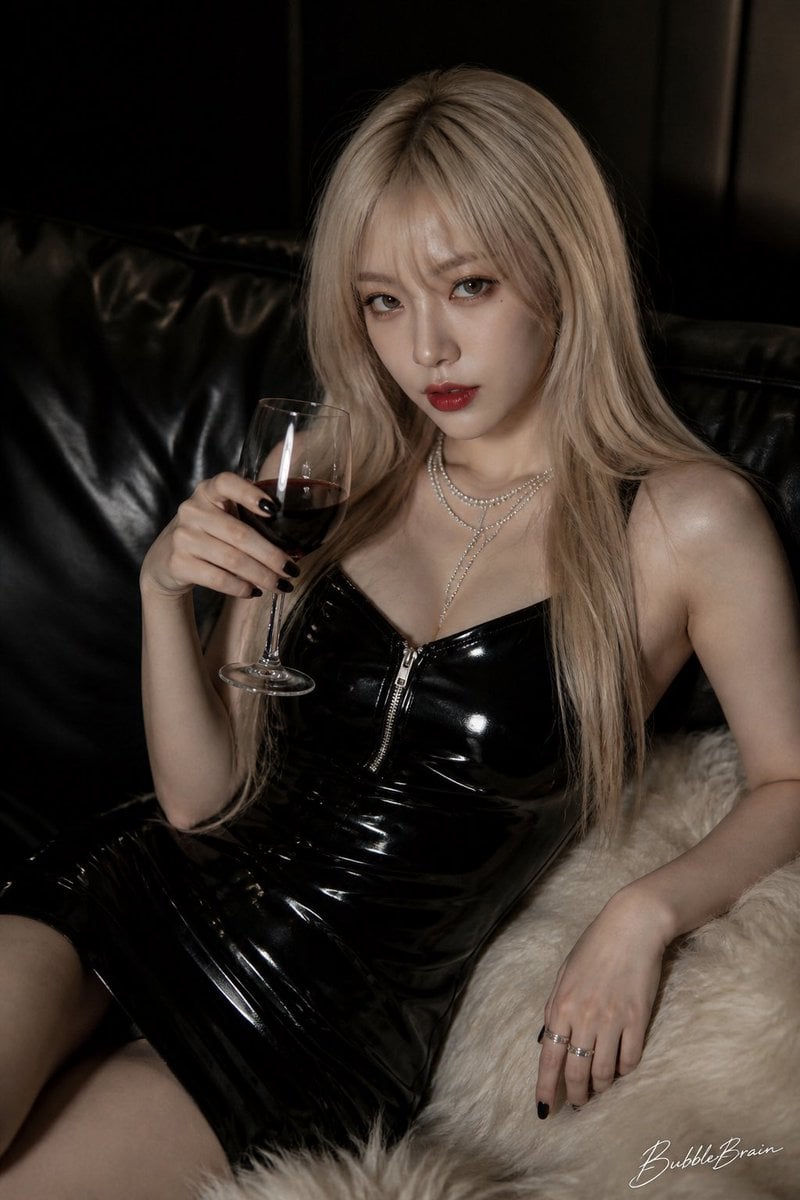
Luxury Asian Fashion Editorial

Cozy, Surreal Kitten Overload Portrait
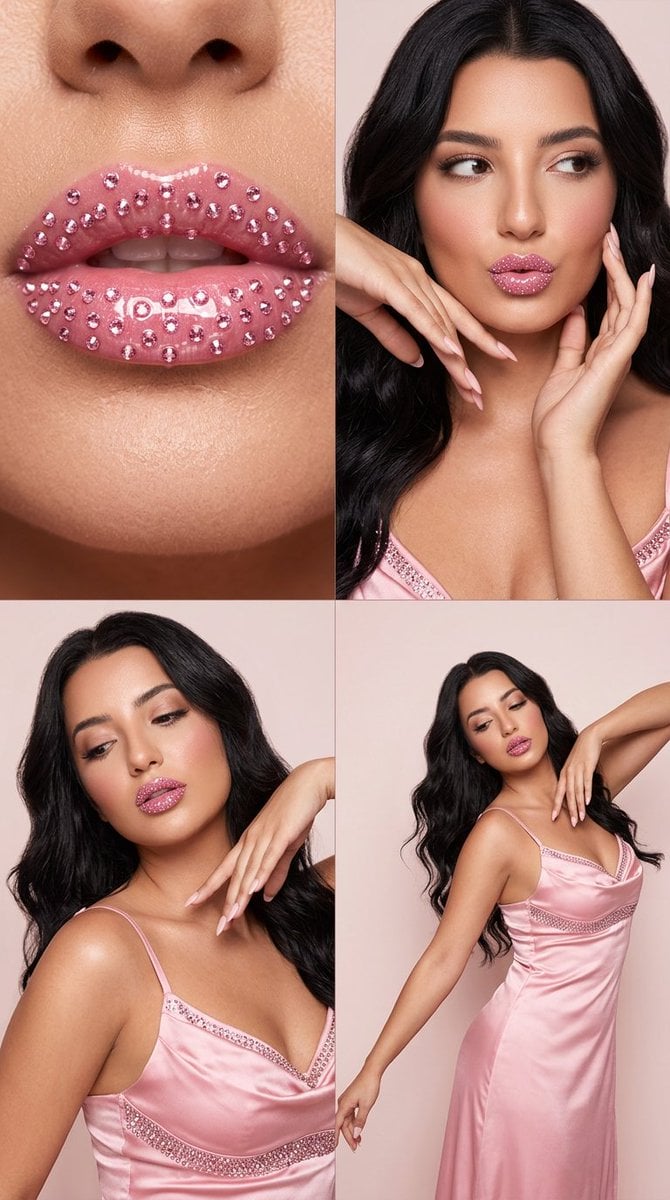
2x2 Editorial Grid: Pink Rhinestone Lips and Dance Fashion
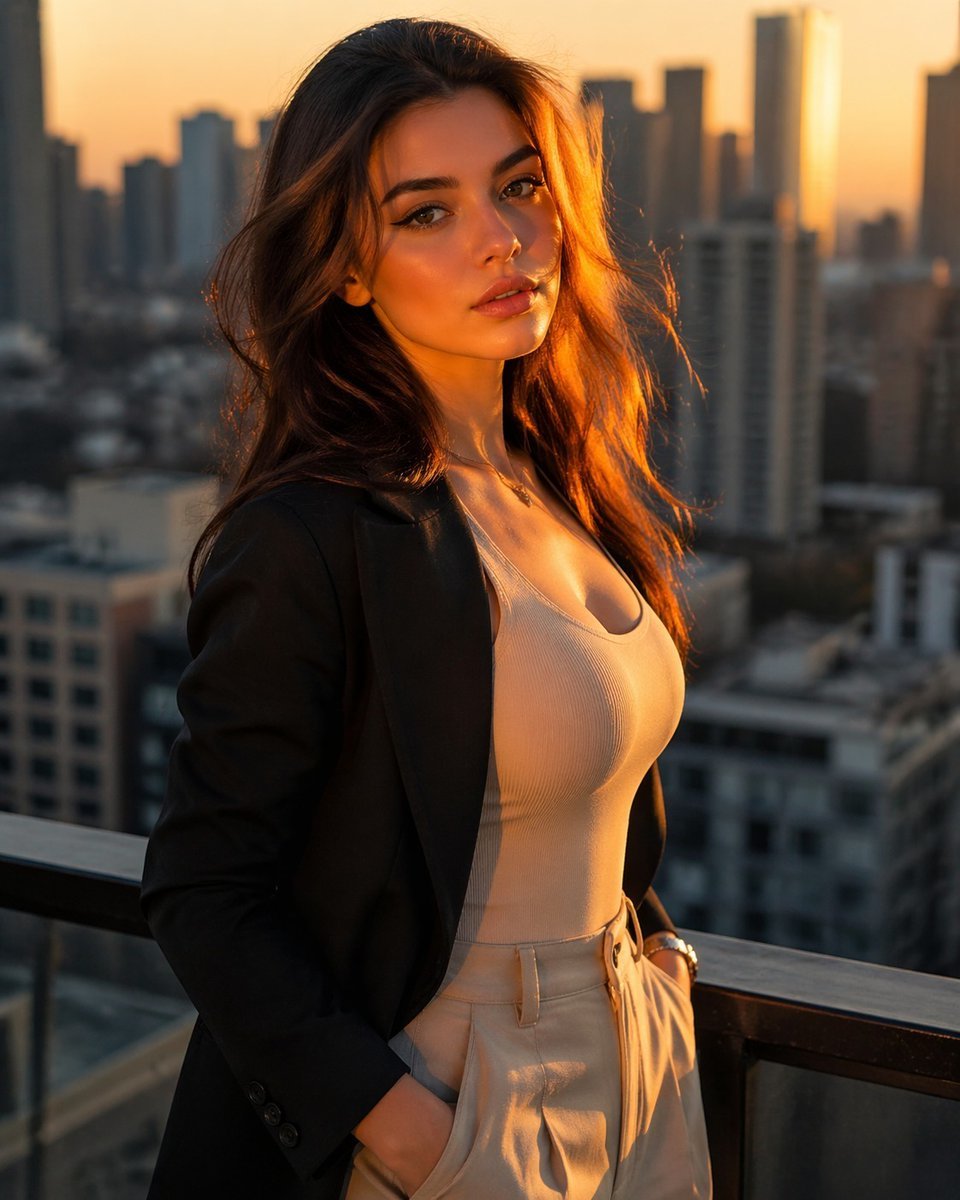
Golden Hour Rooftop Fashion Portrait
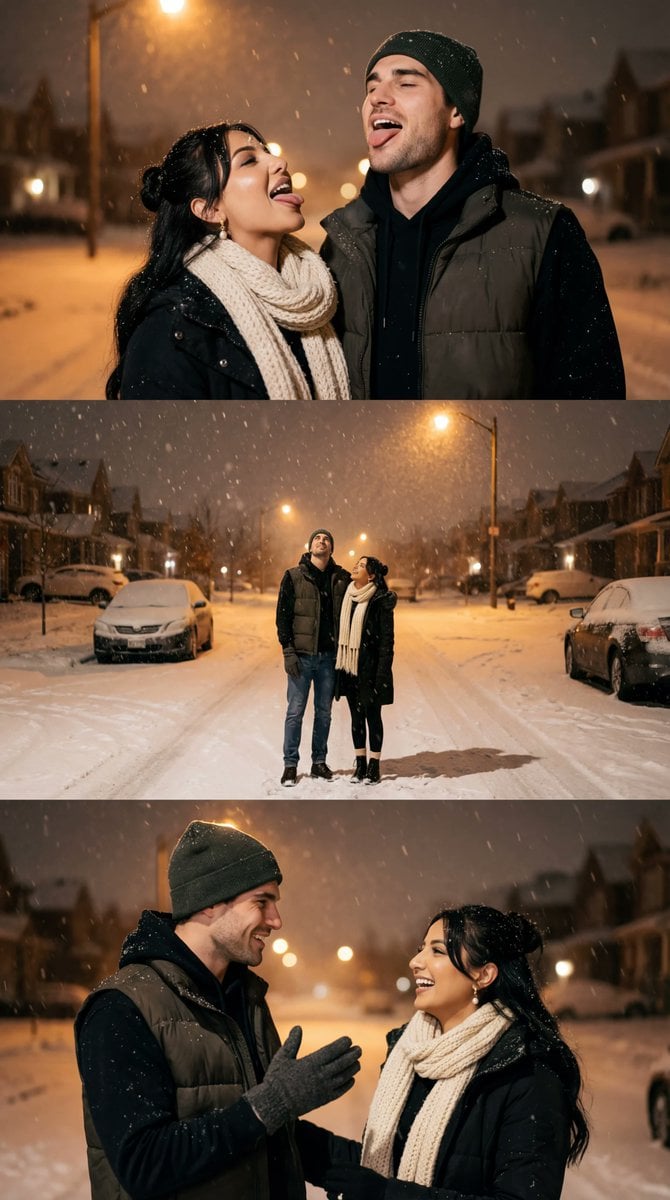
Cinematic Winter Night Couple Triptych
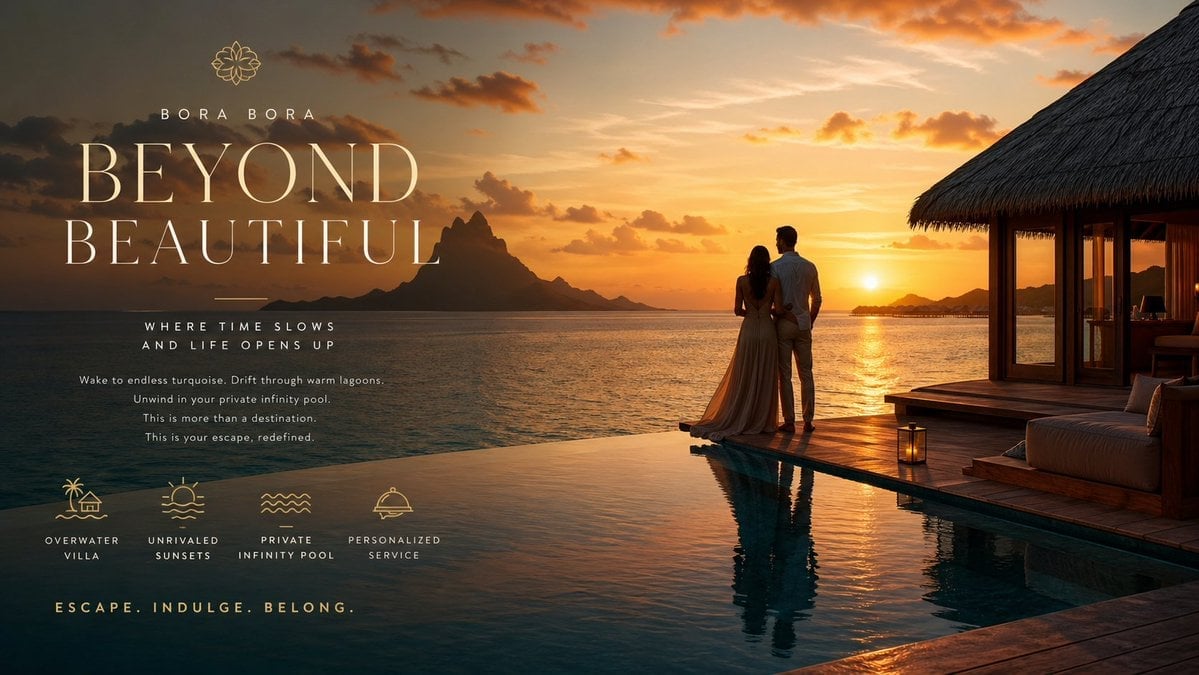
Luxury Resort Paradise Advertisement
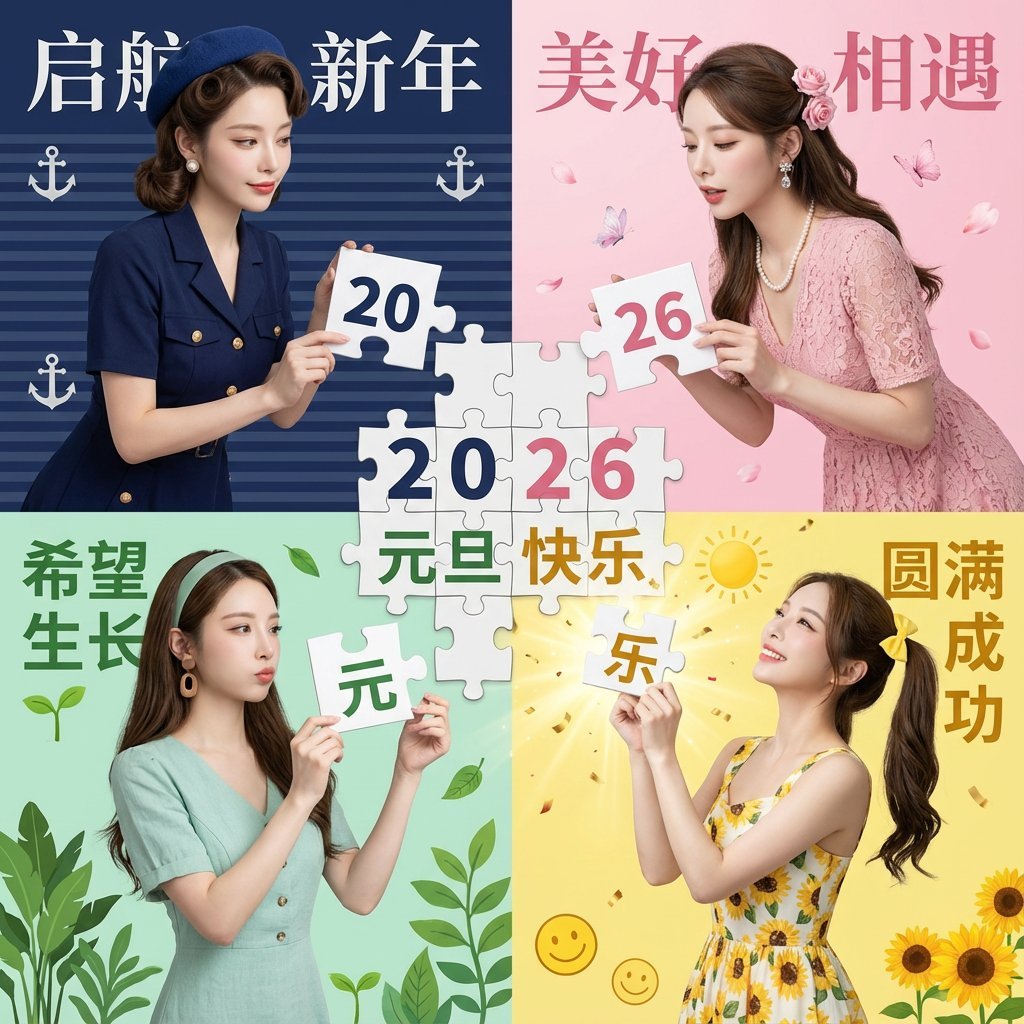
New Year's Day Special: Four-Panel Puzzle for 2026 Blessing
Browse template categories
Professional Tie Commercial Template questions
How do I use the Professional Tie Commercial Template template?
Add your photo if the template asks for one, edit the prompt if you like — the template's model and format are already selected — and press Generate. Your version opens in PicX Studio.
Can I customize the Professional Tie Commercial Template template?
Yes. You can change the subject, setting, lighting, mood, format, and available model controls before creating your image.
Is the Professional Tie Commercial Template template free?
Opening and editing this template is free. Generating uses credits, shown on the Generate button when you are signed in.
Which AI model should I use?
Choose a compatible model in PicX Studio based on the style, speed, and output controls your project needs.
Looking for something else? Browse all templates.

Your photo, any look
Thousands of ready templates for every top image and video model, from one credit balance.