
Minimalist Flowchart/Diagram Generation Style Guide
A detailed style guide prompt for Nano Banana Pro to generate minimalist, clean flowcharts or diagrams.
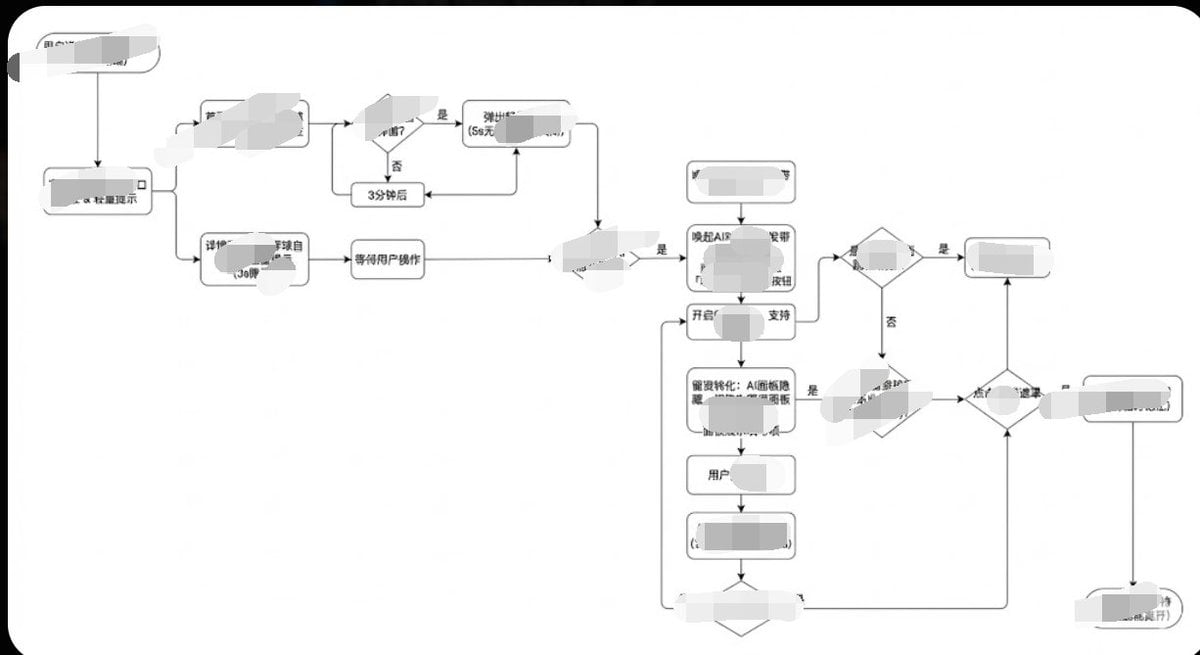
- Prompt included
- Model and format preset
- Free template
The prompt behind this image
Copy the exact prompt behind Minimalist Flowchart/Diagram Generation Style Guide, or open it in the studio and make it yours.
生成图片,1. 风格核心参数提取 (Style Guide) 请参照以下参数: 配色 (Color Palette): 背景: 纯白 (#FFFFFF) 线条/边框: 深灰或纯黑 (#333333 或 #000000) 文字: 深灰 (#333333),字重常规,无加粗。 填充: 无填充(透明)或纯白填充,以遮挡背后的线条。 线条 (Lines/Connectors): 类型: 正交线 (Orthogonal/Elbow),即只有垂直和水平线,拐角为直角。 粗细: 极细 (1px)。 箭头: 实心小三角 (Solid Arrowhead),黑色。 形状 (Shapes): 普通节点: 圆角矩形 (Rounded Rectangle),圆角半径很小 (约 4px - 8px)。 判断节点: 菱形 (Diamond)。 开始/结束: 胶囊形或圆角更大的矩形。 排版 (Typography): 对齐: 居中对齐。 字体: 无衬线字体 (Sans-serif),如 Arial, Roboto 或思源黑体。字号较小 (约 12px-14px)。 上面的风格加上你的用户旅程/流程给到gemini,那么他就会呈现相应的效果给你,调都不用调
How to use Minimalist Flowchart/Diagram Generation Style Guide in 3 steps
- 1
Open
The prompt is already in the box next to the preview, with the template's model and format selected.
- 2…a portrait of your subject in softgolden-hour light, 85mm…
Personalize
Edit the subject and creative details for your destination.
- 3Generate
Generate
Press Generate — your image is created in PicX Studio, so you can compare it with the original and refine one variable at a time.
More like this
Templates with the same subject, style or setup. Open one to see its prompt.

Quiet Minimalist Anime Style Guide

Japanese Minimalist Concrete Studio Fashion Editorial

Korean Streetwear Minimalist Campaign Portrait

Minimalist Fashion Editorial Split Layout
Minimalist Scandinavian Editorial Fashion Portrait Series

Premium Vintage Travel Poster Landscape
Elegant Minimalist Product Photography

Soft Shadow Studio Minimalist Product Shot

Futuristic Studio Neon Ring Minimalist Portrait

Minimalist Skincare Product Water Stone Still

Moss Logo Minimalist Brand Flat Lay
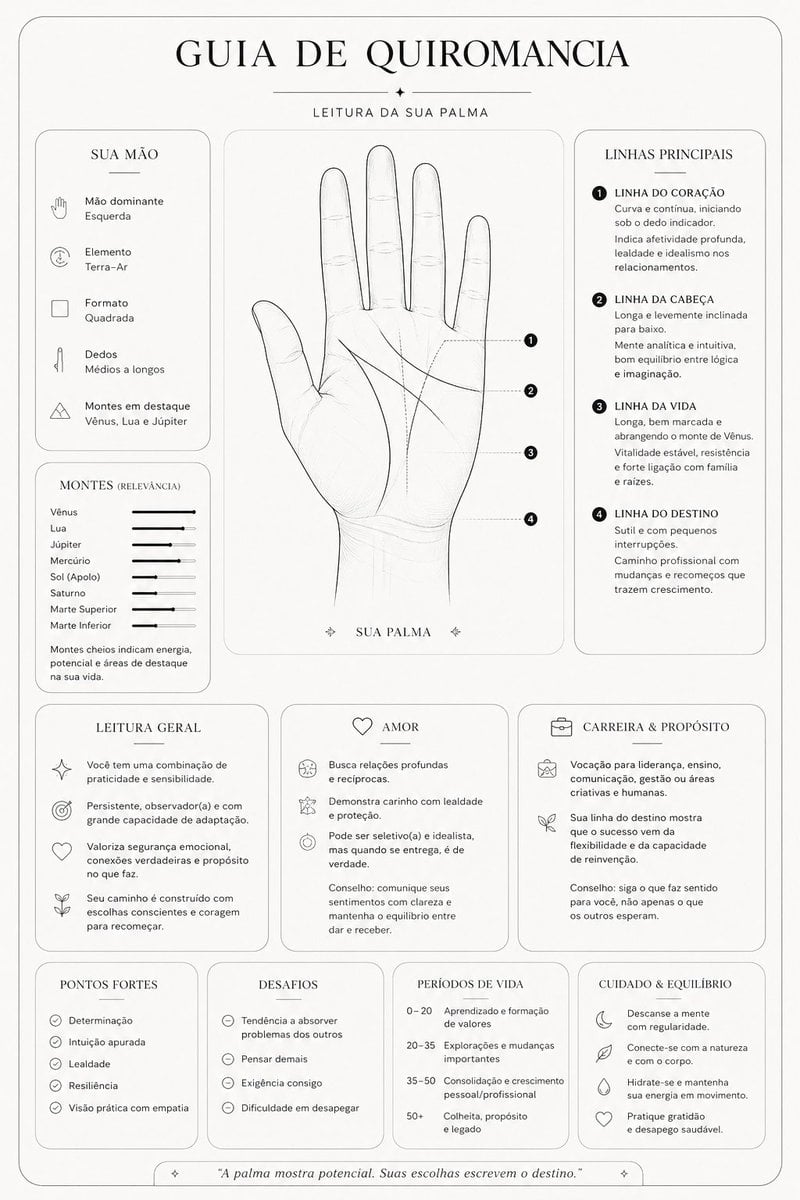
Minimalist Palmistry Guide Prompt
Make it yours
Minimalist Flowchart/Diagram Generation Style Guide works as-is. These are the safest ways to change it without losing the look.
Change one field
Copy a single group, rewrite it, and generate again so you can see what that field is doing.
Keep the frame, change the subject
Hold the composition and light of Minimalist Flowchart/Diagram Generation Style Guide, then swap wardrobe, props or the person for a new take.
| If the result… | Why | Fix |
|---|---|---|
| The result drifts from the preview | Too many fields changed at once. | Reuse Minimalist Flowchart/Diagram Generation Style Guide as-is first, then change one group — subject, light, or setting. |
| The model over-stylizes the scene | The prose prompt leaves finish and camera underspecified. | Add one camera or lighting sentence and stay on Nano Banana 2. |
More Nano Banana 2 templates
Other prompts made for Nano Banana 2.

Photorealistic Leaf Shaped Like a Dragon

K-Pop Idol Portrait Grid for Rapid Selection

Poetic Rain Forest Portrait During Golden Hour

Urban Street Portrait with Cartoon Inner Self Duo

Candid Nighttime Photo with Cat Prompt

High-Concept 3D Diorama Generation Prompt

Cinematic Futuristic Studio Portrait Template

Skincare Editorial Photography Collage Prompt

Hyper-Realistic Commercial Product Photography (Splash Effect)

Hyper-Realistic Nightclub Portrait Prompt
More image prompts
Fresh picks from across the catalog.
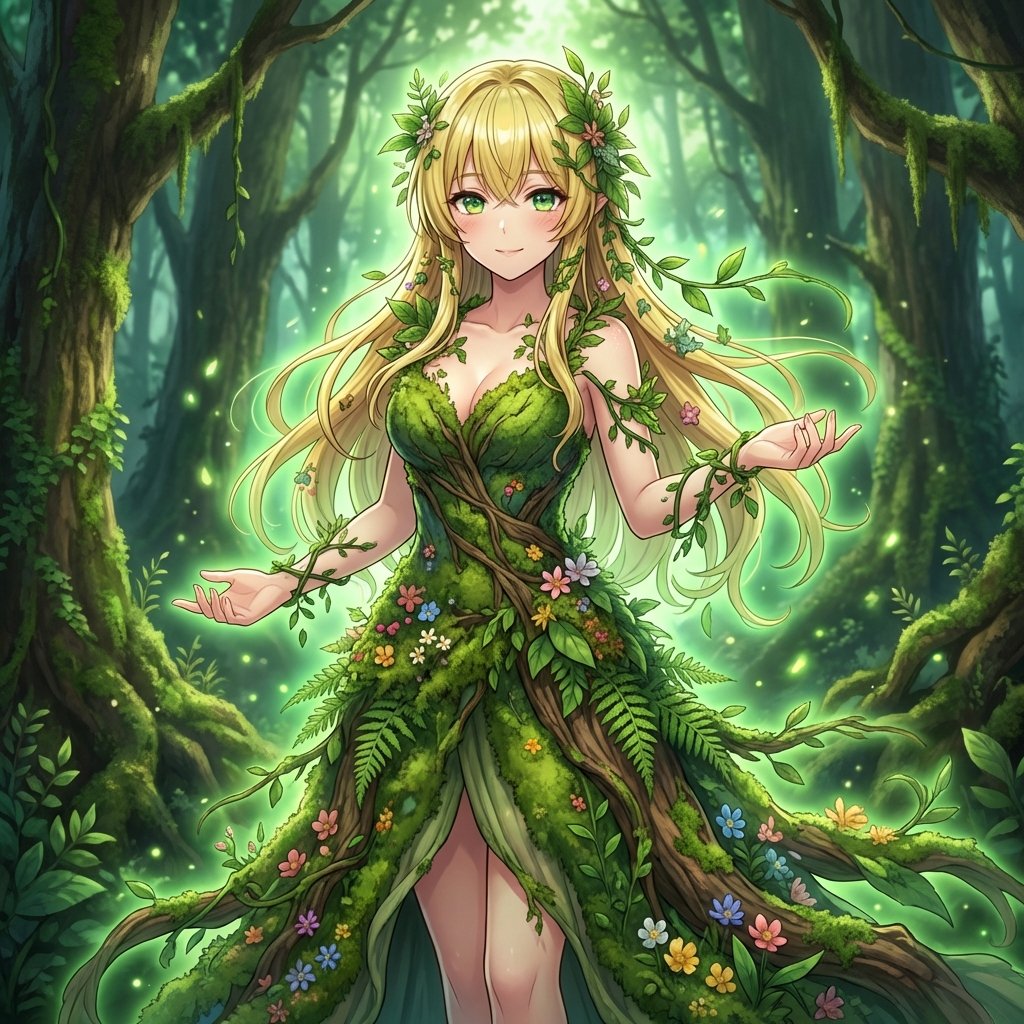
AI Transformation to Dryad
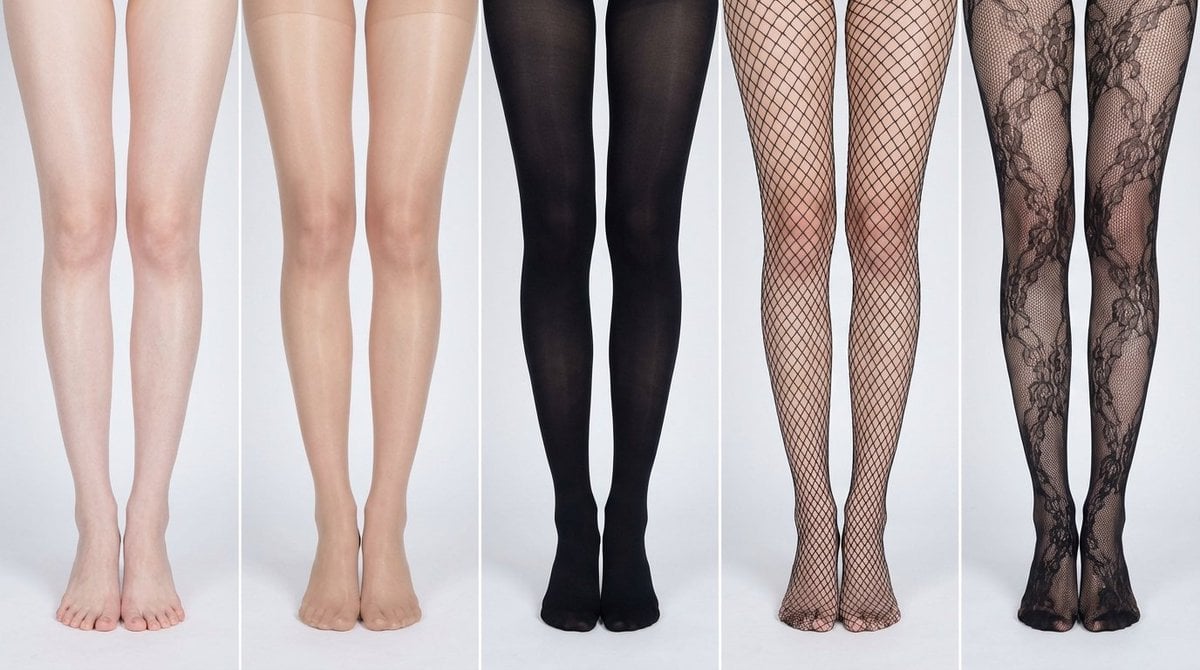
Simplified Comparative Infographic Grid Generator Prompt (Legs and Stockings)
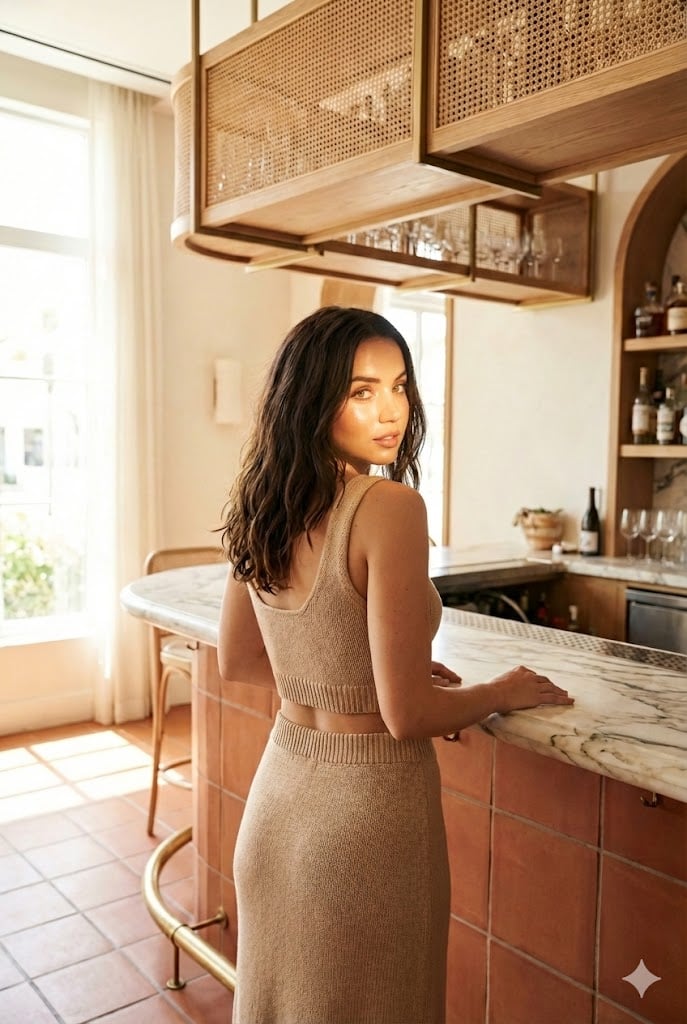
Structured Lifestyle Photo of Woman at a Bar
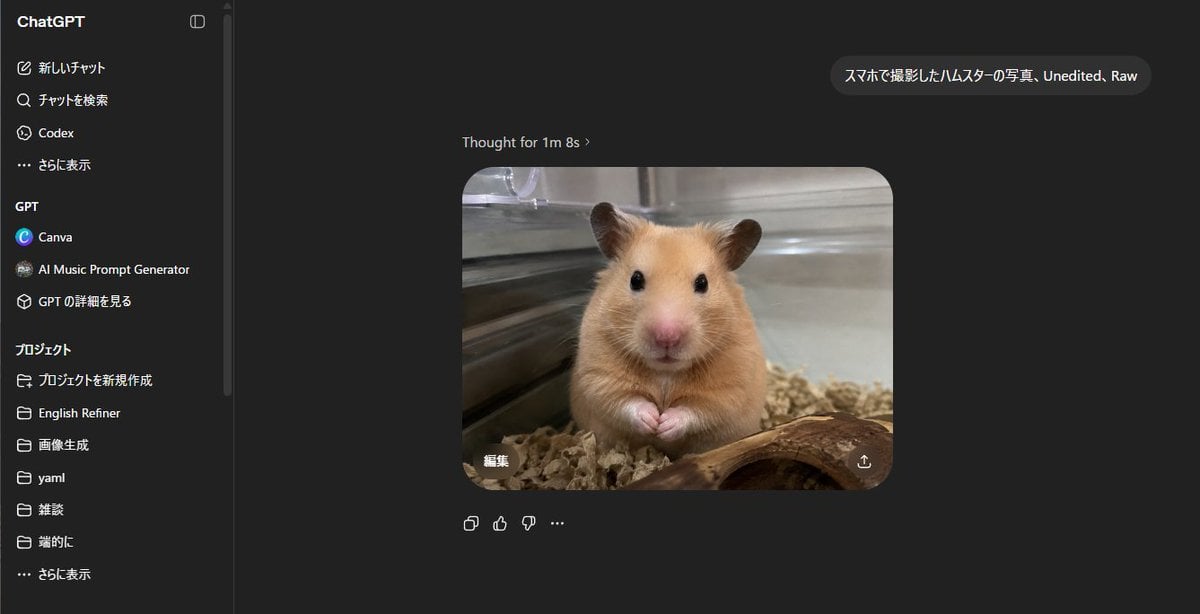
ChatGPT Hamster Image Screenshot
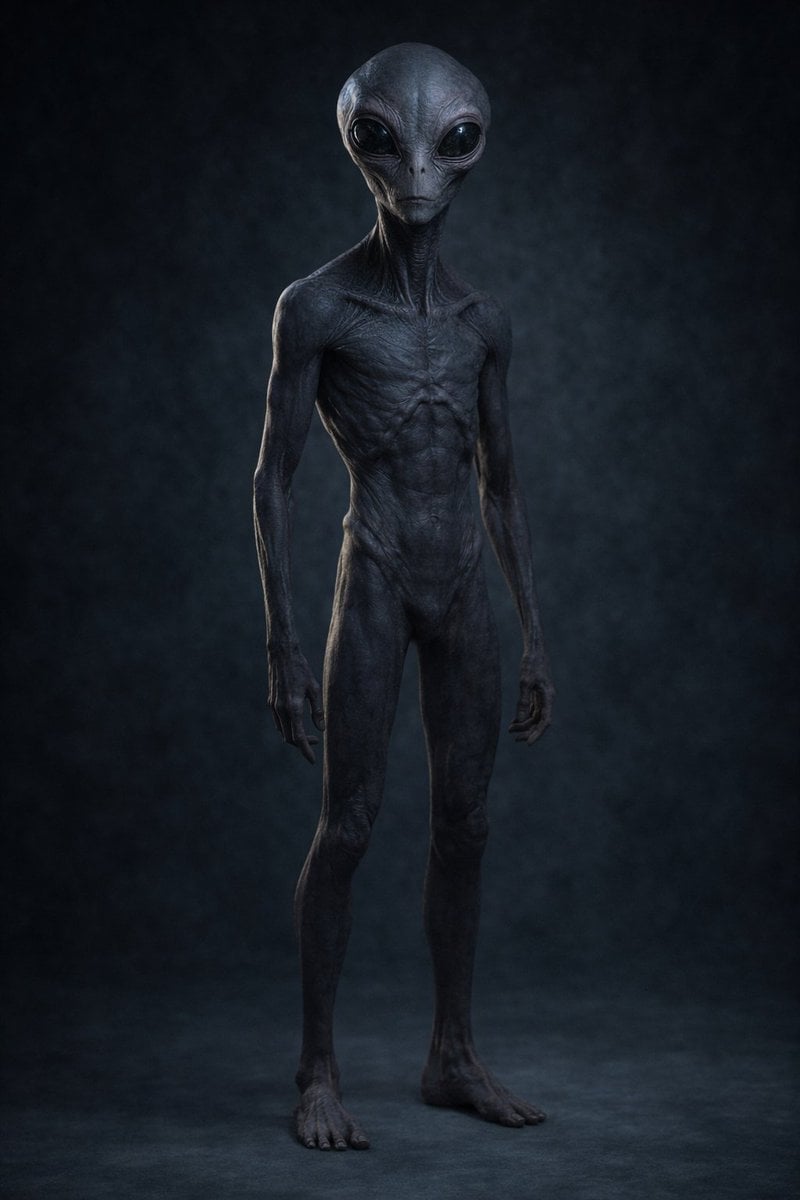
Uncanny Full-Body Alien Portrait
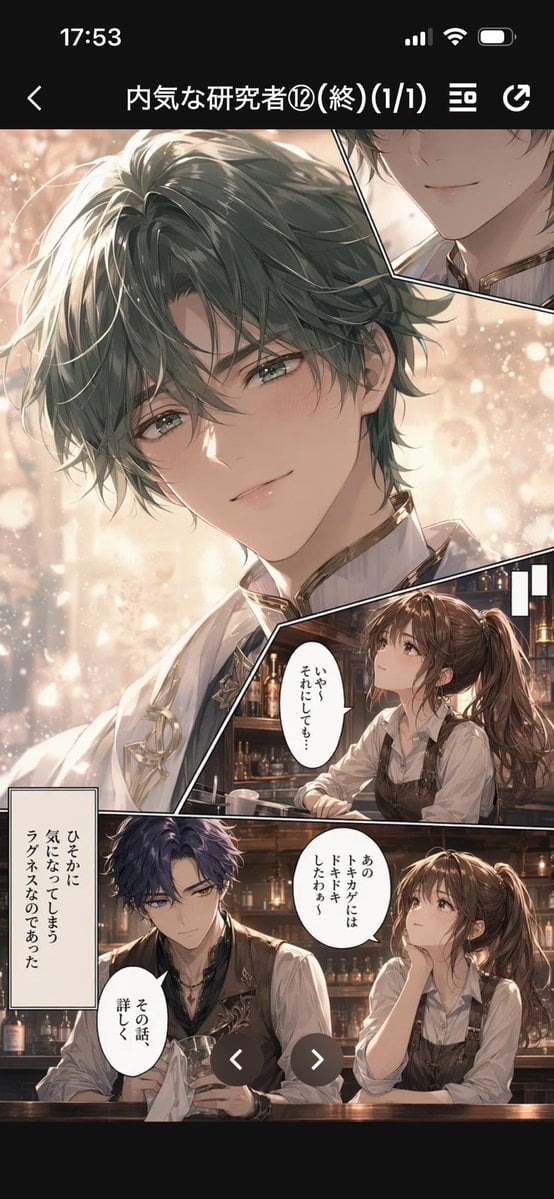
Manga Viewer Page from Reference Character
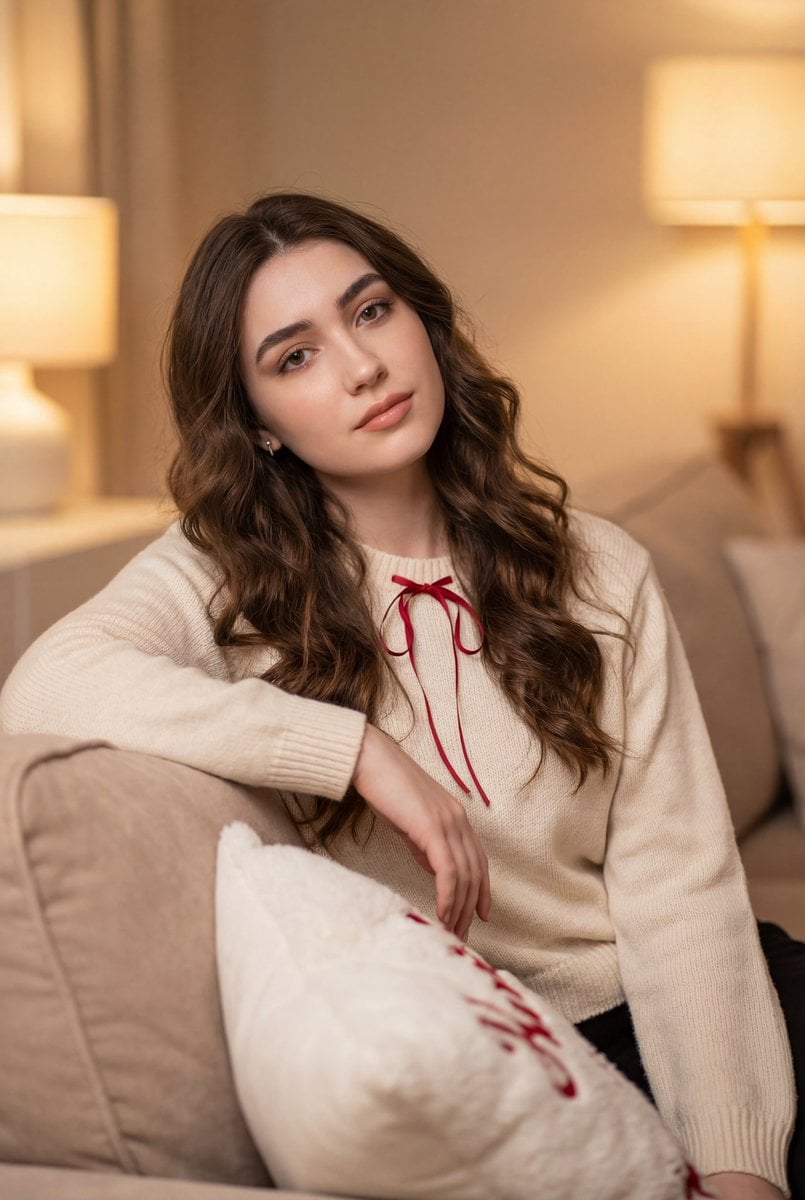
Cozy Indoor Lifestyle Portrait

Cute Cat Selfie
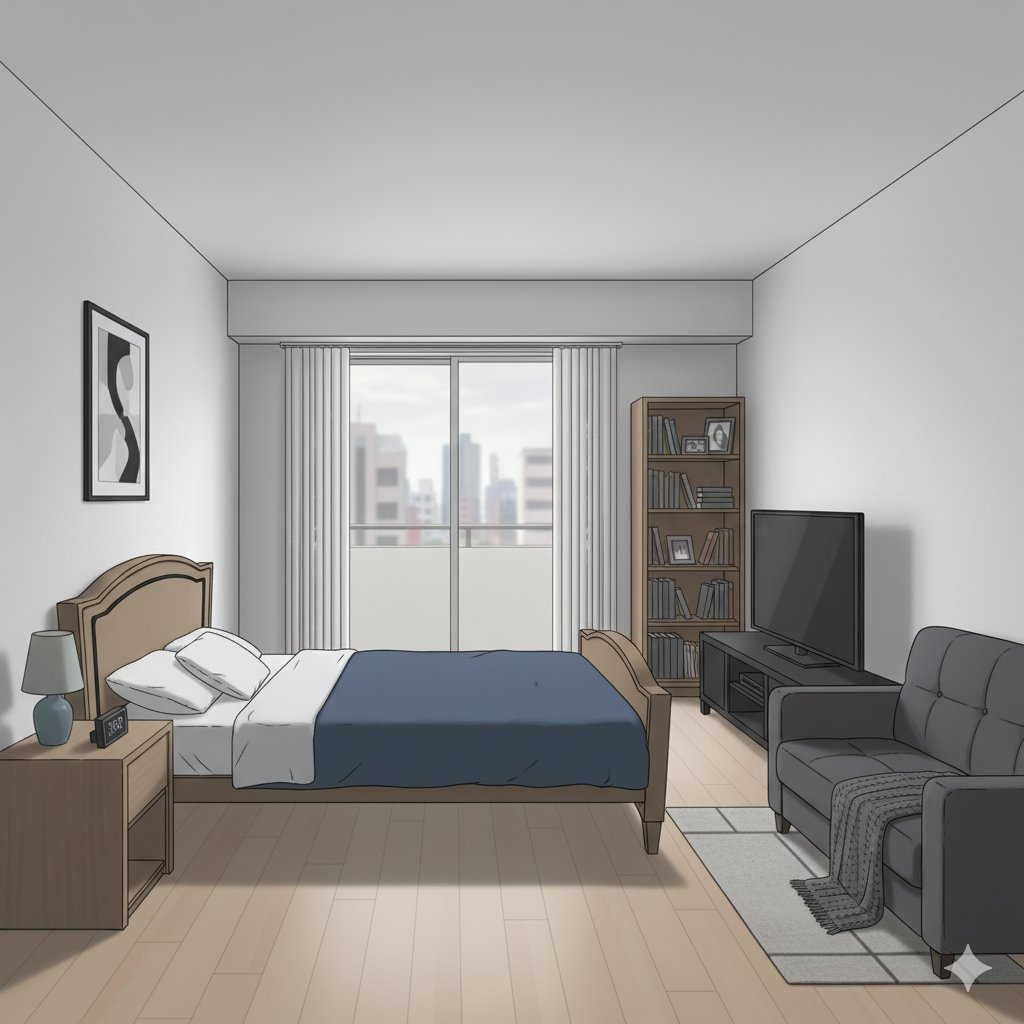
Isometric living room layout based on a sofa photo
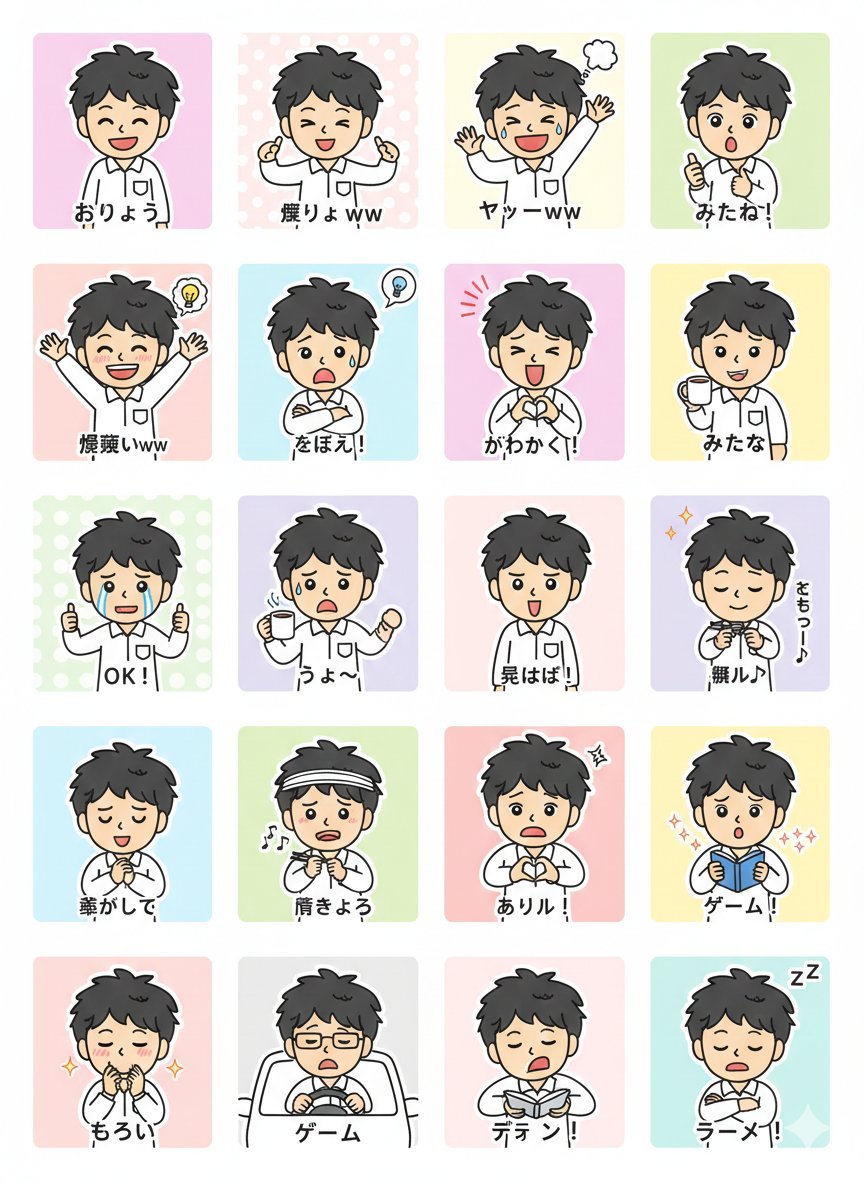
LINE Sticker Generation Prompt
Browse template categories
Minimalist Flowchart/Diagram Generation Style Guide questions
How do I use the Minimalist Flowchart/Diagram Generation Style Guide template?
Add your photo if the template asks for one, edit the prompt if you like — the template's model and format are already selected — and press Generate. Your version opens in PicX Studio.
Can I customize the Minimalist Flowchart/Diagram Generation Style Guide template?
Yes. You can change the subject, setting, lighting, mood, format, and available model controls before creating your image.
Is the Minimalist Flowchart/Diagram Generation Style Guide template free?
Opening and editing this template is free. Generating uses credits, shown on the Generate button when you are signed in.
Which AI model should I use?
Start with Nano Banana 2, which is the model associated with this template. You can compare another compatible model for a different finish.
Looking for something else? Browse all templates.

Your photo, any look
Thousands of ready templates for every top image and video model, from one credit balance.