
Retro Mobile Sale Alert Template
Retro Mobile Sale Alert Template is a ready photo look.
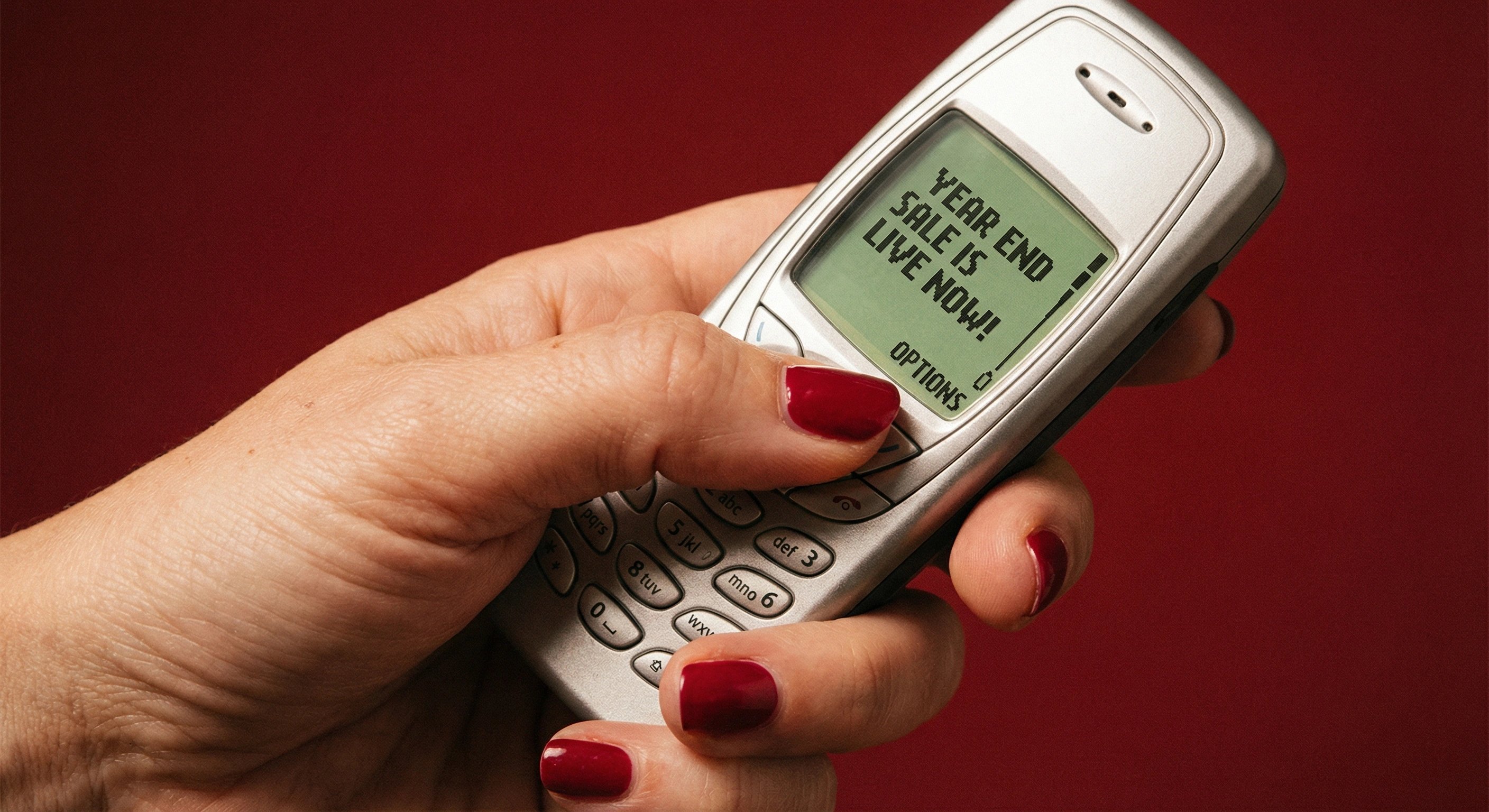
- Prompt included
- Model and format preset
- Free template
The prompt behind this image
Copy the exact prompt behind Retro Mobile Sale Alert Template, or open it in the studio and make it yours.
Ultra-realistic cinematic photograph of a human hand holding a classic early-2000s candy-bar mobile phone. The phone has a silver plastic body, rounded edges, physical rubber keypad buttons, and a small monochrome green LCD screen. On the screen, a simple SMS interface displays black pixelated text reading: [“YEAR END SALE IS LIVE NOW!"] with a small “OPTIONS” label at the bottom, accurately resembling an authentic vintage phone SMS UI. The hand has well-groomed fingers with glossy red nail polish, natural skin texture visible including pores, subtle wrinkles, and soft highlights. The phone is held naturally in one hand, slightly tilted, with realistic finger pressure and grip. Background is a deep matte red backdrop with smooth tonal falloff, no visible patterns or artificial gradients, creating a bold yet minimal studio environment. Lighting is warm and cinematic, with soft directional light from one side, gentle shadows, and realistic reflections on the phone’s plastic surface. Captured as a real photograph with shallow depth of field, slight film grain, subtle noise, imperfect focus edges, natural color bleed, and organic contrast. Editorial product photography style, fully photorealistic. No CGI, no illustration, no AI artifacts, no surreal lighting, no plastic skin, no over-sharpening.
How to use Retro Mobile Sale Alert Template in 3 steps
- 1
Open
The prompt is already in the box next to the preview, with the template's model and format selected.
- 2…a portrait of your subject in softgolden-hour light, 85mm…
Personalize
Edit the subject and creative details for your destination.
- 3Generate
Generate
Press Generate — your image is created in PicX Studio, so you can compare it with the original and refine one variable at a time.
More like this
Templates with the same subject, style or setup. Open one to see its prompt.











Make it yours
Retro Mobile Sale Alert Template works as-is. These are the safest ways to change it without losing the look.
Change one field
Copy a single group, rewrite it, and generate again so you can see what that field is doing.
Keep the frame, change the subject
Hold the composition and light of Retro Mobile Sale Alert Template, then swap wardrobe, props or the person for a new take.
| If the result… | Why | Fix |
|---|---|---|
| The result drifts from the preview | Too many fields changed at once. | Reuse Retro Mobile Sale Alert Template as-is first, then change one group — subject, light, or setting. |
| The model over-stylizes the scene | The prose prompt leaves finish and camera underspecified. | Add one camera or lighting sentence and stay on PicX Studio. |
More image prompts
Fresh picks from across the catalog.

Classic Hollywood Glamour Portrait Prompt
Spectacular City Recreations

Hyper-Real Studio Portrait Poster Art Generator Prompt
High-detail IT careers infographic (Thai/English mix)
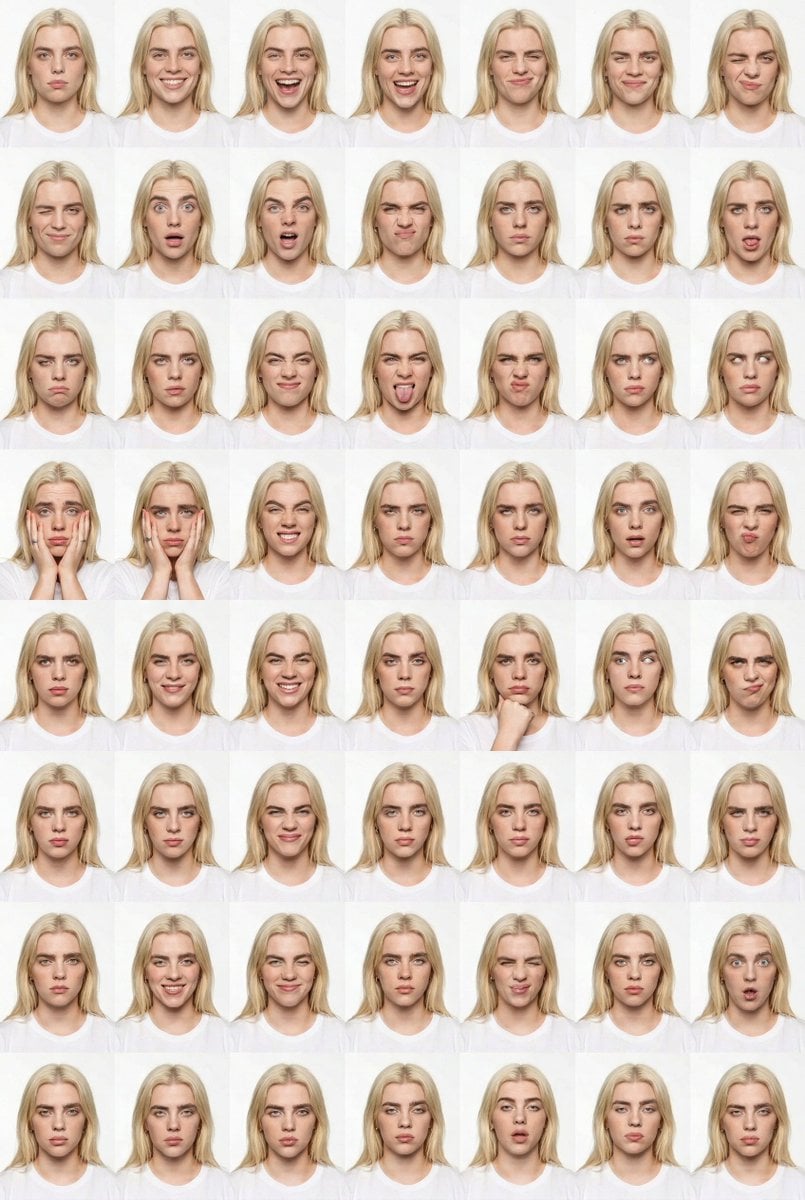
Panel Studio Expression Contact Sheet Prompt

Sport Motorcycle Wheelie Street Photo

Toy Story Diorama in a Pizza World

Cinematic Low-Light Night Portrait
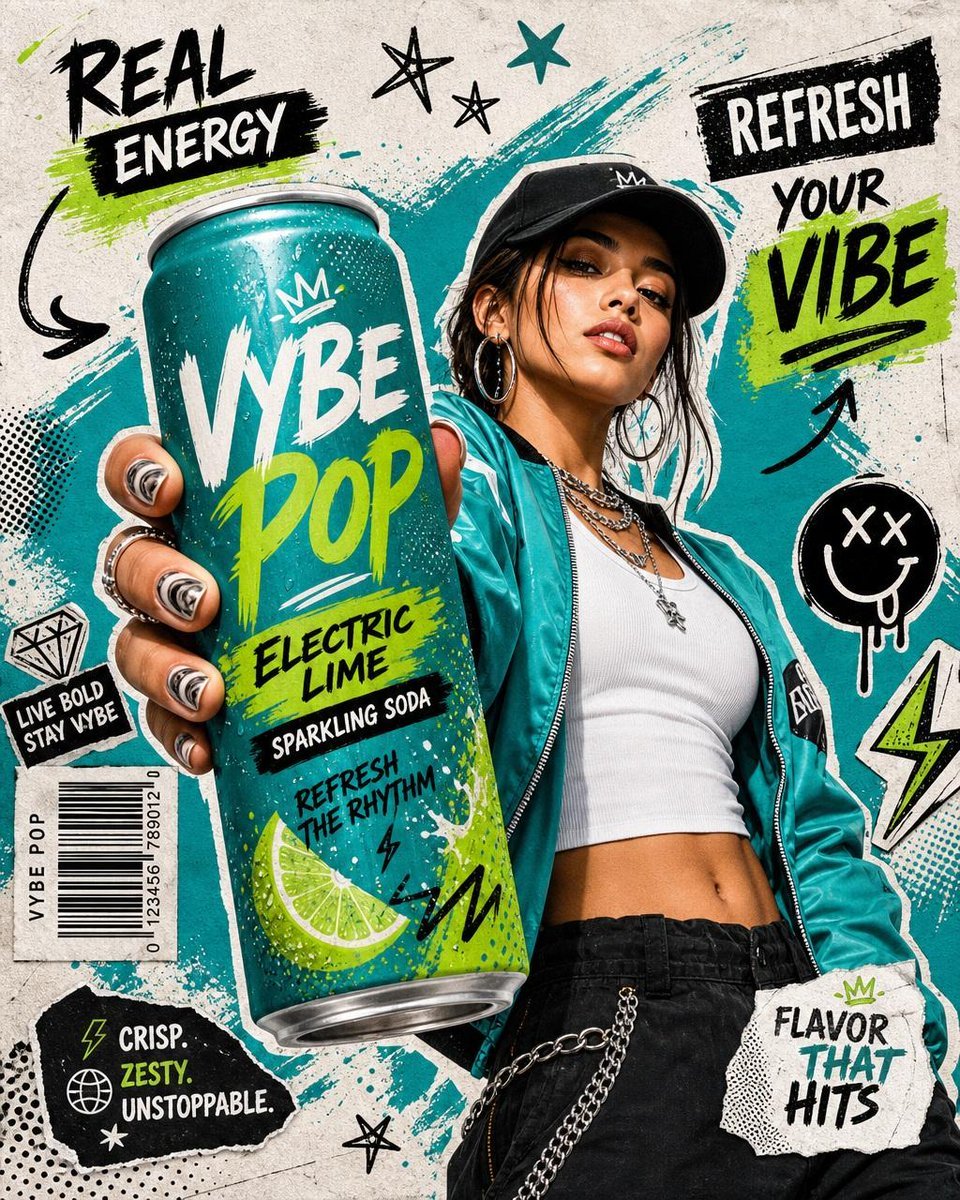
Realistic Commercial Beverage Advertisement

Golden Hour Macro Portrait Prompts
Browse template categories
Retro Mobile Sale Alert Template questions
How do I use the Retro Mobile Sale Alert Template template?
Add your photo if the template asks for one, edit the prompt if you like — the template's model and format are already selected — and press Generate. Your version opens in PicX Studio.
Can I customize the Retro Mobile Sale Alert Template template?
Yes. You can change the subject, setting, lighting, mood, format, and available model controls before creating your image.
Is the Retro Mobile Sale Alert Template template free?
Opening and editing this template is free. Generating uses credits, shown on the Generate button when you are signed in.
Which AI model should I use?
Choose a compatible model in PicX Studio based on the style, speed, and output controls your project needs.
Looking for something else? Browse all templates.

Your photo, any look
Thousands of ready templates for every top image and video model, from one credit balance.