
Newspaper Advertisement Campaign Template
Newspaper Advertisement Campaign Template is a ready photo look.

- Prompt included
- Model and format preset
- Premium template
The prompt behind this image
Copy the exact prompt behind Newspaper Advertisement Campaign Template, or open it in the studio and make it yours.
Here’s a **high-fidelity, production-grade prompt** to recreate this image with maximum realism and zero “AI look”. I’m writing it the way top image models understand best — layered, specific, and constraint-driven. --- ### **Perfect Detailed Prompt** **Ultra-realistic outdoor editorial photograph** of a person standing upright, holding an **open, folded newspaper** vertically in front of their face, fully covering the head and facial features. Only the **hands, wrists, and forearms** are visible, gripping the left and right edges of the newspaper naturally. **Subject details:** * Gender not identifiable * Wearing a **plain black short-sleeve t-shirt**, matte fabric, no logos or texture * Skin tone: **warm medium brown**, realistic pores, fine hair, subtle veins, natural creases * Hands positioned symmetrically, thumbs on the front edge, fingers wrapped behind the paper **Newspaper details:** * Size: traditional broadsheet, folded cleanly down the center * Paper: **off-white, slightly yellowed newsprint**, visible grain and texture * Natural imperfections: soft wrinkles, light creases, uneven edges, slight wear at corners **Left page (collage):** * A dense **cut-and-paste collage of brand fragments**, logos, packaging bits, typography, and partial images * Colors: muted reds, blues, blacks, creams, and browns * Looks chaotic, fragmented, intentionally inconsistent * Printed flat on paper (not digital overlays) **Right page (typography):** * Large **editorial serif typography** in **burnt orange** ink * Center-aligned text reading exactly: **“HOW VISUAL INCONSISTENCY SILENTLY BREAKS BRAND TRUST.”** * Below in smaller serif text: *“It rarely looks wrong. It just stops feeling familiar.”* * Ink appears slightly absorbed into paper fibers (authentic print behavior) **Environment & background:** * Outdoor setting in **bright daylight** * Background: **tall palm trees**, clear blue sky * Strong background blur (**natural depth of field**, shallow focus) * Background completely out of focus, subject sharply in focus **Lighting:** * Natural sunlight from slightly above and front * Soft shadows under hands and paper edges * Realistic highlights on skin and paper folds * No studio lighting, no artificial glow **Camera & composition:** * Eye-level perspective * Medium framing (torso to head area, face fully hidden) * Shot on a **full-frame DSLR**, 50mm lens * Aperture: f/2.8 for realistic bokeh * High dynamic range, balanced exposure **Style & quality constraints:** * Photorealistic, documentary-style editorial photography * No CGI, no illustration, no painterly effects * No symmetry perfection, no over-sharpening * Natural color grading, slightly warm tones * Looks like a real photograph captured in a single take **Negative prompt (important):** * No visible face * No AI-generated skin smoothing * No plastic textures * No exaggerated contrast * No floating text * No surreal elements * No watermark, no logos added artificially --- If you want, I can also: * Turn this into a **template prompt** with editable sections * Optimize it for **specific models** (Midjourney / SDXL / Flux / Imagen) * Create **variations** (urban setting, different headline, different brand narrative) Just say the word.
How to use Newspaper Advertisement Campaign Template in 3 steps
- 1Upload ImagePNG, JPG or paste
Add your photo
Upload the photo the template builds on. The prompt, model and format are already set.
- 2…a portrait of your subject in softgolden-hour light, 85mm…
Personalize
Edit the subject and creative details for your destination.
- 3Generate
Generate
Press Generate — your image is created in PicX Studio, so you can compare it with the original and refine one variable at a time.
More like this
Templates with the same subject, style or setup. Open one to see its prompt.

Newspaper Advertisement Template

Retro Pop-Art K-Fashion Ultraluxury Campaign Poster

Bold Red Contrast Fashion Editorial Newspaper Room

Monroe and Ash Mediterranean Luxury Fashion Campaign

Polo Ralph Lauren Luxury American Heritage Fashion Campaign

Retro Mirror Luxury Fashion Campaign Poster

Luxury Fashion Campaign Typography Poster System

Premium Fashion Editorial Campaign Poster System

Korean Streetwear Minimalist Campaign Portrait

Korean Model Floating Magazine Pages Campaign

Blue Backdrop Luxury Fashion Portrait Campaign

Frozen Street Luxe Graffiti Fashion Campaign
Make it yours
Newspaper Advertisement Campaign Template works as-is. These are the safest ways to change it without losing the look.
Change one field
Copy a single group, rewrite it, and generate again so you can see what that field is doing.
Keep the frame, change the subject
Hold the composition and light of Newspaper Advertisement Campaign Template, then swap wardrobe, props or the person for a new take.
| If the result… | Why | Fix |
|---|---|---|
| The result drifts from the preview | Too many fields changed at once. | Reuse Newspaper Advertisement Campaign Template as-is first, then change one group — subject, light, or setting. |
| The model over-stylizes the scene | The prose prompt leaves finish and camera underspecified. | Add one camera or lighting sentence and stay on PicX Studio. |
More image prompts
Fresh picks from across the catalog.
Anime PR Representative at Industrial Expo
Luxury Chocolate Advertising Masterpiece
Surreal Low-Angle Portrait with Low-Flying Airplane Prompt
Luxury Drink Advertisement Poster
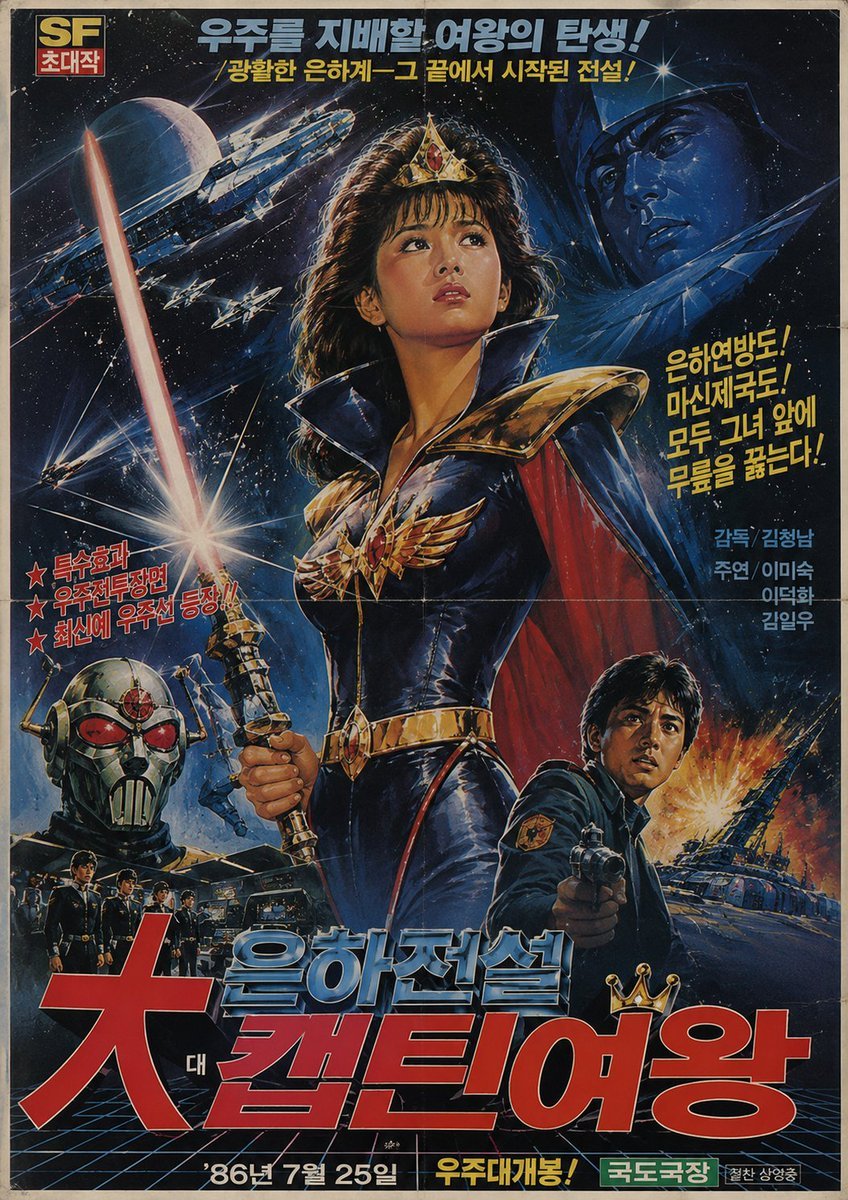
1980s Retro Korean Sci-Fi Poster
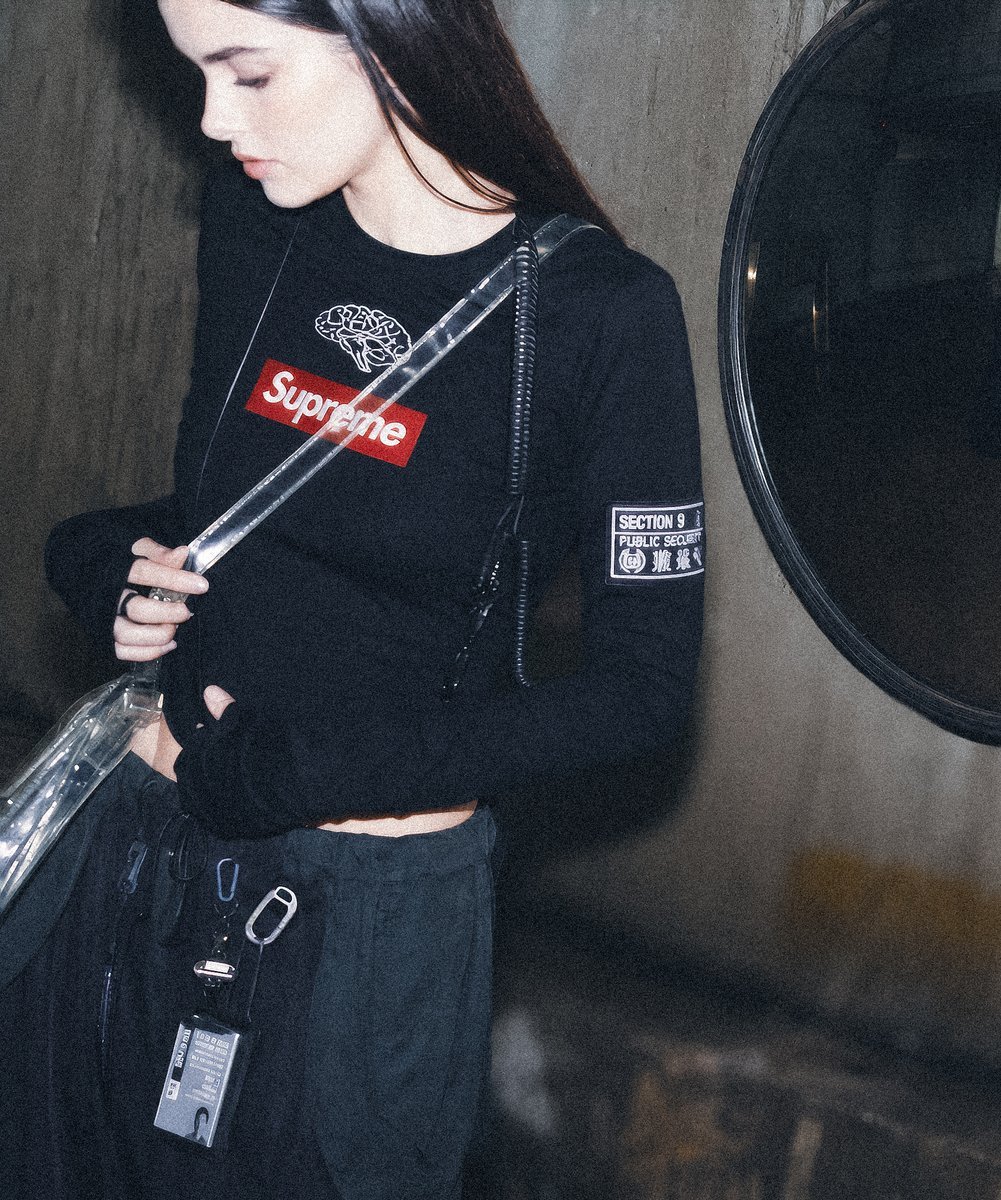
Supreme Section 9 Cyberpunk Fashion Portrait
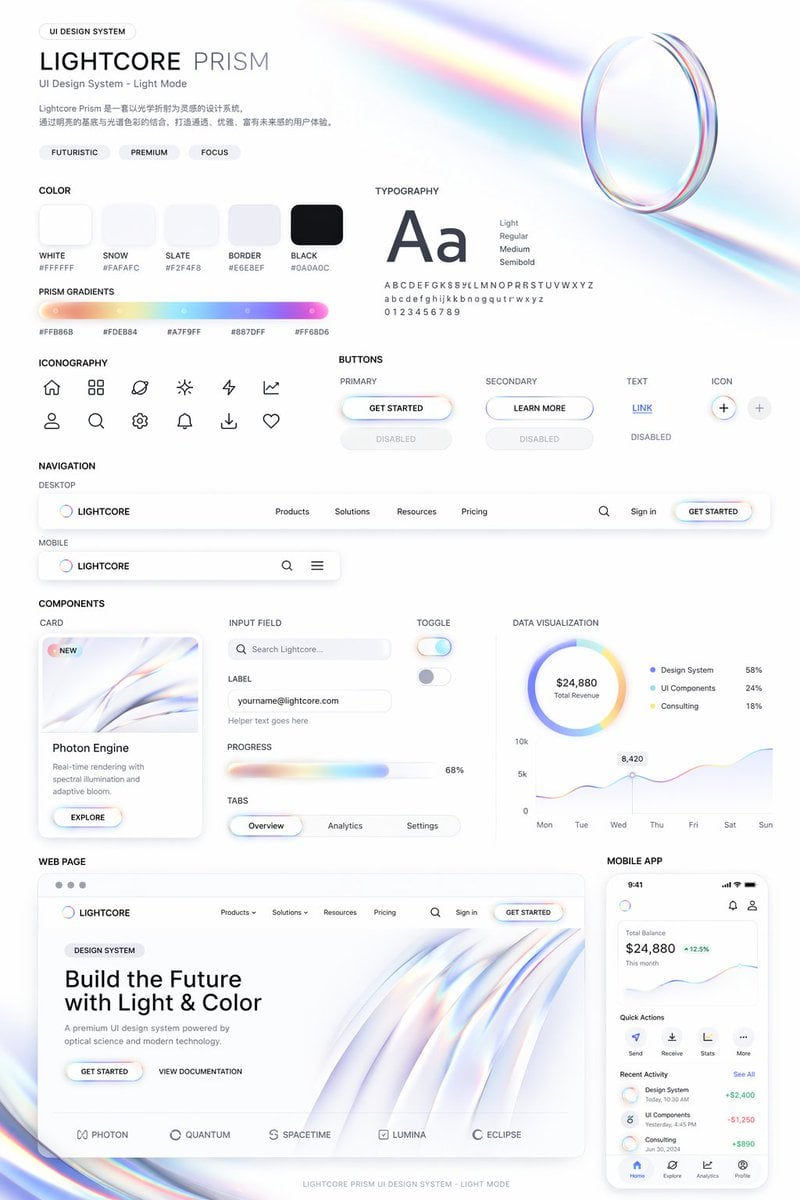
Light Mode UI Design System Board
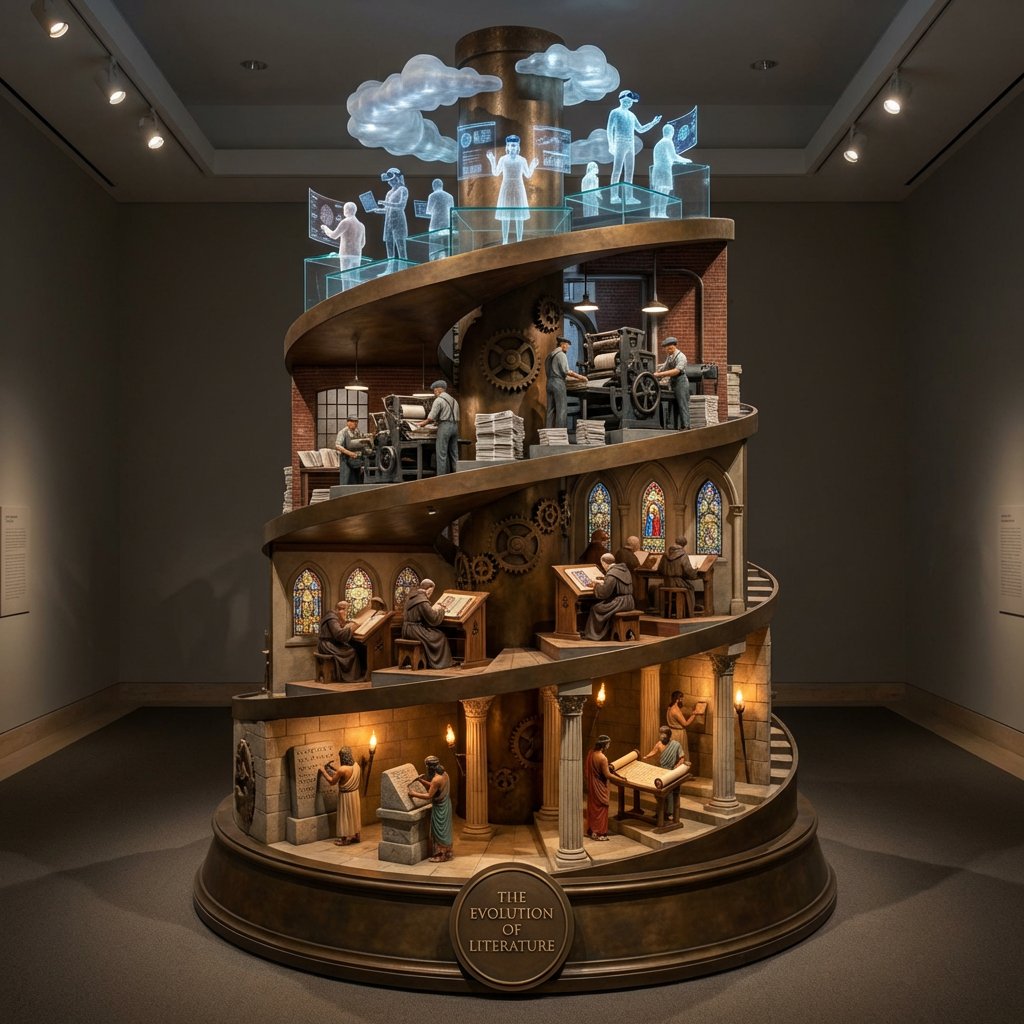
Helical Tower Sculpture Prompt for Visualizing Historical Evolution
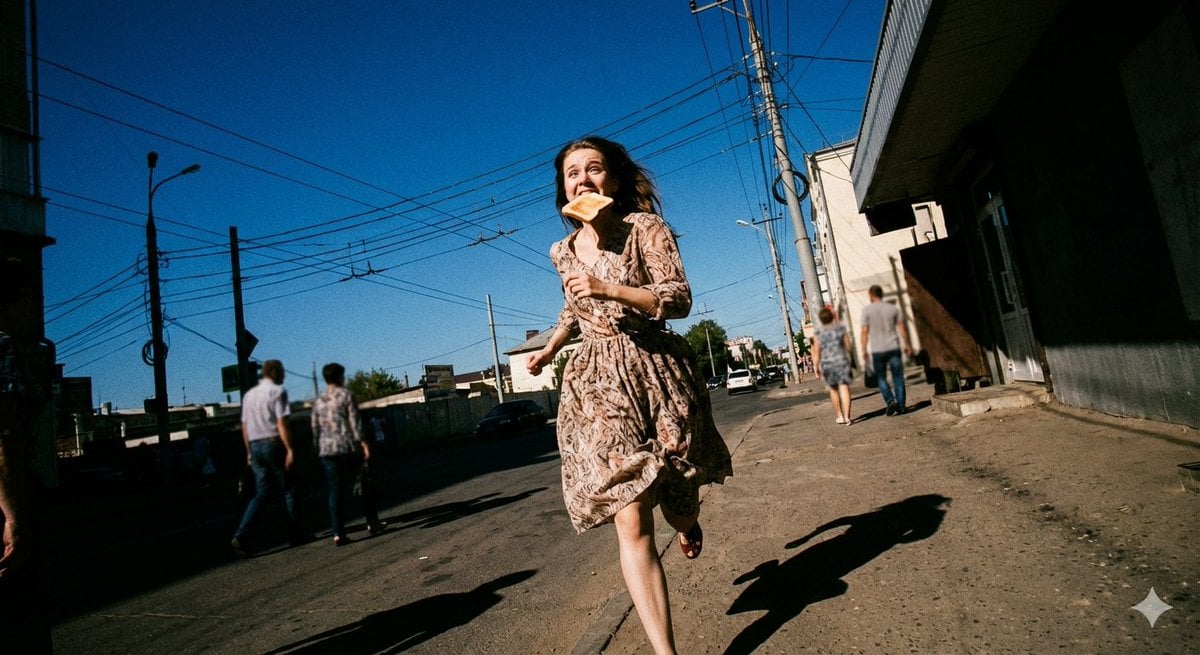
Low-Angle Running Woman Street Photo
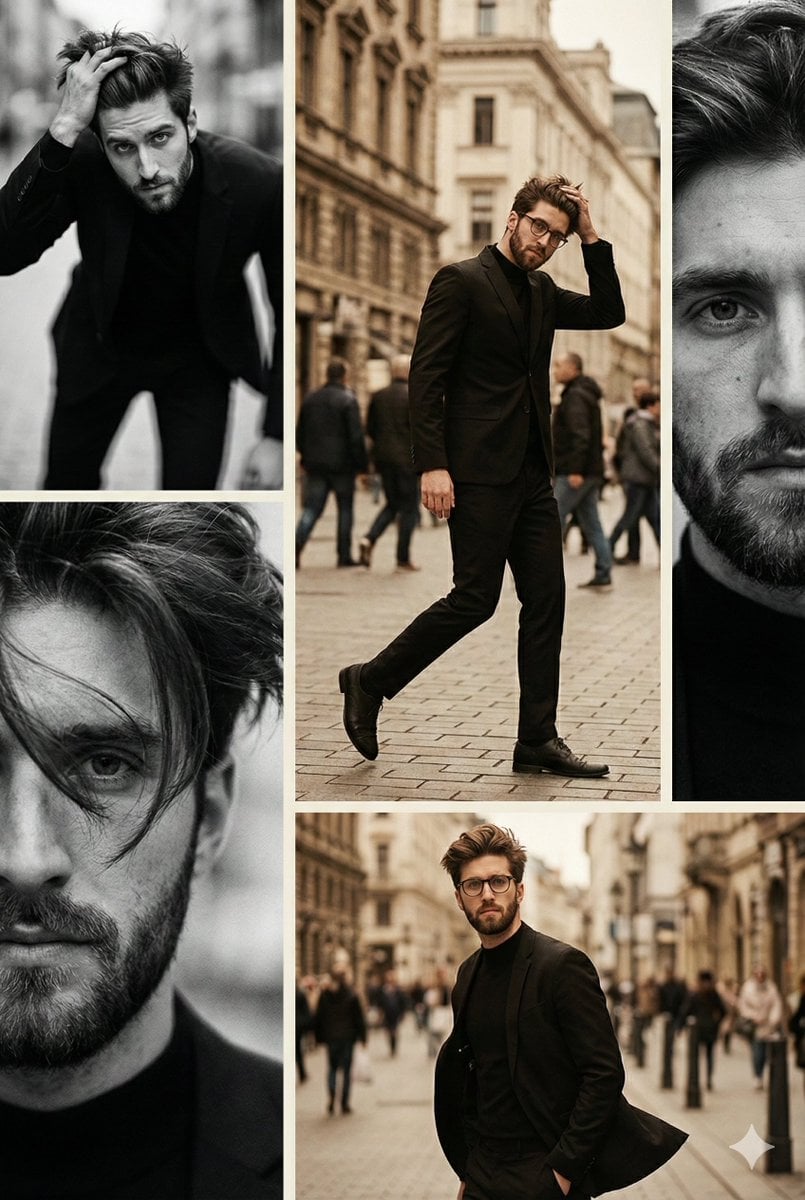
Vintage Editorial Collage from Reference Image
Browse template categories
Newspaper Advertisement Campaign Template questions
How do I use the Newspaper Advertisement Campaign Template template?
Add your photo if the template asks for one, edit the prompt if you like — the template's model and format are already selected — and press Generate. Your version opens in PicX Studio.
Can I customize the Newspaper Advertisement Campaign Template template?
Yes. You can change the subject, setting, lighting, mood, format, and available model controls before creating your image.
Is the Newspaper Advertisement Campaign Template template free?
Opening and editing this template is free. Generating uses credits, shown on the Generate button when you are signed in.
Which AI model should I use?
Choose a compatible model in PicX Studio based on the style, speed, and output controls your project needs.
Looking for something else? Browse all templates.

Your photo, any look
Thousands of ready templates for every top image and video model, from one credit balance.