
Low-Angle Running Woman Street Photo
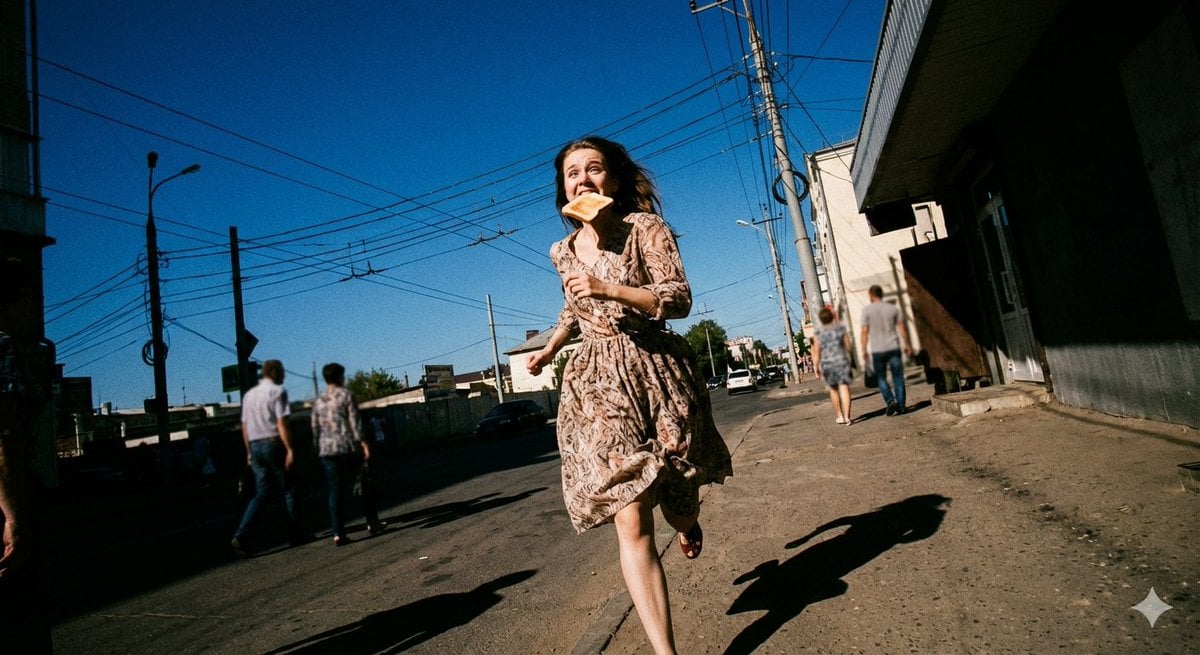
This prompt generates a cinematic photorealistic street scene of a woman running under power lines, useful for editorial, fashion, or nostalgic urban photography concepts.
- Prompt included
- Model and format preset
- Free template
The prompt behind this image
Copy the exact prompt behind Low-Angle Running Woman Street Photo, or open it in the studio and make it yours.
A photorealistic candid street photograph of {argument name="subject" default="a young Russian woman"} running toward the camera in a frantic late-for-school moment, holding one hand near her chest and with {argument name="prop" default="a slice of toast in her mouth"}. She wears {argument name="dress style" default="a light beige patterned flowing dress with long sleeves and a cinched waist"} and flat shoes, the skirt billowing with motion. Shot from an extreme low-angle worm's-eye perspective on a rough roadside in a modest urban neighborhood, making her appear tall against a huge uninterrupted {argument name="sky color" default="deep cobalt blue"} sky. Dense intersecting overhead power lines and utility poles crisscross the upper half of the frame, creating strong geometric tension. Use hard noon sunlight with crisp, dark shadows stretching across the dusty pavement. Include exactly 4 background pedestrians, slightly blurred and walking away or across the street, plus a few distant cars and low buildings lining both sides of the road. The composition should feel chaotic, youthful, cinematic, and frozen in motion, with a wide-angle lens, high-fidelity realism, subtle film grain, strong contrast, slightly nostalgic color rendering, and a {argument name="film look" default="Fujifilm Classic Negative"} aesthetic.
How to use Low-Angle Running Woman Street Photo in 3 steps
- 1Upload ImagePNG, JPG or paste
Add your photo
Upload the photo the template builds on. The prompt, model and format are already set.
- 2…a portrait of your subject in softgolden-hour light, 85mm…
Personalize
Edit the subject and creative details for your destination.
- 3Generate
Generate
Press Generate — your image is created in PicX Studio, so you can compare it with the original and refine one variable at a time.
More like this
Templates with the same subject, style or setup. Open one to see its prompt.
Banned Image Prompt: Low Angle View of Woman
Nano Banana - Paris Street with Flowers

Two Tickets, One Night

Meet Me When It Rains

Two Hearts. One Scooter.

1986 Street Couple

1985 Street Scene
Low-Angle Winter Scarf Selfie
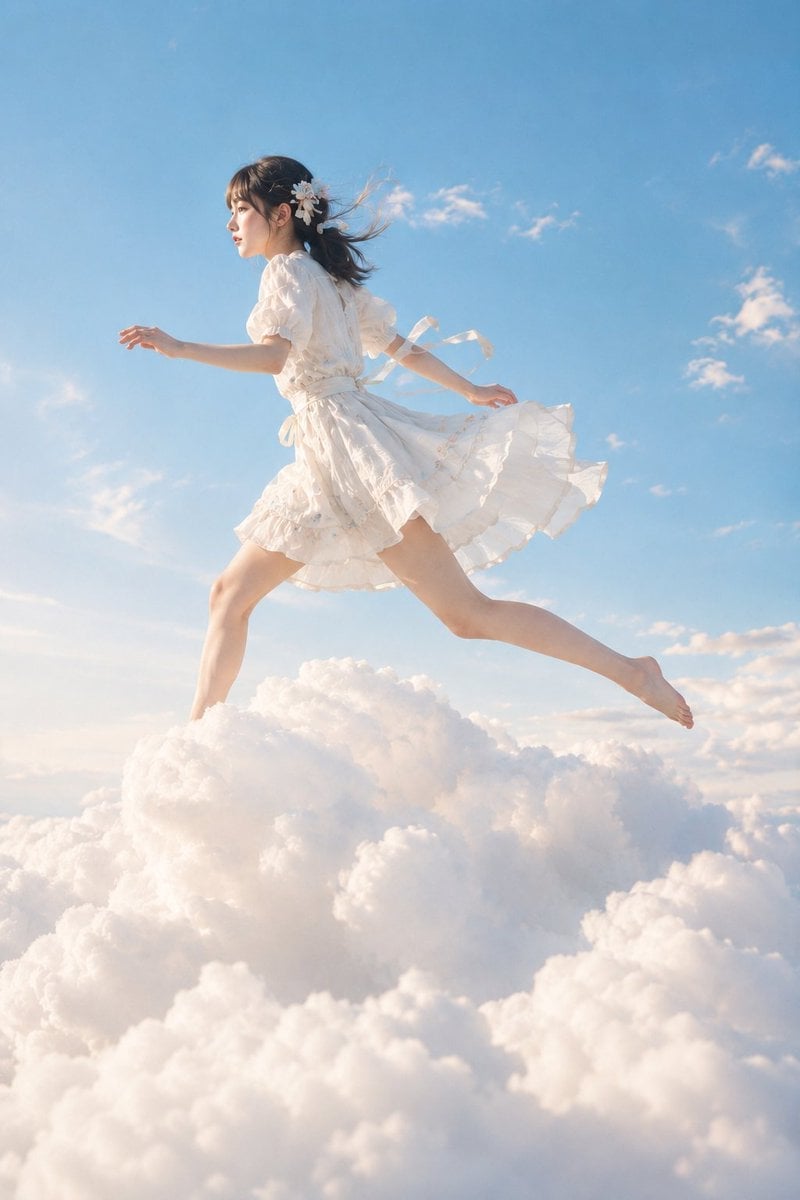
Japanese Woman Running on Clouds
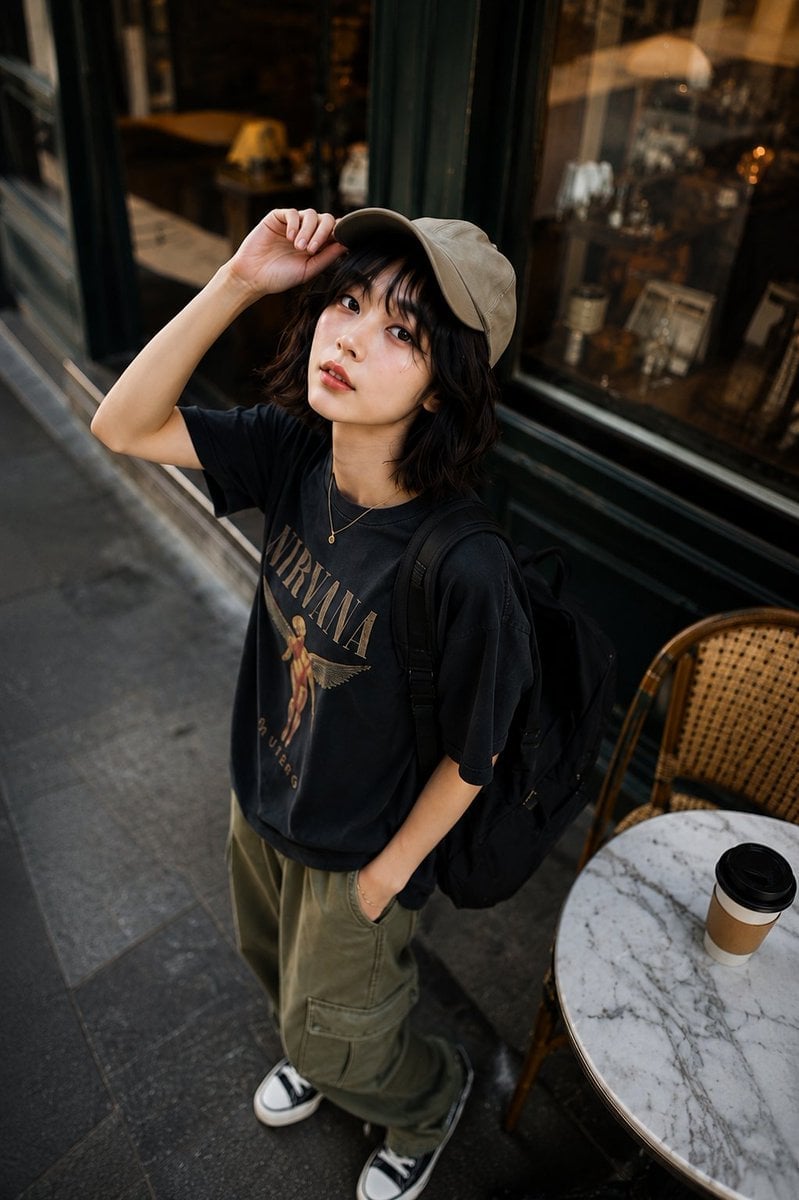
High-Angle Café Street Portrait
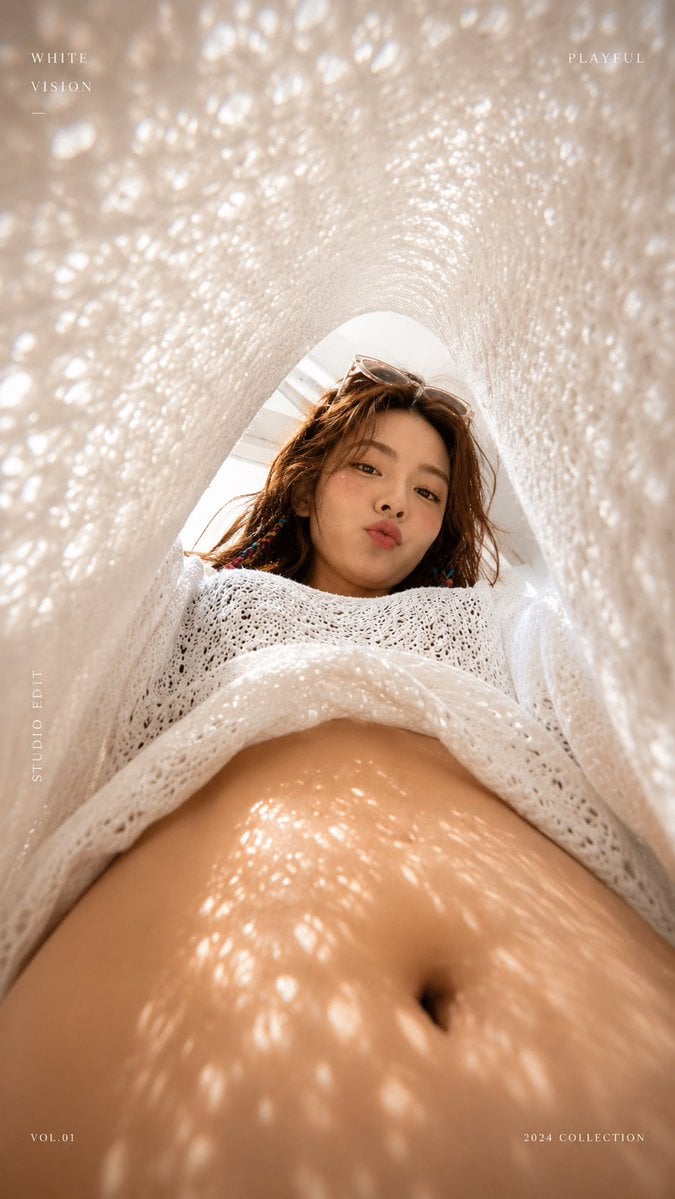
White Lace Low-Angle Editorial
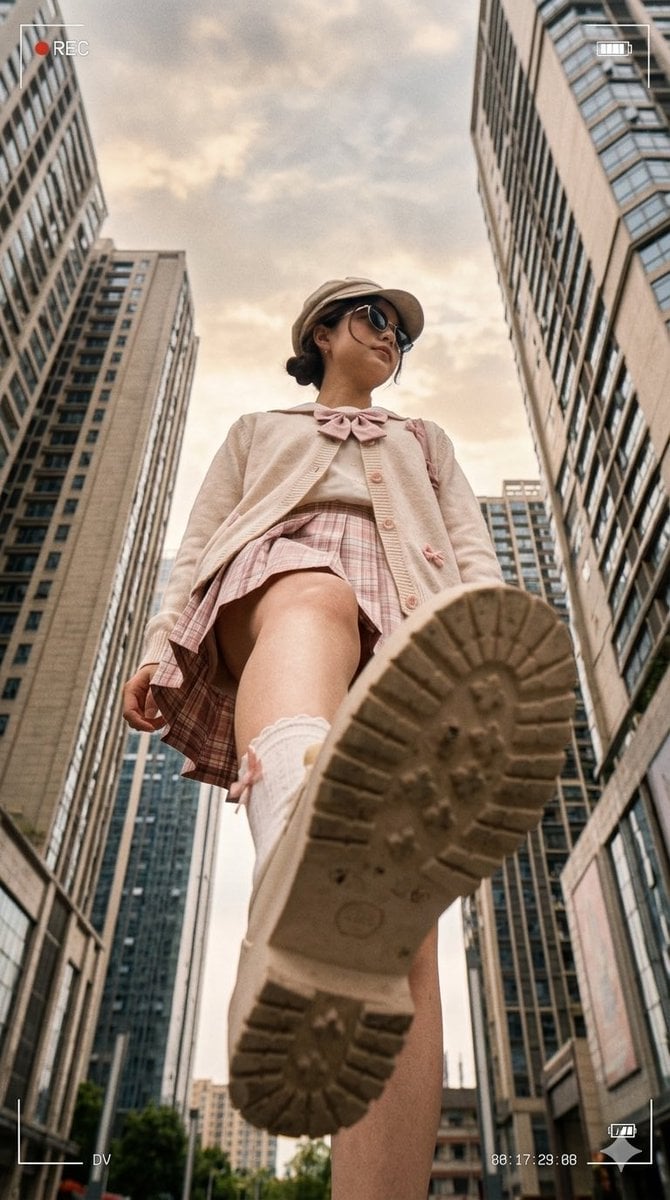
Low Angle Urban DV Style Portrait
Make it yours
Low-Angle Running Woman Street Photo works as-is. These are the safest ways to change it without losing the look.
Change one field
Copy a single group, rewrite it, and generate again so you can see what that field is doing.
Keep the frame, change the subject
Hold the composition and light of Low-Angle Running Woman Street Photo, then swap wardrobe, props or the person for a new take.
| If the result… | Why | Fix |
|---|---|---|
| The result drifts from the preview | Too many fields changed at once. | Reuse Low-Angle Running Woman Street Photo as-is first, then change one group — subject, light, or setting. |
| The model over-stylizes the scene | The prose prompt leaves finish and camera underspecified. | Add one camera or lighting sentence and stay on GPT Image 2. |
More GPT Image 2 templates
Other prompts made for GPT Image 2.

Six VTuber Japanese Logo Sheet

Realistic Portrait of Woman and Deer

The Vista Modular Condo Poster

AI Model Routing Comparison Infographic

2.5D Anime Art Board

Isometric Productivity Desk Scene

New York Double Exposure Poster

Four-Panel AI Landscape Comparison

Japanese Tatami Lifestyle Magazine Cover

NESCAFÉ Coffee Map Poster
More image prompts
Fresh picks from across the catalog.

Luxury Perfume Editorial Ad
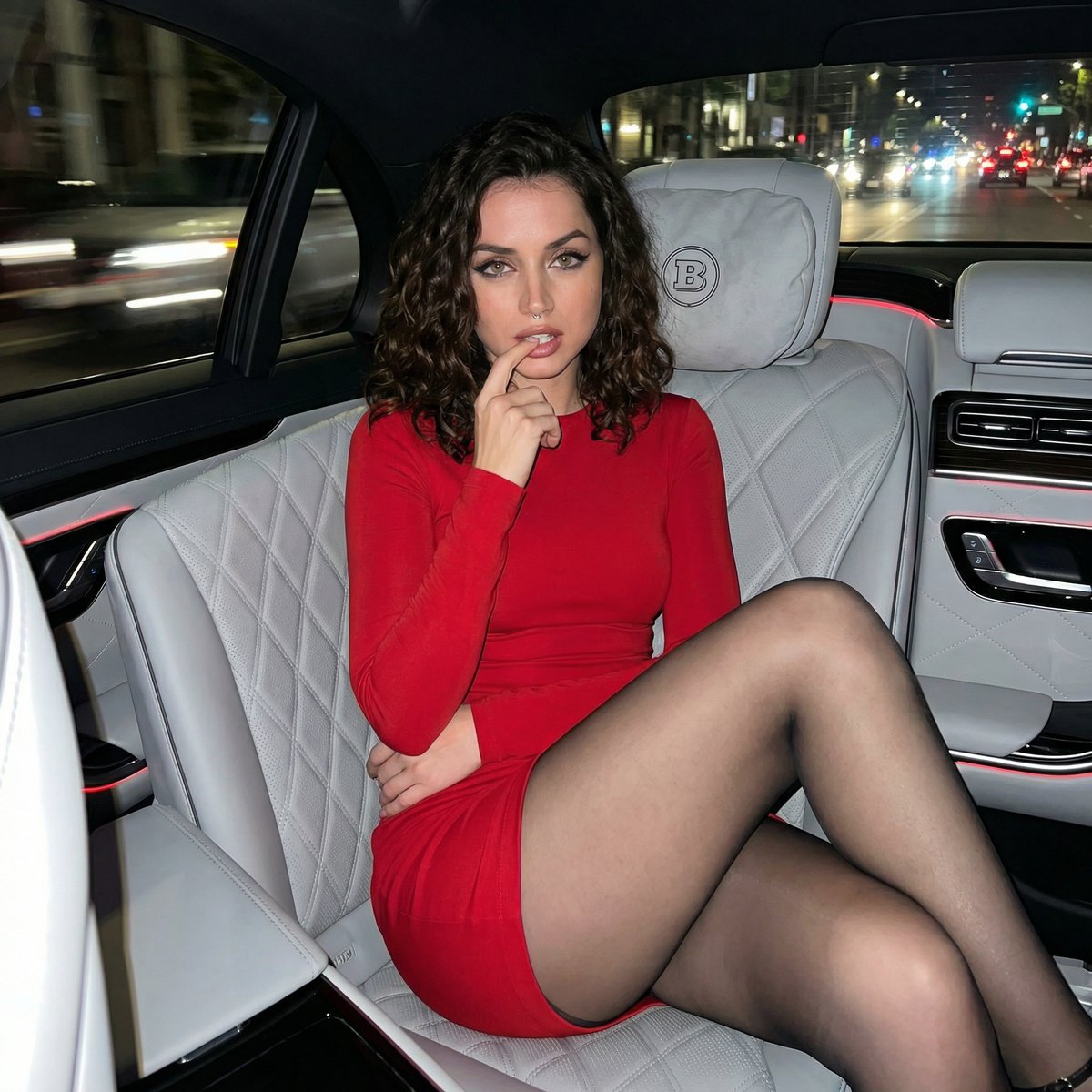
Candid Luxury Car Interior Night Prompt
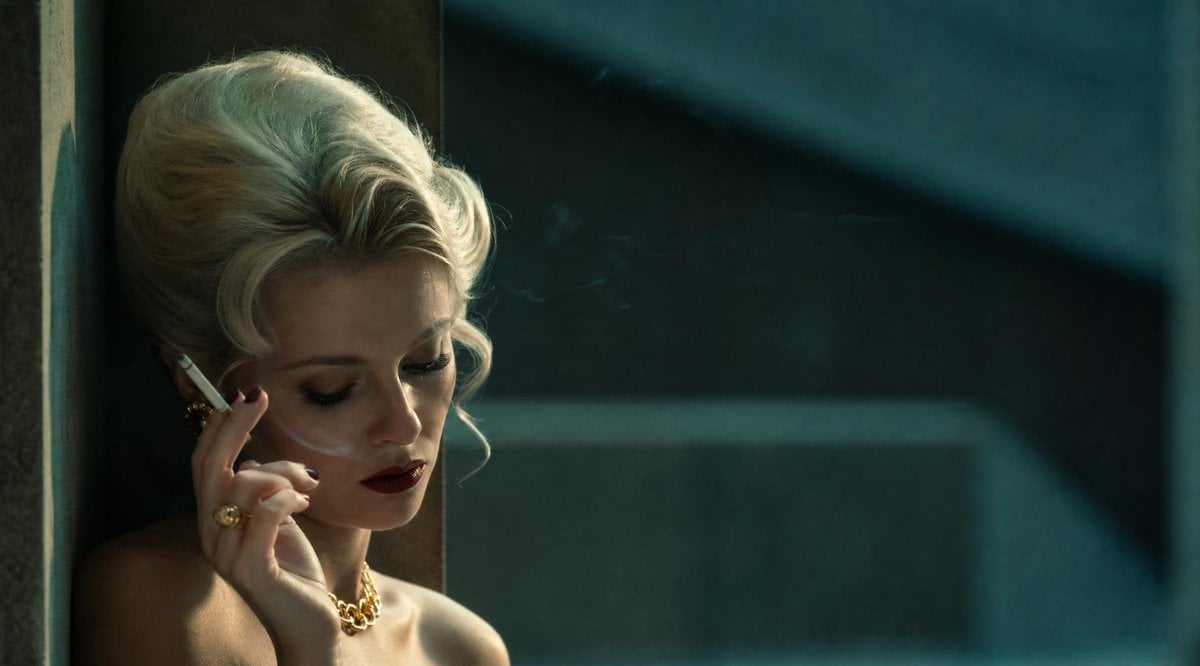
Censored Vintage Noir Film Still
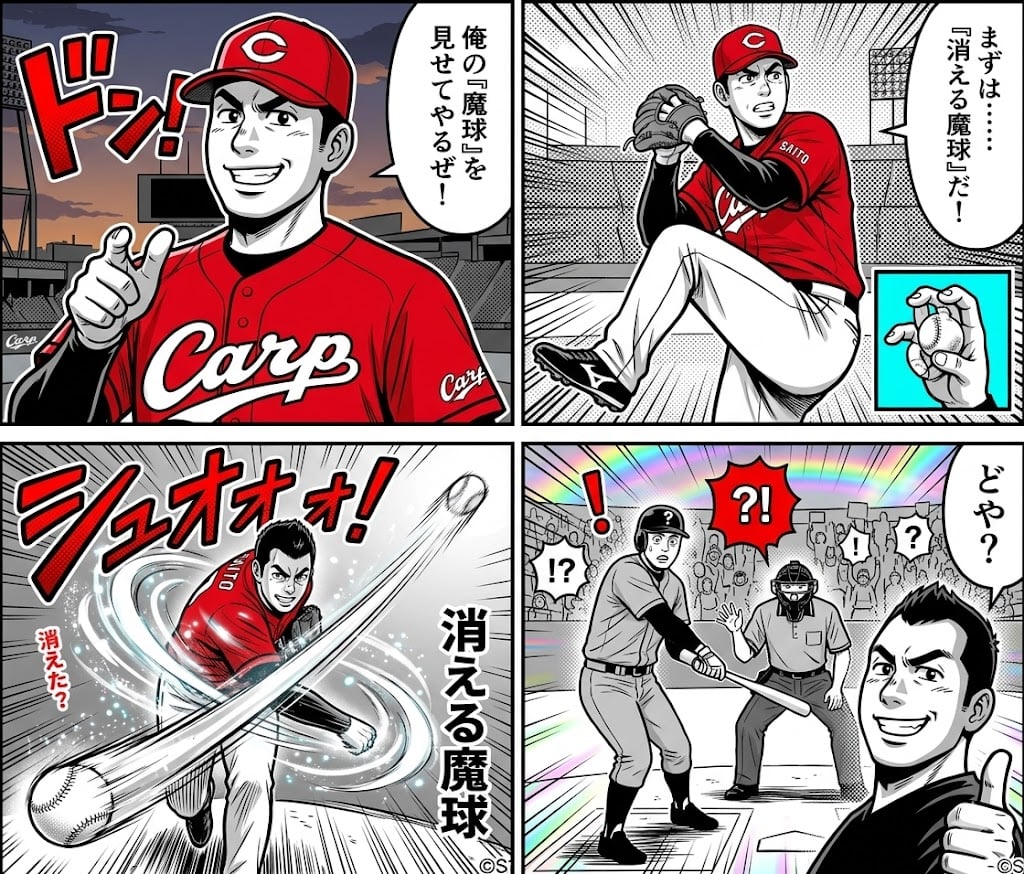
AI-generated 4-panel manga: The Vanishing Magic Ball
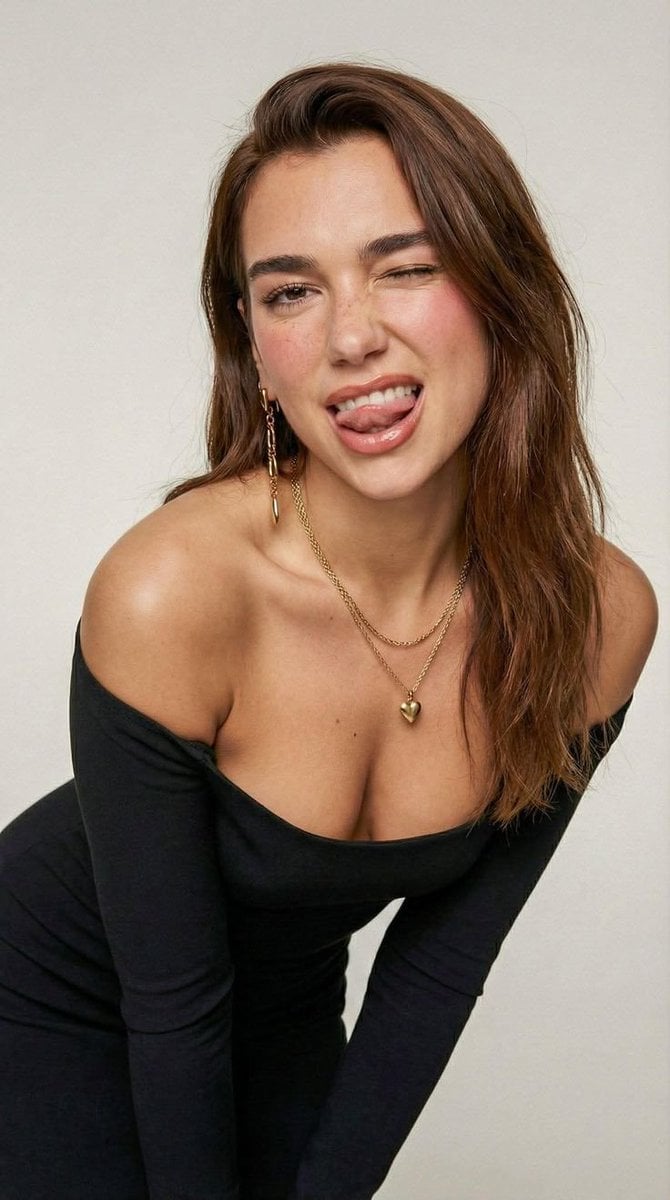
Clean Minimal Studio Portrait with Playful Wink

3D Product Render of Gummy Vitamin Jars (4 Variations)
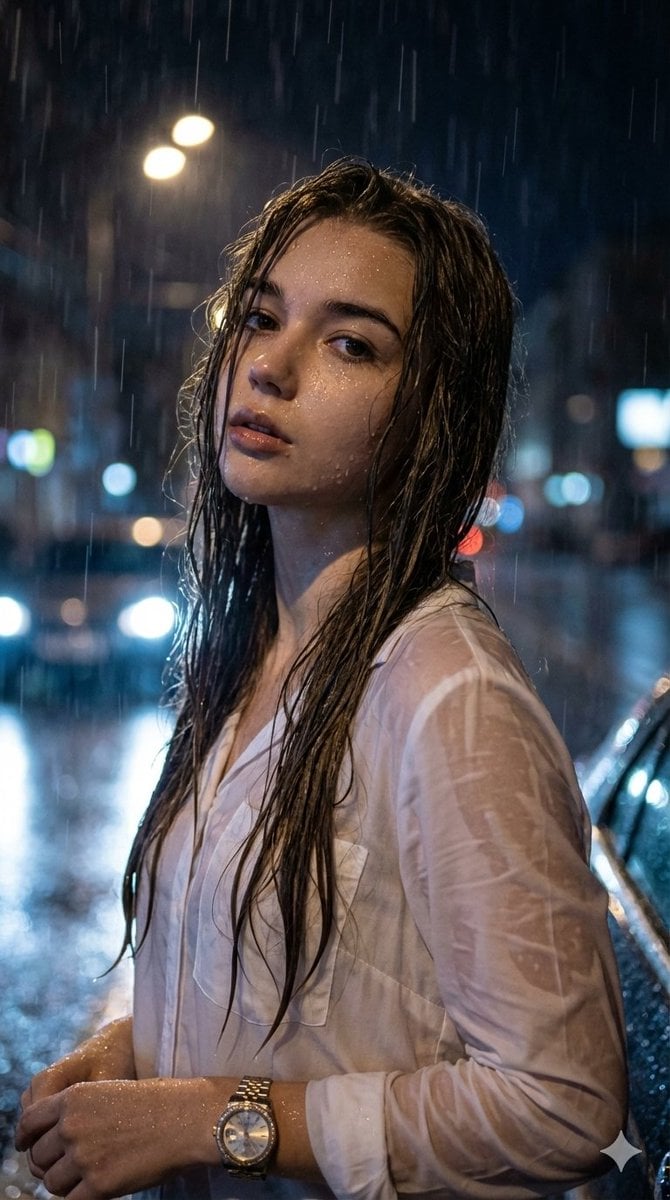
Hyper-Realistic Cinematic Night Portrait in Rain
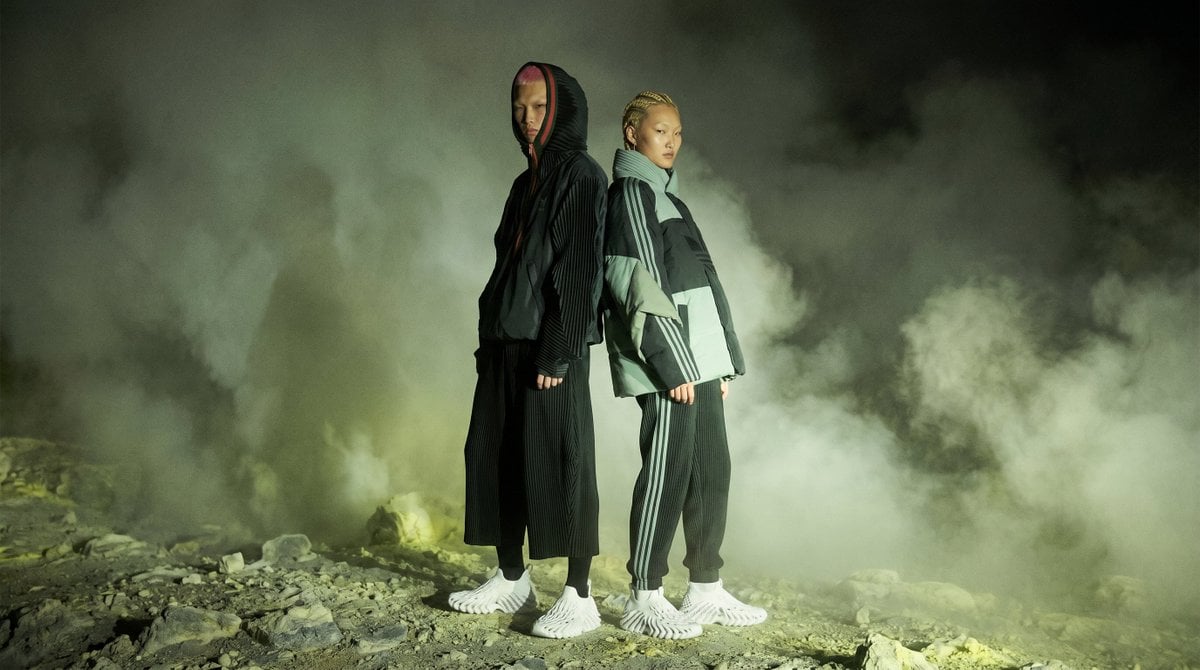
Volcanic Streetwear Fashion Editorial
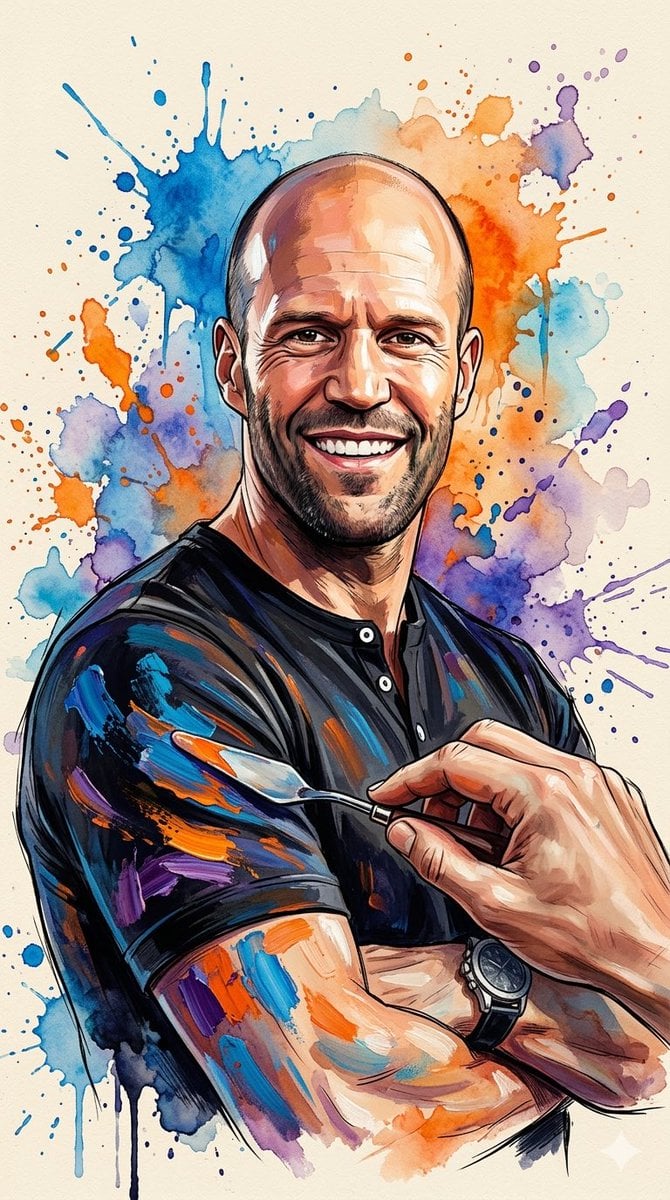
Oil Painting Style Portrait Prompt with Reference
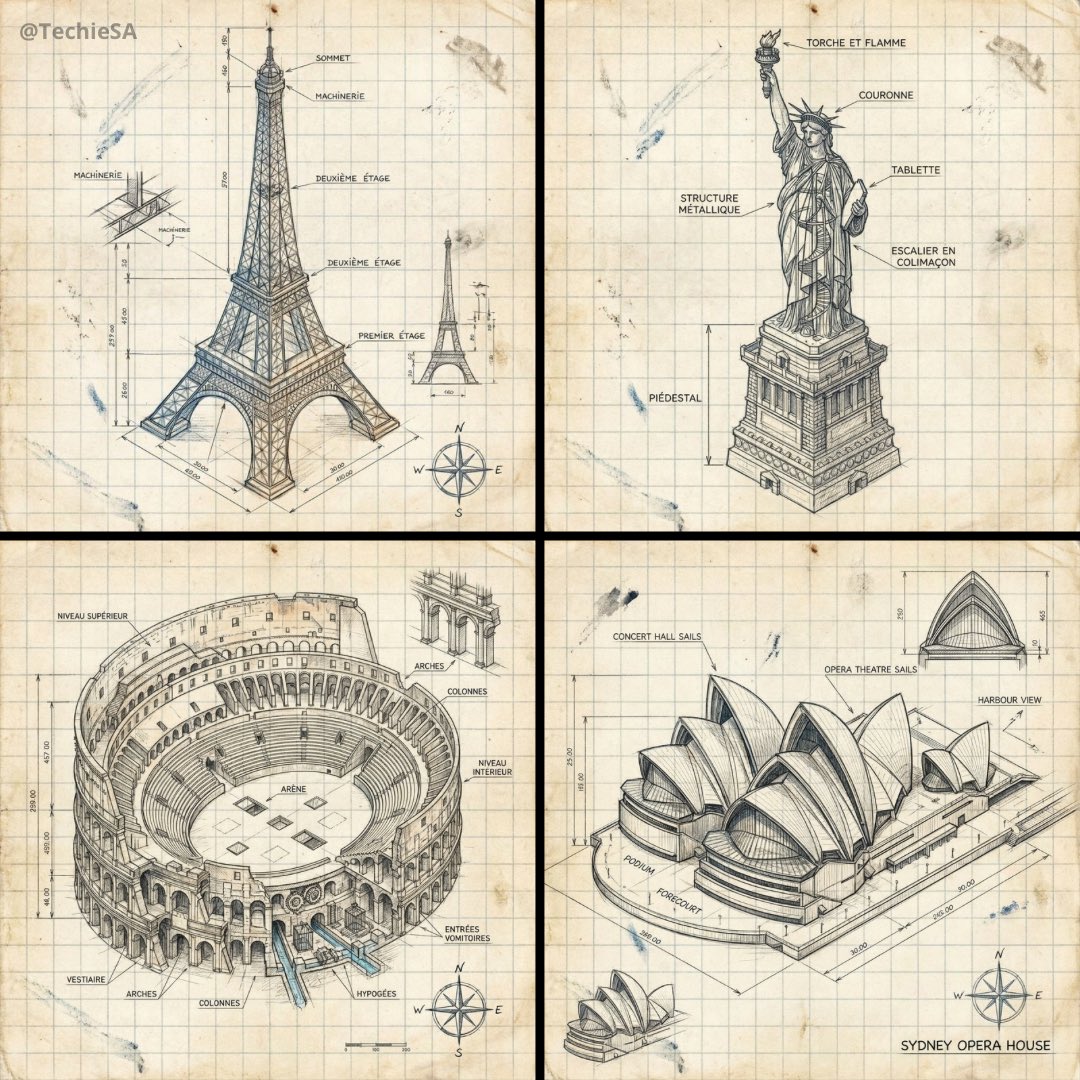
Hand-drawn isometric landmark schematic
Browse template categories
Low-Angle Running Woman Street Photo questions
How do I use the Low-Angle Running Woman Street Photo template?
Add your photo if the template asks for one, edit the prompt if you like — the template's model and format are already selected — and press Generate. Your version opens in PicX Studio.
Can I customize the Low-Angle Running Woman Street Photo template?
Yes. You can change the subject, setting, lighting, mood, format, and available model controls before creating your image.
Is the Low-Angle Running Woman Street Photo template free?
Opening and editing this template is free. Generating uses credits, shown on the Generate button when you are signed in.
Which AI model should I use?
Start with GPT Image 2, which is the model associated with this template. You can compare another compatible model for a different finish.
Looking for something else? Browse all templates.

Your photo, any look
Thousands of ready templates for every top image and video model, from one credit balance.