
Sketchbook Drawing Coming to Life
A creative, mind-bending prompt where a graphite pencil sketch on a workbench sketchbook literally tears open as a person steps into the 3D world.

- Prompt included
- Model and format preset
- Free template
The prompt behind this image
Copy the exact prompt behind Sketchbook Drawing Coming to Life, or open it in the studio and make it yours.
In the center of the frame, a massive, oversized spiral-bound {argument name="object" default="sketchbook"} stands vertically upon a rustic, weathered dark-wood workbench. On the paper, a giant, realistic graphite pencil sketch of a man’s face is depicted. In a mind-bending moment, the thick paper of the sketchbook is violently torn open from the inside. A person is captured in mid-motion, stepping through the jagged, white-edged tear from the two-dimensional drawing into the three-dimensional world. The person’s right hand is firmly gripping the edge of the torn paper as they stride forward, with one foot planted on the wooden table and the other still emerging from the book. The lighting is cinematic and dramatic, provided by a single warm overhead industrial lamp that casts long shadows and creates a high-contrast, moody atmosphere. The person is dressed in a specific outfit: a {argument name="shirt" default="light blue and white pinstriped button-down shirt"} worn open over a plain white crew-neck t-shirt. A textured, brown leather-style crossbody sling bag is worn across the chest. They are wearing classic medium-wash blue slim-fit jeans and clean, white leather sneakers. A black digital watch is visible on their left wrist. The surrounding environment is rich with detail: scattered across the scarred wooden workbench are thick charcoal pencils, a speckled ceramic mug, a stack of vintage leather-bound books, and a metal palette. In the soft-focus background, a corkboard is pinned with various tubes of oil paint, and a ceramic jar filled with assorted artist brushes sits nearby. The overall mood is one of creative intensity and a powerful transition from art to reality, captured with high-fidelity textures and a shallow depth of field. However, there is one critical instruction: for the subject person, you MUST use the exact {argument name="reference" default="face and likeness"} of the person in the provided image. Preserve their identity and facial features perfectly. Integrate this person seamlessly into the described scene.
How to use Sketchbook Drawing Coming to Life in 3 steps
- 1Upload ImagePNG, JPG or paste
Add your photo
Upload the photo the template builds on. The prompt, model and format are already set.
- 2…a portrait of your subject in softgolden-hour light, 85mm…
Personalize
Edit the subject and creative details for your destination.
- 3Generate
Generate
Press Generate — your image is created in PicX Studio, so you can compare it with the original and refine one variable at a time.
More like this
Templates with the same subject, style or setup. Open one to see its prompt.

Magical Sketchbook Art Coming to Life

Notebook Page Emergence Illusion
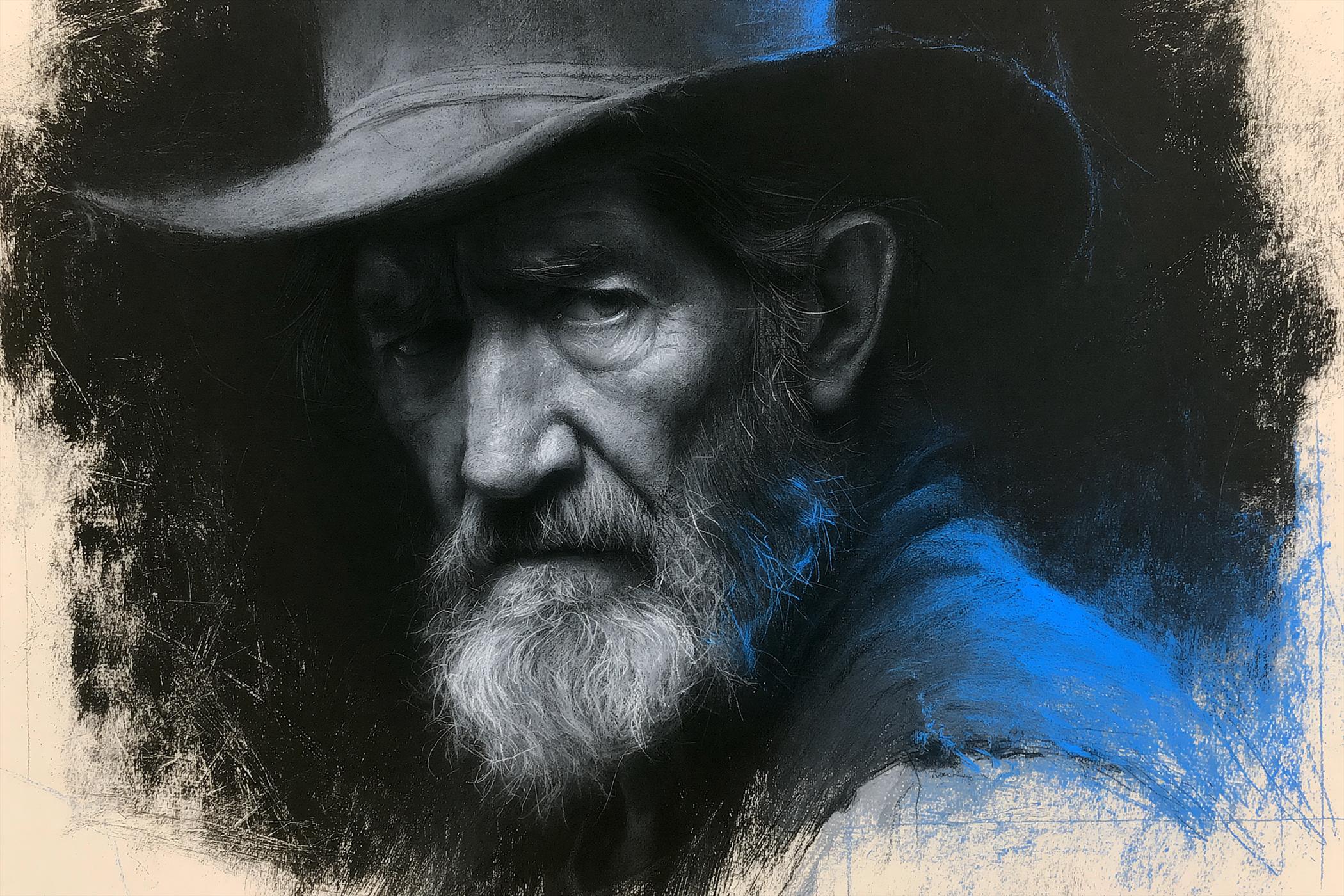
Charcoal Chiaroscuro Portraiture
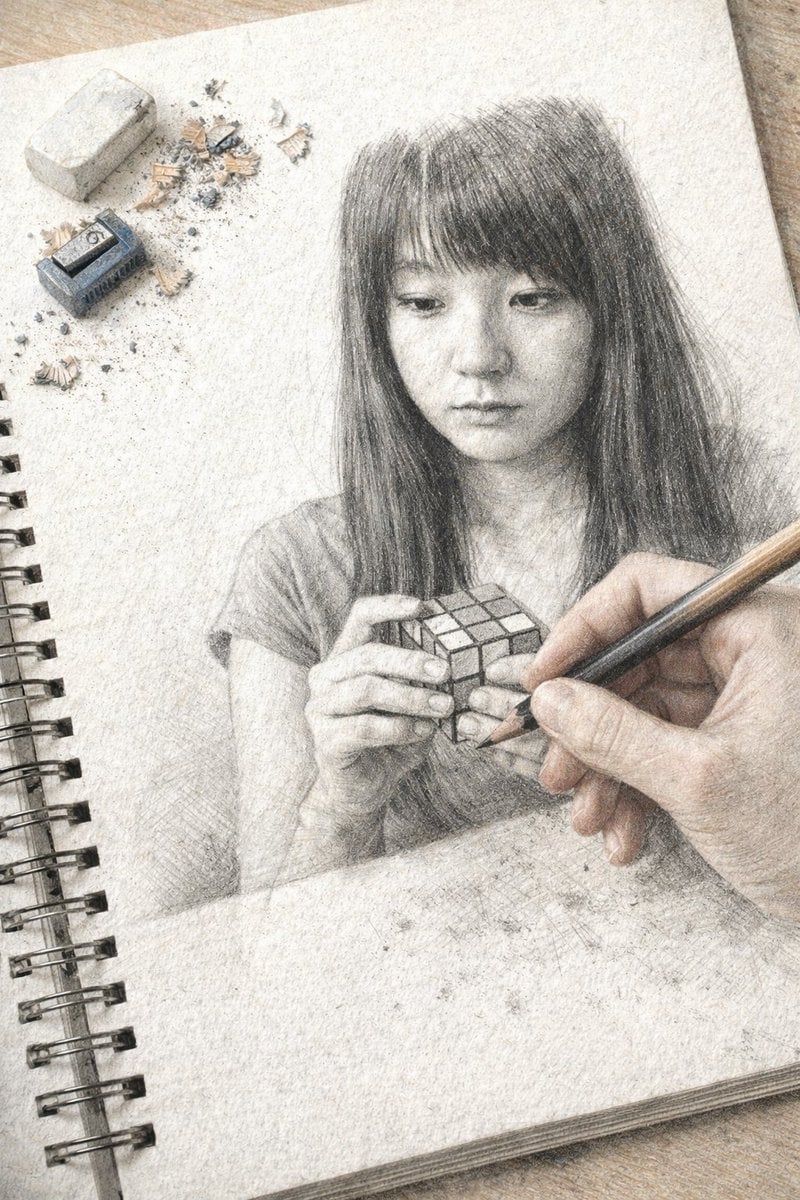
Trompe L'oeil Sketchbook Drawing
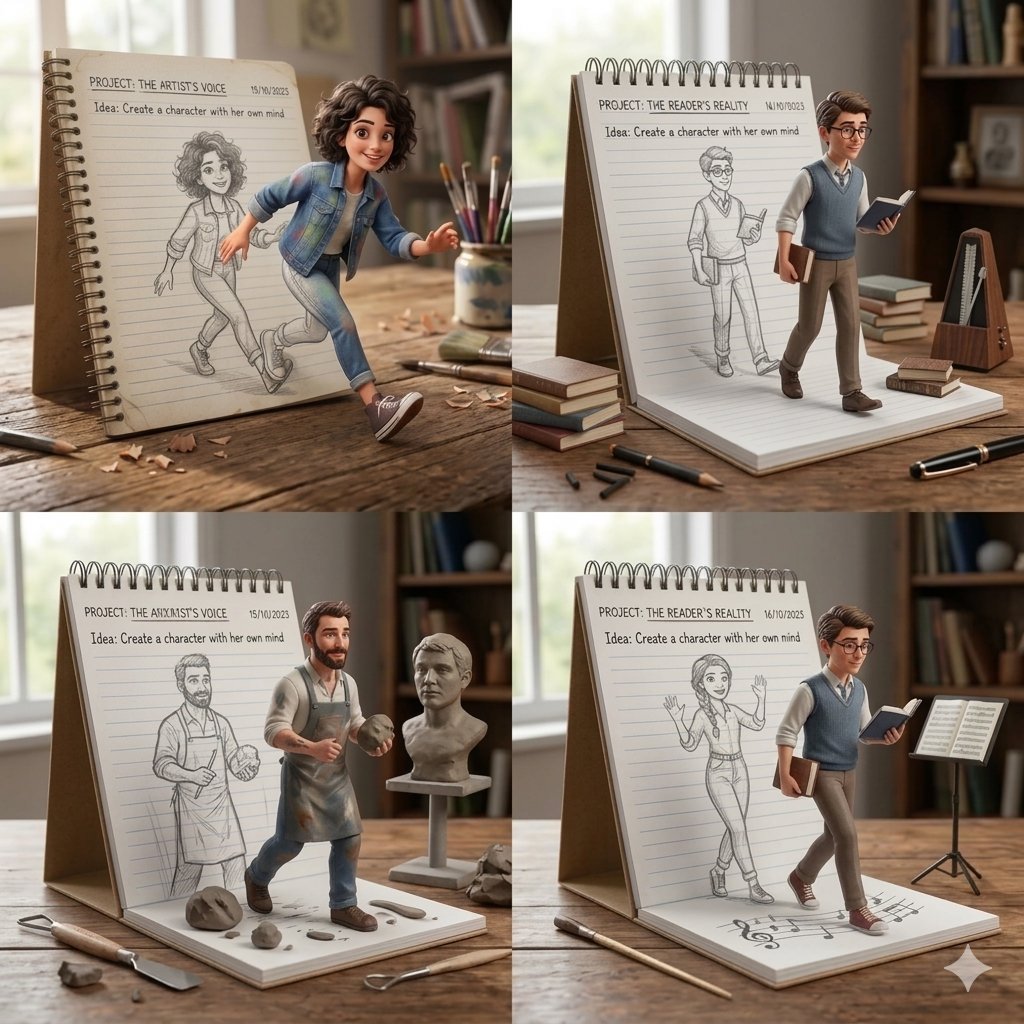
Creative Concept of Hand-Drawn Characters Coming to Life
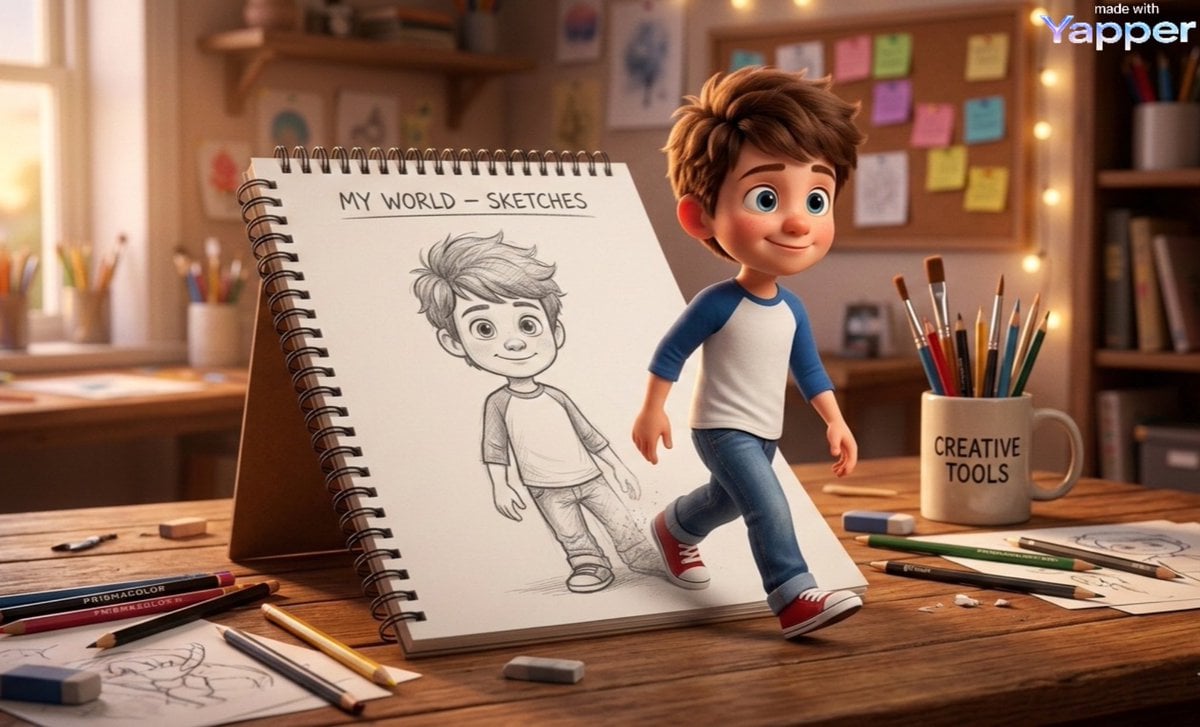
Cinematic 3D Illustration of Imagination Coming to Life

Imagination Coming to Life
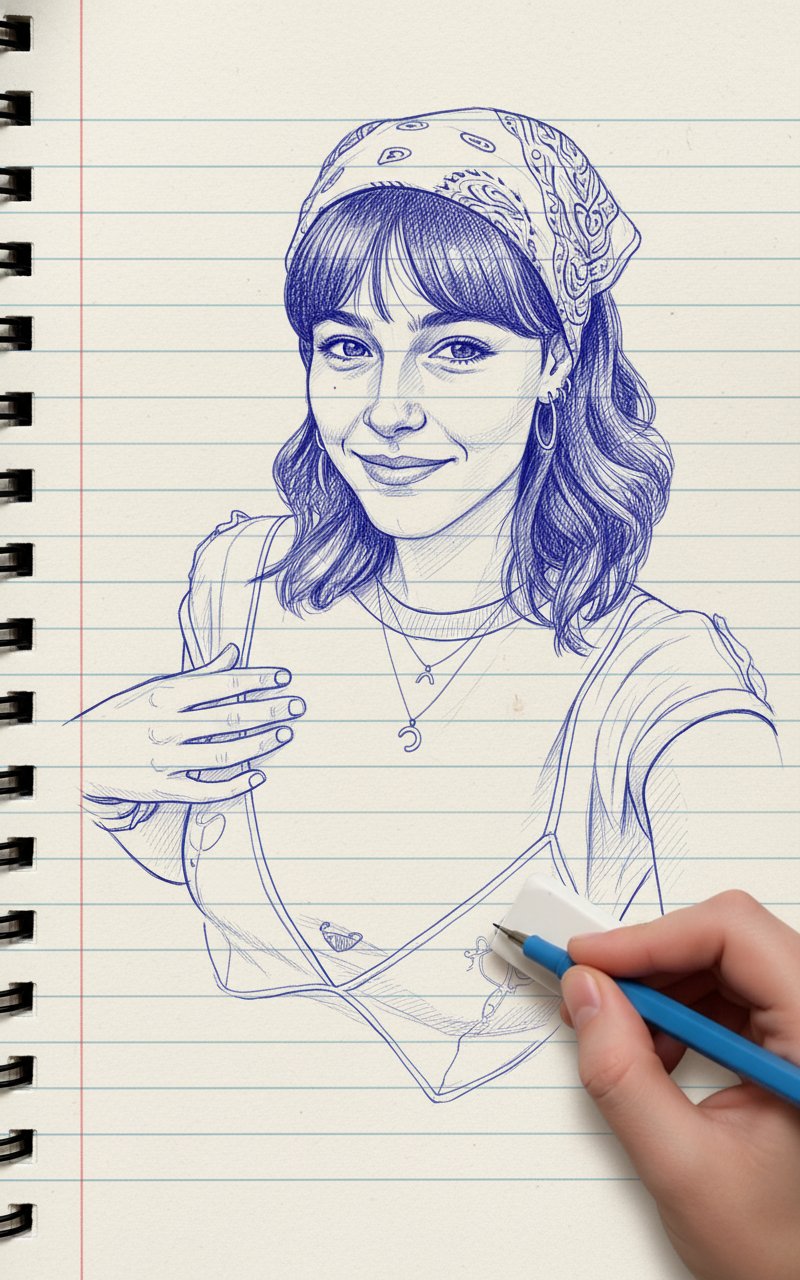
Blue Pencil Sketching
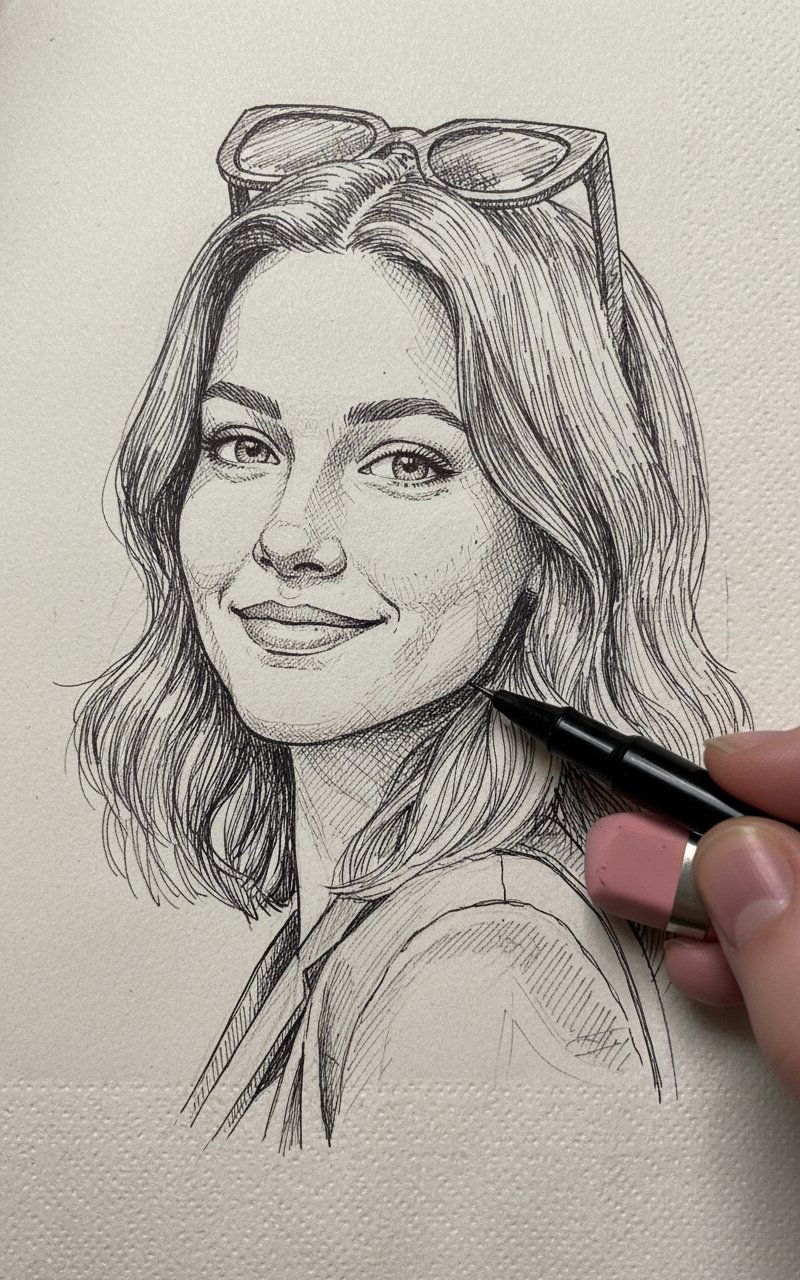
Pencil Sketch
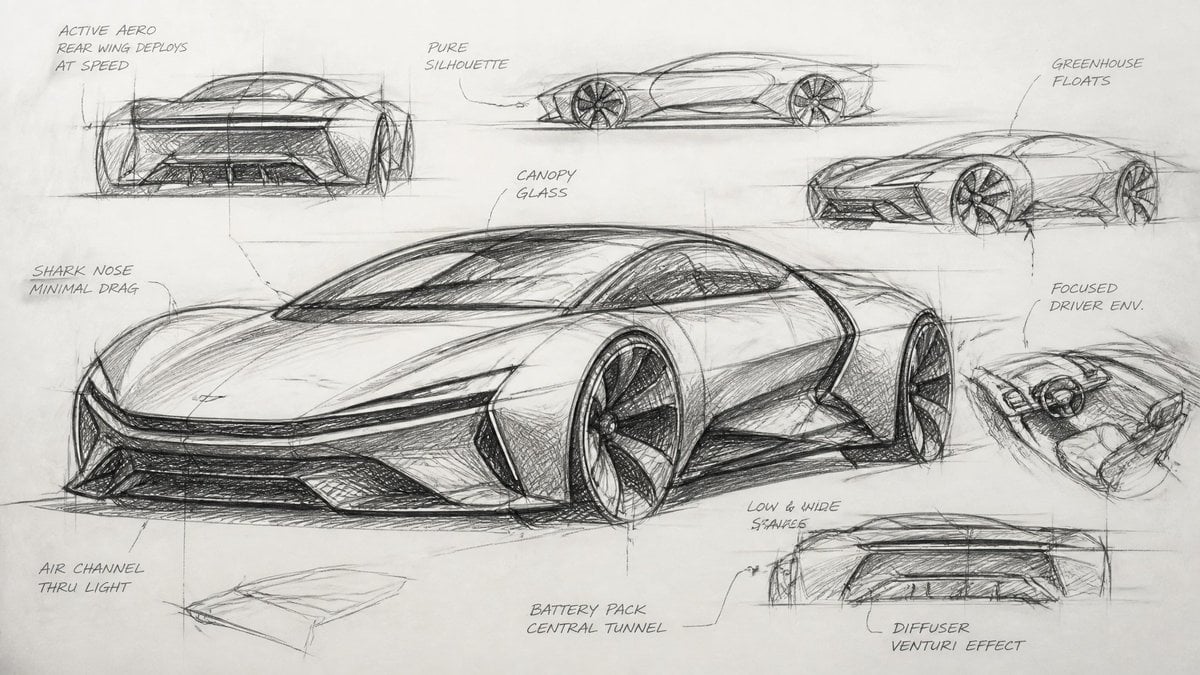
Industrial Designer Sketchbook Concept
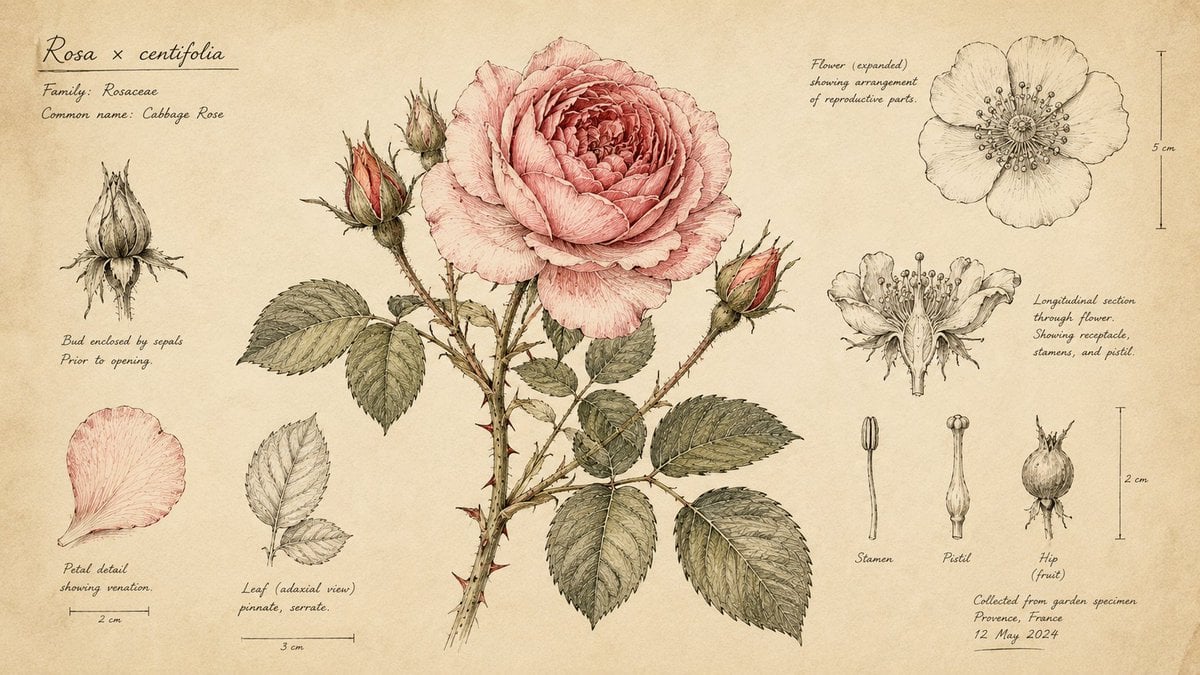
Hand-Drawn Botanical Sketchbook Illustration
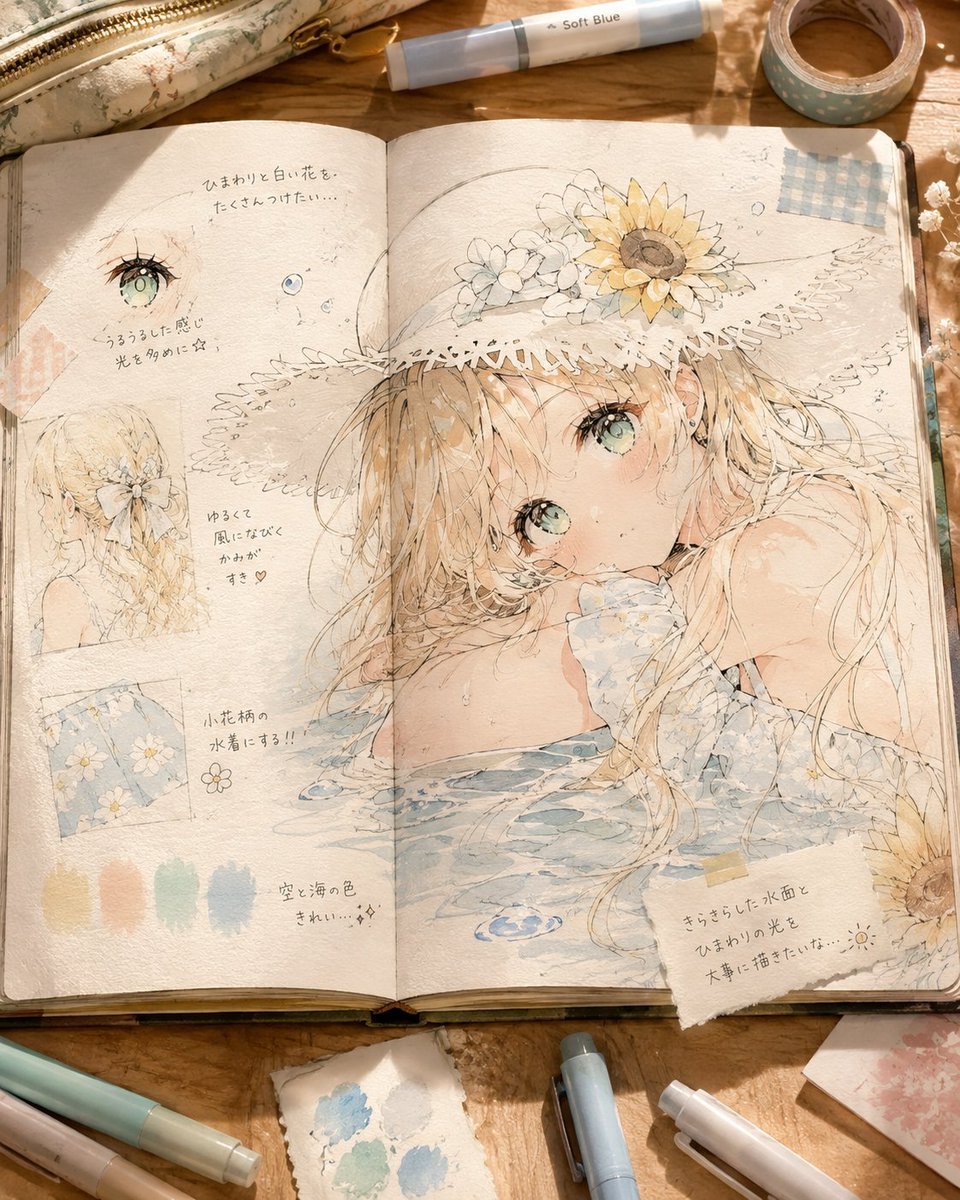
Summer Anime Sketchbook Flat Lay
Make it yours
Sketchbook Drawing Coming to Life works as-is. These are the safest ways to change it without losing the look.
Change one field
Copy a single group, rewrite it, and generate again so you can see what that field is doing.
Keep the frame, change the subject
Hold the composition and light of Sketchbook Drawing Coming to Life, then swap wardrobe, props or the person for a new take.
| If the result… | Why | Fix |
|---|---|---|
| The result drifts from the preview | Too many fields changed at once. | Reuse Sketchbook Drawing Coming to Life as-is first, then change one group — subject, light, or setting. |
| The model over-stylizes the scene | The prose prompt leaves finish and camera underspecified. | Add one camera or lighting sentence and stay on GPT Image 2. |
More GPT Image 2 templates
Other prompts made for GPT Image 2.

Six VTuber Japanese Logo Sheet

Realistic Portrait of Woman and Deer

The Vista Modular Condo Poster

AI Model Routing Comparison Infographic

2.5D Anime Art Board

Isometric Productivity Desk Scene

New York Double Exposure Poster

Four-Panel AI Landscape Comparison

Japanese Tatami Lifestyle Magazine Cover

NESCAFÉ Coffee Map Poster
More image prompts
Fresh picks from across the catalog.
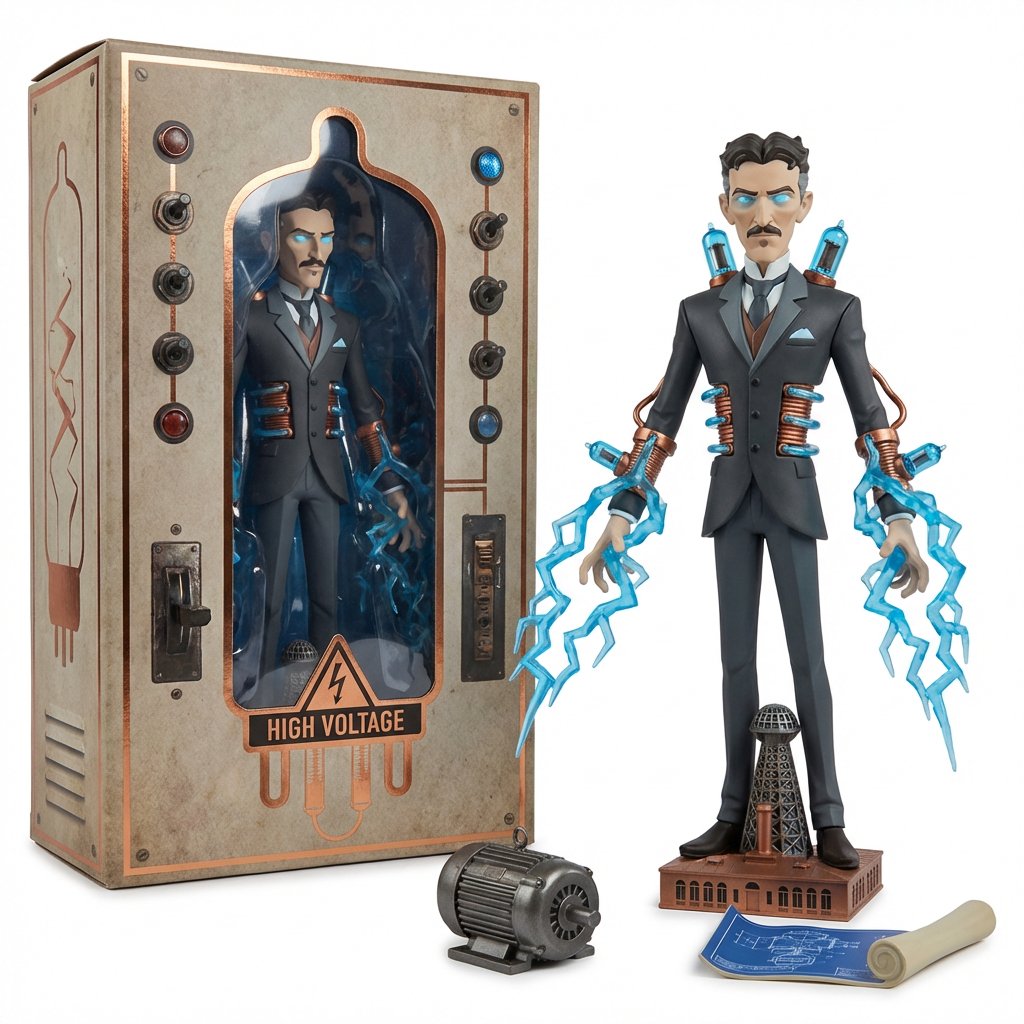
Collectible Toyline Forge Engine System Prompt
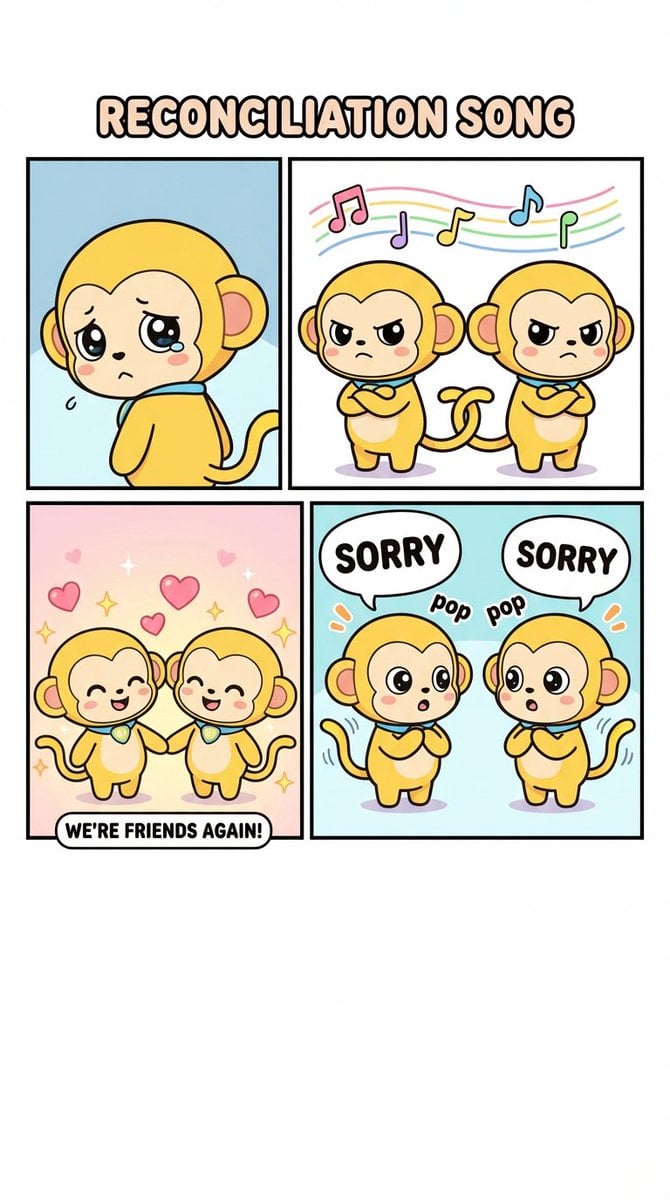
Four-Panel Comic: Reconciliation Song (English Version)
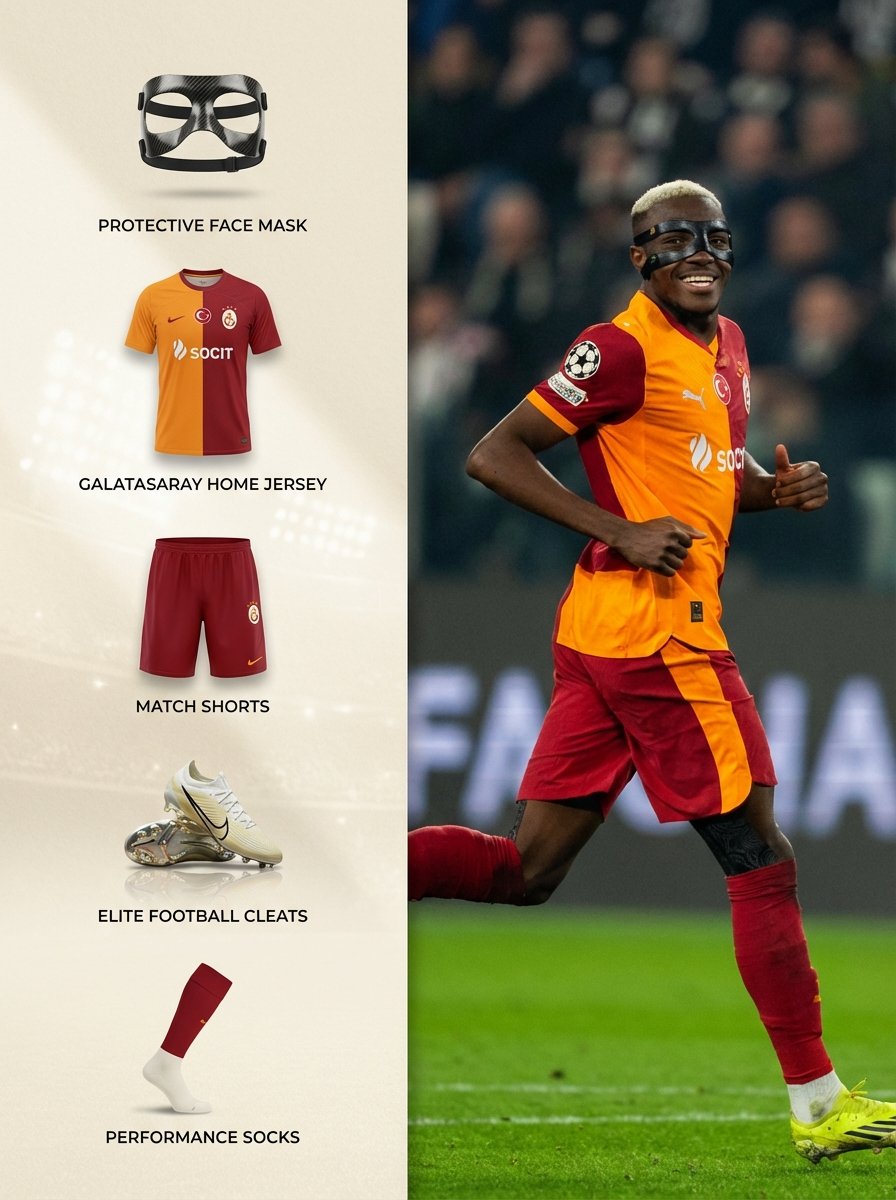
Sports Equipment Infographic Layout of Victor Osimhen

Backlit Censored Portrait
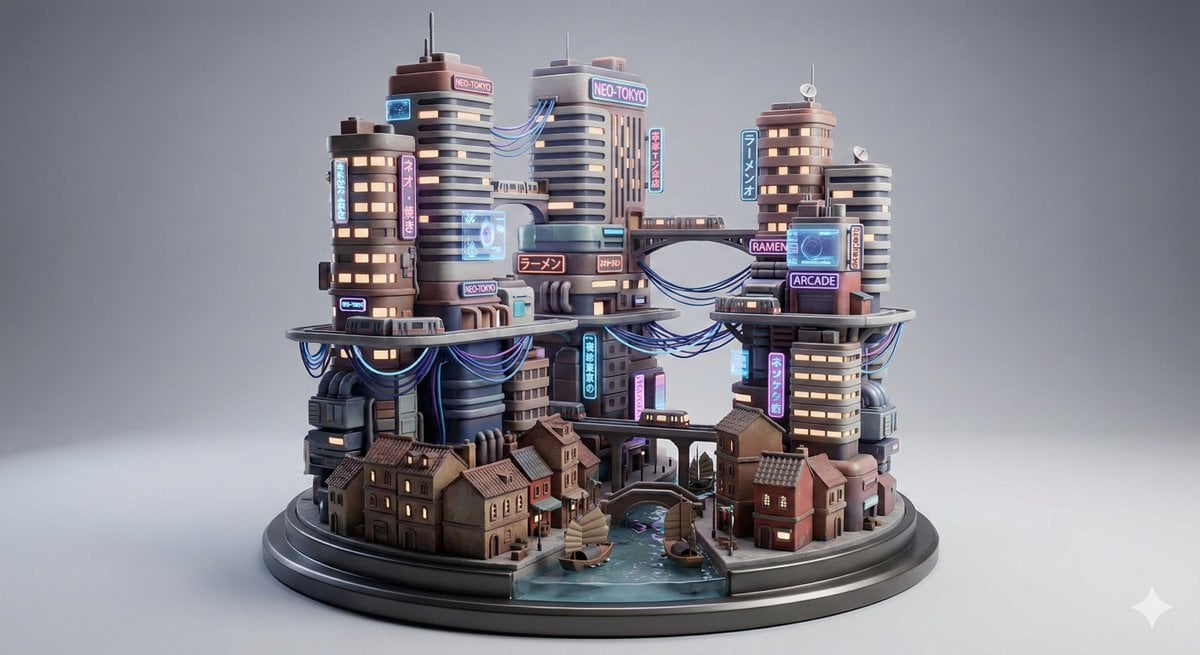
Cyberpunk City Block Collectible Diorama

Neon WhatsApp AI Creator Poster

Cinematic Fire Portrait - Boy

Cyberpunk Assassin With Neon Glass Dagger
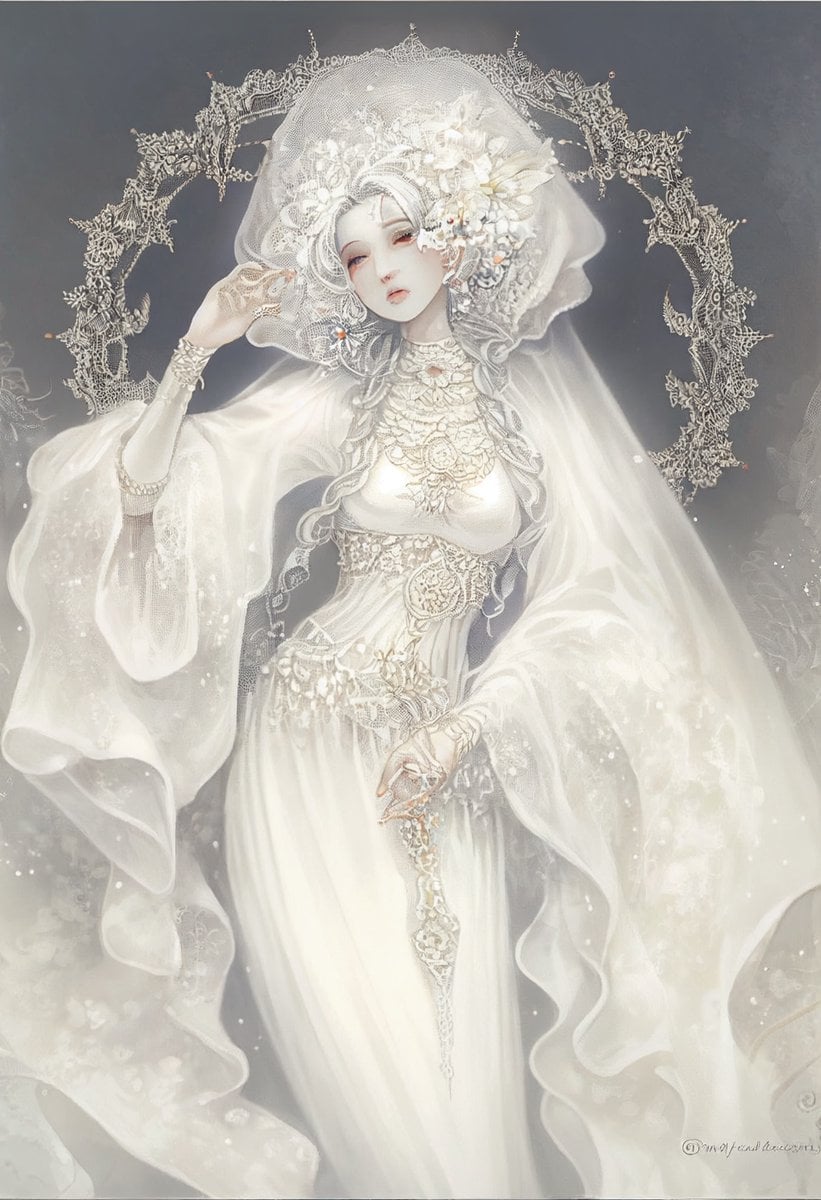
Ivory Garment Goddess

Ultra Photoreal Candid Romantic Lift Scene
Browse template categories
Sketchbook Drawing Coming to Life questions
How do I use the Sketchbook Drawing Coming to Life template?
Add your photo if the template asks for one, edit the prompt if you like — the template's model and format are already selected — and press Generate. Your version opens in PicX Studio.
Can I customize the Sketchbook Drawing Coming to Life template?
Yes. You can change the subject, setting, lighting, mood, format, and available model controls before creating your image.
Is the Sketchbook Drawing Coming to Life template free?
Opening and editing this template is free. Generating uses credits, shown on the Generate button when you are signed in.
Which AI model should I use?
Start with GPT Image 2, which is the model associated with this template. You can compare another compatible model for a different finish.
Looking for something else? Browse all templates.

Your photo, any look
Thousands of ready templates for every top image and video model, from one credit balance.