
Ivory Garment Goddess
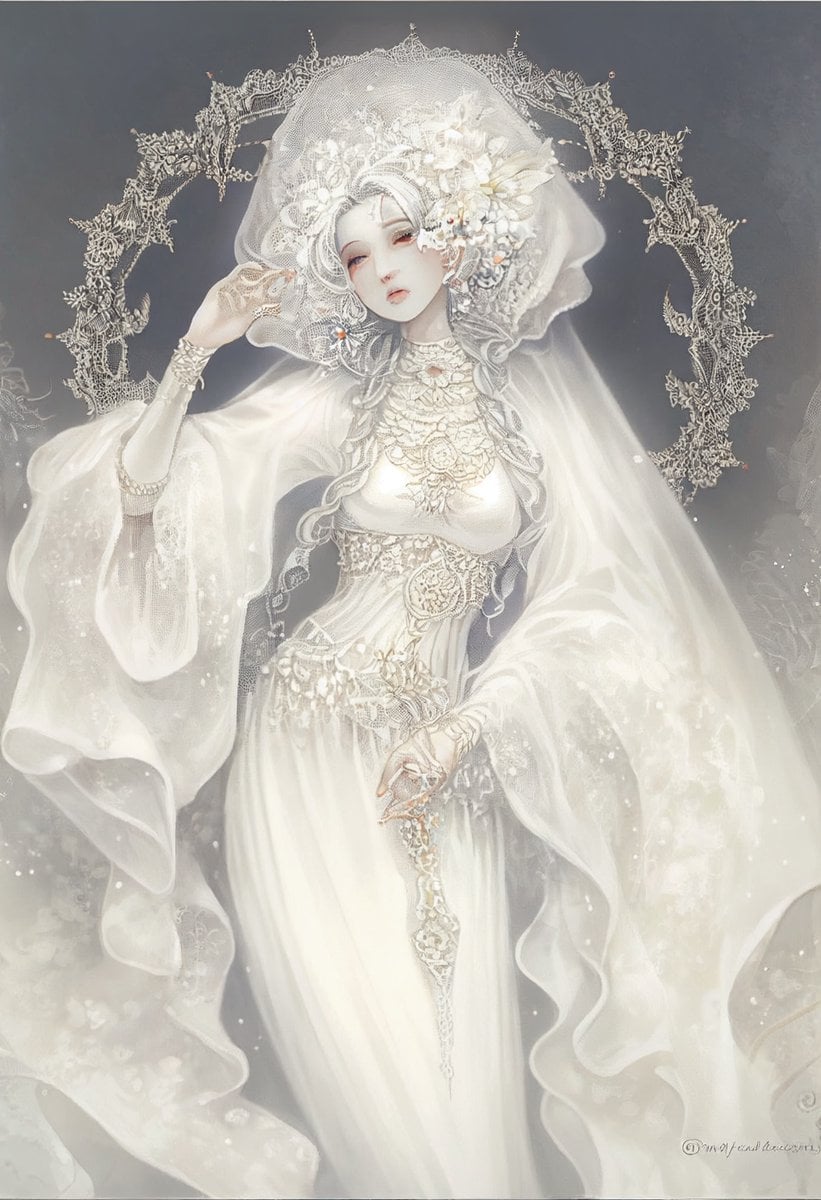
Generates an ornate ethereal fantasy portrait of a veiled ivory-clad goddess surrounded by lace, pearls, and a halo-like filigree crown.
- Prompt included
- Model and format preset
- Free template
The prompt behind this image
Copy the exact prompt behind Ivory Garment Goddess, or open it in the studio and make it yours.
Create a highly detailed ethereal fantasy illustration of {argument name="character name" default="the goddess of garments"}, a divine feminine figure standing front-facing in a misty dark gray void, dressed entirely in luminous ivory and pearl-white ceremonial fabric. She wears an extravagant translucent veil and headdress made from layered lace, embroidered mesh, white flowers, pearls, silver filigree, and tiny crystal ornaments; her face is hidden behind the dense veil and floral headpiece, creating a mysterious sacred presence. Behind her head is a large circular halo shaped like an ornate lace crown, with intricate gothic filigree, delicate pointed arches, floral tracery, and sparkling beadwork. Her outfit is a luxurious bridal-goddess ensemble: flowing sheer bell sleeves, gauzy draped cape fabric, a fitted jeweled bodice with silver embroidery, pearl chains, lace appliqué, ornate waist ornaments, and a long narrow white skirt falling vertically. One hand is lifted near the veil as if gently adjusting it, while the other rests lower at the waist holding or touching a dangling silver lace ornament. Use a soft monochrome palette of {argument name="main color palette" default="ivory white, pearl silver, pale champagne, and smoky charcoal gray"}, with glowing highlights, mist, glittering dust particles, and translucent fabric edges. The style should be romantic dark fantasy, ultra-fine lace detail, elegant anime-inspired concept art, delicate watercolor softness mixed with polished digital painting, high fashion couture, sacred bridal goddess atmosphere, vertical portrait composition, no text, no modern objects, no harsh outlines.
How to use Ivory Garment Goddess in 3 steps
- 1Upload ImagePNG, JPG or paste
Add your photo
Upload the photo the template builds on. The prompt, model and format are already set.
- 2…a portrait of your subject in softgolden-hour light, 85mm…
Personalize
Edit the subject and creative details for your destination.
- 3Generate
Generate
Press Generate — your image is created in PicX Studio, so you can compare it with the original and refine one variable at a time.
More like this
Templates with the same subject, style or setup. Open one to see its prompt.
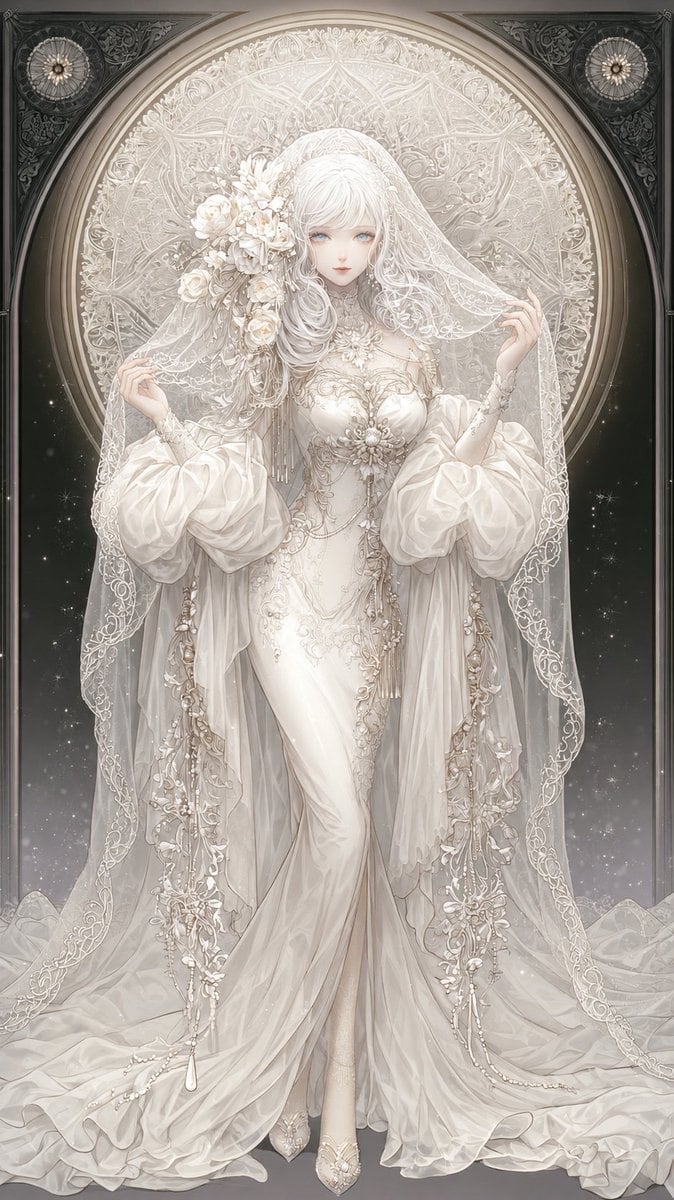
Ivory Garment Goddess
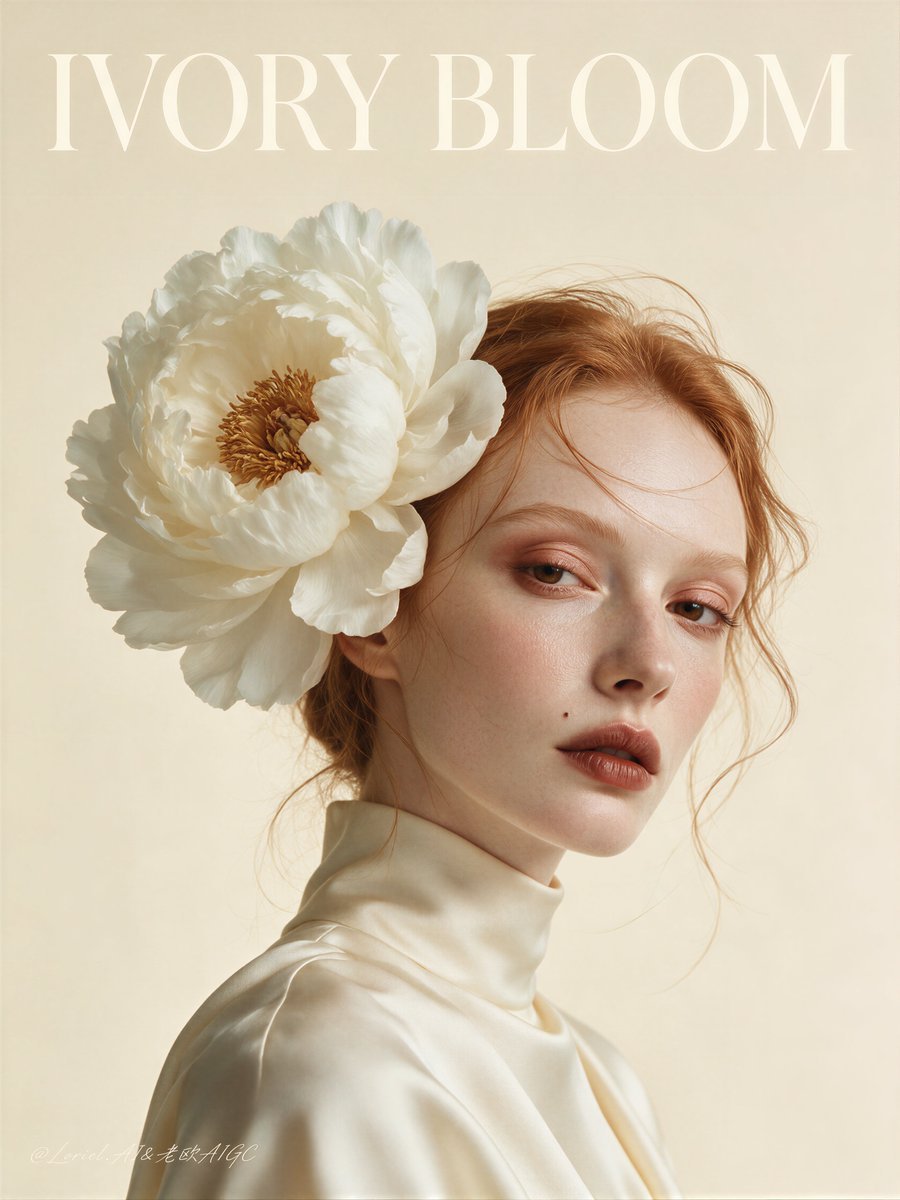
Ivory Bloom Luxury Fashion Poster
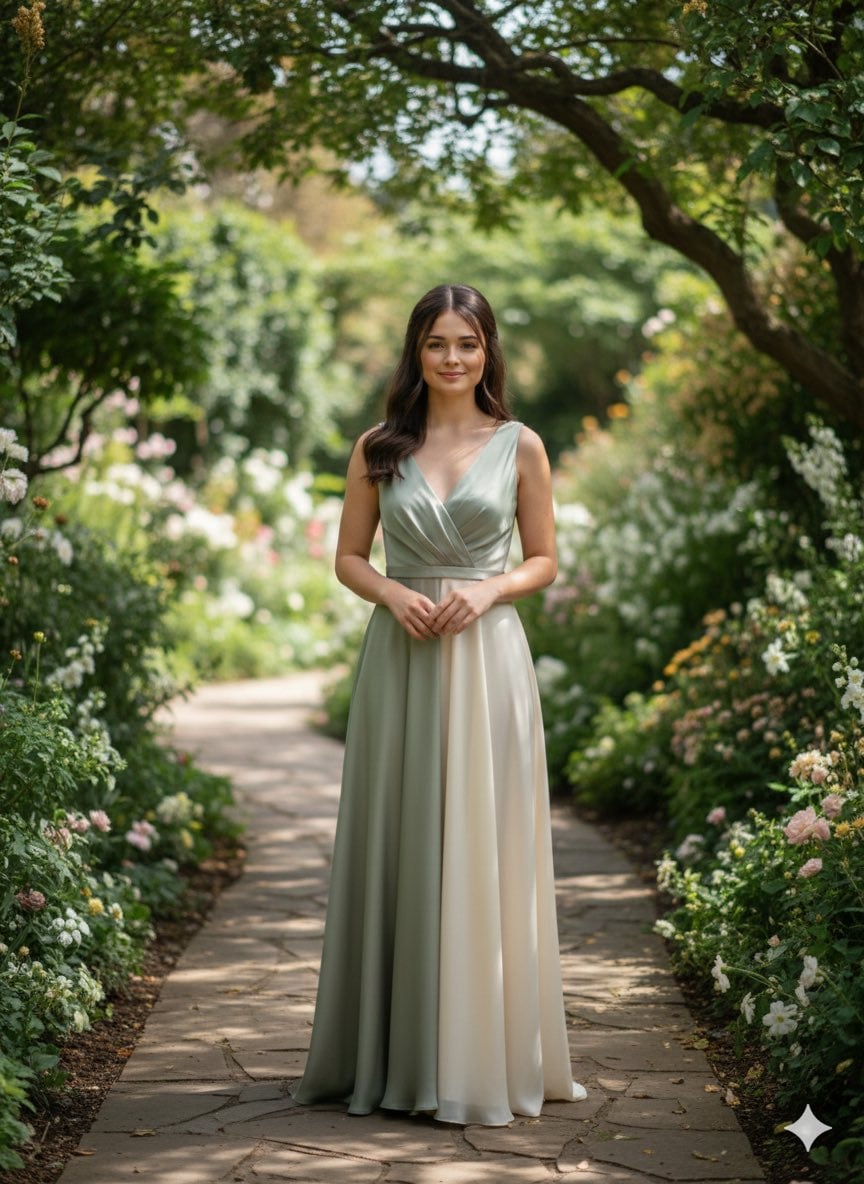
Elegant silk chiffon gown in muted sage or soft ivory, minimal drape
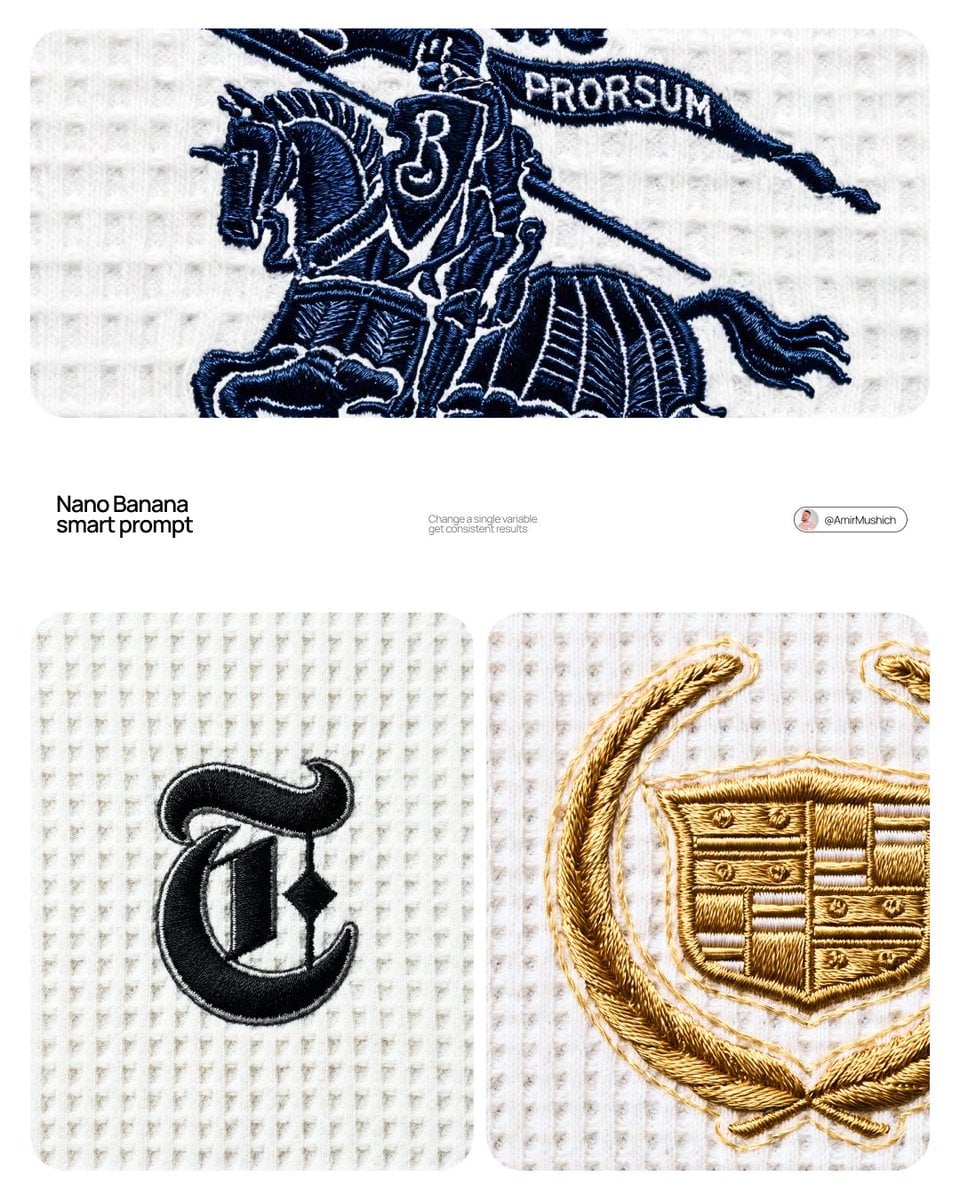
A close-up editorial campaign of a premium embroidered garment
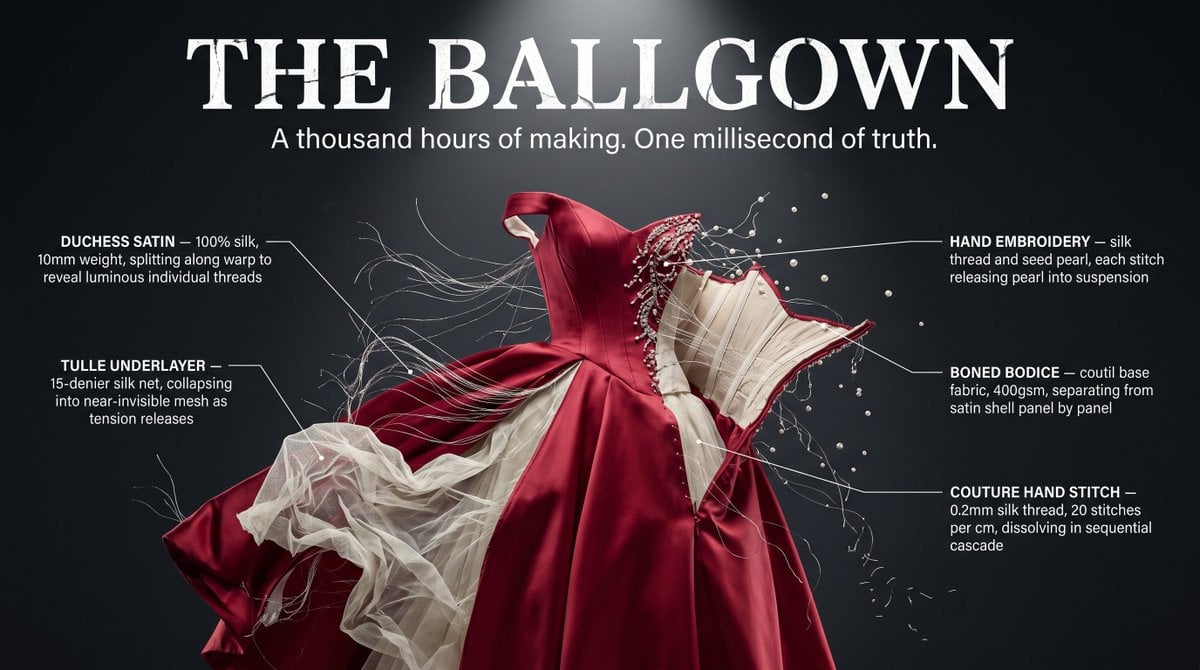
Garment Deconstruction Freeze Frame
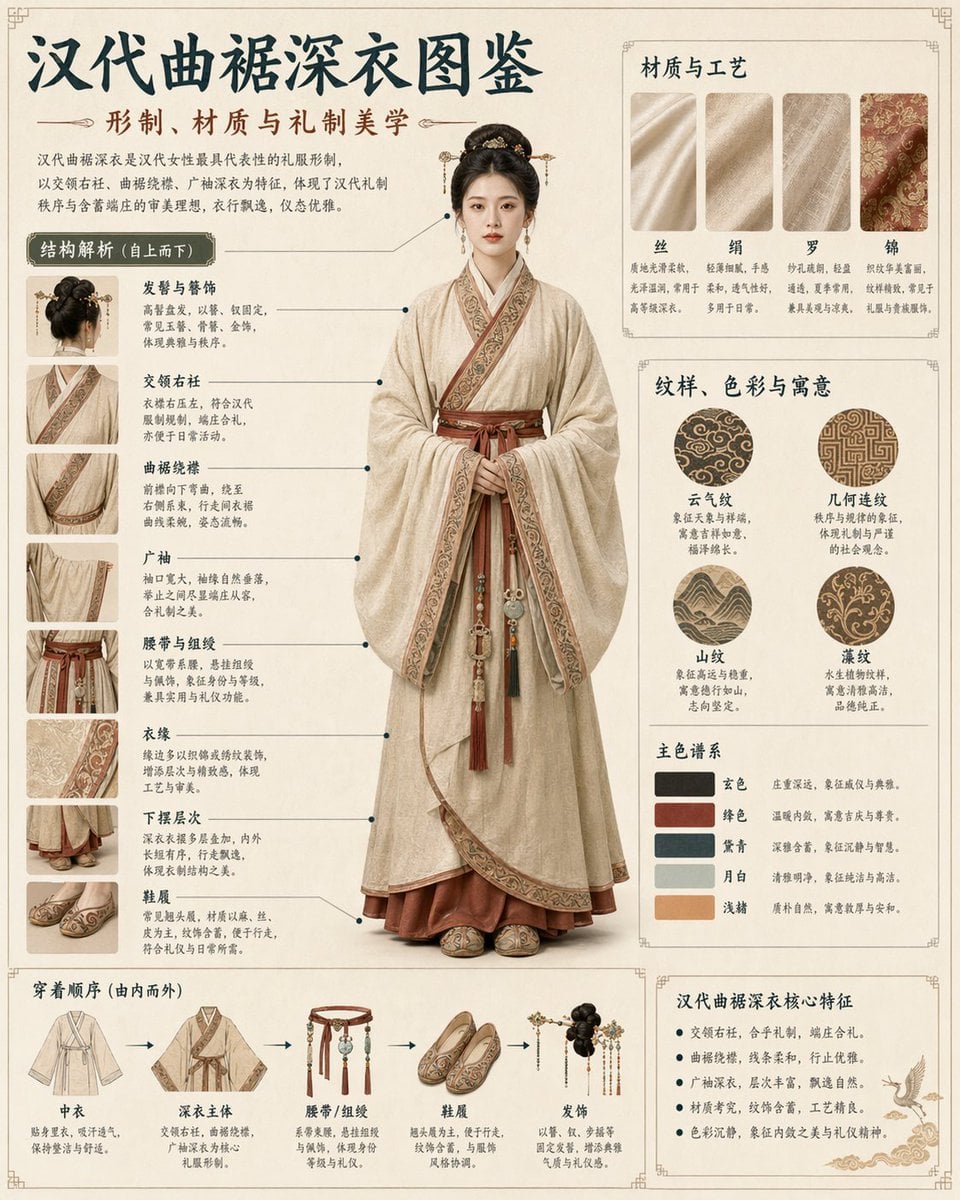
Cultural Garment Infographic
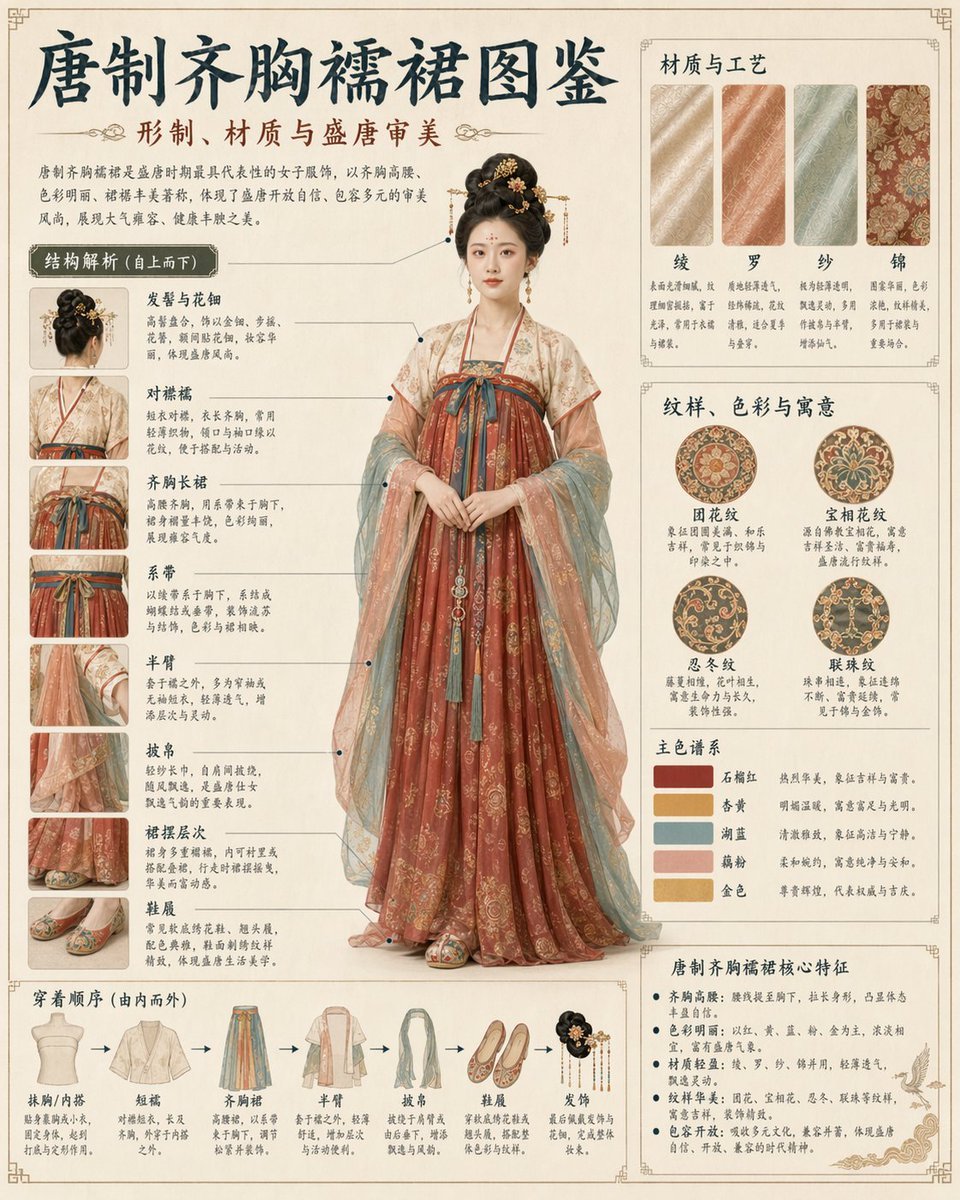
Traditional Garment Infographic
Surreal Ivory Bridal Sandal Photography
Ivory Automaton in Clockwork Cathedral
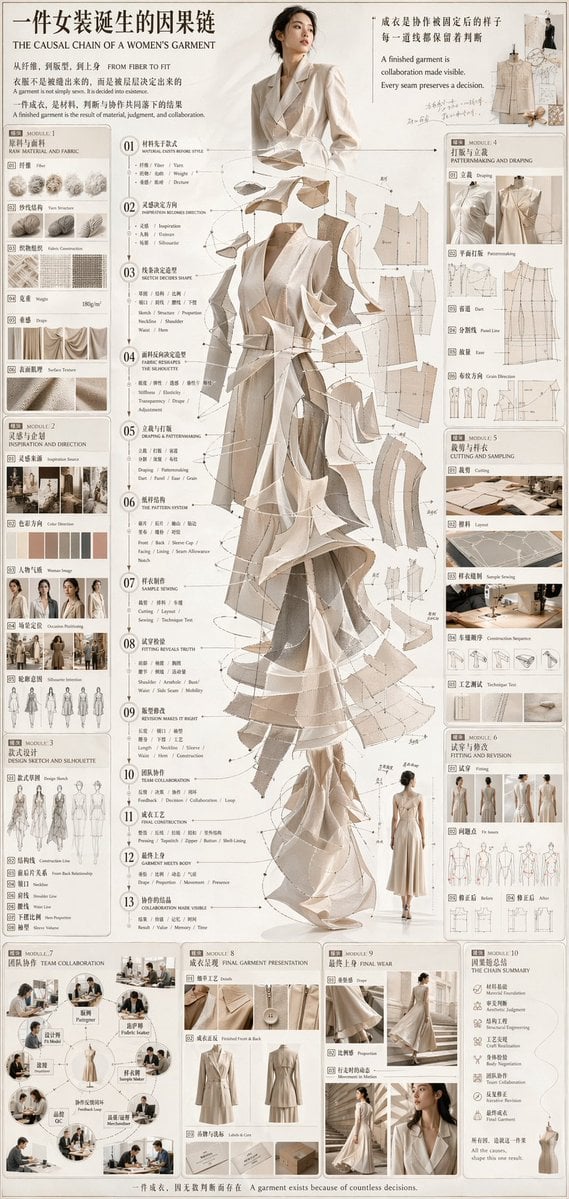
Couture Garment Process Infographic
Monochromatic Ivory Cinematic Portrait
Commercial Lifestyle Showcase for Garment Preservation
Make it yours
Ivory Garment Goddess works as-is. These are the safest ways to change it without losing the look.
Change one field
Copy a single group, rewrite it, and generate again so you can see what that field is doing.
Keep the frame, change the subject
Hold the composition and light of Ivory Garment Goddess, then swap wardrobe, props or the person for a new take.
| If the result… | Why | Fix |
|---|---|---|
| The result drifts from the preview | Too many fields changed at once. | Reuse Ivory Garment Goddess as-is first, then change one group — subject, light, or setting. |
| The model over-stylizes the scene | The prose prompt leaves finish and camera underspecified. | Add one camera or lighting sentence and stay on GPT Image 2. |
More GPT Image 2 templates
Other prompts made for GPT Image 2.

Six VTuber Japanese Logo Sheet

Realistic Portrait of Woman and Deer

The Vista Modular Condo Poster

AI Model Routing Comparison Infographic

2.5D Anime Art Board

Isometric Productivity Desk Scene

New York Double Exposure Poster

Four-Panel AI Landscape Comparison

Japanese Tatami Lifestyle Magazine Cover

NESCAFÉ Coffee Map Poster
More image prompts
Fresh picks from across the catalog.
Ornate Fantasy Business Card
Pixel Art Portrait of a Stylish Man

Lifestyle Photo with a Duct-Taped Banana
Live-Streaming App Interface Mockup
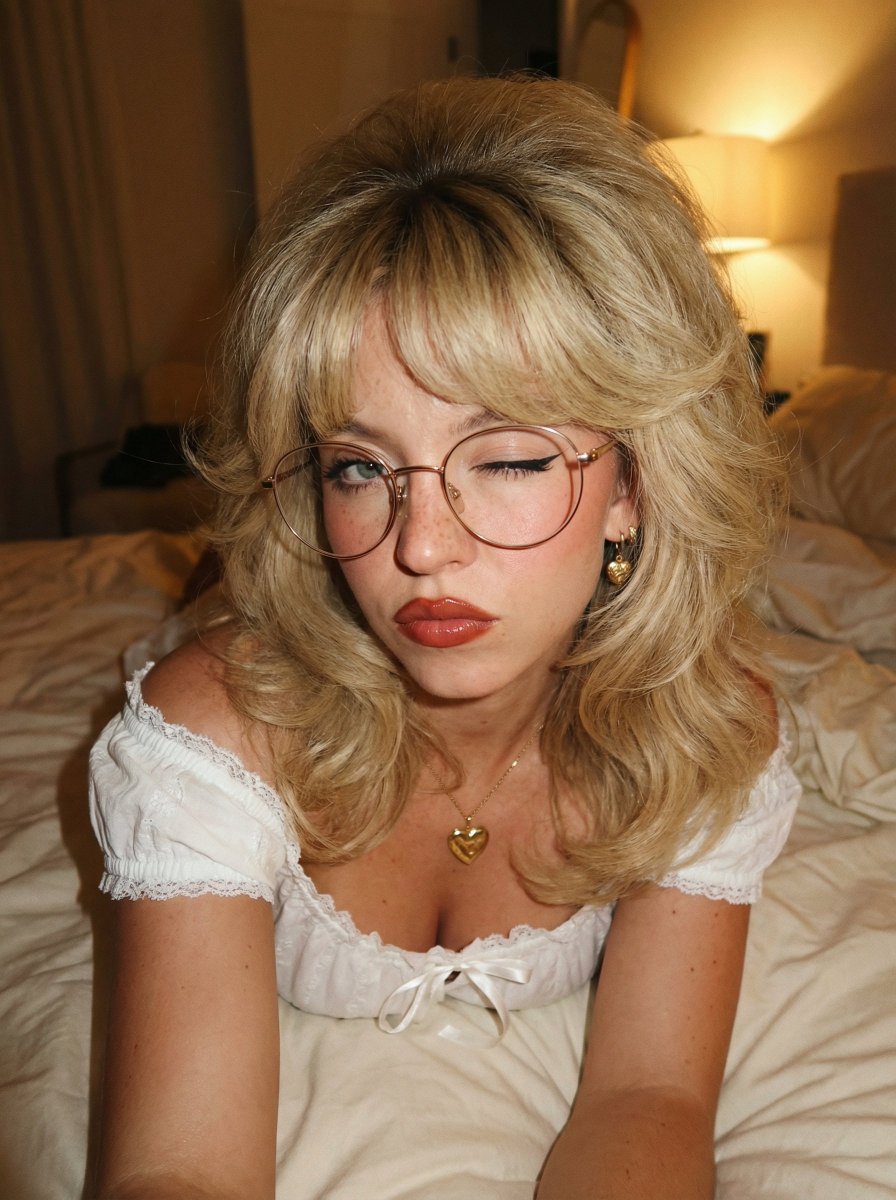
Retro 70s Coquette Selfie Portrait
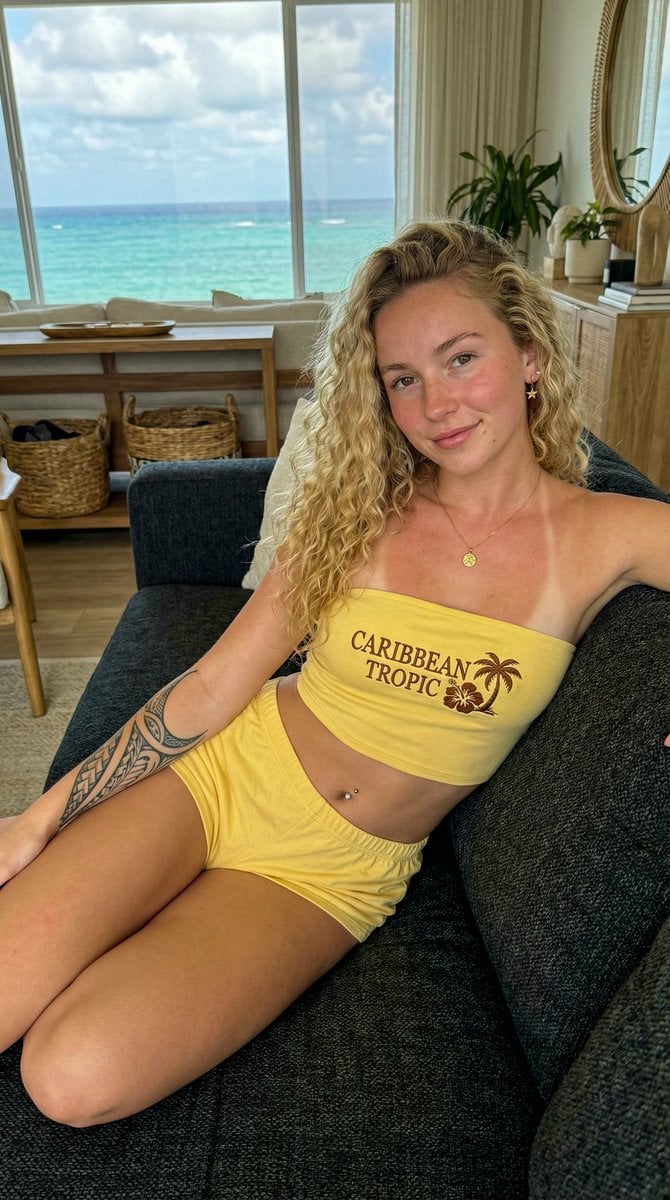
Influencer Lifestyle Portrait in Bahamas with Ocean View
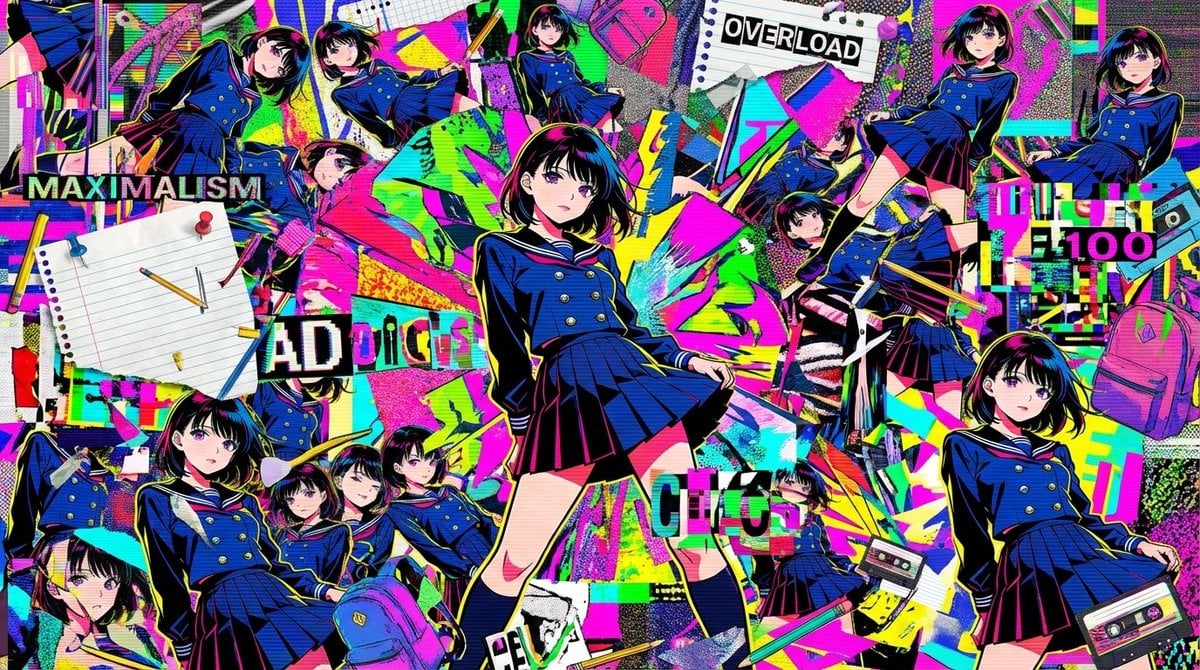
Chaotic Maximalist Anime Poster Prompt (100 Girls)
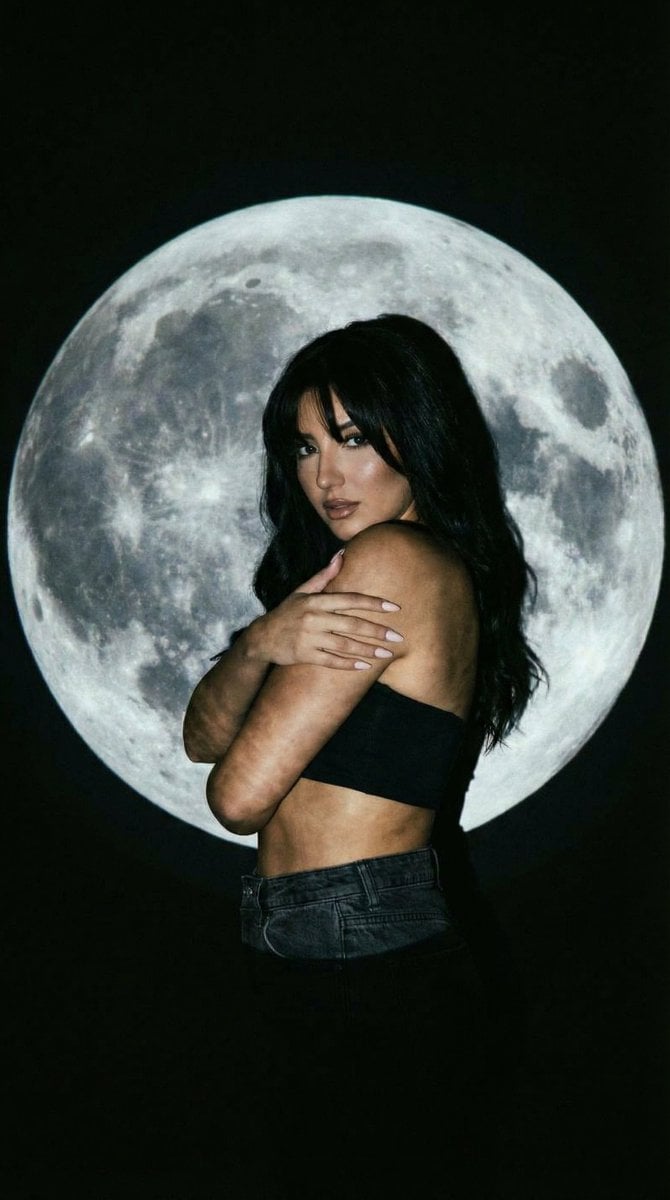
Low-Key Portrait with Moon Projection Silhouette

Hyper-Realistic Female Mechanic Portrait Prompt (JSON)
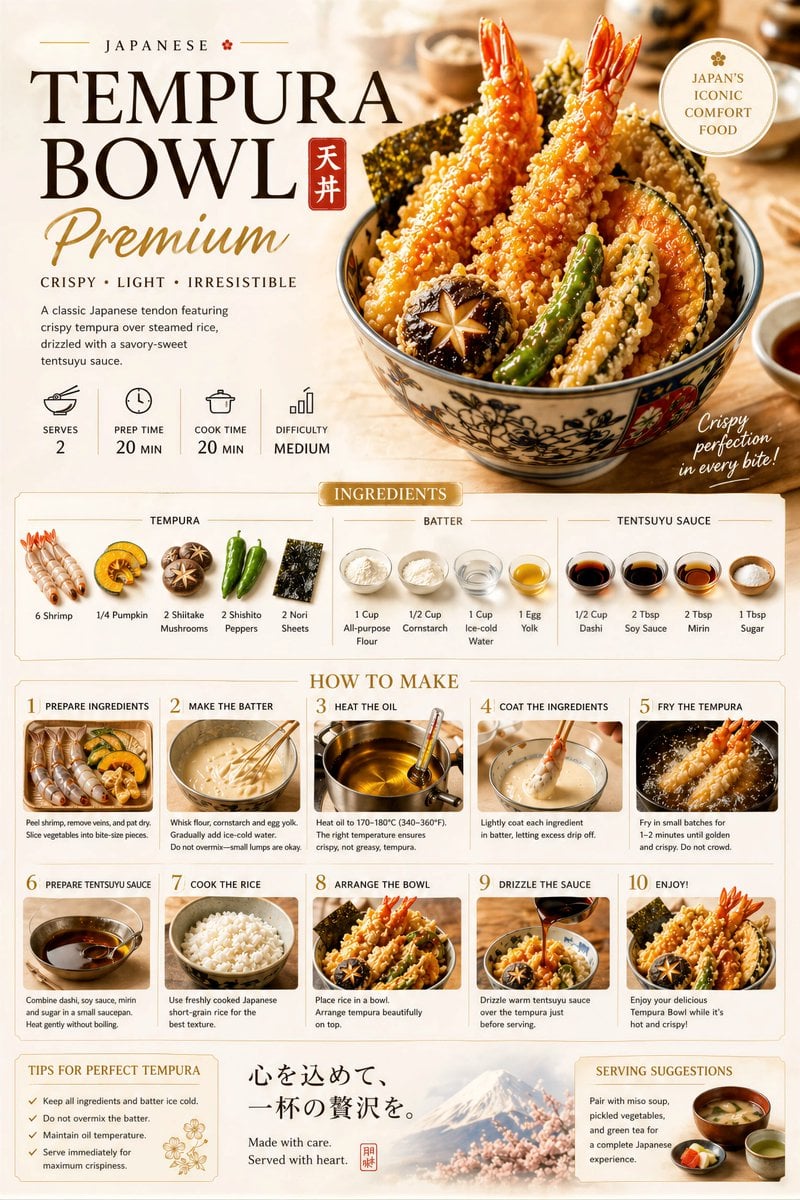
Premium Recipe Poster Template
Browse template categories
Ivory Garment Goddess questions
How do I use the Ivory Garment Goddess template?
Add your photo if the template asks for one, edit the prompt if you like — the template's model and format are already selected — and press Generate. Your version opens in PicX Studio.
Can I customize the Ivory Garment Goddess template?
Yes. You can change the subject, setting, lighting, mood, format, and available model controls before creating your image.
Is the Ivory Garment Goddess template free?
Opening and editing this template is free. Generating uses credits, shown on the Generate button when you are signed in.
Which AI model should I use?
Start with GPT Image 2, which is the model associated with this template. You can compare another compatible model for a different finish.
Looking for something else? Browse all templates.

Your photo, any look
Thousands of ready templates for every top image and video model, from one credit balance.