How do I use the Traditional Garment Infographic template?
Edit the prompt in the box under the preview — the template's model and format are already selected — and press Generate. Your version appears right on this page.
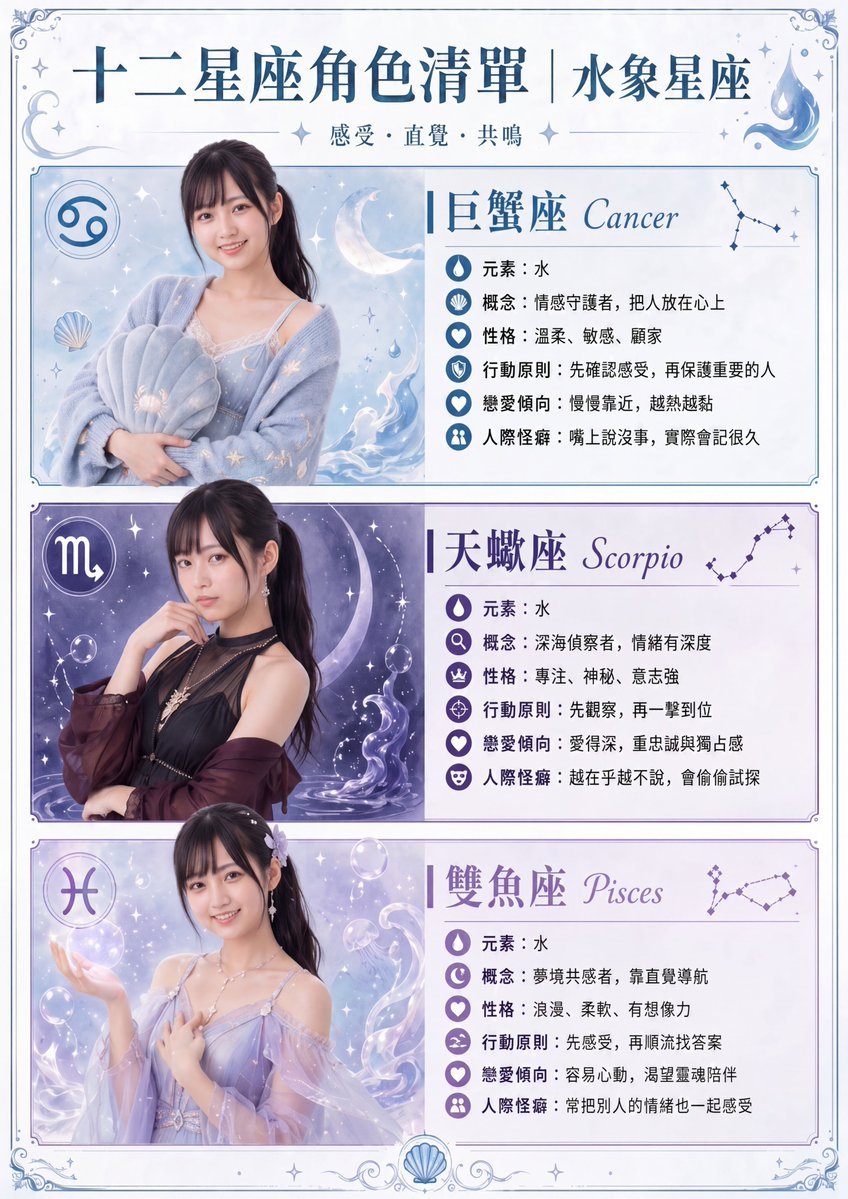
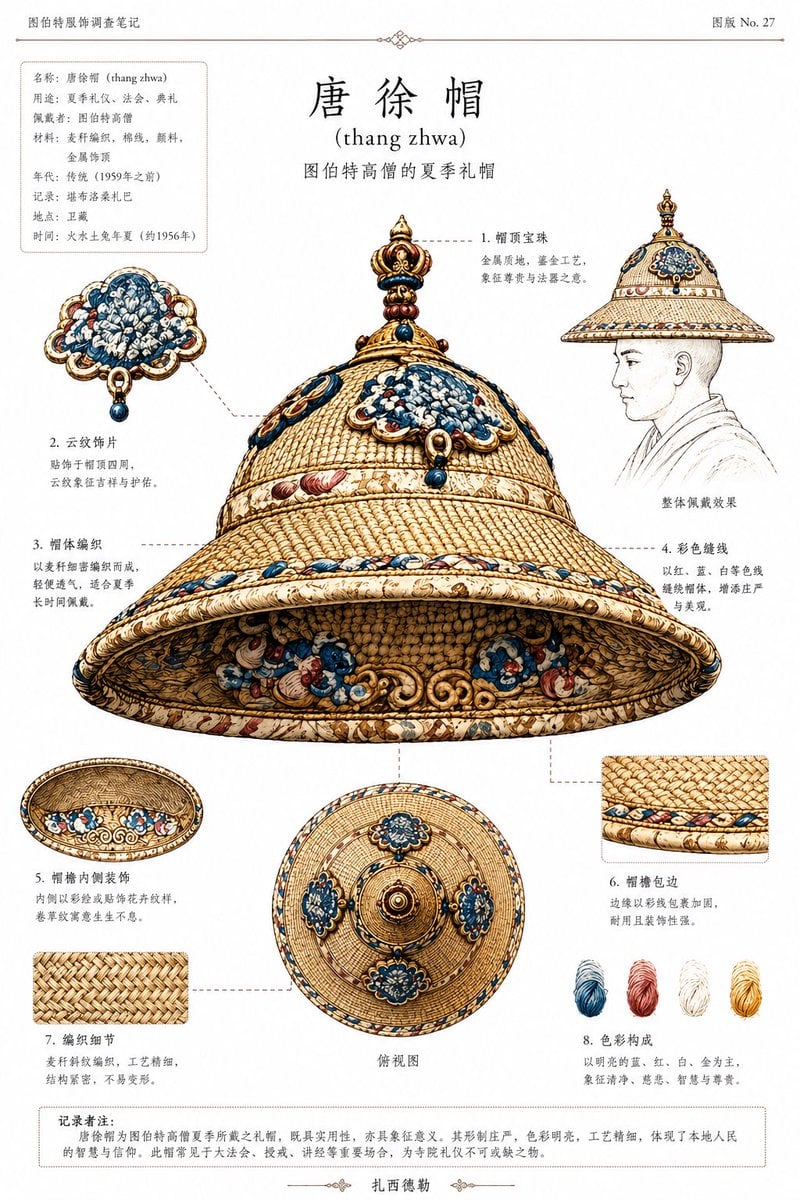
A highly detailed, multi-section infographic illustrating the structure, materials, and wearing sequence of traditional historical attire.

This template uses your photo — add one with the + button.
{ "type": "infographic poster", "style": "traditional Chinese aesthetic, elegant typography, detailed watercolor and ink illustrations", "background": "{argument name=\"background style\" default=\"vintage textured paper\"}", "header": { "main_title": "{argument name=\"main title\" default=\"唐制齐胸襦裙图鉴\"}", "subtitle": "形制、材质与盛唐审美", "intro_text": "Paragraph describing historical significance." }, "centerpiece": { "description": "Full-body portrait of a beautiful young woman wearing a {argument name=\"garment style\" default=\"Tang Dynasty Chest-High Ruqun\"}", "details": "Elaborate high updo with gold hairpins, {argument name=\"main color\" default=\"pomegranate red\"} floral skirt, {argument name=\"secondary color\" default=\"lake blue\"} sheer shawl, serene expression." }, "layout": { "left_column": { "title": "结构解析 (自上而下)", "count": 8, "format": "thumbnail image with title and description", "labels": ["发髻与花钿", "对襟襦", "齐胸长裙", "系带", "半臂", "披帛", "裙摆层次", "鞋履"] }, "right_column": [ { "title": "材质与工艺", "count": 4, "format": "vertical texture swatches with text", "labels": ["绫", "罗", "纱", "锦"] }, { "title": "纹样、色彩与寓意", "count": 4, "format": "circular pattern illustrations with text", "labels": ["团花纹", "宝相花纹", "忍冬纹", "联珠纹"] }, { "title": "主色谱系", "count": 5, "format": "rectangular color swatches with text", "labels": ["石榴红", "杏黄", "湖蓝", "藕粉", "金色"] } ], "bottom_section": [ { "title": "穿着顺序 (由内而外)", "count": 7, "format": "step-by-step clothing illustrations connected by arrows", "labels": ["抹胸/内搭", "短襦", "齐胸裙", "半臂", "披帛", "鞋履", "发饰"] }, { "title": "唐制齐胸襦裙核心特征", "count": 5, "format": "bulleted text list" } ] } }
Edit the prompt in the box under the preview — the template's model and format are already selected — and press Generate. Your version appears right on this page.
Yes. You can change the subject, setting, lighting, mood, format, and available model controls before creating your image.
Opening and editing this template is free. Generating uses credits, shown on the Generate button when you are signed in.
Start with GPT Image 2, which is the model associated with this template. You can compare another compatible model for a different finish.
Follow a topic to a crawlable collection of related PicX Studio templates.