
Anime Night Observatory Over Hakodate
Generates a cinematic anime scene of a girl at a mountain observatory overlooking a glittering coastal city beneath the Milky Way.
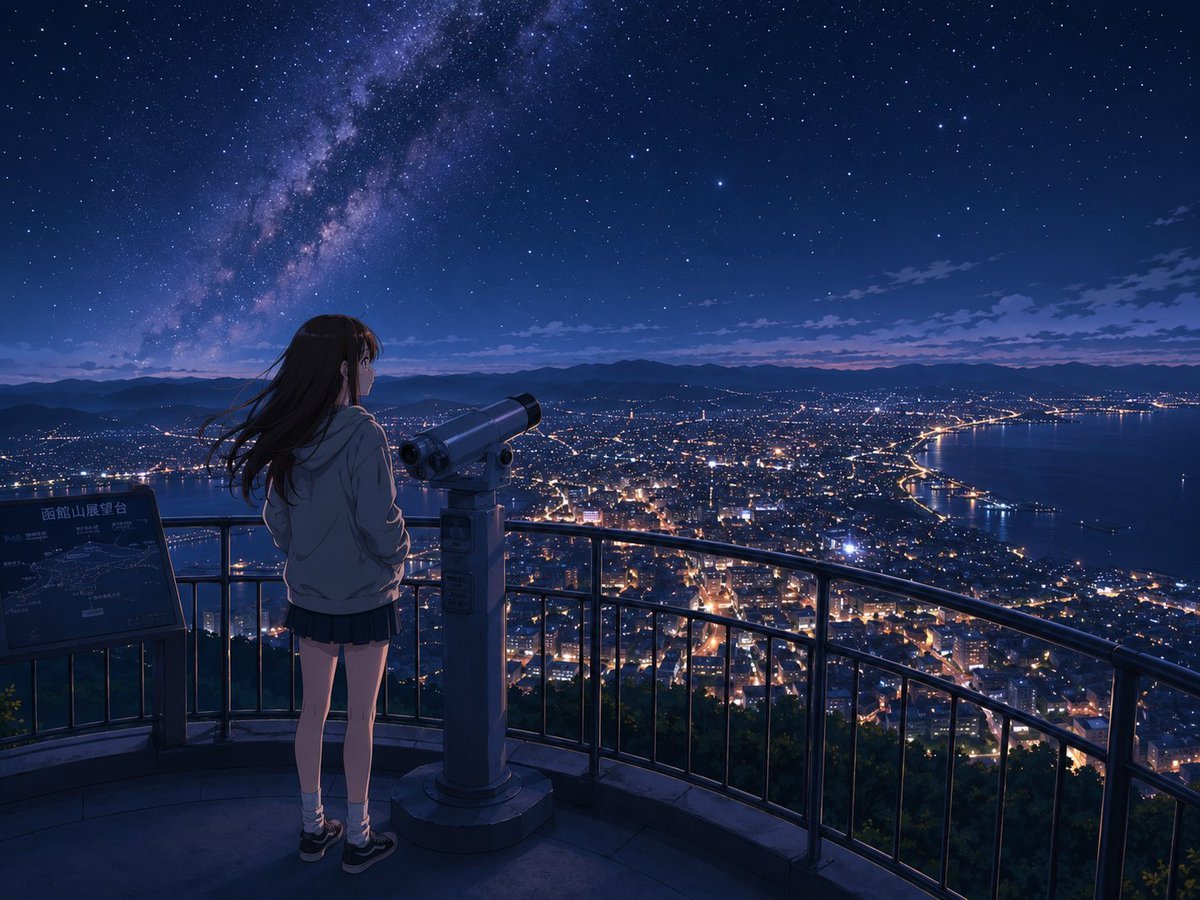
- Prompt included
- Model and format preset
- Premium template
The prompt behind this image
Copy the exact prompt behind Anime Night Observatory Over Hakodate, or open it in the studio and make it yours.
Create a cinematic anime-style night landscape from a high mountain observation deck overlooking {argument name="city name" default="Hakodate"}. The scene contains exactly 1 teenage girl seen from behind, exactly 1 coin-operated public telescope in front of her, exactly 1 curved metal safety railing, and exactly 1 information signboard on the left with the visible Japanese title {argument name="signboard text" default="函館山展望台"}. The girl has {argument name="hair color" default="long dark brown hair"} blowing gently in the wind, and wears a light gray hoodie, short dark pleated skirt, white socks, and black sneakers; she stands quietly with a contemplative posture, looking out over the glowing city and harbor below. The foreground deck is dimly lit in cool blue shadows, with the telescope centered slightly right and aimed toward the horizon. Beyond the railing, render a vast coastal city at night with dense warm orange and white streetlights, winding roads, a bright shoreline, a calm bay on the right, distant dark mountain silhouettes, and a faint purple-blue twilight band near the horizon. Above, fill the sky with countless sharp stars and a dramatic Milky Way sweeping diagonally from the upper left toward the center, with deep navy blues and subtle violet nebula tones. Use a wide 4:3 composition, highly detailed background, soft atmospheric perspective, gentle rim lighting on the girl, tranquil mood, crisp anime film still quality, realistic lighting, no text overlays except the signboard.
How to use Anime Night Observatory Over Hakodate in 3 steps
- 1Upload ImagePNG, JPG or paste
Add your photo
Upload the photo the template builds on. The prompt, model and format are already set.
- 2…a portrait of your subject in softgolden-hour light, 85mm…
Personalize
Edit the subject and creative details for your destination.
- 3Generate
Generate
Press Generate — your image is created in PicX Studio, so you can compare it with the original and refine one variable at a time.
More like this
Templates with the same subject, style or setup. Open one to see its prompt.












Make it yours
Anime Night Observatory Over Hakodate works as-is. These are the safest ways to change it without losing the look.
Change one field
Copy a single group, rewrite it, and generate again so you can see what that field is doing.
Keep the frame, change the subject
Hold the composition and light of Anime Night Observatory Over Hakodate, then swap wardrobe, props or the person for a new take.
| If the result… | Why | Fix |
|---|---|---|
| The result drifts from the preview | Too many fields changed at once. | Reuse Anime Night Observatory Over Hakodate as-is first, then change one group — subject, light, or setting. |
| The model over-stylizes the scene | The prose prompt leaves finish and camera underspecified. | Add one camera or lighting sentence and stay on GPT Image 2. |
More GPT Image 2 templates
Other prompts made for GPT Image 2.

Six VTuber Japanese Logo Sheet

Realistic Portrait of Woman and Deer

The Vista Modular Condo Poster

AI Model Routing Comparison Infographic

2.5D Anime Art Board

Isometric Productivity Desk Scene

New York Double Exposure Poster

Four-Panel AI Landscape Comparison

Japanese Tatami Lifestyle Magazine Cover

NESCAFÉ Coffee Map Poster
More image prompts
Fresh picks from across the catalog.
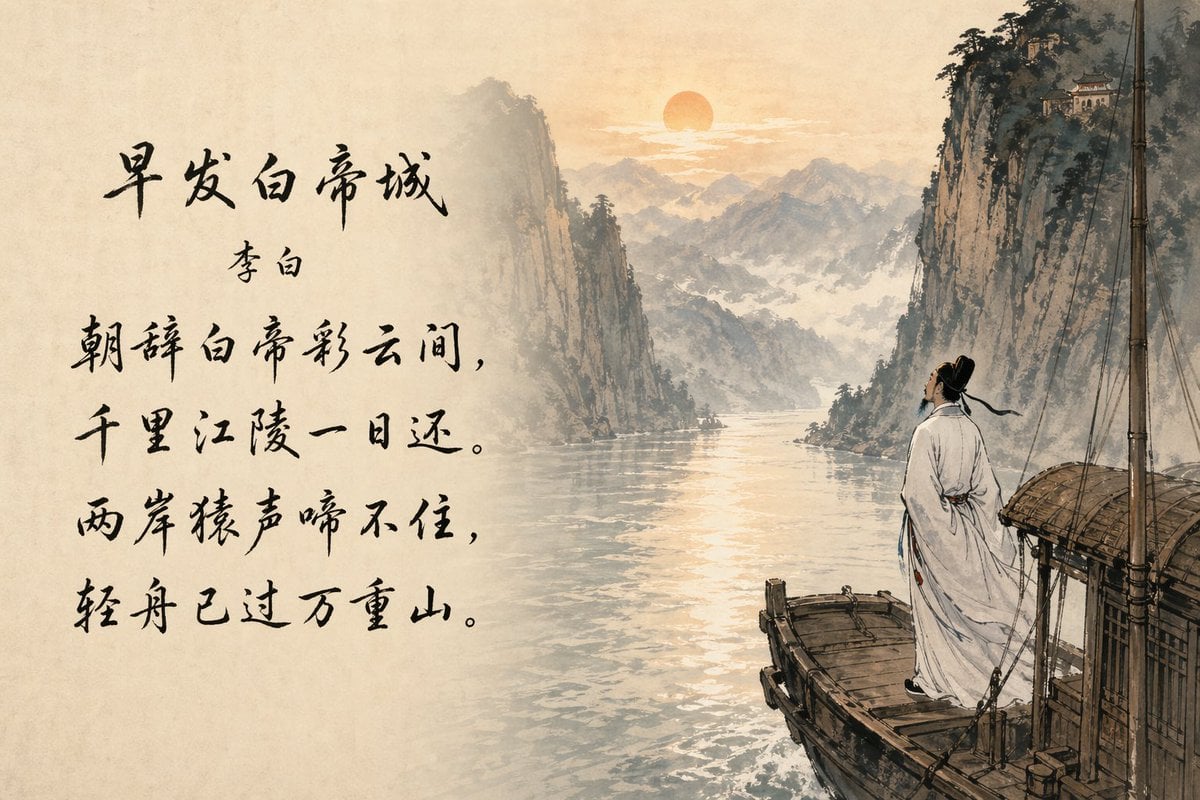
Classical Chinese Poem Scroll Landscape
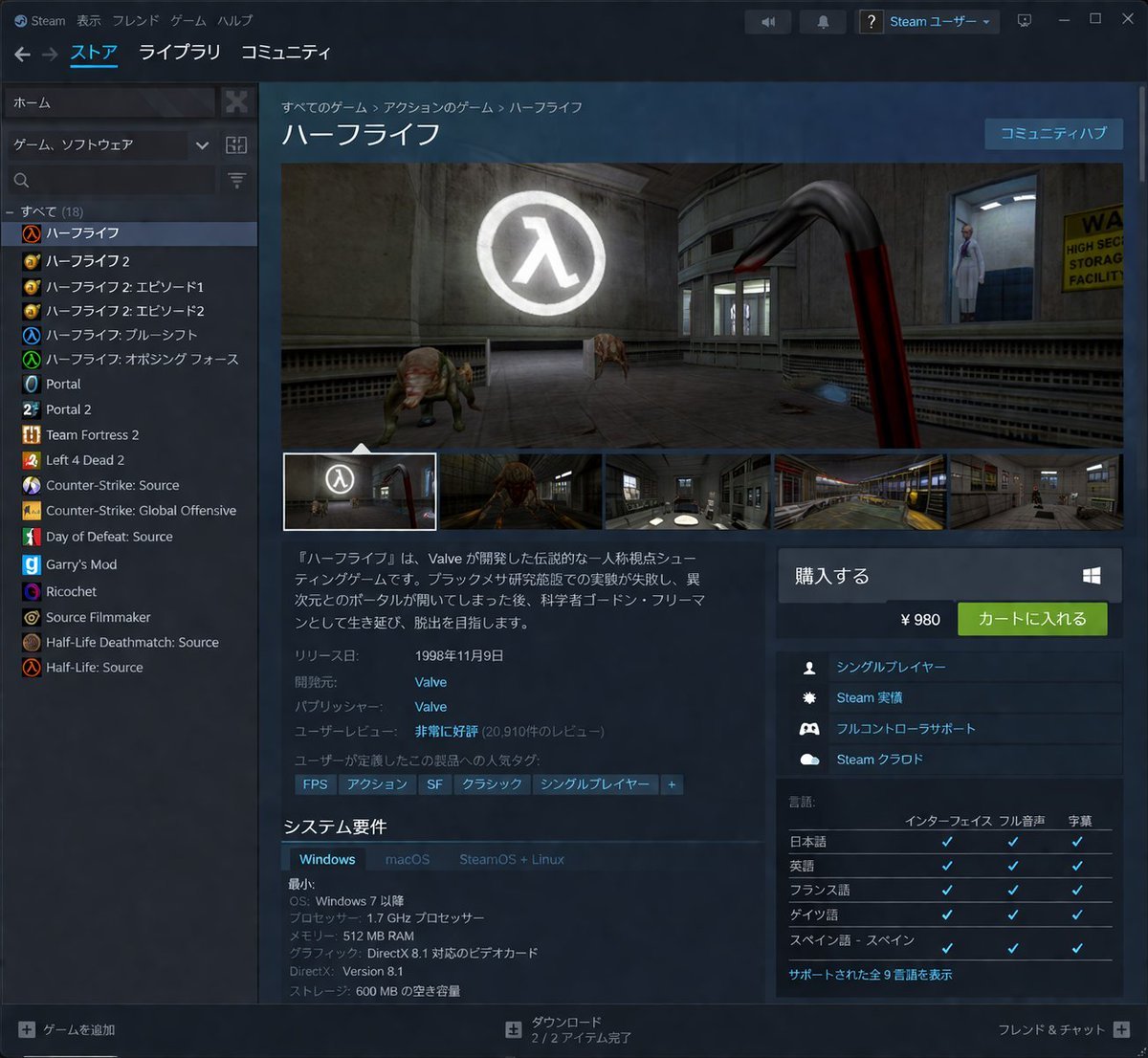
Steam Store Page UI Mockup
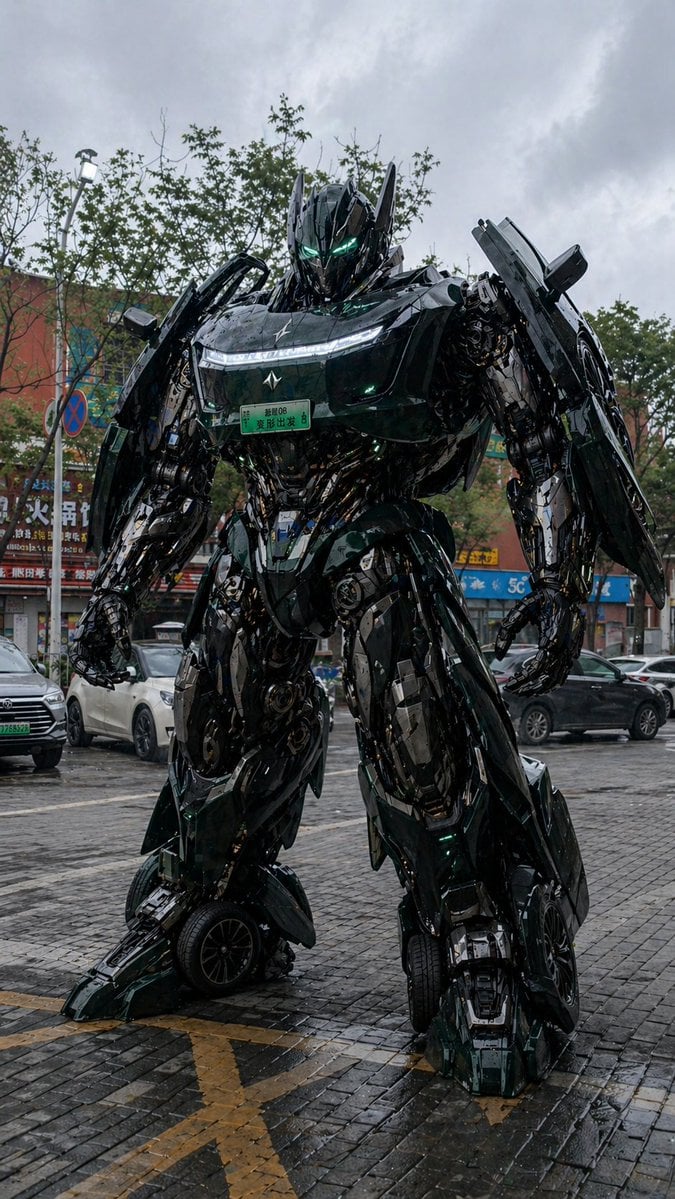
Car Transformation Prompt
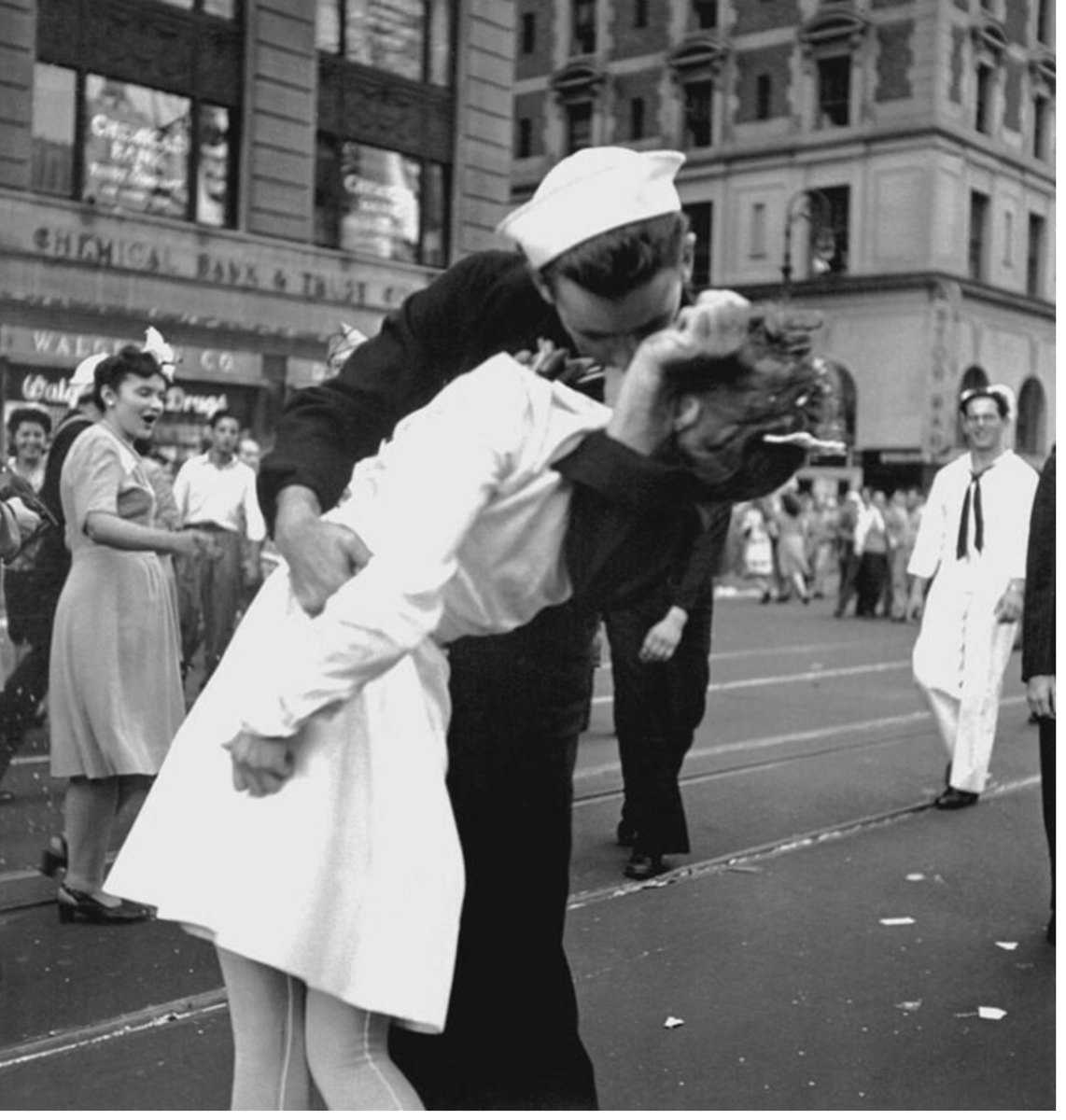
Image Time Travel to 2025 (Reference)
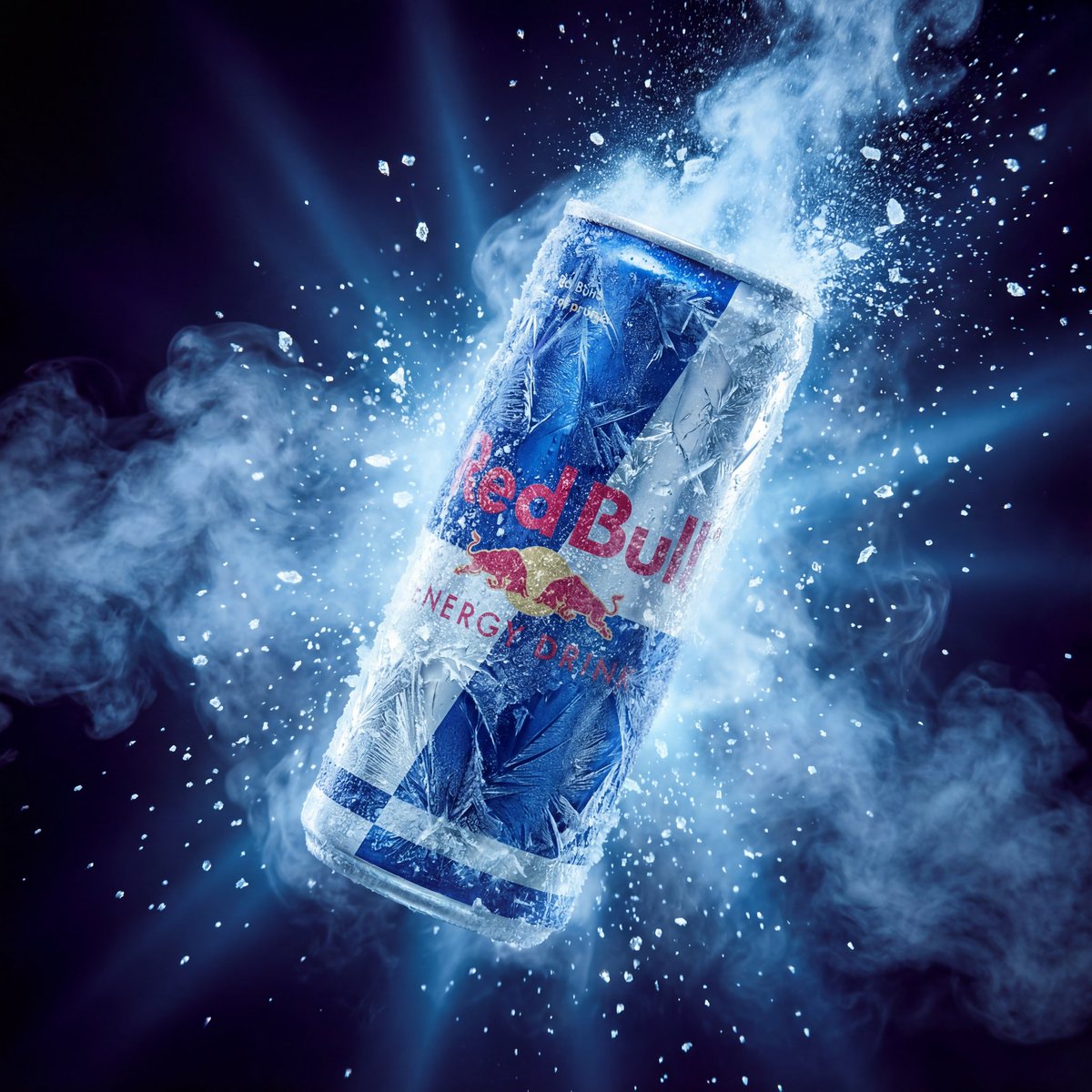
Hyper-Realistic Red Bull Can Ice Explosion Commercial
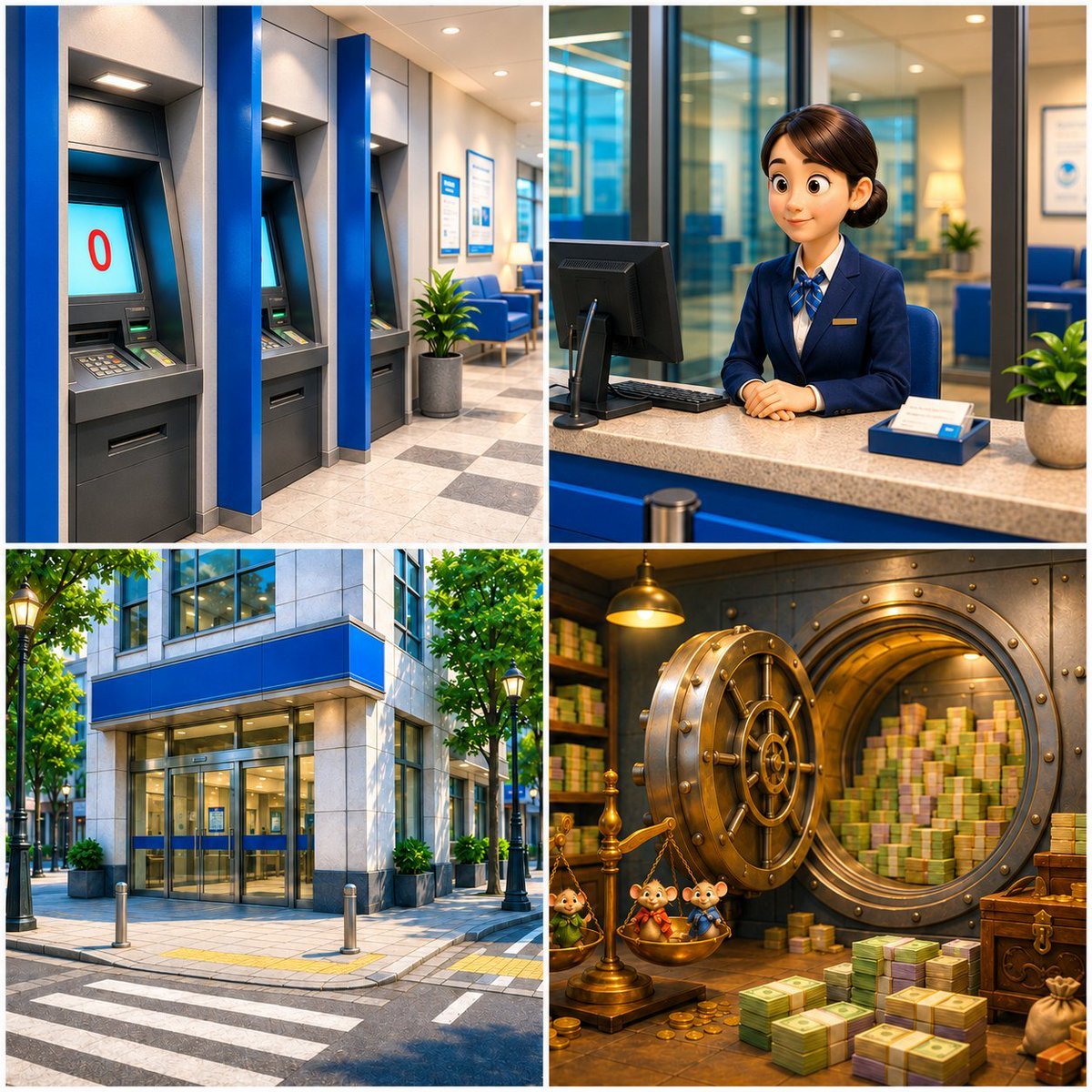
Four-Panel Bank World Storyboard
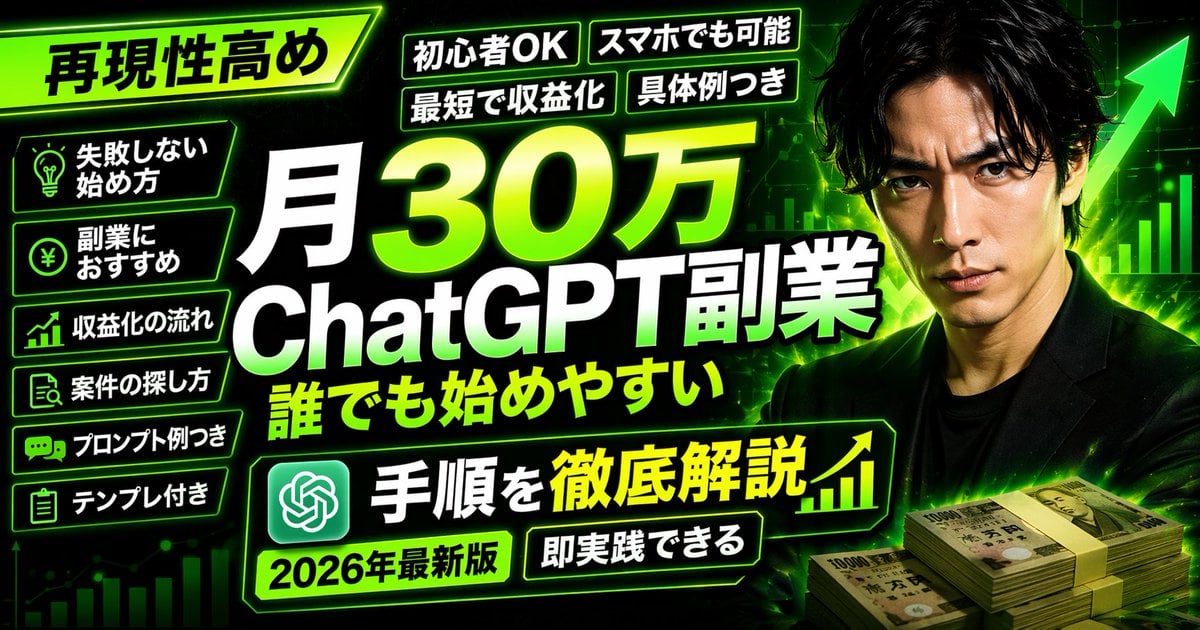
Neon Business Info-Product Thumbnail
Chinese Hotpot Children’s Day Poster
Nostalgic Candid Holiday Scene with Motion Blur
Cinematic Still of a Man in a Coffee Shop
Browse template categories
Anime Night Observatory Over Hakodate questions
How do I use the Anime Night Observatory Over Hakodate template?
Add your photo if the template asks for one, edit the prompt if you like — the template's model and format are already selected — and press Generate. Your version opens in PicX Studio.
Can I customize the Anime Night Observatory Over Hakodate template?
Yes. You can change the subject, setting, lighting, mood, format, and available model controls before creating your image.
Is the Anime Night Observatory Over Hakodate template free?
Opening and editing this template is free. Generating uses credits, shown on the Generate button when you are signed in.
Which AI model should I use?
Start with GPT Image 2, which is the model associated with this template. You can compare another compatible model for a different finish.
Looking for something else? Browse all templates.

Your photo, any look
Thousands of ready templates for every top image and video model, from one credit balance.