
Steam Store Page UI Mockup
Generates a highly detailed, localized desktop application interface resembling a digital game storefront.
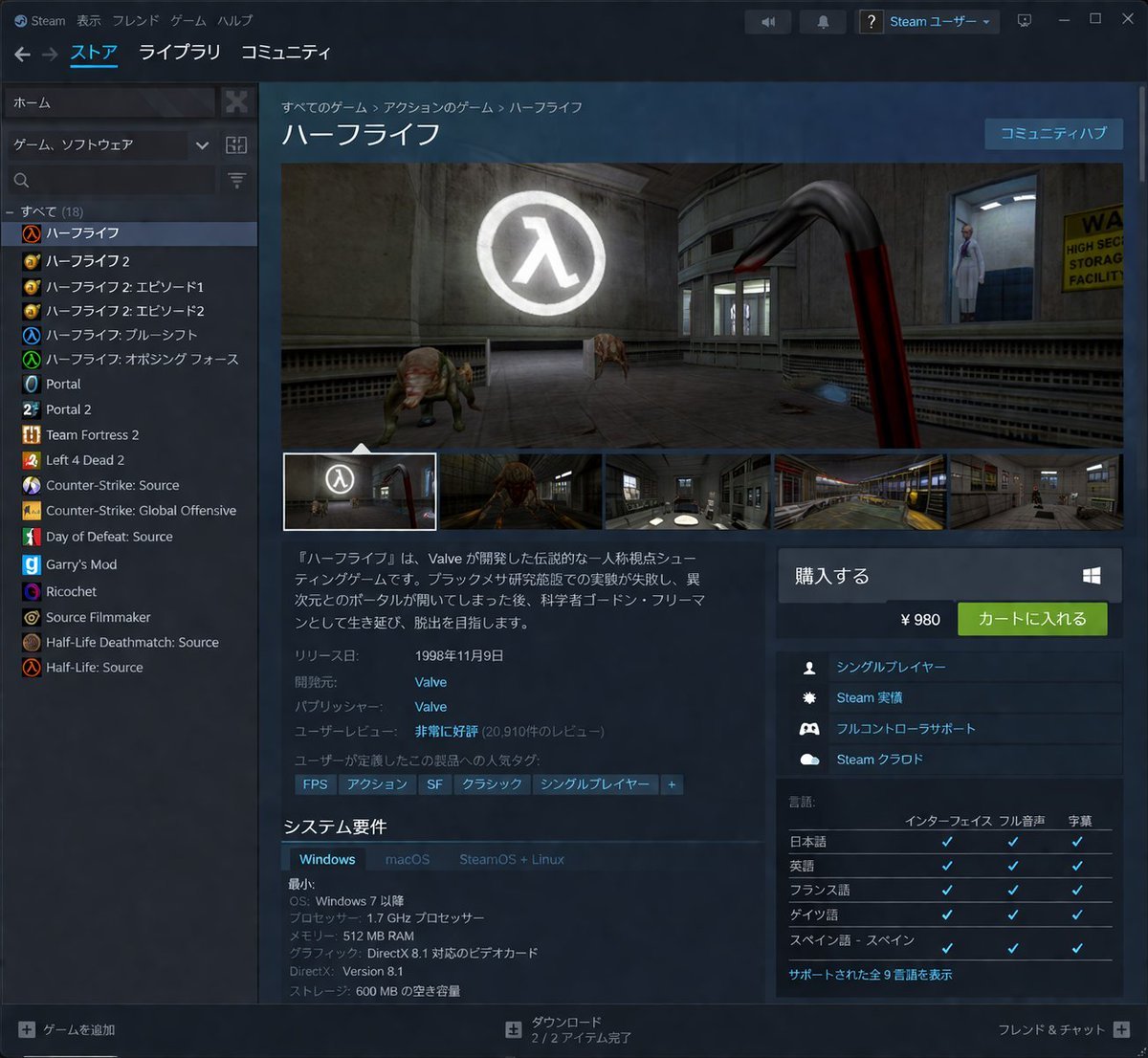
- Prompt included
- Model and format preset
- Free template
The prompt behind this image
Copy the exact prompt behind Steam Store Page UI Mockup, or open it in the studio and make it yours.
- Type
- desktop application UI mockup
- Application
- Steam client
- Theme
- dark mode
- Header › Top Menu
- Steam, 表示, フレンド, ゲーム, ヘルプ
- Header › Main Navigation
- ストア, ライブラリ, コミュニティ
- Header › User Profile
- Steam ユーザー
- Layout › Left Sidebar › Title
- game library
- Layout › Left Sidebar › Search Bar
- true
- Layout › Left Sidebar › Game Count
- 18
- Layout › Left Sidebar › Game List
- ハーフライフ, ハーフライフ 2, ハーフライフ 2: エピソード 1, ハーフライフ 2: エピソード 2, ハーフライフ: ブルーシフト, ハーフライフ: オポージング フォース, Portal, Portal 2, Team Fortress 2, Left 4 Dead 2, Counter-Strike: Source, Counter-Strike: Global Offensive, Day of Defeat: Source, Garry's Mod, Ricochet, Source Filmmaker, Half-Life Deathmatch: Source, Half-Life: Source
- Layout › Main Content › Breadcrumbs
- すべてのゲーム > アクションのゲーム > ハーフライフ
- Layout › Main Content › Title
- {argument name="game title" default="ハーフライフ"}
- Layout › Main Content › Media Gallery › Main Image
- first-person view holding a red crowbar, facing a headcrab and a scientist in a lab with a glowing Lambda logo
- Layout › Main Content › Media Gallery › Thumbnail Count
- 5
- Layout › Main Content › Description
- {argument name="game description" default="『ハーフライフ』は、Valve が開発した伝説的な一人称視点シューティングゲームです。ブラックメサ研究施設での実験が失敗し、異次元とのポータルが開いてしまった後、科学者ゴードン・フリーマンとして生き延び、脱出を目指します。"}
- Layout › Main Content › Metadata › Release Date
- {argument name="release date" default="1998年11月9日"}
- Layout › Main Content › Metadata › Developer
- {argument name="developer" default="Valve"}
- Layout › Main Content › Metadata › Publisher
- Valve
- Layout › Main Content › Metadata › User Reviews
- 非常に好評 (20,910件のレビュー)
- Layout › Main Content › Tags
- FPS, アクション, SF, クラシック, シングルプレイヤー, +
- Layout › Main Content › System Requirements › Title
- システム要件
- Layout › Main Content › System Requirements › Tabs
- Windows, macOS, SteamOS + Linux
- Layout › Main Content › System Requirements › Specs
- OS: Windows 7 以降, プロセッサー: 1.7 GHz プロセッサー, メモリー: 512 MB RAM, グラフィック: DirectX 8.1 対応のビデオカード, DirectX: Version 8.1, ストレージ: 600 MB の空き容量
- Layout › Right Sidebar › Purchase Box › Title
- 購入する
Raw JSON
{"type":"desktop application UI mockup","application":"Steam client","theme":"dark mode","header":{"top_menu":["Steam","表示","フレンド","ゲーム","ヘルプ"],"main_navigation":["ストア","ライブラリ","コミュニティ"],"user_profile":"Steam ユーザー"},"layout":{"left_sidebar":{"title":"game library","search_bar":true,"game_count":18,"game_list":["ハーフライフ","ハーフライフ 2","ハーフライフ 2: エピソード 1","ハーフライフ 2: エピソード 2","ハーフライフ: ブルーシフト","ハーフライフ: オポージング フォース","Portal","Portal 2","Team Fortress 2","Left 4 Dead 2","Counter-Strike: Source","Counter-Strike: Global Offensive","Day of Defeat: Source","Garry's Mod","Ricochet","Source Filmmaker","Half-Life Deathmatch: Source","Half-Life: Source"]},"main_content":{"breadcrumbs":"すべてのゲーム > アクションのゲーム > ハーフライフ","title":"{argument name=\"game title\" default=\"ハーフライフ\"}","media_gallery":{"main_image":"first-person view holding a red crowbar, facing a headcrab and a scientist in a lab with a glowing Lambda logo","thumbnail_count":5},"description":"{argument name=\"game description\" default=\"『ハーフライフ』は、Valve が開発した伝説的な一人称視点シューティングゲームです。ブラックメサ研究施設での実験が失敗し、異次元とのポータルが開いてしまった後、科学者ゴードン・フリーマンとして生き延び、脱出を目指します。\"}","metadata":{"release_date":"{argument name=\"release date\" default=\"1998年11月9日\"}","developer":"{argument name=\"developer\" default=\"Valve\"}","publisher":"Valve","user_reviews":"非常に好評 (20,910件のレビュー)"},"tags":["FPS","アクション","SF","クラシック","シングルプレイヤー","+"],"system_requirements":{"title":"システム要件","tabs":["Windows","macOS","SteamOS + Linux"],"specs":["OS: Windows 7 以降","プロセッサー: 1.7 GHz プロセッサー","メモリー: 512 MB RAM","グラフィック: DirectX 8.1 対応のビデオカード","DirectX: Version 8.1","ストレージ: 600 MB の空き容量"]}},"right_sidebar":{"purchase_box":{"title":"購入する","price":"{argument name=\"price\" default=\"¥ 980\"}","button":"カートに入れる"},"features_count":4,"features":["シングルプレイヤー","Steam 実績","フルコントローラサポート","Steam クラウド"],"languages_table":{"title":"言語","columns":["インターフェイス","フル音声","字幕"],"language_count":5,"languages":["日本語","英語","フランス語","ドイツ語","スペイン語 - スペイン"]}},"footer":{"left":"+ ゲームを追加","center":"ダウンロード 2 / 2 アイテム完了","right":"フレンド & チャット +"}}}How to use Steam Store Page UI Mockup in 3 steps
- 1Upload ImagePNG, JPG or paste
Add your photo
Upload the photo the template builds on. The prompt, model and format are already set.
- 2…a portrait of your subject in softgolden-hour light, 85mm…
Personalize
Edit the subject and creative details for your destination.
- 3Generate
Generate
Press Generate — your image is created in PicX Studio, so you can compare it with the original and refine one variable at a time.
More like this
Templates with the same subject, style or setup. Open one to see its prompt.

Luxury E-Commerce Landing Page Mockup

Mechanical Keyboard Product Page Mockup

Product Shot - T-Shirt Mockup

Steamed Rice Low High Comparison

Macro Steamship in Teacup Photography
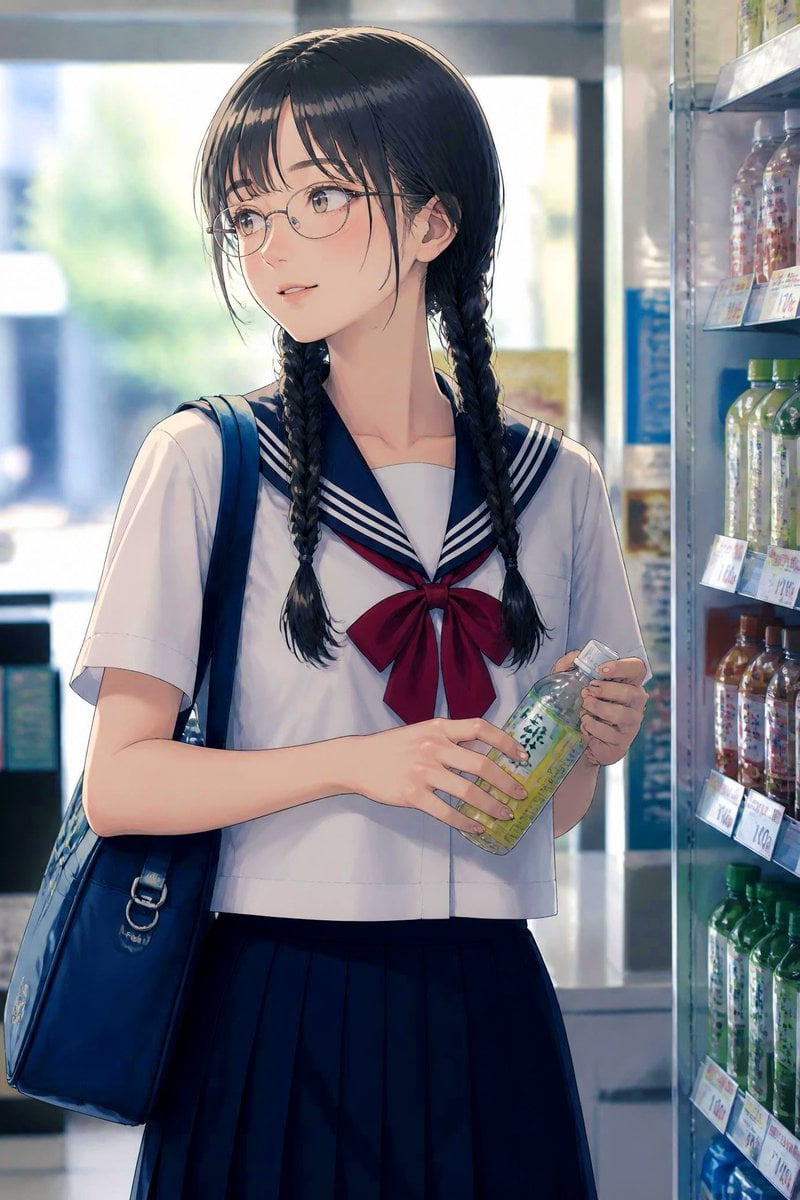
Anime Schoolgirl in Convenience Store

Quiet Hamster Manga Page

Candid Store Front-Camera Photo

Cinematic Anime Shinobi Poster Mockup
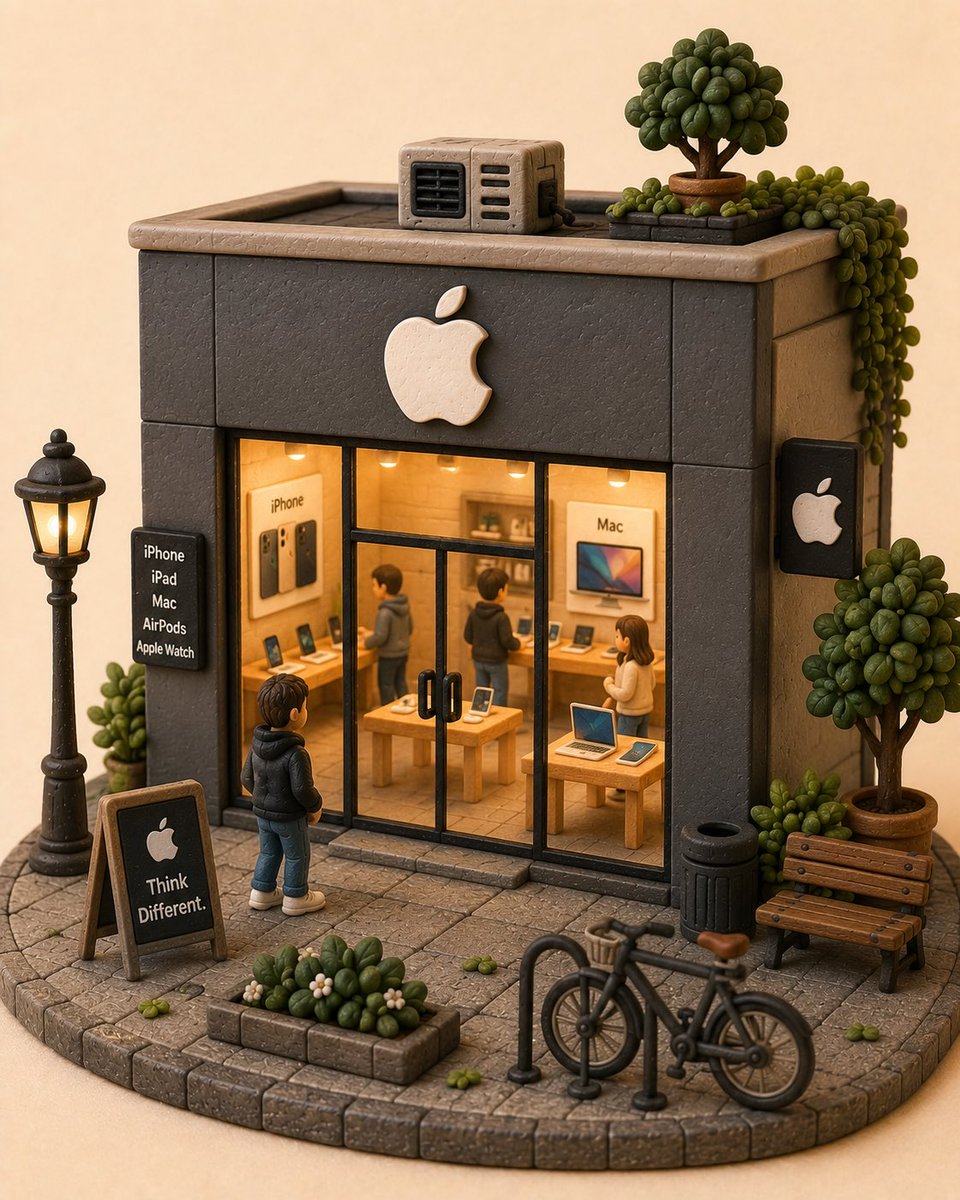
Handcrafted Clay Store Diorama

Steam Locomotive Collapsing Bridge Storm

Holding a cartoon xiaolongbao steamer basket up to eye level with one
Make it yours
Steam Store Page UI Mockup works as-is. These are the safest ways to change it without losing the look.
Change one field
Copy a single group, rewrite it, and generate again so you can see what that field is doing.
Keep the frame, change the subject
Hold the composition and light of Steam Store Page UI Mockup, then swap wardrobe, props or the person for a new take.
| If the result… | Why | Fix |
|---|---|---|
| The result drifts from the preview | Too many fields changed at once. | Reuse Steam Store Page UI Mockup as-is first, then change one group — subject, light, or setting. |
| GPT Image 2 ignores part of the JSON | Some models flatten or skip nested keys. | Keep the same values and paste them as a short paragraph instead. |
More GPT Image 2 templates
Other prompts made for GPT Image 2.

Six VTuber Japanese Logo Sheet

Realistic Portrait of Woman and Deer

The Vista Modular Condo Poster

AI Model Routing Comparison Infographic

2.5D Anime Art Board

Isometric Productivity Desk Scene

New York Double Exposure Poster

Four-Panel AI Landscape Comparison

Japanese Tatami Lifestyle Magazine Cover

NESCAFÉ Coffee Map Poster
More image prompts
Fresh picks from across the catalog.
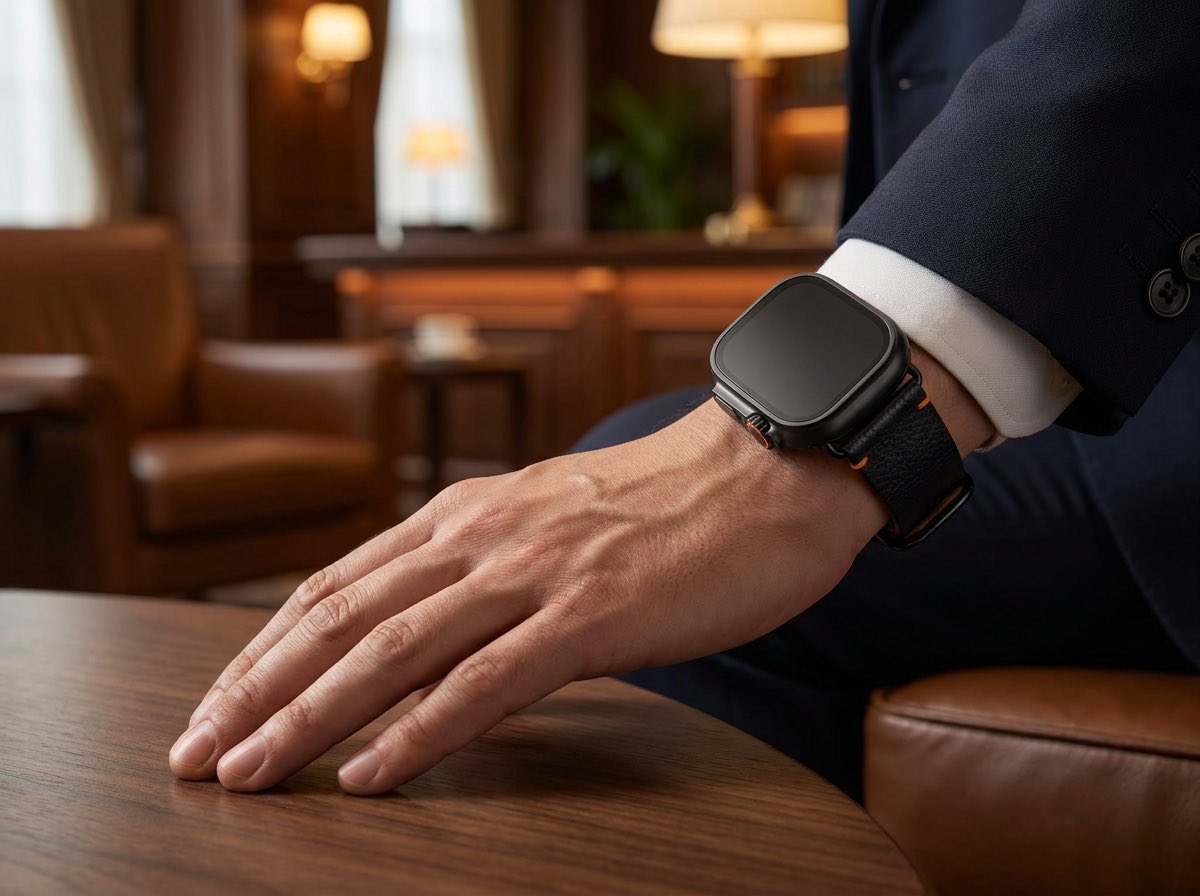
Luxury Smartwatch Lifestyle Ad

Stylized 3D Caricature Portrait

Hyper-realistic Strawberries Splashing in Liquid Prompt

Loose Watercolor of a Half-Buried Fighter Jet in Desert Dunes
Exploded View Product Photography Prompt
Cinematic Food Short Video Prompt (Summary)

Luxury Urban Chaos Fashion Poster

Street Fashion Panther Graffiti
Old Photo Restoration to DSLR-Quality Portrait

untitled
Browse template categories
Steam Store Page UI Mockup questions
How do I use the Steam Store Page UI Mockup template?
Add your photo if the template asks for one, edit the prompt if you like — the template's model and format are already selected — and press Generate. Your version opens in PicX Studio.
Can I customize the Steam Store Page UI Mockup template?
Yes. You can change the subject, setting, lighting, mood, format, and available model controls before creating your image.
Is the Steam Store Page UI Mockup template free?
Opening and editing this template is free. Generating uses credits, shown on the Generate button when you are signed in.
Which AI model should I use?
Start with GPT Image 2, which is the model associated with this template. You can compare another compatible model for a different finish.
Looking for something else? Browse all templates.

Your photo, any look
Thousands of ready templates for every top image and video model, from one credit balance.